Customer Ratings & Reviews







- Model:
- 81JL0018US
- SKU:
- 6323660
Rating by feature
- Value
Rating 4.0 out of 5 stars
- Quality
Rating 4.2 out of 5 stars
- Ease of Use
Rating 4.2 out of 5 stars
Customers are saying
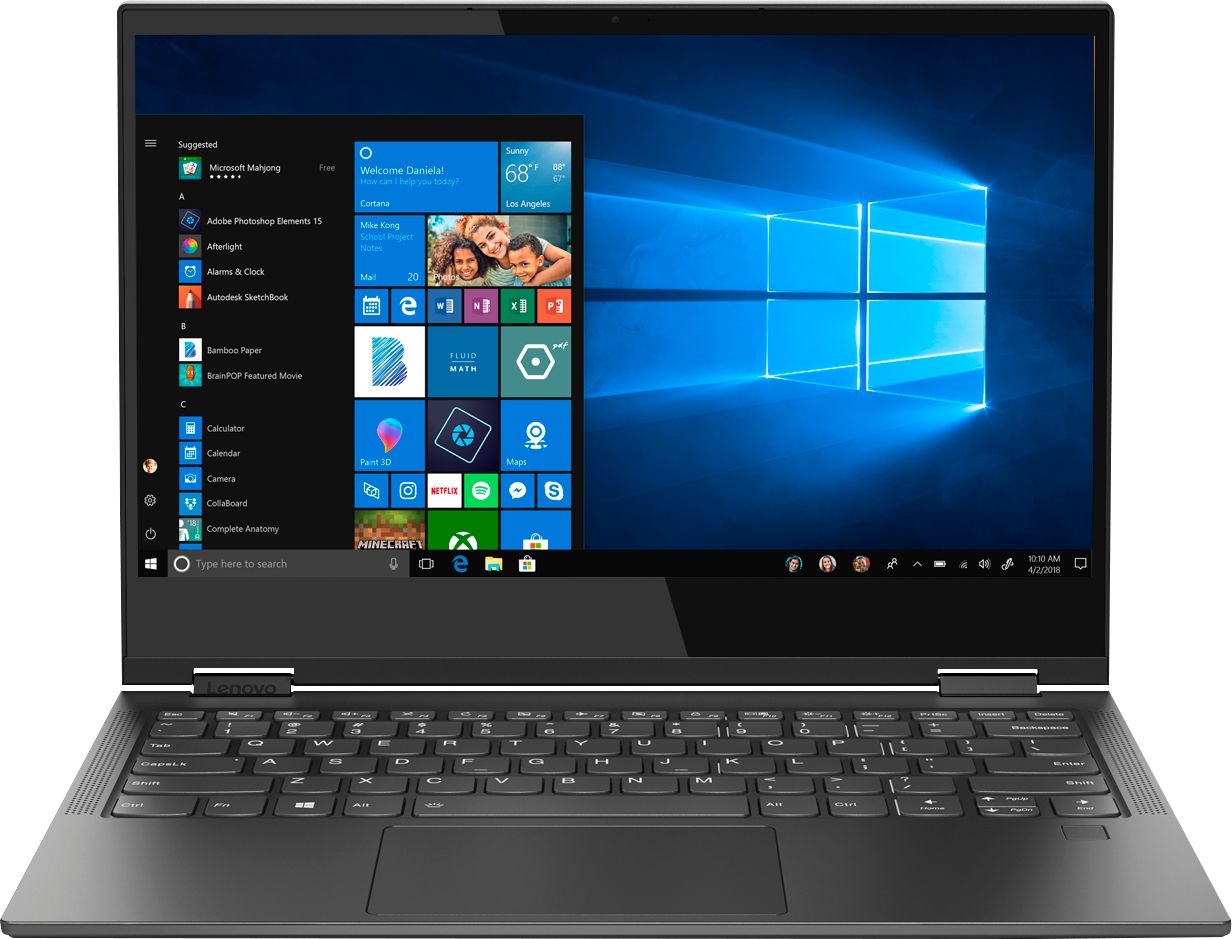
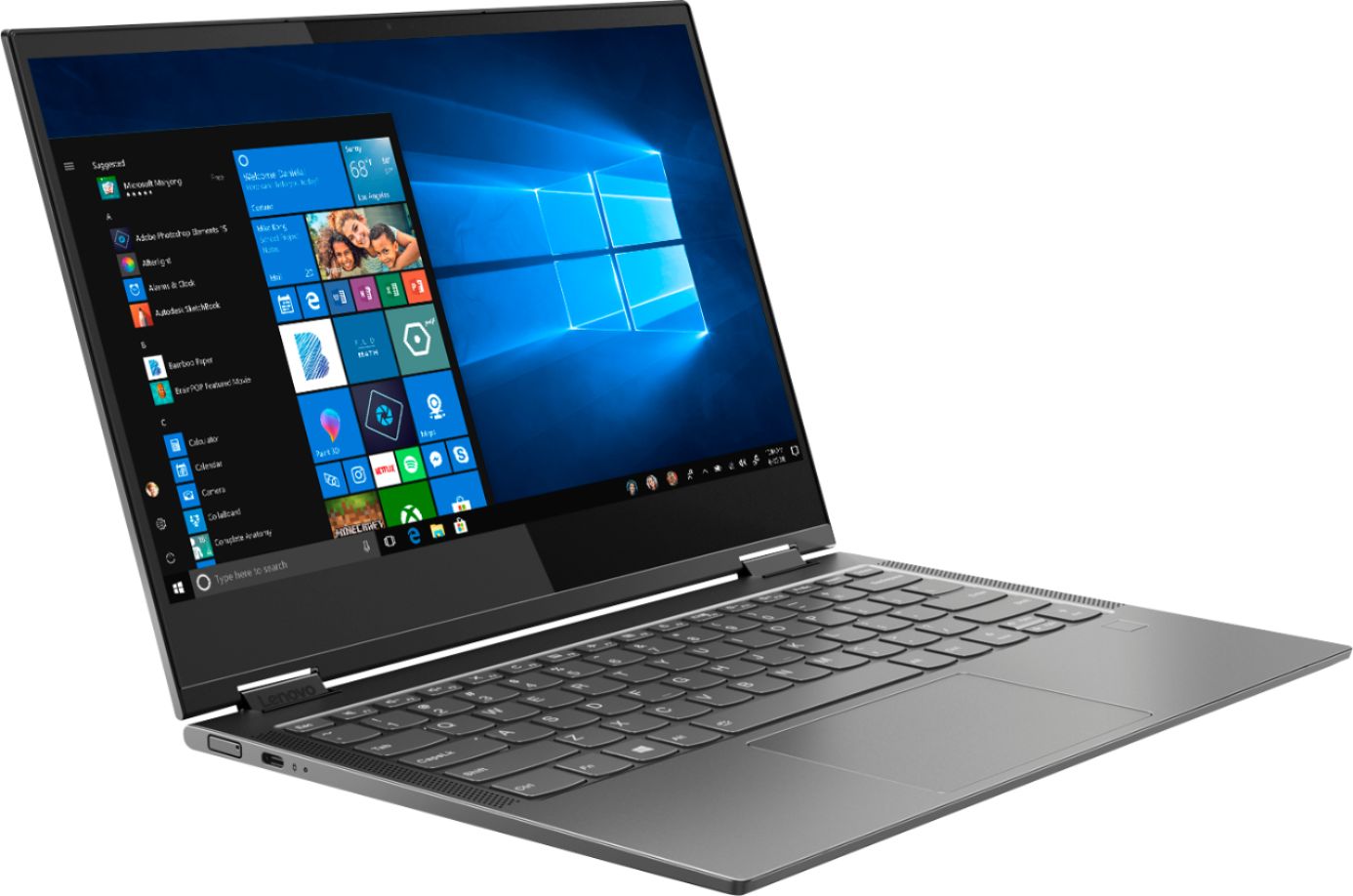
Customers enjoy the Yoga C630 WOS 2-in-1 laptop for its long battery life, portability, and responsive touch screen. They appreciate its lightweight design and user-friendly interface. However, some customers have expressed concerns about the limitations of Windows 10 S mode, the lack of ports, and the slow performance of the processor.
This summary was generated by AI based on customer reviews.
Save your money
||Posted . Owned for 1 year when reviewed.This reviewer received promo considerations or sweepstakes entry for writing a review.Locked on me within the hour I bought it. Something about a bitlocker key that the geek squad couldn’t even help me. Had to get a different computer
No, I would not recommend this to a friend- Pros mentioned:Battery life

Best of Both Worlds
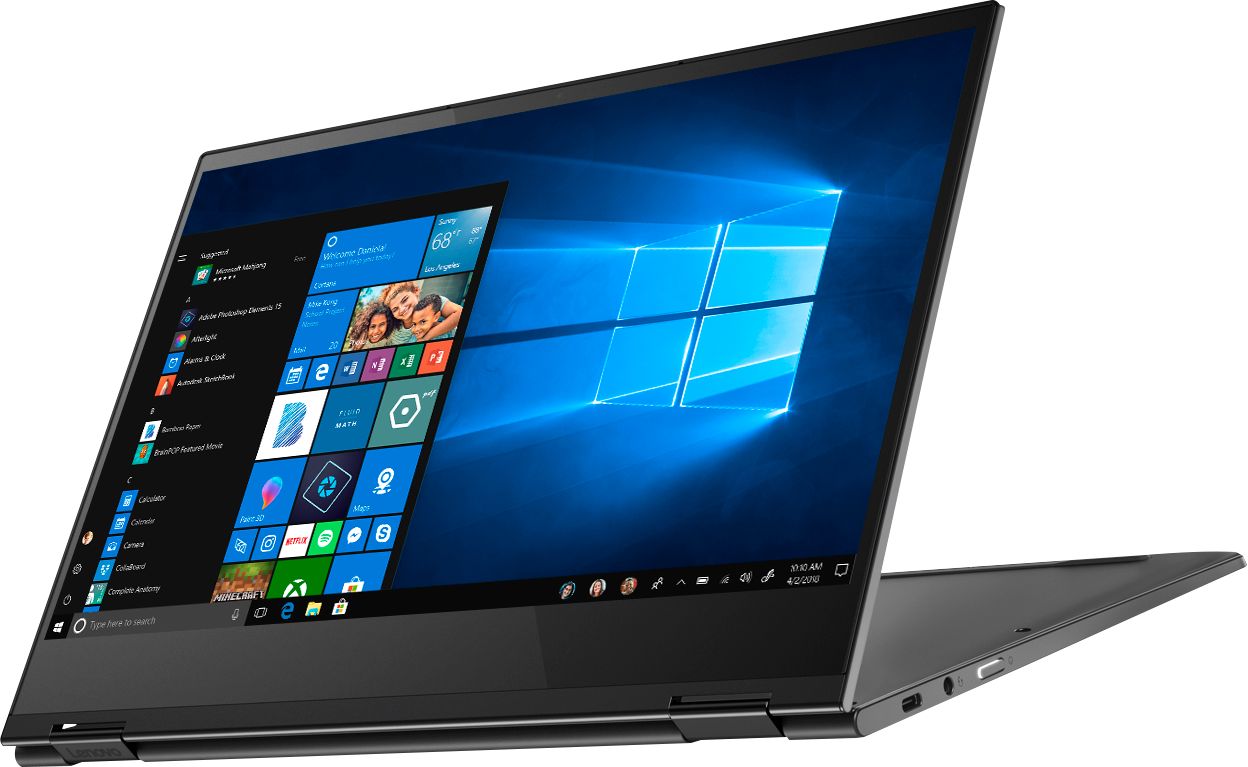
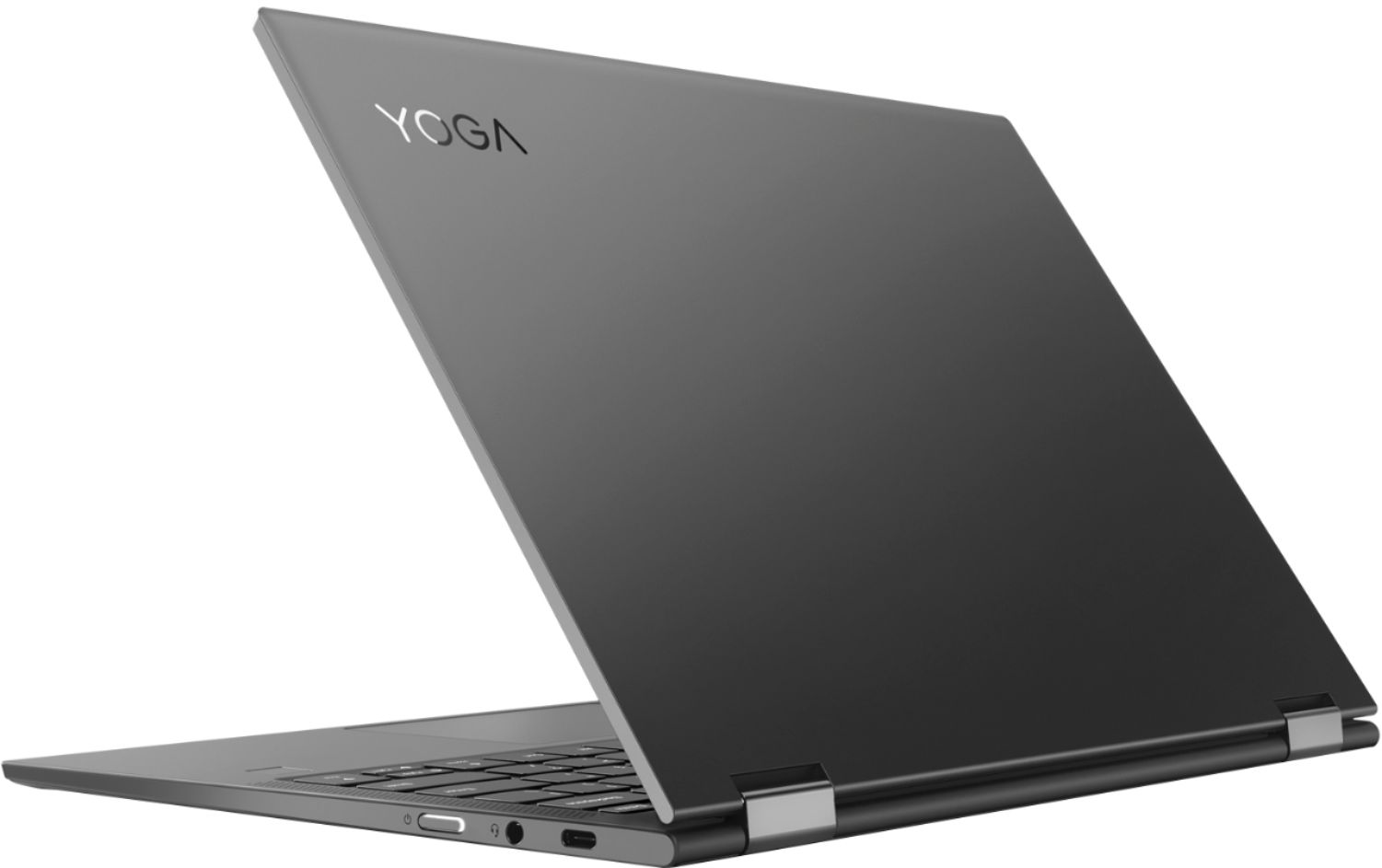
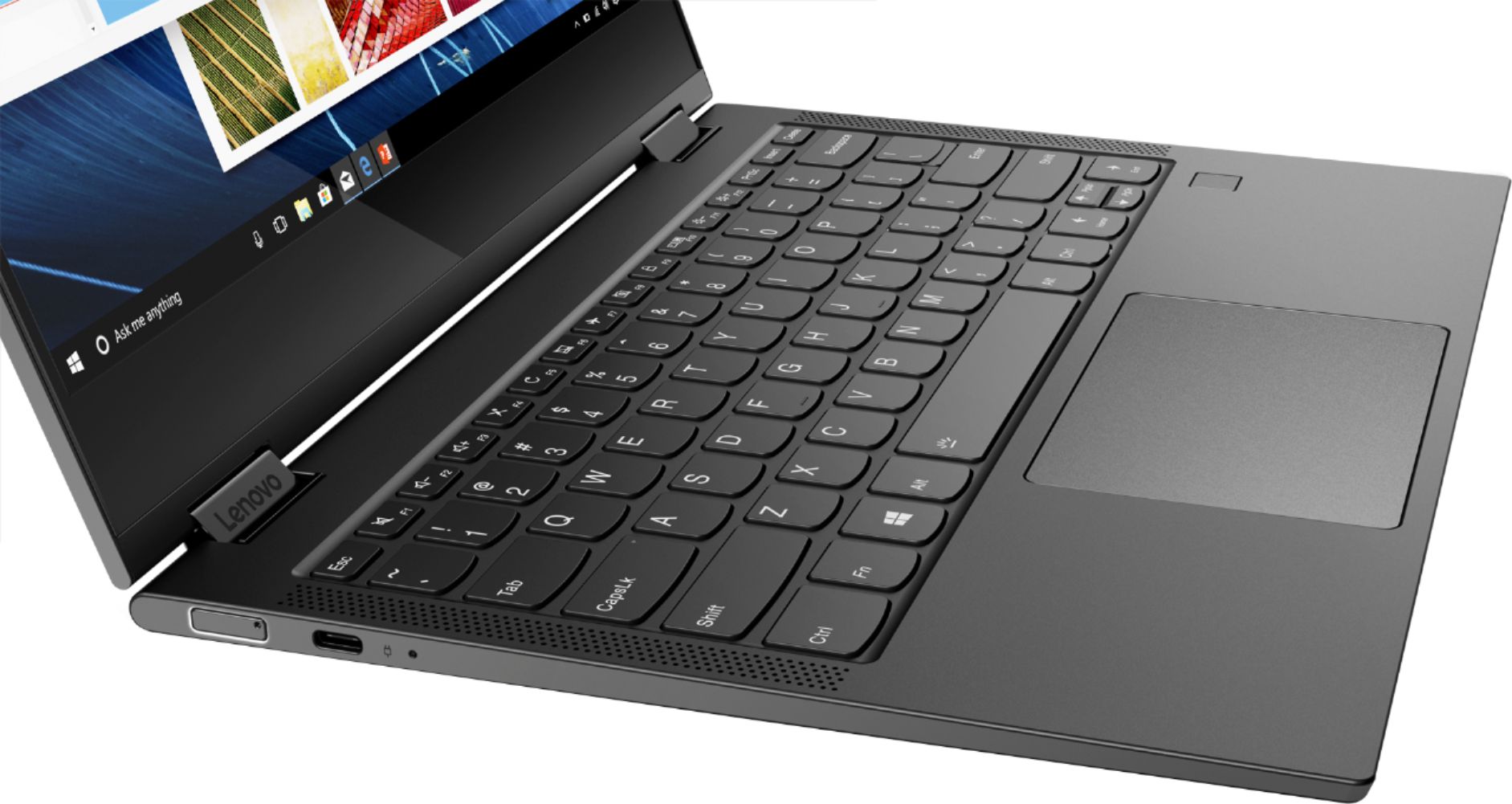
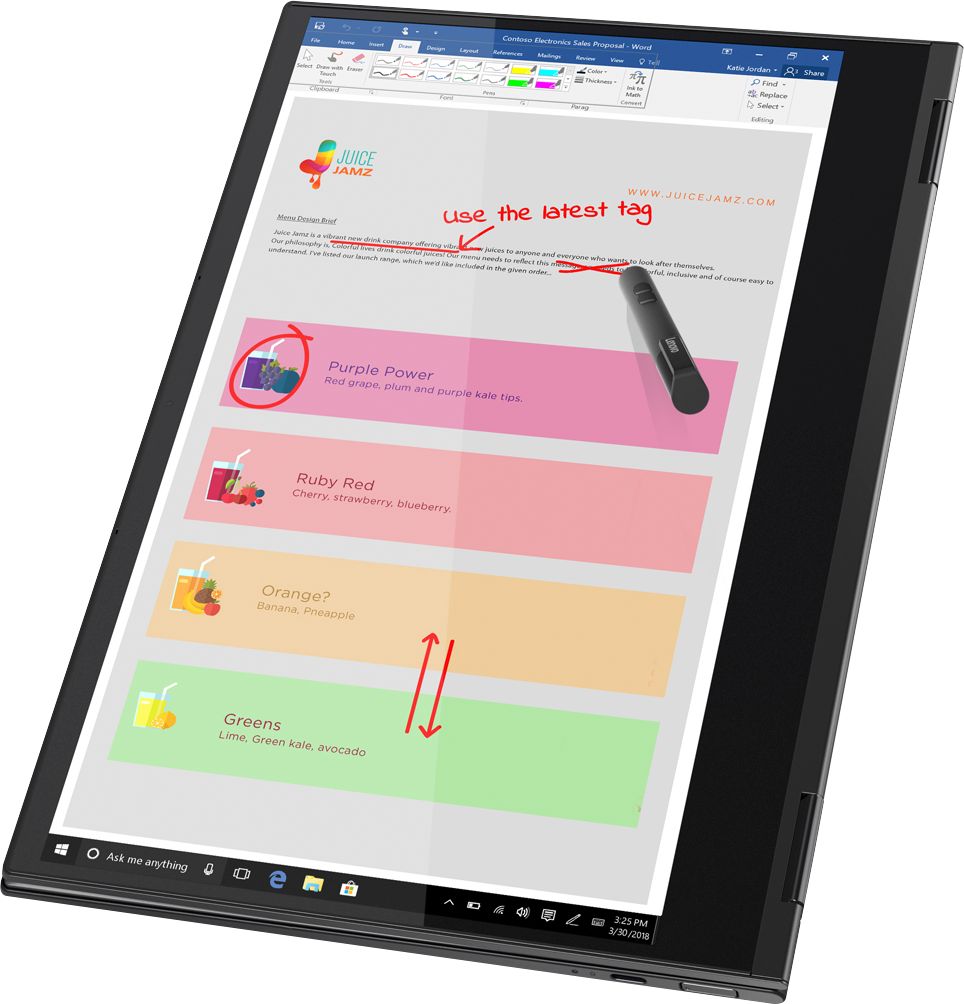
|Posted .This reviewer received promo considerations or sweepstakes entry for writing a review.Description: Having a 2-in-1 is the best of both worlds. You get a notebook that you can turn into a tablet to use whenever you have the need for either one. This has a 128GB SDD (solid state drive). This is a small drive, but it is great for simple programs and its 8GB of memory make multi-tasking quick and easy. Multi-tasking and switching apps seem instant and the notebook never came close to getting warm. This comes with 2 USB-C 3.0 type ports (also used to charge the notebook), so you will need an adaptor to use your USB-A type cords. Setup: Setup is very easy. Just read instructions and follow setup from the computer. For security purposes on this notebook instead of the Windows Hello (using an infrared camera for face detection to enter computer), there is a fingerprint reader on the keyboard. Battery: I would say the battery life is approximately 8 hours of regular use, but can go up to approximately 15 - 22 hours if it is in the battery saving mode. Features: There is a web camera above the display. Nice backlighting for the keyboard. You can get online without WiFi, if you use the Verizon network SIM card. The Lenovo Yoga notebook is already set up for it (active account required). You can use a Lenovo pen with this notebook, which would be great for drawing. You might try other brands of pens, as they may also work with this. Recommendation: I highly recommend this because it would be great for a student, artist or someone that needs a notebook on the go.
I would recommend this to a friendBrand response from Lenovo Product Expert
Posted .Thank you for choosing the Lenovo Yoga C630 (WOS) system. We are pleased to hear that the features and performance of the C630 (WOS) meets your computing needs so well. The C630 (WOS) is compatible only with a MPP format active/digital pen. The pen is sold separately.

Wifi doesn’t work
||Posted .This reviewer received promo considerations or sweepstakes entry for writing a review.Won’t stay connected to wifi zoom crashes several times per call
No, I would not recommend this to a friendBrand response from Lenovo Product Expert
Posted .We are sorry to hear that you are having issues staying connected to WiFi with your Lenovo Yoga C630 13 WOS. Since your WOS configuration has both broadband as well as WiFi connectivity, check to see if the issues occurs when connected through one or the other wireless service. Also check to see if the WiFi drops when connected to any other APP. Be sure you have the latest version of Windows 10 one the computer. Then update all of the BIOS files and drivers up to that latest version of Windows 10. You can easily accomplish this by scanning the computer with the Lenovo Utility software available on this computer. This system has Lenovo utilities installed to help maintain the health of the device and keep the operating system software up to date. Type "Lenovo Vantage" in the Cortana Search window (if Lenovo Vantage is not installed on your device, you can download the APP and install it now). Select Lenovo Vantage from the list. In the window that opens, click on "Health and Support". In the expanded menu, select "Hardware Scan" In the window that opens, select "Run Quick Tests". This will scan your entire system for errors. Follow any directions that may pop up. If the problem continues after this scan, now click on "System Update". First select Windows update from the menu. Scan your system to be sure you have the latest version of Windows 10. Once that scan is complete, select "Additional Updates". This will scan your device to be sure there are no new BIOS/Driver updates needed. Follow any instructions that may pop up. If the issue still continues after these updates, we recommend you call Lenovo Tech Support at: 877-453-6686 for additional help.
Poor performance
||Posted .This reviewer received promo considerations or sweepstakes entry for writing a review.Windows trash , poor performance bad speed. Don’t works for QuickBooks software.
No, I would not recommend this to a friendBrand response from Lenovo Product Expert
Posted .The Yoga C630 (WOS) is a great choice for someone looking for an Always Connected, Windows 10s, ARM processor, Ultra mobile computing device. We recommend you check the requirements and compatibility of the software you will need to use on your new computer, before you invest. Be sure your new computer will do the work you want to do, before you invest in any new computer. For 2018, Lenovo retained its place for a second year as the best laptop vendor:
https://www.laptopmag.com/articles/laptop-brand-ratings
Úseles and slow
||Posted . Owned for 1 year when reviewed.This reviewer received promo considerations or sweepstakes entry for writing a review.It uses arm, but is not well adapted to run anything.
No, I would not recommend this to a friendI don’t know since I have not used it
||Posted . Owned for 3 weeks when reviewed.This reviewer received promo considerations or sweepstakes entry for writing a review.Webroot will not install. Therefore, I’m relegated to use my phone.
No, I would not recommend this to a friendBrand response from Lenovo Product Expert
Posted .The Yoga C630 (WOS) is a great choice for someone looking for an Always Connected, Windows 10 S-Mode, ARM processor, Ultra mobile computing device. We recommend you check the requirements and compatibility of the software you will need to use on your new computer, before you invest. Be sure your new computer will do the work you want to do, before you invest in any new computer. Windows 10 S-Mode is compatible with Microsoft Store APPs.
- Cons mentioned:Ports
Not ready for prime time
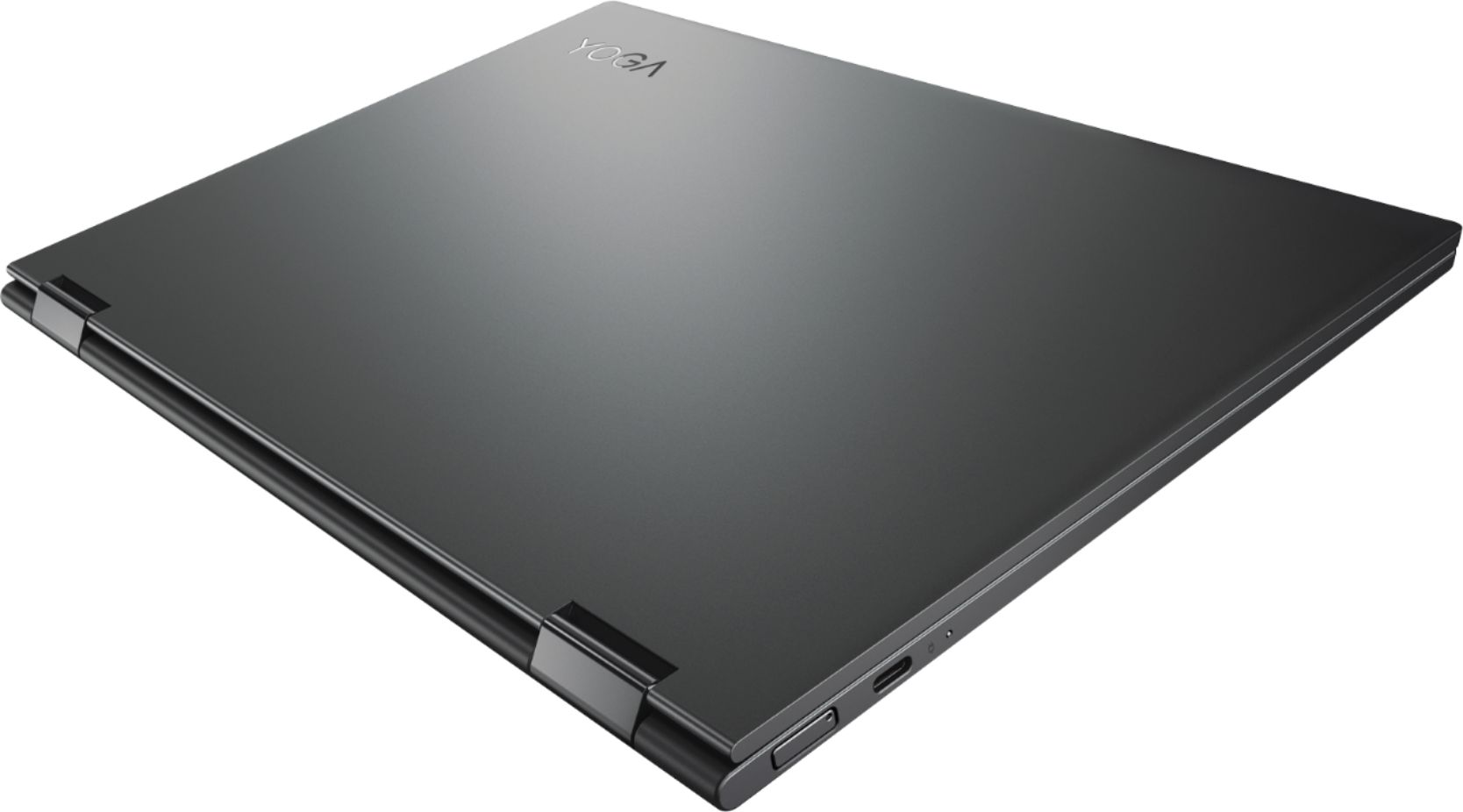
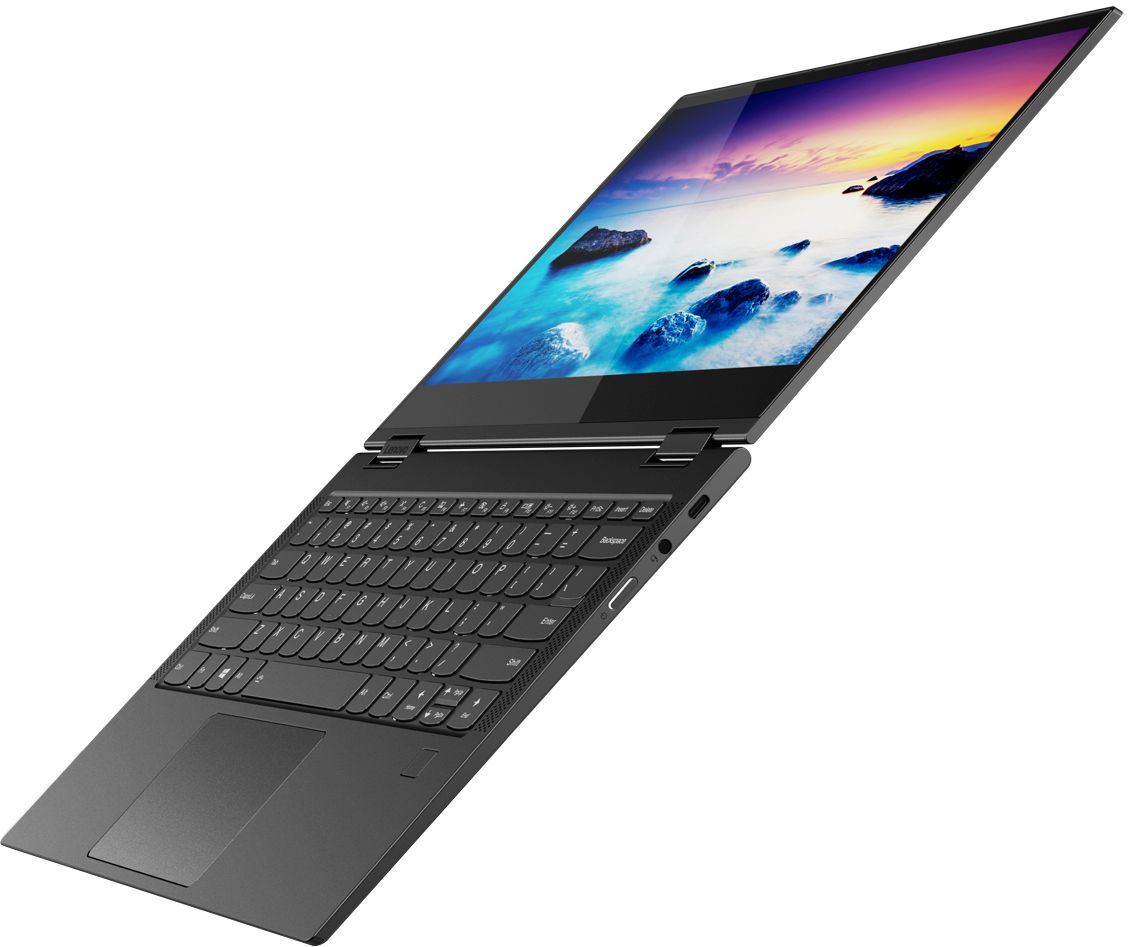
|Posted .This reviewer received promo considerations or sweepstakes entry for writing a review.My first impressions of this 2 in 1 laptop was that it is a solid, well built device. The extremely thin profile and super sharp screen are really remarkable! The backlit keyboard is everything you would expect from a Lenovo device. The keys are responsive with just the right amount of travel and firmness. The solid hinges allow the screen to fold all the way back making this a nice tablet when you want to watch a movie or you are working in tight spaces. I found the performance to be excellent as well although I di not benchmark it against any other machine. I have used many different laptops and this seemed to be faster than many. With 8GM of RAM, you should find the performance to be pretty smooth. If you are into games or need super graphic capabilities though, I don’t think this is the PC for you. The speakers on either side of the keyboard offer decent sound, but if you flip it over into tablet mode, the speakers are facing away from you and the sound is not as good. I love that this device supports 4G LTE. I spend a lot of time on the road and that definitely comes in handy. One minor drawback is that it does not have a USB port but it does have 2 USB-C ports. You will want to buy an adapter to keep in your bag. Now the problems. On one occasion, I got the dreaded blue screen. I didn’t have any strange software loaded so I am not sure what the cause was. I had to do a complete reset to recover and I was not happy about losing some of my data. I am also now leery of it happening again, so I have been storung all of my documents in the cloud just to be safe. Another problem I have is that I can not get a pen to work with this PC. I have both the Lenovo Active Pen and the Lenovo Active Pen 2 and neither will work. The Active Pen 2 will connect via Bluetooth and launch Windows Ink Workspace, but will not register any input on the screen. The worst part is that I contacted Lenovo support and they were baffled by the issue. The tech did not seem to understand that the Active Pen (first version) does not connect via Bluetooth as he kept asking me to try to connect it but couldn’t tell me how to get it into Bluetooth sync mode. I tried to explain that it did not have Bluetooth, but he kept asking me to press buttons. Finally he said that the pen must be defective! I asked if he meant both pens were defective? Silence. After two hours on the phone with Lenovo support, I just gave up. I am not sure whether this is a defective laptop or it is a software issue. Either way, this PC is just not ready for prime time yet. Since I received this as a test unit, I was relieved knowing that I did not pay for it; otherwise I would have returned it within a week.
No, I would not recommend this to a friendBrand response from Lenovo Product Expert
Posted .We are sorry to hear that you are having issues with your Lenovo Yoga C630 (WOS). Be sure the files you have installed on the Yoga C630 (WOS) are compatible with Windows 10s and the ARM processor architecture. The Lenovo Yoga C630 (WOS) device is designed for the extremely mobile user who needs the always connected feature of the Yoga C630 (WOS) device. This system uses 5g 802.11AC frequency WiFi and has the ability to support LTE broadband connectivity. The Yoga C630 ships with Windows 10s operating system. You can change to Windows 10 Home, if you choose to. The processor within the Yoga C630 (WOS) is the ARM architecture Qualcomm SDM850 processor. Be sure any programs and files you want to install on the Yoga C630 (WOS) are compatible with ARM processor architecture. Regarding using an active pen with the Yoga C630 (WOS), this model is only compatible with MPP (Microsoft Protocol Pen) active pens. The Lenovo Active Pen 1 and 2 are AES format and not compatible with this device.
Good Laptop With Some Limitations
|Posted .This reviewer received promo considerations or sweepstakes entry for writing a review.When I first was reading about this Lenovo Laptop I was really intrigued by the fact that it is essentially using a mobile phone chip, and that all those years of hearing phone manufacturers say our phone is as powerful as a laptop would finally be put to the test. Well my answer to the question if the phone chips are as powerful as a laptop is....yes and no. Let me explain, The laptop runs great I never had any issues with it lagging or slowing down, but it does not run the same exact software as a full laptop. It is kind of a hybrid of a laptop and mobile device. For the most part it works and if you are just looking for something to surf the internet and type of some documents you will be just fine with this laptop. If you are looking for something that is a bit more intensive this might not be the best choice for you. I think this a sleek well made device that for what it is setting out to do it does well, I just think I was expecting a bit more.
I would recommend this to a friendBrand response from Lenovo Product Expert
Posted .Thank you for choosing the Lenovo Yoga C630 (WOS) device. This device is designed for a user that is highly mobile and needs always connected capability. The C630 (WOS) has both 5G 802.11AC WiFi capability and LTE broadband capability. The Yoga C630 ships with Windows 10s operating system. You can change to Windows 10 Home, if you choose to. The processor within the Yoga C630 (WOS) is the ARM architecture Qualcomm SDM850 processor. Be sure any programs you want to install on the Yoga C630 (WOS) are compatible with ARM processor architecture.
Great 2-in-1 Laptop
|Posted .This reviewer received promo considerations or sweepstakes entry for writing a review.I have been a recent fan of Lenovo products and when I picked this 2-1 up I was very happy that I did. This thing is very powerful and setup within a few minutes. I was excited to try a device out with Snapdragon 850 as I heard some issues on the earlier version. This device is working out great with the 850. I opened up a bunch of programs to try and test the speed and this worked flawlessly. I am not an IT professional so maybe those people may see issues but for a person in the engineering field this would a great computer for a sales or marketing person. It may run cad software but typically those software companies require i7 minimum. The speakers sound great and all I needed to add was a usb hub that had a usb-c connector and I could add additional devices.
I would recommend this to a friendBrand response from Lenovo Product Expert
Posted .Thank you for choosing the Lenovo Yoga C630 (WOS) device. We are pleased to hear that the features and performance of the Yoga C630 (WOS) meets your mobile computing needs so well. The Yoga C630 ships with Windows 10s operating system. You can change to Windows 10 Home, if you choose to. The processor within the Yoga C630 (WOS) is the ARM architecture Qualcomm SDM850 processor. Be sure any programs you want to install on the Yoga C630 (WOS) are compatible with ARM processor architecture.
Great mobile laptop
Posted .This reviewer received promo considerations or sweepstakes entry for writing a review.Ill get right into it, this monitor is top notch quality ips, 8bit panel. Which you gotta look out for, I bought a 600 dollar asus tuff for 600 and it had a 6bit panel. I get 90 down 30 up on 4g lte by t mobile so that works fine, gets alittle worse reception than my note 10 + 5g. I bought this specifically to do 2 things, one watch movies in the woods mobile, and to play Ulitma Online a online MMO. I was a bit worried because all the reviewers said it cant play games, but they are wrong. This runs Ulitma Online fine once you switch out of windows s. Plays it fine for over 6 hours, which is better than any laptop I used. Now it has one problem, it over heats when it is charging so it underclocks the cpu. So you cant use this plugged in which is annoying. Maybe mine is broke I am not sure, there is no one else who has a issue like this, but no one else plays video games I saw on it. When I play ulitma online when it is plugged in, it skips after about 15 mins. It is a top end built laptop though, lighted keyboard,high end monitor, and good speakers.
I would recommend this to a friendBrand response from Lenovo Product Expert
Posted .Thank you for choosing the Lenovo Yoga C630 (WOS). You should be able to use the Yoga C630 (WOS) while it is plugged in and charging. Be sure the software/game you are using while the device is plugged in/charging may be causing a conflict. We recommend you consult the software/game publisher for the recommended requirements for running their software/game. The Yoga C630 (WOS) is a great choice for someone looking for an Always Connected, Windows 10s, ARM processor, Ultra mobile computing device. We recommend you check the requirements and compatibility of the software you will need to use on your new computer, before you invest. Be sure your new computer will do the work you want to do, before you invest in any new computer.