Customer Ratings & Reviews








- Model:
- 81TD0003US
- SKU:
- 6367803
Rating by feature
- Battery Life
Rating 4.0 out of 5 stars
- Speed
Rating 4.3 out of 5 stars
- Display
Rating 4.3 out of 5 stars
Customers are saying
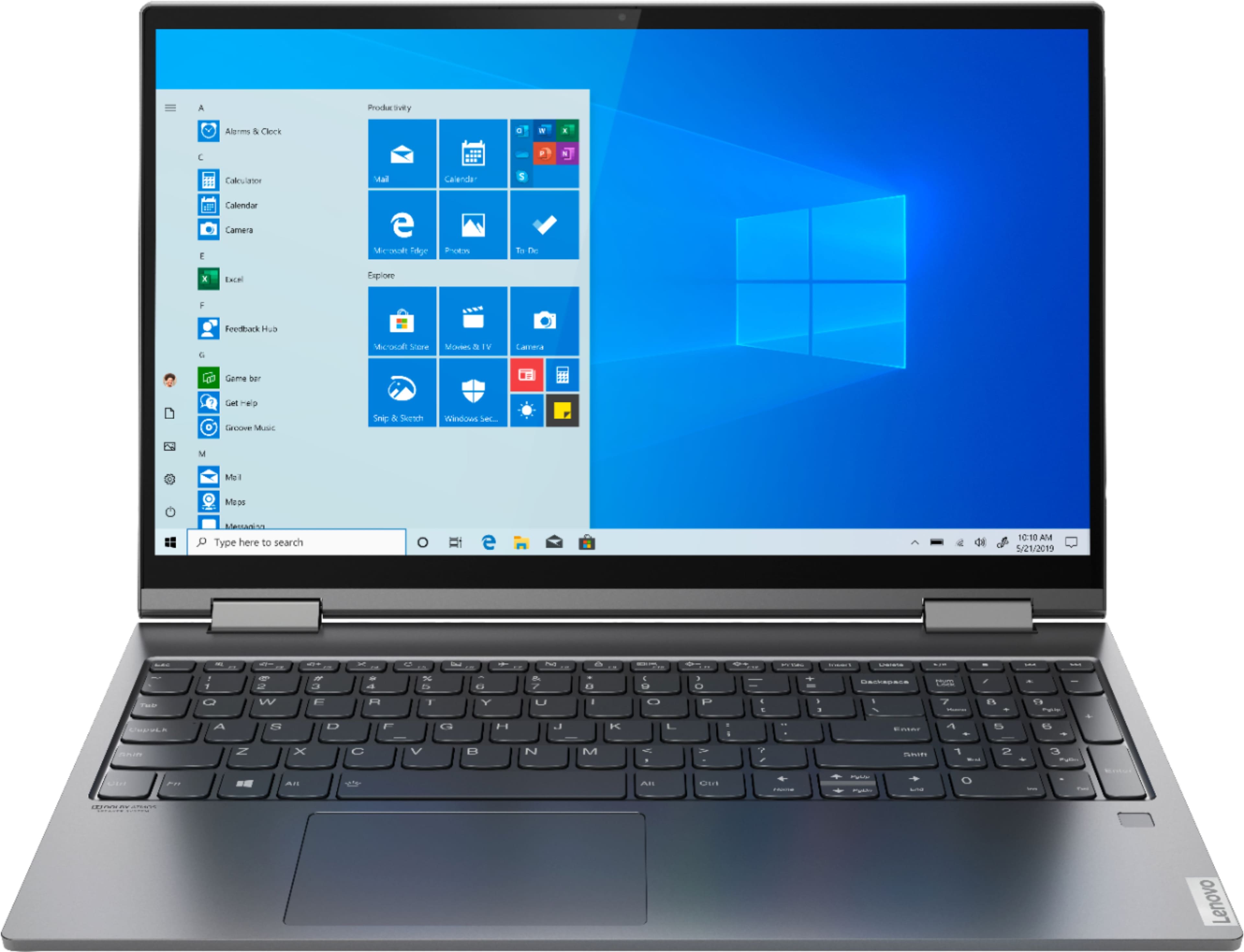
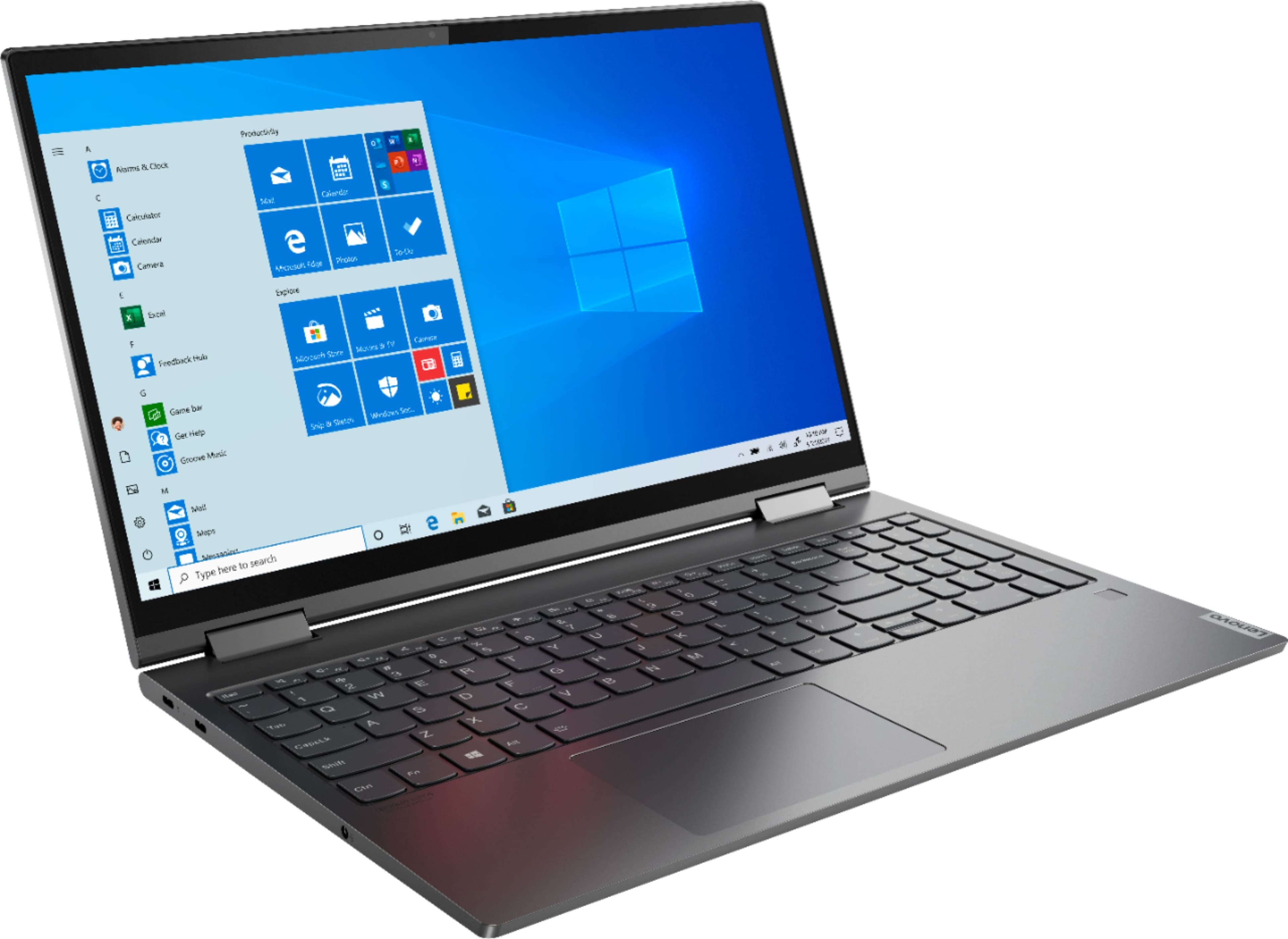
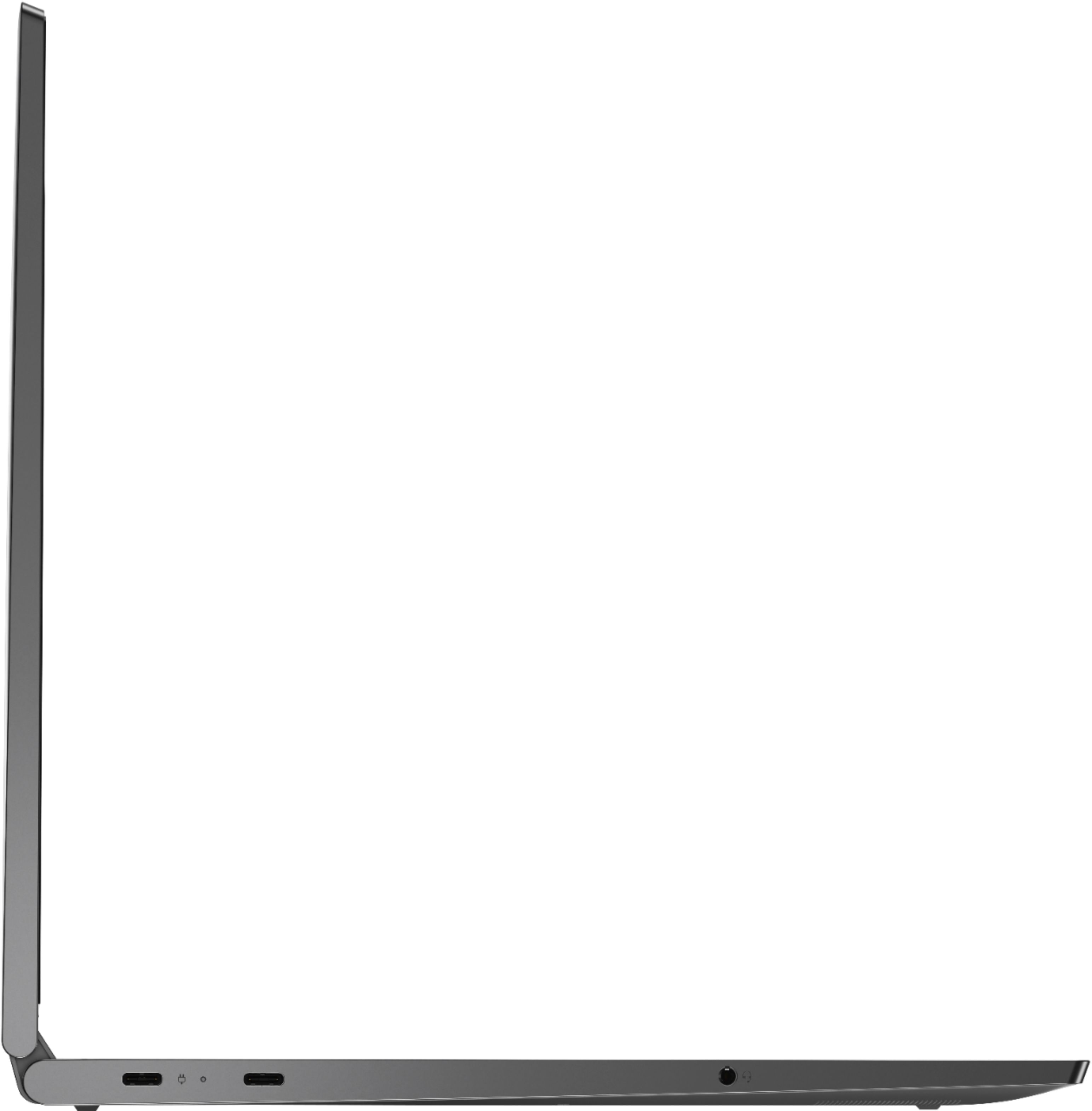
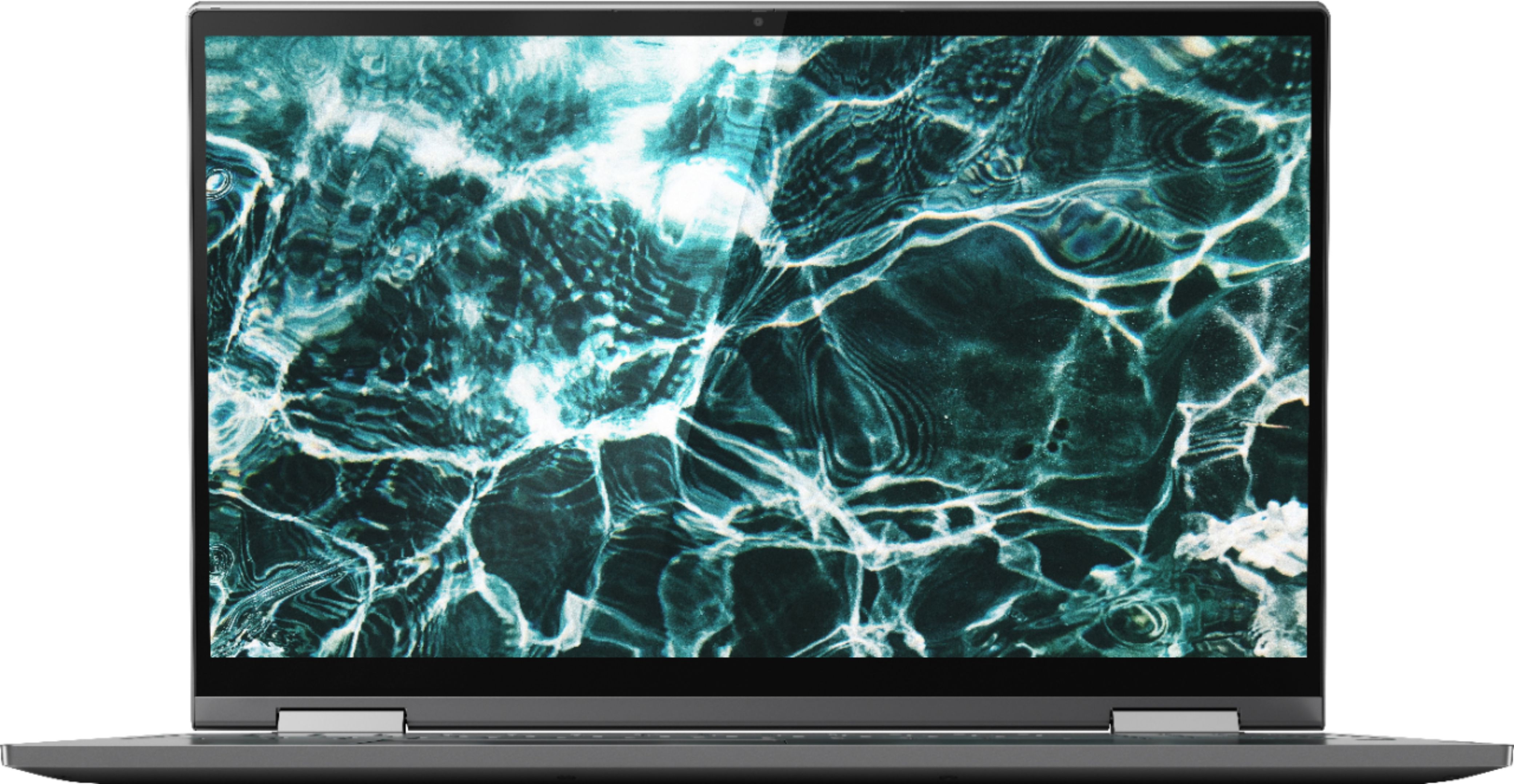
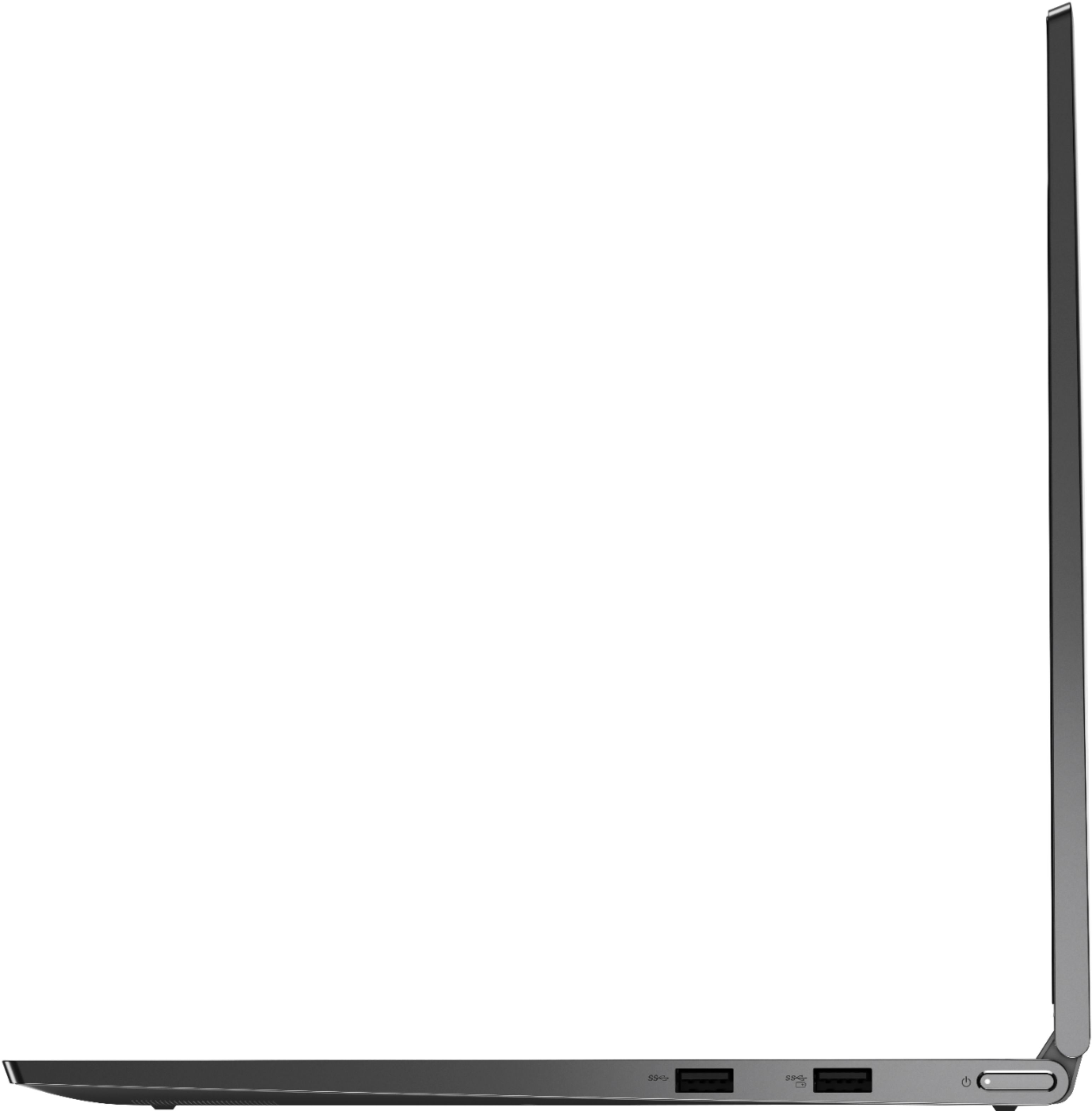
Customers regard the Yoga C740's touch screen, ease of use, and performance as significant strengths, with many praising its lightweight design and decent battery life. Positive feedback also highlights the value for the price and the sleek design. However, some users noted the lack of an HDMI port and reported issues with fan noise and heat generation under certain conditions. The available RAM was generally well-received.
This summary was generated by AI based on customer reviews.
USB port connection issue
||Posted . Owned for 1 year when reviewed.This reviewer received promo considerations or sweepstakes entry for writing a review.bought last year, not much used by myself, kids mostly use it, started using it recently and faced issue with USB connections overall its good, but facing issue with USB ports, gives error as drive not recognized when connect flash drive, so far corrupted 2 flash drives, bought new of usb 2.0 and 3.0 but still does not connect. tried connecting mobile but does read. initially shows connected but when tried to copy files from mobile to laptop it failed. Internet keep on disconnecting, and need to update drivers (though shows updated).
No, I would not recommend this to a friendBrand response from Lenovo Product Expert
Posted .We are sorry to hear that you are having issues with your Lenovo Yoga C740-14. Be sure any software you installed is compatible with Windows 10. There is no need to install Microsoft Office software. The software is already part of the operating system, you just need to activate the software with a purchased product key. If you have installed a copy of Microsoft Office, this is conflicting with the existing copy on the system and this will slow your system down. If you have installed a 3rd party anti-virus program, be sure that Windows Defender is turned off and that the trial version of McAfee Anti-Virus software is uninstalled. There can only be one anti-virus program on the system. You may need to restore your system to original factory default settings if any of the programming errors have occurred. You can do that by typing "restore" in the Cortana search window. Just click on the magnifying glass icon at the bottom left of your Windows 10 Desktop. Click on "Reset This PC" Then click on "Get Started" and follow the on screen directions to restore to factory defaults. If the problem persists, we recommend you contact Lenovo Tech Support at: 877-453-6686.

Great Laptop
||Posted . Owned for 1 month when reviewed.This reviewer received promo considerations or sweepstakes entry for writing a review.This is a great laptop with nice features. I would recommend as a work laptop not anything heavy with graphics or gaming. I would also recommend using an external HD for storage or the cloud, you want to use the HD and memory for operating system and key programs.
I would recommend this to a friendBrand response from Lenovo Product Expert
Posted .Once again, thank you for choosing the Lenovo Yoga C740-15. You can keep your computer running at its best by keeping the Windows 10 Operating System and all supporting BIOS files and drivers up to date. You can easily accomplish this by scanning the computer with the Lenovo Utility software available on this computer. This system has Lenovo utilities installed to help maintain the health of the device and keep the operating system software up to date. Type "Lenovo Vantage" in the Cortana Search window (if Lenovo Vantage is not installed on your device, you can download the APP and install it now). Select Lenovo Vantage from the list. In the window that opens, click on "Health and Support". In the expanded menu, select "Hardware Scan" In the window that opens, select "Run Quick Tests". This will scan your entire system for errors. Follow any directions that may pop up. If the problem continues after this scan, now click on "System Update". First select Windows update from the menu. Scan your system to be sure you have the latest version of Windows 10. Once that scan is complete, select "Additional Updates". This will scan your device to be sure there are no new BIOS/Driver updates needed. Follow any instructions that may pop up. If you ever need additional help with your Lenovo computer, we recommend you call Lenovo Tech Support at: 877-453-6686 for additional help.
Great Lapton for my personal and business use
||Posted . Owned for 1 month when reviewed.This reviewer received promo considerations or sweepstakes entry for writing a review.I have been on this laptop since I bought it. I am very pleased with and everything it does especially the keyboard that lights up at night. From viewing my emails, keeping up to date on the latest news and watching movies and tv shows, I am very impressed.
I would recommend this to a friendBrand response from Lenovo Product Expert
Posted .Once again, thank you for choosing the Lenovo Yoga C740-15. You can keep your computer running at its best by keeping the Windows 10 Operating System and all supporting BIOS files and drivers up to date. You can easily accomplish this by scanning the computer with the Lenovo Utility software available on this computer. Just type "Lenovo Vantage" in the Cortana Search window (if Lenovo Vantage is not installed on your device, you can download the APP and install it now). Select Lenovo Vantage from the list. In the window that opens, click on "Health and Support". In the expanded menu, select "Hardware Scan" In the window that opens, select "Run Quick Tests". This will scan your entire system for errors. Follow any directions that may pop up. If the problem continues after this scan, now click on "System Update". First select Windows update from the menu. Scan your system to be sure you have the latest version of Windows 10. Once that scan is complete, select "Additional Updates". This will scan your device to be sure there are no new BIOS/Driver updates needed. Follow any instructions that may pop up. If you ever need additional help with your Lenovo computer, we recommend you call Lenovo Tech Support at: 877-453-6686 for additional help.
Lenovo Yoga is a great laptop
||Posted . Owned for 3 weeks when reviewed.This reviewer received promo considerations or sweepstakes entry for writing a review.The laptop is great - bought it for my daughter and she loves it - went in the store to check it but they did not have one available in the store - so ordered it in the store to be shipped to home - its been a month and working good so far.
I would recommend this to a friendBrand response from Lenovo Product Expert
Posted .Hello, thank you for choosing the Lenovo Yoga C740. We are so happy to hear the performance, features, and sleek modern design of the Lenovo Yoga C740 is meeting your computing needs so well.
Sturdy build and runs great
||Posted . Owned for 3 weeks when reviewed.This reviewer received promo considerations or sweepstakes entry for writing a review.We purchased these units to enable users to work from home. They have a very sturdy feel to them with a solid shell that protects the internal components. Runs great with windows 10 having 12 GB of memory and a solid state drive really help the performance.
I would recommend this to a friendBrand response from Lenovo Product Expert
Posted .Once again, thank you for choosing the Lenovo Yoga C740-15 for your organization. These computers can continue running at their best by keeping the Windows 10 Operating System and all supporting BIOS files and drivers up to date. You can easily accomplish this by scanning the computer with the Lenovo Utility software available on this computer. This system has Lenovo utilities installed to help maintain the health of the device and keep the operating system software up to date. Type "Lenovo Vantage" in the Cortana Search window (if Lenovo Vantage is not installed on your device, you can download the APP and install it now). Select Lenovo Vantage from the list. In the window that opens, click on "Health and Support". In the expanded menu, select "Hardware Scan" In the window that opens, select "Run Quick Tests". This will scan your entire system for errors. Follow any directions that may pop up. If the problem continues after this scan, now click on "System Update". First select Windows update from the menu. Scan your system to be sure you have the latest version of Windows 10. Once that scan is complete, select "Additional Updates". This will scan your device to be sure there are no new BIOS/Driver updates needed. Follow any instructions that may pop up. If you ever need additional help with your Lenovo computer, we recommend you call Lenovo Tech Support at: 877-453-6686 for additional help.
Excellent Laptop
||Posted . Owned for 4 months when reviewed.This reviewer received promo considerations or sweepstakes entry for writing a review.My mom uses this for her profession and really like it. I've got no complaints and I just discovered that I can use an extra monitor via usb c. You just need a usb c to hdmi converter/adapter.
I would recommend this to a friendBrand response from Lenovo Product Expert
Posted .Thank you for choosing the Lenovo Yoga C740-15. We are pleased to hear that the Yoga C740-15 meets both your and your mother's computing needs so well. Combining heavyweight performance with lightweight portability, the Yoga C740’s 10th Gen Intel Core i5 processor enables longer battery life, high-speed connectivity, and ultra-responsive multi-tasking performance in a sleek package. Packing a one-two punch of stunning audio and visual experience, the Yoga C740 is the perfect companion for streaming your favorite videos or playing games. With a 15.6-inch FHD display. To match the tantalizing visuals, the Yoga C740’s Dolby Atmos speaker system creates an audio experience in which sound flows above and around you. Yoga is committed to protecting your privacy. Log in with your fingerprint or slide the Yoga C740’s TrueBlock Privacy Shutter closed for true peace of mind when you’re not using your webcam.
Great Laptop
||Posted . Owned for 1 month when reviewed.This reviewer received promo considerations or sweepstakes entry for writing a review.I've had the laptop for about a month. The only issue I've had is downloading Chrome for other users. Maybe user error but not sure. Its our first laptop in about 6 years. My daughter uses it mostly for school work due to Covid. We like it
I would recommend this to a friendBrand response from Lenovo Product Expert
Posted .Once again, thank you for choosing the Lenovo Yoga C740-15. You can keep your computer running at its best by keeping the Windows 10 Operating System and all supporting BIOS files and drivers up to date. You can easily accomplish this by scanning the computer with the Lenovo Utility software available on this computer. This system has Lenovo utilities installed to help maintain the health of the device and keep the operating system software up to date. Type "Lenovo Vantage" in the Cortana Search window (if Lenovo Vantage is not installed on your device, you can download the APP and install it now). Select Lenovo Vantage from the list. In the window that opens, click on "Health and Support". In the expanded menu, select "Hardware Scan" In the window that opens, select "Run Quick Tests". This will scan your entire system for errors. Follow any directions that may pop up. If the problem continues after this scan, now click on "System Update". First select Windows update from the menu. Scan your system to be sure you have the latest version of Windows 10. Once that scan is complete, select "Additional Updates". This will scan your device to be sure there are no new BIOS/Driver updates needed. Follow any instructions that may pop up. If you ever need additional help with your Lenovo computer, we recommend you call Lenovo Tech Support at: 877-453-6686 for additional help.
Wouldn’t setup
||Posted . Owned for less than 1 week when reviewed.This reviewer received promo considerations or sweepstakes entry for writing a review.Got my computer a few days ago, plugged it in only should blue screen and kept shutting off automatically. Very frustrating for this to happen on a new purchase. Not refurbished but brand spanking new. Took computer to store and was given the option for Geek Squad to set me up with an appointment or return it and wait for another one to ship out. Of course I returned it, also was told it would be over a week to get it here, however I could pay for a quicker shipment options.So let me get this straight I have to pay for a quicker shipping options for something that is not my own fault, after I already paid to get it here and it didn’t work. Unbelievable
No, I would not recommend this to a friendNumber 15
||Posted . Owned for 3 months when reviewed.This reviewer received promo considerations or sweepstakes entry for writing a review.I have purchased more than a dozen of these and we LOVE them. 19 of 20 staff members are now using Lenovo machines and they love them. The last person is running a Dell and will be replacing it next week with the C940. Great price for good specs.
I would recommend this to a friendBrand response from Lenovo Product Expert
Posted .Thank you for choosing the Lenovo Yoga C740-15 for your business. We are pleased to hear that the Yoga C740-15 is working out so well. We appreciate your loyalty to Yoga and the Lenovo Brand. Combining heavyweight performance with lightweight portability, the Yoga C740’s 10th Gen Intel Core i5 processor enables longer battery life, high-speed connectivity, and ultra-responsive multi-tasking performance in a sleek package. Packing a one-two punch of stunning audio and visual experience, the Yoga C740 is the perfect companion for streaming your favorite videos or playing games. With a 15.6-inch FHD display. To match the tantalizing visuals, the Yoga C740’s Dolby Atmos speaker system creates an audio experience in which sound flows above and around you. Yoga is committed to protecting your privacy. Log in with your fingerprint or slide the Yoga C740’s TrueBlock Privacy Shutter closed for true peace of mind when you’re not using your webcam.
Nice laptop
||Posted . Owned for 3 weeks when reviewed.This reviewer received promo considerations or sweepstakes entry for writing a review.nice simple laptop. Good experiences with Lenovo. Best feature is to flip fold as usually the issues fir n laptops that have a limited opening range, the monitor hinge snap. Why inner with this model. Simple and not to large to carry around.
I would recommend this to a friendBrand response from Lenovo Product Expert
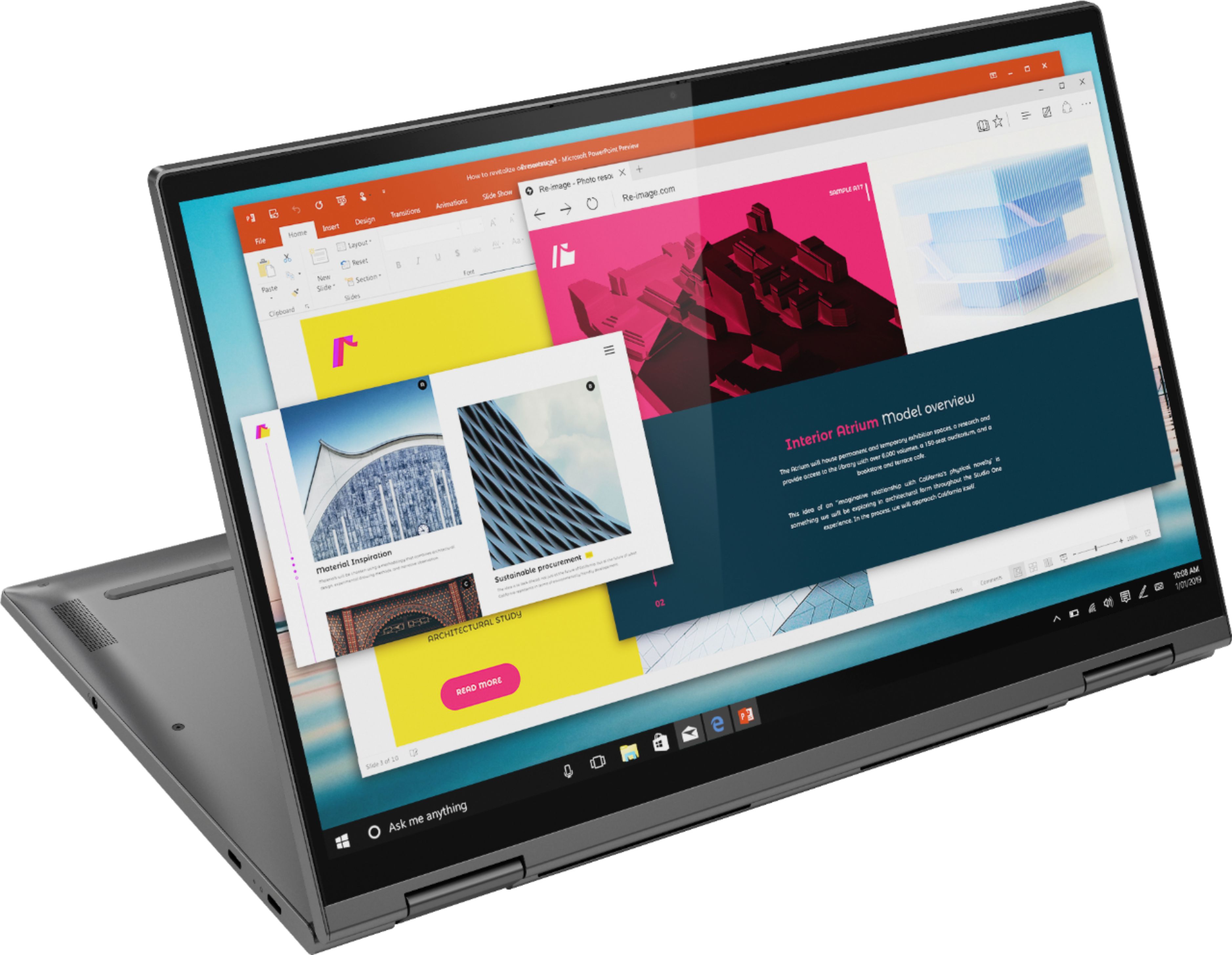
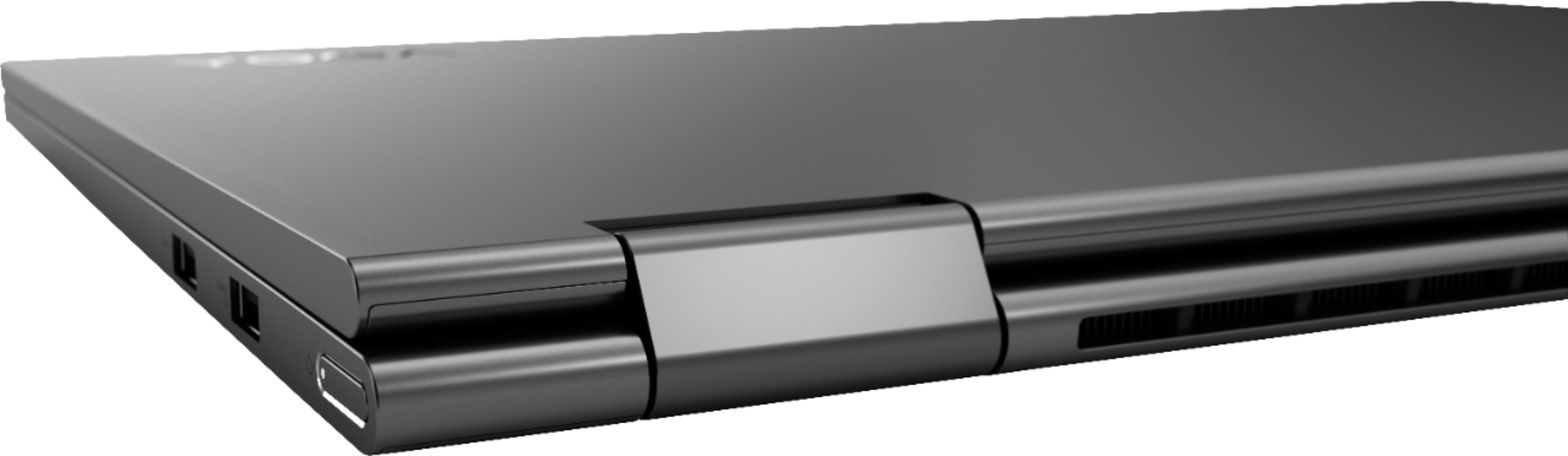
Posted .Thank you for choosing the Lenovo Yoga C740-15. The Yoga ships with 360-degree hinges that have been bench tested through 25,000 cycles (8 to 10 years of normal use), without a failure. Combining heavyweight performance with lightweight portability, the Yoga C740’s 10th Gen Intel Core i5 processor enables longer battery life, high-speed connectivity, and ultra-responsive multi-tasking performance in a sleek package. Packing a one-two punch of stunning audio and visual experience, the Yoga C740 is the perfect companion for streaming your favorite videos or playing games. With a 15.6-inch FHD display. To match the tantalizing visuals, the Yoga C740’s Dolby Atmos speaker system creates an audio experience in which sound flows above and around you. Yoga is committed to protecting your privacy. Log in with your fingerprint or slide the Yoga C740’s TrueBlock Privacy Shutter closed for true peace of mind when you’re not using your webcam.
Beautiful Laptop
||Posted . Owned for 4 months when reviewed.This reviewer received promo considerations or sweepstakes entry for writing a review.We needed to replace an older laptop running Windows 7.0 and settled for the Lenovo C740 with Windows 10.0. The wife loves it, especially for the lighted and raised keyboard. The Geek Squad Technician helped get us setup and loaded other software.
I would recommend this to a friendBrand response from Lenovo Product Expert
Posted .Once again, thank you for choosing the Lenovo Yoga C740-15. You can keep your computer running at its best by keeping the Windows 10 Operating System and all supporting BIOS files and drivers up to date. You can easily accomplish this by scanning the computer with the Lenovo Utility software available on this computer. This system has Lenovo utilities installed to help maintain the health of the device and keep the operating system software up to date. Type "Lenovo Vantage" in the Cortana Search window (if Lenovo Vantage is not installed on your device, you can download the APP and install it now). Select Lenovo Vantage from the list. In the window that opens, click on "Health and Support". In the expanded menu, select "Hardware Scan" In the window that opens, select "Run Quick Tests". This will scan your entire system for errors. Follow any directions that may pop up. If the problem continues after this scan, now click on "System Update". First select Windows update from the menu. Scan your system to be sure you have the latest version of Windows 10. Once that scan is complete, select "Additional Updates". This will scan your device to be sure there are no new BIOS/Driver updates needed. Follow any instructions that may pop up. If you ever need additional help with your Lenovo computer, we recommend you call Lenovo Tech Support at: 877-453-6686 for additional help.
Great laptop
||Posted . Owned for 3 weeks when reviewed.This reviewer received promo considerations or sweepstakes entry for writing a review.So far no issues. Works pretty smoothly , only issue is with the storage memory. The program and some built in apps take quite a lot of memory. If you end up downloading adobe cloud and have those programs you would need to upgrade The memory ASAP.
I would recommend this to a friendBrand response from Lenovo Product Expert
Posted .Once again, thank you for choosing the Lenovo Yoga C740-15. You can keep your computer running at its best by keeping the Windows 10 Operating System and all supporting BIOS files and drivers up to date. You can easily accomplish this by scanning the computer with the Lenovo Utility software available on this computer. This system has Lenovo utilities installed to help maintain the health of the device and keep the operating system software up to date. Type "Lenovo Vantage" in the Cortana Search window (if Lenovo Vantage is not installed on your device, you can download the APP and install it now). Select Lenovo Vantage from the list. In the window that opens, click on "Health and Support". In the expanded menu, select "Hardware Scan" In the window that opens, select "Run Quick Tests". This will scan your entire system for errors. Follow any directions that may pop up. If the problem continues after this scan, now click on "System Update". First select Windows update from the menu. Scan your system to be sure you have the latest version of Windows 10. Once that scan is complete, select "Additional Updates". This will scan your device to be sure there are no new BIOS/Driver updates needed. Follow any instructions that may pop up. If you ever need additional help with your Lenovo computer, we recommend you call Lenovo Tech Support at: 877-453-6686 for additional help.
Great laptop
||Posted . Owned for 9 months when reviewed.This reviewer received promo considerations or sweepstakes entry for writing a review.I have used Lenova laptops for several years. I have always had good results from the products and this laptop has been no disappointment. The pricing for the product was good. The help from the salesperson was excellent.
I would recommend this to a friendIt's a great computer for school or art
||Posted . Owned for 1 month when reviewed.This reviewer received promo considerations or sweepstakes entry for writing a review.We got this for my daughter for online learning.. not knowing they were providing laptops at school. We like it so much we decide to keep it for all of our families needs. The only downfall is that it could have more memory..
I would recommend this to a friendBrand response from Lenovo Product Expert
Posted .The Lenovo Yoga C740-15, model number 81TD0003US, ships with 12GB DDR4-2666MHz RAM and a 256GB NVMe TLC solid state hard drive.
Ok wished had larger hard drive
||Posted . Owned for 1 month when reviewed.This reviewer received promo considerations or sweepstakes entry for writing a review.Like the computer but do t ever buy from Best Buy and put on there credit card they will screw you not letting you have your bonus points if u you use special financing I think it’s a good computer Just hated I bought at Best Buy
I would recommend this to a friendGreat tablet for anyone who wants to draw or game
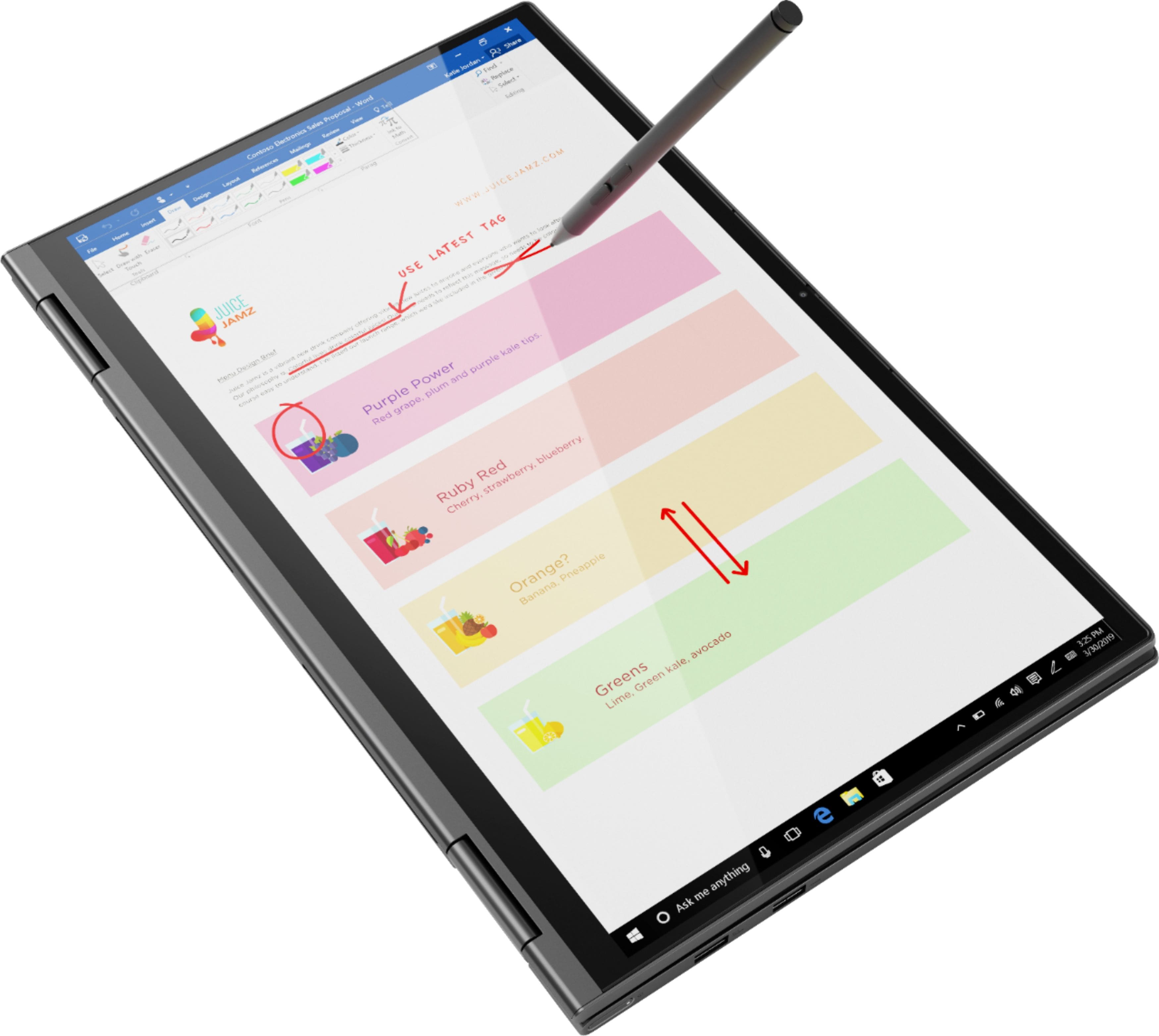
||Posted . Owned for less than 1 week when reviewed.This reviewer received promo considerations or sweepstakes entry for writing a review.It's the perfect screen for having a perfect display as a gamer. Also it's display allows for the tiniest of details to be shown in full beauty. With it's lightweight and simple flip design, you practically feel as if your carrying a notebook.
I would recommend this to a friendBrand response from Lenovo Product Expert
Posted .Once again, thank you for choosing the Lenovo Yoga C740-15. You can keep your computer running at its best by keeping the Windows 10 Operating System and all supporting BIOS files and drivers up to date. You can easily accomplish this by scanning the computer with the Lenovo Utility software available on this computer. This system has Lenovo utilities installed to help maintain the health of the device and keep the operating system software up to date. Type "Lenovo Vantage" in the Cortana Search window (if Lenovo Vantage is not installed on your device, you can download the APP and install it now). Select Lenovo Vantage from the list. In the window that opens, click on "Health and Support". In the expanded menu, select "Hardware Scan" In the window that opens, select "Run Quick Tests". This will scan your entire system for errors. Follow any directions that may pop up. If the problem continues after this scan, now click on "System Update". First select Windows update from the menu. Scan your system to be sure you have the latest version of Windows 10. Once that scan is complete, select "Additional Updates". This will scan your device to be sure there are no new BIOS/Driver updates needed. Follow any instructions that may pop up. If you ever need additional help with your Lenovo computer, we recommend you call Lenovo Tech Support at: 877-453-6686 for additional help
Great Laptop
||Posted . Owned for 1 year when reviewed.This reviewer received promo considerations or sweepstakes entry for writing a review.I love this laptop. The quality of the build, the display, the sound of the speakers and everything in between. I later sold it for an M1 MacBook but I would highly recommend this laptop to anyone looking for a Windows laptop.
I would recommend this to a friendIt is ok
||Posted . Owned for 1 month when reviewed.This reviewer received promo considerations or sweepstakes entry for writing a review.Nothing spectacular. I. Fact i hate that the logo is on the screen. Also since it is a touch screen, every time i adjust it for my child to do zoom i close the application! Because when i move the screen i graze the close box!
No, I would not recommend this to a friendBrand response from Lenovo Product Expert
Posted .Combining heavyweight performance with lightweight portability, the Yoga C740’s 10th Gen Intel Core i5 processor enables longer battery life, high-speed connectivity, and ultra-responsive multi-tasking performance in a sleek package. Packing a one-two punch of stunning audio and visual experience, the Yoga C740 is the perfect companion for streaming your favorite videos or playing games. With a 15.6-inch FHD display. To match the tantalizing visuals, the Yoga C740’s Dolby Atmos speaker system creates an audio experience in which sound flows above and around you. Yoga is committed to protecting your privacy. Log in with your fingerprint or slide the Yoga C740’s TrueBlock Privacy Shutter closed for true peace of mind when you’re not using your webcam.
New laptop
||Posted . Owned for 2 weeks when reviewed.This reviewer received promo considerations or sweepstakes entry for writing a review.Needed a new laptop and knew from the past that the build quality of Lenovo was excellent and it appears that it still is. It's been about six years since my last computer and this was a snap to set up. Also great size and weight.
I would recommend this to a friendNeeded a Windows coming from Mac
||Posted . Owned for 2 weeks when reviewed.This reviewer received promo considerations or sweepstakes entry for writing a review.Way to go Lenovo. This Yoga C740 14" Has been as utilitarian and fast as expected. The screen is 1080p, most of users will be finr with thst. Getting used to the track pad on the left side takes some time, You will get used to it, quickly.
No, I would not recommend this to a friendBrand response from Lenovo Product Expert
Posted .The Lenovo Yoga C740-15 ships with a standard QWERTY keyboard, with a 10-key numeric pad. The touchpad of the computer is centered under the QWERTY keys, so that when the typist's hands are in the Home position, the touchpad is centered under the typists hands. Combining heavyweight performance with lightweight portability, the Yoga C740-14 10th Gen Intel Core i5 processor enables longer battery life, high-speed connectivity and ultra-responsive multi-tasking performance in a sleek package. Featuring the vibrant color and clarity of a high-resolution display with narrow borders on all sides, the Yoga C740 offers a powerful entertainment experience on the go. To match the stunning visuals, the C740’s user-facing Dolby Atmos speaker system creates an unmatched audio experience in which sound flows above and around you. Featuring sandblasted premium aluminum, this 2-in-1 convertible laptop is all about the details—a color-matched keyboard, subtly rounded edges for comfortable holding, and smoother transitions when you flip from laptop mode into tablet and back. Work and play in style. Yoga is committed to protecting your privacy. Log in with your fingerprint; or slide the Yoga C740’s TrueBlock Privacy Shutter closed for true peace of mind when you’re not using the webcam.