Customer Ratings & Reviews








- Model:
- 81TD0003US
- SKU:
- 6367803
Rating by feature
- Battery Life
Rating 4.0 out of 5 stars
- Speed
Rating 4.3 out of 5 stars
- Display
Rating 4.3 out of 5 stars
Customers are saying
Customers regard the Yoga C740's touch screen, ease of use, and performance as significant strengths, with many praising its lightweight design and decent battery life. Positive feedback also highlights the value for the price and the sleek design. However, some users noted the lack of an HDMI port and reported issues with fan noise and heat generation under certain conditions. The available RAM was generally well-received.
This summary was generated by AI based on customer reviews.
Great laptop
||Posted . Owned for 1 year when reviewed.This reviewer received promo considerations or sweepstakes entry for writing a review.Great laptop, after a year the battery starts to die quickly though.
I would recommend this to a friendslow
||Posted . Owned for 3 weeks when reviewed.This reviewer received promo considerations or sweepstakes entry for writing a review.Was fairly easy to set up but ran slower than my older HP. Returned it to Best Buy.
No, I would not recommend this to a friendNothing works
||Posted .This reviewer received promo considerations or sweepstakes entry for writing a review.I bought this as a satisfactory open box. Unfortunately, it has major issues and is completely unusable. 1. It does not give me the option to connect to wi-fi for set up, so I am forced to select that I don't have internet when setting up (even though I DO have internet) because it is the ONLY option available. Once windows is set up (without internet) and open, there is no possible way to connect to wi-fi. It acts as if it thinks it's in airplane mode, but there is no way to disable it because it really isn't selected in the settings. 2) There is NO sound. The volume is completely disabled and there is no possible way to change that. 3) The brightness controls do NOT work AT ALL. 4) Setting up night mode does NOTHING. These are the only features I've tried before concluding that this thing is basically is a lemon that I need to return asap. Who knows what else is all wrong with it.
No, I would not recommend this to a friendBrand response from Lenovo Product Expert
Posted .We are sorry to hear that you are having issues with your Lenovo Yoga C740-15. It is possible that resetting the computer back to original factory settings may allow you to then enter Settings within Windows 10 properly. Here is a link to instructions for resetting your Windows 10 computer back to original settings: https://support.microsoft.com/en-us/help/12415. If you can not reset the computer this way, the Lenovo Yoga C740-15 is equipped with OneKey Recovery System. There is a very small pin hole on the bottom right side of the device, right near the top right side of the cooling vent on the back device. You will need a pin to push this reset button. Plug the device in. Let the battery charge for about 15 minutes. Push the reset button. The system should boot to a choice screen where you can choose "Restore To Factory Default". Select this. It will delete everything from the hard drive except the original factory install of the operating system. You will need to reinstall all programs and files after the reset. If you don't have copies of the files, try to make one before you restore by selecting "Boot to desktop" and trying to back up your files. If the problem persists after the factory reset, we recommend you contact Lenovo Tech Support at: 877-453-6686.

this computer has the worst sound quality,
||Posted . Owned for 1 month when reviewed.This reviewer received promo considerations or sweepstakes entry for writing a review.The tech's where helpful, but I wish I could of used this computer before I bought. I needed a computer, after breaking my screen on laptop, didn't do a lot of research was in hurry (my bad) . As for review I think I paid to much for the quality of this computer. The sound is horrible. Any suggestion how or what to do.
No, I would not recommend this to a friendBrand response from Lenovo Product Expert
Posted .The Lenovo Yoga C740-15, model number 81TD0003US, ships with a Dolby Atmos Speaker System with stereo 2W speakers. Be sure you have Dolby Atmos turned on and adjusted to your personal preferences. If the issue continues, we recommend you call Lenovo Tech Support at: 877-453-6686.
Good
||Posted . Owned for 1 month when reviewed.This reviewer received promo considerations or sweepstakes entry for writing a review.Good laptop. Overheats often. I got a good deal on it. Still very high quality
I would recommend this to a friendBrand response from Lenovo Product Expert
Posted .Hello, we are sorry to hear you are experiencing an issue with your Lenovo Yoga C740 model # 81TD0003US . Be sure any software you installed is compatible with Windows 10. There is no need to install Microsoft Office software. The software is already part of the operating system, you just need to activate the software with a purchased product key. If you have installed a copy of Microsoft Office, this is conflicting with the existing copy on the system and this will slow your system down. If you have installed a 3rd party anti-virus program, be sure that Windows Defender is turned off and that the trial version of McAfee Anti-Virus software is uninstalled. There can only be one anti-virus program on the system. You may need to restore your system to original factory default settings if any of the programming errors have occurred. You can do that by typing "restore" in the Cortana search window. Just click on the magnifying glass icon at the. You can use Lenovo Q-Control to manually control fan performance: (Fn + Q ) option to change the fan. If the issue continues, we recommend you call Lenovo Tech Support at: 877-453-6686.
Keyboard is an issue
||Posted . Owned for 1.5 years when reviewed.This reviewer received promo considerations or sweepstakes entry for writing a review.Purchased this laptop as it was one of the few available at the time. The biggest issues is that there is not enough definition to the keys so it's easy to be typing along with fingers on the wrong keys. Adjusting the settings is not as easy or intuitive as it should be.
No, I would not recommend this to a friendDon’t waist your money
||Posted . Owned for 3 weeks when reviewed.This reviewer received promo considerations or sweepstakes entry for writing a review.I got sold this yoga laptop. Or is it a tablet. Or neither. Save your money and just use your phone, because this machine can’t perform either task well. The worst part is Best Buy’s return policy. 14 days. Even with the shortened hours and all the crazy ness in this world they can’t even make an exception to please a customer. It gets worse. I signed up for the Best Buy visa and purchased the Lenovo with the no interest payment plan. Got the card and tried to navigate to the web site to view my balance payment due date. Set alerts since I had to bind the card to my Best Buy login. I spent the first half hour navigating thru all the adds and finally got to the page with my card. And yes no balance. Payment schedule. So I inquired about a n app for this card and they don’t offer one. So now I got a Sub par device and a really insecure credit card. So disappointed
No, I would not recommend this to a friendBrand response from Lenovo Product Expert
Posted .We are sorry to hear you are having issues with your Lenovo Yoga C740-15. We recommend you contact Lenovo Tech Support for help with your specific issues at: 877-453-6686.
Worst purchase ever
||Posted . Owned for 4 months when reviewed.This reviewer received promo considerations or sweepstakes entry for writing a review.Worst purchase I ever made and Best Buy doesn't honor their lemon policies. Within 2 months of purchase it started freezing. It was sent out for repair. Came back and locked up during the first boot. I took it back to Best Buy, and they re-installed windows. Got it back and it froze the next day. They sent it out again. Repeat story a couple more times. It is now being repaired the 4th time. The store manager and Geek Squad tech both agree that it is a lemon, yet they sent it out for repair again. I have already had to purchase a new computer. We have been over 2 months without this one. This will be the last big purchase I make at Best Buy.
No, I would not recommend this to a friendBrand response from Lenovo Product Expert
Posted .We are sorry to hear that you are having issues with your Lenovo Yoga C740-15. Be sure any software you installed is compatible with Windows 10. There is no need to install Microsoft Office software. The software is already part of the operating system, you just need to activate the software with a purchased product key. If you have installed a copy of Microsoft Office, this is conflicting with the existing copy on the system and this will slow your system down. If you have installed a 3rd party anti-virus program, be sure that Windows Defender is turned off and that the trial version of McAfee Anti-Virus software is uninstalled. There can only be one anti-virus program on the system. You may need to restore your system to original factory default settings if any of the programming errors have occurred. You can do that by typing "restore" in the Cortana search window. Just click on the magnifying glass icon at the bottom left of your Windows 10 Desktop. Click on "Reset This PC" Then click on "Get Started" and follow the on screen directions to restore to factory defaults. If the problem persists, we recommend you contact Lenovo Tech Support at: 877-453-6686.
Well.. I gueza5it is ok
||Posted .This reviewer received promo considerations or sweepstakes entry for writing a review.It is ok. Main issue is the backligjt and overall lighting issues
I would recommend this to a friendBrand response from Lenovo Product Expert
Posted .Hello, we are sorry to hear you are having issues with the backlight on your Lenovo Yoga C740. You can adjust the backlight at any time by pressing the Fn+Spacebar. To adjust the screen brightness of your display you can press the F11 and F12 keys, or right click anywhere on your desktop and selecting display settings to pull up the Windows 10 Display settings. If you need further assistance please don't hesitate to reach out to Lenovo Tech Support at 877-453-6686
Difficult to transition to its format
||Posted . Owned for 2 weeks when reviewed.This reviewer received promo considerations or sweepstakes entry for writing a review.Had to employ Geek Squad and the downloads were not completed in 3 tries
No, I would not recommend this to a friendBrand response from Lenovo Product Expert
Posted .We are sorry to hear that you are having issues with updating your Lenovo Yoga C740-15. Be sure Windows 10 and all other operating software is up to date. You can easily accomplish this by scanning the computer with the Lenovo Utility software available on this computer. This system has Lenovo utilities installed to help maintain the health of the device and keep the operating system software up to date. Type "Lenovo Vantage" in the Cortana Search window (if Lenovo Vantage is not installed on your device, you can download the APP and install it now). Select Lenovo Vantage from the list. In the window that opens, click on "Health and Support". In the expanded menu, select "Hardware Scan" In the window that opens, select "Run Quick Tests". This will scan your entire system for errors. Follow any directions that may pop up. If the problem continues after this scan, now click on "System Update". First select Windows update from the menu. Scan your system to be sure you have the latest version of Windows 10. Once that scan is complete, select "Additional Updates". This will scan your device to be sure there are no new BIOS/Driver updates needed. Follow any instructions that may pop up. If the issue still continues after these updates, we recommend you call Lenovo Tech Support at: 877-453-6686 for additional help.
Problems with touchpad
||Posted . Owned for less than 1 week when reviewed.This reviewer received promo considerations or sweepstakes entry for writing a review.I was so excited to use this 2 in 1, and I really wanted to love it. Sadly, I didn't even get through the initial setup because the touchpad froze, necessitating shutdown with the power button. After the second time, I boxed it up and returned it.
No, I would not recommend this to a friendBrand response from Lenovo Product Expert
Posted .We are sorry to hear that you had issues with the touchpad on your Lenovo Yoga C740-15. Be sure the touchpad is turned on. The HotKey in the F6 position toggles the touchpad on/off. You can use the computer touchscreen to navigate as well. If the issue continues we recommend you call Lenovo Tech Support at: 877-453-6686.
Pretty decent laptop
||Posted . Owned for 1 month when reviewed.This reviewer received promo considerations or sweepstakes entry for writing a review.This laptop is pretty great over all. Doesn’t handle large memory games
No, I would not recommend this to a friendBrand response from Lenovo Product Expert
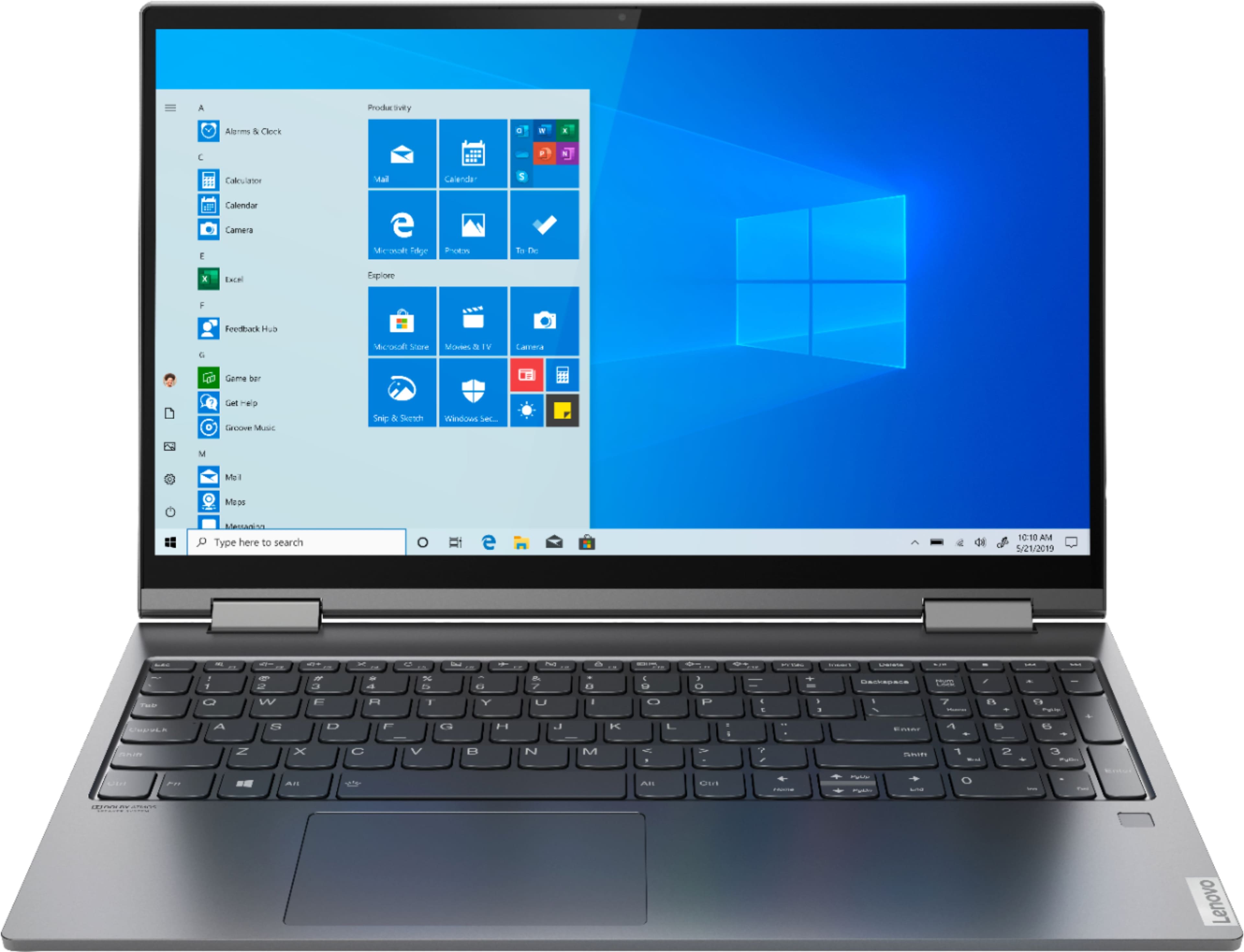
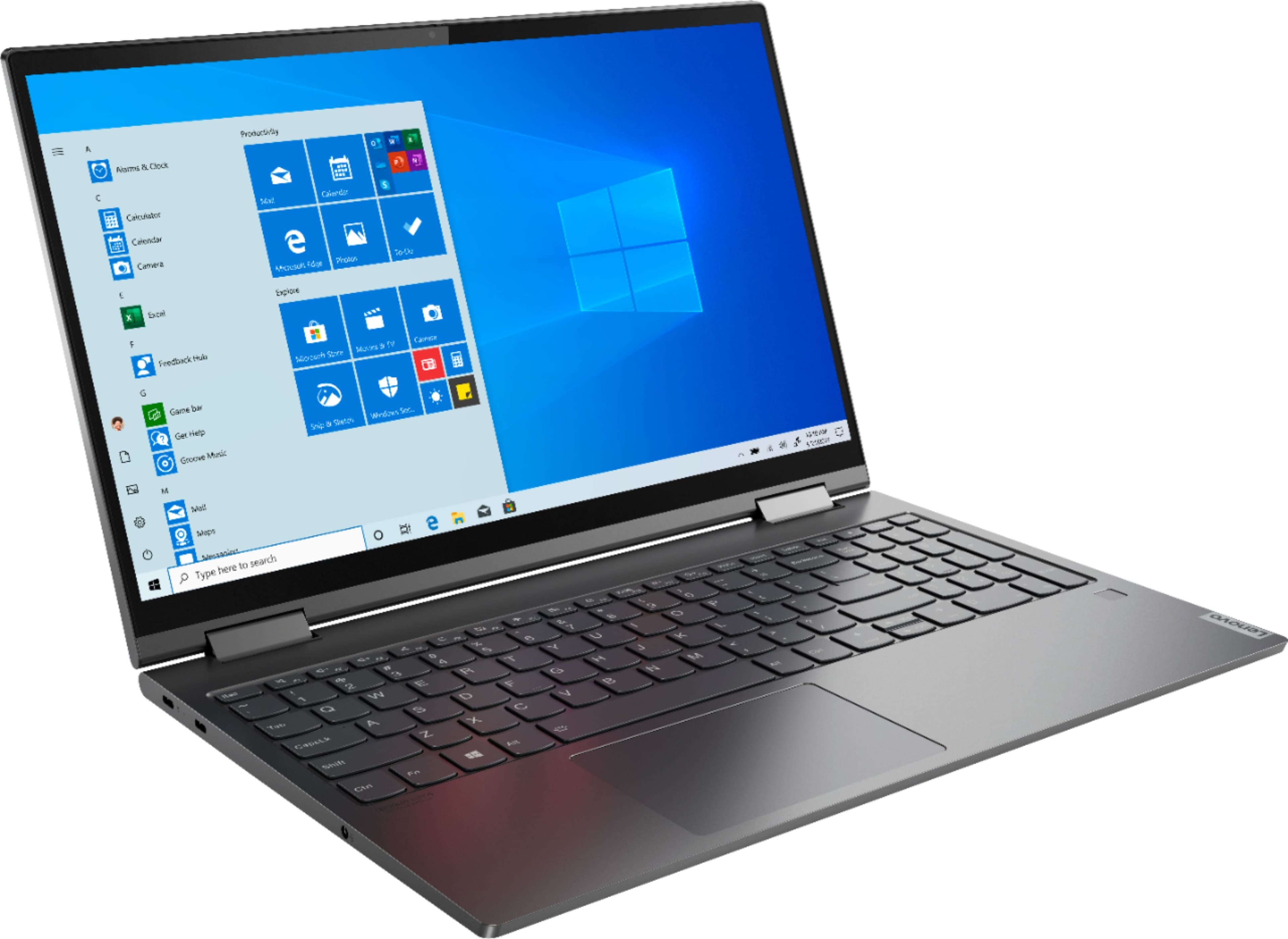
Posted .Combining heavyweight performance with lightweight portability, the Yoga C740’s 10th Gen Intel Core i5 processor enables longer battery life, high-speed connectivity, and ultra-responsive multi-tasking performance in a sleek package. Packing a one-two punch of stunning audio and visual experience, the Yoga C740 is the perfect companion for streaming your favorite videos or playing games. With a 15.6-inch FHD display. To match the tantalizing visuals, the Yoga C740’s Dolby Atmos speaker system creates an audio experience in which sound flows above and around you. Yoga is committed to protecting your privacy. Log in with your fingerprint or slide the Yoga C740’s TrueBlock Privacy Shutter closed for true peace of mind when you’re not using your webcam.
Windows Update issue
||Posted . Owned for 1 month when reviewed.This reviewer received promo considerations or sweepstakes entry for writing a review.The Lenovo uses a Wacom touch screen that evidently Microsoft has no intention of supporting. Windows 10 automatically upgrades and disables the touch screen. Even when you download the latest driver - windows disables the Wacom driver so touchscreen stops working. Lenovo customer support just tells you to return to Best Buy and get another laptop... there apparently is no fix until microsoft will support...
No, I would not recommend this to a friendBrand response from Lenovo Product Expert
Posted .We are sorry to hear that you are having issues with a recent Windows 10 update to your Yoga C740-15. You can revert back to the last Windows update and then wait for the replacement from Microsoft to correct the issue you describe with the touchscreen interface. Here is a link to instructions for reverting back to the previous version of Windows 10: https://support.microsoft.com/en-us/help/12415/windows-10-recovery-options. If you continue to have issues, we recommend you call Lenovo Tech Support at: 877-453-6686.
Dissapointed
||Posted . Owned for 3 weeks when reviewed.This reviewer received promo considerations or sweepstakes entry for writing a review.I ordered this because I wanted to get on Zoom with some friends. When I finally tried to get on the microphone doesn't work. I'm so bummed Everything else seems good so far. I had it since may 8th this month. Blown because I'm probably already going to have to pay to get it fixed.
No, I would not recommend this to a friendBrand response from Lenovo Product Expert
Posted .We are sorry to hear that you are having issues with your microphone on your Lenovo Yoga C740-15. You can test your microphone functionally by using the audio recorder APP within Windows 10. Here is a link to instructions for accessing the Windows 10 Audio Recorder APP: https://support.microsoft.com/en-us/help/4028308/windows-10-how-to-use-voice-recorder. Test your microphone by recording some audio. If the microphone works in this APP the issue is with the microphone settings within the conference APP you are using. Here is a link to instructions for setting up audio within Zoom: https://support.zoom.us/hc/en-us/articles/201362283-Testing-computer-or-device-audio. If the issue continues, we recommend you call Lenovo Tech Support at: 877-453-6686.
Never Again Buying a Lenovo
||Posted . Owned for 9 months when reviewed.This reviewer received promo considerations or sweepstakes entry for writing a review.Had to return to Lenovo after sending it to Lenovo after 1 month of use to repair and having it returned twice with the same issues. Currently have a replacement computer that took months to receive and after having it for 5 months it shuts off unexpectedly and sometimes won’t turn on. I’m sure when I get it back it will have the same issues and they started my warranty from the date I purchased the original computer so I’ll be stuck with an unreliable computer. I ended up buying a MacBook Pro since I needed a computer for school and it’s been reliable and never had any issues. Lenovo truly has unreliable products and even worse customer service. I’ve never been so disappointed with a purchase.
No, I would not recommend this to a friendGreat
||Posted . Owned for 1 month when reviewed.This reviewer received promo considerations or sweepstakes entry for writing a review.Just get used to it, so we think it is a great latop.
I would recommend this to a friendLight easy to take with me
||Posted . Owned for 3 weeks when reviewed.This reviewer received promo considerations or sweepstakes entry for writing a review.I still prefer window 7 Too much to find out aaaaaaaaaaaaaaaa
No, I would not recommend this to a friendBrand response from Lenovo Product Expert
Posted .With regard to learning your way around Windows 10, you may want to try YouTube.com (just type that address in your browser address window). There are hundreds for free instructional videos there about Windows 10. Just type Windows 10 Introduction in to the YouTube search window. You can watch free videos there that will show you the basics all the way up to tips and tricks videos and they're all free.
Worst Yellow tint. The screen rotation is loose.
||Posted . Owned for 1 week when reviewed.This reviewer received promo considerations or sweepstakes entry for writing a review.Worst screen rotating clips. It starts falling down when rotated to like >110 degrees. And, after 2 days of usage, I came to notice the display now has an irritating yellow tint set to automatic! I tried in every possible way by color calibration and all. Everything seems to be a short and 2min temporary fix. It again starts reflecting that yellow tint. When I requested help from Best Buy, they asked me to return the product as they were experiencing a huge number of same display issues with recent Lenovo Yoga Series. I also searched Lenovo yoga online forums to get some details. Fn+Esc or none of their other tips worked out! Don't purchase unless you want to waste your time going back and forth exchanging or returning the product!
No, I would not recommend this to a friendBrand response from Lenovo Product Expert
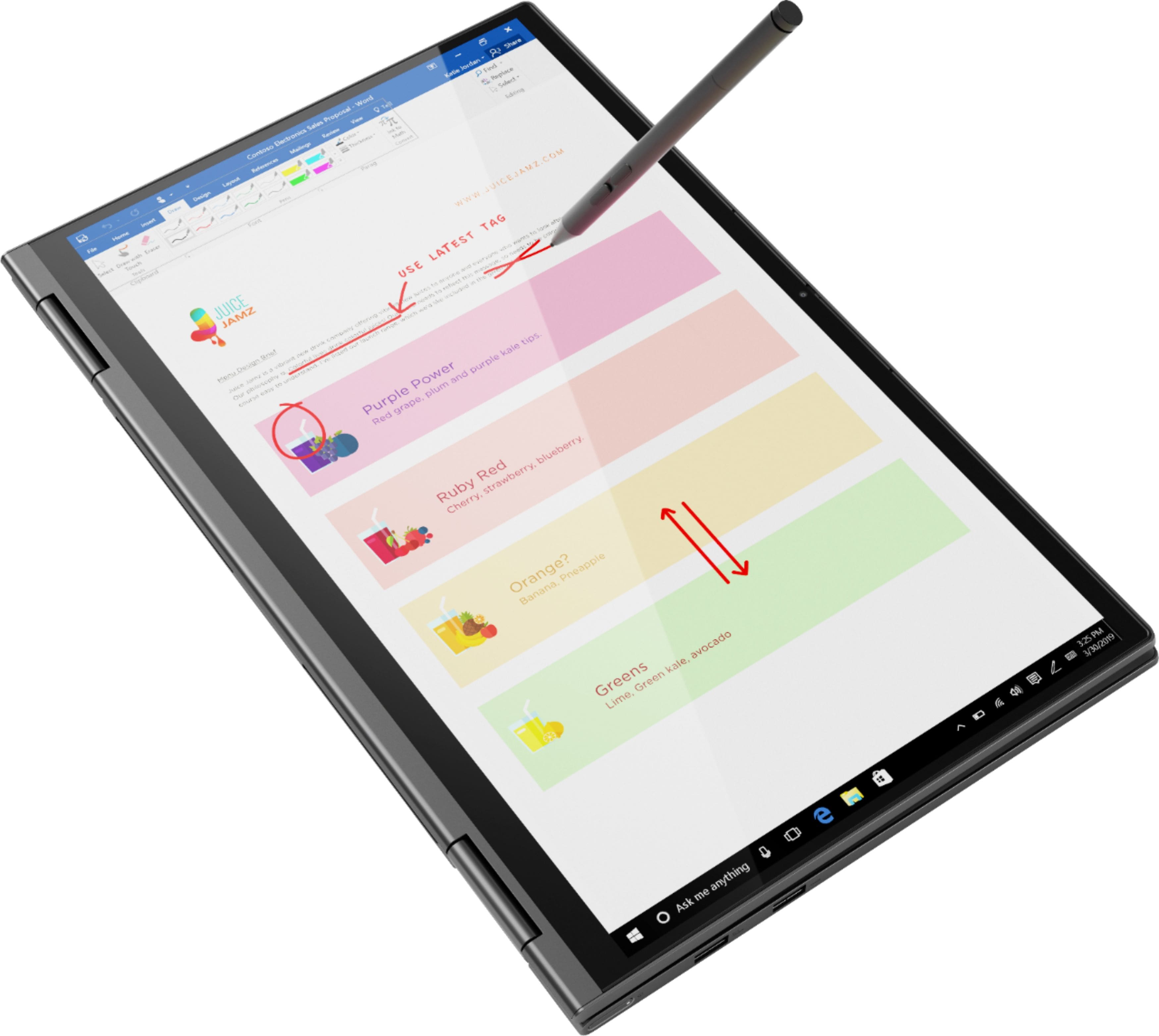
Posted .The Lenovo Yoga C740-15 ships with 360-degree hinges on the screen, that have been bench tested through 25,000 cycles (8 to 10 years of normal use), without a failure. Here is a link to instructions for adjusting color balance of the screen on your Yoga C740-15, within Lenovo Vantage: https://support.lenovo.com/us/en/solutions/ht506934. If the issue continues, we recommend you contact Lenovo Tech Support at: 877-453-6686.
Always a Problem
||Posted . Owned for 1 month when reviewed.This reviewer received promo considerations or sweepstakes entry for writing a review.Terrible purchase unfortunately. I purchased one for each of my children for virtual learning. The 1st one received for my one child, the fingerprint sign in and sound did not work out of the box. I exchanged it for another one. The replacement now loses WIFI access daily. The 2nd one I purchased lost microphone sound within 1-2 weeks of use. It worked then briefly, and now it is not working again. Why is this an issue? Well - you can’t participate in Zoom learning meetings with no working microphone. The WiFi on this one also goes in and out and the only game on the device loads 50% of the time without me having to restart the laptop. These are issues we do not have on other devices we own.
No, I would not recommend this to a friendBrand response from Lenovo Product Expert
Posted .We are sorry to hear that you are having issues with your Lenovo Yoga C740-15. We recommend you call Lenovo Tech Support for help with your specific issues at: 877-453-6686.
What a lemon
||Posted . Owned for 1 year when reviewed.This reviewer received promo considerations or sweepstakes entry for writing a review.Computer stopped working twice. It died twice and when plugged in did not register that there was a connected power source. The first time it was fixed through one year manufacturer warranty. I was not offered any replacement options and was computerless for weeks. The second time I called to ask if I can trade this in as it was the second time this issue occurred and I wanted a different computer. I was told I can not trade it in and that I would have to pay out of pocket to have the motherboard fixed. Seems ridiculous as this seems to be a recurrent issue. Will be contacting Lenovo.
No, I would not recommend this to a friend