Customer Ratings & Reviews

- Model:
- C-L12U
- SKU:
- 6464682
Rating by feature
- Value
Rating 3.7 out of 5 stars
- Quality
Rating 4.1 out of 5 stars
- Ease of Use
Rating 3.8 out of 5 stars
Customers are saying
Customers recognize the Touch Edition Smart Lock's ease of use and smooth installation process as significant advantages. Positive feedback also highlights its appealing design and seamless integration with smart home apps. However, some users experienced issues with battery life, occasional unreliability, and challenges with the lock's functionality. The price point was also noted as a potential drawback by some customers.
This summary was generated by AI based on customer reviews.
Leaves room for improvement
||Posted . Owned for 1 week when reviewed.This reviewer received promo considerations or sweepstakes entry for writing a review.Hardware is great, sleek and well designed. Software feels temperamental. I’ve had it a week so far and still am not able to consistently use the smart features. I still use my key…. Twice, because it unlocks when I try to lock it.
No, I would not recommend this to a friendBrand response from LevelHome Team
Posted .Thanks for taking the time to provide this feedback. We want our customers to be fully satisfied with their Level locks. Our Support Experts are available via email or chat on level.co/support to help troubleshoot any issues you may be experiencing.

- Pros mentioned:App integration, Installation

Nice looking and easy to install
|Posted .This reviewer received promo considerations or sweepstakes entry for writing a review.As far as installation goes the Level Lock was no more difficult than other deadbolt locks that I have installed. Included installation guide was sufficient to identify and understand all the parts and where they go. The only thing that was not clear was which set of the coarse threaded screws was for the bolt mechanism and which was for the strike plate. There was about ¼” difference in length but from the illustrations it was not clear which was which. I think that I ended up using the longer ones for the strike plate but don’t remember for sure. I used the iOS setup app which was easy to find and install. On my first attempt the app would not find the lock to pair with it. After several failed tries, I reached out to Level support who had me do a factory reset (there is a little hole in the lock motor assembly that you must press and hold for a while until it plays a chime sound). After that little set back the lock was found and added to the app. The lock comes with 2 physical keys and 2 smart cards to manage your lock. The cards are programmed to the lock via the app and was quite easy to do. The app allows you to control multiple Level devices, manage users of those devices, assign key cards, and send one time pass links for temporary access. It also allows you to control the lock’s features, open or close the lock and gives you status of the installed battery. The lock has auto lock and unlock features along with the one that I really wanted to try the touch feature. I like the touch feature, but it has proven to be a bit finicky at times. Sometimes I have to touch it multiple times before it responds and locks the door. Also, for it to enable the touch to unlock you have to leave your “home boundary” which is a geo-fenced area for the app to determine you have left when going beyond it. Unfortunately, when I leave to walk the dog I don’t always go far enough for that to happen as the area is a couple of blocks or more which can be frustrating. I can still open with the app no problem, but it is better if the touch works. I do not use Apple HomeKit nor Amazon Sidewalk and was not able to test Siri or Alexa integrations with the lock. Overall, the Level Lock is very well built and offers a lot of convenient features for a reasonable price.
I would recommend this to a friend - Pros mentioned:Design, Installation
We LOVE this lock!
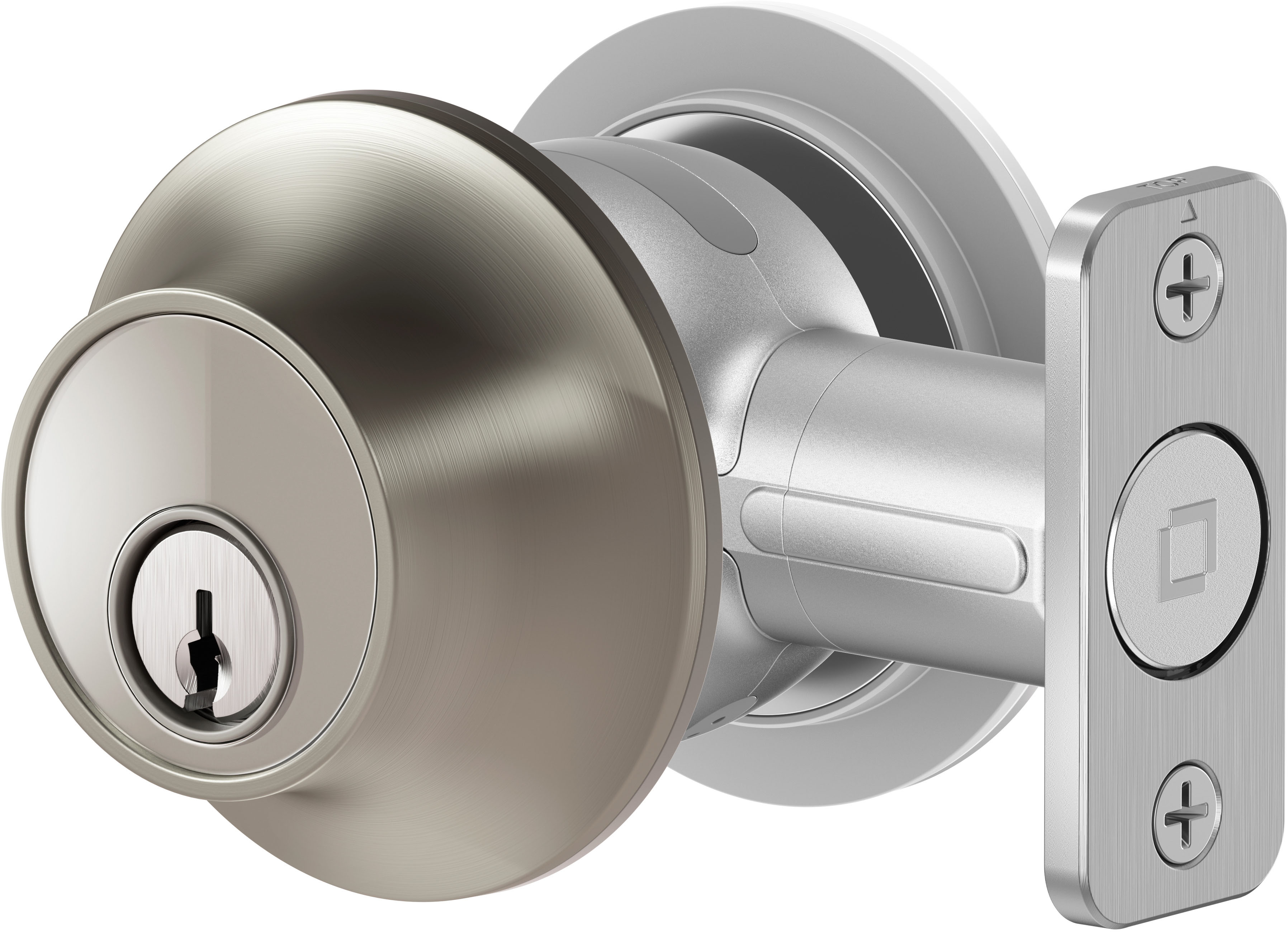

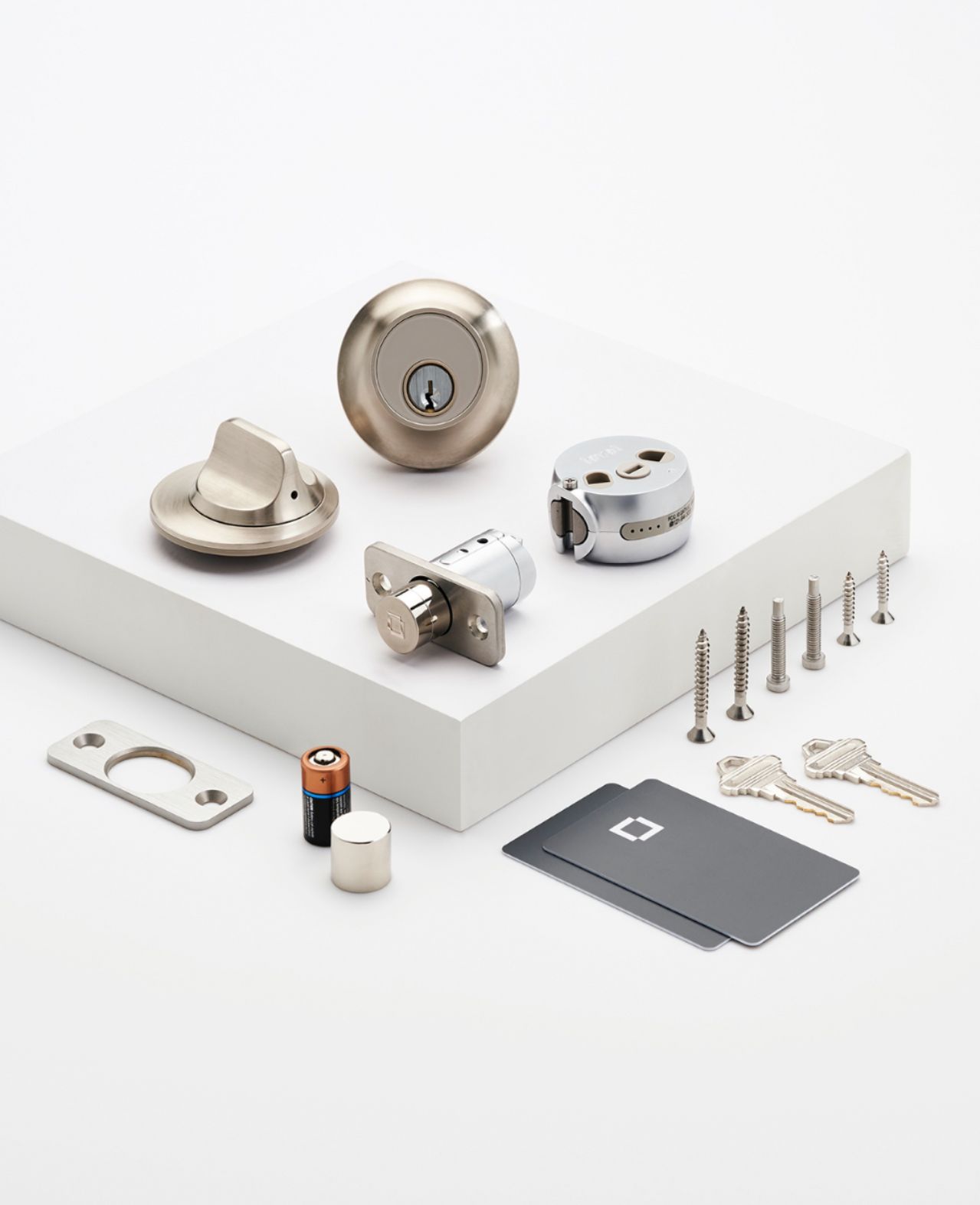
|Posted .This reviewer received promo considerations or sweepstakes entry for writing a review.This actually had easier installation than most standard deadbolts. It comes with all the hardware you’d expect: lock assembly, bolt, strike plate, & screws, as well as a CR2 battery for power. The diameter of the actual dead bolt (the part that extends and retracts to lock your door) is a bit larger than most standard bolts; you may find you need to enlarge the bolt hole, but not by much. The reason for this is the lock is powered by a CR2 battery that resides in the bolt. You access it by unscrewing a cap on the end. We’ve had a few different smart locks, locks with number pads, locks with fingerprint sensors, and they naturally all have apps, but this finally gives us what we’ve been looking for: truly hands-free operation. The app allows you to set up a geofence that detects your arrival within 200 meters. Then, once your phone is within Bluetooth range, the bolt unlocks. You could opt to have it unlock by touching it but I often have both hands full when I come home so proximity is much more convenient. Other locking/unlocking options include using the app, one of the included key cards (like in a hotel), or the tried and true key method. This is also the smallest, most unobtrusive smart deadbolt we’ve found. It is indistinguishable from a standard deadbolt from either side of the door. This size factor does come at a price though; the lock isn’t WiFi capable by itself, only Bluetooth. If you want to access it remotely, you’re going to need a hub device. Which brings me to the only other shortcoming: it doesn’t work with the Amazon Echo. All of our connected devices are controlled via our Echo so we’ve had to make some adjustments (again, this is only if you want to control the lock from across town or something). You can use Alexa enabled Ring doorbells, Apple TV, or Apple Home Pod as a hub, but we’re getting along just fine with the Level app. Pros: size, ease of installation, design, hands free operation. Cons: No WiFi, doesn’t work with Amazon Echo
I would recommend this to a friend Horrible lock
||Posted .This reviewer received promo considerations or sweepstakes entry for writing a review.This lock is such a waste of money. I do not recommend it for anyone. It has no wifi capabilities and you need so many other devices to make it compatible.
No, I would not recommend this to a friend- Pros mentioned:Design, Installation
High tech smart lock for our front door.
|Posted .This reviewer received promo considerations or sweepstakes entry for writing a review.This is an amazing and truly innovative addition to our smart home. We enjoy staying at hotels where the door utlilizes smart technology (keycard tap), and so we were excited to see that the Level Touch Smart Lock had this option. Upon receiving the package, I enjoyed seeing the design and simplicity of the device. I got the Matte Black one as it matched the aesthetics of our current door with black handle. I watched the installation videos and the instructions. I was nervous at first because our current deadbolt needs me to push in the door a little when locking it. I was worried that this would be an issue with the Level lock as the bolt needs to be flushed right so that there would be no issues. This gave me a project to work on before installation and was able to adjust my door were the bolt easily slid. The remaining installation of the Level Lock was pretty simple and took about 15-20 minutes. The included battery is easily accessible when it's time to replace (according to Level it is 1 year) in the lock itself. The true beauty of this Smart Lock is the utilization of your smart devices. Strangely, this does not work with our Google Home but only our Apple HomeKit. I mainly use the app, the keys and at times used the smart cards (like the ones at hotels) to lock/unlock by easily tapping it when in range. I also really enjoy just how unassuming this lock is because it looks like a normal lock. The main thing to remmeber is you have to be within Bluetooth range otherwise it will not work. You also have the option of naming the keycard or sending a guest pass to someone outside your home. Overall, this is a great addition to our smart home. Easy to install and use, and matches our door color setup.
I would recommend this to a friend Not satisfied with the door lock
||Posted .This reviewer received promo considerations or sweepstakes entry for writing a review.I'm not satisfied with the this product, it doesnt sunc with the Ring as stated in the store and the touch feature only works when leaving my home nit when I enter. Also I tried to unlock my door while sitting i the driveway, but ut never work.
No, I would not recommend this to a friendBrand response from LevelHome Team
Posted .Thank you for taking your time to provide your feedback. We want our customers to be fully satisfied with their Level locks. Our Support Experts are available via email or chat on level.co/support to help troubleshoot any issues you may be experiencing.
- Pros mentioned:Installation
Great help when your hands are full!
|Posted .This reviewer received promo considerations or sweepstakes entry for writing a review.This has been an interesting addition to my home, such a help when my hands are full! The instructions were fairly easy to follow and the lock was mostly easy to install in my existing door. The largest issue I faced (not Level’s fault), was the strike plate for the Level lock was quite a bit larger than the existing strike plate. I would have used the one already installed, however the holes weren’t the same shape. Thankfully I had a rotary tool to reshape the area. The actual deadbolt installation went well and we were off. Downloaded the app, got the lock and app settings where I wanted them and tested the lock. (Side note when testing the lock, make sure the door is open or you have the key…. You don’t want to lock yourself out). Make sure you pair the key cards to your app to activate them for use. (There are several settings in the app you can customize for your personal preference.) Using the touch to lock and unlock has been wonderful, no digging for keys! It has taken some getting used to, but so far I really enjoy the Level lock touch edition.
I would recommend this to a friend - Pros mentioned:Ease of useCons mentioned:Battery life
So Far So Good
|Posted .This reviewer received promo considerations or sweepstakes entry for writing a review.The Level Touch Edition Bluetooth Smart Lock is pretty awesome I must say. Now, right off the bat my front door did not have a hole, so mine was more involved but, once the install was done, the magic happened. If you need to install it, I highly recommend a door kit that comes with all the hole saws and plastic template, you can't screw it up. Install is super straightforward, just like any other lock, just has the mini computer in the center and the battery in the actual door jam plunger. Now, I have to admit, the battery in the door plunger seems like a bad idea, it is thin metal and they shove a battery in it. I did a few run into the door tests and nothing happened but I bet a big man could snap it, I may be wrong. I wanted go test it with more force but did not want a broken lock day one. The app works great and getting the key cards hooked up was super easy. The touch feature is the best option, I give that a solid 10. Just touch it while your phone is in proximity and bam, unlocked. The audio the unit releases when locking and unlocking is nice as a warning and also knowing you can open the door. I am so far happy with the product and may be adding one to my back door and garage very soon, but, I am going to do some real testing beforehand, I wanna know it can hold up.
I would recommend this to a friend Not worth it
||Posted . Owned for 2 months when reviewed.This reviewer received promo considerations or sweepstakes entry for writing a review.Very hard to set up and had to return it.. because once I eventually got it in… it didn’t work
No, I would not recommend this to a friend- Cons mentioned:Reliability
They Disguised the Smart...but left out things out
|Posted .This reviewer received promo considerations or sweepstakes entry for writing a review.So, to explain my title, this is a smart lock that doesn't look like a smart lock. I have a smart lock on my back door that is very obviously a smart lock (it has a visible touch keypad and is pretty big) - in fact that's the exact reason it's on my back door instead of the front, I felt it drew too much attention and didn't want people messing with it. Opposite to that, this Level lock appears to be an ordinary door handle/lock to anyone who may walk by. That right off the bat was a HUGE plus for me. However, my house is set up with Google Home and several Nest cameras...this lock is not compatible with Google Home, which was a huge minus for me. To be honest, this is one of the very few items I've seen on the market that doesn't have compatibility with all of the major smart devices. That means this lock is operated completely separate from all of my other devices. The lack of universal compatibility hurts any product like this and obviously limits their market at least somewhat because of that. Install was easy (much more so than my other smart lock in fact) but and it looks good. Add compatibility with other smart devices and this is a home run for me. But until then, I just can't quite give it 5/5 yet. However, it works and if this particular compatibility issue is not a problem, then a great product overall.
I would recommend this to a friend Look for other options
||Posted . Owned for 3 months when reviewed.This reviewer received promo considerations or sweepstakes entry for writing a review.It’s not worth the money. It’s really just a “smart” deadbolt lock. It didn’t work correctly. Setting up the cards was a hassle
No, I would not recommend this to a friendNo good for city living
||Posted . Owned for 3 weeks when reviewed.This reviewer received promo considerations or sweepstakes entry for writing a review.Security circle is to wide. The touch feature is useless.
No, I would not recommend this to a friendReview
||Posted . Owned for 1 month when reviewed.This reviewer received promo considerations or sweepstakes entry for writing a review.Unless you have your phone or card with you no other way to get in
No, I would not recommend this to a friendSuck
||Posted . Owned for 1 month when reviewed.This reviewer received promo considerations or sweepstakes entry for writing a review.Not worth it…………………… dont buy very cheap feeling …….
No, I would not recommend this to a friend- Pros mentioned:Installation
Hidden Smart Lock
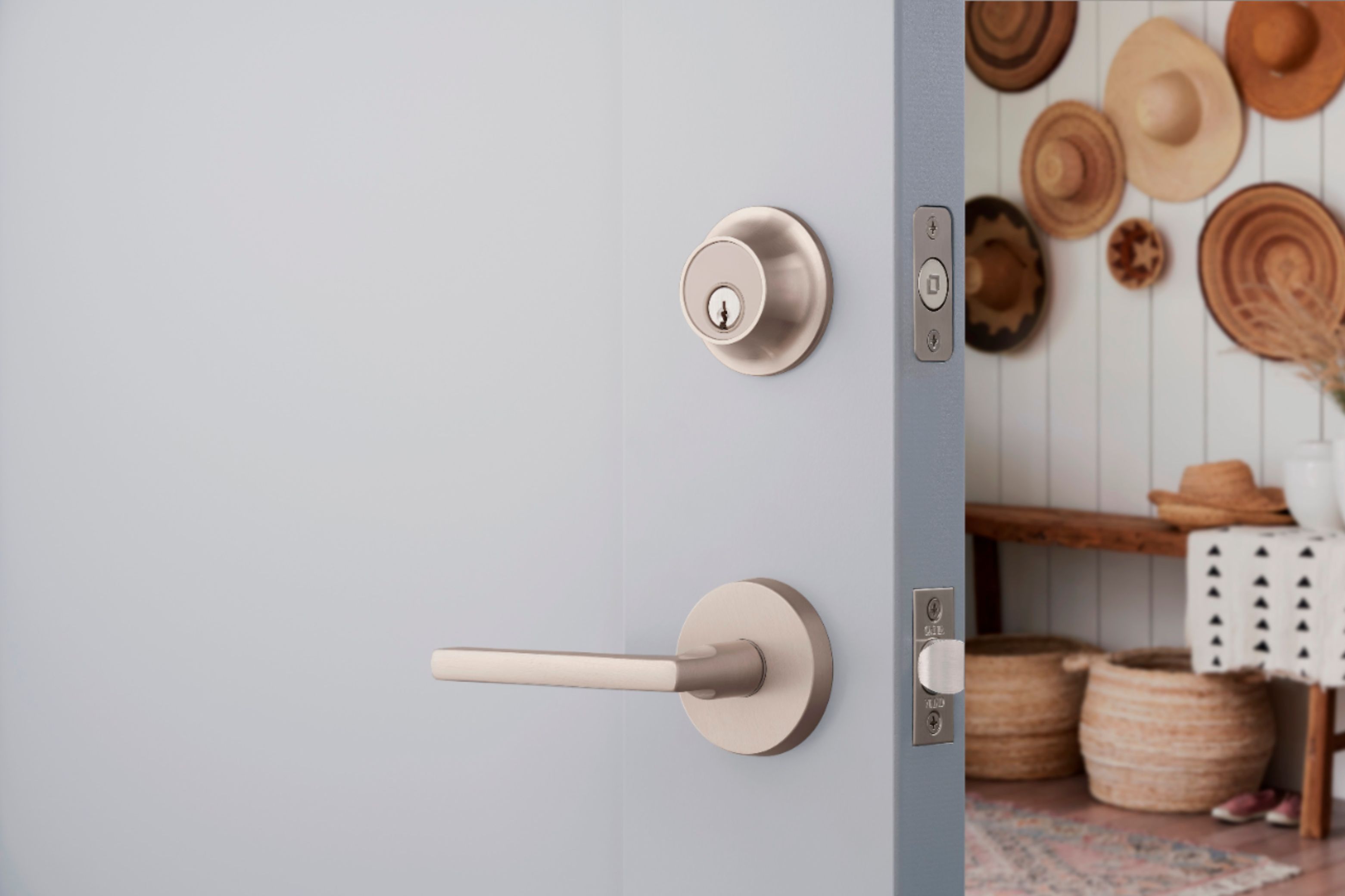
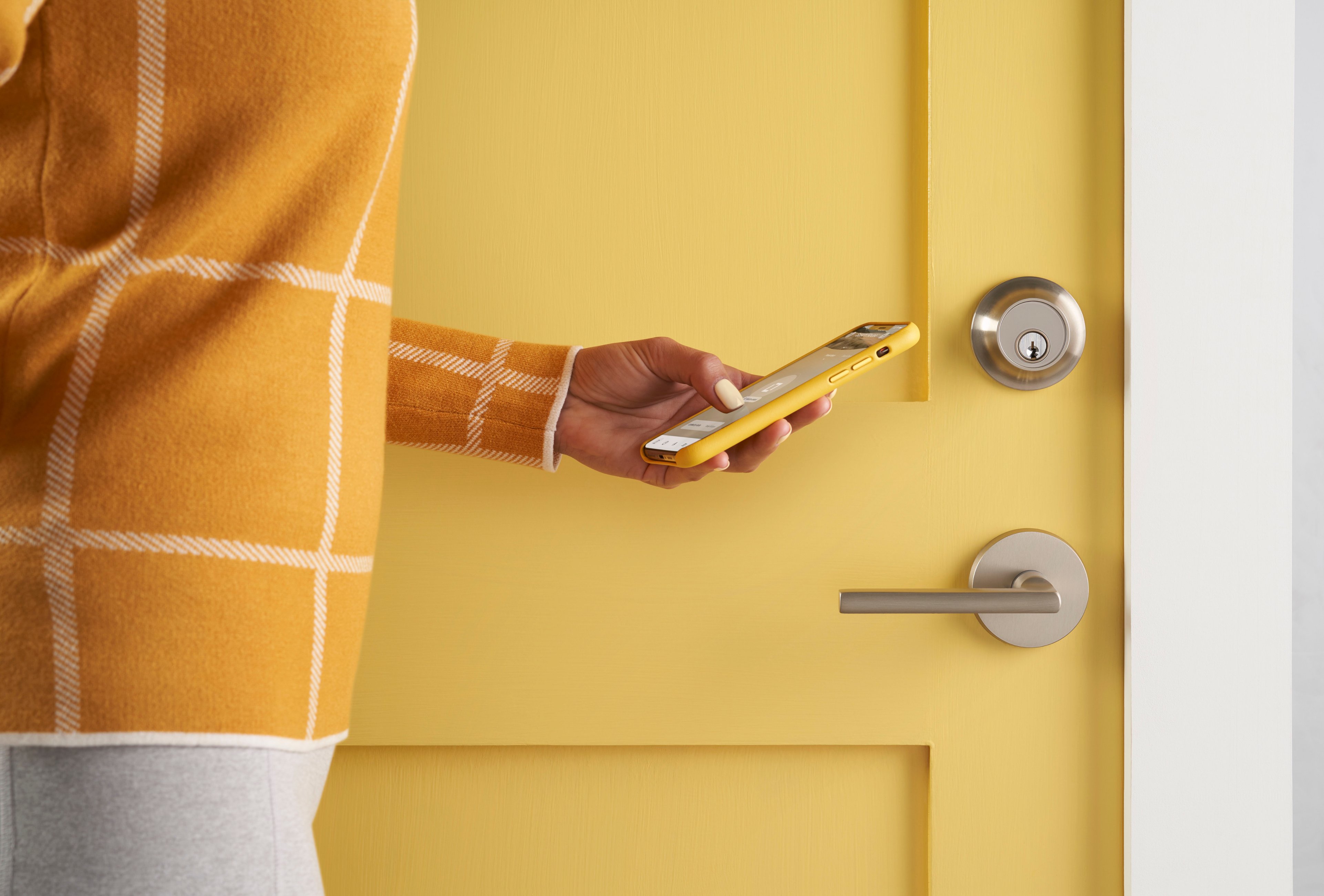
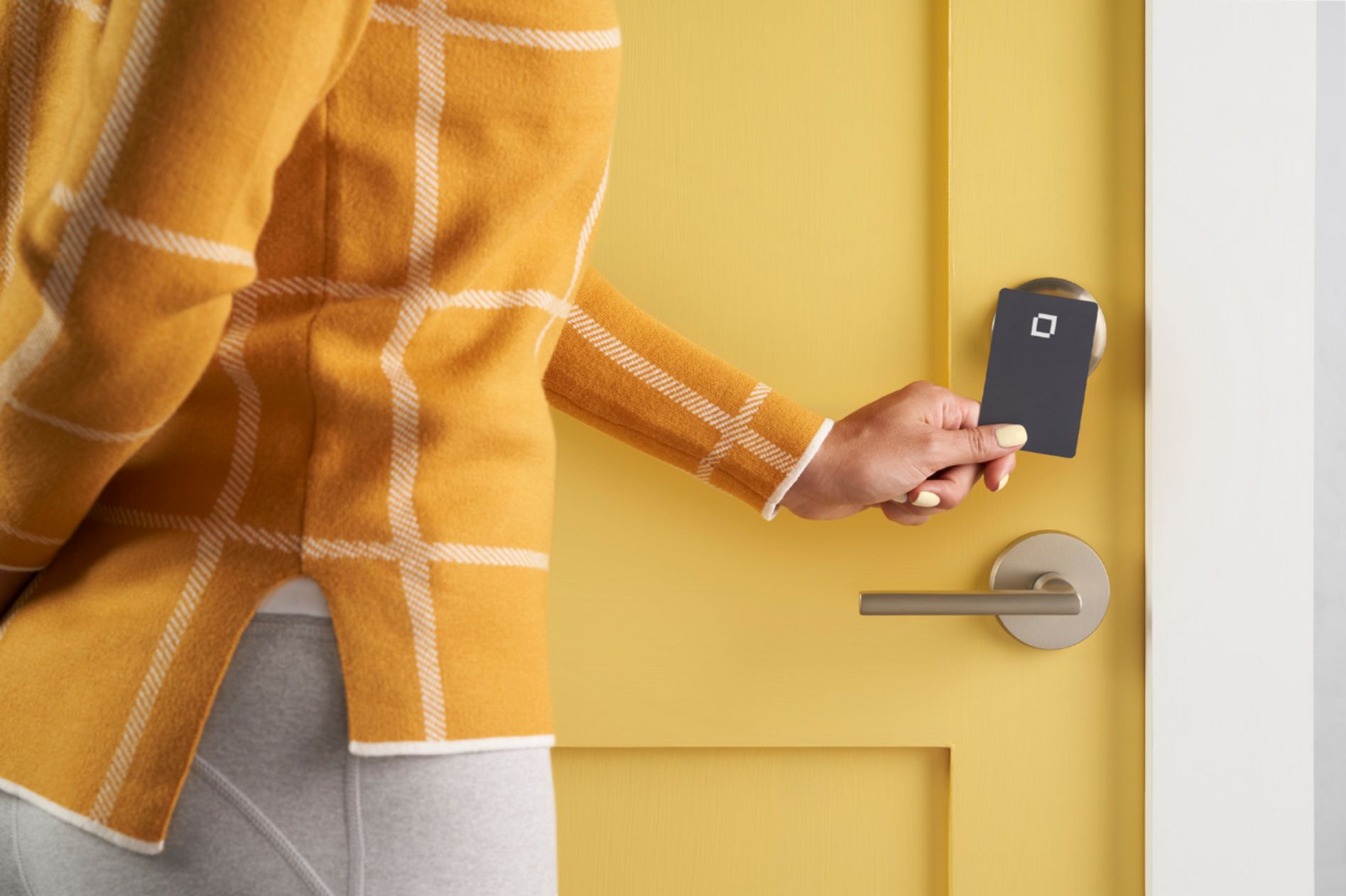
|Posted .This reviewer received promo considerations or sweepstakes entry for writing a review.This may be one of the coolest smart locks I have ever used! First of all, it doesn't even look like a smart lock! It comes in a great variety of colors to allow you to match your current door hardware! The device looks like a standard deadbolt lock. All of the smart features are hidden inside the lock. The lock looks sleek and feels very sturdy. Installation was a breeze. I literally removed my old deadbolt and slid the Level Touch lock right in its place. Setup was also a breeze. Simply download the app on your smart phone and follow the instructions! Entry into the door has multiple options. You can use one of the included entry cards (similar to a hotel room key) to access the door. You have to use NFC on your cellular phone in order to program the access cards. The lock also comes with standard keys to unlock it. I could see this being valuable of the lock's battery dies at some point. You can also unlock the deadbolt with your cellular phone. The lock gets its name from the feature that allows you to simply touch the lock itself to enable the deadbolt lock. One cool design feature is that the battery is hidden inside the sliding lock. I thought that was really cool and a neat way to save space inside the lock. If you would like to unlock the deadbolt remotely you will need an Apple Homekit, Ring security system, or Alexa device. That is currently the only way it can be remotely unlocked. All in all, if you don't want people to know you have a smart lock, or your looking for a better looking design to match your current door hardware, then this is the lock for you!
I would recommend this to a friend Works well, mostly
|Posted .This reviewer received promo considerations or sweepstakes entry for writing a review.I can’t help but notice the packaging when I open something new. Things have come a long way, with paper-based packaging materials that are very sturdy, but not cheap as used to be the case. It’s nice that recyclable/compostable materials can be good quality, which makes for a good first impression. The workmanship of every part on this item, even the striker plate is top-notch! There are a lot of good features: You can lock just by touching the unit outside. You can unlock using a card key (two are provided), smartphone app, or on approach (requires Bluetooth). It integrates into Apple Home quite well. Of course, it can be locked and unlocked with a key, as well. Installation was typical of a deadbolt with standard dimensions. There were a couple problems in normal use: I made sure that auto-lock was not set up, yet on a couple occasions, the lock would engage for no apparent reason. Also, the auto-unlock on approach is not terribly reliable. Everything must be set up so that your entry into the vicinity is detected, then proximity detected via Bluetooth. Aside from it not always working, the system does not seem to handle multiple people coming and going separately. I’m hoping that more careful tuning will eliminate most of these issues, but most people won’t want to spend that much time doing so.
I would recommend this to a friendLocked but unloaded
|Posted .This reviewer received promo considerations or sweepstakes entry for writing a review.Level Lock - Touch Edition Bluetooth Smart Lock This is my third smart deadbolt lock. I really like the simple way that it looks. You can hardly tell that this is a smart lock because it looks like a regular deadbolt lock. It was really easy to install and it only took less than 10 minutes. NOTE: This will NOT fit on some steel security doors because the barrel diameter is too thick. The door thickness needs to be at least 1-3/4”. Too bad for me because that’s where I was intending to install it on. The deadbolt barrel itself is where the battery is located so it is not solid steel like the normal deadbolt. You twist off the end cap and you can see the battery cavity. With this in mind, I question the sturdiness or strength of the deadbolt. The whole lock feels solid and well built otherwise. You can lock or unlock in many ways; finger, programmable key card, app, or with the good ole’ fashion key. You can have the lock auto-lock after a certain delay. You can send a group invitation through email or social media. It works with HomeKit so you can use your voice or set automations to access the lock. You can share access with people on specific time and days. You can see an activity list of who locks or unlocks the door. You can also setup notifications when the lock is accessed. There’s an activity list that tells you who and when accessed the lock and the method they used. There’s also the auto lock and unlock feature. The auto and touch unlock feature can’t be used at the same time. Only one entry feature can be set at a time. It uses Bluetooth to communicate with devices, no WiFi. Here’s some ugly stuff that I ran into with this lock: If you've ever had those moments where you locked the door and said "Oops! I forgot something!" If you locked the lock, it won’t let you unlock it with touch. According to a Level Support tech, you either have to leave the geofence area or home boundary and come back to re-enacted the touch to unlock feature or use the NFC card, physical key, the Level app or Homekit to unlock it. That might not be an inconvenience to some but for me, that is very inconvenient because I try to carry bare minimum and I don’t like carrying physical keys. However, it let me use the NFC key card without taking it out of my wallet. I just put my wallet on the side closest to the key card next to the lock and it worked. The touch feature also has a timer for when it is available. For instance, when you close the door, you have a certain amount of time to lock it before it becomes unavailable and you can set this timer from 1 - 5 minutes in the settings and the same thing for unlock. For the unlock, the timer starts when you enter the geofence or home boundary. So, if it takes you more than max 5 minutes for you to get to your lock, the touch feature to unlock the door will not work for you. You would have to use the other methods to unlock it. Setting it up with HomeKit was easy but I ran into some issues though. After a couple hours or so, I checked the lock with the Home app and it read “no response”. I checked the Level app and it was not available. When this happens, the physical key is the only way to lock or unlock the lock. I removed the battery and reinserted it to restart the lock. It worked for awhile again then went back to not responding later on. I tried resetting the lock to factory settings with pin hole button located on the Level motor. That means you have to disassemble the lock to get to it (NOTE: The key cylinder housing has to be reinserted on the opposite side so that the chime will work while you press the reset button. Here’s the support page: https://level.co/support/articles/1500000326522). So I did that and again it worked for awhile then again stopped responding. Frustration settling in. I have two Apple TVs and a HomePod mini being used as Home hubs. Per Level support, the lock has to be within 20 feet of a hub. I have two of them in that area. I removed the battery again and got access back with the Level app. I removed the lock from HomeKit and just used it with the Level app and the same thing happens. All of my other smart locks work fine in the same area on the same door. I really like this lock and I really would love to give this Level Lock Touch edition 5 stars because there’s so much innovation in it but I hesitate to give it 3 stars. I am hoping that the issues I faced can be resolved and improved upon with future firmware updates or maybe just my setup but for now I can’t recommend this lock.
No, I would not recommend this to a friendBrand response from LevelHome Team
Posted .Thank you for this thoughtful review on your new Level Lock - Touch Edition. To clarify, the Touch-to-Unlock timer feature starts once the lock and phone make Bluetooth connection, not when you enter your home boundary. To learn more about setting Level locks to lock automatically after a certain amount of time, visit https://level.co/support/articles/360040095133
Cool product!

|Posted .This reviewer received promo considerations or sweepstakes entry for writing a review.I received my Level Touch deadbolt and was anxious to install it. I removed the existing deadbolt and began the process. The lock comes with a round deadbolt and 2-1/4" plate, but for some reason includes a "ANSI standard" 2-3/4" striker plate. My previous deadbolt (and all of the ones in my house) are 2-1/4" with 2-1/4" striker plates. My only options were to chisel the door frame to accommodate the larger plate, look for a smaller plate, or reinstall my old lock. I reinstalled the old lock. Level offers a 2-1/4" plate for an additional $10 which is ultimately what I did. Why not include both plate sizes just in case? After reinstalling the new lock I then began the process of setting it up again. There is a QR code on the back of the installation guide for Apple Home, so I scanned the code and added the lock to my Apple Home. I then started searching for a level app thinking I must be missing something, Searching the word "level" in the app store provided many results, all of which were incorrect. It wasn't until I searched "level door lock" that I found it. Nowhere on the packaging is there a mention of a "level" app, the need for the app, or the name of the app. I then downloaded the level app only to discover that the lock won't pair to the app IF you add your level lock to Apple Home first. You need to delete the lock from Apple, disassemble the door lock, reset it (the chime does not ring after 8-10 seconds as shown on the website so I had to remove the battery to reset the lock). After doing this I was able to reassemble the lock, pair it to the "Level Home" app, and then add it to Apple Home. It was a lot of work and took a couple days for what should have been a 30 minute project. After the initial stumbling blocks, I have to say I am very pleased. The deadbolt looks great, seems to of a high-quality build, and works exactly as intended. It includes 2 key cards which you can name and assign to different people in the house. As I understand it, these work once to open the lock but you must then leave the "home area" before they will activate the door lock again. Not quite sure of the logic behind this but certainly not a big deal - probably some type of safety feature I haven't figured out. The touch control works smoothly, deadbolt moves quietly/securely into place, and the satin nickel finish matches my existing door knob. I also discovered that it works with "Siri" and probably "Alexa" (although I haven't tried that yet). Overall a really neat product and I can definitely see the benefits of it. It performs well and has a replaceable battery. Be sure to measure your striker plate prior to install and it will go very smoothly. Good job Level Touch.
I would recommend this to a friend- Pros mentioned:Design, Installation
Well worth the investment!
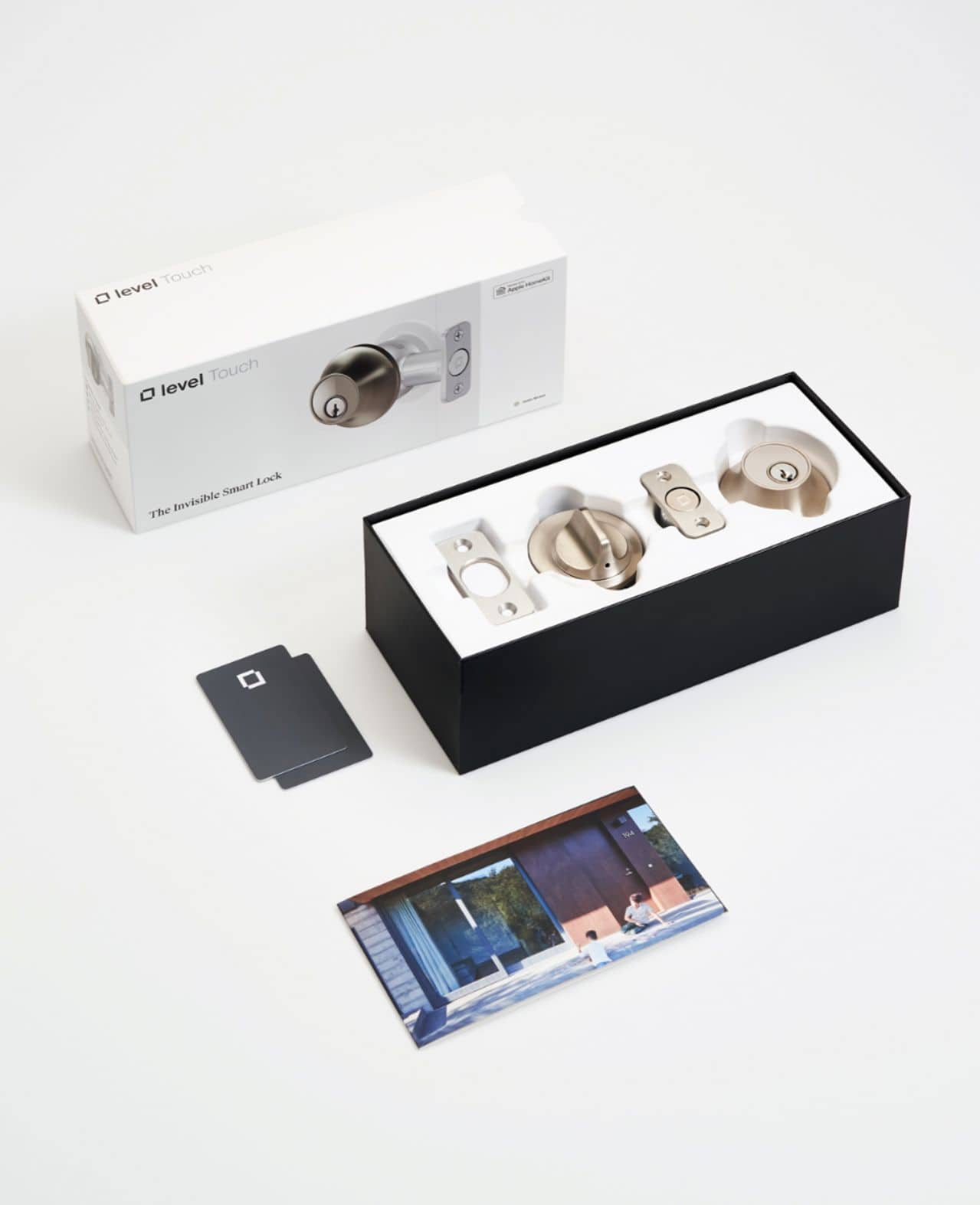
Posted .This reviewer received promo considerations or sweepstakes entry for writing a review.No more fumbling for keys or digging deep into your pockets when your hands are tied up. This lock far exceeds our (already high) expectations. The lock does come in at a high price point but it’s worth every cent given its sleek design, functionality, and endless capabilities. My wife and I did a lot of research on different locks before installing the level lock touch and it paid off. The level touch lock is a full lock solution built in a small sleek design that doesn’t skimp out on any of the latest technology. This lock is what locks should be in 2021. Everything from the packaging to the instillation to its day-to-day usage was very well thought out. The lock comes in a packaging similar to that of an apple product. The install process was very easy and only took us minutes to install. We love the geo fencing capabilities and the functionality to allow others in our home when we aren’t there. This lock makes bulky keys obsolete and after this purchase we no longer need a lock box. We love the fact that this lock pairs well with the smart home devices we owned prior to purchasing the lock, such as our ring doorbell pro. We also love the ease and simplicity of the level lock app. In summary, we would highly recommend this lock to anyone considering a smart lock. A lock to your home or business is not something you want to be frugal on. This is a lock that is well worth its price point and that we would highly recommend! We can’t wait to see what’s next for level and what products they roll out next.
I would recommend this to a friend easy install, sleek design, well built
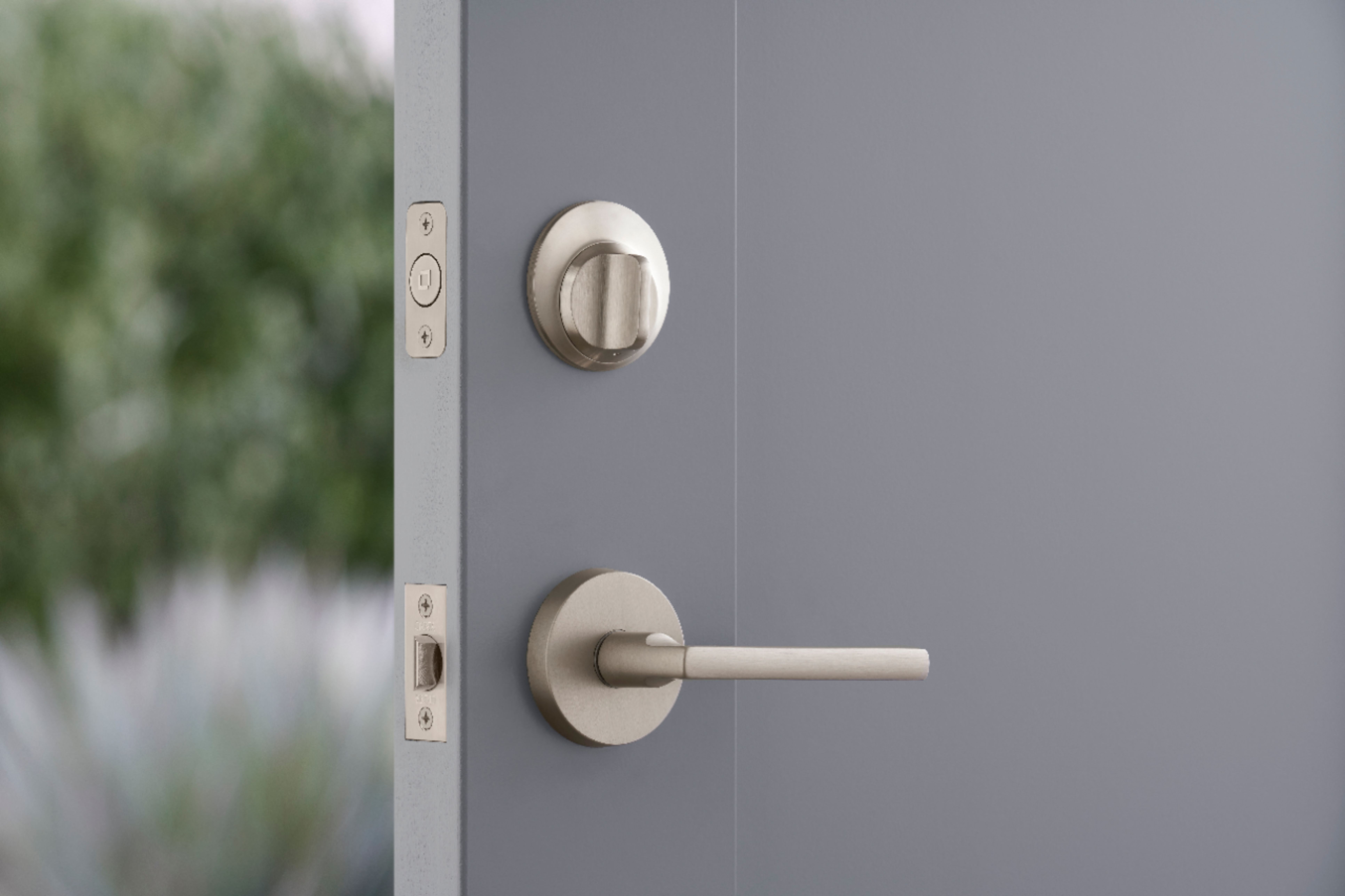
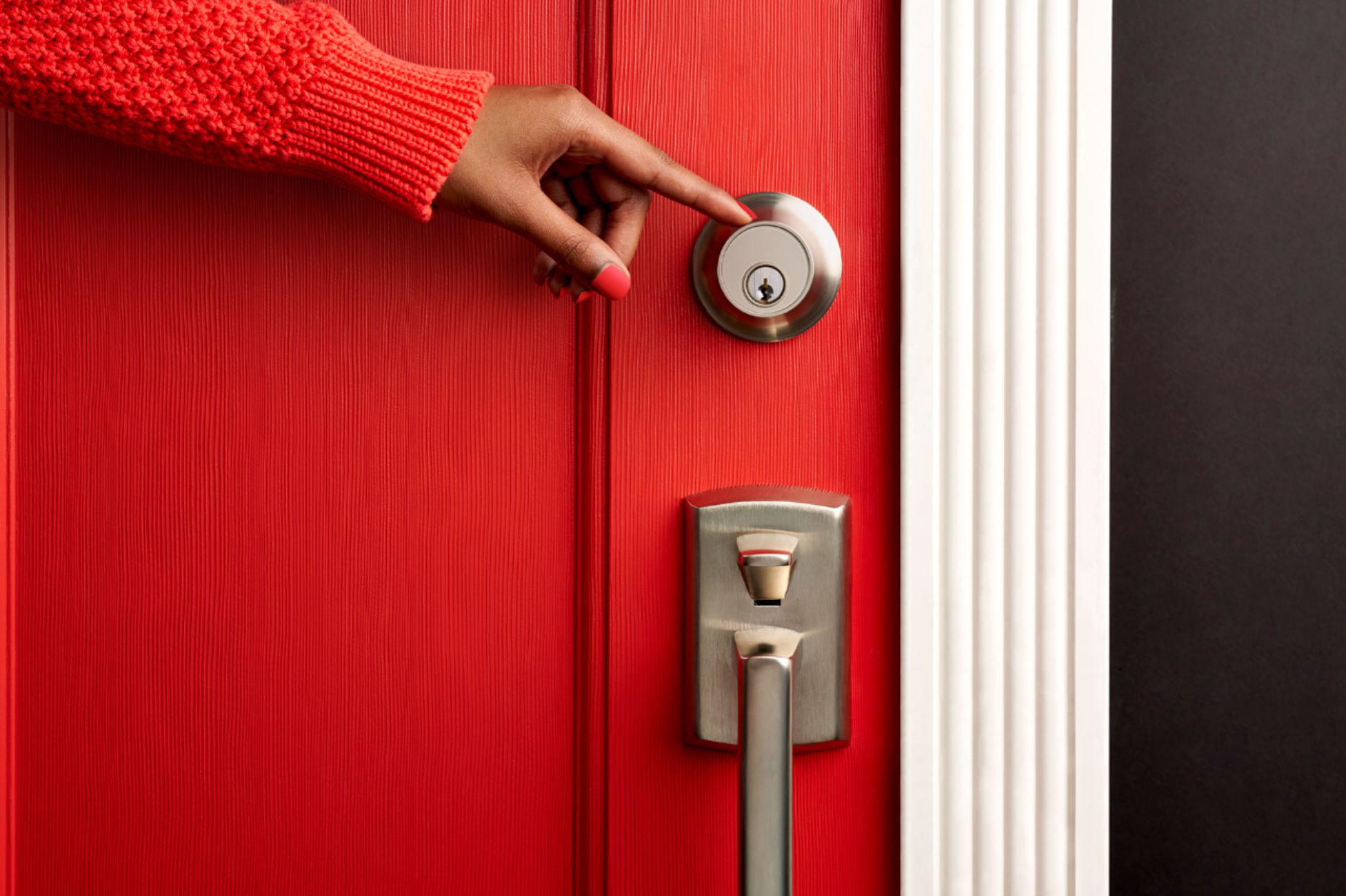
|Posted .This reviewer received promo considerations or sweepstakes entry for writing a review.This is a great door lock with easy install and good looks. Whats in the box: Getting started guide, the lock itself, set of keys and keycards Install: If you are slightly mechanically inclined, this is an easy install. Well, easy if your door is well aligned. If you have to push or pull on your door to lock the deadbolt, you'll need to adjust the door first. The instructions lead you to a website that gives you pointers on how to fix your door alignment if needed. If the door is aligned, you follow the very easy instructions, a couple screws, put the battery in and set it up on the app. Start to finish you could do this in 15 min. It took me longer because I had to adjust my door, but I'm happy I did that because now the door is much easier to open and close. Use: Once installed, you set up the app. Very easy to do, and has a barcode to scan if you want to set it up with apple home kit. It works as a regular old deadbolt with a key on the outside, and turn handle on the inside. You can do touch to lock/unlock on the outside of the door once its set up on the phone. Works very well, and uses GPS to ensure it won't unlock for other people. You simply touch the outside where the key is to lock, and when you return touch it again to unlock. No key needed. You can also use the apple home app, or the level app to lock unlock, along with Siri. Guest access: you can remotely unlock via the app, you can also set temporary guest access if they download the app. Other options include keycards that look like credit cards. You give them to people you want to give access to, and they tap the key on the lock and it will lock/unlock. Very handy and easy to use. Looks: Very well built, nice color and feels very sturdy. I LOVE how it looks on the inside. No one that has visited knows that it is a smart lock. Many other brands are very obvious and clunky/large on the inside. This looks like a regular old lock. Overall: I'm very impressed. Works well, easy to install and set up and easy to give guest access.
I would recommend this to a friend