Customer Ratings & Reviews
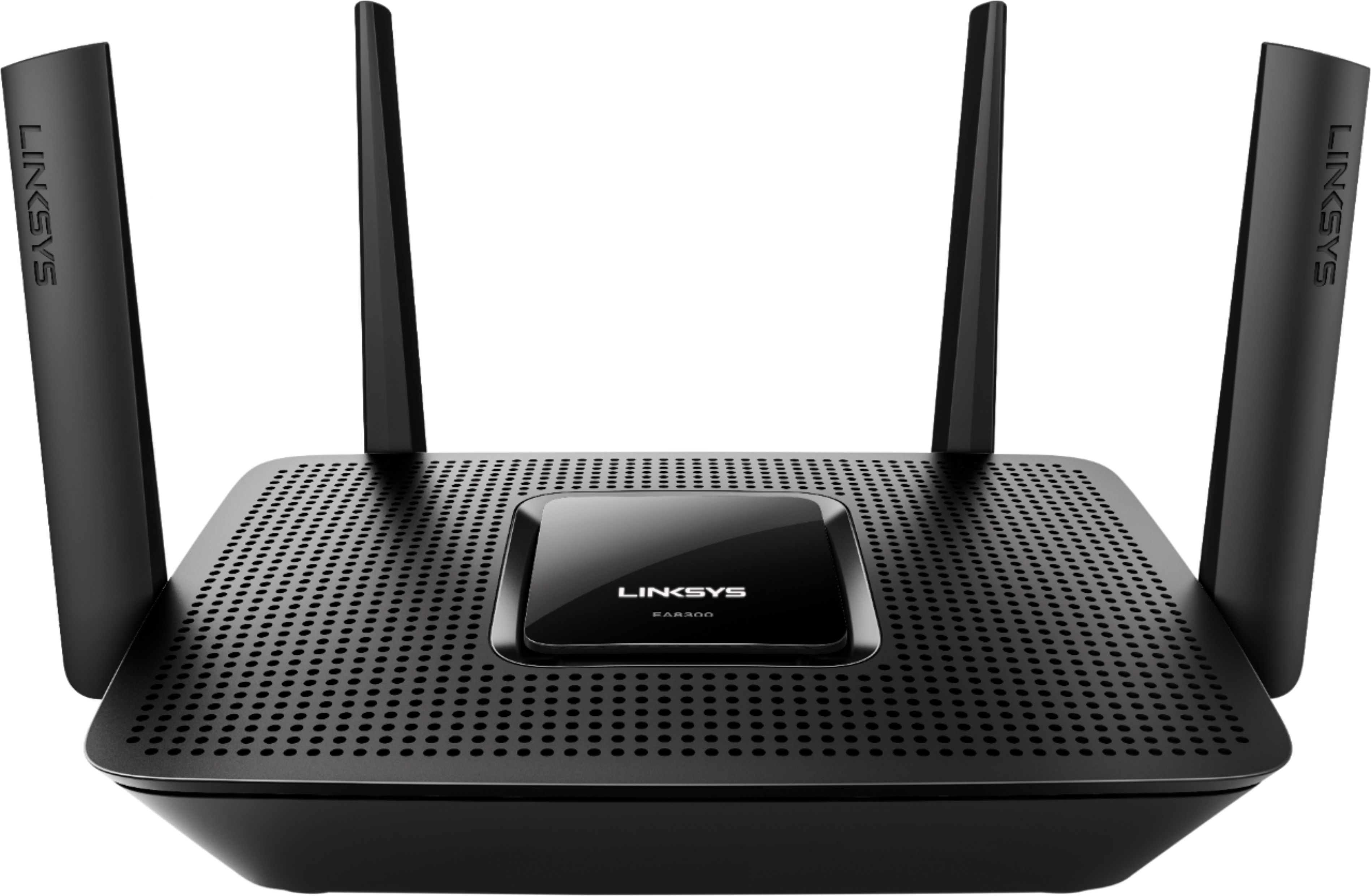
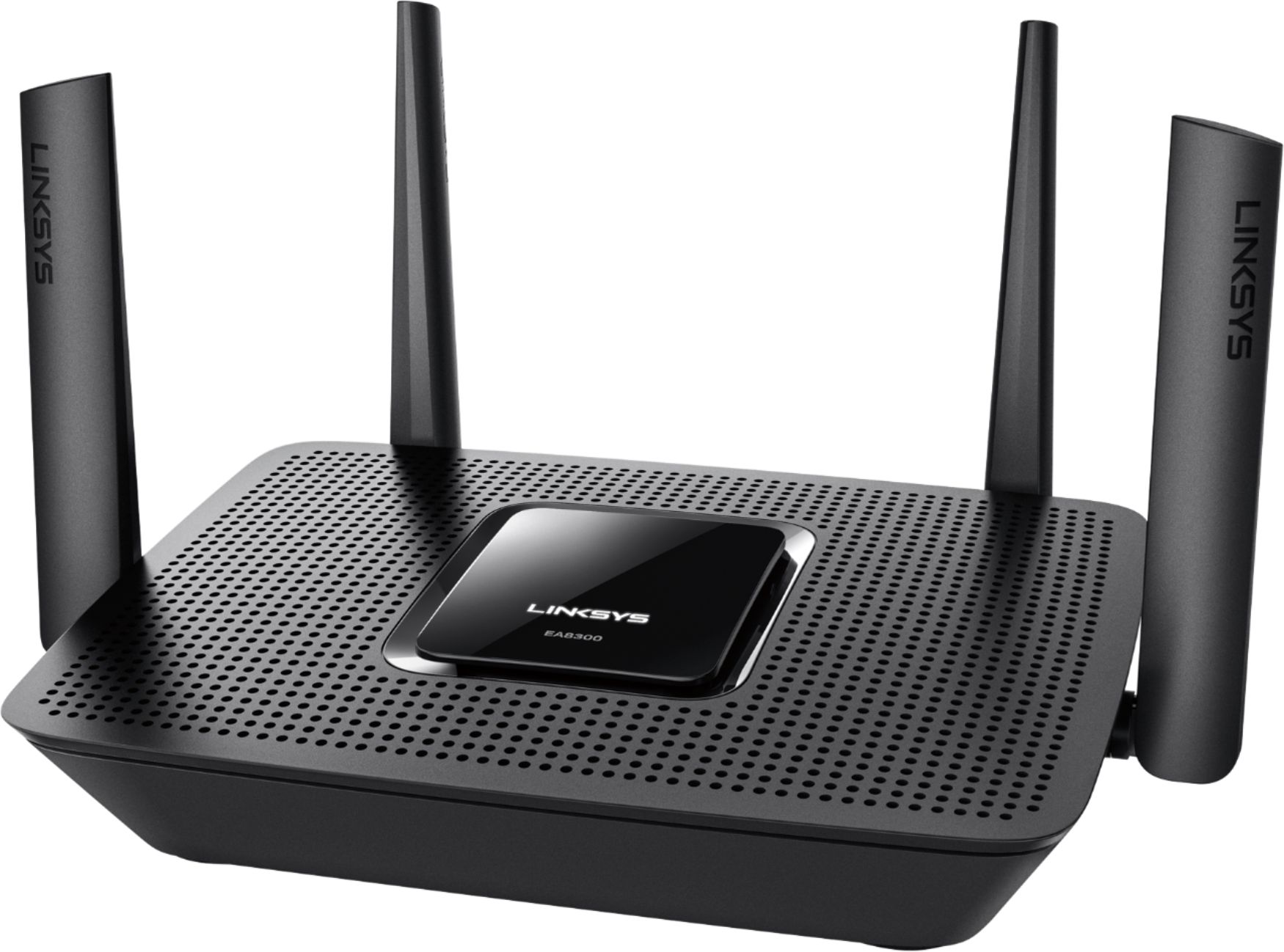
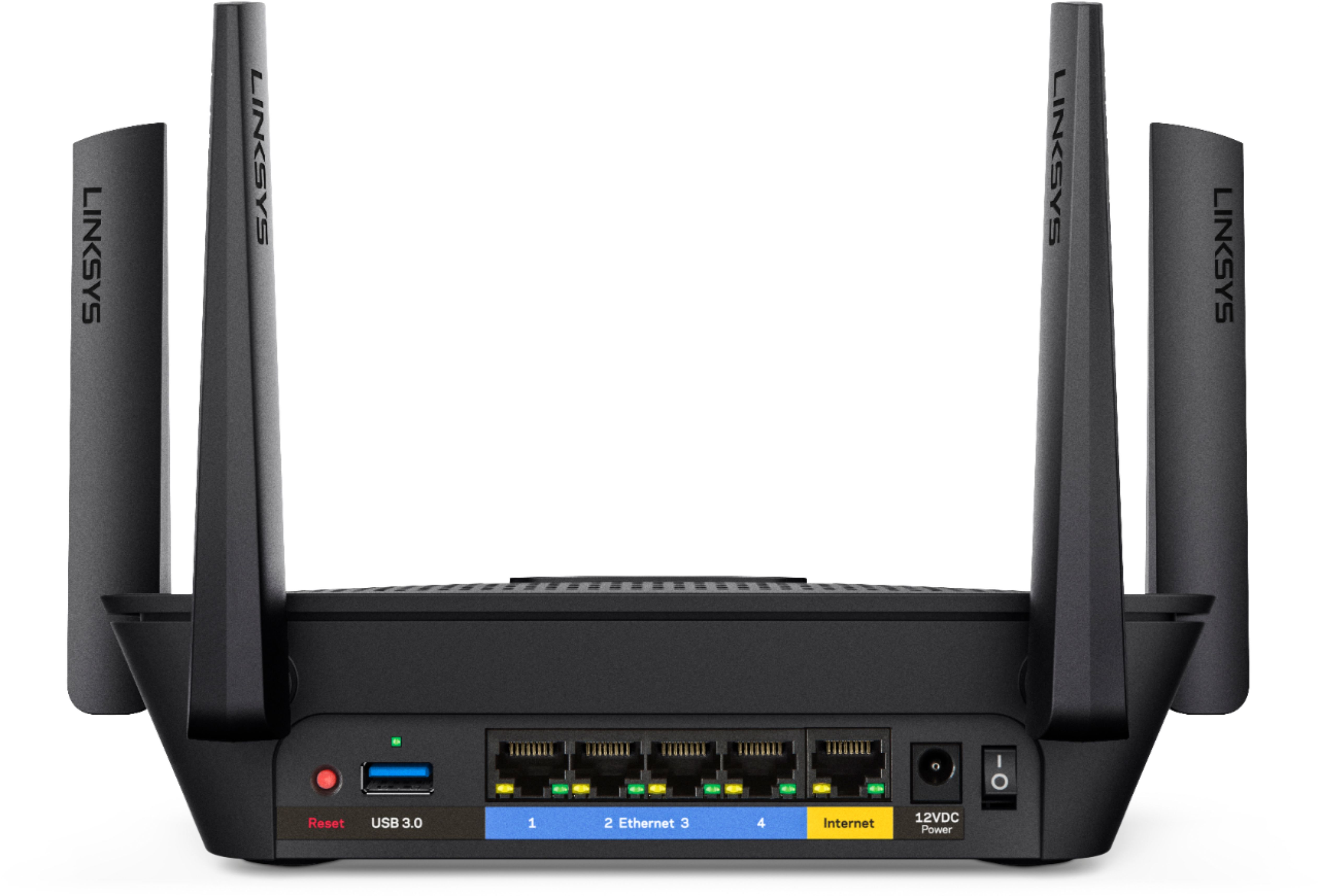
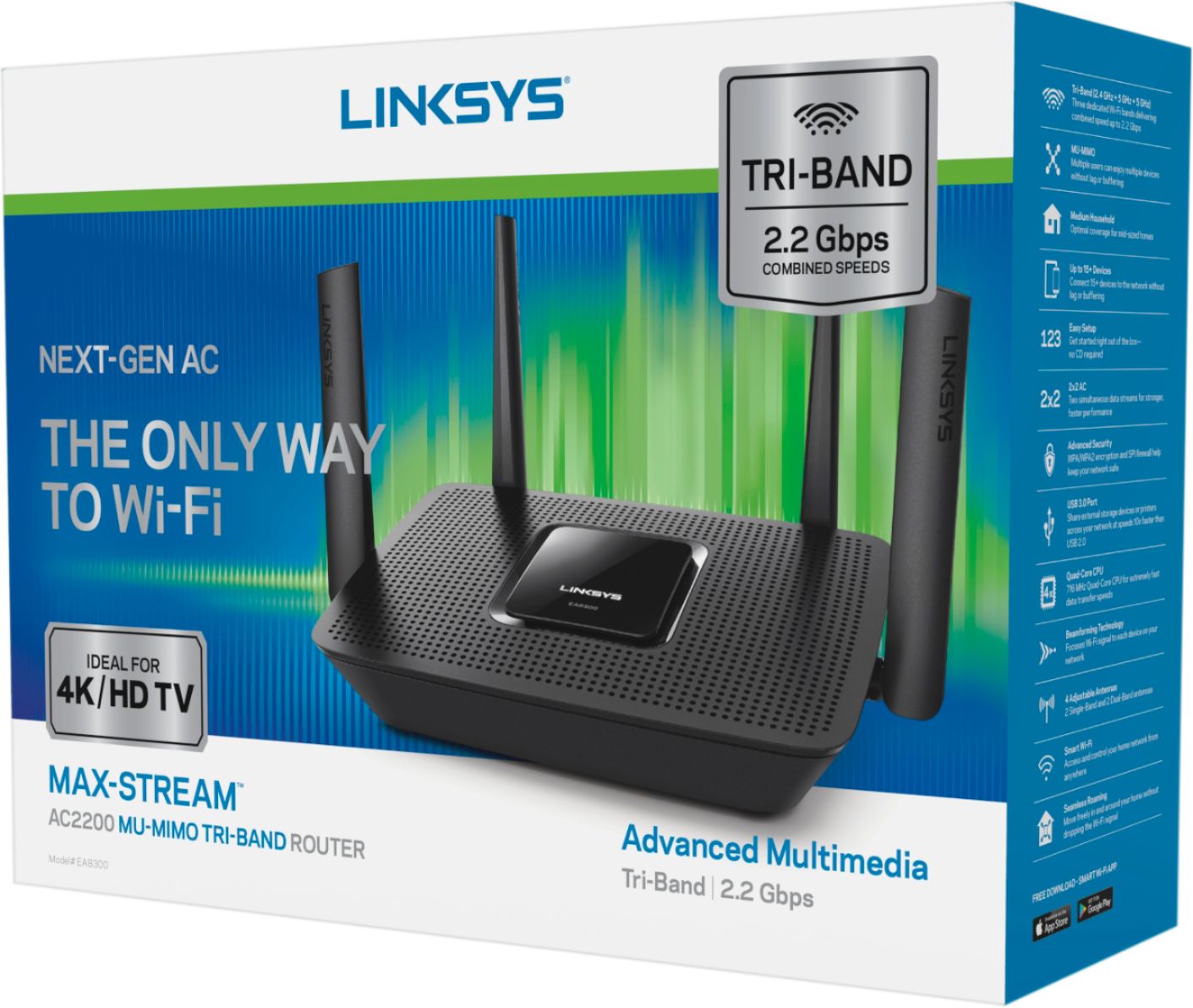

- Model:
- EA8300
- SKU:
- 5788100
Rating by feature
- Value
Rating 4.5 out of 5 stars
- Quality
Rating 4.6 out of 5 stars
- Ease of Use
Rating 4.6 out of 5 stars
Customers are saying
Customers frequently mention the ease of use, range, and performance of the Max-Stream™ AC2200 Tri-Band Wi-Fi Router as significant strengths. Many also praise the setup process, signal strength, and the router's ability to handle streaming. While some users noted occasional lag, concerns regarding the parental controls were also raised.
This summary was generated by AI based on customer reviews.
Good router
Posted .This reviewer received promo considerations or sweepstakes entry for writing a review.Product looks good, specs are above average, overall a good router
I would recommend this to a friendEasy to use, fast
Posted .This reviewer received promo considerations or sweepstakes entry for writing a review.My 11 year old set this up with a little help. Very easy to use.
I would recommend this to a friendExcellent product
Posted .This reviewer received promo considerations or sweepstakes entry for writing a review.This router is great! It even makes its way through stone walls!
I would recommend this to a friendExcellent
Posted .This reviewer received promo considerations or sweepstakes entry for writing a review.Took a minute to figure it out but it been working very well.
I would recommend this to a friendNot Good
Posted .This reviewer received promo considerations or sweepstakes entry for writing a review.Just received this router to replace an 8 year old linksys hoping to increase the device service at the house. Now after i connected it the service is horrible . Video’s always stop for loading and Netflix speed is worse too! Dont waste your money on this router . Back to old router . PS the modem connection is DOCS 3.0 and worked way better with old router as i indicated .
No, I would not recommend this to a friendBrand response from Linksys Staff
Posted .Hi, TommyC,
This is not the performance that your EA8300 Router should exhibit if the firmware is up-to-date and the settings for both frequency bands are properly configured. Allow us to make things right. Please send us your contact details and the link to this review at [email protected]. Our Escalation Engineers will take care of this.
Regards,
Jay
Linksys Support
its great
Posted .This reviewer received promo considerations or sweepstakes entry for writing a review.I love it so far. Major difference from my old router.
I would recommend this to a friendGreat upgrade from old router
Posted .This reviewer received promo considerations or sweepstakes entry for writing a review.This was a great upgrade from the very old router.
I would recommend this to a friendWireless freedom
Posted .This reviewer received promo considerations or sweepstakes entry for writing a review.Happy with purchase, works well. Would definitely recommend it over other similar products.
I would recommend this to a friendgreat reception, easy to set up
Posted .This reviewer received promo considerations or sweepstakes entry for writing a review.Purchased in store on sales person recommendation; very easy to set up and start up
I would recommend this to a friendStill waiting for VPN...for 9 months!
Posted .This reviewer received promo considerations or sweepstakes entry for writing a review.I've had Linksys routers in the past with great success. Foolishly, I bought this router about 7 months ago because the Linksys website advertised "Two features that will soon be added to the EA8300 are an OpenVPN Server and Advanced Band Steering". At that point, people had already been asking about that feature for a couple of months. I realize that "Coming Soon" is a relative term...but 9 months?? Now I feel like it was a marketing ploy by the manufacturer to grab customers that would have bought other units. If you need VPN Server functions, I would suggest that you look elsewhere. I guess we can always hope that 3rd party developers will release firmware that supports VPN on this model..but there are none that I know of so far. BTW..The manufacturer "moderated" this review by deleting it. Nice.
No, I would not recommend this to a friendDid not work out of the box
Posted .This reviewer received promo considerations or sweepstakes entry for writing a review.This router now works, but only after calling support. Had to turn off 5GHz band steering to make it work. Seems like we paid for that, but have to disable it to make it work. Seems to work mostly ok now. Hoping a firmware update will be delivered sometime so I can turn back on what I paid for.
No, I would not recommend this to a friendBrand response from Linksys Staff
Posted .Hi, quirky,
This is very odd for the router since band steering should not impede the router overall functionality from working properly. We'd like to have our Escalation Engineers investigate this to isolate what's causing this.
Send us your contact details at [email protected] along with the link to this post to complete your case.
We hope to hear from you soon.
Regards,
Thaddeus
Linksys Support
Stay away....
Posted .This reviewer received promo considerations or sweepstakes entry for writing a review.I purchased this router from Best Buy just over a year ago after reading reviews from multiple sources. Seemed like a great router. As of 2/4/2019 I have a useless brick. Monday evening lights suddenly started flashing on the back. Tuesday night when I returned from home I noticed I had no wi-fi. After checking with my internet provider, confirming I had no modem issues, but even still replacing the modem I kept getting the same issue. Lights would flash on the top of a cable and then an earth. I have tried to reset several different ways and nothing has worked. After contacting Linksys today I was told that the warranty was up on 2/1/2019 and that I have a hardware/memory issue. If I want extra help to try and resolve it I need to pay either $29,95 or $39.95 for additional help, but still no guarantee that even paying that cost would fix the issue. The women who spoke with me via chat was very helpful, but overall I'm very disappointed with this router. It was not a cheap router, and after just one year of use should still be functional. I guess its time to research a brand other then Linksys to purchase for a new wifi modem.
No, I would not recommend this to a friendNo OpenVPN Server, No 3rd party firmware.
Posted .This reviewer received promo considerations or sweepstakes entry for writing a review.I bought this router during Black Friday 2017. Lynksys was already advertising "Two features that will soon be added to the EA8300 are an OpenVPN Server and Advanced Band Steering" for several months. I bought this router thinking that the OpenVPN would be a reality within a "few months". Here it is, well over a year later and Lynksys (still advertising the same claim) has not delivered, and they also have not updated the firmware. At this point, if you are thinking of using a router as an OpenVPN Server to gain remote access to your network, this router will currently not work and there are newer and better choices. To my knowledge, there also is not any 3rd party firmware available for this model to expand the "possibilities". Lastly, Lynksys "moderated" this review from their website by deleting it. I hope Best Buy won't shy away from publishing this.
No, I would not recommend this to a friendKeeps losing internet connection
Posted .This reviewer received promo considerations or sweepstakes entry for writing a review.Terrible router. If you are not cautious you will get stuck in a loop that always takes you to the page that says your router is not properly set up. WoW. Then after you manage to get properly working it will continue to lose wan connection to your ISP. Bought on black friday and it has lasted until January 20th so I give it credit for working good for 2 months. But the sudden dropping of ISP is crazy. So far I have updated firmware, rolled back firmware, changed many settings that are suggested in the linksys forums. I have a very good knowledge working with routers in my current Job but I have never seen anything like this. I would not recommend especially for someone who is not knowledgeable with router settings as this unit is not user friendly. So after 2 months of perfect performance then suddenly a nightmare I would not Recommend.
No, I would not recommend this to a friendBrand response from Linksys Staff
Posted .Hi, JOHN,
This is not the behavior that your EA8300 Router should exhibit if it's properly configured and the firmware is up-to-date. We're glad that you posted this product review so we can make things right. Please send us the workarounds you've tried at [email protected] so we can get you over to one of our Escalation Engineers for further isolation. Indicate your contact details and the link to this review for reference.
Regards,
Jay
Linksys Support
Disappointed
Posted .This reviewer received promo considerations or sweepstakes entry for writing a review.I purchased this router to replace a linksys router that was struck by lightning. After setting it up the router would need reset every 12 hrs because it kept on losing connection. I tried changing settings on it but nothing helped. I checked with my ISP and the problem wasn't on their end. So I contacted linksys tech support and they determined the router was defective because it would not accept the latest firmware. They sent me a new one, I downloaded the newest firmware and it didn't fix the problem it still did the same thing. So I returned the router to Best Buy, and exchanged it for a Netgear Nighthawk R8000. Since the replacement I have had no hiccups in my service, it's been flawless.
No, I would not recommend this to a friendBrand response from Linksys Staff
Posted .Hi, KH72,
It is unsual that same thing happened with the replacement EA8300 router and we'll definitely look into this. Although you've already returned the replacement product, please know that you can always reach us via [email protected] should you need assistance with your other Linksys devices.
Regards,
Irish
Linksys Support
Had to Return - Good Coverage but bad reconnect
Posted .This reviewer received promo considerations or sweepstakes entry for writing a review.The summary says it all. I love the speed and performance of the WiFi Router however non of my devices enjoyed reconnecting coming out of sleep. I even worked with Linksys and had a support ticket. but their solution was to hard reset router to no vail. This was not limited just to a single machine. My Surface, Macbook and two android devices had the issue. We had to disable and renable wireless for it to reconnect.
No, I would not recommend this to a friendBrand response from Linksys Staff
Posted .Hi,
This is a very usual behavior for the router. Have you already tried to update the firmware of the router? Updating the firmware usually fixes these types of challenges. If this continues, get in touch with us at [email protected] so that we can escalate your case to our Engineers for further troubleshooting. Also, include your contact details and the link to this post in the email.
We hope to hear from you soon.
Regards,
Thaddeus
Linksys Support
Absolute Junk!
Posted .This reviewer received promo considerations or sweepstakes entry for writing a review.So far I have spent 6+ hours trying to connect the Amazon Echo to this router. I contacted Linksys Tech Support, over an hour spent and I am back to square 1. No resolved. I mean, sure, if you want to spend all day connecting your devices, then sure, go for it! I never receive a pop-up screen that allows me to enter the password, so of course, there is no internet. It says "Amazon. Connected. No Internet" and it's been saying this message for over 6+ hours. Oh, the joy I have experienced with this piece of garbage. I am using the Alexa app. I hold the button, the top goes orange, I go into settings, click on the Amazon WiFi settings, connect Amazon Echo (Hilarious) then I am to return back to the same Alexa app page. Nope, impossible. Once, I go back my phone refreshes the Amazon App and guess what? I get to start all over again, over and over and over and over again. Back to Best-Buy it goes!
No, I would not recommend this to a friendBrand response from Linksys Staff
Posted .Hi, Mars,
Connecting a device to the router is normally easy. Since you mentioned contacting our Support team, allow us to look into the steps you've tried and endorse you to our Escalation Engineers for further assistance. Please email us the case number at [email protected] along with your phone number and the link to this post for our reference.
Regards,
Linksys Support
www.linksys.com
Lots of issues
Posted .This reviewer received promo considerations or sweepstakes entry for writing a review.I have owned this router for less than 3 months and up until now it has worked excellent. However now it is CONSTANTLY dropping internet and wifi, I go to look at it and the Linksys logo on the screen is ether flashing or not there at all and I spent over an hour on the phone with a barely English speaking specialist to try and fix it. Ended up changing a few things under the 5GHz2 band and updating the firmware and the EA8300 was stable again for about an hour and a half until it started dropping wifi again constantly every 5 minutes. I can't return this router at this point so now I spent $200 on a piece of garbage.
No, I would not recommend this to a friendBrand response from Linksys Staff
Posted .Hi, PowersGuy,
The wireless and internet connection are expected to be stable once the router is setup. To isolate this further, we'd like to have our Escalation Engineers. Please email us the case number at [email protected] along with your phone number and the link to this post so that we can also check the steps you've tried with our Support team.
Regards,
Irish
Linksys Support
Do Not Buy
Posted .This reviewer received promo considerations or sweepstakes entry for writing a review.Bought this item because of the positive reviews I had seen and could not have been more disappointed. Spent an hour on the phone with customer service trying to get it connected and after going through countless steps they finally decided that my box was defective. If you are are wanting a good router, do not buy this.
No, I would not recommend this to a friendBrand response from Linksys Staff
Posted .Hi, dman32,
This is definitely not the experience we want for our customers. If the device has been deemed defective, we can process a replacement for it, assuming that it is still within its warranty.
Get in touch with us at [email protected] so that we can further assist you. Just include your contact details and the link to this post for our reference.
We hope to hear from you soon.
Regards,
Thaddeus
Linksys Support
Drop signal
Posted .This reviewer received promo considerations or sweepstakes entry for writing a review.Very disappointed with this router I had super high hopes but when you have to keep searching for signal because of router failure is very frustrating.
No, I would not recommend this to a friendBrand response from Linksys Staff
Posted .Hi, Jose,
This is not what we wanted you to experience from your EA8300 Router. Please get in touch with us at [email protected] so we can tap one of our Escalation Engineers to optimize your router's settings to resolve your connectivity issues. Include your contact information and the link to this review for reference.
Regards,
Jay
Linksys Support