Customer Ratings & Reviews
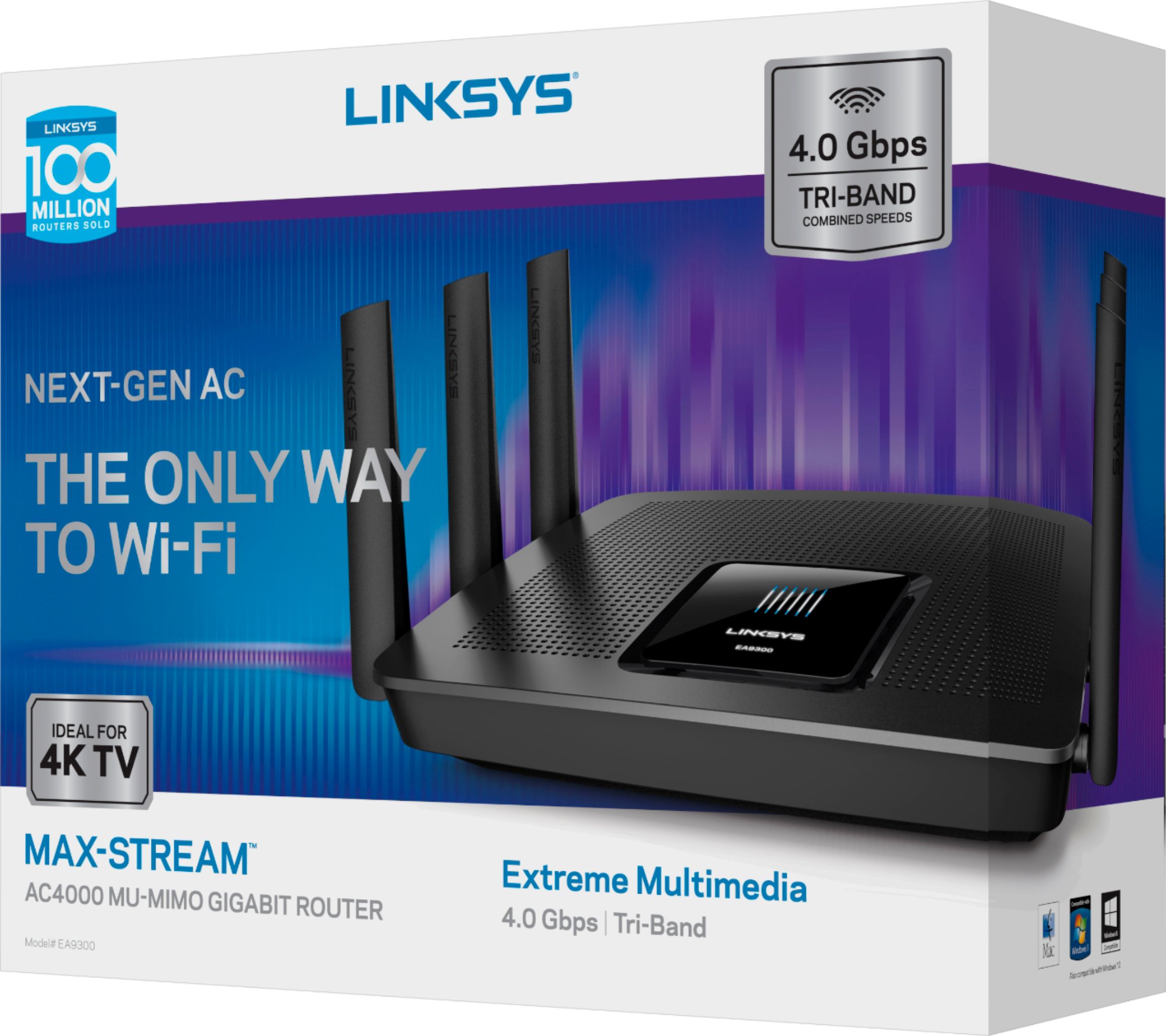
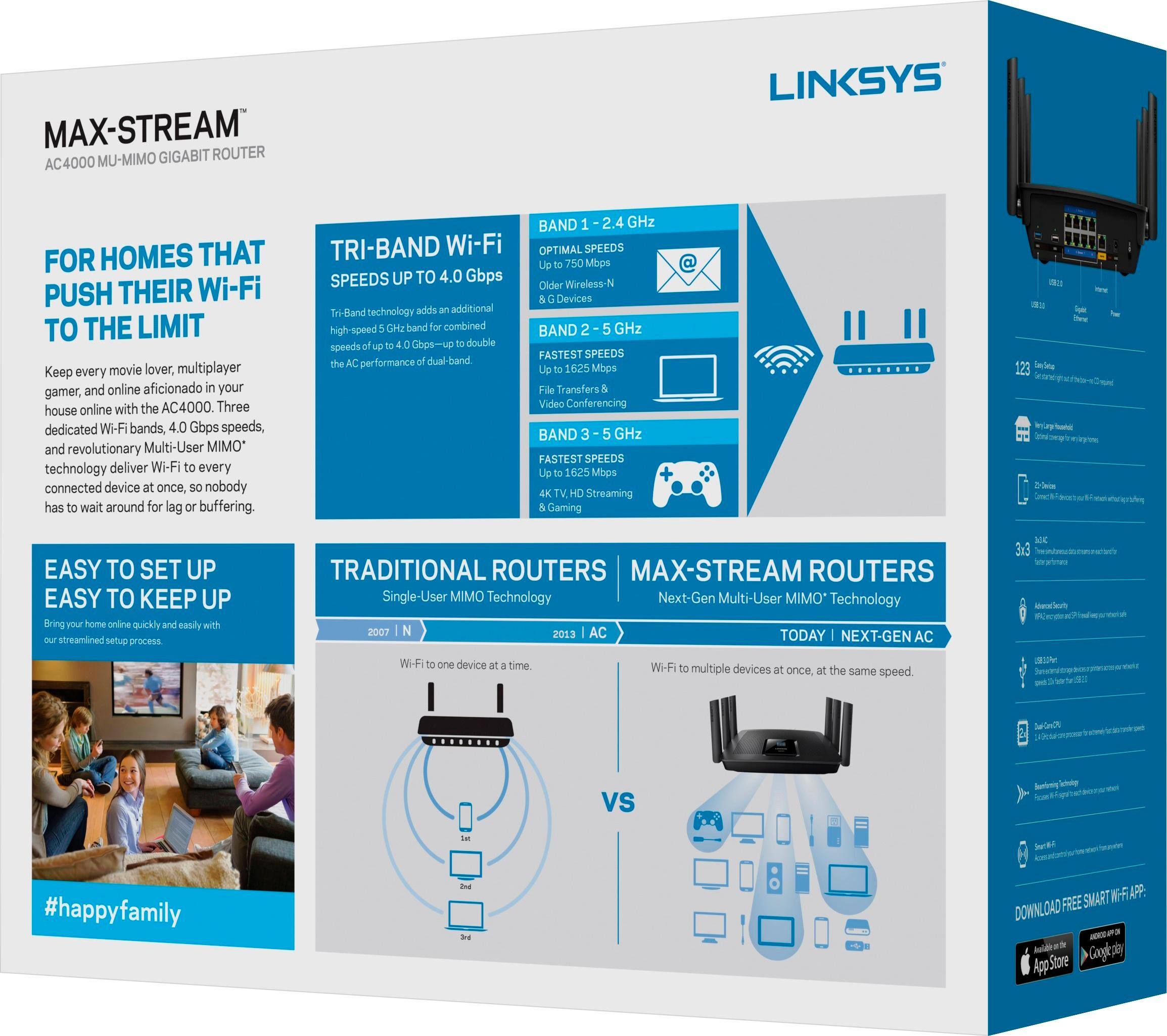
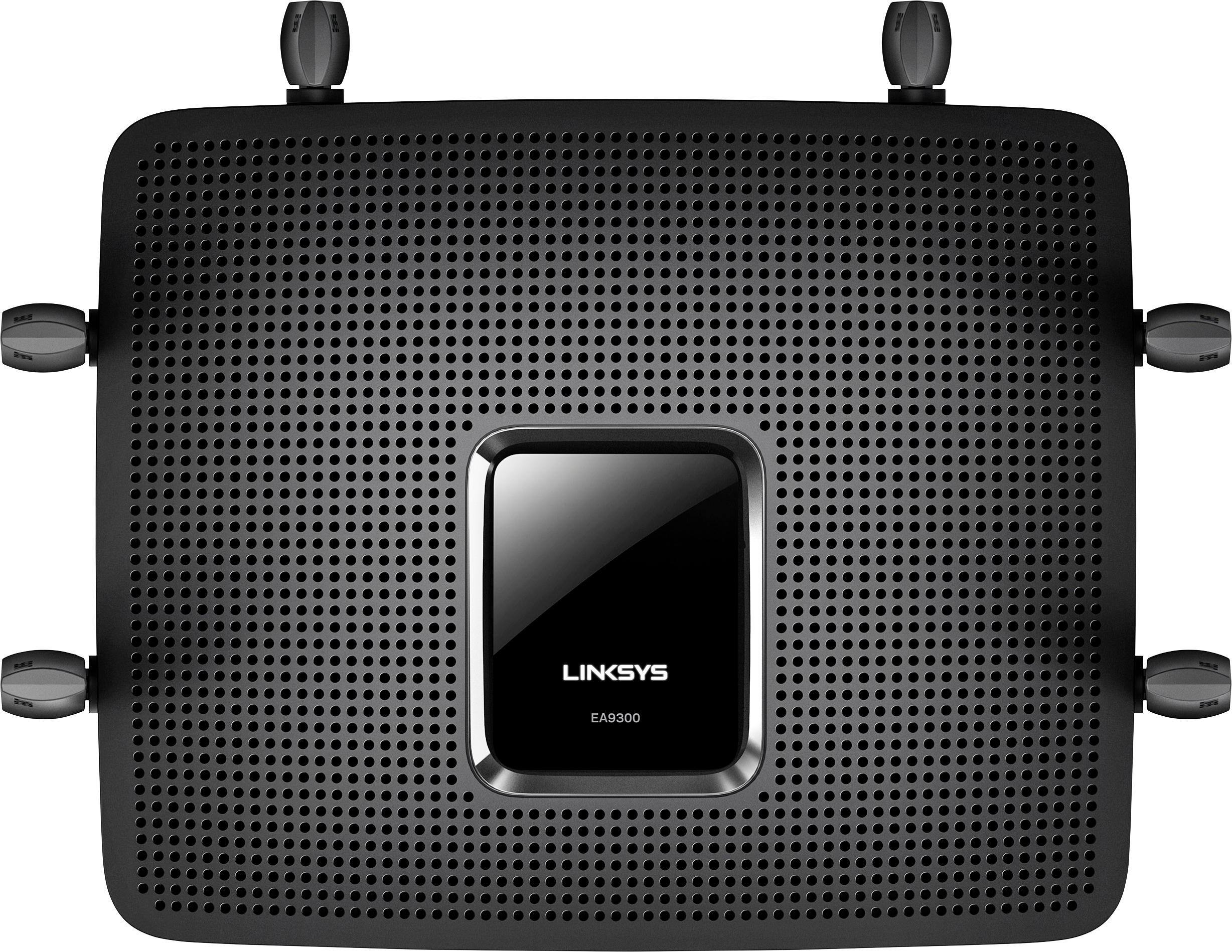
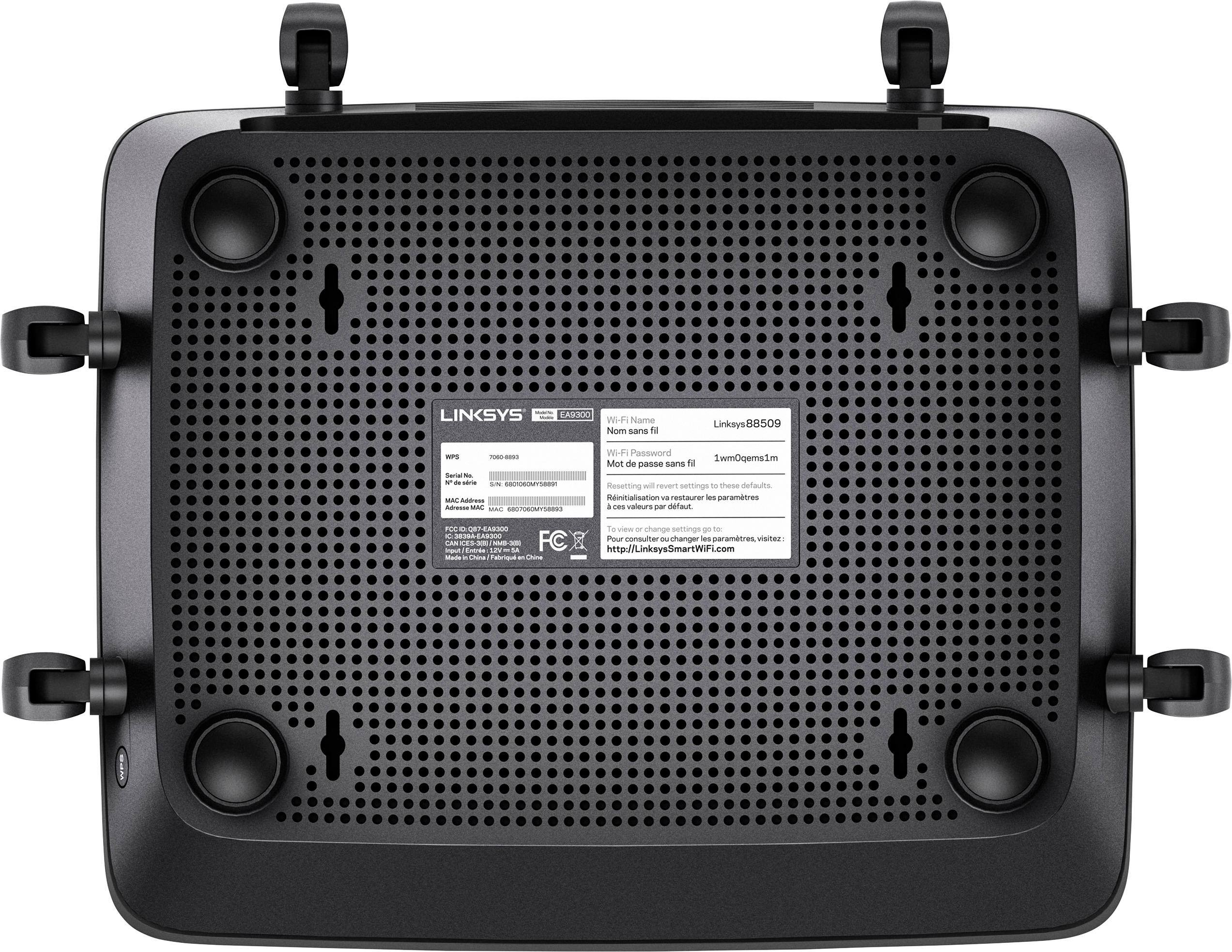

- Model:
- EA9300
- SKU:
- 5844817
Rating by feature
- Value
Rating 3.5 out of 5 stars
- Quality
Rating 3.9 out of 5 stars
- Ease of Use
Rating 3.8 out of 5 stars
Customers are saying
Customers recognize the Max-Stream™ AC4000 Tri-Band Wi-Fi Router's impressive range, ease of use, and strong performance, with many praising its simple setup and excellent signal strength for reliable coverage throughout their homes. Positive feedback also highlights smooth streaming and gaming experiences. While some users noted the router's size and higher price point, the majority found these drawbacks outweighed by the numerous benefits. A small number of users reported occasional connection issues.
This summary was generated by AI based on customer reviews.

Works but over priced.
|Posted .This reviewer received promo considerations or sweepstakes entry for writing a review.This is a good router but at this price the value of the features and hardware does not seem to translate into noticeable benefit to the end user. In other words, I feel like I could buy a lower price router from Linksys and get the same performance and features I "need". Think about what you really need and buy the appropriate router for you. Don't get me wrong, I love the look of this router, like the six antennas, and I believe that this router may last longer than a less expensive one... I believe that but in practice and experience very expensive routers don't last longer than routers half this price. And that time frame is 4-5 years. Anyway, this is a great product, but I don't think I'll buy a high end router again unless it has some demonstrable reason to do so. If you don't care about price then this router looks good and works fine so go for it.
I would recommend this to a friend- Pros mentioned:Ease of use, Speed
Excellent router for super speed internet
Posted .This reviewer received promo considerations or sweepstakes entry for writing a review.The Linksys AC4000 was super easy to set up and configure. We have multiple wireless and wired devices to hook up and it can handle it all. Replaced an old E2000 model and even though both are giga-routers, I saw a speed increase. Definitely happy!!
I would recommend this to a friend What? No WPS button?
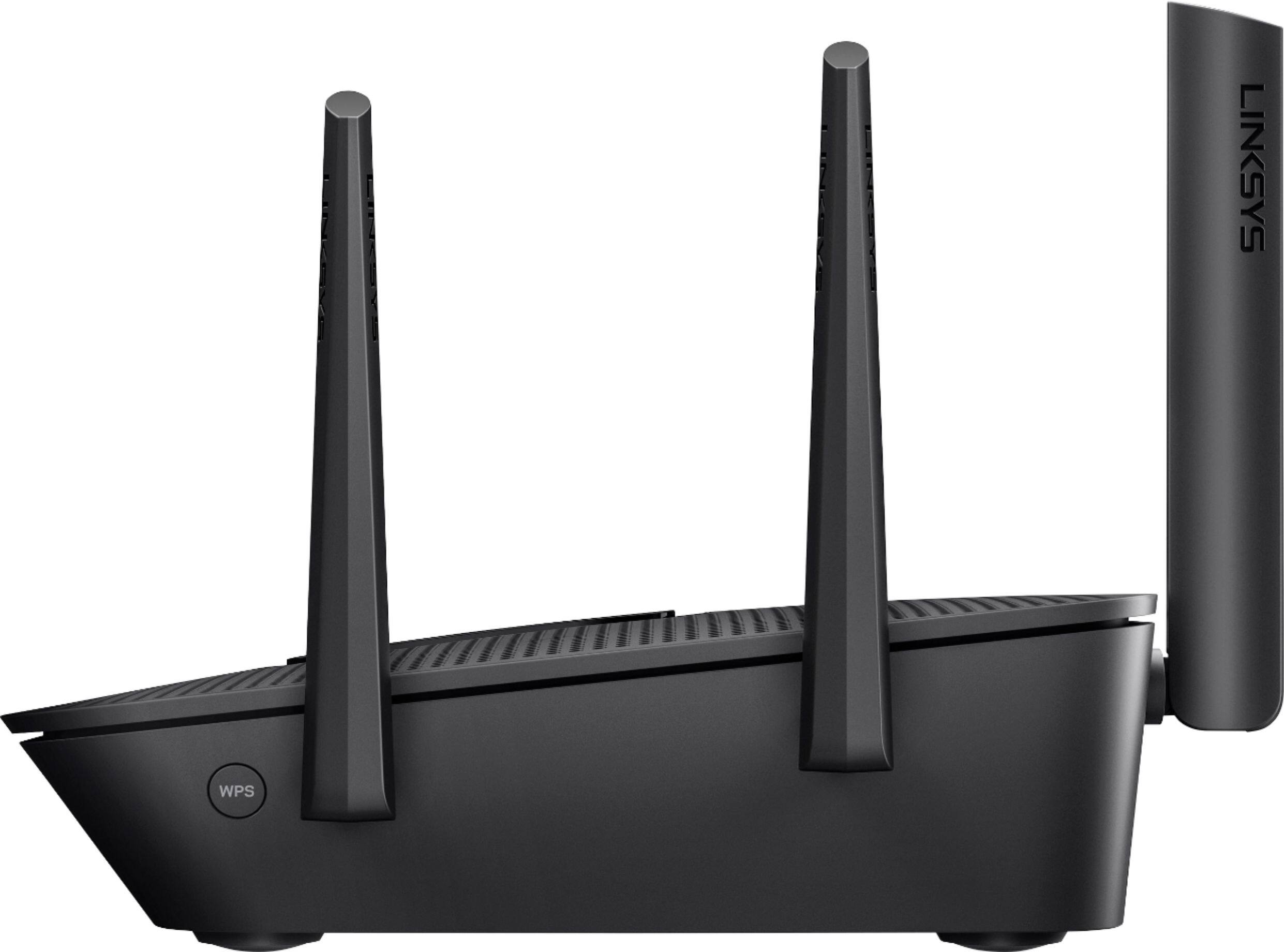
|Posted .This reviewer received promo considerations or sweepstakes entry for writing a review.This router was easy to set up with the Linksys browser-based interface, but connecting the cables according to the quick start guide using a preexisting modem-router resulted in the inability of the AC4000 to allow a connecting device to get an IP address. Only when I moved the connecting LAN cable to one of the 4 Ethernet ports would it allow the connection. The setup didn't specify that "any available port OTHER than the port labeled "Internet" should be used. Once it was set up, I could only access the router through the phone app on some trials, and could not find a way to check to see if DHCP had automatically been disabled by the way the cables were supposed to be connected. In short--the signal was no better than any other router while outside the house or at the same weak signal points in the house. Having no WPS connect button means logging in to the phone app to be able to connect a device that way. Moving to a phone-based control system this long in advance when a lot of us are still using PCs seems premature.
No, I would not recommend this to a friend- Pros mentioned:Ease of use
LINKSYS AC4000 works
Posted .This reviewer received promo considerations or sweepstakes entry for writing a review.This router is so easy to use. IT has a bandwidth test which allows me to constantly harass my ISP since the Flash interface gives me just one click from finding out how oversubscribed they have my bandwidth. Parental controls allow me to block Youtube, Disney and so forth, whatever my kids are watching to avoid homework. I can easily view network devices, relabel them, add a different identifier icon. Some details: SSID: Linksys09966 Protocol: 802.11n Security type: WPA2-Personal Network band: 2.4 GHz Network channel: 9 IPv4 address: 192.168.1.108 Manufacturer: Realtek Semiconductor Corp. Description: Realtek RTL8188EE 802.11 bgn Wi-Fi Adapter Driver version: 2023.30.301.2016 And I can log in online through their cloud even if I forget my local password. Great buy!
I would recommend this to a friend - Pros mentioned:Speed
Best of 4 Routers
Posted .This reviewer received promo considerations or sweepstakes entry for writing a review.My old Netgear 6300 router was taken out by a power surge, so I had to quickly find a replacement. So I bought and tested 4 different routers. I tried the Google Wi-fi router, which was the easiest to set-up but the slowest performance-wise, the Netgear Orbi, somewhat problematic in setting up getting the satellite sync' and faster than Google but still half the speed of my 7 year old Netgear, a Netgear Nighthawk 4s which was the second easiest to set up and was the second fastest, and then the Linksys EA9300. It was painless to set-up. It was the only router in the group that had gig speed WAN, and the performance was stellar. I have 31 devices connected, along with 3 switches. We have multiple family members streaming and no lag whatsoever. I am very pleased.
I would recommend this to a friend - Pros mentioned:Ease of use, Performance
Great Design and Performance
Posted .This reviewer received promo considerations or sweepstakes entry for writing a review.This router has a sleek design, is easy to install/configure, and provides good wireless coverage. Cisco's configuration platform has a great design and is easy to maneuver through. This is a great performance router.
I would recommend this to a friend BIG & POWERFUL ROUTER
|Posted .This reviewer received promo considerations or sweepstakes entry for writing a review.When I unpacked the box, I was quite surprised at the SIZE of this router ... thinking it would be closer to the sizes of my prior routers. NOT ... it was almost twice the size. I like the expanded capacity of this router. I haven't experienced any sluggishness in internet access, even at the farthest reaches of my house.
I would recommend this to a friend- Cons mentioned:Price
Needs a lot of work... Not ready for prime time.
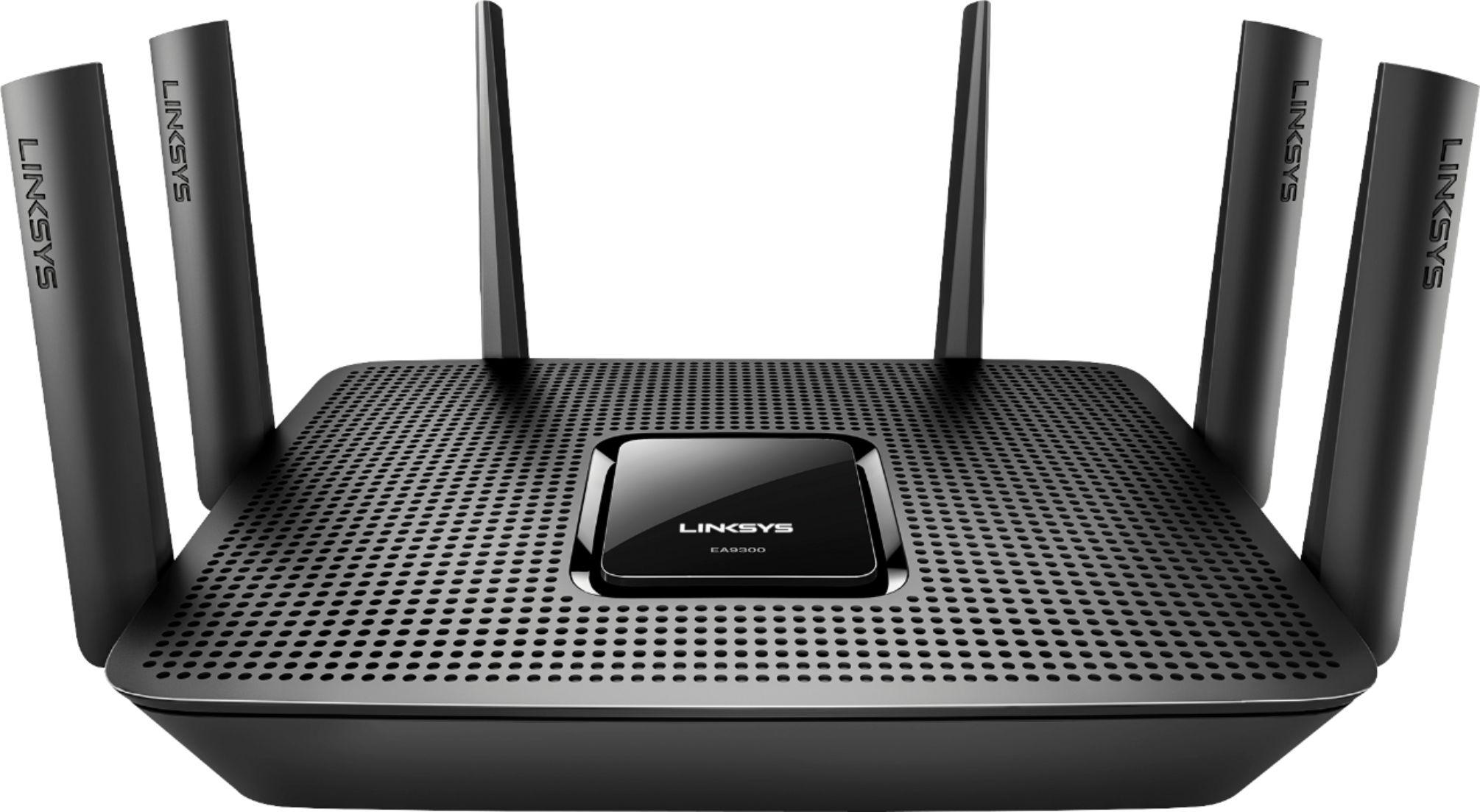
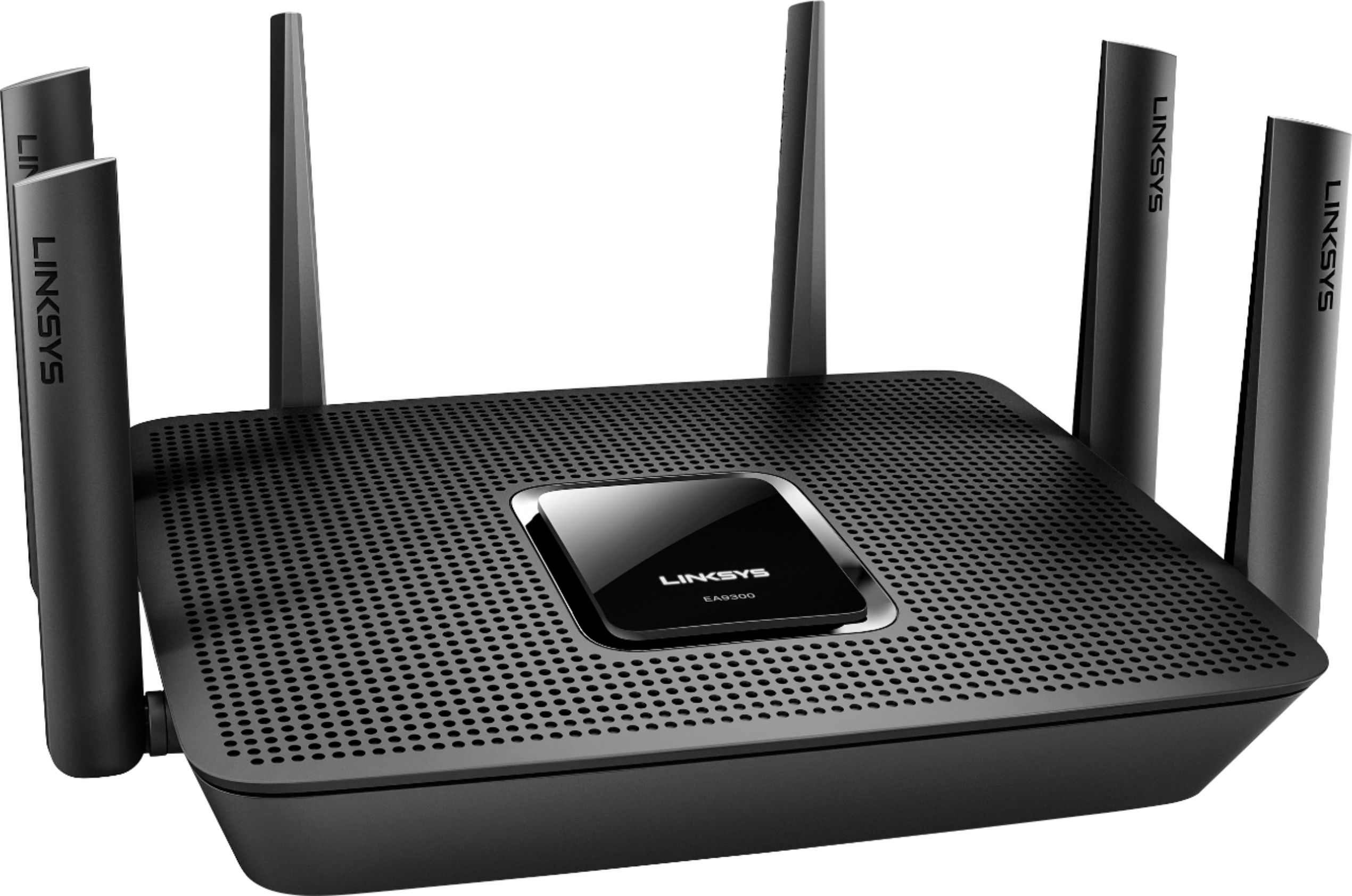
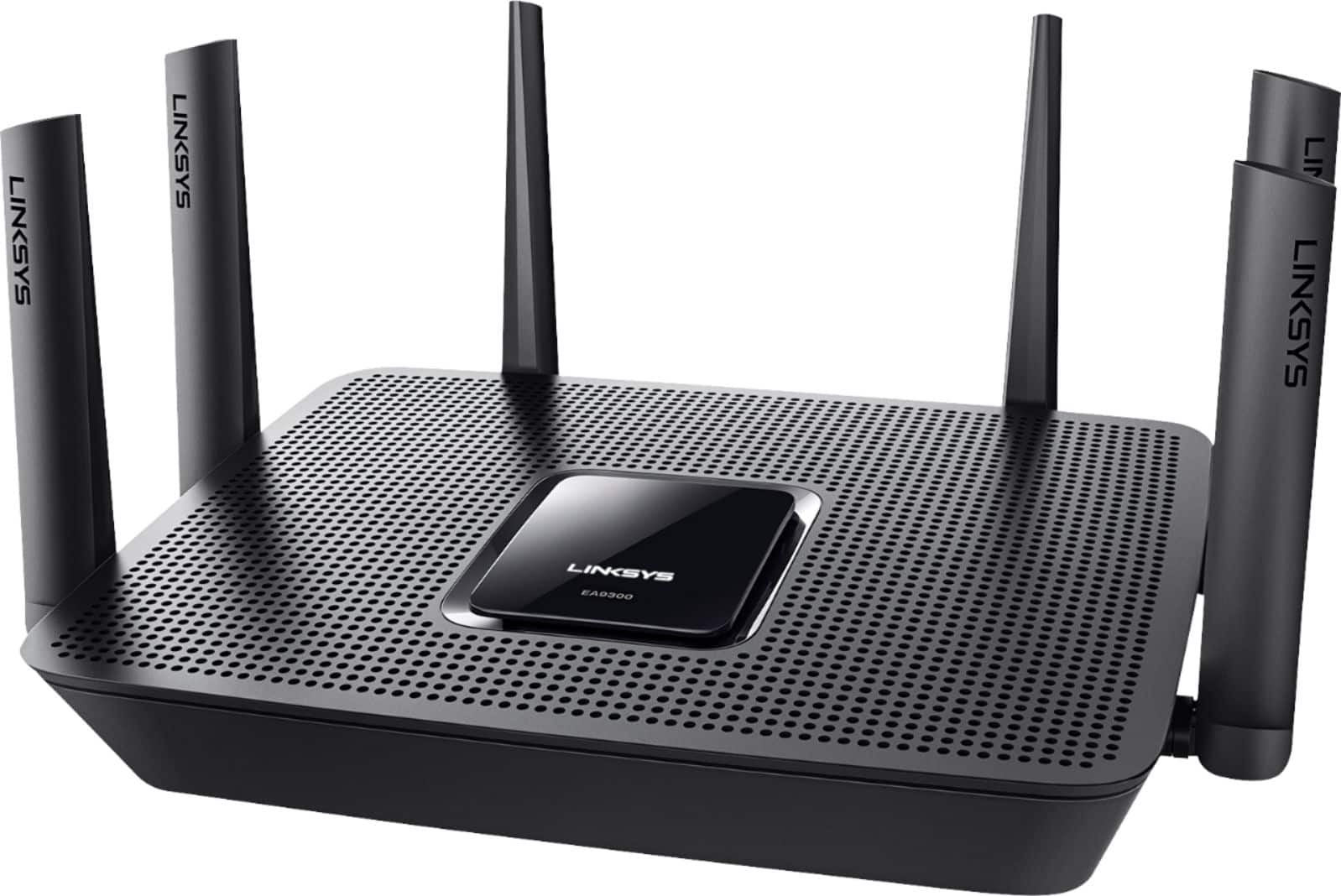
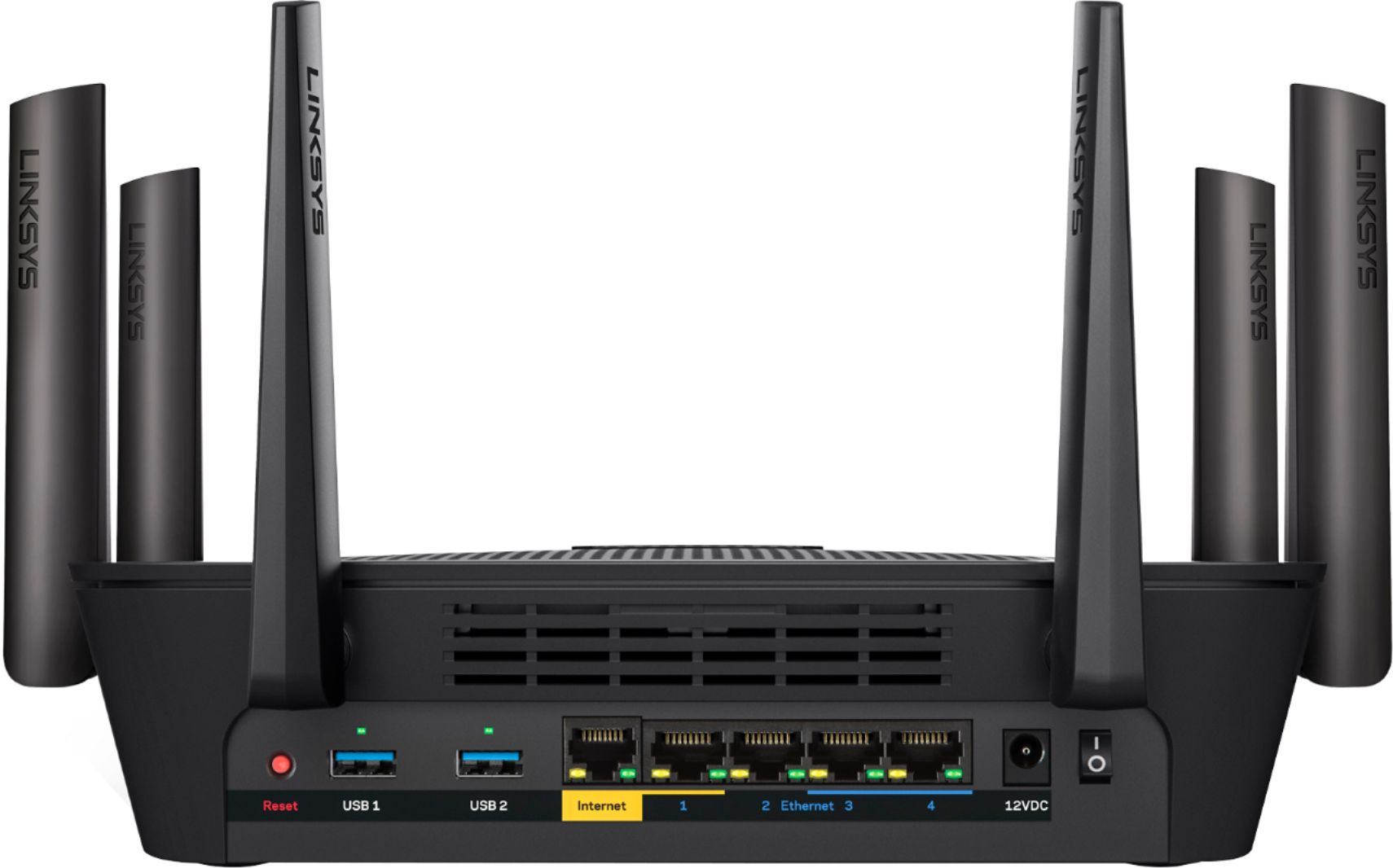
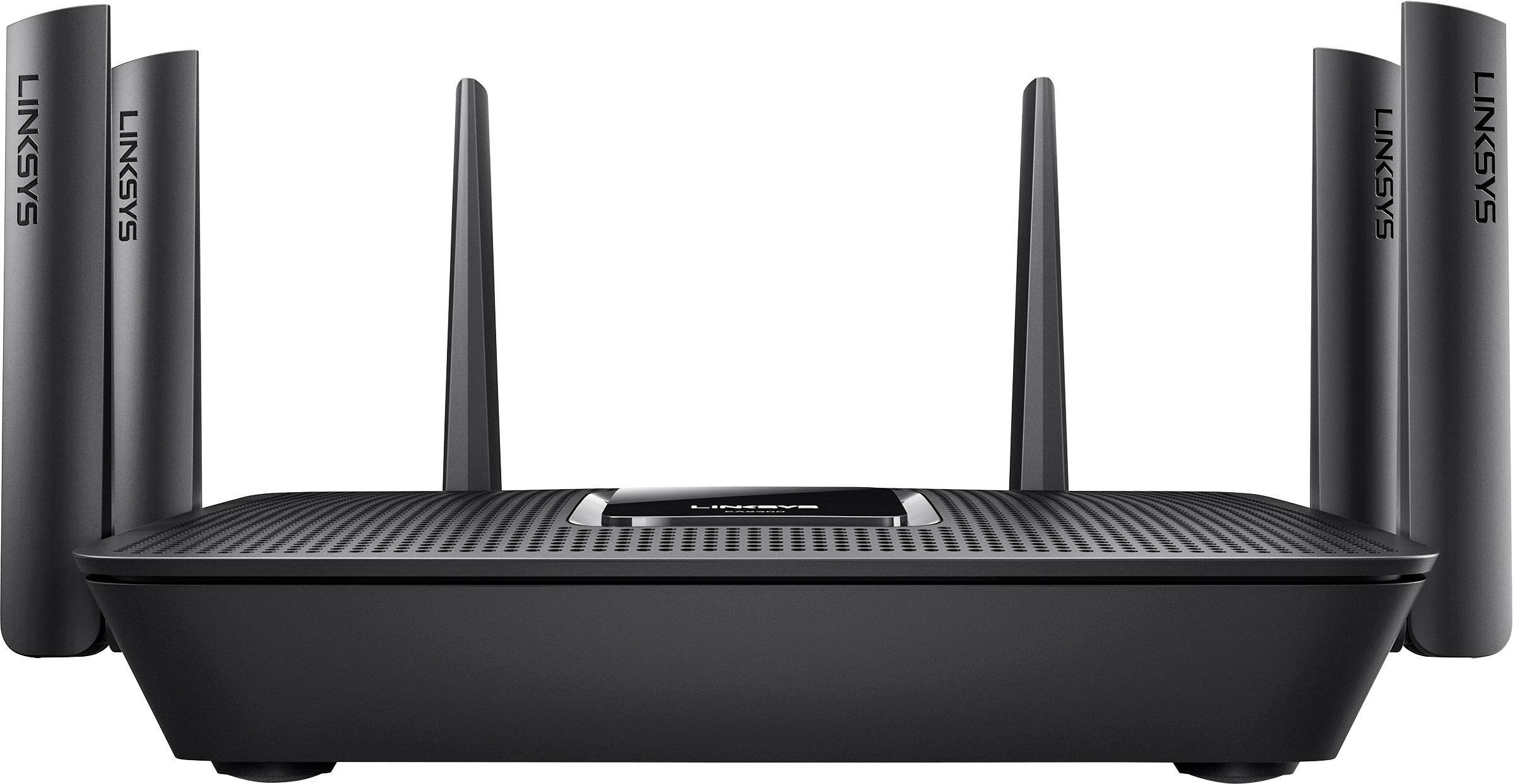
|Posted .This reviewer received promo considerations or sweepstakes entry for writing a review.Presentation The unit arrived within a simple, well organized box. No fluff – minimal waste. The unit is lighter within a smaller footprint compared to its bigger sibling, the venerable EA9500, with only 6 articulating antenna instead of 8, 4 Ethernet ports instead of 8 and only 1 USB port on the back - but the overall style is very similar. . I would characterize this unit as average in size – for a table top unit that isn’t a ‘tower’ in stature and should be appealing to those with space concerns. Initial Setup To start off, my router came with a down-level version of the firmware, requiring an update which occurred automatically upon setting it up. A key missing feature is a wifi on/off switch on the side of the unit. This unit also took a few attempts at initializing through the Linksys setup process – not obtaining an IP address or seeing the live internet connection out of my modem. This was rectified by the 3rd attempt of a hard power reset. Internal Configuration One thing this unit has that the EA9500 doesn’t is the Wireless Scheduler tab. I find this feature a must have in modern routers and this is a glaring omission in the EA9500 so kudos to Belkin for its inclusion here. It makes sense that with the absence of the external hardware switch, the software control is the go-to control and probably explains why the higher end model doesn’t have the Wireless Scheduler page in the firmware. Having both would be best and most, higher end routers in fact do have both. Overall, I prefer what Linksys is doing for the configuration controls and GUI on this model. Everything is logically arranged and very intuitive. It just needs more polish. Performance The EA9300 had many issues out-of-the box and after the subsequent firmware update I experienced continual random dropping of the 2.4 GHz channel to various household and mobile devices. This seems to be a recurring theme with a number of lower-end Linksys routers. When it does stay connected, the 2.4 GHz range was strong throughout the house. Conversely, the 5 GHz wireless networks were reliable albeit not as far reaching as say the EA9500. Additionally, the Linksys Velop mesh hardware I currently employ never drops connections and automatically channel assigns beautifully – so this EA9300 needs some serious TLC by the Belkin engineers considering it’s higher than average price point. Summary For the price, there’s a compelling case to be made for spending a bit more and opting for the higher end Linksys models or perhaps a different brand all together – depending on your needs. Since it is new, it needs quite a bit more testing & polish. I cannot recommend this offering to a friend at the present time.
No, I would not recommend this to a friendBrand response from Linksys Staff
Posted .Hi, YourMainDude,
Your feedback will be definitely relayed to our Engineering team as it could help us with the future updates. Upon reading your observations with the wireless performance of the router, it looks like you need assistance in optimizing it. Please email us at [email protected] with your phone number and the link to this post so we can endorse you to our Escalation Engineers for assistance.
Regards,
Irish
Linksys Support
FAST, Fast, Fast
|Posted .This reviewer received promo considerations or sweepstakes entry for writing a review.Just hooked this up using FIOS 150/150, and got blazing speeds and total coverage in my house Great job on the instructions (drawings to follow) and even short videos if you get stuck It literally took me minutes to set-up and configure, and now all of my connections are running at full speed
I would recommend this to a friend- Pros mentioned:Setup
Great WiFi when it works
Posted .This reviewer received promo considerations or sweepstakes entry for writing a review.Set up was easy, I replaced a Netgear ac 2300 that could only muster 200 DL on 1 gig service on wireless. With the linksys I can get 450! Much better. This is day two and the router lost connection to some things on my network and kept connection to others. The wired ones lost connection, some wireless as well. Others had no issues. The screen said it had no internet. I disconnected it and plugged directly into my modem and had no internet issues. I’m seeing this is a common issue with this router. I’m hoping it was a isolated incident but if it happens again I’ll be forced to return it before the 15 day policy ends
No, I would not recommend this to a friendBrand response from Linksys Staff
Posted .Hi Aaron,
Your Linksys router is expected to reliably perform once it has been properly configured and is running the latest firmware version. Should you encounter any more troubles with it, please email us right away at [email protected] so our Escalation Engineers can look into your setup. For easy reference, include the link to this post once you reach out.
Regards,
Klaudette
Linksys Support
Great Router
|Posted .This reviewer received promo considerations or sweepstakes entry for writing a review.This is a great router. It was real easy to setup and it increased my WiFi speed. The only reason I didn't give it 5 stars was that I had two occasions where the WiFi signal kept dropping and reconnecting. This happened for about an hour straight, but it does not seem to be happening anymore.
I would recommend this to a friend- Pros mentioned:Setup, Speed
EA9300REV
Posted .This reviewer received promo considerations or sweepstakes entry for writing a review.Very Good Router. Easy to Setup and Monitor. Very good speeds and throughput. Works well for many devices connecting and downloading and watching Movies on-line all at once.
I would recommend this to a friend - Pros mentioned:Ease of use
Love this thing!
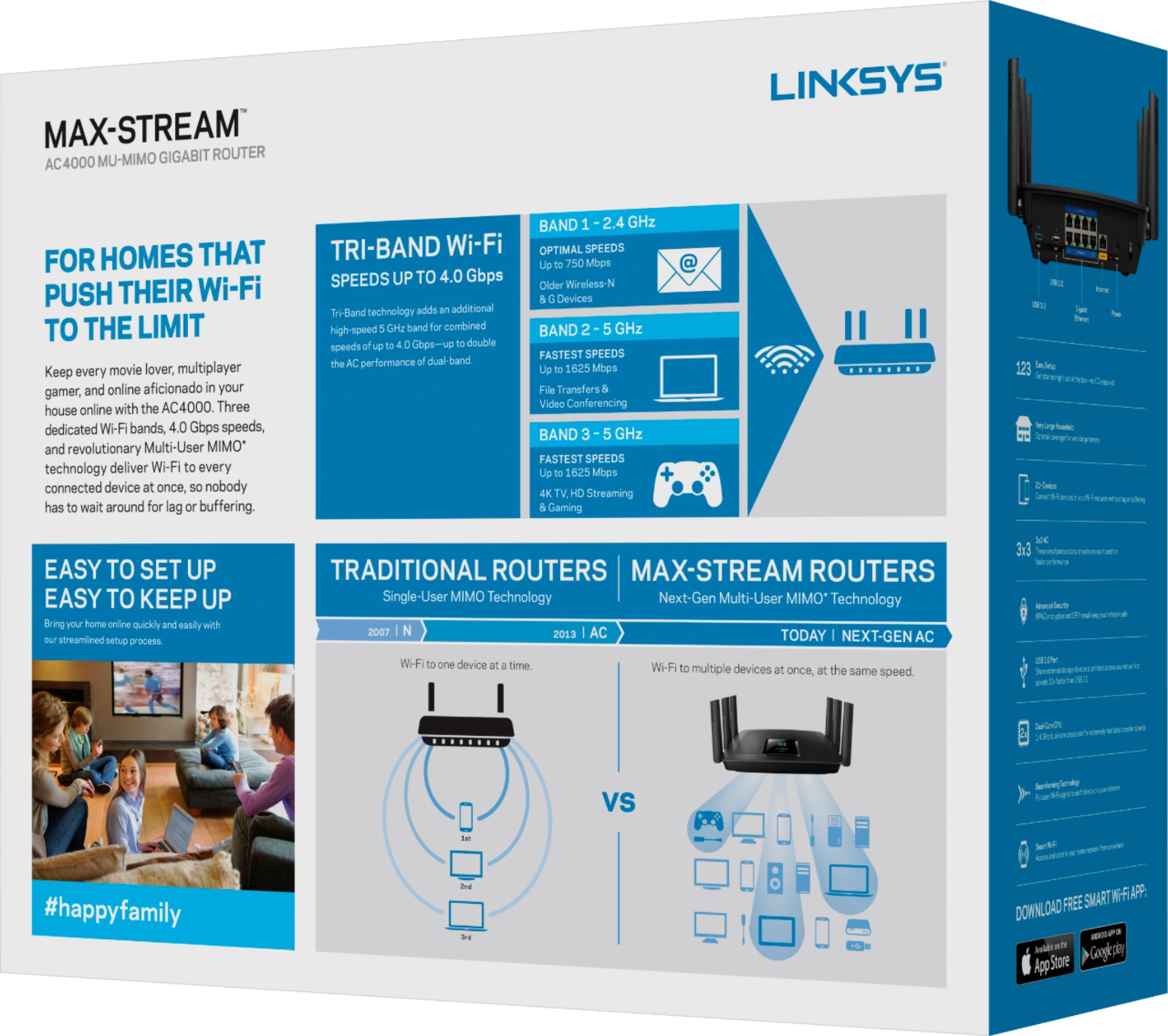
Posted .This reviewer received promo considerations or sweepstakes entry for writing a review.I've had zero issues so far. I started with the really cheap "sagemcom" router that Spectrum provided me. I knew that since I was cutting the cord and switching over to streaming, I would have to upgrade my wifi hardware. So, I bought an Asus 3200 router. That didn't cut it. Because it's only a dual-band router, my gameplay on my PS4 was lagging while my wife and son were both streaming on their TVs. So I went for tri-band. After doing some research, I came across this one. The setup was simple, and I've had zero lag even though I have 11 devices connected. Definitely would recommend!
I would recommend this to a friend - Pros mentioned:Speed
Excellent, Fast, Stable router!
Posted .This reviewer received promo considerations or sweepstakes entry for writing a review.I've been waiting in this routers release since January '17. There aren't many reviews yet but I knew it would be good following on the heels of the EA9500 (which I also own). I wasn't disappointed! The EA9300 is actually more consistent in delivering fast stable speeds. Add to that the 1.8Ghz Quad-Core processor of the 9300 vs the dual processor of the 9500 and you have the top gun of any router currently available! Take the time to configure all three networks and tune for phones vs tablets to get the fastest speeds available by device. The router delivers in spades!
I would recommend this to a friend - Pros mentioned:Setup
Great product.
Posted .This reviewer received promo considerations or sweepstakes entry for writing a review.This is a great product. Very easy to setup in minutes. It offers an improve to your basic routers and good wifi coverage to about 2000 sq ft.
I would recommend this to a friend Excellent Router for Our Small Business
Posted .This reviewer received promo considerations or sweepstakes entry for writing a review.So far, this router has exceeded my expectations and provided adequate signal strength throughout our single floor office. It has not yet needed any power cycling and ideally this performance will continue for a decent amount of time. I went ahead and purchased the 2 year protection plan through geek squad just in case anything happens during that time, as our routers in the past have eventually died or seemed to stop working effectively after an extended period of time. I will add another review should anything change.
I would recommend this to a friend- Pros mentioned:Ease of use
Great for Office too
Posted .This reviewer received promo considerations or sweepstakes entry for writing a review.We use this in a 3,000 sq ft restaurant and have no trouble with signal or throughput. Easy to set up. Would recommend.
I would recommend this to a friend - Pros mentioned:Performance, Range
much improved range over previous router
Posted .This reviewer received promo considerations or sweepstakes entry for writing a review.Much improved range over previous router and interior walls do not seem to affect the performance
I would recommend this to a friend Great router
Posted .This reviewer received promo considerations or sweepstakes entry for writing a review.This router is great. The software that you use to set it up is easy to use and their technical hot line is amazing. I have only had one problem with it and that was my falt.
I would recommend this to a friend- Pros mentioned:Range, Speed
Great Router! Zero Support!
Posted .This reviewer received promo considerations or sweepstakes entry for writing a review.This is an amazing router. Super stable, great range, great speed but not worth the price. I bought this router because it was advertised as secure and firmware updates were to be automatically pushed by linksys. It has been almost a year since I purchased it and there has not been a single update released since or pushed by linksys. Last update was 10/10/2017. This means absolutely no security updates for flaws released over the past year have been patched. I am going back to my ASUS RT-3100 which has regular security releases. If I wanted zero security support I might as well have bought a Netgear router.
No, I would not recommend this to a friendBrand response from Linksys Staff
Posted .Hello, Electrified.
Firmware updates would be released to increase and maximize router performance. A reason for no new updates would be that the unit's software is still solid. For further inquiries and assistance, don't hesitate to hit us up at [email protected].
Regards,
Harvey
Linksys Support