Customer Ratings & Reviews
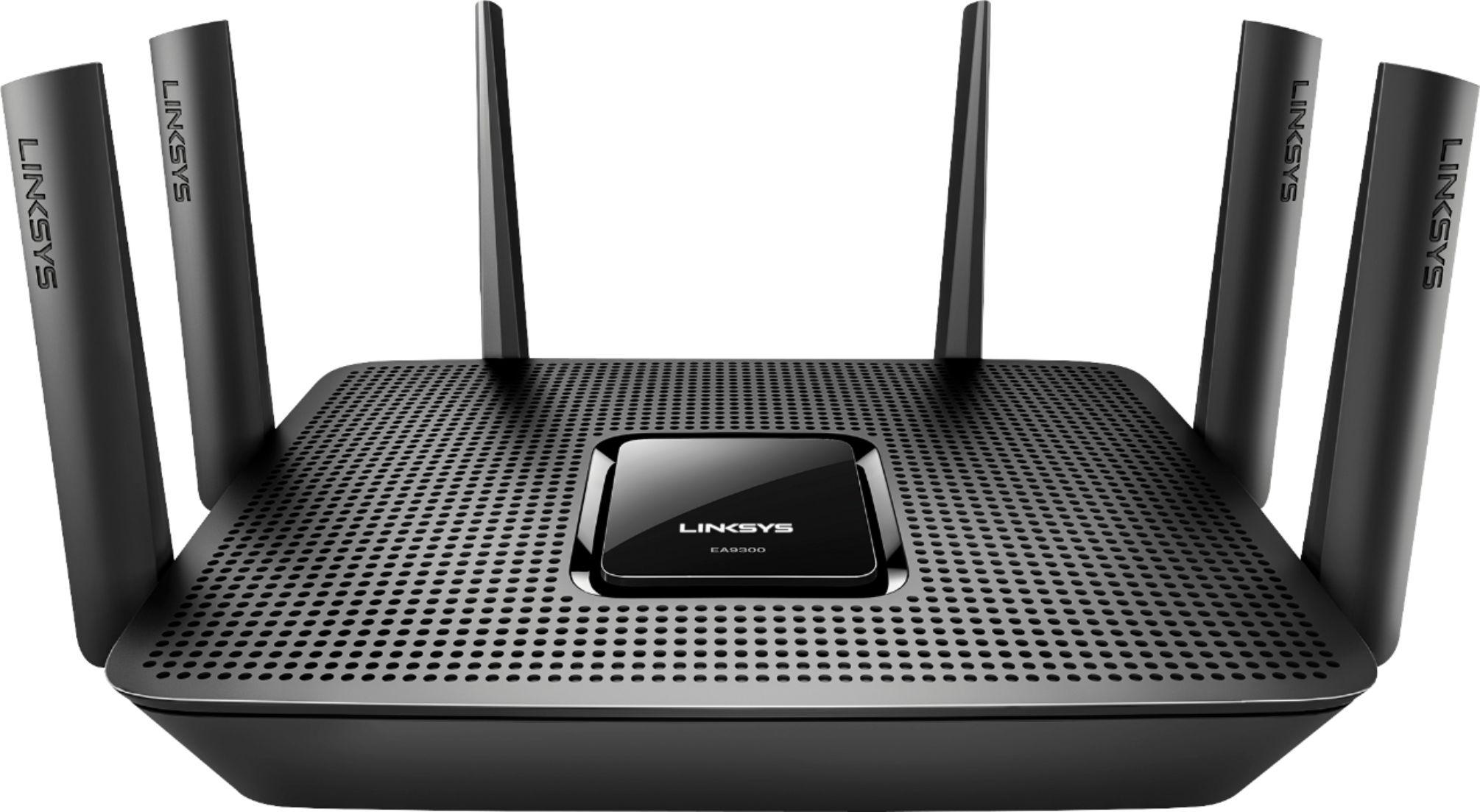
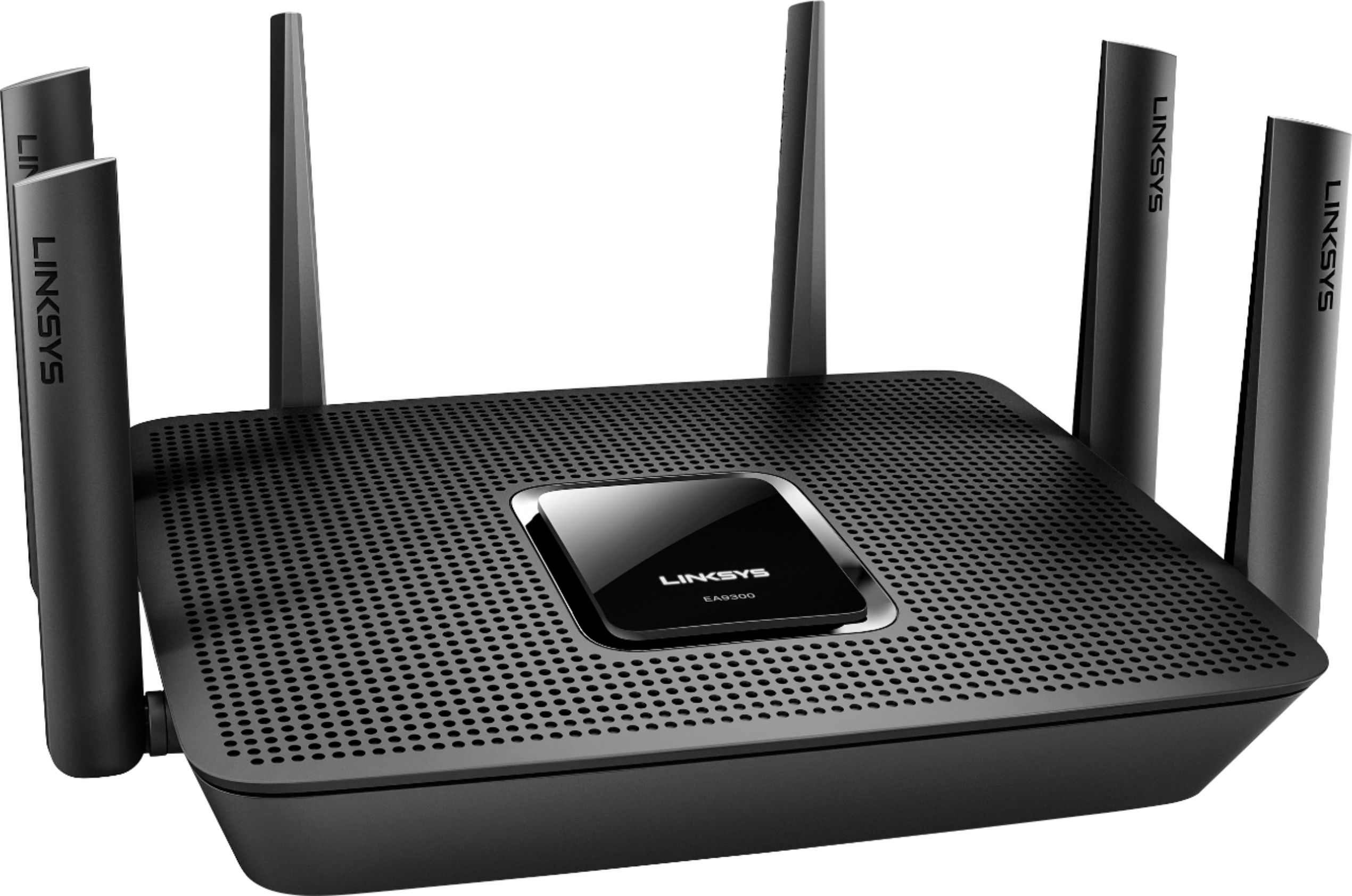
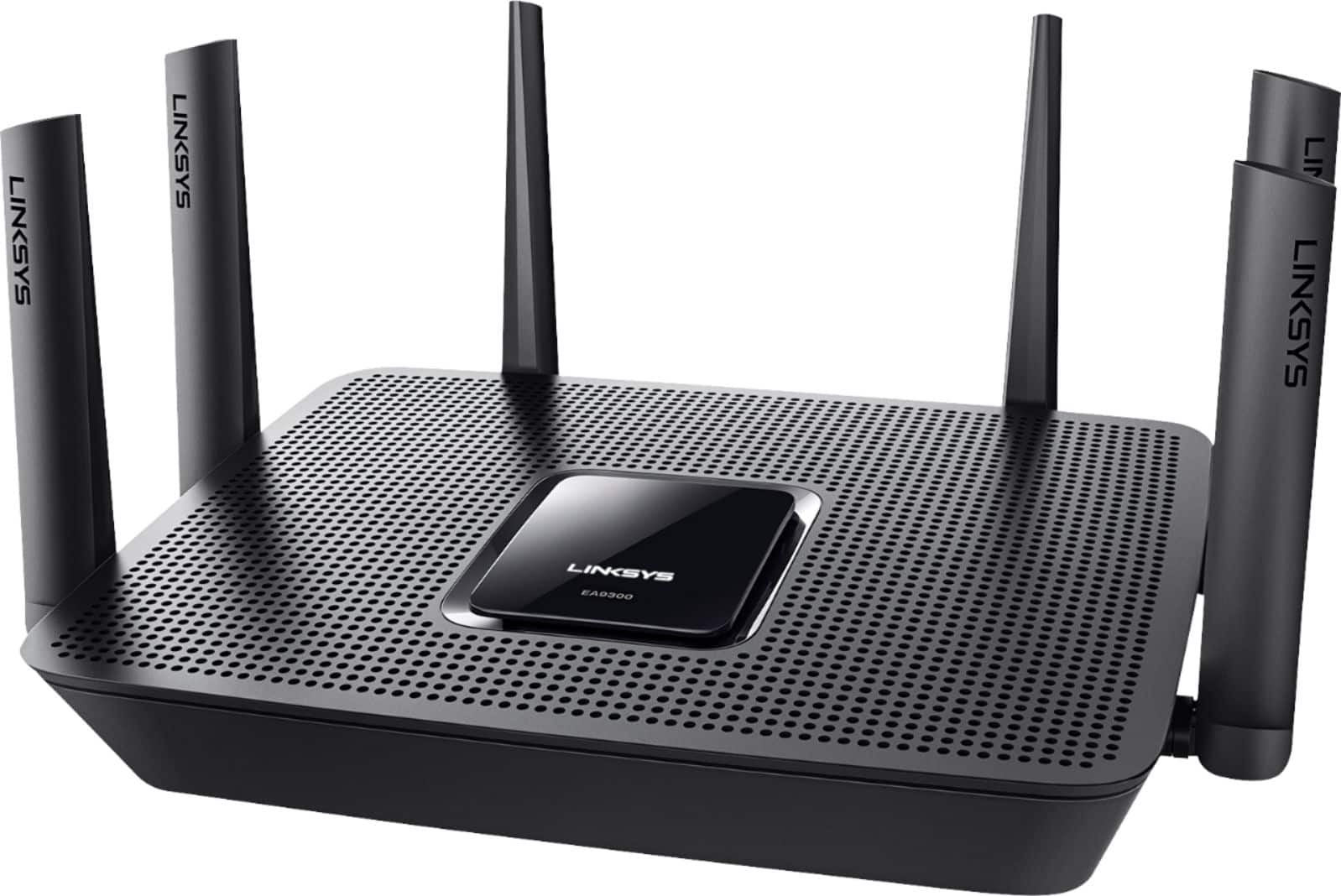
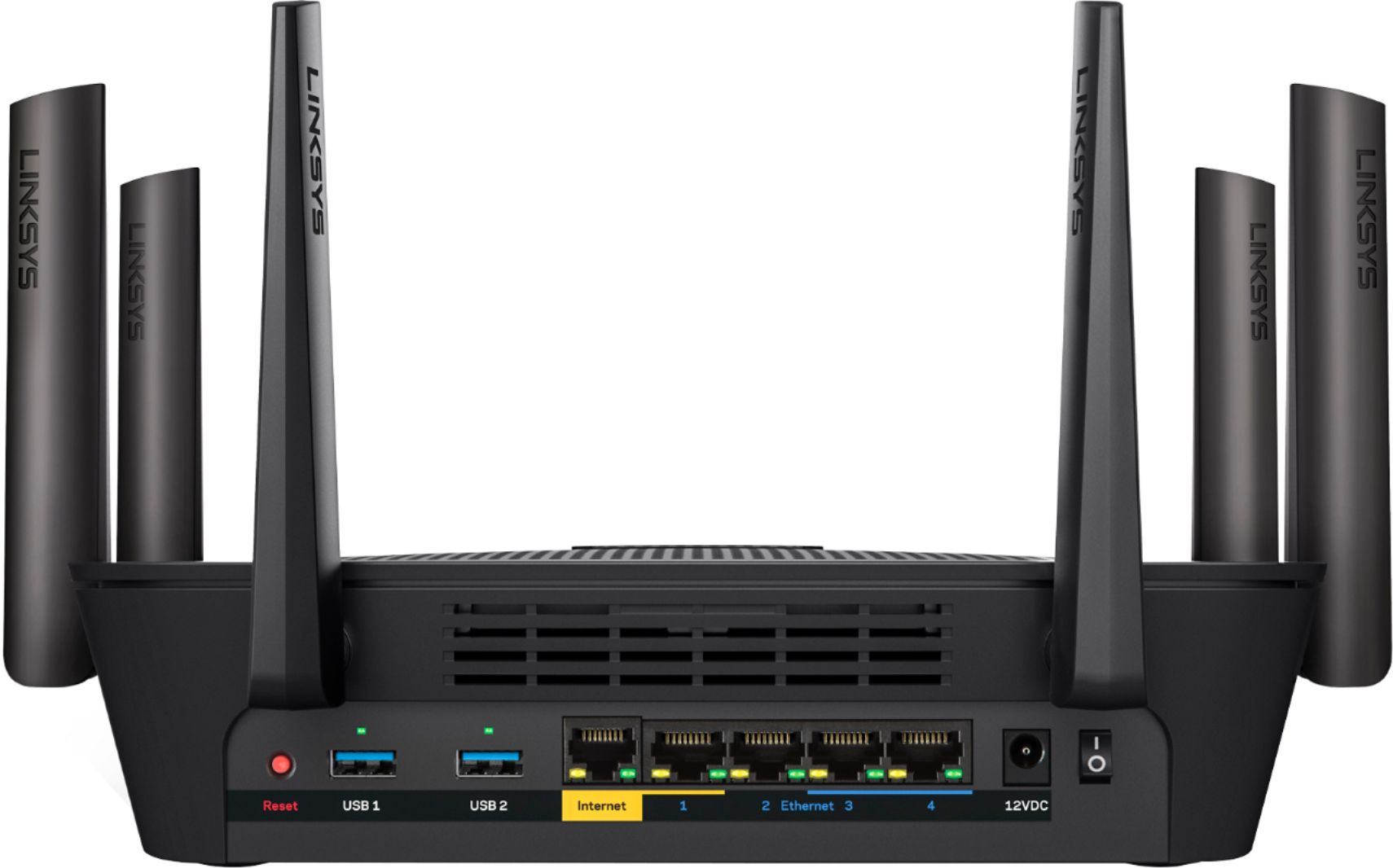
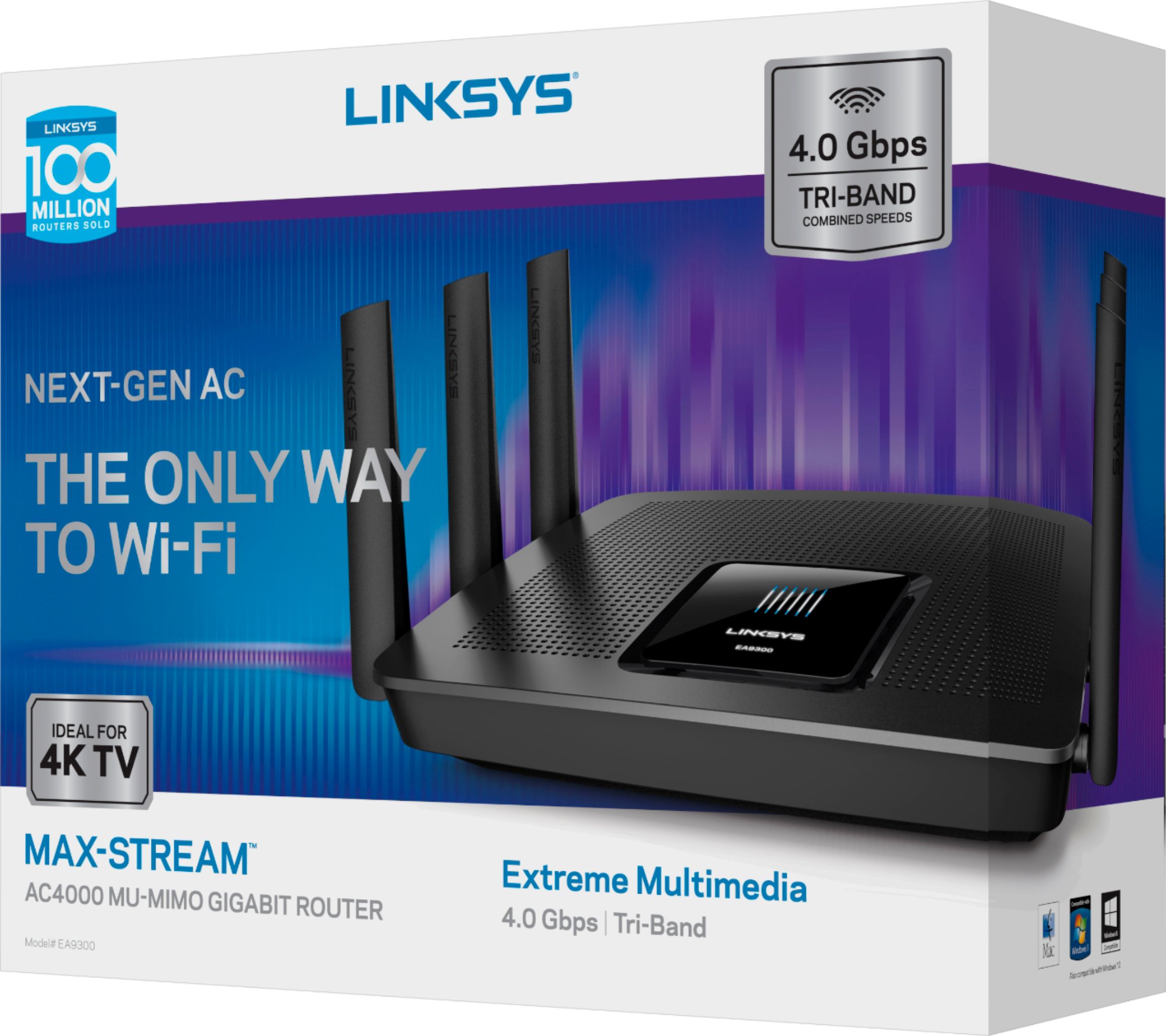
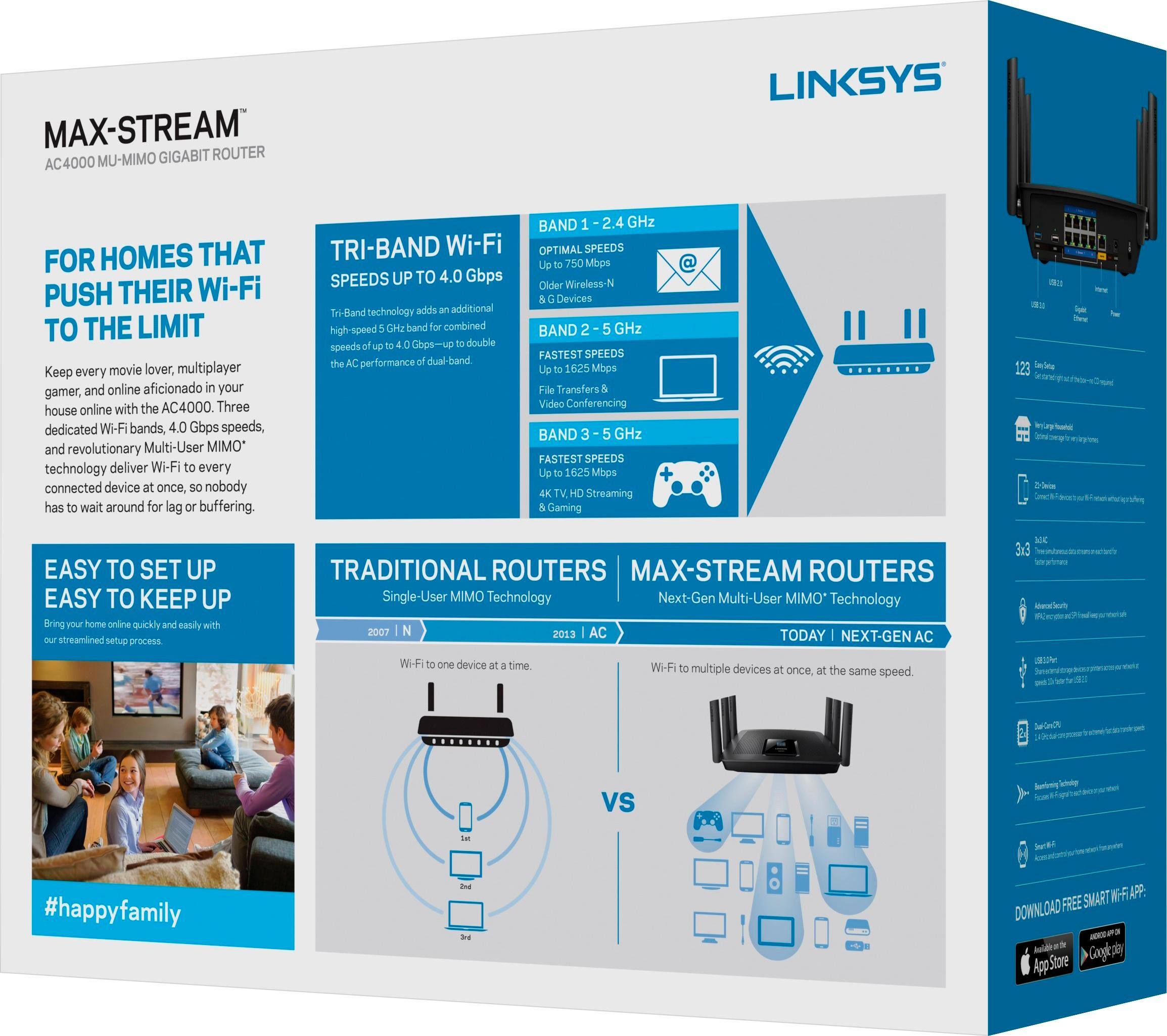
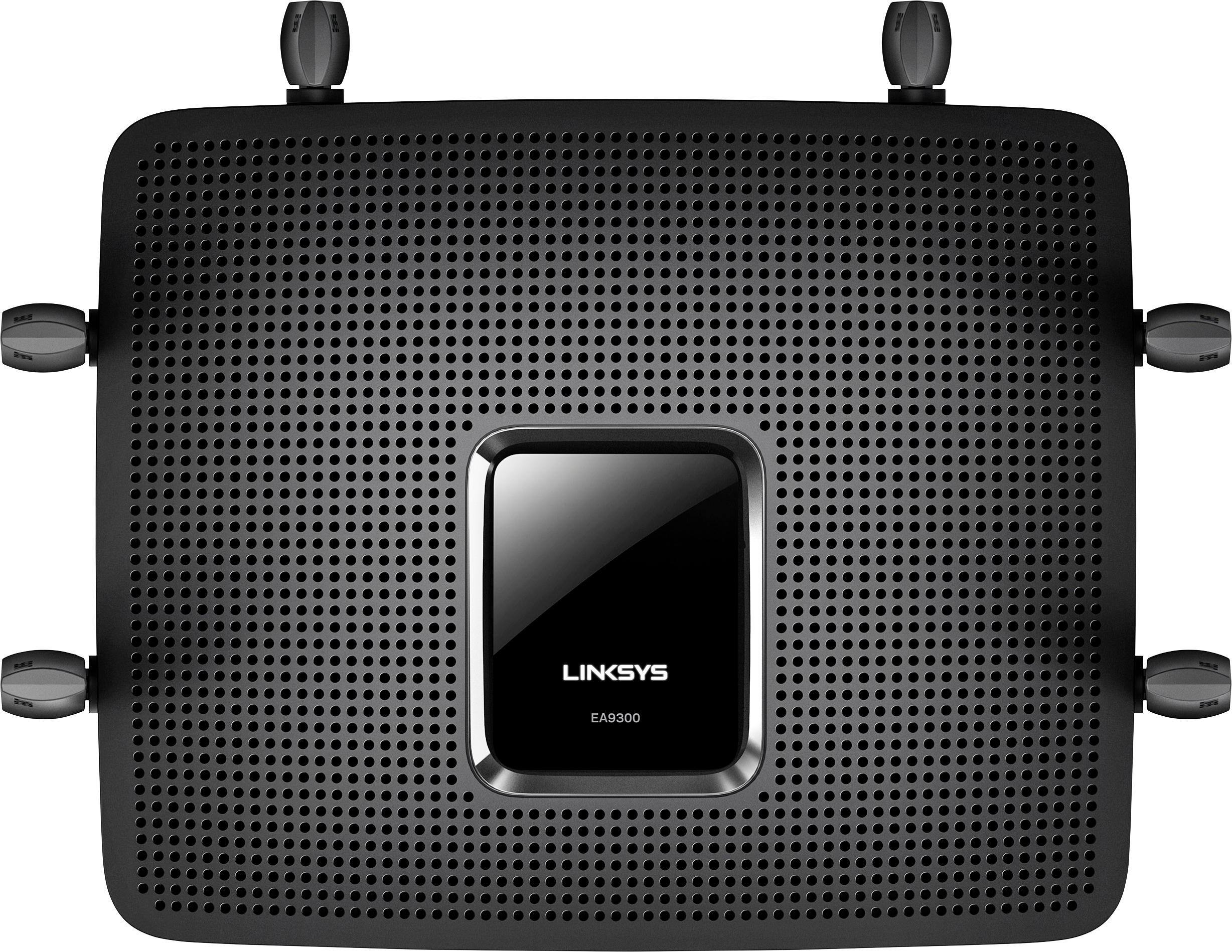
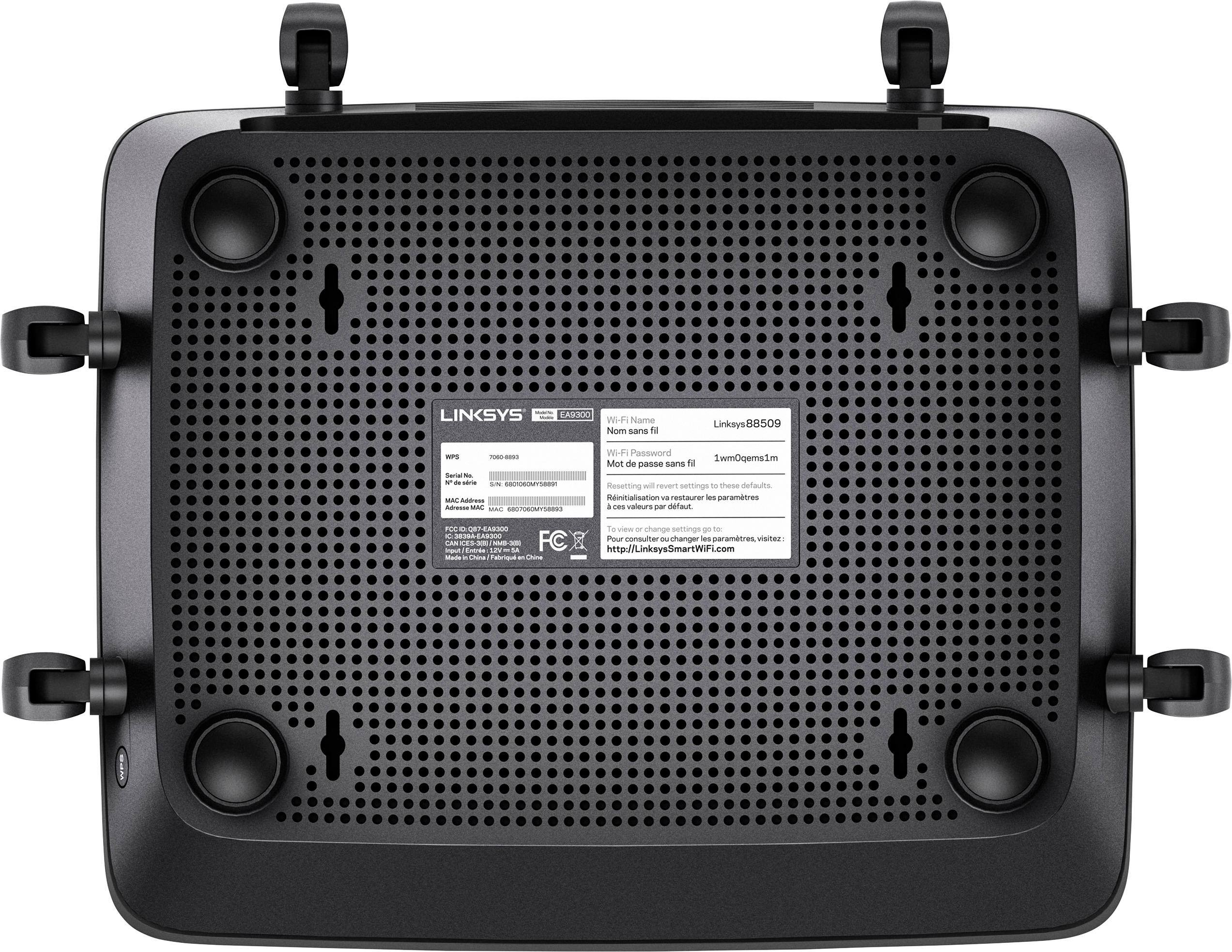

- Model:
- EA9300
- SKU:
- 5844817
Rating by feature
- Value
Rating 3.5 out of 5 stars
- Quality
Rating 3.9 out of 5 stars
- Ease of Use
Rating 3.8 out of 5 stars
Customers are saying
Customers recognize the Max-Stream™ AC4000 Tri-Band Wi-Fi Router's impressive range, ease of use, and strong performance, with many praising its simple setup and excellent signal strength for reliable coverage throughout their homes. Positive feedback also highlights smooth streaming and gaming experiences. While some users noted the router's size and higher price point, the majority found these drawbacks outweighed by the numerous benefits. A small number of users reported occasional connection issues.
This summary was generated by AI based on customer reviews.
Best Router Ever
Posted .This reviewer received promo considerations or sweepstakes entry for writing a review.Always have full service of WiFi in the house and outside too. The ONLY problem that I had was my daughters Toshiba laptop will not see the Router. I've tried to reset it multiple times and it still will not see the router
I would recommend this to a friendBrand response from Linksys Staff
Posted .Hi, Shaun,
Thank you for sharing your honest feedback. If your EA9300 Router is properly configured, then it should allow all your networking devices to connect to your Wi-Fi network with no issues. Please get in touch with us at LinksysCares@linksys.com so we can have one of our Escalation Engineers investigate why your daughter's laptop won't see your router's network. Indicate your contact details and the link to this review for reference.
Regards,
Jay
Linksys Support
:)
Posted .This reviewer received promo considerations or sweepstakes entry for writing a review.my dual core PC now has + quad core so I'm processing X6 now I just need to figure out how to boost it up to 800Mhz going to visit my buddy at restart computer up the block he does a great job with my BIOS
I would recommend this to a friendExcellent value
Posted .This reviewer received promo considerations or sweepstakes entry for writing a review.So far this seems to be one of the more stable models to be released from any manufacturer I've tried. Additional features offered by future firmware upgrades will make this a solid contender in a competitive market
I would recommend this to a friend- Cons mentioned:Connection
Bad reception
Posted .This reviewer received promo considerations or sweepstakes entry for writing a review.My old asus router is better than this .Connection is very weak or non.Piece of junkwill exchange only had this a few days ,very frustrating
No, I would not recommend this to a friendBrand response from Linksys Staff
Posted .Hi, Debra,
With the proper configuration, your Linksys device can optimize and utilize the Internet connection, and it should not go bad in such a short time. Please have one of our Escalation Engineers look into your feedback more closely and make things right. Email the link to this post at [email protected], along with your contact details.
We'll be waiting for your response.
Regards,
Klaudette
Linksys Support
Powerfull
Posted .This reviewer received promo considerations or sweepstakes entry for writing a review.Easy setup, App for access anywhere. My daughter noticed a big difference in her WIFI. We run so many devices and my old one would always lag, no issue with this new one.
I would recommend this to a friendAwesome Router
Posted .This reviewer received promo considerations or sweepstakes entry for writing a review.This Router was definitely worth the purchase. My Family loves it. No lagging or buffering while playing games or streaming movies. Very very fast web surfing and much more.
I would recommend this to a friendGreat router for a lot of devices
Posted .This reviewer received promo considerations or sweepstakes entry for writing a review.Kept getting dropped and unable to log in because of all the devices in our house and this solved our problems. Frontiers router was not enough for our 5 person household.
I would recommend this to a friendLasted 2 Days & Died
Posted .This reviewer received promo considerations or sweepstakes entry for writing a review.I decided to replace my Netgear R7000 prior to getting ATT Gigabit Fiber installed today. The router worked fine for the two days that I had it. But strangely after getting my new gigabit internet service today, the router has died and is stuck with the Logo flashing. It won't reset or do anything else. I'm unable to access the web interface and it's not assigning IP addresses. I'll be returning it tomorrow.
No, I would not recommend this to a friendBrand response from Linksys Staff
Posted .Hi, jikhead,
It's really strange that your EA9300 Router just stopped working after getting a new gigabit internet service. Before you consider returning the product, we'd appreciate if you will allow one of our Escalation Engineers to investigate if it's still good for a fix. Please drop us an email at [email protected] with your contact details and the link to this review.
Regards,
Jay
Linksys Support
Great router
Posted .This reviewer received promo considerations or sweepstakes entry for writing a review.No issues so far only had this one for 1 week. Had a netgear nighthawk that stopped working after 2 years.
I would recommend this to a friendAMAZING Router
Posted .This reviewer received promo considerations or sweepstakes entry for writing a review.Super fast, super long range, super easy setup. Doesn't slow down even with 15 devices hooked up
I would recommend this to a friendGreat wifi for new house
Posted .This reviewer received promo considerations or sweepstakes entry for writing a review.This is the best wifi router in my new house. My family love it and recommend for everyone
I would recommend this to a friendAC4000 Linksys Router
Posted .This reviewer received promo considerations or sweepstakes entry for writing a review.This is the best Linksys Router I have ever owned. The WiFi coverage is amazing
I would recommend this to a friendGreat router!!
Posted .This reviewer received promo considerations or sweepstakes entry for writing a review.I'm very impressed, fast and the best router i have.
I would recommend this to a friend- Cons mentioned:Price
I have had more option with my 4-year old Netgear
Posted .This reviewer received promo considerations or sweepstakes entry for writing a review.If you are a tech guy it is not for you. If you need a customer support it is not for you. With $299 you can buy much much better router. I wish I could return or exchange it. You can have a router with the same or better spec and half a price. It is more than 14 days that I bought it and I am wishing for return. If Best buy management have any offer for me to return or exchange I would be more than happy to hear.
No, I would not recommend this to a friendBrand response from Linksys Staff
Posted .Hi, Sami,
Our customer's satisfaction has always been our top priority. We'd be glad if you will provide us details about the behavior of your EA9300 Router at [email protected] so we can assist you accordingly. Indicate your contact information and the link to this review. We have our Escalation Engineers always ready to serve you.
Regards,
Jay
Linksys Support
Released Before Its Time
Posted .This reviewer received promo considerations or sweepstakes entry for writing a review.I had great expectations for this device. I was replacing my Apple Airport with something faster since I upgraded my internet speed. Installation was easy. Immediately I started having problems with the router dropping connection to the internet on both the 2.4 and 5MHz bands and even occasionally on my Ethernet connected laptop,. I called support and they had me reset the router which lost all of the settings that I had just entered. I entered them again and set the channel for the 2.4 MHz side to channel 11 as the support person suggested. Same problem persisted. I called back and went through the same scenario. This time they had me manually reload the firmware from their site and they said I should try channels 1, 6, and 9. I did and had the same issue. I called back again and they said they had exhausted their troubleshooting abilities and that I should stay on the line and Customer Support would take my info and send me a replacement. I was on hold for 5 minutes when the support person came on the line and said Customer Support was busy. She gave me their phone number and said I should call back in an hour. I had invested over 3 hours trying to get this router to work. I don't have time to debug their hardware/firmware. I took it back and will be getting something from Asus or Netgear. In the meantime I reinstalled my Apple Airport and everything is working fine. The EA9300 has great specs but it's not ready for prime time.
No, I would not recommend this to a friendBrand response from Linksys Staff
Posted .Hi, Sasha,
The dropping connection of your EA9300 router is very uncommon as this shouldn't be happening if the firmware is up-to-date and the settings for both bands are properly configured. Nevertheless, we'd be more than happy if you will share with us your phone number at [email protected] so we can investigate where the process broke so this won't happen again. Indicate the link to this post for easy reference.
We'll wait for your email.
Regards,
Jay
Linksys Support
Not the best router
Posted .This reviewer received promo considerations or sweepstakes entry for writing a review.this was fine when it worked. Then it started losing the internet. When I would reset the modem and then the router, the modem had network lights on but the router did not. They would come on later after a few resets. My devices would also drop off the wireless router. When I tried to axcess my routers settings it would not work. It would not work with my smart phone or my wired connection or even the wireless connection. I put my original dlink dir 885l/r back on and internet and my devices connected up to it with no prolems. I ended up having to take it back as I was tired of working with it.
No, I would not recommend this to a friendBrand response from Linksys Staff
Posted .Hi RexD,
As what you have described, it's possible that the firmware of your EA9300 router is corrupted causing the internet connection to drop for both wired and wireless devices. We regret to hear that the item is no longer with you as we could have requested one of our Escalation Engineers to update your router's firmware and reconfigure the settings to achieve a stable connectivity.
Should you have other Linksys device that needs assistance, we'd be more than happy to serve you at [email protected].
Regards,
Jay
Linksys Support
Practically it is awful
Posted .This reviewer received promo considerations or sweepstakes entry for writing a review.we have 1000 Mb internet speed and this router output is no more that 30Mb on 2.4GHZ and 100MB on 5GHZ. my pc is a feet from the router and there is no signal interfering, i tried every possible setting on this but no luck. do not wast your money on this EA9300 from linksys. it is just fake i never buy linksys products anymore
No, I would not recommend this to a friendBrand response from Linksys Staff
Posted .Hi Sami,
When experiencing slow Wi-Fi speed, there are several factors we need to consider first, especially the devices used. Some wireless products are not capable of receiving more than 100 Mbps of speed or need tweaking on its adapter settings. For further troubleshooting, please reach out to us at [email protected] with the link to this post and your contact information. Our Escalation Engineers will take care of you.
Regards,
Klaudette
Linksys Support
Slow and difficult to use
Posted .This reviewer received promo considerations or sweepstakes entry for writing a review.This is the first WiFi I have had that was not plug and play. it continually loses the internet connection and the download speed is too slow to watch a u-tube video. After 4 hours on the phone with support it worked properly for the rest of the day then relapsed to rotten the next morning. I finally gave up and reverted to hardwire.
No, I would not recommend this to a friendBrand response from Linksys Staff
Posted .Hi, Slim,
Let us review the steps that you've tried with our Support team so that we can get you over to our Escalation Engineers. Please email us the case number at [email protected] along with your phone number and the link to this post for our reference.
Regards,
Irish
Linksys Support