Customer Ratings & Reviews
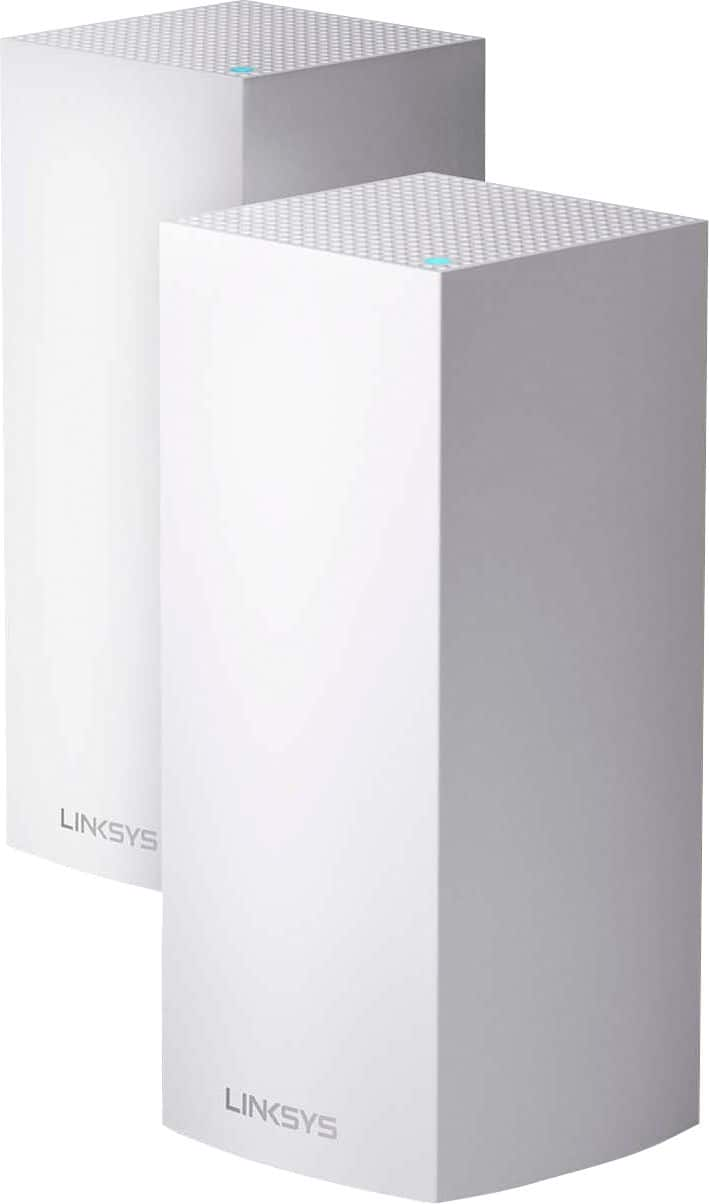
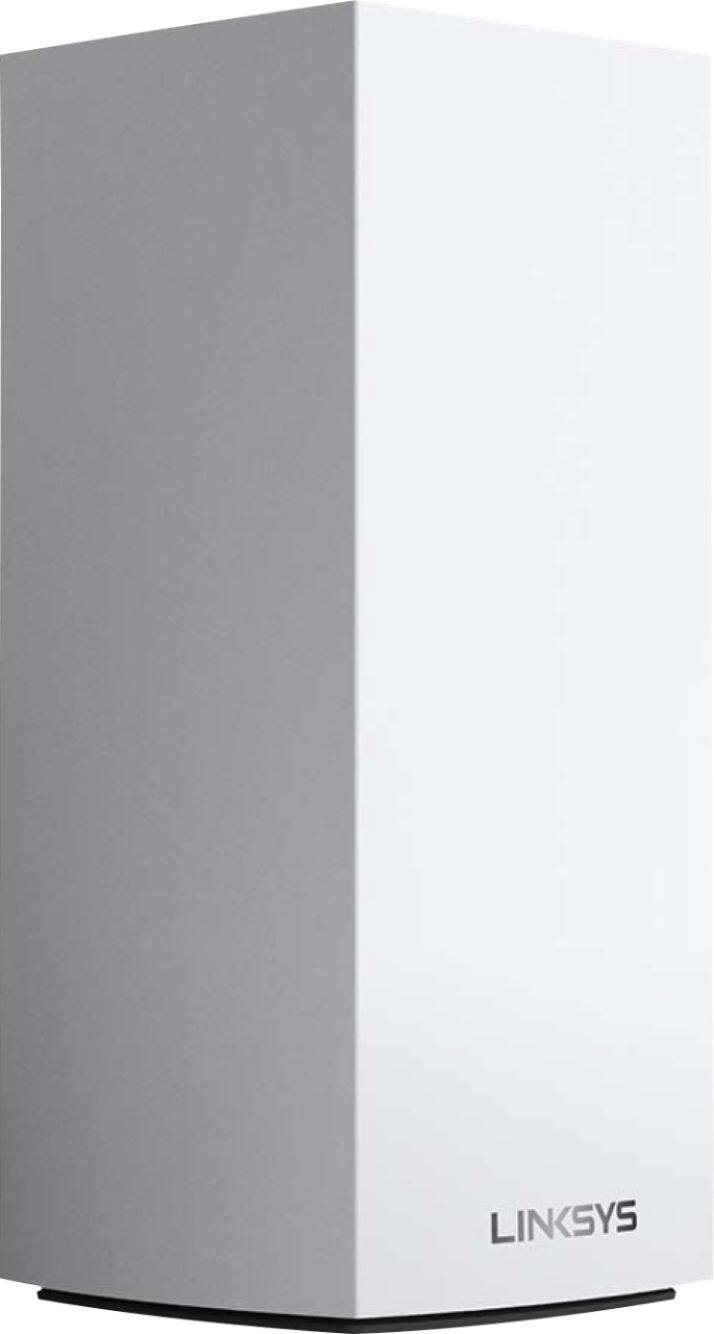
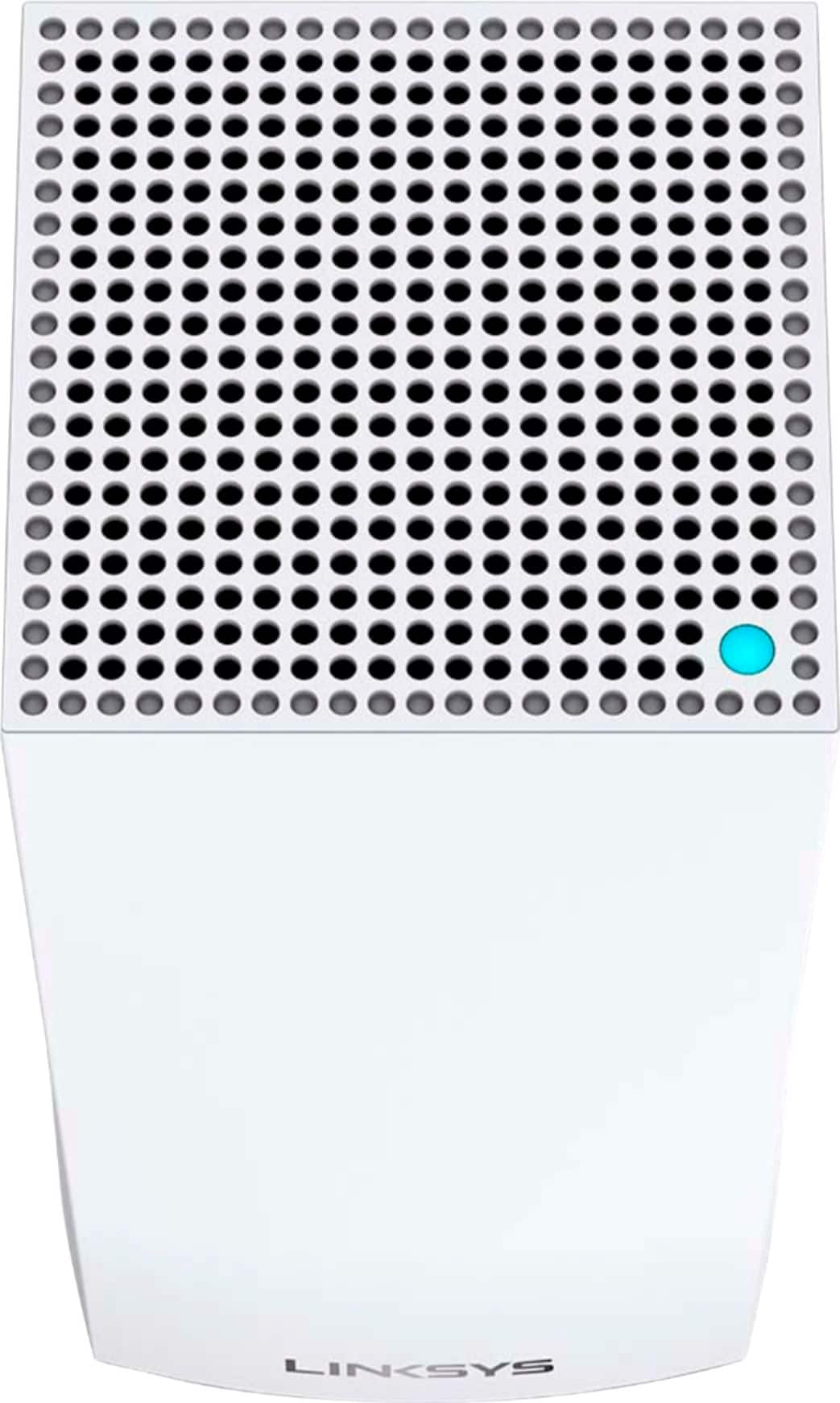
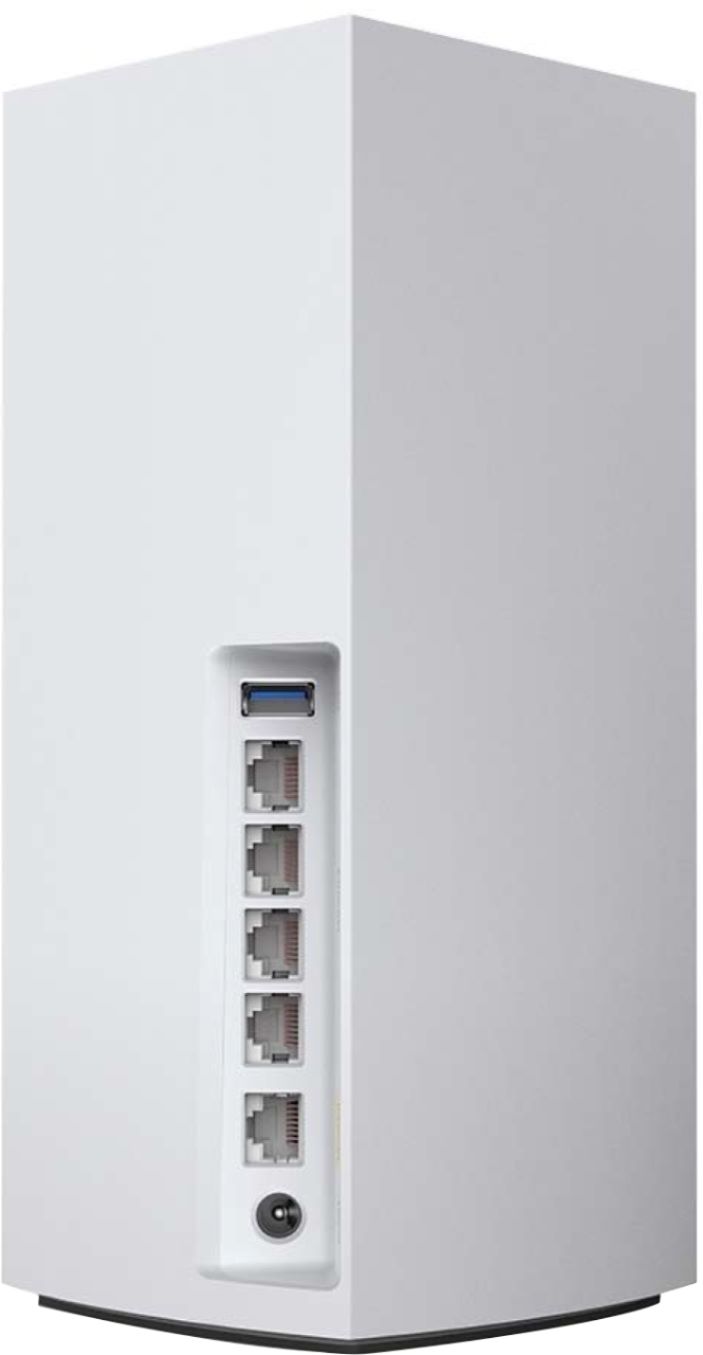
- Model:
- MX10600
- SKU:
- 6373231
Rating by feature
- Setup
Rating 4.5 out of 5 stars
- Range
Rating 4.8 out of 5 stars
- Signal Strength
Rating 4.7 out of 5 stars
Customers are saying
Customers are satisfied with the MX10 Velop AX5300 Mesh Wi-Fi 6 System's ease of use, coverage, and setup, with many praising its improved range and signal strength. Positive feedback also highlights the system's performance and the inclusion of Ethernet ports. However, some customers expressed concerns about the system's price and size, while others mentioned occasional connectivity issues and app-related frustrations.
This summary was generated by AI based on customer reviews.
- Pros mentioned:Coverage
Linksys is the best!!!
||Posted . Owned for 4 months when reviewed.This reviewer received promo considerations or sweepstakes entry for writing a review.Love these. Much better coverage in the house now. Definitely helped with dead spots in our home.
I would recommend this to a friend - Cons mentioned:Price
Great Router
||Posted .This reviewer received promo considerations or sweepstakes entry for writing a review.Great router but way overpriced. Would not recommend do to price.
No, I would not recommend this to a friend - Pros mentioned:Coverage
ROUTER
||Posted . Owned for 3 weeks when reviewed.This reviewer received promo considerations or sweepstakes entry for writing a review.Nice coverage for the whole house with 2,500 sqft.
I would recommend this to a friend - Cons mentioned:Price
Great but pricey
||Posted . Owned for 2 weeks when reviewed.This reviewer received promo considerations or sweepstakes entry for writing a review.They work well and would be worth 5 stars if price was around $300 instead of $500 to $600.
I would recommend this to a friend Good product
||Posted . Owned for 1 month when reviewed.This reviewer received promo considerations or sweepstakes entry for writing a review.Good product so far. It doesn’t always carry the level of speed and the internet falters but then on unplugging and plugging it again somehow works the magic. Given the price tag, I was hoping this will be a better product than it is.I already had velop 5 and now this is 6, not super impressed.
No, I would not recommend this to a friend- Pros mentioned:Ease of use
Great WiFi setup
||Posted . Owned for 1 month when reviewed.This reviewer received promo considerations or sweepstakes entry for writing a review.So far very good. Easy setup. Like system very much!
I would recommend this to a friend - Pros mentioned:Speed
Great WiFi6
||Posted . Owned for 1 week when reviewed.This reviewer received promo considerations or sweepstakes entry for writing a review.Much faster than my WiFi 5 velop devices. I only wish I would have waited for the WiFi 6e chipset
I would recommend this to a friend - Pros mentioned:Coverage
Effective wifi range
||Posted . Owned for 7 months when reviewed.This reviewer received promo considerations or sweepstakes entry for writing a review.This unit has great coverage when using a single router and even better when using the pair.
I would recommend this to a friend Solid Product
||Posted . Owned for 3 weeks when reviewed.This reviewer received promo considerations or sweepstakes entry for writing a review.Pulling 1 gig down and up. Easy to set up. We upgraded from the AC2600 3 tower set. Love having the extra LAN ports if needed. We also do a dedicated backhaul via LAN. Great system, with great coverage, really does do easily 5000 SQ ft with only two towers. Also seamlessly moves Wi-Fi devices from one hub to the other when moving across the house (no connection loss).
I would recommend this to a friend- Pros mentioned:Coverage, Speed

Frustrating Setup but Ultimately Works Well
|Posted .This reviewer received promo considerations or sweepstakes entry for writing a review.The Linksys MX10 Velop looks great and promises much. For me though, it has been something of a time-suck to get it set up and running in a stable and reliable state. First the good things... This is a good looking package, with two boxes and no ugly antennas to see or obsess about if they are 1 or 2 degrees off. They should be rock solid and with the generous number of onboard Gigabit Ethernet ports (4xLAN, 1xWAN, per unit) included, provide enough connectivity and throughput for anyone. You can supposedly even use the WAN port for LAN if you took one of the other LAN ports for a wired connection back to the router. I run several switches from my main router so this was a welcome inclusion. Few devices will make full use of WiFi6 today but if you have many wireless devices in your home and the latest smart phone, it would manage them better and give faster connection speeds for the phones etc. It does seem fairly future-proof for now but who knows if the standard will catch on? The Linksys app is one of the simpler router apps out there and allows you to make a lot of changes without having to fall back to the browser admin. You still need that for some of the advanced features but most are accessible in the app. I liked the idea of app’s simple setup procedure and assistance with troubleshooting although it was not always seeing or sensing where I was in a process. The app lets you manage devices well, renaming them from the cryptic, network-speak they often name themselves and you can also change the icons to help find them quicker in a long list. I do find myself having to quit the app and restart it a lot though which is irritating. Usually it seems that its after you make a change to the router and then you get a spinning wheel which may or may not resolve itself if left alone long enough. Now some of the less good things... I was finding devices would just mysteriously fall off the network for no reason, causing all kinds of connectivity issues and sometimes rejoin of their own accord or force you to go troubleshoot. The worst offenders for me (this is a network of around 50 devices, most of which are actually on wired connections) include an Amazon CloudCam, a Wemo bridge, a Lutron Bridge as well as the Apple TV that acts as home hub for HomeKit. The Apple TV Homehub turned out to be something that could have happened any time you swap from one network to another but the other items were troubling and definitely linked to the new Linksys Velop network. I traced the issue to the Client Steering function that I will talk about later. You know they have fallen off when you get a notification on your phone but it turns out it’s a function and not a bug. Good news is you can turn this function off if you know where to do this. Cameras and light switches are not things you can really tolerate dropping offline when they feel like it and what makes it worse is that my previous Apple network (2 Extremes on opposite floors, one linked to the other via Gigabit in bridge-mode) was really quite bullet proof and had no such issues. It certainly could not compete with the MX10 in terms of raw speed or coverage but seemed to be more reliable on my first attempts with this mesh network. In addition, I had the 2nd MX5 in the two-pack connected with a Cat-6 cable (it was too far to rely on the wireless connection), yet it would still show as offline in the app randomly. You would have thought a hard-wired connection to a node would be about as robust as possible but sometimes not. Devices however would still be listed as online and connected to that node so the Ethernet switch part of the device was still working fine. I ended up turning off the Client and Node steering (which you must do through the web login as the phone app does not have this feature) which helped with devices staying online. I am not sure I was getting any benefit from these features anyway as devices would often show up in the app device list as connected to nodes that were in rooms much farther away than the node I would expect to connect to. It’s a mystery as to how devices decide to connect to distant nodes when there is one almost right next to them. Maybe that node was unavailable for a time but you would hope they could go back when it was available again? I can understand the benefits of client steering with mobile devices but fixed devices like light switches and cameras should just stay put as much as possible. To turn off Client and Node steering, you can’t do that through the app and must directly hit your router from a browser, log in and then change it in the connectivity settings found there. Since I started writing this review, I reconfigured the MX10 system from scratch (factory reset all units), to give it a fair shake. It was much worse second time around in terms of setup and I spent several hours trying to make the nodes all talk to each other again. To cut a long story short, I found lots of help in Linksys’ support forum but had I been working on this in the day instead of at night after work, I could have likely contacted Linksys technical support and maybe got this going much sooner. The setup process is simple but should provide more user information for those instances where something does not go right – it vaguely describes what it is doing but it would be more helpful if it listed exactly what is happening at a particular moment or filled in a checklist of what it needs to accomplish and has accomplished already. I recall seeing it slowly fill up a progress bar, say it was getting info from the main node, checking signal strengths and then at that point, it would fold, show a red light on top and makes you start the process again. I got to see a lot of the “Red Circle of Misery”, my name for the status light on top of the node, although Linksys officially say it means the node has no Internet. You want to see blue lights as much as possible so the red light brings much sadness when it pops up. The fix (as described on the Linksys forums) is to reset ALL devices (I had these two units and an MR9000) and I also physically swapped the two nodes (child became parent, parent became child). This meant a full reset of everything but using the same SSID name and password meant my devices soon connected up once more. With these drastic changes, everything began to work again and I have not seen the “Red Circle of Misery” for some time now. I added the two child nodes back one at a time and had no problems from them on. This has been my first experience with a mesh system and I’ve spent much longer configuring it than I hoped to. The first attempt, I battled devices dropping off the network at will (actually jumping between nodes which is great if the device is mobile but appalling for a fixed device); the second attempt, I finally got everything to operate together in a true, mesh network. I definitely get better coverage across my 2600 square foot house now and am interested to see if it increases coverage outside as well. If my grumbles could be addressed regarding a more fool-proof setup process where simplicity is dumped for a solid checklist when things go wrong and a firmware update to fix the Client and Node steering, then this could be a great package. I do get super fast downloads on all my devices now and the vast majority of static devices are attaching at full speed to the nearest nodes. The upgrade from my old wireless system pushed me to upgrade my cable speed so we went from 125 mbps to over 500 and this system certainly makes good use of these speeds. For us, the gains are less because the vast majority of our devices are connected through Gigabit Ethernet. If you are a mostly wireless house and have 4K TVs that stream wirelessly, then this setup will be more relevant as it optimizes those streams separately from the usual, wireless network traffic. I like it because it has a level of future proofing and also can juggle our 50-and-growing network of devices without any slow-downs or connection issues. It was also great that I could slot in the MR9000 router as a node in another part of the house when it was replaced by this new MX10 kit. I would recommend this if you are comfortable with the web browser administration aspect but for a basic user who just wants the basics of the phone app, this might be a little complex. Linksys appear to be addressing issues gradually through regular firmware updates and from my experience, once it is all installed and all units are communicating to each other, they seem to work well and provide some very fast connection speeds.
I would recommend this to a friend Inconsistent and reset no explained
||Posted . Owned for 1 month when reviewed.This reviewer received promo considerations or sweepstakes entry for writing a review.It seems to be a little inconsistent regarding the mesh hub, and the start up was not very easy. Has to use the support line, which took longer than expected. Reset button was not explained in any of the documentation (have to hold it down for until it goes through the light sequence). But over all , it works fine.
I would recommend this to a friendBrand response from Linksys Staff
Posted .Hi, otto,
Should you encounter any inconsistencies with the device again, feel free to tap us anytime at [email protected] so our Escalation Engineers can assist you. Just include the relevant details and your contact information for our reference.
Regards,
Rosalyn
Linksys Support
- Cons mentioned:Price
works well
||Posted . Owned for 3 weeks when reviewed.This reviewer received promo considerations or sweepstakes entry for writing a review.I really like this product it gives be great coverage for my house, but it is expensive .
I would recommend this to a friend - Pros mentioned:Speed
Exceeded expectations
||Posted . Owned for 3 weeks when reviewed.This reviewer received promo considerations or sweepstakes entry for writing a review.Great product. Better wifi connection as well as faster speeds.
I would recommend this to a friend - Pros mentioned:Coverage
Great router!
||Posted . Owned for 4 months when reviewed.This reviewer received promo considerations or sweepstakes entry for writing a review.Great router. I used it to cover our 1500 sq feet ranch house.
I would recommend this to a friend - Cons mentioned:Connection
Unstable. Crashes Frequently,
||Posted .This reviewer received promo considerations or sweepstakes entry for writing a review.Unstable. Crashes Frequently, Doesn't play well with other Velop nodes. When it hasn't crashed, it still doesn't provide reliable connectivity. I've had this system installed for almost a year. It's crashes about once a week. It also doesn't work well with other Velop nodes like the WHW03. In a configuration with these two MX10 nodes and one of more WHW03 nodes the crash frequency increased to near daily. Linksys customer support is worthless. Since Belkin bought Linksys it's really gone downhill and if you do manage to get past the script kiddies in Level 1, Level 2 isn't much better. I will never buy another Linksys system again. I'm going to recycle these and move to a different company's router. Note I have about 50 nodes total with 40 connected via WiFi. My house isn't large, but has a central masonry chimney that blocks the signal so I tried this mesh system for better coverage. However a single strong radio provides better coverage than this mesh system. To maximize stability, I'm only currently running a single node. When it doesn't crash, it's still not reliable. We recently had problems with Android Apps stalling on their splash screens and not opening. I thought it was due to a recent phone update, but it turned out to be the WiFi connectivity through this router was unreliable. Speed Tests came back fine and ping and jitter were good too, but the router just wouldn't provide a reliable connection. There was not indication of problems, it just wouldn't work!
No, I would not recommend this to a friendBrand response from Linksys Staff
Posted .Hi, BillF,
Thank you for posting a review and we’re sorry to hear that your experience was not of the quality you expected. We would like the opportunity to investigate your feedback further and let our Escalation Engineers works with you for diagnosis. With the link to this review and previous support case number, please send an email at LinksysCares@linksys.com.
We'd like to make things right and sort this out for you.
Regards,
Carl
Linksys Support
- Pros mentioned:Coverage
Router
||Posted . Owned for 1 month when reviewed.This reviewer received promo considerations or sweepstakes entry for writing a review.Router is nice and covers my hole house and then some
I would recommend this to a friend Best I’ve used so far
||Posted . Owned for 1 month when reviewed.This reviewer received promo considerations or sweepstakes entry for writing a review.Let me start of by saying has definitely been best so far I’ve tried google WiFi ,eero pro ,Amplifi hd and so far this has giving me best range Pro-Formance I can ask for giving that I had to reach gaming room far back with two concrete walls Two Xbox 20 devices in the whole house total 4 Xbox on at once definitely recommend also upgrading you’re modem don’t cheap out on that can make all the difference
I would recommend this to a friend- Pros mentioned:Setup
Move set up
||Posted . Owned for 1 month when reviewed.This reviewer received promo considerations or sweepstakes entry for writing a review.Easy to setup! Look as good as advertised so I can “hide” them in my decor.
I would recommend this to a friend - Pros mentioned:Range
Excellent works well
||Posted .This reviewer received promo considerations or sweepstakes entry for writing a review.It covers everything at my house around me very strong excellent wi-Fi routers covers
I would recommend this to a friend - Pros mentioned:Ease of use
Great WiFi Mesh System
||Posted . Owned for 3 weeks when reviewed.This reviewer received promo considerations or sweepstakes entry for writing a review.This is truly a great whole house WiFi system. No more dead spots! Easy setup.
I would recommend this to a friend