Customer Ratings & Reviews
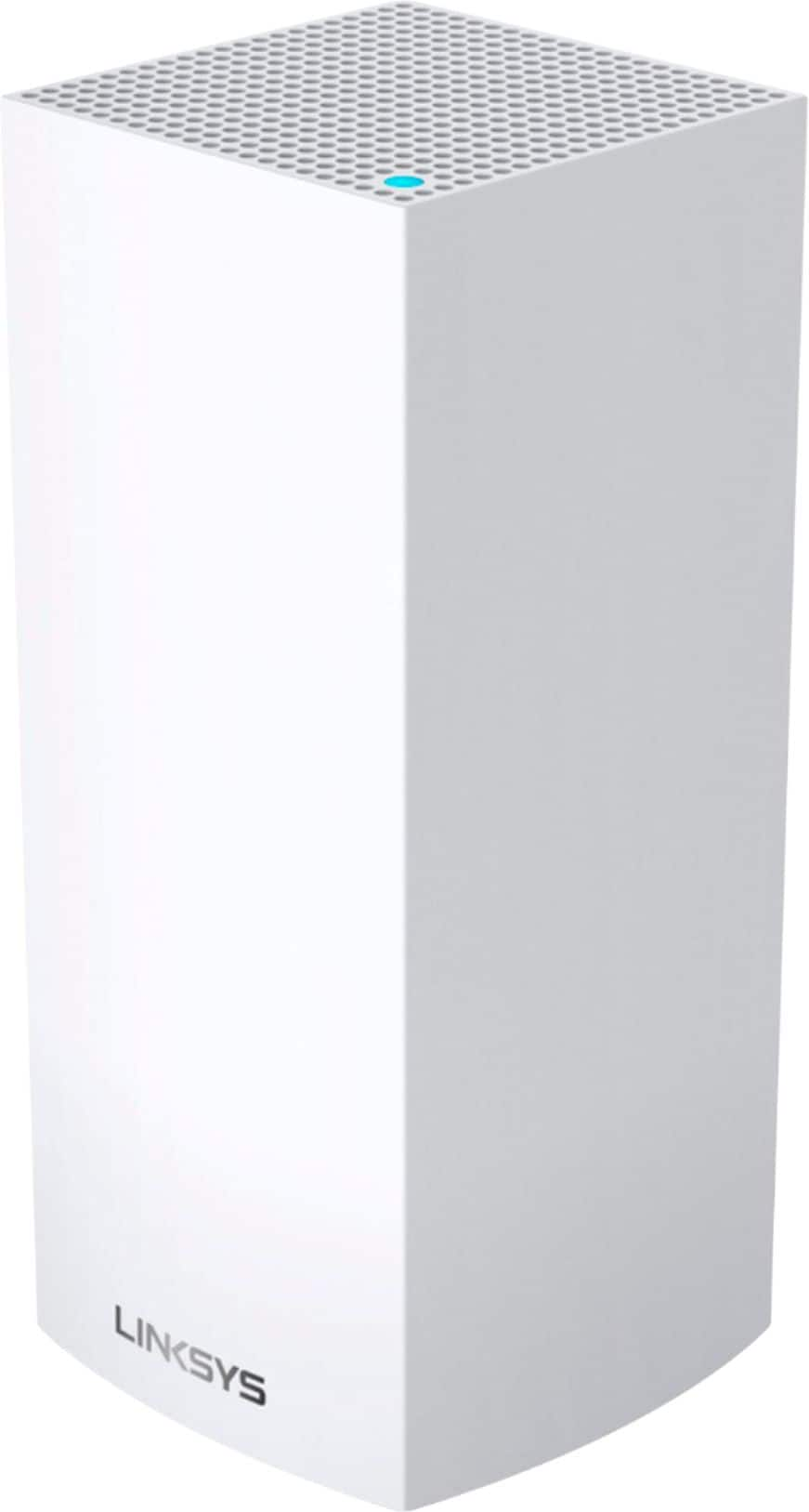

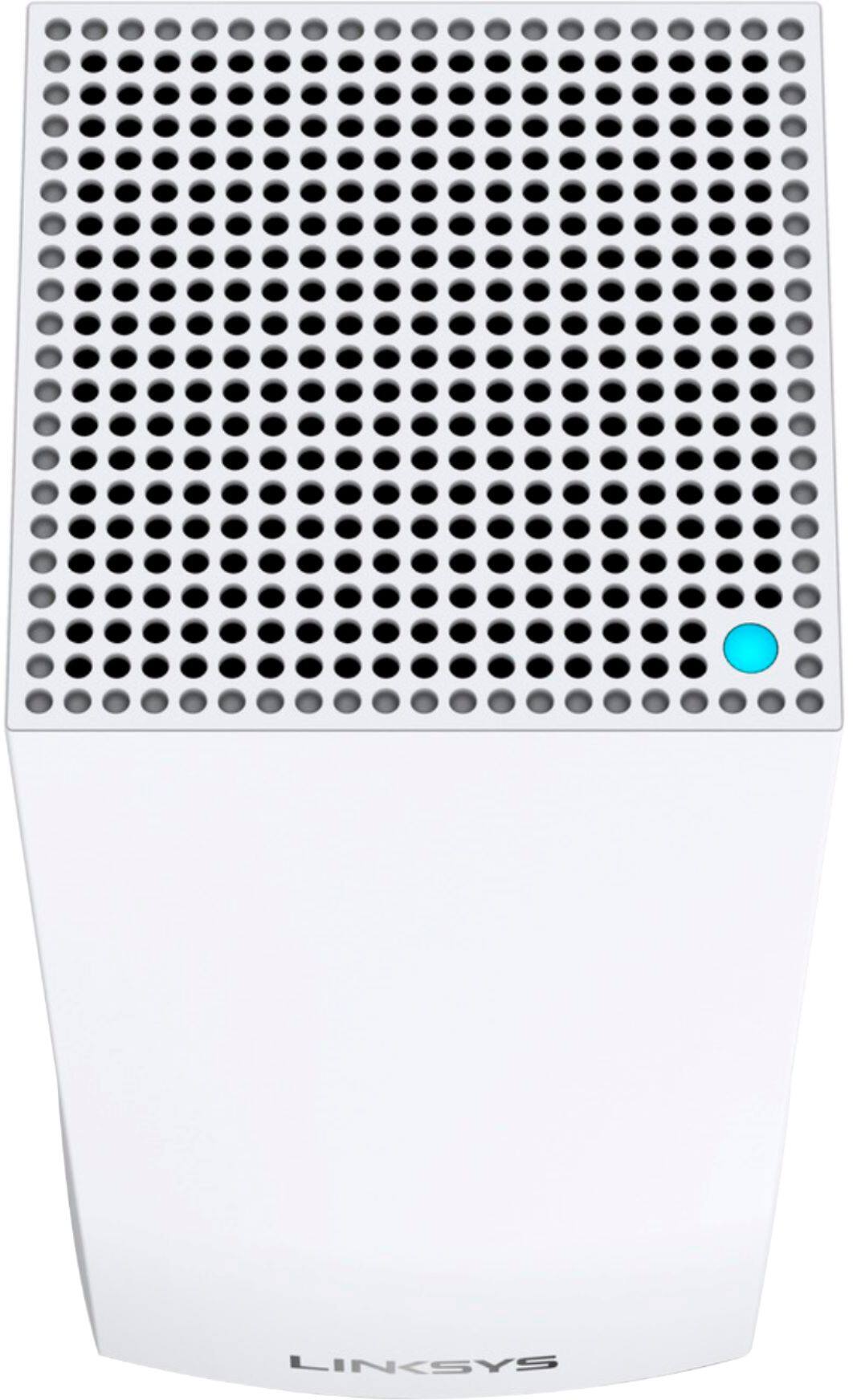
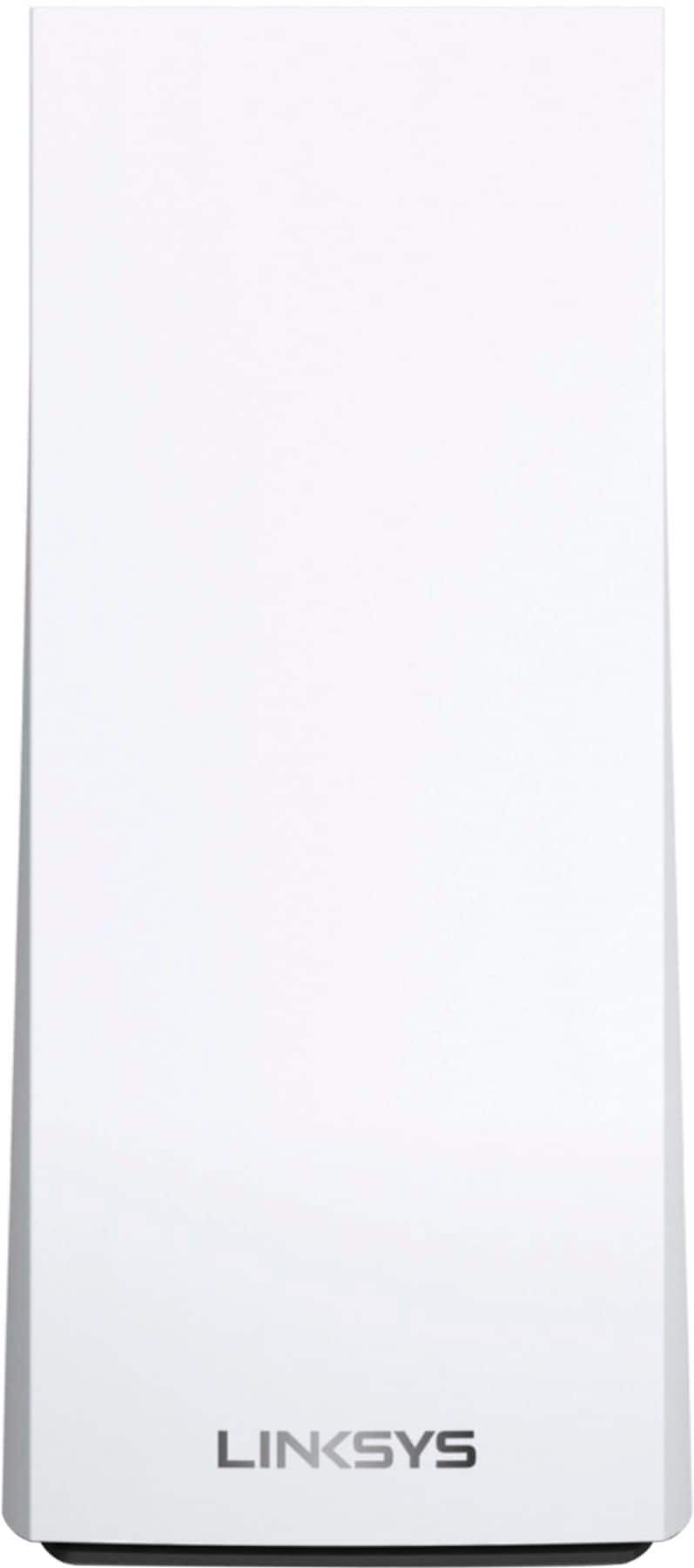

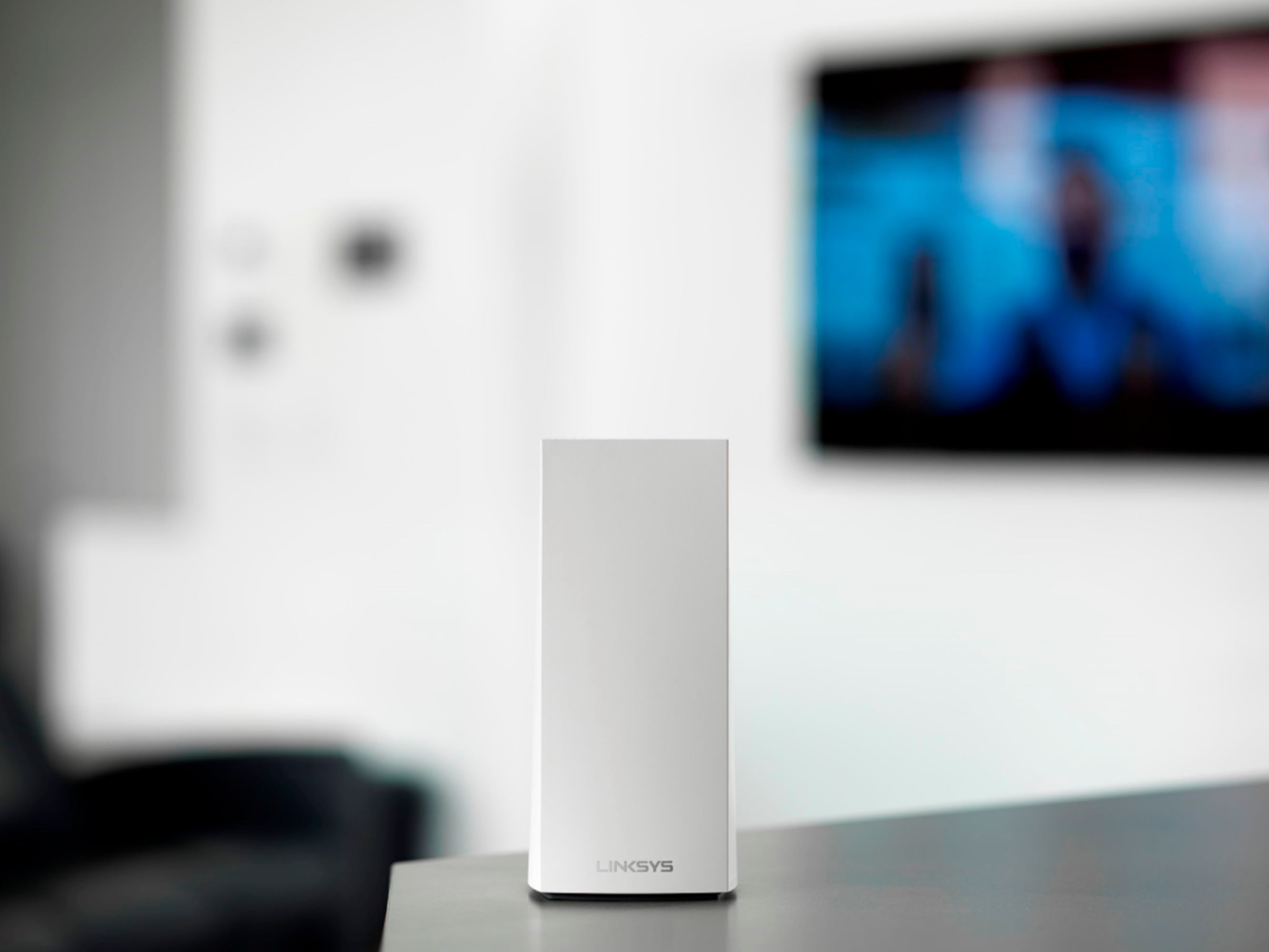

- Model:
- MX4200
- SKU:
- 6434212
Rating by feature
- Setup
Rating 4.1 out of 5 stars
- Range
Rating 3.9 out of 5 stars
- Signal Strength
Rating 3.8 out of 5 stars
Customers are saying
Customers regard the Velop AX4200 Wifi 6 System as easy to use and install, praising its broad coverage and strong signal. Positive feedback also highlights the system's performance and the user-friendly app. However, some customers expressed concerns about connectivity issues and the relatively high price.
This summary was generated by AI based on customer reviews.
If on the fence, this is well worth the money!
||Posted . Owned for 1 month when reviewed.This reviewer received promo considerations or sweepstakes entry for writing a review.Excellent mesh system and 5G coverage!! Any of the three units can act as a router and setup is a breeze. You’ll need to download the app and follow the easy steps to setup all three units. Best three piece mesh system on the market for the money.
I would recommend this to a friendGreat Product
||Posted . Owned for 1 month when reviewed.This reviewer received promo considerations or sweepstakes entry for writing a review.I was able to extend my wifi coverage throughout my entire house without any dead-spots. I highly recommend switching to this product. I can also control what devices can use the internet at certain times plus more. You truly have full control over your wifi.
I would recommend this to a friendHigh speeds when it works (unreliable)
||Posted . Owned for 1 month when reviewed.This reviewer received promo considerations or sweepstakes entry for writing a review.Unreliable connection led me to return this product after about a month of use. I had to restart the router multiple times per day, and satellites frequently lost connection to the base. There was also a considerable lag time (30+ seconds) when connecting a new device or connecting a device for the first time after a restart. The only positive is that I was pulling down 500+ Mbps from all satellites when working, and sometimes as high as 750. I replaced with Eero Pro 6, which seems to be much more reliable. Speeds on the Eero are also faster when near the base station (800-900), but considerably slower from satellite connections (150-200).
No, I would not recommend this to a friendBrand response from Linksys Staff
Posted .Hi, richeyrich.
Running the channel finder and keeping the Firmware updated could have helped in solving the setback. Our Escalation Engineers could also have checked on this closer.
Don't hesitate to reach out to us should you ever try another Linksys product
Regards,
Linksys Support
Great WiFi system!
||Posted . Owned for 2 months when reviewed.This reviewer received promo considerations or sweepstakes entry for writing a review.Great mesh system. There’s no low signal spots in my house, and moving around from room to room doesn’t have any delays while jumping one node to the next. Plus, I needed the mesh to support the 57 WiFi devices I use in my house on a weekly basis.
I would recommend this to a friendNo More Connection Issues
||Posted . Owned for 2 months when reviewed.This reviewer received promo considerations or sweepstakes entry for writing a review.Solved my buffering issues. Solved my distance issues. Solved my dead spot issues. I hooked it up, placed the nodes strategically, and haven't had a problem since. Worth every penny, and then some. I just wish it came in black to match my decor.
I would recommend this to a friendDon’t spend extra money these are great
||Posted . Owned for 3 weeks when reviewed.This reviewer received promo considerations or sweepstakes entry for writing a review.I was skeptical to buy this unit instead of the orbi system but was literally half the price. $500 instead of $999. Works perfect watching tv in multiple rooms streaming it covers my 7700 square ft house all floors. Would recommend to anyone.
I would recommend this to a friendGood system if you don't need top speed
||Posted .This reviewer received promo considerations or sweepstakes entry for writing a review.Very easy to install and worked immediately and has not gone down since I set it up. I have very slow wifi service and this did not speed it up, but pushed it effectively across my 6,000 sq ft house so that I no longer have any dead zones.
I would recommend this to a friendLinksys
||Posted . Owned for less than 1 week when reviewed.This reviewer received promo considerations or sweepstakes entry for writing a review.Had to return due dropping out a lot. Seems to be good at first.
No, I would not recommend this to a friendEasy to Use but Has Some Issues
||Posted .This reviewer received promo considerations or sweepstakes entry for writing a review.Setup went pretty well and the app is easy enough to figure out. However, almost any changes in the router will cause it to temporarily disconnect wireless clients. I like to adjust my network configuration frequently, so I ended up selling the router due to this.
No, I would not recommend this to a friendBrand response from Linksys Staff
Posted .Hi, tseliot1973,
We understand your sentiments and respect your decision towards this matter. Should you need help with your other Linksys devices, just email us at LinksysCares@linksys.com with your personal information so we can have our 2nd level support team address your concern properly.
Regards,
MJ
Linksys Support
Mesh just isn't there yet.
||Posted . Owned for 2 months when reviewed.This reviewer received promo considerations or sweepstakes entry for writing a review.The mesh system out of the box puts out very slow wifi speeds as it tends to put devices like my phone on the 2.4ghz band instead of the 5ghz band. I had to manually go in and differentiate the 2.4ghz and 5ghz networks and even then the Wi-Fi can be spotty sometimes when working with my google home system that I have throughout my house. When the mesh points work they're amazing and put out blazing fast speeds but more often than not I'm troubleshooting and restarting the network because a device is connected to a hub way too far away and keeps cutting out rather than connecting to the hub that's literally right next to it or its putting out speeds that are no where near the gigabit I pay for when using a WIFI 6 capable device (when the router speed shows 800+ mbps from the modem).
No, I would not recommend this to a friendBrand response from Linksys Staff
Posted .Hi, floss,
We would like to have our Second Level Team check on this further. Please email us your contact details and the link to this post to LinksysCares@linksys.com.
Regards,
Mara
Linksys Support
I wish I had bought this sooner
||Posted . Owned for 3 weeks when reviewed.This reviewer received promo considerations or sweepstakes entry for writing a review.Set up was easy using the android app. My home is a long ranch style and I have super wifi everywhere now. I have had no issues with stability all of my connected devices are working well. I have not had to restart the system yet.
I would recommend this to a friend- Pros mentioned:Coverage, Signal strength, Speed

3 Nodes = WiFi Range Problems Solved
|Posted .This reviewer received promo considerations or sweepstakes entry for writing a review.This Linksys Velop AX4200 Wifi 6 System is made up of 3 nodes. Each node is identical and can provide up to 2700 square feet of coverage, under ideal conditions. Realistically, you and your two best friends could split this package up into your own houses and probably be satisfied. But when you consider the number of walls and floors of a typical multi-level home, you're bound to get some WiFi dead spots. I previously had a Linksys Velop MX10 WiFi6 System that only had two nodes which were placed in my office on the main floor and the basement. Occasionally, while on a video call in one of the bedrooms on the second floor, my phone could not maintain a stable WiFi connection and switch to cellular data. This frustrated me as I had previously run a WiFi analyzer tool around my house and found acceptable to great wireless coverage in all corners of my house. In addition, I have a wireless security camera just outside of my garage door which is pretty far from either node and would only get 1-2 signal bars. Thankfully, this Linksys Velop AX4200 system seems to have addressed my wireless coverage concerns. By having a node in the office, basement and one of my bedrooms, I have plenty of wireless coverage. The wireless signal to all my WiFi security cameras is now at full strength! As I mentioned before, each node is identical. So you choose any one of them to connect to your internet modem to become the primary node. The nodes are 4 inches square at the top and flair slightly at the bottom and stand 9.5 inches tall. The rear panel contains 1 Gigabit Internet port and 3 Gigabit LAN ports (1 less than each of my Velop MX10 nodes). On the underside, there is an on/off switch which has conveniently been set to on, a WPS button, a reset button and a sticker that provides the SSID Name, password and recovery key. Since the secondary nodes are identical, that means they also have 3 Gigabit LAN ports each, which is useful to connect next to my basement media center and hard-wire connect my Roku and other streaming devices. Once I had a basic setup, I had to reset my computer and point its browser to 192.168.1.1. From there I had to change the private IP address to one that my other systems would recognize. I then set my SSID and password to match my previous one so that most of my devices attached to the wireless without having to go to each device and join it manually. I have over 50 devices on my network at any time (more than half of them are smart devices like light switches). So any shortcut I can take is greatly appreciated. I also run some virtual machines that I like to keep on statically assigned IP addresses. So I had to go to Connectivity->Local Network->DHCP Reservations. I had 13 to enter and the MAC addresses were the hardest to enter. In some systems I could just run all the characters together, but in this system, I had to add in the colon between each pair of characters. I also run some services so I had to set up some port forwarding. That was found under Security -> Apps and Gaming -> Single Port Forwarding. This was much easier to enter since it was just IP addresses and ports. Note: Neither DHCP reservations nor Port Forwarding are necessary for normal home users. However, I would like to see an option to export those settings and import them on new routers. Especially when both the old and new routers are Linksys systems. Once I was satisfied with those settings, I went downstairs and added the second node within the app. That took about 10 minutes to complete. I then set up the third node in one of my bedrooms. Again, another 10 minutes to complete. One thing to note, upon setup of each node, the app will tell you if you've put the node in a good spot. Keep in mind that secondary nodes must connect to the primary node. You cannot daisy chain secondary nodes off each other. I would say setting up these nodes was an easy process with the Linksys Mobile App. Since I have a custom network, I needed to put in more effort, but coming from a previous Linksys system, I knew where to find most of the settings I needed to change. I love mesh networking systems like the Velop system. At one point in my home network history, I had a pretty beefy wireless AC router and a network extender and I did not like that. I had hoped my network extender would extend all the different SSIDs. (2.4 Ghz, 5.0 Ghz, 2.4Ghz-guest, 5.0 Ghz-guest). Instead, that network extender created its own SSID and it would only extend one band. Mesh networks negotiate all of that into two networks. One for your regular network and one for your guests if you choose to enable it. All the negotiation between 2.4 Ghz and 5 Ghz bands are done between the router and the end device. It's the way it should be in my mind. Handoff between the mesh nodes requires no user effort. One feature I would like to see brought back is the option for guests to have access to local network resources. It wasn't a popular feature, but sometimes I would need to grant a guest user access to something like my network printer for a short time. I could grant the local network access via a checkbox in the router settings and then clear that checkbox later. Most people would probably just move the user from Guest Wi-Fi to main Wi-Fi. While I have gained a few more AX devices in the past year, I really can't test the max advertised wireless throughput of 4200 Mbps when all bands are combined. There are so many things that must be aligned, even within my home network, in order to see even a fraction of that speed. By choosing an AX system over an AC mesh system, you're future proofing for some of the efficiencies from the AX standard and for dense WiFi usage. Overall, this Linksys Velop AX4200 WiFi 6 system solved all my WiFi range challenges making me pretty happy. WiFi speed is more than I can properly test for. Setup was easy and it handled my customized usage nicely. I will continue to recommend WiFi mesh systems to my friends and family.
I would recommend this to a friend Great Router System!!!
||Posted . Owned for 1 month when reviewed.This reviewer received promo considerations or sweepstakes entry for writing a review.Great Router System!!! Very easy to install well worth the money!!!
I would recommend this to a friendPretty Solid !!
||Posted . Owned for less than 1 week when reviewed.This reviewer received promo considerations or sweepstakes entry for writing a review.Had to figure out the best set up. Running it completely wireless vs Ethernet back hall. Seems like wireless speed is just as good as ethernet back hall. Solid Wi-Fi system. So far so good. The customer service is excellent .
I would recommend this to a friendOne The Best Mesh Network Systems
||Posted . Owned for 3 weeks when reviewed.This reviewer received promo considerations or sweepstakes entry for writing a review.Excellent and one the best mesh network home system. In my opinion, the best on the market for large home over 4000 square feet. The process for setting it up could be challenging for a technology challenge person.
I would recommend this to a friendLinksys Internet Booster
||Posted . Owned for 2 weeks when reviewed.This reviewer received promo considerations or sweepstakes entry for writing a review.Linksys - Velop makes your life so much easier when trying to connect to the internet. Tired of all the other companies making promises, switch to Linksys !!!
I would recommend this to a friendunusable product, unusable configuration app
||Posted . Owned for 1 year when reviewed.This reviewer received promo considerations or sweepstakes entry for writing a review.This product is unusable. The nodes constantly become slow and eventually disconnected from the network, making your internet service unusable as a result. The nodes need to be restarted, only to become slow and disconnected again later. I have given this product a chance for about 12 months, only to be very disappointed with the reliability. We have finally taken the devices off our network and have given up that the company will ever fix the issues. Each firmware release seemed worse than the next, but we are unable to determine if the issues are buggy hardware or buggy software. Possibly both! For the tech-savvy, the software on these devices is fairly old, based on uClibc from 2016, an OpenWRT Linux kernel v4.4.60 from 2017. The configuration app forces the user through very long and unavoidable wait times during setup, such a directive to restart your cable modem while displaying a timer for several minutes with no way out, or to continue before the timer expires, almost like a "time out" period for a 4 year old. A ridiculous, one way and oversimplified process that will give you hours of frustration on your day off. The devices will be controlled remotely through the cloud-based "SmartWiFi" system, and not by you, locally. You will spend several hours trying to get the devices to think they are online, only to find them intermittently available, with unexplainable slowdowns and shutdowns. Linksys tech support is very slow to respond to our requests to switch to another device while the warranty is still available. Still waiting to hear back.
No, I would not recommend this to a friendBrand response from Linksys Staff
Posted .Hi,
We understand how you're feeling towards this experience. We would like to have a closer look. Email your case number, your contact details and the link to this post for our reference at LinksysCares@linksys.com so we can assist thoroughly.
Regards,
Rhea
Linksys Support
- Cons mentioned:Connectivity
Continually needed restarted.
||Posted . Owned for 2 months when reviewed.This reviewer received promo considerations or sweepstakes entry for writing a review.I wanted to love this system so badly. From the moment I set it up, it constantly dropped the connection. The only way to resolve the issue was to restart it, which was nearly a daily occurrence. I went through every suggestion on the support site and nothing solved the problem. I finally gave up and bought another router. The app was also useless because it couldn't reach the Linksys site because the internet connection was lost.
No, I would not recommend this to a friendBrand response from Linksys Staff
Posted .Hi,
We understand your decision, but we'd be more than glad to provide further assistance. If you ever need help with your Linksys device in the future, then please don't hesitate to reach out to us at LinksysCares@linksys.com with the link to this review and your contact details. Our Escalation Engineers would love to help.
Regards,
JC
Linksys Support
Dropping g I ternet
||Posted . Owned for 1 month when reviewed.This reviewer received promo considerations or sweepstakes entry for writing a review.The issue I’m having with it is the internet drops!! $500 and It drops terribly during FaceTime E and messenger calls!! I am going to do more research but I have 2250 sq ft house with 3 of these and I’m constantly dropping g
I would recommend this to a friendExpensive but worth it
||Posted . Owned for 1 month when reviewed.This reviewer received promo considerations or sweepstakes entry for writing a review.I was having trouble with internet going in and out and I work from home so that wasn't working for me. Got this system and not had anymore trouble with wifi connection throughout my house.
I would recommend this to a friend