Customer Ratings & Reviews
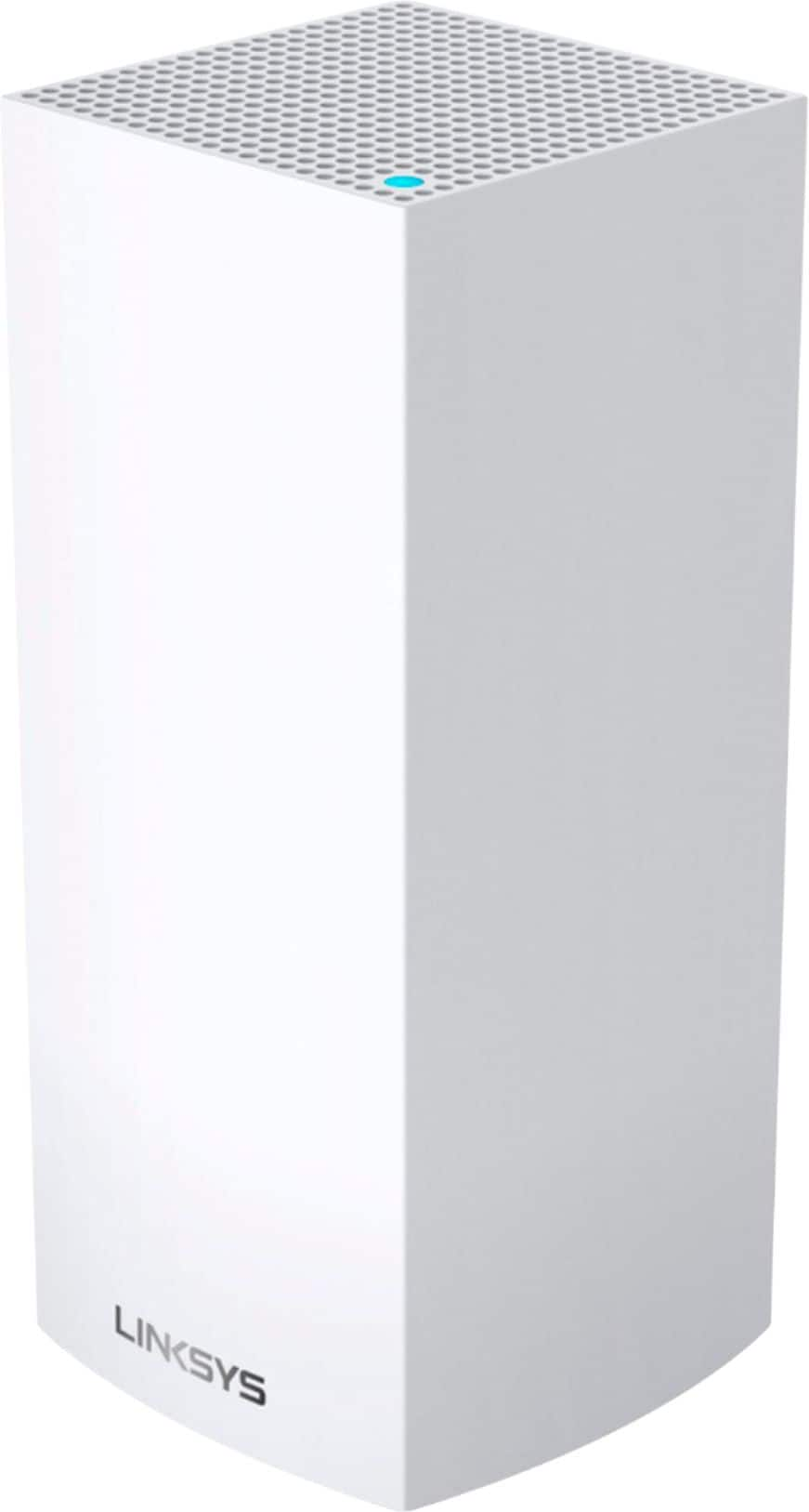

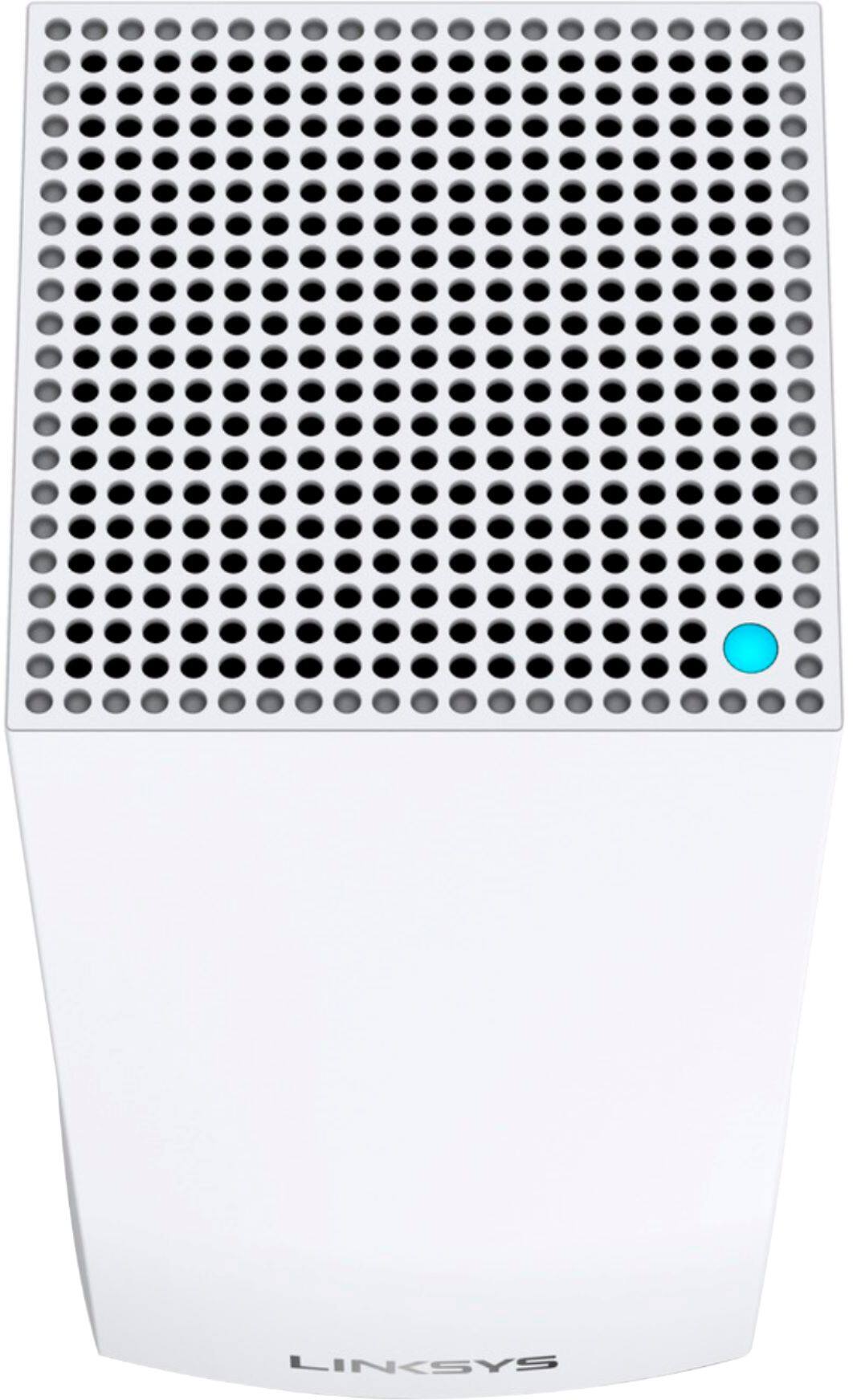


- Model:
- MX4200
- SKU:
- 6434212
Rating by feature
- Setup
Rating 4.1 out of 5 stars
- Range
Rating 3.9 out of 5 stars
- Signal Strength
Rating 3.8 out of 5 stars
Customers are saying
Customers regard the Velop AX4200 Wifi 6 System as easy to use and install, praising its broad coverage and strong signal. Positive feedback also highlights the system's performance and the user-friendly app. However, some customers expressed concerns about connectivity issues and the relatively high price.
This summary was generated by AI based on customer reviews.
Velop is Inconsistent - NOT worth it.
||Posted . Owned for 2 weeks when reviewed.This reviewer received promo considerations or sweepstakes entry for writing a review.Very inconsistent…. Bought it for Mesh but it is not worth it. Wait for a newer model or different brand. After two weeks everyone in our house has slow downs or lose connection. DO NOT BUY THIS MODEL.
No, I would not recommend this to a friendBrand response from Linksys Staff
Posted .Hi, EBTustin,
Try to power cycle the Linksys MX12600 and make sure to run the latest version of its firmware for further isolation. Allow us to have our Escalation Engineers assist you with this by sending us an email at LinksysCares@linksys.com with your contact info and the link of this review, for our reference.
Regards,
Elyza
Linksys Support

Wifi...Wifi Everywhere!
|Posted .This reviewer received promo considerations or sweepstakes entry for writing a review.I'm a network admin/engineer by trade, so I have a bit of experience when it comes to residential and corporate wireless networks. With that said, I'm not going to get overly technical in this review as that doesn't really serve a purpose to people just wanting to know if this Linksys Velop wireless mesh system is any good. So here goes nothing! You'll open up your box to 3 Linksys Velop units. These units are actually all the same, so just pick one as your primary unit and download the smartphone app to start your configuration. I usually set up my wireless routers using the web interface, but in this case I went ahead and used the smartphone application. I had a lot of luck with it too, it made setting up all 3 nodes painless and I had no issues with the initial set up. Please make sure to place them accordingly and follow the instructions when setting up the additional nodes. I have a 2000 sq ft house, but I purposefully wanted overkill as I also have an outdoor area that I want to be showered in wireless coverage. There is no shortage in range with these units. These are actually replacing a standalone, very new, Wifi 6 router that was located in the middle of the house, but lacked enough range to cover my entire property. I believe these units could cover most 2 story and 3 story homes without any issues, but I am using this in a single story rancher. Configuration is simple, but almost too simple. There are no real QoS options, no anti-virus or anti-malware built in and in order to do any sort of port forwarding or customization you'll have to log into the web interface. Once there you get a few, very limited settings that can be changed. This system is very much a set it and forget it kind of system, made for people that don't want to worry about what band their wireless is on or need to set up DHCP reservations for devices. These lack of options make this a 4 star product, as I believe they should be there, even if you have to go into an advanced menu to get to them. There are some basic "device priority" settings and parental controls, but these are so dated in their implementation that it's hard to call them features at this point. This Linksys Velop AX4200 is a beast in terms of power and comes with quad core processing, tri-band wireless and wired backhaul. Since I have my house wired with cat6, I went ahead and made sure the system was using the wired backhaul, but of course that required searching for the information on some message boards as there was no simple way to find out whether it was using wired or wireless backhaul for inter-node communication. Rest assured that it does support wired backhaul, although this feature may not be used by many, it's nice that Linksys decided to support it. Overall, this is one of the best residential wireless mesh systems I have used, even if the firmware is still pretty scant on features. I'd love to see some basic antivirus function and QoS functions on this unit, given the price and features that other similarly priced units come standard with.
I would recommend this to a friendSlow speed
||Posted . Owned for 1 week when reviewed.This reviewer received promo considerations or sweepstakes entry for writing a review.I have gigb speed from Verizon, and download speed under 200 mbps, upload speed under 100 mbps
No, I would not recommend this to a friendBrand response from Linksys Staff
Posted .Hi Eternity,
There are a lot of possible reasons that may have caused such a challenge. To isolate, make sure that your Linksys Velop is running on the latest firmware version and that it's placed on an area where there's less interference (e.g. walls). Moreover, we'd like to have our Product Experts look into this matter further, email us at LinksysCares@linksys.com along with your contact information and the link to this review for reference.
Regards,
Princes
Linksys Support
Not for Subdivions
||Posted . Owned for 7 months when reviewed.This reviewer received promo considerations or sweepstakes entry for writing a review.Had poor reception in our subdivision as other neighbors had different Link system.
No, I would not recommend this to a friendBrand response from Linksys Staff
Posted .Hi Bubbles,
This is totally unexpected as we designed the Linksys Velop AX4200 Wifi 6 System to cover up to 2,700 sq, ft of Wi-Fi range per node. Make sure to place the nodes away from physical obstructions since they deal a huge factor on reception problems. With the link to this review and your contact details, please get in touch at LinksysCares@linksys.com so our Escalation Engineers can better lend a hand on this matter.
They're the best to diagnose the setback further,.
Regards,
Carl
Linksys Support
- Pros mentioned:Coverage, Setup
Excellent home wifi with modern technology
|Posted .This reviewer received promo considerations or sweepstakes entry for writing a review.I have used mesh wifi networks in my home in the past, and this one has been impressive. The wifi coverage is massive, setup was easy, and I like the Linksys app that you use to configure these hubs. Setup took a few minutes per hub, but it was straightforward and included easy to understand instructions within the app. I do not have many wifi6 devices yet, but testing so far has been very positive. Even non wifi6 devices have seen increased speeds. I am very happy with this whole home wifi system, and would definitely recommend it.
I would recommend this to a friend Faulty Device
||Posted .This reviewer received promo considerations or sweepstakes entry for writing a review.The home hub didn't work and could not even factory reset. Faulty device and I need to return it
No, I would not recommend this to a friendBrand response from Linksys Staff
Posted .Hi, Ab134.
Your feedback is of great value and we'd like to make things right before setting the unit aside. Our Escalation Engineers would like to take a closer look at your experience and help you figure out what's causing this to happen. With the link to this review and your contact details, please send an email at LinksysCares@linksys.com so we can better assist forward.
We're eager to help.
Regards,
Carl
Linksys Support
Junk
||Posted .This reviewer received promo considerations or sweepstakes entry for writing a review.Poor coverage and slow speeds and the app is slow to open up. I recommend the Eero pro 6
No, I would not recommend this to a friendBrand response from Linksys Staff
Posted .Hi, Dave,
We regret to hear that you already returned the unit, but, we respect your decision. Just don’t forget that we’re just an email away at LinksysCares@linksys.com should you decide to use another Linksys product in the future. The team will gladly lend you a hand.
Regards,
Rosalyn
Linksys Support
No, no, no
||Posted . Owned for 7 months when reviewed.This reviewer received promo considerations or sweepstakes entry for writing a review.Was dead in less than a year. Run, don’t walk away from this product!
No, I would not recommend this to a friendBrand response from Linksys Staff
Posted .Hi Ashes,
We’d like to have our Level 2 Support team assist you with this. Please share with us more details about the issue you’ve experienced so that we can look into it. You can email it at LinksysCares@linksys.com along with your contact details and the link to this review for reference.
Regards,
Kyla
Linksys Support
The Perfect Answer For Me! Love it!
|Posted .This reviewer received promo considerations or sweepstakes entry for writing a review.Received the Linksys Velop AX4200 Wifi 6 System - 3 pack and immediately started to work setting it up. I have a large 3,000 sq. ft. ranch with full basement so getting wifi to work throughout has always been a major headache. I have always needed 2 different routers in order to get a signal everywhere and then still a couple rooms would only pull in one bar. I must say this set is the absolute EASIEST and fastest router I have ever set up but you MUST download the Linksys app on your phone which basically does everything for you. In all I'd say it took me a total of 15-20 minutes and viola! All done! I plugged one of the nodes into my cable modem which is in our home office and followed the easy instructions right on the phone. Went in flawlessly and very fast. That light turned blue on the top and off I went to the next node. The second node I placed in my kitchen which was always a bad spot for reception and needed that second router. The app will ask you once your main node is done if you want to add another node. So after plugging my ethernet cable in the back and into the electrical outlet it just set itself up by connecting to the main node in my home office automatically and this main node is a good ways away from the kitchen. The app will test the connection and let you know if the signal is strong enough and you are in a good spot or not. I was. On to the final node. I do a lot of singing and recording music and in my singing room there was never any wifi with mostly dropped signals and I couldn't even use my phone. I placed the 3rd node there and plugged my computer into the back along with the ethernet cable. Lo and behold I now have 3 full bars of reception on my phone and stuff loads blazing fast on my computer. The only place on the main level I now get just 2 bars is in the master bedroom but I get the full 3 bars in the master bath which is closer to the main node in the home office. I can live with that and the signal is still strong enough to not drop calls. Down the basement was a bit different with a weaker signal than I had hoped in some areas but it would not be a deal breaker for me. I tested this all out for hours and hours...way into the night. Streamed movies without a glitch of any sort. One negative I noticed was once in a great while the signal got dropped off the main node and I had no internet. Sort of popped off and back on. Not sure why because it says the signals are strong, which they are, but that's the only downside I can tell you about the set and quite possibly it's coming from the cable company modem which is known to drop my signal off and on too. I think Linksys could look into that issue if more folks start to complain about it, otherwise I am not worried at all. Oh yes there is a software update that goes into the system before you really start to set the other nodes up so I highly suggest doing that right away. All in all I am very pleased and if you have a medium-large home this is the answer, at least it was for my needs. You can also add more nodes if you need them for your home setup. Oh and it has a 3 year warranty with 24/7 customer support - can't beat THAT! I highly recommend this outfit! Big kudos to Linksys for solving the lost internet problem in my house and making the setup SUPER EASY for anyone to follow!
I would recommend this to a friendDoesn't get much easier than this!
|Posted .This reviewer received promo considerations or sweepstakes entry for writing a review.I have been around long enough to remember dialing up on a 2400 baud modem, so I have seen a fair number of "easy to set up" network devices that don't seem to fit my idea of easy to set up! Boy did this Linksys MX12600 VELOP mesh system change that. It is truly the easiest router I have ever set up and adding the nodes was even easier! Once the first node is set up as a router, adding new nodes is as simple as plugging them in and hitting next when they are ready to be set up. The app does all the rest, with almost no interaction at all. The initial node acts as the router, asking for a few basic pieces of information to get set up. As it completes its own setup, it shows a bar on the app on the phone that allows you to see how things are progressing. Mine ended a minute or two before it had projected, and I was off to the first add-on node. Once the next node powered up, all I did was hit next on the app and it went through and found the new node, configured it (two minutes less than it expected) and then asked where it was located. Same process for the third node and in less than 15 minutes, I have a mesh system set up throughout my house! Absolutely the easiest setup I have found for any computer device! Now I need to migrate all of my devices to the new network and run more diagnostics to see how much faster things are. I already ran some and have found that the speed is incredible. At the router, my Moto G Stylus is getting 113Mbps on my 100 Mbps Spectrum service and at the farthest node it is 107! Not bad when my previous router was only providing a "Fair" signal at the far end of the house. The app seems to have a lot of the normal settings and it may just be me, but I like the layout of the phone app for handling the settings. I have never been a big fan of phone apps since they seem to strip everything useful out and leave you with the bare minimum. The Linksys app is just the opposite, including all of the settings and in an intuitive layout that is pretty ideal for handling everything. Each node seems to be a complete router all on its own, complete with a USB port for external storage, one WAN port and three Gb LAN ports to plug other devices into. I now have a very speedy network I can access all through my house and yard and it was completed in a matter of minutes. I'm looking forward to diving into the settings on this to see how much more I can wring out of it.
I would recommend this to a friendVery nice product if you need a mesh system
|Posted .This reviewer received promo considerations or sweepstakes entry for writing a review.I've been using this networking solution in my home for a while now and I must say that it a definite improvement over my old single wireless point solution. I have an older home which was engineered to have thick walls. My family has joke that it is where wifi goes to die. Even in the next room from the router you'd notice a signal drop with my last router. To try to solve the problem I tried setting up a mix and match solution of several other routers I had bought to improve my wifi as access points in problem areas. That method was extremely cumbersome and often the access points would disconnect form my main router and be little more than paperweights. Enter this mesh system. It is super easy to set up with the Linksys app. i was all ready to go in under 15 minutes. The main routing unit has a robust set of features and range is superb.
I would recommend this to a friendVery Fast Wireless Backhaul with Great Range
|Posted .This reviewer received promo considerations or sweepstakes entry for writing a review.I was most looking forward to seeing how the advantages of WIFI 6 AX technology was going to impact the wireless backhaul of this mesh system, and boy I wasn't disappointed. This three node Velop WIFI 6 (AX) mesh system was very easy to setup. You download the Linksys App on your smartphone and it steps you through setup to your internet access modem. Then just add your other nodes one at a time through the App, takes a bit of time, but it's a very simple setup. This replaced an older WIFI 5 (AC) mesh system for me. The backhaul signal between nodes is stronger with this system and I went from 6 nodes including 1 outdoor rated node down to this 3-node system with none outdoors of course and I still have great coverage inside the house and in the backyard and faster consistent internet speeds everywhere. It's amazing how good the WIFI is from these nodes. I only have 1 AX device, and it is faster as it should be on this network, but the rest of the older AC devices have seen improved performance too. We have noticed that older Samsung Smartphones, particularly the S7 and S8 do not get reconnected to the WIFI as much so their batteries don't drain as fast when connected to this system. Also, handoff from node to node is very good, haven't experienced a dropped WIFI call or video call when roaming around the house yet. I only have 400 down 20 up internet, so I cannot stress test the speed of this system just through internet use, but large transfers between devices hardwired to different nodes is superfast. I like that the nodes have 4 ethernet ports so you won't always need a separate switch attached to it if you only need a couple devices wired in the vicinity of the node. I always try to wire ethernet to devices like game consoles, media streamers, and desktop computers if possible, to reduce the WIFI traffic. I like that this Velop system adds so many benefits to legacy AC wireless devices, and future proofs (for a few years anyway) for the coming deluge of AX devices.
I would recommend this to a friendSimple Setup, wifi everywhere!
|Posted .This reviewer received promo considerations or sweepstakes entry for writing a review.I've had Linksys Velop Routers in the past, and these were just as easy to setup as the others were. Within 30 minutes, I had all three nodes talking to each other, and the wifi is strong all throughout my 2100 sf house. All my devices connected without issue, even some of the 2.4ghz devices that are usually stubborn when a new system gets installed. I didnt have time to go into the advanced menu's yet, so hopefully I can do a little tweaking once I spend more time with it.
I would recommend this to a friend- Pros mentioned:Coverage, Setup
Exactly what I was looking for!
Posted .This reviewer received promo considerations or sweepstakes entry for writing a review.Had to replace the router from my ISP. I’m working remotely and I can be on my Teams calls and my wife can be on her online classes without any hiccups. Excellent throughput from the main router to the satellites and to my devices. Also excellent coverage in my house. Setup is a breeze with the Linksys app. Advanced settings are easy to access through the router website like assigning different SSID names for each band. The channel finder on the app makes it easier to adjust your channels to a less congested one in the neighborhood. Overall great buy, or maybe a ... Best Buy?! I’ll see my self out...
I would recommend this to a friend This is not the Wifi you're looking for
|Posted .This reviewer received promo considerations or sweepstakes entry for writing a review.I have a fairly large condo with over 20 connected devices and had some wifi strength issues in certain areas of my home. I wanted to try this Linksys system to cover my entire home, unfortunately this system is not for me. Setup was fairly easy, just tedious and time consuming. Download the app and follow the instructions to set up the main node. I had to do this 3 times to get the wifi connection set up. It was then really easy to set up the other nodes; one in my office and the other in my master bedroom. I kept the same network name and password so all of my devices would automatically connect which was really convenient. Download speeds seemed pretty good at first, but after a little while the speed degraded. I called Linksys support and they decided that one node needed to be replaced and they quickly sent me a new one. Their support was terrific and stayed on top of me to make sure I was set up. I got the new node yesterday, set up the system again, but again had the same issues. My MacBook Pro would disconnect from Wifi and the speed was very inconsistent, from really good to horrendous. My Apple TV would keep refreshing. I gave it two shots, but this system just doesn't work for me. Maybe it's meant for a home with multiple levels, or just a much larger space, but I unplugged everything and got my existing router back set up.
No, I would not recommend this to a friendI regret spending almost 600 for this crap
Posted .This reviewer received promo considerations or sweepstakes entry for writing a review.Deserves ZERO stars. I have a typical 2-story house and a basement. I have this setup as required by manual, and have only a fraction of the items this thing claims is compatible to connect at once. I also have 1000upload/500 download mbps network speed coming in from a dedicated modem that actually shows slightly higher speeds when connected right from it. Now the biggest problem: this stupid Velop crap is not capable of cycling cashed network data from prior reset time- meaning the longer it stays running without turning off, the more cache it will consume until the network comes to a slow halt. Usually, this takes about 1 week to happen, but it obviously depends on network use. After calling Linksys multiple times to complain, they say you should simply restart the system. LOL WHAT? You should never have to restart a network. This is such a poorly designed system, and it's my fault I tried to stick with it hoping that Linksys would update the system via an update that never came. Even when the network is functioning properly, it's easy to notice speed differences between each node, so don't actually think you will be getting the same speed anywhere you are simply because you are connected. I've never hated a network device as much as I hate this. I've had better network coverage with a 200 dollar Nighthawk.
No, I would not recommend this to a friendWorking / Gaming from Bedroom - Great Connection
|Posted .This reviewer received promo considerations or sweepstakes entry for writing a review.Very happy with the connection after installing the wifi system. No issues with working, streaming or gaming at 144hz. Would highly recommend for households who want great connection with a lot of family members under one roof.
I would recommend this to a friendGets the job done
Posted .This reviewer received promo considerations or sweepstakes entry for writing a review.Set up was a headache. I owned the ac1300 twice set up was a breeze. With these. I had to have tech support help me. They had to be updated and i could only do the through my browser on my desk top. After all is said and done they handle everything i throw at them. Awsome. Especially if you plan on having a smart home.
I would recommend this to a friendWorks great, tried them all!
Posted .This reviewer received promo considerations or sweepstakes entry for writing a review.I’ve had a few mesh systems, in the last month I had the eero pro 6, orbi 6 and this set. The eero was by far the worst. My speeds are 500/500 (wired speeds around 550) and at the main unit it was fine, usually mid 400s. At the mesh points usually low 100’s sometimes upper. The orbi was slightly better, but had complete loss of internet at one point I couldn’t get them to work again. I then tried the velop and they’ve been solid and the fastest speeds by far. Main unit often around 500+ and the nodes are often around 400, sometimes mid 300. This is on my wifi 6 devices. I see around 300 on my wifi 5 devices. Overall very happy. No reboots or anything needed yet.
I would recommend this to a friendgreat product and even better service from Linksys
Posted .This reviewer received promo considerations or sweepstakes entry for writing a review.We have had this system in our house for about a year now, used for all devices as well as streaming TV. The wireless signal with our old Netgear router was weak in the bedroom for the TV and other devices. The tower of the 3 that comes with the Linksys does the job totally. No more of that little blue circle going around and around. And tech support is great. The reason that I am writing now is that after our snowstorm in Dallas in February 2021, all internet went out because of our carrier. Linksys support helped me get everything up and going after the provider got the internet up and going.
I would recommend this to a friend