Customer Ratings & Reviews


- Model:
- WHW0203P
- SKU:
- 6292290
Rating by feature
- Value
Rating 4.2 out of 5 stars
- Quality
Rating 4.5 out of 5 stars
- Ease of Use
Rating 4.5 out of 5 stars
Customers are saying
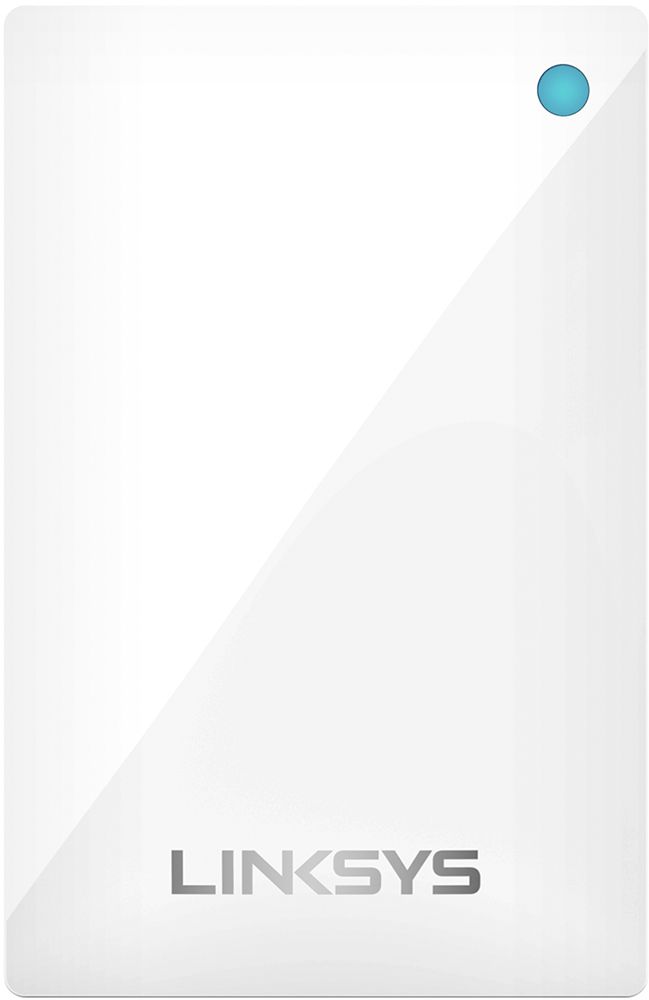
Customers have good things to say about the Velop Tri-Band Mesh WiFi System's coverage, ease of setup, and ease of use. Many appreciate the improved signal strength and performance, resulting in a reliable connection throughout their homes. While some find the price to be a drawback, the system's range and design are also frequently praised. A few users noted the lack of Ethernet ports on some nodes as a limitation.
This summary was generated by AI based on customer reviews.
- Pros mentioned:SetupCons mentioned:Ethernet ports

Good, but missing ethernet ports
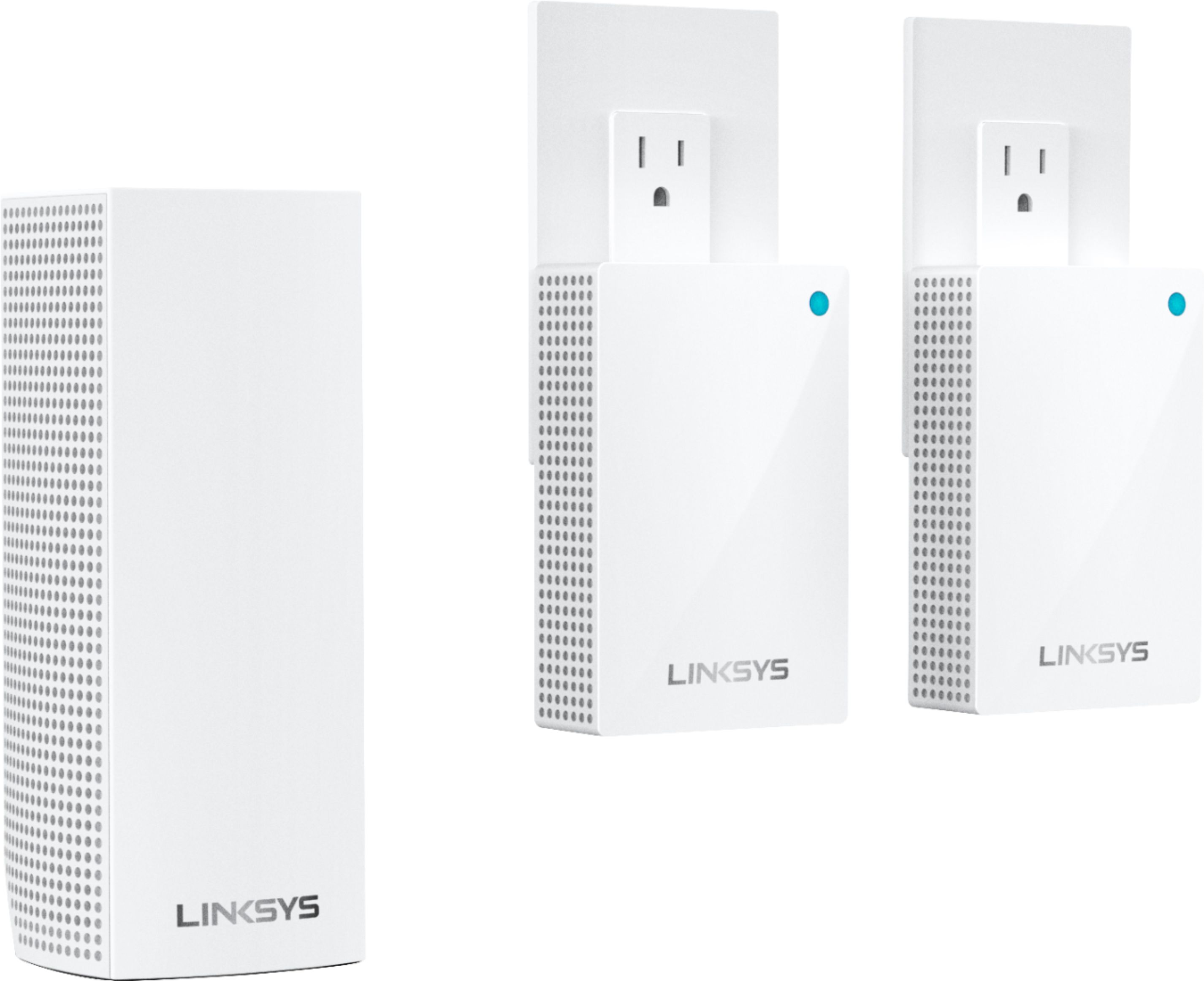
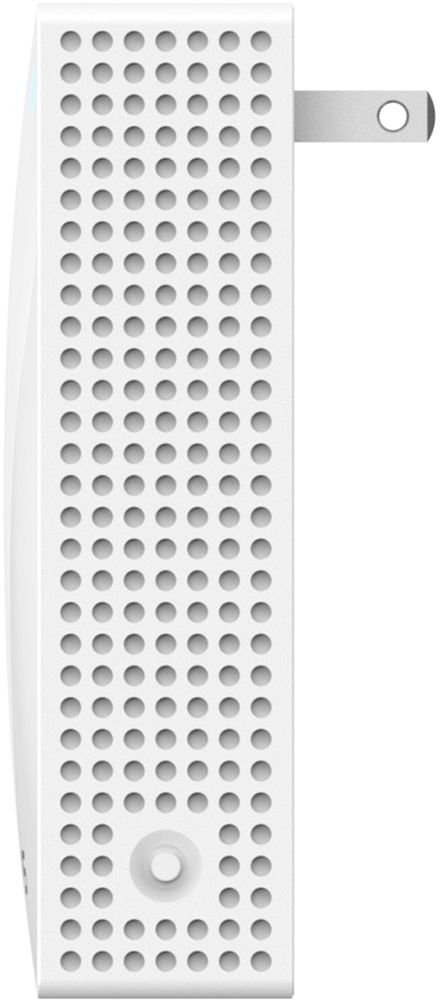
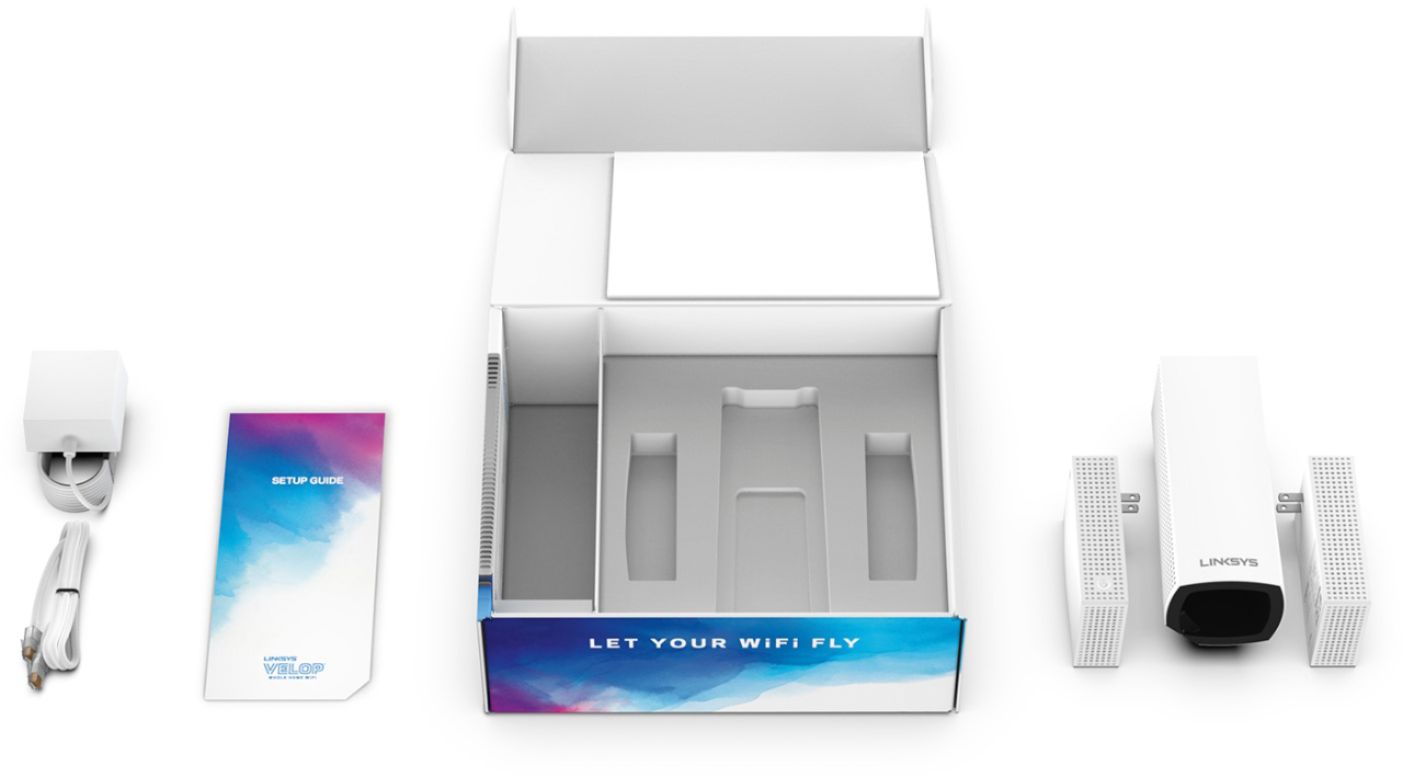
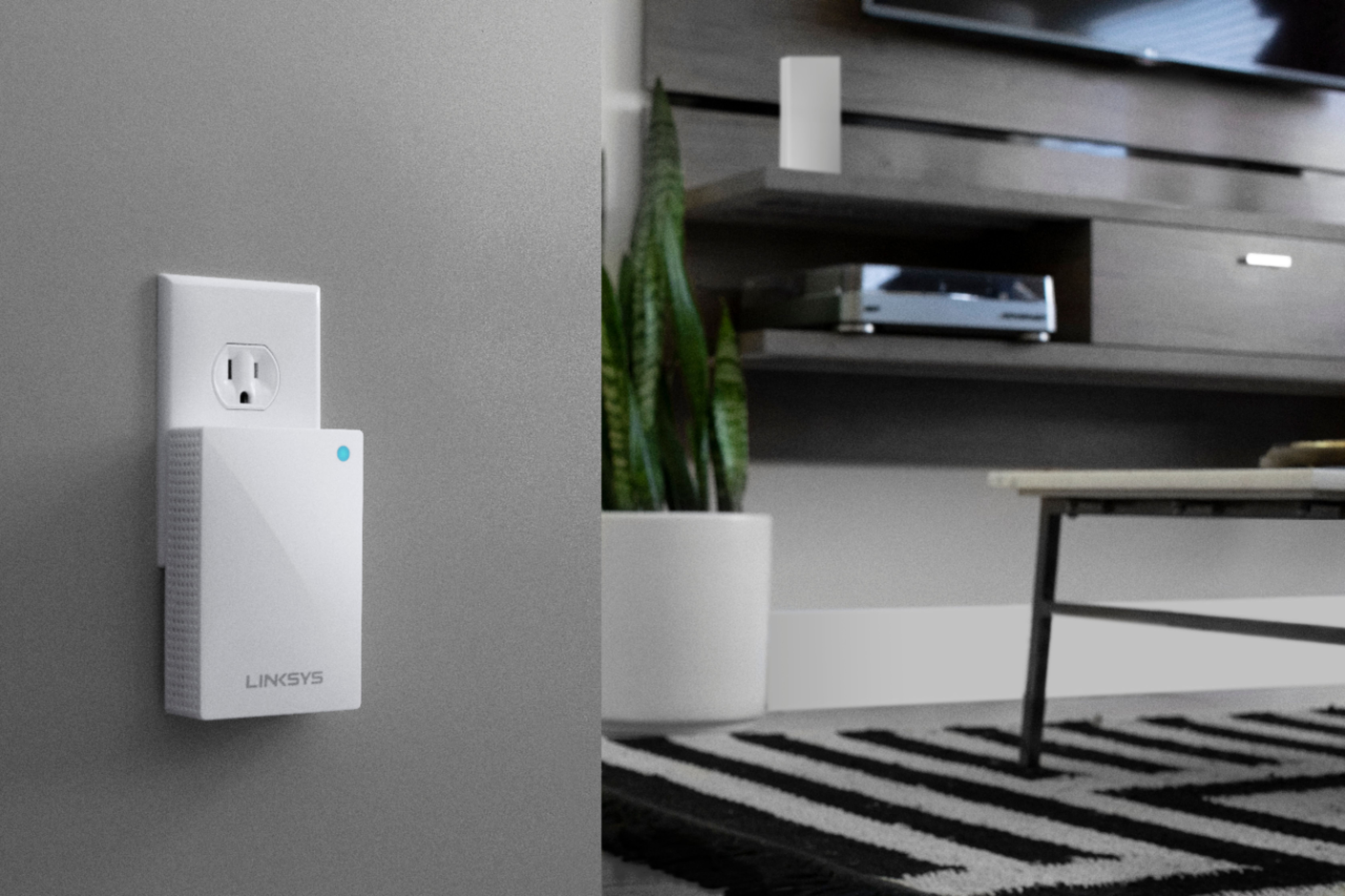
|Posted .This reviewer received promo considerations or sweepstakes entry for writing a review.This mesh router has been perfect for my three level home (two above grade and a basement) and is able to push stable wifi into every corner without messing with wifi extenders that tend to interfere with each other. Setup is very easy. My setup is with the base node in the basement where the cable modem is, then a plug-in node on each floor. Perfect coverage! My only complaint is the lack of ethernet ports. I'm replacing another mesh network with these. The other one has ethernet out ports on each of the satellite nodes. While not strictly necessary, it was helpful to plug in non-wifi devices like my TiVO in other rooms. If you can live without the wired ports, these are highly recommended. I also like that the satellites plug directly into the wall and don't need someplace like a dresser or table to sit on!
I would recommend this to a friend It works
||Posted . Owned for 3 weeks when reviewed.This reviewer received promo considerations or sweepstakes entry for writing a review.Its works well. However had problem with it shutting down twice and had to reset. Signal is okay. Really thought I would get better signal than what I am presently getting
I would recommend this to a friendBrand response from Linksys Staff
Posted .Hello Cabtrini,
That's not a normal behavior of the Linksys router. Please share with us more details regarding what happened at LinksysCares@linksys.com along with your phone number and the link to this review for our reference; we'll get you over to our Escalation Engineers. To achieve a better performance of the device, let's make sure that it's running on the latest firmware version.
Regards,
Princes
Linksys Support
- Pros mentioned:Setup, Speed
One of the best gets better
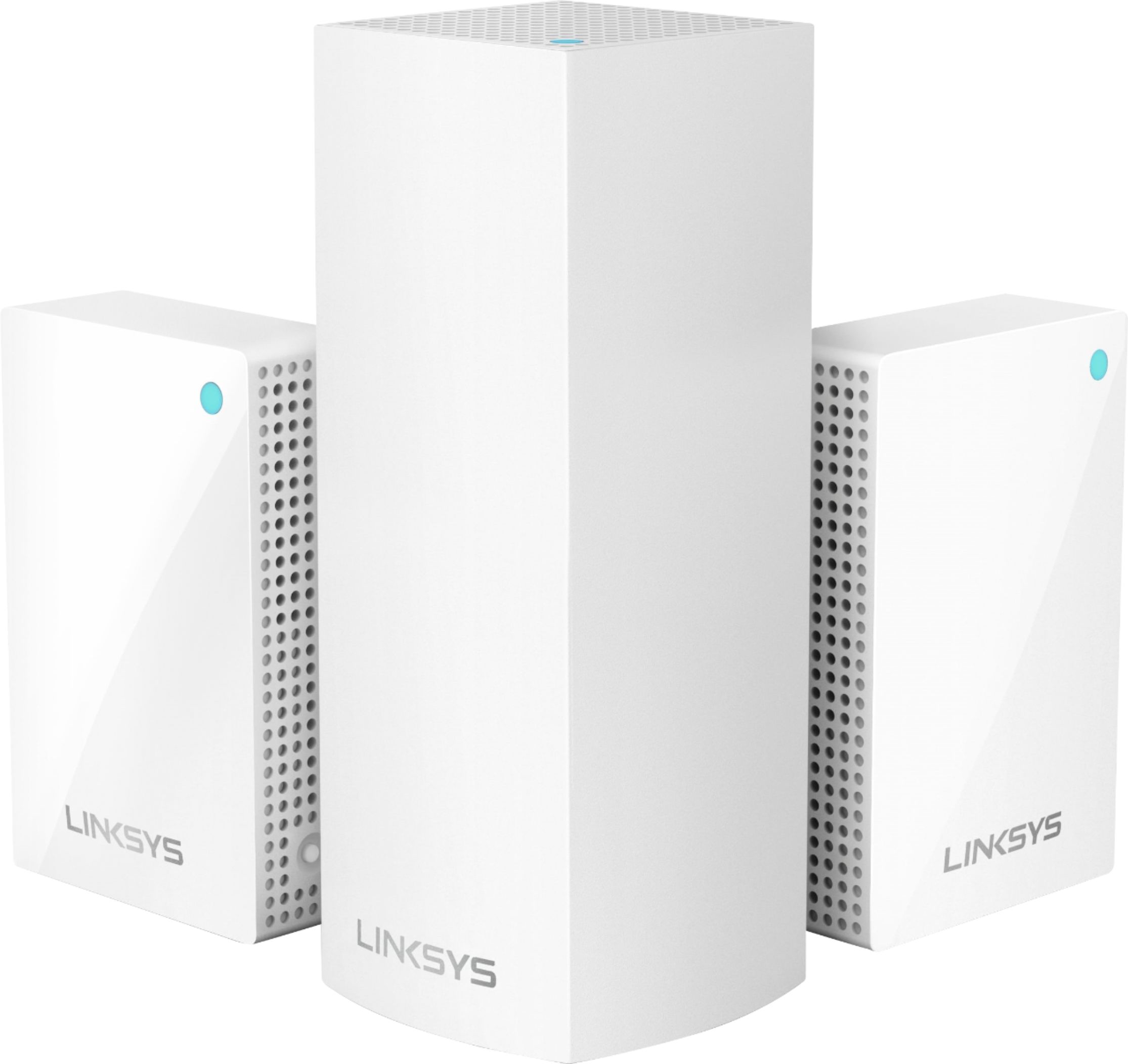
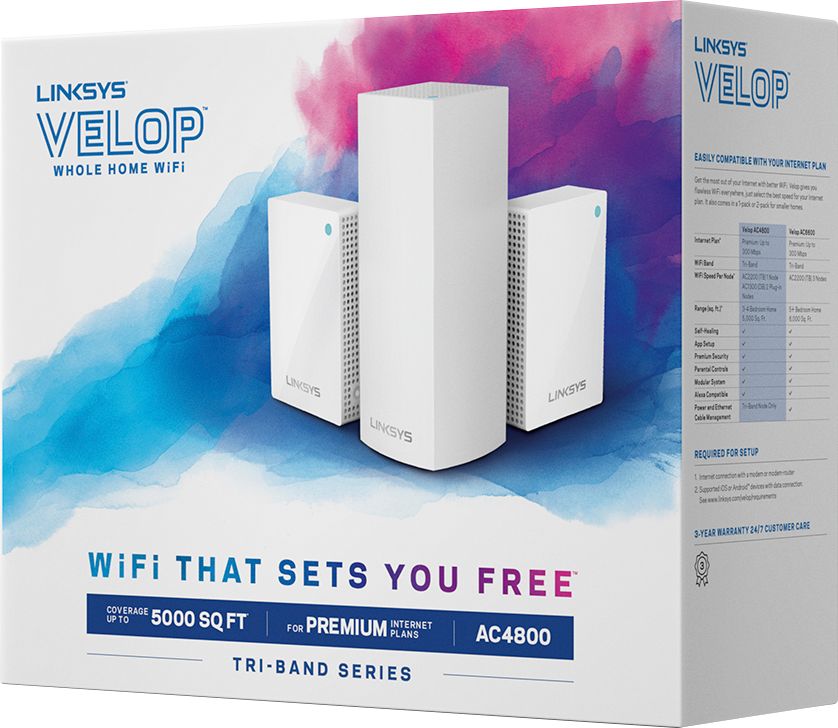
|Posted .This reviewer received promo considerations or sweepstakes entry for writing a review.Linksys - Velop AC Tri-Band Mesh Wi-Fi System (3-pack) I had the pleasure of using the first version of the Velop Mesh Wi-Fi System. Even on that first version it was extremely easy to setup and use. Mesh networks were mostly new a year ago at least for usable consumer versions. Since then the market has offered many more options. Some are still quite expensive and other are very affordable. The Velop I am using is the AC4800 that is rated for a 3 or 4 bedroom 5,00 Sq. Ft. home. There is also an AC6600 version rated for a 5+ bedroom 6,000 Sq. Ft home. Both use a Master node and two client nodes. This new version has a Tri-Band radio with a possible 1,300 Mbps speed rating. What this really means is you should get your full internet connection speeds and the radio is much more robust in keeping and maintaining a signal. It will always try to keep your speeds up no matter where you might roam in your home. The nice thing here is the two client’s nodes simply plug into a wall outlet where the first versions all sat upright with a power supply that you plugged in. That is gone in this version which is a great thing to make it even simpler to use. The setup is mostly the same where you download an Android or Apple app. The app pretty much walks you through the setup and it is very easy to use. You can use the Velop to completely replace your older Wi-Fi or join your existing network with an optional bridge mode. I have a very good Wi-Fi router in an upstairs Master bedroom closet. Since I wanted to keep that Wi-Fi radio in service, I used the Bridge mode. I could have just turned off my main router radio, but the combination just makes my home network that much better. Since I had their prior version with no problems, I wanted to test their support line. I was very pleased to only be on hold a very short time and worked with their Tech Support and made sure everything was setup to work as well as possible. I was very pleased with the support and knowledge I got from William at Linksys support. For those who are new to adding Wi-Fi in their home I would encourage you to call them if you have any issues or like me wanted to be sure I was getting the maximum performance possible. This is really the best of both worlds. I have used the Linksys Velop product from its first version and now with their new version and I can say I am still very impressed. I stream all of my content to my TV wireless and so expect a lot from it. I can say the Velop delivers both on ease of use and is very well suited for more complicated setups. If you haven’t tired Mesh network products you are missing out on the real promise of Wi-Fi that really does set a new standard.
I would recommend this to a friend Internet didn’t change
||Posted . Owned for 1 month when reviewed.This reviewer received promo considerations or sweepstakes entry for writing a review.I bought this for I live in an area where I don’t get much internet service this booster didn’t change things much probably works in a regular home vs mine
I would recommend this to a friendBrand response from Linksys Staff
Posted .Hi Lilly,
Network environment and physical obstructions are one of the reasons why we still get the slow speed with the Linksys WHW0203P. If it is only happening on wireless, then you can try running channel finder, and power cycle the Velop device. Our Escalation Engineers wants to know more about your setup by sending us an email at LinksysCares@linksys.com with your contact info and the link of this review for our reference.
Regards,
Elyza
Linksys Support
- Pros mentioned:Setup
So much better this time around...
|Posted .This reviewer received promo considerations or sweepstakes entry for writing a review.I tried the Velop whole house system with 3 nodes a year or so ago when it first came out. That system is still unused and in the box. I just couldn't get the nodes to set up. Today with this system it's a totally different experience. After my initial try, I ended up with a Linksys EA9500 router, which I love. I didn't want to remove it and so I tweeted Linksys and asked if I could bridge this Velop system to the existing router. Linksys tweeted back very quickly and said no problem and sent a link how to do just what I wanted to do. Setting up the main node was a bit difficult as the phone app isn't geared towards bridging the set. After tweeting Linksys again, I was told to connect the main node to the existing router via ethernet cable. Set it up in the phone app as if I were connecting it to the modem directly. There were a couple of spots where I took a guess to move the install along, such as name a wifi and a password. It all worked out though and the install created another wifi network. I'm able to use my original wifi and the new one. Linksys says that the nodes will benefit both networks via the bridge. I hope so. I do see better performance from my Roku tv in the bedroom vs. the EA9500 wifi, so that's a plus. I just installed the two 110 outlet nodes, one on each end of the house. Adding a node is super easy. You just go to the app and set up a new product. It asks if you want to add to the existing Velop network, click yes and follow the directions. If there's any downside, it's that there is a bit of lag time in the install. It took 3-4 tries to find a node before it was found. Don't give up too easy as it's just not ready to be found yet and a minute or two will probably be all you need to have the phone app find the new node. Now that this kit is set up, I can add the old 3 nodes to the system as I find a need. Once the shed is built and my spa is full, I'll add one or two to take out there with me. I can say Belkin(Linksys) did a great job improving the Android app and making network installation as painless as possible. I have WPA2 secured wifi on the old and new network and I've tested the password via my Roku tv and my Windows 10 machine. I'd definitely recommend this kit to anyone that has dead spots or hard to penetrate walls in there home.
I would recommend this to a friend - Pros mentioned:CoverageCons mentioned:Ethernet ports
A good solution with a few shortcomings
|Posted .This reviewer received promo considerations or sweepstakes entry for writing a review.I have a 2,800 sq/ft home and this product is documented to cover an area of 5,000 Sq/Ft., so it should be more than ample coverage-wise. I have another vendor’s Mesh solution in place, so I performed a Wi-Fi analysis on the old Mesh to use as a benchmark after the Velop was installed. My old Mesh is a 3-unit setup like the Velop, although different in that all three devices are identical routers. With the Velop, the main router is an AC2200, while the remote notes are smaller wall plug-in AC1300 models. I only mention that because if something were to incapacitate the main Velop router you would be out of luck until a replacement unit was delivered. With my old Mesh, I could move one of my remote nodes and use it as my main router – albeit with reduce coverage from where it was removed until a replacement was obtained. During the installation of the Velop system, I immediately realized a problem I hadn’t foreseen. In my old Mesh, all three routers had dual Ethernet ports built-in. That was enormously helpful since I have some devices that need network connectivity but are not Wi-Fi capable. Everything else around my house communicates by Wi-Fi, so this issue was limited to my home office. In the Velop AC4800 solution, the main router (AC2200) has two Ethernet ports: one for the Internet and the other for any other need you might have. Neither of the two AC1300 nodes have Ethernet ports. That means that in order to address the two devices in my office that lack Wi-Fi, I’m going to have to purchase another Wi-Fi capable device that has one or more Ethernet ports. I don’t know, but this just seems a bit short-sighted on Linksys’ part. Full Disclosure: I haven’t looked to see if there are any other Velop Mesh solutions that have Ethernet ports on their remote nodes. Setting up the Velop Mesh was fairly easy. I first installed the Linksys App on my phone, then used the App to configure the Velop’s main router (AC2200). The App walks you through creating a Linksys account if you don’t already have one, entering passwords, and the like. Before long, the main router was up and running. The AC1300’s took a bit longer, but eventually they were both up and running. Each device connected to the Velop used DHCP for address assignment. Since the IP subnet used by the Velop was different from my old Mesh, so there was a good deal of individual device hand-holding to get our almost two dozen devices on the network. The DHCP process first assigns an IP address to a device, then allows you to reserve that address, then gives you the opportunity to change the address if so needed. The Velop Mesh also has a guest access in case you have visitors that you want to give network/internet access to but don’t want them knowing your internal password. The App let me choose a Guest Wi-Fi name and password, which took but a minute to set up. Some other features include Parental Controls (I didn’t need this one) and Device Prioritization. I did use Device Prioritization to give my Smart TV improved bandwidth, although I wasn’t having any problems with bandwidth to the TV when I did this. I was just playing around. So, it’s tough to gauge how good the prioritization works. I mentioned my doing a Wi-Fi analysis on my old Mesh, and the Velop did seem to have marginally stronger coverage. No complaints there. Compared to my old Mesh – which is a little over a year old - I thought the Linksys installation process was less intuitive. Still, once in place the Velop performed well and didn’t seem to have any incompatibilities with any of the Wi-Fi devices I own. All-in-all, the biggest gripes for me are its lack of Ethernet ports, and its lack of features. I do think this is a good solution especially for spacious locations. However, if you’re not familiar with setting up equipment like this, it will go a lot smoother if you contract the installation services to someone who is.
I would recommend this to a friend Seems to be quite effected by normal walls
||Posted . Owned for 3 weeks when reviewed.This reviewer received promo considerations or sweepstakes entry for writing a review.Signal drops off significantly at end of house, approximately 70’! But accomplished my need!
I would recommend this to a friendBrand response from Linksys Staff
Posted .Hi Jimbo,
Physical obstructions like thick walls may lead to low signal connection. You may try relocating your Linksys WHW0203P somewhere high or in an elevated area to get around the obstruction. Email us then at LinksysCares@linksys.com with your contact info and the link of this review for our reference as our Escalation Engineers wants to help you further.
Regards,
Elyza
Linksys Support
Router for Ring Products
||Posted .This reviewer received promo considerations or sweepstakes entry for writing a review.Gives good performance although Ring system is not 100% perfect in its performace. Sometimes a camera and doorbell system do not work.
I would recommend this to a friendBrand response from Linksys Staff
Posted .Hello Walmart01,
There might be interference from your network which caused the challenge. Share with us more details regarding what happened at LinksysCares@linksys.com along with your phone number and the link to this review for our reference; we'll have our Escalation Engineers lend you a hand.
Regards,
Princes
Linksys Support
Took more than the 10 minutes they said for instal
||Posted .This reviewer received promo considerations or sweepstakes entry for writing a review.Seems to be working pretty well but it was really a hassle to instal!! Probably wouldn't recommend because of hastle
No, I would not recommend this to a friendBrand response from Linksys Staff
Posted .Hi, Jean,
You're feedback is important to us as we aim to improve our products and services based on our customer's review and suggestions. Setting up our Velop units should be a breeze as long as the system requirements are met. Should you encounter issues with your Velop, please don't hesitate to drop us an email at LinksysCares@linksys.com with your contact details and link to this post as a reference.
We'd love to help from there.
Regards,
Carl
Linksys Support
- Pros mentioned:Setup, Signal strength
110% YES
|Posted .This reviewer received promo considerations or sweepstakes entry for writing a review.I have tried SO MANY Wifi extenders throughout the years. It is definitely embarrassing how much I have spent on useless gadgets. No matter what I did, there were always parts of the house that were dead man zones with no cell signals, no wifi, no nothing. My son's bedroom was one of them. I always felt bad that he would have to stay in the living room to do his homework and whatnot. That is history. First off, the setup is SO easy. Did I mention setup was easy? The instructions are very short and easy to follow. The app is so intuitive to use and it repeats steps just in case you did not understand the 4 step instruction manual. I tried compensating for the dead zones by getting the fastest and most expensive internet I could and hoping some of it would leak into the areas. For those more technologically gifted than me, yeah I know that is probably the dumbest thing ever. That did not work. In the dead zones, the fastest speeds were 1 mbps if that. Now with these, I have consistent strength internet no matter where I go in the house. The connection is strong and stable. This has solved the problem that I have been trying to solve for YEARS. In addition, with the app you can control some other functions. You can enable a guest network so you don't have to reveal your password to random people. You can also prioritize some devices over others connected to the network. I know that it is pricey, but I truly believe it is worth it having tried some cheaper as well as similar priced extenders/mesh networks. All in all, I am beyond happy with this product.
I would recommend this to a friend - Pros mentioned:SpeedCons mentioned:Price
Fast & Flawless .... But
|Posted .This reviewer received promo considerations or sweepstakes entry for writing a review.I have mixed feelings about the Linksys - Velop Tri Band System. On the plus side this is a sleek good looking system that is simple to set up. Setup through the app took 15 minutes to place and setup the mesh network. The speed is very good at 427 mps and 24 mps respectively. Here are my issues. I'd like more control. For some reason everything has defaulted to 2.4k. No rhyme or reason. No built in security. And it is a tad pricy for what ya get. In conclusion, although fast and reliable, I'm not sure if this is the best choice for most people.
I would recommend this to a friend - Pros mentioned:Setup, Speed
Blanket the house with strong signals
|Posted .This reviewer received promo considerations or sweepstakes entry for writing a review.Today’s high-speed access (i.e. 150Mbps and above) are demanding better internal home networks to deliver on their promises throughout your space. Mesh networks like the Velop allow those with more limited technical skill to ensure they have a strong signal throughout their home. This kit comes with a single base unit and 2 network extensions. The extensions connect to the base station and provide your house with a single network name to use throughout your environment. Set up was very straightforward. Be sure to download the Linksys app before trying to install the network. You will need it in order to connect and configure everything. There are two ports on the bottom which are interchangeable. One will be upstream from your internet connection. The other should go to any internal switches you may have. By default, the base unit will act like a router and set up an internal network segment. Because of this, you’ll want to make sure all your devices are connected to the Velop to ensure they can talk to each other. After set up, I found the network to be very stable. I regularly got higher speeds using the repeater stations than I had with only my Verizon quantum router. I never lost the connection either, as would occasionally happen before. I’m in a relatively compact environment with 2 levels and a total of 2200 sq ft. It was worth it to me as my upstairs coverage is now as good as the downstairs was before. This makes my kids happy with their devices and myself with the streaming stick. Overall, a good investment to reduce problems.
I would recommend this to a friend - Pros mentioned:Setup, Signal strength
Wifi Where You Want It
|Posted .This reviewer received promo considerations or sweepstakes entry for writing a review.Forget about weak signals and dropped connections with this mesh system, no matter how large or oddly shaped your house is. Set up was super simple. I set the main node up in the family room, and the two smaller nodes upstairs, and we have been guided to go. Easy to secure and set limits for my kids. We connect laptops, streaming devices, smart speakers, and mobile devices and this system powers them all like a champ.
I would recommend this to a friend - Pros mentioned:Coverage, Ease of use
Best system for simple setup and use!
|Posted .This reviewer received promo considerations or sweepstakes entry for writing a review.Out of the box, the setup process is very intuitive. You plug the Ethernet cable into the main node, and just plug the other two nodes into a regular wall outlet-no Ethernet cable required! The only thing you should try to do is try to spread them out equally to ensure you have full coverage throughout your house or property. Once they’re plugged in, just open and app and your finish the setup. The app is super easy, it made the process simple. The system is rated for 5,000 sq/ft, so you shouldn’t have a problem getting a WiFi signal. I have full coverage throughout my house (3600 sq/ft), deck, patio, and pool area with no issues. One of the nicest things about this system that I don’t think people may realize is its truly plug and play. Plug it in, open the app and you’re good to go. Love the ease of use and I would absolutely recommend this to anyone. So much easier than having the old range extenders throughout your house.
I would recommend this to a friend - Pros mentioned:SetupCons mentioned:Price
One of the best!
|Posted .This reviewer received promo considerations or sweepstakes entry for writing a review.This mesh system is really a vast improvement over my stand-alone router system. Because of the thickness of the walls (at least that's what I think it is) my Router has a really hard time keeping a steady signal to the downstairs of my house and since the den was added on and is at the farthest point from the router, the wifi is just horrid. My previous router, provided decent coverage and I had my full download speeds of 250Mbps through my ISP. This mesh system took me 15 minutes to setup. For a 2800 square foot house, I tested 2 nodes and the base unit, spreading the nodes across two floors. Previously there were clear dead spots in a couple of rooms furthest from the router, as expected. After the installation I received 4/5 or 5/5 strength bars everywhere, and the performance was uniformly quick. Even when I tested streaming 4K in a distant room, the signal was stable and consistent. The unit provides some additional functionality that's fairly common in routers but very easy to configure here. You can prioritize traffic for certain devices and easily enable a guest network for visitors so you don't need to divulge access to your private network. Sitting inside your ISP's router means if you switch ISPs, the network name and password will remain the same. The only downside to this device is the price - it's definitely expensive. But the execution is really superb and it works very reliably. It's rare to find home networking equipment that works this well.
I would recommend this to a friend - Pros mentioned:Speed
Linksys has done it again
|Posted .This reviewer received promo considerations or sweepstakes entry for writing a review.The Linksys AC 4800 has come with major design upgrades. The new plug-in wall design for the nodes is perfect when you don't want them to stand out in the open. But you lose nothing in performance. I'm getting great download and upload speeds in area of my home that I couldn't get at first. And the companion that helps out a lot with setup. Very easy and quick. Definitely worth checking out
I would recommend this to a friend - Pros mentioned:Signal strength, Speed
Great mesh wifi router
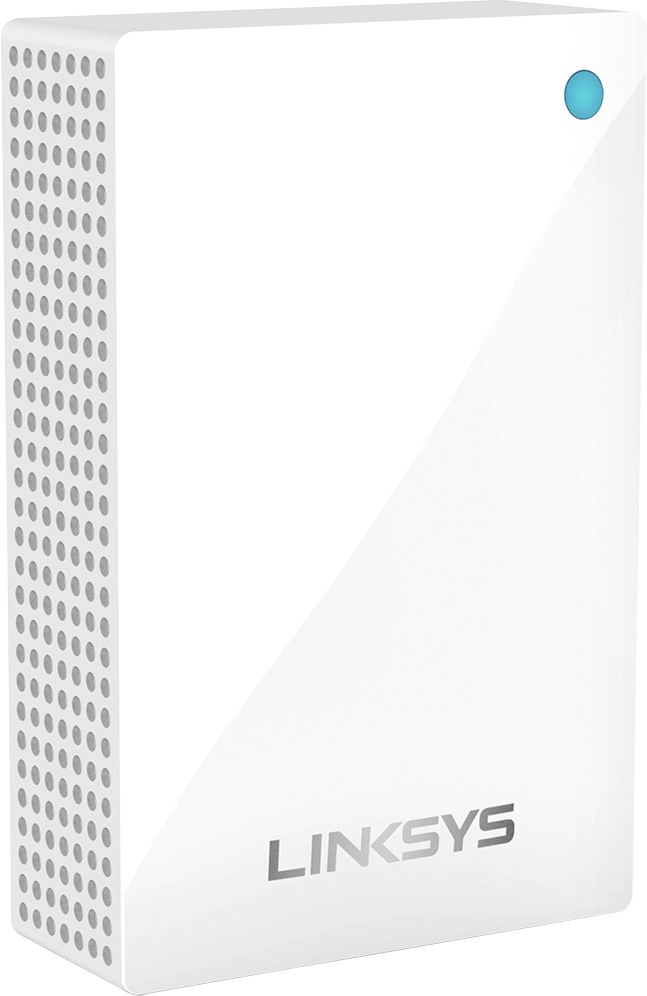
|Posted .This reviewer received promo considerations or sweepstakes entry for writing a review.A powerful mesh WiFi system from Linksys. This Velop is an outstanding Tri-band router. I was using the old Velop AC2200 Tri-band mesh system, which has three nodes and they are all routers. This new Velop unit is a bit different from the previous setup. This unit has a main router and two wall plug-in nodes that act as WiFi extenders. These plug-in nodes are very compact and provides reliable signals without any drop in the connection even at places far away from the main node. Both the main node as well as the plug-in nodes has a small light on the unit to indicate the status. The setup was a breeze. You connect the main node to the modem via the ethernet port, turn it on, and plug-in the nodes at various area of your place. You need to download the Linksys app to setup these units. The app also helps you to monitor your home WiFi, setup the network name and password, parental controls, guest access, channel settings, etc. The plug-in nodes do not have any ethernet ports, it solely relies on the wireless connections between the nodes. I am not sure if one can buy just these nodes in order to expand the range further. The WiFi speeds were consistent and strong through our my apartment. I did not see any dead spots and was getting good signal strengths. Overall, I highly recommend this Velop router for anyone who is looking to get their feet wet with mesh WiFi systems.
I would recommend this to a friend - Pros mentioned:Ease of use, Speed
Amazing difference
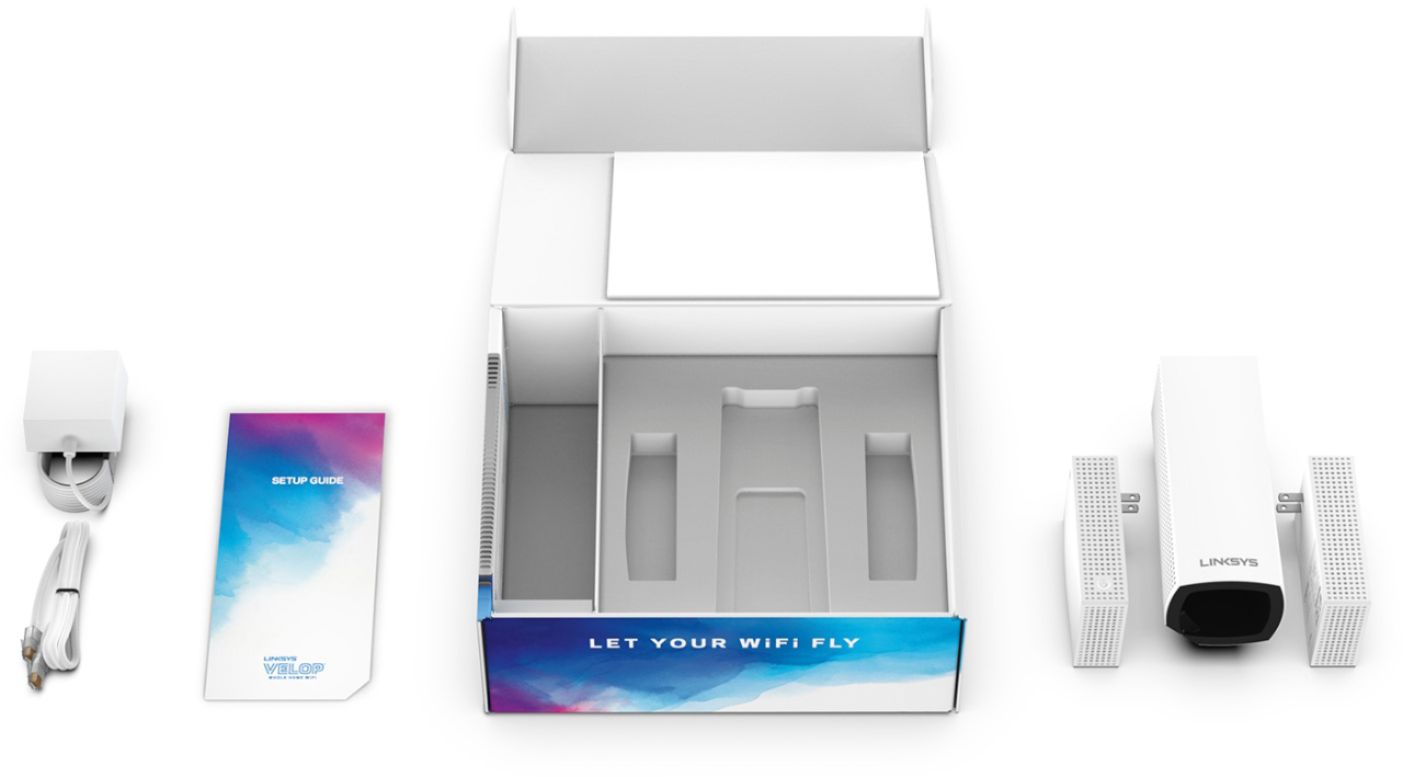
|Posted .This reviewer received promo considerations or sweepstakes entry for writing a review.I couldn't wait to get my new Linksys - Velop AC Tri-Band Mesh Wi-Fi System. I've been suffering with the horrific MediaCom wireless router ever since I moved into a new home. The MediaCom range in our ranch home was terrible. I could barely get a signal past the living room where the router is located. The packaging for the Velop system is excellent (nicely inspired by Apple). The system is simple, yet elegant. Three devices. One base unit and two nodes which are located around the house. I downloaded the app and followed the super-easy quickstart instructions. Setup of the base unit was less than five minutes. Each node also took less than five minutes as the app guides you through each step in the process. I did a test via Speedtest.net in each location where the new Velop system devices were located. I averaged 35 Mps near the MediaCom router and about 15 Mps in the far reaches of the house. Then I did another Speedtest after the Velop system was installed. I was getting 75 Mps average speeds near the base unit of the Velop and 65 Mps near each node. This was an incredible difference. I was impressed how easy it was to set up the system. Kudos to Linksys for taking high-speed wireless to the next level of performance! Well done!
I would recommend this to a friend - Pros mentioned:Coverage, Speed
Excellent connection now Saving me $$$
|Posted .This reviewer received promo considerations or sweepstakes entry for writing a review.So I wanted to try this product out because prior to getting this we were having to pay for an entirely separate cable line because the WiFi would be non existent out back and because of the thickness and levels of the house The WiFi would give less than desirable levels as well,. My home is divided being a long tri-level and also brick with a mother in laws suite about 30 ft from the main house out back. The problem we were having was the modem was at the far end of the house upstairs so if you went downstairs or toward the far end of the house the signals dropped considerably. After installing this unit I'm happy to say we not only have great signals all throughout the house now but I was also able to eliminate the separate cable internet bill out back now because of the boost in signal given by this system. In our household we have 3 adults and 5 teenagers who use electronics nonstop. Using this system The speeds were excellent. Even when everyone was on some sort of device at once these things really held their own. To sum it up they're kind of pricey but in my case in a few months it'll pay for itself with the other internet bill gone now. Speeds are great. Coverage is awesome I'd definitely recommend these to others
I would recommend this to a friend Not worth for $300
||Posted .This reviewer received promo considerations or sweepstakes entry for writing a review.For the price we paying for it just didn't worth it End up we returned it
No, I would not recommend this to a friend