Customer Ratings & Reviews


- Model:
- WHW0203P
- SKU:
- 6292290
Rating by feature
- Value
Rating 4.2 out of 5 stars
- Quality
Rating 4.5 out of 5 stars
- Ease of Use
Rating 4.5 out of 5 stars
Customers are saying
Customers have good things to say about the Velop Tri-Band Mesh WiFi System's coverage, ease of setup, and ease of use. Many appreciate the improved signal strength and performance, resulting in a reliable connection throughout their homes. While some find the price to be a drawback, the system's range and design are also frequently praised. A few users noted the lack of Ethernet ports on some nodes as a limitation.
This summary was generated by AI based on customer reviews.
good mesh wifi for your house
||Posted . Owned for 3 weeks when reviewed.This reviewer received promo considerations or sweepstakes entry for writing a review.Directions should be more straightforward to direct user to download App on smart phone and then proceed to install central and two satellite units. Once that is done, install is smooth.
I would recommend this to a friendBest Vacuum!
||Posted .This reviewer received promo considerations or sweepstakes entry for writing a review.I had the smaller version for a few years and loved it. Wanted something larger with a little more suction and this one is truly it.... A bit expensive, but definitely worth it!!
I would recommend this to a friendWorks as advertised on the packaging
||Posted .This reviewer received promo considerations or sweepstakes entry for writing a review.Replaced an older dual band Linksys that was having issues. The new system was basically a plug and play to get it up and running. Good range both indoor and outside.
I would recommend this to a friend- Pros mentioned:CoverageCons mentioned:Ethernet ports

King of Performance
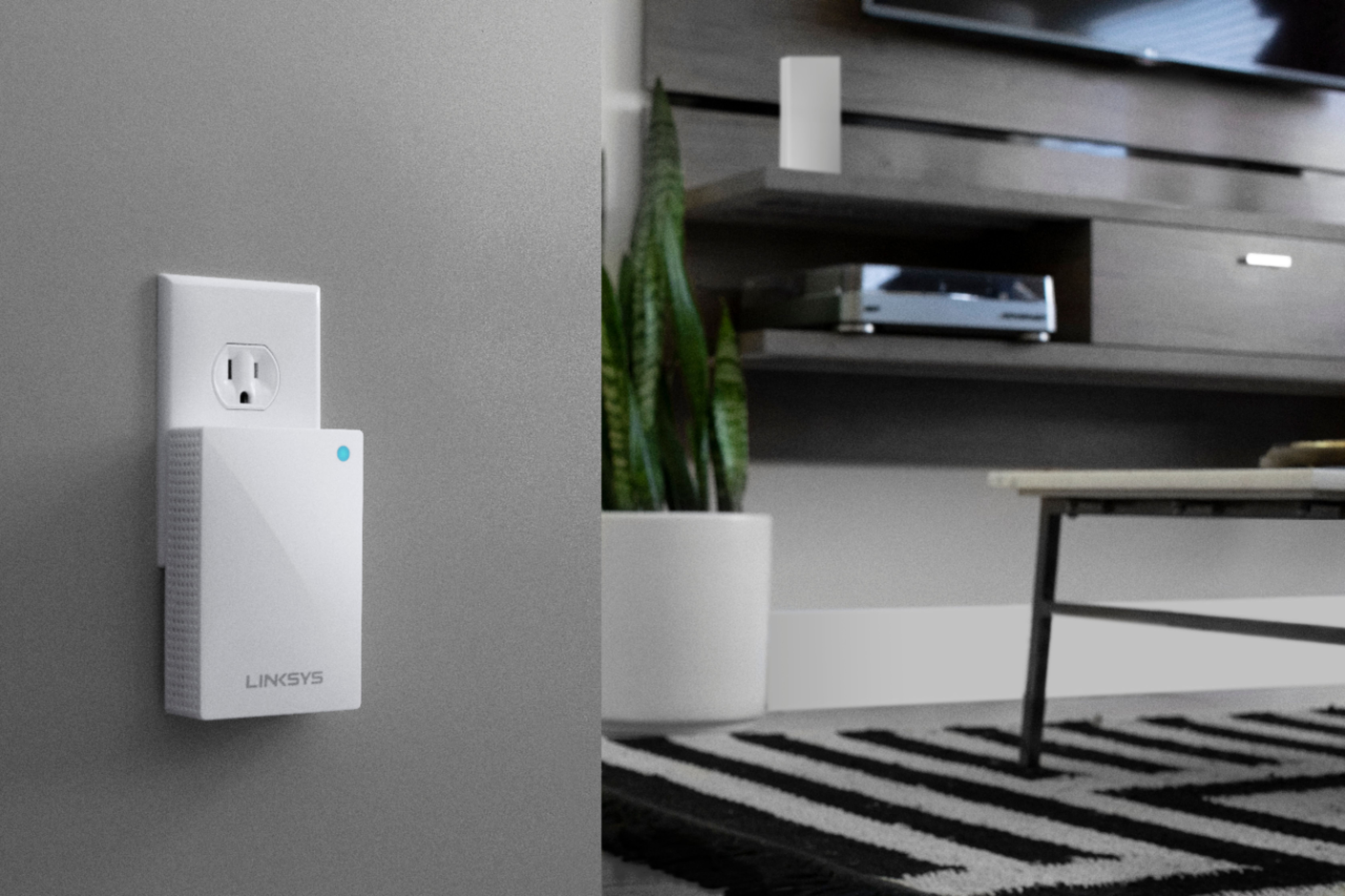
|Posted .This reviewer received promo considerations or sweepstakes entry for writing a review.I recently tried a new Linksys Velop and was a bit disappointed because it was dual-, not tri-band. Disappointed because dual band mesh routers cannot reach the performance of tri band ones. It was a nice surprise to find out that they also released this Velop AC Tri-Band. I was so impressed with last year’s model and this years’ is even better. The first thing I noticed was the smaller footprint. Even though I am a geek when it comes to electronics in general, I dislike bulky, old looking gadgets. Belkin/Linksys did a good job reducing the footprint of this new model, which makes it look even nicer. Also, it can be directly connected to the wall outlet. That is great because you do not need to put it on a desk or shelf. Yes, tri-band makes a huge difference in performance. I have a gigabit fiber connection to the internet and transfer huge video to/from work. In addition, the family plays video games that require the best performance possible to the internet. This router guarantees that we experience no lagging even when we are playing games, streaming videos and transferring files at the same time, no matter where in the house. Here is a comparison between a dual- and a tri-band model. With dual, I got 512 Mbps in close proximity to the first unit and 80 when close to a satellite unit. With this one, I got 604 Mbps in close proximity and 309 at the same exact location. That’s 4 times better performance. I used an iPad Air for this test and probably would have gotten even better results with an iPad Pro. There’s more. While testing, I disconnected one of the satellite unit and for a few seconds I got almost no signal. Suddenly, I had a fairly good connection. Apparently, the other units boosted their signal to make up for the unit that was off. Performance was not excellent during that time but it was not bad either. I had only seen this type of behavior in enterprise grade routers (access points). Another useful feature is that it uses different channels depending on which unit you are connected to. That avoids interference and allows for better roaming of your devices. Like all Linksys Velop models, setting it up was very easy. You do not even need a computer to do it. All you need is the Linksys app and Bluetooth on your smartphone. The app will guide you. You can select a name for each unit: Living Room, Master Bedroom; or create one such as Entertainment Room, etc. What I did not like: - No Ethernet ports on the satellite (plug-in) nodes. - No antivirus/threat protection. Another layer of protection is never too much. - No support for PPoE. I have to keep an old router or pay my internet provider for theirs. This will affect just a handful of people but it did affect me. What I did like: - Great performance. - Excellent coverage. No problem for big houses. - Automatic signal boost to make up for units that are down. - Speed check to the internet. Much more reliable than the test from your device because it tests performance of the internet, not of your device. - Parental control. It is limited but useful - Device prioritization. A good tool if you have a VOIP phone at your home or you just want to give the best experience to your Playstation or Xbox. - Smaller footprint.
I would recommend this to a friend great product
||Posted . Owned for 3 weeks when reviewed.This reviewer received promo considerations or sweepstakes entry for writing a review.Works very well for internet with no dropping of internet. Would recommend. Had Orbi with dropping of internet.
I would recommend this to a friendWorks great
||Posted . Owned for 1 month when reviewed.This reviewer received promo considerations or sweepstakes entry for writing a review.I was having trouble with whole house coverage with my old router. Problem solved with Linksys tri-band mesh. 15 devices at one time and no one complaining.
I would recommend this to a friend- Cons mentioned:Ethernet ports
Not reliable
||Posted . Owned for 3 weeks when reviewed.This reviewer received promo considerations or sweepstakes entry for writing a review.I regret this purchase. The system is not reliable. Ring doorbells will not connect. My sonos system will connect some and other times others. Sometimes it will connect all for a bit. The power cord or the ethernet cord did not work from out of the box. I substituted the old ones and that did help. I called for assistance. the first time, I had a call back 1 hour and 43 minutes later. The second time, I was placed on hold for over an hour. Please consider another device. This one is very disappointing.
No, I would not recommend this to a friendBrand response from Linksys Staff
Posted .Hi Derek,
We'd like to investigate what happened and have our Escalation Engineers assist you further on the difficulties you're having with our Linksys WHW0203P by sending us an email at LinksysCares@linksys.com with your case number or phone number and the link of this review for reference.
Regards,
Elyza
Linksys Support
Fair Price for the Quality
||Posted . Owned for 1 month when reviewed.This reviewer received promo considerations or sweepstakes entry for writing a review.Overall has great coverage. No complaints as of yet. Easy set up and troubleshooting if needed.
I would recommend this to a friendSo far so good....
||Posted .This reviewer received promo considerations or sweepstakes entry for writing a review.Very easy system to install and seems to provide great coverage in a 4 bedroom two story townhouse. The signal occasionally is weak but I am not in a position to say it attributable to the mesh system.
I would recommend this to a friendboosts wifi
||Posted .This reviewer received promo considerations or sweepstakes entry for writing a review.My 6 yr old son really wanted this to help boost the wifi in the house. There was a lag during some of his video games. This has fixed it.
I would recommend this to a friendwifi
||Posted .This reviewer received promo considerations or sweepstakes entry for writing a review.had to upgrade existing wifi to accommodate added devises (arlo cameras) great investment. Able to log on wifi anywhere on the property.
I would recommend this to a friendGreat end user mesh network package
||Posted . Owned for 1 month when reviewed.This reviewer received promo considerations or sweepstakes entry for writing a review.I’m actually an installer and walked a customer through the setup and it was flawless.
I would recommend this to a friendGreat product
||Posted .This reviewer received promo considerations or sweepstakes entry for writing a review.We tried WiFi extenders and they did not work in our house. This product provides amazing internet speeds throughout our house.
I would recommend this to a friend- Pros mentioned:Ease of use, Signal strength, Speed
Great Wifi System for Any Home
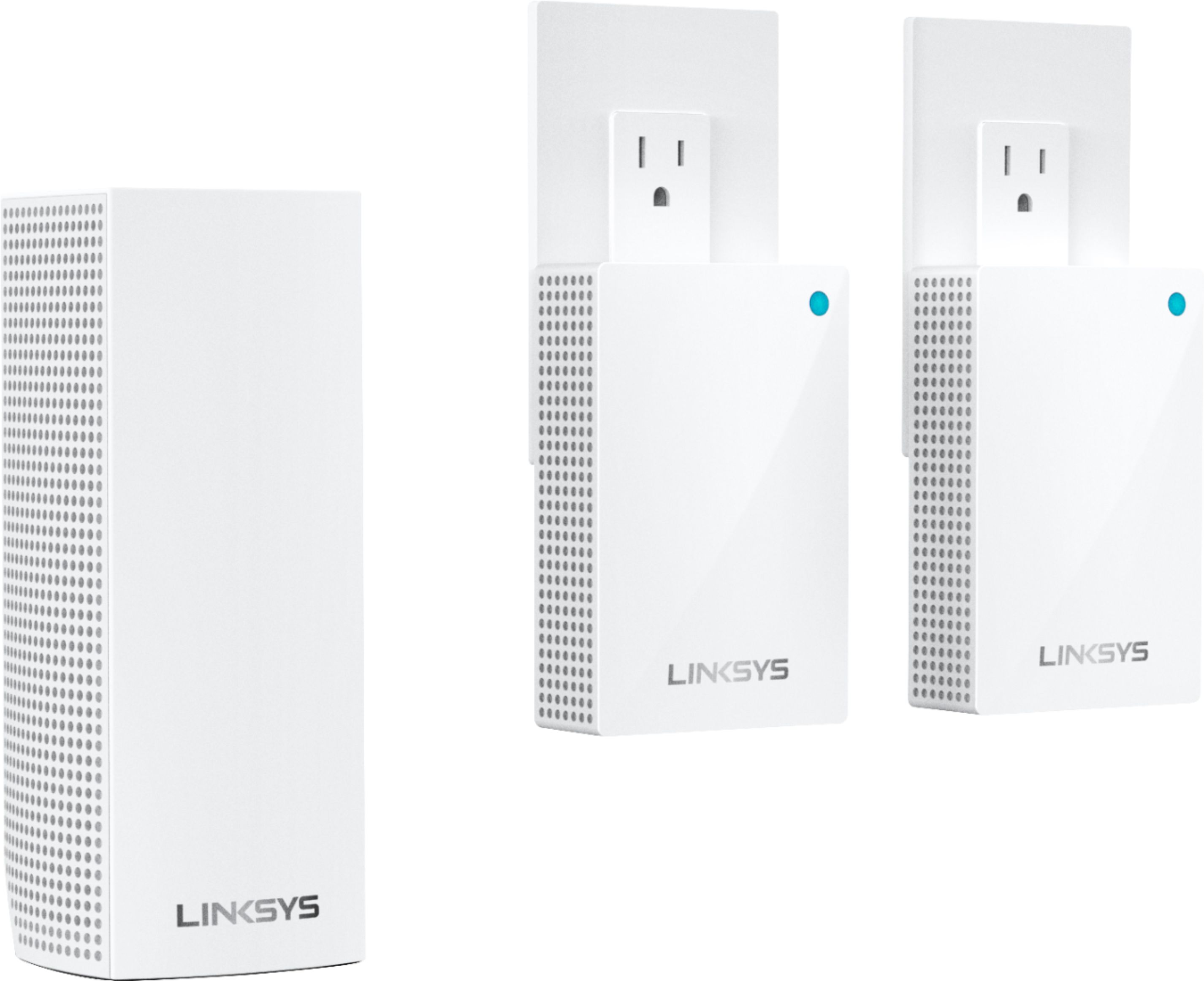
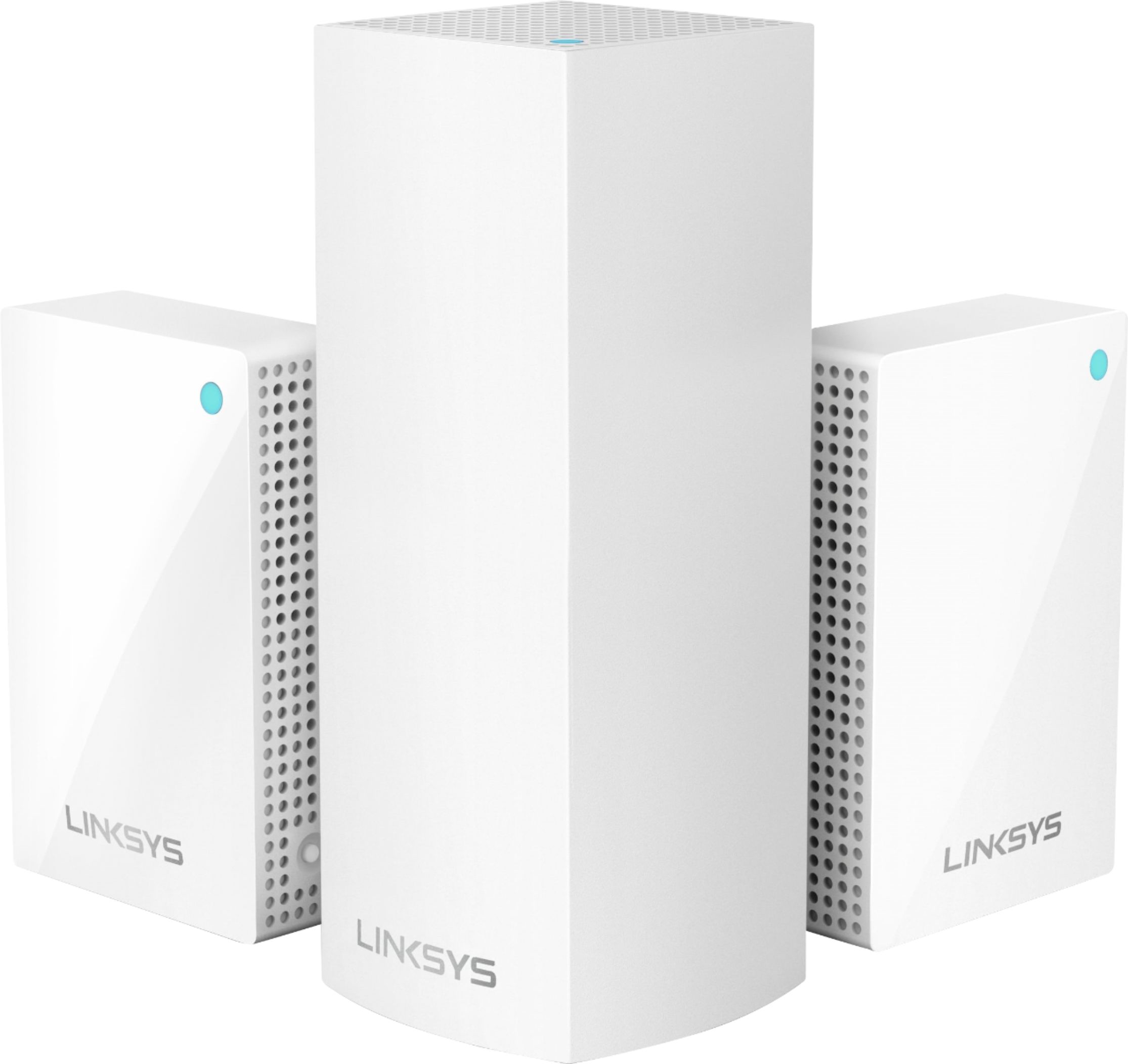
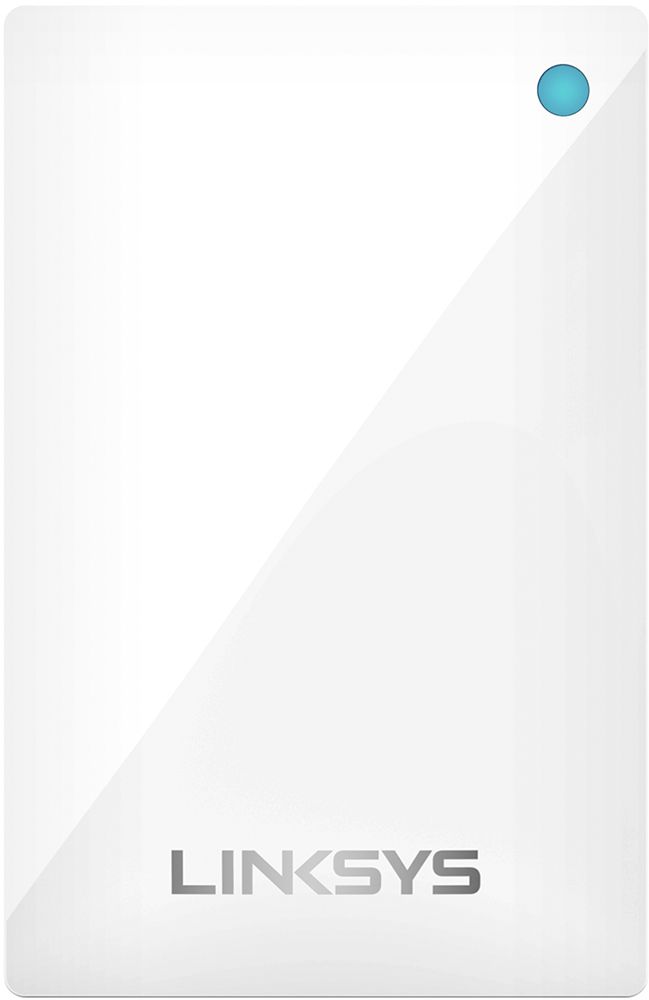
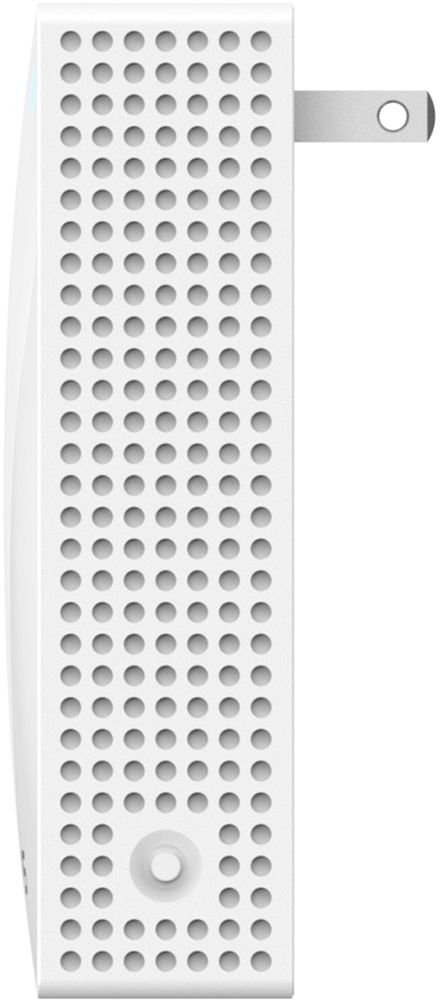
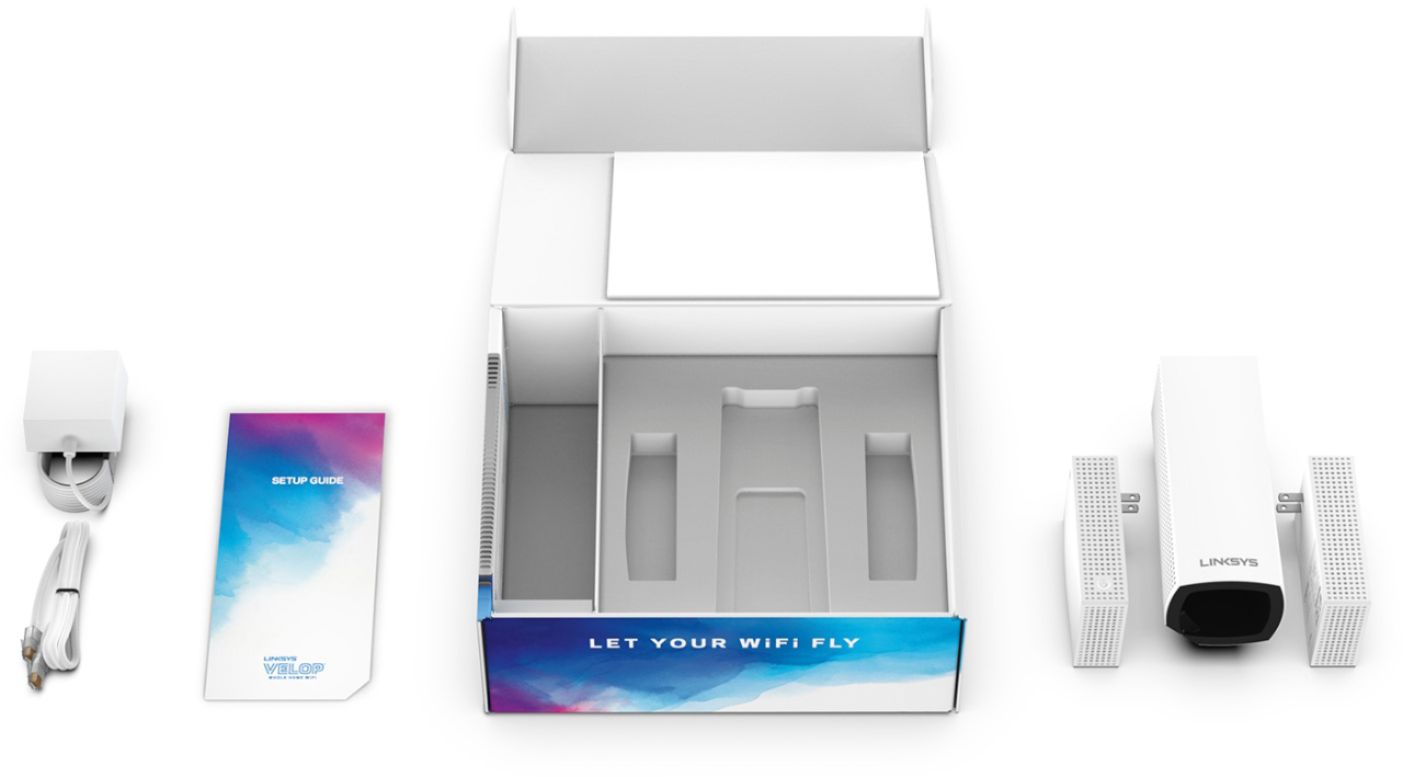
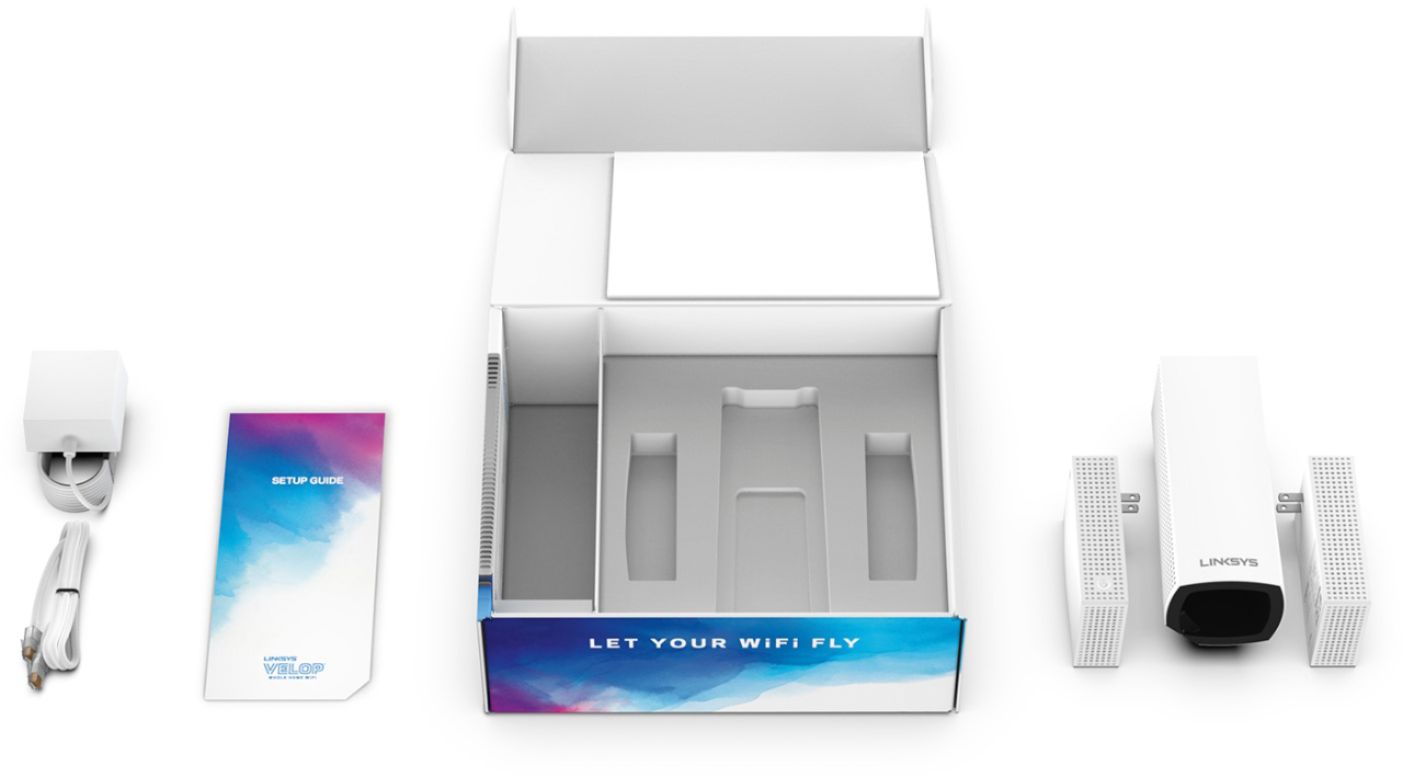
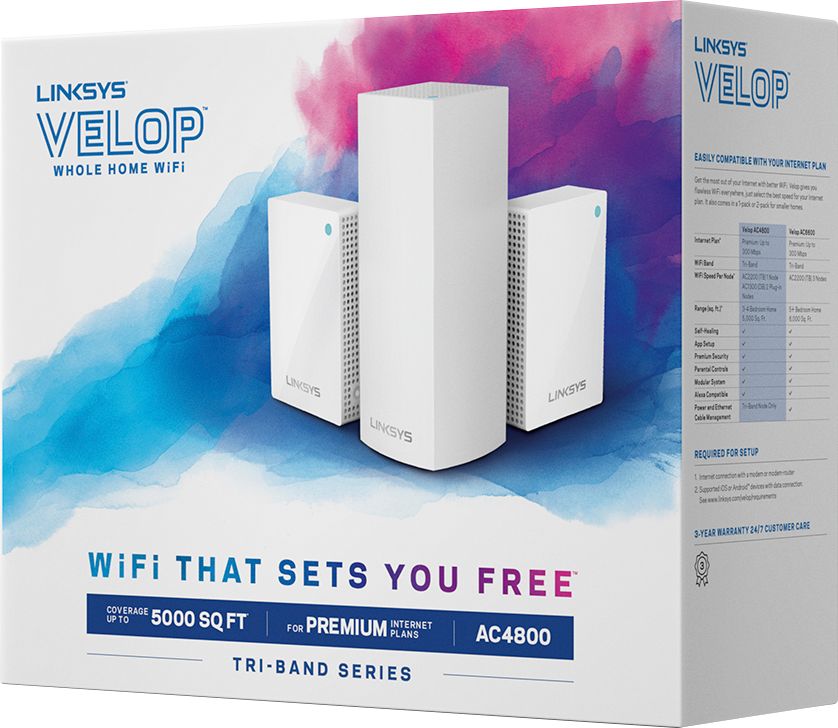
|Posted .This reviewer received promo considerations or sweepstakes entry for writing a review.I am a big fan of the Linksys Velop system. This particular set comes with 3 "Nodes". 1 Tri Band and 2 Dual Band. The Tri Band has 6 antennas and should be located by the modem or highest traffic area. It also has 2 ethernet ports underneath for the ability to hardwire devices into the network. The Dual and Tri Band Nodes are able to plugged into any outlet so you have the ability to customize what rooms get the best wifi signal, spreading your wifi to the areas in your home that matter most. Setup is a breeze and takes only a few minutes through the Linksys app. It even tells you if each unit has a strong signal or not and makes you relocate to get a stronger boost. The app itself is intuitive and makes the complicated days of setting up your router a thing of the past. You can setup security features if you want to limit your children. You can also prioritize certain devices to get a stronger signal. I gave precedence to my xbox one, my Macbook pro and my phone. Anytime I do speed tests on my phone through the house I get over 100mb per sec download speeds which allows me to comfortably stream anywhere in the house. It will also update all the Node's firmware through the app itself keeping everything up to date. I highly recommend this product for anyone who is looking for a functional and flexible wifi system for the whole house. Don't bother buying extenders or other add-ons. Just get these and place them in the high traffic areas in your home and you'll be set. I highly recommend.
I would recommend this to a friend Good for traditional sized apartments/homes
||Posted . Owned for 6 months when reviewed.This reviewer received promo considerations or sweepstakes entry for writing a review.I have a “long” apartment so it makes this product a little unreliable at times. Overall works great but only 4 stars due to random times of poor performance.
I would recommend this to a friend- Pros mentioned:SetupCons mentioned:Ethernet ports
Good performance and super easy setup
|Posted .This reviewer received promo considerations or sweepstakes entry for writing a review.The new Linksys Velop mesh wifi router promises easy setup and consistently strong signals throughout your house, up to 5000 square feet. Does it deliver? Read on… To start, you need to download the Linksys app to your phone. The app will guide you through setup and is very easy. In fact, the worst part for me was when it was creating an account for me. It got hung up and I had to try again, and it finally went through. If that’s the worst part, that shows you how well the process works. You first set up the “base” router, which doesn’t look like a traditional router at all. For me, that’s a plus, since I have to keep mine on an end table in the living room. Setup is quick and easy, and your main tasks for the base are to name it and give it a password. From there it connects to your modem and gets you on the internet. Next you need to set up the other access points. These are basically range extenders that have been engineered to easily connect to the rest of the system and boost your signal without creating additional networks in your house. This is so much better than trying to repurpose old routers as range extenders. My experience even with “official” range extenders is that they’re finicky at best. Connecting additional nodes is a breeze, and all you need to do is keep your phone near each node while it connects to the “mother ship”. After that, you’re good to go! I enjoy having some control over my network, and the app does a good job of allowing you to access and change settings. Unlike my previous Linksys router, this does not have preset DNS providers like OpenDNS already set up. That made it a little bit of a process to figure out how to use Open DNS, but ultimately it wasn’t a big deal. While there are 2.4 GHz and 5.0 GHz signals, the router manages which one your traffic will use. With other routers, we’ve had problems being able to connect game machines like the Switch to the fastest band, but so far that hasn’t been a problem with the Velop. There may be a way to control this, but I haven’t found it yet. The router also supports guest networks, which is a must-have for me. A nice touch is parental controls of individual devices. This is a fantastic feature, and it’s so much better than having to apply restrictions to everyone who’s using the router. One thing I’m not crazy about is the limited number of ethernet ports available--two. I realize it’s because they want to make the router more aesthetic, so it’s much smaller than a traditional router. If you need more ports, you can easily pick up a port extender, but it would have been nice to not need that. Linksys provides a smartphone app to control the router. This app is very good, and provides access to most of the settings you’ll want to access. You can also access the admin panel directly on your computer, and this is pretty good as well. My previous router was the Linksys WRT32X, and that control panel left a lot to be desired, so this is an improvement. Overall, I’d say this was the simplest router setup I’ve ever experienced. I have a strong signal throughout my house now, and we’ll see how well it supports online gaming. So far, I’m quite impressed with the whole experience. Hopefully I won’t need to pull out my old router again!
I would recommend this to a friend Easy to setup and use
||Posted . Owned for 3 weeks when reviewed.This reviewer received promo considerations or sweepstakes entry for writing a review.The Mesh Wifi system is easy to setup and use. It has helped in the fluctuation in internet throughout our home.
I would recommend this to a friendExcellent product
||Posted .This reviewer received promo considerations or sweepstakes entry for writing a review.I know it is one of the priciest but it is worth it. Works great. My internet is quicker now!! Highly recommend
I would recommend this to a friendI installed myself very quickly
||Posted . Owned for 1 month when reviewed.This reviewer received promo considerations or sweepstakes entry for writing a review.This solved my problem of a weak signal in my office, which is over the garage. Quick and easy solution!
I would recommend this to a friend- Pros mentioned:Coverage, Ease of use, Speed
Awesome mesh network
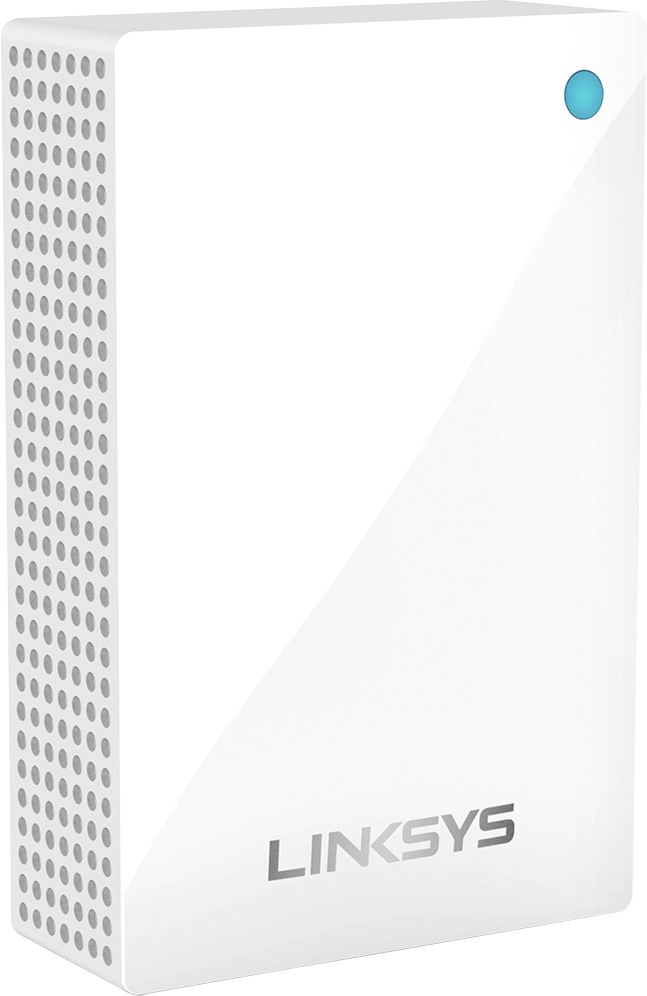
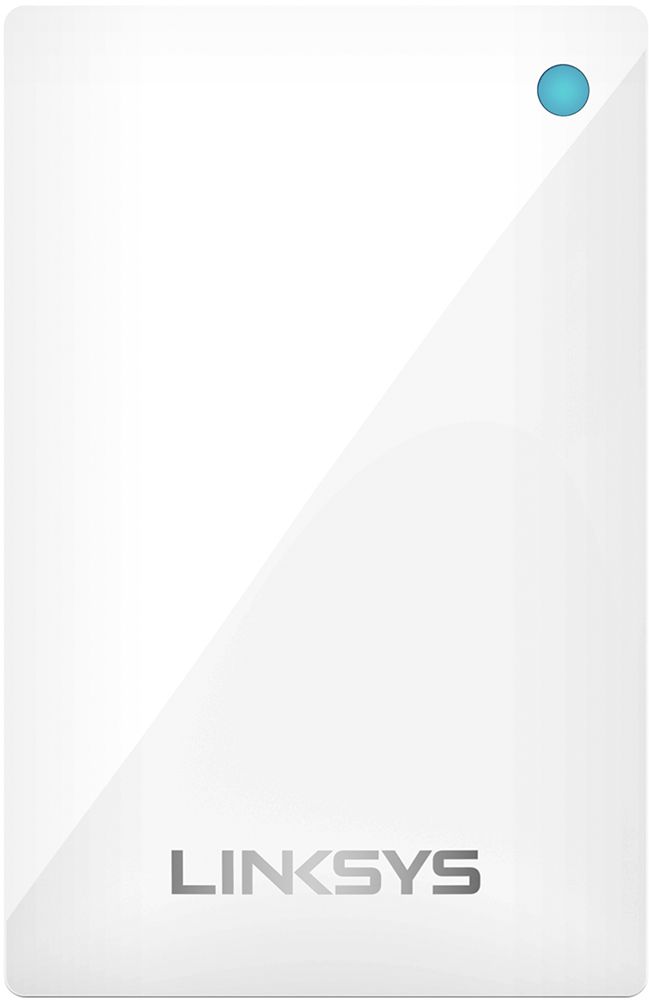
|Posted .This reviewer received promo considerations or sweepstakes entry for writing a review.I had an existing Velop network in my house but wanted to extend the range to my garage, pool area and shed. It’s definitely overkill but I now have 6 nodes running in various locations in my house. We are a very tech-heavy house and demand a lot from our WiFi as we routinely have 30+ devices connected at any given time. The Velop system has never missed a beat and with the additional 3 nodes, I now have full WiFi coverage on my entire lot and get 2 bars when I go to the next door neighbors house. Setup is simple, even if this is your first Velop. Plug in a node and wait for a purple light. Download the linksys app while you wait. Open the app and follow the prompts. It’s fully automated. Once the first node is up and running, follow the same steps for the remaining nodes. Takes between 5-10 minutes each. Once they are all connected, you are free to roam around and the system makes sure your device is always connected to the node with the strongest signal. This set is a little different from the last three node set I bought. Only one of these is a “tower” while the other two are flat panels that plug into the wall like a nightlight. These panels do not have LAN ports so keep that in mind if wired connectivity is a must for you. The tower has 2 ports, one of which is used to connect to your modem so there is only one available for your wired devices. I was skeptical of a mesh network at first but the ease of use and full speed connections made me a believer almost instantly. One other note, this system is designed as a simple set it and forget it kind of thing that’s especially nice for for non tech savvy folks. If you want granular control of your network, this might not be the best one for you. I’ve used a lot of different WiFi combos over the years and this one is hands down my favorite. Buy it. You won’t regret it.
I would recommend this to a friend