Customer Ratings & Reviews
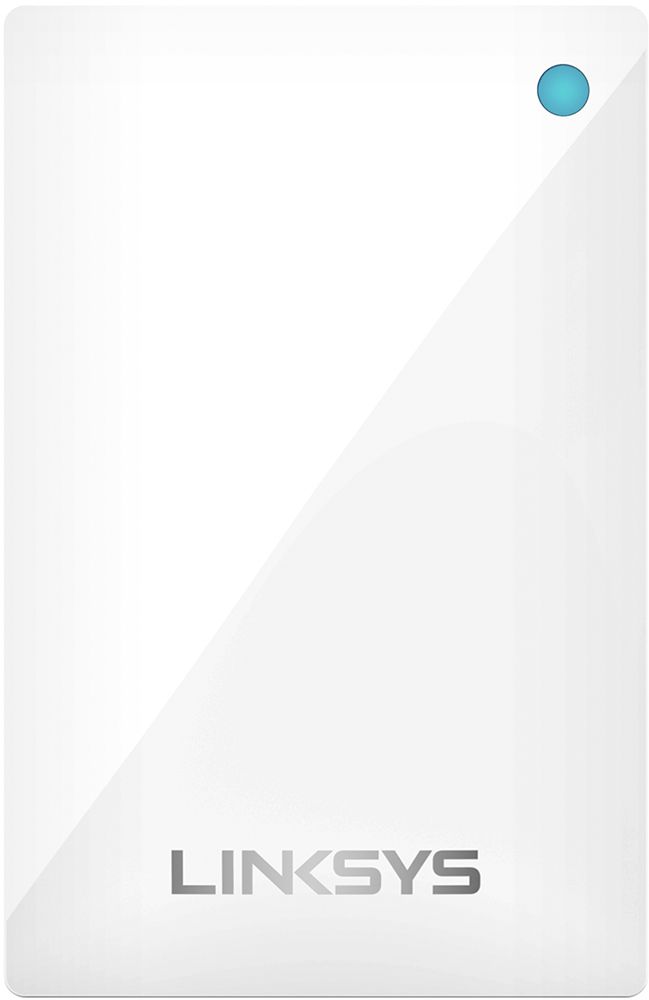
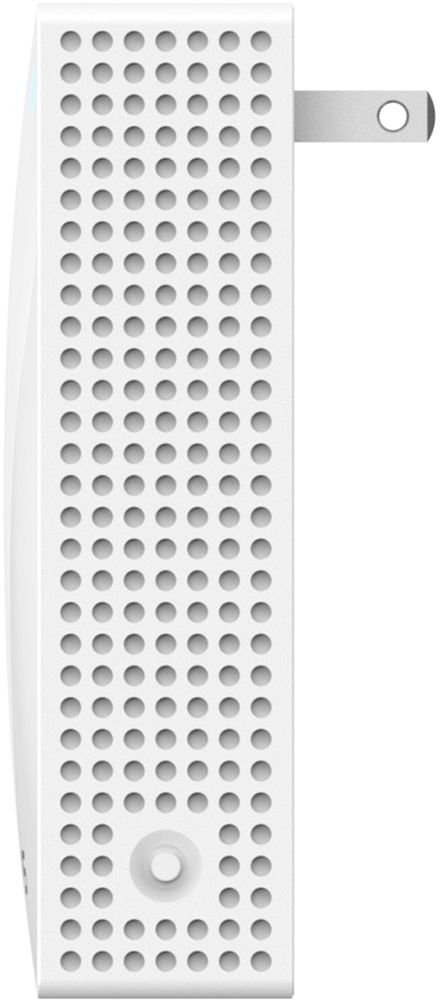
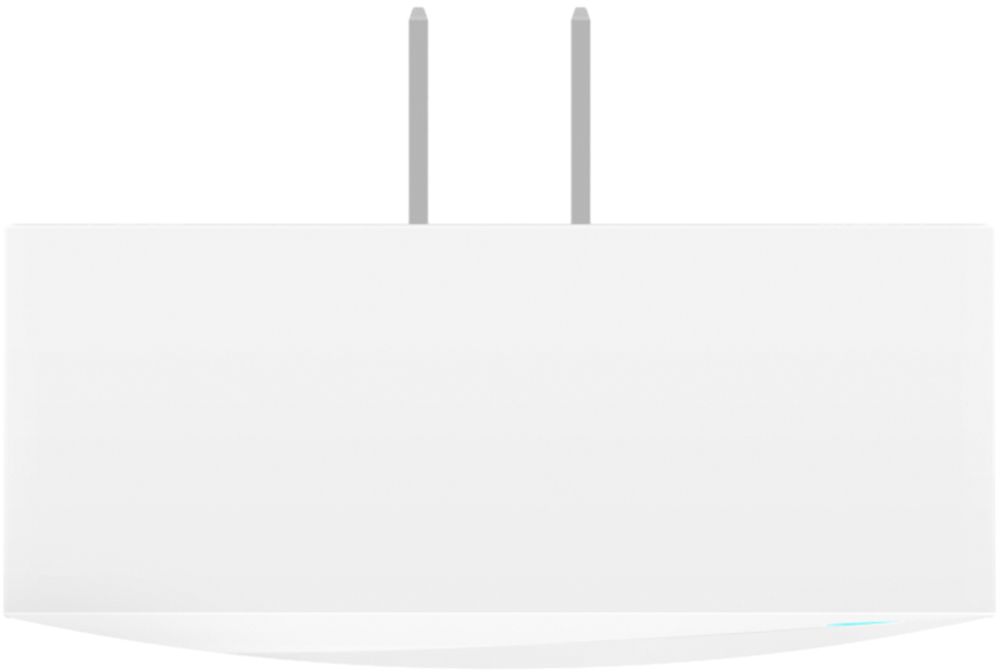
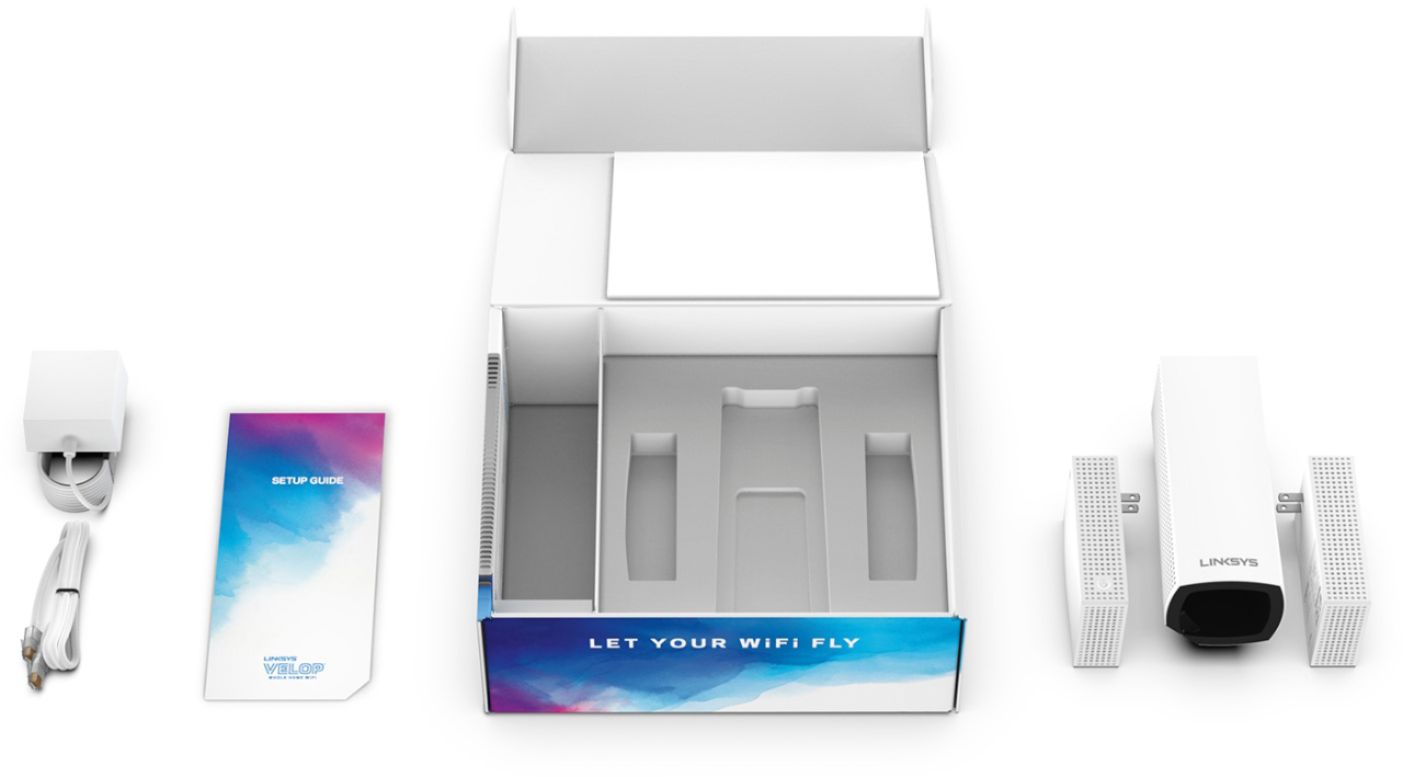


- Model:
- WHW0203P
- SKU:
- 6292290
Rating by feature
- Value
Rating 4.2 out of 5 stars
- Quality
Rating 4.5 out of 5 stars
- Ease of Use
Rating 4.5 out of 5 stars
Customers are saying
Customers have good things to say about the Velop Tri-Band Mesh WiFi System's coverage, ease of setup, and ease of use. Many appreciate the improved signal strength and performance, resulting in a reliable connection throughout their homes. While some find the price to be a drawback, the system's range and design are also frequently praised. A few users noted the lack of Ethernet ports on some nodes as a limitation.
This summary was generated by AI based on customer reviews.
Great WiFi now!
||Posted .This reviewer received promo considerations or sweepstakes entry for writing a review.This was a great recommendation from a friend. Really boosts our WiFi and now have now slow areas in our home.
I would recommend this to a friend- Pros mentioned:Setup

Super easy mesh whole home WiFi
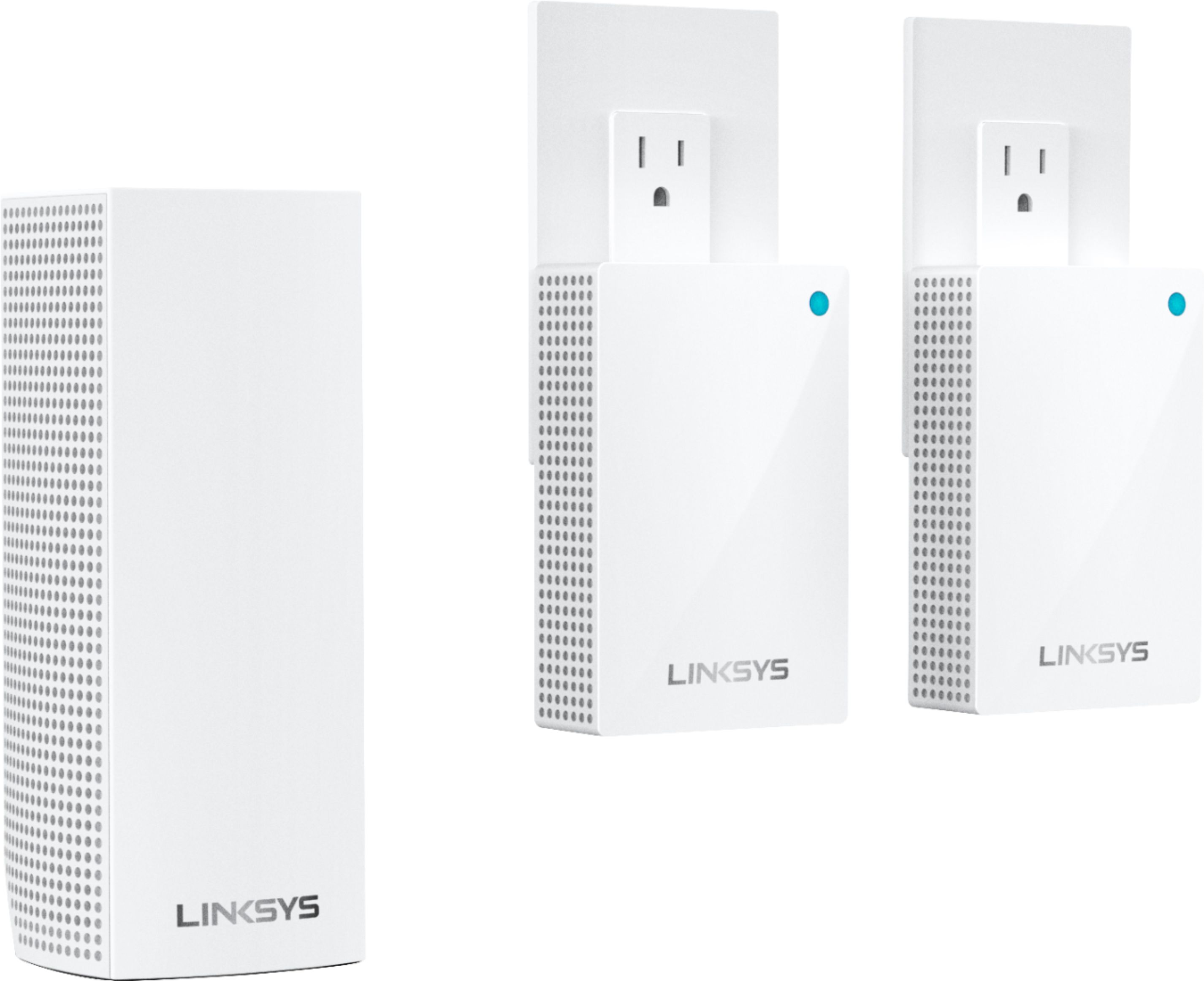
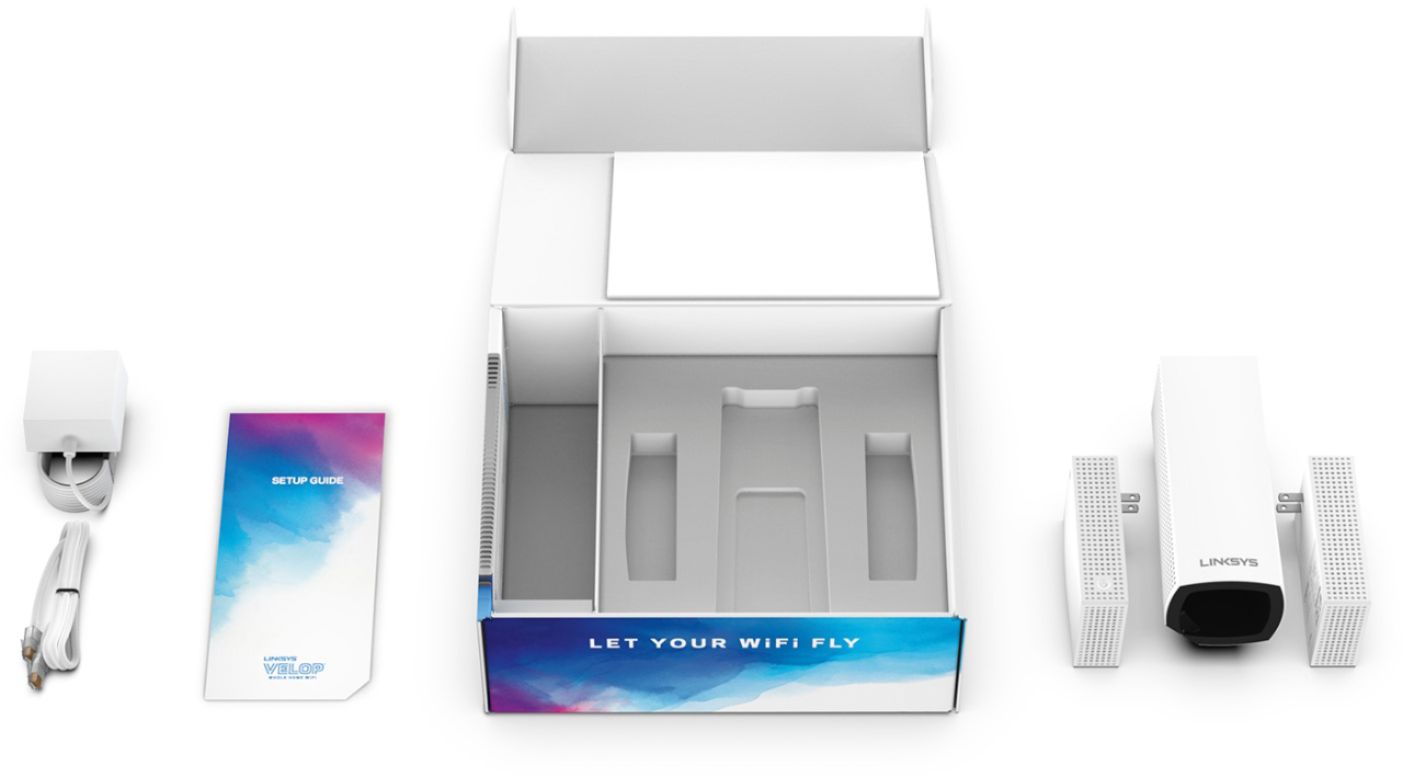
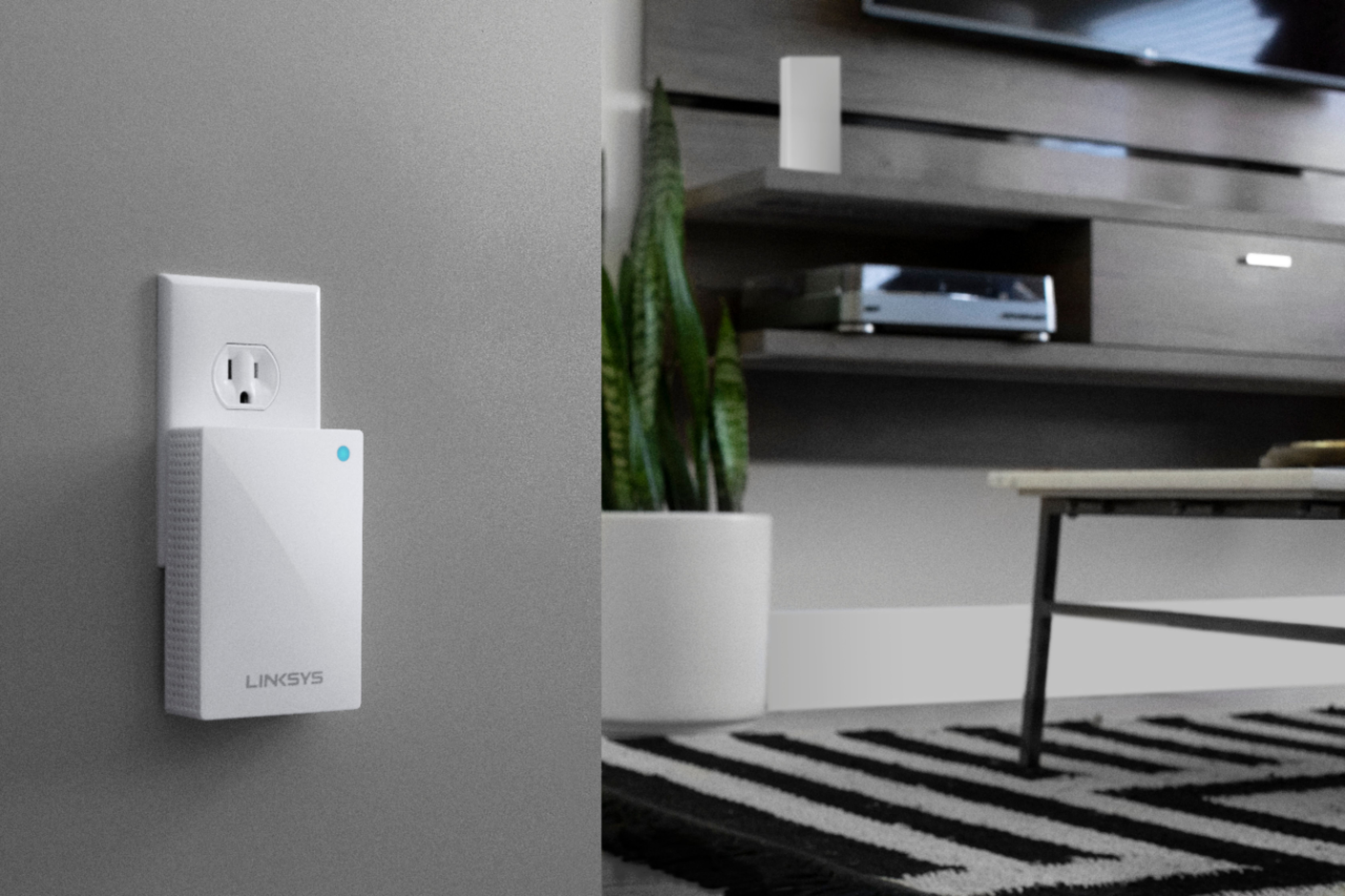
|Posted .This reviewer received promo considerations or sweepstakes entry for writing a review.Setup and installation of the Velop is an absolute breeze. Had no issues setting up base unit and plug-in nodes. Initial setup is done with a mobile app. I used the iOS version on an iPhone. There is a setup booklet in the box but the app will walk you through the process step by step. The app is well designed, easy to use, and visually appealing. It does a pretty good job of assigning a correct looking icon to identify the type of connected device. I also like how it shows which node a device is connected to as well. I love the plug-in nodes as well, you can pretty much stick them in any available outlet and not have to worry about a power cord. I was also impressed that it was automatically able to join my network and set itself up as a wireless access point without any configuration on my part. I have a separated modem and router and do not need the router features. If you are the type of person that prefers or needs to have more advanced control over your networking configuration as I am you can access the Velop's web interface to get to additional features. Only issue is that interface is not mentioned anywhere in the documentation that comes with it. I had to do a bit of research online to discover that once setup you can access via linksyssmartwifi.com but you will have to setup an account to access. Performance is great. I have an excellent signal in all locations throughout my house. Running a speed test before and after from the same spot I noticed about a 20MB/s increase over my previous device. For as much as I think the design of the Velop is great the power plug / brick design was a bit strange. It is a rather oddly sized square plug-in that doesn't play well in a power strip and will overlap other adjacent outlets causing them to be unusable. The only
I would recommend this to a friend Great product
||Posted . Owned for 1 month when reviewed.This reviewer received promo considerations or sweepstakes entry for writing a review.Great product. Very easy to set up and has greatly improved the Wi-Fi signal in my home. Highly recommend.
I would recommend this to a friendworks well
||Posted . Owned for 3 weeks when reviewed.This reviewer received promo considerations or sweepstakes entry for writing a review.Great to use since the router is too far from my computer. My internet hasn't been dropping as much.
I would recommend this to a friendHome WiFi system
||Posted .This reviewer received promo considerations or sweepstakes entry for writing a review.I don’t have any complaints on this product. Did an upgrade and I don’t regret it. Love it. 5 out 5 stars
I would recommend this to a friendGreat product!
||Posted . Owned for 2 months when reviewed.This reviewer received promo considerations or sweepstakes entry for writing a review.Great product that is easy to connect, consistent connection.
I would recommend this to a friend- Pros mentioned:Setup, SpeedCons mentioned:Ethernet ports
Great if you don't need ethernet flexibility
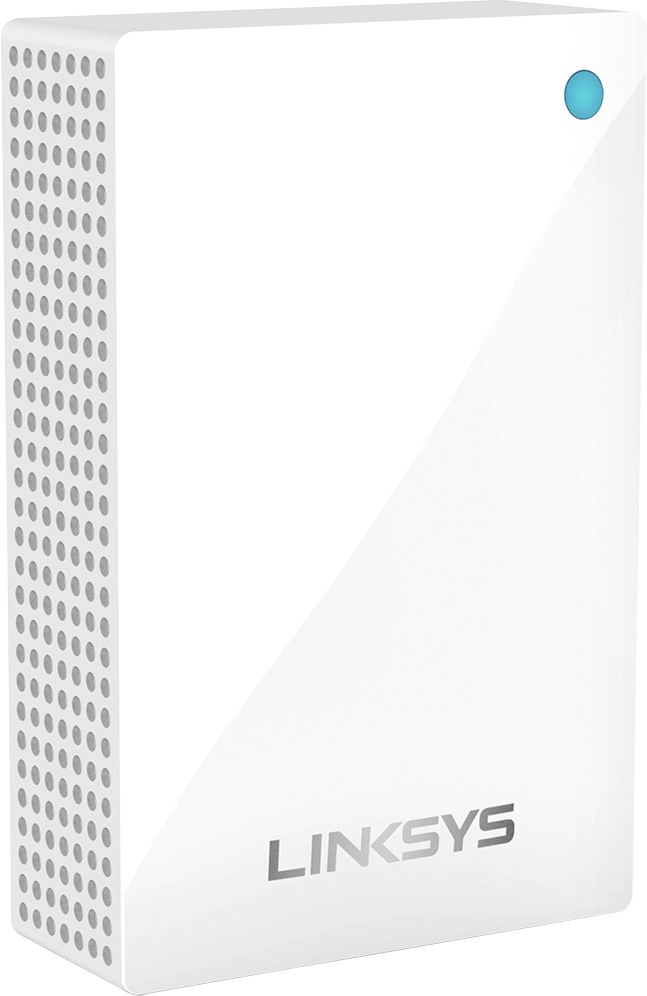
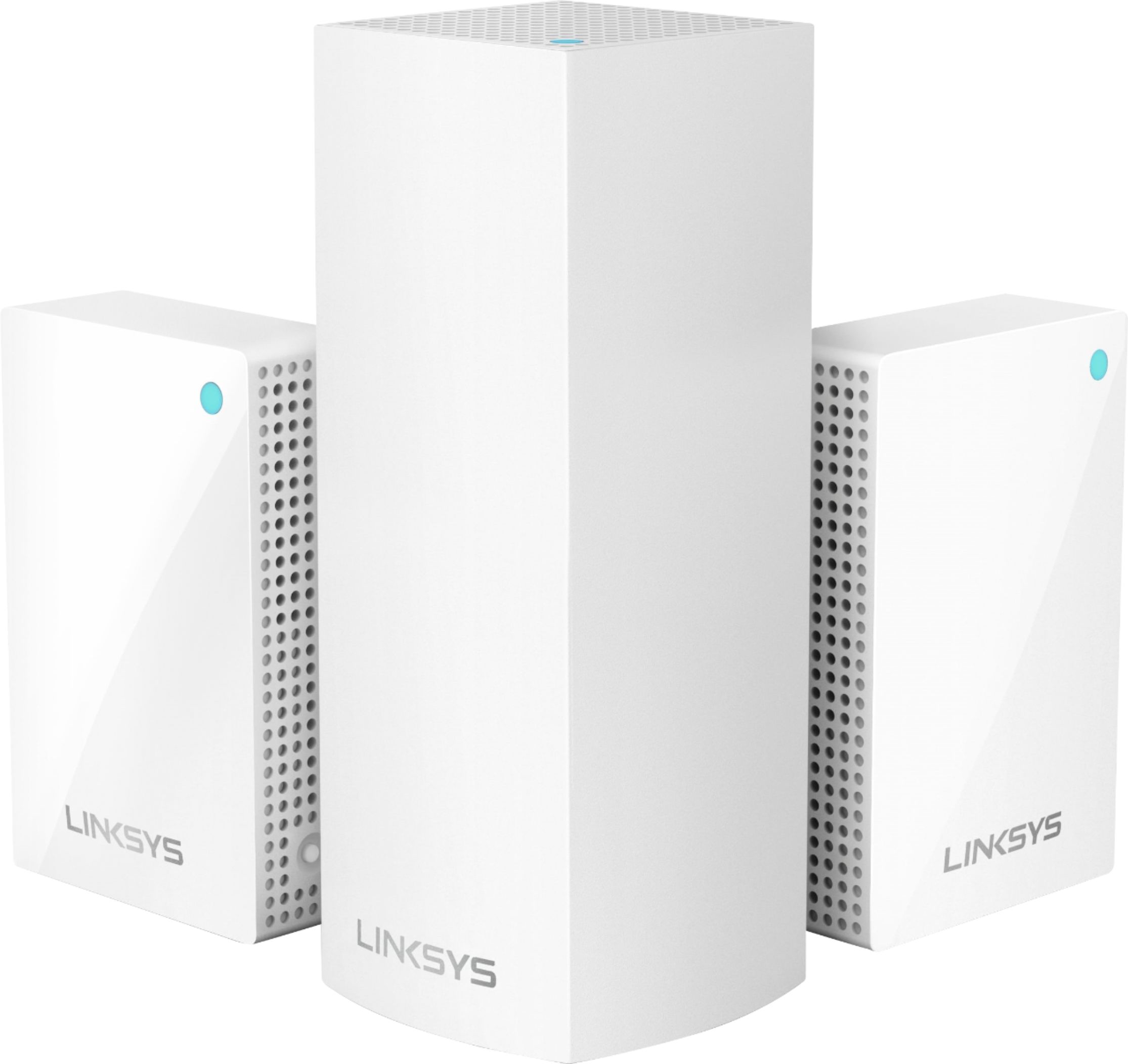
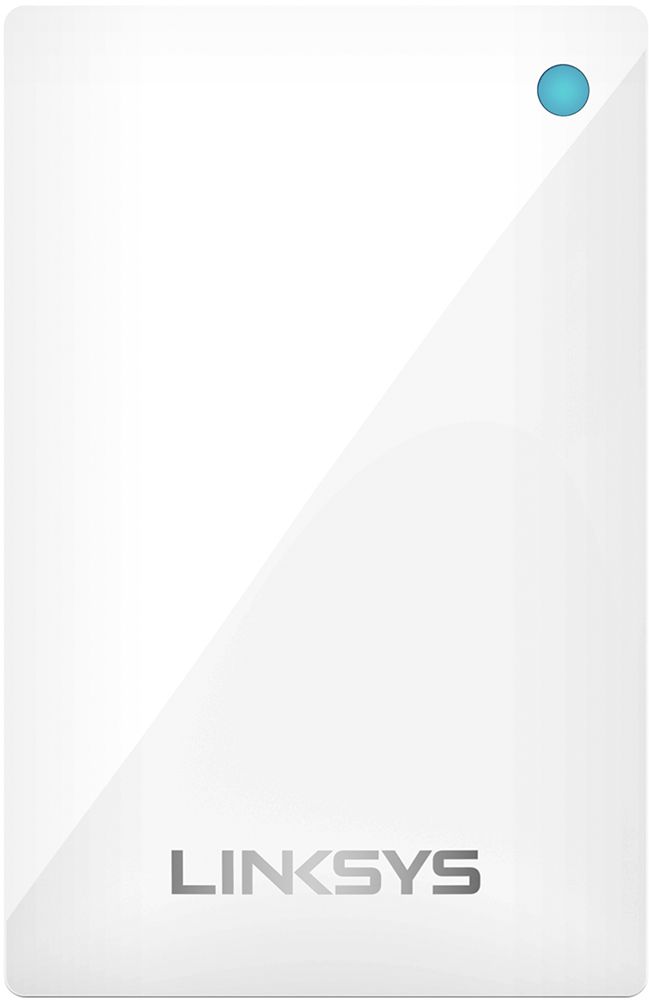
|Posted .This reviewer received promo considerations or sweepstakes entry for writing a review.First let’s start out with this system will not make your ISP faster, this is about delivering that signal wirelessly to you. I’m using this system in a two story plaster and brick home, about 2200 sq ft and this unit covers all three floors (upstairs, main floor and basement) very well. I even get great signal in my back yard because of node placement. With the Velop, the main router is an AC2200, while the remote notes are smaller wall plug-in AC1300 models. I only mention this because failure of the main unit the AC1300 units will not support your network alone. The main router (AC2200) has dual ethernet ports, the AC1300 models do not. Something to consider based on where the main unit will be located and how many ethernet items you may have to connect. This is a very simple problem to solve with a hub, just FYI. Setting up the Velop Mesh easy, first install the Linksys App on your phone, create an account if you don’t already have one then follow the prompts. Ittook me about 13 minutes start to activated. Setting up the guest access was just as simple. A little hand holding may be required for some devices dependent upon your old wireless system. Some other features include Parental Controls and Device Prioritization. I did use Device Prioritization to give phone and laptop improved bandwidth, handy if you have kids that stream a lot. From my old system to the VELOP Mesh I saw improved speed and no incompatibilities. The only complaint I have is the lack of ethernet ports on the AC1300 nodes. If you don’t need them, this is the system to go with. If you do need them VELOP does have a system with three AC2200 nodes that all have ethernet ports.
I would recommend this to a friend Great coverage
||Posted .This reviewer received promo considerations or sweepstakes entry for writing a review.I had been having issues extending my Wifi coverage throughout my home, but this solved the problem. Decent price point, and very simple to setup.
I would recommend this to a friendWi-Fi extender
||Posted . Owned for 3 weeks when reviewed.This reviewer received promo considerations or sweepstakes entry for writing a review.Wi-Fi extender Does the job I wanted it to do. Also the technical support was fantastic
I would recommend this to a friend- Pros mentioned:Setup
Terrific, Easier set up than previous model
|Posted .This reviewer received promo considerations or sweepstakes entry for writing a review.My longer term experience with Velop tells me that these provide a stable reliable network experience over a longer range than non-mesh network options. Also, unlike using a "repeater", a mesh network will put all your devices on the "same network" which makes accessing other devices on your network (like shared printers/scanners) easier. I've been using Velop (previous model) for over a year now, and this newer model three node setup (1 base + 2 wall-plug-in nodes) turned out to be compatible with my existing nodes (which I wound up resetting after making this system primary), so far I have configured a total of 4 nodes and things are working better than they were, and now I also have two "leftover" nodes to decide where to place (perhaps for optimal reach to outdoor are as, such as garage). The app has improved a whole bunch since the previous model, it now tells you which nodes each device is connected to and whether it is 2.4Ghz or 5Ghz -- at the time I had reviewed a previous model that was not the case (to my memory). The connecting-a-new-node process is very quick (relative to original app I had seen over a year ago), it took anywhere from 2-5 minutes per node. The only 'issue' I had was with windows (because I gave it same network name as old network) as it didn't recognize it as same network, which was resolved on wireless connections by hitting 'forget network' and reconnecting, or on wired networks by going to troubleshooting for connection. Otherwise, all seems smooth.
I would recommend this to a friend - Pros mentioned:Setup
Nodes don’t work well
||Posted . Owned for 3 weeks when reviewed.This reviewer received promo considerations or sweepstakes entry for writing a review.At first setup was easy.Nodes can not be too far from main one....if it is a two story house is would problaly be okay but my house is long so it didn’t work well.Main was in the master one and the nodes made it to the front room barely and the kids didn’t get a good connection. I do not recommend this product. I ended up returning this.
No, I would not recommend this to a friendBrand response from Linksys Staff
Posted .Hello McClintick79,
We could have our Escalation Engineers assist you better with the issue that you encountered with our Linksys WHW0203P. In case you have other concerns, don't hesitate to email us at LinksysCares@linksys.com with your contact info and the link of this review for our reference.
Regards,
Elyza
Linksys Support
Love it
||Posted . Owned for 1 month when reviewed.This reviewer received promo considerations or sweepstakes entry for writing a review.Works well for my household. Hopefully it continues to provide great service.
I would recommend this to a friend- Pros mentioned:Coverage
Outstanding coverage, performance, and design
|Posted .This reviewer received promo considerations or sweepstakes entry for writing a review.This mesh system comes packaged well, has a nice look and premium feel and a great, compact design that makes it convenient to place and set-up around your house. There is one main “base” station that takes your ethernet cable and two nodes that plug directly in wall outlets. From there, set-up through an app is a quick and easy process. All in all, I really like this design. While you will need two free outlets, there is no need to find shelf-space or a spot to place these nodes, as well as no cables to tuck away. That said, there are no ethernet ports in these nodes, which I do not need, but is something of note. Coverage has been excellent in my space, which is rather small (less than the rated 5,000 ft of coverage), with strong signals and no drops. Performance is much of the same, as I am consistently seeing more or less the max speeds I can get with my internet package. I see no measurable difference moving from area to area and data transfers, video and music streams, and gaming speeds are all actually improved over my last system. Bottom line, no coverage issues, at all, dead stop, and slightly faster and more consistent speeds. I am impressed. In the end, Linksys delivers here and I really like this mesh system. The design is perfect for me and my needs, coverage is fantastic, and performance is great! If you suffer from dead spots, poor performance or inconsistent speeds, this system is worth a look. I think you will be pleased.
I would recommend this to a friend Perfect purchase
||Posted . Owned for 3 weeks when reviewed.This reviewer received promo considerations or sweepstakes entry for writing a review.The wifi plug in works perfectly and is very effective throughout the house.
I would recommend this to a friend- Pros mentioned:Coverage, Setup, Speed
Great System for Large House with Streaming
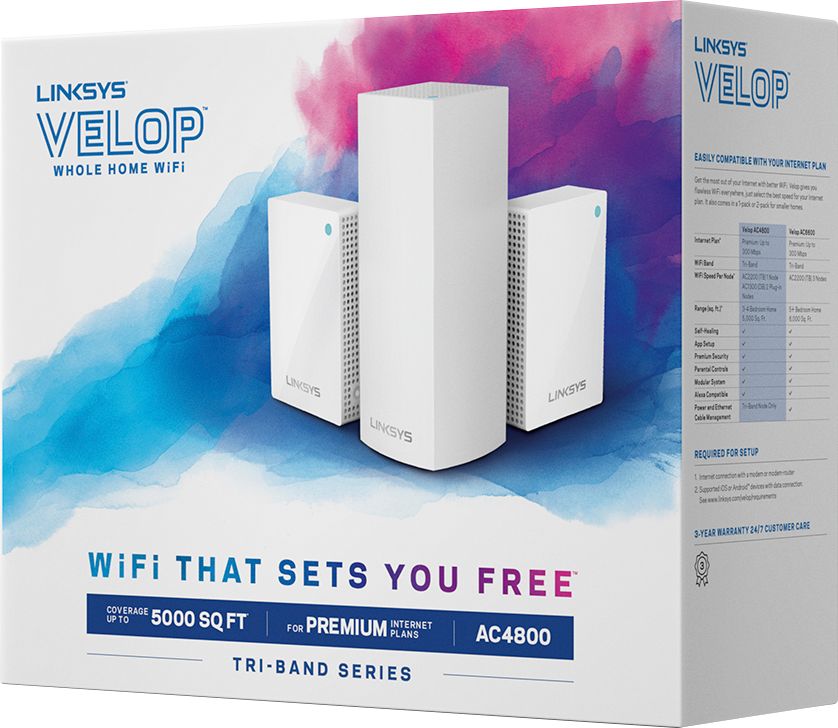
|Posted .This reviewer received promo considerations or sweepstakes entry for writing a review.The Velop WHW0203 is a 3 unit mesh system consisting of a powerful tri-band main unit and 2, dual-band plug in units. The main unit has 2 Ethernet connection, the plug in units have none. The system is designed to cover a large home. To me, the potential advantages of a mesh system are the ease of setup, greater coverage, higher throughput (since it is not halfed by a repeater) and the ease of use since you are not jumping from one SSID to another as you move throughout the house. The system was extremely easy to setup. All you have to do is plug in the main unit and download the Linksys app. From that point, setup is straightforward as you follow the instructions in the app. Setup of the plug in units was the same. I have a 4000 square foot house and a 400/400mbps internet connection. Coverage was great throughout the entire house with an approximately 400mbps reading near the router and a reading of approximately 360mbps 25 feet away using the speedtest in the Linksys app. We stream all of our TV either through Directv Now or our local channel through our Tablo device. The WHW0203 handled this streaming through 4 TVs simultaneously with no problems. I recommend the WHW0203 for anyone with large home who desires an easy to setup system and who streams large amounts of video throughout the house. For those who already have a Linksys mesh system, the plug in units can also be used to extend an existing system.
I would recommend this to a friend Very Nice
||Posted . Owned for 9 months when reviewed.This reviewer received promo considerations or sweepstakes entry for writing a review.This is well worth the investment. I highly recommend it.
I would recommend this to a friendWorks very nice
||Posted .This reviewer received promo considerations or sweepstakes entry for writing a review.Omg it fixed my main problem for the basement!!!
I would recommend this to a friendnice product
||Posted . Owned for 2 weeks when reviewed.This reviewer received promo considerations or sweepstakes entry for writing a review.I use this upstairs to continue provide additional coverage.
I would recommend this to a friend- Pros mentioned:Setup
Very simple set up that covers your house
|Posted .This reviewer received promo considerations or sweepstakes entry for writing a review.The Linksys - Velop AC Tri-Band Mesh WiFi system (3 pack) is a very consistent product for your wifi needs at home. You receive very amazing performance in a very compact design. As many have mentioned , it comes in very sleek all white design that is easy to set up. You download the necessary Linksys app from the Apple App-store and proceed with the setting up process. I live in a two store home where certain areas are "dead" zones due to the placement of my router. One of those places is my backyard, so I placed one of the nodes near the entrance to my yard and was able to boast my wifi signal there almost seamlessly. Again, setting up is very simple as the app guides you step-by-step. Performance wise, I have had no issues. I have multiple devices throughout the home that are constantly on the wifi system, and have not seen any lag or slowing down when streaming at the same time. You also have the option for parental controls that does ensure that my children are given a safe internet experience from potential inappropriate content. Overall, I am very well pleased with this product as it does extend my wifi needs to the area aforementioned. Now my guests and I can watch online content from the backyard which was not possible before. Great product!
I would recommend this to a friend Easy setup
||Posted .This reviewer received promo considerations or sweepstakes entry for writing a review.It takes a little while, but setup was easy. I'm streaming now.
I would recommend this to a friend