Customer Ratings & Reviews
- Model:
- 914-000070
- SKU:
- 10765174
Rating by feature
- Value
Rating 4.6 out of 5 stars
- Quality
Rating 4.7 out of 5 stars
- Ease of Use
Rating 4.7 out of 5 stars
- Pros mentioned:Battery life, Overall performanceCons mentioned:Magnetic attachment

A great iPad writing utensil with some downsides
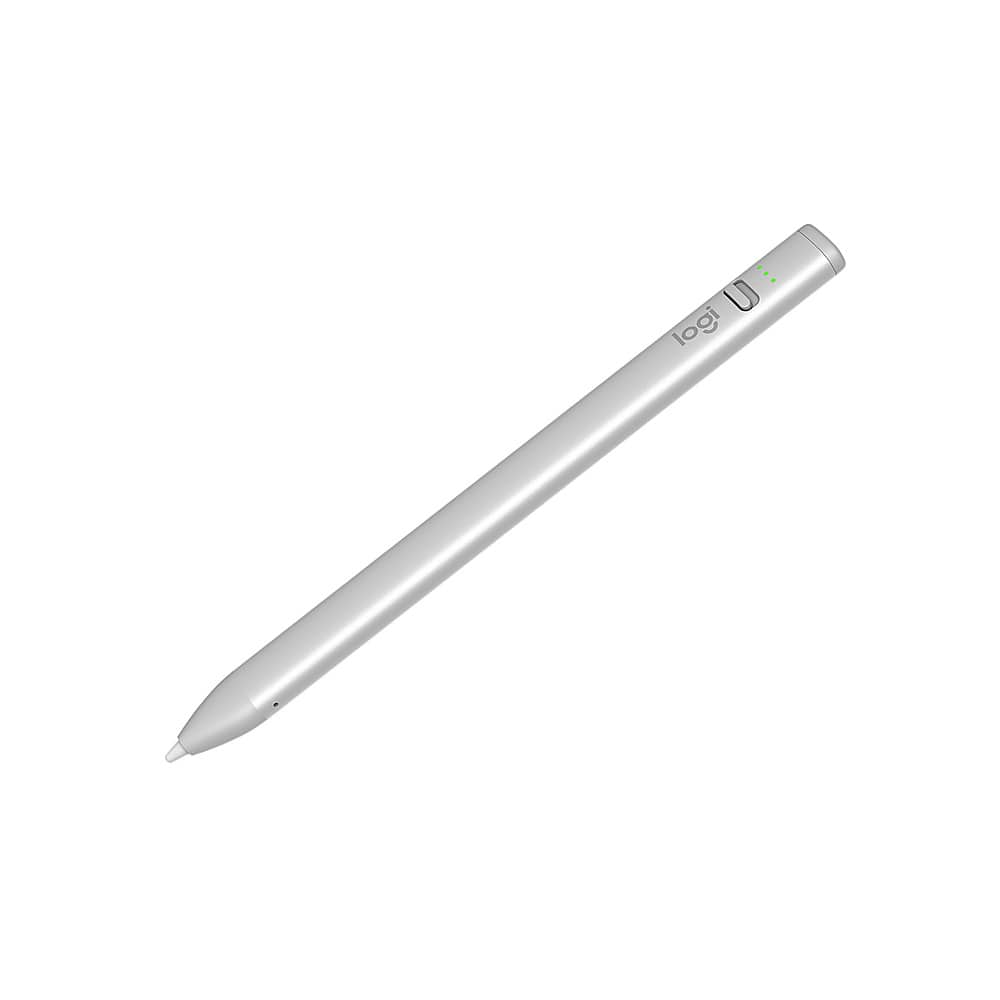
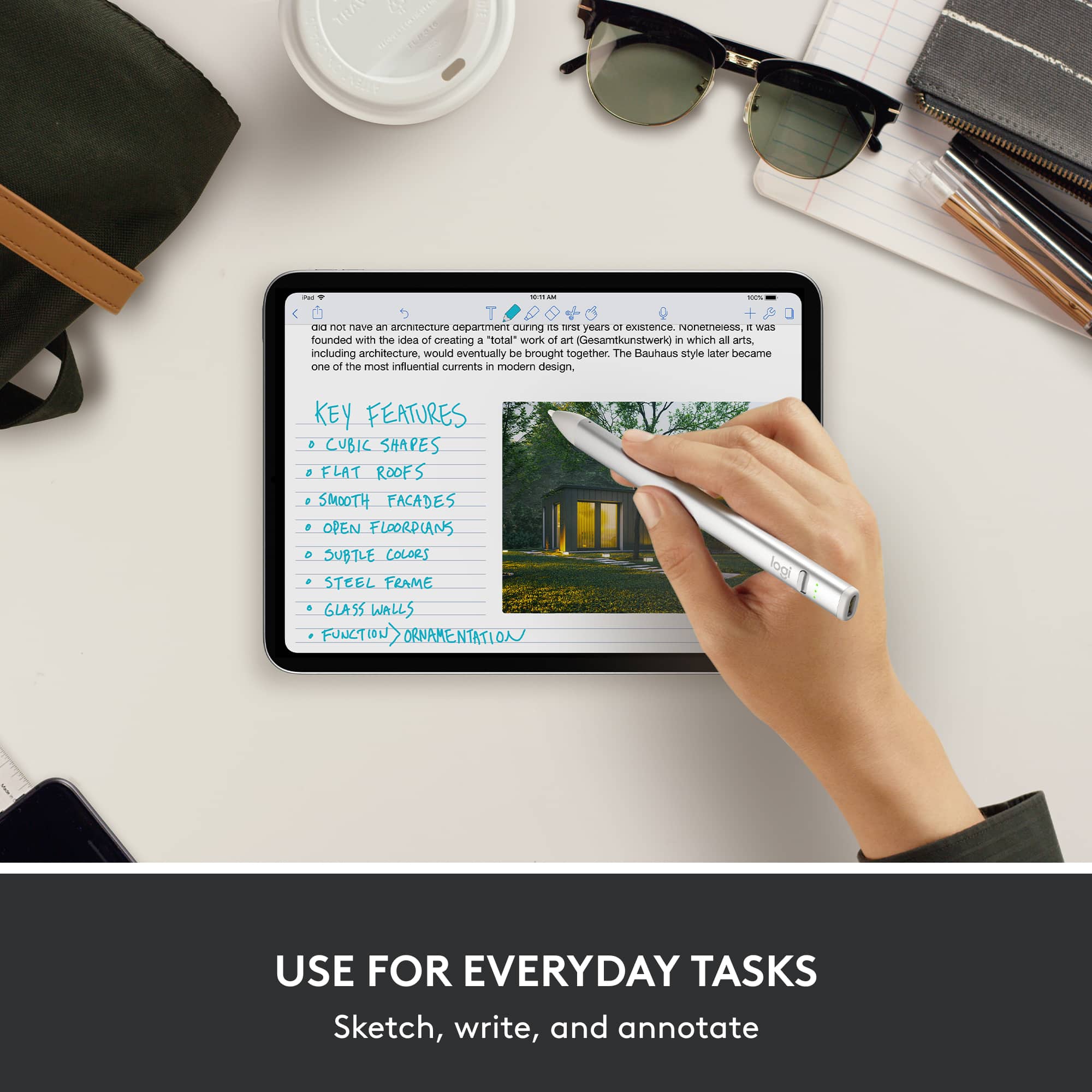
|Posted .This reviewer received promo considerations or sweepstakes entry for writing a review.Whenever using Apple 3rd party accessories you have to accept there are some features that just won’t be supported. Let start with that. No, this won’t stick magnetically to the side of your iPad. No, this won’t charge while magnetically sticking to the side of your iPad. Still, as a writing utensil. The Logitech Crayon is a pretty solid writing utensil. First of all, the Logitech Crayon automatically works with your iPad…if you don’t already have another writing utensil synced with the device. I spent a decent amount of time wondering why the crayon didn’t automatically work with my iPad as advertised before realizing…remove my other one. Once they was removed, BAM it worked! The Crayon can be turned off , which is good considering it can’t be charged when connected to your iPad. This saves battery life, which, shouldn’t be too much of a concern as the battery life on the Crayon is solid. Writing with it, I couldn’t tell the difference between this wiring utensil and my Apple one. That’s a positive and a negative. A positive because it works just like the other utensils. A negative because you don’t notice big changes that makes it seem worth forgoing the Apple exclusive features. All in all, if you can get past the Apple specific feature that come with Apple brand accessories, this is a great writing utensil.
I would recommend this to a friend - Pros mentioned:Battery life
Nice alternative to official pencil
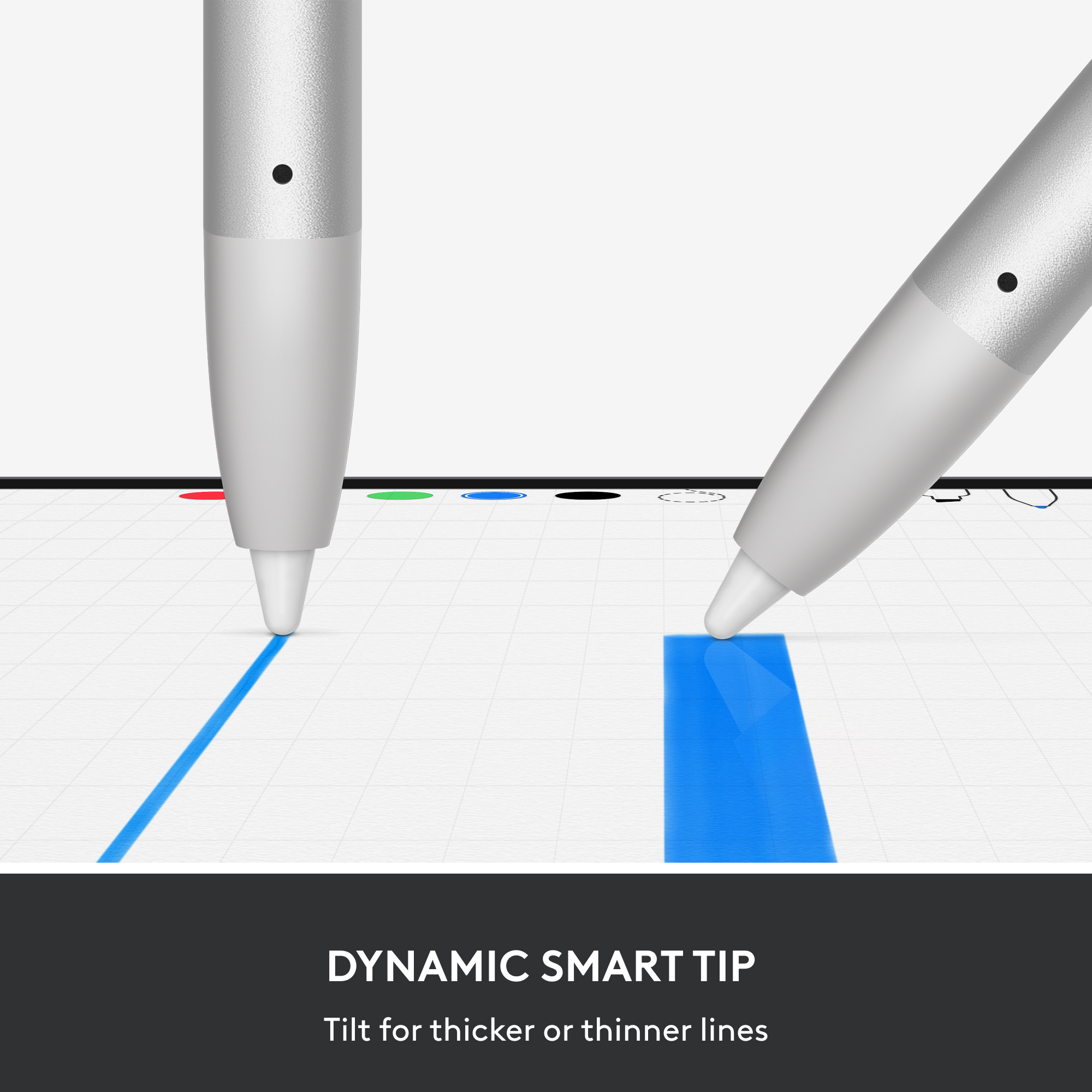
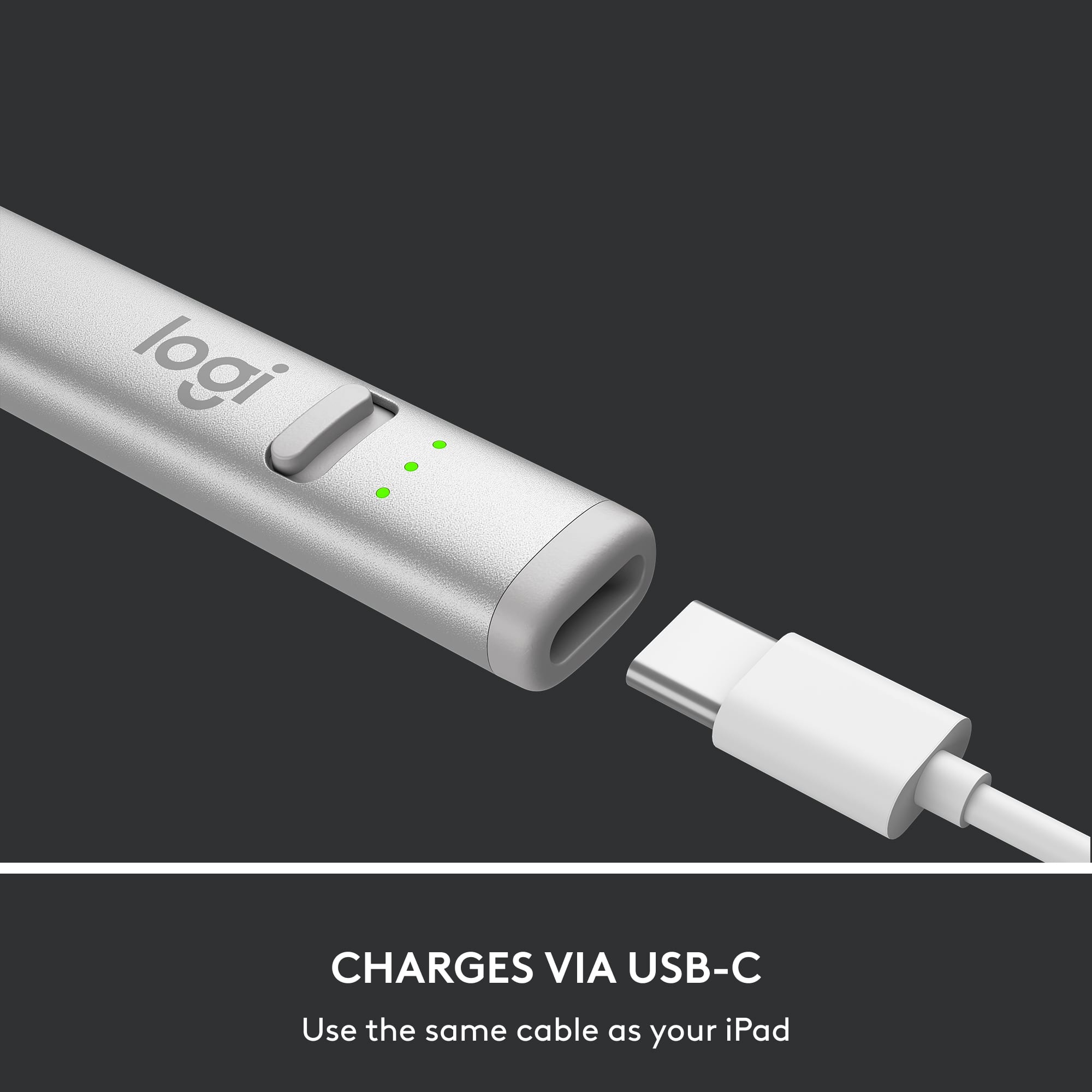
|Posted .This reviewer received promo considerations or sweepstakes entry for writing a review.If you're looking for a more affordable alternative to an apple pencil for your artistic needs, this is definitely a solid purchase. It feels and writes nearly identical to the real thing, and I do like how you are able to change the thickness of your lines by changing the angle the tip is on the screen. It's been a while since I've had the apple pencil but I recall you were able to swipe down for notifications or swipe for control center, unfortunately you aren't able to do this with the logitech crayon. Or at least you aren't able to on my 6th gen iPad mini. I could be misremembering this ability on the iPad pro with the first gen pencil, so no points off for that as the real thing might not be able to do it either. The on/off switch is easy to toggle, and it pairs nearly instantly the first time turning it on. Charging it is simple especially because it uses USB-C just as most new iPads do, so one less cable to carry along. Although you have to remember to charge another device so that kinda stinks, but it's easy to do. Plus the charge lasts a good amount of time so it isn't really a draw back. Really the biggest downside, is that there isn't an easy way to store it when not in use. The 2nd gen apple pencil will store magnetically to the side of your 2018+ iPad, not the case here. You either need to remember where you set it down last, or buy a folio that has pencil storage. At least it's flat so it won't roll away when you put it down. All in, it's half the price (or nearly) of the 2nd gen apple pencil, with nearly all of the same features. You just need to determine if the magnetic storage (and charging) of the 2nd gen is worth it over this one. You definitely aren't giving up any usability going with the Logitech, they're nearly identical otherwise.
I would recommend this to a friend - Pros mentioned:Compatibility
Great alternative at a great price
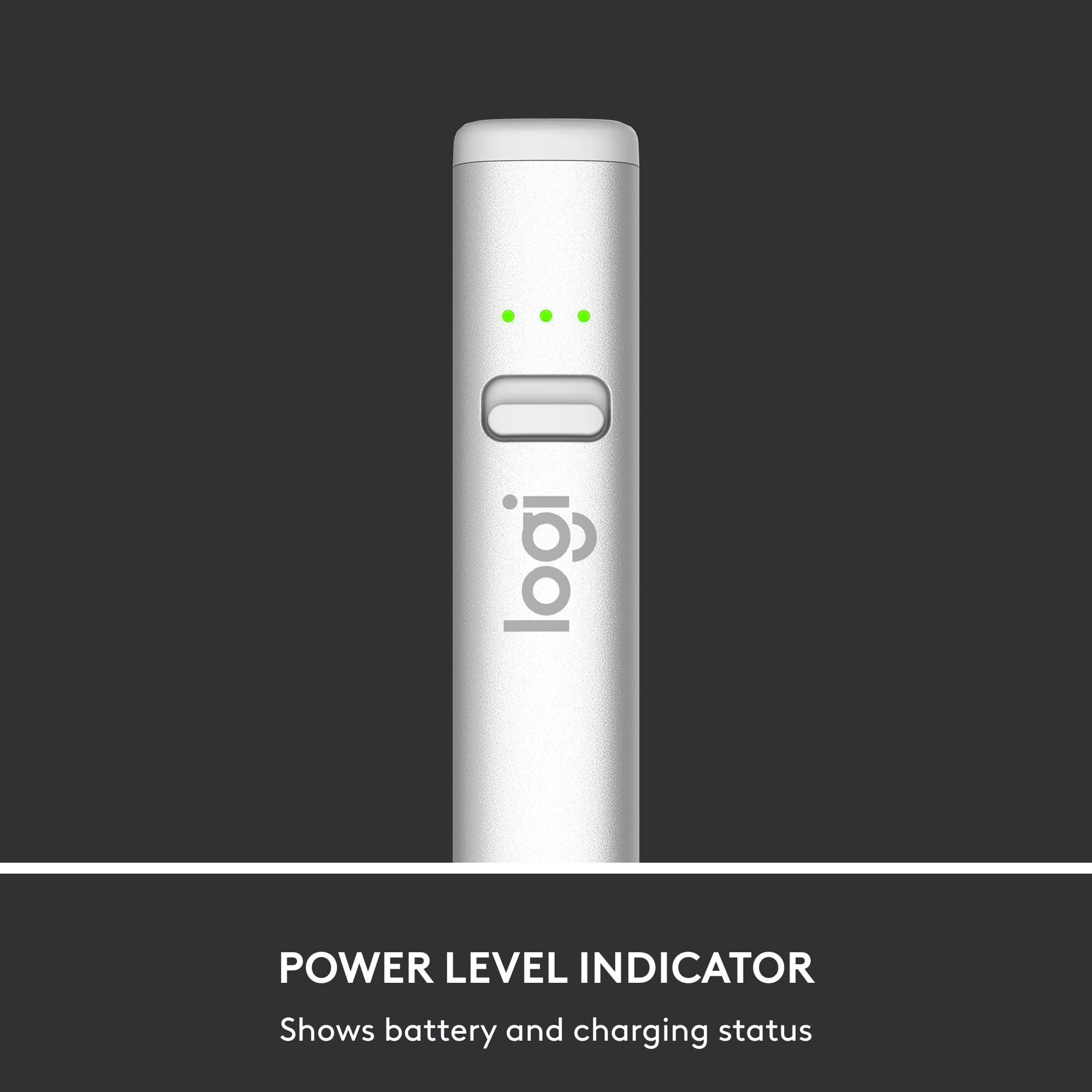
|Posted .This reviewer received promo considerations or sweepstakes entry for writing a review.So one may wonder why buy this instead of the official one put out by the maker of the iPad? Well, few reasons: (1) Price, (2) compatibility and (3) less confusion. I'll address these one by one. First, this is cheaper than the official versions. Yes, the official ones have some features that you don't get in this one, but you'll have to decide whether paying extra for those features are worth it. Next, reasons (2) and (3) kind of go hand in hand. What I mean is that this is basically compatible with any iPad that has a USB-C port, which I believe means any iPad released in or after 2018. So, you don't have to try and figure out whether this will work with your iPad or not - if your iPad was released in 2018 or later, this will work. This segues into reason #3 - regarding confusion...if you buy the real, official Pencil, you have to first figure out which one to get (1st or 2nd generation) because the 1st gen will only work with certain models and 2nd gen will only work with certain models. To make things even more confusing, an iPad model that was just released only works with the 7 year old 1st gen Pencil. That just seems so counter-intuitive to me! Anyway, you may ask if I like this so much, why only 4 stars? Well, talking about counter-intuitive, I believe the power switch on this doesn't make sense...and I still have to 'think' about it each time I turn it on/off. Does no color mean it's on and the red color mean it's off? Or vice versa? And, why red? Why not a simple green to indicate on and no color to indicate off? I just don't understand that design decision.
I would recommend this to a friend - Pros mentioned:Overall performance
Jose experience
Posted .This reviewer received promo considerations or sweepstakes entry for writing a review.Usefulness. It works perfectly with the iPad equipment.
I would recommend this to a friendBrand response from Logitech
Posted .Hey! Thanks for the concise praise on the Logitech Crayon! We're glad it’s syncing effortlessly with your iPad, pixel-precise, instantly responsive, and ready to turn ideas into action without missing a beat. Creativity, simplified.

- Pros mentioned:Ease of use, Overall performance
Bought with I pad 10
Posted .This reviewer received promo considerations or sweepstakes entry for writing a review.Works great with I pad 10-very pleased with it. Easy use and charge.
I would recommend this to a friend - Pros mentioned:Ease of use
Crayon Review
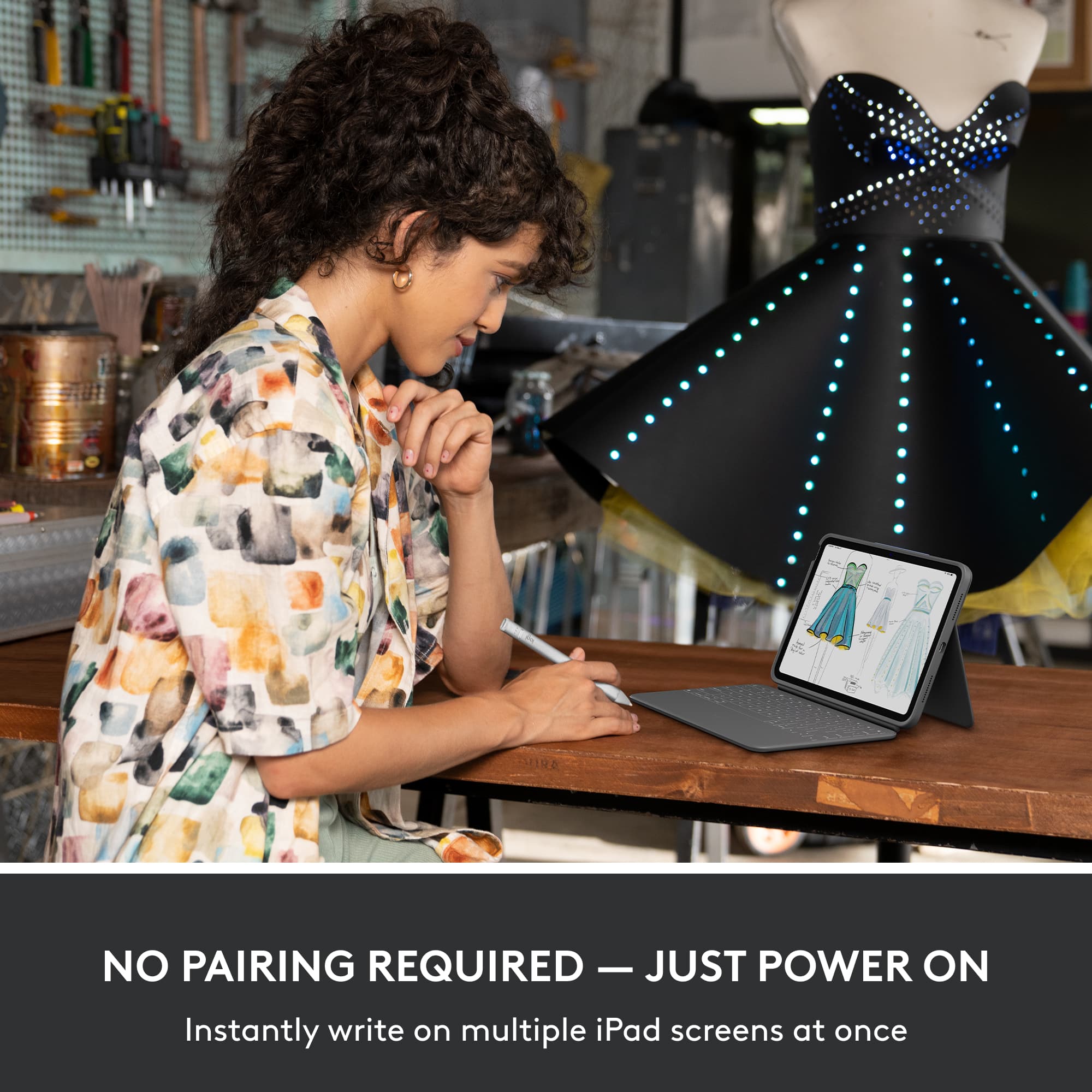
Posted .This reviewer received promo considerations or sweepstakes entry for writing a review.Very useful product, my partner has found it a great help for using her iPad, especially apps for creating notebooks. Seems to work just as well as a regular Apple Pencil. Super easy to use, don't even have to sync it. It "just works"
I would recommend this to a friend Crayon
Posted .This reviewer received promo considerations or sweepstakes entry for writing a review.Nice stylus for the price great service as usual ezpz
I would recommend this to a friendBrand response from Logitech
Posted .Thank you for sharing your positive experience with the Logitech Crayon! We're glad to hear you're happy with the stylus and our service.
Great purchase!
Posted .This reviewer received promo considerations or sweepstakes entry for writing a review.Honestly, so good. It’s a great professional tool to have & actually like it more than my Apple Pencil
I would recommend this to a friend- Pros mentioned:Overall performance
Pen
Posted .This reviewer received promo considerations or sweepstakes entry for writing a review.Pen works better and is more kid friendly than the apple pen. Works well with kumon app
I would recommend this to a friend - Pros mentioned:Overall performance
The best
Posted .This reviewer received promo considerations or sweepstakes entry for writing a review.Awesome!! Works great. Bought it for my son and he loves it.
I would recommend this to a friend - Pros mentioned:Overall performance
The Pen
Posted .This reviewer received promo considerations or sweepstakes entry for writing a review.Great product. Does exactly what I needed it to do.
I would recommend this to a friend Excellen prouct.
Posted .This reviewer received promo considerations or sweepstakes entry for writing a review.An excellent product at an even more excellent price.
I would recommend this to a friend- Pros mentioned:Ease of use
Great pencil
Posted .This reviewer received promo considerations or sweepstakes entry for writing a review.Work great with the iPad 10th series. User friendly.
I would recommend this to a friend