Customer Ratings & Reviews


- Model:
- 940-000110
- |
- SKU:
- 1260591
Customer reviews
Rating 4.4 out of 5 stars with 1948 reviews
(1,948 customer reviews)Rating by feature
- Value4.7
Rating 4.7 out of 5 stars
- Quality4.5
Rating 4.5 out of 5 stars
- Ease of Use4.6
Rating 4.6 out of 5 stars
Customers are saying
Customers commend the F310 Gaming Pad for Windows for its ease of use, compatibility, and reasonable price. Users appreciate its plug-and-play functionality and good compatibility with Windows 10. Some customers find the triggers uncomfortable, while others feel the size may not be suitable for everyone. Additionally, a few users have noted the absence of vibration feedback and expressed a desire for a longer cord.
This summary was generated by AI based on customer reviews.
- Pros mentioned:Compatibility, Overall performance
Rated 5 out of 5 stars
Superb alternative to the pricier 360 Controller
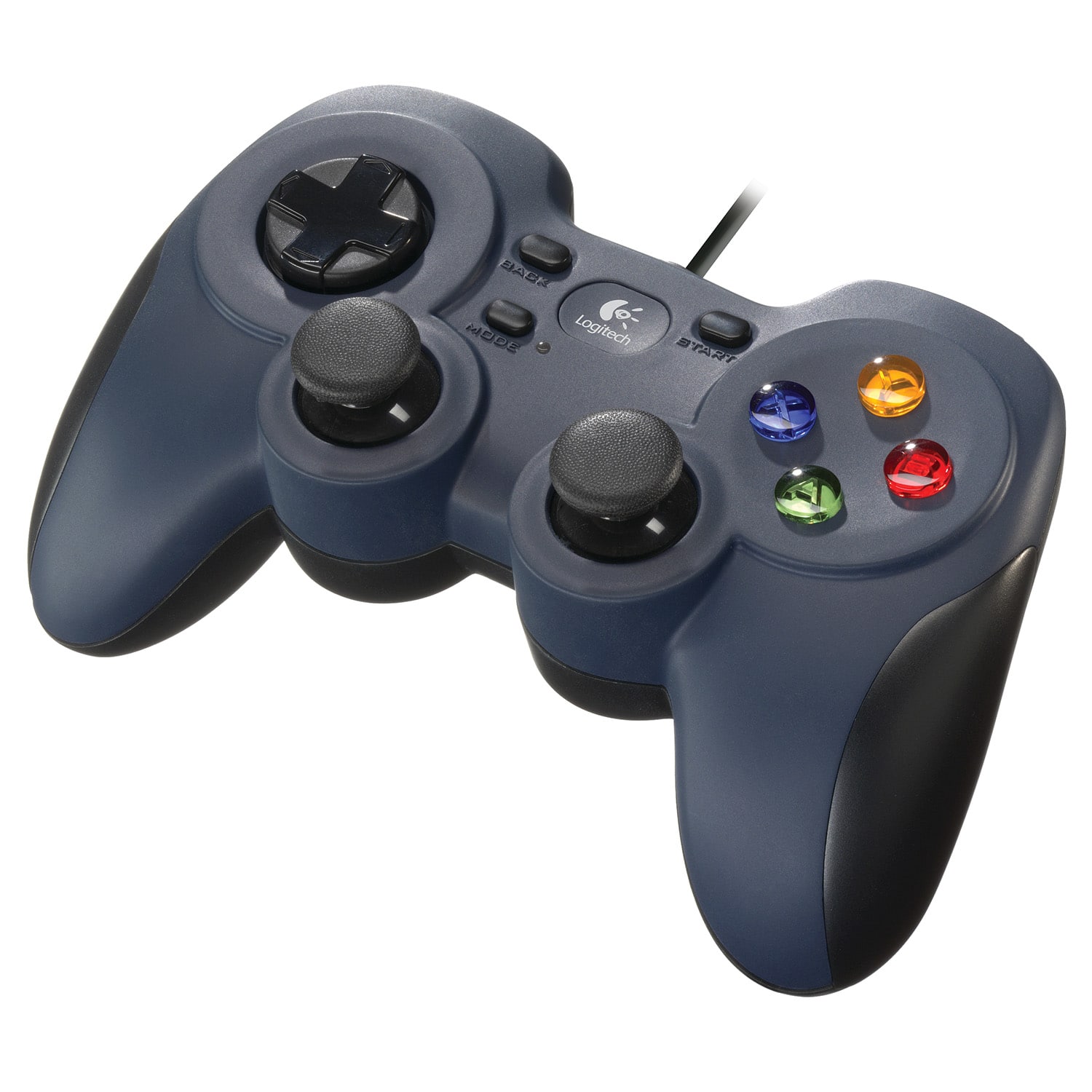
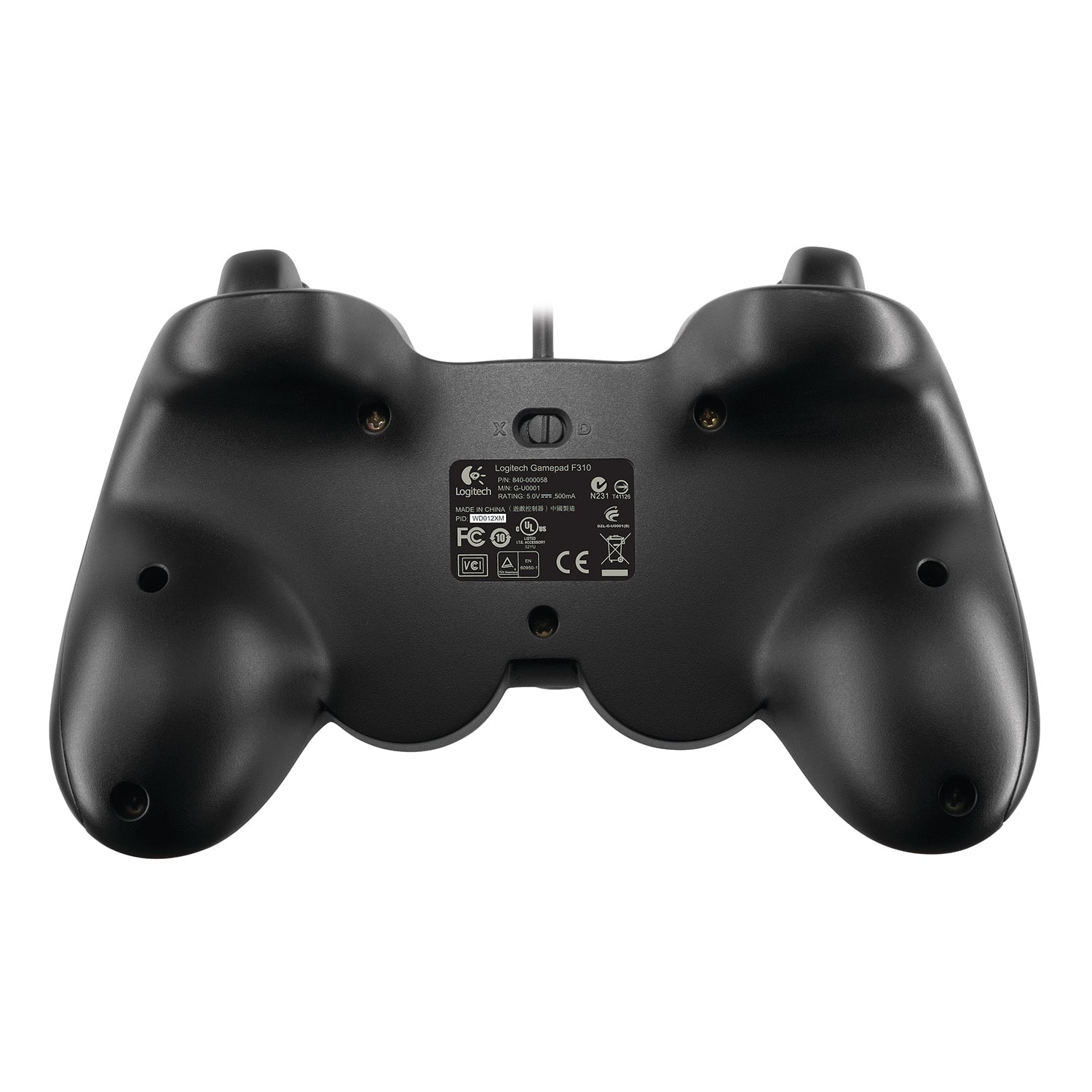
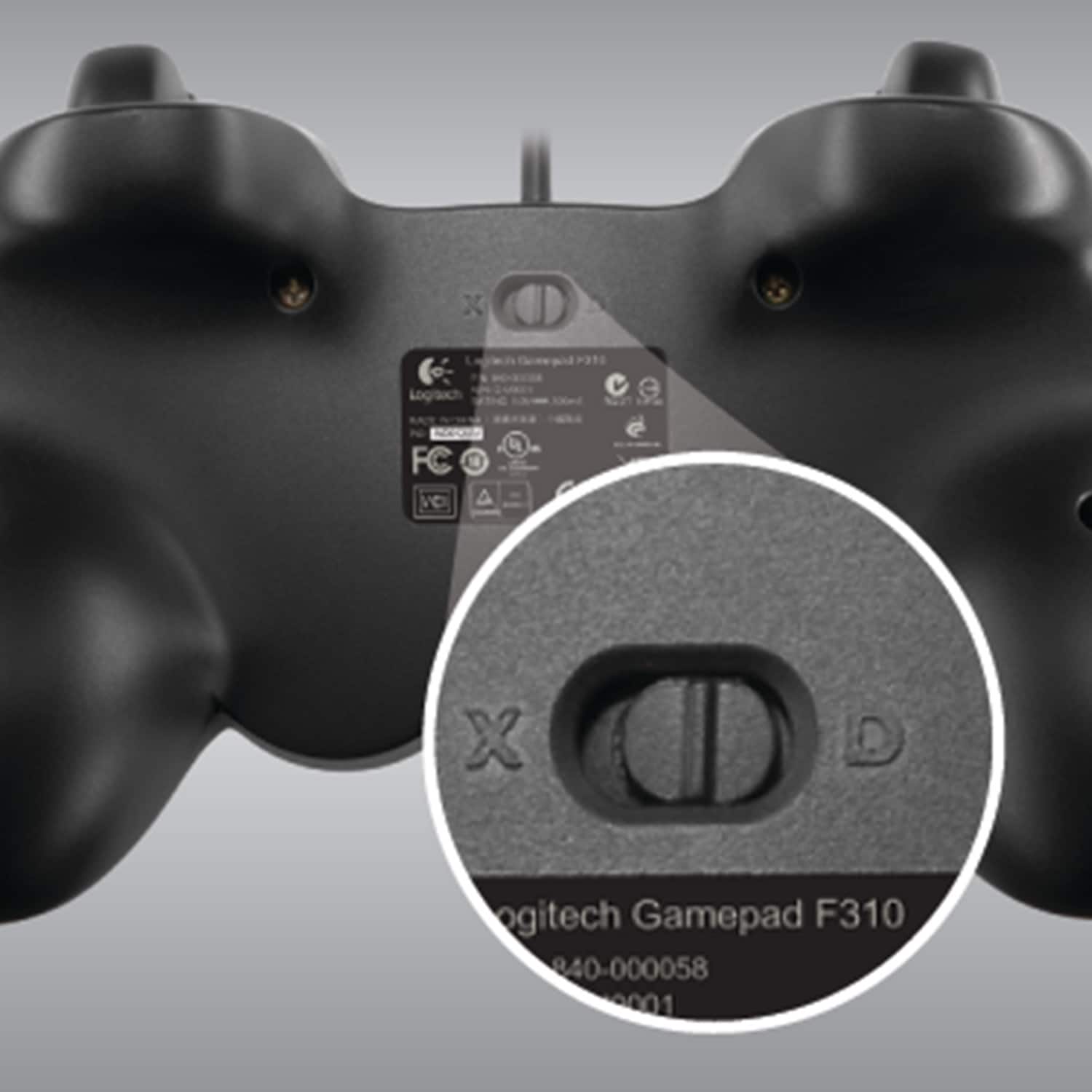
Posted .This reviewer received promo considerations or sweepstakes entry for writing a review.More and more PC games are supporting the 360 Controller for WIndows. Logitech took advantage of this and made a controller with the button layout of the 360 Controller, and the shape of a PS3 controller. It is excellent. It read as a 360 controller when I initially plugged it in. Worked fine for my games. No more mapping keys, like with my old RumblePad. No, since most of my games support the 360 controller, everything just works. Excellent product. It even has a kool little switch on the underside that changes it's layout from the 360 Controller to the "Logitech Dual Action", which is helpful in many situations.
I would recommend this to a friend Rated 1 out of 5 stars
okay controller
||Posted .This reviewer received promo considerations or sweepstakes entry for writing a review.I did like wire on device especially after being use to wireless controller.
I would recommend this to a friendRated 1 out of 5 stars
This did not work on my ASUS laptop
||Posted .This reviewer received promo considerations or sweepstakes entry for writing a review.I bought this for my sons mine-craft game. It did not work. Maybe mine-craft is a non joystick game.
No, I would not recommend this to a friendRated 1 out of 5 stars
Not good for steam
||Posted .This reviewer received promo considerations or sweepstakes entry for writing a review.I purchased this for my pc to use on steam and play games... however, it would not work on steam...
No, I would not recommend this to a friend- Pros mentioned:Compatibility, Ease of use
Rated 5 out of 5 stars
Works great for the price - No complaints!
Posted .This reviewer received promo considerations or sweepstakes entry for writing a review.I play all sorts of games like Sonic Mega Collection Plus, Outrun 2006 Coast to Coast, Lego Star Wars 2 , Lego Indiana Jones, and I can flip the switch to accommodate any game if one mode does not work. Installing the Gamepad was easy. This controller is essentially two products in one. An XBOX 360 Controller, and a Logitech Dual Action Gamepad. Flipping the switch toggles these modes. It also works great with classic game emulators and it was easy to configure. Really do reccomend this for people with Netbooks, its like having a portable game station in your bag with a 10 inch screen.
I would recommend this to a friend Rated 1 out of 5 stars
Does not work with my games
||Posted .This reviewer received promo considerations or sweepstakes entry for writing a review.Does not work well with Mine craft or Terreria. Waste of money.
No, I would not recommend this to a friendRated 1 out of 5 stars
I wouldn't recommend
||Posted .This reviewer received promo considerations or sweepstakes entry for writing a review.This item was bought for online gaming and didn't work for me.
No, I would not recommend this to a friend- Pros mentioned:Compatibility, Price
Rated 5 out of 5 stars
Quality and Versatile
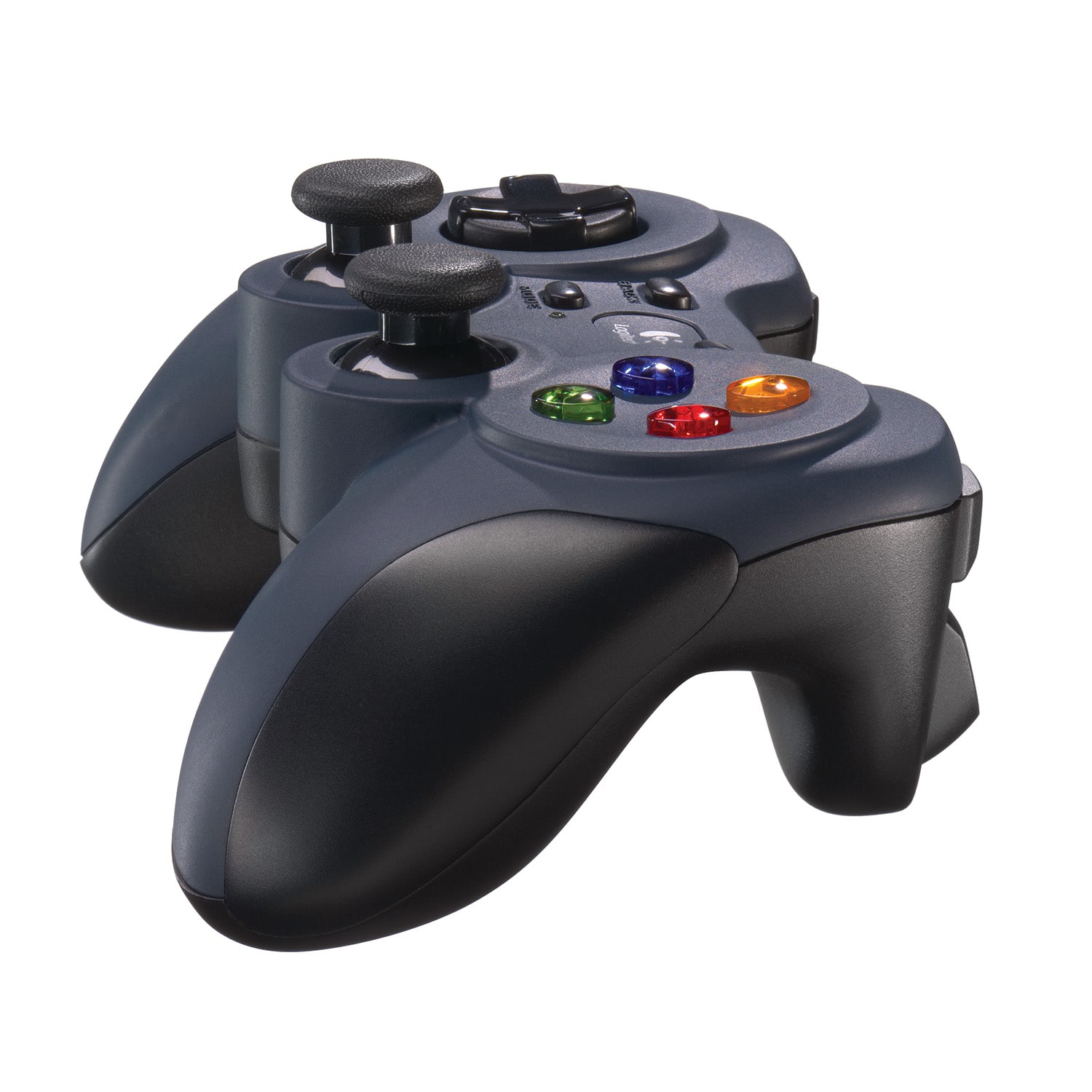
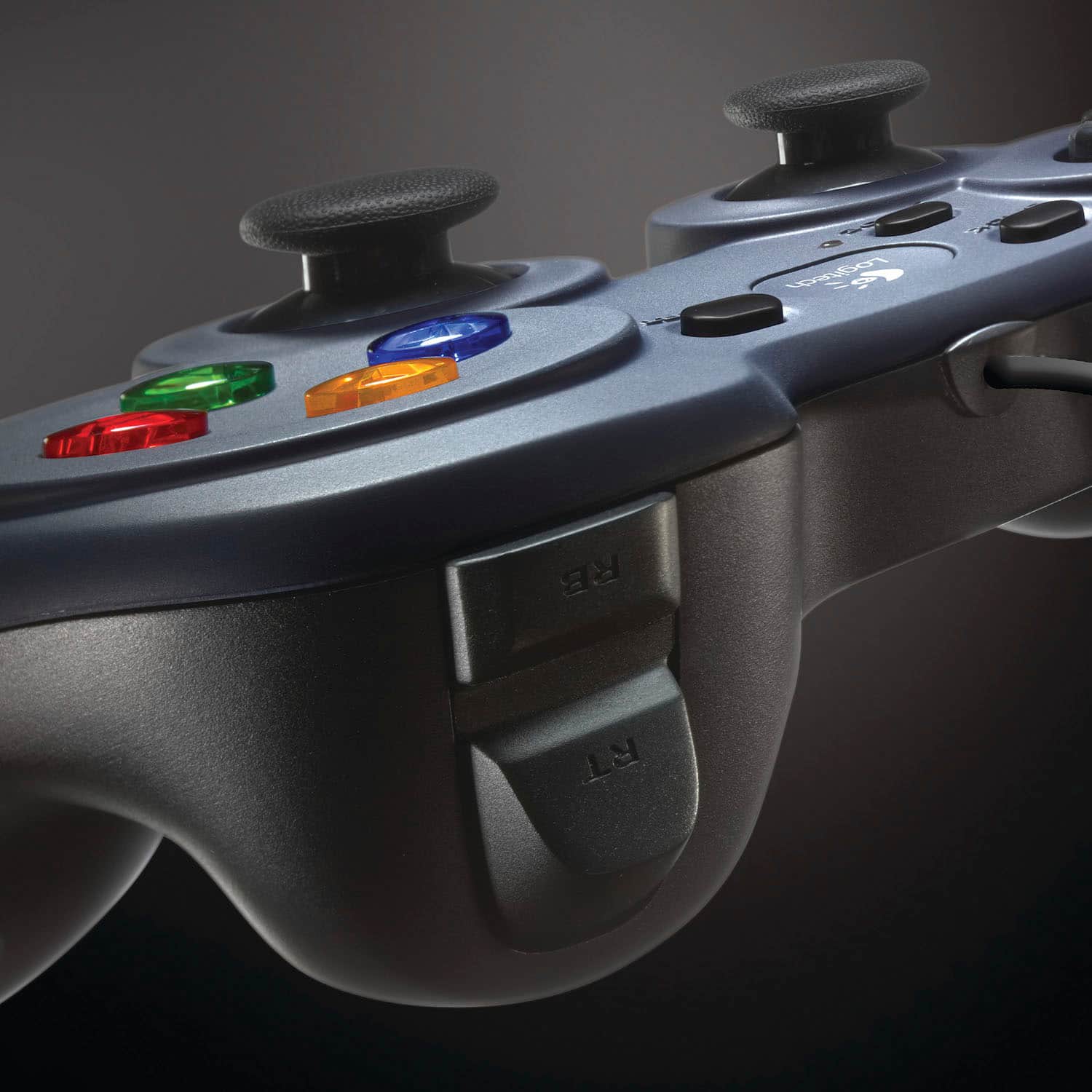
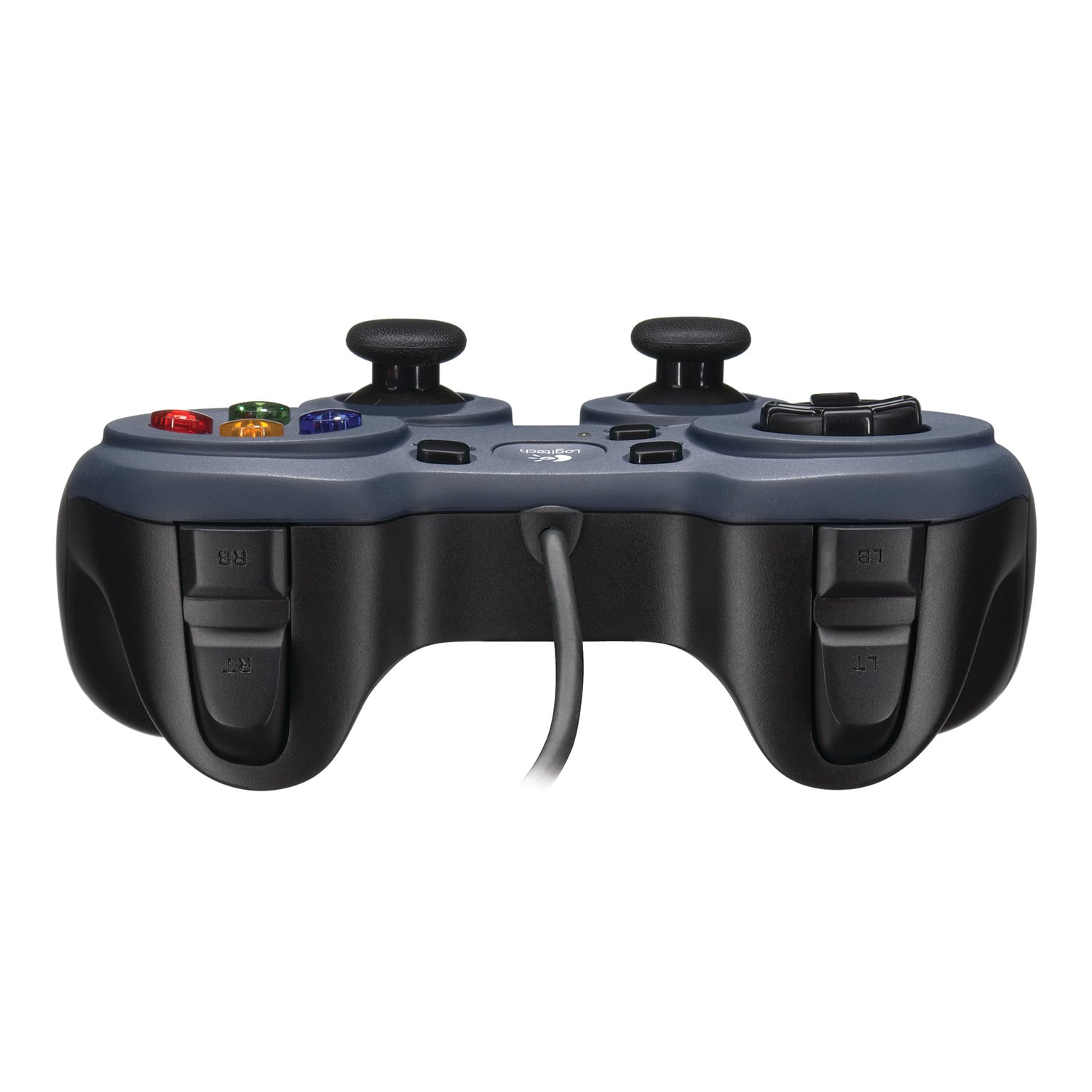
Posted .This reviewer received promo considerations or sweepstakes entry for writing a review.I've had this controller for several months now and have had no problems with it. The hardware is high quality and very responsive. Worked out of the box with Windows 7 installing the drivers automatically. By a flip of a switch, it can be a Direct Input or Xinput controller which is really cool to have all in one since there are many games that only use one or the other. Excellent price for the 2 above mentioned properties. Some possible subjective considerations. It is kind of a cross between a 360 and PS3 controller. The sticks are PS3 layout and R2/L2 buttons are more trigger like but not completely on the back like the 360s. It might be awkward for someone and possibly uncomfortable. The sticks are also stiffer in movement than both the PS3 and 360's.
I would recommend this to a friend - Pros mentioned:Overall performanceCons mentioned:Vibration
Rated 5 out of 5 stars
Excellent controller
Posted .This reviewer received promo considerations or sweepstakes entry for writing a review.I've bought several of these controllers over the years, as I use a Windows box and a Mac for gaming (I have four in all). The good is that the controller is durable, ergonomic, and has a longer USB cord than many other PC controllers; while not a huge deal at a desk, my Windows box is in the living room and I do multiplayer games on the couch with friends; the longer cords don't get in the way. Of course, the controllers are also responsive. The biggest advantage with these controllers is with emulation, specifically Nintendo 64. I use the D-pad as the C buttons in some games, as you're able to push down left and right on the D pad at the same time. This is handy with games that treat your right analog stick as buttons instead of directional controls. The only negative is there is no vibration.
I would recommend this to a friend Rated 1 out of 5 stars
does not work
||Posted .This reviewer received promo considerations or sweepstakes entry for writing a review.Does not work. Wrong information from staff.. cannot juse.
No, I would not recommend this to a friend- Pros mentioned:Ease of useCons mentioned:Triggers
Rated 5 out of 5 stars
I reccomend it!
Posted .This reviewer received promo considerations or sweepstakes entry for writing a review.The controller itself has a great design. Installing it and getting it to work on my computer was a breeze. I play some sports games on my computer and the controller has taken the burden of having to use the keyboard away. The top 4 buttons, also known as the triggers, however, seem a bit flimsy. Not terrible, but they seem like they would be the first to break over time. Other than that, it works perfectly! So far, no problems at all and I highly reccomend this product!! Cheers!
I would recommend this to a friend Rated 5 out of 5 stars
Great for retro gaming.
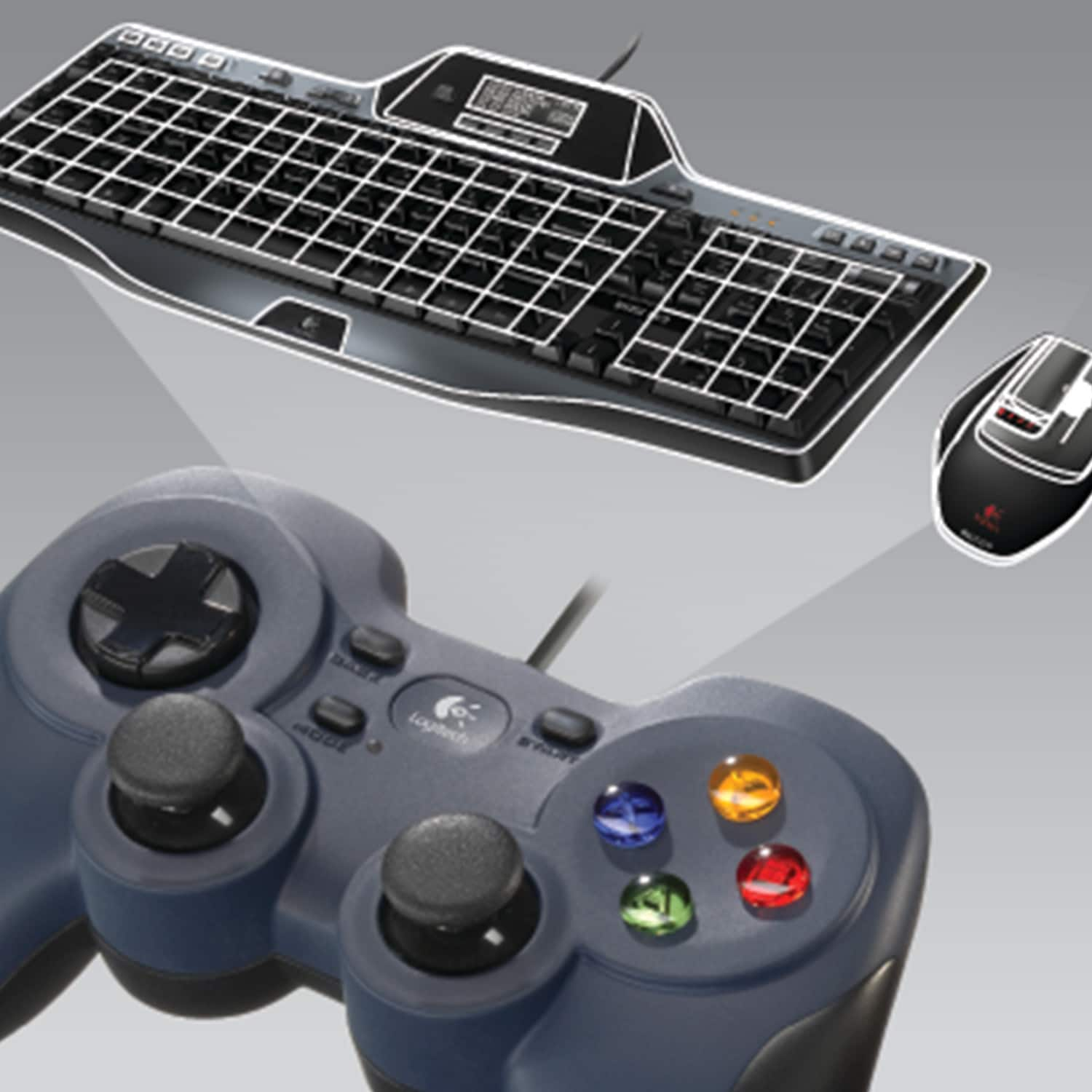
Posted .This reviewer received promo considerations or sweepstakes entry for writing a review.This gamepad is excellent. It is the best controller I know of at the moment for retro gaming. I am running Vista and it installed without any problems. The profiler software is great. With the switch on the back of the controller set to "D" you can map all the controls to keyboard keys. This means you can play old adventure games like Ultima IV almost entirely without using the keyboard. The switch on the back must be set to "D" to use the profiler software. Also pressing the mode button on the top will swap the D pad and left analog stick. The xbox controller does feel more sturdy but the Logitech feels fine. I don't get the impression the buttons or sticks will fail soon. For regular gaming I would prefer the xbox 360's D pad placement. The D pad does seem a bit flimsy. This controller has a lot of configuration options, its constructed well and works fine. As far as I know it is the choice for retro gaming.
I would recommend this to a friend- Pros mentioned:Ease of use
Rated 5 out of 5 stars
The Logitech F310 is a must have product.
Posted .This reviewer received promo considerations or sweepstakes entry for writing a review.Works for all my Emulators, NES, SNES, Sega Genisis, N64, and Nintendo DS. I used it with Windows XP Professional SP3, needed to install the software, and configured the controlls in my emulators, and works 100%. I used it with Windows 7 Ultimate, didn't need to install the software for the controller, and configured the controlls in my emulators, and works 100%. There is absolutly nothing wrong with this controller. Doesn't need Batteries, has a decent cord length, and works flawlessly. Thank You BestBuy, well worth $26.99, after tax. I did a video tutorial on YouTube using this controller, can play all the games I want now, Thank You So much. Don't go to GameStop, Don't Go to EBGames, they SUCK. BestBuy Pwnes RadioShack and GameStop / EBGames. Don't get a wireless controller, unless your willing to spend about 40 to 50 bucks on rechargable battereies, this controller is the best,. My old controller even works with a Mac OS X, and Emulators.
I would recommend this to a friend Rated 5 out of 5 stars
Daily Driver!
Posted .This reviewer received promo considerations or sweepstakes entry for writing a review.Awesome controller, I've been using it to control my submarine for a few years now. It's only glitched a few times, but I just unplug it, blow on the plug and it works again. I would recommend to anyone looking to control any other manned vehicles. I bet this would even work on a spaceship.
I would recommend this to a friend- Pros mentioned:Overall performance, Price
Rated 4 out of 5 stars
Great price for a good controller
Posted .This reviewer received promo considerations or sweepstakes entry for writing a review.Great alternative to the over priced competitors. I wouldn't use this for fighting games as the D-pad is not very responsive, and feels a little on the cheap side. But these controllers last much longer than xbox controllers, and cost less than half the price.
I would recommend this to a friendBrand response from Logitech
Posted .The Logitech F310 is a budget-friendly gamepad that delivers great value. Its durability and long lifespan make it a cost-effective choice for casual gamers. While not ideal for competitive gaming, it's a solid option for those seeking a reliable controller without breaking the bank.
- Pros mentioned:Overall performance
Rated 5 out of 5 stars
About as good as it gets, for as cheap as it gets.
Posted .This reviewer received promo considerations or sweepstakes entry for writing a review.It's a solid 8-button, twin-stick, wired game pad for about as cheap as you can expect. There isn't really much room for extra features without either getting in the way or being to hard to reach during action, so really this is about as good as it can get. Yes, the cord can get in the way at times and is a point of failure (my previous gamepad of the same model had the cord start breaking, causing it to stop working), but on the other hand it doesn't need batteries or recharging. It's the same model as my previous gamepad and that lasted at least a decade before the cord started to break so it's reasonably durable too. It will fill the bill for pretty much any game or emulator you need it for, and it's comfortable enough to hold for a few hours. About the only thing I could want more (and that could even fit) is an auto-fire toggle in the central cluster.
I would recommend this to a friendBrand response from Logitech
Posted .Thanks for the thorough review of the F310! We appreciate you highlighting its affordability, durability, and comfort. While the wired connection can be a drawback for some, it also eliminates the need for batteries. Happy gaming!
Rated 5 out of 5 stars
Great controller
Posted .This reviewer received promo considerations or sweepstakes entry for writing a review.I bought this controller mostly for game console emulators (nes, snes, playstation, etc..) and it really works great. I used to use my old Microsoft Sidewinder controller but this one is 10 times better. One problem I had with the Sidewinder was that in a lot of games that require you to duck to avoid something, you had to press exactly down on the d-pad. If you weren't perfect about it then you'd get up and get hit by whatever it was you were trying to avoid. This controller doesn't have this problem at all. So now a lot of games that were practically unplayable with the Sidewinder work great with the Logitech controller. Another thing that's great is that you can use the analog stick instead of the d-pad if you want. For some reason you have to press the 'mode' button to switch between the d-pad and analog stick though, but it's not a big deal. I took one star off the 'Ease of Use' category because if you have Windows XP the driver that comes with the controller doesn't seem to work. It doesn't detect the controller. It turns out you need to install the drivers for a Microsoft XBox controller. The reason is that this Logitech controller and XBox controllers both use something called XInput. Here's the link for the driver you need if you have Windows XP: http://www.microsoft.com/hardware/download/download.aspx?category=gaming Also, the switch on the back of the controller needs to be set to 'X'.
I would recommend this to a friend- Pros mentioned:Usb
Rated 5 out of 5 stars
Great Quality/Built Solid, Nice Feel, Easy Setup
Posted .This reviewer received promo considerations or sweepstakes entry for writing a review.I recently purchased a game which required a gamepad, so based on the reviews, this gamepad was my top choice. The gamepad is very much similar to a Sony PS3 Controller-feel. Since I have a PS3, this was an EASY transition for me. The gamepad installation was an ABSOLUTE breeze! I literally plugged in the USB cable into my PC and waited for it to auto-recognize the device in Windows 7, then wellah! All done! I started up Steam, started my game, and my games immediately picked up that I was using a gamepad. The buttons are nice and solid, not cheap feeling at all. The controller has a nice solid feel and weight to it, not heavy, not light. There's no cheap plastic edges like I've felt on some after market gamepads in the past. You definitely get your monies worth with this gamepad. The analog sticks feel solid and just like a PS3 controller, kinda rubbery and feel smooth/bouncy, but like I said, this gamepad feels so good and well built. I'm almost considering getting another one for safekeeping, in the event this one ever goes out, and I need another later down the line. I really like it, THAT much!
I would recommend this to a friend - Pros mentioned:PriceCons mentioned:Size
Rated 4 out of 5 stars
A great controller
Posted .This reviewer received promo considerations or sweepstakes entry for writing a review.This is the only other controller I would ever think of using on PC. The other being the Microsoft Xbox 360 Wired Controller. If you find the Playstation 2 and 3 controllers to be to small for your hands, or don't like the analog stick layout, I wouldn't purchase this item as it has the same look and feel as those controllers. If that is not a problem, then you found a great controller for cheap.
I would recommend this to a friend - Pros mentioned:Ease of use
Rated 5 out of 5 stars
Outstanding Controller
Posted .This reviewer received promo considerations or sweepstakes entry for writing a review.I ordered this on a sale because for the price how could I go wrong. I play mostly FPS on the PC but occasionally a RPG also. Well after I ordered it, I came across "Dirt 2" on sale and DL it. Well I am so glad I got this Logitech F310 if nothing else, for this game alone. I have a PS3 and play various games on the Playstation so I am used to the controller and the layout. Let me tell you Dirt 2 rocks on my computer. As others have mentioned, plug in the Gamepad and start the game and you are all set. To put it bluntly, it is a winner and I highly recommend it. It works even better if you are trying to play a game on a laptop. I bought two more for my sons. I can not review on the durability of the Gamepad but I can say from experience that Logitech stands behind its products. I have had two mice replaced by them under warranty without any hassle whatsoever. If you play games on your PC or laptop, don't hesitate just get it. You will not be disappointed.
I would recommend this to a friend