Customer Ratings & Reviews



- Model:
- 915-000239
- |
- SKU:
- 8201008
Customer reviews
Rating 4.3 out of 5 stars with 1750 reviews
(1,750 customer reviews)Rating by feature
- Value4.1
Rating 4.1 out of 5 stars
- Quality4.4
Rating 4.4 out of 5 stars
- Ease of Use3.9
Rating 3.9 out of 5 stars
Customers are saying
Customers find value in the Harmony Companion's ease of use and the comprehensive control offered by its remote. Many appreciate its compatibility with various devices and the long battery life. However, some users experienced challenges with the setup process and noted the lack of a backlight on the remote. Smaller button size and occasional connectivity or responsiveness issues were also mentioned.
This summary was generated by AI based on customer reviews.
- Pros mentioned:Design
Rated 4 out of 5 stars
Great universal remote with some cons
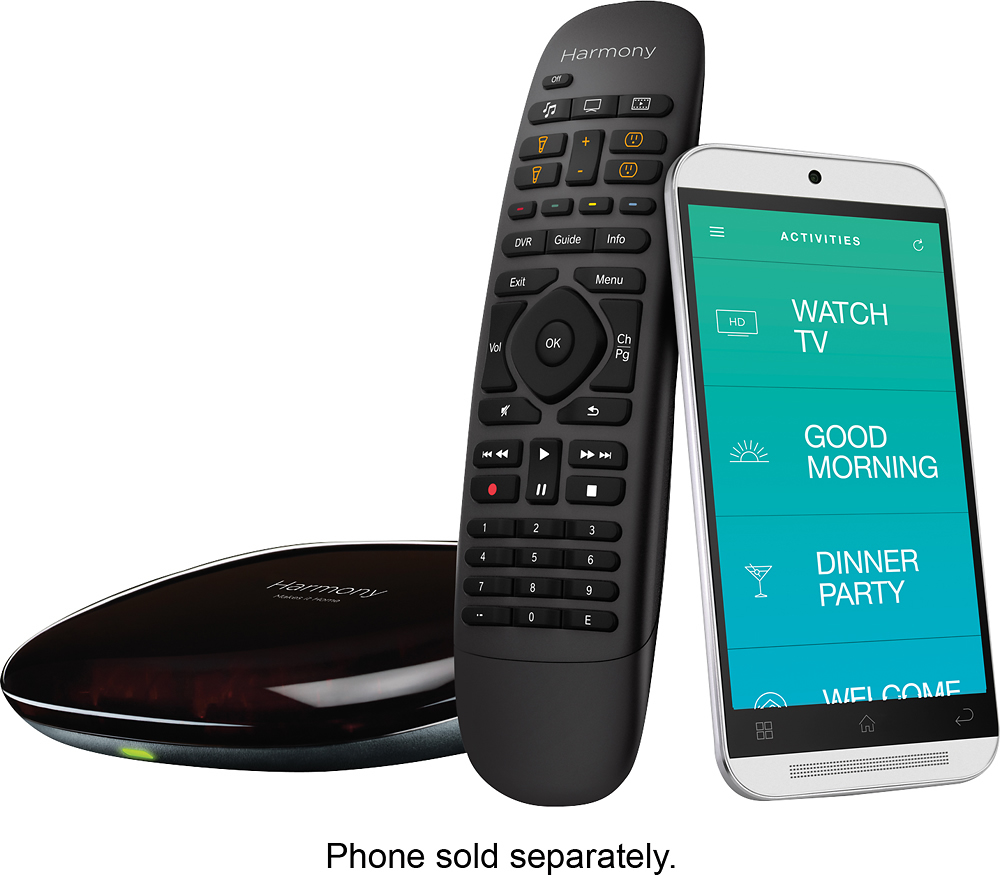
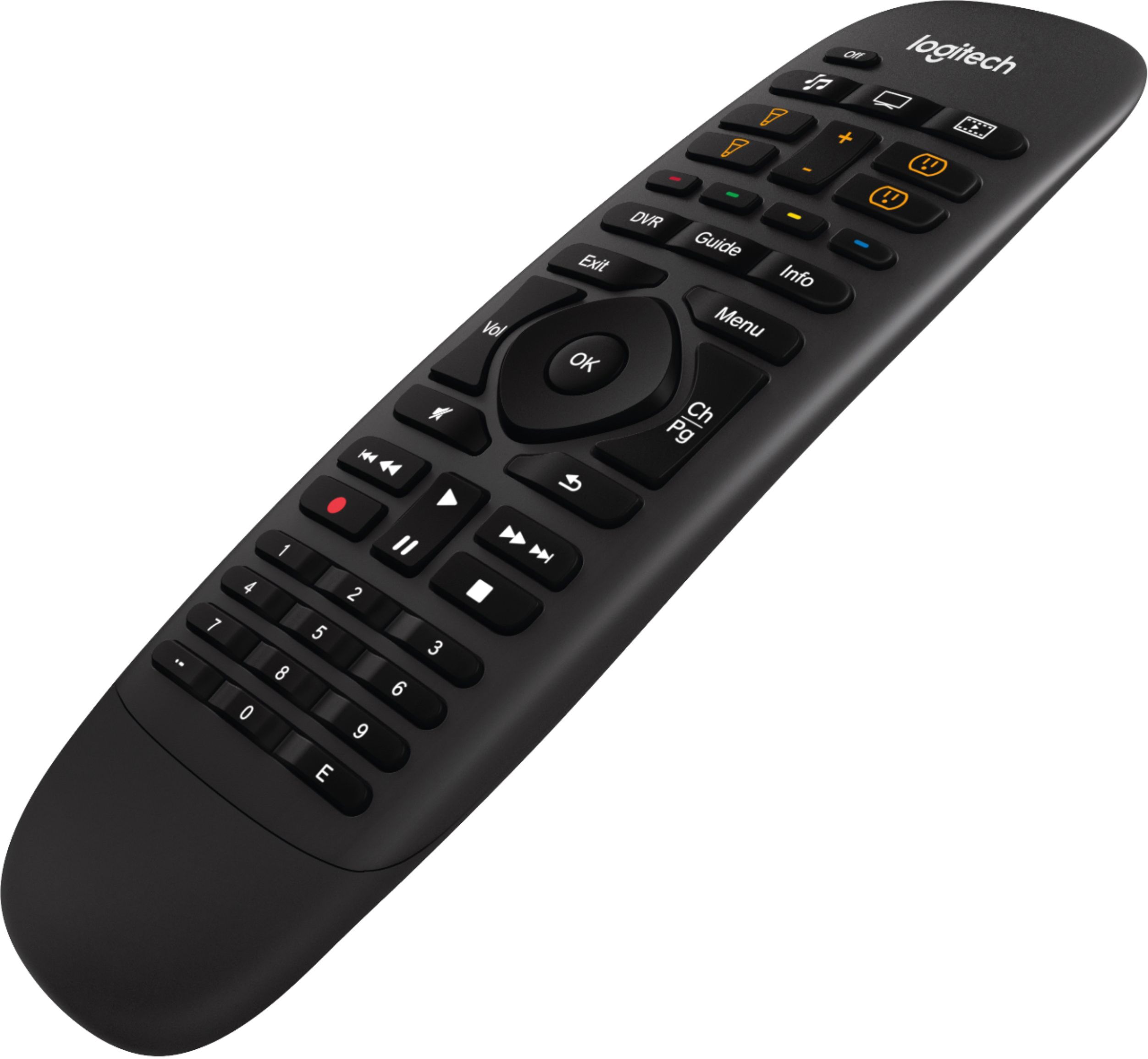
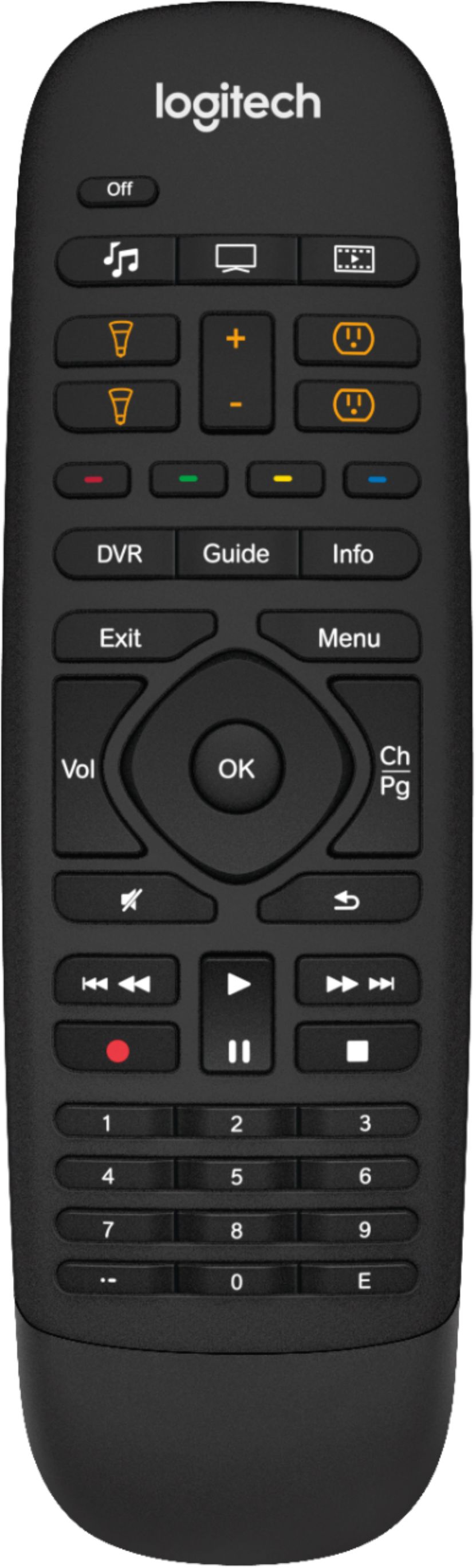
||Posted .This reviewer received promo considerations or sweepstakes entry for writing a review.I really like the Harmony Companion remote, its designed really well and has a ton of features. It works really well with my smart home. There are a couple negatives about it. I wish it had back lit keys its sometimes hard to remember what keys are which. I also dont like that it limits you on how many devices you can control with the remote. Now that I have purchased the remote I wish I would have just splurged and got the Harmony Elite. Overall this works for my needs.
I would recommend this to a friend - Pros mentioned:Remote controlCons mentioned:Backlight
Rated 4 out of 5 stars
Works great, but beware Samsung's Anynet+
||Posted .This reviewer received promo considerations or sweepstakes entry for writing a review.I like the idea of the hub and remote and the system is now working flawlessly but getting to that point took about a month. It turns out Samsung's Anynet+ is basically incompatible with this remote, but without Anynet+ I am not able to use the HDMI cable from TV to receiver for the ARC (audio return channel), which was something I wanted to do to cut down on cable clutter. It was a long process of elimination to find out Anynet+ was what was causing the problems. By then I had deleted everything and started over at least four times. Once I figured out that Anynet+ was the problem, the solution was to turn off Anynet+ and run the TV audio to receiver via optical cable. At that point, everything started working perfectly. The Harmony Home Companion now works perfectly. Even using voice through an Amazon Echo works most of the time, but that's an Amazon issue, not Harmony. My one ongoing gripe is that the remote is not back-lit. That frustrates me every time I need to use it as I normally only watch stuff in the evening.
I would recommend this to a friend - Pros mentioned:Ease of use
Rated 5 out of 5 stars
Harmony hub
||Posted .This reviewer received promo considerations or sweepstakes entry for writing a review.So I got the harmony hub to replace a remote control cable box as well as a AV receiver, DVD player, and flat screen remote. The set up was pretty straightforward as long as I knew exactly the model number. So I would suggest getting the model number from your flatscreen before you install it or save the manual, otherwise it’s a pain to take pictures of the model number when it is an inch and a half away from the wall. The only limitation that I saw is that it can only do eight remotes. Otherwise it is a good product.
I would recommend this to a friend - Cons mentioned:Setup
Rated 4 out of 5 stars
Nice Universal Remote
||Posted .This reviewer received promo considerations or sweepstakes entry for writing a review.This is just what we needed to combine remotes. Works best if you have a smart phone to program in preset routines (i.e.: watch Netflix. turns on tv, soundbar and sets tv to Netflix). Only reason for not 5 star is that it takes a bit of experimentation to get it set up. Bought it to simplify things for my wife. No way she could have accomplished the set up process.
I would recommend this to a friend - Pros mentioned:Ease of use
Rated 4 out of 5 stars
The only remote you need
||Posted .This reviewer received promo considerations or sweepstakes entry for writing a review.I use the Logitech Harmony Home Companion to control my HTPC set-up. Customization is a snap, and it provides all of the functionality I need or want, including an Android app to interface with the system if desired. The only drawback that I have found is that the remote is not backlit, and can be cumbersome to use in a darkened, home theater environment. I am used to the Harmony 1100 with the illuminated screen.
I would recommend this to a friend - Pros mentioned:Battery life
Rated 4 out of 5 stars
Great Universal Remote w/ Smart Home Features
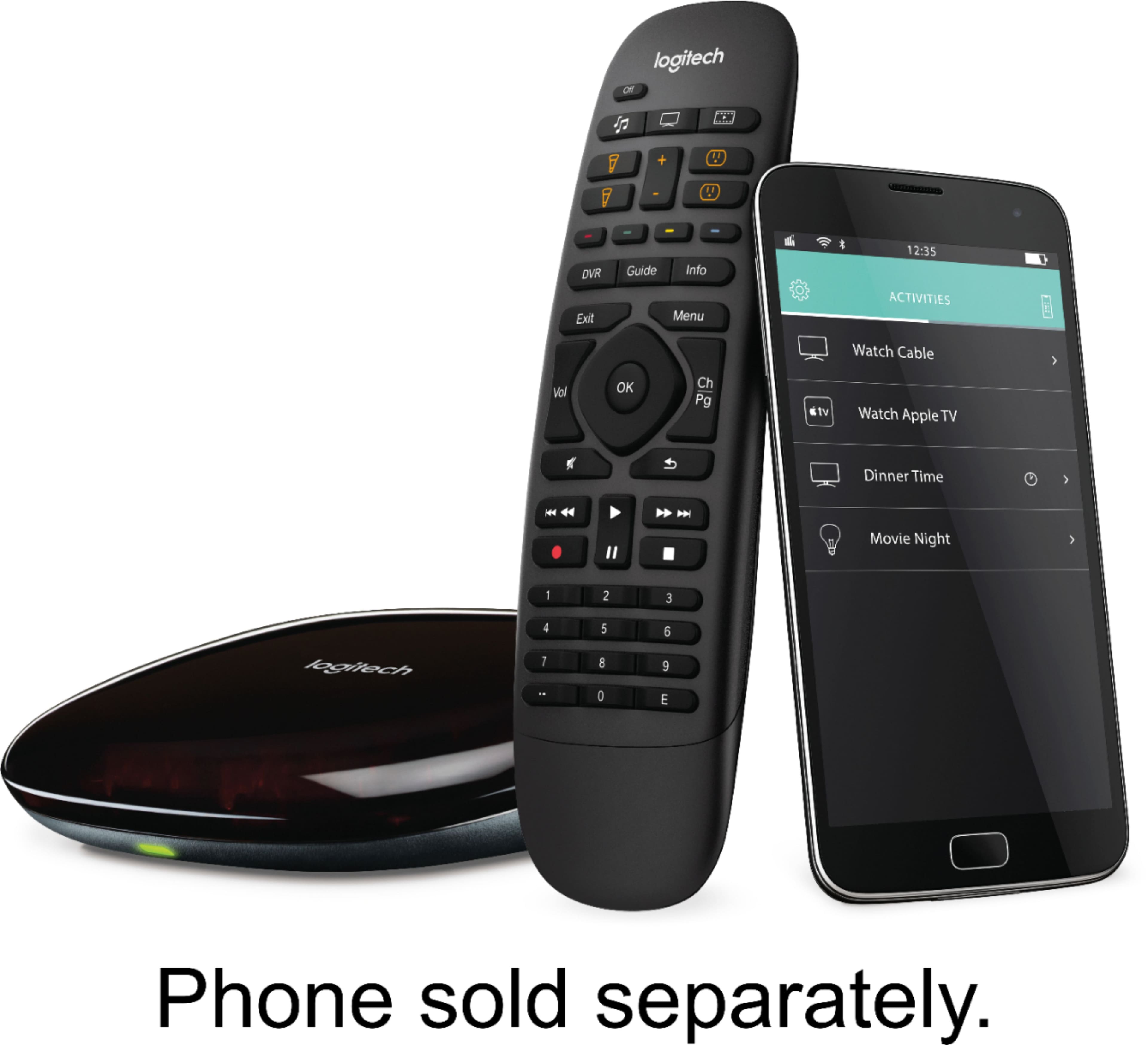
||Posted .This reviewer received promo considerations or sweepstakes entry for writing a review.The Harmony Companion Universal Remote with Harmony Hub is a great addition for the modern day media center. Today's living room contains a dizzying array of hardware devices to provide entertainment for our family. Often this includes a Smart TV, a soundbar or AV receiver, DVD/Blu Ray/UHD Blu Ray player, a gaming console (or two), streaming media player boxes or sticks, computers, network connected speakers, and smart home devices, like lighting and shades, to complete the theater-like ambiance. The problem is that each of these different devices and media components comes with their own remote or mode for communicating with the device. In addition, the vast majority of media components still rely upon IR for receiving commands. Wouldn't it be great if you could use one remote to communicate with all of your devices to set up a media activity or even create an entire media scenario all without having to worry about making sure that one remote is properly pointing at all of the IR receivers? That's the problem that the Logitech Harmony Remotes with the Harmony Hub is trying to solve. The Companion level remote is capable of combining up to 8 different remotes into the one remote. The Companion remote does not communicate directly with your devices. Instead, it sends commands to the included Harmony Hub, which incorporates an array of IR blasters around its edges, and you strategically place the Hub in a spot which can either have line of sight to your IR receivers or can bounce IR signals such that your IR receivers will receive the commands. This allows you to select an activity, set down the remote, and all of your devices will properly receive all of the commands necessary for you to begin consuming entertainment from the desired source. Setting things up on the remote/Hub can be a bit confusing if you have never used any of Harmony's remotes before, but there are various places on the Internet, including Logitech's support web site, that will help guide you through the process of adding devices and incorporating those devices into Activity workflows. The Companion remote incorporates physical buttons for relaying Activity commands to the Hub. The buttons are useful for the standard media Activities, like Watch TV or Watch a Movie. However, the buttons are programmable. So, if you have a custom Activity, you could reprogram one of the buttons, like the Listen to Music button, to be used for your custom Activity. The Companion remote utilizes a replaceable, non-rechargeable CR2032 battery, but since there isn't a display screen on the remote, the battery should last a long while. Logitech claims that the battery will last up to one year under normal usage. If your family wants the familiarity of a remote to control your media devices and you have no more than eight devices to control with fairly standard media Activities, then the Companion remote with Harmony Hub is the way to go.
I would recommend this to a friend - Pros mentioned:Ease of use
Rated 4 out of 5 stars
Great...for the most part
||Posted .This reviewer received promo considerations or sweepstakes entry for writing a review.Setup is simple. I like that it controls pretty much every device I want it to. Tv, game systems, smart lights. I've had to reset it twice in the past month. I'm hoping that it's just because I was messing around with the settings. I would also recommend using a cheap tablet over a smart phone. The app layout is a bit cramped on a small screen. That being said we use the included remote more often than not.
I would recommend this to a friend - Pros mentioned:Ease of useCons mentioned:Setup
Rated 5 out of 5 stars
Easy to set up, simple to use
||Posted .This reviewer received promo considerations or sweepstakes entry for writing a review.I bought this to control my home theater setup, hue lights, and Nest. It's taken a bit of time to get set up correctly, but everything works flawlessly now. Cannot recommend enough.
I would recommend this to a friend - Pros mentioned:Ease of use
Rated 5 out of 5 stars
Works great in controlling components behind doors
||Posted .This reviewer received promo considerations or sweepstakes entry for writing a review.I wasn't sure how this worked, but I had a previous old Harmony Remote which stopped working. I have a stereo cabinet made from a dining room buffet with four doors on the front and shelves in both sides of the cabinet with solid wood between the sides and solid wood doors. My stereo receiver, TiVo DVR, DVD player, and Karaoke player are within the cabinets. The Harmony Remote with its extended Hub and transmitters were very easy to setup and the activities control components on all four shelves across the two sides of the cabinet. I am very pleased with setup, installation, and easy of use with both the provided remote and iOS iPhone app!
I would recommend this to a friend - Pros mentioned:Ease of use
Rated 4 out of 5 stars
Perfect fit for my system
||Posted .This reviewer received promo considerations or sweepstakes entry for writing a review.My entertainment setup has a movie screen in front, a projector in back, and AV components to one side. This was the perfect answer to my issue. I began my search looking for IR remote receivers, but this is so much cleaner. WARNING: There are not a lot of instructions for setting up your activities, but for the most part it's pretty intuitive to those advanced to possibly intermediate tech savvy folks. I'd recomend it.
I would recommend this to a friend - Pros mentioned:Ease of use, Remote control
Rated 5 out of 5 stars
Best Remote that doesn't need a remote
||Posted .This reviewer received promo considerations or sweepstakes entry for writing a review.I have recently purchased a home, and I have been set on a mission to make my home as connected as possible. Finding the right product lineup has been interesting. The Harmony Hub was one of the first products I Purchased, as the television is something that needs to be easily understood for those in my household. Adding numerous devices for the members of my family members to turn on is not ideal. Being able to press one button and have all the products come on at once, and change to the appropriate inputs on each device, and then allow for the remote's buttons to change for the interaction is awesome. Pros: Alexa Compatible. Nest Compatible. IFTTT Compatible. Ease of use and setup. Control your devices remotely from anywhere there is a data connection. Bluetooth compatible out of the box. Included remote. Cons: Firmware updates are not intuitive and require you to access a portion of the mobile app that has a login, but is surely not intuitive. A secondary component is required to control Zigbee and Z-Wave products. Switching between hubs is difficult and time consuming.
I would recommend this to a friend - Pros mentioned:Ease of use
Rated 5 out of 5 stars
Love this remote
Posted .This reviewer received promo considerations or sweepstakes entry for writing a review.Been owning 2 of this for a few years ,1 in my livingroom and 1 in my HT ,there's so many things i can set up with this remotes i have one set up in my gmail account and other in wifes gmail account she's a family member in my Google home app and can control both remotes by voice, the remotes takes patience and time to set up in app but once you figure it out is awesome..Lots of info in forums to help. I ran ir extenders to other rooms to be able to control other tvs
I would recommend this to a friend - Cons mentioned:Setup
Rated 4 out of 5 stars
Powerful, with investment/effort
||Posted .This reviewer received promo considerations or sweepstakes entry for writing a review.I bought this to replace a Harmony 550 that I could no longer program, and because of the functionality I could get through Google Home + IFTTT. The programming is relatively simple, but needs knowledge and interest in the technology being controlled. This isn't just plug and play situation, it doesn't automatically detect your setup but does guide you step by step on everything you'll need to do and find. I ran into a couple things that didn't work exactly right due to quirks of my setup. I was able to figure it out, but I assume most will run into something that needs knowledge-based tweaks. After initial setup, and the creation of Actions (turning on multiple devices and switching them to the correct input), you can get into optional customizations for buttons. Since the remote doesn't have a screen, you are limited in the controls you can add to just the physical buttons and long pressing them. There were things I could do before with my 550 that can only be done with the app now. Speaking of which, for real power users, you have to get used to the app. You can't switch to device control mode on the remote, so if you want to do something that isn't part of the current action you have to use the app. The app is good, I haven't really had any problems using it. I could definitely see someone having a cheap tablet dedicated to just remote duties. The actual physical element of the Hub was easy to setup as well. Just plug stuff in and place somewhere that will have a view of every component. I put it on shelving off to the back corner of my living room and it works as well if not better than ever other remote I've had. Since the Hub and IR repeater stay stationary, and the remote simply sends signals to the Hub, you don't need to be aiming the remote at anything, or even be in the same room, to use it. Side benefits: I now have a normal remote control for watching TV and movies on my XBox One, and using Google Home I can start actions just with my voice. Hopefully more fine grained controls will come shortly. If you've already invested in a multi part entertainment system, after the initial setup this can greatly simplify your daily usage. It makes the most complex setups controllable by the tech averse, so it's also great for a family setup. If you want even more customization and control on the remote itself, the jump up to the remote with the full color LCD is expensive but might be worth it.
I would recommend this to a friend - Pros mentioned:Ease of use
Rated 5 out of 5 stars
Great Controller
||Posted .This reviewer received promo considerations or sweepstakes entry for writing a review.I had a rather expensive URC controller for several years and it never operated properly and worst of all it was not user programmable. On the recommendation of a Best Buy crew member, I purchased Logitek Harmony Home Control unit. After a very short learning curve, I had the unit programmed to control my entire home theater system. This thing works great and being a WiFi based controller, it can control the system from almost anywhere. No problems at all. Placement of the IR emitter is a little sensitive but easy to resolve any problems by simple movement of the control base.
I would recommend this to a friend - Pros mentioned:Battery life, Design, Ease of use
Rated 5 out of 5 stars
Easy setup and it works as advertised
||Posted .This reviewer received promo considerations or sweepstakes entry for writing a review.Harmony remotes have really improved and this remote is a good example. The set up is done through an app that is easy to use and nicely designed. All you have to do is enter your devices and then enter your activities. Super easy and from there it works every time. I also like that this remote is simpler, with no need to charge and no touchscreen. Overall, a great product.
I would recommend this to a friend - Pros mentioned:Ease of use
Rated 4 out of 5 stars
Easy to set up and use but clumsy
||Posted .This reviewer received promo considerations or sweepstakes entry for writing a review.I already had a harmony hub so when I brought this home all I had to do was get it powered on, connect to the app, and it moved all of my settings into it automatically. Super easy to use, handles all my devices and smart stuff (lights, thermostats). Ergonomically it is not the greatest as the buttons are separated by the screen but overall I'm a fan
I would recommend this to a friend - Cons mentioned:Setup
Rated 4 out of 5 stars
I give it more like a 3.5 starts
||Posted .This reviewer received promo considerations or sweepstakes entry for writing a review.Like everyone said it's a basic universal remote. I wish it had more buttons because sometimes things don't go like it should. So I would like to be able to change the inputs from my receiver or tv etc. Also the setup is not that easy. It took me a while to figure it out and I'm still adjusting since settings Only reason I bought it is because I got this on sale.
I would recommend this to a friend - Cons mentioned:Setup
Rated 5 out of 5 stars
Attractive option to get to 1 Remote
||Posted .This reviewer received promo considerations or sweepstakes entry for writing a review.I have a mixed configuration of devices in my home entertainment system: LG TV, Bose sound, Apple TV, Samsung Blu-ray and Samsung Cable Box (Spectrum). I had managed to get down to just the Bose remote, however, there were still a number of steps to change between viewing modes. This was clear to me but not others in the household. Setting up the Logitech took a bit of patience and planning. Needed to collect model number for each of the devices and take an inventory of inputs to the TV and Bose. The Logitech setup App is reasonable and once all of the devices have been entered, the App suggests some possible routines such as "Watch TV" or "Watch DVD". The next trick is to make sure that you set both the base station and the auxiliary IR blaster in the correct position. I had all my components in a cabinet and place the base station in this cabinet and had little problem controlling these devices. The trick was positioning the auxiliary IR blaster in a position that the TV responded as expected. Took a bit of trial and error but now working. Overall, well worth the effort to setup. Now have single button on/off and control of my TV, Apple TV, Blu-ray, and cable box.
I would recommend this to a friend - Pros mentioned:Ease of use, Remote control
Rated 5 out of 5 stars
Awesome
||Posted .This reviewer received promo considerations or sweepstakes entry for writing a review.Works great with alexa and is the best remote i have ever owned. I have had harmony remotes for 10 years and this is the best by far.
I would recommend this to a friend - Pros mentioned:Battery life, Ease of use
Rated 5 out of 5 stars
Truly a Great Companion
||Posted . Owned for 1 month when reviewed.This reviewer received promo considerations or sweepstakes entry for writing a review.The Harmony Companion is the best solution for home theater enthusiasts with many equipments to control. Solid build with great design and excellent feel in hand. Works great for activities such as 1 button (macro) touch to turn on Sony TV; Pioneer AVR; Sony UHD 4K; and PS4 support. Plays nice with Amazon Fire Cube and Roku 4K HDR. I decisively selected this over Seven Hugs, and Harmony Elite primarily due to ease of use. Not required to look at remote screen to operate devices. That is a key difference between practical application. Mobile phone integration is fantastic. Actually it's a great option as standalone feature. Battery life is ridiculously long; talking several months if not over 1 year. Future enhancements should include backlighting; though they should not sacrifice superb battery life for this tradeoff. Programmed activities are limited to 8, which works for most. I would like to have it be 10, though the Elite currently boasts 15. Enough said, what are you waiting for to pull t hgt e trigger? I did the research for you.
I would recommend this to a friend