Customer Ratings & Reviews
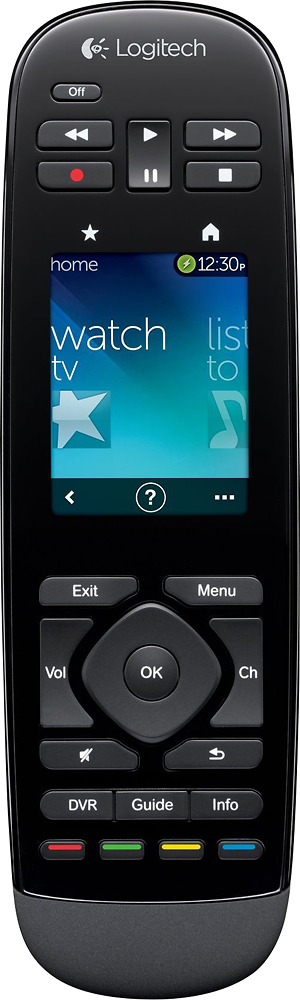

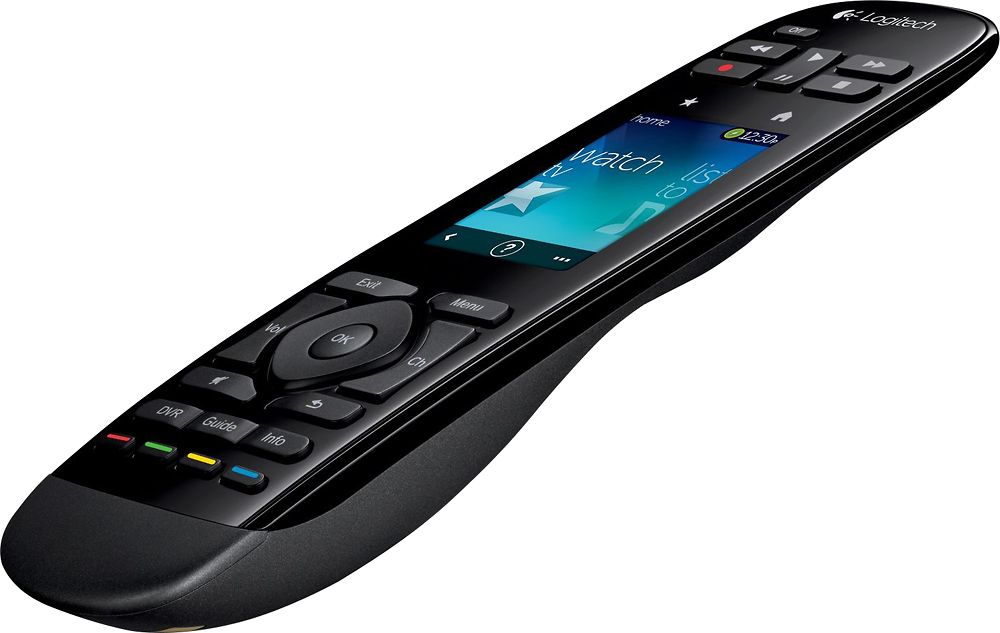
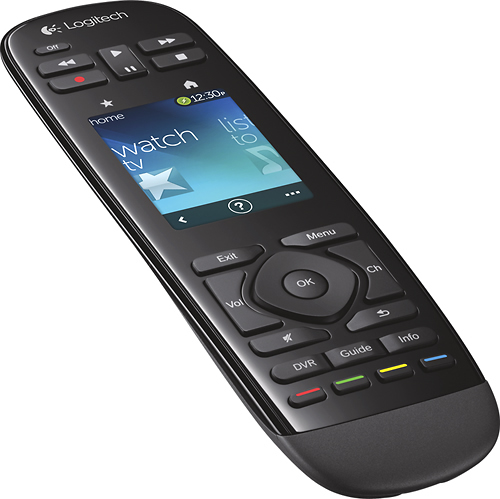
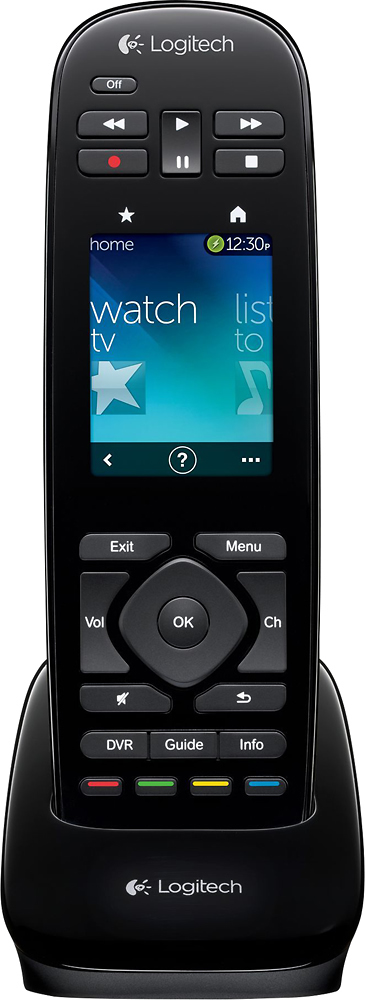
- Model:
- 915-000198
- |
- SKU:
- 6500555
Customer reviews
Rating 4.2 out of 5 stars with 1138 reviews
(1,138 customer reviews)Rating by feature
- Value3.8
Rating 3.8 out of 5 stars
- Quality4.1
Rating 4.1 out of 5 stars
- Ease of Use4.1
Rating 4.1 out of 5 stars
Customers are saying
Customers regard the Harmony Touch 15-Device Universal Remote favorably for its ease of use, intuitive setup, and compatibility with various devices. Many appreciate its compact size and improved interface, along with the extended range. However, some users express concerns about the touchscreen sensitivity, battery life, and the price point.
This summary was generated by AI based on customer reviews.
- Cons mentioned:Ergonomics
Rated 4 out of 5 stars
it works
Posted .This reviewer received promo considerations or sweepstakes entry for writing a review.After making a recent TV change to my current set up, I tried to sync my beloved Harmony One with my new TV...I had this remote for 4 years I think. I tried to update the remote, but due to the old software, I was unable to sync it. I went to Best Buys and purchased the Harmony Touch for only $99..I set it up and got it going, but wasn't really feeling it. The next day I bought a Harmony 700 (same physical design as the Harmony One) and I still kept the Harmony Touch...So I had both remotes together and spent a lot of time using each one. The Harmony 700 has so many advantages over the Touch, mainly the functions, usability and ergonomics. The Harmony Touch has the touch screen and looks better. My Harmony Touch only cost me $99, instead of $299..that's why I got it, less $$ than the Harmony 700...I'm stuck, but this review is about the Harmony Touch. If you can get it for a great price like I did, then get it. If not get the Harmony 700. The Harmony Touch works very well once you learn it, which doesn't take long, but it's not worth the Moola. For the price wouldn't recommend it.
No, I would not recommend this to a friend Rated 1 out of 5 stars
Not universal remote
||Posted .This reviewer received promo considerations or sweepstakes entry for writing a review.Very disappointed. Was told the Touch would use the IRs I already had. Did not. Also did not do Zone 2. Wish I had not bought it. My AT&T Uverse remote would have done the same thing. I would return the remote if I could.
No, I would not recommend this to a friendRated 1 out of 5 stars
DOES NOT FUNCTION CORRECTLY
||Posted .This reviewer received promo considerations or sweepstakes entry for writing a review.UNABLE TO CONTROL MY SONY TV , HAVE MADE SEVERAL ATTEMPS AT SET-UP AND PROGRAMMING. I WILL KEEP TRYING TO GET IT OPERATING WITH ALL OF MY EQUIPMENT. NEXT STEP IS CALLING THE MANUFACTURER FOR HELP.
No, I would not recommend this to a friendRated 1 out of 5 stars
difficult to use
||Posted .This reviewer received promo considerations or sweepstakes entry for writing a review.This remote was slow to react when switching to different devices. Changing from streaming TV to OTA or to DVD took more effort than just grabbing a second or third remote. I returned this item.
No, I would not recommend this to a friendRated 1 out of 5 stars
Not with Windows 10
||Posted .This reviewer received promo considerations or sweepstakes entry for writing a review.I don't know if it controls all my devices because I couldn't get past the software download using Windows 10.
No, I would not recommend this to a friendRated 1 out of 5 stars
Not worth
||Posted . Owned for 1 year when reviewed.This reviewer received promo considerations or sweepstakes entry for writing a review.This expensive remote control is not worth. It didn’t work as expect and after 45 days didn’t turn on anymore. Not a reliable product at all.
No, I would not recommend this to a friend- Pros mentioned:Ease of use
Rated 5 out of 5 stars
It really works
Posted .This reviewer received promo considerations or sweepstakes entry for writing a review.With Fios, Roku, DVD, Bose Cinemate etc, I had a stack of remotes next to my favorite chair. I had used the old '4 in 1' remotes (and 8 in 1) but found them a pain to program: having to look up special codes for each item, or pairing them to a existing remotes. But the Logitech worked great. I went on line to enter the model numbers of each component. Then the website walked me through each step, i.e. When watching TV, what component is turned on, what controls volume, what channel or input is used..... Once I put in the info, I synced it to the new remote. It worked like a charm. When the remote didn't initially get all combinations perfectly, it asks me if everything worked as expected. It gives me the opportunity to 'correct' the mistake, and the remote remembers the correction. I was very skeptical. I was concerned that it wouldn't work with Roku or Bose. But I knew that if it didn't work, I could return it to Best Buy. I am happy to report that it works flawlessly and I'll be keeping it. The table next to my favorite chair is now neat and orderly. I'm impressed.
I would recommend this to a friend Rated 1 out of 5 stars
I would not know, i cannot access my harmony websi
||Posted .This reviewer received promo considerations or sweepstakes entry for writing a review.II really don't know what the problem is, but the olny thing that i have got to do is sign in to my account. Every time i log in i get a page not display, or website has stopped.
No, I would not recommend this to a friendRated 1 out of 5 stars
try a diffrent brand. this remote has problems
||Posted .This reviewer received promo considerations or sweepstakes entry for writing a review.your better off with all the other remotes., I haven't had much longer than a month the display is going in and out.
No, I would not recommend this to a friendRated 1 out of 5 stars
No Good
||Posted .This reviewer received promo considerations or sweepstakes entry for writing a review.I didn't like this remote at all. I returned it. It was not user friendly. I still use my older Harmony remote which works fine.
No, I would not recommend this to a friendRated 1 out of 5 stars
doesnt work on my LG TV
||Posted .This reviewer received promo considerations or sweepstakes entry for writing a review.to much trouble, even after the geek squad programed it. I still had to use three remotes.. returned did not get the geek squads cost back
No, I would not recommend this to a friendRated 1 out of 5 stars
not worth the money
||Posted .This reviewer received promo considerations or sweepstakes entry for writing a review.very disappointed after owning previous Harmony remotes. Sometimes would exit program while rewinding or fast forwarding.
No, I would not recommend this to a friend- Pros mentioned:Ease of use, Setup
Rated 5 out of 5 stars
Best remote ever!!
Posted .This reviewer received promo considerations or sweepstakes entry for writing a review.I just got my harmony touch and it's the best remote I've ever had. Great display, easy to use, and rechargeable says it all! Also the fact that I had a harmony 650 I could copy my settings and activities from my other harmony to my touch in one step. Even if I didn't have to the setup is very easy and intuitive. I know I'll love using this remote for many years to come. Great job Logitech :-)
I would recommend this to a friend Rated 1 out of 5 stars
Great if it worked
||Posted .This reviewer received promo considerations or sweepstakes entry for writing a review.Even with hours of telephone support, Logitech couldn't get it to work properly with my provider. I returned it.
No, I would not recommend this to a friend- Pros mentioned:SetupCons mentioned:Software
Rated 5 out of 5 stars
Major improvement
Posted .This reviewer received promo considerations or sweepstakes entry for writing a review.I was looking to replace my Harmony One so I could move it to my bedroom. I read about this one and could not wait to try it. First, I have to say that the setup was unbelievably easy! The Harmony software that comes with the Harmony One is garbage. It always had problems running on my Mac and PC. I was skeptical about the web interface, but it was extremely user friendly and worked perfectly on my both OS's. The transfer process from the Harmony One to the Harmony Touch was simple and setting up the favorite channels was easy. Setup took about 15 minutes, tops. Using the remote is so much easier because of the size and functionality of the touch screen. I run DirecTV, my Blu-Ray player, Apple TV, Xbox 360, and PS3 with it and they all work perfectly with it. The touch screen is responsive and the buttons are perfect sized. The favorite TV shows work perfectly, too. I think the Harmony One is a great remote and didn't think they would be able to top it. With the Harmony Touch, they did.
I would recommend this to a friend Rated 1 out of 5 stars
Feels Weird
||Posted .This reviewer received promo considerations or sweepstakes entry for writing a review.Feels really weird in my head. its still an overall good remote. just not what I expected.
I would recommend this to a friend- Pros mentioned:SizeCons mentioned:Battery life
Rated 2 out of 5 stars
Some advantages/disadvantages compared to Harmony
Posted .This reviewer received promo considerations or sweepstakes entry for writing a review.Recommendation: If you buy the Harmony Touch (HTouch), get it from a store with a satisfaction guaranty so that you can return it if you find the less costly Harmony One (H1) more to your liking -- and I think most people will. There are two main difference between the HTouch and H1. The first is that many of the hard buttons have been moved to the touch screen. On the screen they are laid out in lists with sublists (or menus with submenus) so it's a little harder to find things that are buried one level lower down. The benefit of this is that the device is smaller. The second main difference is that the HTouch has favorites--up to 50 individual icon buttons for up to 50 TV channels so you can go directly to a Channel with one press. These are custom touchscreen buttons that imitate a person pressing numbers in sequence to change TV channels. The HTouch types them out rather slowly so you have to hold the unit steadily aimed as if you were typing the numbers yourself until the sequence is complete -- if you don't hold the Htouch steadily aimed then some portion of the sequence will be received by the cable box or TV so that say "828" works as "82" or "28" or just "8, etc. In fact, it's faster to type them yourself but some folks will prefer to use the favorites. There are several minor difference es that will matter more to some than to others. One other, minor, difference is that, to program the H1 you started software on your PC which then took you online. With the HTouch you go online via a web browser. The first time it will download software, but this is only a temporary program used to isntall the hardware driver. Thereafter, you go online rather than using software on your PC like the H1. Another minor difference is that the Htouch does not have a replaceable battery like the H1. You're expected to find the device obsolete before it needs a new battery. The H1 has a motion detector so that it wakes up/lights up when you pick it up. The HTouch requires a button press or screen tap to come wake up. Lastly, you have to get to the main screen to reach the device button on the HTouch. When you press OFF with one of the remotes, if it is not aimed correctly, then one of the devices #TV, sound amplifier, Cable box# might not turn off. With the H1, you press device, select the device and select the power off button. With the HTouch, you turn the activity #and all its devices# back on and try turning it off again or drill down. Also note that all touch screen buttons feel the same. Dedicated buttons can be sculpted or arranged so that you can find them without looking -- not so the touch screen buttons. There are dedicated and touch screen buttons on both the HTouch and H1, but many more HTouch buttons are on the touch screen. Other than that just about anything you can do with one you can do with the other and do so with just a button press #or tap# or two. It's true that some adjustments can be made directly on the remote without hooking it up to your PC but once you have the remote set up, that is of little consequence and therefore, not a major difference; not something you will appreciate for more than a few minutes during the lifetime of the device. If those differences are worth a $100 to you, then get a HTouch instead of a H1. For most folks, I don't think the differences will be worth it and they will be as happy or happier with a H1 and save $100 to boot. Overall,I'd say the H1 is the superior remote while Htouch has a couple of nice improvements that don't make up for its shortfalls. Touch screens are really in fashion -- they're hip, now, today! ;) Well, seriously, they can have advantages but terrible disadvantages too and on the HTouch the screen amply has both. You get a lot of buttons in a smaller space but you can't always tap #or swipe# what you want). Logitech doesn't yet understand touch screens and human fingers; the HTouch screen, like that on the H1, is much too small for too many people. Cell phone makers learned this lesson a few years ago and Apple eventually learned this lesson on its phones and recently came out with bigger screens -- this isn't just an advantage for watching movies in what is still a really tiny format but also an advantage for human fingers to easily maneuver around the buttons without accidentally overlapping onto the wrong buttons. Remember those folks you knew that had the early tinier touch screens cell phones that were so often fiddling with miss-taps and pretending they didn't mind because touch screens were so cool? Welcome to Logitech touchscreens. Everyone got wiser except Logitech, who is still off its game in this regard. When you try to swipe you will sometimes be read as tapping; expert swipers learn to overcome this. But skill can't shrink your fingers; too often when you tap one button you will be read as tapping another. This is annoying enough to make you want to forget about swiping and tapping and look up some new four letter words to freshen your vocabulary. If you buy the HTouch, get it from a store with a satisfaction guaranty so that you can return it if you find the less costly H1 more to your liking.
No, I would not recommend this to a friend Rated 1 out of 5 stars
Junk
||Posted .This reviewer received promo considerations or sweepstakes entry for writing a review.Should be free not a good product .over tec ......
No, I would not recommend this to a friendRated 1 out of 5 stars
Not The Best
||Posted .This reviewer received promo considerations or sweepstakes entry for writing a review.Didn't care for this at all. I think past models have worked better.
No, I would not recommend this to a friend- Pros mentioned:Ease of use
Rated 5 out of 5 stars
I like my Logitech remotes!
Posted .This reviewer received promo considerations or sweepstakes entry for writing a review.This is my third Logitech Touch remote! Previously I had Logitech 880's and the time had come for them to be retired! These remotes when connected to your PC are very easy to program and reprogram. I genuinely had this remote up and running within about 15 minutes after opening the box and connecting it to the computer. I have always had great luck with Logitech! Communication with Best Buy was less than 5 star, I purchased my unit at 8am CST. The web page said Expedited shipping if purchased by 1pm. CST and I would receive the unit in 2 days. I made the purchase and 9 days later the unit showed up on my porch. I contacted best Buy at least 3 times in that time period asking for assistance and subsequently being contacted by 3 different people. None of which rendered any genuine assistance beyond stating contact UPS for an estimated delivery date. That was highly disappointing and exasperating.
I would recommend this to a friend