Customer Ratings & Reviews



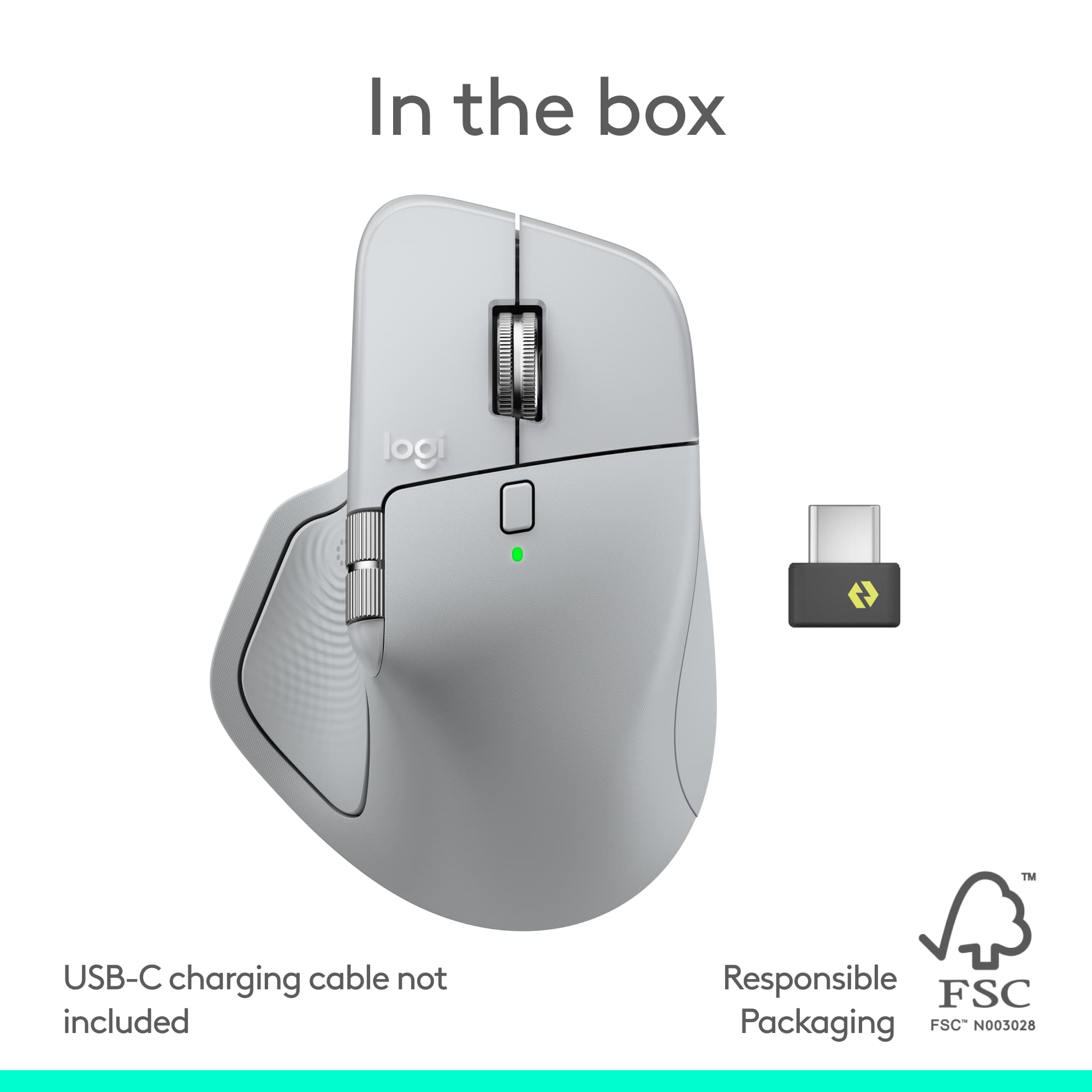


- Model:
- 910-007559
- SKU:
- 11236525
Rating by feature
- Value
Rating 4.3 out of 5 stars
- Quality
Rating 4.7 out of 5 stars
- Ease of Use
Rating 4.6 out of 5 stars
Customers are saying
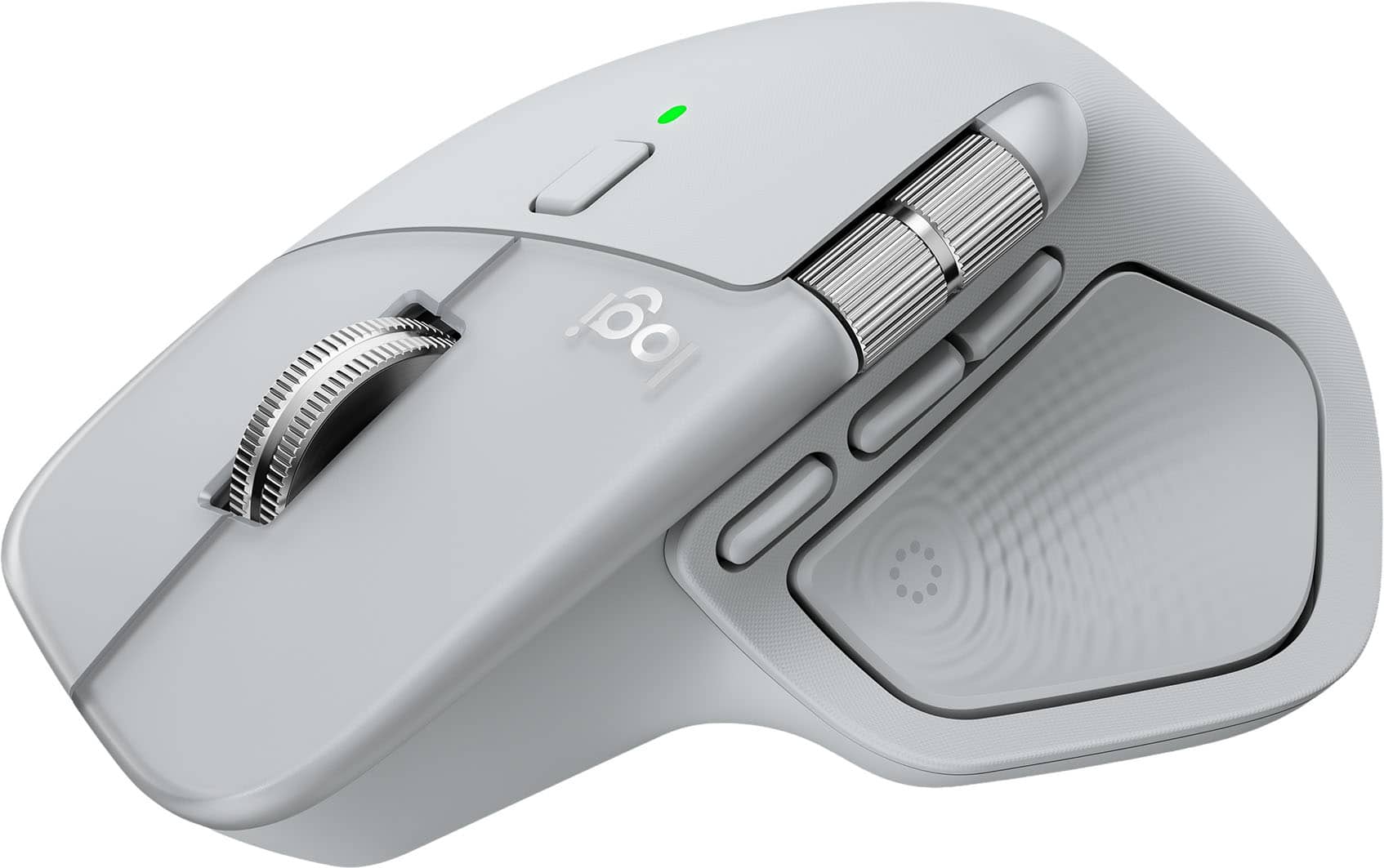
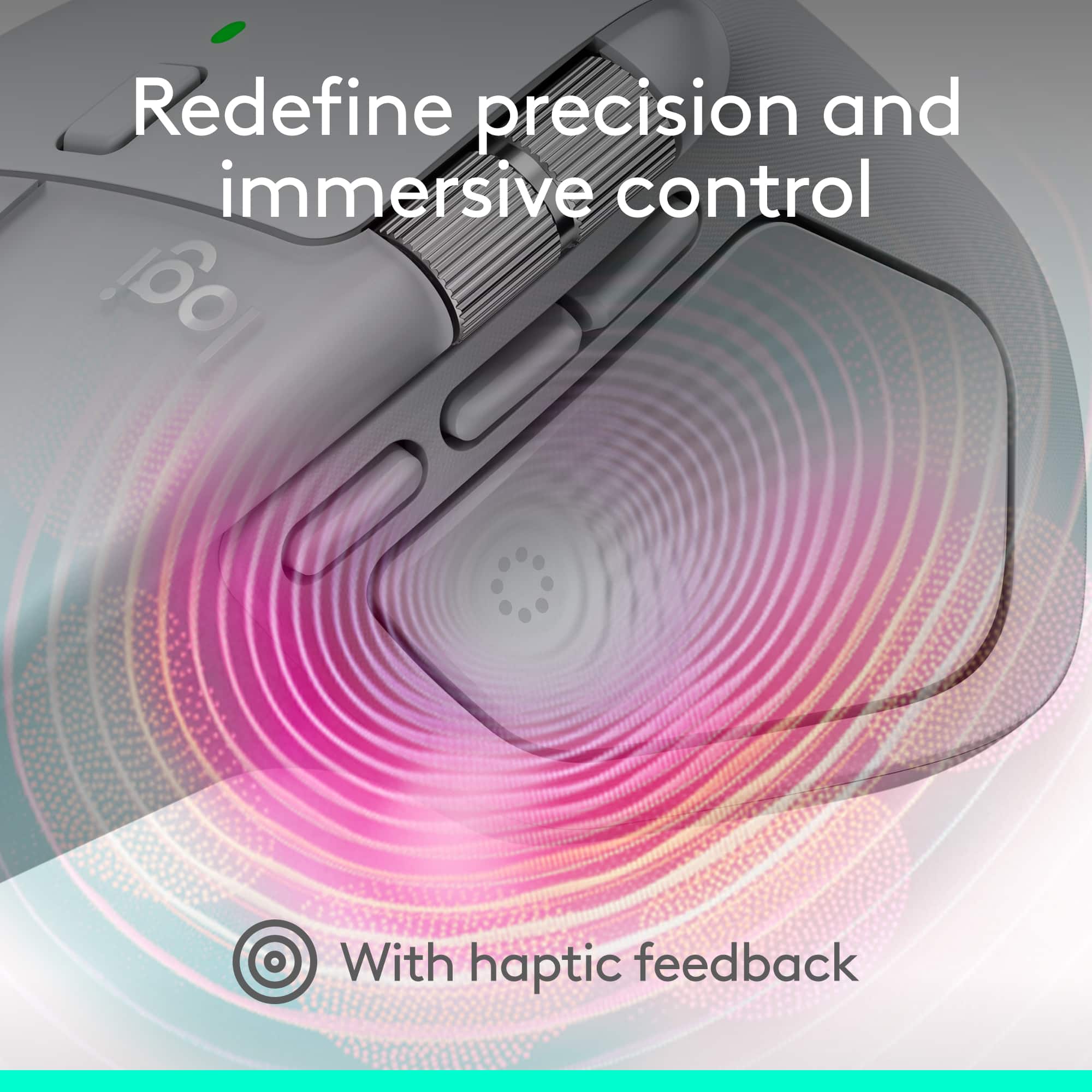
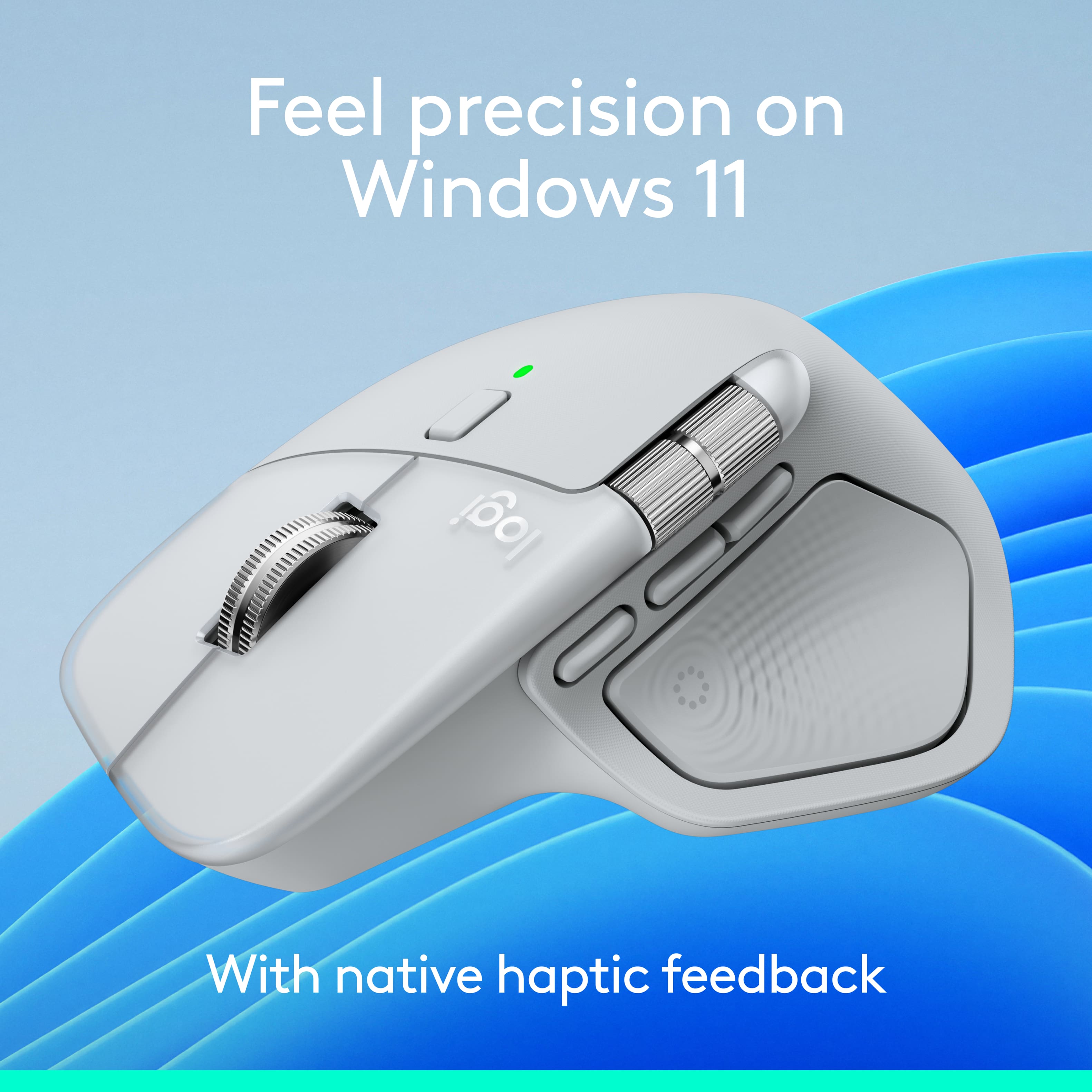
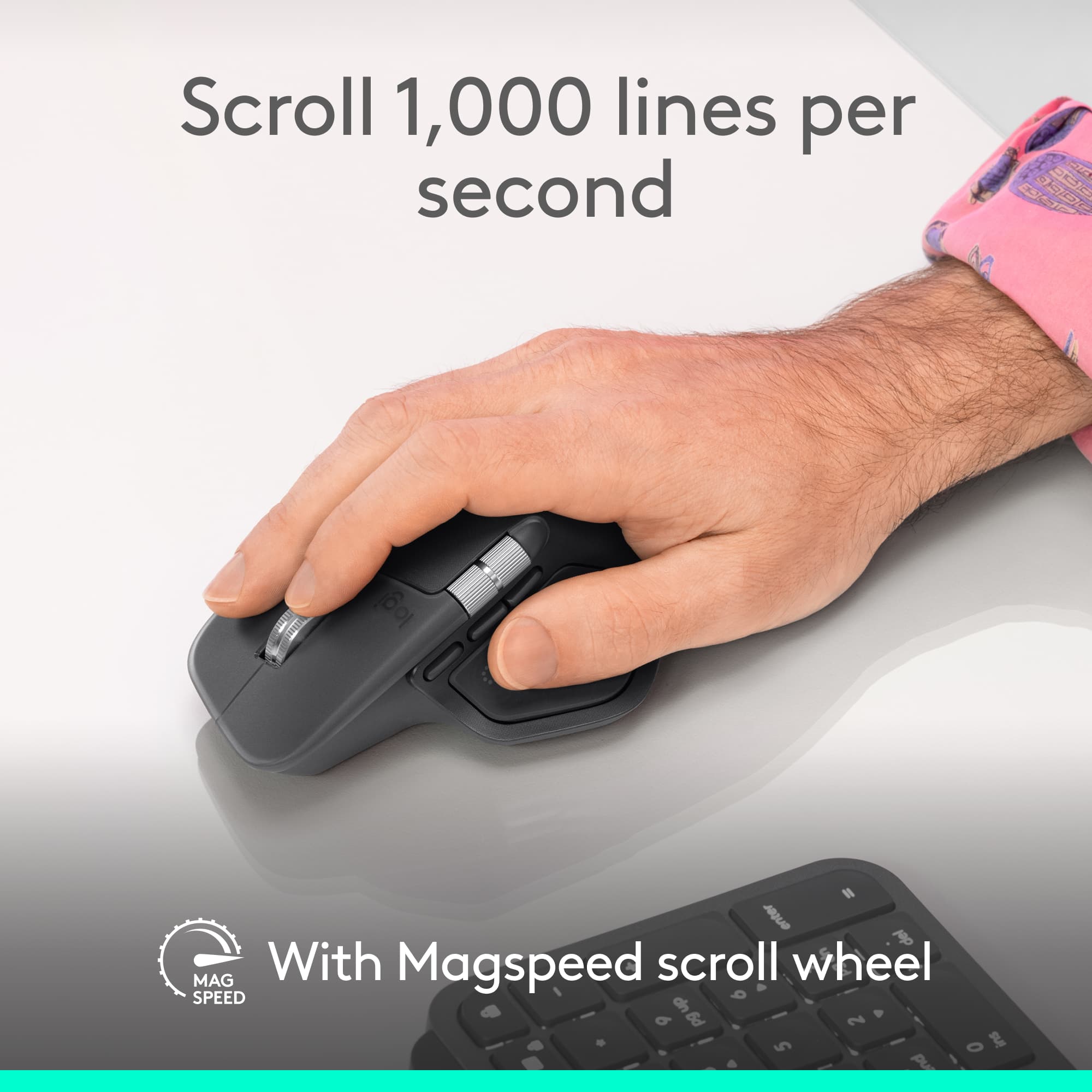
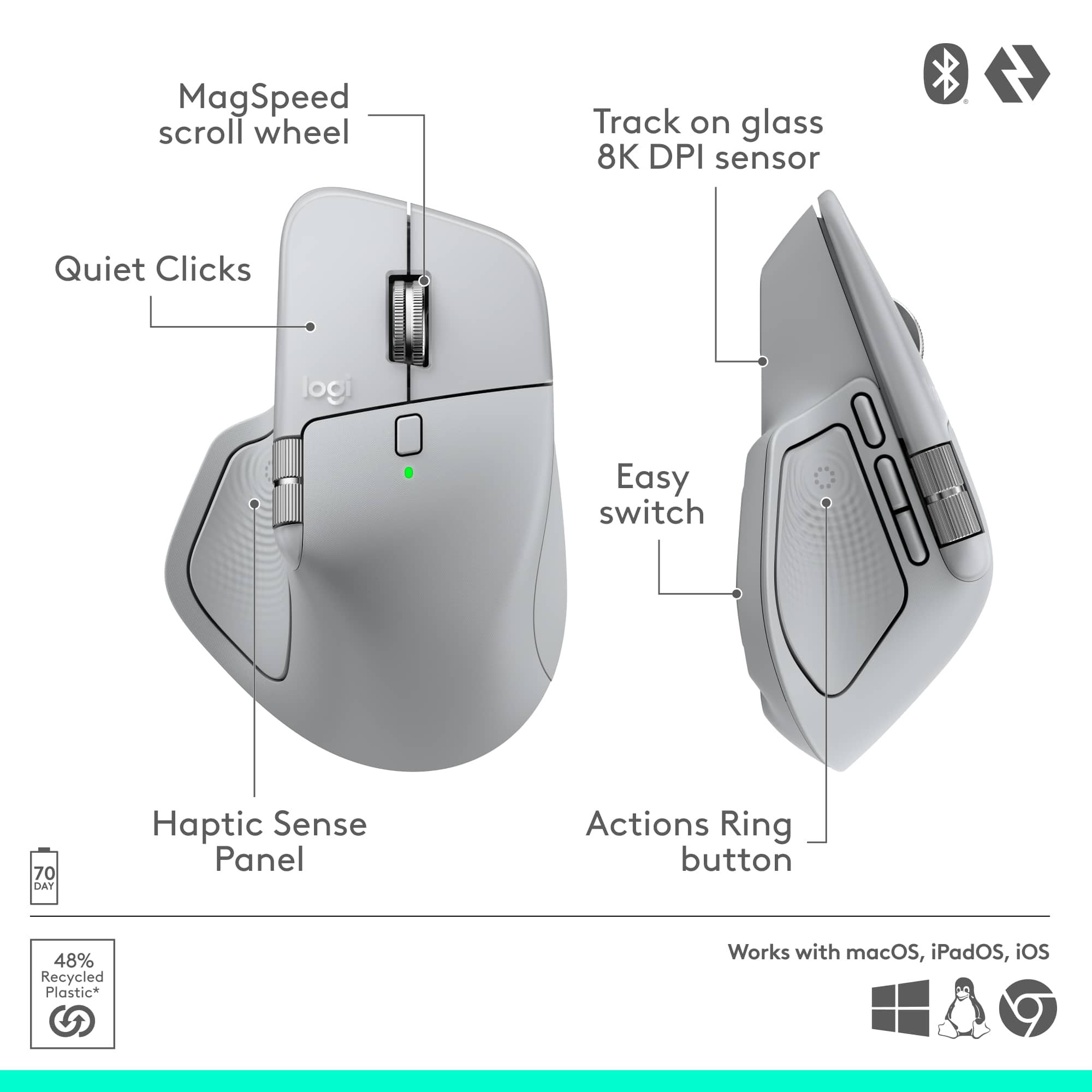
Customers enjoy the product's excellent ergonomics, overall performance, and reliable connectivity. They also appreciate the new haptic feedback, solid battery life, and extensive button functionality, finding it easy to set up and use. However, some customers wish the product were a bit smaller and lighter.
This summary was generated by AI based on customer reviews.
Not worth $120
||Posted . Owned for 2 months when reviewed.This reviewer received promo considerations or sweepstakes entry for writing a review.It’s a good mouse, but not worth $120. It feels more like an $80 mouse.
No, I would not recommend this to a friendBrand response from Logitech
Posted .We’re sorry to hear that the Logitech - MX Master 4 Wireless Mouse didn’t fully meet your expectations. This isn’t the experience we want for you. Please reach out to us at socialcare@logitech.com so we can help resolve the issue.

- Cons mentioned:Weight
Too heavy.
||Posted . Owned for 3 weeks when reviewed.This reviewer received promo considerations or sweepstakes entry for writing a review.I have a wrist injury so having a heavy mouse is not a good idea. I ended up returning this and getting a much lighter gaming mouse and it’s been great.
No, I would not recommend this to a friendBrand response from Logitech
Posted .We are very sorry to hear that the Logitech MX Master 4 was too heavy for you, especially given your wrist injury. We apologize for the inconvenience this caused, and we appreciate you sharing your feedback.
- Cons mentioned:Weight
Not as expected
||Posted .This reviewer received promo considerations or sweepstakes entry for writing a review.Heavy and hard to control. The non slip pads on both sides re very slippery. Returned it
No, I would not recommend this to a friendBrand response from Logitech
Posted .We appreciate your honest feedback. It helps us identify where we can improve and provide a better experience with the Logitech - MX Master 4 Wireless Laser Ergonomic Mouse
Hard to use
||Posted . Owned for 1 month when reviewed.This reviewer received promo considerations or sweepstakes entry for writing a review.Not recommended Not recommended Not recommended Not recommended
No, I would not recommend this to a friendBrand response from Logitech
Posted .We would like to know what went wrong with your Logitech - MX Master 4 Wireless Mouse please contact us at socialcare@logitech.com with your details so we can assist you directly.
Nice Mouse for My Macbook
Posted .This reviewer received promo considerations or sweepstakes entry for writing a review.Love this mouse. It was very easy to hook up with my Macbook. The instructions that came with it are not good. However, I went to www.logi.com/optionsplus and downloaded the software with no issues.
I would recommend this to a friendBrand response from Logitech
Posted .Thank you for sharing your experience with the MX Master 4. While the printed guide fell short, it is great to hear that Logi Options+ helped streamline the setup process on your MacBook. This software is the best way to fully unlock the haptic feedback and customization features for a seamless workflow.