Customer Ratings & Reviews




- Model:
- SK-1001143-01
- SKU:
- 6632462
Rating by feature
- Value
Rating 4.6 out of 5 stars
- Quality
Rating 4.7 out of 5 stars
- Ease of Use
Rating 4.7 out of 5 stars
Customers are saying
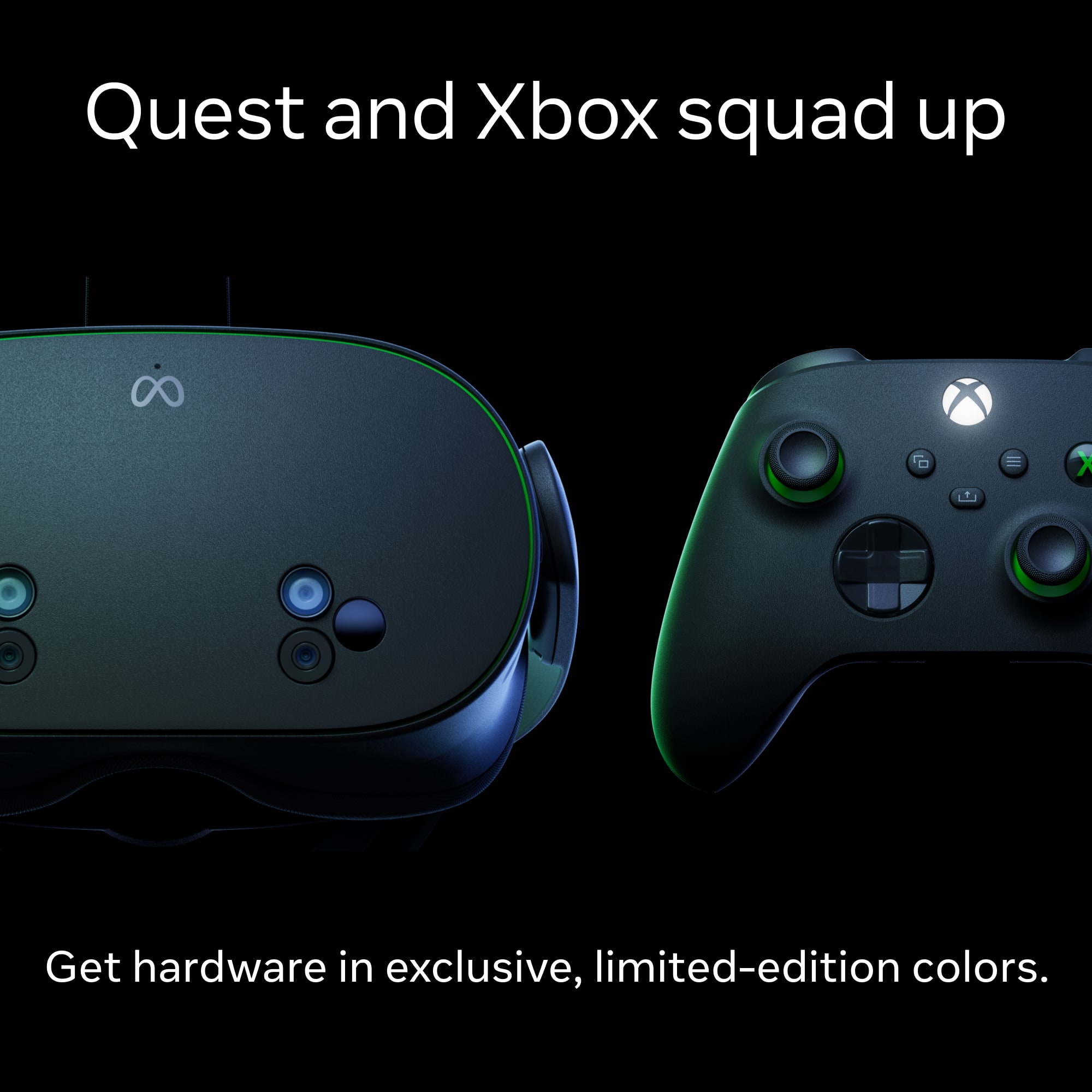
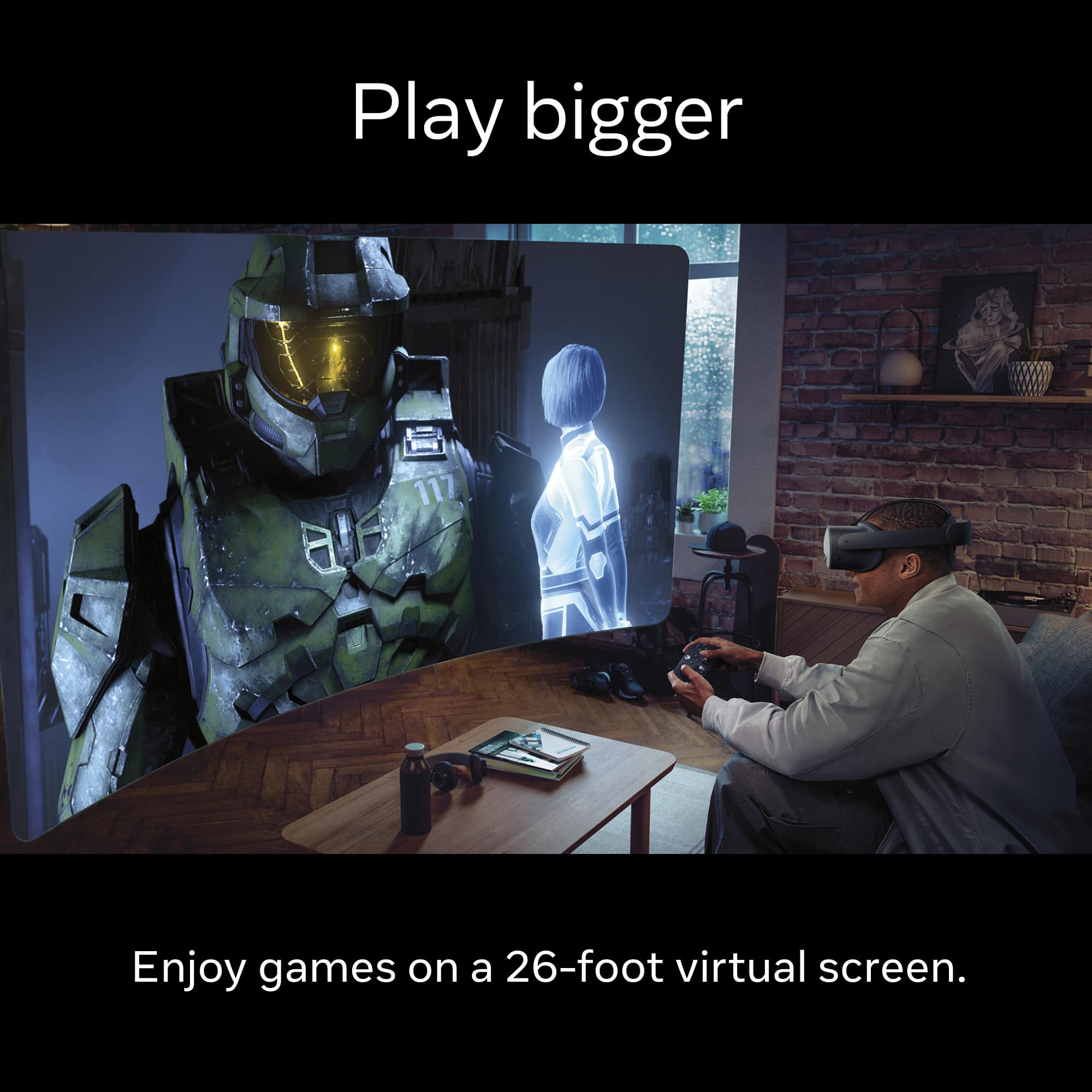
Customers recognize the Quest 3S Xbox Edition's superior performance, impressive design, and comfortable fit as major strengths. Many appreciate the sleek color scheme and the ease of connecting to various devices, including PCs and Xbox. However, some users express concerns regarding the headset's relatively short battery life. Overall, the positive feedback on visual quality and user experience outweighs the negative comments about battery duration.
This summary was generated by AI based on customer reviews.
Vr, future is now.
||Posted .This reviewer received promo considerations or sweepstakes entry for writing a review.Its such an upfrade from quest 2, and delivery was faster than said.
I would recommend this to a friendBrand response from Meta Store Support
Posted .Hi there,
Thank you for the 5 stars!
We're so pleased you are enjoying your Meta Quest experience and notice an upgrade from the 2!
With an added bonus of fast delivery getting you into the Metaverse as soon as possible!
Thanks!
Meta Quest
||Posted . Owned for 2 weeks when reviewed.This reviewer received promo considerations or sweepstakes entry for writing a review.The item's price is not worth it. It has already experienced a minor issue after just 3 days of its ownership, and it's quite possible to easily slip out of bounds due to a couple of inches of standing. The game pass holder only allows one profile. This is quite a bothersome circumstance. The meta quest 2, on the other hand, allows you to switch xbox accounts.
No, I would not recommend this to a friendBrand response from Meta Store Support
Posted .Hi there! Thanks for providing your review. We really appreciate all of the feedback that you've provided here.
If you're running into issues with the boundary, you can adjust this at anytime.. Just open the universal menu, navigate to Quick settings, then select Settings, followed by Environment setup, and finally Boundary. From there, you can choose to adjust your current boundary or redraw a new roomscale or stationary boundary.
While we're unable to assist with the Xbox Game Pass limitation, we'd love to hear a little more about the minor issue that you've been experiencing with the device itself. We highly recommend reaching out to our Support Team on the Meta Quest Help Center to see if there's anything else they can do to help!
We hope to hear from you soon.
I like it
||Posted .This reviewer received promo considerations or sweepstakes entry for writing a review.Itsba good headset, i like the color over the original version. It easy to use and has a great feel.
I would recommend this to a friendMeta quest Vr headset Xbox edition
||Posted .This reviewer received promo considerations or sweepstakes entry for writing a review.Sharp and sleek design. I would recommend it to everybody.
I would recommend this to a friendBrand response from Meta Store Support
Posted .Hey Thomas,
Thank you so much for the 5-star review and the recommendation of the Quest 3s Xbox Edition.
We are so glad that you love the new look and hope you are having lots of fun in the Metaverse!
Better than regular Quest 3S
||Posted . Owned for 1 month when reviewed.This reviewer received promo considerations or sweepstakes entry for writing a review.Very cool! Definitely worth the money, i would purchase again
I would recommend this to a friendBrand response from Meta Store Support
Posted .Thanks for the five stars, Jason! We're glad to hear you're loving your special edition headset!
Great product
||Posted .This reviewer received promo considerations or sweepstakes entry for writing a review.Great product and easy to take and play on the go wherever we go.
I would recommend this to a friendBrand response from Meta Store Support
Posted .Hi TimD
Great to hear you are enjoying the VR gaming experience and are able to bring it on the go.
Thank you for the five star review!
It’s okay
||Posted . Owned for 2 weeks when reviewed.This reviewer received promo considerations or sweepstakes entry for writing a review.The virtual screens have good quality, the rest is blurry, don't buy it on impulse like me, I used it for 10 days and that's it.
I would recommend this to a friendBrand response from Meta Store Support
Posted .Hi there, Justo! Thanks for providing your review. We really appreciate the feedback!
We understand that you've been experiencing an issue with a blurry display on your Quest 3S headset.
To improve visual clarity on your headset and prevent a blurry display, ensure proper IPD (Interpupillary Distance) settings, adjust the headset position and make sure that the lenses are clean.
The IPD is the distance between your pupils. Incorrect IPD settings can lead to blurry or distorted images. You can adjust this by rotating the lenses inside your headset to one of the three presets that suits you best and aligns with your eyes. These presets are 58mm, 63mm, and 68mm.
To make sure your headset is fitted and positioned correctly, we recommend adjusting the head straps to achieve a secure fit. Just tighten the top strap first, then adjust the rear strap to prevent the headset from shifting during use, as this can definitely cause the display to appear blurry.
Making sure the lenses are clean can easily be achieved by wiping them down with a dry microfiber cloth to remove smudges and dust. You can take a further look at our best cleaning practices and tips for your device overall, by visiting the "Clean your Meta Quest devices" article on our website.
If you have any other issues or queries with your headset, please feel free to reach out to our Support Team on the Meta Quest Help Center, also on our website. They'll be more than happy to help!
The best buy!
||Posted . Owned for 1 week when reviewed.This reviewer received promo considerations or sweepstakes entry for writing a review.It was a great acquisition. A lot of funny moments with the family.
I would recommend this to a friendBrand response from Meta Store Support
Posted .Hello there!
Thank you for the review! We're thrilled the Meta Quest 3S Xbox Edition has brought laughter and wonderful memories to your family. That's what it's all about!
Great product
||Posted . Owned for 3 weeks when reviewed.This reviewer received promo considerations or sweepstakes entry for writing a review.Great experience Very happy with the customer care service
I would recommend this to a friendBrand response from Meta Store Support
Posted .Hey SHARJEELPaul, thank you for taking the time to leave us a review.
It's always rewarding to hear our users great experiences stretch from Support to device! We hope you'll continue to enjoy the Metaverse and share your love for VR.
Please don't hesitate to reach out if you need us again in the future!
Excellent
||Posted . Owned for 3 weeks when reviewed.This reviewer received promo considerations or sweepstakes entry for writing a review.Been using it nonstop still having fun, worth the purchase.
I would recommend this to a friendBrand response from Meta Store Support
Posted .Hello Marshall,
Thank you for your recommendation, we're thrilled to hear you are enjoying your time in the Metaverse!
With a multitude of gaming and entertainment applications, you will certainly have nonstop fun on Meta Quest!
Best of both worlds
||Posted . Owned for 1 month when reviewed.This reviewer received promo considerations or sweepstakes entry for writing a review.A solid purchase for introduction to VR Best of both worlds
I would recommend this to a friendBrand response from Meta Store Support
Posted .Thanks for your review, Techsavy!
We're glad to hear you're loving it as much as we do.
See you in the Metaverse!
Great product
||Posted . Owned for 2 weeks when reviewed.This reviewer received promo considerations or sweepstakes entry for writing a review.My son loves this product. Very fun to use and play together.
I would recommend this to a friendBrand response from Meta Store Support
Posted .Hi there,
Thank you so much for sharing your positive experience!
We're thrilled to hear that our product has brought you and your son closer through play. We strive to create meaningful experiences, and it's incredibly rewarding to know we succeeded in your case.
We really hope you continue to enjoy playing together!
Great
||Posted .This reviewer received promo considerations or sweepstakes entry for writing a review.Never had a VR headset but im glad i bought this one.
I would recommend this to a friendBrand response from Meta Store Support
Posted .Hey Roger,
Welcome to the Metaverse!
Thanks so much for spending the time to leave us such a lovely review! We really appreciate it.
It's great to hear that you're impressed with the Meta Quest 3S Xbox Edition! We're glad to have you with us, and hope you have an amazing time venturing into the Metaverse and seeing all that VR has to offer.
Have a lovely day, Roger!
All the best.
Meta Quest 3S
||Posted .This reviewer received promo considerations or sweepstakes entry for writing a review.Arrived in perfect condition and it feels very smooth to use
I would recommend this to a friendBrand response from Meta Store Support
Posted .We're glad to hear you're happy with your new headset! Thank you for the review!
Great product
||Posted . Owned for 3 weeks when reviewed.This reviewer received promo considerations or sweepstakes entry for writing a review.Love the fitures and the image is clear and good quality
I would recommend this to a friendBrand response from Meta Store Support
Posted .Hi Kionel
Amazing to hear you are loving all of the features on your Quest 3S as well as the graphical fidelity.
Thank you very much for the five star review!
My son birthday present
||Posted .This reviewer received promo considerations or sweepstakes entry for writing a review.I like the quality and is good game design I recommend this product
I would recommend this to a friendBrand response from Meta Store Support
Posted .Hi PedroM
Great to hear your son is loving the VR gaming experience with their birthday gift.
Thank you very much for the five star review!
Great way to game!
||Posted . Owned for 1 month when reviewed.This reviewer received promo considerations or sweepstakes entry for writing a review.Definitely better than advertised! Would recommend
No, I would not recommend this to a friendBrand response from Meta Store Support
Posted .Hey there,
Thank you so much for the review.
We are so happy to hear that our Quest 3s Xbox Edition is exceeding your expectations, we hope that you continue to have a super fun and immersive time!
So FUN!!!!
||Posted .This reviewer received promo considerations or sweepstakes entry for writing a review.I cant believe I almost didn't buy this!! It was an awesome pick-up.
I would recommend this to a friendBrand response from Meta Store Support
Posted .We're glad you didn't miss out! Thanks for leaving a review, Geoffrey!
Vr meta quest 3s
||Posted .This reviewer received promo considerations or sweepstakes entry for writing a review.They r amazing highly recommend, so dont wait n snag 1.
I would recommend this to a friendBrand response from Meta Store Support
Posted .Hi WilliamR
Great to hear you are loving the VR experience on your Quest 3S.
Thank you very much for the five star review and glowing recommendation!
Stunning
||Posted .This reviewer received promo considerations or sweepstakes entry for writing a review.Great product definitely worth the price will buy more
I would recommend this to a friendBrand response from Meta Store Support
Posted .That's great news!
Thank you for the fantastic 5-Star review, we really appreciate the feedback.
We at Meta Quest Support want you to experience your Quest 3s to its fullest, and hope that you continue to enjoy your Quest 3s for a long time to come.
Thank you