Customer Ratings & Reviews
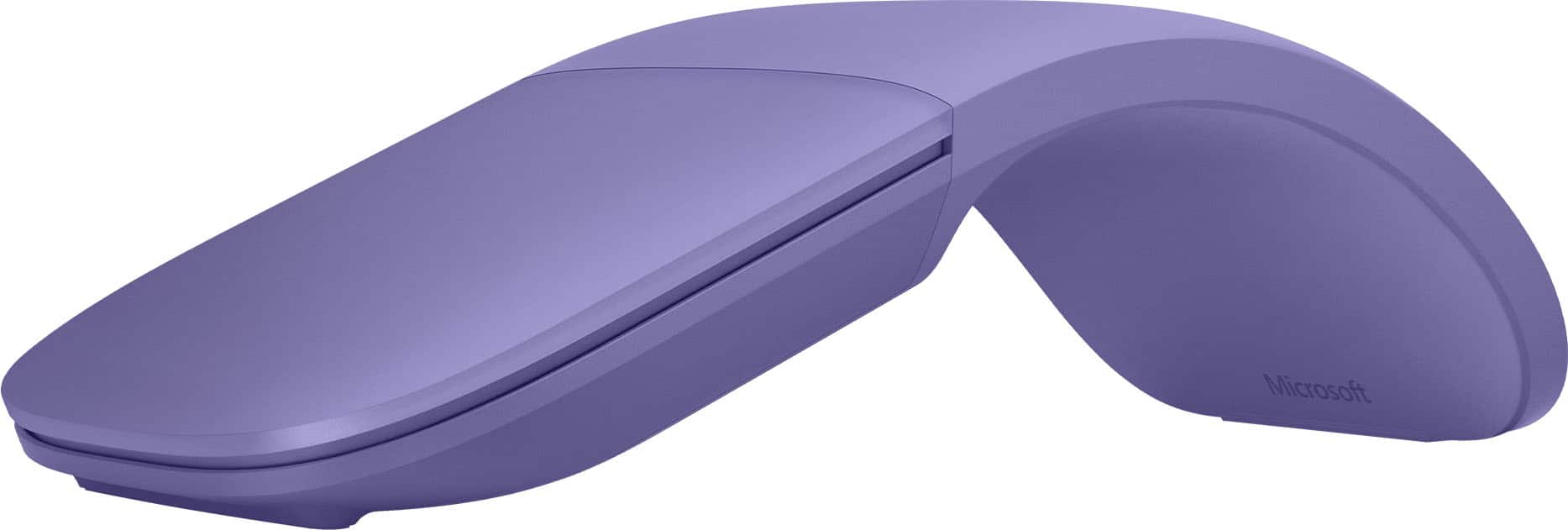
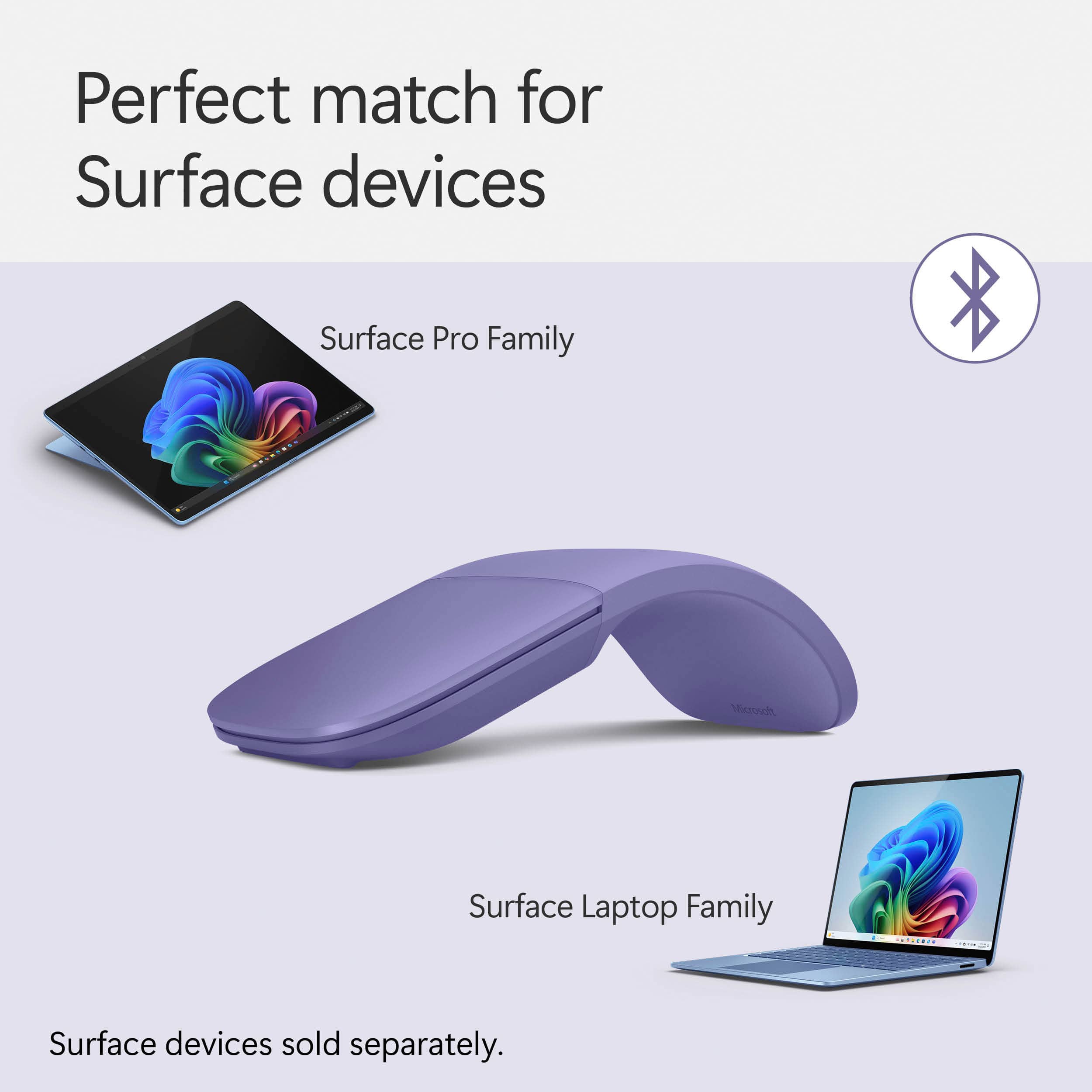

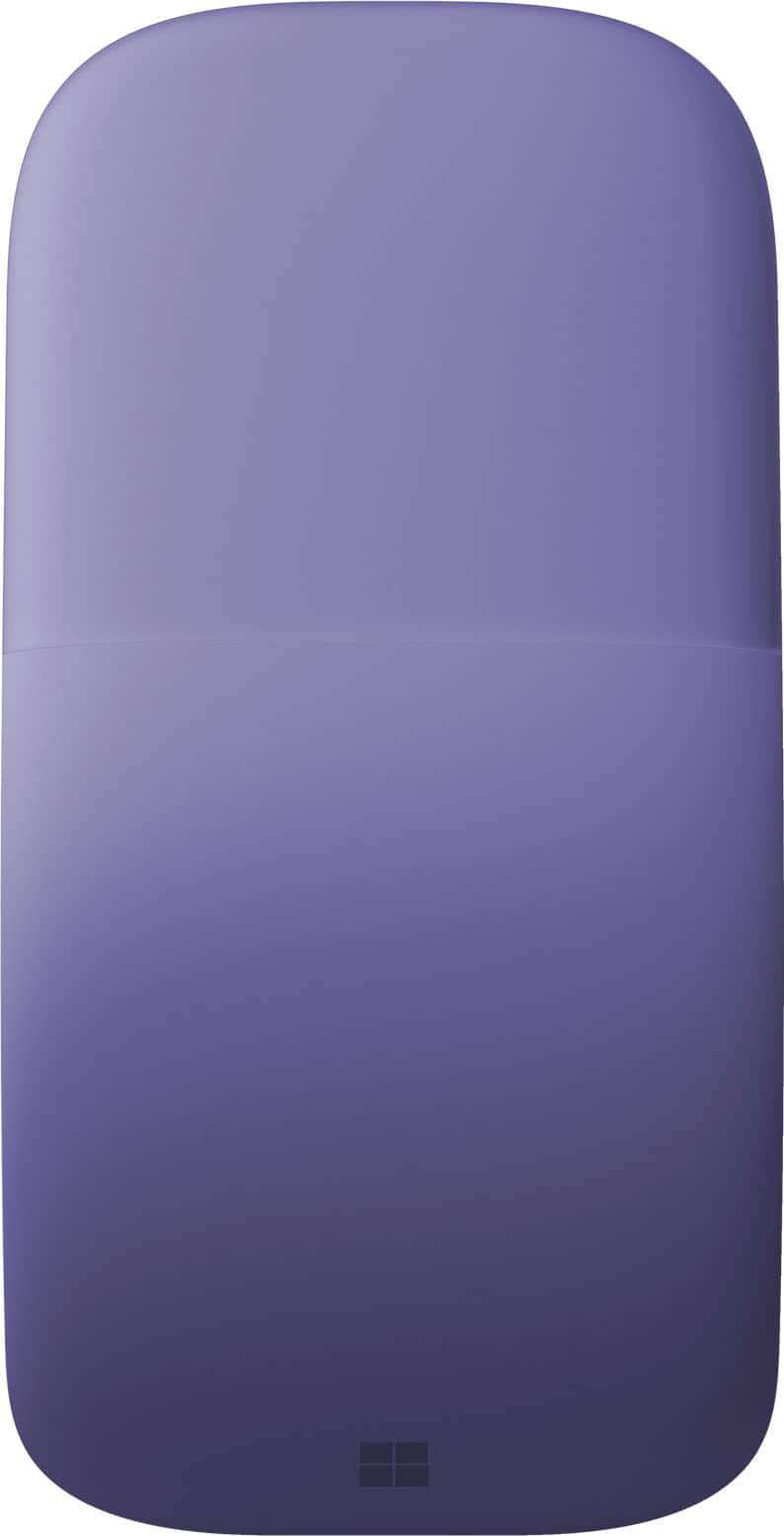
- Model:
- EP2-32831
- SKU:
- 6625053
Rating by feature
- Value
Rating 4.4 out of 5 stars
- Quality
Rating 4.7 out of 5 stars
- Ease of Use
Rating 4.6 out of 5 stars
Customers are saying
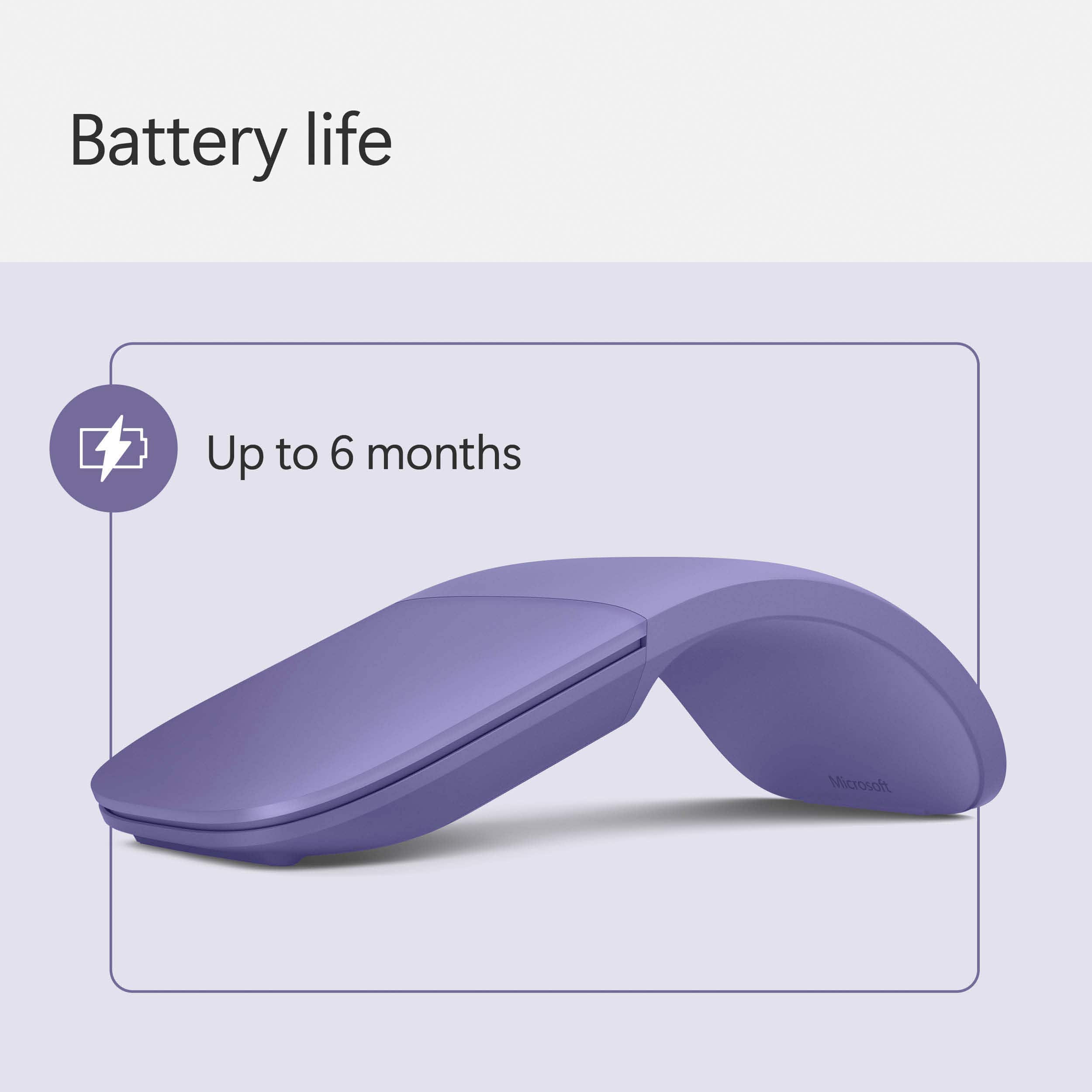
Customers consistently note the Surface Arc Bluetooth Mouse's portability and design as major selling points. Many appreciate its comfortable feel, convenient size, and long battery life. However, some customers have expressed concerns about the smoothness of scrolling, the price point, and difficulties with right-clicking functionality.
This summary was generated by AI based on customer reviews.
Great, but stopped working
||Posted . Owned for 2 months when reviewed.This reviewer received promo considerations or sweepstakes entry for writing a review.This mouse is great! Very sleek and easy to use with any PC. I purchased this in October and by mid-January it was no longer working. I'm bummed because the return window JUST closed, so I can't get a replacement. For $80 I need a mouse to last much longer than this.
No, I would not recommend this to a friendNew layout without center strip sucks
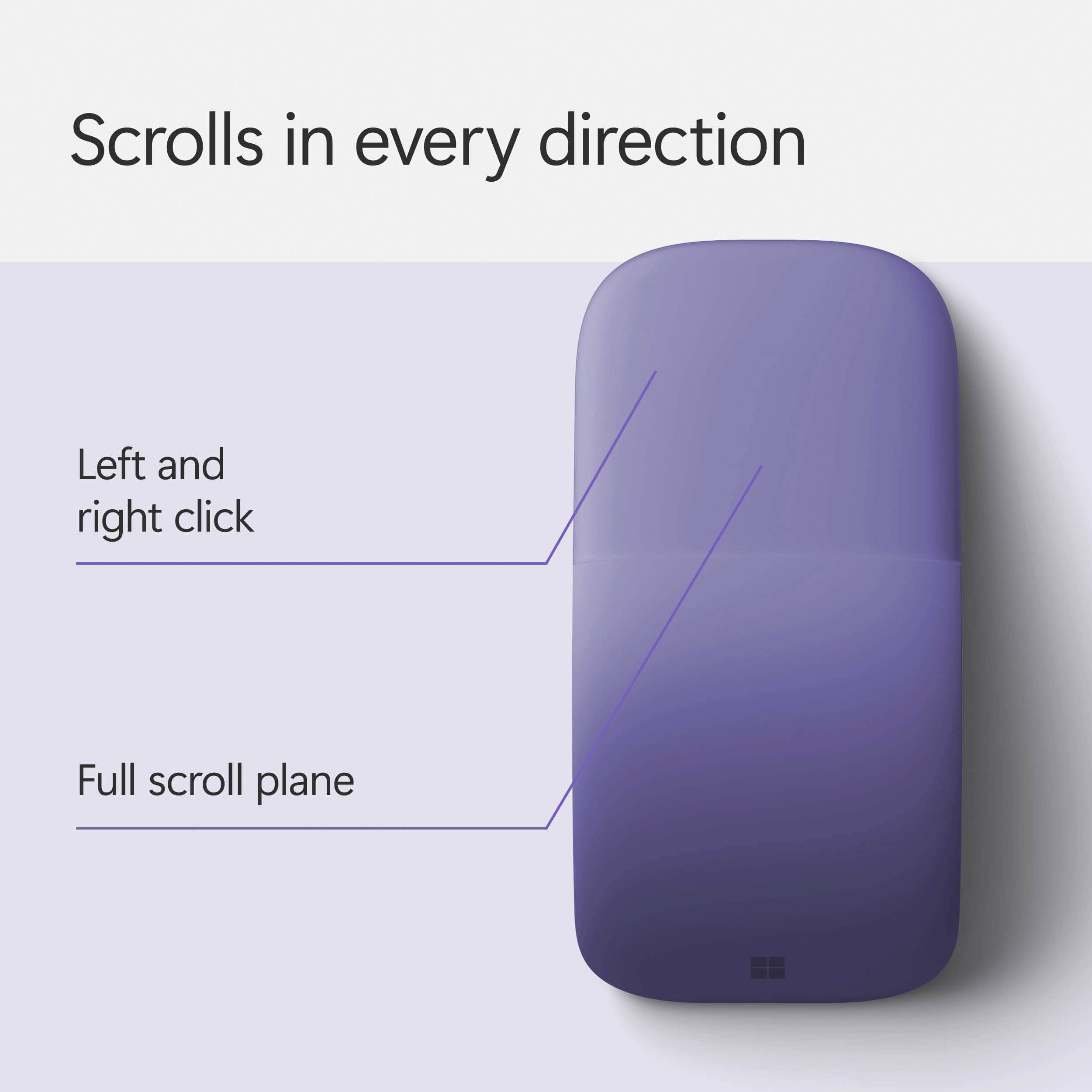
||Posted . Owned for 2 months when reviewed.This reviewer received promo considerations or sweepstakes entry for writing a review.I had an earlier version of this mouse with a metal strip in the middle. I liked it a lot. The problem with this mouse is that when you mean to click you often get a right click, which is most frustrating. I don’t know why they change the layout of this mouse.
No, I would not recommend this to a friendIt's good enough
||Posted .This reviewer received promo considerations or sweepstakes entry for writing a review.Works good for what I'm using it for.. I do not like to use it for scrolling though.
I would recommend this to a friendNot for everyone!
||Posted . Owned for 8 months when reviewed.This reviewer received promo considerations or sweepstakes entry for writing a review.While the cosmetics look beautiful this mouse did not feel very comfortable in my hand. I have large hands and usually do not have a problem with a standard mouse. I returned this one and purchased the standard wireless Microsoft mouse. I also saved a couple bucks by buying the less expensive model.
No, I would not recommend this to a friendBrand response from MicrosoftOutreachTeam
Posted .Hello,
Thanks for sharing your experience with Surface Arc Mouse. We're sorry to hear Surface Arc Mouse was not a comfortable fit for you, but we're glad you were able to find a different mouse that better suits your needs.
Kindly,
Heather
Surface Customer Care
not with the $$$$,
||Posted .This reviewer received promo considerations or sweepstakes entry for writing a review.sometimes it works sometimes it does. Im not sure if it is just because it needs updating.
No, I would not recommend this to a friendWouldn’t choose this color again
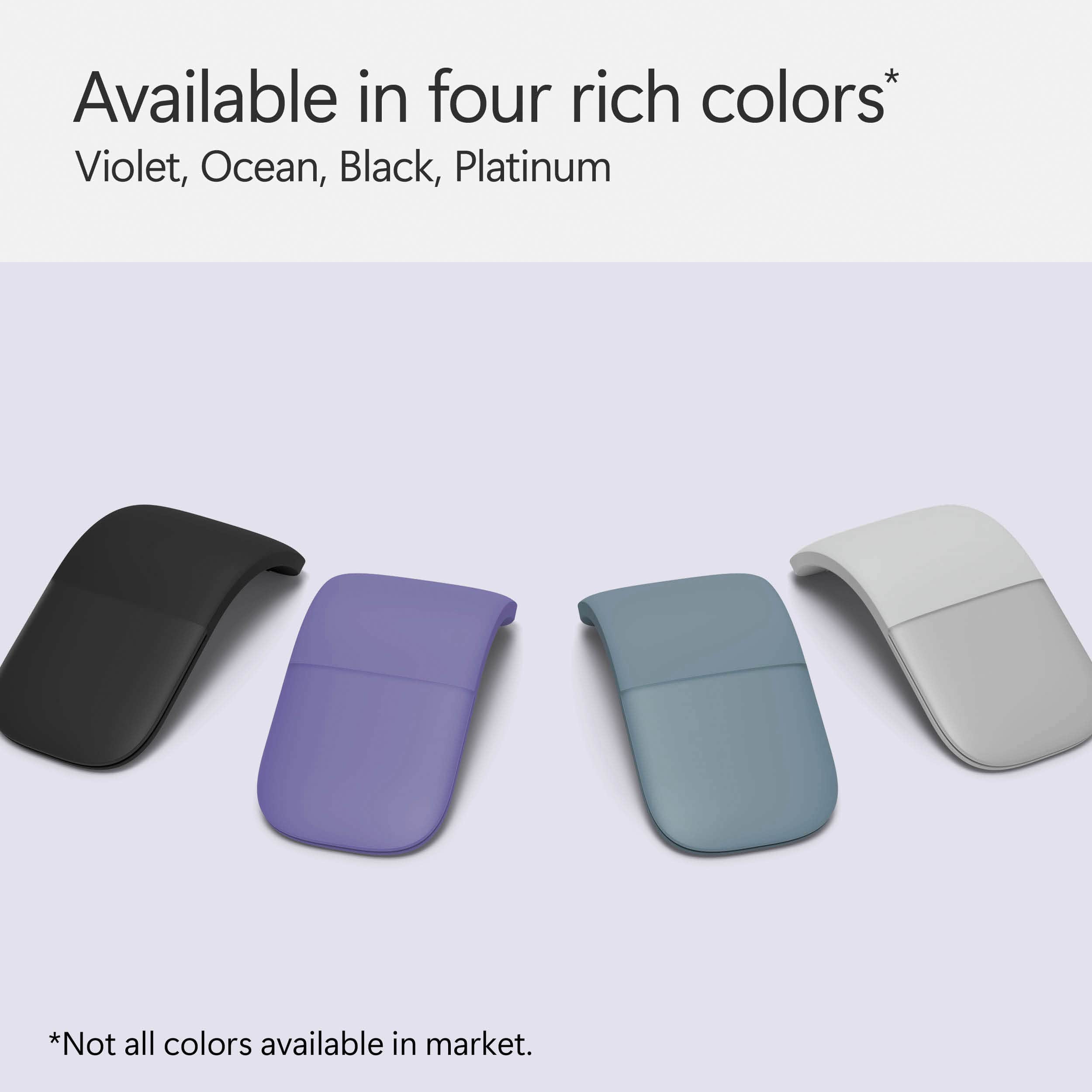
||Posted . Owned for 2 months when reviewed.This reviewer received promo considerations or sweepstakes entry for writing a review.The white one has a tendency to get dirty looking quickly.
No, I would not recommend this to a friendCool ergonomic mouse.
||Posted . Owned for 1 month when reviewed.This reviewer received promo considerations or sweepstakes entry for writing a review.sleek design, easy to pick up and go. Easy use for a teacher.
No, I would not recommend this to a friendNot sure yet!
||Posted .This reviewer received promo considerations or sweepstakes entry for writing a review.I have not decided if I like this mouse or not. It does not feel comfortable yet
No, I would not recommend this to a friendUncomfortable
||Posted .This reviewer received promo considerations or sweepstakes entry for writing a review.Returned and bought the Surface Mouse. More comfort and better price.
No, I would not recommend this to a friendBrand response from MicrosoftOutreachTeam
Posted .Hi there,
Thanks for sharing your honest feedback with the community. We're sorry you were not a fan of Surface Arc Mouse, but we are glad you found a great fit with Surface Mouse. Please let us know if there's anything we can do to improve your experience. Our team can be reached here: https://support.microsoft.com/en-us/contactus/.
Kindly,
Jessica
Surface Customer Care
Does not work as well as my last Microsoft mouse
||Posted . Owned for 1 month when reviewed.This reviewer received promo considerations or sweepstakes entry for writing a review.Sometimes I have to push it 3 times to get it to work.
No, I would not recommend this to a friendNot your usual mouse
||Posted .This reviewer received promo considerations or sweepstakes entry for writing a review.My son is the one using this mouse and he had difficulty with the user motions.
No, I would not recommend this to a friendBrand response from MicrosoftOutreachTeam
Posted .Hi Deb,
We regret to hear about your son's difficulties getting used to the Surface Arc Mouse. Take a look at this guide to better understand the scrolling gestures and how to adjust those settings: https://www.microsoft.com/accessories/en-us/support/how-to/mouse/microsoft-arc-mouse/getstarted. Hope this helps!
Best,
Amanda
Surface Customer Care
too expensive for the mouse
||Posted . Owned for less than 1 week when reviewed.This reviewer received promo considerations or sweepstakes entry for writing a review.sometime got little problem of pairing. buttons hard to click
I would recommend this to a friendBrand response from MicrosoftOutreachTeam
Posted .Hello,
We're sorry to hear you've been having some difficulties with your Surface Arc Mouse, and we're glad you decided to reach out. We have some great troubleshooting tips on difficulties with pairing your Surface Arc Mouse here: https://support.microsoft.com/en-us/help/4023522.
We sincerely hope that helps.
Kindly,
Heather
Surface Customer Care
Nice
||Posted . Owned for 3 months when reviewed.This reviewer received promo considerations or sweepstakes entry for writing a review.I like the shape and portability But quality feels low
I would recommend this to a friendExpected more
||Posted .This reviewer received promo considerations or sweepstakes entry for writing a review.It's okay, but not as comfortable as I was hoping. Using trackpad instead
No, I would not recommend this to a friendBrand response from MicrosoftOutreachTeam
Posted .Hello,
We're sorry to hear that you haven't found the Surface Arc Mouse to be comfortable. If we can be of any assistance, feel free to reach out to our team here: https://support.microsoft.com/en-us/contactus/.
Kindly,
Victoria
Surface Customer Care
Love this mouse
||Posted .This reviewer received promo considerations or sweepstakes entry for writing a review.Works great, so neat that it bends as it does. Highly recommend
I would recommend this to a friendNot comfortable, nor smooth
||Posted .This reviewer received promo considerations or sweepstakes entry for writing a review.I took this as a replacement to my USB connection wireless mouse. Design is too good but, not comfortable when you use it for a while. Cursor moment is not at all smooth. I struggle in PowerPoint and excel. Switched back to my old mouse and its way better. Price not justified.
No, I would not recommend this to a friendBrand response from MicrosoftOutreachTeam
Posted .Hello,
Thanks for leaving your honest feedback. We're sorry to hear you encountered some difficulties with your Surface Arc Mouse. Our support team is eager to help our customers love their Microsoft devices. We highly recommend reaching out to them here: https://support.microsoft.com/en-us/contactus/. They will be able to help provide you with some troubleshooting techniques to get your device running smoothly.
We hope to hear from you soon.
Kindly,
Jessica
Surface Customer Care
Sexy Looking Mouse
||Posted . Owned for 4 months when reviewed.This reviewer received promo considerations or sweepstakes entry for writing a review.the most compact mouse I ever bought. This is my 3rd one in about 5 years. Always get complimented on this.
I would recommend this to a friendGood for short usage
||Posted .This reviewer received promo considerations or sweepstakes entry for writing a review.Hand starting to hurt after long usage. Otherwise it is fine.
No, I would not recommend this to a friendNot very comfortable
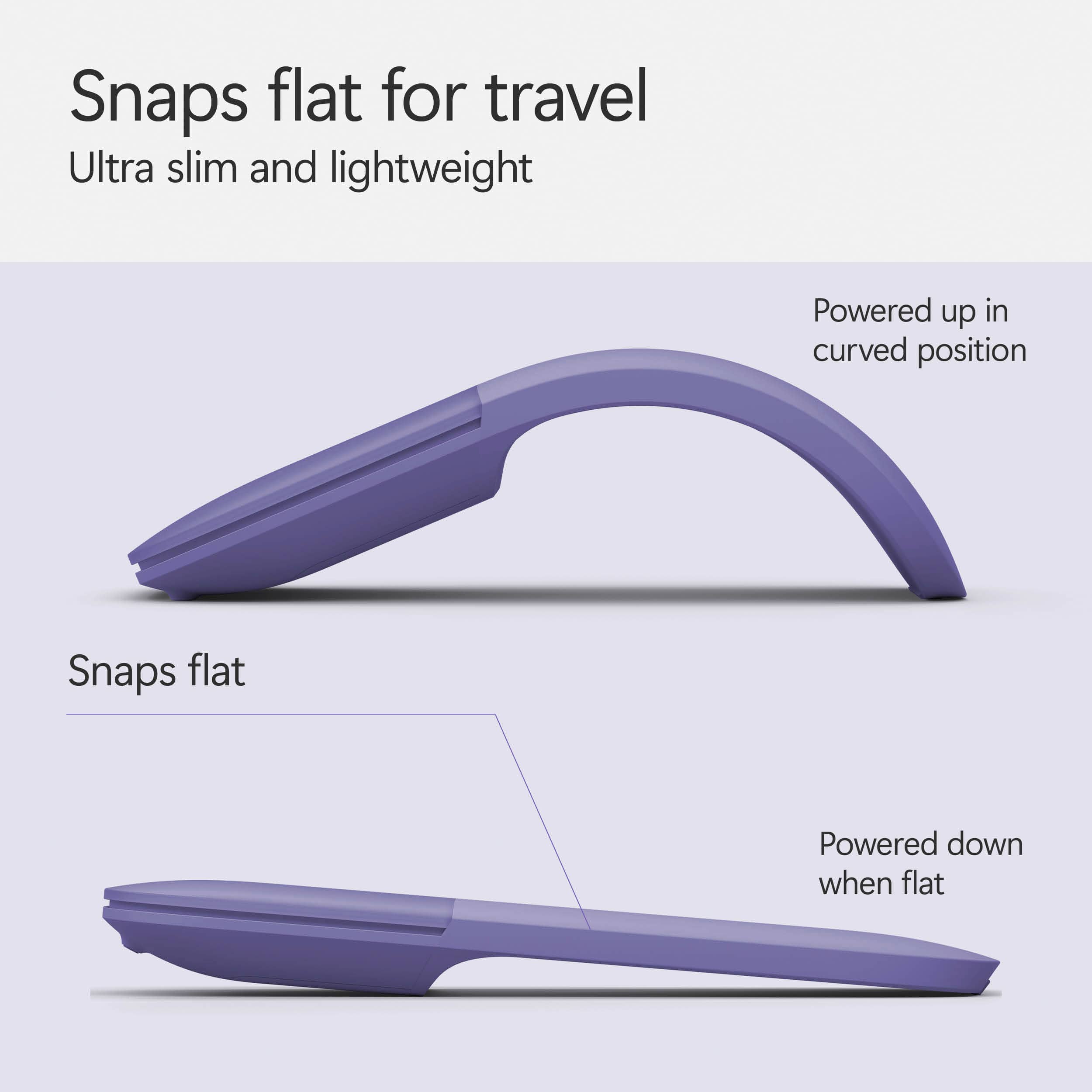
||Posted .This reviewer received promo considerations or sweepstakes entry for writing a review.I don't like the fact that it turns off when you flatten it out
No, I would not recommend this to a friendBrand response from MicrosoftOutreachTeam
Posted .Hi there,
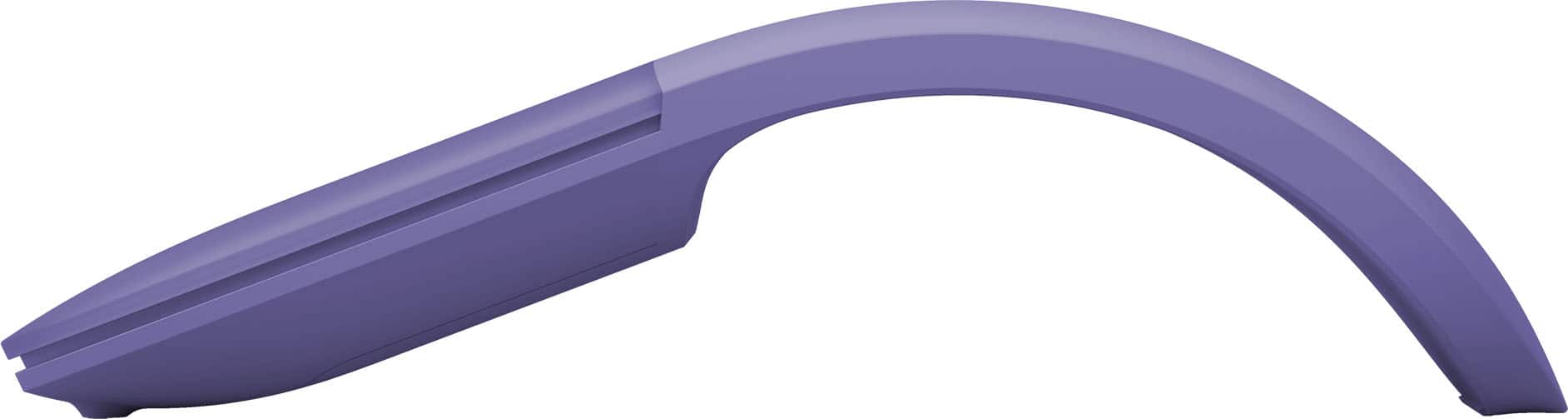
Thanks for leaving us your honest review. It's true the Surface Arc Mouse was specifically designed to power off when flattened fort optimal portability. When in the arc position, the innovative technology can be be used on a range of surfaces, from hard-wood to even carpet. If the Surface Arc Mouse isn't a comfortable fit for you, perhaps you might consider another option to pair with your surface device.
The Surface Mouse is a lightweight option at a mere 3.21 ounces, and is designed with a slight curve for comfort. You can find this mouse on Best Buy's website here: https://www.bestbuy.com/site/microsoft-surface-mouse-silver/5663300.p?skuId=5663300.
We hope we can be of assistance finding the right fit for your Surface experience.
Kind regards,
Jessica
Surface Customer Care
Not great
||Posted .This reviewer received promo considerations or sweepstakes entry for writing a review.Great looking product and concept. But it will not stay connected to my computer. I’ve tried changing batteries and everything else I could think of. I grew tired of it after a couple days. Returning it.
No, I would not recommend this to a friendBrand response from MicrosoftOutreachTeam
Posted .Hi Aaron,
Thanks for taking the time to reach out. We'd like to chime in to offer some assistance. If you are using a Surface device or computer with Bluetooth 4.0 or later, your Surface Arc Mouse should be able to connect as long as these system requirements are met. If you have already checked these system requirements, we highly recommend trying out these simple troubleshooting steps here: https://support.microsoft.com/en-us/help/4023522/surface-troubleshoot-problems-with-your-bluetooth-mouse.
We hope this helps!
Kindly,
Jessica
Surface Customer Care