Customer Ratings & Reviews

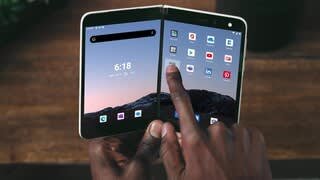

- Model:
- TGM-00001
- SKU:
- 6419336
Rating by feature
- Display Quality
Rating 4.1 out of 5 stars
- Camera
Rating 3.0 out of 5 stars
- Battery Life
Rating 3.7 out of 5 stars
Customers are saying
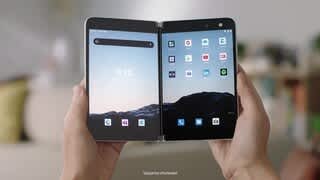
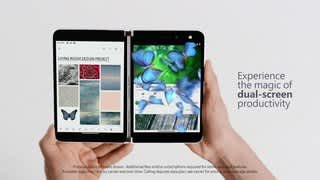
Customers commend the Microsoft Surface Duo 256GB for its dual screens, multitasking capabilities, and stunning design. They appreciate the long battery life and thin profile, which makes it highly portable. However, customers express concerns about the camera quality, software bugs and glitches, and limited RAM, which can hinder multitasking.
This summary was generated by AI based on customer reviews.
Ui needs work
||Posted . Owned for 1 month when reviewed.This reviewer received promo considerations or sweepstakes entry for writing a review.Ui exacution is poor, windows close or won't work with the two screen configuration. There are some workarounds but I don't think most people will like the Ui.
No, I would not recommend this to a friend- Pros mentioned:DesignCons mentioned:Camera

Not a phone, tablet or laptop its different
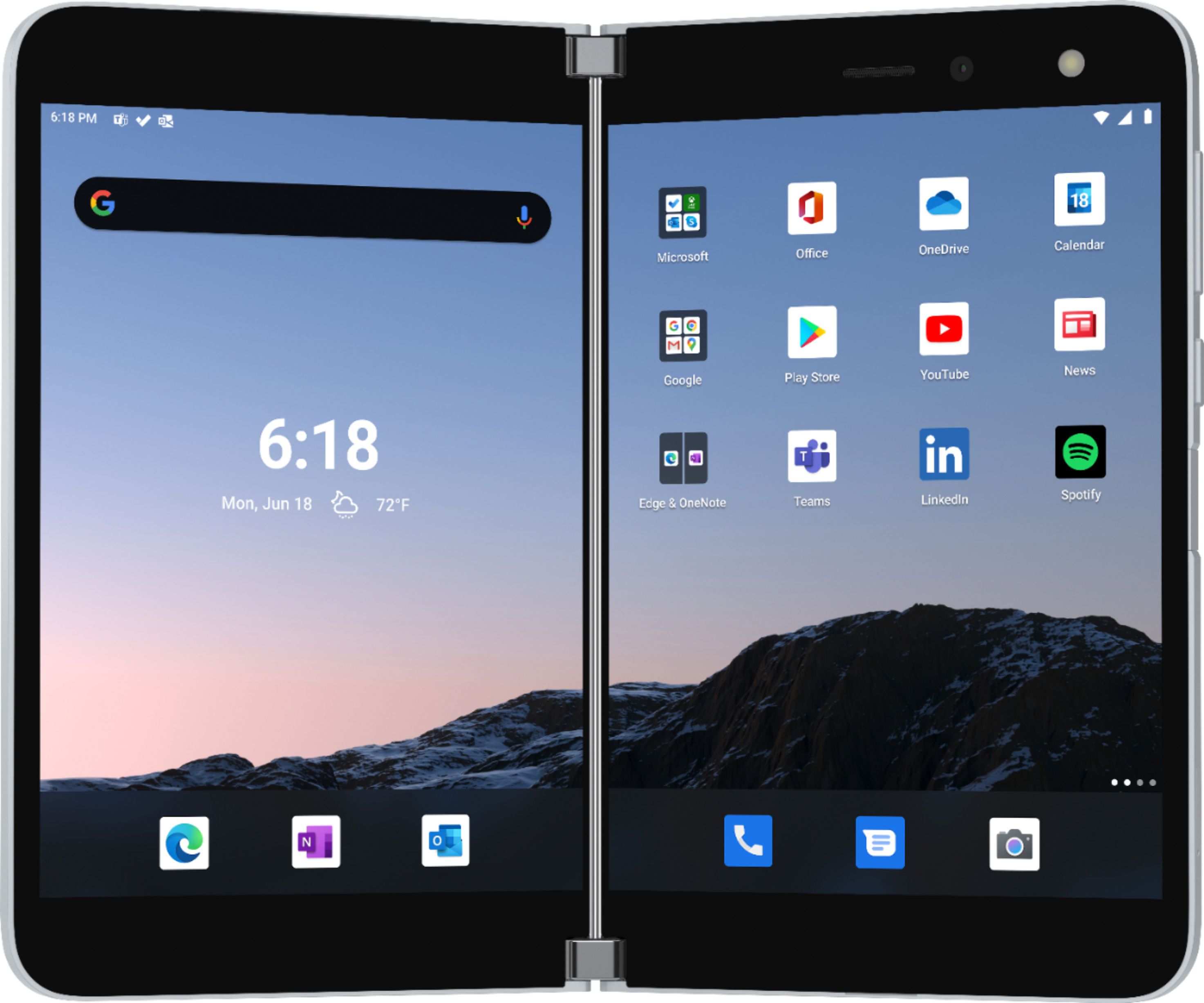
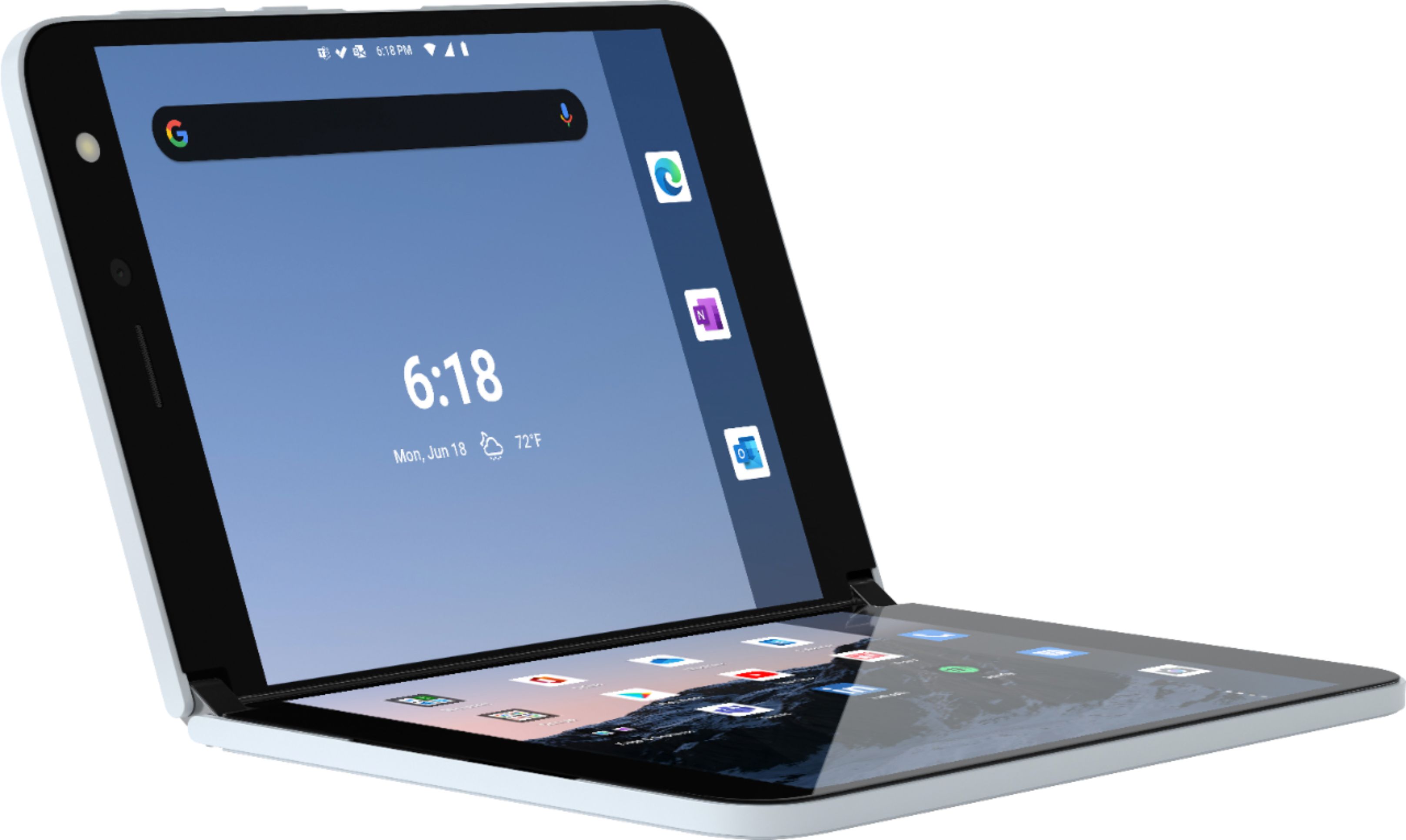
|Posted .This reviewer received promo considerations or sweepstakes entry for writing a review.This is something different. If you’re looking for a phone, tablet or computer you will be disappointed. Its not the best of any of these devices. Its an average phone, average tablet and small laptop. Its hard review this as a “single” use device. But the Surface Duo takes all 3 device and makes it into something special. (think toaster oven that can bake, toast, broil etc doesn’t do one thing great but does everything else well) First off the design its awesome. You have to go to a store to appreciate the build quality. It’s a silky smooth glass back and front. The hinge is velvety smooth but firm when opening and closing. It can stop and hold at any angle. I think this is why it cost so much. Buttons and finger print reader are intuitively placed. As a smart phone, it’s average at best. Right out of the box I had issue with the screen flickering. (I had to open and close it to fix it). The upgrade didn’t help, but hopefully there are more to come. Also, there was noticeable lag when switching between tasks. I turned off the gesture and that helped out a lot. Holding it as a phone takes a little getting used to. Audio quality was ok. I find myself holding the Surface Duo as book and setting the speaker phone function when talking. As a tablet, it was “OK”. The line down the middle takes a little getting use too. The BIGGEST issues is the lack of stereo sound. Audio only comes out from the left side of the phone. It doesn’t seem right. I’ve been holding the Surface Duo in different position and angles and it keeps “fold” (this was impressive) . So far battery life is about a day on heavy usage. As a computer, its not working for me. Some quick emails or viewing of excel documents it works. Don’t think this will replace your laptop anytime soon. The biggest win is the split screen. When working correctly (95% of the time) I can run different apps on both screen. My daughter (6 years old) can play a small game on one side and I can browser or work on the other. There are a few things that Surface Duo is lacking that keeps me from recommending it to friends. - For over $1000, the camera is below average. If I ever take another vacation with the family I’d switch out the Surface Duo for my other phone with a better camera - Single speaker really kills it when trying to watch things. When running 2 different apps at the same time the sounds from the apps come out at different times. - Software still needs work. A lot of big and small glitches. DISCLAIMER: I received the Surface Duo (free or reduce cost) through the Tech Insider Network or “TIN”. Reviewers in this invitation-only program are provided products for the purpose of writing honest, unbiased reviews.
No, I would not recommend this to a friend - Cons mentioned:Camera
Disappointed
||Posted . Owned for 3 weeks when reviewed.This reviewer received promo considerations or sweepstakes entry for writing a review.Very buggy. Bad camera. Screen flickers. Wish I could return it! Very disappointed
No, I would not recommend this to a friend - Pros mentioned:Dual screens
Some initial bugs and flaws, but lots of potential
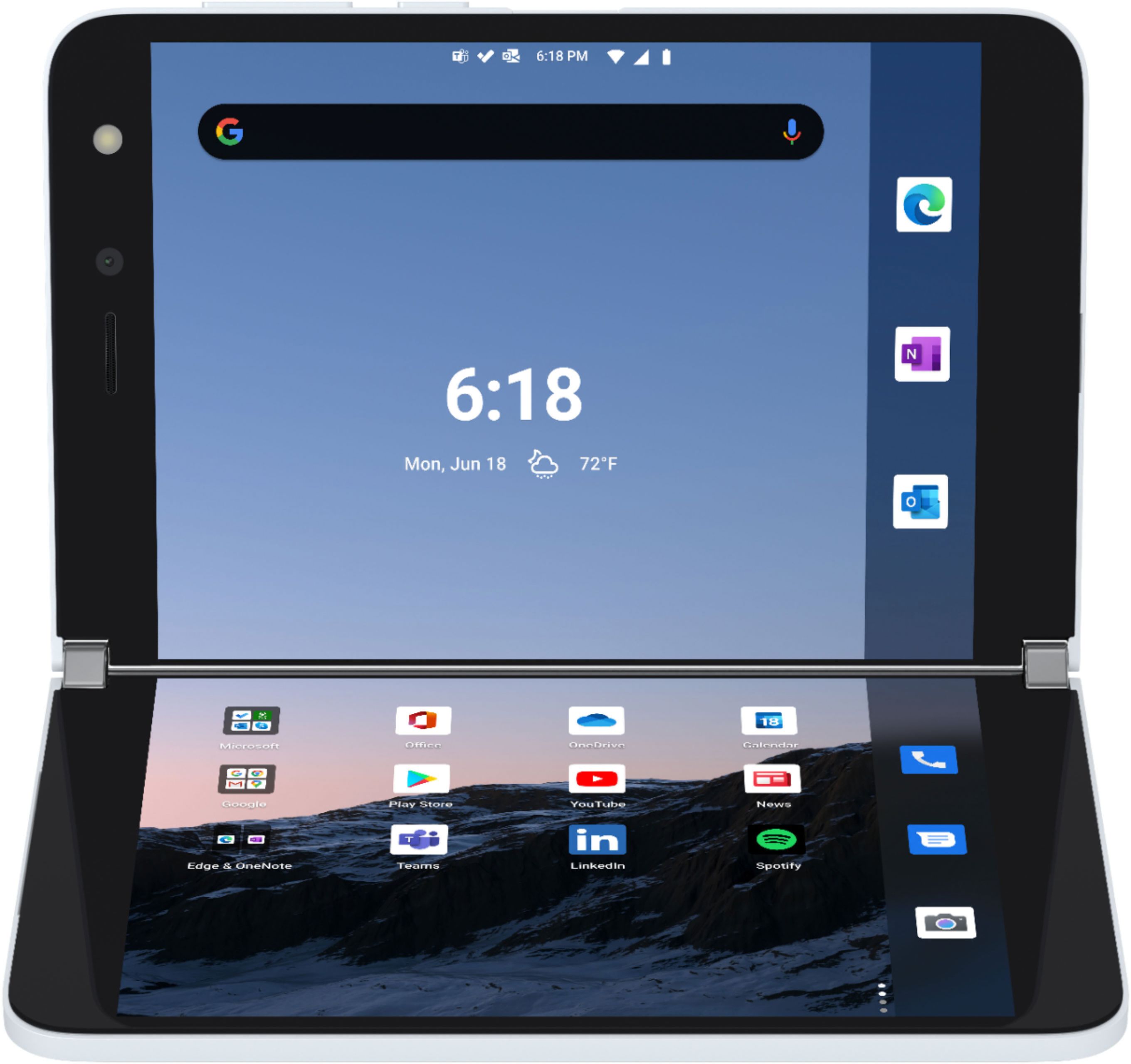
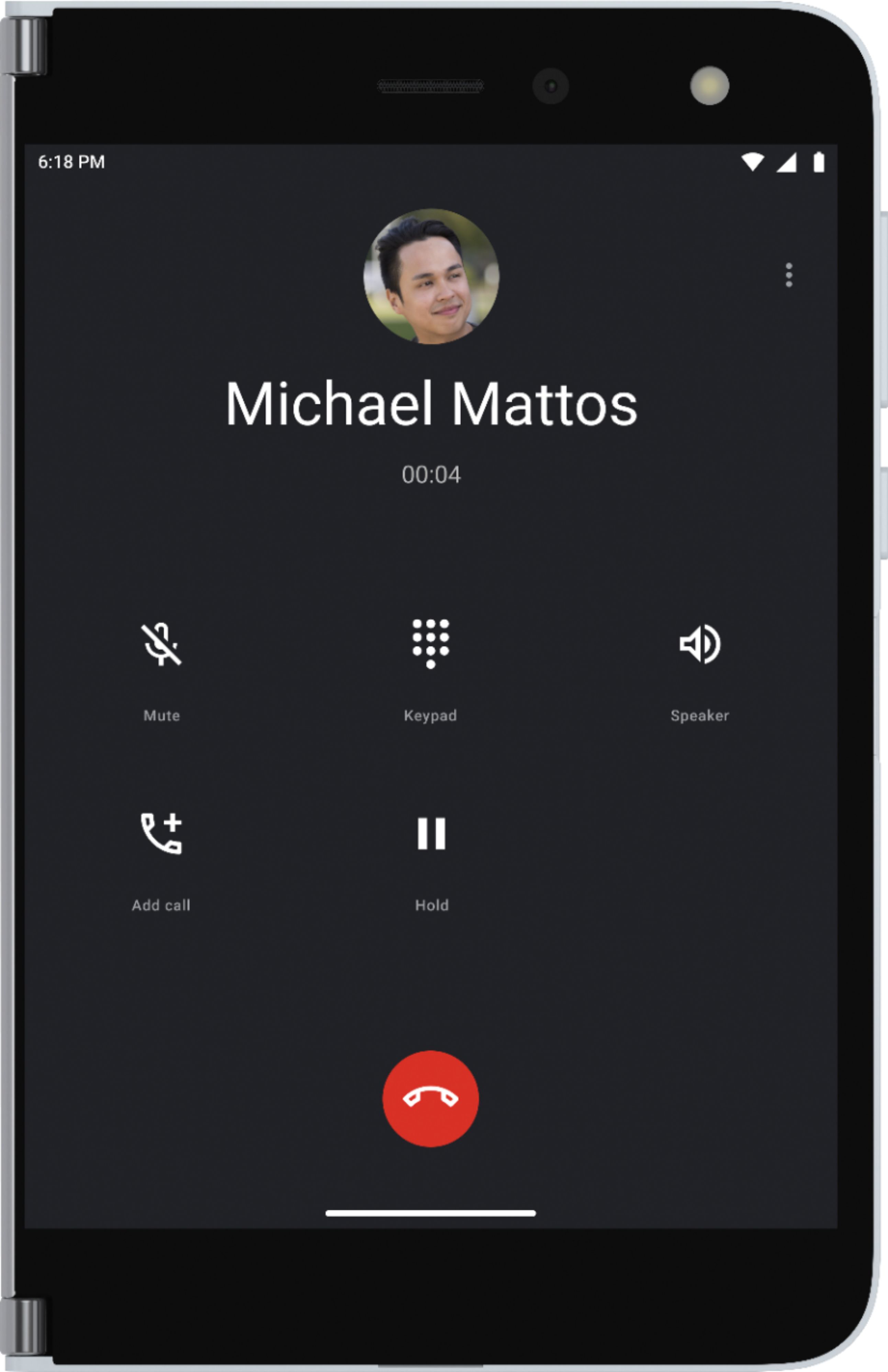
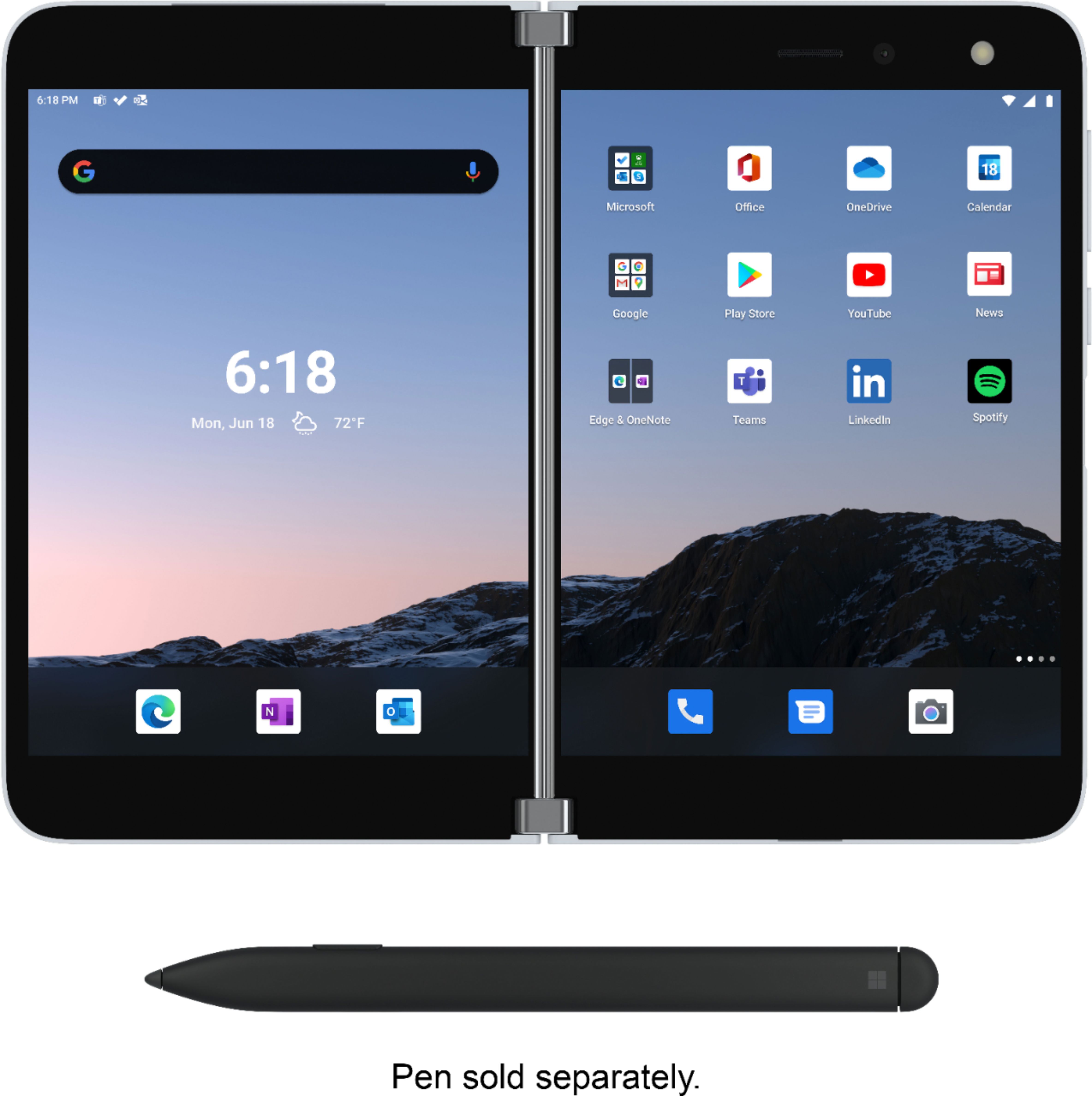
|Posted .This reviewer received promo considerations or sweepstakes entry for writing a review.THE GOOD - Excellent displays - Big productivity boost in apps that support dual screens - Windows "Your Phone" link works great - Includes bumper protective case - Good battery life - Still fits in pocket despite twin screens and extra width THE BAD - Pricey - Special UI features lack polish - Lacking (as of now) apps that can take advantage of dual screens - Lacking documentation for new features and interface - No NFC or wireless charging - Mediocre camera - No expandable storage - No wired headphone jack - No external display or notification system - Not great for media consumption THE DETAILS Full disclosure, I did not buy this phone with my own money. I received it from Microsoft through Best Buy's Tech Insider Network Program (you can see the "Tech Insider" badge on the left by my name). Microsoft explicitly asked for honest, unbiased reviews on the Surface Duo, though admittedly I've used MS Windows Phone (and before that Windows Mobile) as my personal phones for over 10 years. So depending on your point of view, I'm either one of the best or worst persons whose review you should read. I loved how my previous Microsoft phones focused on productivity rather than entertainment. Similarly, MS calls the Surface Duo a new category of mobile productivity device rather than a cell phone. That's half correct / half marketing speak. It is indeed a phone inasmuch as it is a cellular radio transceiver, it can make phone calls, send and receive SMS/MMS, and most everything else modern cell phones do. However it is indeed very different type of device than the cell phone you're likely used to, one focused on work and getting things done. The obvious feature is the dual folding screens. The screens themselves are absolutely gorgeous AMOLED displays. Excellent black levels and extremely wide color gamuts (MS claims 100% sRGB). The hinge between them is perfectly smooth and with good friction that keeps the screens in place when you want it. MS has made a lot of changes to the normal Android interface to support the twin displays, such as dragging text and icons between the screens and apps spanning both displays. The Duo also adapts to screen and hinge rotation. Flipping the hinge around all the way will deactivate the screen on the back. With both screens forward, you can rotate into landscape to get a top and bottom display (some apps will instead use the bottom display for a full-size keyboard). One of the more useful features is allowing a single app to span both screens, but using each one independently. For example, when using the system settings, the main settings menu is shown on the left screen while the currently selected sub menu is on the right. In the MS News app, selecting a headline on the left display will show the corresponding article on the right. Some eBook reader apps will animate flipping the page from one screen to the next, making it feel more like reading a physical book. When making app shortcuts on the home launcher, you can also pair up two apps into a "Group" which makes them both launch together, each taking a different display. So you can launch your email and calendar together, for example. For more productivity, the Surface Duo also works with Microsoft's Your Phone desktop application. This lets you link your phone to any Windows 10 PC, showing calls and SMS on your desktop, even wirelessly mirroring your phone screen. Apart from the phone in the box, you get a rubber bumper protective case and a hi-amperage wall charger (uses USB-C connector) for fast charging. However the device will still charge on normal power chargers (I typically charge mine off my PS4 in standby mode). MS also promises three years of monthly software updates, update to Android 11, security patches, and bug fixes. And the bug fixes are much needed. While most of the UI customization works pretty well, it still needs a lot of polishing and refinement. Touch sensitivity is off at times with taps and long presses not always registering correctly. MS also added a different gesture system utilizing edge swipes to replace the traditional three bottom button navigation, and those swipes don't always work. The Surface Duo also uses a modified version of the MS Launcher and SwiftKey keyboard for Android. The Launcher on the Duo can't adjust the grid density on the home screen (it's locked at 4C x 5R) so you can't tweak your home screen contents as easily. The base home row of shortcuts also doesn't expand to two rows and is locked to only three icons wide per screen (though when one screen is occupied with an app, all six will slide over to the other screen). After using the MS Launcher on my other Android phone the last two years, those features are sorely missed here. The SwiftKey used here also doesn't support moving the cursor by sliding your finger on the space bar and it seems to not always cope well with screen rotation and moving from one display to the other, though the Gboard keyboard doesn't do much better. Coming to grips with this new way of interacting with a "phone" is not helped by the lack of documentation in the box and tutorials on the phone itself. Changes to basic navigation gestures are explained during initial phone setup, but some of the more common tasks are not. With incoming calls, for example, the Duo is designed to show the incoming caller ID when opening the clamshell. If you fully swing back the hinge, the call is automatically answered. Not knowing about the auto-answer feature, I was still tapping and swiping on the display after opening the phone which hung up on a few people when the "answer" button suddenly became the "hang up" button. Thankfully the bugs and glitches are only ones of frustration, not instability. The OS is solid, you don't get random crashes, you just have to repeat input taps and gestures a few times. There's also limited support (as of this writing) in app support to utilize the dual display to best effect. Obviously all the MS apps like Office and Edge browser do great, as do many of the built-in Google apps, but not much outside that. And being as the deficiencies are software, fixes can and will come, likely quickly. MS is supposedly working directly with Google to improve this by making these improvements directly in Android itself, not in making their own custom UI overlay, so other app developers should be able to take advantage. It will just take some time for better third-party support. Unfortunately there are some hardware problems which can't be fixed. First, there is no external display, not even an external blinking LED, so getting a quick status and notification update just by looking at the Duo isn't going to happen. Instead it has a feature where if you open the phone just a little bit, a clock and notification icons (email, SMS) are displayed on the outer edge of the screen. But like call answering, this isn't included in any documentation or new tutorials. this quick peak screen also lingers a little when quickly opening the whole phone, before switching to the normal lock screen. At first I thought it was some kind of lag or glitch. I really hope MS implements a feature similar to the Glance screen on their Lumia 900 phones, something that could be used when the Duo is open and flat on your desk. The displays are also a 4:3 aspect, which is helpful for productivity, but results in large letterbox margins when watching shows and movies. You can watch videos spanning both screens, but of course you have a big gap down the middle. The tops and bottoms of both displays also have very wide bezels (some say it's wasted space, some say they're needed space for internal components, I can't say which). The Duo also only has a single speaker on the top of the left display and there is no headphone jack. While the 360 hinge is useful to prop up a display for watching video, overall media consumption is certainly not the Duo's strong point. The Duo also lacks amenities common on many current phones like wireless charging, NFC, SD slot for removable storage, and water resistance. The camera is also mediocre at best compared to most other flagship phones. It's fine for video conferencing and the occasional picture in well-lit scenarios, but it's horrible in low light. Some of these shortcomings are understandable, given the form factor. Knowing the phone would fold up, doubling the thickness in pocket, MS had to make each panel as thin as possible. At just over 4mm thick on each side, there literally is no room for a 3.5mm jack (though I think you could still fit a micro SD slot somewhere). Picking the best spot for an NFC pad on a phone that can fold multiple ways is tricky, unless you opt for one on the back of both panels, which increases cost and takes up more room inside. Same might be said for wireless charging, but it's not as strong an argument. Microsoft's reason/excuse for features left out is the Surface Duo is a first-gen product, so they focused more one getting the basics done right rather than try to throw in every feature they could. Like their "it's not a phone" claim, there's probably some truth to that. How much, you decide. The battery was not overlooked, thankfully. Despite having two large displays, the battery easily lasts a full day with heavy use. Light use can reach two days. Apart from the UI bugs, the Duo doesn't operate better or worse than typical cell phones, it's just different. It acts more like a limited use dual-monitor desktop than a phone or tablet. The average cell phone owner probably doesn't want or need a Duo, and that's fine. But for certain professionals on the go that want to minimize their carry load but maximize their mobile productivity, the Duo fills a small but desirable niche. But there will be significant growing pains: you adapting to the device, MS ironing out the bugs, and waiting for third-party dual-screen app support to spread.
I would recommend this to a friend Returned - screen line, flashes
||Posted . Owned for 4 months when reviewed.This reviewer received promo considerations or sweepstakes entry for writing a review.Did thorough research before purchasing. I previously owned other Surface products which I loved. This one was the worst. Within 2 months, screen started flickering. Eventually deadspots and vertical lines made screen unusable. I returned under Geek Squad Protection Plan and purchased Samsung Note - couldn't be happier.
No, I would not recommend this to a friendVerizon, AT&T, Mint Mobile SIM DOESN'T WORK
||Posted .This reviewer received promo considerations or sweepstakes entry for writing a review.Bought it today. I knew the limitations of it and wasn't going to use it as my primary phone anyways. Wanted a larger screen device with LTE access. The problem is that it doesn't read any of my SIM cards. I've tried Verizon, AT&T and Mint Mobile. None of them works. Now I have to go back out to Best Buy to get a replacement and see if it works or not.
No, I would not recommend this to a friend- Cons mentioned:Price
Not easy to use
||Posted . Owned for 1 week when reviewed.This reviewer received promo considerations or sweepstakes entry for writing a review.No good it’s very hart to use it and the price very hi
No, I would not recommend this to a friend - Pros mentioned:MultitaskingCons mentioned:Camera
Love the multitasking ability
|Posted .This reviewer received promo considerations or sweepstakes entry for writing a review.I absolutely love being able to have different apps on each screen full size. Doesn't matter if it's handling business or social media. Simply gaming is a pretty smooth experience. Using the camera is awkward. So it's definitely not something I'd use if pics are major thing but video calls are just fine with pretty good clarity. I didn't like how at times my screen would stay black when I opened it up. Not sure why but after pressing the power button it would light up. Google chrome is extremely glitchy hoping that's fixed with an update since all the other apps work just fine. Overall I do like it because it works for my needs. "Reviewers in this invitation-only program are provided products for the purpose of writing honest, unbiased reviews."
I would recommend this to a friend Green Flickering Screen
||Posted . Owned for 1 month when reviewed.This reviewer received promo considerations or sweepstakes entry for writing a review.I was willing to live with the quirkiness and give Microsoft time to work most of the software issues out, but the flickering green screen is too much to bear. Not 60 days in and I have a useless device. It wasn't hard to find numerous complaints online. Do not but this unless you have almost $2k to throw away.
No, I would not recommend this to a friendBrand response from MicrosoftOutreachTeam
Posted .Hello,
We're sorry that there's an issue with your new Surface Duo. This product comes with a one-year limited manufacturer's warranty from Microsoft, so we urge you to contact Microsoft Support for assistance here: https://support.microsoft.com/en-us/help/4023527/surface-how-to-get-service-for-surface
Hope that helps,
Chuck
Surface Customer Care
Each screen has dead zones.
||Posted .This reviewer received promo considerations or sweepstakes entry for writing a review.Left screen top left quadrant and both left and right bottom 1/3rd screens do not register touches whatsoever. Tried with multiple screen touch apps. Unbelievable for a $1500 device!!!! Needless to say first impression is terrible. I’ll try this again with another one. Hopefully the first is just a dud.
No, I would not recommend this to a friendThis phone will make your life miserable. DO NOT B
||Posted . Owned for 1 month when reviewed.This reviewer received promo considerations or sweepstakes entry for writing a review.Worst phone I've ever had in my life. Don't let the cheap price fool you. I ended up taking a huge loss and sold it on offerup for $300 because it's garbage! I had to reset the phone at least 4 times a day
No, I would not recommend this to a friendNeed more and better update.
||Posted . Owned for 1 month when reviewed.This reviewer received promo considerations or sweepstakes entry for writing a review.The far left home screen acts up too much, it gets stuck in between both screen I have to close and reopen it the phone, and even then that doesn't fix most of the time.
I would recommend this to a friendBrand response from MicrosoftOutreachTeam
Posted .We're sorry that there's an issue with your Surface Duo. If you haven't done so already, we recommend updating its software to the most recent version. For information on how to do this, please go here: https://support.microsoft.com/en-us/help/4578037/surface-duo-update
Awful phone
||Posted . Owned for 2 weeks when reviewed.This reviewer received promo considerations or sweepstakes entry for writing a review.Returned this item did not work well with T Mobile and the phone was to large to hold during a call. Lots of missed calls and text that did not come through.
No, I would not recommend this to a friendMicrosoft Surface Duo 256GB
||Posted . Owned for 1 week when reviewed.This reviewer received promo considerations or sweepstakes entry for writing a review.the phone did not recognized the SIM card. I tried three different SIM card but unfortunately none of them are working with this phone. Hence, I had returned the phone and got a credit.
No, I would not recommend this to a friendToo hot
||Posted . Owned for 1 week when reviewed.This reviewer received promo considerations or sweepstakes entry for writing a review.The phone was too hot while in zoom meeting. After 45 minutes, battery only had 20% left.
No, I would not recommend this to a friendDONT GET ONE!!
||Posted . Owned for 2 months when reviewed.This reviewer received promo considerations or sweepstakes entry for writing a review.I loved it at first but now I hate it.. I went through 3 of these within 2 weeks, just kept freezing and it wouldn't work for the daylights out of me.
No, I would not recommend this to a friendBrand response from MicrosoftOutreachTeam
Posted .Hi – We're sorry that there's an issue. First, we recommend checking for updates. If that doesn't take care of the problem, please reach out to Microsoft Support for assistance here: https://aka.ms/AA4rbq6 Hope that helps, Erica Surface Customer Care
Good device w/Critical Issues!
||Posted . Owned for 2 months when reviewed.This reviewer received promo considerations or sweepstakes entry for writing a review.Don't waste your $, this thing turns off randomly and leaves you without cellular service. Happens frequently and without warning. Buyer BEWARE!
No, I would not recommend this to a friendThis one is for the fans
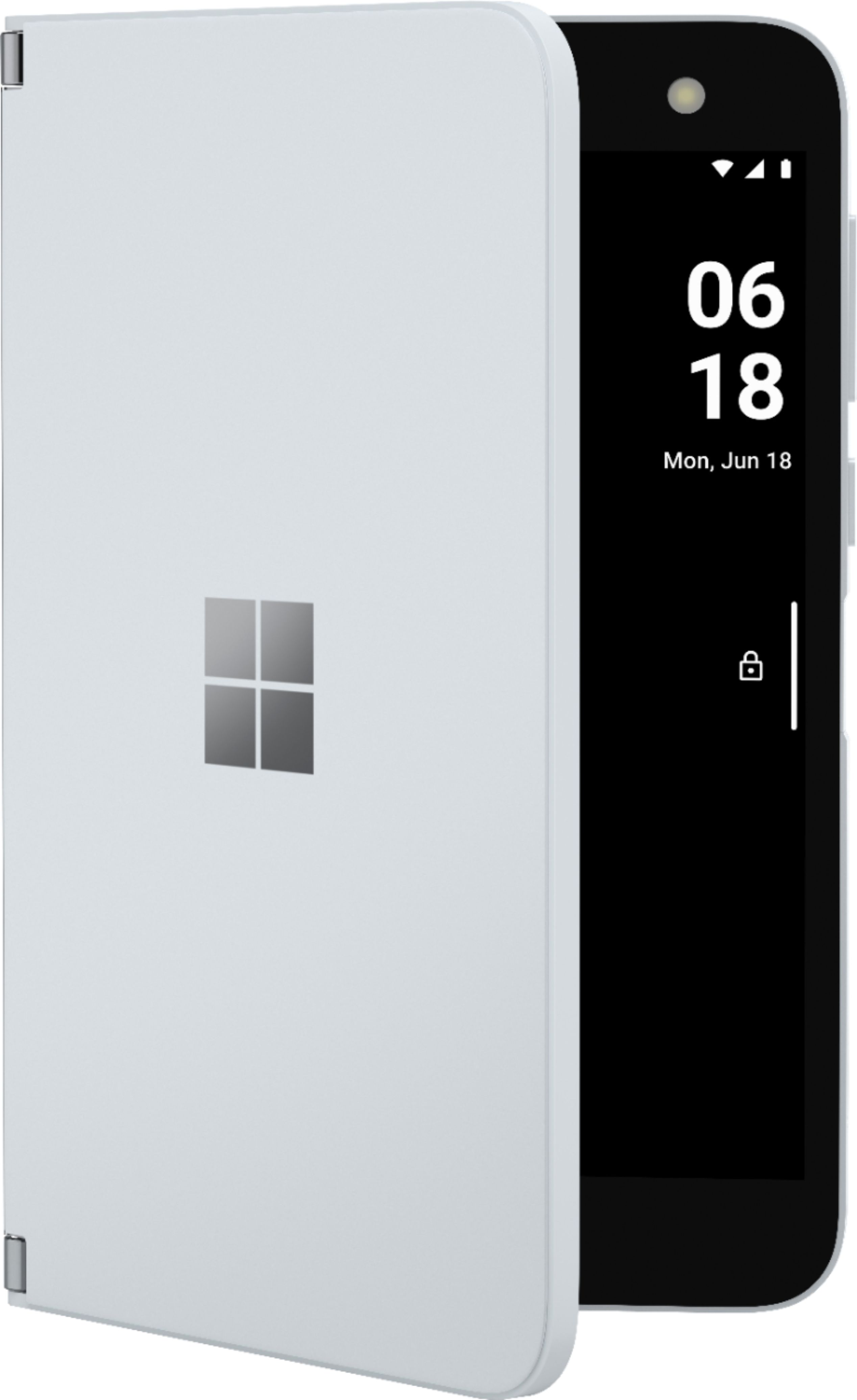
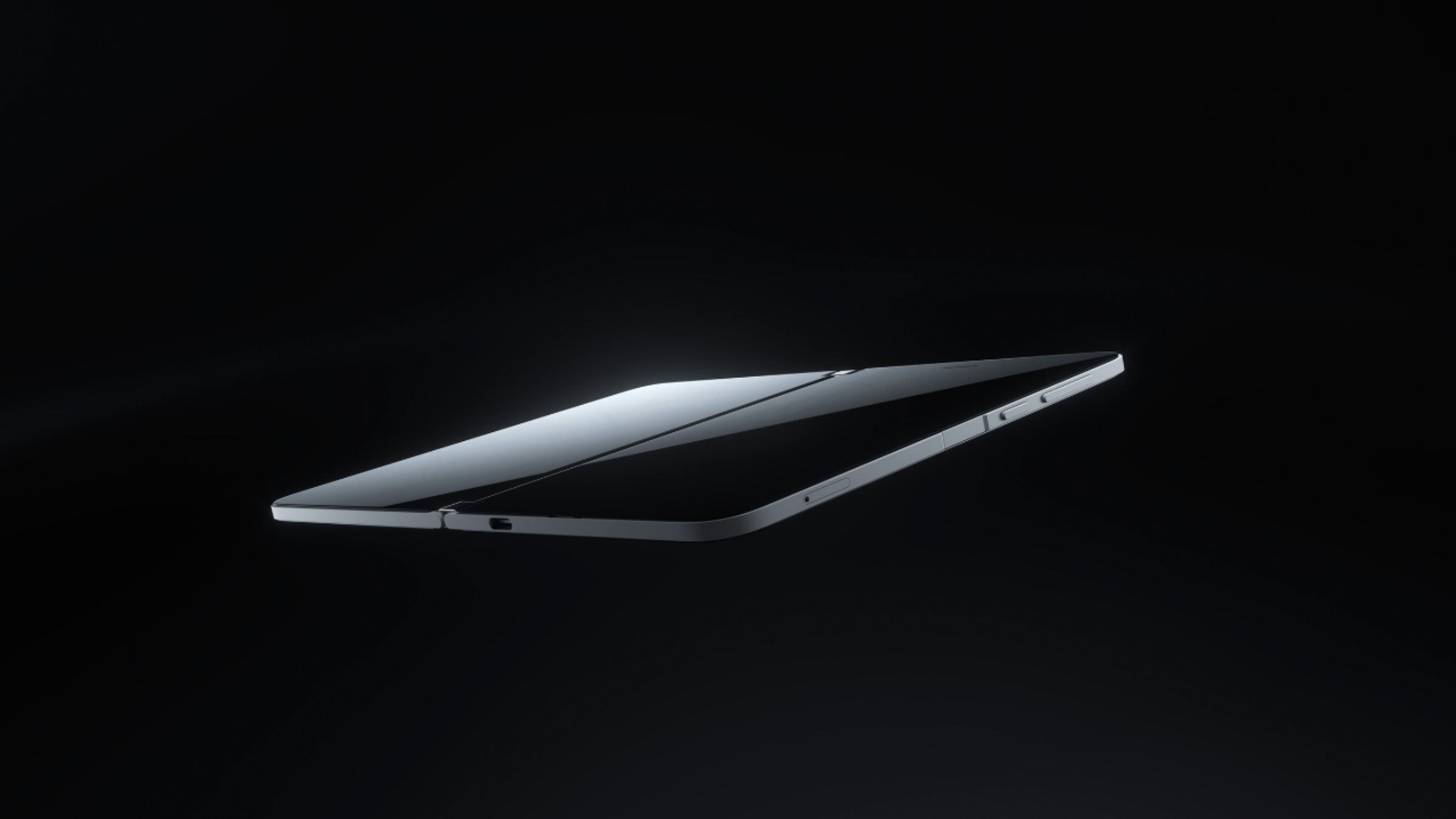
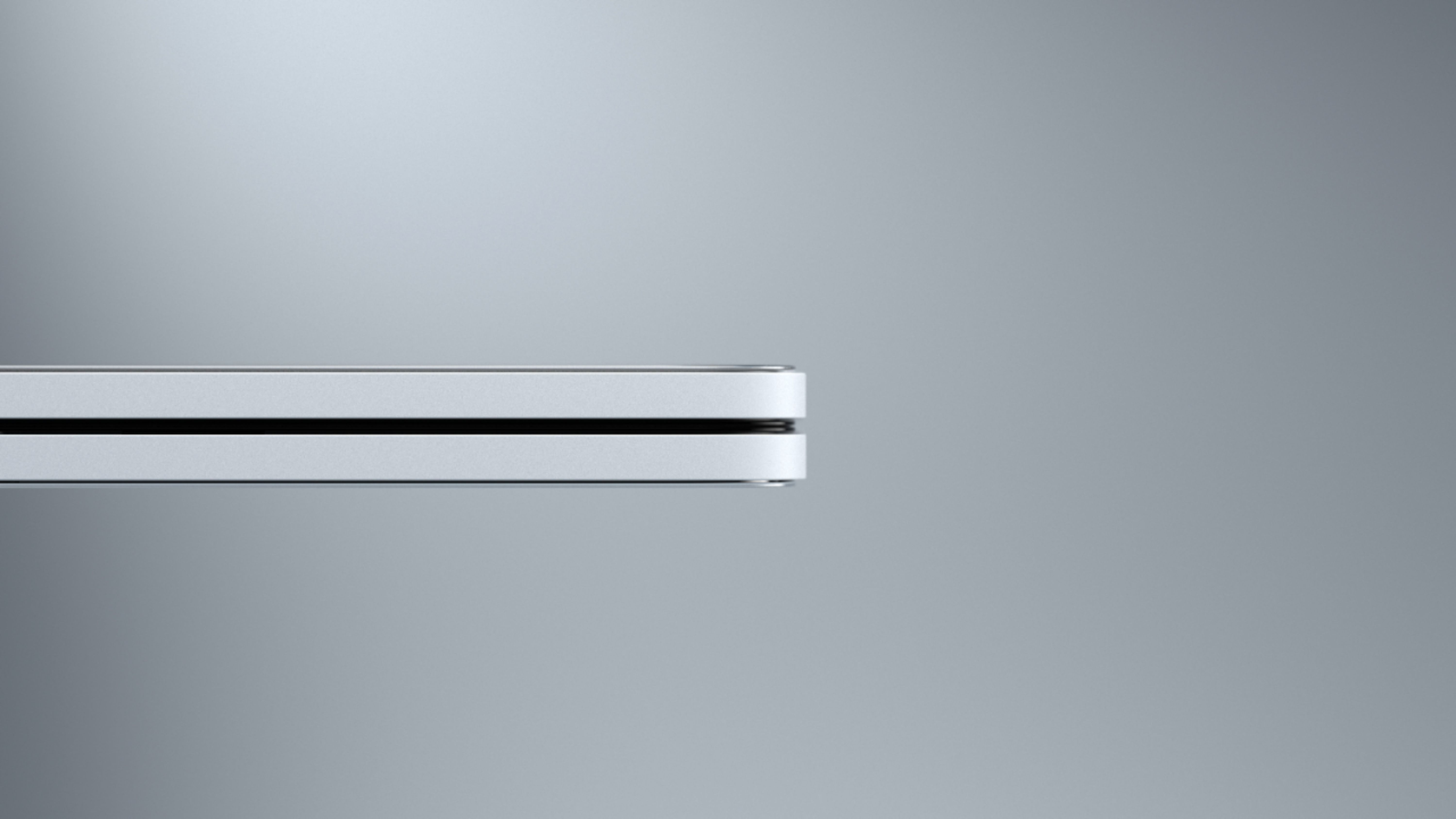
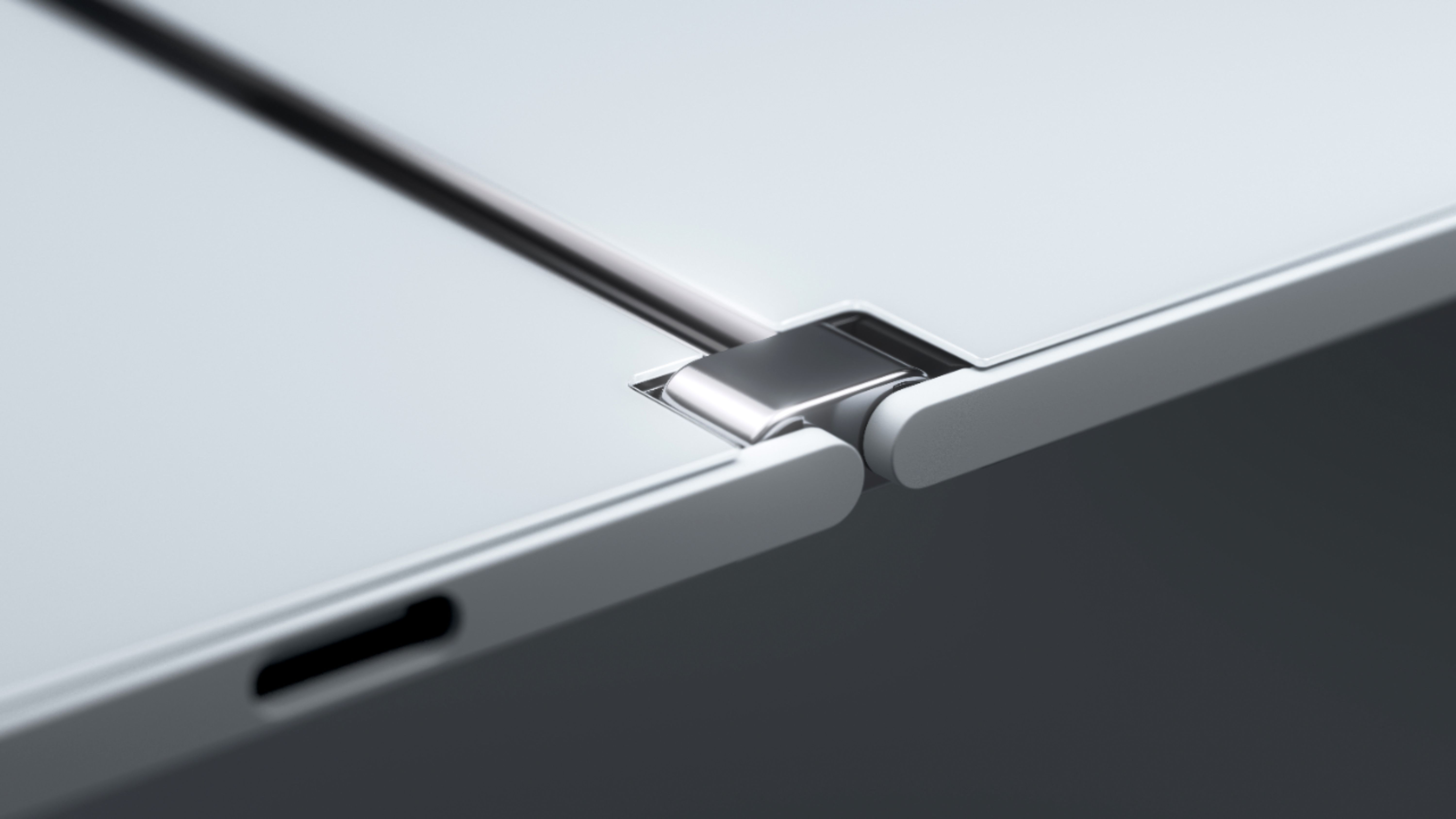
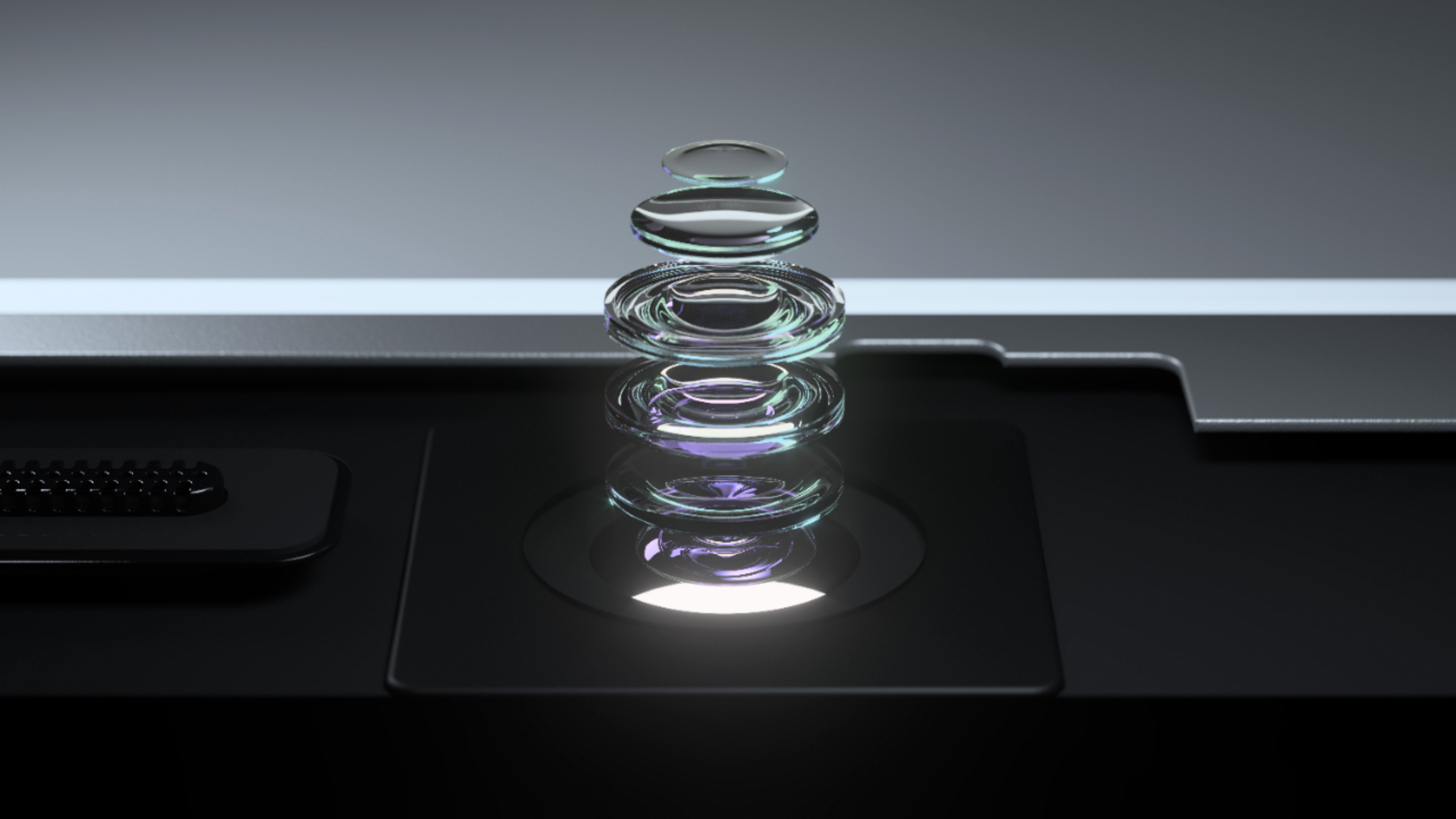
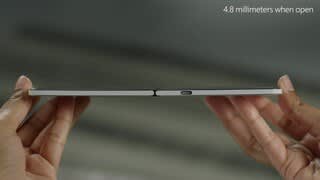
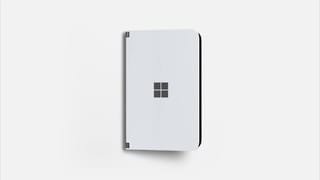
|Posted .This reviewer received promo considerations or sweepstakes entry for writing a review.Pros: - Ultra-thin design with versatile hinge - Surprisingly good all-day battery life - Good integration of Microsoft apps with Android Cons: - No NFC or Qi wireless charging - No IP (water/dust intrusion) measures - Screen aspect ratio doesn’t play well with many apps - Flipping phone around for camera is cumbersome Hardware Overview The Surface Duo is a beautiful first phone from the Microsoft Surface team. The outside is free of screens, cameras, and any text giving the device an ultra-premium fit and finish. Every panel of this phone is covered in gorilla glass with an aluminum band that runs along the outside. The only port on the outside is a USB C which barely fits in the thinness of the device. Around on the right edge of the device are the volume switch, power button and a flush fingerprint sensor. The device itself is wide at 93mm, but I found no issue fitting the device in even my tighter pant pocket. This is due in part by the thinness of the device which is just less than a centimeter when closed and 4.8 mm when opened. The big exclusion is NFC and Qi wireless charging which may be a deal breaker for many folks if you home/car is setup with a bunch of wireless chargers or you use Google Pay on a daily basis. The Surface Duo also doesn't have any water or dust intrusion rating, however you should be fine if you splash a little water on it from time-to-time. Hinge The hinge is the star of the hardware. It is finished in a polished stainless steel and has an incredibly consistent tension across its entire 360 degrees of rotation. The hinge allows the device to hold itself in certain postures – like tent mode for viewing video or compose mode for typing long emails. It is a really amazing engineering feat that can only be appreciated in person. Screen Opening the device, you are greeted with the reason the Duo got its name – two gorgeous 5.6” AMOLED displays. The color and vibrance is what I have come to expect from the surface line of products. Calibration across both displays seemed on point too, with no noticeable differences between them. The screens’ individual 4:3 aspect ratio is great for Microsoft’s apps and getting work done, however many Android apps do a poor job effectively using screens with this wide format. Sometime navigation bars are not displayed properly or cut off entirely. Other times content is stretched so wide that other useful information is pushed off screen. These are issues that can be fixed with some software tricks or perhaps a taller display. A taller display would also help cut down on the rather large top and bottom bezels. While the hinge at the top and bottom restrains how tall the display can be, there is a good 1.5 cm gap in height which could be used for more screen. Hopefully in the 2nd generation. Camera The camera in the Surface Duo surprised me considering how thin the device is. It is great for everyday shots where the lighting is good but can be a little slow when trying to capture photos of moving objects such as my energetic puppy. Portrait mode creates solid vibrant images that are worthy of a share on Instagram and other social media. What is difficult is the preparation of the camera ahead of taking a picture. Since the camera is on the inside of the device, one must first open the device, select the camera icon on the lock screen or double tap the power button, and then flip the right screen which houses the camera behind the left screen and finally wait for the viewfinder to switch. It is incredibly cumbersome, and I found myself taking less photos because of it. This device while restricted by its thinness would benefit heavily from two cameras. However, this is a device focused on productivity and it excelled at video conferencing on Teams and scanning documents into OneNote. For the everyday mobile office this camera will be enough to get the job done. Software Microsoft is banking on folks using this as a productivity device and with two screens in front of you from the moment you start using it, you will be searching for ways to make use of them. Microsoft allows you to group applications into pairs right on the home screen. This lets you jump straight into your favorite productivity flow. Some of my favorites: Udemy Courses and Microsoft OneNote, Shazam and Spotify, Tasty Recipes and Microsoft To-Do, Microsoft Edge and Sonos. It is quite easy to find and create pairs of apps that you regularly switch back and forth from and insanely useful when you can open both across the displays. Navigating the Surface Duo is very gestures based and it takes some getting used to, but once you familiarize yourself you can navigate with ease for the most part. Some apps back buttons did not function for me and the back gesture (a swipe from the left or right of the display) did not always work. I turned on the navigation bar at the bottom for awhile, but it does not look great having it on both screens. Overall, the skin and multiscreen experience that Microsoft has made for Android is extremely clean and almost feels like it has always been a part of Android which is the whole point here. Microsoft wants to create great multitasking experiences because that is where the original magic of windows came from. Duo is trying to be this mobile multi-window experience and it really works. Your Phone Companion PC App This PC application is something that Microsoft has been working on for some time as a feature for Android devices and it works great with Surface Duo. After going through the pairing process, you get an easy way to see your phone notifications, make calls, send text messages, and transfer photos/files right from your computer. It is a really polished and smooth experience that allows you to be super productive across your phone and PC. There are a lot of productive ways one can take advantage of this phone extension. I found myself using it a lot when I wanted to reference my handwritten notes taken on my Duo for a document that I was preparing. Pen The Surface Pen is a staple of the Surface line and I was glad to see that both displays support inking. With the pen you can write and flip to the other side to erase, however I could not figure out how to make use of the select button on the side – perhaps Microsoft has future plans for this. Writing in OneNote and annotating documents in Word was a breeze on the go. The Surface Duo replaced my last phone and my small notebook that I always carried around. It’s a welcomed consolidation of weight with added technical capabilities such as sharing and backing up my notes. Summary Overall, this is a great first-generation device from Microsoft with a lot of good ideas wrapped in gorgeous hardware. For many, this is the device they have been waiting for with a few concessions. If you do not have a need for an amazing camera, wireless charging, or NFC payments, but would love a dual screen productivity device where you use Microsoft’s apps daily – this device will impress you. However, if you can’t live without some of those features, you’ll probably be better off waiting for the second generation. This first version is definitely for the fans, but it will only get better from here. *Disclaimer* Reviewers in this invitation-only program are provided products for the purpose of writing honest, unbiased reviews.
I would recommend this to a friendBad reality bad
||Posted . Owned for 3 weeks when reviewed.This reviewer received promo considerations or sweepstakes entry for writing a review.Bad product is just not good at all Microsoft have to work hard to make people love this product
No, I would not recommend this to a friend- Pros mentioned:Dual screensCons mentioned:Camera
This device has become precious to me...
Posted .This reviewer received promo considerations or sweepstakes entry for writing a review.After receiving an ATT model on launch day, it has become my daily driver. The initial set of updates greatly stabilized the device and I feel it is much smother than the display models I checked out. Take the time to learn the gestures and the device begins to flow, but it takes a little practice. Also, switching between the full and one-handed keyboard layout eliminates most issues with the width and one-handed access. The width however is glorious to read and interact with. I chose this over the Note 20 ultra which is frankly the same price through ATT. As a former nokia 1020 users, I fully understand the camera limitations of the duo, please don't expect it to compare to a true camera phone. I really wanted to like the Note but in the end, its awesome camera and cool pen didn't connect like the duo which is somehow immersive. The Note's Pro-Camera mode (a pale comparison to nokia's truly pro camera screen) also couldn't do the high image shots (as of this writing) and I had long since upgraded to a canon dslr anyway, so this was not a big issue for me. Note though is a very, very, good device and if the camera is a deal breaker, go for it. The duo camera is good enough, especially for video conf. (teams and zoom) and gets the job done, nothing more and nothing less. And spinning it around for internal and external shots is kind of a neat trick. For dex or desktop mode (and former continuum) users, it's just not there (yet?). Even my LG in desktop mode worked a lot better. Casting is ok but nothing compares to a hardwired solution for playing Games or watching streamed content on an external TV or monitor. (We frequently travel to N. WI where I often have content downloaded for viewing). Overall, the device has really grown on me and since I use office 365 for home and work it fits my usual work flow. If you are an apple user (like my wife) or in the google-sphere there may be some compromises. The MS apps however run near flawless and spanning the displays works very well. I haven't had any crashes but also haven't tried to pull up and correct a doc on the spot in a teams call with 30 people watching, testing under fire will have to wait, but so far no complaints. The device hardware itself is exactly how the reviewers have described it, premium with an almost touch of magic or something. The hinge just works, period. The engr team has done an incredible job. Being able to prop up the display, even to adjust the flashlight, is something you find yourself just doing. Like ordering takeout while reading everyone's text orders. Dual screens tend to make going back to single screens feel cramped. The thing I miss however is wireless charging. Use a wearable to handle NFC payment and live notifications, but these are other nice but missing features. And like gremlins, don't get it wet. I expect future versions to improve on the wider market concerns but for me, for now, it is like owning a GT 40 (or your preferred dream car) with out air conditioning and a radio. Just enjoy the drive until the comforts get installed.
I would recommend this to a friendBrand response from MicrosoftOutreachTeam
Posted .Hello,
Thank you for sharing your feedback and personal experience with your new Surface Duo. We're delighted that you're enjoying it for the most part. We hope it continues working well for you.
Cheers,
Chuck
Surface Customer Care