Customer Ratings & Reviews




- Model:
- MHN-00001
- SKU:
- 6261393
Rating by feature
- Battery Life
Rating 4.4 out of 5 stars
- Durability
Rating 4.4 out of 5 stars
- Display
Rating 4.5 out of 5 stars
Customers are saying
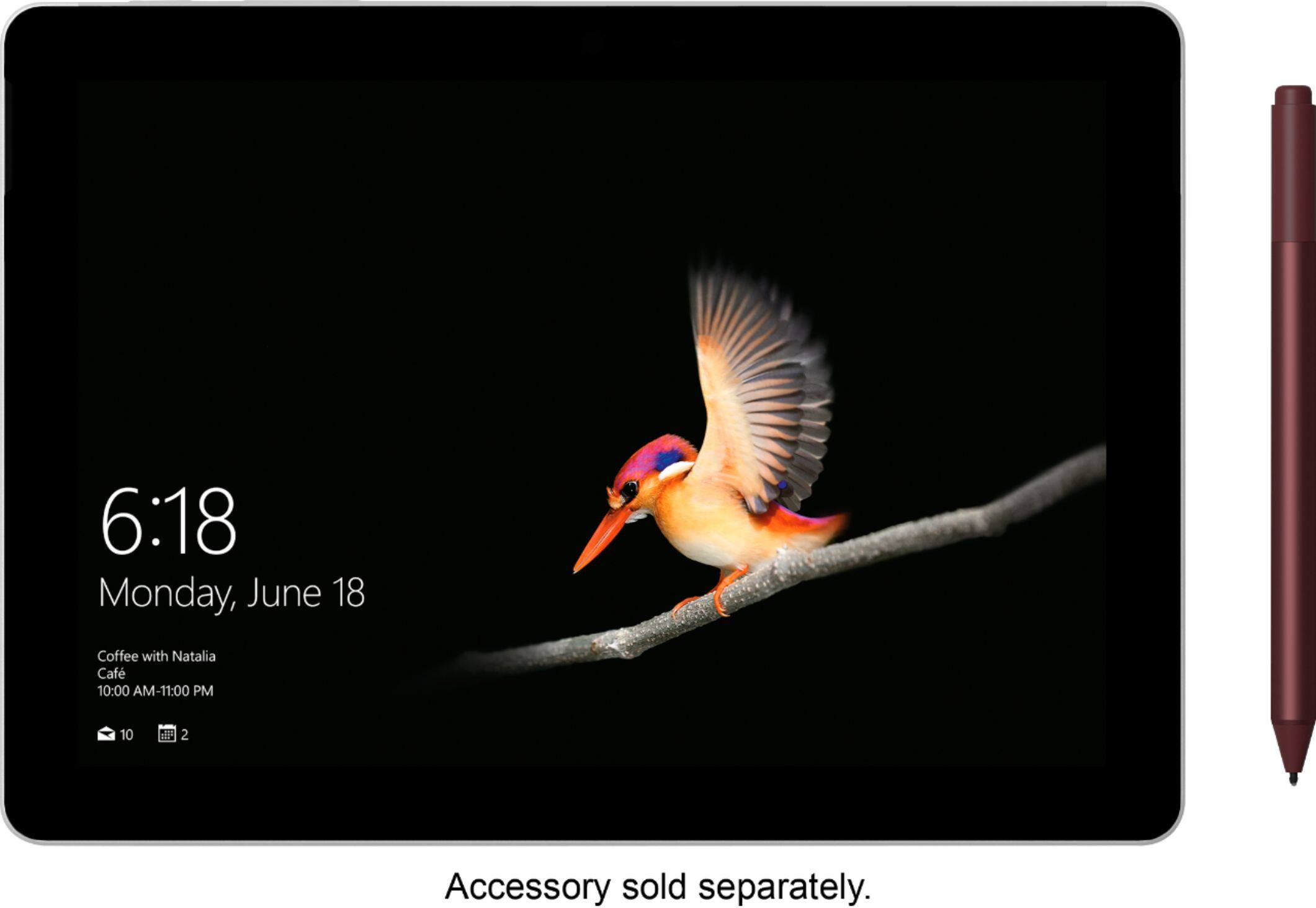
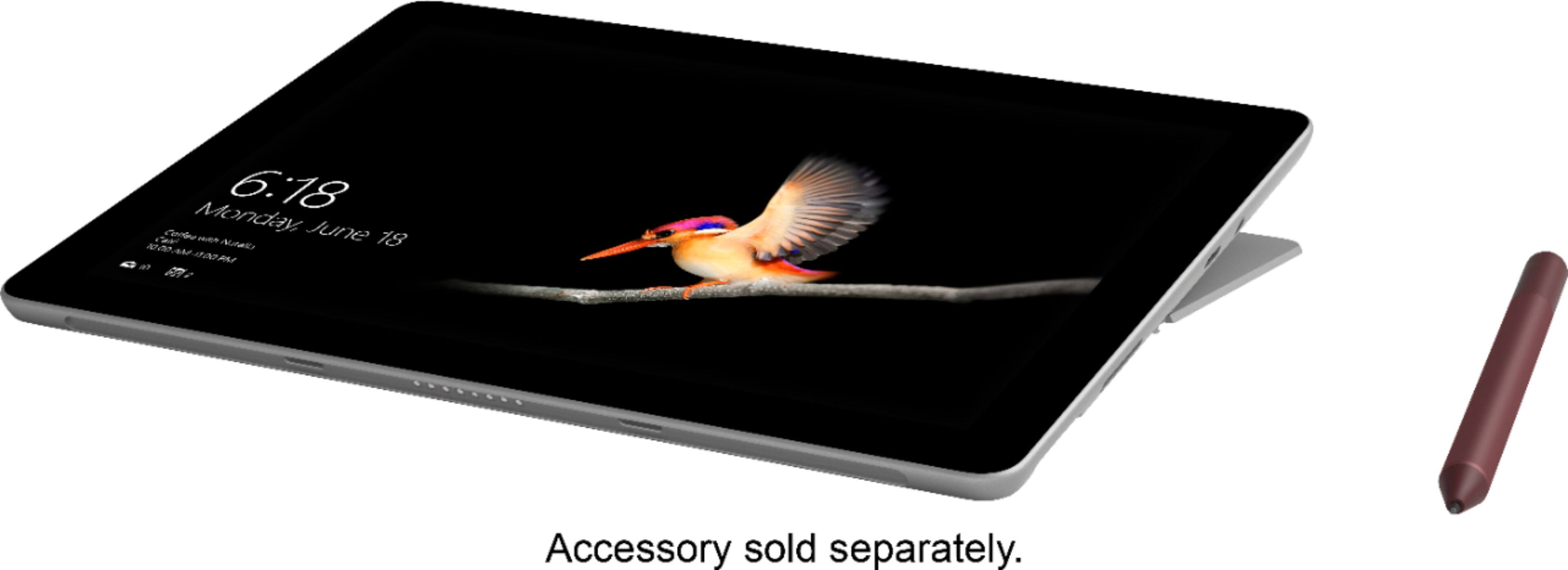
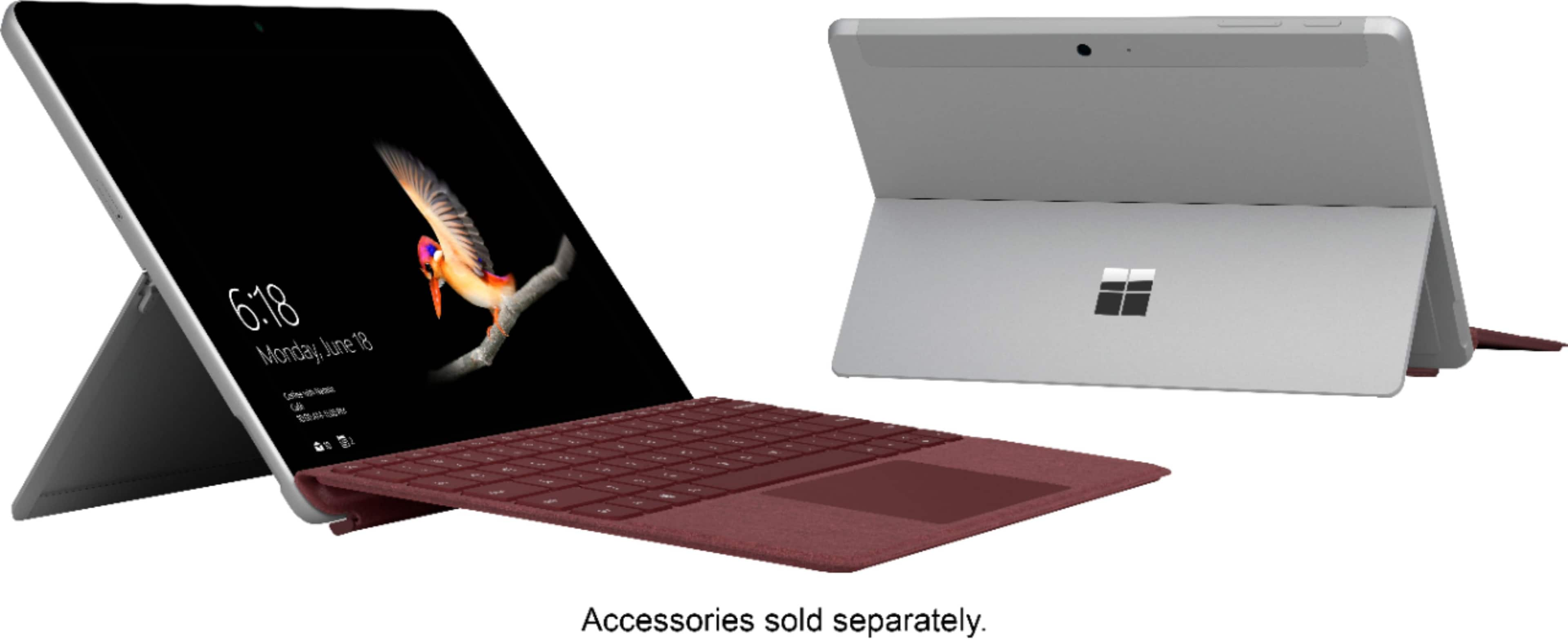
Customers recognize the Surface Go's portability, size, and lightweight design as significant advantages, frequently praising its ease of transport and convenient dimensions. Many appreciate the detachable keyboard and the device's battery life, while some found the performance satisfactory. However, limited RAM and storage were recurring criticisms, with some users suggesting that the software could be improved for a smoother experience.
This summary was generated by AI based on customer reviews.
good tablet for traveler
||Posted .This reviewer received promo considerations or sweepstakes entry for writing a review.easy to travel with. battery life could be better.
I would recommend this to a friendBrand response from MicrosoftOutreachTeam
Posted .Hi Glen,
We're glad the Surface Go has been the perfect travel companion. This ultra portable machine is our most compact Surface device to-date! If you feel that you're not making the most of the battery life of the Surface Go, we highly recommend checking out these tips for optimizing your power usage: https://support.microsoft.com/en-us/help/4023450/surface-surface-battery-and-power.
Kindly,
Jessica
Surface Customer Care
Good Product but Not Enough Memory
||Posted .This reviewer received promo considerations or sweepstakes entry for writing a review.This is a great machine for the internet and limited work. But after loading the MS Windows 10 operating system and MS Office there is limited disk storage remaining. Switched to the 128 GB version instead which I would rate 4 stars.
No, I would not recommend this to a friendBrand response from MicrosoftOutreachTeam
Posted .Hi there,
Thanks for choosing to give Surface Go a try. We're happy to hear you found the device with specs that fit your needs. Please know if you ever find yourself short on storage, we have some handy storage alternatives you may be interested in learning about: https://support.microsoft.com/en-us/help/4075130/surface-windows-81-surface-storage-options.
Kindly,
Jessica
Surface Customer Care
Barely enough to run the Window OS
||Posted . Owned for less than 1 week when reviewed.This reviewer received promo considerations or sweepstakes entry for writing a review.I bought this to use in the car while shopping for houses because I do not like Android web pages. I quickly found out that with only a tethered wifi that this Surface was slow. So I traded it in for a Surface Pro 6.
I would recommend this to a friend- Pros mentioned:Keyboard
A good sweet spot between tablets & notebooks
Posted .This reviewer received promo considerations or sweepstakes entry for writing a review.I wasn't sure that I was going to like this at first. I am coming from an iPad Pro 10.5" with the Apple Smart Keyboard and was looking for something that offered a little more productivity than an iPad. Was also looking at the Tab S4 but after seeing the Surface Go recently released, I decided to go with that instead. This is a good product if you ask me, and while it doesn't come with the Typecover keyboard, I wouldn't recommend this product without it. I understand the reasoning for not including it was to cut costs for those that might already have a bluetooth keyboard and mouse at home, but again, I think the typecover is pretty necessary. The Surface Go, provided you know what its limits are is a very good sweet spot for blurring the lines between a tablet ad a pc. It functions very well for a product thats sort of in the middle. Is it as powerful and fast as an iPad pro? No. Is the battery life as good as an iPad? No. Are you going to able to play heavy games and run intense programs with this? No. But this doesn't really hurt the value of this machine to me. The battery while not as long lasting as an iPad at 10 hours, I feel like Microsofts claim of "up to 9 hours" might not be stretching it too far, I would say you can probably get around 6-7 hours off a full charge depending on how you use it. In my time using the Surface Go, I had around 5 Edge tabs open (including a Youtube video), as well as messing around with a couple of other apps and I didn't really feel like the Surface was struggling too much at all, and again this is on the base model Surface Go.
I would recommend this to a friendBrand response from MicrosoftOutreachTeam
Posted .Hi there,
We're delighted at all the wonderful things you have to say about the Surface Go! We loved reading your review, and we could tell that you put a lot of thought into writing this. Thanks for calling out some of your favorite features like the unique design that allows not only for portability, but lasting productivity through your day. If you are interested, we have some tips and tricks on how to make your battery on your Surface Go last longer. Check out these optimization tips here: https://support.microsoft.com/en-us/help/4023450/surface-surface-battery-and-power.
Thanks for sharing your great experience with the community, and welcome to the Surface family!
Kindly,
Jessica
Surface Customer Care
Fragile
||Posted . Owned for 1 month when reviewed.This reviewer received promo considerations or sweepstakes entry for writing a review.It sometimes moves at decent speeds, but stalls frequently as well. Screen is very fragile; had to replace already. I wish there were more ways to charge than that 1 cord. Got a virus during 2nd week of use.
No, I would not recommend this to a friendBrand response from MicrosoftOutreachTeam
Posted .Hello,
We appreciate you taking the time to reach out about your recent experience with Surface Go. We're sorry to hear you've had a few difficulties with your Surface, and our specialized care team would love the opportunity to assist you further. If you'd like additional assistance, please fill out a form here: aka.ms/SurfaceCustomerCare, and include this unique reference ID number that we have created on your behalf: 1910144060742.
Kindly,
Heather
Surface Customer Care
- Pros mentioned:Size
Finicky
||Posted .This reviewer received promo considerations or sweepstakes entry for writing a review.Slow, and finicky. Not what I needed for travel. Travel size yes but way to slow. Pen is ok but like i said not what I needed. Returned for an s2 Samsung tablet.
No, I would not recommend this to a friendBrand response from MicrosoftOutreachTeam
Posted .Hello,
We're sorry you were not satisfied with your recent purchase of the Surface Go. We appreciate hearing what our customers have to say so we can provide outstanding customer support. In the future, please note that our team is always here to assist you with all your Microsoft devices and products. Thanks for giving the Surface Go a try!
Kind regards,
Jessica
Surface Customer Care
Not bad…
||Posted . Owned for 10 months when reviewed.This reviewer received promo considerations or sweepstakes entry for writing a review.The surface go is good. It blends tablet and computer efficiently. However, the Windows interface could use some fine tuning for a more elegant experience.
I would recommend this to a friendIf I knew then what I know now
||Posted .This reviewer received promo considerations or sweepstakes entry for writing a review.The "expert" talked me into this by telling me that it can do everything the pro can do. Left out the windows s thing. My fault for not doing my homework. I returned and got the pro. Much faster.
No, I would not recommend this to a friendBrand response from MicrosoftOutreachTeam
Posted .Hi there,
Thanks for choosing to give Surface Go a try. We're sorry to hear you didn't find this to be a good fit, however we're thrilled to hear you found your new favorite device among the Surface line. We'd like to take a moment to chime in and let you know that if you ever decide to make the purchase again in the future, that the Surface Go can switch out of Windows 10 S mode and into Windows 10 Home Edition at no cost to you.
We hope this information helps!
Kindly,
Jessica
Surface Customer Care
Nice color for movies an such
||Posted .This reviewer received promo considerations or sweepstakes entry for writing a review.Stull learning my way around it my biggest pev is than it does not work well with crome apps i have alot of trouble getting my directv now to stay loaded keeps kicking out and have to reload
I would recommend this to a friendBrand response from MicrosoftOutreachTeam
Posted .Hi there,
Thanks for taking the time to reach out. If you're looking to access apps outside the Microsoft Store, updating from Windows 10 S mode to Windows 10 Home Edition may help you access these programs easier. To learn more, click here: https://support.microsoft.com/en-us/help/4456067/windows-10-switch-out-of-s-mode.
Please know that once you switch out of Windows 10 S mode, you may not switch back.
Kindly,
Jessica
Surface Customer Care
Wouldn’t recommend
||Posted .This reviewer received promo considerations or sweepstakes entry for writing a review.I was looking for a gift for my fiancé’s birthday and knew he wanted something to help keep him organized at work so I let him tell me what tablet he wanted. I wanted to get him an iPad or a Samsung tablet but he insisted on this one so I purchased it for him. He used it for all of 2 hours and wanted me to return it for the Samsung. This tablet is only good for those who want a laptop but don’t want to pay the expensive price for one. This tablet is too much like having a computer than actually a tablet. It wasn’t easy to use and was extremely slow to load apps. I would not recommend this to anyone who wants a true tablet.
No, I would not recommend this to a friendBrand response from MicrosoftOutreachTeam
Posted .Hi there,
We appreciate you taking the time to reach out. We're sorry to hear you weren't satisfied with your recent purchase of Surface Go. We'd love the opportunity to learn about how we can provide a better experience in the future. Please feel free to reach out to our support team here: https://support.microsoft.com/en-us/contactus/, with any additional feedback you'd like to provide.
Best,
Heather
Surface Customer Care
- Pros mentioned:Size, SpeedCons mentioned:Ram
Better than I expected
Posted .This reviewer received promo considerations or sweepstakes entry for writing a review.I probably have a dozen laptops. I haven't found the perfect one. When I saw the Surface Go for preorder, and with the $50 egift card from BestBuy making it a net purchase of $350 I couldn't resist. I was very skeptical with just 4 GB Ram and 64 GB eMMC drive. I was worried by some of the pre-reviews that it would be too slow and may have made a mistake purchasing. But instead I am incredibly impressed. The size is excellent to handle as a tablet or as a small laptop. Have had no problem with the speed of it with email, surfing, videos, Office programs. I just wouldn't expect to run graphics intensive or huge spreadsheets, programs etc on it but it is smooth. I got a 256GB micro sd for very cheap and will put it in for extra storage. I still haven't found the perfect laptop (I have all the brands including Mac and HP and Lenovo, Surface, etc) but this is one that I will use frequently. I am glad I bought the cheaper one because for a net cost of $350 it is a great deal. For what it is supposed to do it is excellent. The build quality, screen resolution, touch sensitivity, etc are great. Would highly recommend.
I would recommend this to a friendBrand response from MicrosoftOutreachTeam
Posted .Hi there,
Wow, what a thoughtful review of the Surface Go! We can tell you put quite a bit of time and effort into sharing your thoughts with the community, and we're glad you did. We are absolutely thrilled that you have been so impressed with your experience so far! Thanks for calling out some of your favorite features like the ultra portable size, as well as speed and versatility. We're glad you love your new Surface Go!
Kind regards,
Jessica
Surface Customer Care
Quality device
||Posted .This reviewer received promo considerations or sweepstakes entry for writing a review.Quality device for the money- good value however did not come with key board and had to purchase separately and did not realize USB is smaller so you need to purchase adapter
I would recommend this to a friendWouldn't work for what I needed it for.
||Posted .This reviewer received promo considerations or sweepstakes entry for writing a review.I bought this for my wife but she found it very difficult to use. I gave it three stars because if your used to the operating system it seemed as though it would be great.
No, I would not recommend this to a friendBrand response from MicrosoftOutreachTeam
Posted .Hi there,
Thank you for taking the time to provide your honest feedback. We're sorry to hear your wife is having some difficulties with her new Surface Go, and we'd like to assist. For some helpful tips and tricks on using Surface and Windows, we recommend following this link here: https://aka.ms/AA4r433.
If she ever has additional questions about her Surface Go, or needs specialized care, our wonderful support team is always available to help, and can be reached here: https://aka.ms/AA4rbq6.
We sincerely hope this helps.
Best
Heather
Surface Customer Care
Great concept, but definite flaws
||Posted .This reviewer received promo considerations or sweepstakes entry for writing a review.I wanted to love this computer/tablet. But I found it underpowered and laggy. And more importantly, the Windows system is just not really touch friendly in my opinion.
No, I would not recommend this to a friendBrand response from MicrosoftOutreachTeam
Posted .Hello,
Thank you for taking the time to reach out. We're sorry to hear you've experienced some difficulties with your Surface Go. To help, we recommend using the Surface Diagnostic Toolkit, which you can access here: https://aka.ms/AA4r432.
We hope this helps.
Best,
Heather
Surface Customer Care
Good for beginners
||Posted .This reviewer received promo considerations or sweepstakes entry for writing a review.This surface is great for beginners. But i do recommend upgrading to the Surface Pro if the cash is available.
No, I would not recommend this to a friendUnder powered
||Posted . Owned for 1.5 years when reviewed.This reviewer received promo considerations or sweepstakes entry for writing a review.I wanted to love this tablet however it was not as powerful as I had an originally imagined. I ended up returning it and getting an iPad Pro
No, I would not recommend this to a friendSluggish
||Posted .This reviewer received promo considerations or sweepstakes entry for writing a review.I ended up returning this device. It was frustrating tapping but not knowing for 1-2 seconds if my selection would work. Nice form factor though, just needs more power.
No, I would not recommend this to a friendBrand response from MicrosoftOutreachTeam
Posted .Hi there,
Thanks for providing us with your honest feedback. We're sorry you experienced some difficulties with the Surface Go. We would love to hear about more details of your experience. Please feel free to reach out to our support team here: https://support.microsoft.com/en-us/contactus/. They may be able to help identify some solutions you can use for the future with Microsoft devices.
We hope to hear from you soon.
Kind regards,
Jessica
Surface Customer Care
Great desktop and tablet capabilities.
||Posted . Owned for 2 months when reviewed.This reviewer received promo considerations or sweepstakes entry for writing a review.While I love its capabilities it doesn't allow me to add to get notifications so I am missing Skype notifications yet this is an MS app so go figure!
No, I would not recommend this to a friendBrand response from MicrosoftOutreachTeam
Posted .Hello,
Thanks for reaching out. We're sorry you're experiencing some difficulties with getting Skype notifications on your Surface Go. We highly recommend checking to see if your notifications are enabled by following these steps here: https://support.skype.com/en/faq/FA34811/how-do-i-manage-notifications-in-skype-on-desktop?q=notifications.
If you need additional assistance in resolving this issues, please feel free to reach out to our team here: https://aka.ms/AA4rbq6.
Kindly,
Heather
Surface Customer Care
Disappointed student
||Posted .This reviewer received promo considerations or sweepstakes entry for writing a review.I was very excited when I purchase the surface go. My excitement was very short-lived once I realized what Microsoft Windows 10 s was. For a student Windows 10s makes it impossible for you to use this computer you can only download software from the App Store. For one of my classes I had to download software from a third party that was not in the App Store. To be able to use my textbook. Due to the fact that I can't use this software I returning this item and purchasing something that does not have Windows 10 s.
No, I would not recommend this to a friendBrand response from MicrosoftOutreachTeam
Posted .Hi Chelsea,
We're sorry to hear you have been having difficulty accessing the app you wish to download in Windows 10 S. If this is the case, you can switch out of S mode easily at any time through the Microsoft Store within Windows. There is no charge for switching the mode. The switch is one-way; if you make the switch, you won't be able to go back to S mode.
To learn more or switch out of S mode, go to the Microsoft Store within Windows and search for “switch out of S mode”.
If you should have any questions, please don't hesitate to reach out to our support team here: https://support.microsoft.com/en-us/contactus/.
We apologize for any inconvenience. We hope this has been helpful!
Kind regards,
Jessica
Surface Customer Care
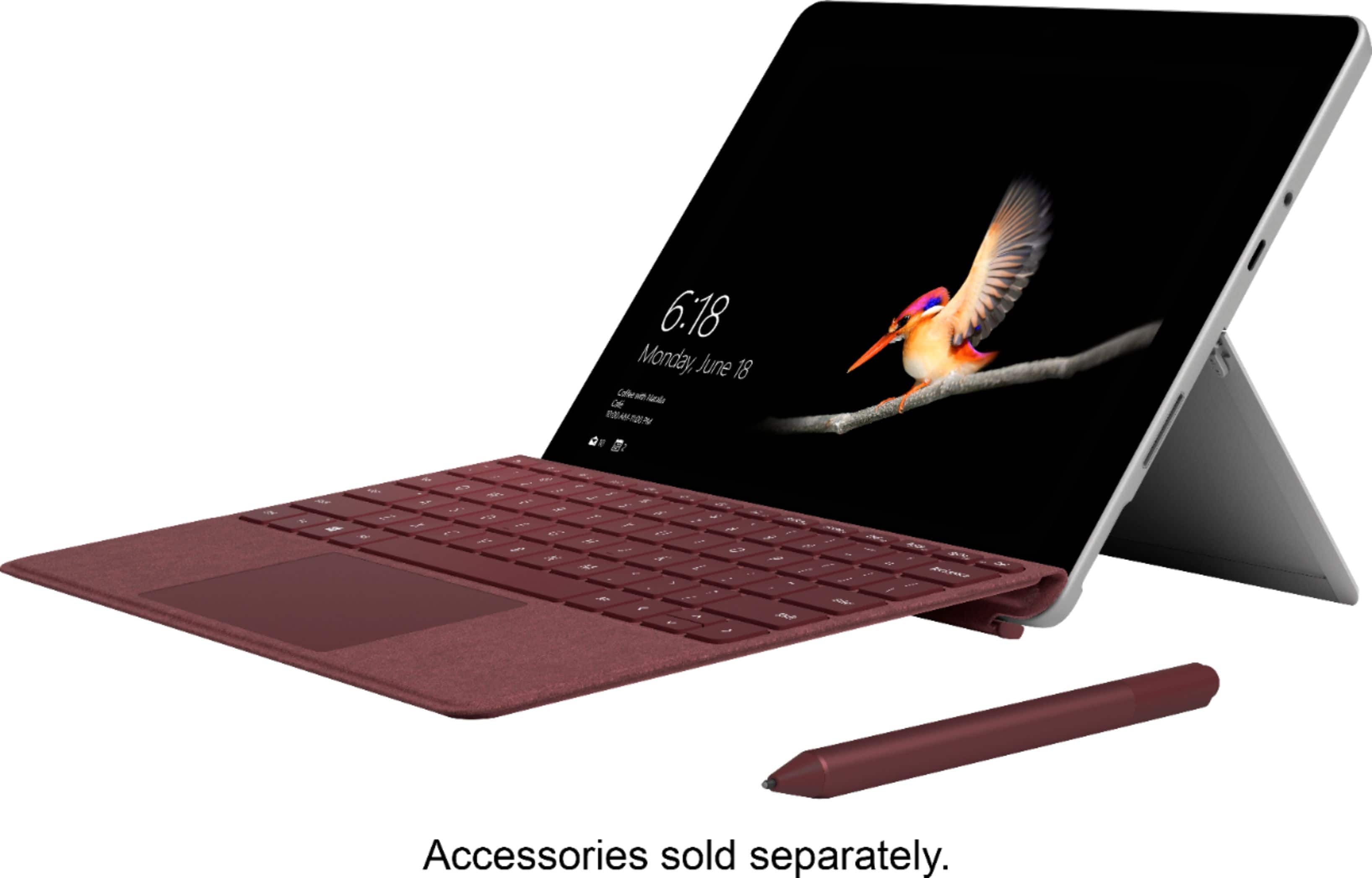
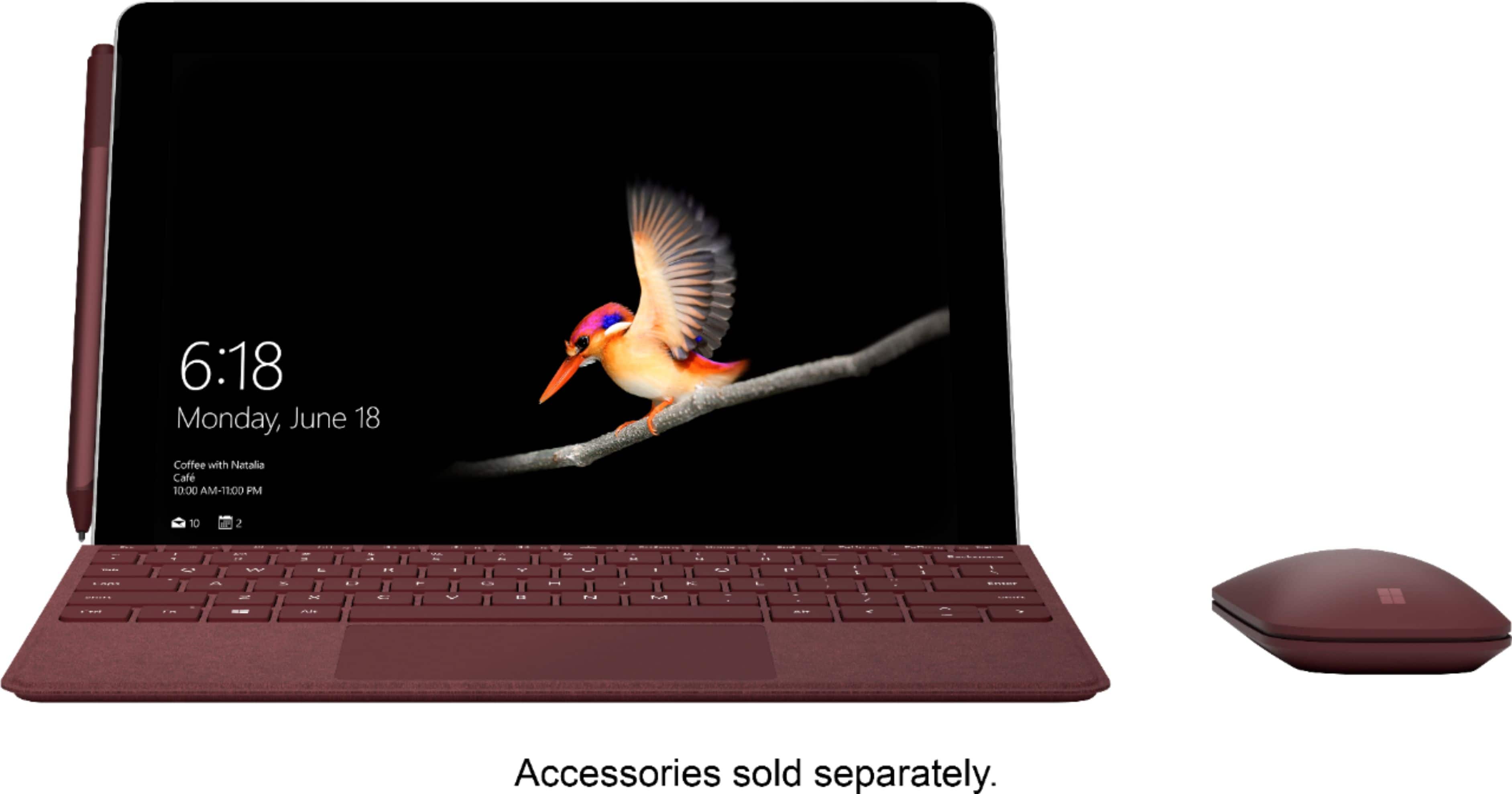
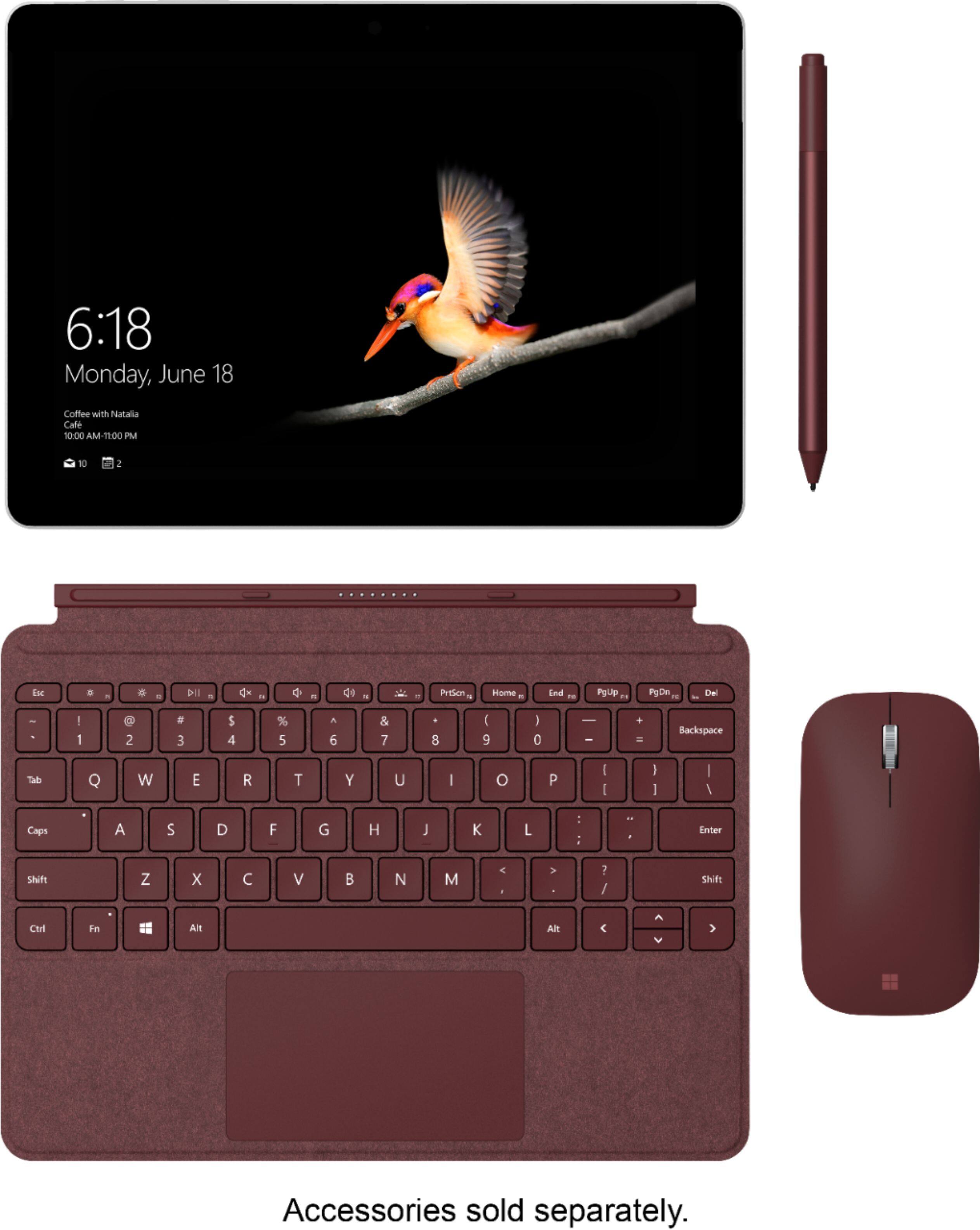
Picture is misleading. Accessories are misleading.
||Posted . Owned for 3 weeks when reviewed.This reviewer received promo considerations or sweepstakes entry for writing a review.Accessories are misleading. Not enough information to understand pen and keyboard are included. My granddaughter was very disappointed.
No, I would not recommend this to a friend