Customer Ratings & Reviews


- Model:
- MCZ-00001
- SKU:
- 6261397
Rating by feature
- Battery Life
Rating 4.2 out of 5 stars
- Durability
Rating 4.9 out of 5 stars
- Display
Rating 5.0 out of 5 stars
Customers are saying
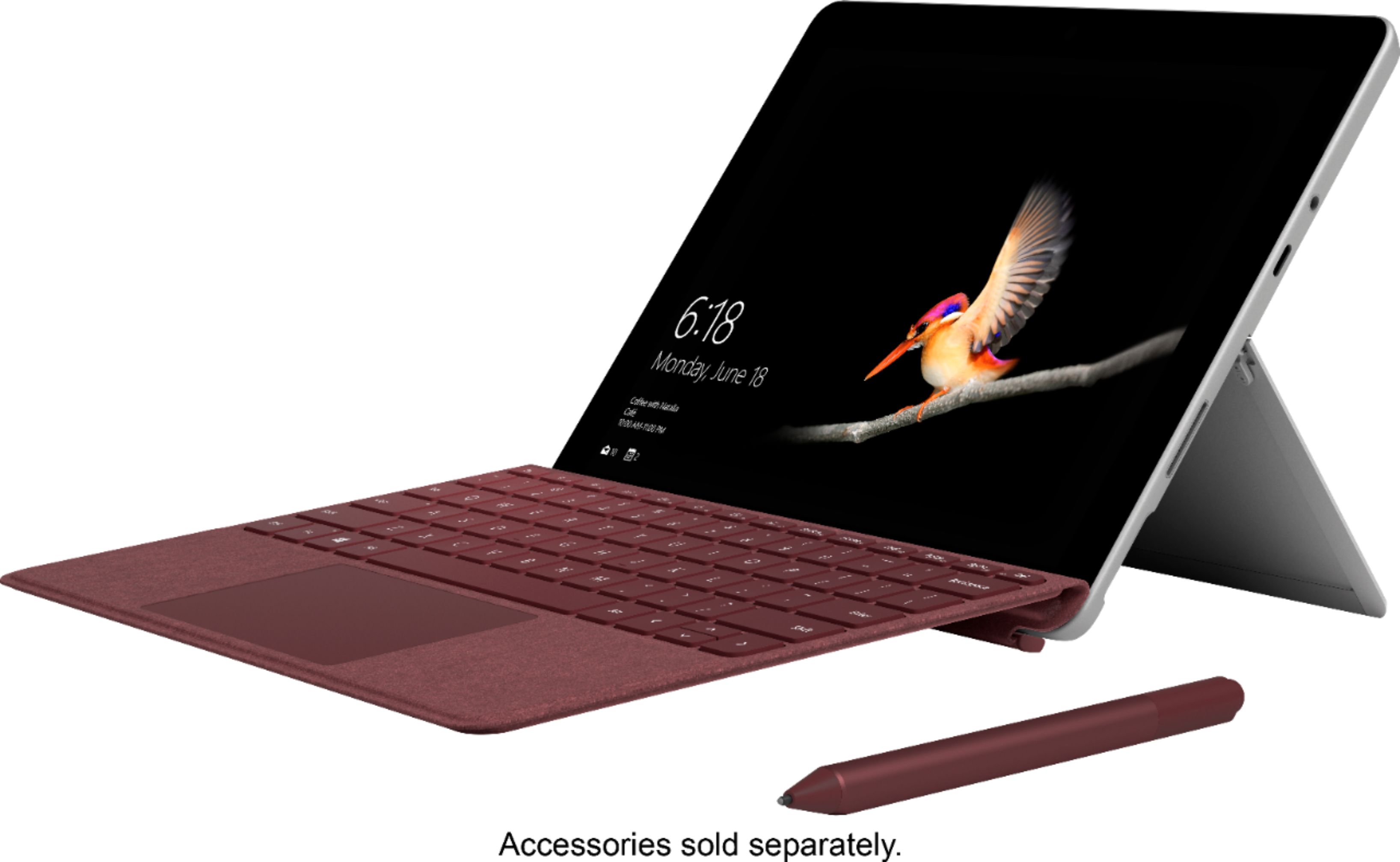
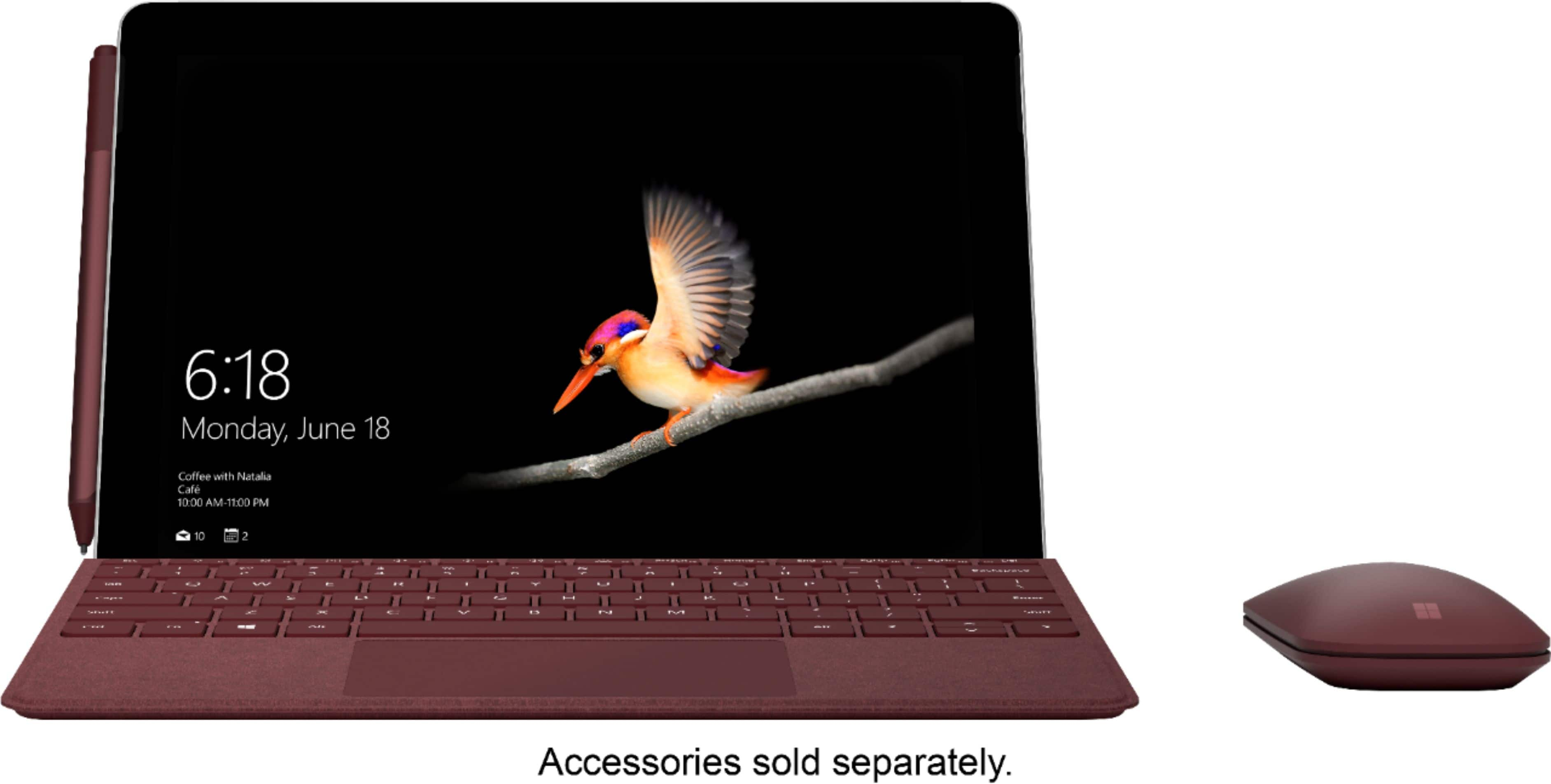
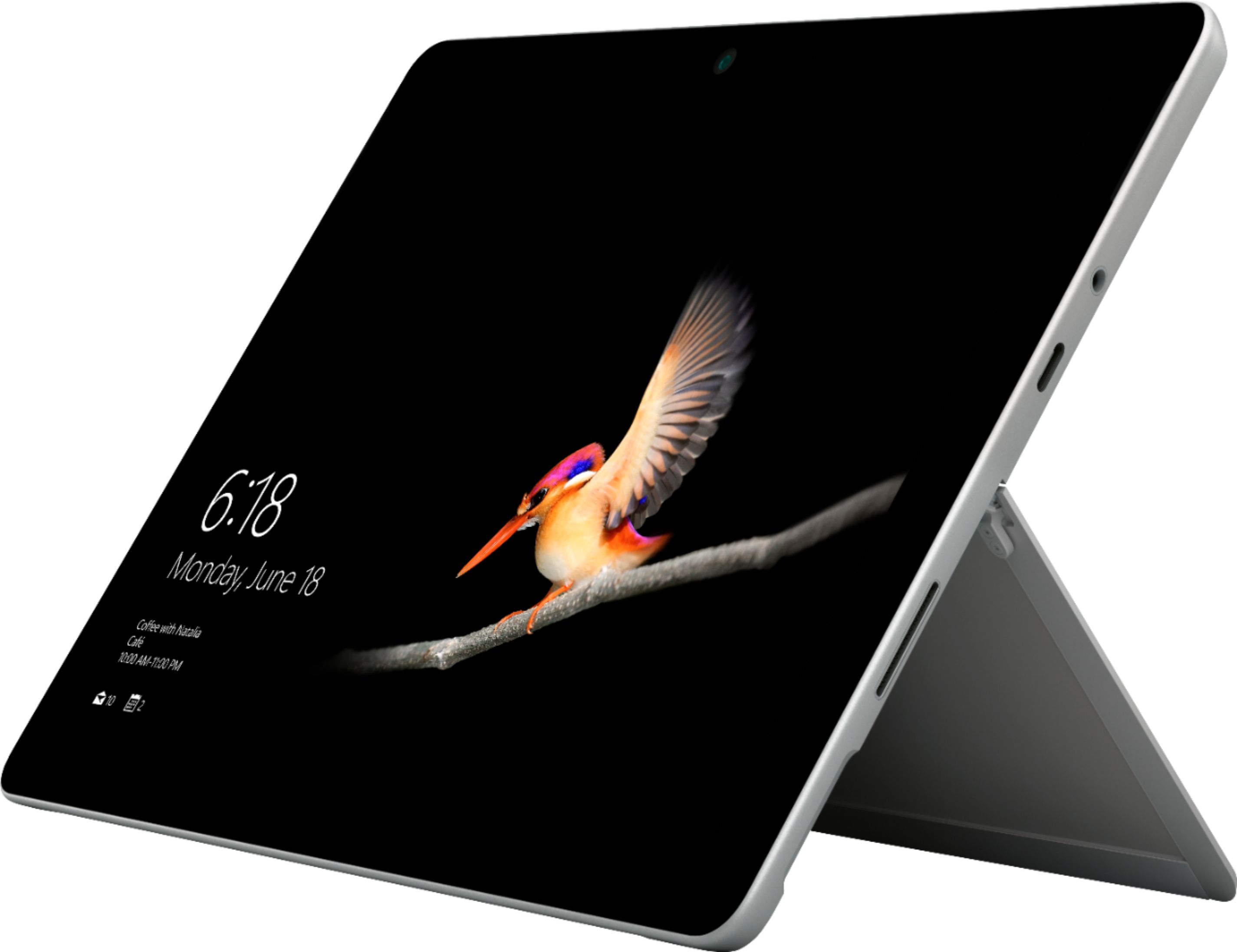
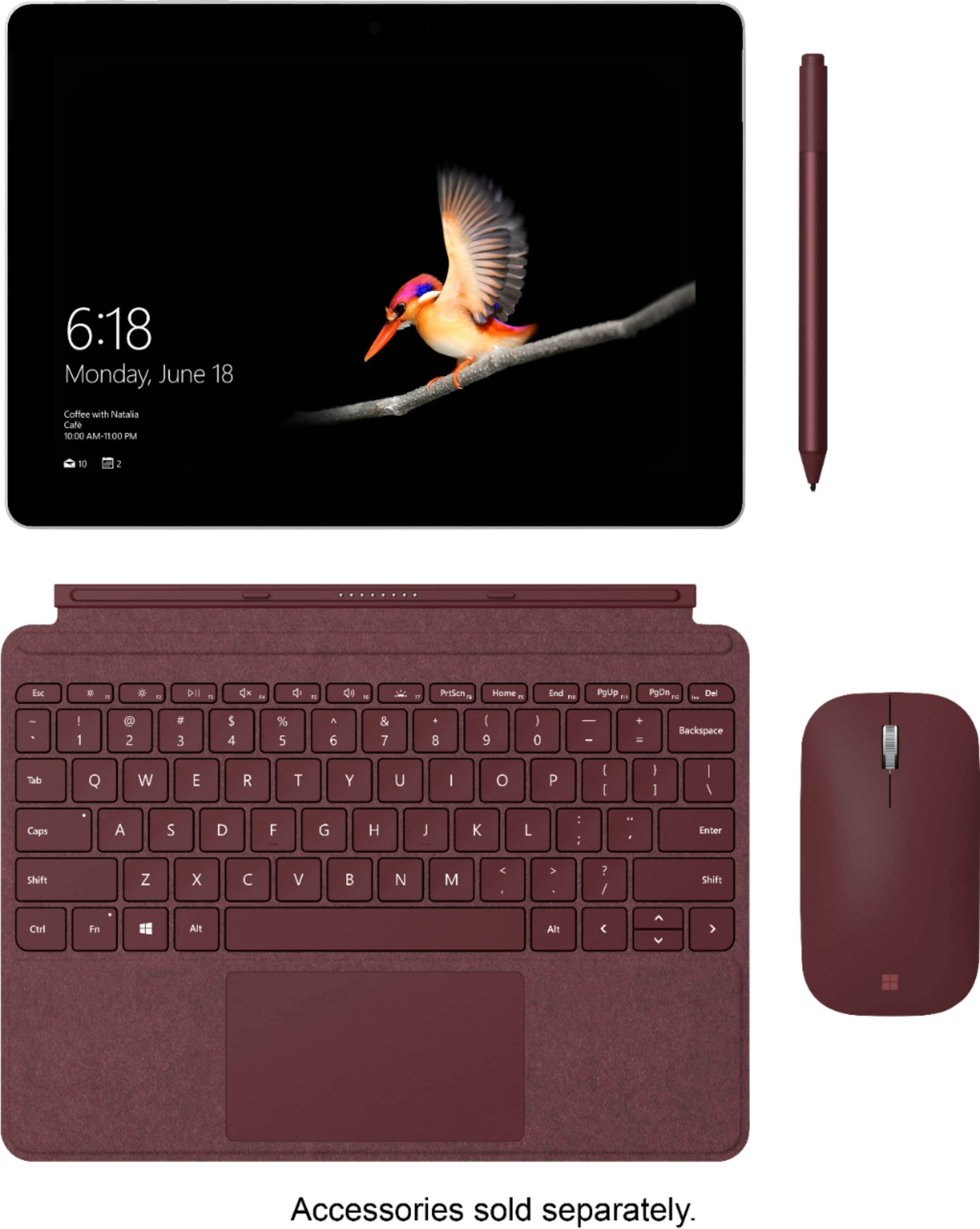
Customers admire the Surface Go's portability, size, and performance, frequently praising its lightweight design and ease of use. Many appreciate the device's speed and sufficient storage, although some find the battery life could be improved. A few users mention the price point as a potential drawback, and some would prefer more USB port options. The operating system also received mixed feedback.
This summary was generated by AI based on customer reviews.
- Pros mentioned:Performance
Almost There!
||Posted .This reviewer received promo considerations or sweepstakes entry for writing a review.So, if you're looking for a very capable little tablet that can do basic tasks such as email, browsing, and streaming content, then this a great device. It's not designed for video or even heavy sound editing really, but still solid performance. Ultimately went with the basic iPad since it supports pencil and was on sale for $250. I would still recommend this device!
I would recommend this to a friend - Pros mentioned:Size, Weight
Wonderful computer for on the go.
||Posted .This reviewer received promo considerations or sweepstakes entry for writing a review.This is lightweight and compact but has the power I need when traveling.
I would recommend this to a friend - Pros mentioned:Speed
Decent iPad replacement
||Posted . Owned for 1 month when reviewed.This reviewer received promo considerations or sweepstakes entry for writing a review.Overall a great tablet. Speed is adequate for all basic tasks and is an improvement over my iPad Air. Only downside for me is the lack of available apps. But, the upside is that it is basically a scaled down computer. It is easier to review/build spreadsheets and operate more data intensive programs on the go. All depends on what you are looking for.
I would recommend this to a friendBrand response from MicrosoftOutreachTeam
Posted .Hi Nick,
Thanks for leaving your honest feedback about Surface Go! If you're looking to use apps on your Surface Go that aren't available in the Microsoft Store, you'll need to switch your Surface Go out of S mode. You can learn more about switching your Surface out of Windows 10 in S mode here: https://aka.ms/AA4rbqo.
Best,
Heather
Surface Customer Care
- Pros mentioned:Portability, Weight
Very compact easy to use.
||Posted . Owned for 1 month when reviewed.This reviewer received promo considerations or sweepstakes entry for writing a review.Light weight easy to use. Can take it everywhere and connect to web.
I would recommend this to a friend - Pros mentioned:Weight
small and great to carry for school
||Posted . Owned for 1 month when reviewed.This reviewer received promo considerations or sweepstakes entry for writing a review.I saw this 2 in 1 laptop and thought it was perfect for college. it's lightweight so my backpack doesn't feel heavy when I walk around campus to my classes. although, it is a little slower than what i'm used to when I surfing through the internet as sometimes it can take a while for a page to load. I don't mind it since it works fine.
I would recommend this to a friendBrand response from MicrosoftOutreachTeam
Posted .Hi there,
We're delighted to hear you've been enjoying your Surface Go for school! We appreciate you taking the time to share your honest experience with the community, and we hope you continue to enjoy your Surface Go.
Best,
Rebecca
Surface Customer Care
- Pros mentioned:Portability, Size
Very satisfied
||Posted .This reviewer received promo considerations or sweepstakes entry for writing a review.Easy to setup and user friendly. Perfect size. I use for my school work
I would recommend this to a friend - Pros mentioned:Portability
Great tablet for on the go!
||Posted .This reviewer received promo considerations or sweepstakes entry for writing a review.I bought this tablet for school. I always been an Ipad user but the application software I need for class iPad did not support it. I am so glad I opt to buy this surface pro go. I take it everywhere. It’s so smooth, fast and easy to setup. Fits in my purse. Ps get the keyboard it gives it more life.
I would recommend this to a friendBrand response from MicrosoftOutreachTeam
Posted .Hi there,
We're delighted to hear the Surface Go has been the perfect school companion! This tool is great for students who are on-the-go, but need to be supported by quality performance. We're glad this fit the bill!
Cheers,
Jessica
Surface Customer Care
- Pros mentioned:Portability, Weight
Great to multi-task!!
||Posted .This reviewer received promo considerations or sweepstakes entry for writing a review.Love it. It's very lightweight which makes it practical to carry
I would recommend this to a friend A full featured Windows Computer
||Posted .This reviewer received promo considerations or sweepstakes entry for writing a review.A perfect combination of tablet and computer. With the addition of a lighted keyboard ($79-$100), you can enjoy the features of your desktop computer on the "Go". An optional Microsoft Pen adds to its functionality while giving you a quick way to take notes by hand digitally. I would recommend the 8G Ram with the 128G solid state hard drive, if your budget allows.
I would recommend this to a friend- Pros mentioned:Portability
NIce Size
||Posted .This reviewer received promo considerations or sweepstakes entry for writing a review.I like my new Surface- I am usually a total MAC person, but figured I would try a small machine. Besides having to figure out a Windows based product, my only complaint is trying to use this on my lap. It is easy to use a Laptop on your lap- maybe that is how it got it's name- but you can't really do this with the Surface unless you don't use the keyboard.
I would recommend this to a friendBrand response from MicrosoftOutreachTeam
Posted .Hi there,
Thanks for sharing your honest feedback with the community. We're delighted to hear you're loving your Surface experience so far. We know switching operating systems can be a daunting task, which is why we have some handy tips for switching from MAC to Windows: https://support.microsoft.com/en-us/help/4023448/surface-switch-from-mac-to-microsoft-surface.
Welcome to the Surface family, we're thrilled to have you!
Cheers,
Jessica
Surface Customer Care
- Pros mentioned:Portability
Bricks out of the briefcase
||Posted . Owned for 1 month when reviewed.This reviewer received promo considerations or sweepstakes entry for writing a review.Bought the Go to lighten my load, literally. I wanted something that had enough processing power to use Photoshop and do some light word processing on the road, without the bulk of a larger laptop. Added bonus was the ease of use on a plane, in the airport, etc. So far, quite impressed. Hint: load it down with memory on the SD card.
I would recommend this to a friend - Pros mentioned:Speed, Weight
GREAT COMPUTER FOR COLLEGE
||Posted .This reviewer received promo considerations or sweepstakes entry for writing a review.great computer for my college student - lightweight fast excellent!
I would recommend this to a friend - Pros mentioned:Portability, Size
Great computer
||Posted .This reviewer received promo considerations or sweepstakes entry for writing a review.Easy to use, compact and has all the functions of a larger laptop.
I would recommend this to a friend - Pros mentioned:Portability, Size
Easy to use, good size
||Posted . Owned for 1 week when reviewed.This reviewer received promo considerations or sweepstakes entry for writing a review.Easy to use, good size, happy with convenience and appearance.
I would recommend this to a friend - Pros mentioned:Performance, Portability
Love this
||Posted . Owned for 3 months when reviewed.This reviewer received promo considerations or sweepstakes entry for writing a review.It fits in my purse but is powerful enough to get the job done
I would recommend this to a friend - Pros mentioned:Performance, Portability
VERY GOOD
||Posted .This reviewer received promo considerations or sweepstakes entry for writing a review.This great laptop performance with tablet portability is perfect
I would recommend this to a friend - Pros mentioned:Portability
Excellent - so long as you know it's limits.
||Posted . Owned for 1 month when reviewed.This reviewer received promo considerations or sweepstakes entry for writing a review.My experiences with the Go have been excellent so far, but you have to realize what you are buying here. This thing is not a powerhouse gaming laptop. If you value portability and design over raw power, this is a good buy. I've spent more time than I thought I would in tablet mode and have no complaints there either.
I would recommend this to a friend - Cons mentioned:Battery life
Ok for vet Win10 Users, Apple converts beware
||Posted . Owned for 1 month when reviewed.This reviewer received promo considerations or sweepstakes entry for writing a review.If you absolutely need a Windows tablet, the surface go isn’t a bad way to go. But if youre expecting a relatively glitch-free mobile computing experience, comparable to an iPad, think again. On paper, the latest iteration of microsoft’s Surface Go beats Apple’s comparable tablets handily, particularly with the inclusion of standard expansion options like a usb c port and SDXC reader. But experientially, ipads and indeed all iOS devices, still have the upper hand. I. E. an easy to use, hassle free, environment with vetted, optimized apps that are guaranteed to work via a single source, the Apple App Store. The particulars of my use case aside—in terms of OS basics like adding and removing apps, monitoring and extending battery life, and connecting/disconnecting wifi and bluetooth —the Surface Go does little to mitigate the frustration that drove many Win10 users to iOS in the first place. (Cont)
I would recommend this to a friendBrand response from MicrosoftOutreachTeam
Posted .Hello,
Thanks for taking the time to reach out. We sincerely appreciate you providing some honest feedback about your experience with Surface Go to the community. We'd like to help with a few of the items you mentioned. First, if you're having some trouble adding the apps you would like to use with your Surface Go, you will need to switch your Surface out of S mode if any of those apps are not in the Microsoft Store. You can learn how to switch your Surface Go out of S mode here: https://aka.ms/AA4rbqo.
Additionally, to help maximize your battery potential with Surface Go, we recommend using these tips here: https://aka.ms/AA4r434.
We genuinely hope these tips help!
Kindly,
Heather
Surface Customer Care
- Pros mentioned:Size, Weight
Great for the cist
||Posted .This reviewer received promo considerations or sweepstakes entry for writing a review.Lightweight, nice size and easy to use Microsoft device.
I would recommend this to a friend - Pros mentioned:PortabilityCons mentioned:Price
Good Product but A Bit Pricey
||Posted .This reviewer received promo considerations or sweepstakes entry for writing a review.Happy with this product. Great for travel. A bit pricey.
I would recommend this to a friend