Customer Ratings & Reviews




- Model:
- 8VA-00001
- SKU:
- 6478762
Rating by feature
- Battery Life
Rating 4.2 out of 5 stars
- Durability
Rating 4.3 out of 5 stars
- Display
Rating 4.6 out of 5 stars
Customers are saying
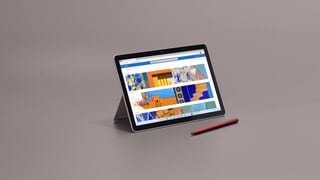
Customers are delighted by the Surface Go 3's ease of use, convenient size, and impressive screen quality. Many appreciate its lightweight design and solid performance for everyday tasks. However, some users express concerns regarding the battery life and limited storage capacity. The price point and potential operating system limitations were also noted by a few customers.
This summary was generated by AI based on customer reviews.
Pro surface 3
||Posted . Owned for 1 week when reviewed.This reviewer received promo considerations or sweepstakes entry for writing a review.Everything is working fine. I am still learning about it.
I would recommend this to a friendGreat
||Posted . Owned for 1 week when reviewed.This reviewer received promo considerations or sweepstakes entry for writing a review.I love everything and I love how it’s works. I loved it
I would recommend this to a friendgreat for taking notes
||Posted . Owned for 1 week when reviewed.This reviewer received promo considerations or sweepstakes entry for writing a review.Son Loves it for taking notes during his college classes
I would recommend this to a friendGreat Device
||Posted . Owned for 1 week when reviewed.This reviewer received promo considerations or sweepstakes entry for writing a review.The Surface Go is a great device with great battery life.
I would recommend this to a friendNot the greatest
||Posted . Owned for less than 1 week when reviewed.This reviewer received promo considerations or sweepstakes entry for writing a review.If you are looking for a tablet, best to spend your money on an iPad. This Microsoft tablet doesn't have enough screen room and just feels out of date. Ended up returning it.
I would recommend this to a friendSurface
||Posted . Owned for 3 weeks when reviewed.This reviewer received promo considerations or sweepstakes entry for writing a review.Perfect computer/tablet for entertainment or/& work
I would recommend this to a friendSleek
||Posted .This reviewer received promo considerations or sweepstakes entry for writing a review.Sleek I have been using it for awhile and I like it
I would recommend this to a friendGood little tablet
||Posted .This reviewer received promo considerations or sweepstakes entry for writing a review.Good computer but is under power, the Pentium gold is pretty much the same as the i3 that they're using in this. As far as performances.
I would recommend this to a friendDon’t recommend
||Posted . Owned for less than 1 week when reviewed.This reviewer received promo considerations or sweepstakes entry for writing a review.Item has updating issues and caused me to constantly go in for tech support
No, I would not recommend this to a friendNot as good as previous editions
||Posted . Owned for 1 month when reviewed.This reviewer received promo considerations or sweepstakes entry for writing a review.Too much software requiring purchase. Games with ads, this sucks. Cannot download other browsers without compromising security.
No, I would not recommend this to a friend- Cons mentioned:Battery life
A Disappointment
||Posted . Owned for 3 weeks when reviewed.This reviewer received promo considerations or sweepstakes entry for writing a review.Battery life is nothing near the 10 hours advertised. Screen is hot when you're writing on the tablet. I feel cheated. I was willing to pay a premium to buy the best tablet for note taking. The salesperson gave this an unconditional recommendation. It falls way short. This teaches me not to rely on the people at Best Buy. I was foolish not to do my own research.
No, I would not recommend this to a friend - Pros mentioned:Size

Tablet and laptop hybrid
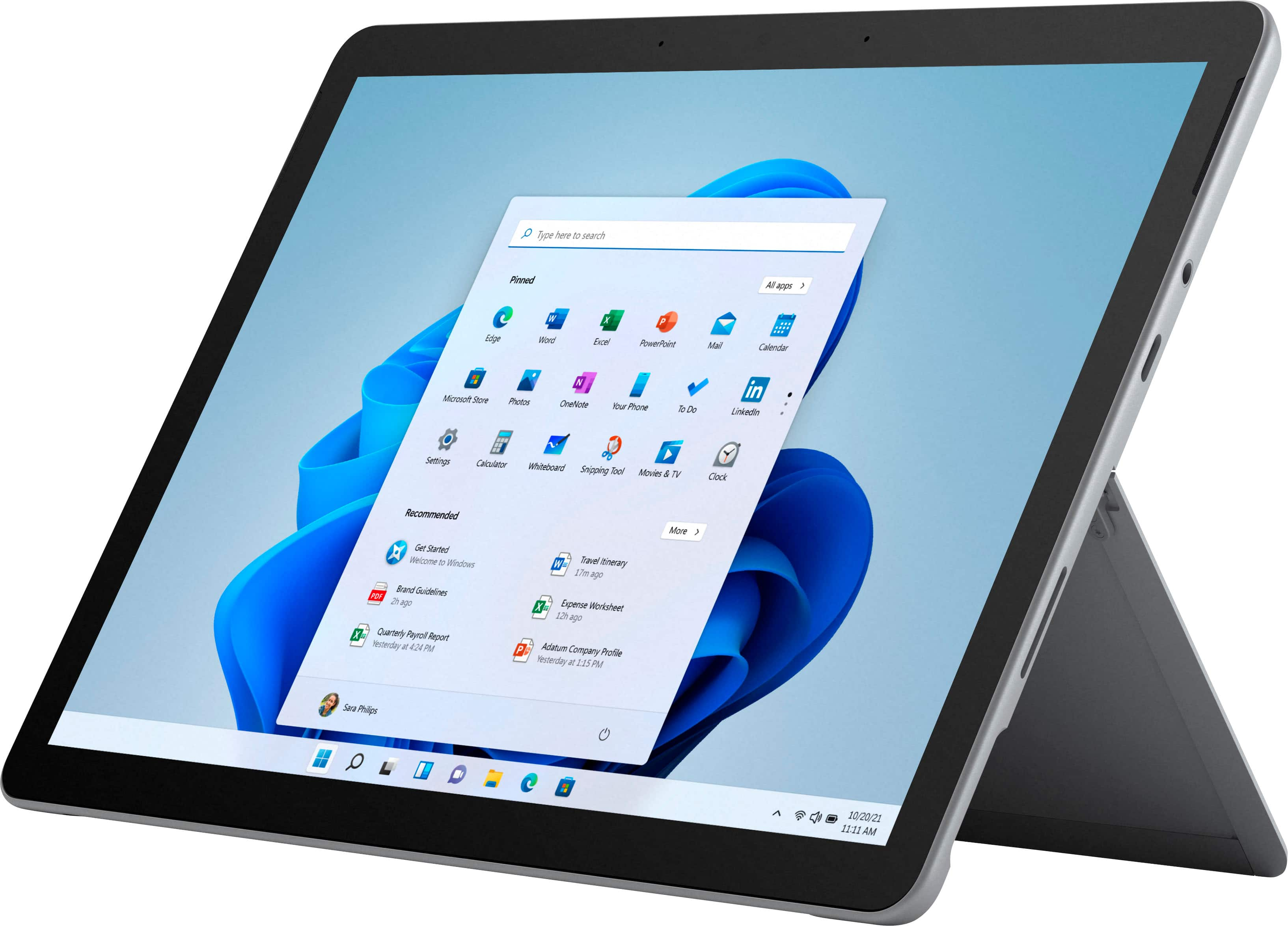
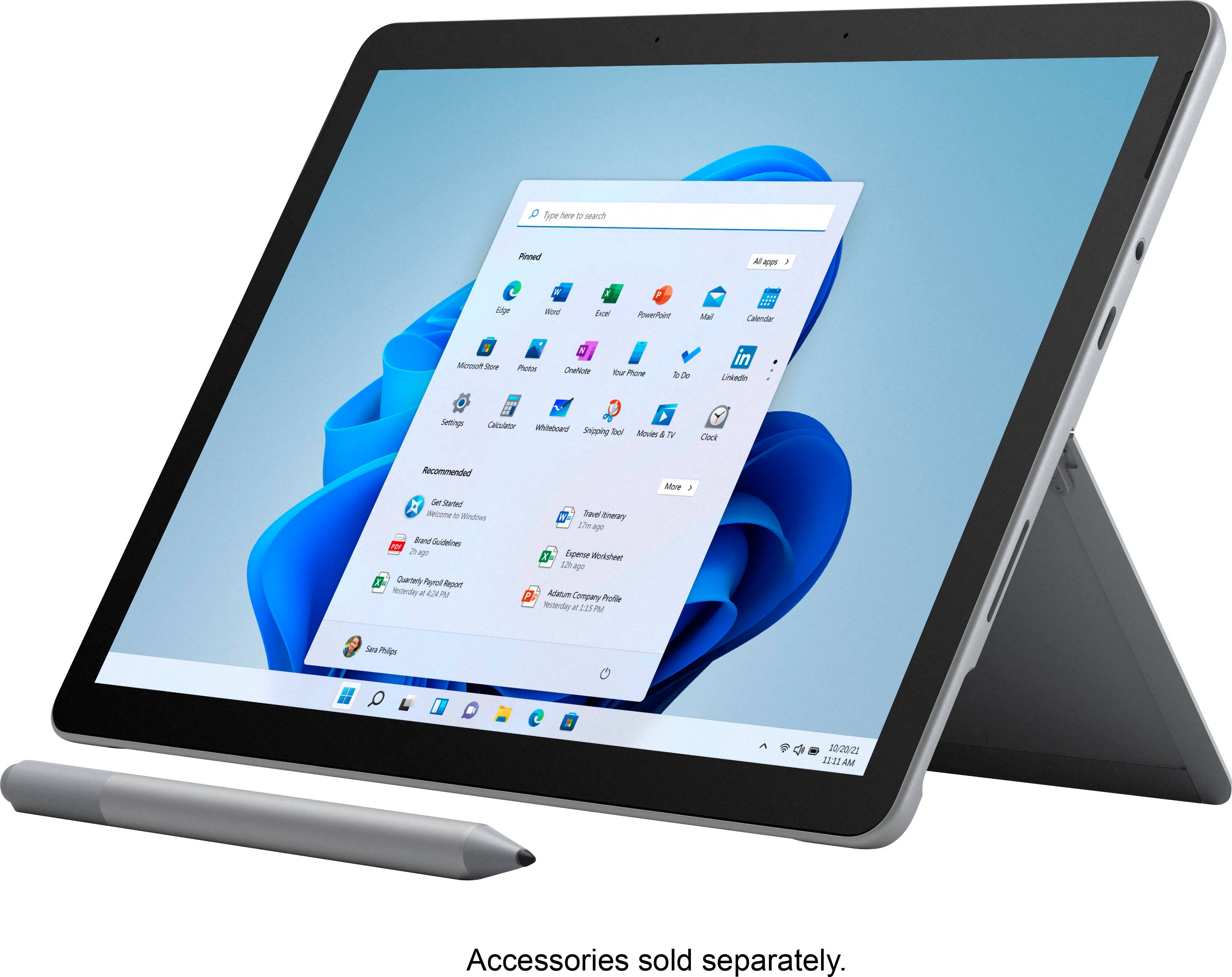
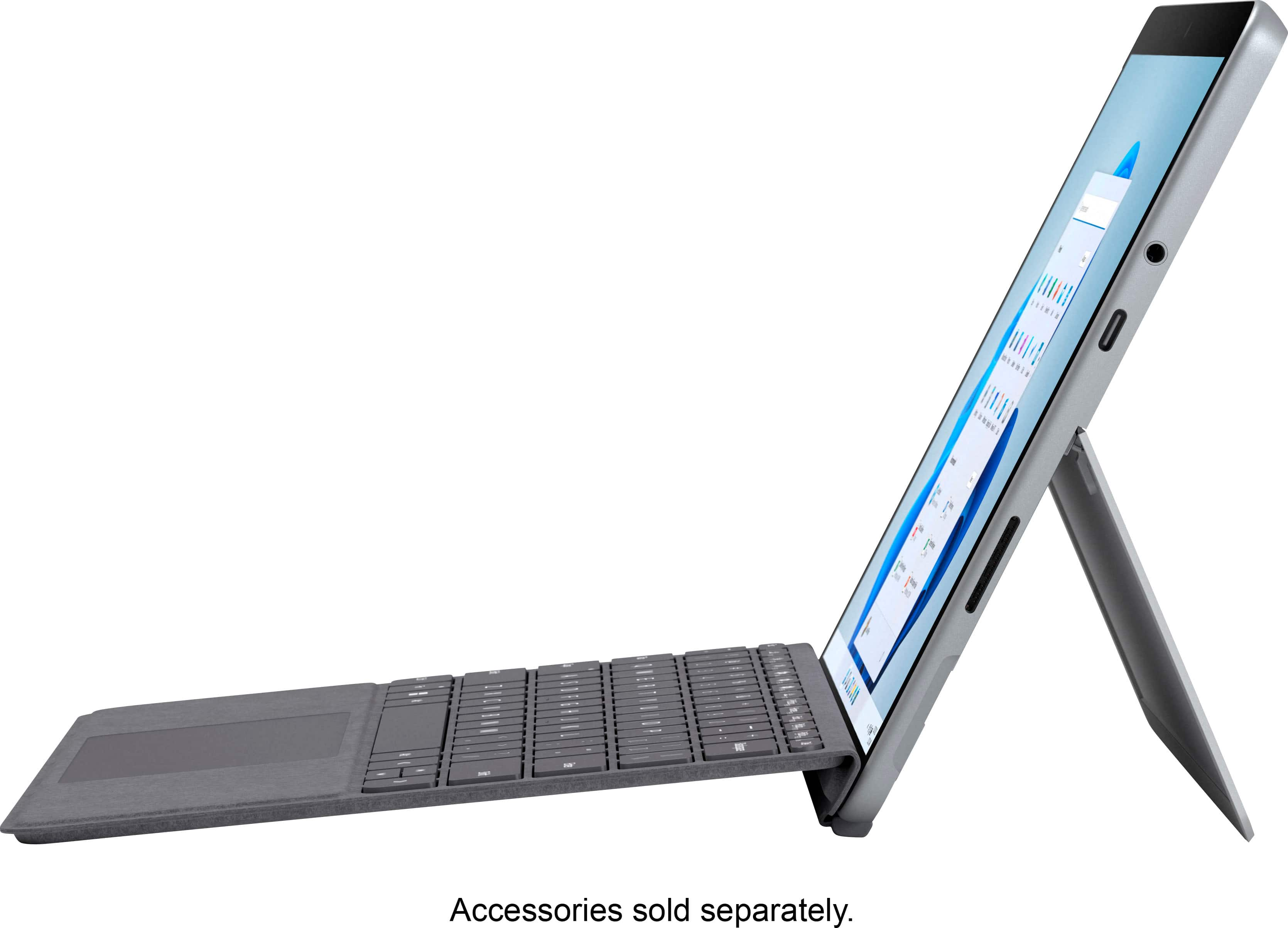
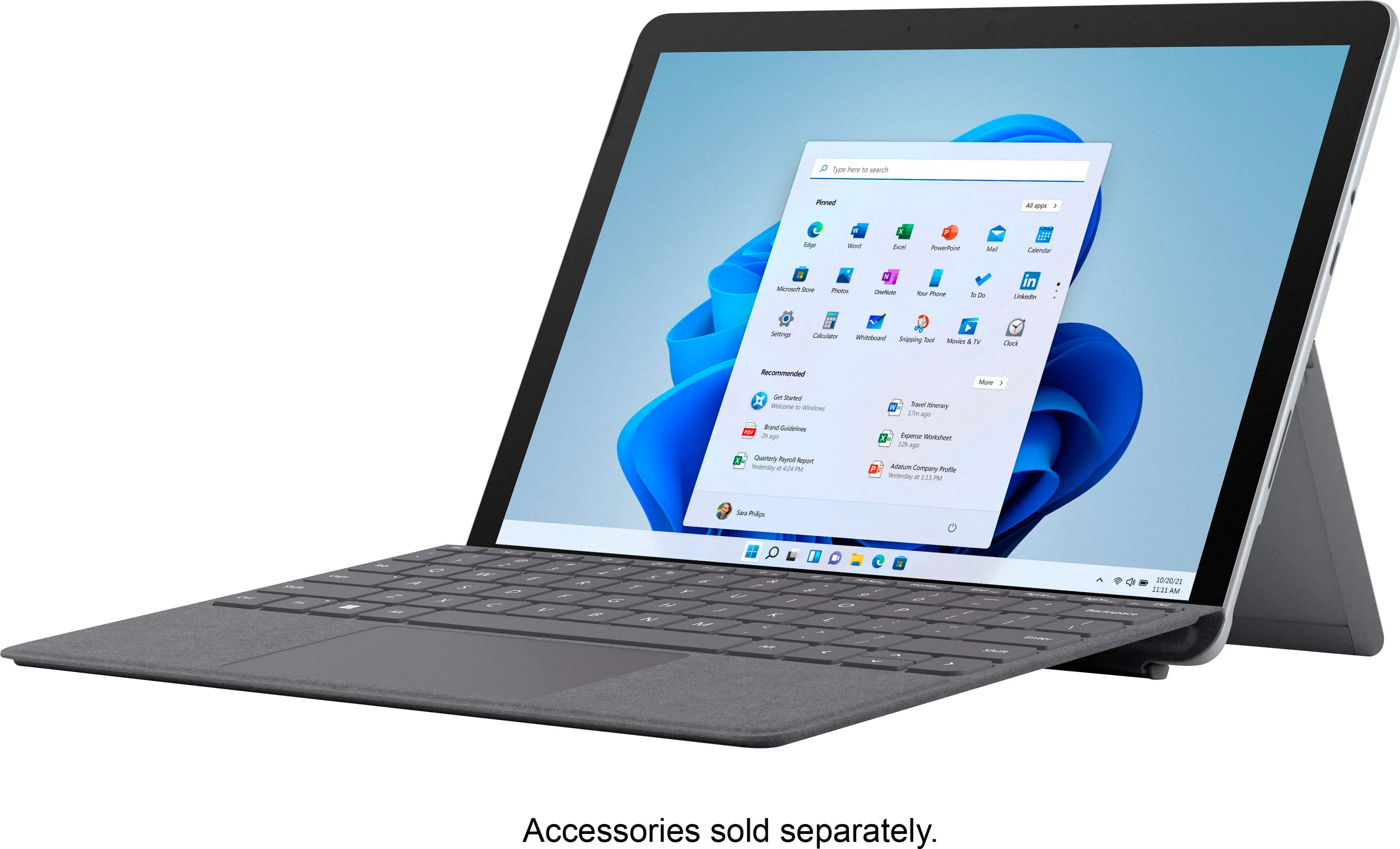
|Posted .This reviewer received promo considerations or sweepstakes entry for writing a review.On paper the Surface Go 3 looks like an awesome idea, sadly the OS holds it back from being an enjoyable tablet. The box includes the 10.5” tablet, and a dedicated proprietary charger that’s shaped like nothing I’ve ever seen before. The tablet itself is fairly light weight and feels good to hold in your hands. The bottom half of the tablet folds open to expose a micro SD card slot, and also acts as a kickstand. The Side of the tablet has a USB-C port and a headphone jack. The top of the tablet has a power button and a volume up and down button. I have the basic version with 8gb of ram, 128gb of storage and the intel Pentium Gold. The 1920x1280 display looks nice with bright colors, but lacks when it comes to blacks and grays. The tablet does have a really good wifi 6 built in, as well as bluetooth 5. The Surface Go 3 is kind of an odd ball for two reasons..The first being the OS. The tablet comes installed with the new Windows 11 OS installed and while there are many new features and upgrades, this still isn’t an ideal OS for a tablet. Navigating around the desktop and in files and folders isn’t very easy when you have to double tap a small icon. Now there are other options, such as a keyboard, (which I think should have been included) and a mouse. But adding either of those, takes it from being a tablet to now being a laptop. Which leads me to the second reason…The device can run simple programs like Microsoft edge and streaming apps, but it severely lags when trying to do anything more complex. The WiFi card built into the tablet is really fast, and one of my favorite features. It supports WiFi 6 and works fast! This is especially useful if you are an xbox premium subscriber and want to stream games over Xbox cloud. I barely experienced any lag, and everything looked crystal clear and played great. Overall, I think the surface Go 3 could have been so much better, if only Microsoft would create an OS dedicated to tablets, much like Windows 8 was trying to be. Trying to use Windows 11 with just a touchscreen works, but is far from ideal, I would definitely think about getting a bluetooth keyboard. If you plan on just streaming and surfing the web, then this is perfect as is. Other than that, there aren’t very many uses for it in tablet mode.
I would recommend this to a friend Sync Failure
||Posted . Owned for 3 weeks when reviewed.This reviewer received promo considerations or sweepstakes entry for writing a review.Even with 4 calls to Tech Support, the Surface couldn't sync with my iPhone.
No, I would not recommend this to a friend- Pros mentioned:SizeCons mentioned:Battery life
From an average user's perspective - excellent
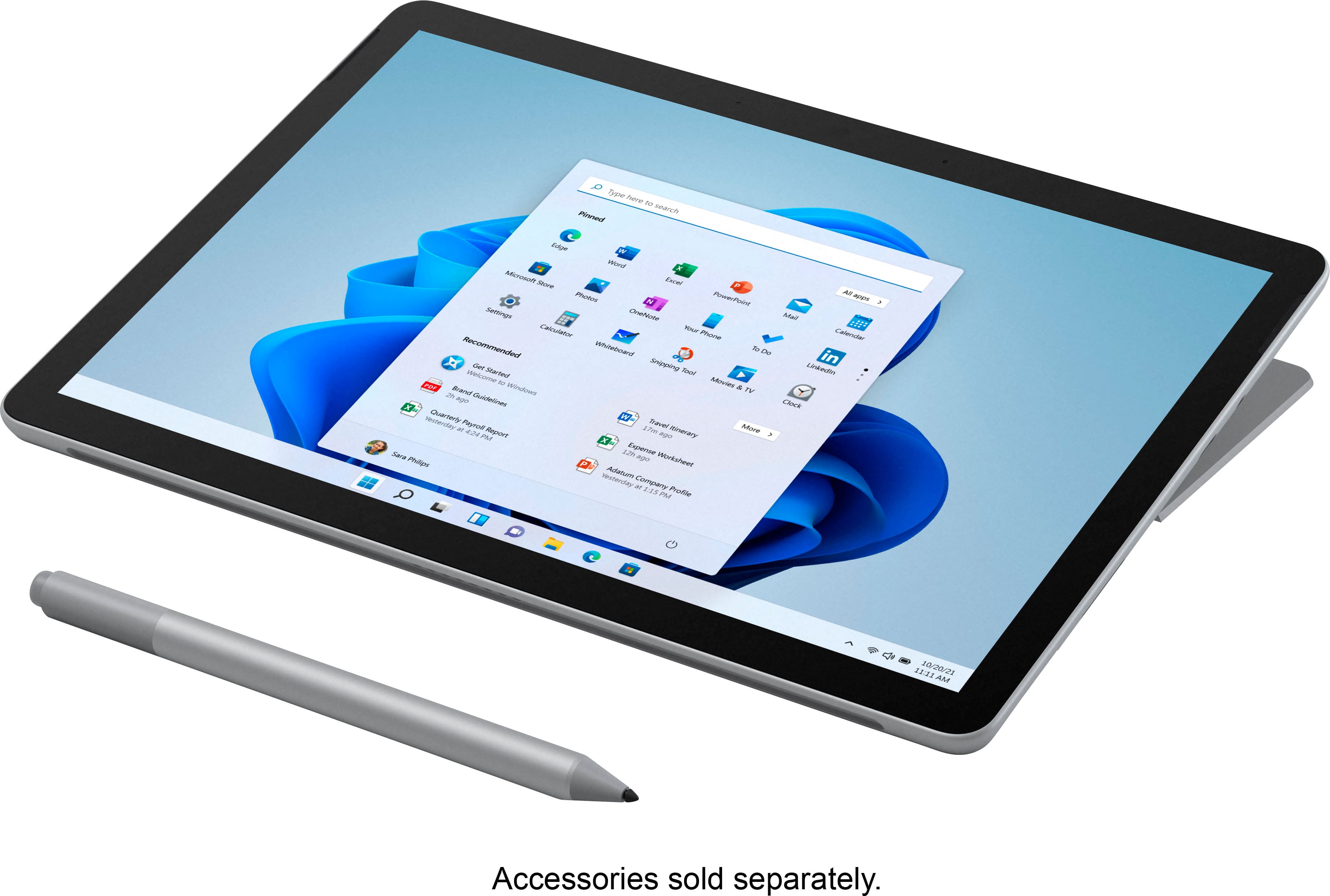
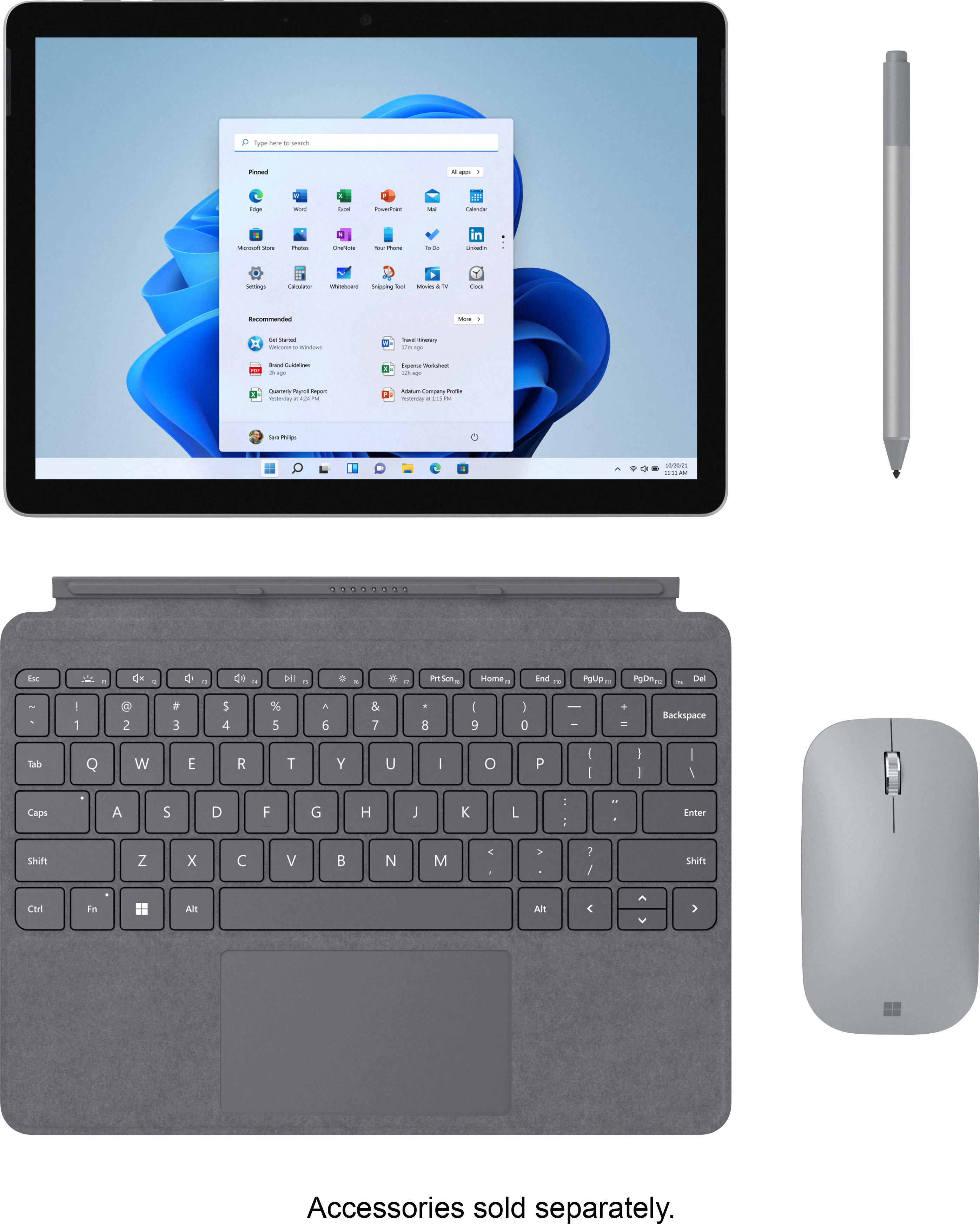
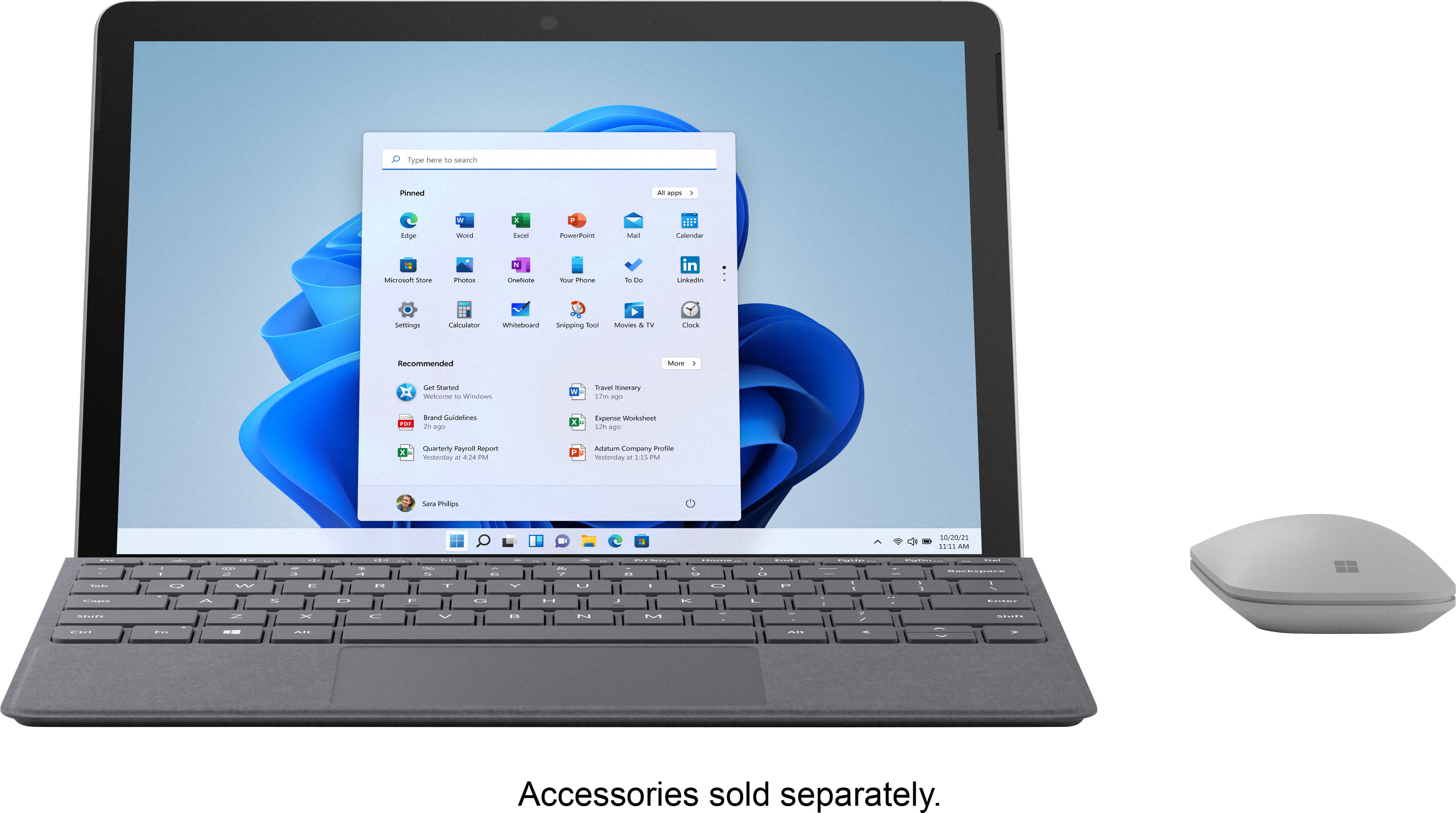
|Posted .This reviewer received promo considerations or sweepstakes entry for writing a review.First off, I am not an expert benchmark quoting reviewer. I use a tablet to do light-duty work in a small form factor. In this light, I think Microsoft has a real winner. Some reviewers will quote processors, graphics, screen resolution, and a whole lot of other specs. If this is interesting and specs are a deal-breaker for you, please read those reviews. This review is about what an average user like me will find they like in this tablet. I come from the I Pad world and this is my first Windows tablet. The first impression out of the box is a good one. The only part of the setup that gave me pause was the warning about S Mode. Because I wanted to put on other software, this was not a choice for me and I took the plunge to disable S mode. After loading it with my other software, I have a screamingly fast tablet that runs more than just tablet-specific software - this is HUGE for me. The screen is beautiful and rivals the I pad (8th generation) for color and sharpness. The touch screen is OK, but I needed an easier interface and added the Microsoft keyboard. Honestly, Microsoft - you should include this in the package as it is just nothing short of essential to using this as a replacement computer that is highly portable. I also bought a mouse and a pen for it and although they are not essential, they are nice to have. The keyboard is essential in my humble opinion, especially for anyone with big fingers like me. Battery life was a bit disappointing as 4 hours of constant use had me down to 65% and I suppose this is not a logarithmic scale. I have not run it till the battery gave out, but I suspect the 10-hour battery life claimed may be under less stressful conditions than I put mine to. The form factor and ports (wish it had 2 USB-C ports) are OK but had they designed it with powered USB-C ports like Firewire, they could have made it more universal without a separate power brick and magnetic power cord. This technology is old and all the newer computers are going in the USB-C Firewire direction. Also, I wish it had a full-size SD card slot instead of just the micro-SD card slot. This would have been a good time to upgrade those ports and standardize them with the rest of the industry. The sound was surprisingly good and that may be partly due to the kickstand helping with not muffling the speakers. The video was smooth and visually pleasing when watching YouTube or other video sources. From a tablet standpoint, the bezel around the edges makes holding it pretty easy without interfering with the touchscreen. From a usability standpoint, it is just a smaller form factor of my current Dell 13 inch laptop and performs just like my bigger computer. All the same software runs on both computers and runs very well. This was my first experience with Windows 11 and I have not used it long enough to have much of an opinion just yet. Like anything new, there is a learning curve and I am on that curve right now. So far- so good, but I will reserve judgment until getting some additional time behind the keyboard. If you are looking for a tablet computer in a very convenient form factor with a Windows operating system and all of your favorite apps, you will like this tablet. Do yourself a favor and order a keyboard as you will need it. Consider a mouse and pen, but absolutely get the keyboard. Overall, with just a few minor nitpicks, I still give it 5 stars as it meets my needs nicely. Although marketed as a tablet and it functions well in this mode, I find it more usable as a replacement laptop ONLY if you also get the keyboard. As long as you understand its limitations and want a tablet that can also be a replacement computer, you found the right match.
I would recommend this to a friend Get a surface pro or don't buy a surface
||Posted . Owned for 1 week when reviewed.This reviewer received promo considerations or sweepstakes entry for writing a review.I bought this because i wanted a little more then a tablet and be able to run windows programs. It did run ok BUT I immediately started having issues when i restarted the surface. It would get stuck in restart and i had to force it to shut down. Within 5 days it felt defective and slow, for the price point of the surface go I was disappointed and returned it for a pro model.
No, I would not recommend this to a friendAvoid
||Posted . Owned for 9 months when reviewed.This reviewer received promo considerations or sweepstakes entry for writing a review.Second surface die with light use total garbage buy an ipad
No, I would not recommend this to a friendGreat value system
||Posted . Owned for 1 week when reviewed.This reviewer received promo considerations or sweepstakes entry for writing a review.Wish it had win10 pro. But it is a great value system for those who are price conscious.
I would recommend this to a friend- Pros mentioned:Performance, Size
The same, only better!
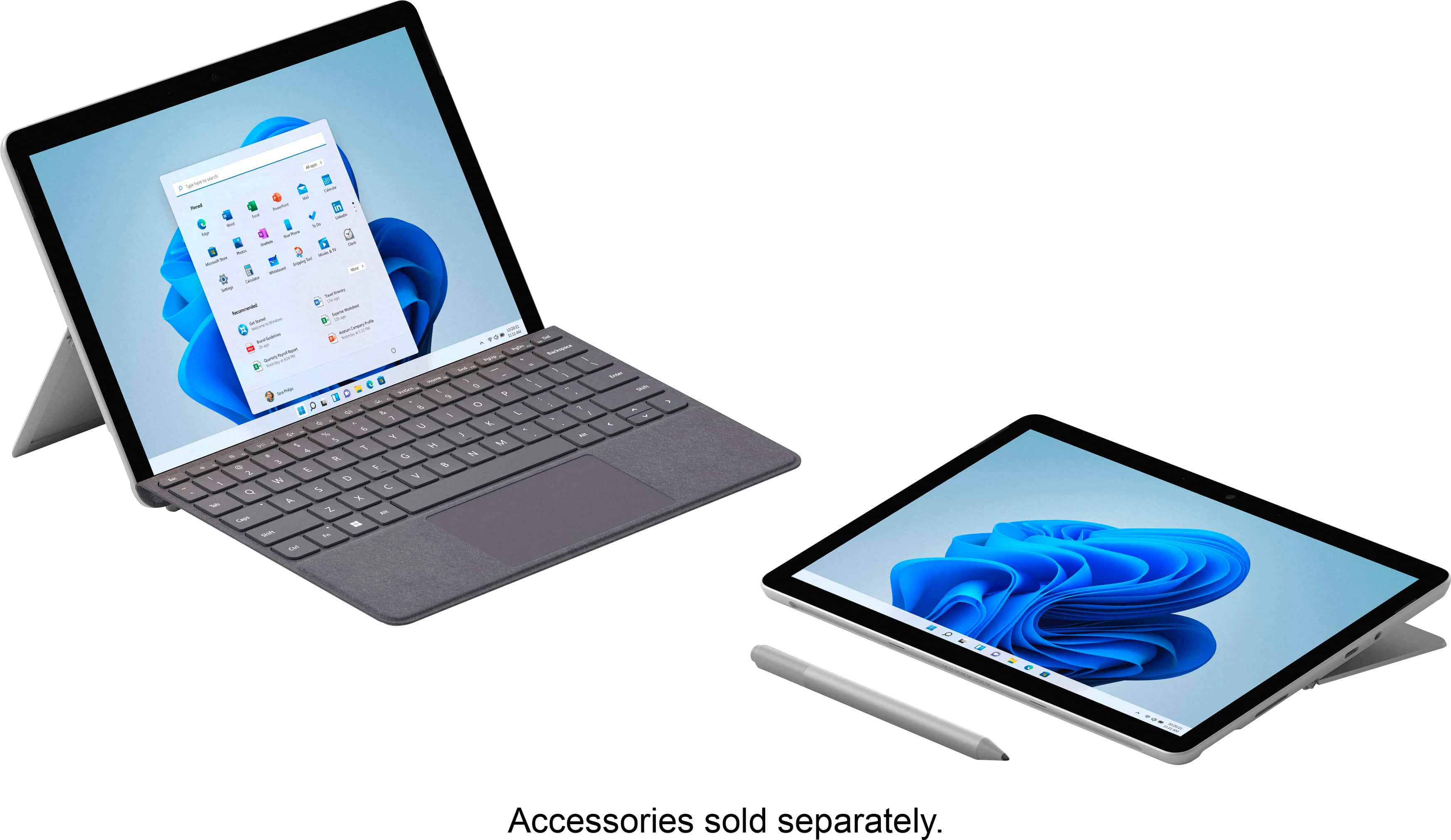
|Posted .This reviewer received promo considerations or sweepstakes entry for writing a review.As an original Surface Go owner, I was pretty excited to grab a Surface Go 3. The fact that the Surface Go 3 retains the same physical dimensions as the original (as well as the Go 2) means that not only can I use the same keyboard and pen, but that all my other accessories such as my stand, goose neck clamp, and bag can all stay the same. Once everything is turned on, I can immediately tell the difference. For one, Windows 11 is preloaded. I'm still learning all the tweaks and changes, but it's definitely easy on the eyes. Since I’m opted-in to the Windows Insider program, I went and tried out the ability to install Android apps via the Amazon App Store. While there aren't too many apps out there yet, I'm excited for the possibilities that being able to run windowed Android apps on my screen can open up. Another change from the original Go is the screen size. The bezels are just a little bit smaller, giving you more actual real estate to work on, which on a screen this small the difference is definitely appreciated. It's difficult to tell how much of a performance bump is due strictly to the new internals, since the difference in operating systems could cause changes in optimization, however during my normal usage (Chrome with half a dozen tabs open, a few Excel workbooks open, plus Discord) I haven't gotten any lag or slowdowns. I still don't understand why so many tech journalists keep trying to compare this device and others like it to an iPad. At this point, everybody should understand the difference between a tablet and a PC in tablet form. It's been almost a decade already since the original Surface PC was released. This is a PC. It's a small, not very powerful PC, to be used as a PC for PC things. If you're going to try to use it like an iPad or Android tablet, you're not going to have a great experience. Plug in the keyboard and sync a Bluetooth mouse and use it properly. Yes, you can install an app, hold it sideways, and use it like that specifically for that app, like an e-reader program. It'll work great. But at the end of the day, the reason to buy this is because it's a PC and you want to do PC things with it. If you are a gamer, a data hoarder, a photographer, do a lot of video editing, etc, you already know that this isn't what you want to do whatever it is you "need" a PC for. You are buying this for the form factor, pure and simple. It's why MS is keeping it exactly the same shape as the previous. It's exactly the same, only better, and I love it. Don't ever change on me.
I would recommend this to a friendBrand response from MicrosoftOutreachTeam
Posted .Hi – We appreciate you taking the time to tell us your thoughts. It's great to hear that Surface Go 3 is a good fit for your needs. We hope it continues to serve you well. Erica, Microsoft Outreach Team

Surface pro 9 is better, this thing is slow.
||Posted . Owned for 2 months when reviewed.This reviewer received promo considerations or sweepstakes entry for writing a review.Surface pro 9 is better buy, this thing is too slow.
No, I would not recommend this to a friendNot what I expected.
||Posted . Owned for 1 month when reviewed.This reviewer received promo considerations or sweepstakes entry for writing a review.I find it hard to navigate sometimes. Not what I expected.
No, I would not recommend this to a friend