Customer Ratings & Reviews
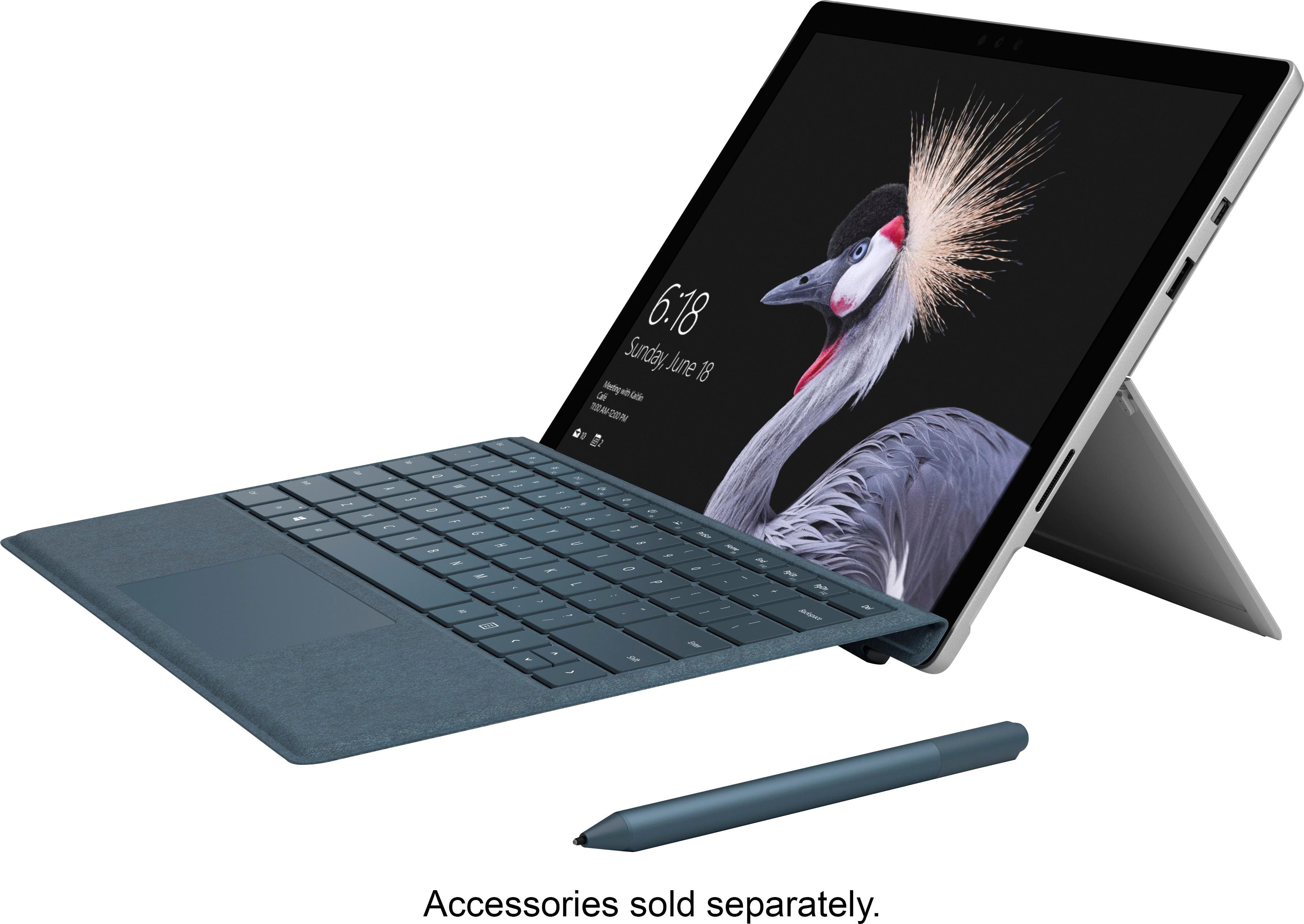
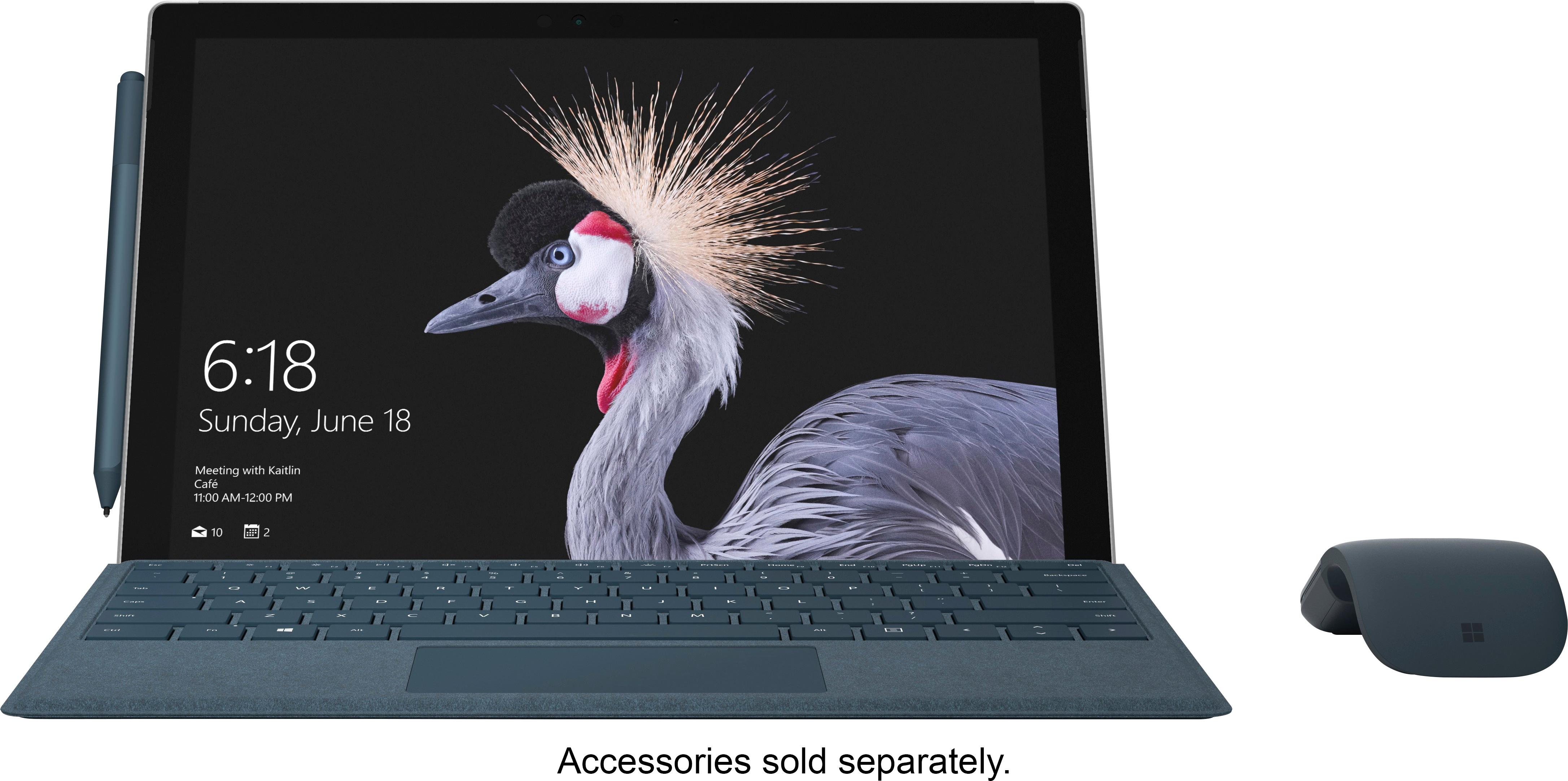
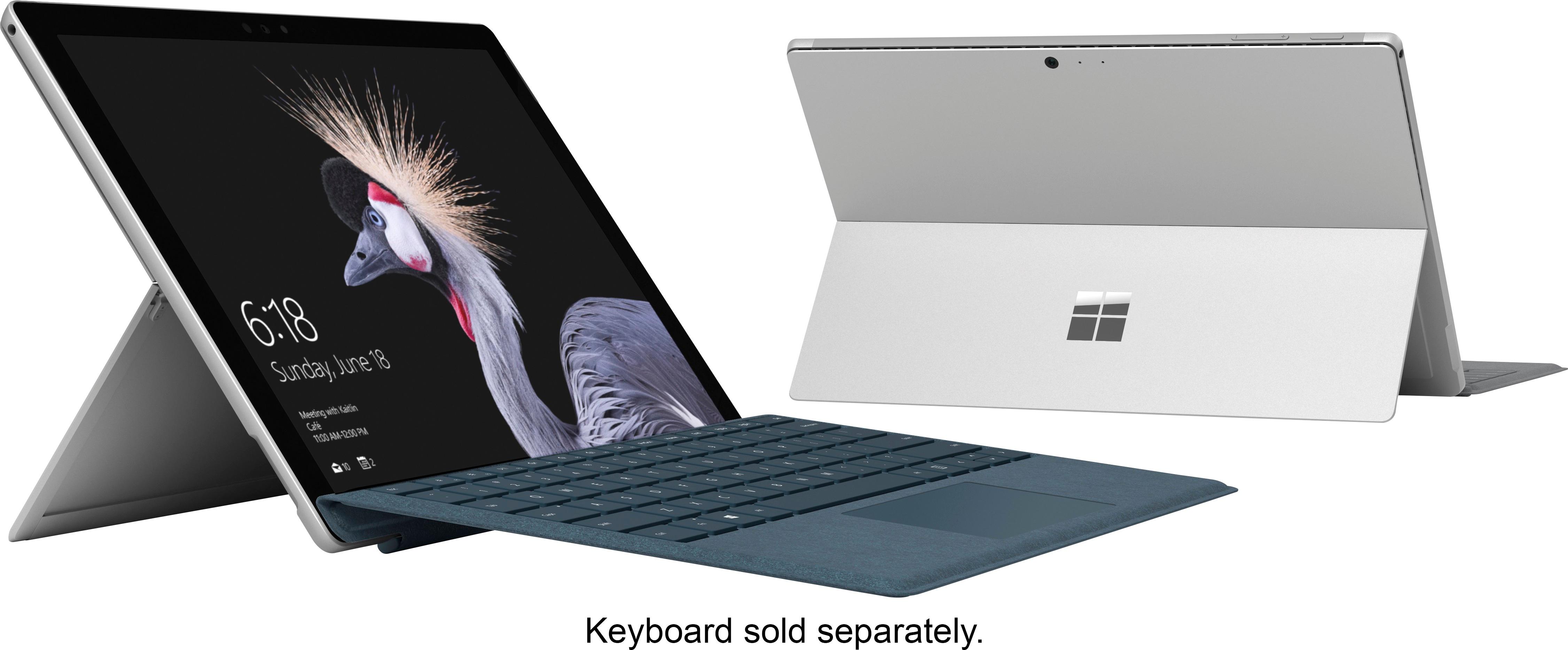
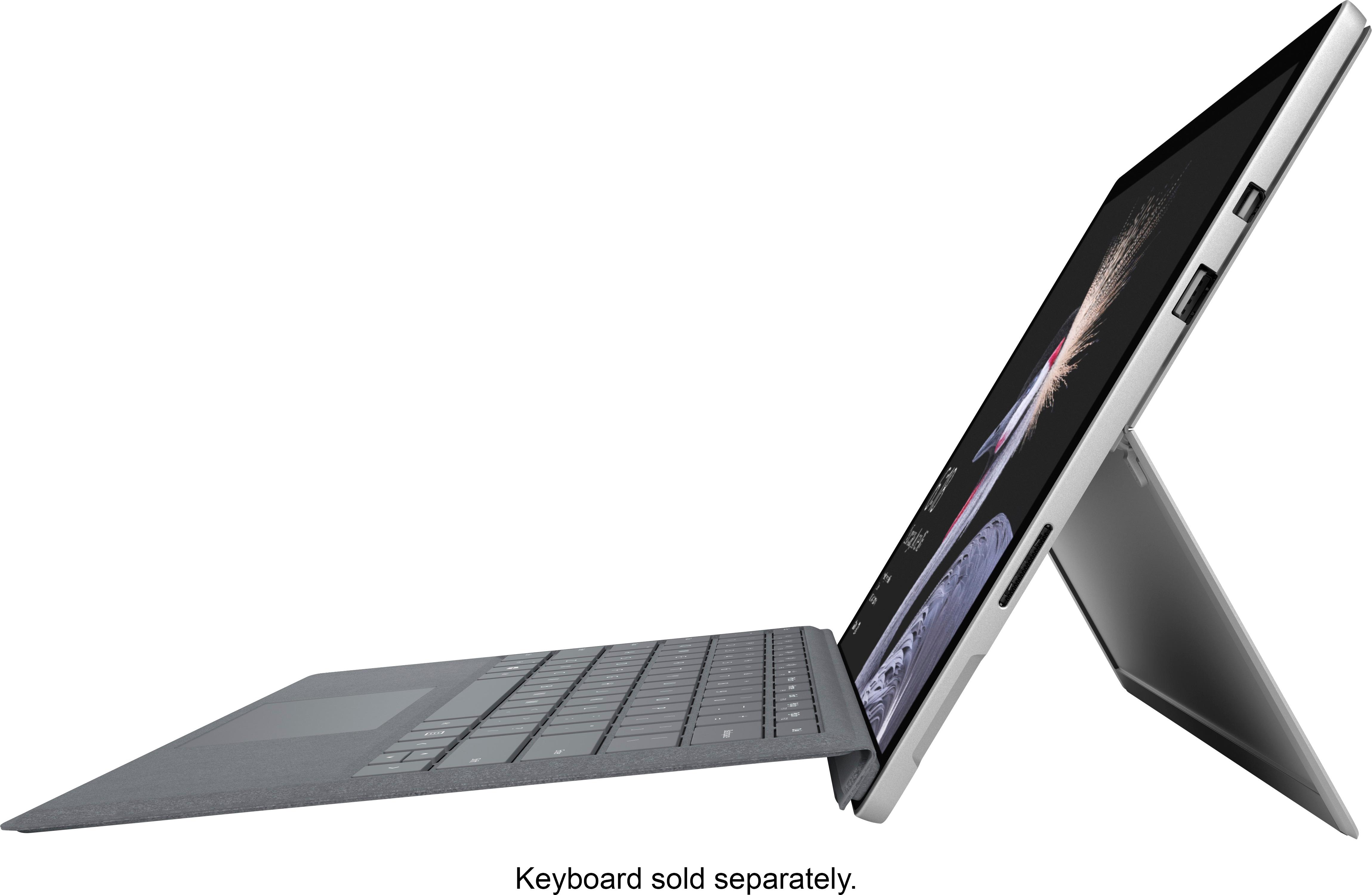


- Model:
- FJZ-00001
- SKU:
- 5855926
Rating by feature
- Value
Rating 3.8 out of 5 stars
- Quality
Rating 3.8 out of 5 stars
- Ease of Use
Rating 3.9 out of 5 stars
Customers are saying
Customers are delighted by the Surface Pro's portability and lightweight design, praising its performance and impressive battery life. Many appreciate the device's size and touchscreen functionality, along with the included pen. However, some customers find the price to be a significant drawback, and a few mention the limited number of USB ports as a minor inconvenience.
This summary was generated by AI based on customer reviews.
Very pleased
||Posted .This reviewer received promo considerations or sweepstakes entry for writing a review.I am so excited to be going back to school with my surface pro! Mizzou here I come!
I would recommend this to a friendVery good tablet
||Posted .This reviewer received promo considerations or sweepstakes entry for writing a review.This is my first tablet; and, it works great. It took very little time to get used to.
I would recommend this to a friendGreat replacemeny
||Posted .This reviewer received promo considerations or sweepstakes entry for writing a review.I got this as a replacement for my laptop and my iPad, it's been a great idea!
I would recommend this to a friendAwesome
||Posted .This reviewer received promo considerations or sweepstakes entry for writing a review.I would definitely recommend this to anyone who's looking for a great computer
I would recommend this to a friendThis could be a little lighter
||Posted .This reviewer received promo considerations or sweepstakes entry for writing a review.I use this in the field and get a little heavy but good overall
I would recommend this to a friendGreat tablet
||Posted .This reviewer received promo considerations or sweepstakes entry for writing a review.One of the best decision in my life it makes everything easier
I would recommend this to a friendPretty good
||Posted .This reviewer received promo considerations or sweepstakes entry for writing a review.So far i have liked this computer alot especially to my hp
I would recommend this to a friendWonderfully compact and versatile
||Posted .This reviewer received promo considerations or sweepstakes entry for writing a review.This is a great tool if you know how to use it. Unfortunately Microsoft is terrible at including instructions and guides. The best buy sales guy said a smart pen was included with the computer, but that was incorrect. Microsoft no longer includes it. That was very misleading.
I would recommend this to a friendResolution issues
||Posted .This reviewer received promo considerations or sweepstakes entry for writing a review.If you have trouble with vision, I wouldn’t recommend it. If you turn down the resolution to anything less than the native 4K, you cannot get a full screen.
No, I would not recommend this to a friendBrand response from MicrosoftOutreachTeam
Posted .Hi there,
Thank you for taking the time to leave us a review on your Surface experience. We're sorry to hear that you have had trouble with the screen resolution, and we made sure to pass that input to our team. If you'd like any assistance on finding a display setting that may be better for you, please reach out to our team at [email protected].
Kindly,
Victoria
Surface Customer Care
Blah
||Posted .This reviewer received promo considerations or sweepstakes entry for writing a review.Locks up almost every time just browsing internet. Would have thought Microsoft could resolve these issues by now. RETURNED!
No, I would not recommend this to a friendSet up was a bit tricky
||Posted .This reviewer received promo considerations or sweepstakes entry for writing a review.Offered free setup from Geek Squad. This was not that great, but the in-store Microsoft sales rep was very helpful
I would recommend this to a friendBrand response from MicrosoftOutreachTeam
Posted .Hi there,
We're sorry to hear that complications with Geek Squad was not very helpful for setup, but we're happy you were able to work with our in-store team and had a positive experience with them. We'll make sure to pass that along! In the meantime, we'd love to hear your review for the product, and hear your experience so far with your Surface Pro. Feel free to reach our to us at [email protected]; we'd love to hear from you!
Kindly,
Victoria
Surface Customer Care
surface
||Posted .This reviewer received promo considerations or sweepstakes entry for writing a review.it is ok for a microsoft product and think they finally have most bugs out of it
I would recommend this to a friendWas a five star
||Posted .This reviewer received promo considerations or sweepstakes entry for writing a review.Battery goes out before a year and Microsoft no longer offers quick exchange. Best Buy will not keep these stocked and Geek Squad is inundated. Right now I am out 2 thousand bucks on a purchase less than a year ago.
No, I would not recommend this to a friendBrand response from MicrosoftOutreachTeam
Posted .Hi Jay,
We're sorry to hear you're experiencing some difficulties with your Surface Pro. We would like you to know we're here to help. We have gone ahead and alerted our specialized care team on your behalf, and they are aware of your experience so far. We highly encourage you to reach out and provide more details about your experience so they can help you with your device. To accept this specialized care, please file a ticket here: aka.ms/SurfaceCare-us, and use your unique reference number; 1810151540125.
We are eager to hear from you soon!
Kind regards,
Jessica
Surface Customer Care
- Pros mentioned:Battery life, Weight
Awesome device!
Posted .This reviewer received promo considerations or sweepstakes entry for writing a review.This is an awesome device. Lighter than before, slicker than before. All the models except the i7 model are fan-less, so you won't be hearing any noise coming from it. The i7 model has a fan, but you still won't hear it. Battery life has also improved. Microsoft claims 13.5 hours, but I haven't tested that yet since I got it only 2 days ago and kept it charged most of the time. True, it's annoying that the keyboard and pen are not included, but I had the Surface Pro 4 before so i lept that pen, and got the new keyboard. The 1-star review here saying it broke quickly is a joke. This device is constructed solidly and there is no way any part of it would break. I've had the SP4 since it came out and that thing is solid as rock. The review didn't even say which part broke or anything, so unless the person actually smashed it, there is no way that review isn't fake, specially when it's posted a couple of days after the device release. In closing, if you have a Surface Pro 4, this device is an upgrade, but it's not a must-buy. I only upgraded because money is not an issue currently for me, but if money was an issue, I could have stuck with the SP4 and been happy about it. If you're new to Surface and maybe this is your first device, or upgrading from an old device, then this is definitely a must-buy.
I would recommend this to a friend I am so disappointed.
||Posted .This reviewer received promo considerations or sweepstakes entry for writing a review.The surface had a problem of shutting down and would take a while sometimes an entire day and many attempts to reboot. I am in the process of returning the surface and all the other accessories I purchased.
No, I would not recommend this to a friend- Pros mentioned:Processor speed
Same Design, Great Performance, Bad Screen
Posted .This reviewer received promo considerations or sweepstakes entry for writing a review.I have owned the new Surface Pro and the HP X2 for over one week. I have spent many hours benchmarking and stress testing each Computer. I came to a conclusion that I preferred the nSP over the X2. PROS: The nSP is the same old design, but it works and looks beautiful. The new keyboard is my favorite yet, because the new alcantera cover is very soft versus the SP4 more rubbery feel. Where the nSP shines is their heat management, it stays very cool allowing it to run at high speeds for longer periods of time versus the X2 that throttles all the time. This thing is amazingly fast, see benchmarks below. Comparing the nSP to the HP, they set the HP X2 max TDP output (power to utilize between the CPU and GPU) to only 15 Watts, that is very low, with turbo boost set to 18.75 Watts, in comparison the nSP is set to 25 Watts, with turbo set to 35 Watts. During 10 minutes of gaming, I got the CPU of the X2 to go down to .8ghz vs the nSP stayed at 2.5ghz+. Benchmarking for example, 3DMARK CLOUDGATE HP = 5800-7000 (depending on thermal throttling), nSP = 8220 - 8900, that is a big difference for two computers with the same components. Playing StarCraft II I got the X2 at 25-35 fps, while the nSP was 35-50 fps. Huge speed increase for the nSP thanks to their upgraded heat management system. CONS: I have no idea what Microsoft is saying when they advertise the nSP has no more backlight bleeding issues. Every nSP I have looked at, including my own, has very noticible backlight bleed. Just google "Surface Pro 2017 backlight bleed issues" and you will see they have not fixed this issue. The other con is how dare you Microsoft charge so much for your products, and requiring extra purchases of the Keyboard and Pen, these things are ridiculously overpriced. In conclusion, if you prefer performance over everything else, then get the nSP. If you don't feel like spending the extra $500, just do web browsing, then go with the HP X2. But if you are a photo/video editor like me, prefer performance over everything else, and don't mind a not so perfect display with some light bleed on the edges, then go with the nSP. Hopefully next year Microsoft can finally fix this display issued and move to a new display panel.
I would recommend this to a friend Do not buy it
||Posted .This reviewer received promo considerations or sweepstakes entry for writing a review.Very slow, there are a heating and noise problem. Due to overheating you can not use the screen as a notepad.
No, I would not recommend this to a friendBrand response from MicrosoftOutreachTeam
Posted .Hello,
We're sorry to hear you're experiencing some difficulties with your Surface Pro. We'd like you to know we're here to help! It's possible you could need a simple update to fix some of these symptoms. Try using the Surface Diagnostic Toolkit to search for updates, and other quick fixes your device may need. Check out how to use it here: https://support.microsoft.com/en-us/help/4037239/surface-fix-common-surface-problems-using-surface-diagnostic-toolkit.
If you should encounter any questions or concerns, our support team is always here to help you. Feel free to reach out to them here: https://support.microsoft.com/en-us/contactus/.
Kind regards,
Jessica
Surface Customer Care
Great device
||Posted .This reviewer received promo considerations or sweepstakes entry for writing a review.I enjoyed all aspect. Fast boot up. Plenty of plugins and adapters.
I would recommend this to a friendBrand response from MicrosoftOutreachTeam
Posted .Hi there,
Thanks for letting us know how you love using Surface Pro. We're glad you're impressed with this powerful two-in-one device! We would like to hear more from you for what we can improve upon. Please don't hesitate to reach out to our support team here: https://support.microsoft.com/en-us/contactus/.
In addition, if you feel inclined to update your review with more details on what we can do to improve your experience, we would be happy to send that up to our team.
Kind regards,
Jessica
Surface Customer Care
Call a SPADE what it is
Posted .This reviewer received promo considerations or sweepstakes entry for writing a review.After receiving the Surface Pro 4 as a x-mas gift, I quickly discovered that this "amazing" device is more hype than what its worth, and any potential buyer should perform their due diligence prior to making such a large purchase. There are some neat features the surface offers (such as the drawing features, storage, ect, but be ready to spend more for each item or service), but for what the product was intended on being used for (by myself), I ended up with a really really expensive laptop/tablet that isn't practical. A few things to Note - 1. Microsoft has shifted from customer service to, "how can we get the most from our customers". Their products have transitioned from one time purchases to monthly fees or Annual fees. Great for a business bottom line, bad for consumers. You would have almost thought that with Microsoft trying to compete with Apple's (IPad), that they would discount Windows products, assist with data conversions or trouble shooting, or at least offer some sort of advantage compared with their intended competition. Do not expect any other these things, and when calling customer support just know that you'll be speaking to "Bob" from "down the street" with a thick Indian accent and being hung up on 5 different times after waiting at least 15 minutes each time to speak with someone is more of the norm to get used to. 2. If you have multiple Microsoft accounts that have products on them, you CAN NOT merge the two accounts to watch your purchased movies, play your purchased games, or anything else. As stated above, I received this product as a gift that I had requested for x-mas. I previously (actually still currently) used a run of the mill Samsung tablet for entertainment while traveling for business. My hope was to obtain a device that could perform all the tasks that the tablet could perform, in addition to minor tasks that are normally performed on a laptop/PC. IF this is also your intent for purchasing the product and you also use Google Play, DO NOT get this product. Google Play (whether intentional or not) is not compatible with Windows, so viewing those movies while 36,000 feet up in the air flying, can not longer occur. You can watch the movies online (but the advantage of the tablet was to download movies and play them when I wanted. This cannot occur with this device). The only work around is to accept that since you dropped $1200 on this device that you should use Windows Store for movies. Or you can get an Apple product and not have this issue (wish I knew that). FYI, yes Apple is compatible as are Chromebooks (found that out after buying the product and the apps couldn't be downloaded). I did purchase both the Microsoft Pen and the Keyboard cover. Both are neat in their own way, I was expecting a little bit more from the Pen after reading some reviews, but can really complain. I would say the coolest part of the Pen is the magnets in the Pen and the side of the Surface. It allows you to store the Pen when not in use. The Keyboard is actually quite durable, between both products (if you have to choose one), choose the Keyboard. In summary, there is a lot of upside to the product. Unfortunately, if you're not a tech savvy individual, you may be buying something that is more than you need and not really capable of performing the functions you had wanted it to perform. If you can wait, I would until Microsoft reexamines applications available and the functionalities that can be performed on the device. For everyday usage, unfortunately, Apple's products are still head and shoulders better. But hopefully if you in my situation, the gap will quickly be shortened. Best of luck in finding the right product for you.
No, I would not recommend this to a friend- Pros mentioned:Battery life
Fantastic device for a 5th time in a row.
Posted .This reviewer received promo considerations or sweepstakes entry for writing a review.I have rushed to buy every Surface Pro since the first device was released. They literally get better every single time and I have always found Microsoft to issue fixes for the small errors or common issues that users have found with the device. I feel that the NEW Surface Pro (mine is the i7/8GB RAM/256GB model) is even better than the Pro 4. I also have the Surface Pro 4 i7 model and as of right now, I can't say I tell a big difference is processing power with the newer generation of the i7 but what I can immediately give testimony to is that the build quality is fantastic--very solid and slick-looking device--and the battery life is MUCH better! Now, my one and ONLY gripe...and it was the same with the Pro 4 and the Pro 3, they just need to fix the light bleed around the edge of the screen. Some are worse than others but man, c'mon. It just bugs me on startup when the Windows logo appears on a black screen and I see the bleed spots on the edges!
I would recommend this to a friend