Customer Ratings & Reviews
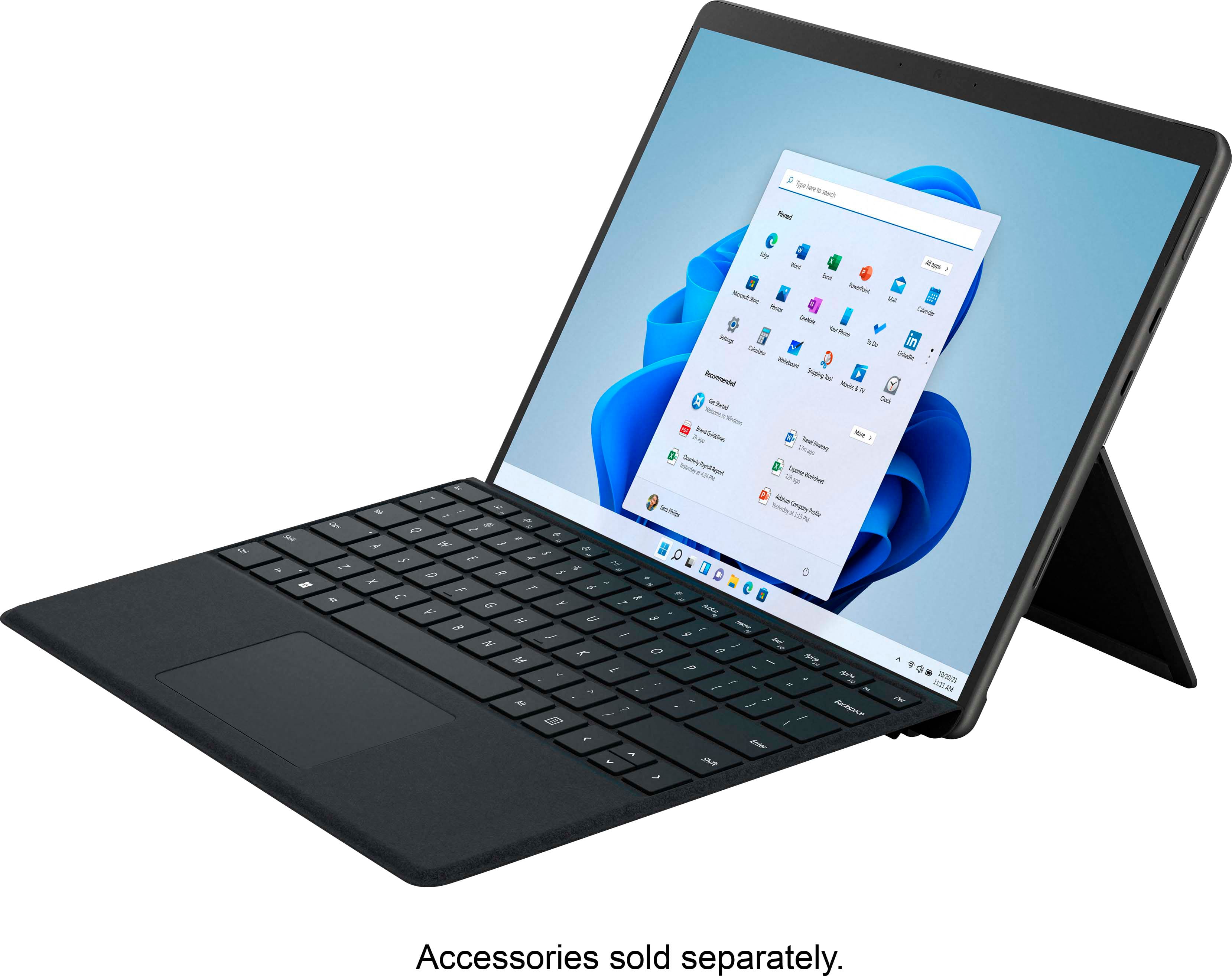
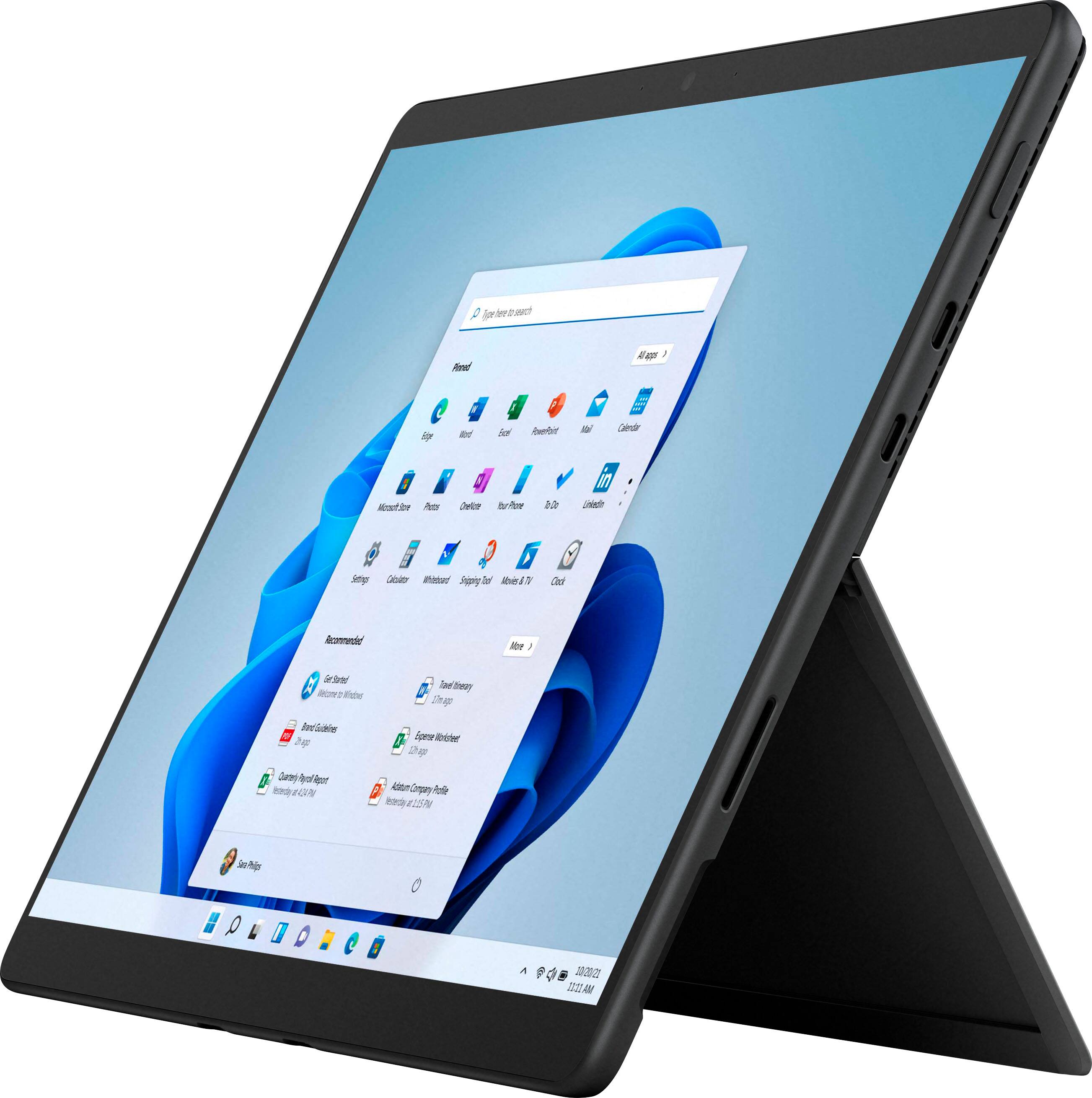
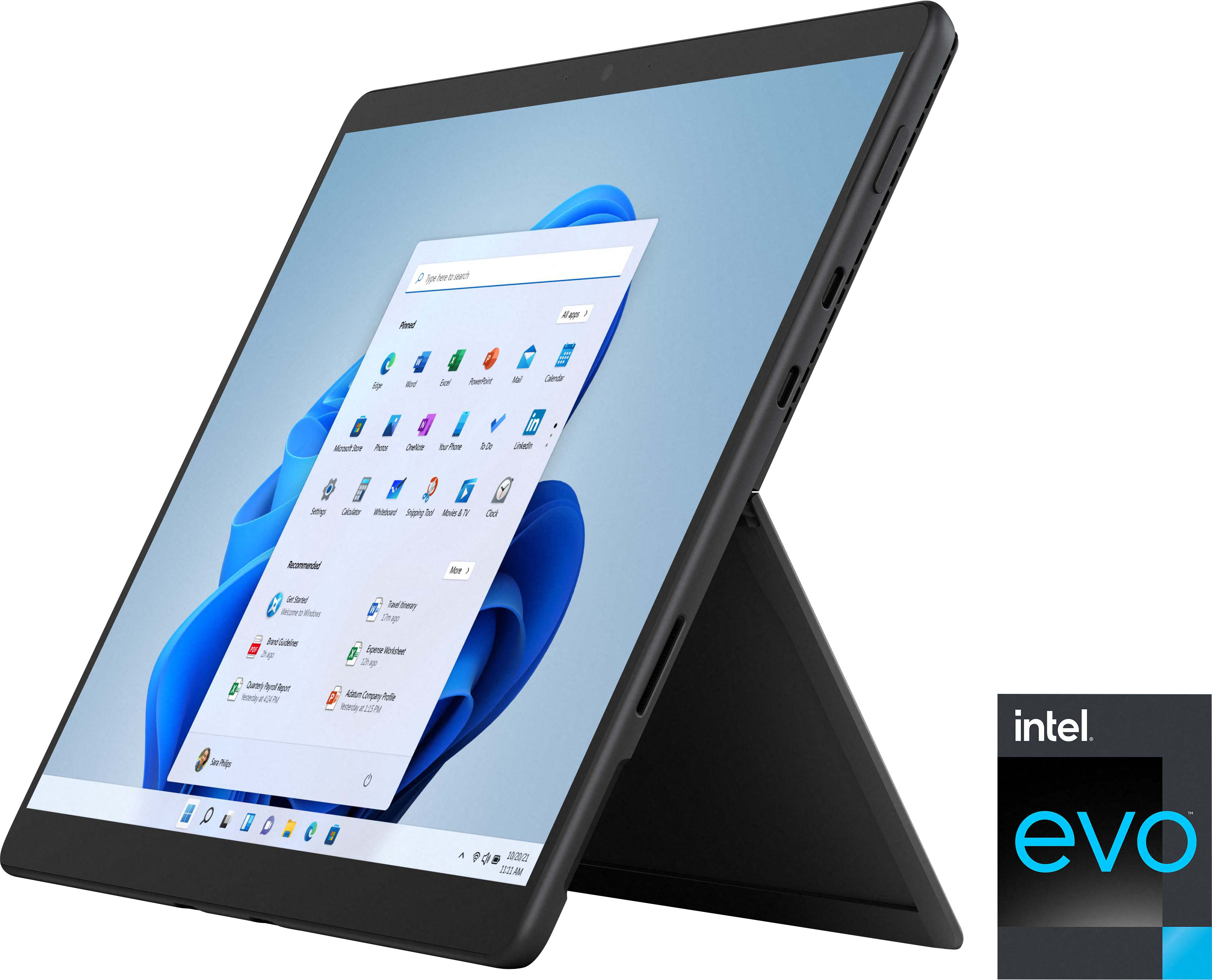

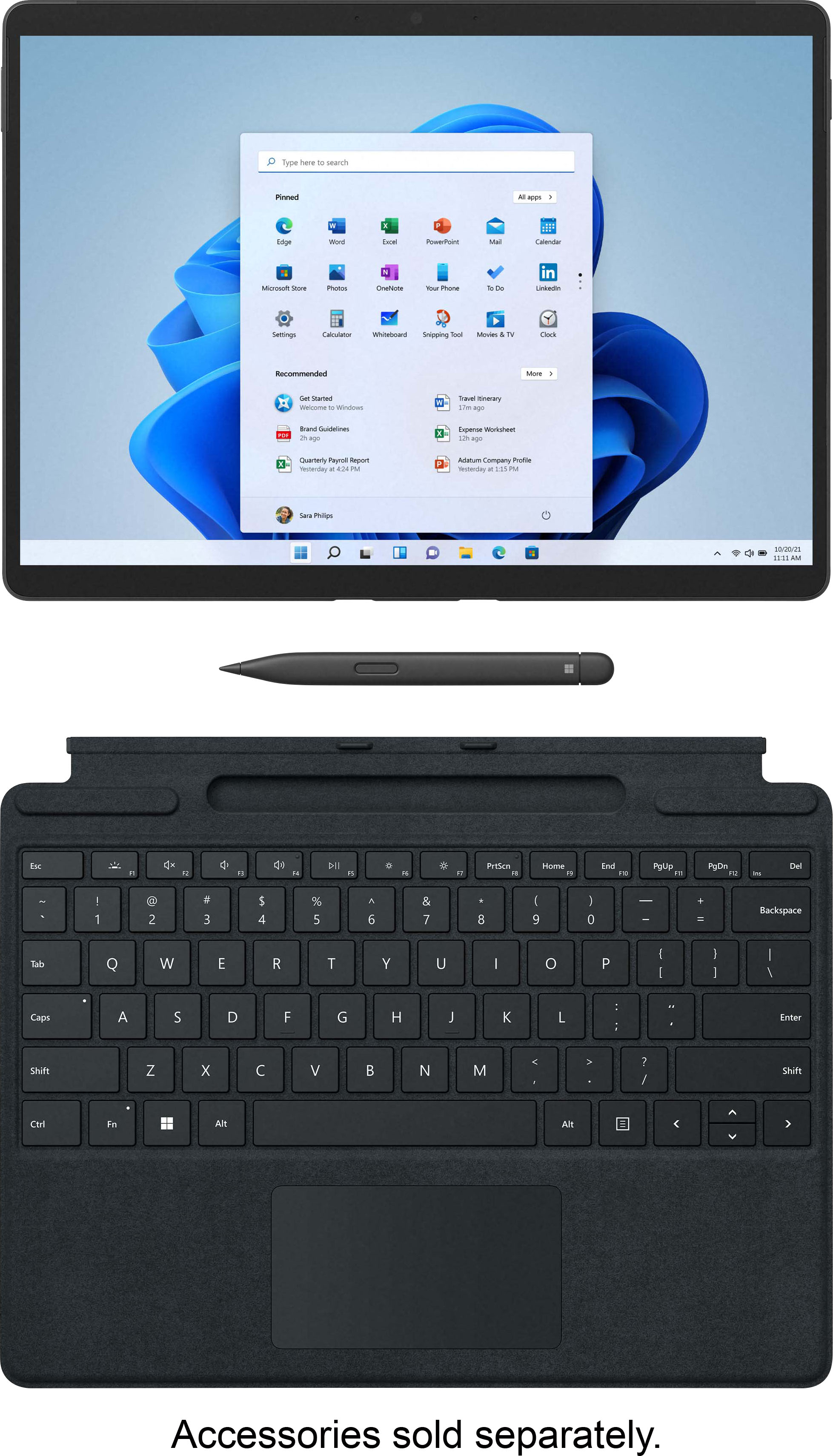

- Model:
- 8PV-00017
- SKU:
- 6477095
Rating by feature
- Battery Life
Rating 4.4 out of 5 stars
- Durability
Rating 4.7 out of 5 stars
- Display
Rating 4.9 out of 5 stars
Customers are saying
Customers are satisfied with the Surface Pro 8's portability, screen size, and performance. Many appreciate its lightweight design and the speed of the SSD. However, some customers point to the battery life and the need to purchase the keyboard separately as drawbacks. The high price point and limited storage were also mentioned as areas for potential improvement.
This summary was generated by AI based on customer reviews.

The only tablet I'll love.
|Posted .This reviewer received promo considerations or sweepstakes entry for writing a review.I have had a surface pro device before and honestly, I loved it for school and work. For school, it was the OS that interfaced with everything school related, for work it was that ultra-portable computer the other nurses would ask me about while I accessed patient data safely and secure. Then I went to the dark side and got an iPad, and within a year I clearly regret it as I type this review on the Surface Pro 8. Windows 11: Mac vibes with no more “start button, left hand corner” it’s Start Button, Center bar with other pinned apps of your choice. But to the right “All apps” shows … a list? Okay, but I am going to laugh my face off when work migrates to 11, and all the other nurses I work with are screaming for their old interface back. Pretty much a complete UI re-design that is probably going to mess up quite a few people. I did miss the Hello Windows face ID though, and this most certainly has that lovely feature. Surface Pro 8: My surface is the i-7 with 256gb of space, and 16gb of RAM. And that Is PLENTY of resources for work, school and now the photography I was lugging around a gaming laptop for. I also missed the pen. Apple’s pencil is on the heavier side and the new Surface pen is lighter, however it has kind of an odd shape, being more of a flat and wide shape instead of a traditional pencil shape. The display is crisp, but I forgot how scaled back windows looks and my eyes aren’t as sharp as they were ten years ago. But the colors are vibrant and noting how smooth lettering looks and such. Audio is what it is, it’s not going to be concert level speakers, but for a zoom conference call and quiet music, they do just fine. Wifi 6 is nice, my router is wifi 6 compatible and I feel the speed is adequate for youtube and such, maybe some light gaming. Power port in the usual Surface fashion, but this fascinated me: Two USB-C ports. Luckily I have adapters for standard USB plugs, but keeping the footprint small, this was a smart move. I’m glad I got the chance to get back with the Surface Pro, I most definitely missed having a full-on Windows loaded tablet for the portability, going home this holiday will mean I get to travel light.
I would recommend this to a friend- Pros mentioned:Processor speed, Screen size, WeightCons mentioned:Battery life
Surface Pro 8 - a worthwhile upgrade
||Posted . Owned for 1 week when reviewed.This reviewer received promo considerations or sweepstakes entry for writing a review.Replaced my Surface Pro 7 with this new unit and couldn't be happier. The new 13" screen definitely makes a difference and the 120Hz refresh rate is the bomb for scrolling and HD Video content. The unit is noticeably quicker for everyday tasks (both my old and new one are the i7 version). The thinner bezels are a welcome addition. The slight increase in size and weight are barely noticable. The batter life is better than the Surfaced Pro 7 although still not as good as I'd like. Have the power adapter handy if you're planning on longer computing sessions. The new keyboard is noticeably stiffer too and is easier to type on.
I would recommend this to a friendBrand response from MicrosoftOutreachTeam
Posted .Hi – We value when loyal fans like you take the time to leave us a review! It’s great to hear that it’s working well for you. We hope you continue to enjoy using it. Erica, Microsoft Outreach Team

- Pros mentioned:Weight
Excellent 2n1, but don't forget the Keyboard
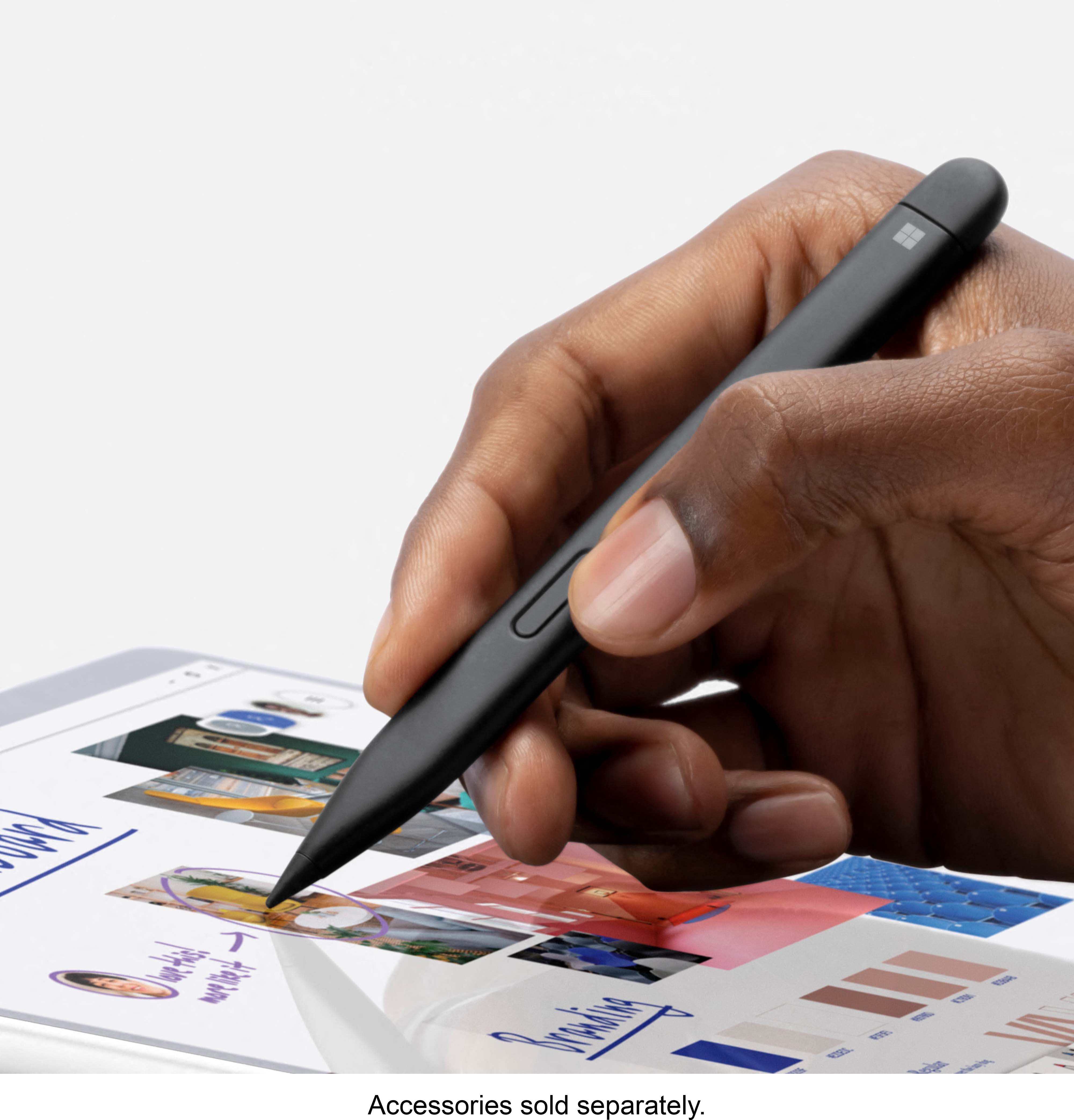
|Posted .This reviewer received promo considerations or sweepstakes entry for writing a review.We were looking to replace an older 2 in 1 and decided to give the Surface Pro 8 since it was about the size of our old HP but with better hardware and updated Windows. We also picked up the Microsoft Surface Pro Signature Keyboard with Slim Pen. And I have to say if your getting a Surface Pro 8 you are definitely going to want this Keyboard and Pen. This just makes the Surface Pro 8 a much more usable device! The hinge allows for the screen to be set at almost any angle you would want. But will say that this is one thing that I'm not 100% sold on. Because this setup pretty much requires a flat surface to be on. Even with the keyboard attached it is no where near comfortable to set on your lap like you would a traditional laptop. But that was the same with our older HP and most likely can be said about other similar 2 in 1's. The charge plug kind of reminds of the original iPod/iPhone plug. It can be a little awkward to attach at times although it being magnetic does help. The Surface Pro 8 performs regular use task like emails and web browsing without any issues. Working on things like power points and other office programs were smooth as well. Running a bunch of open tabs on Edge was no problem either. Played Forza on it without any hiccups. Playing a simple pool game had a few touch input issues but that could be a game issue? Watching a couple of movies showed how good the screen is and how lacking the speakers are. Battery life seems pretty good with about 35-40% battery drain after about 5 hours of movie playback with screen brightness at 100% off of the 1st initial charge. As a tablet the Surface Pro 8 is big which was the same for our old HP but the Surface Pro 8 is a lot lighter though so it's not as much of a workout. Overall the Surface Pro 8 is proving to be a nice upgrade to our old 2 in 1 and although the hinge setup is still not a favorite design it's not a deal breaker for me. The convenience of being able to use it as a tablet especially with the pen makes it a good fit for our needs. Just don't forget the Keyboard with Slim Pen!
I would recommend this to a friend - Cons mentioned:Keyboard, Price
Not good as a tablet, Too expensive as a laptop
Posted .This reviewer received promo considerations or sweepstakes entry for writing a review.Here are some Pros and Cons from my experience. While I've only had it for a day, it has certainly been a disappointment of a day. Note that a lot of these are applicable to the whole surface line-up not just this exact model and specs: Pros: -13 in Display looks very nice, the 3:2 aspect ratio is great and the HDR on the monitor is really good too. -Has 2 Thunderbolt 4 connectors, which is nice to get IO's that you'd prefer in a laptop by buying a thunderbolt dock/hub. -Stand works well when on desk, but works terribly while laying down, and can be inconvenient when using it on your lap because of the fact that you have to move 2 things (the type-cover and kickstand) when readjusting the laptop. -Doesn't get too hot while running, its warm to the touch, as you would expect. During a 10 minute Cinebench R23 run, the CPU clocked at roughly 3.3GHz and maintained that during the entire run. So thermals seem to be good on the device. -Runs games pretty well. On CSGO at an equivalent of 1080p for the 3:2 aspect ratio and low settings, I was getting 180 - 250fps while playing with bots. Ori and the blind forest ran super smooth as well along with the good controller support from Microsoft (can't speak for PlayStation controllers but Microsoft doesn't like having native support for them either way.) League of legends (as expected) ran at 120ish fps at high res and high settings, dropping these will give you closer to 200fps. So you can certainly play some games on the device, the iGPu is pretty good for it, but don't expect to run cyberpunk at anything more than 20fps or any other triple A games on anything other than low settings and resolution, but some of them might actually be playable. Cons: -Transition from laptop to tablet is not very smooth, because the type-cover is connected at the bottom, you have to awkwardly pick up each with one hand, and after you've done that you'll realize that there isn't a magnetic connection on the surface itself for your pen. There is a magnet on the side with the surface charger, but that will only support one side of the pen, causing it to rotate and fall off or not fitting at all the other way. You can put the pen on the bottom of the tablet because of the magnets from the keyboard, but this is an inconvenient spot to put it when you have the tablet resting on your stomach if you are doing something while laying down. -Stand and keyboard combo are terrible for laying in bed and using the device, because of the way Microsoft has made the type-cover, on anything but a flat desk it becomes annoying and you have to constantly adjust it. As a "laptop" it certainly doesn't feel that great in your lap. - Can't fast charge from thunderbolt 4, even thought thunderbolt 4 should very certainly have the power capabilities to do so, It seems like Microsoft really wants to use it's proprietary charger over charging from type C. You can charge from it, but as I found out while running Cinebench R23; you will lose charge even while connected via type c. (for anyone curious, It got a score of 5049 which is on par with what it should get.) Charging via type C will result in what the tablet will tell you is "slow charging," after that you are forced to grab your surface charger and use that. -120Hz display does not feel like 120Hz display, it feels more like 60, and the 60 feels like its 50Hz. This could be cause by some of the animations in Windows 11, but for now (October 6th, 2021) it does not feel smooth. -As a tablet, windows is not a well designed and touch friendly operating system. There have been features added to make it more touch friendly, but it still doesn't feel as smooth of a tablet experience as other tablets can provide. ***Note this is not a flaw of windows 11, I ended up really liking the changes to windows 11, but as a tablet OS... well its not, but as a desktop/laptop OS it's great. Should windows implement a separate OS for tablet users, or even a 3rd party software come along that will make it smoother would be nice, but for now it's not. -As a laptop, similarly spec'd products will come at a savings of 500$+ -New pen doesn't feel great (you don't need to use it to know that, just look at it. How can that be comfortable, but if you need me to tell you, its not comfortable) -For artists, you are better off with a standard laptop and a Wacom or similar tablet. You have to jump through a lot of hoops to get Paint Tool Sai working, and even then you might not. Photoshop seems to have touch gestures built in but even with tablet pro, its not the smoothest experience. You will get a much smoother and enjoyable experience from a separate tablet/computer setup or going with an iPad pro and using either procreate or fresco (both of which are apps that have great tablet friendly gestures and can be operated entirely with touch inputs and touch gestures) I'm sure there are things I've missed, and to be fair for the first 2 hours I liked the device, but as you continue to use it, some of the little annoying qualities about it push me off. This is why you shouldn't be fooled during your trip to Best Buy and using it in person for 5 minutes. With that said, there is a reason we can return stuff, so if you really really like the idea of a surface, give it a go. However, do yourself a favor and look at it objectively. For such an expensive product you really have to not care about the downsides of the device. As a flagship device for this price point, some of these are too much to justify such a high price point.
No, I would not recommend this to a friend - Pros mentioned:Performance
Just What I Needed in Laptop/Tablet
||Posted . Owned for 1 year when reviewed.This reviewer received promo considerations or sweepstakes entry for writing a review.The Microsoft Surface Pro 8 is an absolute masterpiece of technology! Its sleek and stylish design is matched only by its exceptional performance. The 13.3-inch PixelSense display is stunning, offering vibrant colors and sharp details. The versatility of transforming from a tablet to a laptop with the signature kickstand and Type Cover is a game-changer. The processing power and battery life are impressive, handling tasks and entertainment with ease. The integration of Windows 11 enhances the overall user experience, making multitasking a breeze. Though the price might be steep, the Surface Pro 8's premium build quality and top-tier performance make it worth every penny. It's a powerhouse that caters to both productivity and creativity seamlessly.
I would recommend this to a friend - Pros mentioned:Performance, Weight
Snappy, sleek, expensive but worth it!
||Posted . Owned for 1.5 years when reviewed.This reviewer received promo considerations or sweepstakes entry for writing a review.Amazing as a laptop, even better as a tablet. Works like a charm, snappy and breezes through for casual browsing or intense multi-tab surfing. Got this to have a light and powerful device for casual usage when in bed or traveling, and so far in close to 2 years it's performed amazingly well. Not a single hang or crash, despite having many browser tabs running, occasionally editing docs and doing light coding in browser environments. Also great to use with the stylus/cover bundle (must have accessories!) and a much more productive alternate to the likes of Samsung and Apple tablets since it can do those same things while also providing a much more powerful, real desktop computing environment if needed.
I would recommend this to a friend - Pros mentioned:Processor speed, Screen size
120hz!
||Posted . Owned for 1 month when reviewed.This reviewer received promo considerations or sweepstakes entry for writing a review.I've had a Surface 4 M3 for 6 years, and just recently upgraded to a Surface Pro 8. This is a very fast tablet, while it's not really meant for playing heavy games you can get an eGPU albeit a bit expensive, but it's great for everything else. It has an amazing 13'' screen display with 120hz. It's very fluid when it comes to watching movies or streaming games from the cloud. It has HDR stream with Dolby Vision which really brings out the colors. Netflix HDR does not work in browsers, you would need to use MS Edge and type edge://flags and find "force color" to sRGB Linear HDR to make it work. Your screen will auto max brightness and a logo saying "Dolby Vision". That's the only way you know if HDR or Dolby Vision works. It works the same with regular video files that have HDR playback, the screen will just get really bright. If that doesn't work you can always check the file info and make sure the color-space is 2020 and not 709 unless it's doing Auto HDR. Either way, without HDR the colors still pop out. The sound only has two speakers unlike the Surface Studio which has 4 speakers using Dolby Atmos. With two speakers it still has the effect of a surround system when using Dolby Atmos like a soundbar, it's very clear with good bass, feels like mini sub woofers. The sweet spot for loudness is at 70, anything more might start distorting. The battery life lasts a good 9-10 hours with casual use (browsing, youtube etc..) when closed and inactive it can last for a few days. I got the bundle package with the keyboard and pen. The pen is very light with haptic feedback, feels like you are drawing with an actual pen on the screen. The input delay you can barely notice on 120hz. The 16GB of RAM is worth it if you are going to edit videos or photos. The 256GB memory is good enough size since most of the things you do are in the cloud already. It came with a free XBOX controller as a promo deal. When you press the sync button on the controller the Surface Pro 8 automatically detects it, and asks if you want to connect it. It only works for the controller, the XBOX wireless headset had to be manually added through Bluetooth. The only gripe I had was that there was only two USB-C/Thunderbolt ports. I had to buy a USB-C hub with HDMI and USB 3 ports. What's good about the ports is you can charge it with any USB-C adapter (I used the Nintendo Switch), it will charge within 2 hours. If you use the original it will charge an hour or so. Overall, I highly recommend this for those that never had a tablet or for those that have the Surface Pro 6 and below. I bought it cause of the 120hz display, and it's more than enough for a portable laptop to take around.
I would recommend this to a friend - Pros mentioned:Performance, Screen size
Buy Buy Buy
||Posted . Owned for 10 months when reviewed.This reviewer received promo considerations or sweepstakes entry for writing a review.Artists,Digital Designers and or egineers Lend me your ears. As I speak to you now on in this review I am currently using my awesome Surface Pro 8. It has been extremely sensational! I am a very heavy user and often multi task on my devices. I have even given my 1.5 year old daughter and 3.5 year old son a shot at using the white board feature to draw pictures and scribble on. I would give it 10 stars. I would highly recommend this to anyone looking for a great tablet/computer that can live up to the hype. Buy it now!
I would recommend this to a friend - Pros mentioned:Processor speed, WeightCons mentioned:Battery life
Best speakers and screen and fast device.
||Posted . Owned for 1 week when reviewed.This reviewer received promo considerations or sweepstakes entry for writing a review.I got this for my programming job to be able to work remotely and at the office. I also got it's keyboard. I had the slim pen 1 and it is magnetically held and charged by the keyboard. The surface pro is of highest quality. The chasis is solid metal. The screen is extremely bright with near perfect viewing angles. The battery life will last about 8-10 hours with light web use or watching YouTube at 50% brightness or lower. The hard drive is removable. The face ID works well and along with the encryption built into windows I feel that my data is safe even if device is lost or stolen. It weighs almost nothing and I barely notice the fan turn on. With heavy usage the battery does drain. The processor is extremely fast. The solid state drive is fast with almost no loading times. I bought this for software development and visual studio runs perfectly with no lag. I like how I have the keyboard tucks way the slim pen at all times. I bought a 13" sleeve and the entire package is extremely light. Best buy had $300 off so it convinced me to purchase it. A week later they further reduced the price for me as their website had another $30 off, so I brought in my receipt and had them price match it. The speakers are the best speakers on a laptop I have ever heard. They are 2 watt speakers and have some oomph and are super clear. I only wish that there were more ports, especially USB A, as I still need those, so purchased adapters for now. What I don't like is windows 11. I did not realize it is not a finished OS compared to windows 10 and forces MS One Drive for the desktop.
I would recommend this to a friend - Pros mentioned:Portability, Processor speed
The BEST College Student Choice.
||Posted . Owned for 1.5 years when reviewed.This reviewer received promo considerations or sweepstakes entry for writing a review.This is the most versatile laptop-tablet option with beastly processing power. Made my graduate coursework as well as extensive readings a breeze. Connection to a larger monitor and wireless keyboard/mouse is very simple and easy, if someone wants that kind of setup. Two-years of use and still works like day one without even a minor issue ever.
I would recommend this to a friend - Cons mentioned:Battery life, Price, Storage
Good machine but...
||Posted . Owned for 3 months when reviewed.This reviewer received promo considerations or sweepstakes entry for writing a review.It's a decent system. Too expensive for what it offers. No USB plug, storage should be at least double, battery does not last as long as claimed. You pay mostly for the name. Better alternatives out there.
No, I would not recommend this to a friend - Pros mentioned:Portability, Processor speed, Screen size
Love it!
||Posted . Owned for more than 2 years when reviewed.This reviewer received promo considerations or sweepstakes entry for writing a review.Love this surface. Easy to use, fast and compact.
I would recommend this to a friend - Pros mentioned:Portability, Processor speedCons mentioned:Heat
Better than laptops twice its price.
||Posted . Owned for 1 week when reviewed.This reviewer received promo considerations or sweepstakes entry for writing a review.This thing is amazing. I was fearful of getting a tablet that would bog down under heavy workloads. I've had no issues. Kinda pricey, but the speed and portability of this makes up for it. This thing works better than my gaming laptop that cost twice as much. It gets a little warm to the touch, but nothing like the laptops I've had before. I can keep this on my lap or in my hands comfortably. The USB -C is great for a bigger monitor. Just note there isn't any adapters that come with it if you have USB-A accessories. You'll have to purchase it. The 3.5mm headphone jack is good for my speakers. I definitely recommend getting the keyboard even though i think it should come with it. It can even play some modern AAA games on low settings if you want. Indies games are great. You could get a egpu if you wanted to play on higher settings. Youtube has a few showing videos on it. The screen is crisp and very responsive. My only issue is once it goes to sleep (times out for not using it) once it wakes up it takes about a minute to reconnect to wifi.
I would recommend this to a friend - Cons mentioned:Battery life
It’s a windows 2 in 1 1, not an iPad
||Posted . Owned for less than 1 week when reviewed.This reviewer received promo considerations or sweepstakes entry for writing a review.I bought this windows based device because using engineering programs work better on windows OS than apple OS even with (virtualization or VMware, boot camp, whatever else exists). Not saying apple devices are bad as I’m currently writing this review on my iPhone 13 pro max. Moving on…. I bought the i7, 16gb ram, 256 ssd day of release with no issues so far. I tend to use one note when in class for taking notes. The pen works well for that purpose and basic web surfing. I don’t draw, I’m not an artist, I’m an engineering student. The ease of using keyboard makes my life easier when wanting laptop form for my programs (solidworks, autocad, mathlab) which it does well so far. The pen and keyboard are mandatory, I really love where the pen goes. Yes, it’s expensive. Yes, it should come with the surface and not be a separate purchase, but it is what it is. Every manufacturer does something similar, this is not a surprise. (E.g iPhone and Samsung I think as well don’t come with charger blocks, iPad doesn’t come with keyboard). You’re paying for innovation don’t forget! Don’t expect to get 16 hours of battery life though. Using OneNote and the engineering programs listed above will get me about 5-6 hours with the 120hz display with brightness setting high enough to see everything clearly when outside which is about 70-80% brightness with battery saver on. If you’re web surfing you can get about 7 hours. If you drop the screen to standard 60hz display battery life will increase by an 1-1.5 hours, but I like the 120 hz display so I just sacrifice the battery life. I believe it’s possible to get over 10 hours easily if you buy the i5, 8gb surface, keep it at 60hz and run Microsoft’s applications as they can be optimized for maximum battery savings. The screen looks really nice with the 120hz display. Watching videos look great and the two thunderbolt 4 connections to hook up your external monitors make it even better. Not made for gaming, don’t even bother unless you’re going to use the Xbox app with Xbox controller for cloud gaming. That is extremely fun and the graphics are amazing, assuming you have good internet connection because again it’s cloud gaming. Which I enjoy a lot as I play the Xbox games on the surface with my friends who play on their xbox. LAN party anyone??? There are YouTube videos of a few people using eGPU which would work and does increase the gaming capability a lot. That’s a route for those who want to really do PC gaming on this device with okay to good frames if I remember correctly. But I haven’t experienced it so I can’t really say much else on that subject. I think this surface is great for students and professionals alike. If you’re not hooked into the apple ecosystem or even if you are but can’t use apple products because of the programs requirement is only windows based or just works better on windows, I would recommend you to take a serious look at this. There are other companies at there with 2 in 1 devices that come with better specs at the same or cheaper price, but from my experience in using those and the surface pro 8. I would give the nod to this, because it’s made well. I got no complaints, other than the price, but that applies to all electronics so I won’t even include that. It doesn’t feel or look cheap and those what I want it to. Sorry for the lengthy review and all my grammar errors. Had a short amount of time to write this.
I would recommend this to a friendBrand response from MicrosoftOutreachTeam
Posted .Hi – We appreciate you taking the time to tell us your thoughts. It’s great to hear that Surface Pro 8 is working well for you. We hope you continue to enjoy using it. Erica, Microsoft Outreach Team
- Pros mentioned:Performance, Portability
Best Windows Tablet/Convertible
||Posted . Owned for 2 months when reviewed.This reviewer received promo considerations or sweepstakes entry for writing a review.This is our second Microsoft Surface Pro and includes an Intel i7 processor with 16 GB of RAM. Performance is great and I like having two USB-C ports in this latest model. It is perfect for travel both domestically and internationally since I can carry it easily in my backpack and have full-featured PC performance wherever I go.
I would recommend this to a friend - Pros mentioned:Performance, Portability
Powerful and convenient
||Posted . Owned for 11 months when reviewed.This reviewer received promo considerations or sweepstakes entry for writing a review.Surface is everything I'd hoped it would be. It has the power of a standard laptop with the convenience of a tablet. When at home, I have it docked so I can have it up on dual monitors. When I'm on the go, I just unplug and run.
I would recommend this to a friend - Pros mentioned:Performance, Processor speed
Revolutionary & Accessories To Buy
||Posted . Owned for 1 month when reviewed.This reviewer received promo considerations or sweepstakes entry for writing a review.Revolutionary, amazing, powerful, and fun. I'm using it to tether a professional camera and use Adobe Lightroom. That requires some major power and the Surface Pro 8 can handle it. If you are very tech-savvy, you can buy a 1TB WD SN530 SSD on eBay and replace the drive. This saves a lot of money, but requires you to clone the drive or reload software somehow. The iPad 12.9 Pro has a better display and amazing M1 processor but the Apple tablet software makes all that power almost useless. 12.9 iPad CASES fit it perfectly. I first got the MOSISO sleeve. I later realized that I liked carrying the keyboard separately and needed space for accessories. I love the TomToc Portfolio Case. I use a Trebleet Thunderbolt 3 enclosure with a Silicon Power SSD for backups.
I would recommend this to a friend - Pros mentioned:Performance, Processor speedCons mentioned:Price
Best 2 in 1
||Posted . Owned for 3 weeks when reviewed.This reviewer received promo considerations or sweepstakes entry for writing a review.I mainly purchased this to use as an art tablet. I decided on a windows device over an Android tablet as i could use much more powerful programs. Also with windows 11 having the ability to install Android apps in the near future it would really become the best if both worlds. So far it has been everything i could've hoped for. I got the I7 and it has been plenty fast. No freezing or stutters in any program so far Photoshop and Adobe animate work flawlessly The only downfall is the price which is why I'm giving it 4 stars It is pretty expensive especially considering the keyboard and pen have to be purchased seperately
I would recommend this to a friend - Pros mentioned:Processor speed
The laptop for artists on the go
||Posted . Owned for 1.5 years when reviewed.This reviewer received promo considerations or sweepstakes entry for writing a review.I use the Surface Pro in my every day life as a tattoo artist. From checking my emails to drawing my appointments, not only can it keep up with programs as demanding as photoshop, it can keep up with me bouncing around between multiple demanding prigrams along with the 100 tabs i have open at any given time in chrome. If you have never used a surface pro to draw it is a bit of a learning curve but once you get past it its very powerful, especially with the help of photoshop. I got my first Surface in 2016, which i still have along side the Surface pro 8 which ive now had for a year and a half and love
I would recommend this to a friend - Pros mentioned:Processor speedCons mentioned:Battery life, Heat
Battery life not as advertised! Not even close!
||Posted . Owned for 2 weeks when reviewed.This reviewer received promo considerations or sweepstakes entry for writing a review.I don't usually write reviews for products but this time I feel so frustrated that I want others to be aware of Issues I have had so they can make the right choice for themselves. When I saw this tablet I loved the look and design however the thing that made me pull the trigger on the purchase was the impressive battery life that Microsoft boasted about! 16 hours!!! I thought well... even if I get half that I will be extremely happy. I should be able to take this device and use it for 8 hours straight doing things like streaming videos, word processing and email. I purchased this device and was really happy with it. For basic functions, it works great. It does not play high-powered games but I did not really buy it for that so I was happy. I was happy until I took a trip and tried to use the device for an extended amount of time. 16 hours right? Wrong!!! I was lucky if I got four hours out of this device. Four hours isn't bad if it was advertised for that but I was expecting a lot more than that. I contacted Microsoft support and they went through some tests and determined that my battery was draining faster than it was supposed to, so they suggested I exchange the device at Best Buy. I exchanged the device and the next device did a little better however now I may get 5 hours instead of 4. If I turn down the settings on this device such as dimming the display and putting it in battery saver mode I can probably squeeze 5 hours out of the device. That's just looking at the display and doing nothing on it. I can look atthe display for a couple of minutes and check the charge and it will have gone down a couple of percent doing nothing. I even tried testing this thing with NOTHING installed. Same results. Microsoft is embellishing tremendously on the battery life. It's unfortunate that they do this since if they were honest about that, the device is a nice device and people would buy it anyway and not feel ripped off. I would be wrong if I did not tell the full story on this device so let's get into the good. For a tablet, this thing is lightning-fast for basic functions. It starts up in seconds. Streaming video and surfing the net is really where this device excels. The display is stunning and everything looks great on it. The pen works great with the device also. Don't think you can play crazy games but some games that it will handle play really well, except if you think battery life is bad with other functions you haven't seen anything until you play a game on battery power. You are lucky if you can play a game for an hour before the device goes dead. It gets pretty warm playing a game also. So, if you want a tablet that functions like a PC but still feels distinctly like a tablet and don't care about getting the battery life as advertised, it really is hard to beat. If you are thinking about purchasing this item because you think the battery will last all day, keep looking because you are going to be disappointed. If I could have even gotten half the battery life as advertised, this would be five stars all day long just because the device functions fantastically. If it painful to give such a great device only 3 out of 5 stars however the embellishment is so bad I just can't justify more than three stars.
I would recommend this to a friend