Customer Ratings & Reviews





- Model:
- QEZ-00018
- SKU:
- 6517650
Rating by feature
- Battery Life
Rating 4.5 out of 5 stars
- Durability
Rating 4.7 out of 5 stars
- Display
Rating 4.8 out of 5 stars
Customers are saying
Customers praise the Surface Pro 9 for its overall performance and portability. Users appreciate its speed and lightweight design, making it easy to carry. Some users suggest changing the refresh rate to 120hz. However, some customers have expressed concerns about battery life, port selection, and heat dissipation.
This summary was generated by AI based on customer reviews.
Comps
||Posted . Owned for 3 weeks when reviewed.This reviewer received promo considerations or sweepstakes entry for writing a review.I have an iPad Pro and decided to keep that one instead. I didn’t see a major difference.
No, I would not recommend this to a friend- Pros mentioned:Design, Overall performance, Portability
Good
Posted .This reviewer received promo considerations or sweepstakes entry for writing a review.The Surface Pro offers a sleek design, blending portability with productivity. Its premium build quality and versatile form factor make it suitable for both work and entertainment. With powerful performance, thanks to its Intel processors, and a range of configurations to choose from, it caters to various user needs. The high-resolution display provides crisp visuals, while the Surface Pen and Type Cover accessories enhance its functionality. However, battery life can vary depending on usage, and the Type Cover may incur additional costs. Overall, the Surface Pro delivers a compelling package for those seeking a versatile 2-in-1 device.
I would recommend this to a friend Beautiful device without much use
||Posted . Owned for 2 weeks when reviewed.This reviewer received promo considerations or sweepstakes entry for writing a review.These devices are beautiful and have nice build quality but they don’t do any one thing exceptionally well. It’s a decent tablet, it’s a decent laptop but it does not excel at doing either of those things efficiently. Windows tablet mode leaves a lot to be desired and using this device without the keyboard can be odd… however the ergonomics with a keyboard attach to me make this an awakes device , it won’t sit on your lap properly ? Not to mention at $1099 unless I absolutely needed the tablet function I could buy an m1 Air with 18 hours of battery that will do all the same stuff…
No, I would not recommend this to a friendCharger issue
||Posted . Owned for 3 months when reviewed.This reviewer received promo considerations or sweepstakes entry for writing a review.Worked well under battery charger that came with purchase is registering defective and now unable to charge
I would recommend this to a friendfile transfer
||Posted . Owned for 2 months when reviewed.This reviewer received promo considerations or sweepstakes entry for writing a review.The surface tablet is fine. This is my 3rd one. The transfer from my old tablet to this new one was terrible. Worst $100 dollars I have ever spent.
I would recommend this to a friend- Pros mentioned:Battery life, Overall performance, Portability
Great Device
Posted .This reviewer received promo considerations or sweepstakes entry for writing a review.Very convenient to carry. Works extremely well. I've had the 7 and 8. The 9 is faster with a better battery.
I would recommend this to a friend - Pros mentioned:Battery life

The best one yet
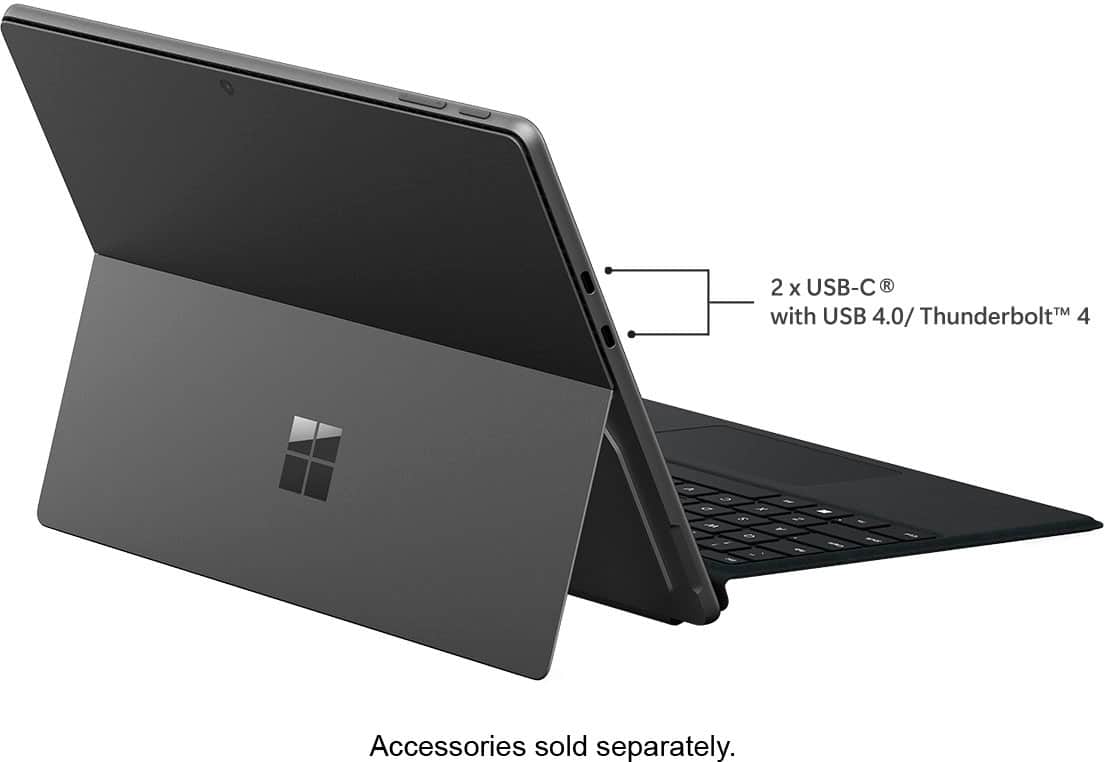
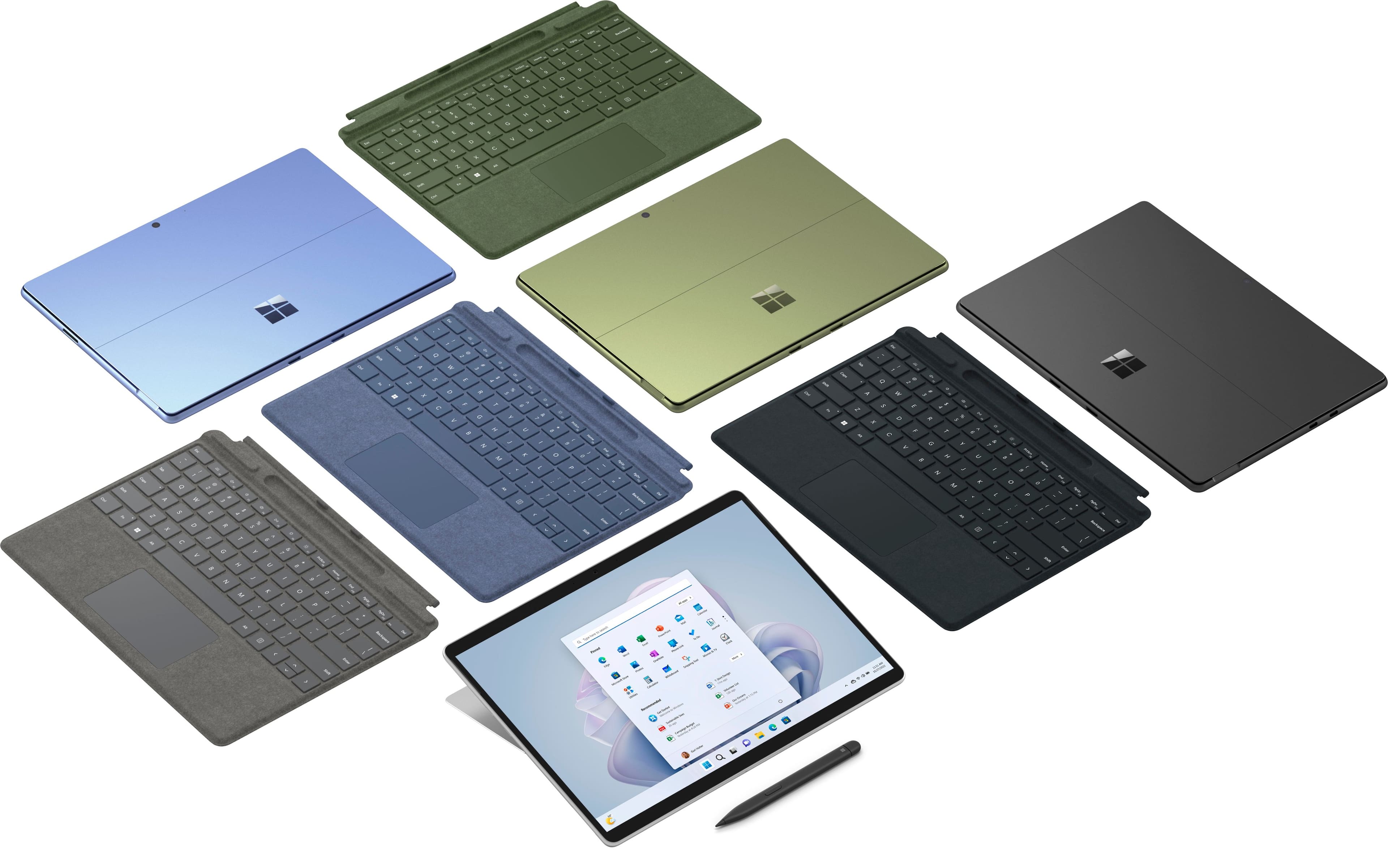
|Posted .This reviewer received promo considerations or sweepstakes entry for writing a review.This is the second Surface Pro I have owned. I think mine was one of the first Surface laptops and it came with an Intel Atom processor. That processor was not really much of a performer but I really liked that overall package. Almost ten years later mobile CPUs have gotten much better for both performance and battery life. I had to retire that Surface laptop this year as the battery finally gave up. Still it was one of my favorite computers. The Surface Pro 9 is much the same. This formfactor has held up well over the years and it’s a pleasure to use the Surface 9. This model is equipped with the new Intel 12th Gen i5. And it runs everything I need just great. It has 10 total CPU cores. That is divided into 2 performance cores and 8 efficient cores. This is similar to the desktop CPUs that Intel is doing very well with. What this means is you are getting desktop-like performance with great battery life. And in this small package it works very well. In very real world use, with constant web browsing and watching videos I got six hours of battery life and still had 20% left. This was using the out of box defaults with just a bit higher brightness for the display. I never really got where I felt the battery life was a problem. But the good news is that with the efficient performance of this new mobile processor I never felt it slow down even with 12 browser tabs active. Not bad with only 8GBs of ram. That’s one of the great stories of these newer processors and Windows. Even though more ram is better for most use cases it’s not really needed. If you are doing more enterprise level work getting a model with more ram is a good idea, but for basic lite use and office tasks it's not necessary. Also for me I find the 256 SSD to be plenty of storage for my use case. If this is your only computer you might benefit from a bigger SSD. The display is crisp and clear which is typically of the Surface family. The Sapphire color is quite nice and adds a touch of class that my older gray aluminum Surface can’t match. But my favorite feature here is the addition of two USB 4.0/Thunderbolt 4 ports. This adds a ton of options for connectivity that to me is a game changer in such a small device. USB 4.0/Thunderbolt 4 allows high speed connections to a world of devices and is part of the Intel Evo branding. I am typing this review on a 4K monitor, using a full size keyboard and mouse. I am connected to a single USB Type C hub that has two HDMI connections, ethernet and USB type A. The hub is sending power to the Surface so I am charging all while connected using only one cable. I can just disconnect the one USB Type C cable and walk away with the Surface laptop. Just a great package for full on desktop use and sitting on the couch all in this small package. As with my first Surface the build quality is very good and I expect to get years of service. If you are doing heavier work loads then you might look for a bit more ram and SSD storage. But if you're doing lighter office work and the typical web browsing this package is just fine the way it’s currently specked. The Windows 11 home install found here is just fine for all but the enterprise folks. But if your needs include connecting to a network domain or you have to access this computer using a remote desktop, upgrading to Windows 11 professional is very easy. This is a competitive market but the Surface family still stands out for the formfactor and overall quality of this laptop. It's a pleasure to use and carry about and with the addition of the 12th Gen Intel CPU and USB 4.0/Thunderbolt 4 it is now a true desktop replacement for most users with the added benefit of being one of the most portable laptops available.
I would recommend this to a friend Blue Screen
||Posted . Owned for 2 weeks when reviewed.This reviewer received promo considerations or sweepstakes entry for writing a review.It worked for what it was intended for but had a blue screen the second day of using it, only using Office and google, after that there were no more problems.
I would recommend this to a friend- Pros mentioned:Overall performance, Speed
Fast Powerful and Pretty
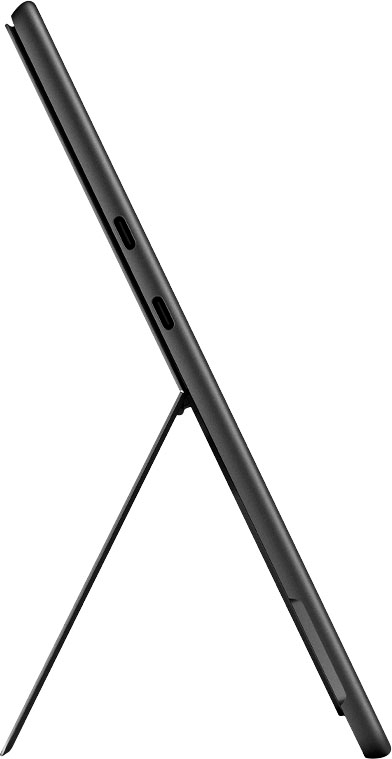
|Posted .This reviewer received promo considerations or sweepstakes entry for writing a review.The Surface 9 Pro comes out of the box with very little fanfare--a tablet with a power adapter, cable and charger. I was surprised at how quick it booted up and began the "birth" routine, unlike the last new Windows device I witnessed. No endless "Please wait--setting up your device" stuff. I was also happily surprised at the quality of the display. Nothing tablet-like about it--it looked every bit as good as a laptop with all the bells and whistles. It's a touchscreen that is super-sensitive and looks good at side angles too. You will want to acquire a USB adapter or a hub so that you can connect thumb drives and cards to one of the USB-C ports on it, as there is no SD card slot or standard USB ports. This seemed annoying at first, but I found a great one for less than $15 and also realize that the way of the world is wireless transfer. Likewise--there is no audio out (or in) jack, but since 99% of everything is Bluetooth now that also doesn't seem to matter. It paired my Sony phones instantly and wowed me with the sound quality. It is equipped with Dolby Atmos sound tech, and the two speakers actually produce really good sound with even some bass, and are nearly impossible to find on the tablet itself. I had the phones on while watching music videos and decided right there and then that this tablet (and seperately sold keyboard) will be primarily devoted to entertainment. I love the video and audio quality of this device. The charger is a proprietary type unique to this Surface tablet line as far as I know. It has two USB-C ports with Thunderbolt for fast transfer. You can't charge it through those ports, and it is a concern that someone may mistakenly try that. It has an i5 Intel processor, 8Gb of RAM, 256GB SSD storage, pretty much a powerhouse for something this small and this light. It's fast. And of course it's quiet. It handled the new version of Photoshop Elements with ease. If this combination of tablet and keyboard is in your budget, this would make a great Christmas gift. For yourself even.
I would recommend this to a friend Microsoft Doesn't Work
||Posted . Owned for 3 weeks when reviewed.This reviewer received promo considerations or sweepstakes entry for writing a review.Still can't get them to work and Microsoft technical support is no help as well. Wouldn't recommend to anyone.
No, I would not recommend this to a friendNot powerful enough to even run MS Office
||Posted . Owned for 1 month when reviewed.This reviewer received promo considerations or sweepstakes entry for writing a review.Completely blue screen crashed within 2 weeks of use. Was taking it to Geek Squad when I just decided to return it.
No, I would not recommend this to a friend- Pros mentioned:Overall performance
Is it a laptop, or a tablet?
|Posted .This reviewer received promo considerations or sweepstakes entry for writing a review.Having owned a couple of Microsoft Surface products in the past, I kind of knew what this item would be like, but, after using it for a week, I have been pleasantly surprised at how its more like a "laptop" than it is a "tablet" Starting it up, I was greeted by the familiar windows screens, and, I dont recall my previous Surface Products actually having a "normal" version of windows on them... I didnt think that these things were powerful enough to run a "real" OS on them, but this thing is definately the exception to that rule! Screens change smoothly, apps load reasonably fast and work as expected, and, setting up things like network access, printer useage, office apps, multiple web browsers, all went as smooth as they would have on a similarly priced full blown laptop. Sure, there arent alot of I/O options here, and you will need a usb c hub to easily connect alot of the peripherals you might want to use with it, but, when used with the optional keyboard/pen combo that Microsoft offers, this is a surprising able device. The charger is kind of weird, but all Surfaces have used this type of charger, but the display is bright and clear, the touch screen is responsive, and, if you dont like the weight of most laptops, and you dont need a super powerful machine for your traveling workspace, the surface may be the perfect laptop replacement for you. Just make sure you grab the optional keyboard/pen combo to make your useage alot more enjoyable!
I would recommend this to a friend What is it?
||Posted . Owned for 2 months when reviewed.This reviewer received promo considerations or sweepstakes entry for writing a review. I just laptop or tablet who knows very difficult to use
No, I would not recommend this to a friendNot worth the price.
||Posted .This reviewer received promo considerations or sweepstakes entry for writing a review.Really not what I expected at all! I was expecting it be better when used as a tablet only. The battery life is not good and the speakers made a static popping sound 50% of the time. I ended getting the Samsung Tab S8 Ultra instead. I’m much happier now!
No, I would not recommend this to a friendeverything
||Posted . Owned for 2 months when reviewed.This reviewer received promo considerations or sweepstakes entry for writing a review.sucks………………………………………………………….,,,,,,,,,,,,,,,,,,,,,,,
No, I would not recommend this to a friendNot the best option
||Posted . Owned for 3 weeks when reviewed.This reviewer received promo considerations or sweepstakes entry for writing a review.Not the best, touch screen has issues, look for other options.
No, I would not recommend this to a friendMisrepresented
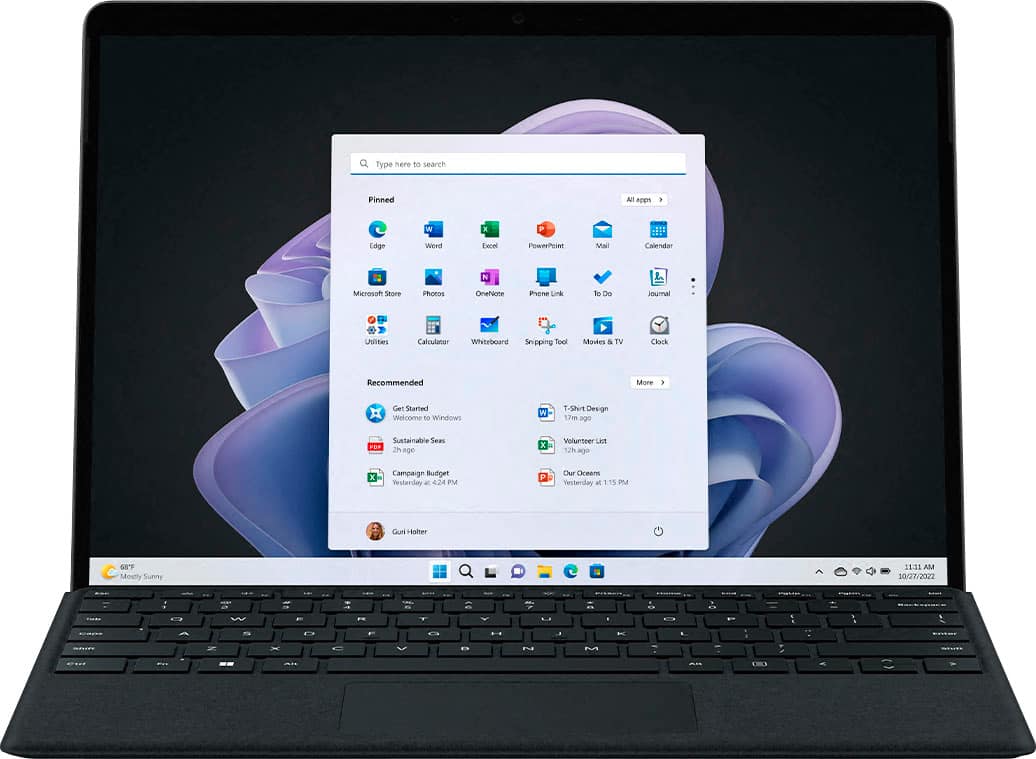
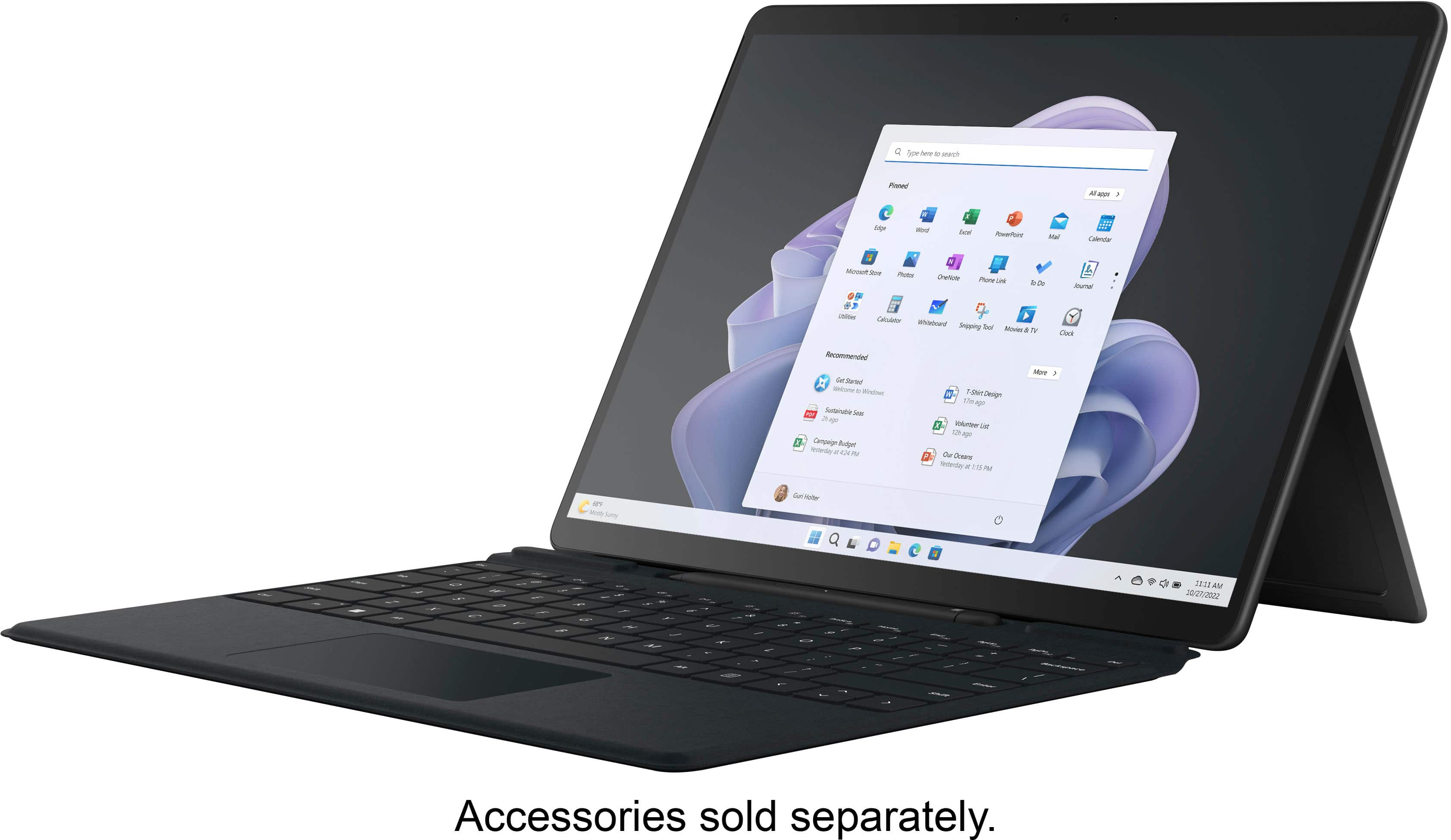
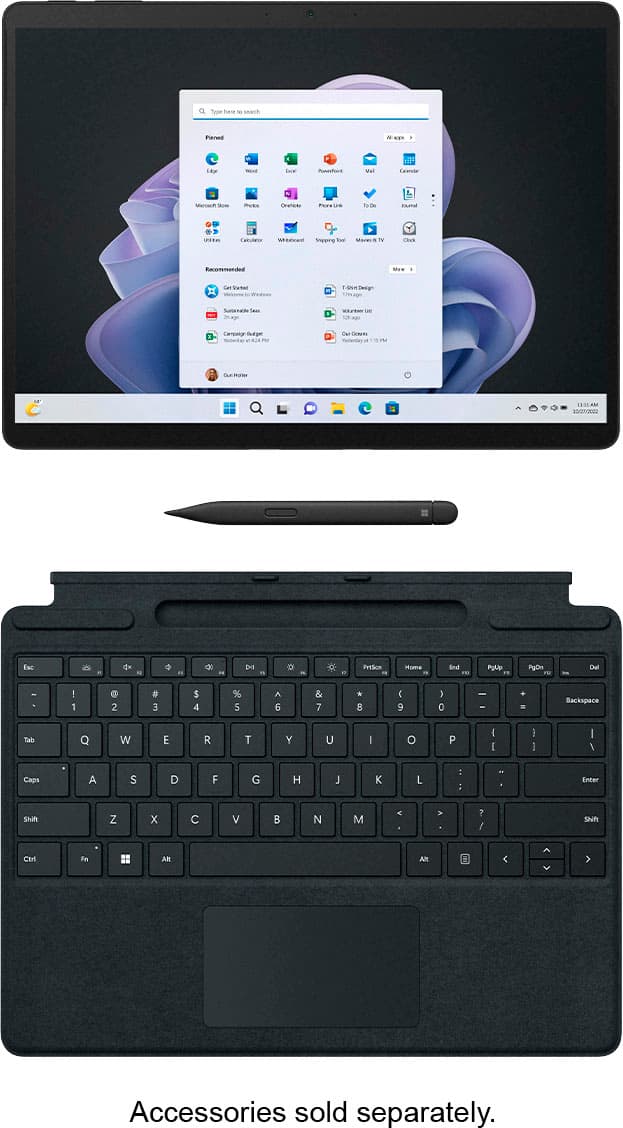
||Posted . Owned for 3 weeks when reviewed.This reviewer received promo considerations or sweepstakes entry for writing a review.Misrepresented, photo showed a keyboard, it was extra for $180.
No, I would not recommend this to a friendbad product
||Posted . Owned for 1 month when reviewed.This reviewer received promo considerations or sweepstakes entry for writing a review.it is giving me many problems with the home screen
No, I would not recommend this to a friend- Pros mentioned:Speed
A well balanced device
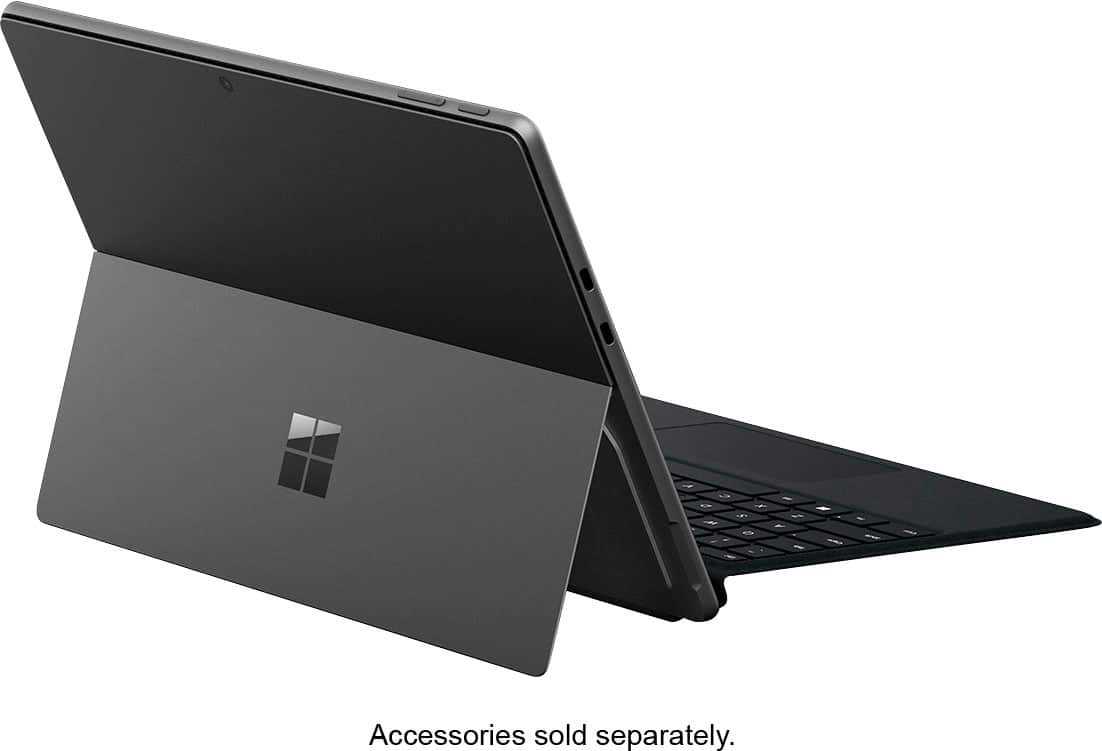
|Posted .This reviewer received promo considerations or sweepstakes entry for writing a review.The Surface Pro 9 is the main choice for a tablet/laptop and handles itself well. With amazing screen resolution and a precise touch screen, it makes working a breeze and relaxing the most enjoyable. Out of the box is the Surface Pro, A charging brick and cables, and a little bit of paperwork. The Surface Pro comes with a solid brown screen protector that needs to be removed before use. On the protector though it does point out all of the locations of your accessory ports and buttons. You will probably want to fully charge the tablet once removing it from the box. It has a proprietary charging adapter that plugs in from either direction and can not be used on other devices, but it is small and easy to move and plug in. It uses magnets to seat itself and hold itself to the charging port. It works really well. The power brick is a bit smaller than a laptops, but is also handy as it comes with a USB port for charging. The Surface Pro is a bit lacking on peripherals, as it only has 2 thunderbolt ports (which is used for charging), and a mini sd card slot. You are only going to be able to use a bluetooth mouse to connect that way if you are wanting to use a mouse. Overall the Surface Pro 9 manages mostly like a laptop but with Windows 11, you can switch into tablet mode easily and switch back when you want to use it as a laptop with a connected keyboard. The back of the Surface pro folds open into a kickstand which is great for working or watching movies. One downside is that you can not download games like an android device as it is a windows device so even though it is a tablet, you can not access play store android games. There are some really good apps for using the tablet features and make using the Surface Pro an ease. The sound quality of the tablet is pretty decent and can get fairly loud. I like to say with any tablet or laptop that a bluetooth audio source is going to be your best friend if you are wanting good audio output. The Surface pro also has a front and rearward facing camera and mic which looks good and has a good resolution for zoom calls or just taking pictures. This Surface Pro only comes with an Intel I5 which is on the lower side of computing but handles pretty well being put through its paces. You can do some gaming on it that is not very graphics intensive, but mostly this is used for office and productivity work. Overall I would greatly recommend the Surface Pro 9 if you want to enjoy the benefits of a tablet and a laptop, while keeping a minimal workspace footprint. I highly recommend also adding the keyboard accessory which turns the tablet into a portfolio for screen protection and has a stylus pen with it as well.
I would recommend this to a friend - Pros mentioned:Overall performance
Surface Pro 9 is Excellent Tablet Choice
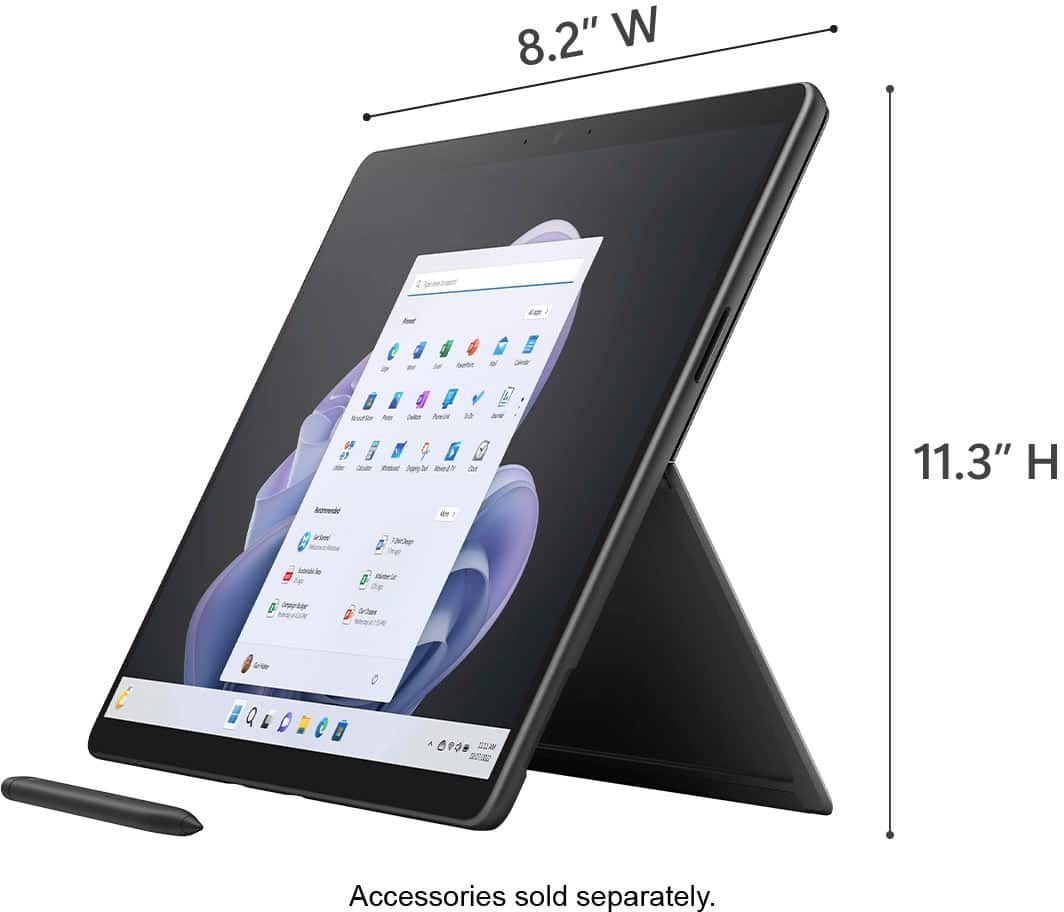
|Posted .This reviewer received promo considerations or sweepstakes entry for writing a review.Let me begin this review of the Surface Pro 9 with my initial impression of the packaging and appearance of the device. The packaging is typical of other Microsoft products that I have had, and by that I mean it was very good. The box was sturdy, and not damaged in any way, and neither was the tablet. No parts were missing or damaged. I saw no scratches, dents or other surface (no pun intended) problems. There are no dead or stuck pixels. I have to state here, that any comparisons that I make to this device, are made in relation to the Surface Pro 7 that I also own. I believe this new Pro 9 is a very nice and worthy upgrade to the Pro 7. I really like the large 13 inch screen real estate, with its great image quality, high brightness, and 120Hz refresh rate (which by the way was set to 60Hz initially). The speaker quality is excellent, with good clarity and punchy bass. The volume is good and somewhat higher than most tablets. On the slight negative side, there is no headphone jack, which is very common with much of todays high end tablets and phones. The initial device set up procedure, including Windows and app updates was completed in about an hour and 15 minutes. Later, I transferred approximately 75Gb of data including MP3s, videos, and photos and this was done in about an hour. My normal use for the Pro 9 consists of internet browsing, YouTube and other streaming video and music services, viewing and editing photos, listening to MP3s, etc. I am a casual gamer, and I am a non-professional, retired individual. I say this to let you know that I believe that most users will find the Surface Pro 9 an extremely fast, smooth performer and capable of most anything the average person needs.
I would recommend this to a friend