Customer Ratings & Reviews








- Model:
- EP2-33670
- SKU:
- 10148559
Rating by feature
- Battery Life
Rating 4.7 out of 5 stars
- Durability
Rating 4.7 out of 5 stars
- Display
Rating 4.8 out of 5 stars
Customers are saying
Customers consistently note the product's excellent overall performance, impressive portability, and long battery life. Many also praise its fast processor speed, appealing design, light weight, quiet operation, and efficient heat dissipation. However, some customers have raised concerns about the limited port selection, potential compatibility issues, and noticeable screen glare. Additionally, the absence of certain included accessories was mentioned.
This summary was generated by AI based on customer reviews.
- Pros mentioned:Battery life, Design, Portability
Reliable, Portable, User Friendly
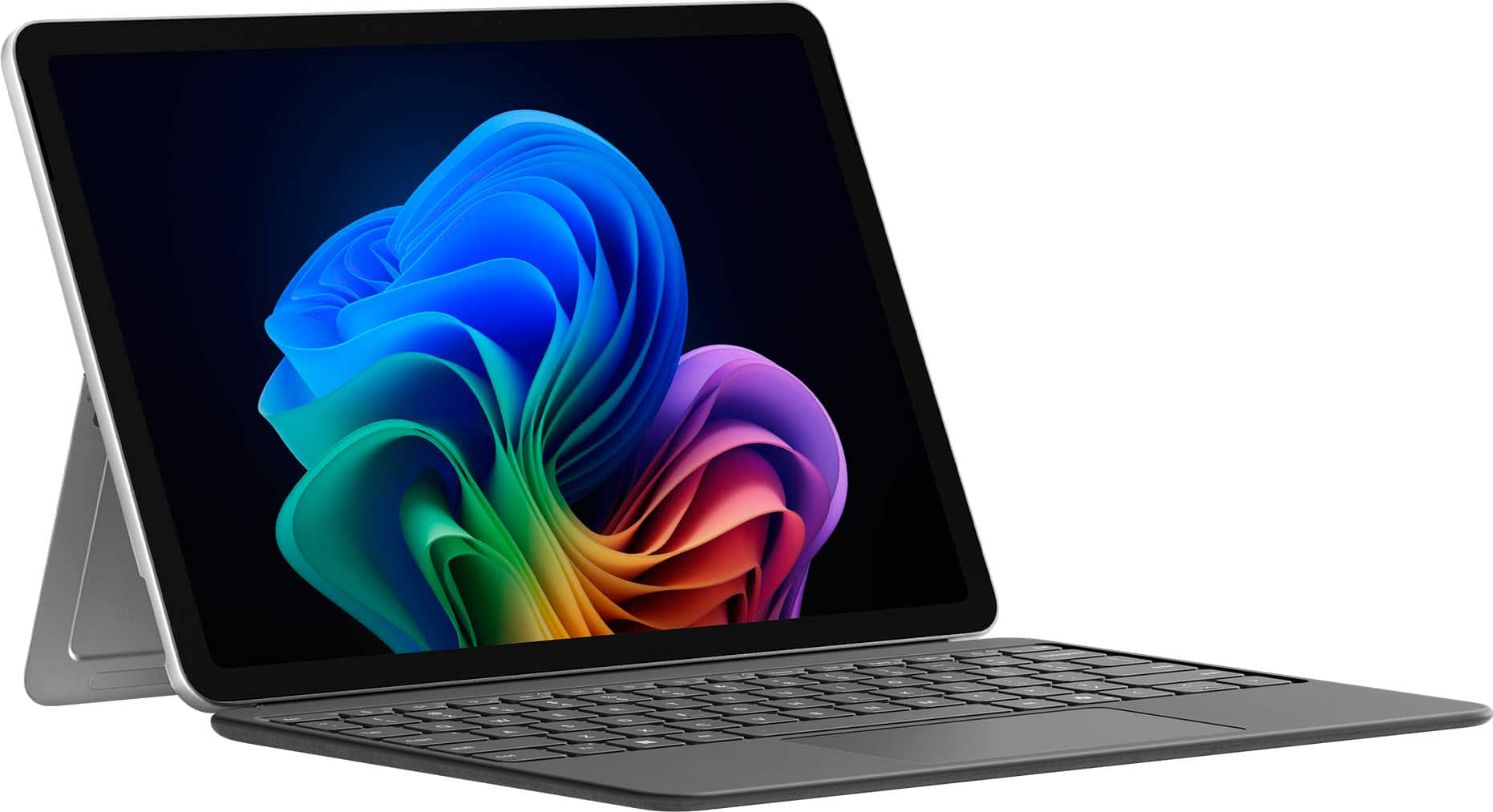
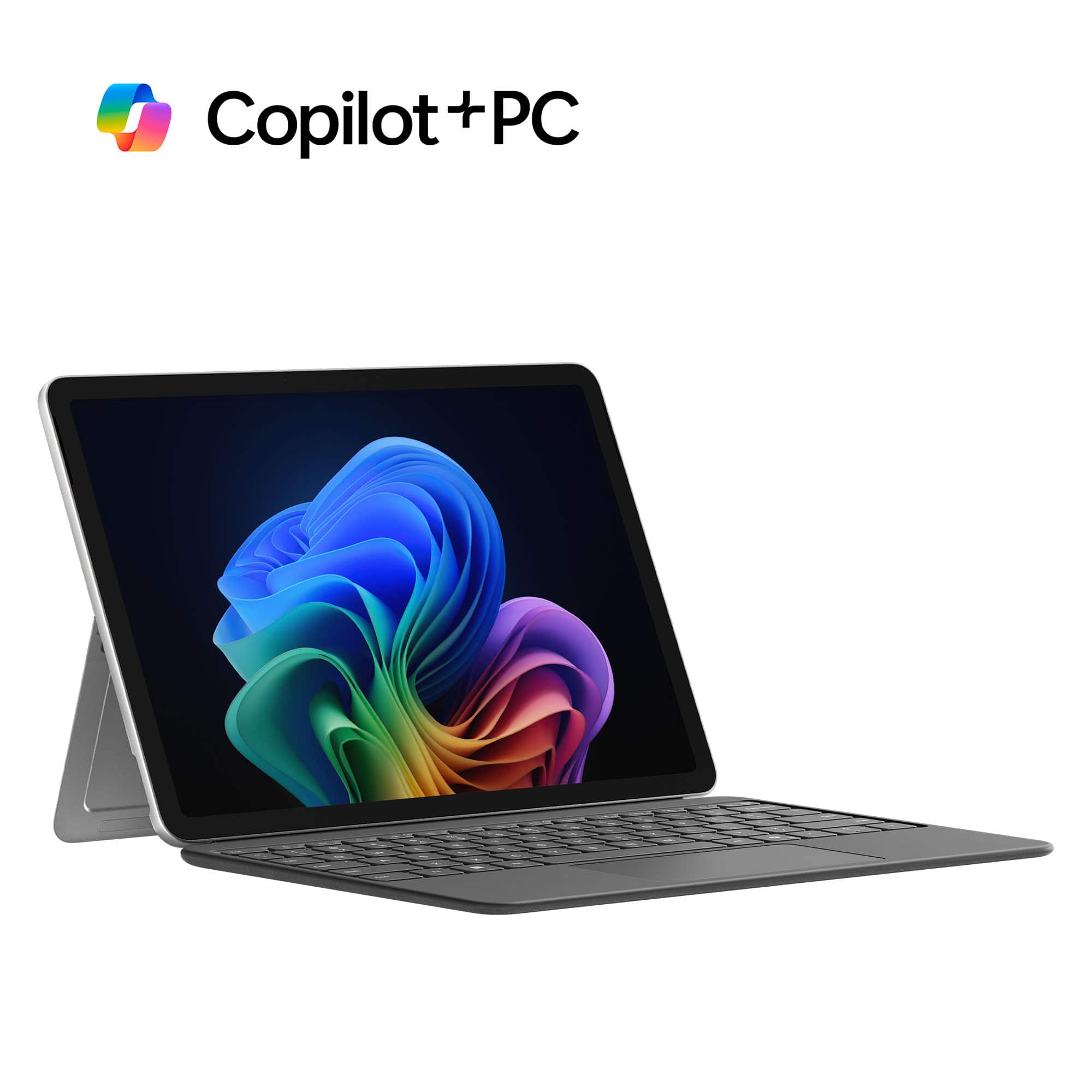
||Posted . Owned for 2 weeks when reviewed.This reviewer received promo considerations or sweepstakes entry for writing a review.The Microsoft Surface Pro Copilot+ PC is one of the most impressive 2-in-1 devices I’ve used. It’s not just a tablet or a laptop—it’s a full-fledged productivity tool that feels like it was designed with real-world users in mind. First off, the design is excellent. It’s slim, lightweight, and easy to carry, but still feels sturdy and premium. The 13-inch PixelSense touchscreen is sharp and vibrant, with great responsiveness whether you’re sketching, typing, or watching videos. The built-in kickstand is surprisingly versatile and makes it easy to switch between work modes. Performance-wise, it’s fast. The Snapdragon X Elite processor handles multitasking without breaking a sweat, and the battery life easily lasts through a full day of work. What really sets this device apart, though, is the Copilot+ integration. Having AI tools built directly into Windows 11 changes the way you work—whether it’s summarizing documents, generating content, or organizing your day, it’s like having a smart assistant baked into the system. Features like Recall, which lets you search for anything you’ve seen or worked on, are genuinely useful. Live captions and real-time translations are great for accessibility and collaboration. And if you’re in a creative field, the image generation and writing tools are surprisingly helpful for brainstorming and content creation. Security and connectivity are solid too. Windows Hello facial recognition makes logging in quick and secure, and support for Wi-Fi 7 means you’re ready for the fastest networks. The port selection is decent, with USB-C and Surface Connect offering flexibility for accessories and charging. Overall, the Surface Pro Copilot+ PC feels like a glimpse into the future of personal computing. It’s powerful, portable, and smart in ways that actually matter. Whether you’re a student, a creative, or a professional, this device adapts to your workflow and helps you get more done with less friction. Verdict: Highly recommended. Microsoft nailed it with this one.
I would recommend this to a friend - Pros mentioned:Battery life, Design

Good Value for the Money!
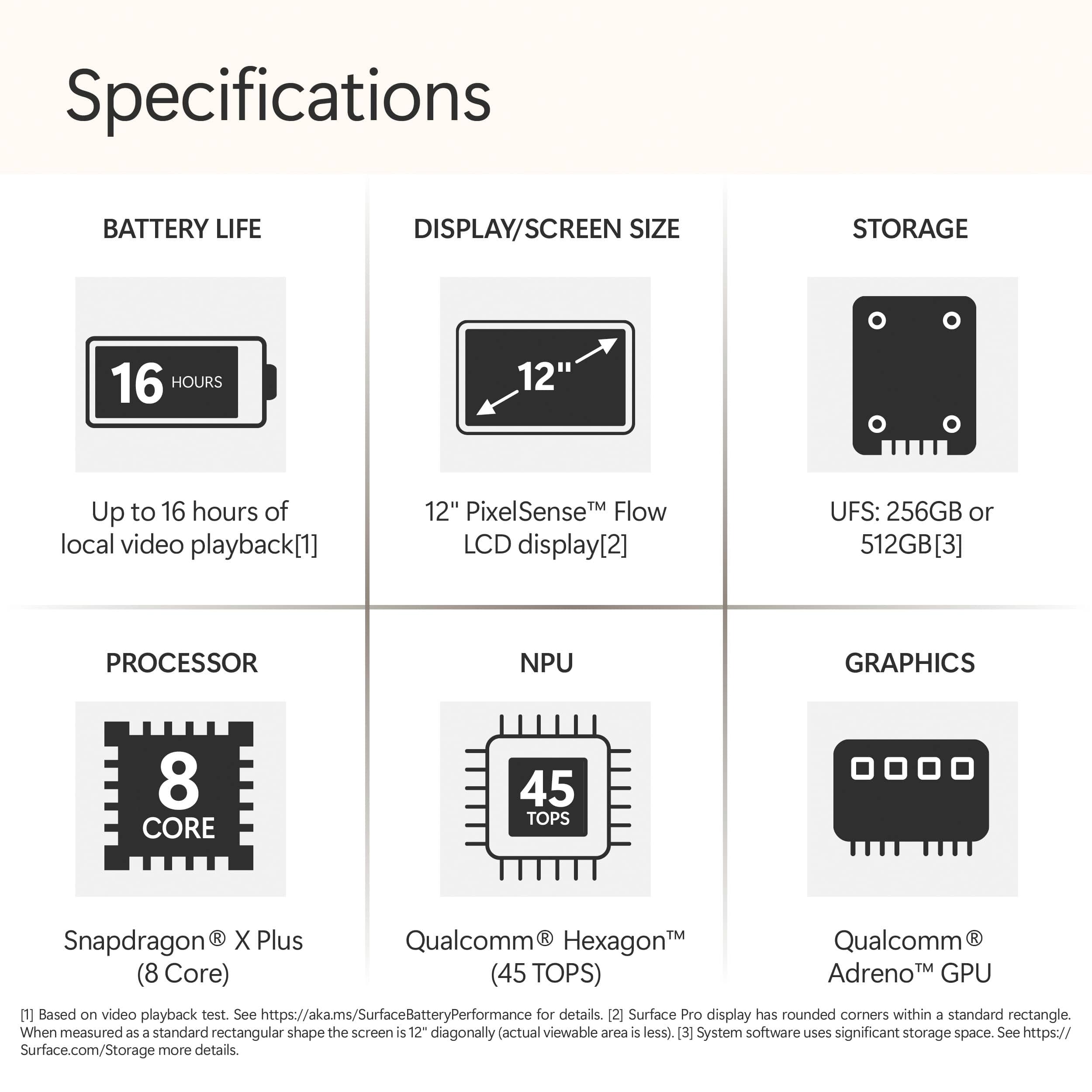
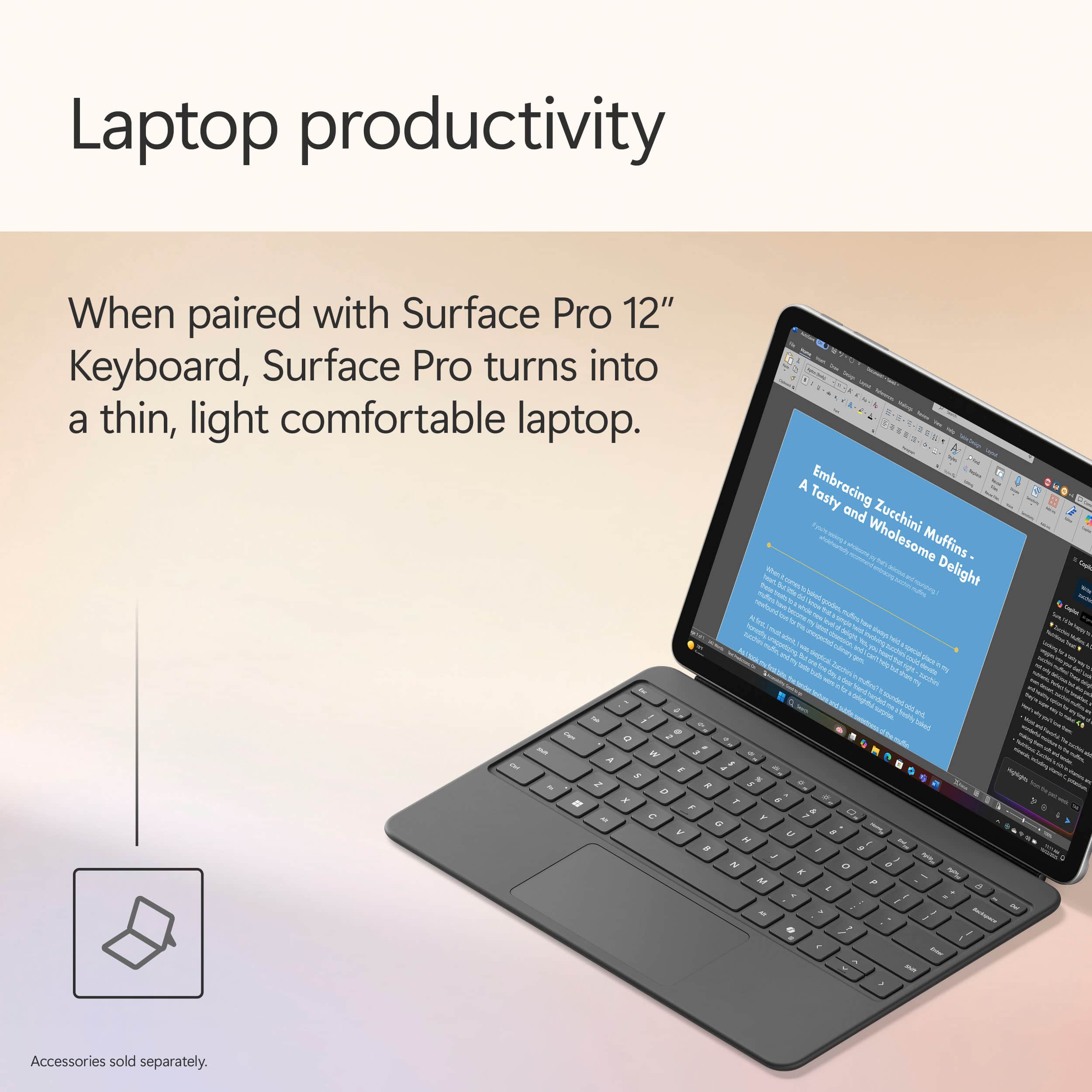
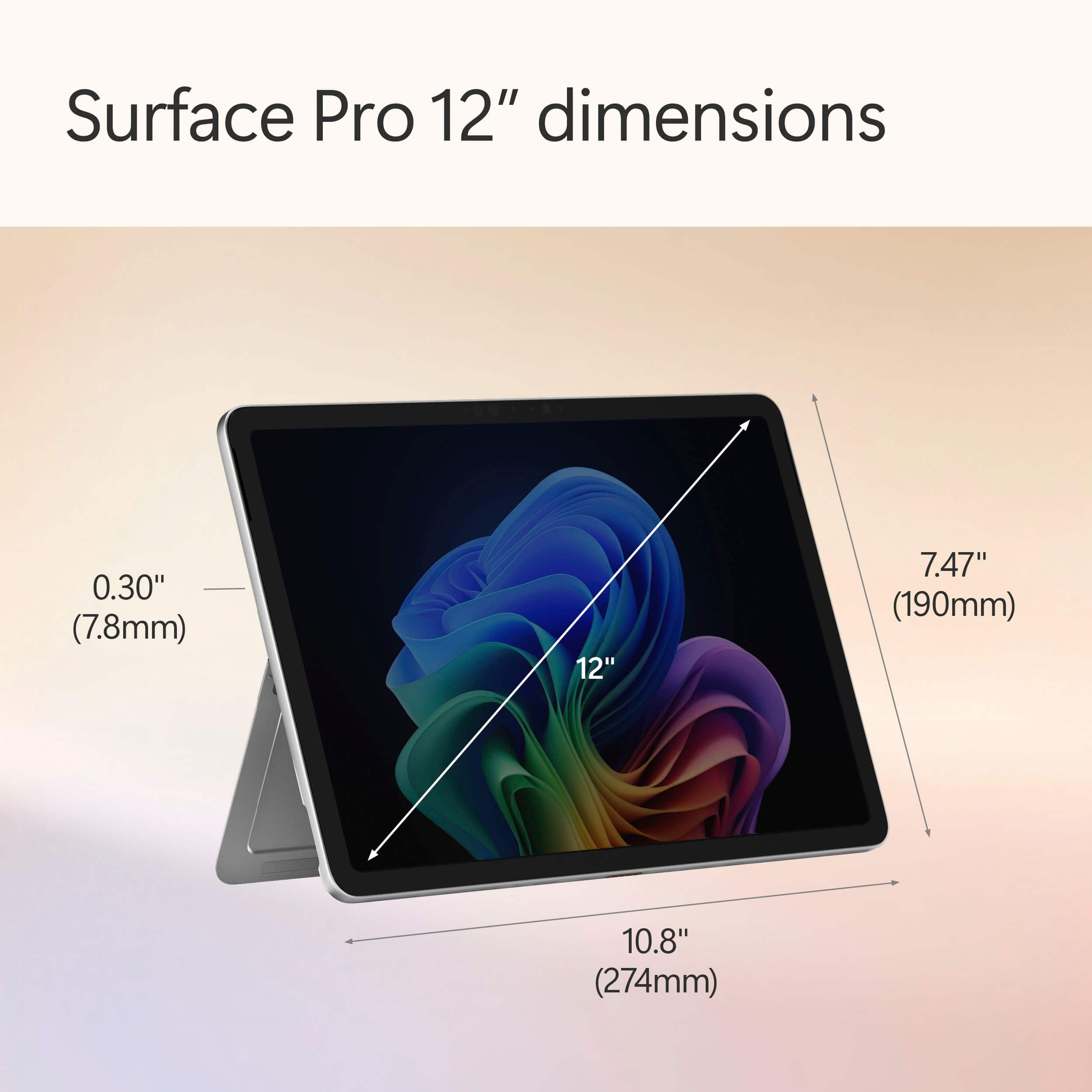
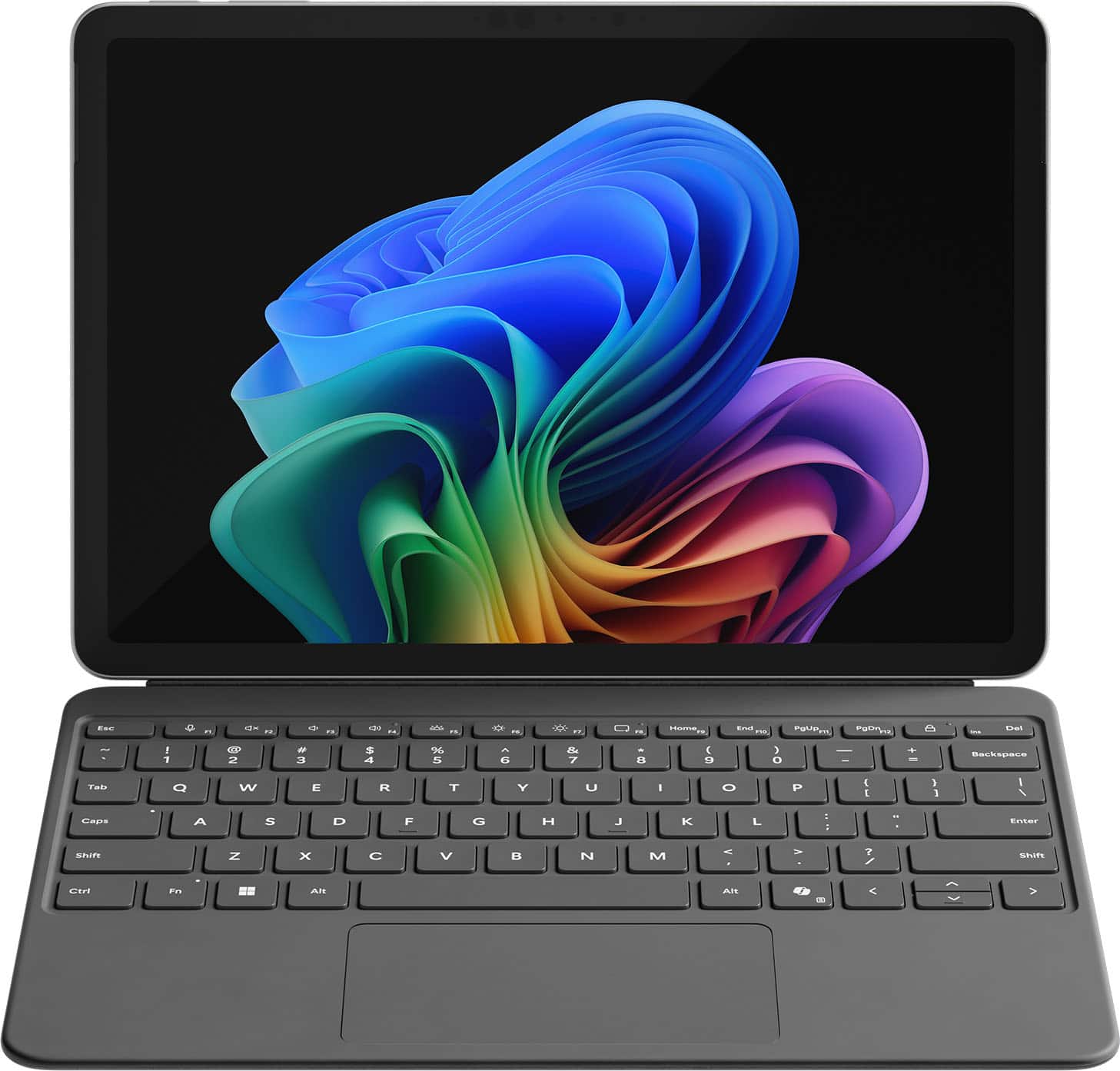
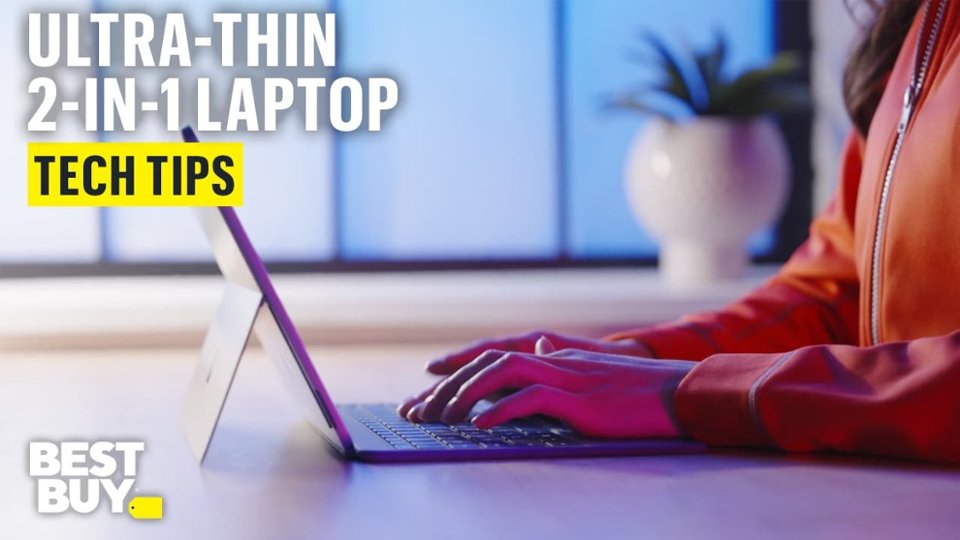
|Posted .This reviewer received promo considerations or sweepstakes entry for writing a review.The new Microsoft Surface Pro 12 it is a very capable hybrid Tablet/laptop that would do just about anything you throw at it in terms of productivity! It is a perfect daily Tablet that can quickly offer full laptop experience by just attaching the nice swede finished keyboard. Very well thought thru from the powerful magnets that hold/power the slim-pen and the keyboard to the very useful built in kick-stand and very compact and slim design the Surface Pro Tablet comes in at i would say a perfect 12" size that would please anything from creating/editing content to just kick it back and web-browsing or even watch your favorite show. I found it to be a great alternative to iOS since it's capable of running full Windows OS programs which makes it a tidy bit more versatile and perhaps more freedom when you need to get things done! Power it has for the entire day basically or for 2-3 days of light use. Given the fact the runs an 8-core Snapdragon plus with 16Gb of Ram that's quite impressive and welcomed as well! And talking about impressive, is also the Copilot experience ran by a Qualcomm Hexagon NPU that offers a whopping 45TPU. I personally think that Copilot it's the most complex and powerful more natural AI companion there is out there, once you try it you'll see how it makes siri for example so outdated. The biggest downside however is the quality of the Screen panel i really have wished they went with something like an Oled, MicroLed or something more vibrant with a higher brightness, better viewing angle and less background glaring, that would've made the Surface Pro much much harder to compete with. But keeping in mind that you get the 512GB in a full desktop experience that's so light and a very good price makes it bearable!
I would recommend this to a friend - Pros mentioned:Battery life, Overall performance, PortabilityCons mentioned:Compatibility
Very lightweight, modern laptop, couple of caveats
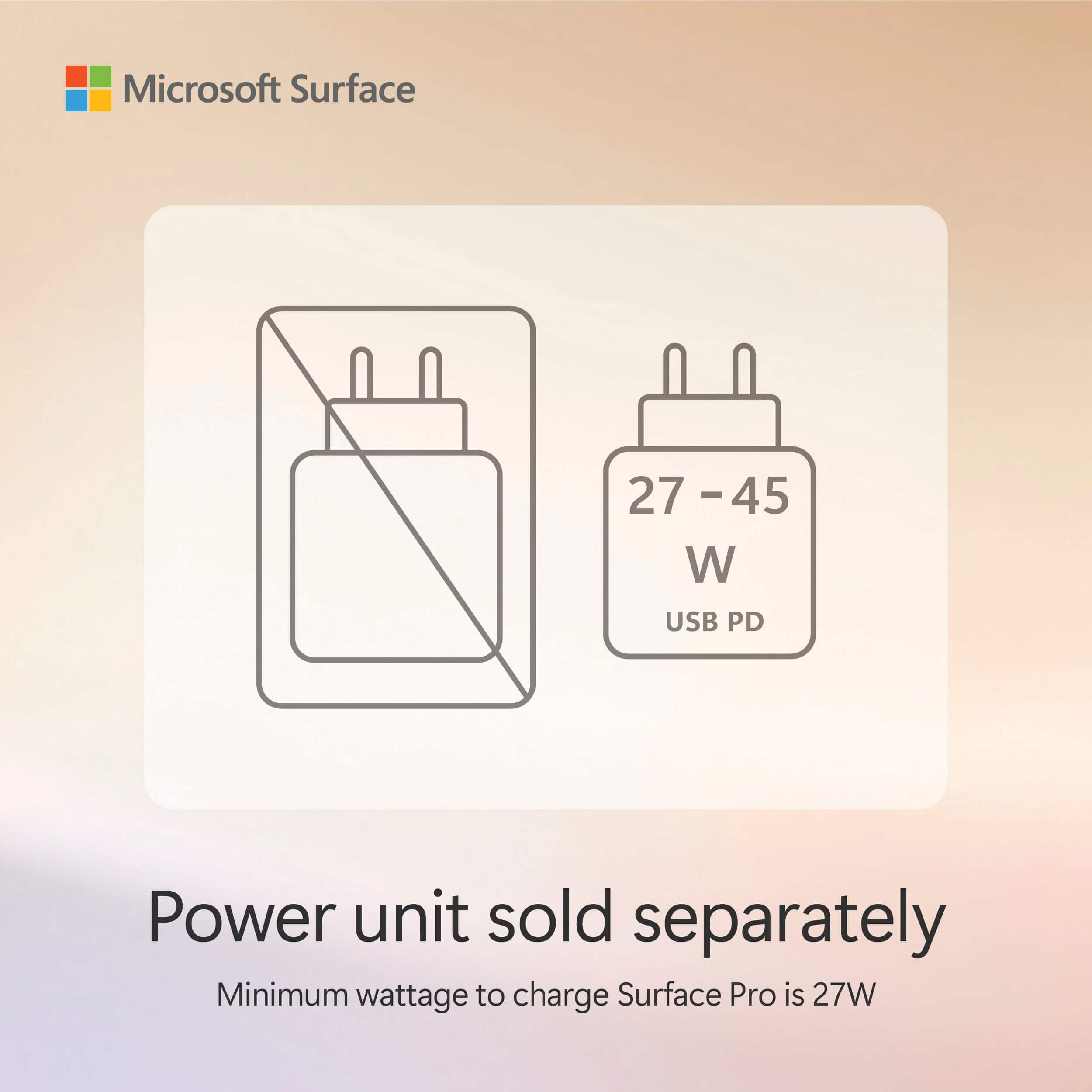
||Posted .This reviewer received promo considerations or sweepstakes entry for writing a review.My old Surface was getting laggy and wouldn't hold a charge, so this lightweight machine with Snapdragon processor is great. Holds charge under light use for 6 days or more. Very snappy performance. Overall very pleased. A couple of drawbacks. It is fairly bizarre that Microsoft doesn't include a charger with this unit. Since it requires a 65W or greater charger, that's an additional $40 or so bucks you need to plan for. Also, I didn't do enough research that ARM processors do have known incompatibilities with some legacy software and printers. Luckily all my critical legacy software is working, even though I got warning messages during installation. But I have yet to get my printer up working with the unit. I think I found a workaround by researching, but haven't had a chance to test it yet. This is just something to be aware of.
I would recommend this to a friend Powerful and Portable. Love it.
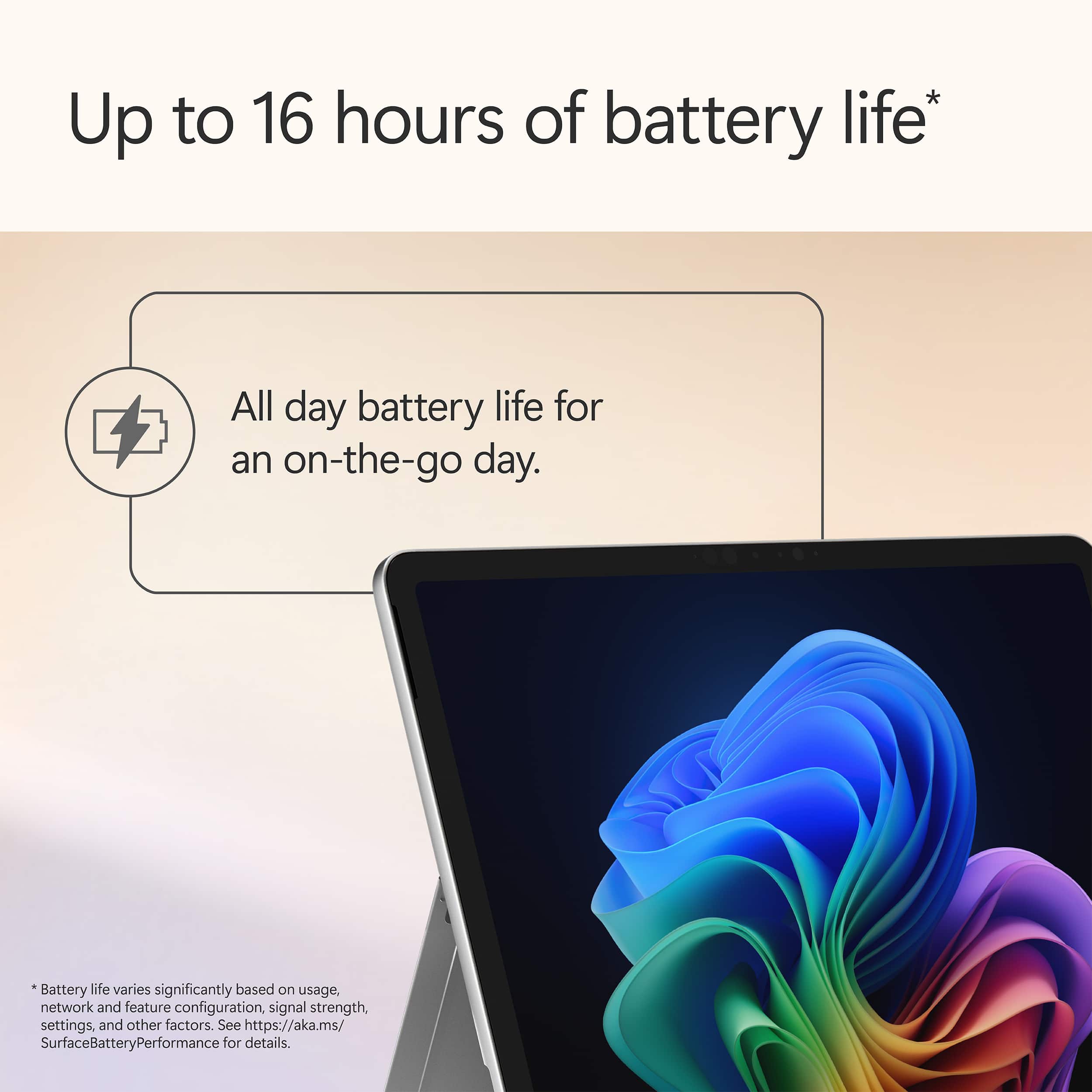
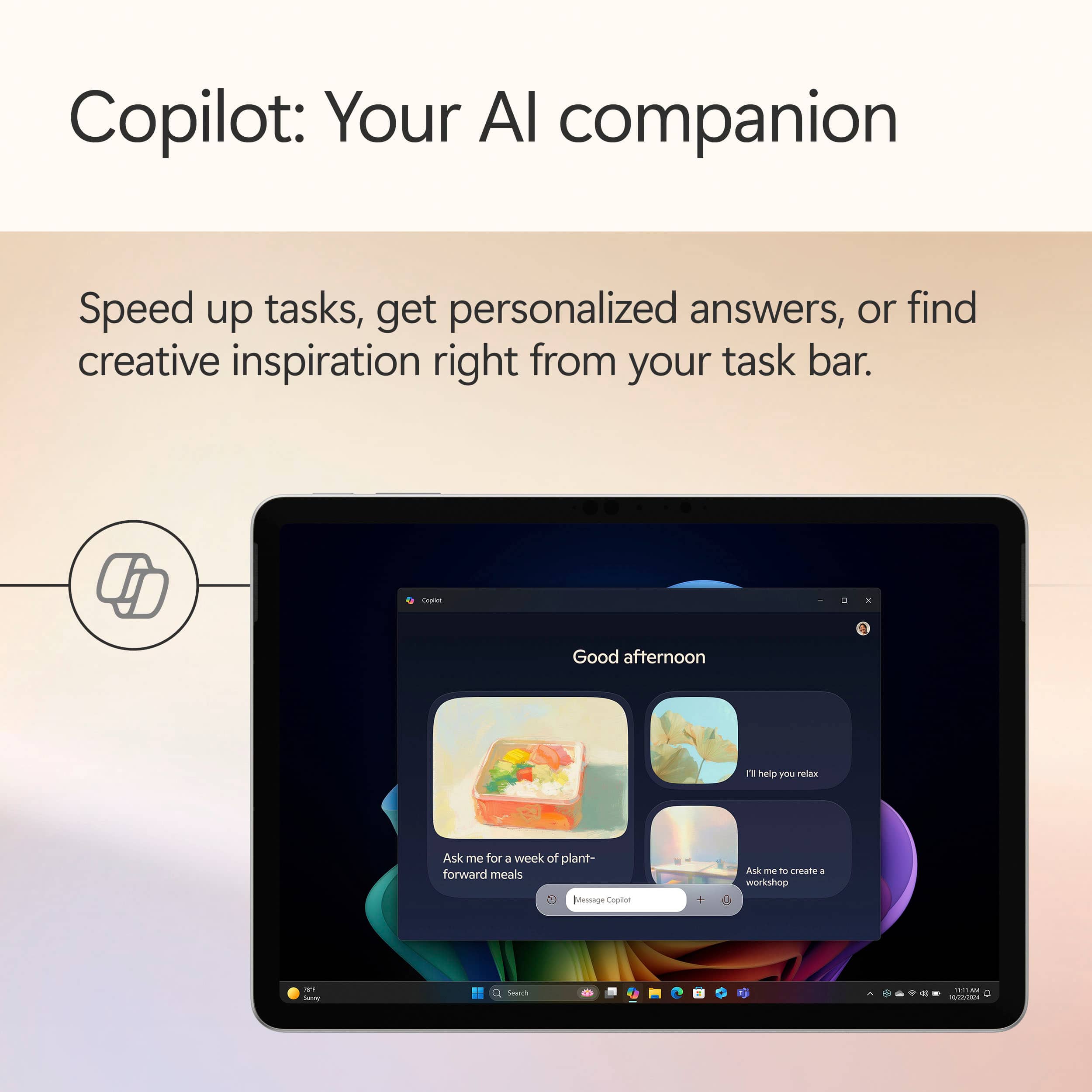
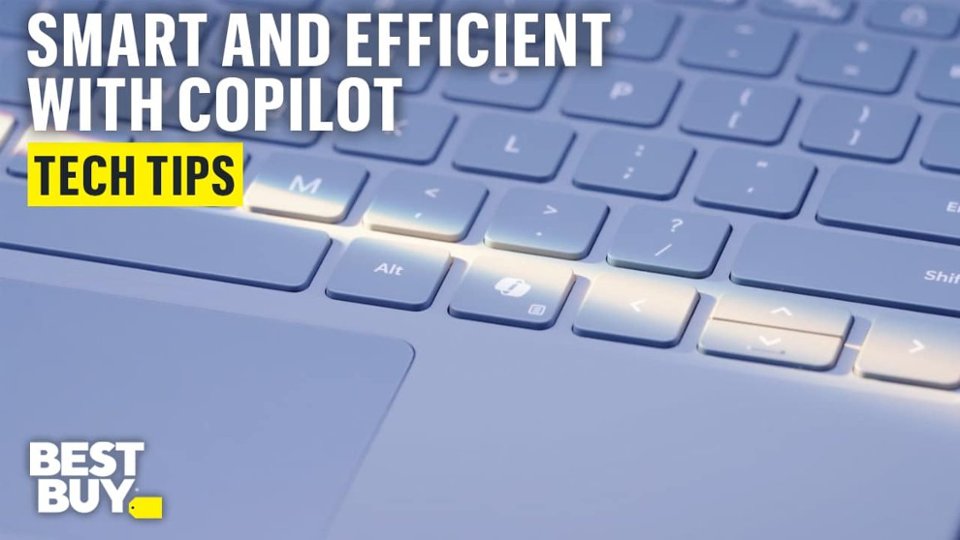
|Posted .This reviewer received promo considerations or sweepstakes entry for writing a review.There's so much to love about the new Surface Pro Copilot+ PC 12". Everything from the premium materials to the battery life makes this one of the best PCs that I've used. Copilot: Can we have a heart to heart? Microsoft Copilot might be one of the greatest features in the history of computing and I don't think many people understand how useful it can be day-to-day. Think about how you would normally troubleshoot an issue with your computer. Typically, you would jump on the internet and possibly spend hours reading blogs, articles, or even watch videos searching for a solution. With Copilot, simply launch it from the task bar and type in the symptoms you're experiencing. Copilot not only will do all of the legwork but, like a personal tech support assistant, you can even prompt it to help walk you through the issue. Oh, and it does all of this in seconds. Not only are you getting a powerful computer but you're also getting a personal assistant. It's a game changer for productivity. Battery Life: I was honestly shocked by how long the battery lasted between charges on the 12" Surface Pro. This PC is rated for up to 16 hours - which might be a bit generous but I came close enough with mixed use to make me a believer. Thanks to the Snapdragon X Plus processor, I was able to land somewhere in the 12-14 hour range. As far as I'm concerned, that IS all-day battery life. Due note, you will want to pick up a charger or use one that you already have because this does not come with one - you will need a charger that is at least capable of 27W. Build Quality: Microsoft chose premium materials on this Surface Pro and it shows. The whole body is aluminum and it feels incredibly rigid while being one of the thinnest PCs I've personally used. The kickstand hinges are also confidence inspiring - allowing you to recline the PC however you see fit without movement while using it as a tablet. Screen: The screen, without getting too technical, is brilliant. Rich colors, HDR support, pin-point touch accuracy - I have zero complaints with the LCD on the Surface Pro. I do wish the screen was a tad larger but I typically connect my Surface Pro to an external display if I'm at home or in the office so it's not a deal breaker for me. Cons: There is only one major issue I have with this Surface Pro. CAN WE GET RID OF THE 256GB configuration?!?! Seriously, I understand that some will opt for cloud storage but 256GB is nothing in 2025. If Microsoft want's to lean into cloud storage, then they need to release a Surface Pro Cloud or something to that extent. There is nothing "Pro" about 256GB of storage in my opinion. The windows operating system takes up more storage than I would like. Expect to only have 200GB of usable storage after simply turning it on. The worst part is that you can't expand it. If you purchase this PC be prepared to use the cloud or have external drives at the ready. Summary: As a creative professional, the surface pro was able to handle all the creative software I use on a daily basis while staying cool and perfectly silent thanks to the fan-less design. You do still need to manage expectations with regard to tasks like video editing, but this really is a powerhouse on-the-go. I can't stress this enough - make sure you evaluate your storage needs when making your decision. I would highly recommend the Surface Pro to anyone from students to professionals.
I would recommend this to a friend- Pros mentioned:Portability, Processor speed
It’s a PC, Not Really a Tablet
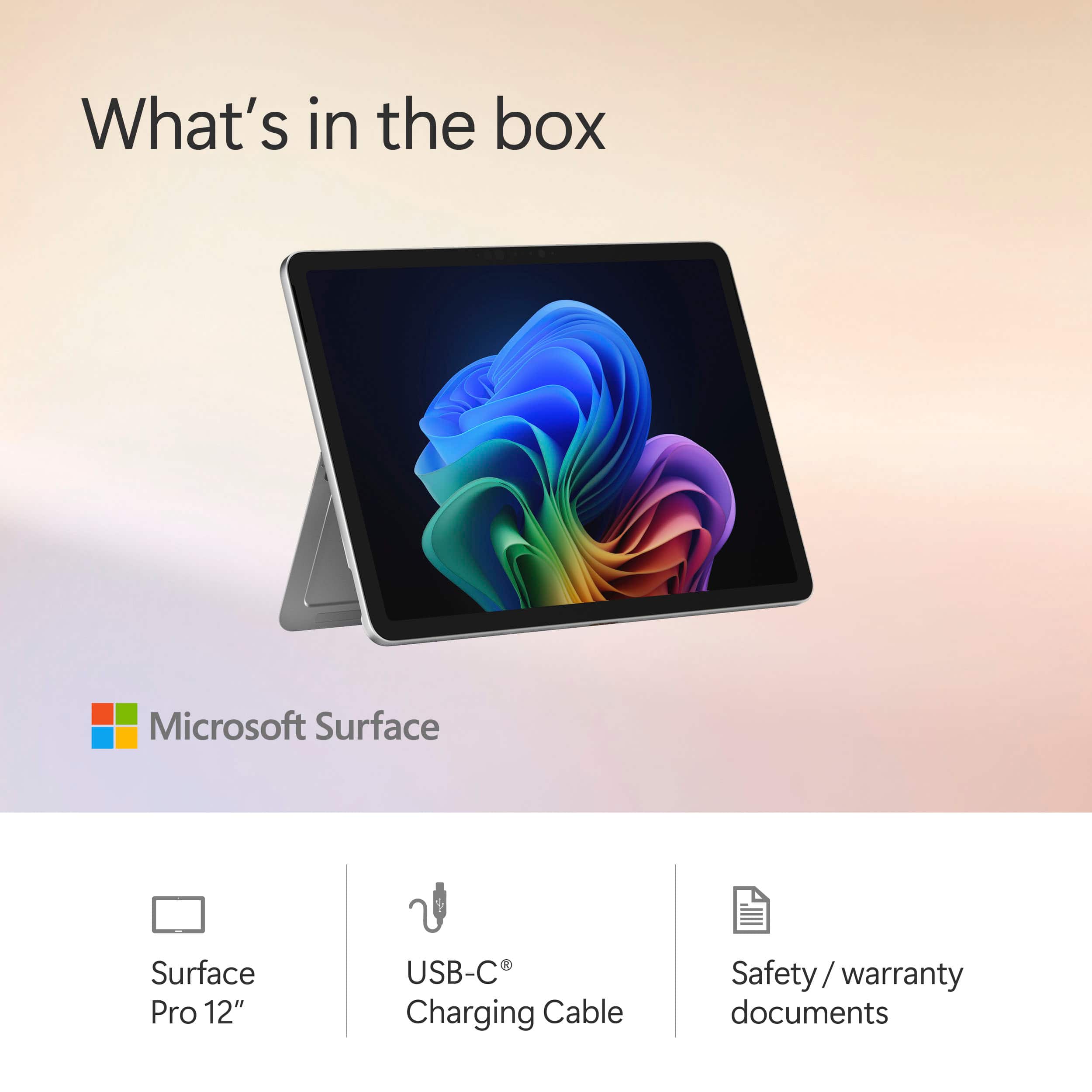
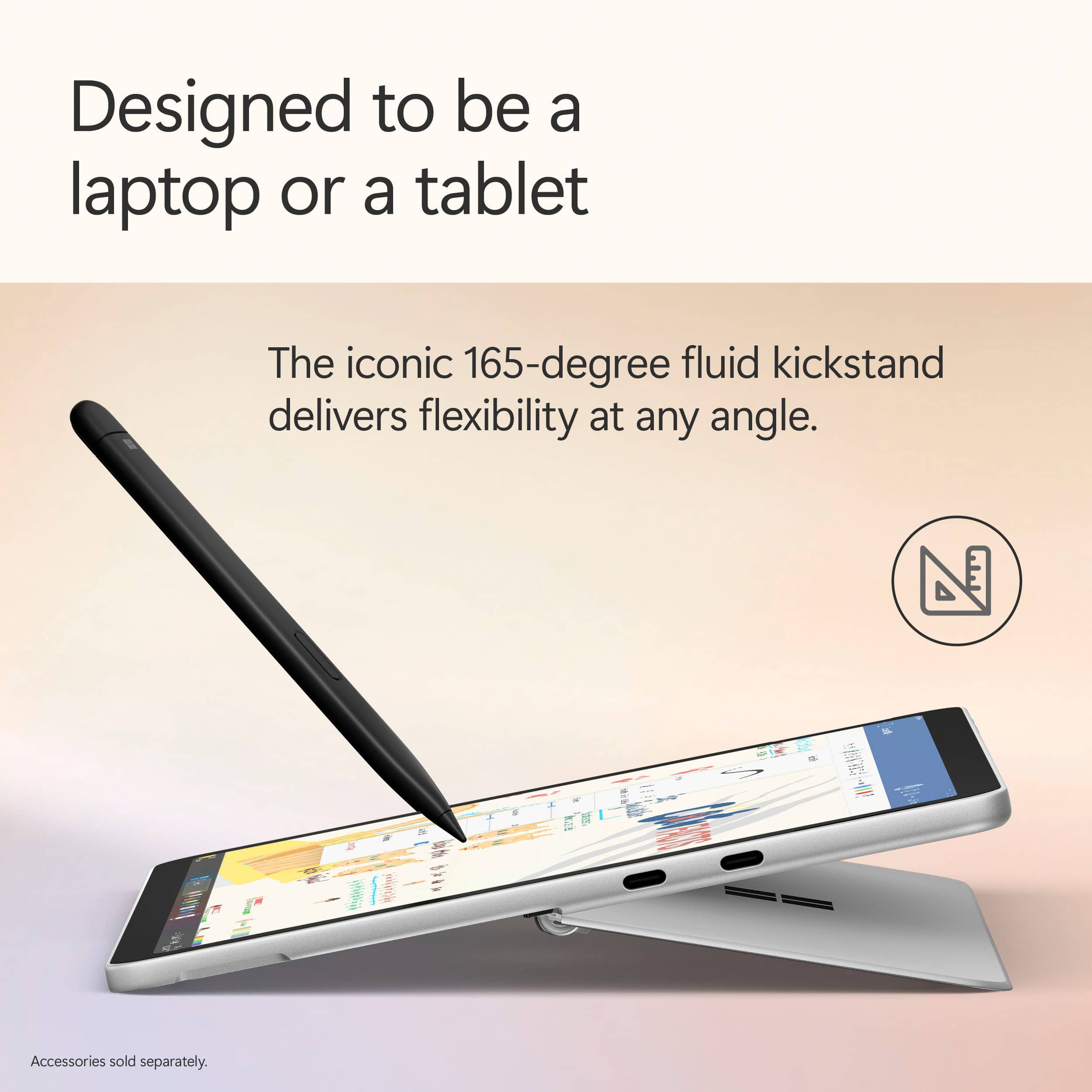
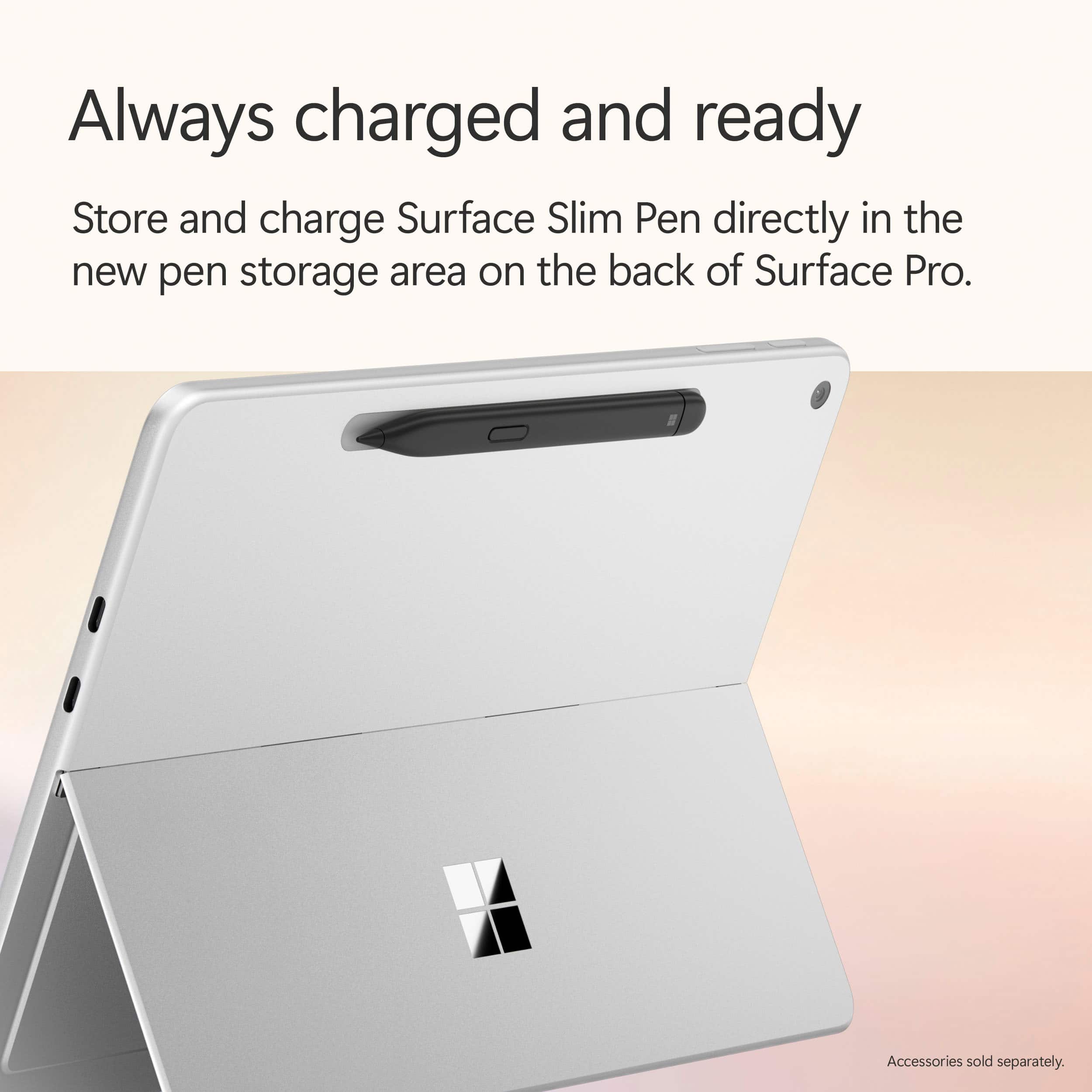
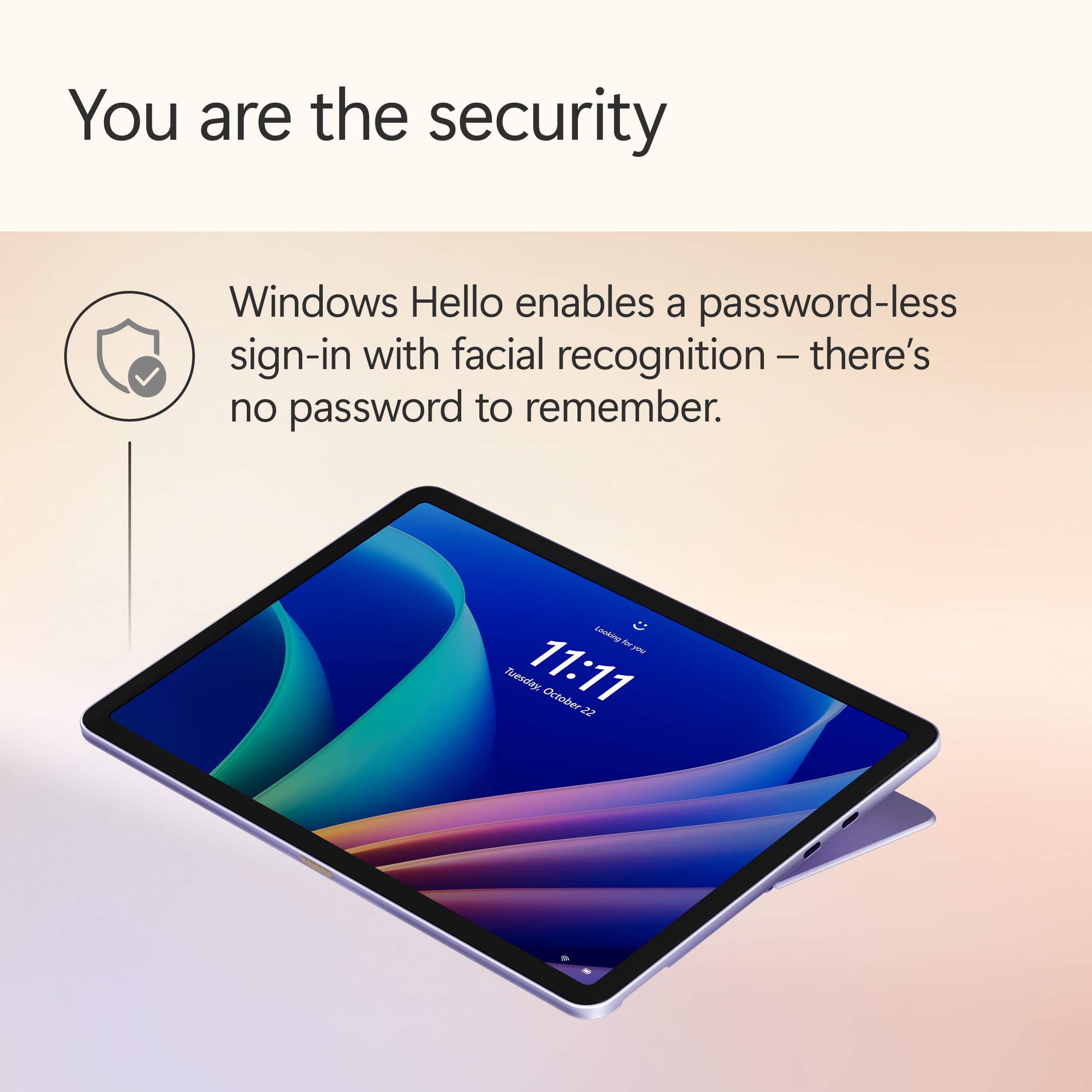
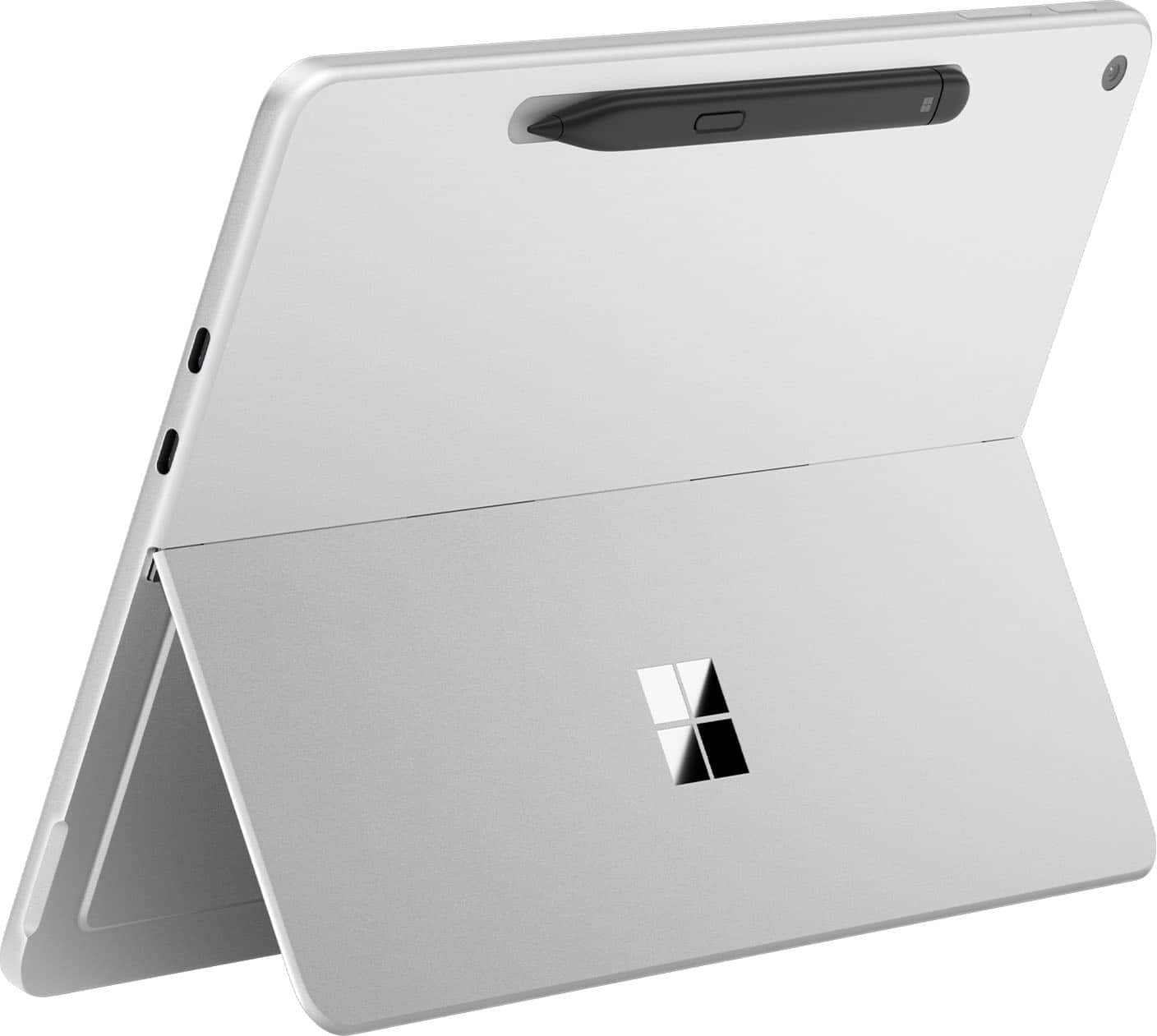
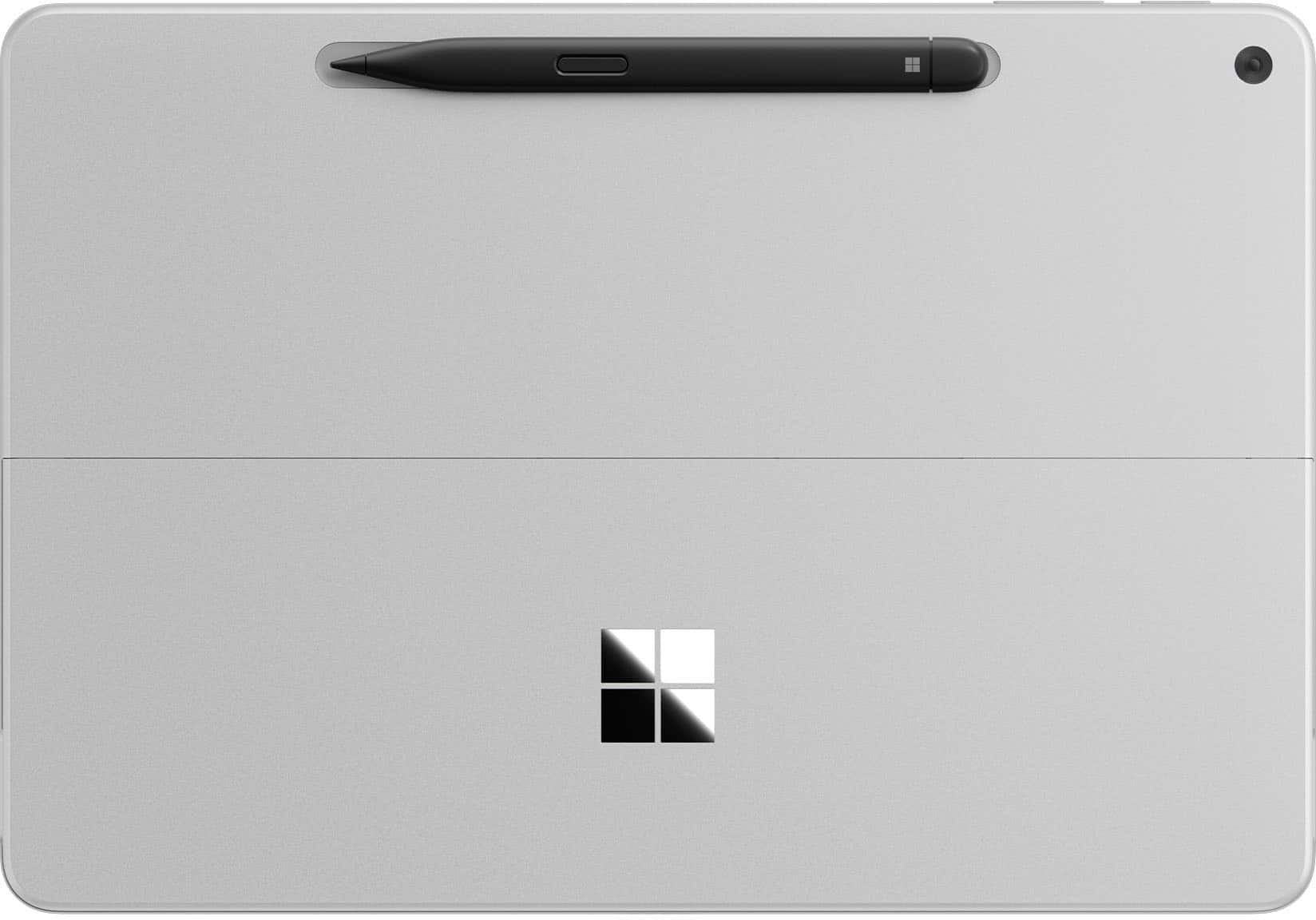
|Posted .This reviewer received promo considerations or sweepstakes entry for writing a review.About the Microsoft Surface Pro This version of the Microsoft Surface Pro is set up with Copilot+ PC. It has a 12 inch touch screen, Snapdragon X Plus Processor, 16GB of memory, and a 256GB solid state hard drive. What it Comes With It’s a really short list: one USB-C charging cable (USB-C to USB-C) There’s no power block (which is a pet peeve of mine). You’ll have to purchase one, and the one that matches this tablet is a 45W. Other accessories such as a keyboard, pen, and screen protector can be found separately. The Set-up The set-up process will look really familiar if you’ve previously purchased a laptop or desktop using Windows 11, because that’s mostly what it is. There are some additional things such as facial recognition and Co-pilot once you get into it further. Then, from there, you can install other apps. Features • Powerful Processor – It does seem to load things quickly and performs tasks well. • 256GB Solid State Hard Drive – Fast loading drive. It is small, and I would like to have more space since it’s shared with the operating system. • Built-in Speakers – There are built-in speakers which provide audio, but are not anything I found wowing. • 12” Screen – Screen picture quality is good as I expected. The 12 inch size for me provides enough screen while being easily portable. I think it’s just right. • Kickstand – There’s a built-in kickstand on the back which is handy. Only disadvantage of this is if you use a protective case for the tablet. It probably wouldn’t work with it. • Magnetic Hold for Pen (sold separately) – There’s a magnetic spot on the top backside of the tablet to hold the pen. It does seem to hold the pen pretty securely and it automatically keeps the pen charged. The problem with the design is that the pen sticks out from the tablet since it’s not fully recessed. You could possibly knock off the pen if you bumped it just right and lose it. Also, it doesn’t lay fully flat on its back with the pen attached. Additional Observations • Feels like a PC – While it’s in the shape of a tablet, using it feels like a PC. The operating system is Windows 11. You get all of the benefits and the disadvantages of Windows 11 on the tablet. • Set-up Experience Wasn’t Great – Windows didn’t listen. During the set-up, there’s a point where it asks you if you want to set it up as a new PC. That’s what I did, but Windows decided to set a bunch of shortcuts and One Drive items on my desktop screen. Not what I wanted or told it to do. • Copilot Doesn’t Work Properly – I can’t get the AI program to work how it should. It’s pre-installed. I even checked for updates. During setup it tells me that I can speak with it, and gives me a list of websites that “work with Copilot”. I tried to tell it what I was looking for and had no response. Had to type everything in. I verified that my microphone was allowing Copilot to use it, and can even see the microphone flash as it listens to the cadence of my voice. It just doesn’t respond. • App Store – Apps must come from the Microsoft App Store. While there are a lot of things on the MS App Store, some of the things I wanted are not on there. They are available on other app stores designed for other operating systems. I find this a little frustrating. • Facial Recognition – I set up the facial recognition, and it worked for about a day. Then Windows required me to set up a typed PIN. Now I have to type in the PIN instead of letting the facial recognition do what it’s designed to do. Not sure what happened. I’m giving the Microsoft Surface Pro 3 stars. I think that it has all of the power and tablet tools that are required for a high-end tablet, but I feel that the Windows 11 operating system causes this to feel labored. If you want something that runs like a PC in tablet form, this may be up your alley. If you want the easy tablet / phone interface that tablets are known for, you may want to look at something else.
I would recommend this to a friend - Pros mentioned:Battery life, Design, Overall performance
Best little Surface Pro!
||Posted .This reviewer received promo considerations or sweepstakes entry for writing a review.Best little Surface Pro to date! This is a perfect blend of the Surface Go and a Surface Pro. It's snappy, good battery life, no fan noise like a Surface Pro 11 (13 in). I would definitely get the 512 GB version though, as Windows and other things eat up a lot of the hard drive. Also, best usage is with keyboard and pen, so factor those into the final price. Overall, though, this is a solid product!
I would recommend this to a friend - Pros mentioned:Battery life
Familiarity of a home computer on a tablet
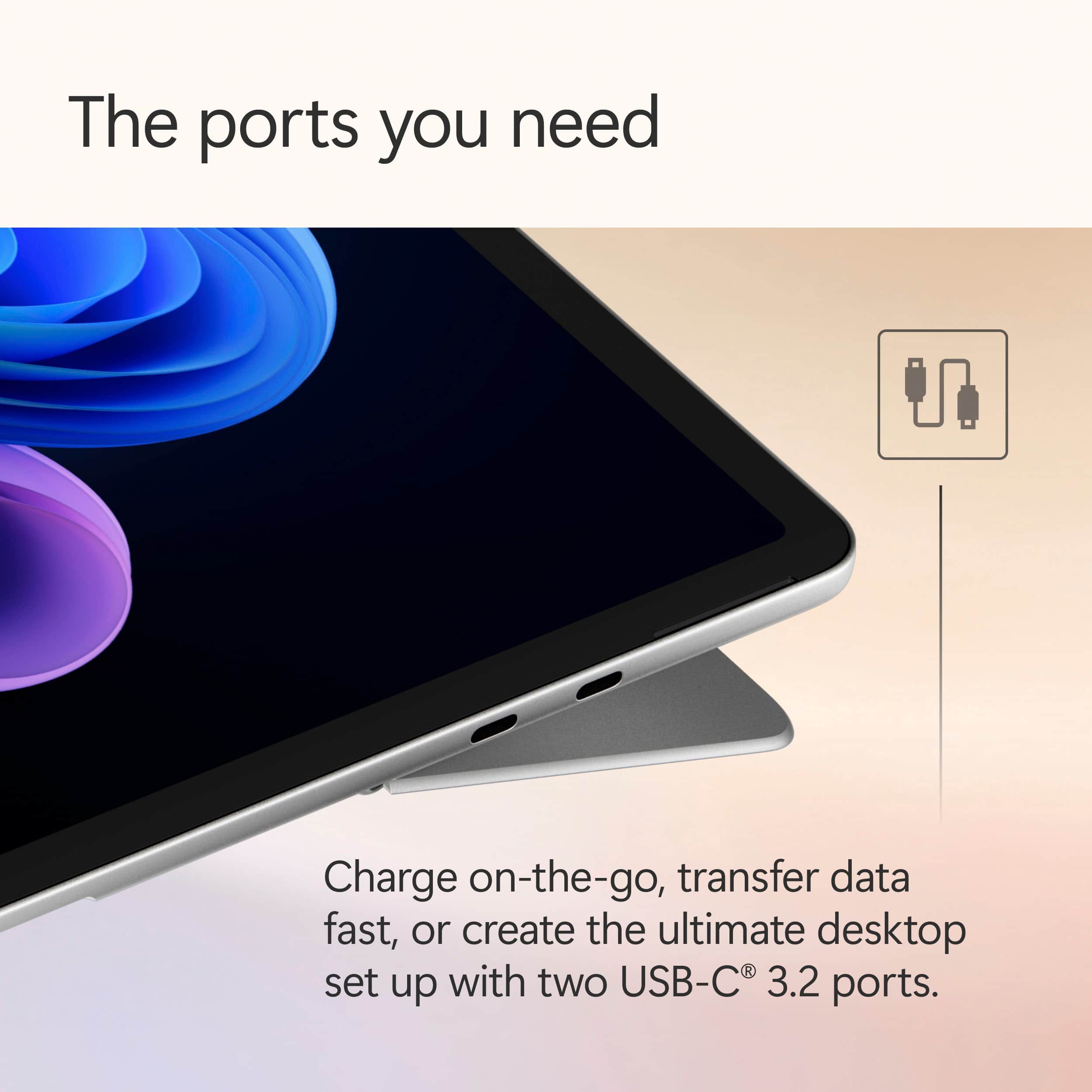
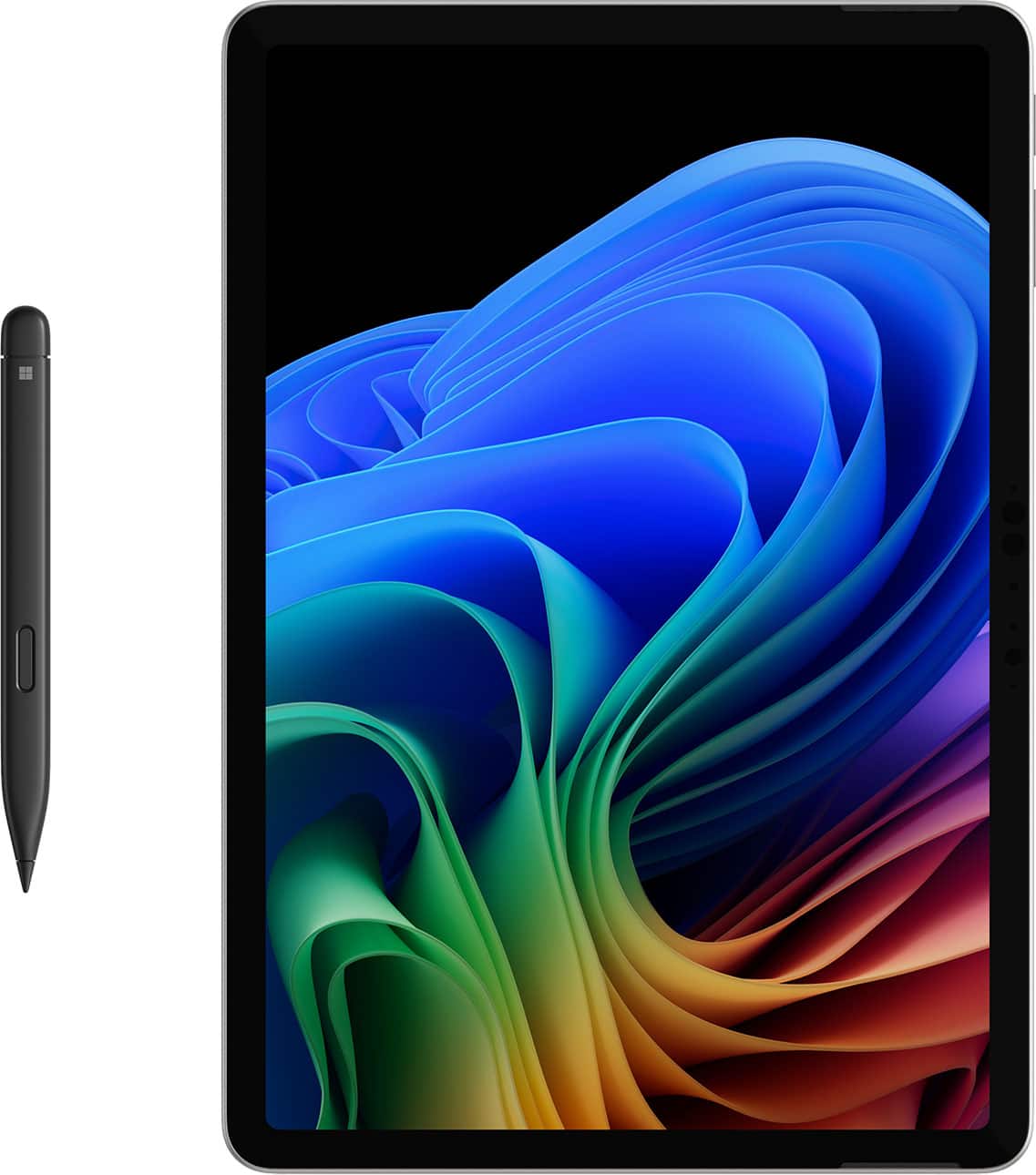
|Posted .This reviewer received promo considerations or sweepstakes entry for writing a review.This finally feels like the competition the other tablets needed. This is basically a Windows 11 computer in a slim, light and fairly capable device. Sure, it isn’t going to play the latest and greatest games directly on it, but if you have Xbox Game Pass then you can play them from the cloud just fine on here. But, it does have 16GB of RAM and an 8 core processor, so it is pretty snappy with most things. Just like any other Windows computer, you go through the usual setup and it asks for your Microsoft account. With this, you can then make your tablet look like any of your other connected computers with OneDrive. The first thing I found to be beneficial is that it could see all three of the bands my Wi-Fi 7 router provides, 2.4Ghz, 5Ghz, and 6Ghz with no issues. So, plenty of options there for wireless connections. Then you have two USB-C 3.2 ports that can be used for power at 45W and up to two 4K/60hz monitors with DisplayPort 1.4A over USB. One thing of note, everything is sold separately despite the images you might see. The 45W charger, the keyboard and pen. This is just the tablet device and you will need to charge it. Though the battery does last a good while on a single charge, about 12 hours of regular use, several days of just casual use, you need at least a 27W charger to charge it back up. You can also do all your typing and writing with your fingers, but it makes it into a laptop or drawing pad once you have those. Besides, the device also has a built in magnetic wireless charging indention on the back. It holds the pen super tight, but still leaves a bit of a ledge to catch when sliding in a bag or trying to lay it flat on a surface. Plus, with the pen, it has feedback and is touch sensitive for the artist in you. The kickstand is pretty solid, a bit tight to pull out with the very fine slit for grabbing it, but holds well at just about any angle. Like all Windows products now, you also have the AI Co-Pilot which can help you through a lot of situations. From asking simple questions to asking it to create an image of your imagination. If you need a better way to word that email you were typing up, Co-Pilot can be there to help you. Overall, this is a solid Microsoft Windows tablet. Large enough to be a small laptop, big enough to do just about anything you want, even if it is just to be mobile entertainment. Plenty of battery time to get you through those long trips and plenty of capability to make sure you are on top of your business functions.
I would recommend this to a friend - Pros mentioned:Battery life, Overall performance, Portability
Microsoft - Surface Pro - Copilot+ PC - 12" Touch-
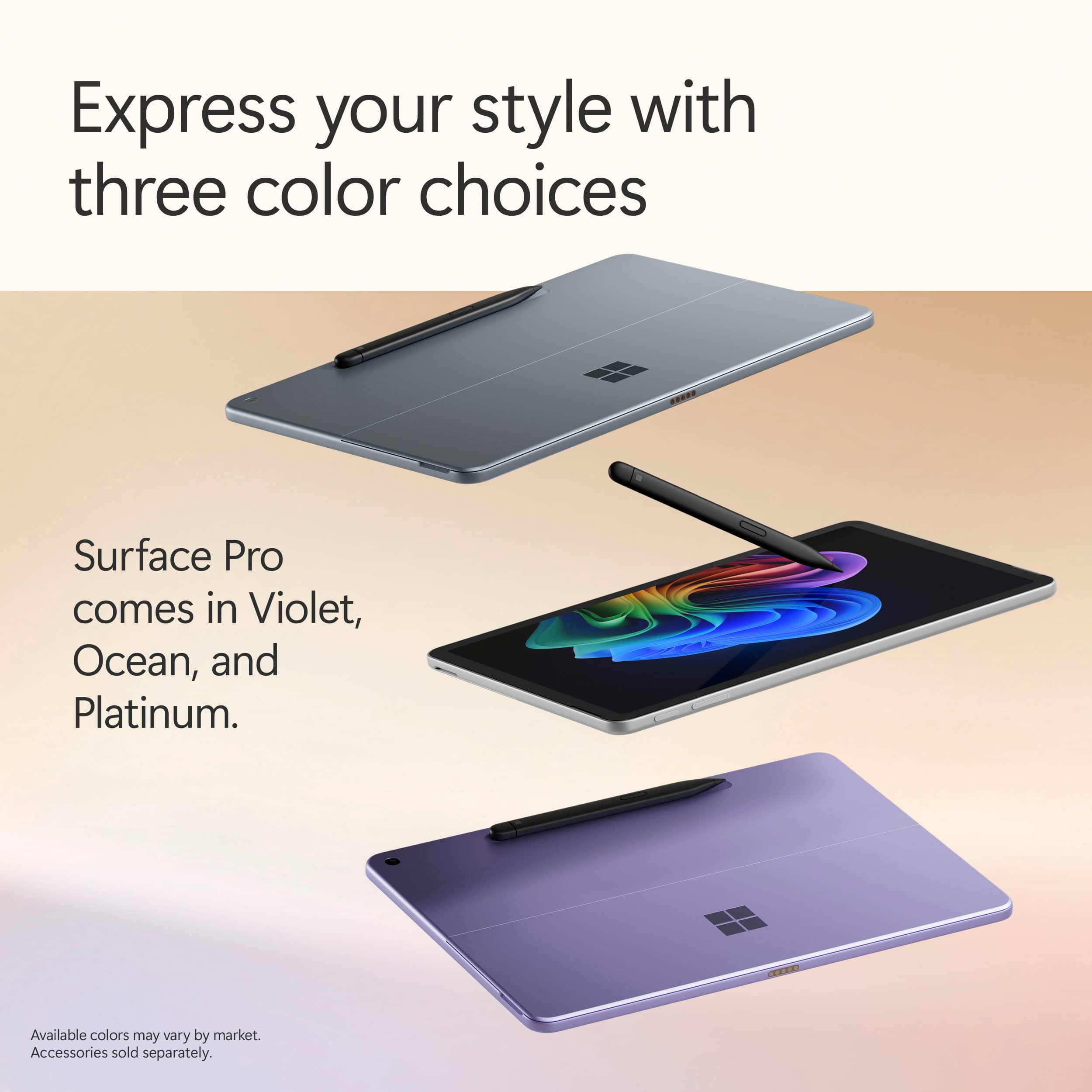
||Posted . Owned for 1 month when reviewed.This reviewer received promo considerations or sweepstakes entry for writing a review.The new Surface Pro Copilot+ PC is amazing! It's super fast with the Snapdragon X Plus and 16GB RAM, plenty of storage with 512GB, and the 12” touch screen is gorgeous. It's also lightweight, sleek, and the Ocean color is beautiful. The battery lasts all day and multitasking is effortless. Highly recommend!
I would recommend this to a friend - Pros mentioned:Overall performance, Portability
Nice computer
||Posted . Owned for 5 months when reviewed.This reviewer received promo considerations or sweepstakes entry for writing a review.It is a great computer works awesome. It was used to make reports and was so easy to use. Very light weight! The kids used it too and they said it was very user friendly!
I would recommend this to a friend - Pros mentioned:Battery life, Design, Overall performance
Battery Life, Design, and Ease of Navigation
||Posted . Owned for 1 month when reviewed.This reviewer received promo considerations or sweepstakes entry for writing a review.My Surface Pro 12” is very impressive with its sleek and modern design, featuring a vibrant display that makes it ideal for both work and entertainment. Its battery life is robust, comfortably lasting a full workday on a single charge. I find navigating the device is straightforward, thanks to the intuitive interface and responsive touchscreen.
I would recommend this to a friend - Pros mentioned:Portability
Microsoft Surface Pro 12: Not bad at all!
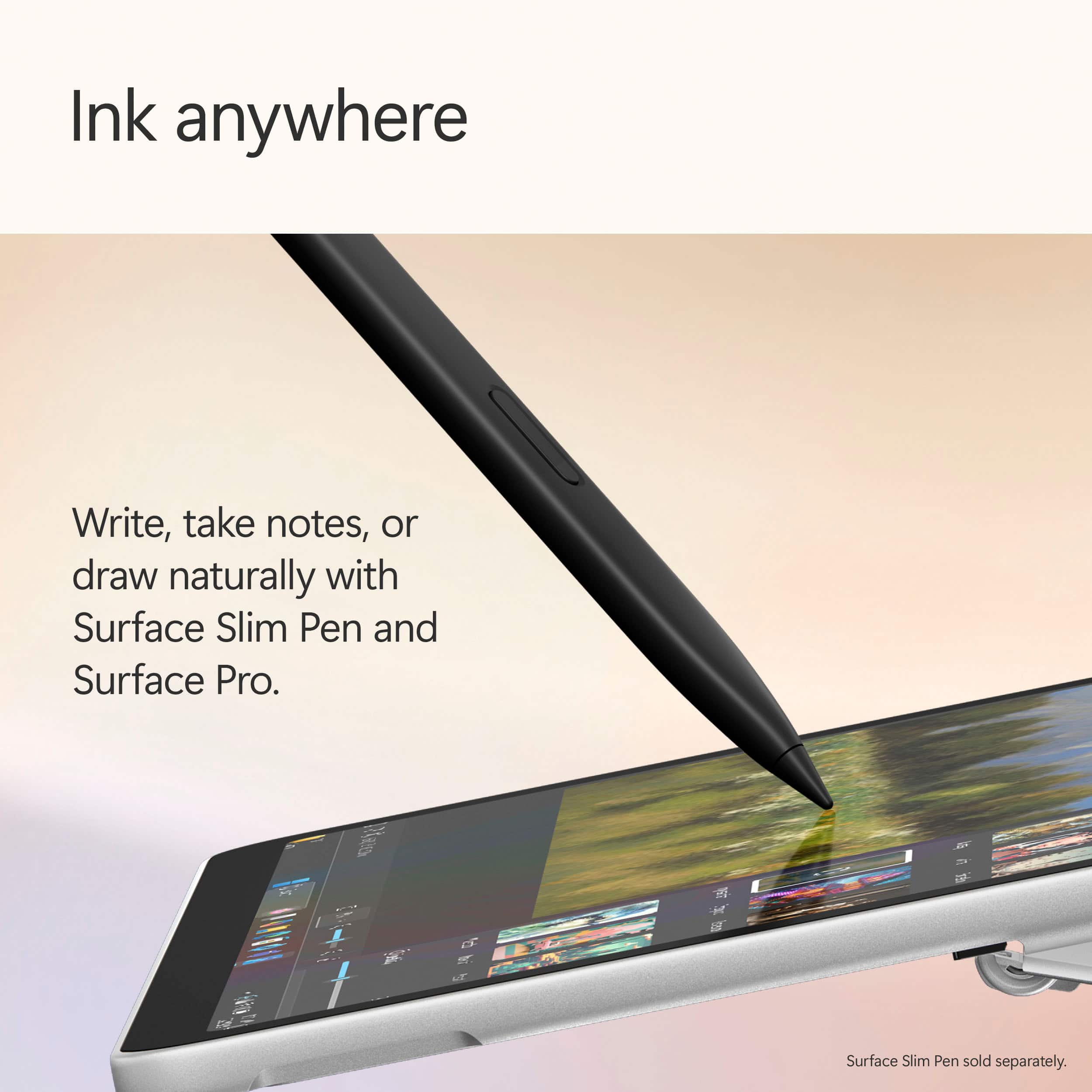
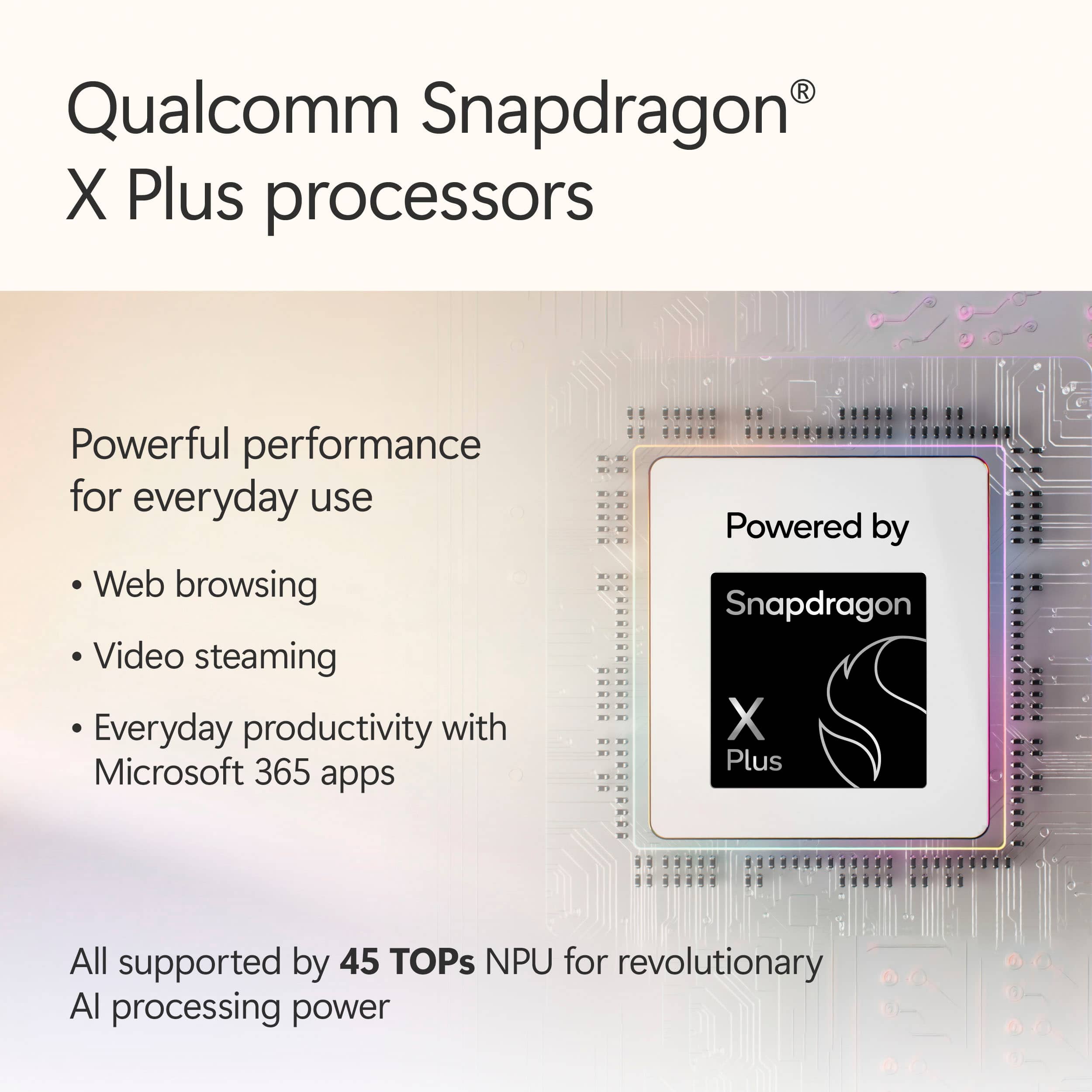
|Posted .This reviewer received promo considerations or sweepstakes entry for writing a review.New hardware always gets my blood pumping and when it's a Microsoft product, it either works out very well, or it's a hot mess. Surface PCs have been around for quite a while and usually, since they're made by Microsoft, they're very well adapted to the Windows environment. Now, this Surface Pro is a bit different in a big, big way. Let's dive into it. At first glance, you wouldn't think that the Surface Pro with its 12" screen is anything more than a pretty tablet. But it is so much more and it starts with its specifications. What stands out is the use of an ARM architecture CPU/GPU/NPU combo. If you're not very familiar with these terms, let me help you out. Windows (and most PCs) have been running on the good old x86 CPU architecture, such as CPUs made by Intel or AMD. The type of architecture used is meaningful as the operating system has to be able to communicate in its own language with a set of hardware that understands that language (I'm simplifying a lot here). There are other types such as RISC, ARM and others. The "CPU" chosen for this Surface is the first ARM CPU I've ever seen used on a Windows device (outside of VM, but that's another story). You might actually know who makes this CPU: Qualcomm. Their CPUs are currently running most of the higher-end Android smartphones and tablets. The model used in this device is the Snapdragon X plus, which is near the top-tier of their offering. It includes different types of processor cores (8 in total), each set designed to handle specific workloads, including graphics (GPU) and AI cores (NPU). The Snapdragon X plus packed in the Surface Pro is actually fairly good. It can handle most tasks flawlessly and can adjust power consumption depending on the load, resulting in lower battery usage, extending the charge significantly. In terms of memory, you'll be granted 16 gigs of RAM and 256 gigs of NVMe storage. For a tablet PC, that's not bad at all, but I would have liked at least twice the NVMe storage as you might hit the limit pretty quickly if you work offline a lot. If most of your tasks rely on online services (Office 365 for instance), this shouldn't be an issue. But a SD card slot would have been a welcome addition. The screen is probably one of the best I've seen on a mobile device. It's beautiful and has gorgeous contrast, the vivid colors and deep blacks are amazing. If I didn't know any better, I would have thought it was an OLED screen. The screen is obviously a touch screen with a great response and it's quite precise. The Surface Pro is very well made and feels very sturdy (the body is a metal alloy). It features the typical built-in stand (I love this feature) and 2 Type-C connectors which can be both used to charge the device using a 45W charger. I recommend that you get the charger made by Microsoft to avoid issues later on. The sound is good for such a small device as well. Everything is not all rainbows and butterflies. I have had two applications that wouldn't run on the Surface Pro. It might still be that Microsoft needs to work on compatibility a little more to get everything to run properly on an ARM CPU. Also, when the CPU switches between efficient and performance cores, you can sometimes feel a little drag. It's not a lot, but it's noticeable. Last but not least, the battery holds a decent charge but it drains a bit too fast when you use CPU heavy software. In conclusion, I was impressed with the Surface Pro. Adding the keyboard and most importantly (for me at least) the stylus turned this portable device into an excellent, on-the-go graphics design and drawing tablet. It can handle most jobs, but falls short in terms of gaming (it really can't handle much more than simple 2D games). But this is a productivity workhorse and if that's what you're looking for, you won't be disappointed. Nice job, Microsoft!
I would recommend this to a friend - Pros mentioned:Design, Overall performance, Portability
Superou expectativa
||Posted . Owned for less than 1 week when reviewed.This reviewer received promo considerations or sweepstakes entry for writing a review.Muito rápido, portátil e elegante, indico pois quem precisa de eficiência, portabilidade e elegância, é o produto perfeito.
I would recommend this to a friend - Pros mentioned:Battery lifeCons mentioned:Screen glare
Great 2 in 1 for daily taks
||Posted .This reviewer received promo considerations or sweepstakes entry for writing a review.Great form factor, quiet and great size. Works very well for normal activites but struggles with intensive tasks like video editing and gaming. Great battery life but needs more screen brightness.
I would recommend this to a friend - Pros mentioned:Battery life, Overall performance, Portability
Good devices - performs well for daily simple task
||Posted .This reviewer received promo considerations or sweepstakes entry for writing a review.Potable and lightweight for me. Separately purchased keyboard is also very fit this device. The only option to use keyboard is on the flat hard surface. Display is great, battery life good for the day 8-10 hours with normal use. Good tablet for running windows applications
I would recommend this to a friend Take it anywhere with ease! Love it!
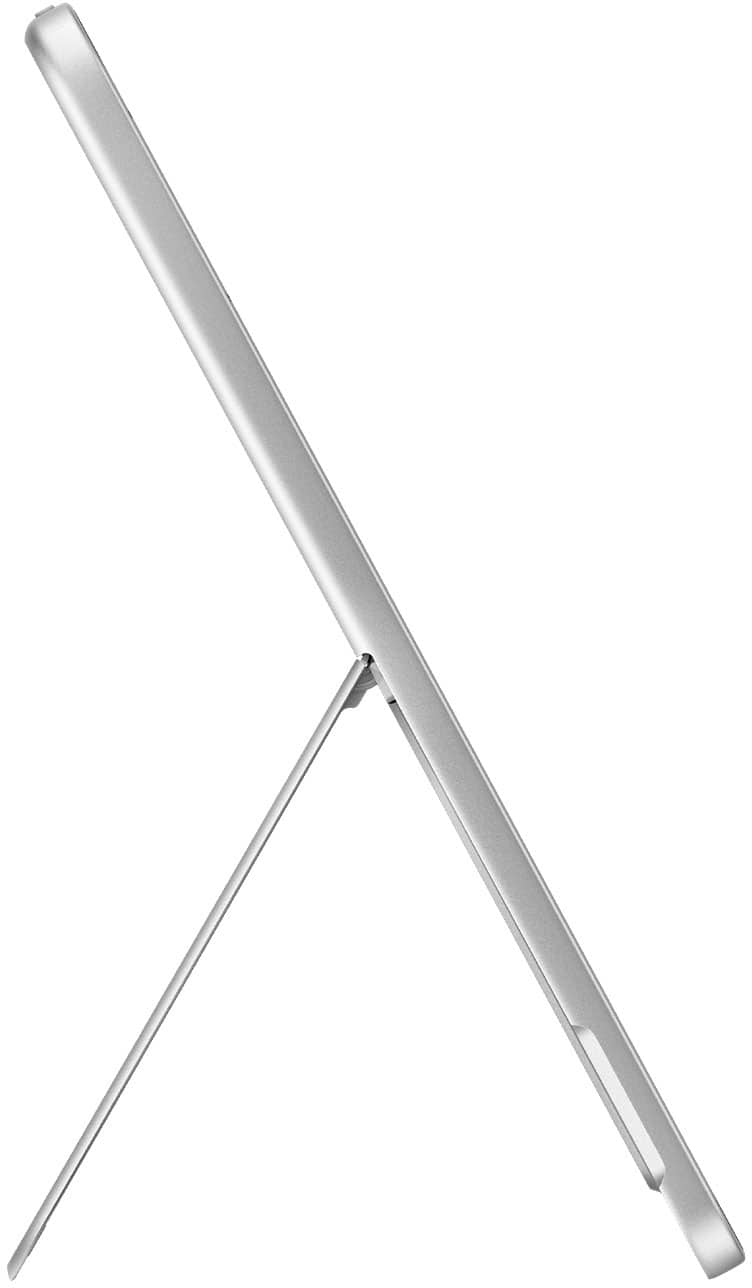
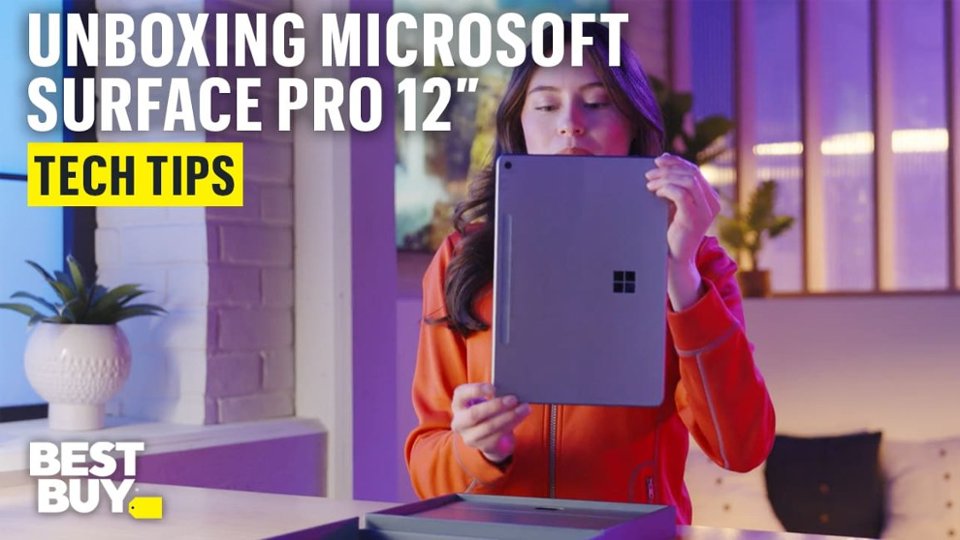
|Posted .This reviewer received promo considerations or sweepstakes entry for writing a review.The Surface Pro Copilot+ 12-inch tablet arrived in a compact, modern-looking box that screams premium. It just feels nice in your hands, a good sign that what’s inside will be equally nice! There’s not a lot included in the box, just the tablet, a USB-C charging cable, and a couple little paper inserts, including one that identifies all the buttons and directs you to a webpage for additional setup support. No wall plug included, which is fine with me.. I’ve already got way too many of those lying around, and I’m happy to contribute toward reducing unnecessary waste. Even the packaging itself looks and feels like it’s made from fully recyclable materials, which I always appreciate. The device was nestled perfectly, easy to pull out, no annoying plastic, and ready to go. Once I had it in my hands, the first thing I noticed was how lightweight and thin it is. It just feels really nice, sturdy, strong, all metal and glass.. Cool to the touch. The finish is smooth, and everything about it screams quality to me. It’s sleek and minimal but packs a mighty punch. The kickstand on the back folds out beautifully and holds at nearly any angle you want. I’ve been using it everywhere and the kickstand works not only for your desk, but in bed, on my lap, on one leg, etc, and it stays stable and holds its position really well. The hinge is so smooth, it pops out then glides into places, and then when closing it there is a subtle click that secures it into place, flush with the tablet, almost unnoticeable. Very well designed. Setting it up was pretty standard for a Windows machine, though there were a couple of new options. The Copilot feature stood out right away, basically an AI assistant built into Windows, and there was another option where you can enable snapshots of your screen taken every few seconds. That sounded cool, but I skipped it for now. Might go back and try it later. Everything else about the setup was familiar, location settings, updates, and login, and went pretty quickly. The tablet powers on quickly, and the screen is gorgeous. It’s a 12-inch PixelSense display with sharp detail and stunning color. Even though it’s not OLED, it could have fooled me, because it look fantastic. Brightness is good and I haven’t had any issues using it in different lighting around the house. Touch response is excellent, and everything feels fluid and fast. The scrolling is really smooth, wish is probably because of the 90Hz refresh rate. The device is completely fanless, which makes it totally silent. No hum, no buzzing, just quiet, and as far as I know, that’s not very common for a Windows device. Even under heavier use, the tablet hasn’t gotten hot. Performance-wise, I’ve been really impressed. It runs on the Snapdragon X Plus chip with 16GB of RAM, and I’ve had no trouble running multiple apps, streaming, browsing with tons of tabs open, and even some light editing work. So far it handles it all smoothly without any issues. I haven’t run into any crashes or freezing, and it feels really fast. You probably wouldn’t want to game on this unless you’re cloud gaming or playing something casual, but for everyday tasks, it’s solid. Battery life has been perfect for me, honestly better than I expected. I’ve been getting two to three days of light to moderate use in the evenings, on a single charge. The speakers sound pretty good for a tablet. They get loud enough for me, and I’ve watched lots of videos on it without feeling like I needed better sound.. The front-facing camera works well for video calls, and it supports facial recognition for logging in, which works really well and I’m starting to love. I haven’t used the rear camera much, but I’m glad that it’s available for when I’m traveling or if I just need to grab a quick pick on this device. There are two USB-C ports for charging, data, and video, which is perfect for my needs. I connected it to my external monitor, and it looked great and performed just fine. Everything scaled well, and there were no issues. Copilot has quickly become one of my favorite things about using this tablet. I love being able to ask it questions, have it summarize stuff for me, help write messages or posts, and even search for things faster. If you’re not familiar with Copilot yet, I highly recommend spending some time with it. It’s an easy way to start incorporating AI into your everyday workflow, and I think it’s only going to get more useful as time goes on. I’ve always been a fan of AI tech, mostly for art and video creation, but I’ve been trying to use it for other things as well, and it’s exciting to see it built into a tablet making it so easily available. Overall, I’m really happy with this device. The Surface Pro Copilot+ 12-inch has easily become my favorite tablet to carry around. Whether I’m heading out for a quick trip, visiting a friend, or just moving around the house, I always want to take it with me. It’s lightweight, quie, easy to use and has AI built into it. I can throw it in a bag or backpack without thinking twice, and it feels like the kind of device that’ll hold up well over time. I recommend this to anyone looking for a quality tablet that’s sure to last for many years.
I would recommend this to a friend- Pros mentioned:Battery life, Overall performance, Portability
A hybrid beauty
||Posted .This reviewer received promo considerations or sweepstakes entry for writing a review.Replaces a Surface Pro6. Loved that unit but battery dying and seemed to be slowing down, or maybe I just wanted a little faster upgrade. Well, it’s slimmer, lighter & a bit smaller overall. Then noticeable improvement to speed. Always happy with windows although I have IPhone for many years. No problem with IOS but maybe Windows is my comfort zone. Do easy to travel with this unit and battery is pretty much great.
I would recommend this to a friend - Pros mentioned:Design, Portability, Processor speed
Great
||Posted . Owned for 1 week when reviewed.This reviewer received promo considerations or sweepstakes entry for writing a review.Love this! It is so fast and easy to use. I love that it has the pen docking station on the back and the color is so pretty!
I would recommend this to a friend - Pros mentioned:Battery life, Overall performance
Finally a great windows tablet
||Posted . Owned for less than 1 week when reviewed.This reviewer received promo considerations or sweepstakes entry for writing a review.I have had Surface tablets here and there in the past but always found them to be too heavy and bulky to use as a tablet, which made the form factor pointless for me. The new Surface 12" though is finally light enough to use as a tablet without sacrificing battery and performance like the Surface Go line did. Also, it is big enough for a comfortable keyboard accessory, which was also a downside of the Surface Go. All in all, I am enjoying this device.
I would recommend this to a friend - Pros mentioned:Portability
Another Great Product!
||Posted .This reviewer received promo considerations or sweepstakes entry for writing a review.I am not a techy person. I cannot go into the specs of this product. What I can tell you is this. 1. I love that it is small. I don't like to carry around a laptop that is heavy. So, the size is awesome. 2. The color! I mean, Violet! It is very subtle, not overbearing like other colored products. 3. The setup was so easy. I plugged it in and, my stuff was just there. I had to put some of my apps back on but other than that, it was just there. 4. I have the year-round Geed Squad program. It feels good knowing they are there when I need them. Even just a quick call to help me figure something out. Nice! This product replaced a Microsoft Surface that would not upgrade to Windows 11. So I was very familiar with Microsoft. Love it!
I would recommend this to a friend - Pros mentioned:Overall performance
Surface Pro works like a charm
||Posted . Owned for 2 weeks when reviewed.This reviewer received promo considerations or sweepstakes entry for writing a review.I have been using my surface pro as an additional note taker. It fits nicely on my desk, is extremely responsive, and allows me to use Microsoft Office 365 to integrate with my other workflow
I would recommend this to a friend