Customer Ratings & Reviews
















- Model:
- EP2-33671
- SKU:
- 6623672
Rating by feature
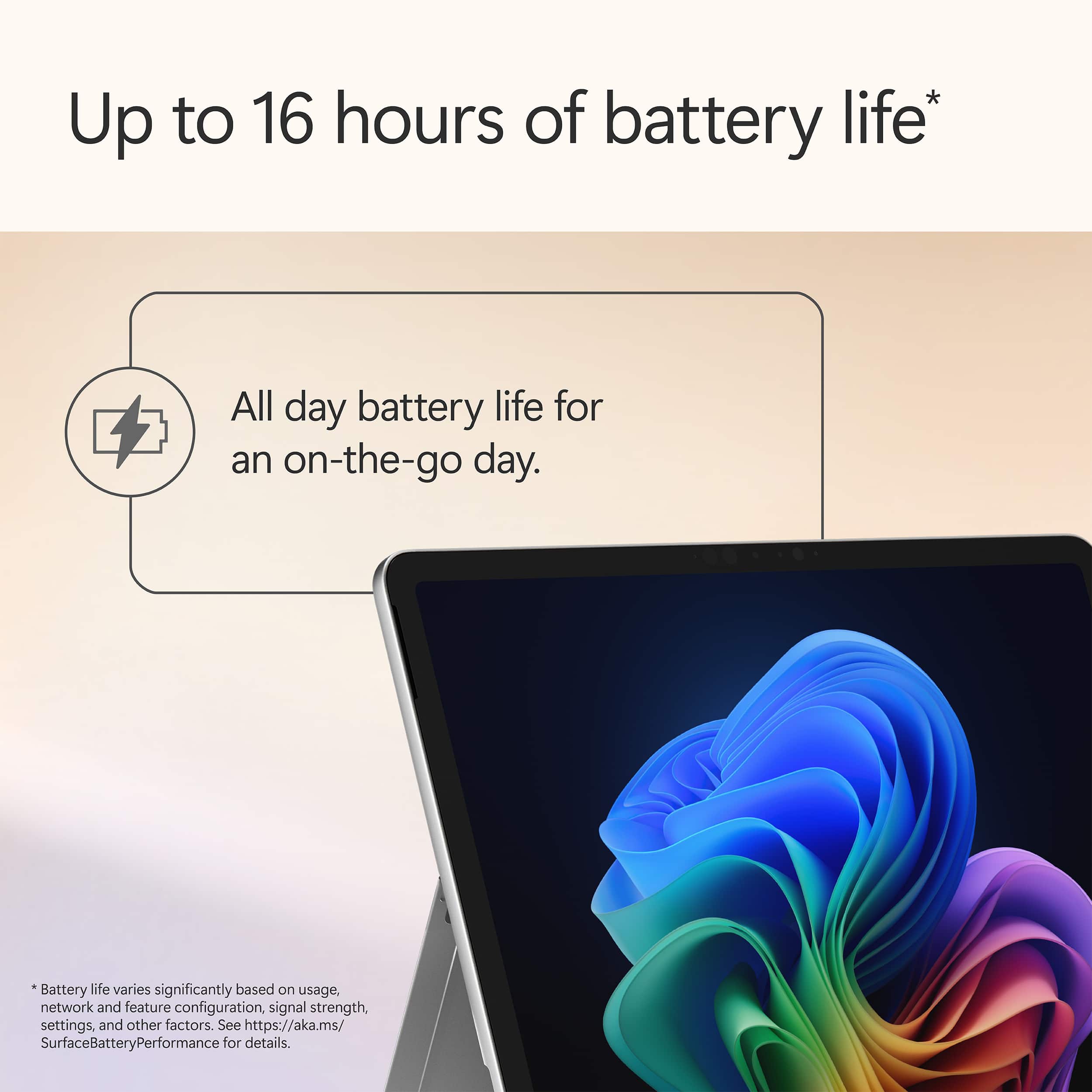
- Battery Life
Rating 4.8 out of 5 stars
- Durability
Rating 4.7 out of 5 stars
- Display
Rating 4.8 out of 5 stars
Customers are saying
Customers are pleased with the Surface Pro's portability, performance, and battery life, with users finding it lightweight and appreciating its fast processing speeds. The build quality and form factor also receive positive feedback, with users noting its quiet operation and effective heat dissipation. However, some customers feel the screen brightness could be improved and would like to see a better port selection, while others have concerns about app compatibility.
This summary was generated by AI based on customer reviews.
- Pros mentioned:Battery life, Build quality, PerformanceCons mentioned:App compatibility, Port selection, Screen brightness

A Step Forward
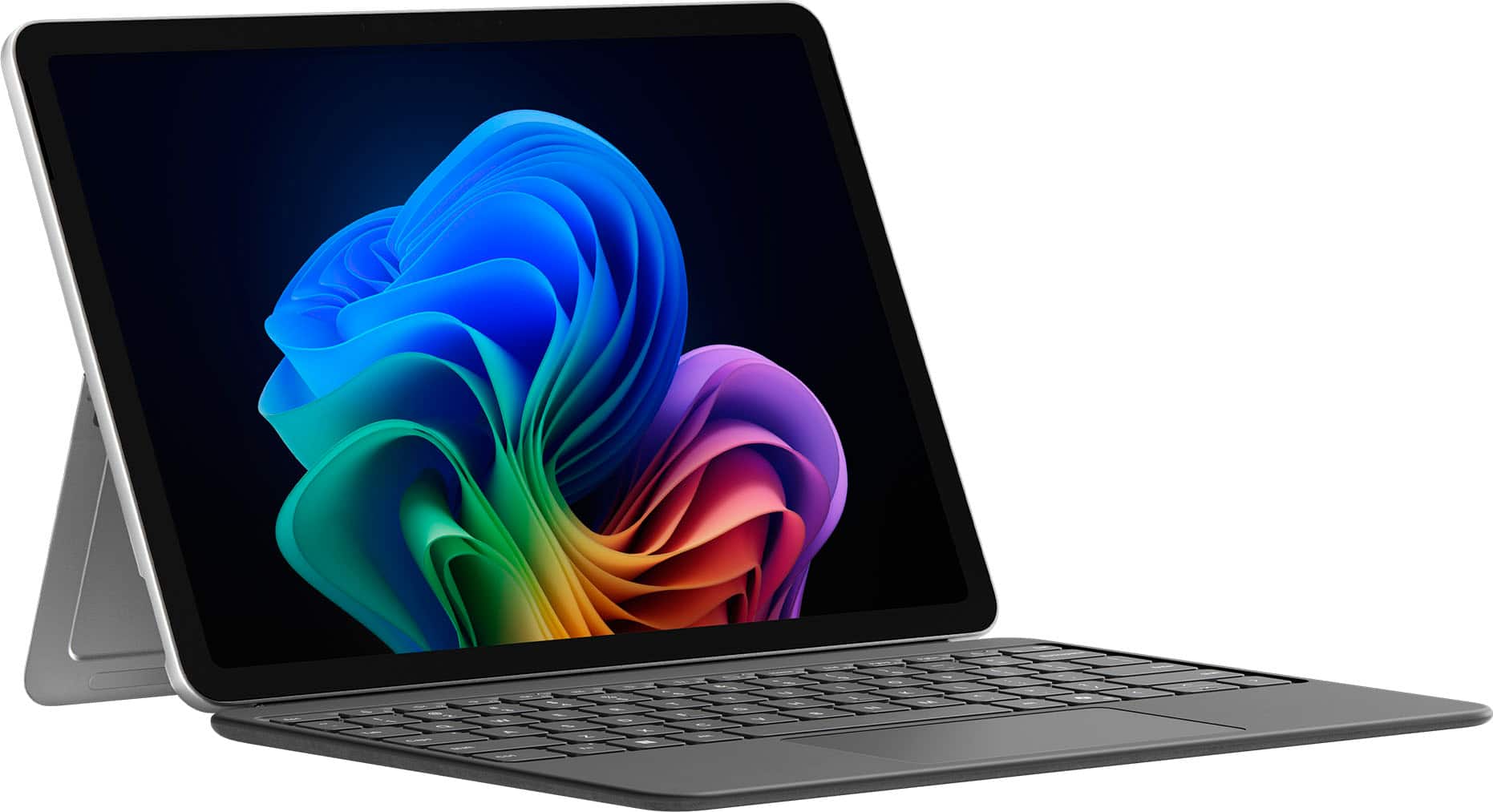
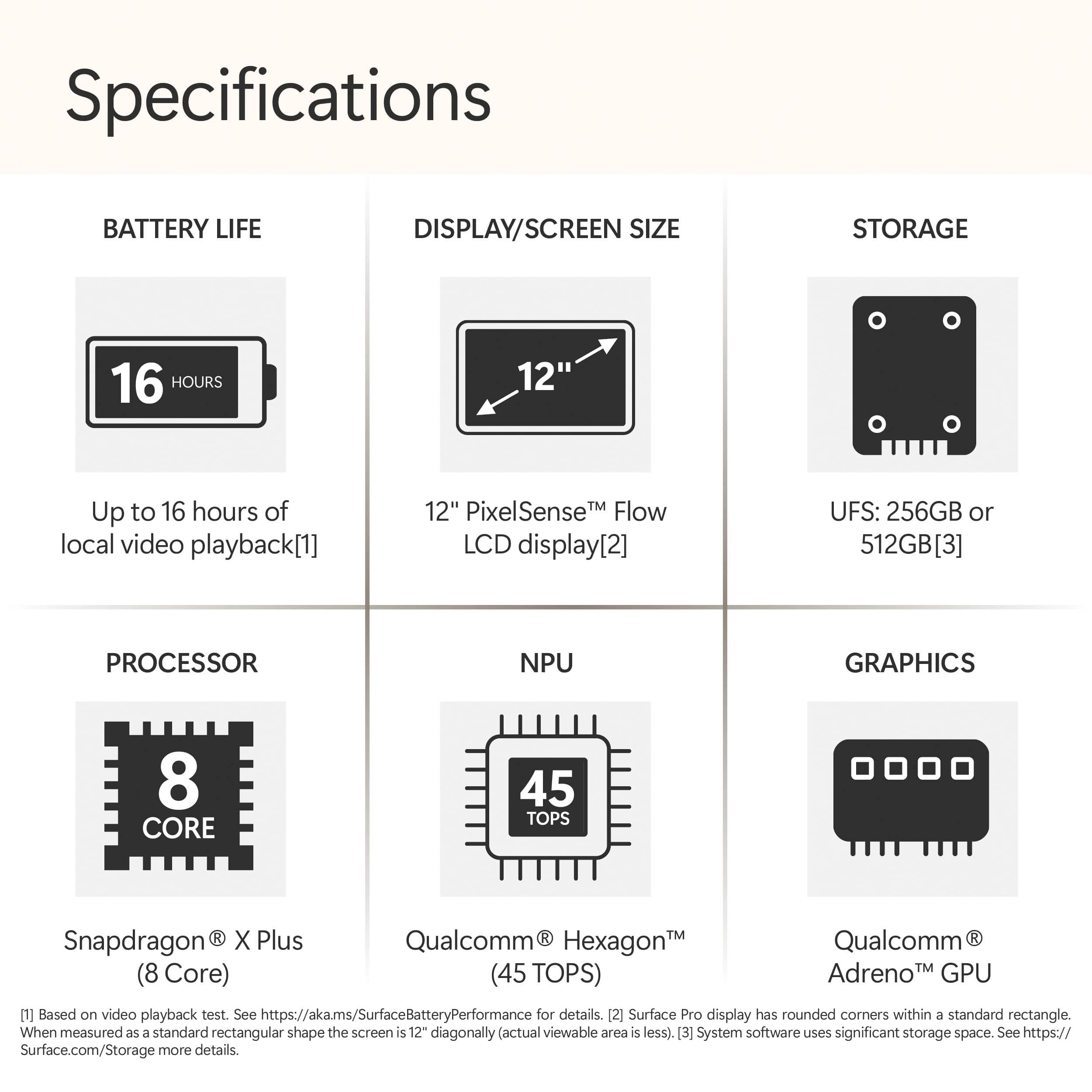
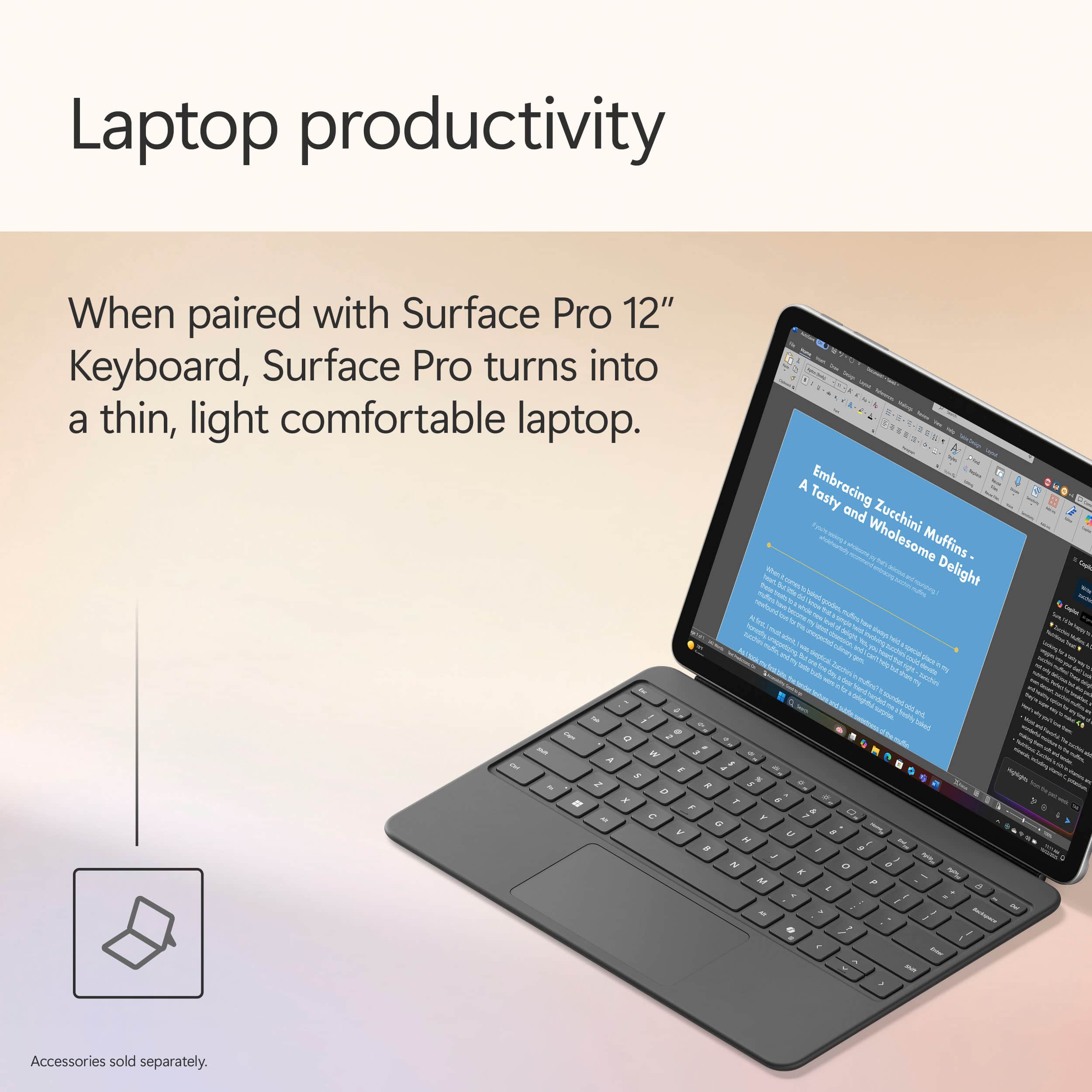
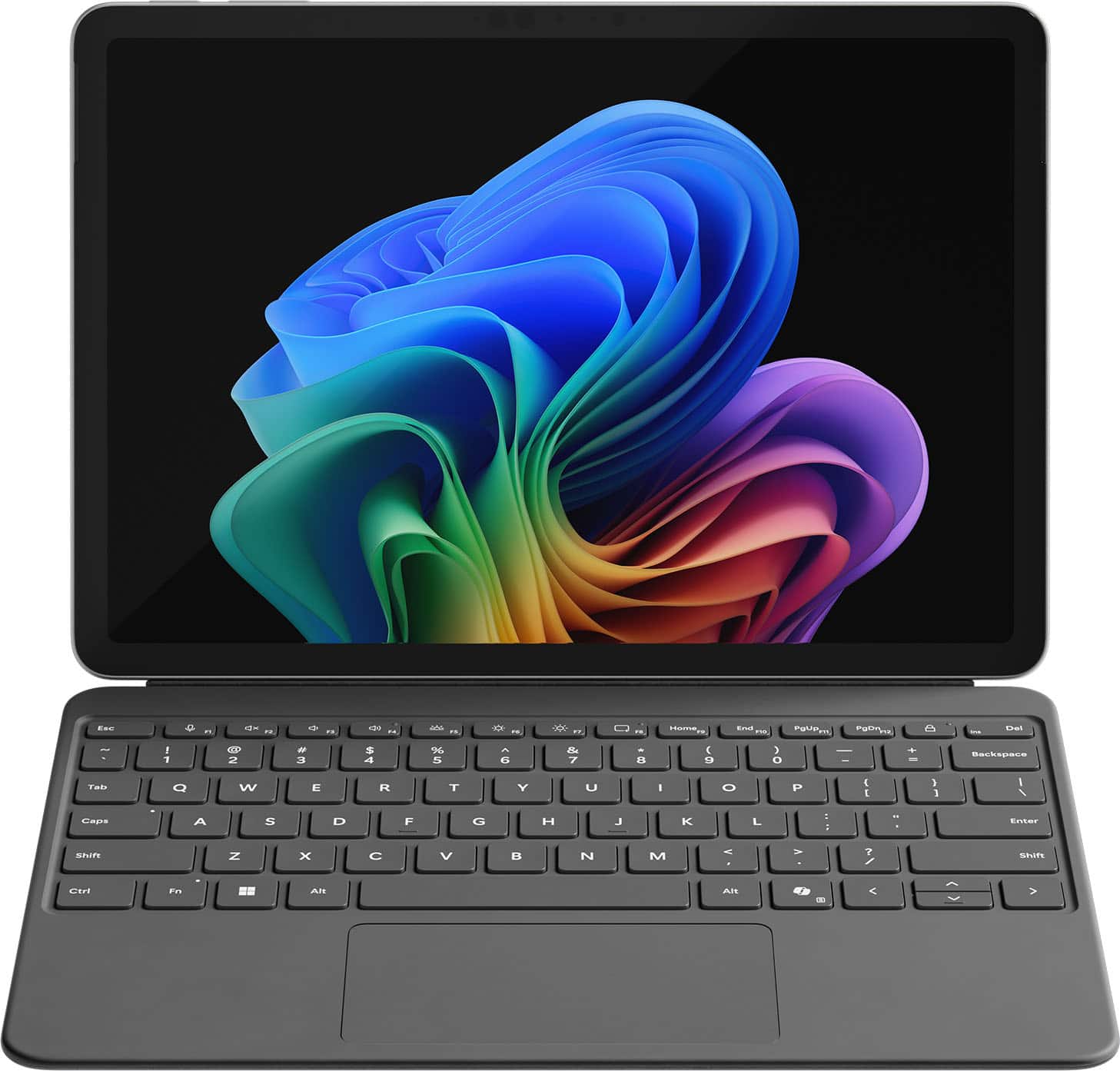
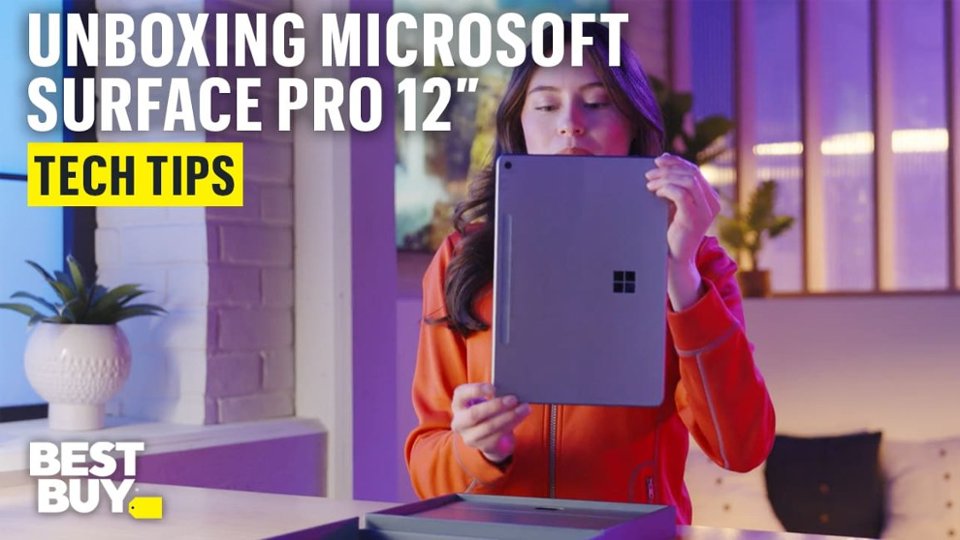
|Posted .This reviewer received promo considerations or sweepstakes entry for writing a review.Setup & First Impressions As soon as I unboxed the Surface Pro 12" in the Ocean finish, I was impressed by how premium it looked. The color has a really subtle, classy vibe—not too loud, but still unique enough to stand out from the usual gray slabs. I paired it with the Surface Pro Flex Keyboard (sold separately), which magnetically snaps on with a satisfying click. Setup was quick and straightforward. Windows 11 Copilot+ guided me through login, updates, and personalization without any hiccups. I was up and running in under 10 minutes. One heads-up: you’ll need your own USB-C charger unless you pick up Microsoft’s, and it doesn’t come bundled with the keyboard or pen. Performance & x86 App Experience Under the hood, this thing is rocking the Snapdragon X Plus chip with 16GB RAM and 512GB of UFS storage. It’s fanless, so completely silent, and even under stress it never got uncomfortably warm. I threw all my usual tasks at it: Edge, Photoshop (ARM-native), Chrome, Slack, Teams—everything flew. When I installed a few x86 apps like older utilities and even a basic Windows-only media editor, the new Prism emulation handled them surprisingly well. I didn’t notice any major slowdowns, but heavier apps (like older Adobe Premiere versions or complex .exe installers) took a bit longer to launch. So yes, it works, but if you're deep into x86 creative workflows, you’ll notice a gap. Battery Life Battery life is a real win here. I’ve taken this thing through multiple long days—coffee shop work, editing on the couch, Zoom calls, and media consumption at night. On a typical day of mixed use, I’m getting around 9 to 10 hours comfortably. And during a recent trip, I tested video playback on a full charge: it clocked nearly 17.5 hours. The standby battery is stellar too. I left it in sleep overnight and came back to barely 2% battery loss. Perfect for travel or switching between tasks without worrying about losing charge. App Speed & Real-World Use This is where the Surface Pro 12" really hit its stride. Apps launch fast, multitasking feels seamless, and it handles anything I throw at it—except for super heavy creative stuff. I’ve edited images in Lightroom, used multiple browser tabs while running Teams and Spotify in the background, and it didn’t flinch. The Flex Keyboard is great, with satisfying key travel and a smooth trackpad. Typing long documents or emails felt just as solid as any traditional laptop. I do wish the screen had a higher refresh rate (it's 90Hz instead of 120Hz like on the 13"), but for the size, it’s still crisp and easy on the eyes. Travel & On-the-Go Use I’ve taken this thing on flights, to meetings, and even outdoors. It weighs just over 1.5 lbs without the keyboard and slips into a sling or backpack easily. No fan noise means I can use it anywhere—on a plane, in bed, during quiet moments—without feeling like I’m firing up a jet engine. Charging it with a basic USB-C charger worked just fine, and being able to top it off from a power bank is a travel game changer. I never once found myself worrying about finding an outlet. Plus, the new AI features like Eye Contact and Live Captions actually came in handy during video calls in noisy places. Final Thoughts What I loved: Ultra-light and perfect for travel Incredible battery life—seriously, all-day and then some Runs native apps buttery smooth Solid performance even for most x86 tasks Flex Keyboard is a must-have—great typing feel Silent and cool no matter what I’m doing What held it back: Keyboard and charger not included Not ideal for high-end x86 creative workloads Screen could be sharper or higher refresh Limited ports (just two USB-C 3.2) Conclusion If you’re someone like me—constantly moving, writing, editing, researching, attending calls—the Surface Pro 12” with Snapdragon X Plus is kind of a dream machine. It’s not the most powerful Surface ever made, but for mobility, silence, and efficiency, it hits all the right notes. This has become my go-to travel companion. It’s a genuinely capable little workhorse that lasts all day, handles nearly everything I throw at it, and slips into any bag with room to spare. If you're mostly working in the cloud, on Office, browsing, editing photos, writing, or just watching content, you’re gonna love this.
I would recommend this to a friend - Pros mentioned:Battery life, Build quality, PerformanceCons mentioned:App compatibility
Great Hardware for Lightweight Tasks
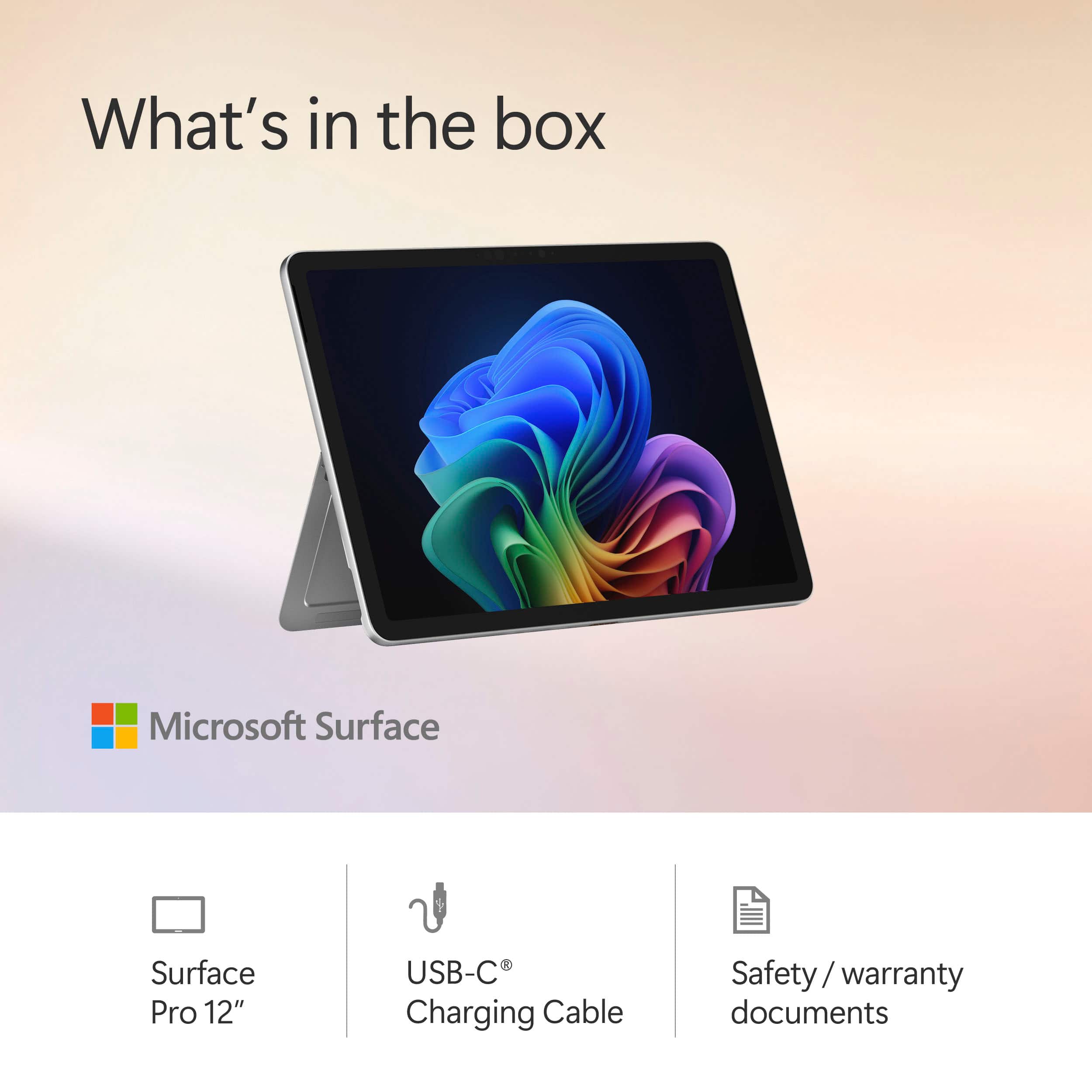
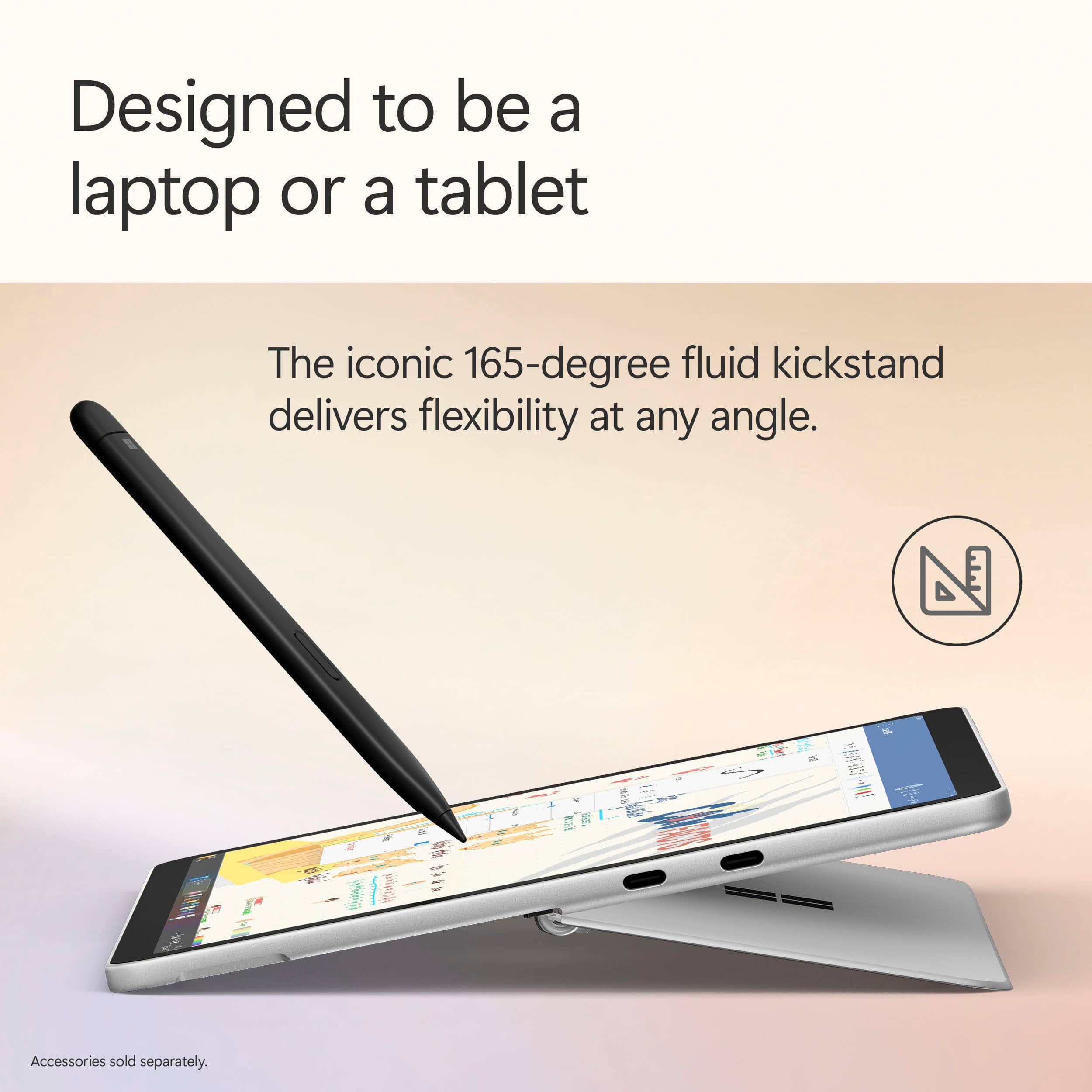
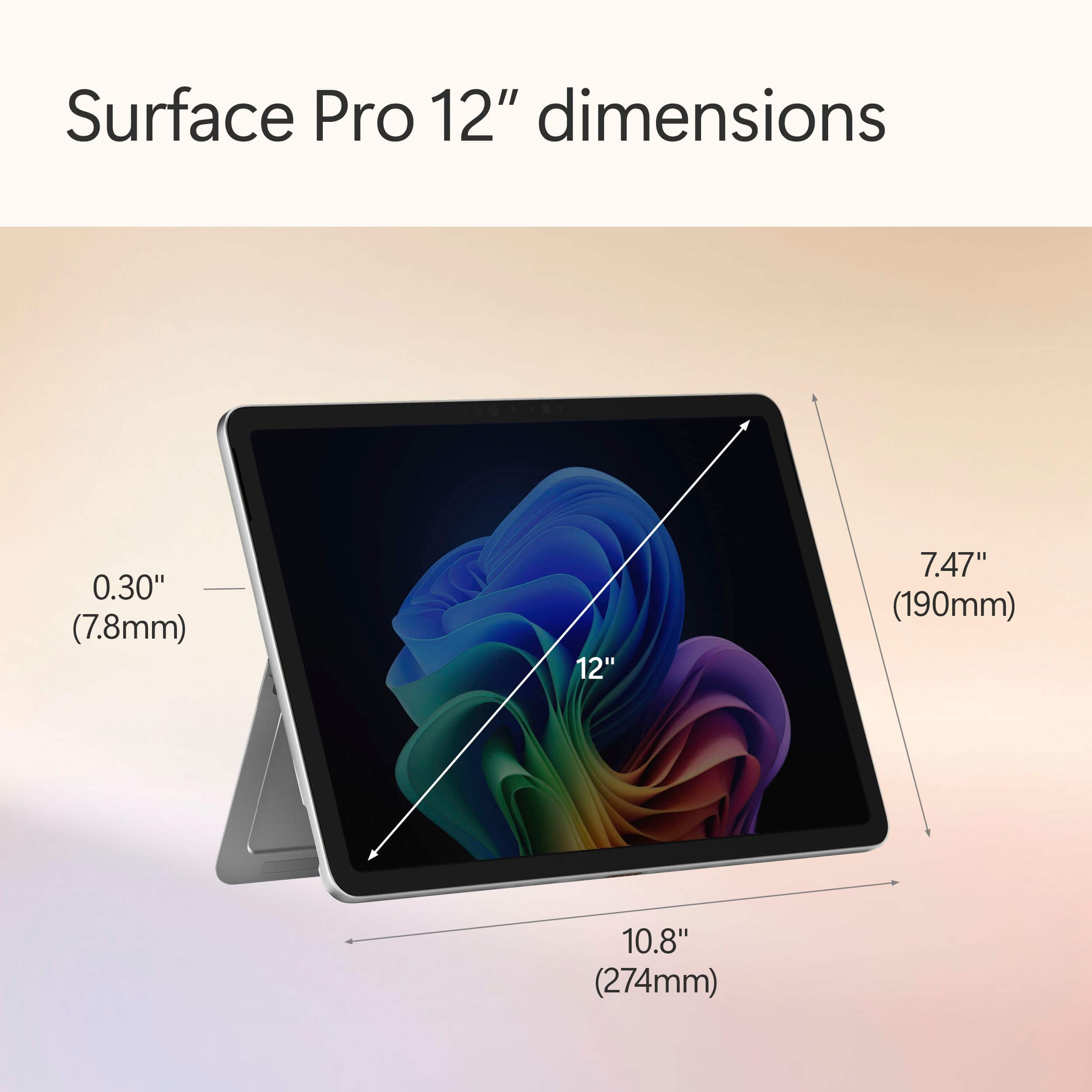
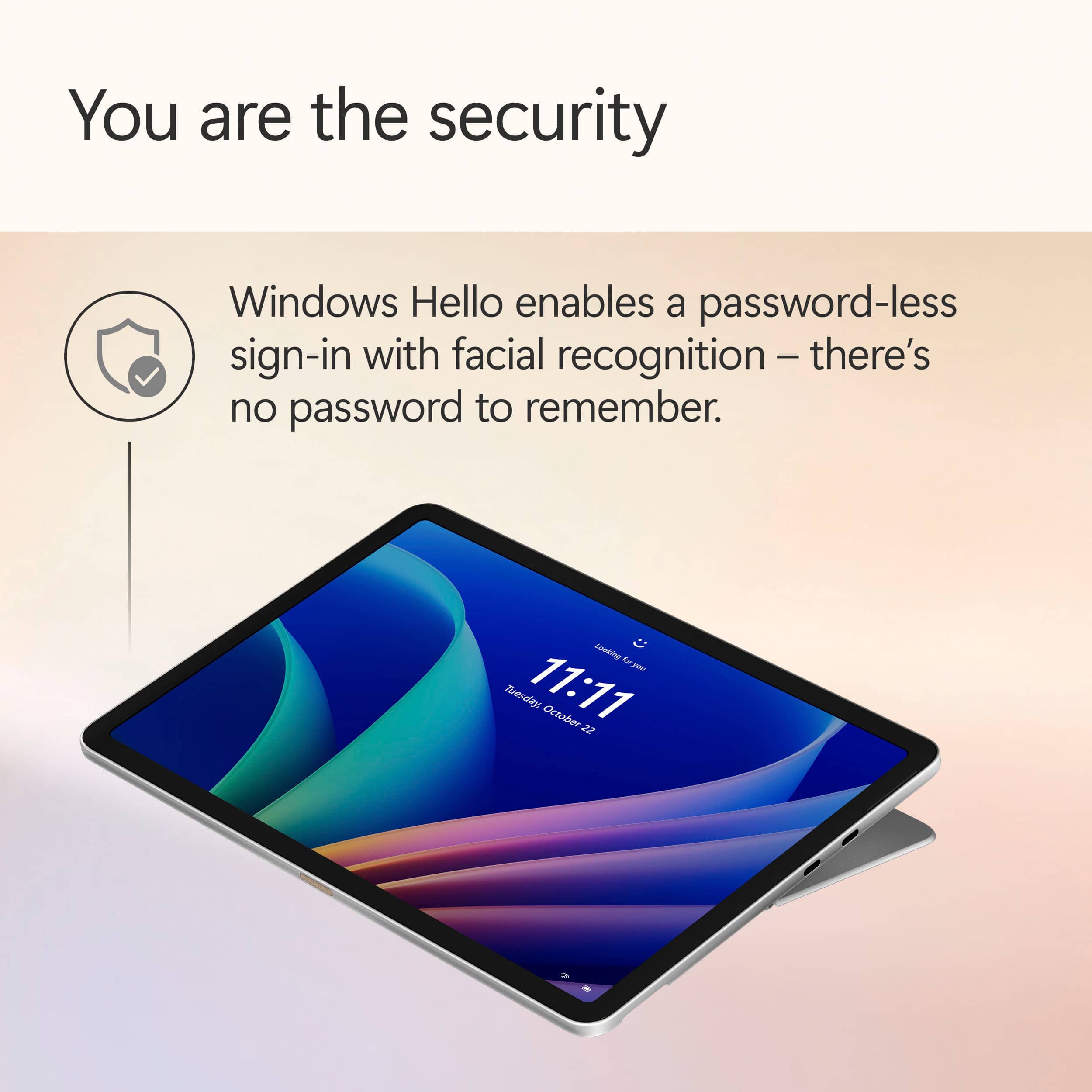
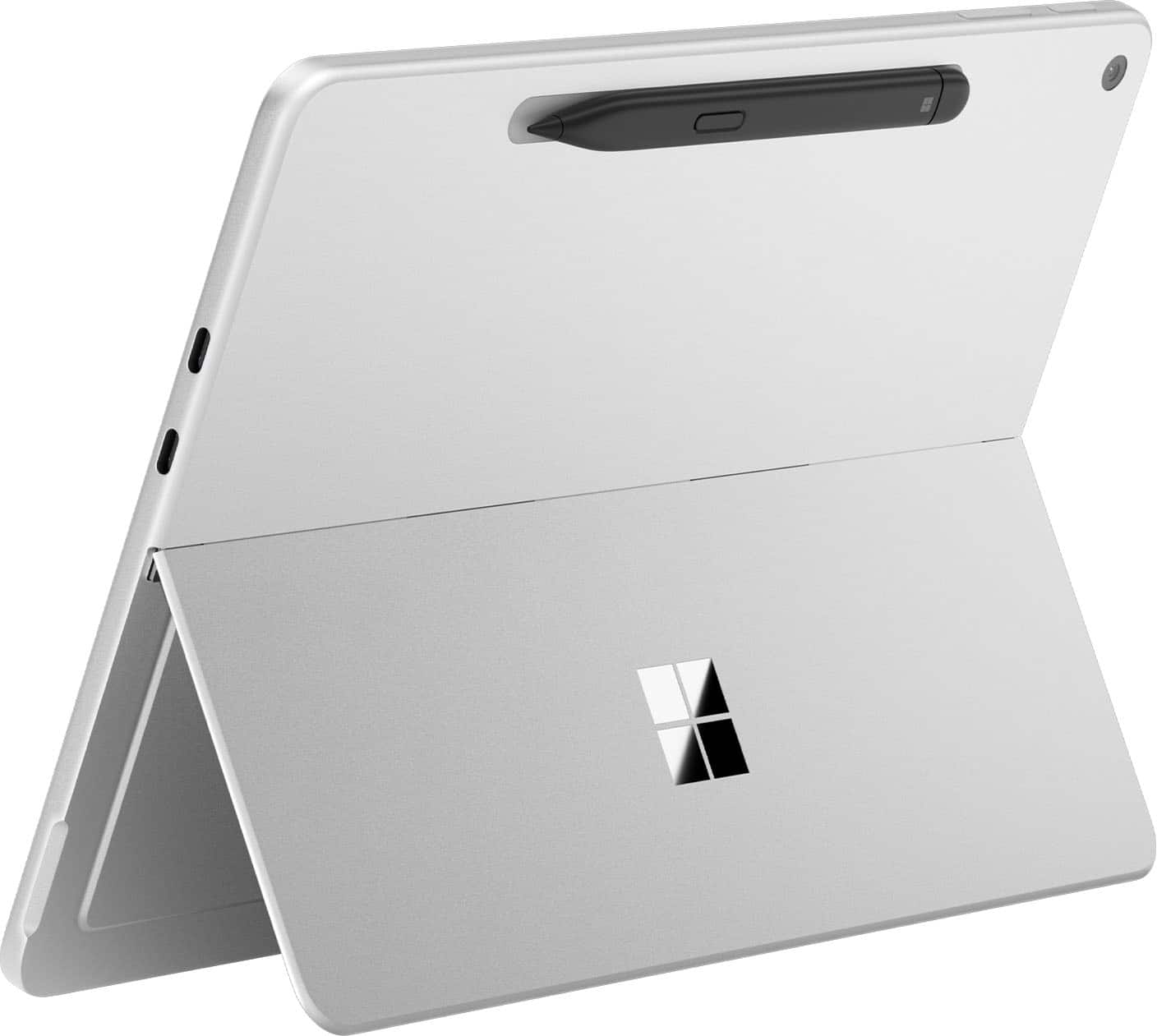
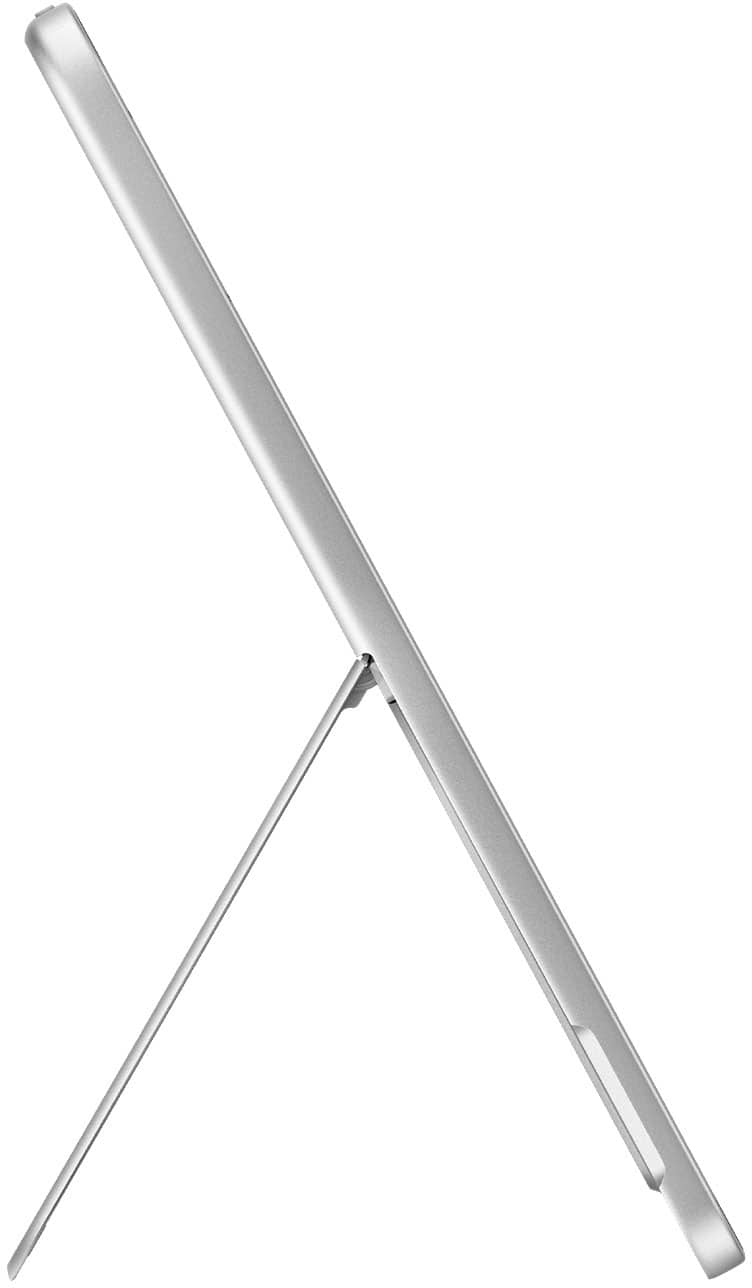
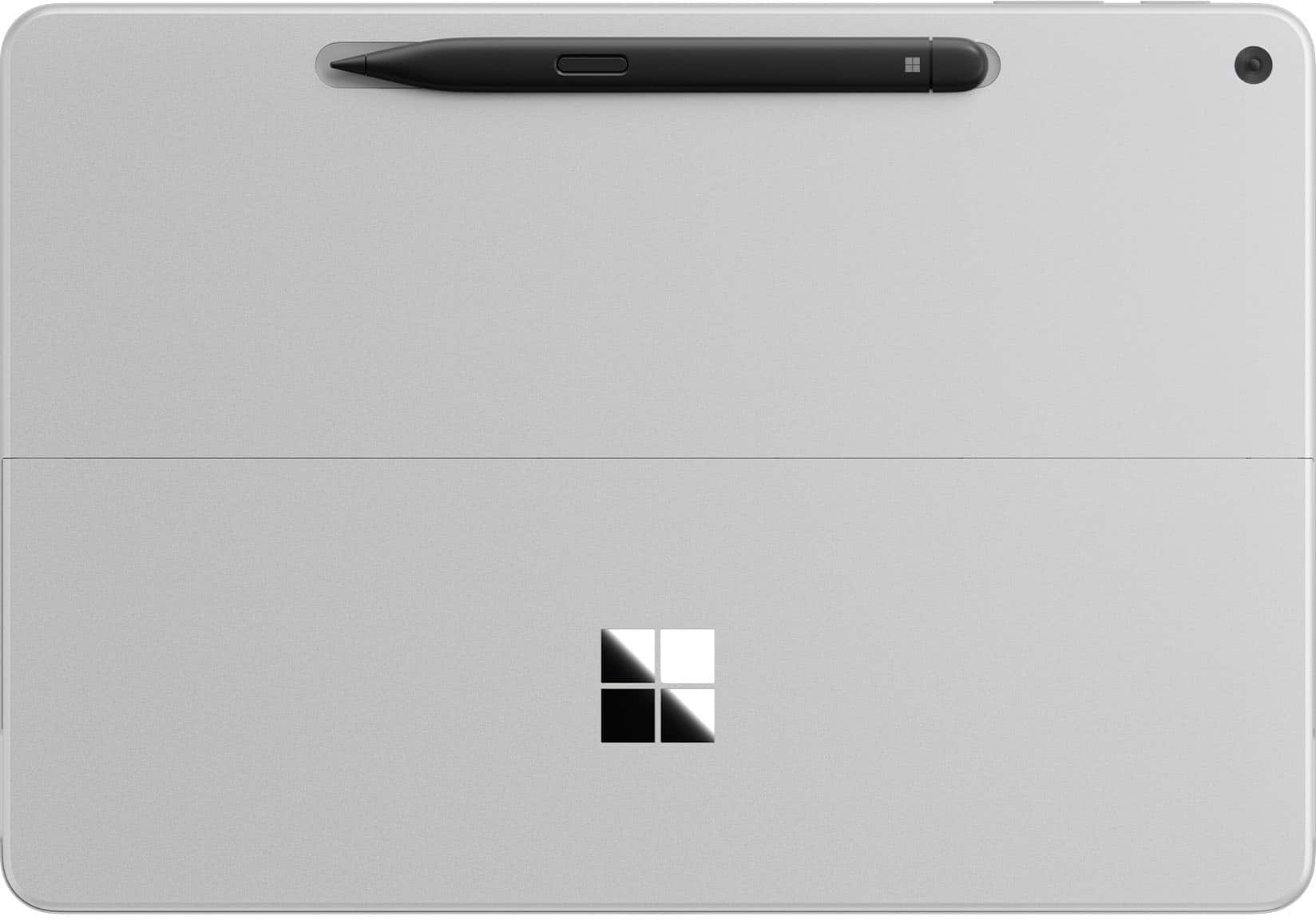
|Posted .This reviewer received promo considerations or sweepstakes entry for writing a review.📦 UNBOXING: Inside the box, you’ll find the Surface Pro 12 and a USB-C cable. It doesn’t include a USB-C power adapter, but you can purchase an official Microsoft Surface 45W charger separately, or use another charger you have on hand. Microsoft says for best performance, you’ll want to use a 27W charger, but fast charging will require a 45W charger. Other than that, I can appreciate that the packaging uses recycled content and is paper-based. 💪 BUILD: The Surface weighs in at 1.5 lbs which is on the heavier side for tablets, but there’s no doubt that it is still lightweight and easy to hold in one hand. The enclosure uses a minimum of 82.9% recycled content, including 100% aluminum alloy and 100% rare earth metals, and a 100% recycled cobalt battery. One notable element about this enclosure is that because it uses a lower power ARM-based Qualcomm Snapdragon X Plus chip, it uses a fanless design which means no intake or exhaust fans. This makes it more like a traditional tablet, but one that runs Windows on ARM. More notably, is that it has a kickstand which sits flush when not in use, feels very sturdy, and can angle to 165 degrees, so you’ll have a large range of positions you can use it in without having to hold it in your hands. Aesthetics aside, kickstands are very useful on tablets, and it’s nice that Microsoft has one native to the enclosure instead of relying on case manufacturers to add one. 🔌PORTS: On the right edge, you’ll find 2x USB-C ports—both share the same feature set which is limited to USB 3.2, but they both support power delivery, and each one can be connected to a 4k60Hz display, for a total of 2 external displays. While not technically a port, there is a special magnetic connector on the bottom edge for the Surface Keyboard, if you opt to purchase one. Additionally, on the rear of the tablet is a dedicated space to magnetically charge the Surface Slim Pen 2nd Edition—another separate purchase. 🔧 EXPANSION & UPGRADES: A bigger downside to the Surface Pro 12 is that there is no option to expand or upgrade the system. The storage is 512gb of soldered UFS flash storage, and the RAM is 16GB of soldered memory, as well. Since there are no SD card slots, your only option for removable storage is through USB-C. 📺 DISPLAY: The display is a 2196x1464 resolution “PixelSense” LCD touchscreen display with a maximum refresh rate of 90Hz. By default it is set to 60Hz, likely to save battery life. While my personal preference might be OLED, I do feel this is a good quality display, and its most notable shortcoming is its inability to represent black as well as an OLED panel. It’s able to reach 400 nits maximum (typical) making it generally favorable in bright lighting conditions, but the display is also Anti-reflective, (ISO 9241-307 certified), so it’s designed more intentionally for bright conditions. However, it is also capable of getting quite dim, so you won’t have to worry about getting blasted with light while using it in the dark. In addition to its capacitive touchscreen support, the Surface Pro 12 is also designed to be used with the Surface Slim Pen 2nd Edition. In my experience, both of these ways of interfacing with the display are quite responsive. 📹 WEBCAM & MICROPHONE: At the top front edge of the Surface Pro 12 display (landscape orientation) is the 1080p Surface Studio Camera which supports Windows Hello facial unlocking. An LED illuminates whenever the camera is active, which I can appreciate. The image quality of the front-facing camera is serviceable, but not particularly competitive. Considering most tablets and phones these days will have 5MP or higher front-facing cameras. But when compared to laptops, the Surface Pro 12 isn’t very far off (which really just demonstrates that the state of laptop webcams is still mediocre in 2025). Low Light performance is decent for a video call, but you’ll still get the most out of this camera under better lighting conditions. The rear-facing camera tops out at 2160p, making this rear camera better suited to capturing pictures of whiteboards, documents, and some occasional video, but it’s certainly not going to replace your smartphone. There isn’t a flashlight, so lower light photos will yield more noise. 🔊 SPEAKERS: The stereo speakers are front-firing and actually sound pretty good in my opinion. They get decently loud, deliver a decent frequency range, but aren’t going to be particularly bassy. That being said, I would not call them tinny. They’re surprisingly better than a lot of laptop speakers, but they won’t beat out an iPad Pro in my opinion, since that has quad speakers. ⚡ PERFORMANCE: This is a fanless system, which means that if you’re putting a heavy CPU + GPU load on it, it will produce quite a bit of heat without any way to actively cool it down. So it’s really not designed for high-performance tasks, but I don’t imagine most folks will want it for that kind of work, anyhow. After installing all software updates out of the box (including Windows + Microsoft Store), the performance is reasonably good for a lot of apps. But the first boot didn’t leave a great impression since tons of software needed updates out of the box and were fighting for limited resources. So temper your expectations until you have a system with all its updates installed and you’ve performed a couple restarts. Compatibility for Windows on ARM is still not perfect, as my decade-old Canon printer still doesn’t have ARM64 drivers, and while Windows itself theoretically has ways to emulate some applications, it is still unable to emulate drivers. So if you plan to do things mostly in a web browser, then the Surface Pro 12 will definitely have you covered. Gamers need not apply—compatibility is still imperfect, gaming performance isn’t great, and some games’ anti-cheat mechanisms simply cause the game to crash because they don’t allow emulation. However, you can always look at “worksonwoa” to see if popular applications and games are working on ARM, but in my experience, 2D titles are more likely to play well without significant performance issues. I also connected the Surface Pro 12 with my Caldigit TS4 dock, which supports USB 3.2 devices like the Surface Pro 12. My supported peripherals connected without an issue, but only one of my two displays appeared. My primary display is 5120x2160, and that connected to the Surface Pro 12 at 60Hz—which was definitely impressive for such a small device. My secondary display is 2560x1600, and I had to connect it directly to the Surface Pro 12 via a separate USB-C cable, as it was never picked up via the Caldigit dock. So while the Surface Pro 12 does support DisplayPort 1.4a, this doesn’t necessarily guarantee that Multi-Stream Transport (MST) will yield expected results. Meanwhile, my other devices have no issue with this same setup. Regardless, I appreciate that the Surface Pro 12 has such a small footprint and can be used as a portable workstation for lightweight tasks. 🔋 BATTERY: Battery is actually pretty good on the Surface Pro 12. While I haven’t conducted any scientific testing, I do think I can achieve a full day of use with a mixture of video playback and web browser use. Another really important element is that the Surface Pro 12 actually has good standby time. I left the screen locked and came back to it the next day to find no battery drain. I’ve used at least one other Snapdragon-powered Windows laptop and found at least some battery drain overnight, but the Surface Pro 12 is doing something right here. 🧐 CONCLUSION: The reality of the situation is that this is a pretty expensive “premium” device, and its use-cases are limited due to its hardware. Putting the user experience of Windows aside, the Surface Pro 12 is a much more complete experience when paired with the Surface Pro 12” keyboard. Windows itself has a way to go in terms of delivering a good user experience with only a touch-screen, but the Surface Pro 12 does feel to me like Microsoft is looking at what their competitors are doing in terms of hardware, and putting some of the best ideas into this new iteration of the Surface Pro. So if you’re looking for a Windows tablet that is small, supports a detachable keyboard and pen, has solid battery life and your apps work on ARM-based Windows 11, the Surface Pro 12 is honestly in a unique enough position to be worth considering.
I would recommend this to a friend - Pros mentioned:Build quality, PortabilityCons mentioned:App compatibility
Microsoft Surface Pro 12: Not bad at all!
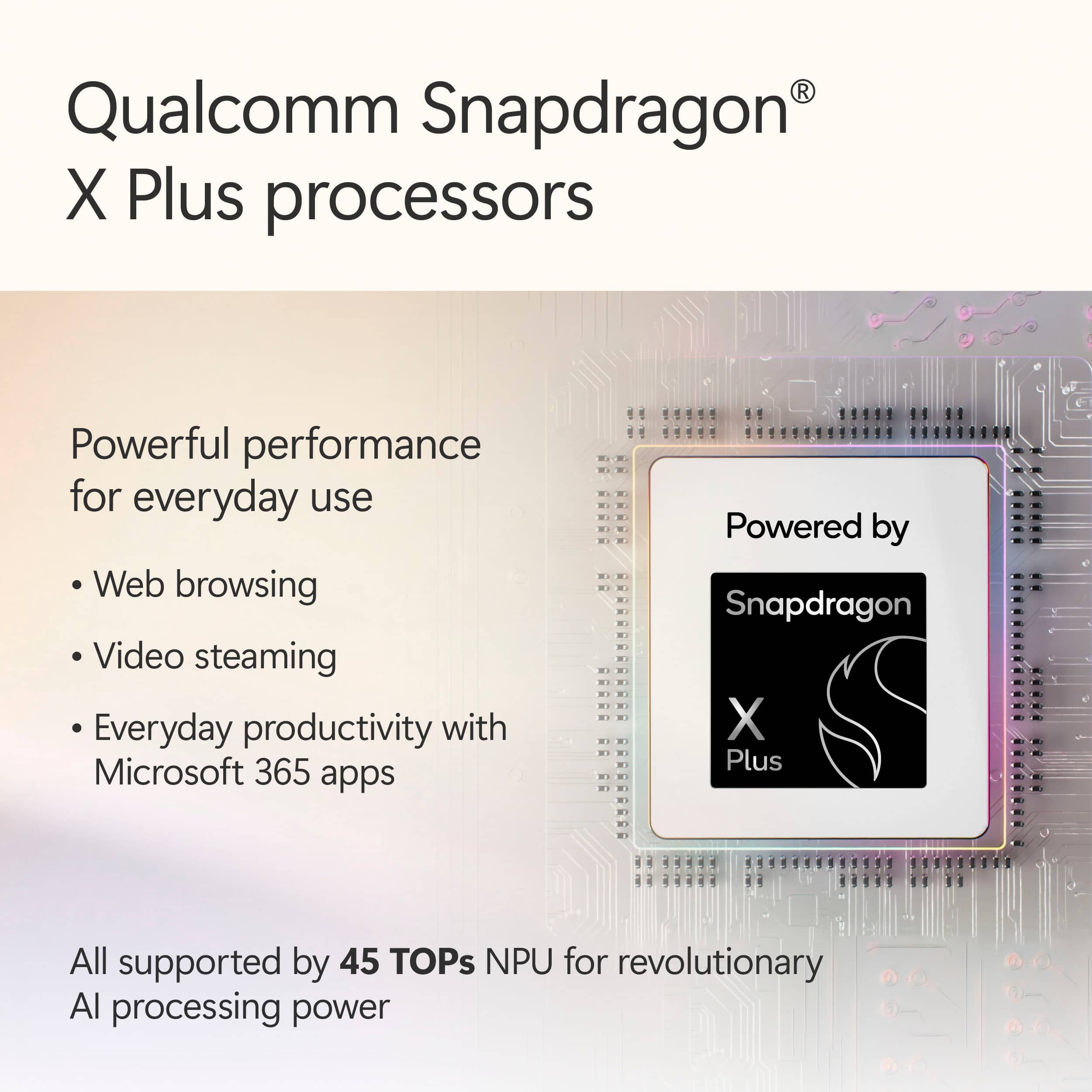
|Posted .This reviewer received promo considerations or sweepstakes entry for writing a review.New hardware always gets my blood pumping and when it's a Microsoft product, it either works out very well, or it's a hot mess. Surface PCs have been around for quite a while and usually, since they're made by Microsoft, they're very well adapted to the Windows environment. Now, this Surface Pro is a bit different in a big, big way. Let's dive into it. At first glance, you wouldn't think that the Surface Pro with its 12" screen is anything more than a pretty tablet. But it is so much more and it starts with its specifications. What stands out is the use of an ARM architecture CPU/GPU/NPU combo. If you're not very familiar with these terms, let me help you out. Windows (and most PCs) have been running on the good old x86 CPU architecture, such as CPUs made by Intel or AMD. The type of architecture used is meaningful as the operating system has to be able to communicate in its own language with a set of hardware that understands that language (I'm simplifying a lot here). There are other types such as RISC, ARM and others. The "CPU" chosen for this Surface is the first ARM CPU I've ever seen used on a Windows device (outside of VM, but that's another story). You might actually know who makes this CPU: Qualcomm. Their CPUs are currently running most of the higher-end Android smartphones and tablets. The model used in this device is the Snapdragon X plus, which is near the top-tier of their offering. It includes different types of processor cores (8 in total), each set designed to handle specific workloads, including graphics (GPU) and AI cores (NPU). The Snapdragon X plus packed in the Surface Pro is actually fairly good. It can handle most tasks flawlessly and can adjust power consumption depending on the load, resulting in lower battery usage, extending the charge significantly. In terms of memory, you'll be granted 16 gigs of RAM and 256 gigs of NVMe storage. For a tablet PC, that's not bad at all, but I would have liked at least twice the NVMe storage as you might hit the limit pretty quickly if you work offline a lot. If most of your tasks rely on online services (Office 365 for instance), this shouldn't be an issue. But a SD card slot would have been a welcome addition. The screen is probably one of the best I've seen on a mobile device. It's beautiful and has gorgeous contrast, the vivid colors and deep blacks are amazing. If I didn't know any better, I would have thought it was an OLED screen. The screen is obviously a touch screen with a great response and it's quite precise. The Surface Pro is very well made and feels very sturdy (the body is a metal alloy). It features the typical built-in stand (I love this feature) and 2 Type-C connectors which can be both used to charge the device using a 45W charger. I recommend that you get the charger made by Microsoft to avoid issues later on. The sound is good for such a small device as well. Everything is not all rainbows and butterflies. I have had two applications that wouldn't run on the Surface Pro. It might still be that Microsoft needs to work on compatibility a little more to get everything to run properly on an ARM CPU. Also, when the CPU switches between efficient and performance cores, you can sometimes feel a little drag. It's not a lot, but it's noticeable. Last but not least, the battery holds a decent charge but it drains a bit too fast when you use CPU heavy software. In conclusion, I was impressed with the Surface Pro. Adding the keyboard and most importantly (for me at least) the stylus turned this portable device into an excellent, on-the-go graphics design and drawing tablet. It can handle most jobs, but falls short in terms of gaming (it really can't handle much more than simple 2D games). But this is a productivity workhorse and if that's what you're looking for, you won't be disappointed. Nice job, Microsoft!
I would recommend this to a friend - Pros mentioned:Battery life, Build quality, PortabilityCons mentioned:App compatibility, Port selection
An already great 2-in-1, just turn off the AI...
|Posted .This reviewer received promo considerations or sweepstakes entry for writing a review.I recently acquired the newest revision of the Microsoft Surface Pro Copilot+ PC, featuring a 12-inch touchscreen, a Snapdragon X Plus processor, 16GB of RAM, and 512GB of storage in the sleek ocean color. As a fan of 2-in-1 devices for work and travel, I was excited about its promised performance and AI features. After a few weeks of use, I’m impressed by its portability and battery life, but the high cost, combined with the underwhelming AI capabilities, left me with mixed feelings. Here’s my take on its design, performance, display, and overall value. The Surface Pro’s lightweight build, at just under 2 pounds, makes it a dream to carry around. The recycled aluminum chassis feels premium, and the ocean finish looks sharp. However, using it as a laptop without the separately sold keyboard (~$150) is awkward on my lap, and I was frustrated to spend extra for the whole experience. The lack of a headphone jack is a bummer, though the two USB-C ports and Surface Connect handle most of my needs. It’s perfect for travel but feels incomplete without the pricey add-ons. The Snapdragon X Plus processor handles my daily tasks such as web browsing, document editing, and light photo editing smoothly. I haven’t noticed slowdowns, but some apps I rely on, like specific design tools, don’t run well due to Arm compatibility issues, which was a letdown. On the plus side, the battery life is fantastic, lasting me 12-14 hours on a single charge, even with heavy use like video calls and streaming. It does get warm under load, but the fans aren’t too distracting. The display's vibrant colors and crisp visuals make watching shows or sketching with the Slim Pen 2 (another $130) a joy. However, the AI features, such as Cocreator in Paint and Live Captions, feel gimmicky and are rarely helpful. I was excited about the Recall feature, but it’s delayed, which feels like a broken promise. The display is a highlight, but the AI hype doesn’t match my experience, leaving me wanting more practical tools. I really don't care much about the Copilot+ stuff and did everything possible to disable it on my Surface Pro. At around $1,300 after tax with the accessories, this Surface Pro isn’t cheap. The performance and battery life are outstanding, but the additional costs for the keyboard and pen, combined with the limited AI and app compatibility, make me question its value. I love its portability and display, but for the price, I expected more polished AI features and fewer software hiccups. It’s a solid device for professionals like me who prioritize mobility, but I’d suggest waiting for updates or exploring alternatives if budget is a concern.
I would recommend this to a friend