Customer Ratings & Reviews
















- Model:
- EP2-33671
- SKU:
- 6623672
Rating by feature
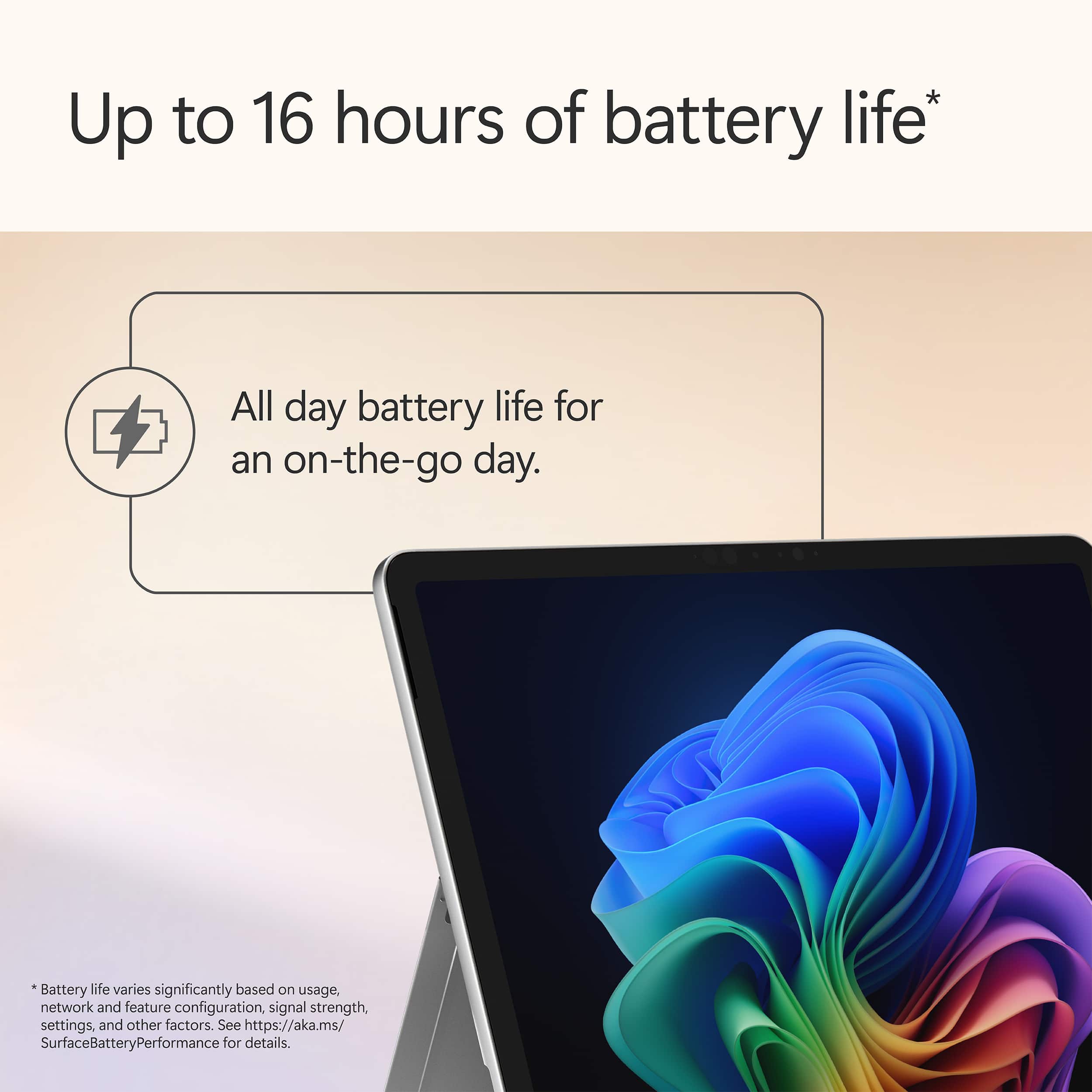
- Battery Life
Rating 4.8 out of 5 stars
- Durability
Rating 4.7 out of 5 stars
- Display
Rating 4.8 out of 5 stars
Customers are saying
Customers are pleased with the Surface Pro's portability, performance, and battery life, with users finding it lightweight and appreciating its fast processing speeds. The build quality and form factor also receive positive feedback, with users noting its quiet operation and effective heat dissipation. However, some customers feel the screen brightness could be improved and would like to see a better port selection, while others have concerns about app compatibility.
This summary was generated by AI based on customer reviews.
- Pros mentioned:Battery life, Build quality, Performance
Def a great buy!
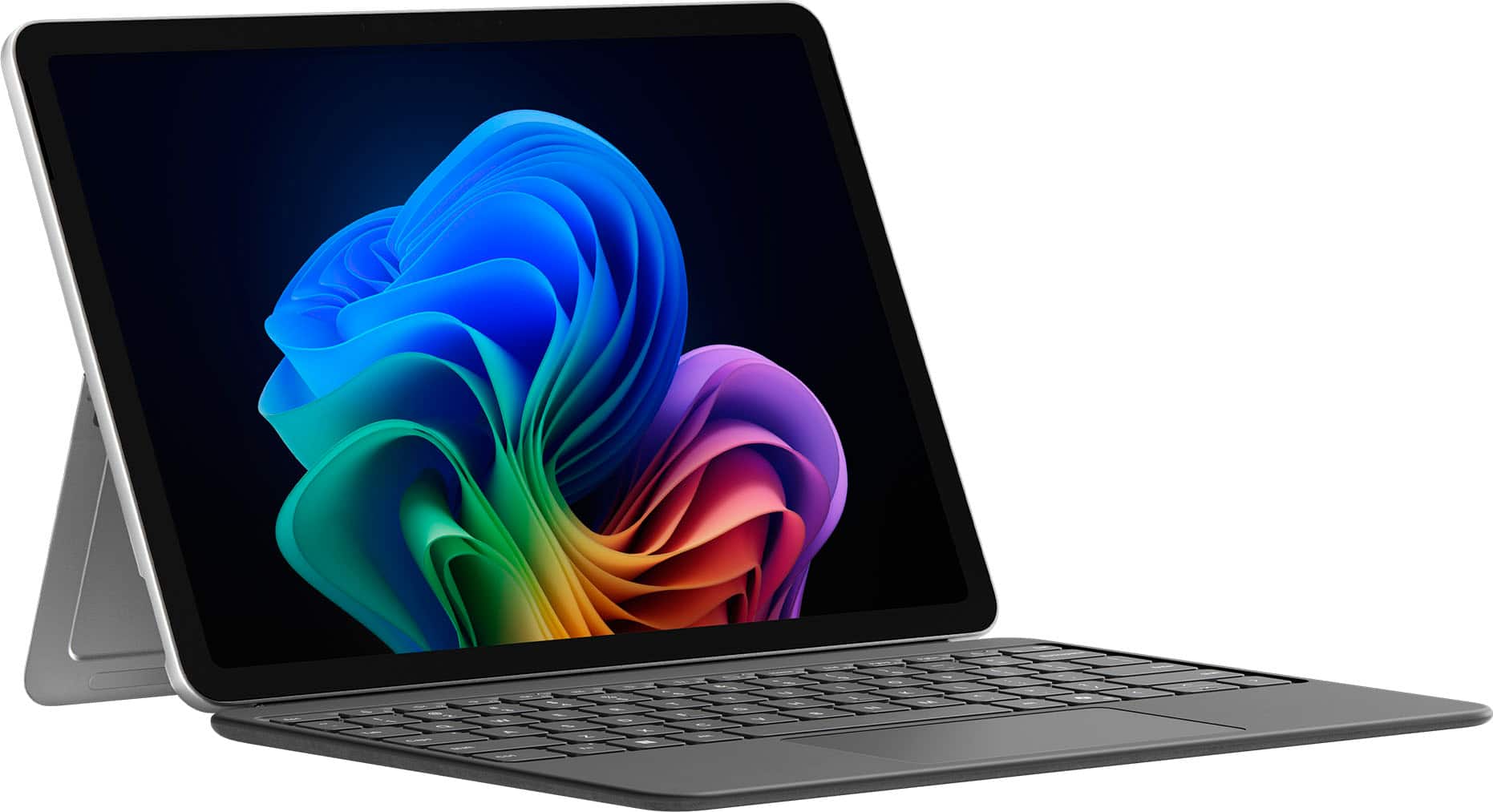
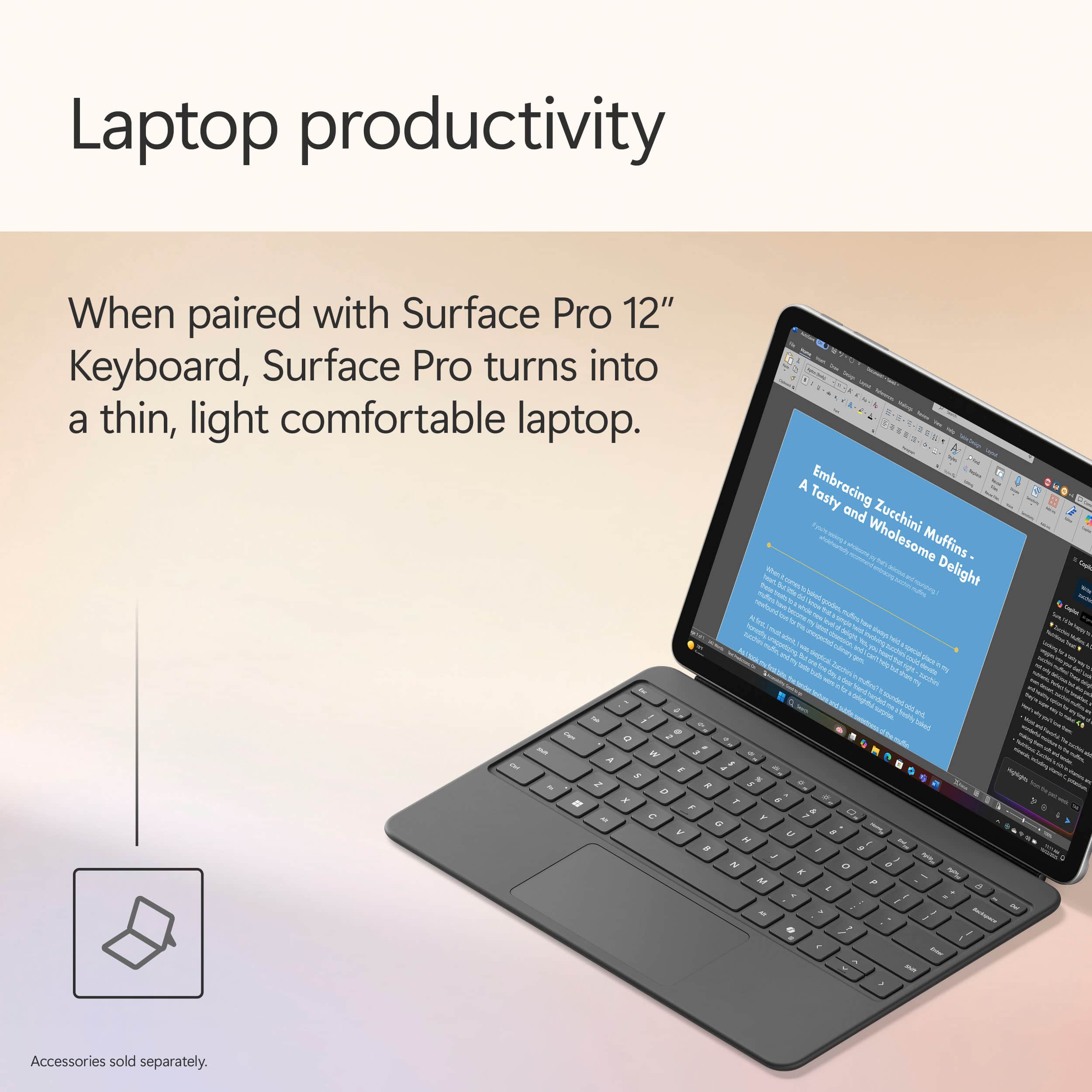
||Posted . Owned for 3 weeks when reviewed.This reviewer received promo considerations or sweepstakes entry for writing a review.I recently purchased this device and overall, I’ve had a great experience with it. The design is sleek, lightweight, and very professional-looking, which makes it perfect for both school and work. It’s easy to carry around, and I love how it quickly switches between tablet and laptop mode. The performance has been smooth for everyday tasks like using Microsoft Excel, Word, browsing the web, and streaming. The touchscreen is very responsive, and the display is bright and clear. I also appreciate how fast it boots up and how long the battery lasts during the day. One of my favorite features is the detachable keyboard. It makes typing comfortable when I need to work on longer assignments, but I can remove it when I just want to use it as a tablet. The Surface Pen compatibility is also a great bonus if you take notes or like to write directly on the screen. The only downside is that accessories like the keyboard and pen are often sold separately, which can make the total cost higher than expected. However, the overall quality and versatility make it worth the investment. Overall, I would recommend the Microsoft Surface Pro to anyone looking for a portable, reliable, and professional device for school, business, or everyday use.
I would recommend this to a friend - Pros mentioned:Battery life, Performance, Portability
Perfect Balance of Performance and Portability
||Posted . Owned for 1 week when reviewed.This reviewer received promo considerations or sweepstakes entry for writing a review.LOVE!!! ⭐️⭐️⭐️⭐️⭐️ I recently purchased the Microsoft Surface Pro Copilot+ PC (12” Touch-Screen, Snapdragon X Plus, 16GB/512GB, Violet) and I’ve been very impressed so far. The performance is smooth and responsive, even when multitasking between multiple apps. The 16GB of memory handles my workflow easily, and the 512GB storage gives me plenty of space without needing external drives. The touch screen is bright and sharp, and it works beautifully for both typing with the detachable keyboard and using touch or pen input. The violet color is unique and stylish, which makes it stand out compared to other laptops/tablets. I also appreciate how lightweight and portable it is—it fits perfectly into my bag and is easy to take on the go. Battery life has been solid so far, lasting through my workday without needing to recharge. I also like that it’s designed as a Copilot+ PC, making it future-ready for AI-powered features in Windows. Overall, this Surface Pro strikes a great balance between performance, portability, and design. If you’re looking for a powerful 2-in-1 device that can handle work, school, and entertainment, I highly recommend it.
I would recommend this to a friend - Pros mentioned:Build quality, Performance, Portability
Still loving it since June—perfect for travel
||Posted .This reviewer received promo considerations or sweepstakes entry for writing a review.This Surface Pro is exactly what I needed for my on-the-go setup. I bought it in June and it’s been incredibly reliable. It fits right into my small over-the-shoulder bag, making it effortless to take anywhere. When my friend Ed saw how much power it packs for such a slim tablet, he was genuinely surprised. Whether I'm using the touchscreen or pairing it with a portable keyboard, the performance is always smooth. Great value and top-tier build quality!
I would recommend this to a friend - Pros mentioned:Performance, Portability
Microsoft Surface Pro
||Posted .This reviewer received promo considerations or sweepstakes entry for writing a review.I recently purchased a Microsoft Surface Pro for my daughter as she heads off to college, and I couldn’t be more pleased with the decision. The device is incredibly versatile, functioning seamlessly as both a laptop and a tablet, which makes it perfect for everything from note-taking in class to creative projects and video calls. It’s lightweight and portable, yet powerful enough to handle demanding applications with ease. The touchscreen and Surface Pen support are added bonuses, especially for someone studying in a digital and fast-paced academic environment. Overall, it’s been a fantastic investment that combines performance, portability, and style, ideal for any college student.
I would recommend this to a friend - Pros mentioned:Battery life, Performance, Portability
Microsoft surface pro car copilot+ pc
||Posted . Owned for 1 month when reviewed.This reviewer received promo considerations or sweepstakes entry for writing a review.⭐️⭐️⭐️⭐️⭐️ Great Performance and Easy to Use I’m really happy with this computer. It’s fast, lightweight, and perfect for everyday use like browsing, work, and streaming. The screen is clear and bright, and the battery lasts a long time without needing constant charging. Setup was simple, and everything runs smoothly with no lag so far. For the price, it’s definitely a great value. I would recommend it to anyone who needs a reliable laptop for home, school, or work.
I would recommend this to a friend - Pros mentioned:Battery life, Performance, Portability
Great choice for any age
||Posted .This reviewer received promo considerations or sweepstakes entry for writing a review.Love the flexibility of this feeling like a tablet or a laptop. Excellent battery life. Runs quickly and smoothly. Would definitely recommend. Just purchased to use for nursing school.
I would recommend this to a friend - Pros mentioned:Performance
The best
||Posted . Owned for 1 week when reviewed.This reviewer received promo considerations or sweepstakes entry for writing a review.Just offered my wife the Surface Pro 12” Tablet and really happy with the performance I noght get myself one
I would recommend this to a friend - Pros mentioned:Battery life, Build quality, PerformanceCons mentioned:App compatibility, Port selection, Screen brightness

A Step Forward
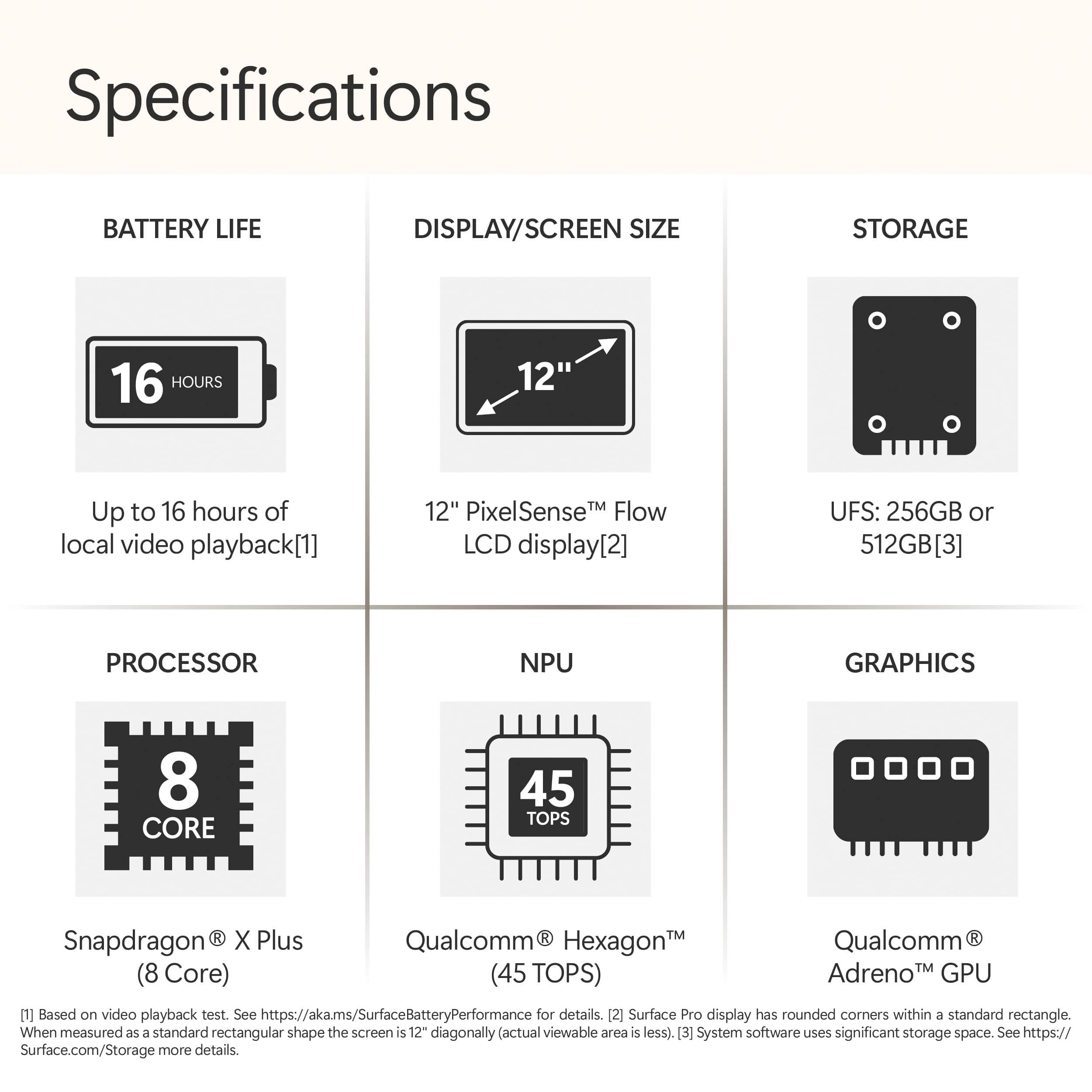
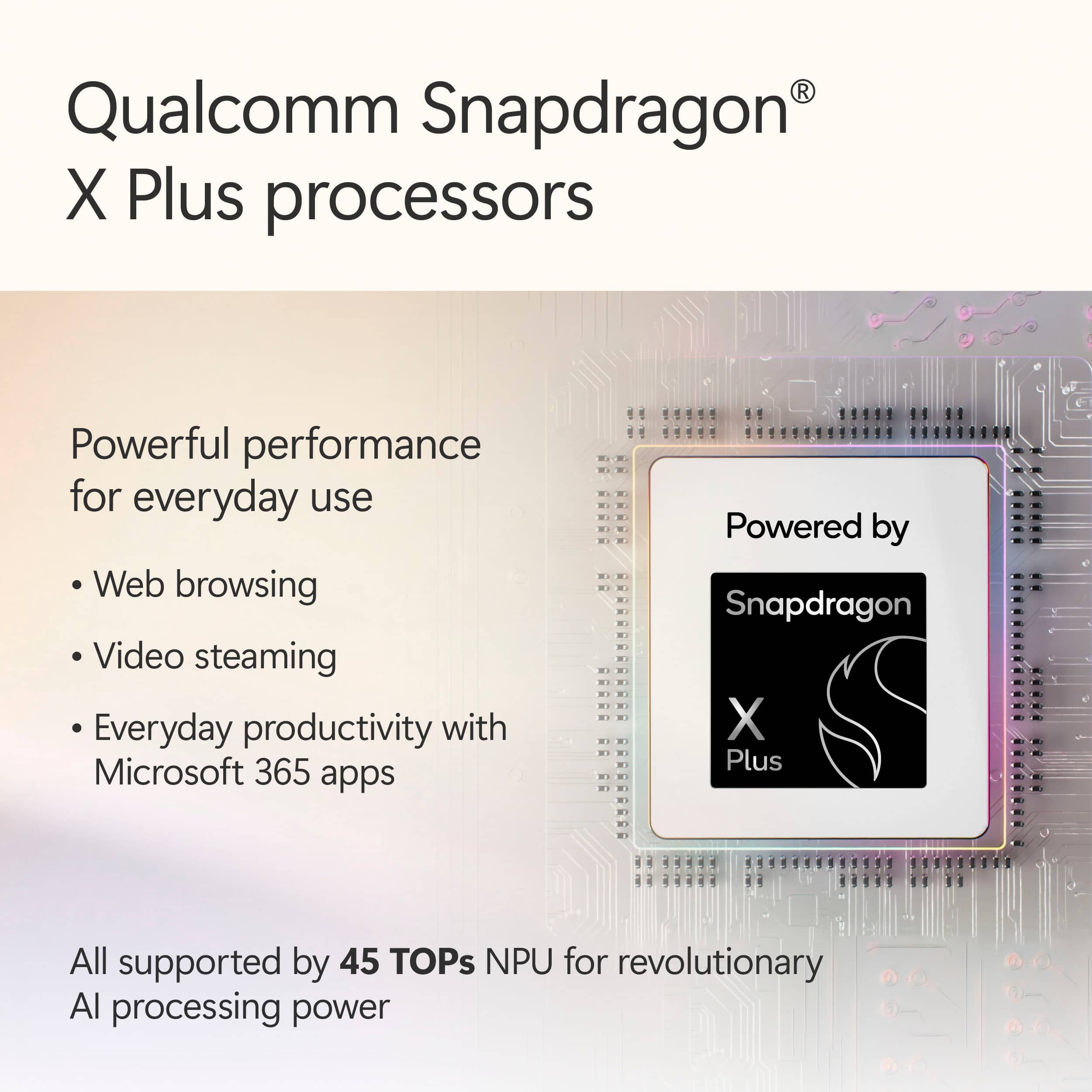
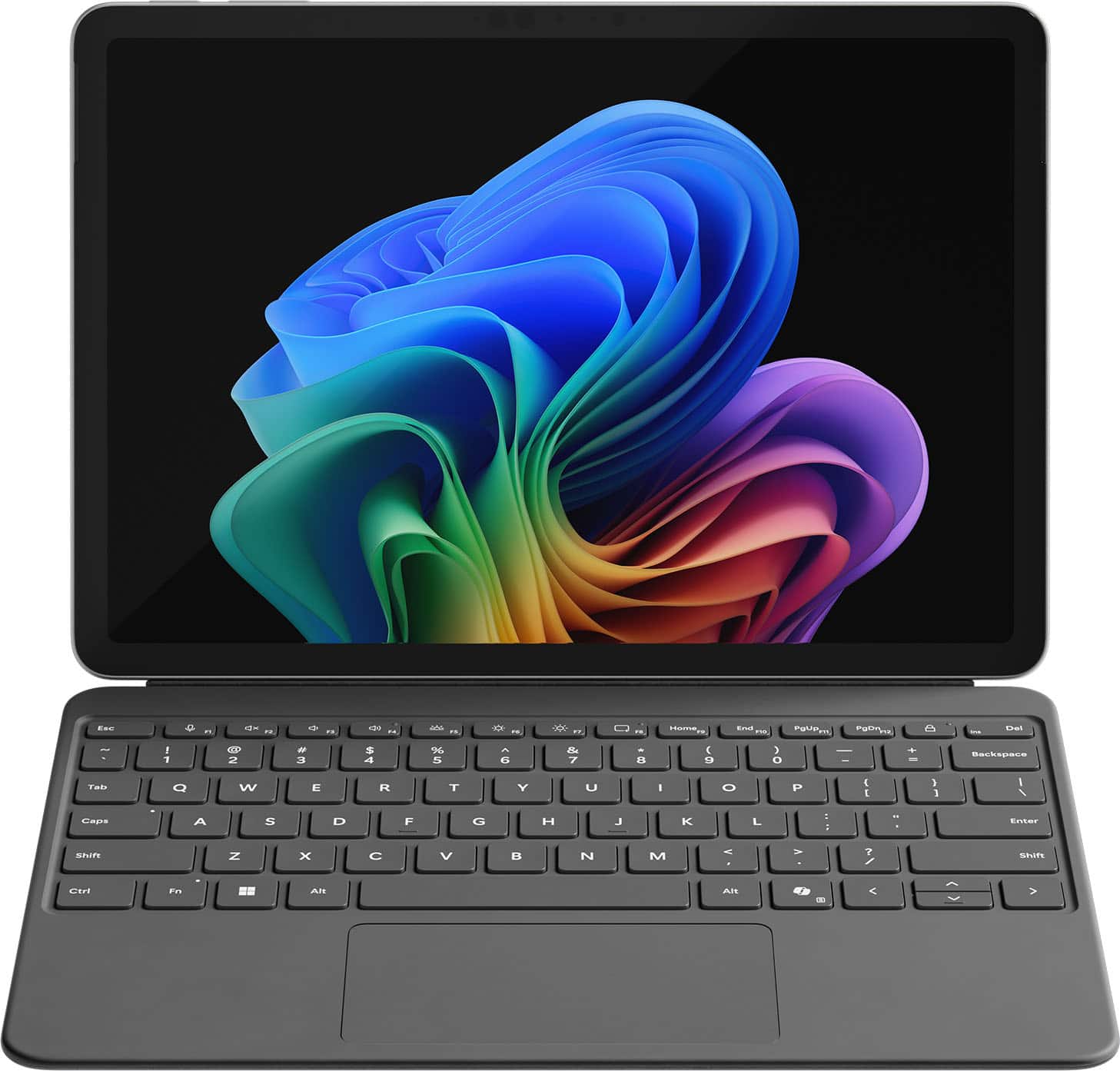
|Posted .This reviewer received promo considerations or sweepstakes entry for writing a review.Setup & First Impressions As soon as I unboxed the Surface Pro 12" in the Ocean finish, I was impressed by how premium it looked. The color has a really subtle, classy vibe—not too loud, but still unique enough to stand out from the usual gray slabs. I paired it with the Surface Pro Flex Keyboard (sold separately), which magnetically snaps on with a satisfying click. Setup was quick and straightforward. Windows 11 Copilot+ guided me through login, updates, and personalization without any hiccups. I was up and running in under 10 minutes. One heads-up: you’ll need your own USB-C charger unless you pick up Microsoft’s, and it doesn’t come bundled with the keyboard or pen. Performance & x86 App Experience Under the hood, this thing is rocking the Snapdragon X Plus chip with 16GB RAM and 512GB of UFS storage. It’s fanless, so completely silent, and even under stress it never got uncomfortably warm. I threw all my usual tasks at it: Edge, Photoshop (ARM-native), Chrome, Slack, Teams—everything flew. When I installed a few x86 apps like older utilities and even a basic Windows-only media editor, the new Prism emulation handled them surprisingly well. I didn’t notice any major slowdowns, but heavier apps (like older Adobe Premiere versions or complex .exe installers) took a bit longer to launch. So yes, it works, but if you're deep into x86 creative workflows, you’ll notice a gap. Battery Life Battery life is a real win here. I’ve taken this thing through multiple long days—coffee shop work, editing on the couch, Zoom calls, and media consumption at night. On a typical day of mixed use, I’m getting around 9 to 10 hours comfortably. And during a recent trip, I tested video playback on a full charge: it clocked nearly 17.5 hours. The standby battery is stellar too. I left it in sleep overnight and came back to barely 2% battery loss. Perfect for travel or switching between tasks without worrying about losing charge. App Speed & Real-World Use This is where the Surface Pro 12" really hit its stride. Apps launch fast, multitasking feels seamless, and it handles anything I throw at it—except for super heavy creative stuff. I’ve edited images in Lightroom, used multiple browser tabs while running Teams and Spotify in the background, and it didn’t flinch. The Flex Keyboard is great, with satisfying key travel and a smooth trackpad. Typing long documents or emails felt just as solid as any traditional laptop. I do wish the screen had a higher refresh rate (it's 90Hz instead of 120Hz like on the 13"), but for the size, it’s still crisp and easy on the eyes. Travel & On-the-Go Use I’ve taken this thing on flights, to meetings, and even outdoors. It weighs just over 1.5 lbs without the keyboard and slips into a sling or backpack easily. No fan noise means I can use it anywhere—on a plane, in bed, during quiet moments—without feeling like I’m firing up a jet engine. Charging it with a basic USB-C charger worked just fine, and being able to top it off from a power bank is a travel game changer. I never once found myself worrying about finding an outlet. Plus, the new AI features like Eye Contact and Live Captions actually came in handy during video calls in noisy places. Final Thoughts What I loved: Ultra-light and perfect for travel Incredible battery life—seriously, all-day and then some Runs native apps buttery smooth Solid performance even for most x86 tasks Flex Keyboard is a must-have—great typing feel Silent and cool no matter what I’m doing What held it back: Keyboard and charger not included Not ideal for high-end x86 creative workloads Screen could be sharper or higher refresh Limited ports (just two USB-C 3.2) Conclusion If you’re someone like me—constantly moving, writing, editing, researching, attending calls—the Surface Pro 12” with Snapdragon X Plus is kind of a dream machine. It’s not the most powerful Surface ever made, but for mobility, silence, and efficiency, it hits all the right notes. This has become my go-to travel companion. It’s a genuinely capable little workhorse that lasts all day, handles nearly everything I throw at it, and slips into any bag with room to spare. If you're mostly working in the cloud, on Office, browsing, editing photos, writing, or just watching content, you’re gonna love this.
I would recommend this to a friend - Pros mentioned:Battery life, Build quality, PerformanceCons mentioned:Port selection
Portable, quiet, unique and powerful
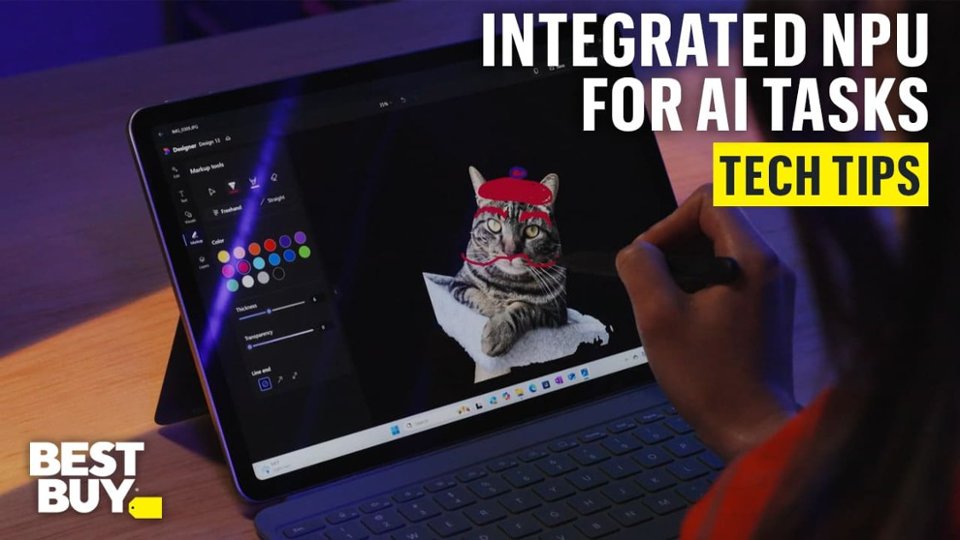
|Posted .This reviewer received promo considerations or sweepstakes entry for writing a review.I have owned a few Windows based tablets in the past, but they really didn't perform well. I switched to an expensive iPad Pro, but it had battery issues and didn't support every app I needed. The Surface has none of these issues. I have been absolutely impressed by its performance. The Snapdragon processor and 16GB of RAM are a great combo for stutter-free multi-tasking on the go. I easily get 10 hours of battery life without any effort and can stretch it to around 15 hours in casual use. I also love using OneNote on a tablet and it works really well with the Surface. The Surface is lightweight, but very solid. The textured metal case and rounded corners makes it a joy to use in tablet mode, effortlessly portable without adding bulk. The built-in kickstand adjusts so you can position it at almost every angle and is very solid. The Surface also has a built-in inductive charger for the Surface pen if you decide to buy one. The sharp display is another standout feature, enhanced by the Night Light setting. Unlike traditional blue light filters, this one leans more toward a warm yellow hue, making evening use far easier on the eyes. I particularly appreciated the automatic sunset adjustment, which seamlessly transitioned the display for nighttime comfort. I was also impressed by the volume and range of the speakers. While they aren't for hard hitting bass, they are sharp and do not distort at max volume. I finally gave Copilot a try, and I can see everyday uses for this friendly AI! It’s been an absolute game-changer for me, helping with trip planning, math explanations for my high schooler, shopping lists, and even organizing my June vegetable garden. I primarily used the quick reply setting, which made conversations feel fast-paced yet surprisingly engaging, almost like a friendly banter. For more in-depth responses, Copilot also offers two additional modes, giving me even greater flexibility depending on what I need. The Surface has a NPU, which is another processor that handles AI related task, so things like Copilot, AI picture editing, and AI noise cancelling don't impact the main processor. The ventless design makes the Surface incredibly quiet, and it remains relatively cool during everyday use. However, when pushed to the limit, like during video rendering, the device holds its own but isn’t exactly thrilled about it. The top near the camera can reach 125°F, which is worth noting for intensive tasks. With only two USB-C ports, connectivity on the go can be a bit limited, so I suggest a small USB-C adapter and a USB-C dock. When connected to my USB-C dock the Surface has no problem extending it desktop to my 39" monitor. A charger is not included (only a USB-C cable), so getting a dock or adapter is a good idea if you don't already have one. The 256GB of storage fills up fast, so a cheap USB-C drive (or use cloud storage) is also on my list. It is also worth noting that this is just the Surface. You have to buy the Pen and Keyboard separately, but the combo is great and still a really good value compared to an iPad or a bulky laptop.
I would recommend this to a friend - Pros mentioned:Battery life, Performance, Portability
Best Hybrid Computing Experience
|Posted .This reviewer received promo considerations or sweepstakes entry for writing a review.I have always loved Surface products; their design language has always appealed to me. The last Surface I owned was the Surface Go2, and I really enjoyed using it for work. I loved the portability; it was fast for work and browsing the net. When I saw the opportunity to give the new Surface Pro 12 a shot, I was excited for the chance. I have been intrigued by Microsoft’s partnership with Qualcomm and the push to use the Snapdragon processors. The main thing I was looking forward to being the performance and battery life that the Snapdragon processors could offer. Let’s just say that this is my favorite computing device I have used over the past couple of years. Let me preface this next part by saying that over the last year, I have used a few different computers regularly. I have rotated between an M4 iPad, M4 MacBook Pro, ASUS ROG G16 & G14. Each of them offered some amazing experiences, but nothing really comes close to what you get using the new Surface Pro 12. Yes, the MacBook Pro and ROG laptops are going to offer more power and better screens. That really comes in handy if you are really pushing the device or gaming on the ROG lines. The Surface Pro 12 is great overall. Honestly, to me, it feels closer to my 13” M4 iPad Pro. The portability and excellent battery life are similar. The pen feels just as fantastic as using the Apple Pencil Pro, too. The main difference is that the Surface Pro is a regular Windows computer and allows you to actually work on it. The M4 iPad Pro has Stage Manager, which is ok for trying to multitask, but it really doesn’t hold a candle to what you are able to do on a Windows machine. Unlike the ROG systems, I don’t worry about battery life at all with the Surface Pro 12, like how I never worry about battery on the iPad Pro. That’s where the Surface Pro 12 really shines. It honestly feels like a great tablet most of the time, with the big exception that the Surface Pro runs a full desktop-grade OS (Windows 11). This difference really opens up what you can do with it. Now, is the Surface Pro 12 going to be perfect for everyone? No. If you are a gamer this really isn’t going to be a great fit, unless you primarily do Cloud Gaming either with Xbox Cloud Gaming or Nvidia. Then you might have a great experience, but running games on the Surface isn’t going to be great aside from some casual games since you don’t have a discrete graphics card. Also, since you are running a Snapdragon system, you are running an ARM processor, and some niche apps might not be compatible with it. I would say that most folks looking at this Surface aren’t really going to have an issue with either one of these caveats, but it is worth noting that those might be some hurdles. I’ve used the Surface Pro 12 very regularly over the last few weeks. When I want to do some quick work, I don’t go for my iPad, or the ROG laptops; no, I go for the Surface Pro 12. It’s super light and thin, the battery life is amazing ( with regular use, I am needing to charge it up after a 2-3 days), there is no fan so I can work in bed while my spouse sleeps without fan noise being an issue, and the only time I have felt that it even gets slightly warm is when I am charging it up. While I have had it on my other Windows laptops, I have really been enjoying using Copilot on this Surface. I think the pen has a great deal to do with that, but I really like the experience so far. I am giving myself the next month to decide, but at this point, I am really considering just using this Surface Pro 12 for most of my work. That would mean I could get rid of my iPad, and one of my ROG laptops (I would keep one for gaming at home). I really can’t recommend this Surface enough. For most people this is going to be such a great computing device. As someone who grew up with MS-DOS, and Windows 3.1 it’s crazy to see just how far we have come. So much capability in a sheet of glass and metal. Try it, and I doubt you will want to use anything else.
I would recommend this to a friend - Pros mentioned:Battery life, Build quality, Performance
Microsoft Absolutely Nailed It!
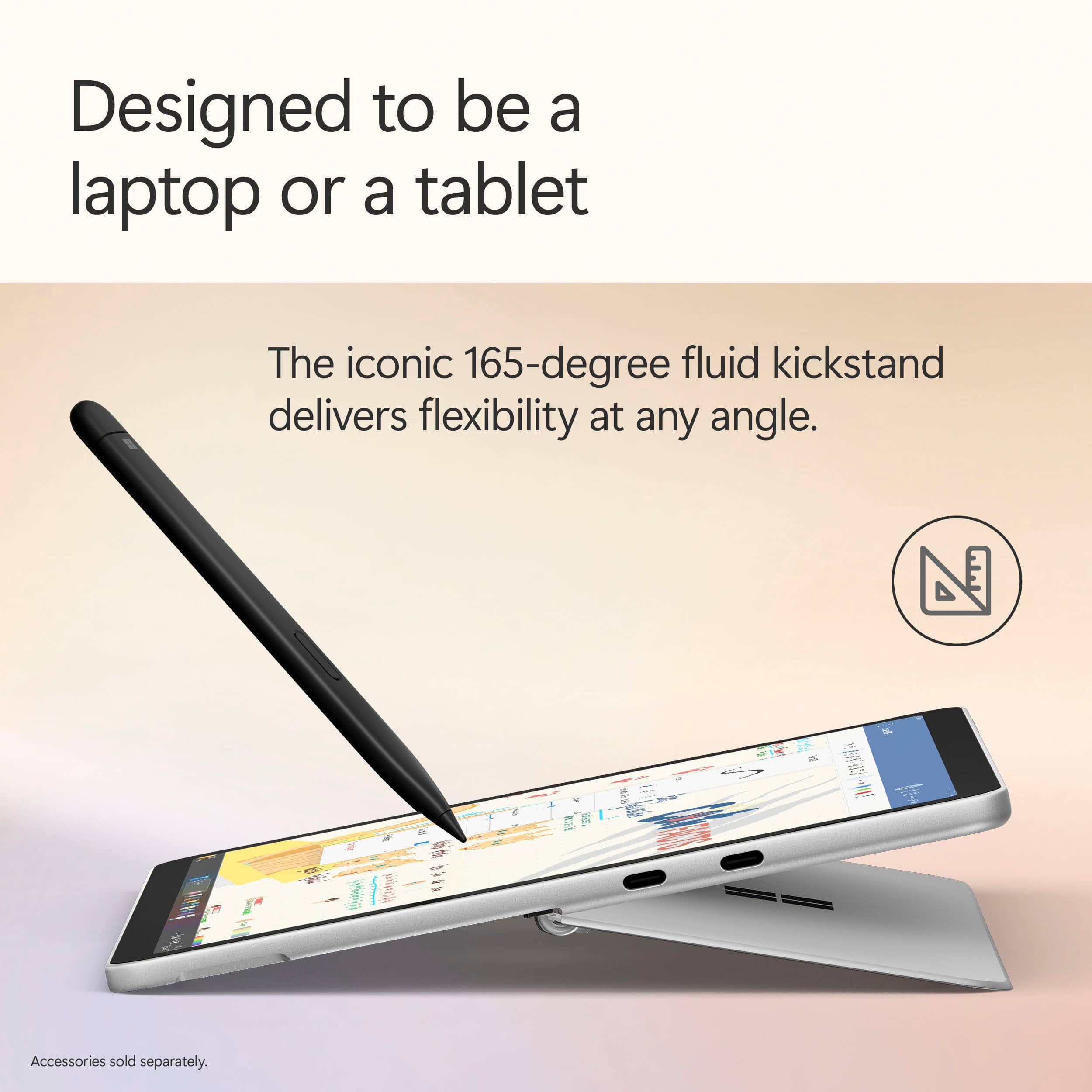
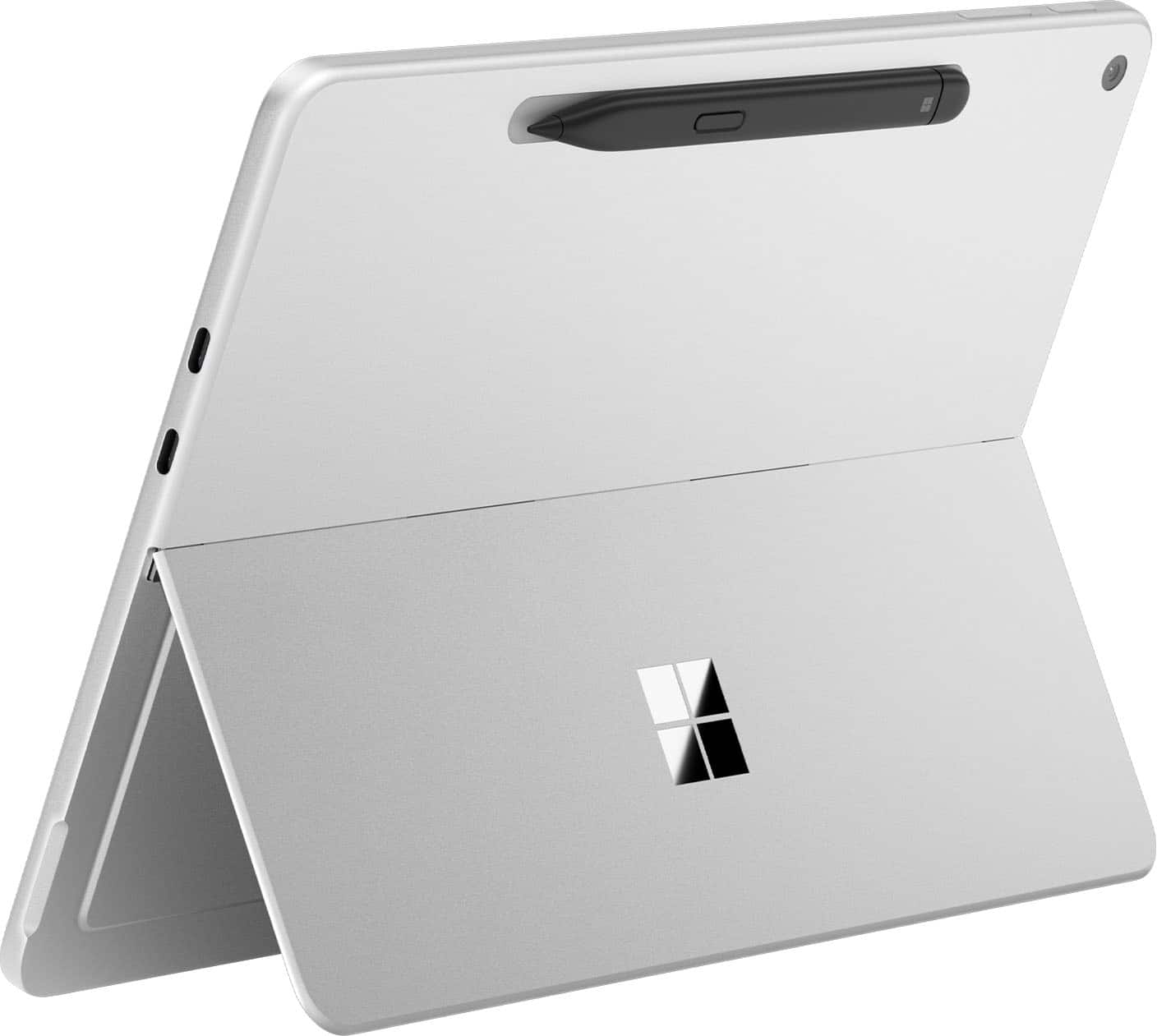
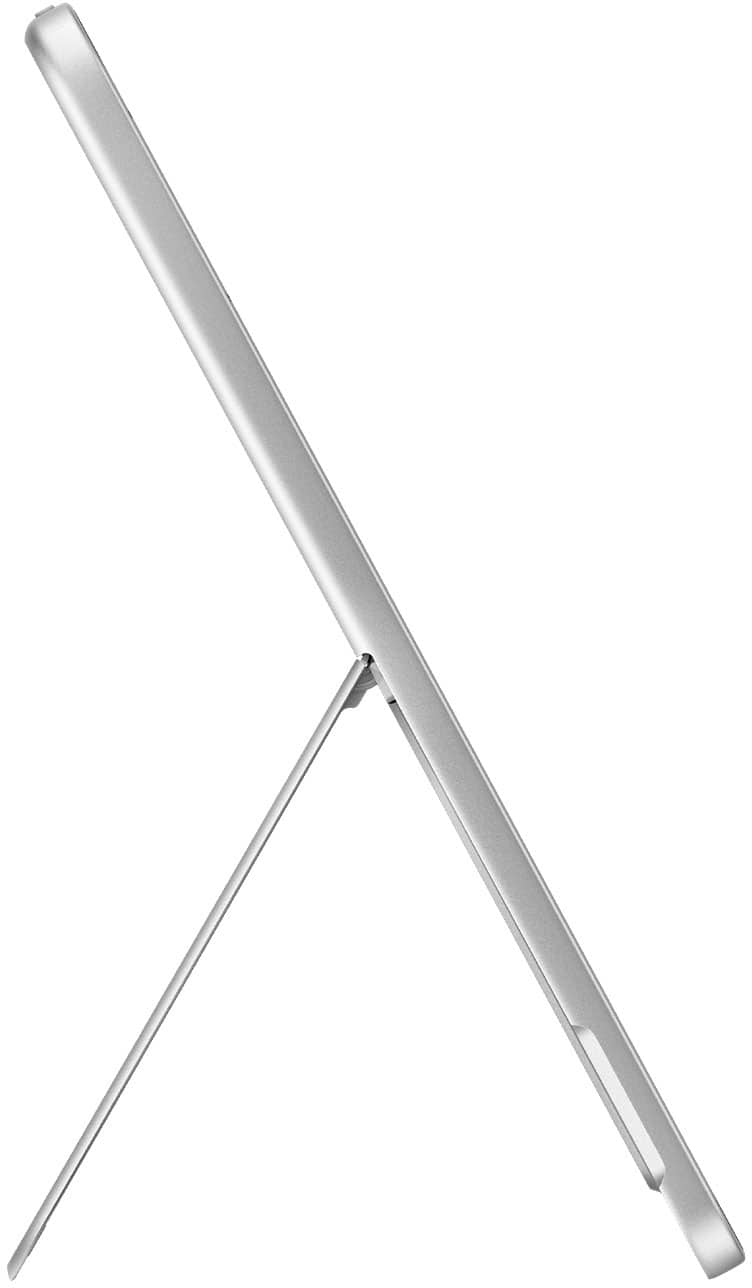
|Posted .This reviewer received promo considerations or sweepstakes entry for writing a review.The Microsoft Surface Pro 12” is an extremely high quality laptop and tablet 2-in-1 experience; second to none I’d say for Windows computers! Microsoft has very evidently had a lot of time to iterate on and refine the Surface lineup over the years, as it seriously shows! To start, the build and form factor of this laptop-tablet is super premium, and considerably lightweight and slim for the high quality aluminum build - it’s honestly higher quality than almost all laptops I see besides others with aluminum frames like MacBooks! The Surface Pro also has a built-in 165 degree kickstand that handles angling the tablet on surfaces extremely well, and has 2 USB-C ports on-board. If you’re looking for a highly-portable and well-built laptop, tablet, or both, this is one! The 12” screen size is perfect for both a tablet and a laptop, and the touchscreen is highly accurate, especially when using the separate Pen add-on! The screen is also bright and crisp, and in general delivers very well when it comes to any content thrown at it. Windows 11 is also highly optimized to facilitate both the tablet and laptop modes, with many automatic optimizations when transitioning between modes! Something that Microsoft has absolutely nailed with the Surface Pro is the battery life; just wow! Coming from my traditional laptops which are high performance gaming laptops that get 1-2, maybe 3 hours of battery if I’m lucky, it’s extremely luxurious to easily get many hours of screen time without having to plug in, usually spanning across multiple days! The battery seriously elevates the laptop experience! The Surface Pro also performs like you would expect a “Pro” laptop would; always on top of its game! I really have had no issues with any task I’ve thrown at this computer in terms of performance; from light gaming, to internet browsing, to coding and media consumption, everything just works! The Snapdragon X Plus chip and 16GB memory gets the job done! (Note this computer uses ARM architecture). Something that is kind of bizarre is that the Surface actually doesn’t have a fan, something I would usually expect from a computer of this caliber! It can get hot when performing intense tasks, but the heat dissipates well due to the aluminum body and generally isn’t a problem at all with regular, non-intensive tasks. Well done Microsoft! I will also say that owning the keyboard and pen accessories when purchasing this computer is basically a must; they are incredibly well built and integrated with the laptop, so much so that it’s honestly surprising they aren’t bundled together. The keyboard seamlessly clips onto the Surface Pro magnetically, and the pen also magnetically attaches to the back of the Surface where it wirelessly charges. Definitely purchase the Surface Pro and these peripherals together! A few remaining parts of the Surface Pro that are great to have as part of the computer are the onboard cameras, speakers, and Copilot. The onboard cameras are very much usable for things like video calling and Windows Hello sign-in, and the speakers are okay and get the job done, but unfortunately have little to no bass response. Copilot is actually a very capable general-purpose AI assistant, which is awesome to have on your device for things like research, coding, asking questions, etc.! There are also other specialized Copilot functions sprinkled throughout the OS, such as the Recall feature, “Cocreator” in Paint, and more that can help with a wide variety of tasks!
I would recommend this to a friend - Pros mentioned:Battery life, Build quality, PerformanceCons mentioned:App compatibility
Great Hardware for Lightweight Tasks
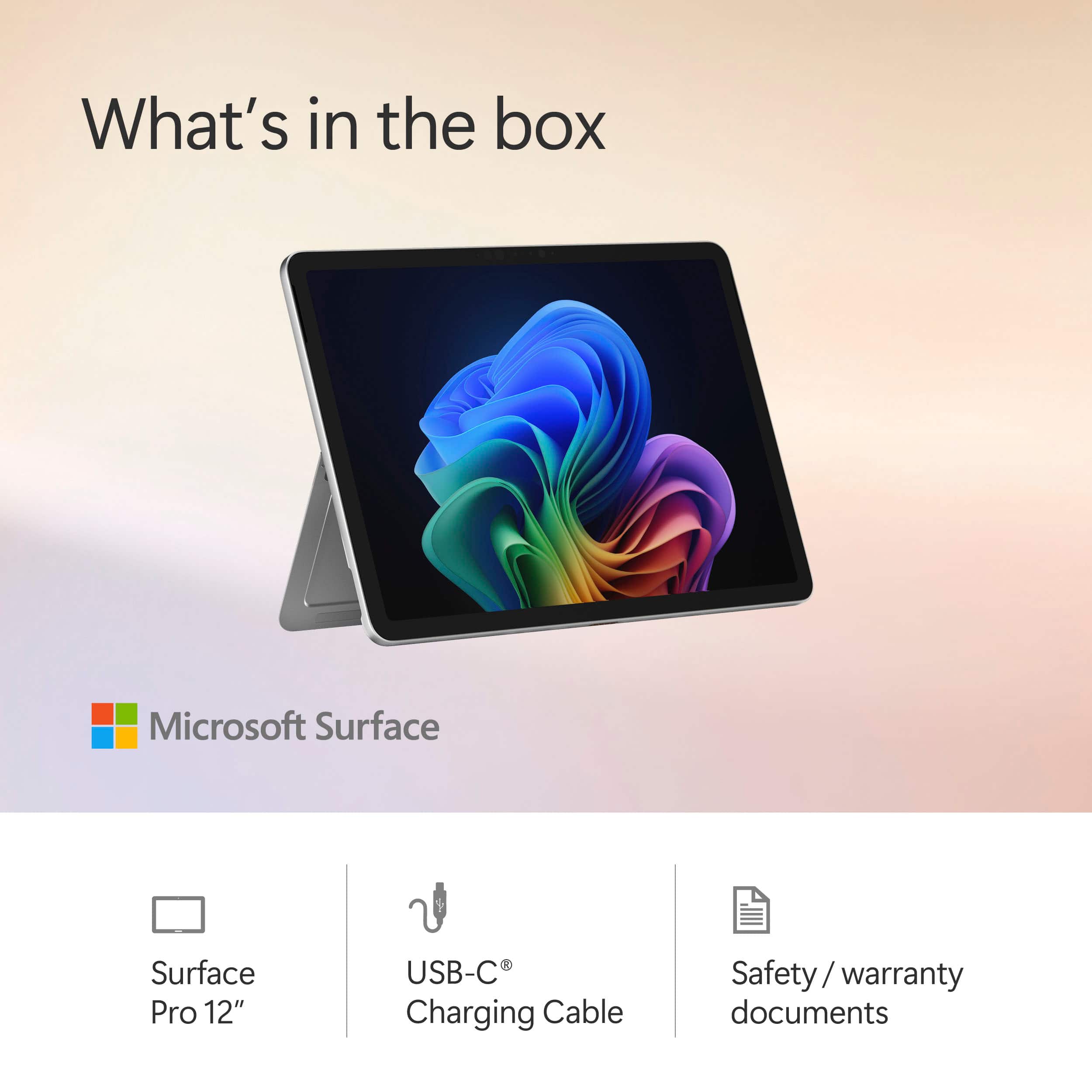
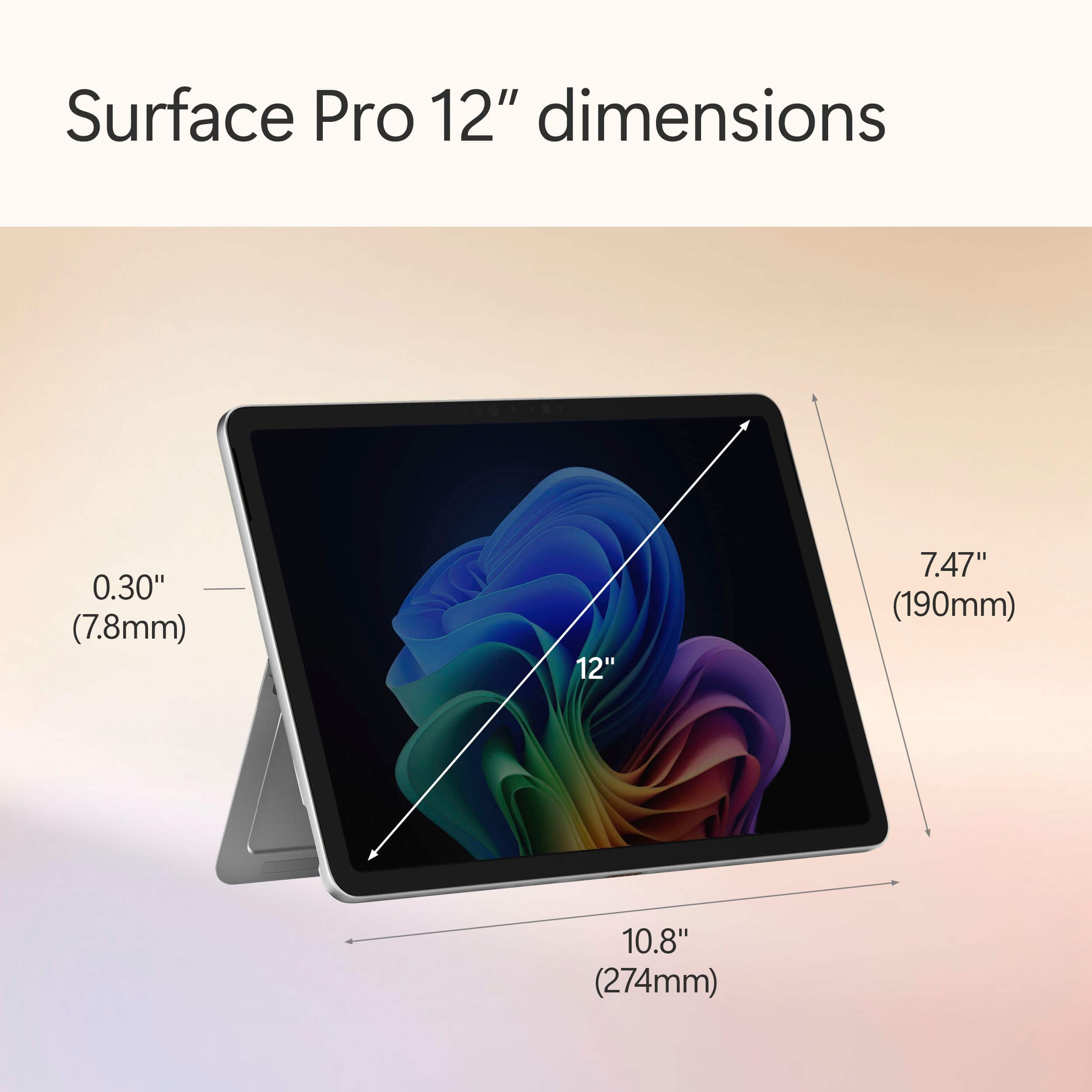
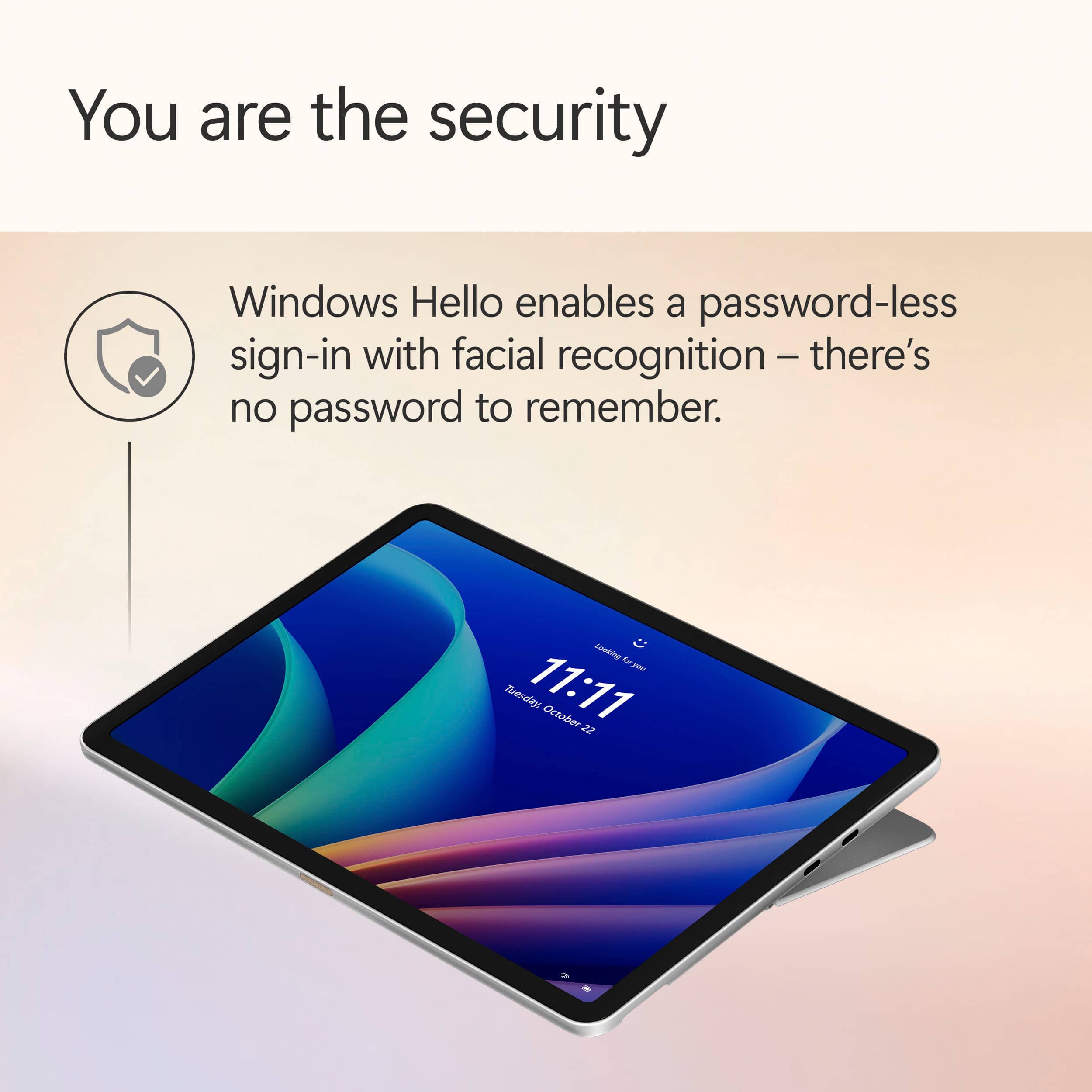
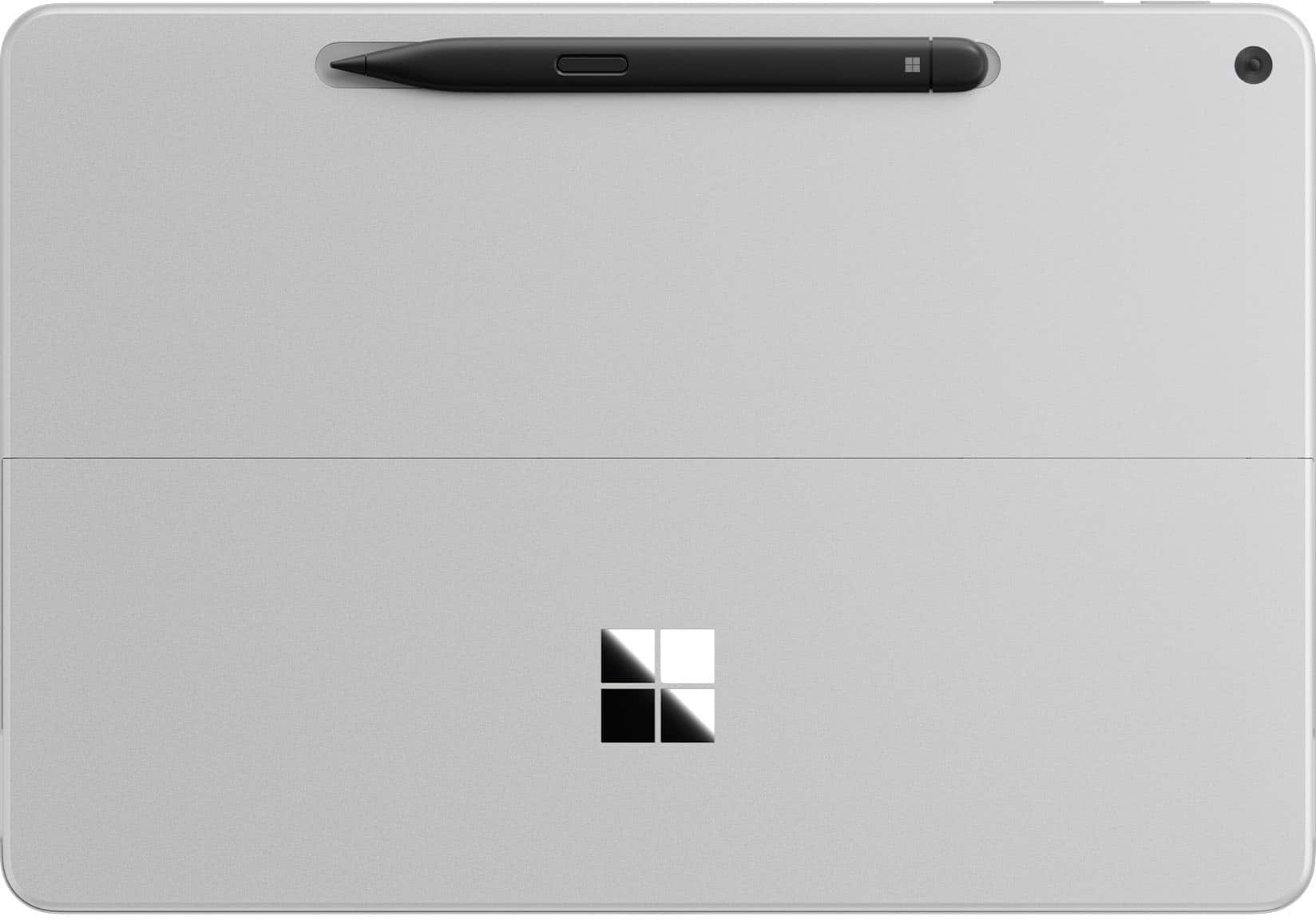
|Posted .This reviewer received promo considerations or sweepstakes entry for writing a review.📦 UNBOXING: Inside the box, you’ll find the Surface Pro 12 and a USB-C cable. It doesn’t include a USB-C power adapter, but you can purchase an official Microsoft Surface 45W charger separately, or use another charger you have on hand. Microsoft says for best performance, you’ll want to use a 27W charger, but fast charging will require a 45W charger. Other than that, I can appreciate that the packaging uses recycled content and is paper-based. 💪 BUILD: The Surface weighs in at 1.5 lbs which is on the heavier side for tablets, but there’s no doubt that it is still lightweight and easy to hold in one hand. The enclosure uses a minimum of 82.9% recycled content, including 100% aluminum alloy and 100% rare earth metals, and a 100% recycled cobalt battery. One notable element about this enclosure is that because it uses a lower power ARM-based Qualcomm Snapdragon X Plus chip, it uses a fanless design which means no intake or exhaust fans. This makes it more like a traditional tablet, but one that runs Windows on ARM. More notably, is that it has a kickstand which sits flush when not in use, feels very sturdy, and can angle to 165 degrees, so you’ll have a large range of positions you can use it in without having to hold it in your hands. Aesthetics aside, kickstands are very useful on tablets, and it’s nice that Microsoft has one native to the enclosure instead of relying on case manufacturers to add one. 🔌PORTS: On the right edge, you’ll find 2x USB-C ports—both share the same feature set which is limited to USB 3.2, but they both support power delivery, and each one can be connected to a 4k60Hz display, for a total of 2 external displays. While not technically a port, there is a special magnetic connector on the bottom edge for the Surface Keyboard, if you opt to purchase one. Additionally, on the rear of the tablet is a dedicated space to magnetically charge the Surface Slim Pen 2nd Edition—another separate purchase. 🔧 EXPANSION & UPGRADES: A bigger downside to the Surface Pro 12 is that there is no option to expand or upgrade the system. The storage is 512gb of soldered UFS flash storage, and the RAM is 16GB of soldered memory, as well. Since there are no SD card slots, your only option for removable storage is through USB-C. 📺 DISPLAY: The display is a 2196x1464 resolution “PixelSense” LCD touchscreen display with a maximum refresh rate of 90Hz. By default it is set to 60Hz, likely to save battery life. While my personal preference might be OLED, I do feel this is a good quality display, and its most notable shortcoming is its inability to represent black as well as an OLED panel. It’s able to reach 400 nits maximum (typical) making it generally favorable in bright lighting conditions, but the display is also Anti-reflective, (ISO 9241-307 certified), so it’s designed more intentionally for bright conditions. However, it is also capable of getting quite dim, so you won’t have to worry about getting blasted with light while using it in the dark. In addition to its capacitive touchscreen support, the Surface Pro 12 is also designed to be used with the Surface Slim Pen 2nd Edition. In my experience, both of these ways of interfacing with the display are quite responsive. 📹 WEBCAM & MICROPHONE: At the top front edge of the Surface Pro 12 display (landscape orientation) is the 1080p Surface Studio Camera which supports Windows Hello facial unlocking. An LED illuminates whenever the camera is active, which I can appreciate. The image quality of the front-facing camera is serviceable, but not particularly competitive. Considering most tablets and phones these days will have 5MP or higher front-facing cameras. But when compared to laptops, the Surface Pro 12 isn’t very far off (which really just demonstrates that the state of laptop webcams is still mediocre in 2025). Low Light performance is decent for a video call, but you’ll still get the most out of this camera under better lighting conditions. The rear-facing camera tops out at 2160p, making this rear camera better suited to capturing pictures of whiteboards, documents, and some occasional video, but it’s certainly not going to replace your smartphone. There isn’t a flashlight, so lower light photos will yield more noise. 🔊 SPEAKERS: The stereo speakers are front-firing and actually sound pretty good in my opinion. They get decently loud, deliver a decent frequency range, but aren’t going to be particularly bassy. That being said, I would not call them tinny. They’re surprisingly better than a lot of laptop speakers, but they won’t beat out an iPad Pro in my opinion, since that has quad speakers. ⚡ PERFORMANCE: This is a fanless system, which means that if you’re putting a heavy CPU + GPU load on it, it will produce quite a bit of heat without any way to actively cool it down. So it’s really not designed for high-performance tasks, but I don’t imagine most folks will want it for that kind of work, anyhow. After installing all software updates out of the box (including Windows + Microsoft Store), the performance is reasonably good for a lot of apps. But the first boot didn’t leave a great impression since tons of software needed updates out of the box and were fighting for limited resources. So temper your expectations until you have a system with all its updates installed and you’ve performed a couple restarts. Compatibility for Windows on ARM is still not perfect, as my decade-old Canon printer still doesn’t have ARM64 drivers, and while Windows itself theoretically has ways to emulate some applications, it is still unable to emulate drivers. So if you plan to do things mostly in a web browser, then the Surface Pro 12 will definitely have you covered. Gamers need not apply—compatibility is still imperfect, gaming performance isn’t great, and some games’ anti-cheat mechanisms simply cause the game to crash because they don’t allow emulation. However, you can always look at “worksonwoa” to see if popular applications and games are working on ARM, but in my experience, 2D titles are more likely to play well without significant performance issues. I also connected the Surface Pro 12 with my Caldigit TS4 dock, which supports USB 3.2 devices like the Surface Pro 12. My supported peripherals connected without an issue, but only one of my two displays appeared. My primary display is 5120x2160, and that connected to the Surface Pro 12 at 60Hz—which was definitely impressive for such a small device. My secondary display is 2560x1600, and I had to connect it directly to the Surface Pro 12 via a separate USB-C cable, as it was never picked up via the Caldigit dock. So while the Surface Pro 12 does support DisplayPort 1.4a, this doesn’t necessarily guarantee that Multi-Stream Transport (MST) will yield expected results. Meanwhile, my other devices have no issue with this same setup. Regardless, I appreciate that the Surface Pro 12 has such a small footprint and can be used as a portable workstation for lightweight tasks. 🔋 BATTERY: Battery is actually pretty good on the Surface Pro 12. While I haven’t conducted any scientific testing, I do think I can achieve a full day of use with a mixture of video playback and web browser use. Another really important element is that the Surface Pro 12 actually has good standby time. I left the screen locked and came back to it the next day to find no battery drain. I’ve used at least one other Snapdragon-powered Windows laptop and found at least some battery drain overnight, but the Surface Pro 12 is doing something right here. 🧐 CONCLUSION: The reality of the situation is that this is a pretty expensive “premium” device, and its use-cases are limited due to its hardware. Putting the user experience of Windows aside, the Surface Pro 12 is a much more complete experience when paired with the Surface Pro 12” keyboard. Windows itself has a way to go in terms of delivering a good user experience with only a touch-screen, but the Surface Pro 12 does feel to me like Microsoft is looking at what their competitors are doing in terms of hardware, and putting some of the best ideas into this new iteration of the Surface Pro. So if you’re looking for a Windows tablet that is small, supports a detachable keyboard and pen, has solid battery life and your apps work on ARM-based Windows 11, the Surface Pro 12 is honestly in a unique enough position to be worth considering.
I would recommend this to a friend - Pros mentioned:Battery life, Performance, Portability
Microsoft - Surface Pro - Copilot+ PC - 12" Touch-
||Posted . Owned for 1 month when reviewed.This reviewer received promo considerations or sweepstakes entry for writing a review.The new Surface Pro Copilot+ PC is amazing! It's super fast with the Snapdragon X Plus and 16GB RAM, plenty of storage with 512GB, and the 12” touch screen is gorgeous. It's also lightweight, sleek, and the Ocean color is beautiful. The battery lasts all day and multitasking is effortless. Highly recommend!
I would recommend this to a friend - Pros mentioned:Battery life, Performance, Portability
Very lightweight, modern laptop, couple of caveats
||Posted .This reviewer received promo considerations or sweepstakes entry for writing a review.My old Surface was getting laggy and wouldn't hold a charge, so this lightweight machine with Snapdragon processor is great. Holds charge under light use for 6 days or more. Very snappy performance. Overall very pleased. A couple of drawbacks. It is fairly bizarre that Microsoft doesn't include a charger with this unit. Since it requires a 65W or greater charger, that's an additional $40 or so bucks you need to plan for. Also, I didn't do enough research that ARM processors do have known incompatibilities with some legacy software and printers. Luckily all my critical legacy software is working, even though I got warning messages during installation. But I have yet to get my printer up working with the unit. I think I found a workaround by researching, but haven't had a chance to test it yet. This is just something to be aware of.
I would recommend this to a friend - Pros mentioned:Battery life, Build quality, Performance
Great device!
||Posted .This reviewer received promo considerations or sweepstakes entry for writing a review.Yes, I bought a Surface, and am so glad I did! This slim machine with an incredible screen quality, happens to work faster and better than any laptop or desktop I have used before. Simple, fast, long lasting battery.
I would recommend this to a friend - Pros mentioned:Build quality, Performance, Portability
Solid Everyday Performer
||Posted .This reviewer received promo considerations or sweepstakes entry for writing a review.The Surface Pro is super sleek, lightweight, and great for both work and entertainment. Love how it switches between laptop and tablet. Screen looks amazing and performance is smooth. Battery is decent, just wish it lasted a bit longer. Overall, a really solid 2-in-1!
I would recommend this to a friend - Pros mentioned:Battery life, Performance, Portability
A hybrid beauty
||Posted .This reviewer received promo considerations or sweepstakes entry for writing a review.Replaces a Surface Pro6. Loved that unit but battery dying and seemed to be slowing down, or maybe I just wanted a little faster upgrade. Well, it’s slimmer, lighter & a bit smaller overall. Then noticeable improvement to speed. Always happy with windows although I have IPhone for many years. No problem with IOS but maybe Windows is my comfort zone. Do easy to travel with this unit and battery is pretty much great.
I would recommend this to a friend - Pros mentioned:Battery life, Performance
Best little Surface Pro!
||Posted .This reviewer received promo considerations or sweepstakes entry for writing a review.Best little Surface Pro to date! This is a perfect blend of the Surface Go and a Surface Pro. It's snappy, good battery life, no fan noise like a Surface Pro 11 (13 in). I would definitely get the 512 GB version though, as Windows and other things eat up a lot of the hard drive. Also, best usage is with keyboard and pen, so factor those into the final price. Overall, though, this is a solid product!
I would recommend this to a friend - Pros mentioned:Battery life, Performance
Finally a great windows tablet
||Posted . Owned for less than 1 week when reviewed.This reviewer received promo considerations or sweepstakes entry for writing a review.I have had Surface tablets here and there in the past but always found them to be too heavy and bulky to use as a tablet, which made the form factor pointless for me. The new Surface 12" though is finally light enough to use as a tablet without sacrificing battery and performance like the Surface Go line did. Also, it is big enough for a comfortable keyboard accessory, which was also a downside of the Surface Go. All in all, I am enjoying this device.
I would recommend this to a friend - Pros mentioned:Performance, Processor speed
Sleek, Quiet, Performant, Great Compatibility
||Posted .This reviewer received promo considerations or sweepstakes entry for writing a review.Fast and snappy performance from the Snapdragon X Plus. Impressed with the various Windows applications it was able to support, did not encounter any issues with my games and softwares in use. Quiet, yet performant.
I would recommend this to a friend