Customer Ratings & Reviews















- Model:
- EP2-33671
- SKU:
- 6623672
Rating by feature
- Battery Life
Rating 4.8 out of 5 stars
- Durability
Rating 4.7 out of 5 stars
- Display
Rating 4.8 out of 5 stars
Customers are saying
Customers are pleased with the Surface Pro's portability, performance, and battery life, with users finding it lightweight and appreciating its fast processing speeds. The build quality and form factor also receive positive feedback, with users noting its quiet operation and effective heat dissipation. However, some customers feel the screen brightness could be improved and would like to see a better port selection, while others have concerns about app compatibility.
This summary was generated by AI based on customer reviews.
- Pros mentioned:Battery life, Build quality, PerformanceCons mentioned:App compatibility, Port selection, Screen brightness

A Step Forward
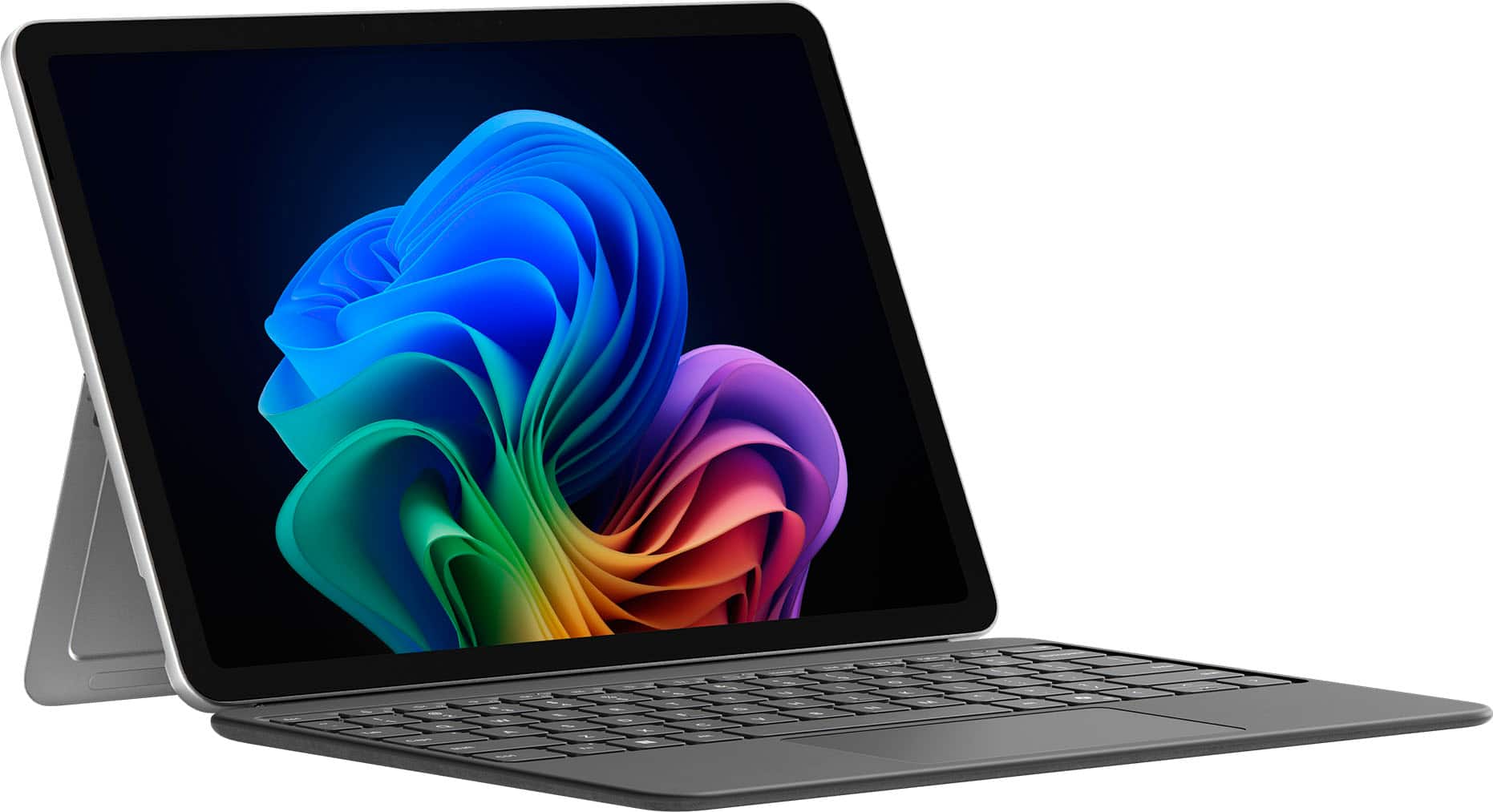
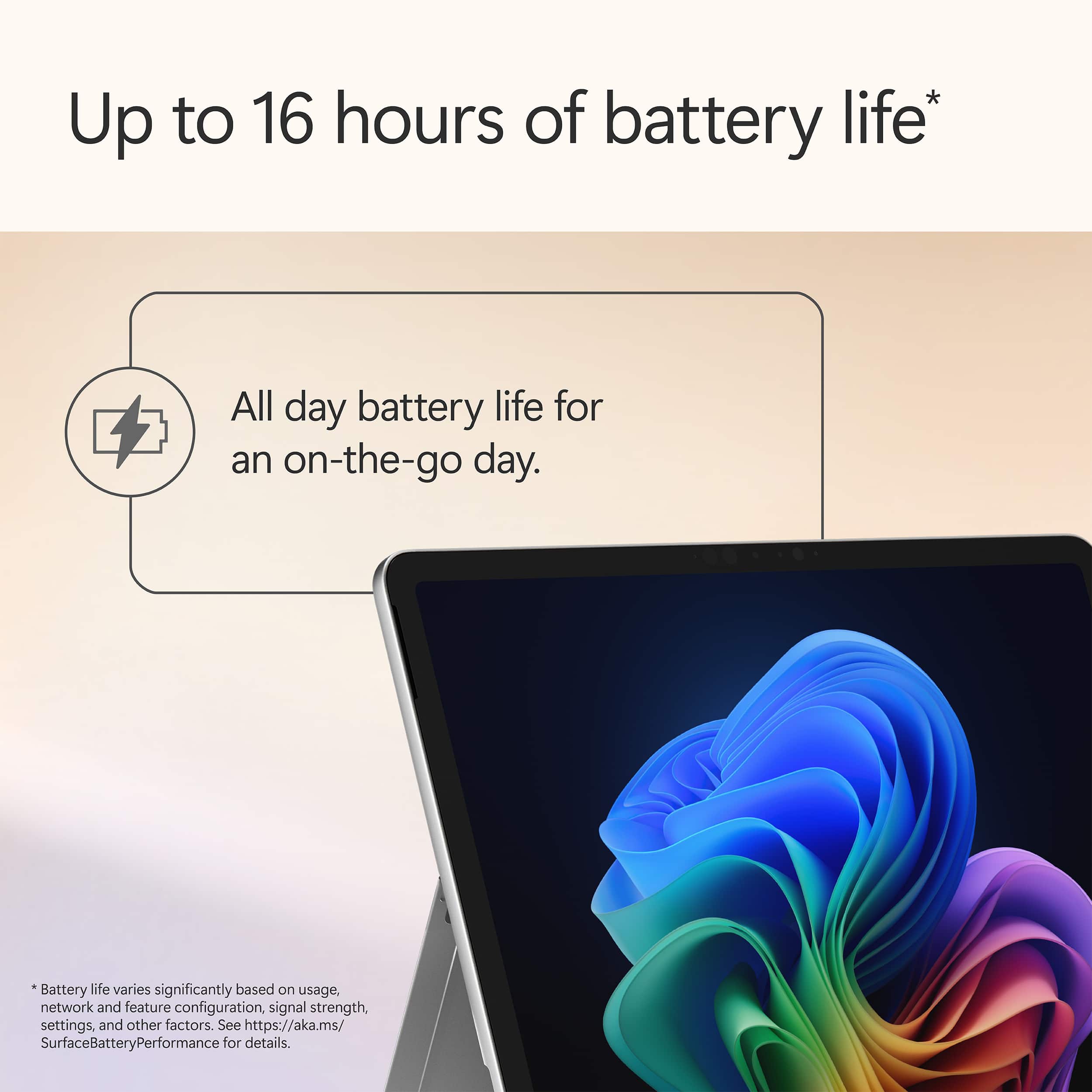
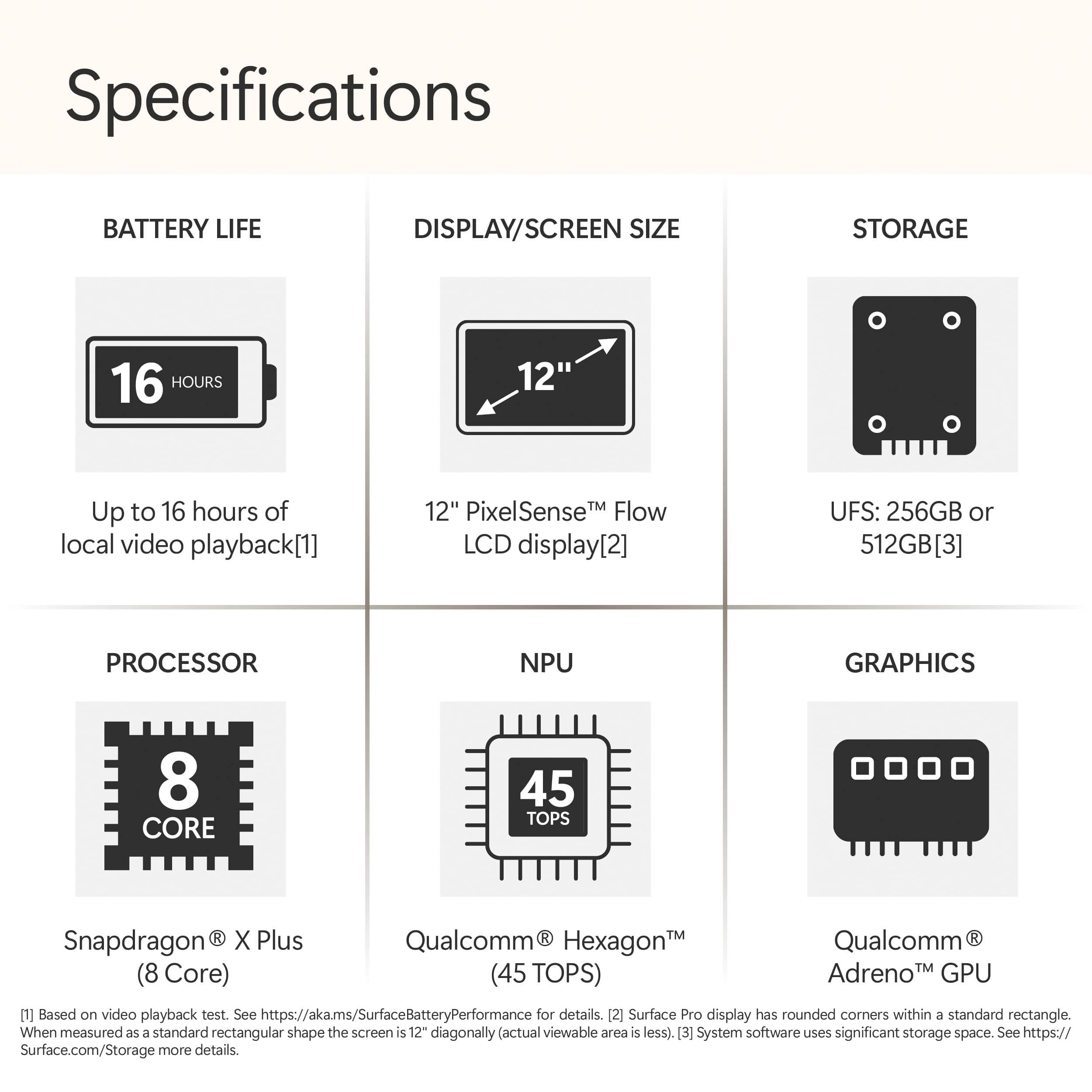
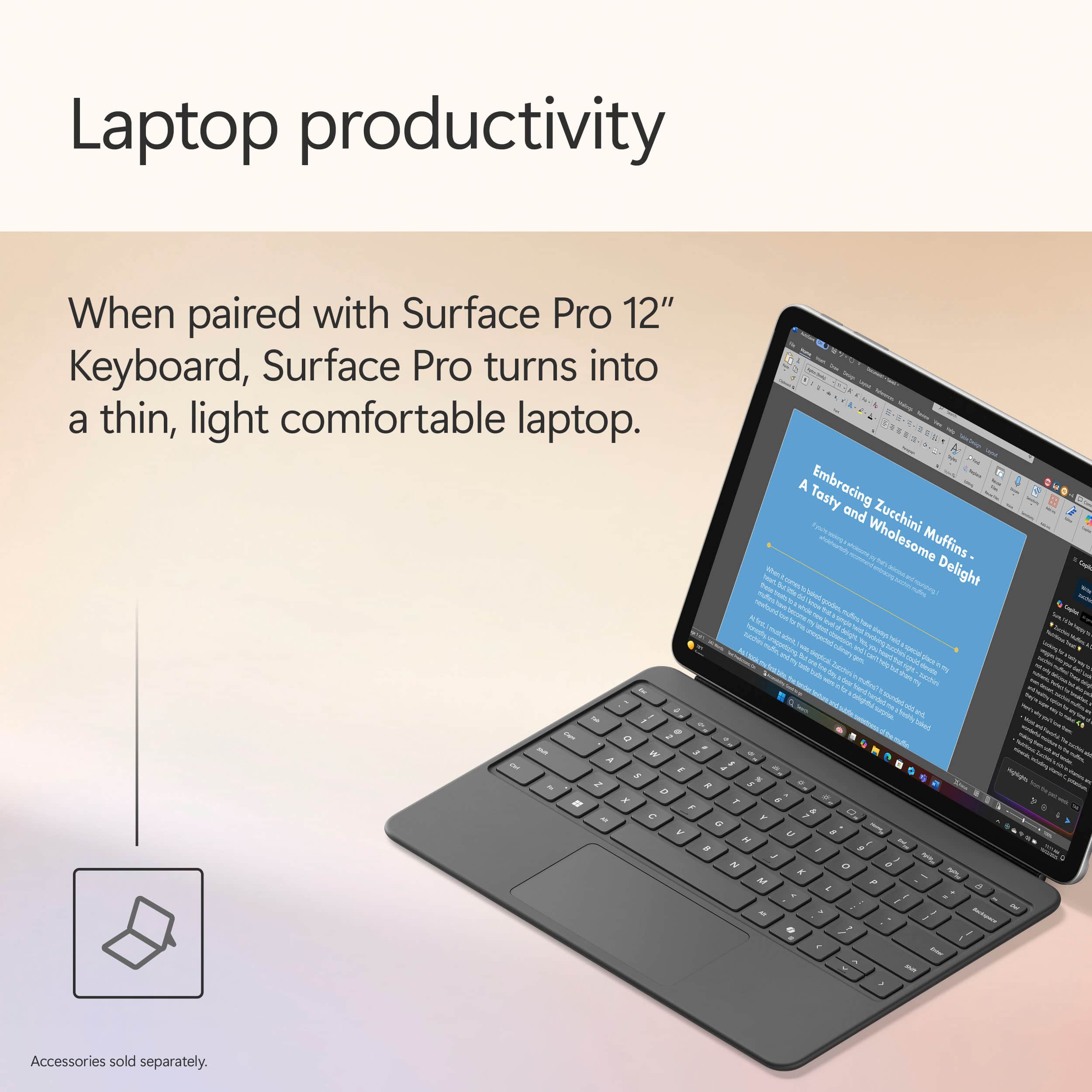
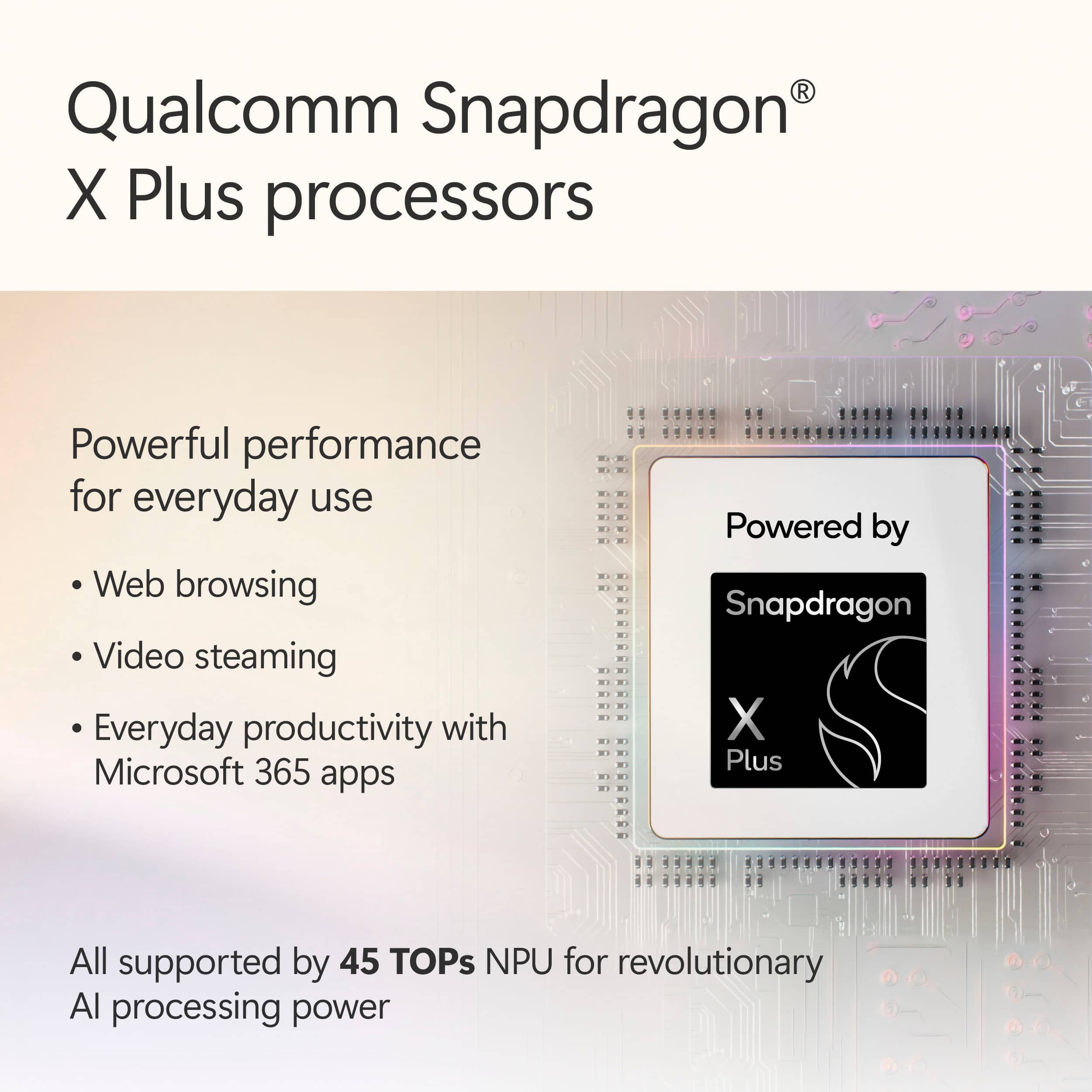
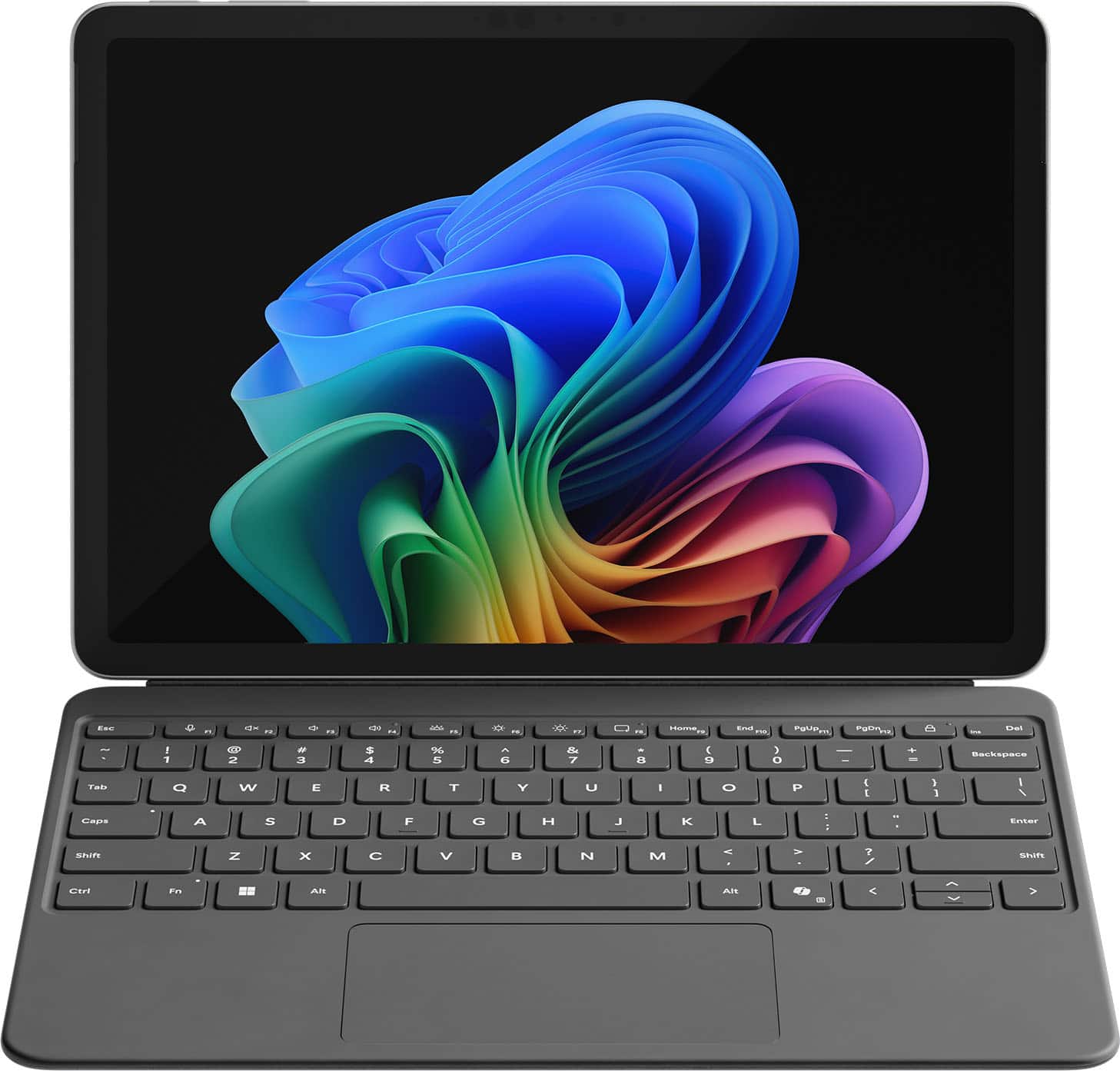
|Posted .This reviewer received promo considerations or sweepstakes entry for writing a review.Setup & First Impressions As soon as I unboxed the Surface Pro 12" in the Ocean finish, I was impressed by how premium it looked. The color has a really subtle, classy vibe—not too loud, but still unique enough to stand out from the usual gray slabs. I paired it with the Surface Pro Flex Keyboard (sold separately), which magnetically snaps on with a satisfying click. Setup was quick and straightforward. Windows 11 Copilot+ guided me through login, updates, and personalization without any hiccups. I was up and running in under 10 minutes. One heads-up: you’ll need your own USB-C charger unless you pick up Microsoft’s, and it doesn’t come bundled with the keyboard or pen. Performance & x86 App Experience Under the hood, this thing is rocking the Snapdragon X Plus chip with 16GB RAM and 512GB of UFS storage. It’s fanless, so completely silent, and even under stress it never got uncomfortably warm. I threw all my usual tasks at it: Edge, Photoshop (ARM-native), Chrome, Slack, Teams—everything flew. When I installed a few x86 apps like older utilities and even a basic Windows-only media editor, the new Prism emulation handled them surprisingly well. I didn’t notice any major slowdowns, but heavier apps (like older Adobe Premiere versions or complex .exe installers) took a bit longer to launch. So yes, it works, but if you're deep into x86 creative workflows, you’ll notice a gap. Battery Life Battery life is a real win here. I’ve taken this thing through multiple long days—coffee shop work, editing on the couch, Zoom calls, and media consumption at night. On a typical day of mixed use, I’m getting around 9 to 10 hours comfortably. And during a recent trip, I tested video playback on a full charge: it clocked nearly 17.5 hours. The standby battery is stellar too. I left it in sleep overnight and came back to barely 2% battery loss. Perfect for travel or switching between tasks without worrying about losing charge. App Speed & Real-World Use This is where the Surface Pro 12" really hit its stride. Apps launch fast, multitasking feels seamless, and it handles anything I throw at it—except for super heavy creative stuff. I’ve edited images in Lightroom, used multiple browser tabs while running Teams and Spotify in the background, and it didn’t flinch. The Flex Keyboard is great, with satisfying key travel and a smooth trackpad. Typing long documents or emails felt just as solid as any traditional laptop. I do wish the screen had a higher refresh rate (it's 90Hz instead of 120Hz like on the 13"), but for the size, it’s still crisp and easy on the eyes. Travel & On-the-Go Use I’ve taken this thing on flights, to meetings, and even outdoors. It weighs just over 1.5 lbs without the keyboard and slips into a sling or backpack easily. No fan noise means I can use it anywhere—on a plane, in bed, during quiet moments—without feeling like I’m firing up a jet engine. Charging it with a basic USB-C charger worked just fine, and being able to top it off from a power bank is a travel game changer. I never once found myself worrying about finding an outlet. Plus, the new AI features like Eye Contact and Live Captions actually came in handy during video calls in noisy places. Final Thoughts What I loved: Ultra-light and perfect for travel Incredible battery life—seriously, all-day and then some Runs native apps buttery smooth Solid performance even for most x86 tasks Flex Keyboard is a must-have—great typing feel Silent and cool no matter what I’m doing What held it back: Keyboard and charger not included Not ideal for high-end x86 creative workloads Screen could be sharper or higher refresh Limited ports (just two USB-C 3.2) Conclusion If you’re someone like me—constantly moving, writing, editing, researching, attending calls—the Surface Pro 12” with Snapdragon X Plus is kind of a dream machine. It’s not the most powerful Surface ever made, but for mobility, silence, and efficiency, it hits all the right notes. This has become my go-to travel companion. It’s a genuinely capable little workhorse that lasts all day, handles nearly everything I throw at it, and slips into any bag with room to spare. If you're mostly working in the cloud, on Office, browsing, editing photos, writing, or just watching content, you’re gonna love this.
I would recommend this to a friend - Pros mentioned:Battery life, Build quality, PerformanceCons mentioned:Port selection
Portable, quiet, unique and powerful
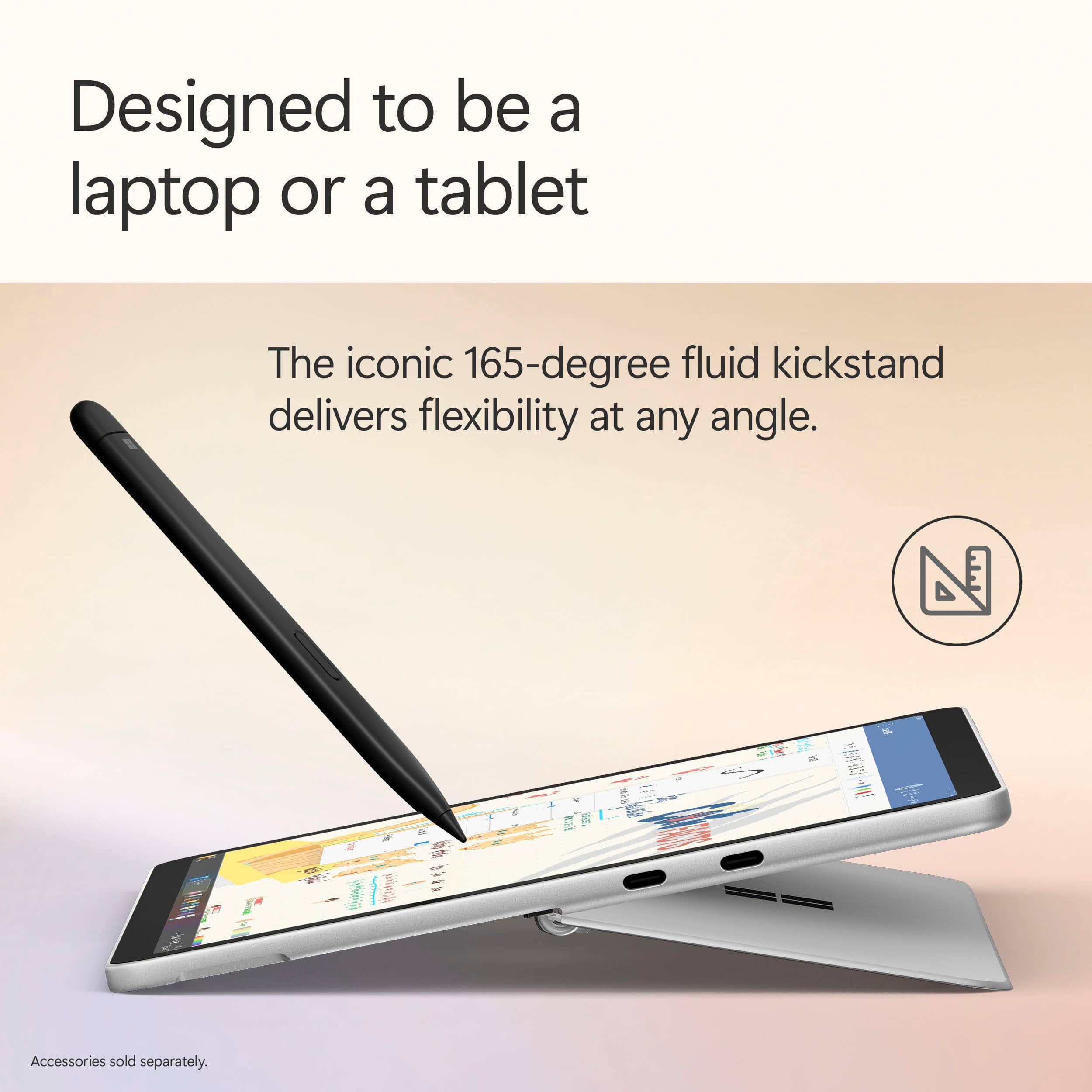
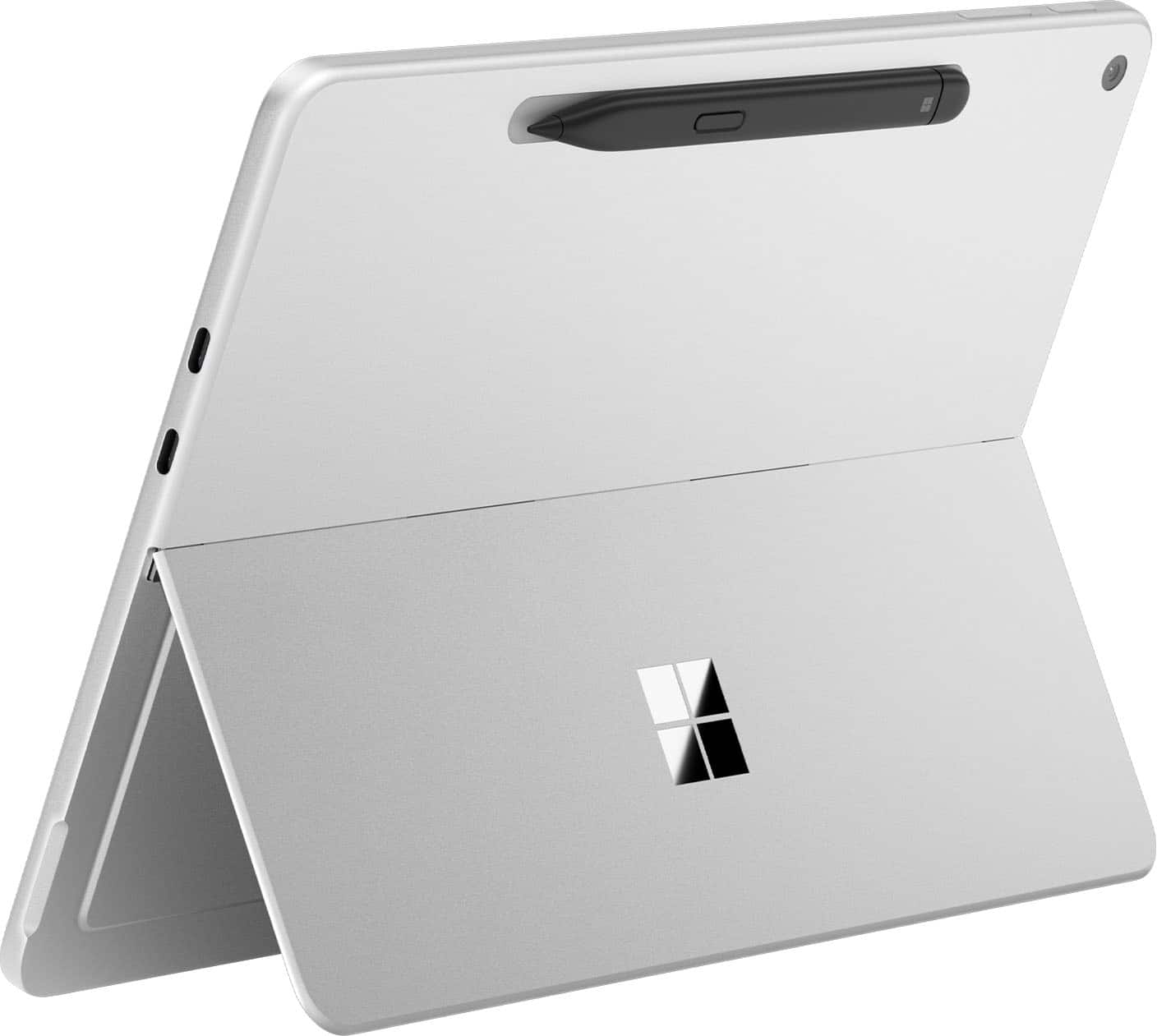
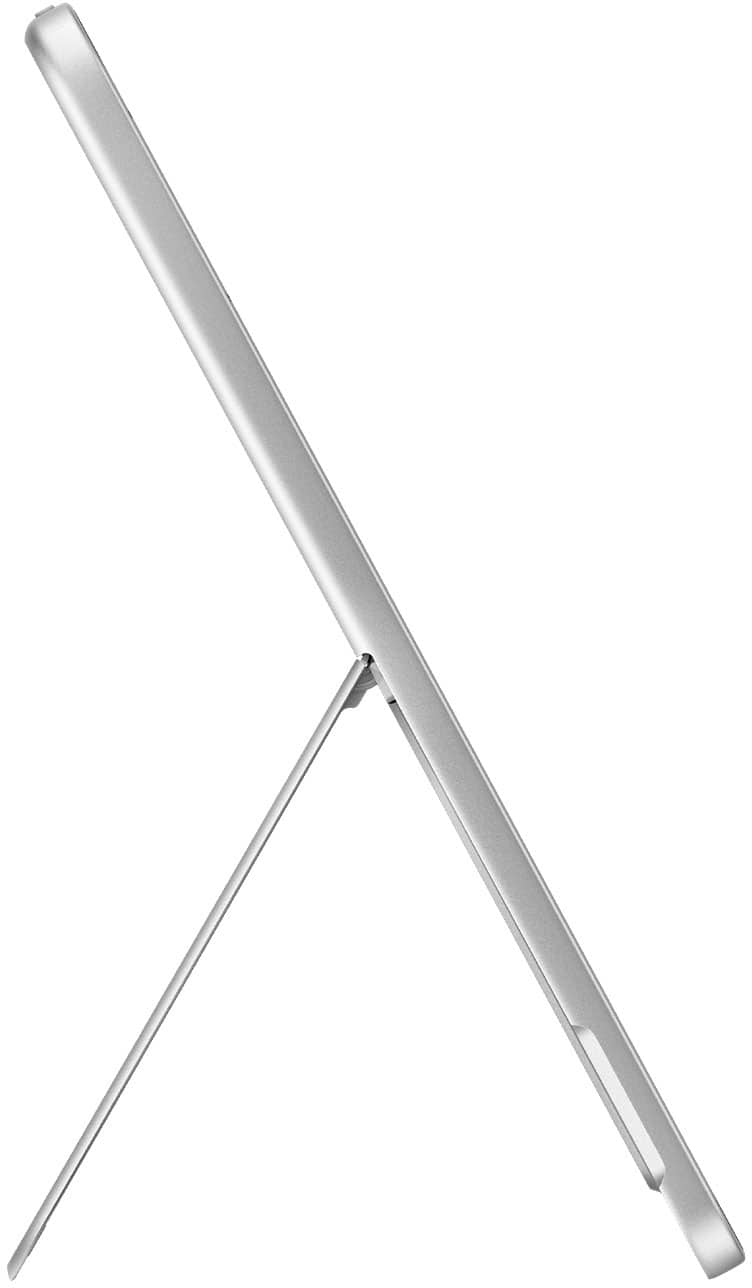
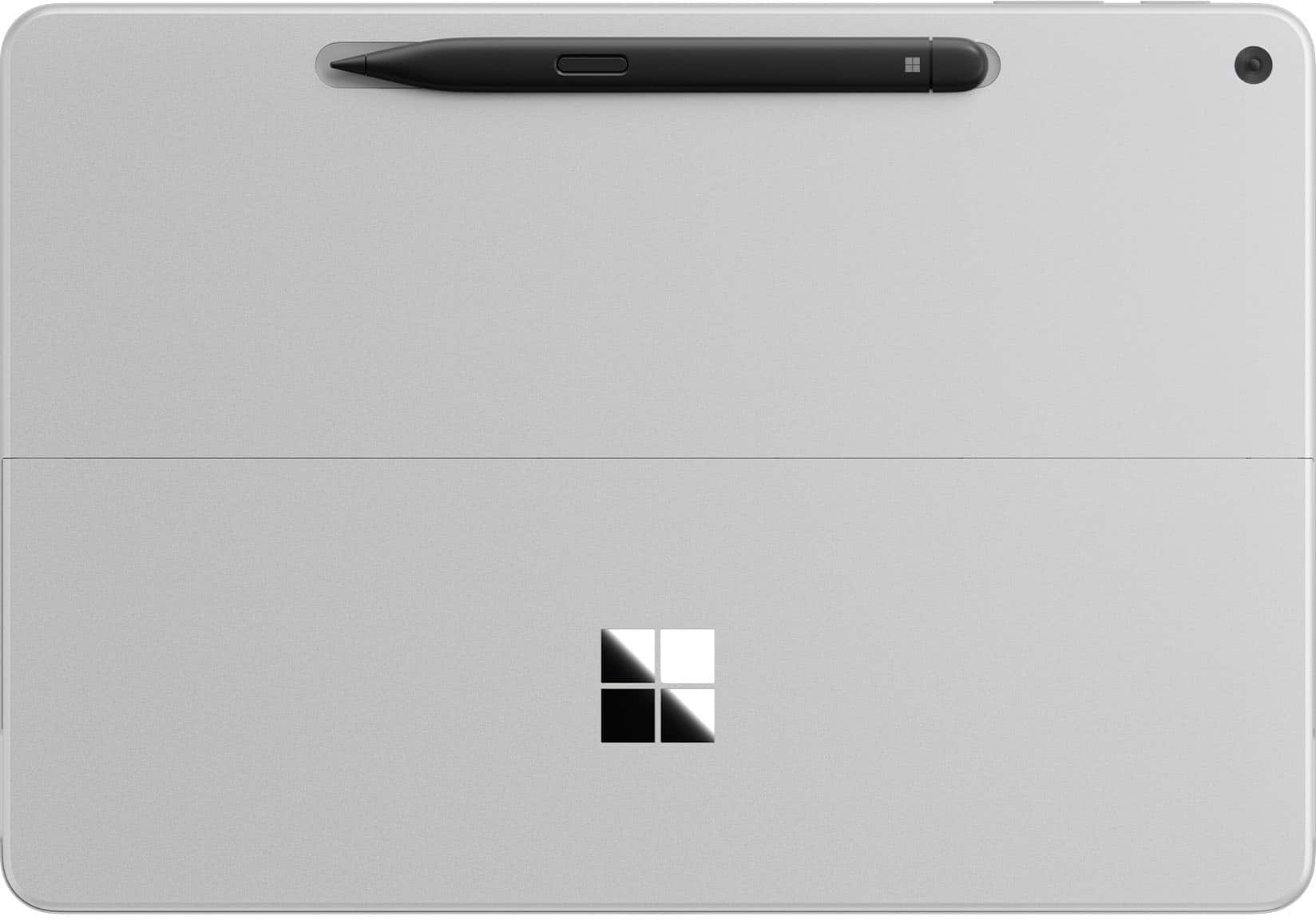
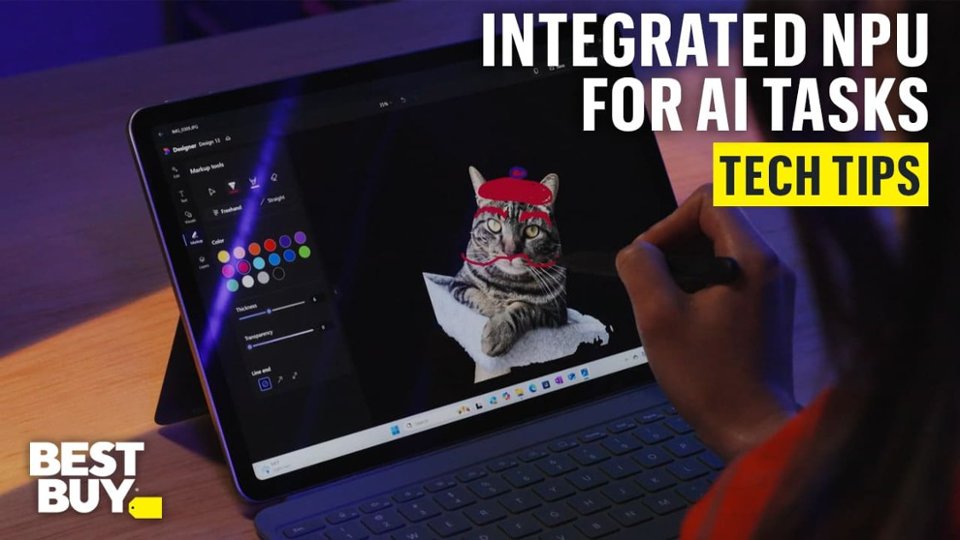
|Posted .This reviewer received promo considerations or sweepstakes entry for writing a review.I have owned a few Windows based tablets in the past, but they really didn't perform well. I switched to an expensive iPad Pro, but it had battery issues and didn't support every app I needed. The Surface has none of these issues. I have been absolutely impressed by its performance. The Snapdragon processor and 16GB of RAM are a great combo for stutter-free multi-tasking on the go. I easily get 10 hours of battery life without any effort and can stretch it to around 15 hours in casual use. I also love using OneNote on a tablet and it works really well with the Surface. The Surface is lightweight, but very solid. The textured metal case and rounded corners makes it a joy to use in tablet mode, effortlessly portable without adding bulk. The built-in kickstand adjusts so you can position it at almost every angle and is very solid. The Surface also has a built-in inductive charger for the Surface pen if you decide to buy one. The sharp display is another standout feature, enhanced by the Night Light setting. Unlike traditional blue light filters, this one leans more toward a warm yellow hue, making evening use far easier on the eyes. I particularly appreciated the automatic sunset adjustment, which seamlessly transitioned the display for nighttime comfort. I was also impressed by the volume and range of the speakers. While they aren't for hard hitting bass, they are sharp and do not distort at max volume. I finally gave Copilot a try, and I can see everyday uses for this friendly AI! It’s been an absolute game-changer for me, helping with trip planning, math explanations for my high schooler, shopping lists, and even organizing my June vegetable garden. I primarily used the quick reply setting, which made conversations feel fast-paced yet surprisingly engaging, almost like a friendly banter. For more in-depth responses, Copilot also offers two additional modes, giving me even greater flexibility depending on what I need. The Surface has a NPU, which is another processor that handles AI related task, so things like Copilot, AI picture editing, and AI noise cancelling don't impact the main processor. The ventless design makes the Surface incredibly quiet, and it remains relatively cool during everyday use. However, when pushed to the limit, like during video rendering, the device holds its own but isn’t exactly thrilled about it. The top near the camera can reach 125°F, which is worth noting for intensive tasks. With only two USB-C ports, connectivity on the go can be a bit limited, so I suggest a small USB-C adapter and a USB-C dock. When connected to my USB-C dock the Surface has no problem extending it desktop to my 39" monitor. A charger is not included (only a USB-C cable), so getting a dock or adapter is a good idea if you don't already have one. The 256GB of storage fills up fast, so a cheap USB-C drive (or use cloud storage) is also on my list. It is also worth noting that this is just the Surface. You have to buy the Pen and Keyboard separately, but the combo is great and still a really good value compared to an iPad or a bulky laptop.
I would recommend this to a friend - Pros mentioned:Battery life, Build quality, PortabilityCons mentioned:Port selection
Good laptop but not so good tablet....
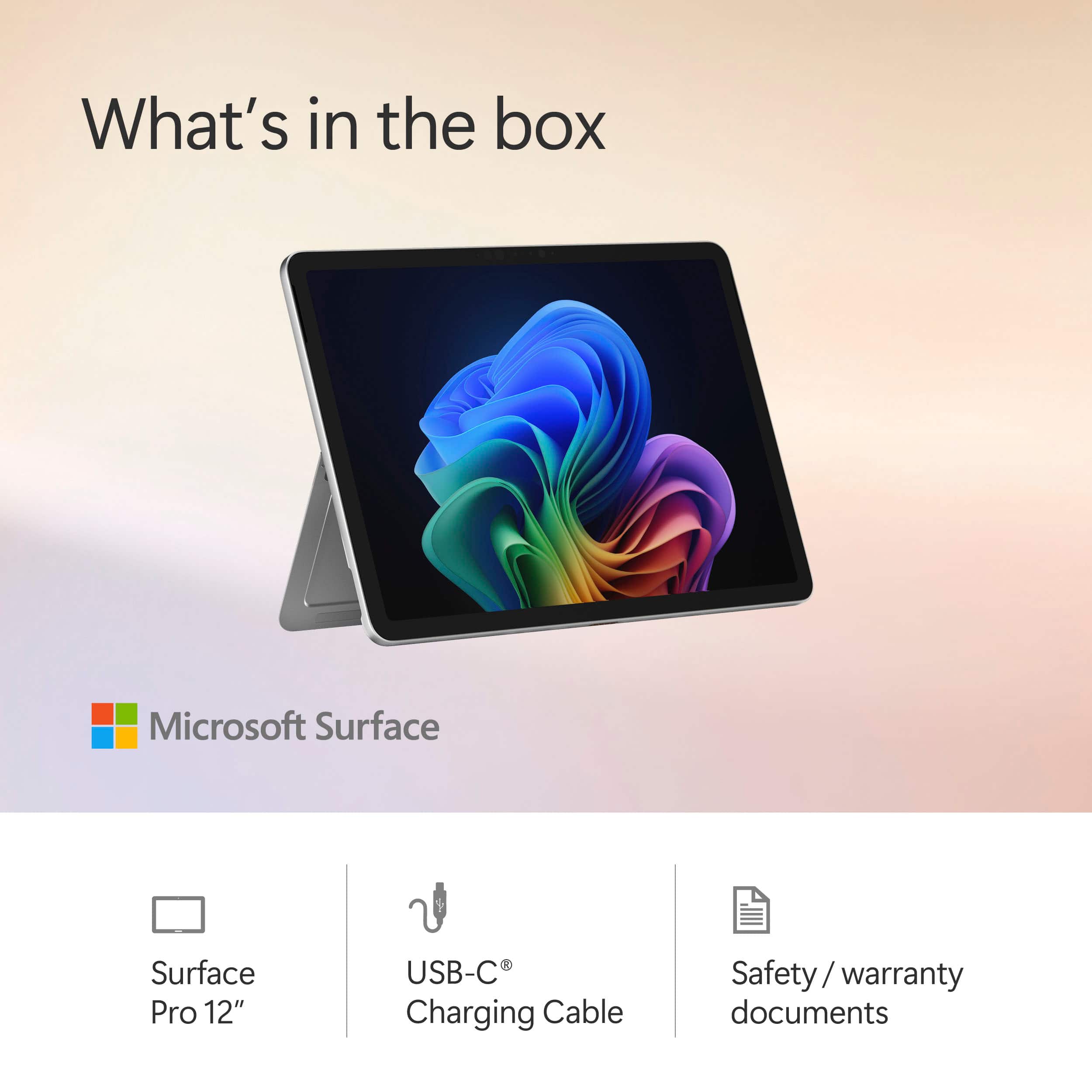
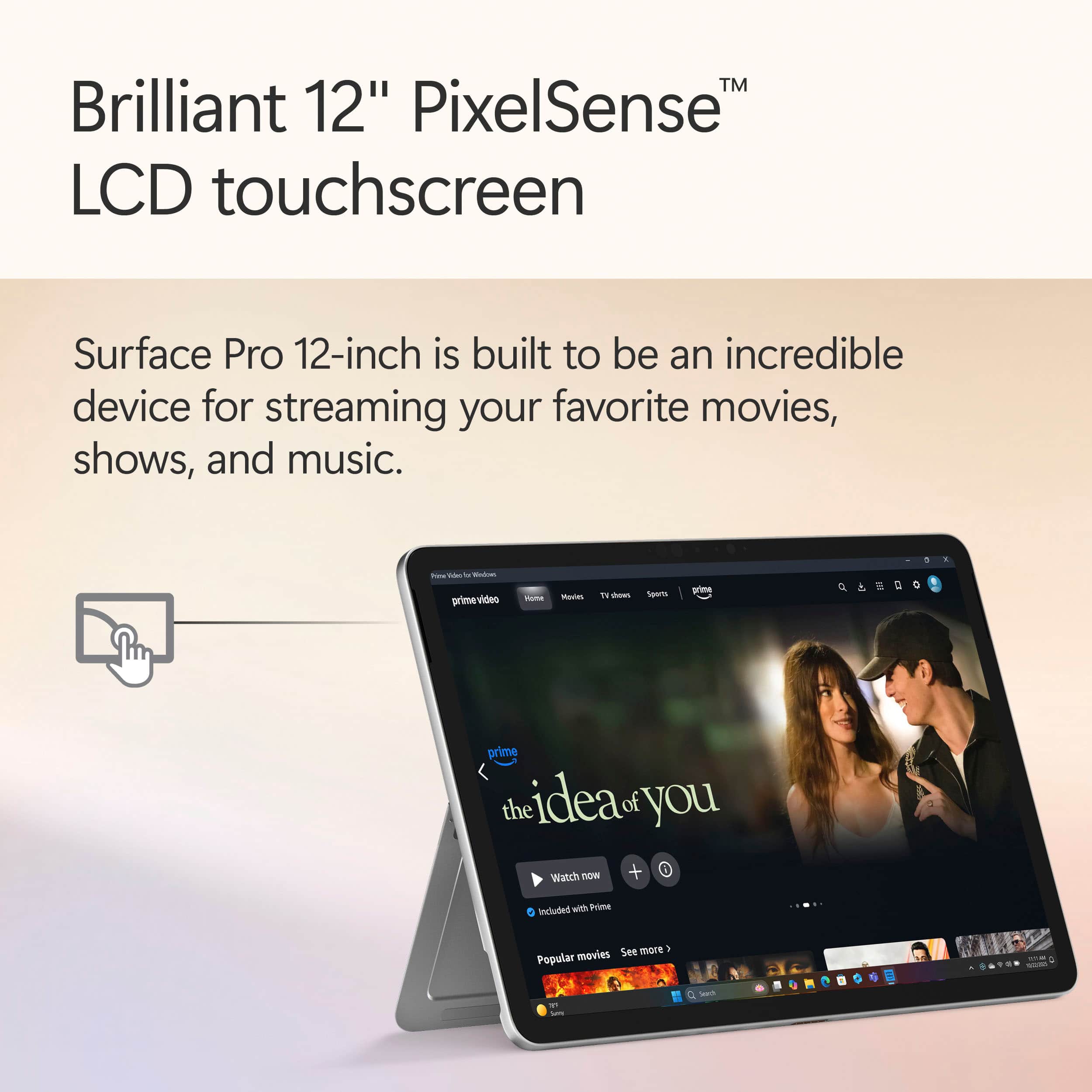
|Posted .This reviewer received promo considerations or sweepstakes entry for writing a review.I was one of the early adopters and actually used a Surface Pro in 2012 before switching to an Ipad which was overall superior even then because it was a tablet trying to be a tablet versus a PC trying to be a tablet. I also revisited the Surface Pro in 2021 when deciding between upgrading to the M1 iPad Pro and used the Surface for several months before eventually again switching back to the iPad Pro 12.9" M1 I still use to this day because of the same problem. So now here we are again in 2025 and enter the new Arm based Surface Pro 12. Microsoft has really gotten good with boxing and presentation. It hints at Apple's presentation while retaining their own custom look and feel. Inside the box you get your Surface Pro tablet and a charging cable along with a quick start guide and that's it. The power adapter, keyboard and stylus/pen are NOT included so be warned. Luckily after testing, the Surface can plug into just about any USB-C charging port from a USB strip to even Apple's various USB-C chargers and more. With every iteration of the Surface since I first tried it, they have become more polished and slick looking. The build quality is excellent and it feels like an iPad type device in your hands. I will need to get a grip style case for mine because the bezels are small and it is slippery. Plus when picking it up and using it my hands do tend to touch the touch screen accidentally. I have this same problem with my iPad too and require a case. I am a heavy Microsoft product user for decades and upon first start up like their previous products you are basically met with, well, Windows. In this case Windows 11. You set up and sign in just like you would on a Windows PC which is fine. After setup, you are presented with a touch version of Windows 11 and now this is where I am experiencing the same issues as with the Surface from 2012 and 2021. Using it for a few days it looks and feels like a Windows laptop that is trying to also function as a tablet. When connected to the Microsoft keyboard and stylus (sold separately for both), it is a light, portable easy to use Windows laptop. They keyboard and stylus make it a joy to use and when closed, it is small and sleek and easy to slip into a backpack or small messenger bag. The battery life on ARM is impressive and as a ultra light laptop I couldn't ask for more for day to day light use. I love the rear kickstand because it can be positioned in any position now versus the older versions that had preset positions. I do have the Microsoft keyboard and pen and it locks on quick and easy to the surface and I love how the pen snaps onto the back or front bezels even. As a portable laptop device with pen support, it is good. My only complaint is I wish the two USB-C ports on the left side were a little lower when in laptop mode and/or an additional port on the other side for versatility but it is only a minor nuisance. On the other hand, this is a 2 in 1 device so as good as it is in laptop form, it is just mediocre in tablet form. I find the stylus to be good for drawing and some functionality but in the end I want to hold and use my finger(s) for navigation and function. Compared to the iPad, it feels clumsy and unintuitive. I found myself having to use the stylus for better control versus my iPad that "just works" with finger usage but also works fantastic with the Apple Pen. I use my tablet in my recliner or when I need to pull up technical documents and I'm just not getting the same ease of use or fluidity with the Surface. I've also used Android tablets in the past and even now time to time and they are also much more intuitive to use than the Surface. The whole Windows desktop and approach is really made for a mouse and keyboard and in hand held touch form it is a clumsy, awkward experience. Hardware wise, the pixel sense screen is beautiful and bright. The Snapdragon 8 core CPU is powerful enough but it is the entry level model. Power wise, it is on par with the Apple M1 CPU in my ipad Pro released 4 years ago according to GeekBench 6. Being an ARM processor, this is also another problem. With my previous Surface Pro units equipped with Intel processors, I could run the same software as my PC and laptop which made integration a breeze but this time you need ARM specific versions as Intel versions are not compatible. Luckily there are many of the programs I use that have ARM versions but unfortunately a few older/custom programs I use do not. This seems to be a transition phase for Microsoft, so make sure the software you want to use has arm based versions. The Surface is not meant for any real heavy CPU and especially heavy GPU use. I know Microsoft is very much all in on Copilot+, but I have yet to overtly find a need for it during my use on the desktop, laptop or Surface. In summary, I very much like the hardware and form factor strides Microsoft has made but in the end the hardware without the proper software support is a non starter. In the case of the Surface Pro 2-1, the lack of ARM support for some of my programs along with still feeling as if this is just Microsoft Windows 11 in "touch form" instead of a true Windows tablet version (Think a proper "SurfaceOS") means I will be going back to my iPad Pro for my basic day to day tablet usage but I am not giving up on the Surface and will continue to use it in tandem when afforded the ability to continue to see how it stacks up but for now, it is not fully usable in my daily work/home flow.
I would recommend this to a friend - Cons mentioned:Port selection
Pretty good
||Posted .This reviewer received promo considerations or sweepstakes entry for writing a review.Pretty decent little unit just wish it came with its own charger and had more ports
I would recommend this to a friend - Pros mentioned:Battery life, Build quality, PortabilityCons mentioned:App compatibility, Port selection
An already great 2-in-1, just turn off the AI...
|Posted .This reviewer received promo considerations or sweepstakes entry for writing a review.I recently acquired the newest revision of the Microsoft Surface Pro Copilot+ PC, featuring a 12-inch touchscreen, a Snapdragon X Plus processor, 16GB of RAM, and 512GB of storage in the sleek ocean color. As a fan of 2-in-1 devices for work and travel, I was excited about its promised performance and AI features. After a few weeks of use, I’m impressed by its portability and battery life, but the high cost, combined with the underwhelming AI capabilities, left me with mixed feelings. Here’s my take on its design, performance, display, and overall value. The Surface Pro’s lightweight build, at just under 2 pounds, makes it a dream to carry around. The recycled aluminum chassis feels premium, and the ocean finish looks sharp. However, using it as a laptop without the separately sold keyboard (~$150) is awkward on my lap, and I was frustrated to spend extra for the whole experience. The lack of a headphone jack is a bummer, though the two USB-C ports and Surface Connect handle most of my needs. It’s perfect for travel but feels incomplete without the pricey add-ons. The Snapdragon X Plus processor handles my daily tasks such as web browsing, document editing, and light photo editing smoothly. I haven’t noticed slowdowns, but some apps I rely on, like specific design tools, don’t run well due to Arm compatibility issues, which was a letdown. On the plus side, the battery life is fantastic, lasting me 12-14 hours on a single charge, even with heavy use like video calls and streaming. It does get warm under load, but the fans aren’t too distracting. The display's vibrant colors and crisp visuals make watching shows or sketching with the Slim Pen 2 (another $130) a joy. However, the AI features, such as Cocreator in Paint and Live Captions, feel gimmicky and are rarely helpful. I was excited about the Recall feature, but it’s delayed, which feels like a broken promise. The display is a highlight, but the AI hype doesn’t match my experience, leaving me wanting more practical tools. I really don't care much about the Copilot+ stuff and did everything possible to disable it on my Surface Pro. At around $1,300 after tax with the accessories, this Surface Pro isn’t cheap. The performance and battery life are outstanding, but the additional costs for the keyboard and pen, combined with the limited AI and app compatibility, make me question its value. I love its portability and display, but for the price, I expected more polished AI features and fewer software hiccups. It’s a solid device for professionals like me who prioritize mobility, but I’d suggest waiting for updates or exploring alternatives if budget is a concern.
I would recommend this to a friend - Pros mentioned:Build quality, PortabilityCons mentioned:Port selection
Nice smaller form factor but a few gotchas
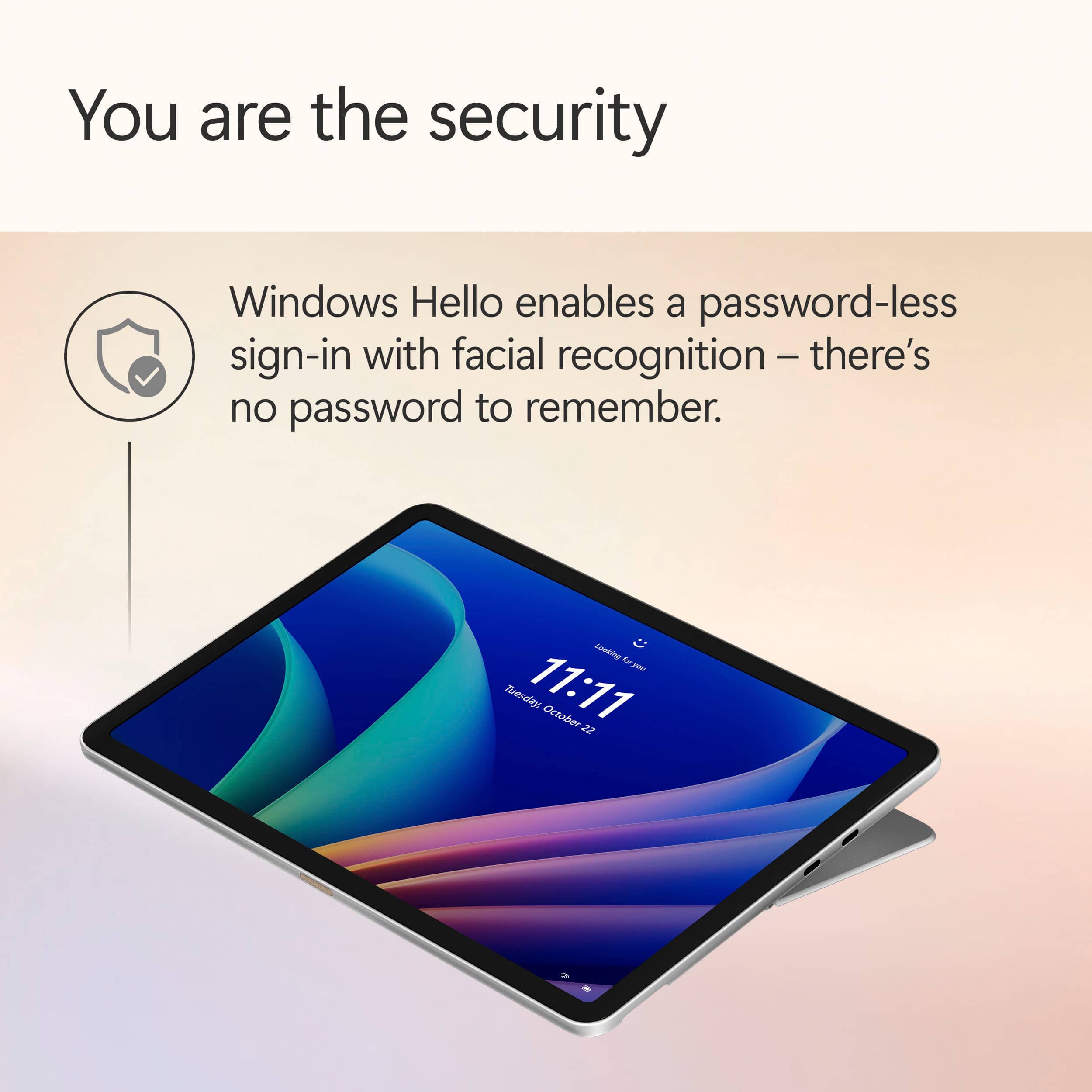
|Posted .This reviewer received promo considerations or sweepstakes entry for writing a review.I knew out of the gate, before it even arrived, that this would not be able to earn more than 4 stars because Microsoft moved back to a proprietary drive system internally that cannot be upgraded or replaced. And then upon arrival, I found they REMOVED the surface port completely from it, so I couldn't use my Surface Dock 2 if I wanted, or any of my surface chargers. And without the surface connect port for power or docking, having only two USB C ports feels a bit limiting since one of them will be power much of the time, leaving only that single port left for use. And oddly, this is the first Surface I've purchased without an included charger. I assume they figure everyone by now has some type of USB C charger, but still, seems like a bit of a missed thing at this price point, especially since you'll likely be buying the separate keyboard as well. It just feels like they're leaving TOO many things for end users to have to purchase separately. With the 12" model, they also removed the ability to dock the pen in the keyboard as I've been used to. I have never been a fan of it sticking to the side of the surfaces (as with previous ones I had, the original, the Surface 4, and such). I don't know if it was on the Surface 7 or Surface 9 that it started storing in the keyboard. But even my larger 2024 model Surface Pro 11 snapdragon has it and the "better" wireless keyboard. When you can have it stored inside, protected, there's little chance of it being knocked off going in or out of a bag, or even just walking around. I've had to replace a few pens in my day, and I've often had to go back to where I was parked in a parking lot or back to a client site and wander my path to try to find where my pen fell off. So if you get a pen for this, make sure to pay attention to it, they're REALLY easy to lose... The unit itself is as slick as all Surface Pro units are. Thin, lightweight, smooth and elegant. The screen is great for touch responsiveness, whether fingers or pen. I've been doing MS touch screen devices since their first Windows XP Tablet Edition device came out back in 2003 or 2004. I have even won some Microsoft MVP awards in the field, so I have experience with almost every brand's version of a touch screen Microsoft Windows computer for more than 20 years now. And whether it was Gateway models, HP models, Dell models, or any others I've used in over 2 decades now, I've never had a more consistent, smooth, reliable experience with built in computer touch screens as I have with Microsoft's devices. The pen works wonderfully, and the palm rejection they have is still among the better of any others I've tried. I almost never have any issues when using the pen, whether for note taking, highlighting, or sketching. And the fact that it charges while docked has always been a feature I liked. The screen looks crisp, has great viewability from high angles. It has the same 10 point touch recognition as the other Surface models, so there was no scaling back on the touch input for this smaller model. But the density of pixels is less than the previous models, and it has a lower refresh rate (only 90 Hz). Depending on your needs, these things may impact your use. The smaller 12" model here also lacks an option for OLED as my 13" model has, so that is noticeable when I'm dealing with them side by side, but it isn't as noticeable when it is simply on its own and being used. The screen here for my needs is great even in the base non OLED version. USB speeds for my installer file that I use on all my computers for things I install were fine, about 690MB/s from my USB C SSD drive I keep the files on. And copying and moving that 17GB file around the drive was quick, as was extracting it. While it uses a different type of drive than my Surface Pro 11, for the things I'm doing daily, I had no noticeable changes good OR bad. It was right where I expected it to be performance-wise. Boot time - since they released the 11 Pro with the Snapdragon everyone touted it as quick and fast. But I've always been disappointed in how SLOW it booted, and it's the same complaint here. Slow to boot, slow to shut down even brand new out of the box before I install anything. My Surface Pro 9 could go from hitting the power button to getting through Windows Hello facial recognition and to my desktop before these Snapdragon ones even get past the BIOS POST image... But they are fast once you have it up and running, so that's just the price to pay. For those of us who like the form factor for carrying with us to meetings or client sites, this is every bit as great as us Surface users are used to, and a little better. Since it doesn't have the standard brick with the surface connect to charge, if you carry power with you, it will be any smaller USB C charger, maybe just a small wall wart with sufficient power and a USB C cable. Smaller bag to carry things in for those on the go. And since these Surface devices with the Snapdragon are so incredible with power consumption, you may opt to leave the charger out of the case and have nothing but the Surface. I have Wifi 7 at my house, and had upgraded my whole physical network to 10GB ethernet, so this has the same excellent file copy speeds on my faster wireless as my 13" Surface Pro 11. Since I have an 8 bay Synology NAS with a ton of data and files on it, the wireless speed is a critical factor for me. I'm glad to see they kept this on par with the larger version, and didn't go with a less expensive, slower wireless chip in it. Kickstand is as useful as it ever has been, great ability to get the angle you want. And it's solid and stable on it. The sound is surprisingly not as bad as one would think for such a small device. Granted, it's not on par with my 18" Rog Strix gaming laptop, but for a small device like this with such small speakers, it's far less tinny than one would expect. The glass is as much a magnet for fingerprints as ever, but it's easy to wipe clean with a microfiber. The downside, as always with Surface models, is lapability. You can't simply sit on the couch and toss one of these on your lap as you can a standard laptop with the weight in the base. That was a big issue for me years ago when I first started using them, but I've since adapted. If you've never used a surface before, and require easy use on your lap, make sure to take the form factor into consideration. You may need one of those lap desks. Some third party companies made heavier keyboards that would clamp onto the bottom of the surface and connect via Bluetooth and it would sit and balance as well as any laptop, but I've seen various results between my trying it and others. This model is apparently completely fanless as well. I really almost never hear the fan kick in on the 13" model, it's always been quiet, but this one will always be that way. But they default this to power efficiency mode even when powered, which means not as snappy out of the box. The front webcam was also downgraded to a 1080 webcam, although it still fortunately has the IR feature and can support Windows Hello (which has worked flawless for me so far). I remember when I first tested my 13" Snapdragon for battery life, using an RDP session that was connected via wireless, and having my mailbox open with Outlook checking three mailboxes all day, and being totally blown away that I got two full work days out of it without charging. This one is a smaller battery of necessity due to the form factor, but it also doesn't have the power hungry OLED. So I was disappointed when I ended up with about 11.5 hours of total use spread out between three or four days with no charging, doing random activities like PDF and mail and remote desktops. I expected less due to the smaller capacity battery, but had hoped for more than this considering the simpler screen. Both were kept about 50% brightness during the testing. But still, 11.5 hours of real use to me is better than I ever managed with my Dell Inspirons or my HP Spectre X360s. This is a great entry level device in the Surface line for people who don't need the local disk space that you can achieve with the larger 13" models. And if you're going to get a keyboard at some point, I prefer the 12 inch version of the keyboard on this as well, especially how it closes without that lip around the edge of the keyboard. And for people trying to decide between some of the various iPads and a Surface Pro, this gives another option and a better price point without sacrificing TOO much to do so. It's an eminently usable system that will be more than enough for a large portion of the computer users out there. It's worth checking pricing though, since not that long ago, the more powerful and feature rich 13 inch cost as much as this smaller one due to a sale they had going. And don't forget that most people will end up having to buy the separate keyboard, so the price will go up a bit, especially if you add a pen as well. So comparing the base price of the surface pro vs another laptop isn't quite apples to apples...
I would recommend this to a friend - Pros mentioned:PortabilityCons mentioned:Port selection
Worthy upgrade
|Posted .This reviewer received promo considerations or sweepstakes entry for writing a review.This is my 5th Surface Pro (I still have the SP9). I LOVE the new size which doesn't compromise on performance. It's similar in weight/size to my 11" iPad Pro and makes the perfect companion device for note taking, quick research, reading PDFs. I was initially skeptical about the pen slot on the back because the old Surface Pro pens would regularly fall off in my bag or when accidentally knocked. The magnets on this model are super strong and the pen stays put until I remove it from the pen slot. The new keyboard doesn't have the angled lift so it lies flat on your desk surface. The soft rubber keys are backlit which is great. The trackpad works perfectly and the keys provide tactile feedback. I'm still on the fence as to whether I like the new flat, but solid, typing experience or if I miss the tilted, but hollow-cardboard-sounding typing experience of previous models. Holding the tablet for extended periods is much more comfortable compared to the Surface Pro 9. The device doesn't get nearly as hot and again, the size is just perfect for travel or using next to a main PC. I haven't tried docking it to my thunderbolt monitor and I wish that it had ports on both sides. The palm rejection is the only downside so far. I'm left-handed and updated my pen settings, but for some reason I keep prompting the side menus and moving the canvas around in OneNote when I'm writing with the pen. Maybe this can be fixed with a firmware update or there's a setting somewhere that I'm missing, but previous Surface Pro models had great palm rejection. I thought I would miss the larger screen size of the Surface Pro 9, but I don't. The compact size, cooler temperature, and reduced weight of the 12" model is a welcome tradeoff.
I would recommend this to a friend - Cons mentioned:Port selection
Amazing, but....
||Posted .This reviewer received promo considerations or sweepstakes entry for writing a review.Great alternate to a desktop. Definitely get the key bored. Wasn't aware only 2 usb-c ports
I would recommend this to a friend