Customer Ratings & Reviews
















- Model:
- EP2-33671
- SKU:
- 6623672
Rating by feature
- Battery Life
Rating 4.8 out of 5 stars
- Durability
Rating 4.7 out of 5 stars
- Display
Rating 4.8 out of 5 stars
Customers are saying
Customers are pleased with the Surface Pro's portability, performance, and battery life, with users finding it lightweight and appreciating its fast processing speeds. The build quality and form factor also receive positive feedback, with users noting its quiet operation and effective heat dissipation. However, some customers feel the screen brightness could be improved and would like to see a better port selection, while others have concerns about app compatibility.
This summary was generated by AI based on customer reviews.
- Cons mentioned:Screen brightness
Perfect size for Tablet/PC in one
||Posted . Owned for 1 week when reviewed.This reviewer received promo considerations or sweepstakes entry for writing a review.This Surface Pro is easy to set up and all apps perform very quickly. I had an older version from 2018 with a 12.3" touchscreen. I didn't notice a big difference on the screen size once I started using the new Surface Pro. The keyboard attached/magnetized smoother than the older version from 2018. This is a good buy! I am very happy with my purchase.
I would recommend this to a friend - Pros mentioned:Battery life, Build quality, PerformanceCons mentioned:App compatibility, Port selection, Screen brightness

A Step Forward
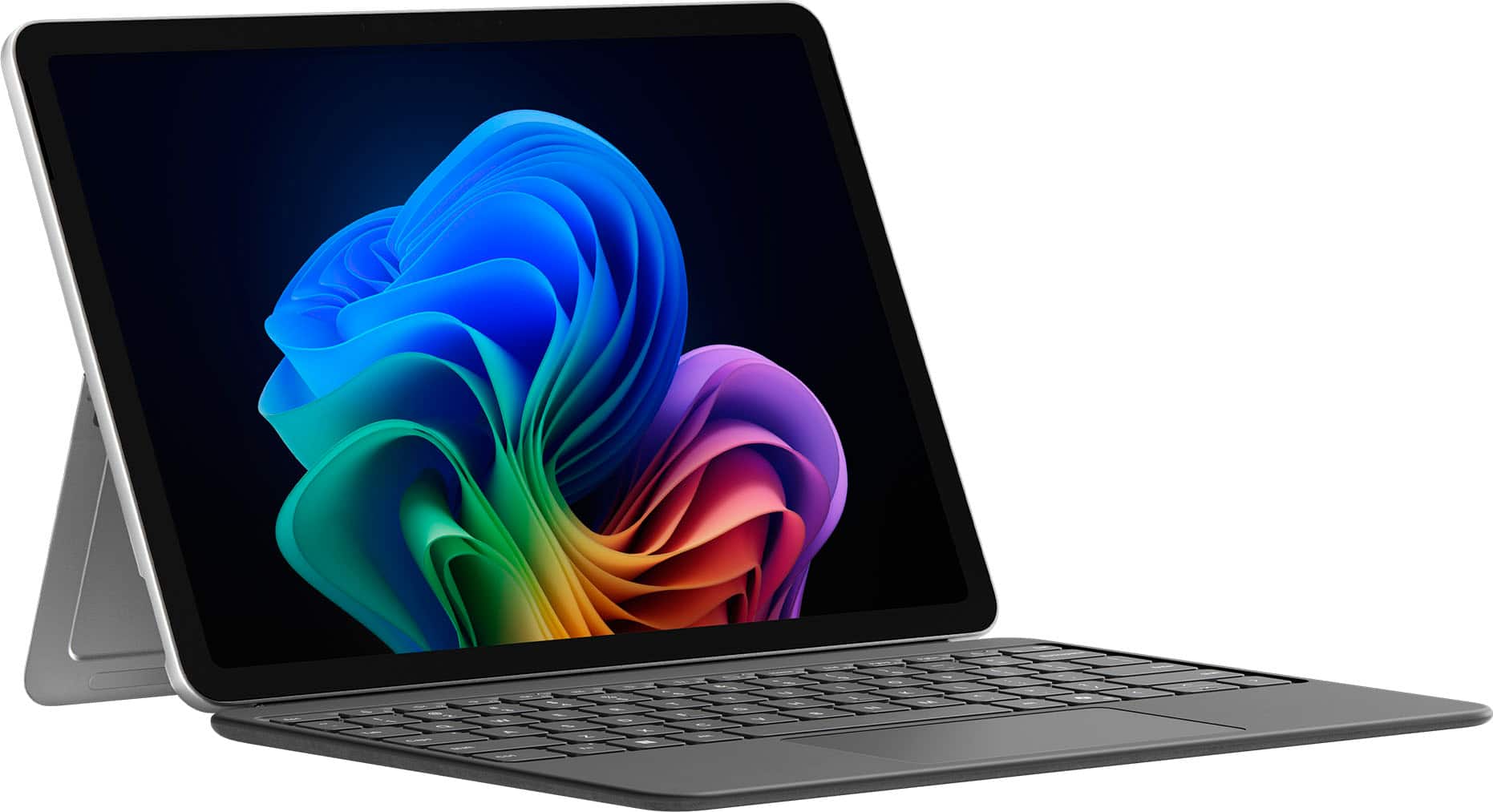
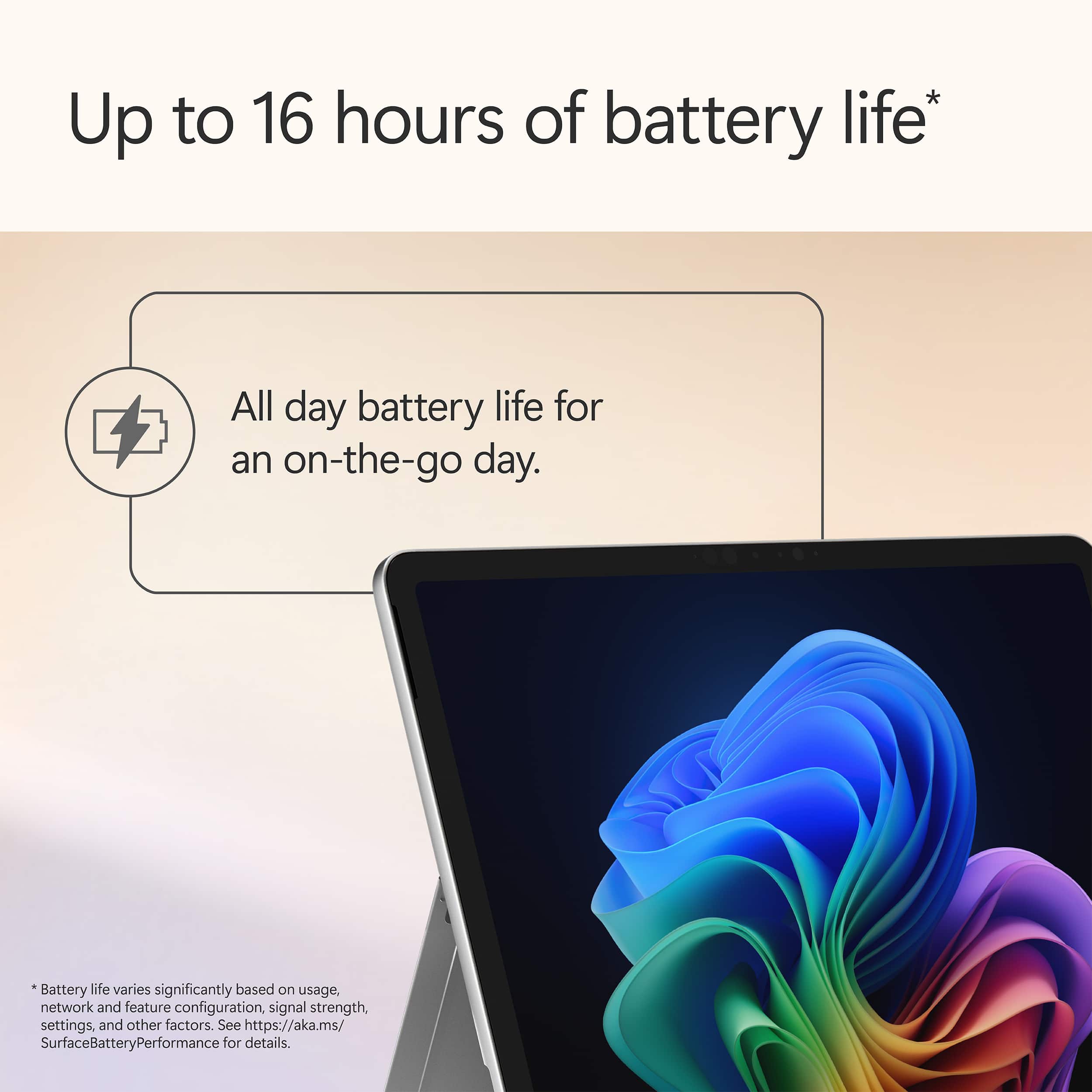
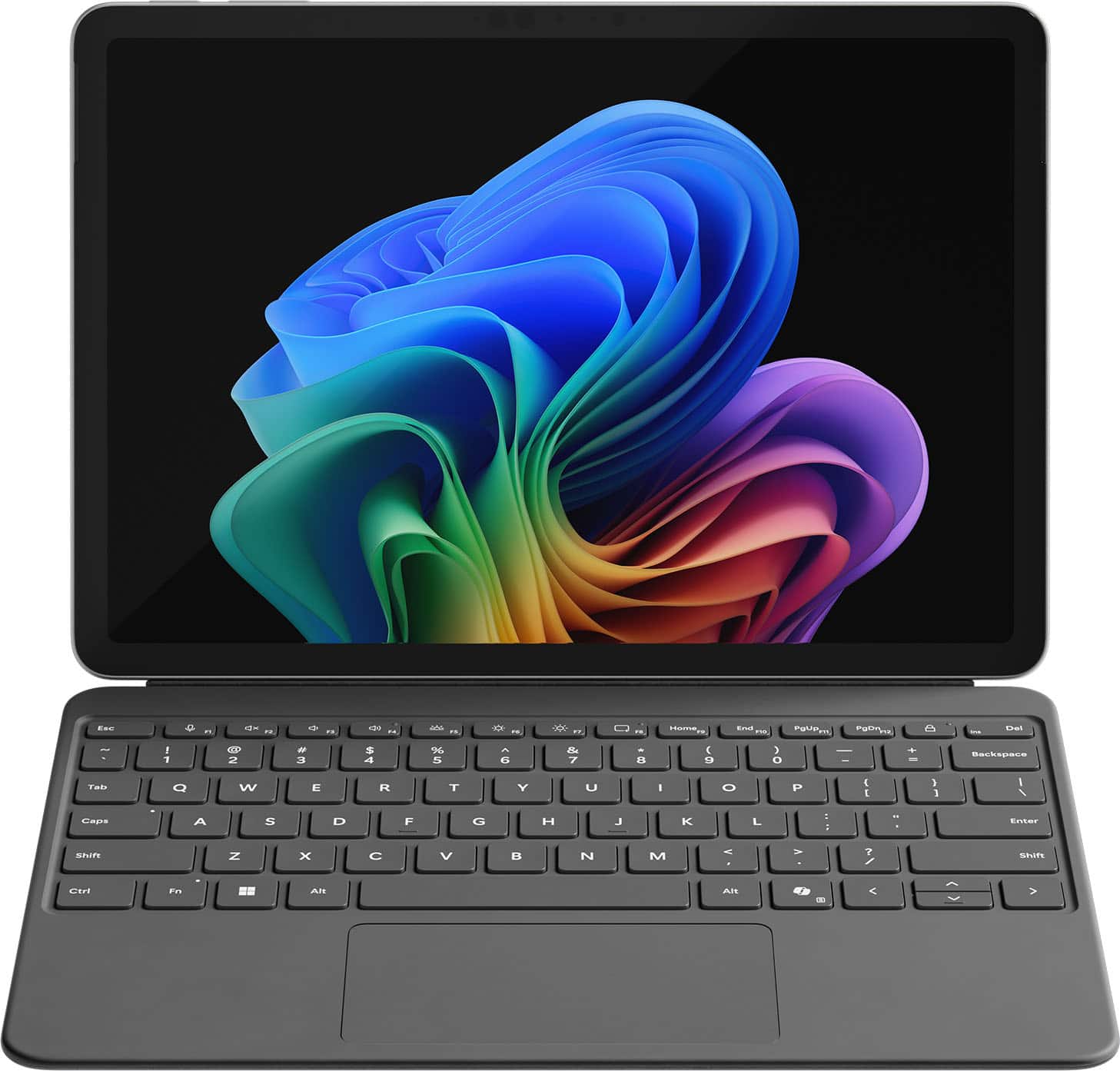
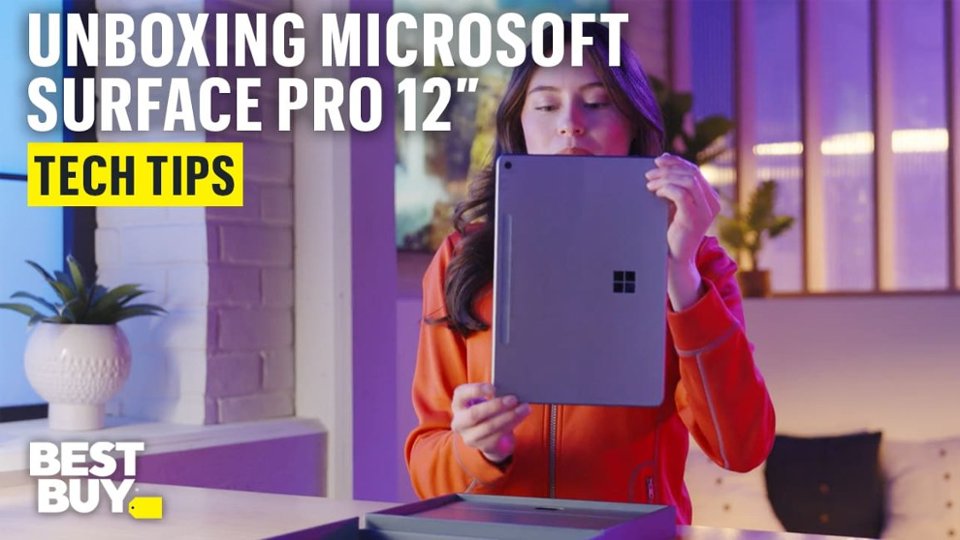
|Posted .This reviewer received promo considerations or sweepstakes entry for writing a review.Setup & First Impressions As soon as I unboxed the Surface Pro 12" in the Ocean finish, I was impressed by how premium it looked. The color has a really subtle, classy vibe—not too loud, but still unique enough to stand out from the usual gray slabs. I paired it with the Surface Pro Flex Keyboard (sold separately), which magnetically snaps on with a satisfying click. Setup was quick and straightforward. Windows 11 Copilot+ guided me through login, updates, and personalization without any hiccups. I was up and running in under 10 minutes. One heads-up: you’ll need your own USB-C charger unless you pick up Microsoft’s, and it doesn’t come bundled with the keyboard or pen. Performance & x86 App Experience Under the hood, this thing is rocking the Snapdragon X Plus chip with 16GB RAM and 512GB of UFS storage. It’s fanless, so completely silent, and even under stress it never got uncomfortably warm. I threw all my usual tasks at it: Edge, Photoshop (ARM-native), Chrome, Slack, Teams—everything flew. When I installed a few x86 apps like older utilities and even a basic Windows-only media editor, the new Prism emulation handled them surprisingly well. I didn’t notice any major slowdowns, but heavier apps (like older Adobe Premiere versions or complex .exe installers) took a bit longer to launch. So yes, it works, but if you're deep into x86 creative workflows, you’ll notice a gap. Battery Life Battery life is a real win here. I’ve taken this thing through multiple long days—coffee shop work, editing on the couch, Zoom calls, and media consumption at night. On a typical day of mixed use, I’m getting around 9 to 10 hours comfortably. And during a recent trip, I tested video playback on a full charge: it clocked nearly 17.5 hours. The standby battery is stellar too. I left it in sleep overnight and came back to barely 2% battery loss. Perfect for travel or switching between tasks without worrying about losing charge. App Speed & Real-World Use This is where the Surface Pro 12" really hit its stride. Apps launch fast, multitasking feels seamless, and it handles anything I throw at it—except for super heavy creative stuff. I’ve edited images in Lightroom, used multiple browser tabs while running Teams and Spotify in the background, and it didn’t flinch. The Flex Keyboard is great, with satisfying key travel and a smooth trackpad. Typing long documents or emails felt just as solid as any traditional laptop. I do wish the screen had a higher refresh rate (it's 90Hz instead of 120Hz like on the 13"), but for the size, it’s still crisp and easy on the eyes. Travel & On-the-Go Use I’ve taken this thing on flights, to meetings, and even outdoors. It weighs just over 1.5 lbs without the keyboard and slips into a sling or backpack easily. No fan noise means I can use it anywhere—on a plane, in bed, during quiet moments—without feeling like I’m firing up a jet engine. Charging it with a basic USB-C charger worked just fine, and being able to top it off from a power bank is a travel game changer. I never once found myself worrying about finding an outlet. Plus, the new AI features like Eye Contact and Live Captions actually came in handy during video calls in noisy places. Final Thoughts What I loved: Ultra-light and perfect for travel Incredible battery life—seriously, all-day and then some Runs native apps buttery smooth Solid performance even for most x86 tasks Flex Keyboard is a must-have—great typing feel Silent and cool no matter what I’m doing What held it back: Keyboard and charger not included Not ideal for high-end x86 creative workloads Screen could be sharper or higher refresh Limited ports (just two USB-C 3.2) Conclusion If you’re someone like me—constantly moving, writing, editing, researching, attending calls—the Surface Pro 12” with Snapdragon X Plus is kind of a dream machine. It’s not the most powerful Surface ever made, but for mobility, silence, and efficiency, it hits all the right notes. This has become my go-to travel companion. It’s a genuinely capable little workhorse that lasts all day, handles nearly everything I throw at it, and slips into any bag with room to spare. If you're mostly working in the cloud, on Office, browsing, editing photos, writing, or just watching content, you’re gonna love this.
I would recommend this to a friend - Pros mentioned:Battery life, Build quality, PortabilityCons mentioned:Screen brightness
A Windows tablet w/ best access to Copilot
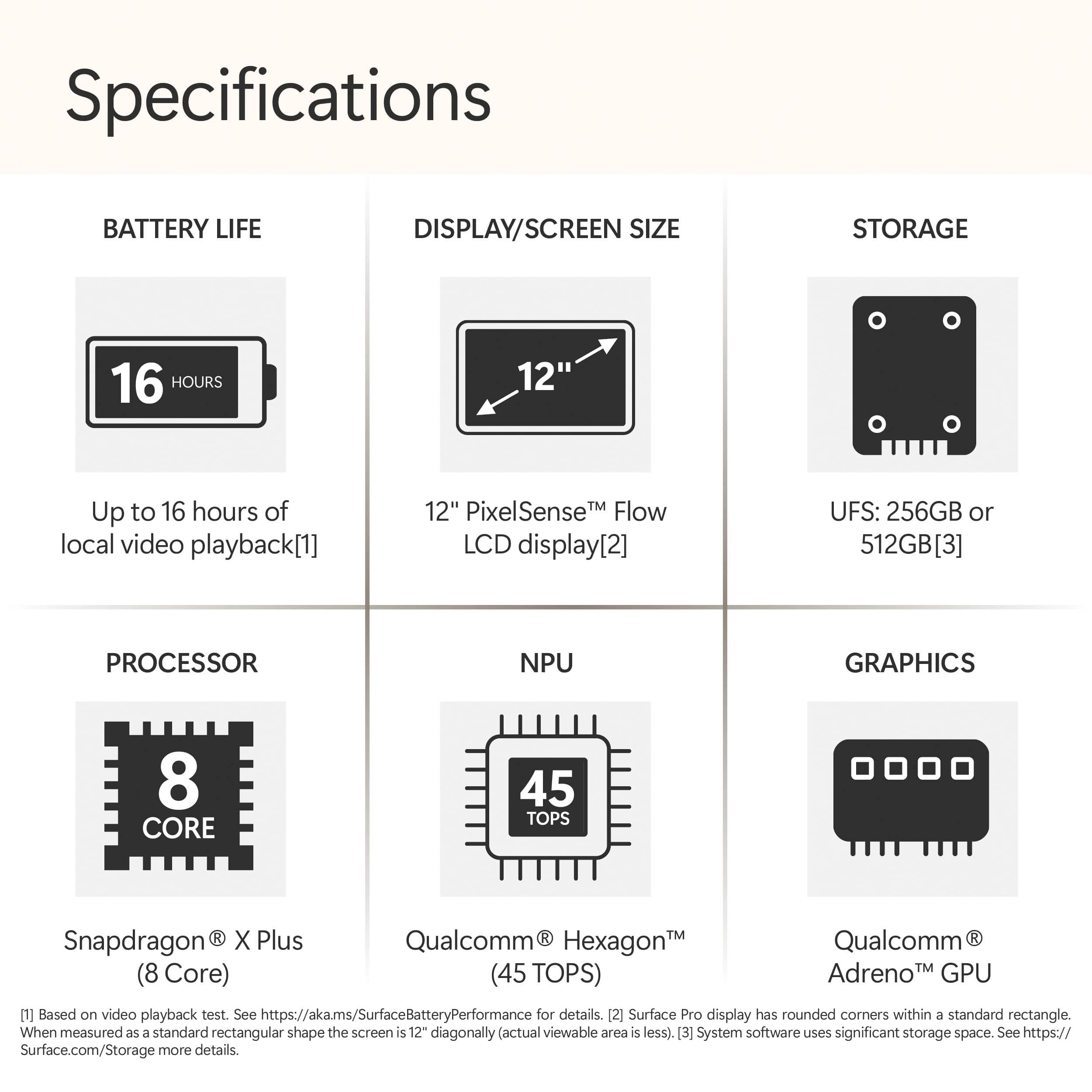
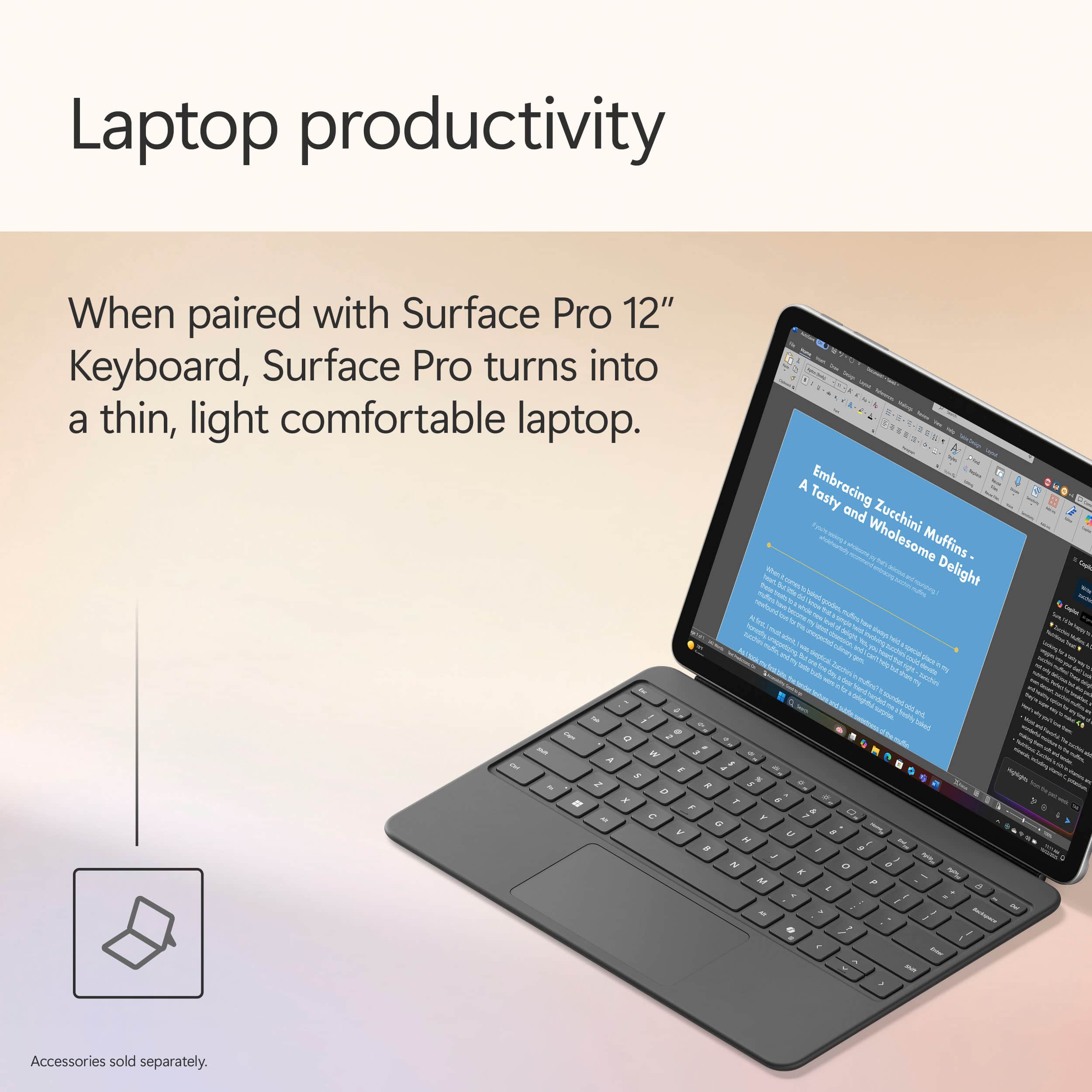
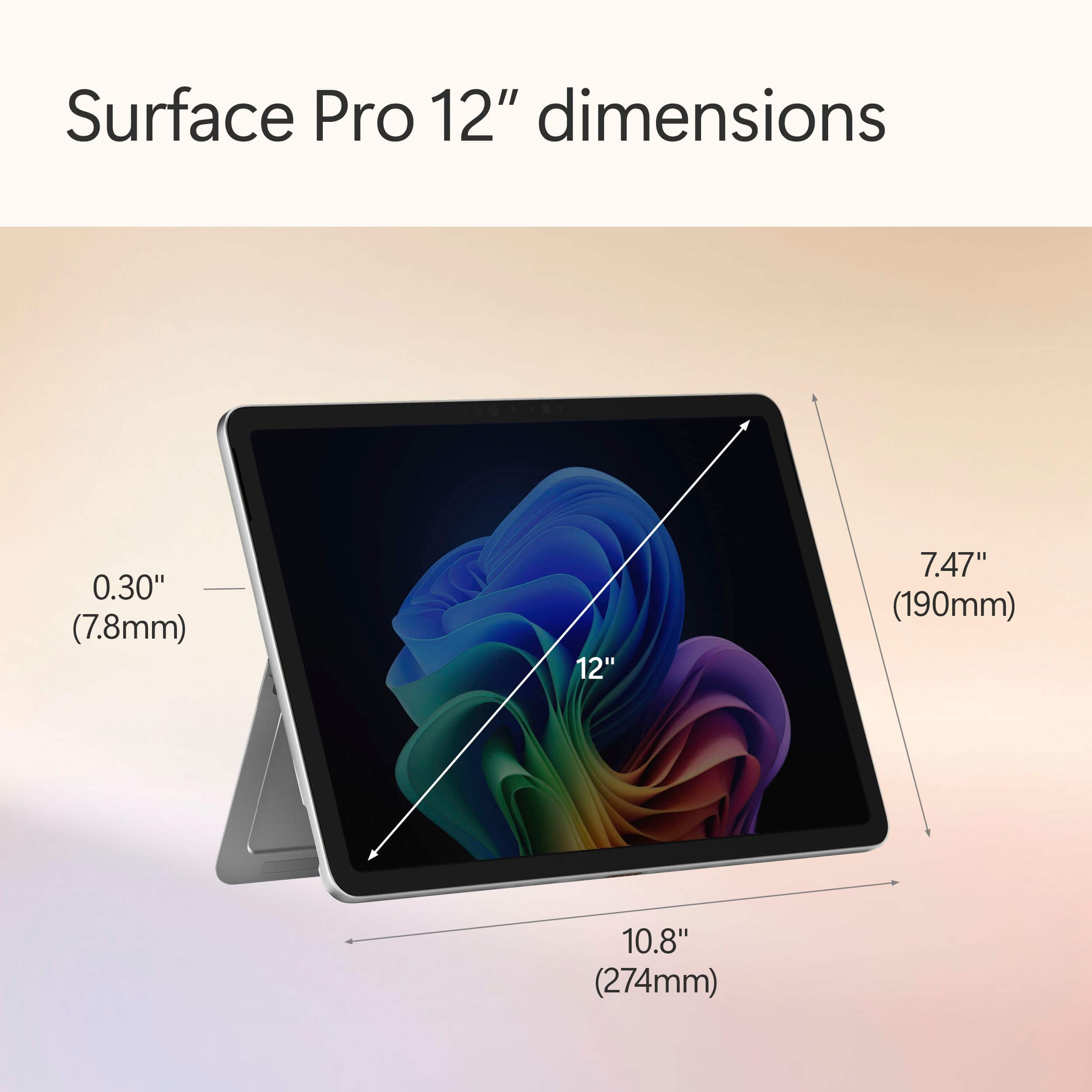
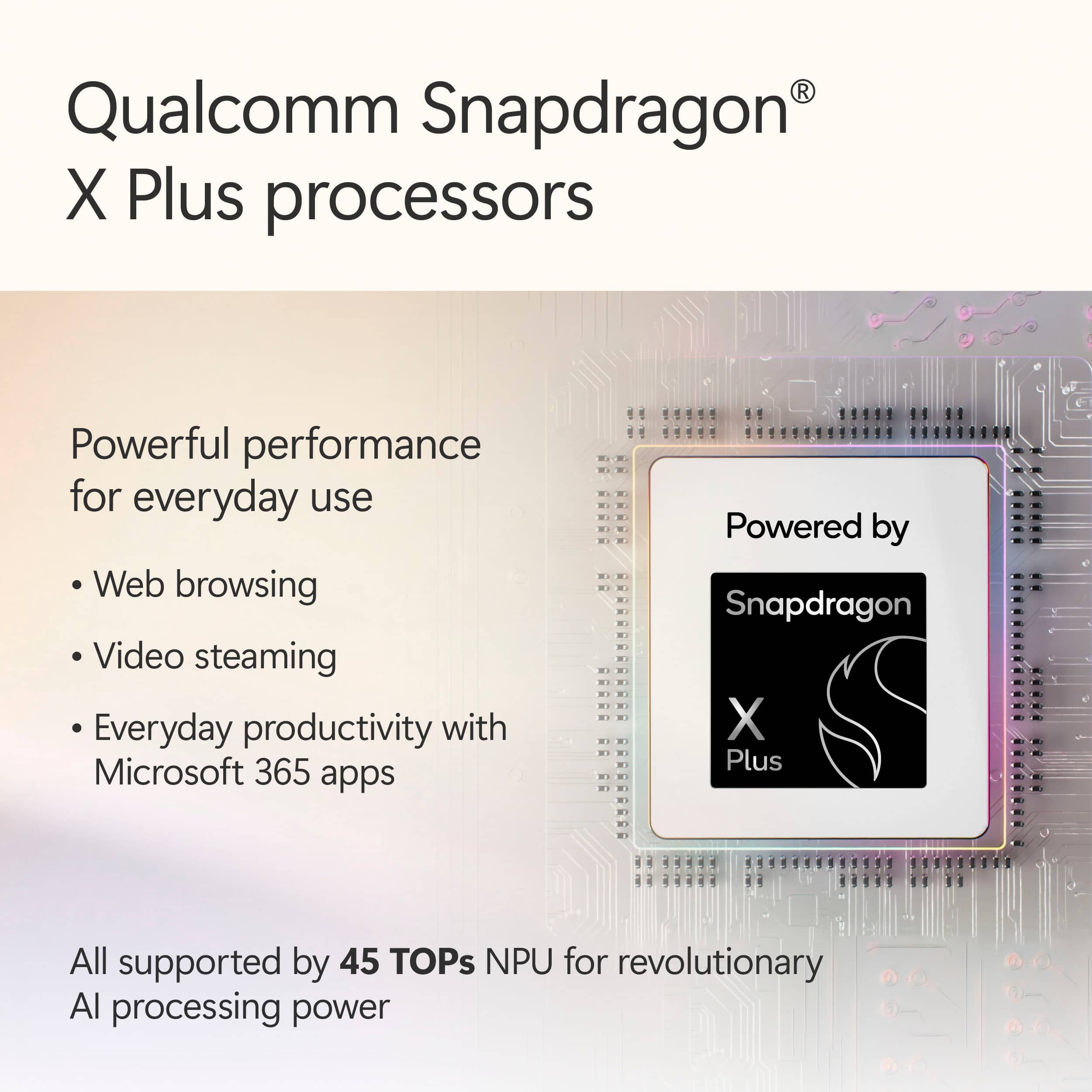
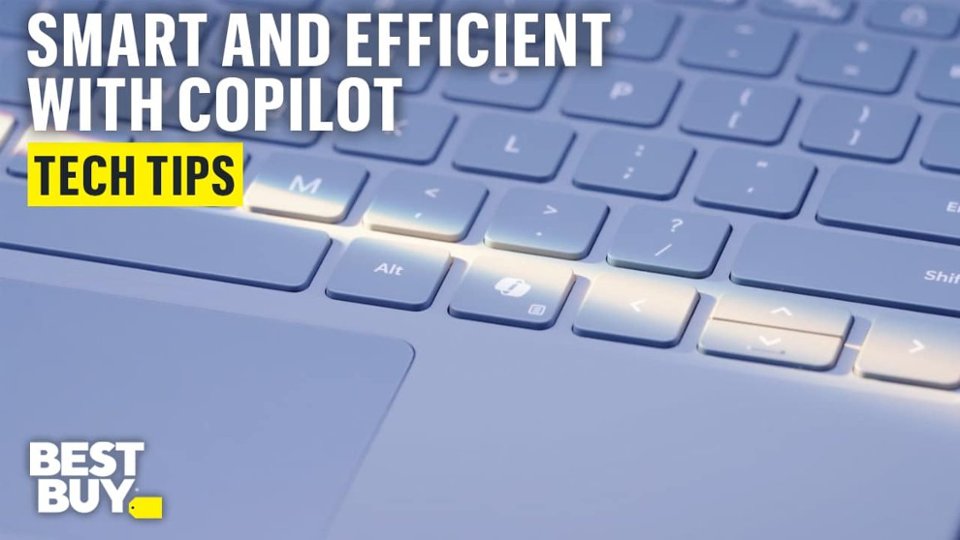
|Posted .This reviewer received promo considerations or sweepstakes entry for writing a review.The latest Surface Pro at glance on its hardware is compact and efficient for mobility thanks to 12” size format. It has the following components (mostly extract from its specification): - Memory of 16GB LPDDR5x RAM (usable 15.6GB) - SSD 512GB - WiFi 7 (802.11be) - Bluetooth 5.4 - Processor: 8-Core Snapdragon X Plus @3.30 GHz 3.24 GHz - NPU: Qualcomm® Hexagon™ with 45 TOPS - Graphics: Qualcomm® Adreno™ GPU - PixelSense LCD Display - Touch: 10-point multi touch - 2 USB-C for: Charging Data transfer DisplayPort 1.4a with support up to two 4k monitors @60Hz Surface Thunderbolt™ 4 Dock and other accessories Supports fast charging with minimum 45W charger via USB-C®16 Surface Pro 12-inch Keyboard connector - 1080p Full HD front facing camera - 10mp rear facing camera - Wireless charging for Surface Slim Pen (it has to purchased separately unless it is bundled) - Battery: Up to 16 hs of local video playback / Up to 12 hours of active web usage -Size: L 10.8 inch / W 7.47 inch / H 0.30 inch / Weight 1.5 lbs without keyboard -Audio/Mic Dual Studio Mics with voice focus It comes with preinstalled Window 11 Home, and for the amount of update needed information, the pre installed version is 24H2 installed on 03/15/2025. Hence depending on when it is purchased, at starting point there is some large updates needed to keep the OS to the latest and at optimum point of the hardware. On the software side and experience, noticeably can’t distinguish between regular notebook on Window OS and the Surface Pro with attached keyboard in the sense of Microsoft experience. With attached keyboard, performing web browsing, writing documents and using spreadsheet feels working ia regular notebook at high level. In Tablet mode without the keyboard, in the beginning of holding with both hands. It provides almost same or similar to the look and feel of tablet with keyboard. It hide the access to the menu in a discrete mode that doesn’t take space in the screen and responsive as touch across menu selection, open browser and navigate or search and play with multimedia. Listening and Watching movie experience does feel superb considering its size and in the context of its built in hardware components. Sounds does feel some level of immersive and surrounding while watching a move in a silent environment. Back to the tablet mode, although its experience seems seamless, but this seems only in the context of notebook like to tablet with keyboard. Using It with table mode in both hands, often activates selection of objects for floating menu option, or part of screens showing option to select when any of them were intended, and having to change the way to hold. Now, on Copilot, it comes with pre installed application and with its specific application box to type and get answer is embedded across any other functional application installed in the surface pro. Its easy access from any point of any other application seems the biggest benefit of the latest Surface Pro. Ability of Copilot to respond to the questions seems more of how well works at the behind the network and interaction with the hardware then comes together with training data being able to compose response that make to the user. But from the latest Surface Pro side it has to do with how easy to access to it that makes different to previous models. Now, what I wish it would do better: 1. Weight, despite of 1.5lbs, still feels heavy and bulky. 2. Pen attachment spot at first seems logical and cool. But for use case of using with both hand or right handed person, more it being used, it feels bit uncomfortable having to remove the pen and try to find somewhere else to move. 3. Touch experience is bit odd and continuously have to find a way not to see floating menu or uninteded selection. 4. Screen: light reflection on the screen overcome what ever on the screen impacting the task of the moment. To conclude, the latest Surface Pro 12” version is handy to perform quick work related task, more for entertain with multimedia and movies experiences with easy access to copilot.
I would recommend this to a friend - Pros mentioned:Battery life, Build qualityCons mentioned:Screen brightness
Snappy Tablet for Creators
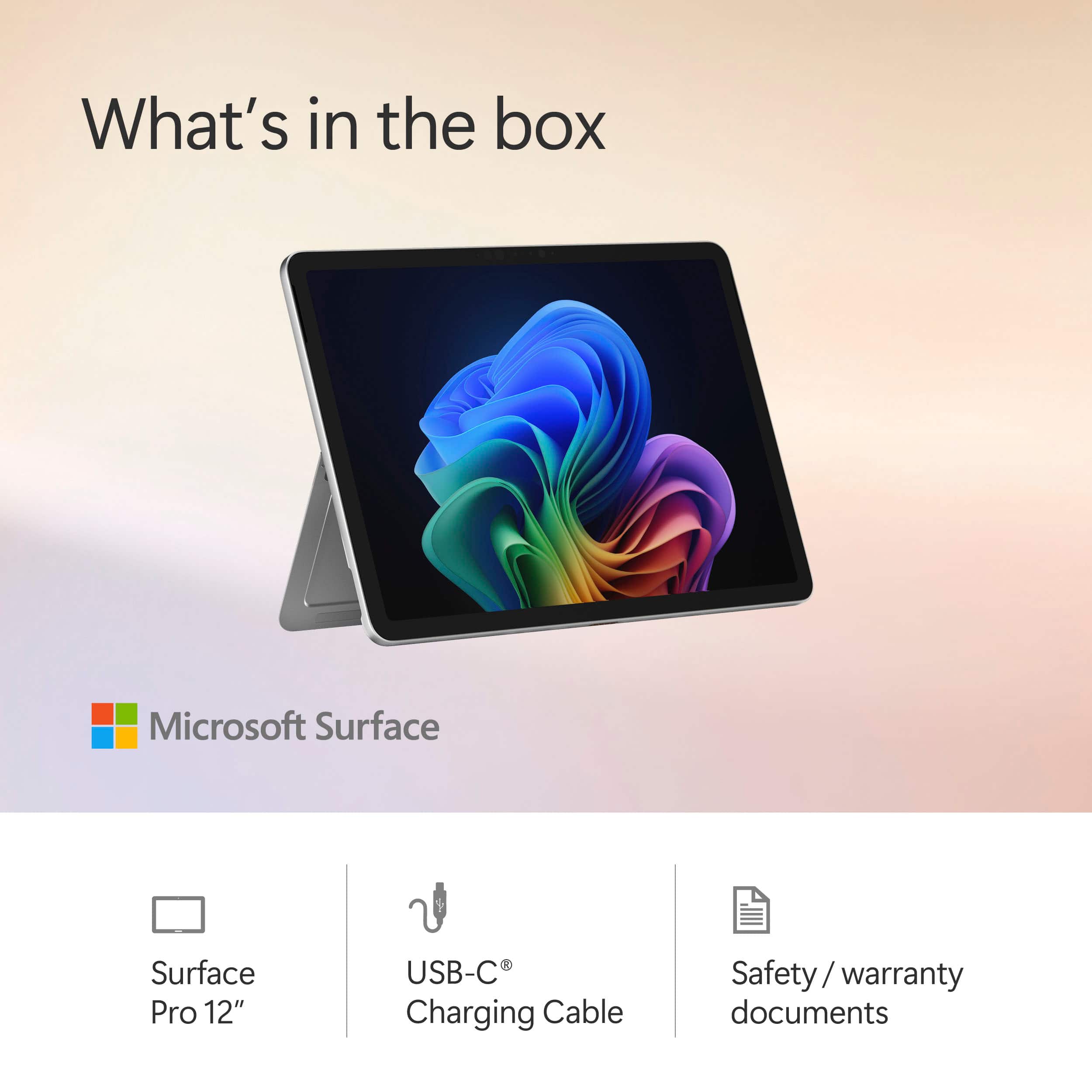
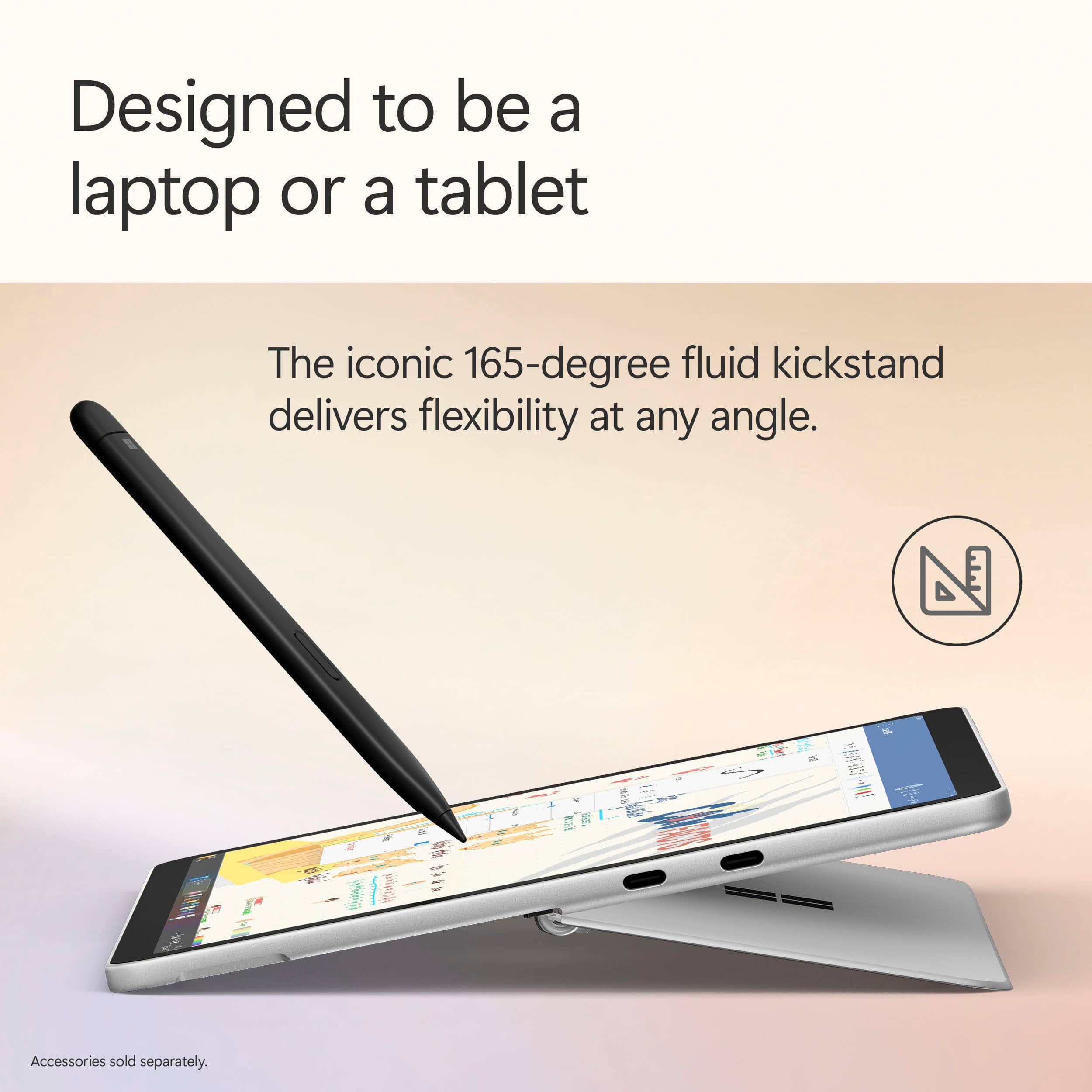
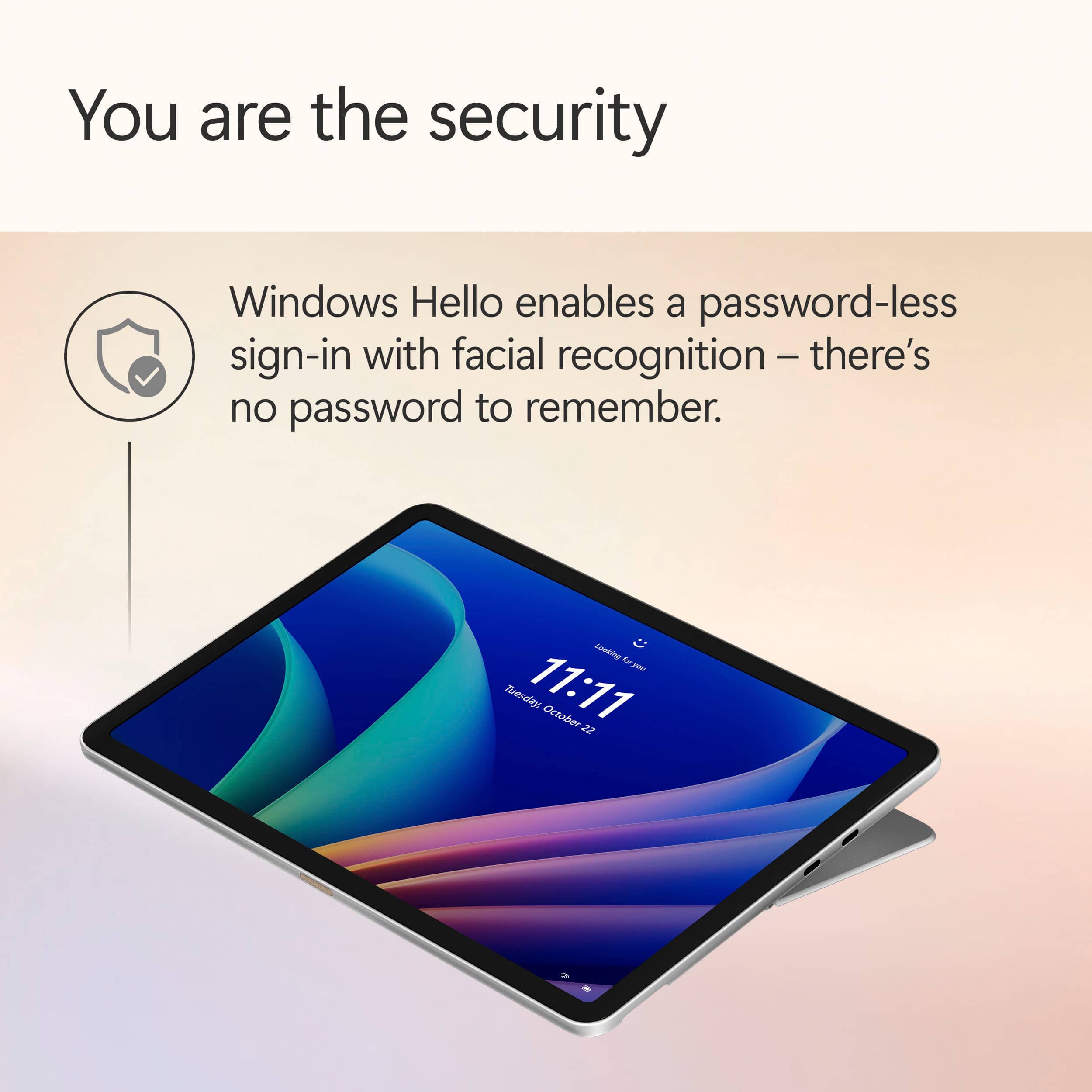
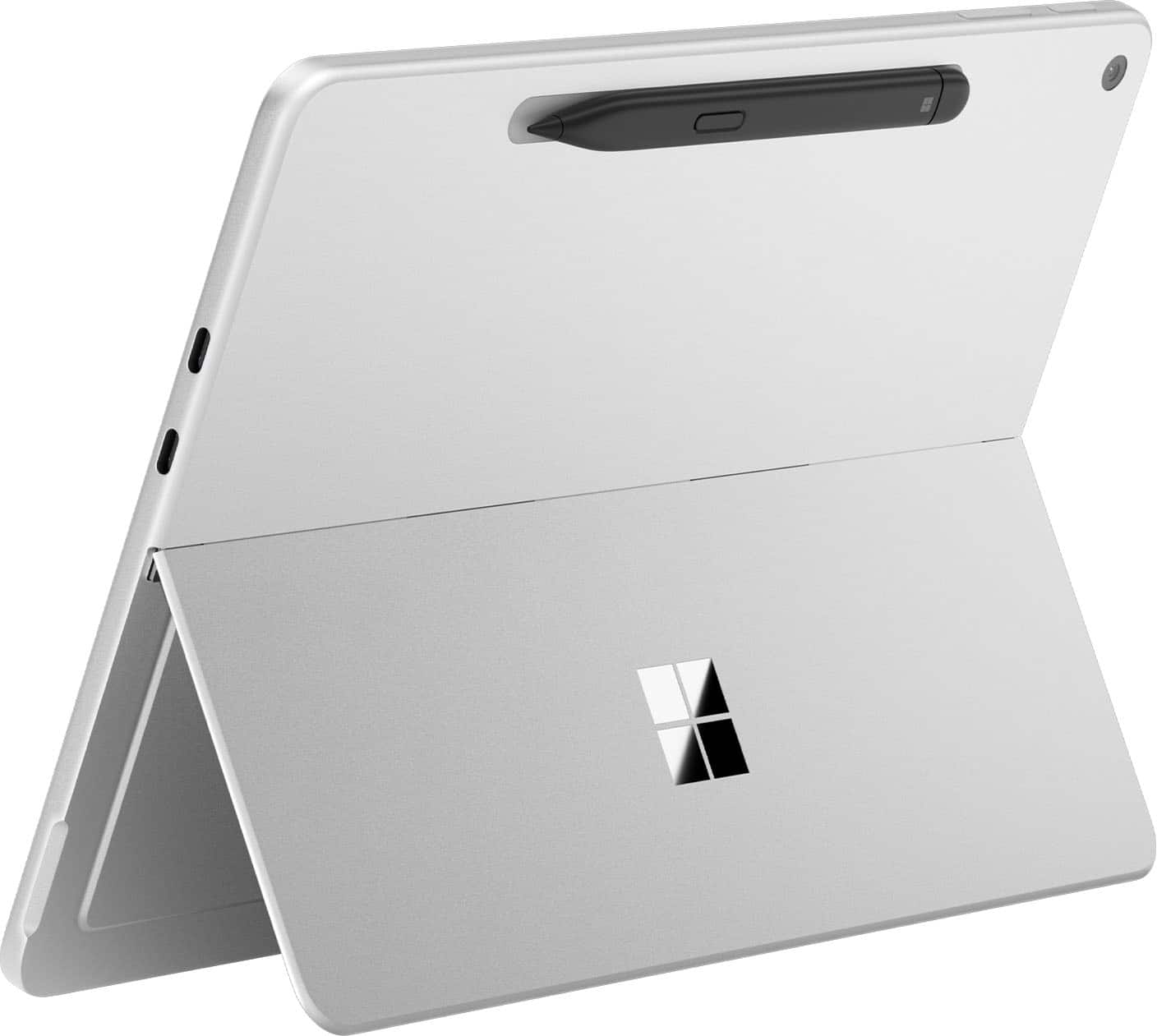
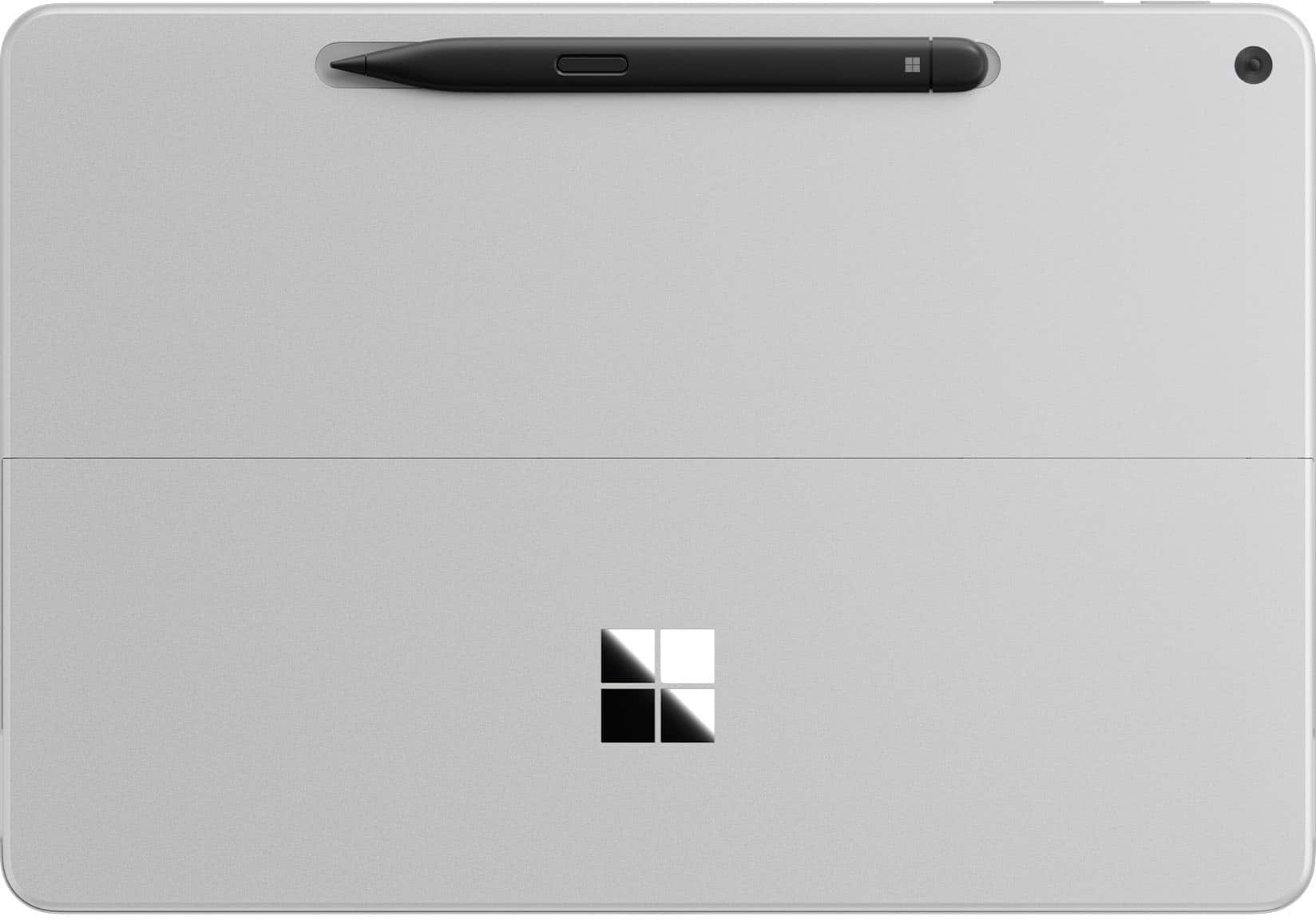
|Posted .This reviewer received promo considerations or sweepstakes entry for writing a review.The Microsoft Surface Pro 12” with Snapdragon Processor is a tablet with the operating system of a Windows 11 PC. This could be Microsoft’s answer to the iPad, but because you have access to full Windows 11 applications, the experience is as rich as your home Windows 11 laptop or PC. This variant features a Snapdragon (or ARM) processor which can make application compatibility a bit tricky. In addition, the keyboard, pen, and power charger are sold separately adding to the price tag. Still, simply as a Windows 11 tablet, the experience is surprisingly good. Anyone looking for a Windows tablet for creative applications should check it out. Unboxing / Setup: Contents of the packaging are sparse. Inside the box you have the tablet and a USB-C to USB-C cable. Microsoft sells a 45W charger separately. Experience: The tablet feels premium. There are no audible fans. The metal kickplate and magnetic charging tray for the Slim Pen make up the back of the tablet along with a rear facing 10MP camera. The tablet has a power button, volume up and down toggle, and two USB-C 3.2 ports. The screen itself sports a slim border, two speakers, and a front facing Windows Hello Camera. Colors are rich on the screen. Blacks look great. I had no noticeable light bleed on the screen. However, I did notice a fair amount of glare during my usage. The small built-in speakers sound very impressive for their size. They can get impressively loud. Touch response is good. The software keyboard is quick and responds well. Co-pilot and other A.I. features did an excellent job predicting text. Using the Microsoft Slim Pen, I was able to sketch in applications like Adobe Fresco as well as have my handwritten notes transcribed accurately in Microsoft Note. In terms of security, the tablet utilizes the front camera for Microsoft Hello. Facial recognition worked well, and I had no false unlocks in my experience. Despite not having fans, the tablet never got hot during my testing. Battery life was good due in large part to the efficiency of the Snapdragon X Plus processor. But that processor was also a bit of a double edge sword as some applications have compatibility issues with the processor. I did not bother trying games with the device as my experience has been that game compatibility with Snapdragon X is more miss than hit. Some Adobe applications are still slow to work on the new processor. I had a few hiccups in terms of bugs and application crashes. In addition, my tablet does not boot as quickly as I would like and has a black screen for several seconds after initial post and before the Windows login screen appears. Anyone interested could hook the Surface up to a USB-C hub or docking station and output video and connect more USB peripherals. For my testing, I hooked the Surface Pro up to a monitor running at 120hz, a USB-A keyboard, USB-A mouse, and USB-C headphones. Conclusion: Microsoft has created a Windows 11 tablet that is good for creators, students, and professionals. The entire build feels polished. The device is very feature rich. But, it has not replaced my laptop for everyday typing. Trying to place the tablet on my lap even with Microsoft’s Surface Pro keyboard is just not as simple or convenient as typing with my everyday laptop. Compatibility issues with the Snapdragon processors still exist. I wish Microsoft had simply sold the tablet, keyboard, pen, and power adapter together rather than separately as the device feels incomplete without the entire package. Still, I really like this tablet. My wife and I are getting into designing and creating downloadable content and this tablet has a lot of potential and appeal for us. I have a feeling it will work well for others, too. 4.5/5 Recommended
I would recommend this to a friend - Pros mentioned:Battery lifeCons mentioned:Screen brightness
Good Value for the Money!
|Posted .This reviewer received promo considerations or sweepstakes entry for writing a review.The new Microsoft Surface Pro 12 it is a very capable hybrid Tablet/laptop that would do just about anything you throw at it in terms of productivity! It is a perfect daily Tablet that can quickly offer full laptop experience by just attaching the nice swede finished keyboard. Very well thought thru from the powerful magnets that hold/power the slim-pen and the keyboard to the very useful built in kick-stand and very compact and slim design the Surface Pro Tablet comes in at i would say a perfect 12" size that would please anything from creating/editing content to just kick it back and web-browsing or even watch your favorite show. I found it to be a great alternative to iOS since it's capable of running full Windows OS programs which makes it a tidy bit more versatile and perhaps more freedom when you need to get things done! Power it has for the entire day basically or for 2-3 days of light use. Given the fact the runs an 8-core Snapdragon plus with 16Gb of Ram that's quite impressive and welcomed as well! And talking about impressive, is also the Copilot experience ran by a Qualcomm Hexagon NPU that offers a whopping 45TPU. I personally think that Copilot it's the most complex and powerful more natural AI companion there is out there, once you try it you'll see how it makes siri for example so outdated. The biggest downside however is the quality of the Screen panel i really have wished they went with something like an Oled, MicroLed or something more vibrant with a higher brightness, better viewing angle and less background glaring, that would've made the Surface Pro much much harder to compete with. But keeping in mind that you get the 512GB in a full desktop experience that's so light and a very good price makes it bearable!
I would recommend this to a friend - Pros mentioned:Battery lifeCons mentioned:Screen brightness
Great 2 in 1 for daily taks
||Posted .This reviewer received promo considerations or sweepstakes entry for writing a review.Great form factor, quiet and great size. Works very well for normal activites but struggles with intensive tasks like video editing and gaming. Great battery life but needs more screen brightness.
I would recommend this to a friend - Pros mentioned:PortabilityCons mentioned:Screen brightness
Lightweight small screen
||Posted . Owned for 3 weeks when reviewed.This reviewer received promo considerations or sweepstakes entry for writing a review.Lightweight and portable. Screen a little small but usable.
I would recommend this to a friend - Pros mentioned:Battery life, Build quality, PerformanceCons mentioned:Screen brightness
Fast, Productive, Stylish and Smart
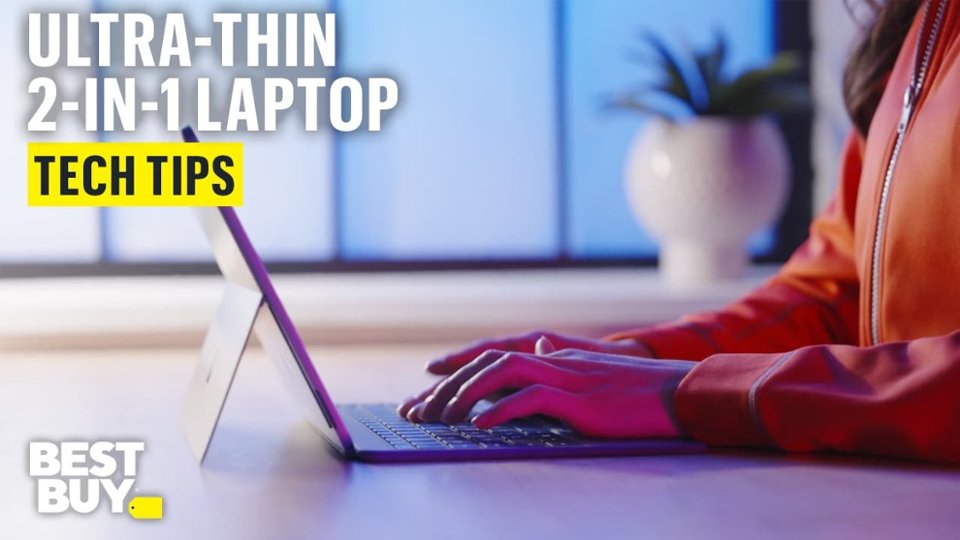
|Posted .This reviewer received promo considerations or sweepstakes entry for writing a review.The surface pro is the perfect machine for productivity on the go. The keyboard and pen are excellent accessories for typing, navigating, and taking hand written notes. There’s great integration with office tools if hand writing is your preference. Pros: - The snapdragon x-plus that is at the center of performance makes for a snappy user experience. This ARM based processor is fast and power efficient. It’s design allows for a tablet style windows machine that is fanless while still having great performance. A fairly common benchmark, speedometer 3.1, netted a 30.3 score unplugged on performance mode, which I felt was impressive. I’ve been a fan of winodws on ARM with the Snapdragon processors. I think this is a good path forward for Microsoft and I’m here for it. - The design is ultra portable. The keyboard and trackpad magnetically snap to the bottom of the surface pro, and holds strong, and when folded up, acts as a cover for the screen. There’s a spot for the pen on the back which also charges the pen, also attaching magnetically. I love the blue metallic design. The tablet itself feels rock solid. There’s a power button and volume rocker on the top with 2 USB type C ports on the side. There’s a hinge that folds out acting like a kickstand of sorts, but folds nearly 180 degrees for a wide range of use, making it exceptionally useful when using the pen to take notes or draw. I also really like the feel of the keyboard and trackpad. The keys have a smooth soft touch feel to them and the bottom has a soft felt like texture so you don’t feel like you’ll scratch the table when laying it down. - Co-Pilot is something I’ve been sleeping on. If you’re like me and not quite sure how co-pilot can fit into your routine, there’s a few YouTube videos that I found useful. A few take aways was the ability to summarize videos and articles you’re looking up. For example, if you’re looking to buy a new set of pots and you’re watching review videos, you can have Co-Pilot to summarize the video, so you can quickly read the details. I’ve also used Copilot to find deals on the internet for items I’m shopping for which was very useful. I know after using on this device, I’m going to look for more ways to work this in to my routine. - The pen and keyboard attachment is what brings this tablet full circle. While there is plenty of utility using the touch screen, I feel like windows is best used with mouse and keyboard input. The keyboard is easy to type on, is large enough that my fingers don’t feel cramped and the trackpad feels and works well enough and has good proportions in relation to the rest of the device. Being backlit is helpful for seeing the keys in a dim lit room. The pen writes well and I’ve used it to take some hand written notes and it does well with pressure sensitivity. I’m terrible at sketching or drawing, but I played around in paint and it was fun seeing how the different pressures change the draw lines. - Battery Life has been great. I’ve been using it on max brightness and best performance all morning, mostly in office aps and browsing the internet, and I’m down to 65%. - Windows Hello with Face Recognition. Every modern windows device that can have this should have this. - The speakers are surprisingly loud. They sound good to be coming from a small device. I wouldn’t use this as my main music device, but I wouldn’t mind if it was what was handy. Cons - I don’t think windows is quite ready for the tablet form factor. While there was a lot of functionality with web browsing and navigating by touch, the icons could be a bit bigger in some of the menus. I had a difficult time navigating through menus and settings the way I normally would with a mouse and keyboard. - Screen brightness could be a bit brighter. In a dim room it does great, but outdoors there’s a bit to be desired. I noticed this in HDR content as well as it didn’t quite have the contrast you get with a brighter screen. Other thoughts - ARM on windows is making a comeback thanks to the snapdragon processor. While I haven’t ran into any compatibility issues or bugs, other applications could, so be aware of that. - The kickstand works well but Microsoft might consider making it slightly more rounded so it doesn’t feel as harsh on the lap or hand. - I felt the cameras and ports were ok. I did like how bright the front camera made me in a dim room, since this will likely be the one most will use for video calls. I’ve been throwing this device in my backpack and taking it to work with me. It’s been great for catching up on news, checking personal emails, and updating my budget in excel. At home, I spend way too much time on YouTube. I found that if I’m in the middle of a video but need to attend to something in a different room, I will take this with me, where my other laptops, get closed and put away, for the video to be resumed later. I think anyone looking for a premium design, ultra portability with great battery life, full size keyboard with a responsive touch screen, they’ll love the Surface Pro. If you travel or bounce conference room to conference room but still need a powerful laptop for work, this is easy to recommend.
I would recommend this to a friend - Cons mentioned:Screen brightness
ARM processor issues.
||Posted .This reviewer received promo considerations or sweepstakes entry for writing a review.ARM processor issue and software combability is awful. Issues with install of software, printers..... Fells like I am 10 years back..... Seriously, Microsoft? Next, app shortage to utilize this item as tablet. To make things worse Microsoft ended in March 2025 support for Android apps on windows. This is while they push incompatible ARMs devises on the market. This great devise is held back by software issues. Finally, screen glare is absolutely awful. After using Samsung products with their non-glare coating - this surface feels like torture. Unforgivable for 2025. There is so much to love about this one, but items above made for poor user experience.
No, I would not recommend this to a friend - Pros mentioned:Battery life, Build quality, PortabilityCons mentioned:Screen brightness
So cool!
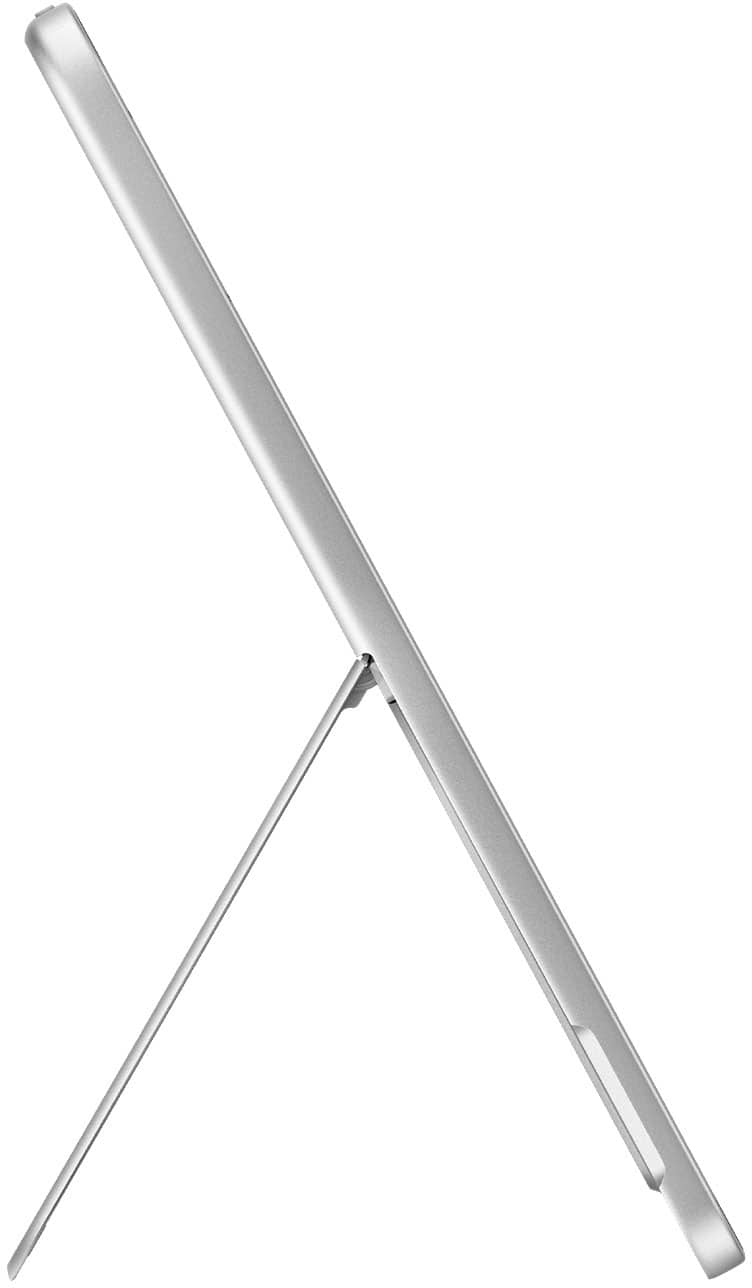
|Posted .This reviewer received promo considerations or sweepstakes entry for writing a review.The Surface Pro 12" is the latest model surface tablet from Microsoft featuring Windows 11 and a touch screen. It is also available with optional keyboard, slim pen, and power supply. The Microsoft branded power supply isn't necessary as any USB-C charger with at least 27 watts will work. However, the keyboard and slim pen are additions that make the Surface 12" great. The 12" Surface utilizes a traditional kickstand that disappears into the back of the screen when not in use and does a good job of tilting the screen when in use. The LCD screen is plenty bright enough for indoor use, or travelling in a vehicle, but can be difficult to see outdoors. The touchscreen works well, especially with the slim pen. The colors are bright, and it has a 90hz refresh rate. The unit has both forward and rear-facing camera with the forward camera in the corner making it easy to take photos in both portrait and landscape modes. The rear camera utilizes Microsoft hello for facial recognition. The Surface 12" is powered by the Snapdragon XPlus chip, has 16gb memory and is available with either 256 or 512gb storage. I got the 256 and for my use, this will be plenty, although the 512 is only about $100 more and you get double the storage. It uses an ARM (Advanced RTSC Machine) processor which runs cooler, eliminating the need for internal fans. This allows the unit to be much quieter and use less energy. Because of this, you can expect at least a full day of use on a single charge. Although there isn't a headphone jack, the sound is really good for such a small machine and more than adequate for movies or videos. It's Bluetooth ready so pairing headphones isn't a big deal and with Wifi7, it's prepped for the future. Overall, it's very thin, light, and portable making it easy to carry and hold with one hand. The case is brushed aluminum and it weighs less than 700 grams. The exterior is simple - only two USB-C ports, on/off button, and volume controls. The battery life is great, the display looks really good, and it's lightweight/portable. My only negative is that the keyboard, power supply, and slim pen are sold separately and not included in the price of the unit.
I would recommend this to a friend - Cons mentioned:Screen brightness
useless
||Posted . Owned for 1 week when reviewed.This reviewer received promo considerations or sweepstakes entry for writing a review.Microsoft should really stop making tablet-laptops. I thought switching to arm will help them,but it is the same as before. Problems with touch-screen, poor performance, gets hot in seconds. This thing should cost no more then $250
No, I would not recommend this to a friend - Cons mentioned:Screen brightness
Great school device.
Posted .This reviewer received promo considerations or sweepstakes entry for writing a review.Great for school, I love the onenote app and taking notes on the surface. I found that the stand is a bit awkward, and I prefer a laptop, as you really need a table to use the Surface Pro. But it’s great at what it’s meant for. The screen is very shiny so it does reflect a lot of light, so it’s hard to use in bright rooms or outdoors.
I would recommend this to a friend