Customer Ratings & Reviews















- Model:
- EP2-33671
- SKU:
- 6623672
Rating by feature
- Battery Life
Rating 4.8 out of 5 stars
- Durability
Rating 4.7 out of 5 stars
- Display
Rating 4.8 out of 5 stars
Customers are saying
Customers are delighted by the Surface Pro's portability and overall performance. Many appreciate its excellent battery life and fast processor speed. The design, weight, size, and color options also receive positive feedback. However, some customers have noted concerns about heat dissipation and the limited port selection, as well as the lack of included accessories.
This summary was generated by AI based on customer reviews.
Worth the buy
||Posted . Owned for 1 month when reviewed.This reviewer received promo considerations or sweepstakes entry for writing a review.A good quality product and great customer service at the Best Buy
I would recommend this to a friendMisleading color
||Posted .This reviewer received promo considerations or sweepstakes entry for writing a review.Device is great, but its not the color shown. Obviously color isnt that important but the color isnt even close to how they make it look in the pictures. Very frustrating considering the money spent.
No, I would not recommend this to a friendGreat for a student
||Posted . Owned for 1 week when reviewed.This reviewer received promo considerations or sweepstakes entry for writing a review.Very happy this this purchase, love the speach to write option.
I would recommend this to a friendI like!
||Posted . Owned for 1 week when reviewed.This reviewer received promo considerations or sweepstakes entry for writing a review.The color are beatiful i see al colors and so beautiful alls
I would recommend this to a friend
surface
|Posted . Owned for 1 week when reviewed.This reviewer received promo considerations or sweepstakes entry for writing a review.product was very good and super high quality i reccomend
I would recommend this to a friendMicrosoft Surface
||Posted .This reviewer received promo considerations or sweepstakes entry for writing a review.Wish it would have come with a different & a bit longer cord.
I would recommend this to a friendSurface
||Posted . Owned for 1 month when reviewed.This reviewer received promo considerations or sweepstakes entry for writing a review.Great product. Met all of my needs. Cool new cover
I would recommend this to a friendSurface Pro
||Posted .This reviewer received promo considerations or sweepstakes entry for writing a review.Awesome device touchscreen along with plugged keyboards
I would recommend this to a friendDecent product
||Posted . Owned for 3 weeks when reviewed.This reviewer received promo considerations or sweepstakes entry for writing a review.I like it, but can’t past apple products. It guess its something I’m use to.
I would recommend this to a friend- Pros mentioned:Battery life, Design, Overall performance

Fast, Productive, Stylish and Smart
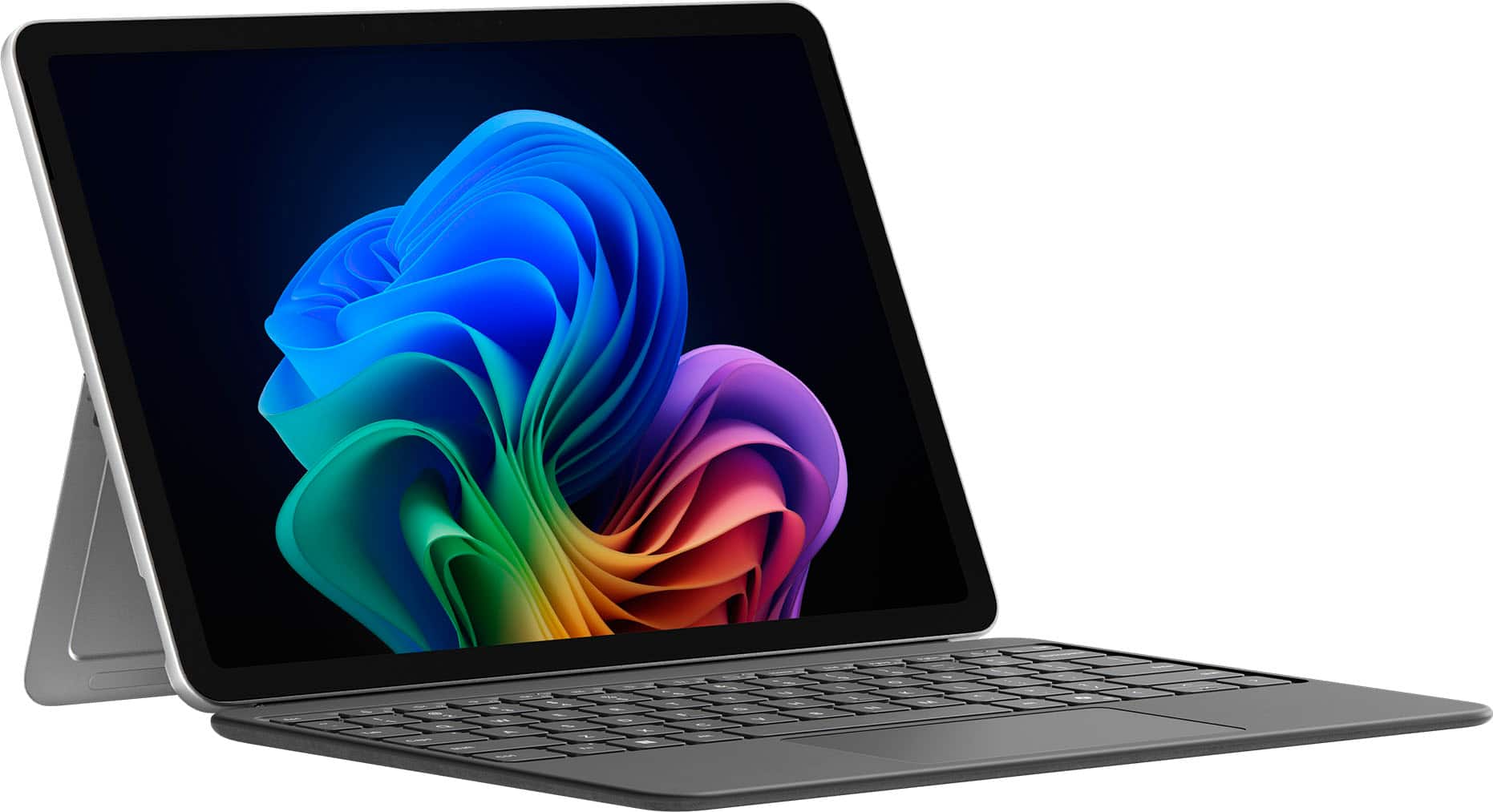
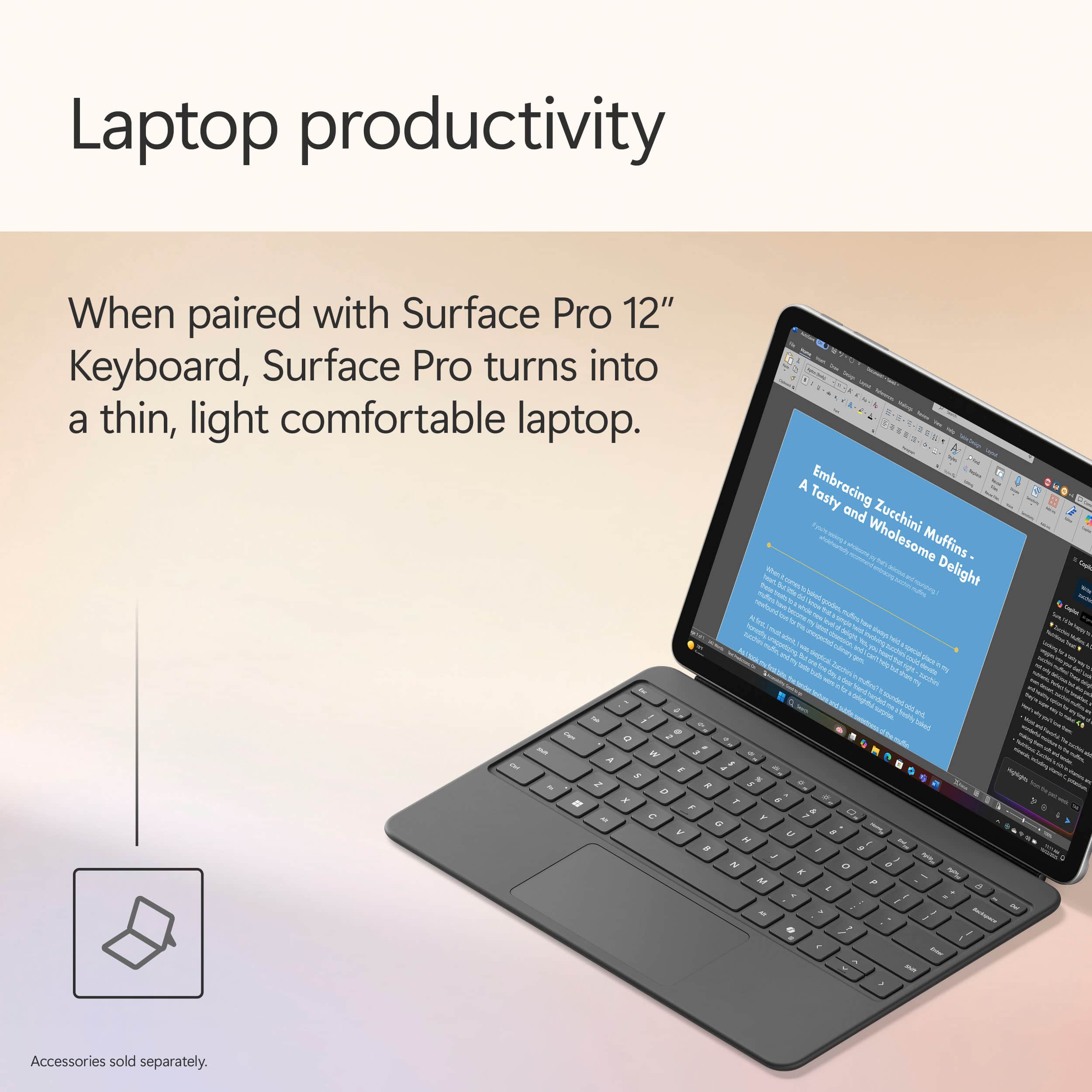
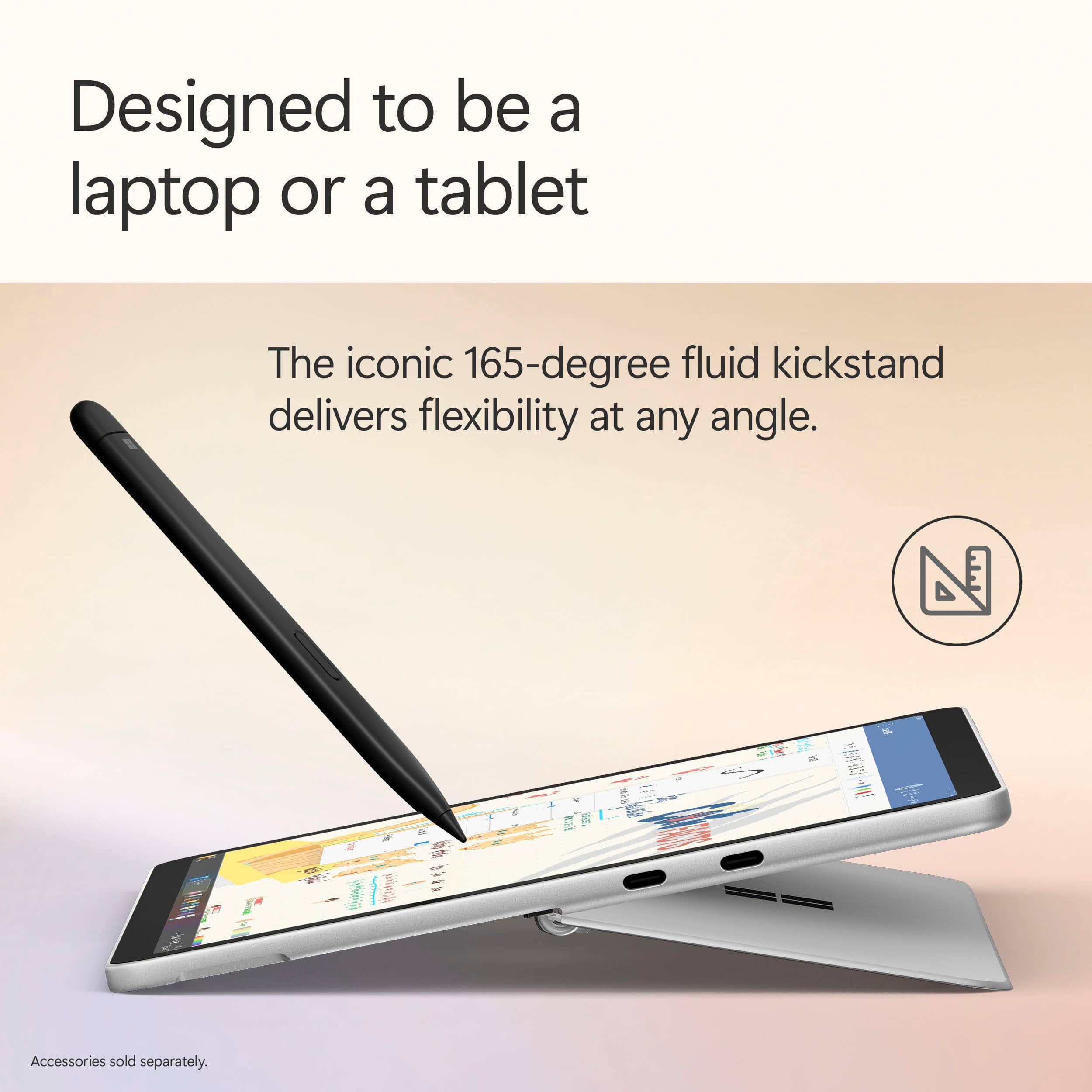
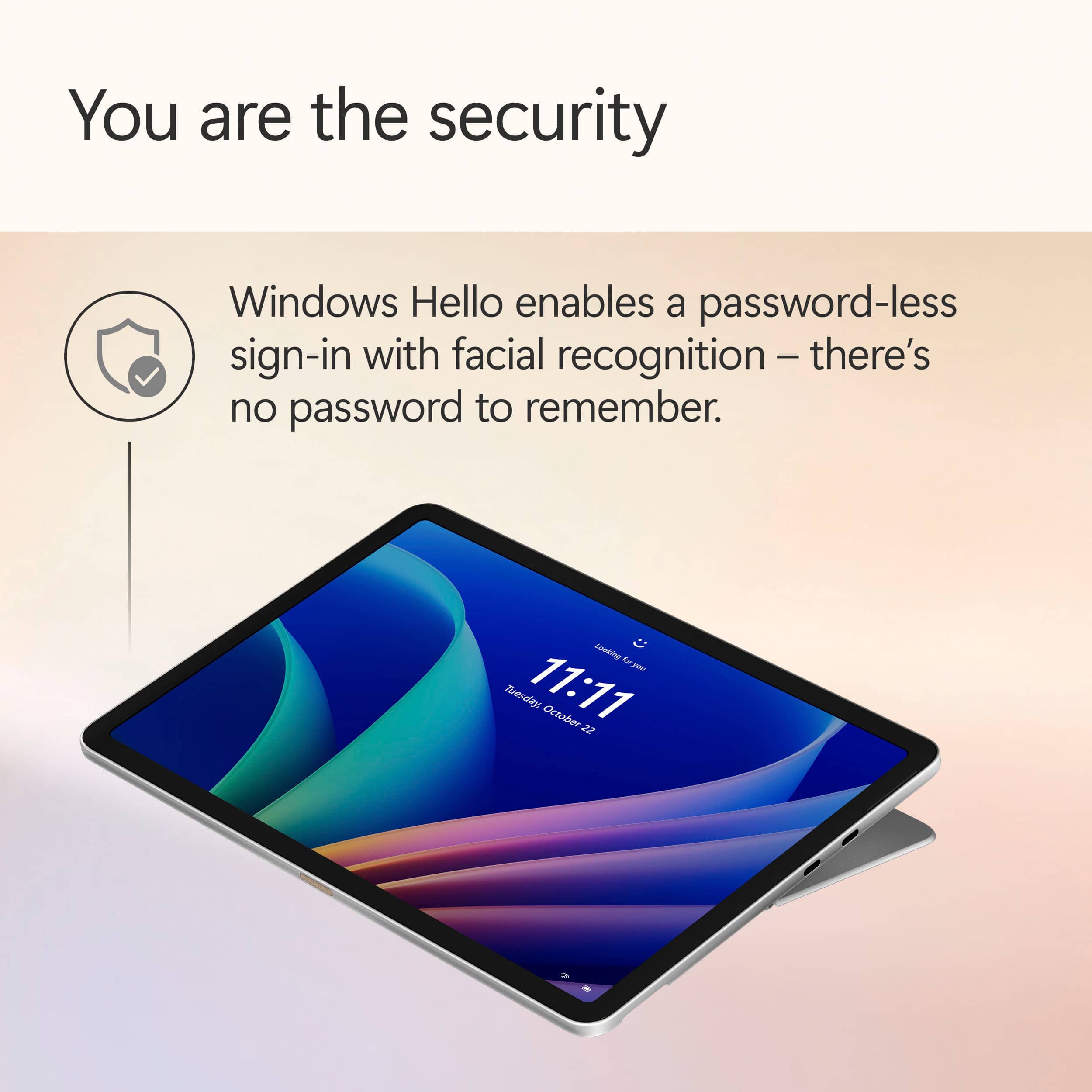
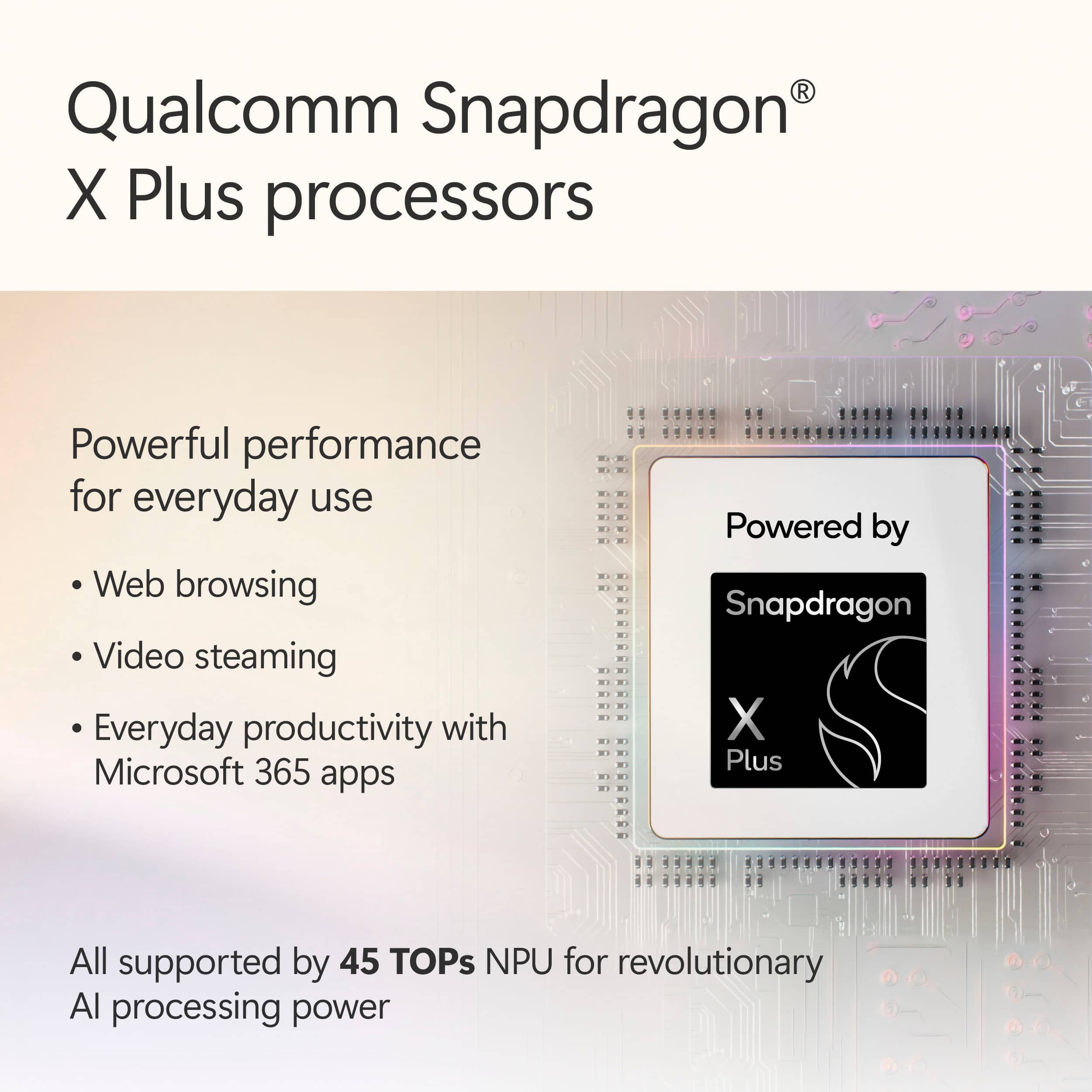
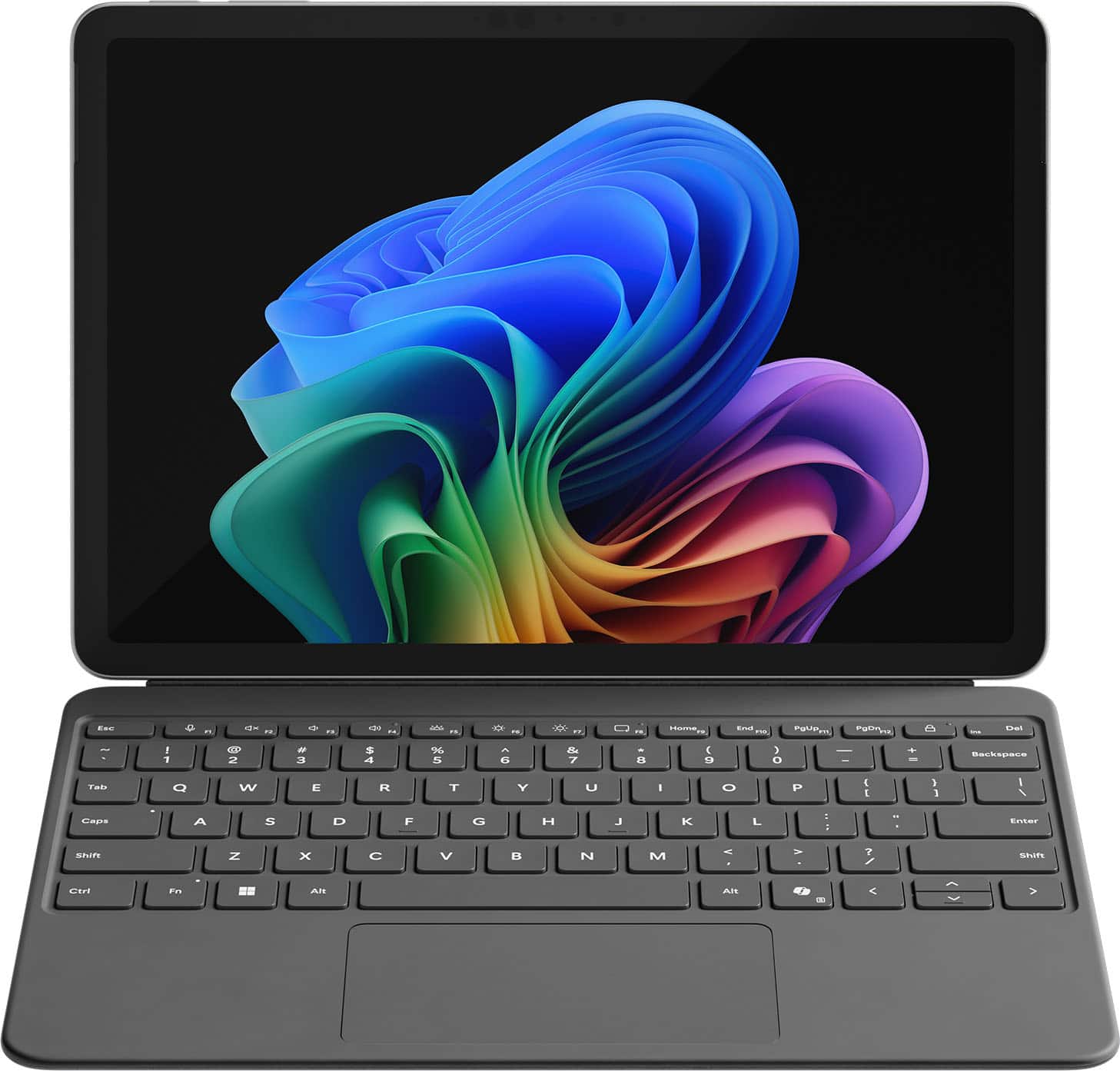
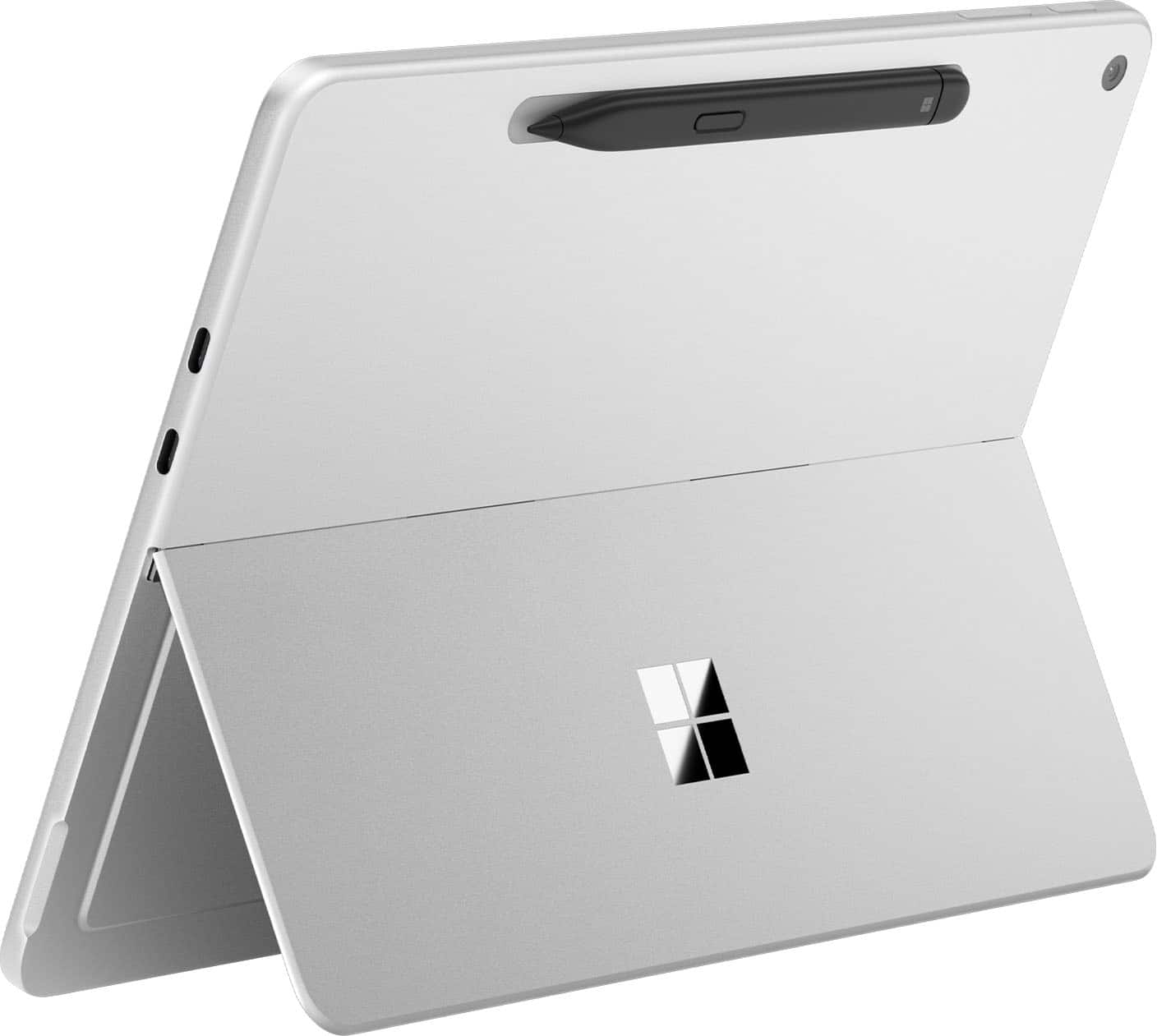
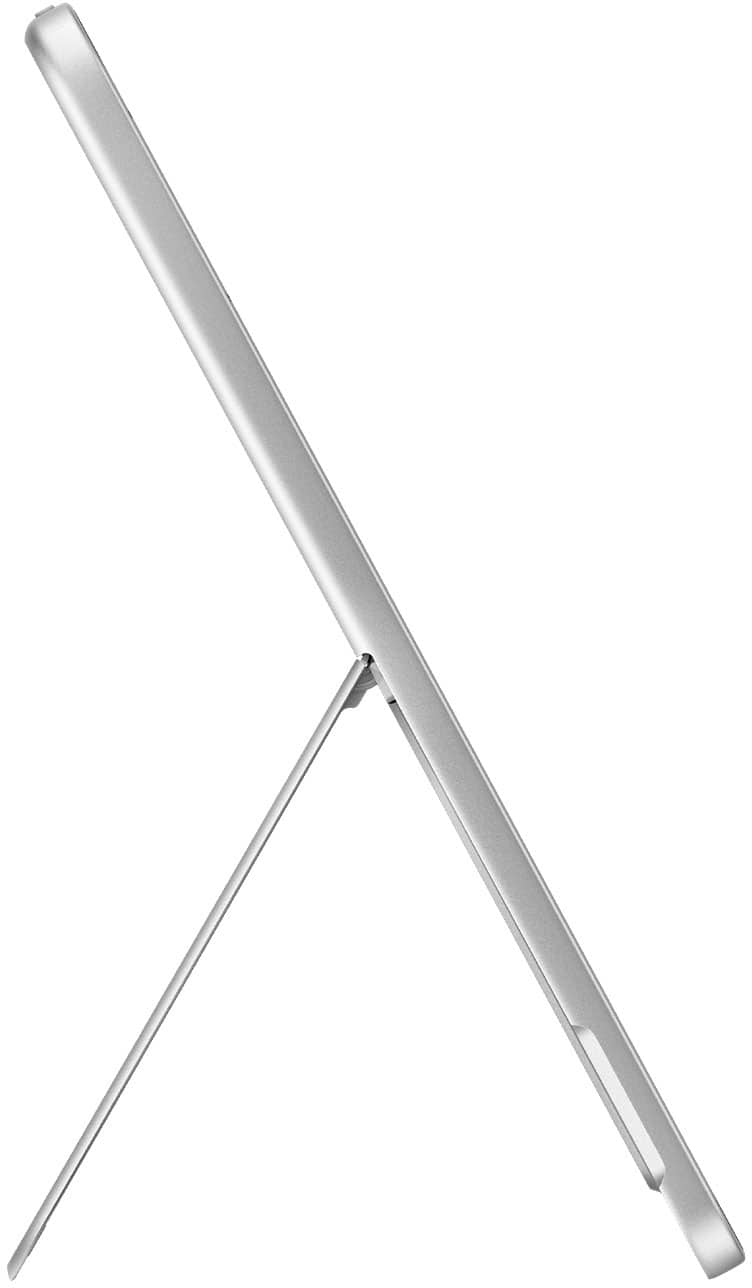
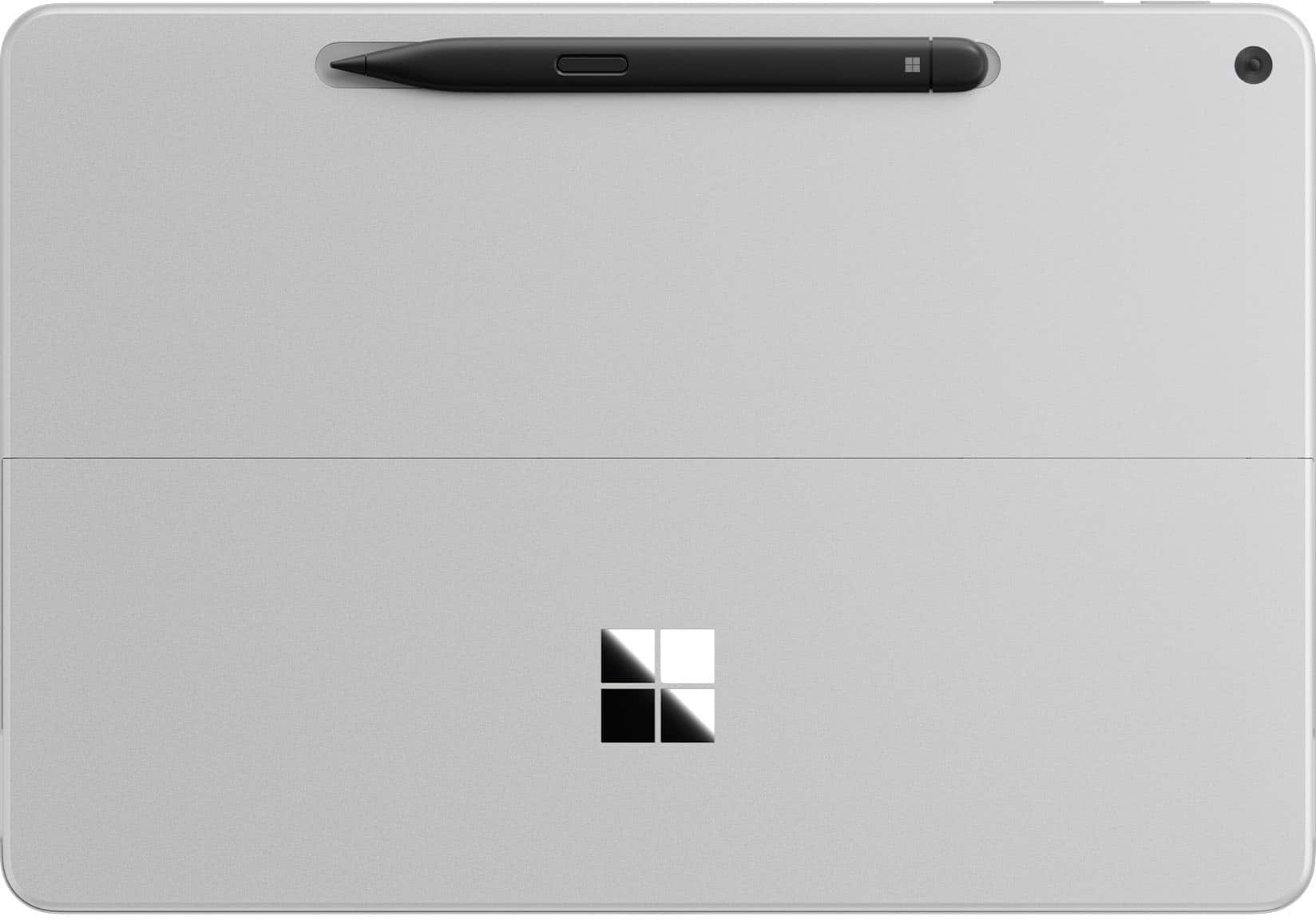
|Posted .This reviewer received promo considerations or sweepstakes entry for writing a review.The surface pro is the perfect machine for productivity on the go. The keyboard and pen are excellent accessories for typing, navigating, and taking hand written notes. There’s great integration with office tools if hand writing is your preference. Pros: - The snapdragon x-plus that is at the center of performance makes for a snappy user experience. This ARM based processor is fast and power efficient. It’s design allows for a tablet style windows machine that is fanless while still having great performance. A fairly common benchmark, speedometer 3.1, netted a 30.3 score unplugged on performance mode, which I felt was impressive. I’ve been a fan of winodws on ARM with the Snapdragon processors. I think this is a good path forward for Microsoft and I’m here for it. - The design is ultra portable. The keyboard and trackpad magnetically snap to the bottom of the surface pro, and holds strong, and when folded up, acts as a cover for the screen. There’s a spot for the pen on the back which also charges the pen, also attaching magnetically. I love the blue metallic design. The tablet itself feels rock solid. There’s a power button and volume rocker on the top with 2 USB type C ports on the side. There’s a hinge that folds out acting like a kickstand of sorts, but folds nearly 180 degrees for a wide range of use, making it exceptionally useful when using the pen to take notes or draw. I also really like the feel of the keyboard and trackpad. The keys have a smooth soft touch feel to them and the bottom has a soft felt like texture so you don’t feel like you’ll scratch the table when laying it down. - Co-Pilot is something I’ve been sleeping on. If you’re like me and not quite sure how co-pilot can fit into your routine, there’s a few YouTube videos that I found useful. A few take aways was the ability to summarize videos and articles you’re looking up. For example, if you’re looking to buy a new set of pots and you’re watching review videos, you can have Co-Pilot to summarize the video, so you can quickly read the details. I’ve also used Copilot to find deals on the internet for items I’m shopping for which was very useful. I know after using on this device, I’m going to look for more ways to work this in to my routine. - The pen and keyboard attachment is what brings this tablet full circle. While there is plenty of utility using the touch screen, I feel like windows is best used with mouse and keyboard input. The keyboard is easy to type on, is large enough that my fingers don’t feel cramped and the trackpad feels and works well enough and has good proportions in relation to the rest of the device. Being backlit is helpful for seeing the keys in a dim lit room. The pen writes well and I’ve used it to take some hand written notes and it does well with pressure sensitivity. I’m terrible at sketching or drawing, but I played around in paint and it was fun seeing how the different pressures change the draw lines. - Battery Life has been great. I’ve been using it on max brightness and best performance all morning, mostly in office aps and browsing the internet, and I’m down to 65%. - Windows Hello with Face Recognition. Every modern windows device that can have this should have this. - The speakers are surprisingly loud. They sound good to be coming from a small device. I wouldn’t use this as my main music device, but I wouldn’t mind if it was what was handy. Cons - I don’t think windows is quite ready for the tablet form factor. While there was a lot of functionality with web browsing and navigating by touch, the icons could be a bit bigger in some of the menus. I had a difficult time navigating through menus and settings the way I normally would with a mouse and keyboard. - Screen brightness could be a bit brighter. In a dim room it does great, but outdoors there’s a bit to be desired. I noticed this in HDR content as well as it didn’t quite have the contrast you get with a brighter screen. Other thoughts - ARM on windows is making a comeback thanks to the snapdragon processor. While I haven’t ran into any compatibility issues or bugs, other applications could, so be aware of that. - The kickstand works well but Microsoft might consider making it slightly more rounded so it doesn’t feel as harsh on the lap or hand. - I felt the cameras and ports were ok. I did like how bright the front camera made me in a dim room, since this will likely be the one most will use for video calls. I’ve been throwing this device in my backpack and taking it to work with me. It’s been great for catching up on news, checking personal emails, and updating my budget in excel. At home, I spend way too much time on YouTube. I found that if I’m in the middle of a video but need to attend to something in a different room, I will take this with me, where my other laptops, get closed and put away, for the video to be resumed later. I think anyone looking for a premium design, ultra portability with great battery life, full size keyboard with a responsive touch screen, they’ll love the Surface Pro. If you travel or bounce conference room to conference room but still need a powerful laptop for work, this is easy to recommend.
I would recommend this to a friend Good for college
||Posted . Owned for 1 month when reviewed.This reviewer received promo considerations or sweepstakes entry for writing a review.Works in U of L where Mac book won’t. Screen is bright
I would recommend this to a friendItem does what is needed
||Posted . Owned for 1 week when reviewed.This reviewer received promo considerations or sweepstakes entry for writing a review.Item is ok but still need time to work wit it more
I would recommend this to a friendARM processor issues.
||Posted .This reviewer received promo considerations or sweepstakes entry for writing a review.ARM processor issue and software combability is awful. Issues with install of software, printers..... Fells like I am 10 years back..... Seriously, Microsoft? Next, app shortage to utilize this item as tablet. To make things worse Microsoft ended in March 2025 support for Android apps on windows. This is while they push incompatible ARMs devises on the market. This great devise is held back by software issues. Finally, screen glare is absolutely awful. After using Samsung products with their non-glare coating - this surface feels like torture. Unforgivable for 2025. There is so much to love about this one, but items above made for poor user experience.
No, I would not recommend this to a friend- Pros mentioned:PortabilityCons mentioned:Included accessories, Port selection
Nice smaller form factor but a few gotchas
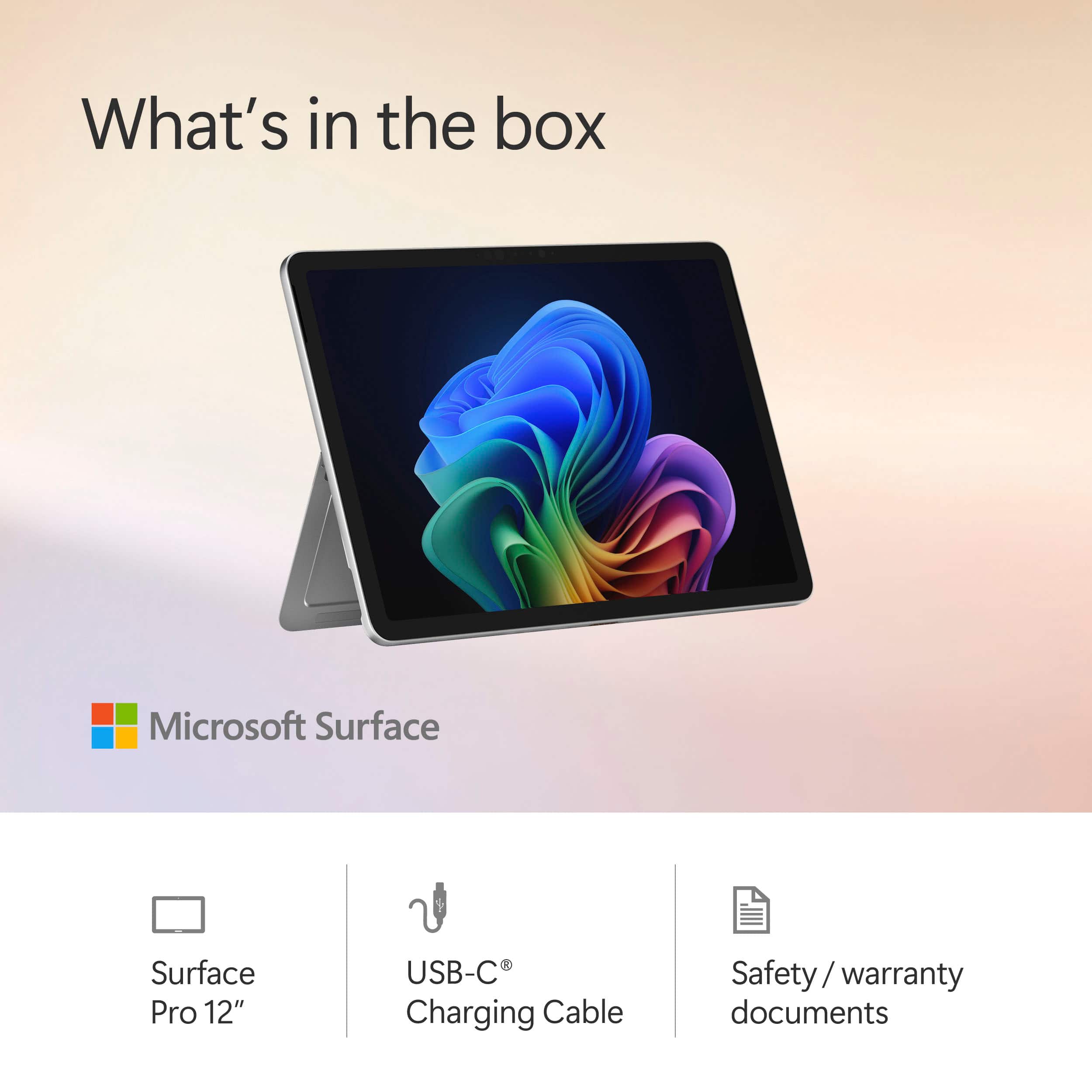
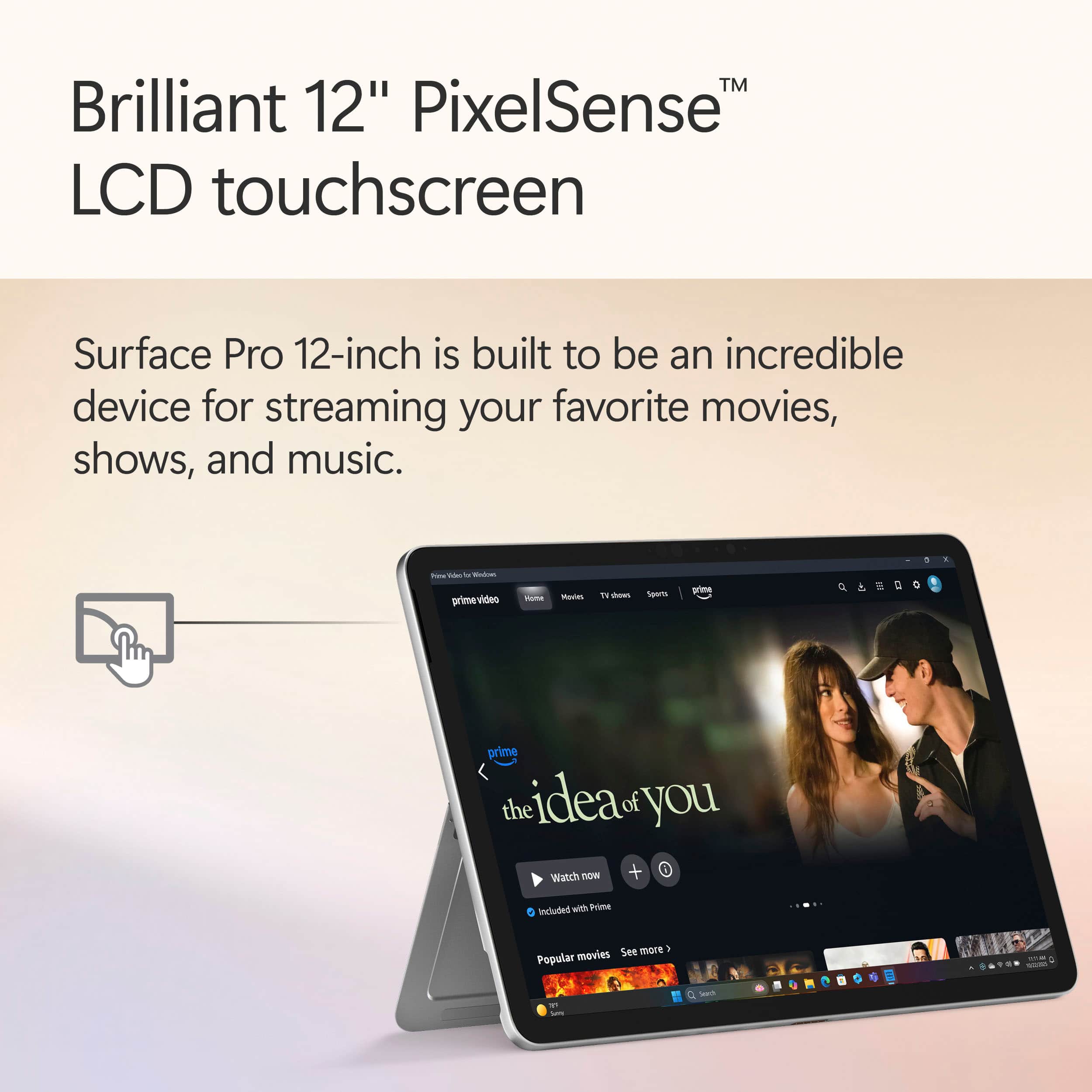
|Posted .This reviewer received promo considerations or sweepstakes entry for writing a review.I knew out of the gate, before it even arrived, that this would not be able to earn more than 4 stars because Microsoft moved back to a proprietary drive system internally that cannot be upgraded or replaced. And then upon arrival, I found they REMOVED the surface port completely from it, so I couldn't use my Surface Dock 2 if I wanted, or any of my surface chargers. And without the surface connect port for power or docking, having only two USB C ports feels a bit limiting since one of them will be power much of the time, leaving only that single port left for use. And oddly, this is the first Surface I've purchased without an included charger. I assume they figure everyone by now has some type of USB C charger, but still, seems like a bit of a missed thing at this price point, especially since you'll likely be buying the separate keyboard as well. It just feels like they're leaving TOO many things for end users to have to purchase separately. With the 12" model, they also removed the ability to dock the pen in the keyboard as I've been used to. I have never been a fan of it sticking to the side of the surfaces (as with previous ones I had, the original, the Surface 4, and such). I don't know if it was on the Surface 7 or Surface 9 that it started storing in the keyboard. But even my larger 2024 model Surface Pro 11 snapdragon has it and the "better" wireless keyboard. When you can have it stored inside, protected, there's little chance of it being knocked off going in or out of a bag, or even just walking around. I've had to replace a few pens in my day, and I've often had to go back to where I was parked in a parking lot or back to a client site and wander my path to try to find where my pen fell off. So if you get a pen for this, make sure to pay attention to it, they're REALLY easy to lose... The unit itself is as slick as all Surface Pro units are. Thin, lightweight, smooth and elegant. The screen is great for touch responsiveness, whether fingers or pen. I've been doing MS touch screen devices since their first Windows XP Tablet Edition device came out back in 2003 or 2004. I have even won some Microsoft MVP awards in the field, so I have experience with almost every brand's version of a touch screen Microsoft Windows computer for more than 20 years now. And whether it was Gateway models, HP models, Dell models, or any others I've used in over 2 decades now, I've never had a more consistent, smooth, reliable experience with built in computer touch screens as I have with Microsoft's devices. The pen works wonderfully, and the palm rejection they have is still among the better of any others I've tried. I almost never have any issues when using the pen, whether for note taking, highlighting, or sketching. And the fact that it charges while docked has always been a feature I liked. The screen looks crisp, has great viewability from high angles. It has the same 10 point touch recognition as the other Surface models, so there was no scaling back on the touch input for this smaller model. But the density of pixels is less than the previous models, and it has a lower refresh rate (only 90 Hz). Depending on your needs, these things may impact your use. The smaller 12" model here also lacks an option for OLED as my 13" model has, so that is noticeable when I'm dealing with them side by side, but it isn't as noticeable when it is simply on its own and being used. The screen here for my needs is great even in the base non OLED version. USB speeds for my installer file that I use on all my computers for things I install were fine, about 690MB/s from my USB C SSD drive I keep the files on. And copying and moving that 17GB file around the drive was quick, as was extracting it. While it uses a different type of drive than my Surface Pro 11, for the things I'm doing daily, I had no noticeable changes good OR bad. It was right where I expected it to be performance-wise. Boot time - since they released the 11 Pro with the Snapdragon everyone touted it as quick and fast. But I've always been disappointed in how SLOW it booted, and it's the same complaint here. Slow to boot, slow to shut down even brand new out of the box before I install anything. My Surface Pro 9 could go from hitting the power button to getting through Windows Hello facial recognition and to my desktop before these Snapdragon ones even get past the BIOS POST image... But they are fast once you have it up and running, so that's just the price to pay. For those of us who like the form factor for carrying with us to meetings or client sites, this is every bit as great as us Surface users are used to, and a little better. Since it doesn't have the standard brick with the surface connect to charge, if you carry power with you, it will be any smaller USB C charger, maybe just a small wall wart with sufficient power and a USB C cable. Smaller bag to carry things in for those on the go. And since these Surface devices with the Snapdragon are so incredible with power consumption, you may opt to leave the charger out of the case and have nothing but the Surface. I have Wifi 7 at my house, and had upgraded my whole physical network to 10GB ethernet, so this has the same excellent file copy speeds on my faster wireless as my 13" Surface Pro 11. Since I have an 8 bay Synology NAS with a ton of data and files on it, the wireless speed is a critical factor for me. I'm glad to see they kept this on par with the larger version, and didn't go with a less expensive, slower wireless chip in it. Kickstand is as useful as it ever has been, great ability to get the angle you want. And it's solid and stable on it. The sound is surprisingly not as bad as one would think for such a small device. Granted, it's not on par with my 18" Rog Strix gaming laptop, but for a small device like this with such small speakers, it's far less tinny than one would expect. The glass is as much a magnet for fingerprints as ever, but it's easy to wipe clean with a microfiber. The downside, as always with Surface models, is lapability. You can't simply sit on the couch and toss one of these on your lap as you can a standard laptop with the weight in the base. That was a big issue for me years ago when I first started using them, but I've since adapted. If you've never used a surface before, and require easy use on your lap, make sure to take the form factor into consideration. You may need one of those lap desks. Some third party companies made heavier keyboards that would clamp onto the bottom of the surface and connect via Bluetooth and it would sit and balance as well as any laptop, but I've seen various results between my trying it and others. This model is apparently completely fanless as well. I really almost never hear the fan kick in on the 13" model, it's always been quiet, but this one will always be that way. But they default this to power efficiency mode even when powered, which means not as snappy out of the box. The front webcam was also downgraded to a 1080 webcam, although it still fortunately has the IR feature and can support Windows Hello (which has worked flawless for me so far). I remember when I first tested my 13" Snapdragon for battery life, using an RDP session that was connected via wireless, and having my mailbox open with Outlook checking three mailboxes all day, and being totally blown away that I got two full work days out of it without charging. This one is a smaller battery of necessity due to the form factor, but it also doesn't have the power hungry OLED. So I was disappointed when I ended up with about 11.5 hours of total use spread out between three or four days with no charging, doing random activities like PDF and mail and remote desktops. I expected less due to the smaller capacity battery, but had hoped for more than this considering the simpler screen. Both were kept about 50% brightness during the testing. But still, 11.5 hours of real use to me is better than I ever managed with my Dell Inspirons or my HP Spectre X360s. This is a great entry level device in the Surface line for people who don't need the local disk space that you can achieve with the larger 13" models. And if you're going to get a keyboard at some point, I prefer the 12 inch version of the keyboard on this as well, especially how it closes without that lip around the edge of the keyboard. And for people trying to decide between some of the various iPads and a Surface Pro, this gives another option and a better price point without sacrificing TOO much to do so. It's an eminently usable system that will be more than enough for a large portion of the computer users out there. It's worth checking pricing though, since not that long ago, the more powerful and feature rich 13 inch cost as much as this smaller one due to a sale they had going. And don't forget that most people will end up having to buy the separate keyboard, so the price will go up a bit, especially if you add a pen as well. So comparing the base price of the surface pro vs another laptop isn't quite apples to apples...
I would recommend this to a friend Bad touch experience
||Posted . Owned for 2 weeks when reviewed.This reviewer received promo considerations or sweepstakes entry for writing a review.Windows just sucks with their touch experience. Its also a lot bigger than I expected, for a 12" device. I tried getting linux running on it, and got to the "Try or Install" screen, but the proprietary keyboard doesn't work, so I just took that as an omen for what is to come.
No, I would not recommend this to a friend- Cons mentioned:Heat dissipation
useless
||Posted . Owned for 1 week when reviewed.This reviewer received promo considerations or sweepstakes entry for writing a review.Microsoft should really stop making tablet-laptops. I thought switching to arm will help them,but it is the same as before. Problems with touch-screen, poor performance, gets hot in seconds. This thing should cost no more then $250
No, I would not recommend this to a friend - Pros mentioned:Battery life, Design
Surface Pro finally lives up to ALL it's promise
|Posted .This reviewer received promo considerations or sweepstakes entry for writing a review.I've been a fan of the Surface Pro line of tablet PCs from Microsoft for a number of years now. And with good reason - as a professional who is a PC power user and frequently travels for meetings and whatnot, I need a decent PC that can easy travel with me to wherever I go and the Surface Pro line is the closest I've ever found to a true "portfolio" PC that can be as slim as a notebook (a paper one) and really go anywhere. And now with the new Snapdragon Pro ARM processor, the Surface Pro is closer to that ultimate endgame than ever before. Is it for you? Read on to find out! With the latest update, Microsoft has clearly taken some design language hints from what they probably see as the biggest competitor, the iPad Pro. Having had previous generations of both the Surface Pro and the iPad Pro, I can certainly see the similarities. This Surface Pro is close to the iPad in size, weight and overall feel, particularly with the rounded edges and smooth metal back (with no fans either, so it's also completely silent). Front and back cameras and USB-C for charging and data transmission also mirror each other. But where the iPad is a tablet trying to be a laptop for when you need it, the Surface Pro is really a laptop that's taken on the best characteristics of a tablet. Can you use it as a tablet? Sure, but Windows is always best with a mouse and keyboard (sold separately here, as always in the Surface line). With the keyboard and trackpad, you really DO have a full featured laptop in the tablet form factor - something the iPad despite it's best efforts cannot be. Add to that the solid / infinite angle rear kickstand, smooth operation, DUAL USB-C ports (either can be used for power, data and/or video), and full Windows OS - not to mention long battery life - and you have a winning laptop that can be your daily driver wherever your travels may take you. So with a PC this powerful yet this thin and light, Microsoft has finally delivered on the Holy Grail - a tablet that looks and feels like it could be a paper portfolio but is really a powerful, all day use PC. The screen really is a standout here with fairly small bezels framing a clear and BRIGHT screen (it's bright enough to use the Surface outside on a sunny day, though you'll want to position the screen to avoid reflections of course). Touch is very responsive in both single touch and multi-touch use. The entire setup feels very snappy with the ARM chip and an adequete if not world-beating 16GB of very fast RAM. Storage is fixed (as is RAM) and cannot be upgraded - I wish there was an option for at least a MicroSD card slot, but you get what you get here. Wireless (and wired) connectivity is very fast and the cameras (both front and back) are certainly fine for things like video conferencing or a quick picture - I wouldn't use them as my primary camera but tablets aren't really meant for that anyhow. ARM computers have gained enough ground that you can just use them without much thinking, though sometimes you'll want to use the ARM versions of popular software (browsers, etc.) if available to get the best performance and battery life from your device. Speaking of battery life, I was seeing poor battery life until I found that a Windows service was going a bit haywire in the background (more common than you think). I disabled that service and am now getting LONG battery life for all day usage. I have had a few issues with software compatibility (printer drivers weren't ARM compatible is the biggest one) but have found reasonable workarounds for all the concerns and many people won't run into any at all if not trying to connect legacy hardware. Perhaps the only gripe I have with this Surface Pro is that given how critical the keyboard and touchpad are to the experience - and to being able to really use the Surface well at all - they should be included in the package vs sold separately. But that's a small gripe as you can easily acquire both items together. So if you're in the market for a computer that you can easily take nearly anywhere you might want to go - AND that has the umph and battery life to do something when it gets there, this is the Surface Pro you've been waiting for. Give it a try today!
I would recommend this to a friend Best Buy Sucks.
||Posted .This reviewer received promo considerations or sweepstakes entry for writing a review.Product was received broken and defective. I requested a replacement and was told that it would arrive the following week. It did not arrive, I called and was told that they issued a refund instead of replacing the product. I was transferred and hung up on. I called again & I requested a replacement a second time and they refused to process it at the original purchase price. This is a Best Buy issue.
No, I would not recommend this to a friend- Pros mentioned:Battery life, Overall performance, Processor speed
Microsoft Surface BIg Step Forward
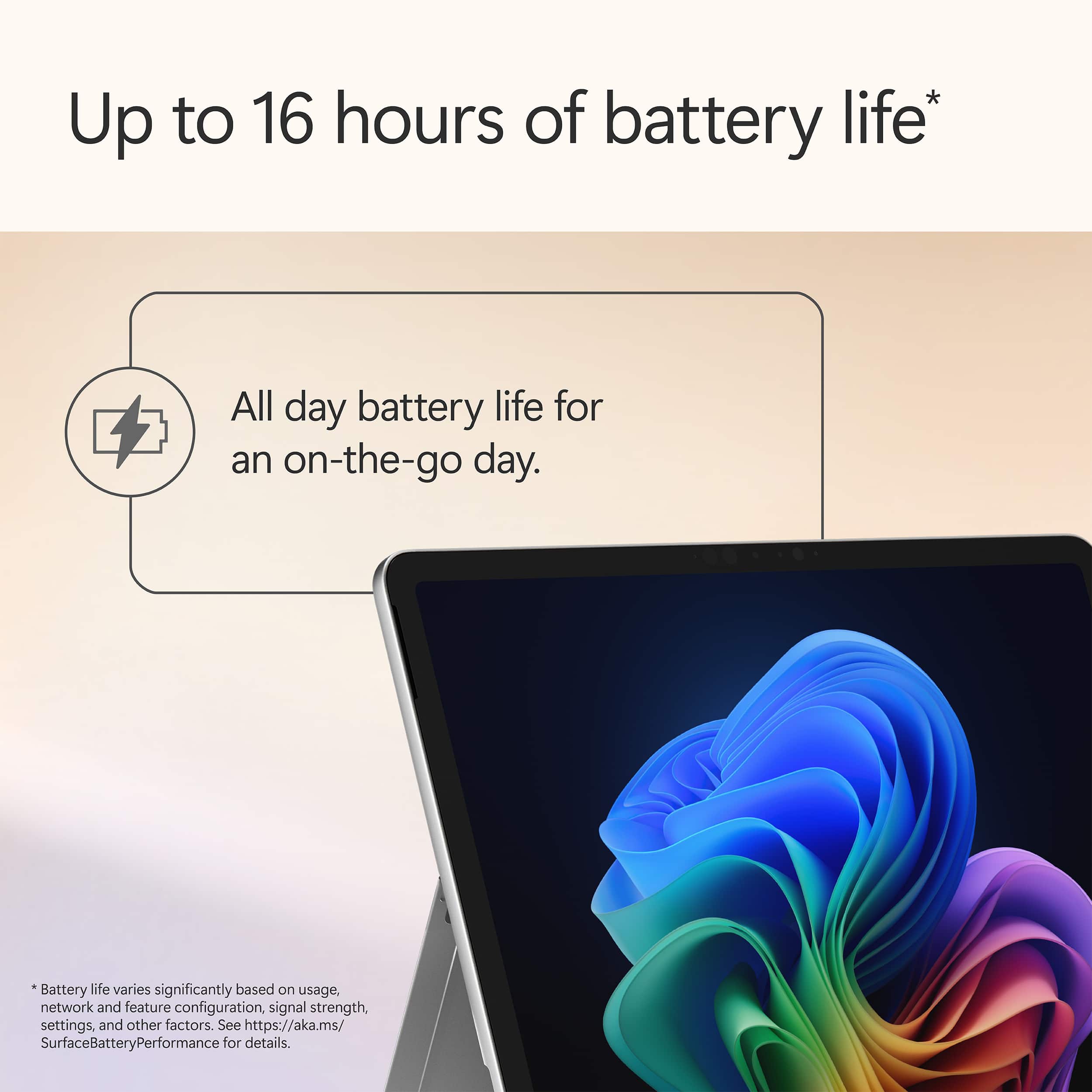
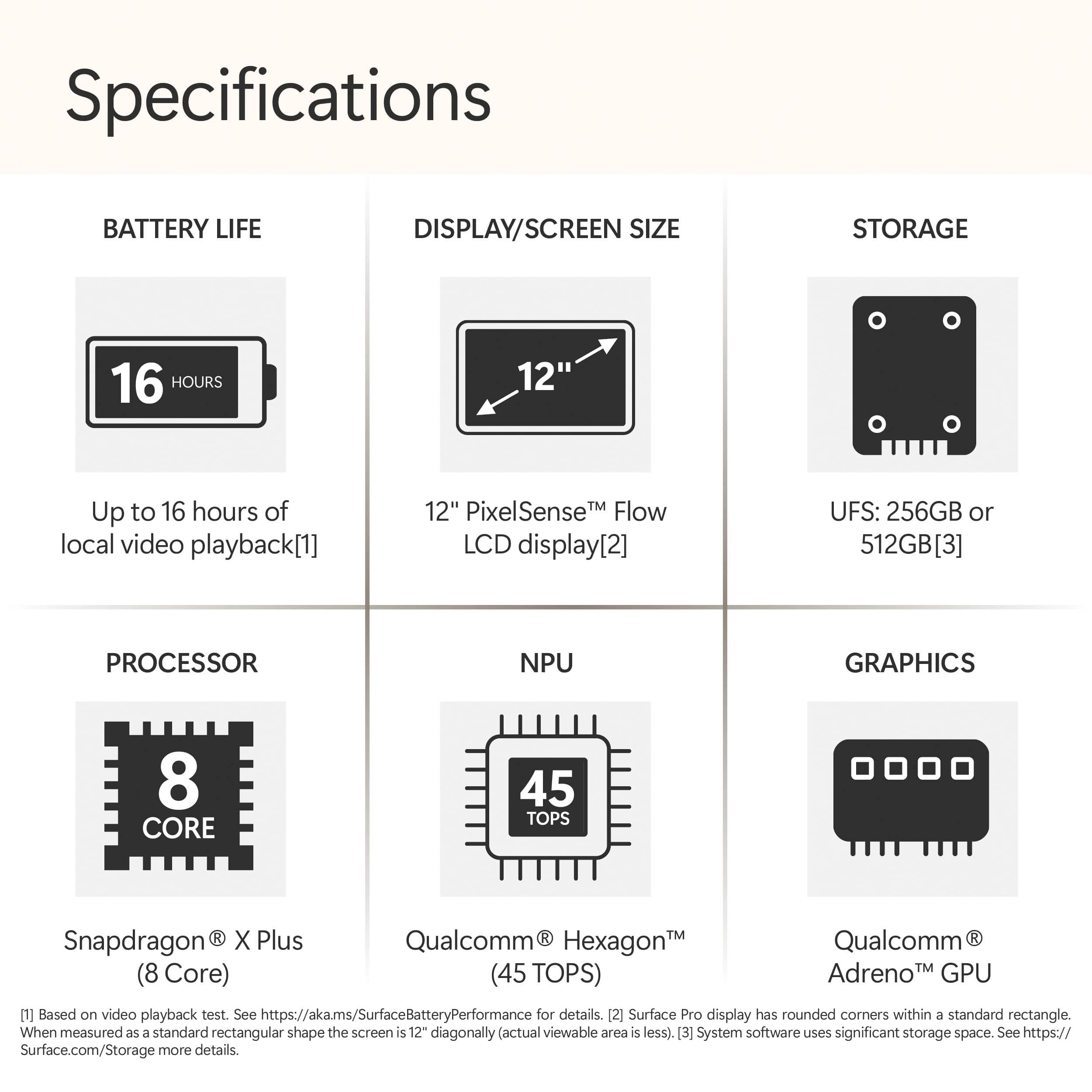
|Posted .This reviewer received promo considerations or sweepstakes entry for writing a review.I've been using the new 12" Microsoft Surface Pro (Copilot+ PC) for a little over a week now, and it's been a surprisingly refreshing experience—especially coming from traditional laptops using Intel or AMD . Right out of the box, the Surface Pro feels premium. It’s slim, lightweight, and has that solid build quality compared with other tablets. The magnesium alloy body feels sturdy and refined, and the kickstand design its a great feature to have. You don’t think you need it but it comes in handy. One of the standout features is that it's powered by a Snapdragon X Plus processor instead of the usual Intel or AMD chip. I was a bit skeptical at first, but Microsoft really did their homework with Windows on ARM this time. Everything from web browsing to productivity apps (like Microsoft 365, OneNote, and internet browsing ) runs smoothly. There's a noticeable snappiness in daily tasks, and wake-from-sleep is instant—something Snapdragon does better that Intel/AMD chips. You cant tell the different in terms for performance. It just works. However, some of the new Intel/AMD CPU might be just as good from what Im reading. Too bad there isn’t a Surface line with the new CPU to test out. Battery life is another highlight. I'm seeing close to a full day of use on a single charge, often ending the day with 20–30% left. That includes mixed usage: email, Teams calls, building powerpoint decks, and some light streaming. I can leave my charger at home without worry. I can see a college or even high school student carrying the Surface between classes. Using Windows 11 on this device feels different—in a good way. With the addition of Copilot+ features built in, Im getting use the working with the Co Pilot features. Feature such as summarizing documents, getting ideas on writing emails, or organizing thoughts on meeting documents. The OS feels smarter and more intuitive. And of course, the tablet-laptop hybrid flexibility is a major plus. With the detachable keyboard and Slim Pen, it can easily switch from a traditional laptop setup to a touch-first tablet for sketching or note-taking. The 12" screen strikes a nice balance between portability and usability—it’s small enough to toss in a bag but still big enough to get real work done. Also, having a docking station at home and in the office helps. I can connect the Surface to a monitor, keyboard and mouse and feel like im using a desktop. A couple of things to be aware of… This surface is running on ARM not x86 which is a different architecture. Meaning some old software wont be compatible with the OS. Too me that’s not a big deal but old printers, scanners, etc might not work. Overall, the New Surface Pro Copilot+ PC feels like a big step forward for Windows tablets. It’s light, fast, energy-efficient, and offers a modern take on both hardware and software. Whether you’re watching Netflix in bed, sketching ideas on a flight, or working from a coffee shop, it feels like a device that’s finally delivering on the vision of a true PC-tablet hybrid.
I would recommend this to a friend Bad charging
||Posted .This reviewer received promo considerations or sweepstakes entry for writing a review.Within a few weeks, the device does not charge correctly! It will not hold a charge and have tried other chargers to see of that was the issue and its not!
No, I would not recommend this to a friend