Customer Ratings & Reviews
















- Model:
- EP2-33671
- SKU:
- 6623672
Rating by feature
- Battery Life
Rating 4.8 out of 5 stars
- Durability
Rating 4.7 out of 5 stars
- Display
Rating 4.8 out of 5 stars
Customers are saying
Customers are delighted by the Surface Pro's portability and overall performance. Many appreciate its excellent battery life and fast processor speed. The design, weight, size, and color options also receive positive feedback. However, some customers have noted concerns about heat dissipation and the limited port selection, as well as the lack of included accessories.
This summary was generated by AI based on customer reviews.
- Pros mentioned:Battery life, Portability

So cool!
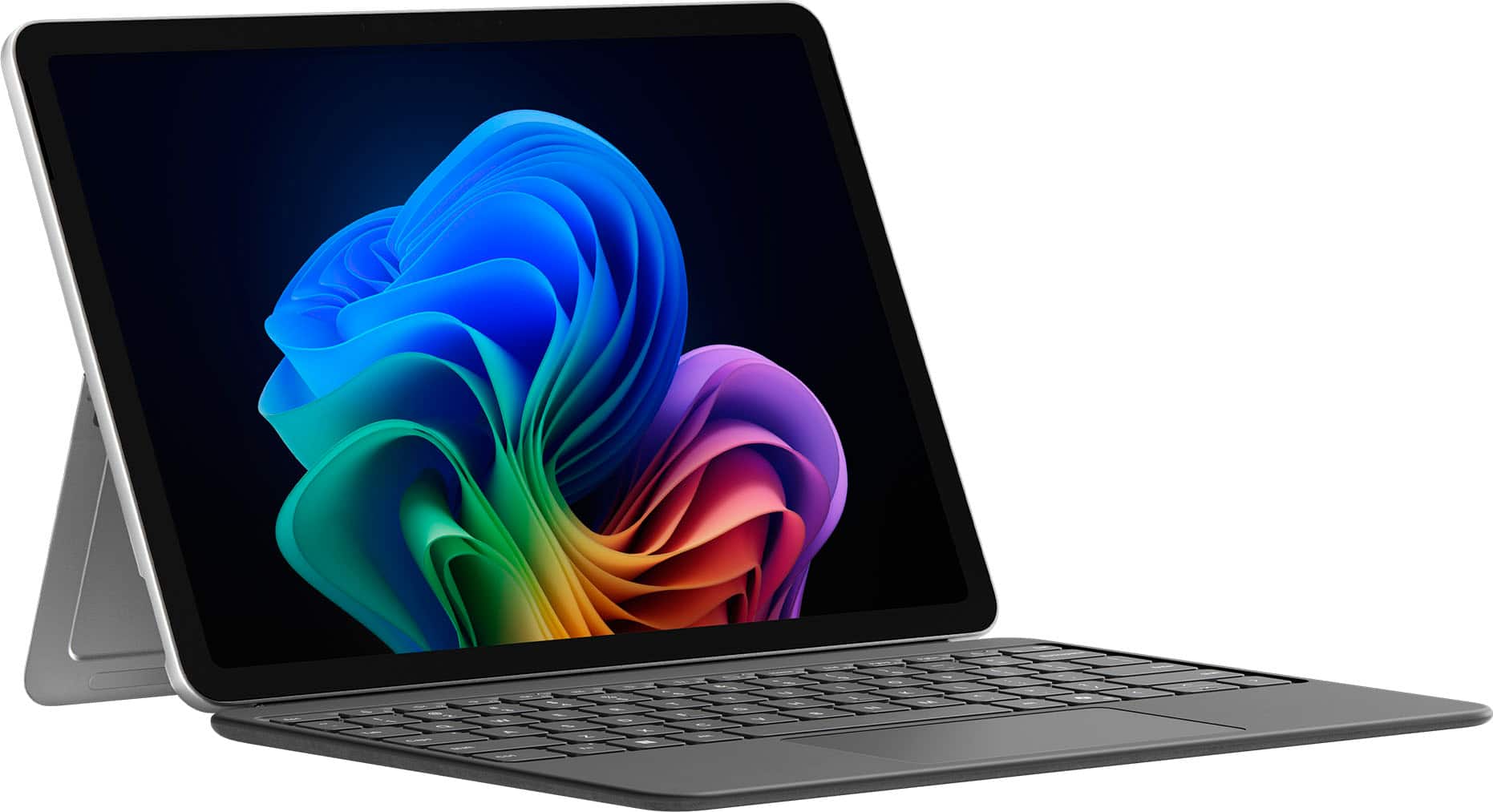
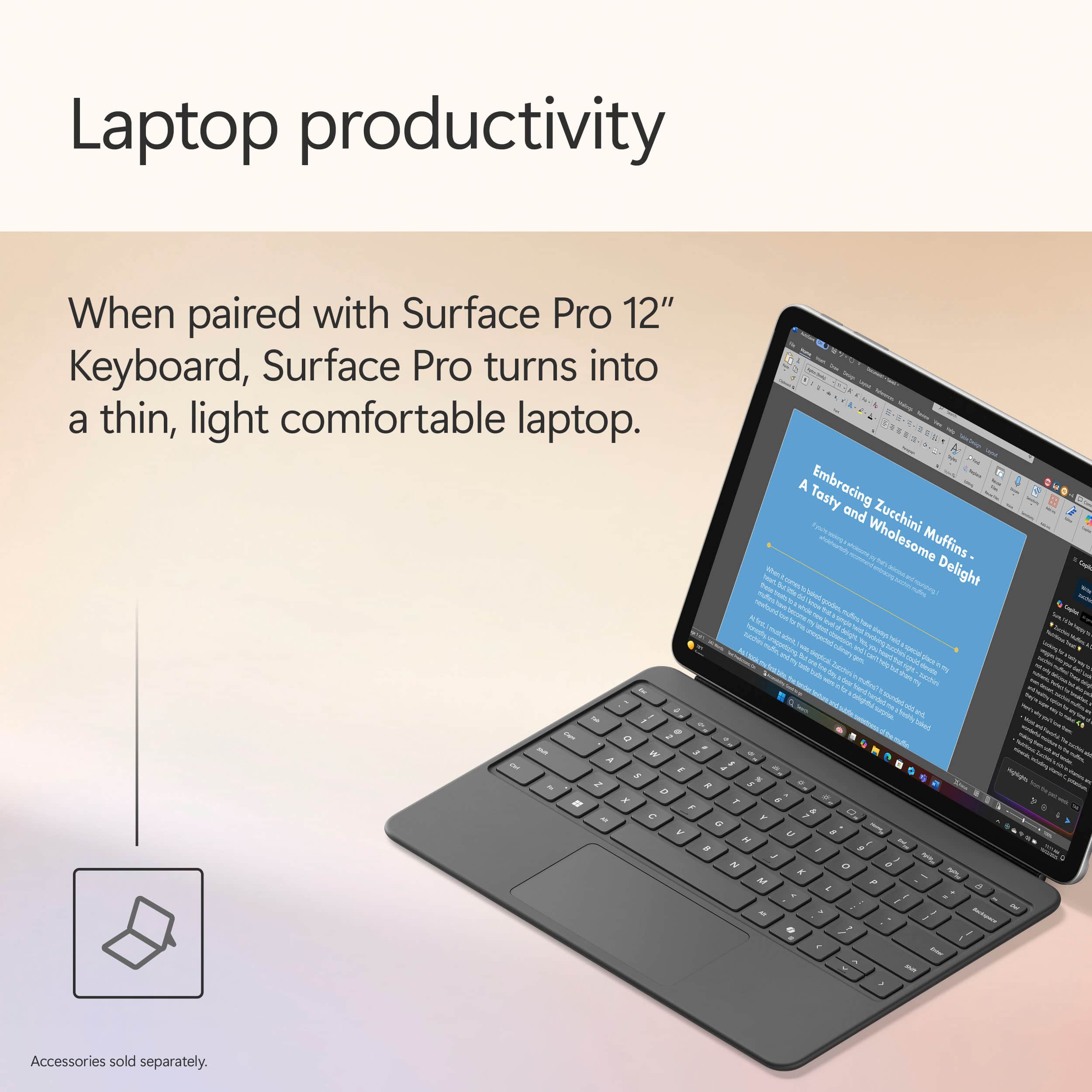
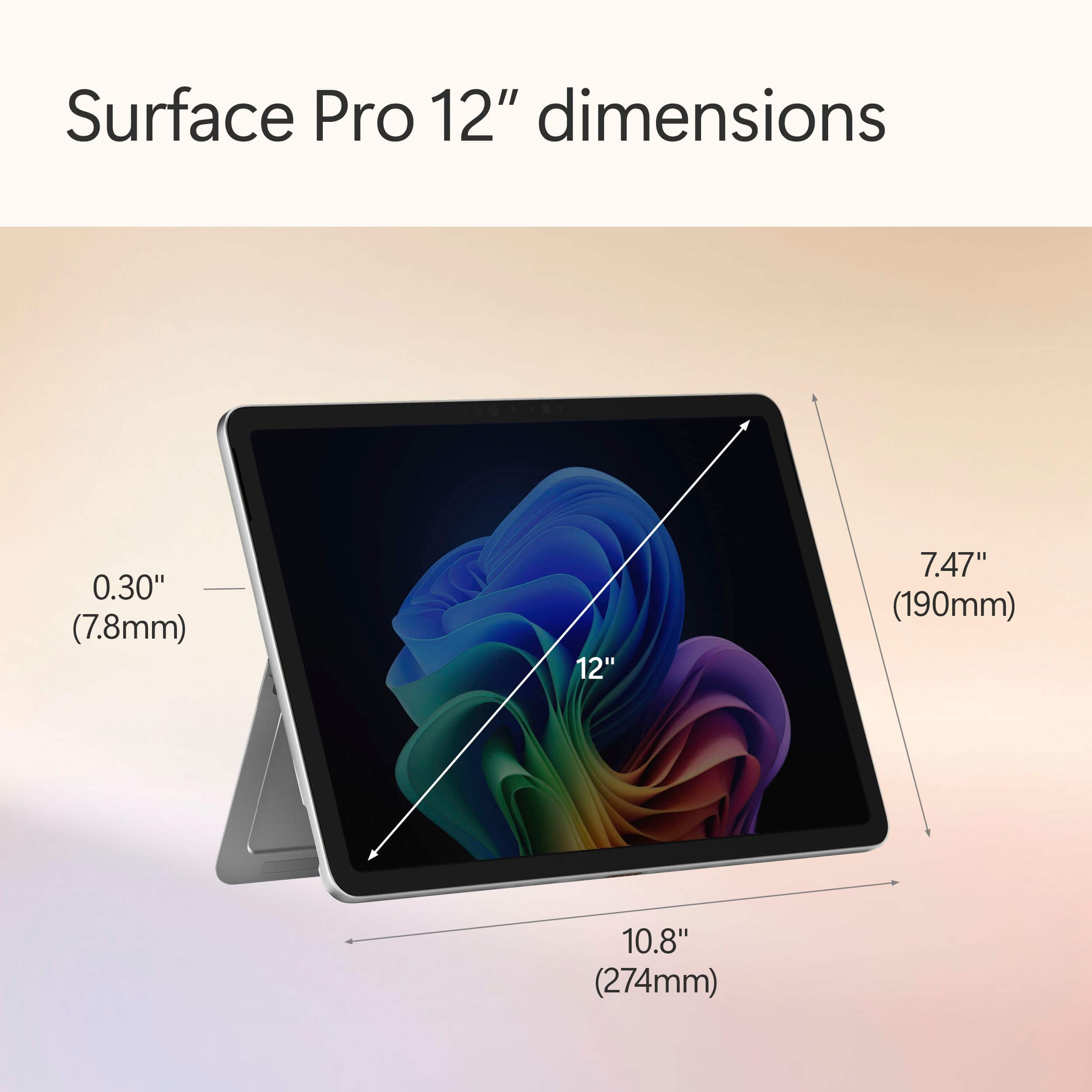
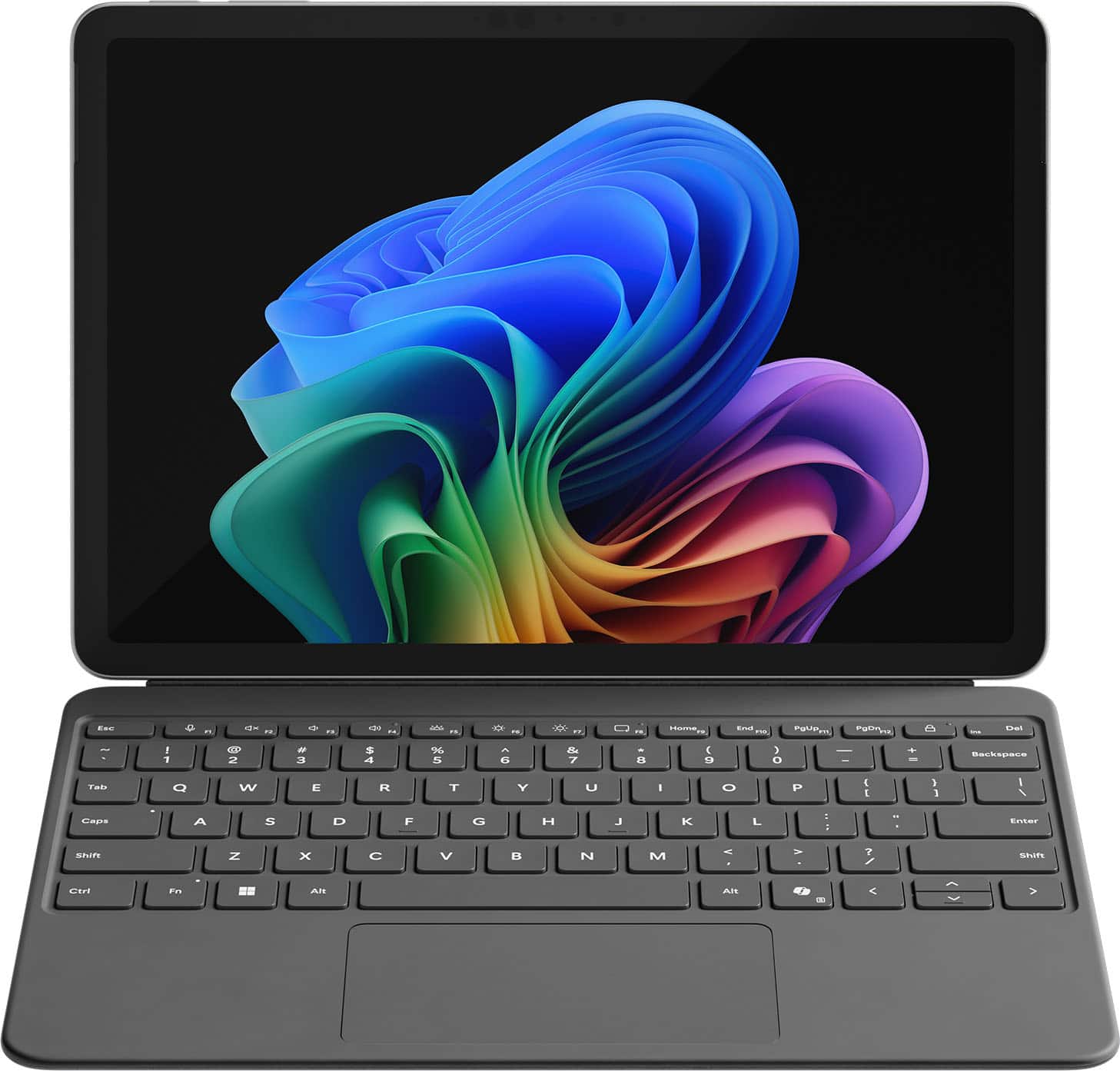
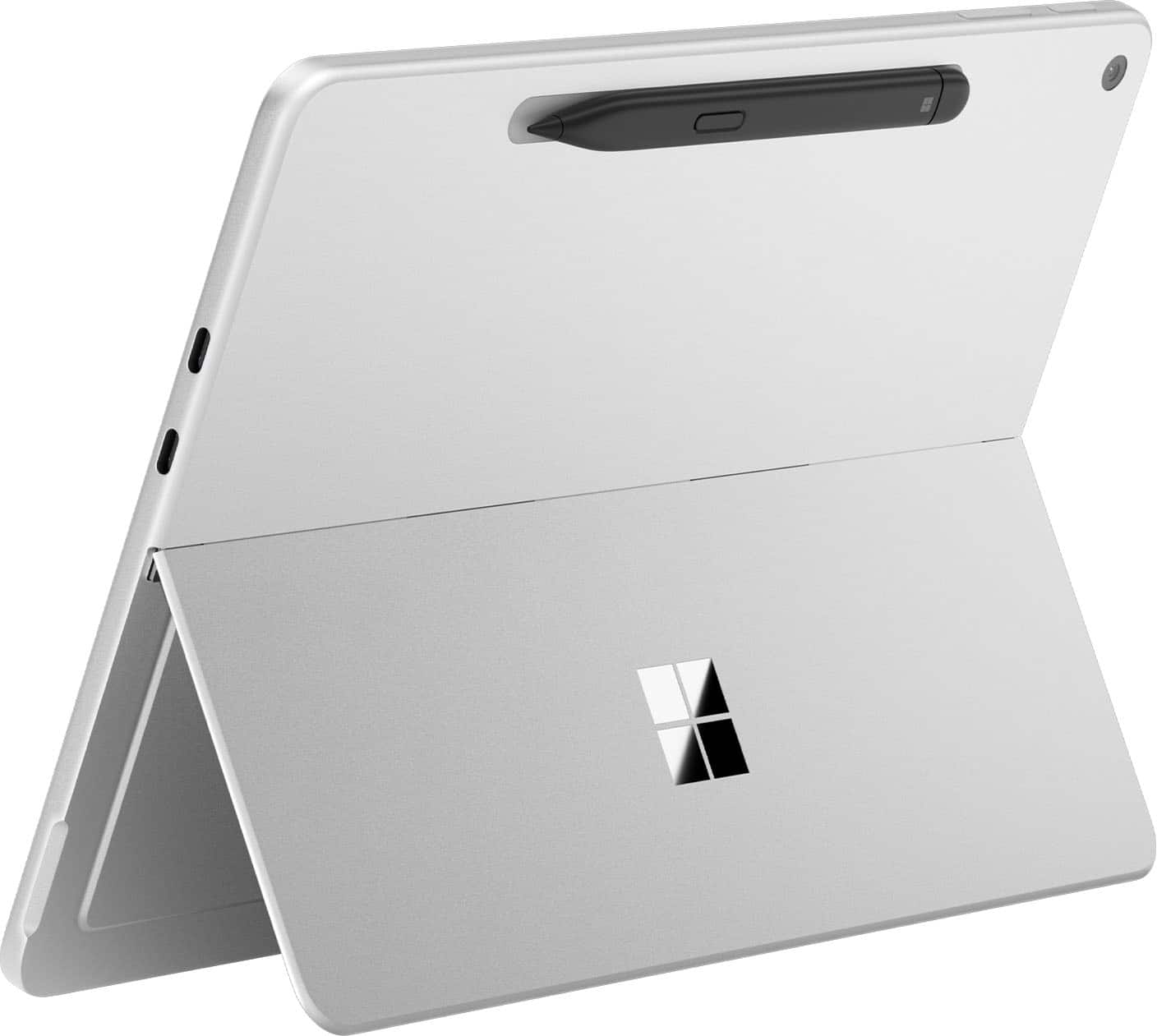
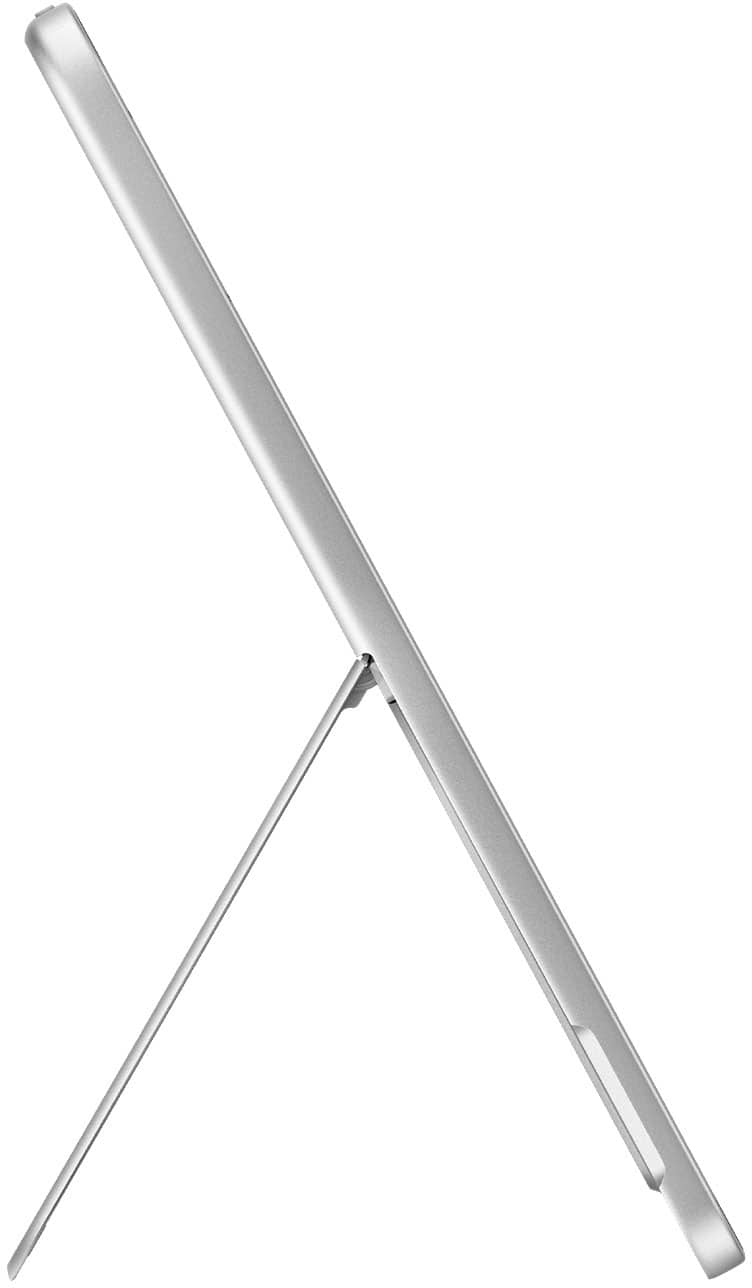
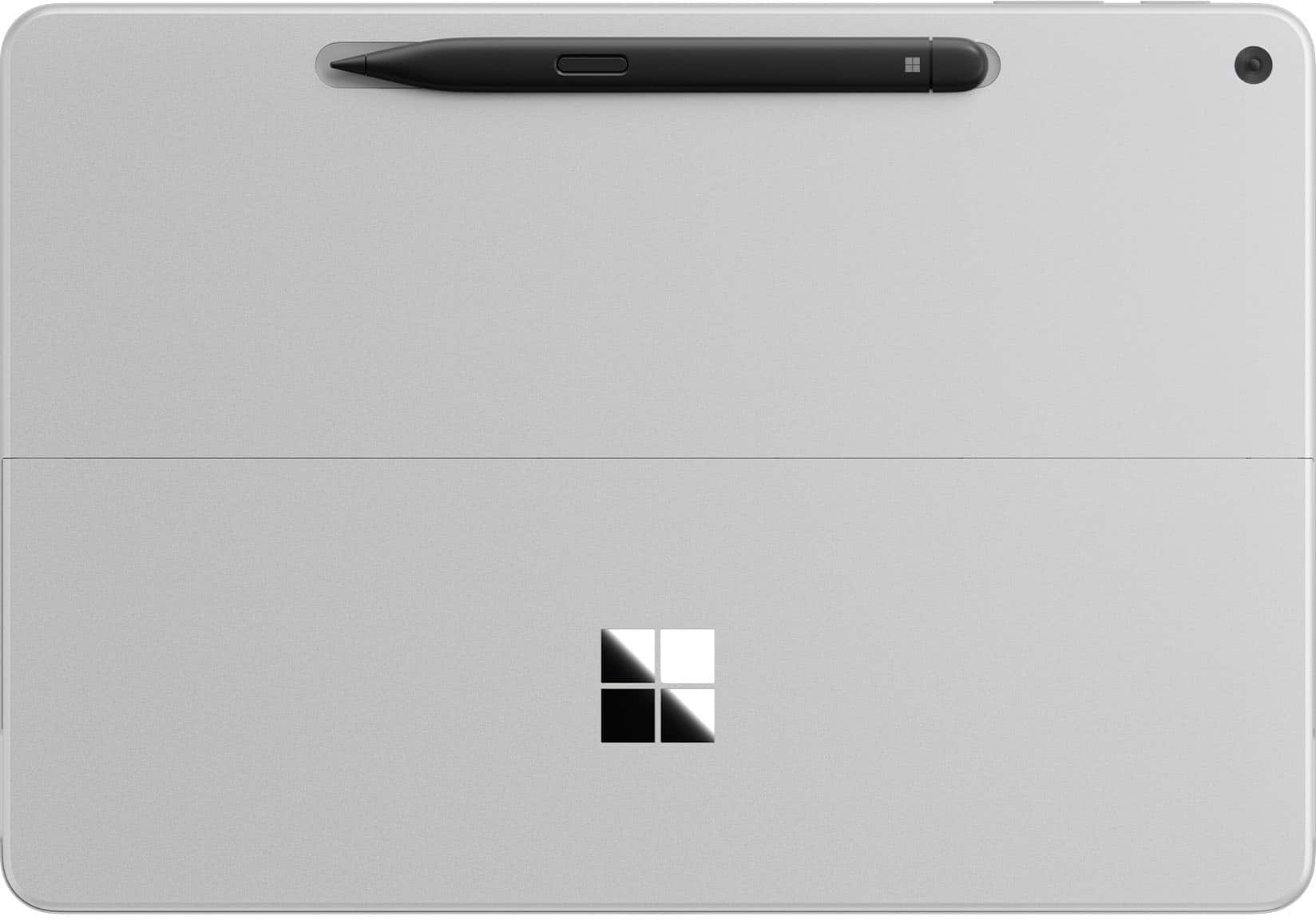
|Posted .This reviewer received promo considerations or sweepstakes entry for writing a review.The Surface Pro 12" is the latest model surface tablet from Microsoft featuring Windows 11 and a touch screen. It is also available with optional keyboard, slim pen, and power supply. The Microsoft branded power supply isn't necessary as any USB-C charger with at least 27 watts will work. However, the keyboard and slim pen are additions that make the Surface 12" great. The 12" Surface utilizes a traditional kickstand that disappears into the back of the screen when not in use and does a good job of tilting the screen when in use. The LCD screen is plenty bright enough for indoor use, or travelling in a vehicle, but can be difficult to see outdoors. The touchscreen works well, especially with the slim pen. The colors are bright, and it has a 90hz refresh rate. The unit has both forward and rear-facing camera with the forward camera in the corner making it easy to take photos in both portrait and landscape modes. The rear camera utilizes Microsoft hello for facial recognition. The Surface 12" is powered by the Snapdragon XPlus chip, has 16gb memory and is available with either 256 or 512gb storage. I got the 256 and for my use, this will be plenty, although the 512 is only about $100 more and you get double the storage. It uses an ARM (Advanced RTSC Machine) processor which runs cooler, eliminating the need for internal fans. This allows the unit to be much quieter and use less energy. Because of this, you can expect at least a full day of use on a single charge. Although there isn't a headphone jack, the sound is really good for such a small machine and more than adequate for movies or videos. It's Bluetooth ready so pairing headphones isn't a big deal and with Wifi7, it's prepped for the future. Overall, it's very thin, light, and portable making it easy to carry and hold with one hand. The case is brushed aluminum and it weighs less than 700 grams. The exterior is simple - only two USB-C ports, on/off button, and volume controls. The battery life is great, the display looks really good, and it's lightweight/portable. My only negative is that the keyboard, power supply, and slim pen are sold separately and not included in the price of the unit.
I would recommend this to a friend - Pros mentioned:Battery life, Portability
Updates Made a Big Difference
|Posted .This reviewer received promo considerations or sweepstakes entry for writing a review.I’d been intrigued with the idea of a Windows tablet for years. I’ve tried Netbooks, PDA’s, and 2-in-1’s, but none of the form factors seem like it ever worked in the way I wanted. Either the form factor was too clunky, the system wasn’t powerful enough to power the tasks that I needed to accomplish, or the battery life was pitiful. When the Surface Pro 11 came out, it definitely had my interest piqued. The 13” design with the fan slit on the back was getting really close to what I was looking for, but still wasn’t there. Then they released the fanless 12” version. Although it may seem that the changes they made between the 11 and the 12” version seem subtle, I think those changes placed this tablet exactly where it needed to be. The 1 inch reduction seems like it made a big difference in portability. It feels comfortable to take around and use as a tablet with pen or big enough as a laptop. The fanless design is fantastic and lends to portability without creating problems. I haven’t run into instances where the tablet overheated. Generally, it runs fairly cool. I have a more powerful laptop dedicated to heavier tasks, but the battery drains on it so quickly. Having this tablet is nice because it provides for when I need portability and longer battery life for easier workloads while I can still fall back on my main laptop for heavier workloads.
I would recommend this to a friend - Pros mentioned:Overall performance, Portability, Processor speed
Capable tablet PC for productivity & creativity
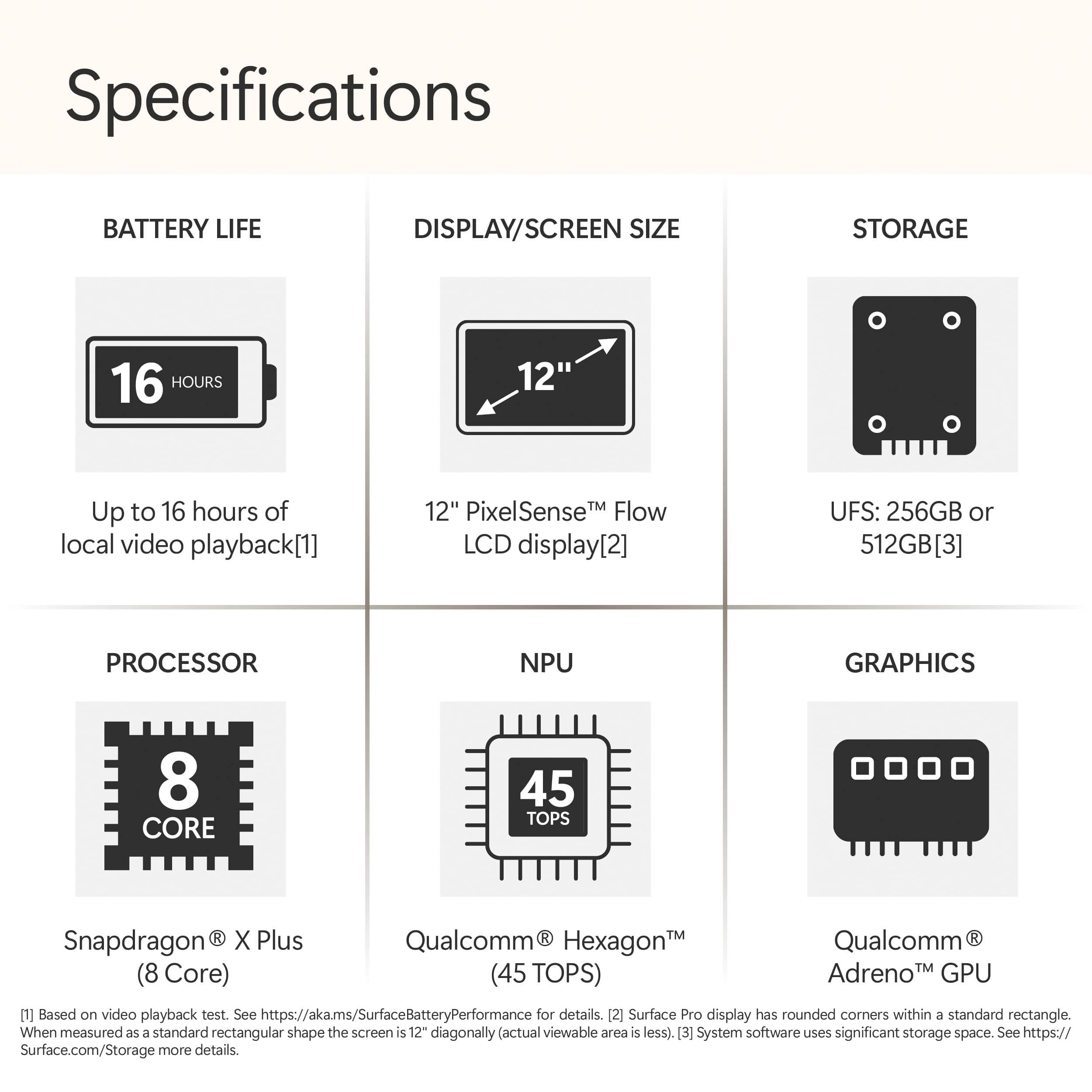
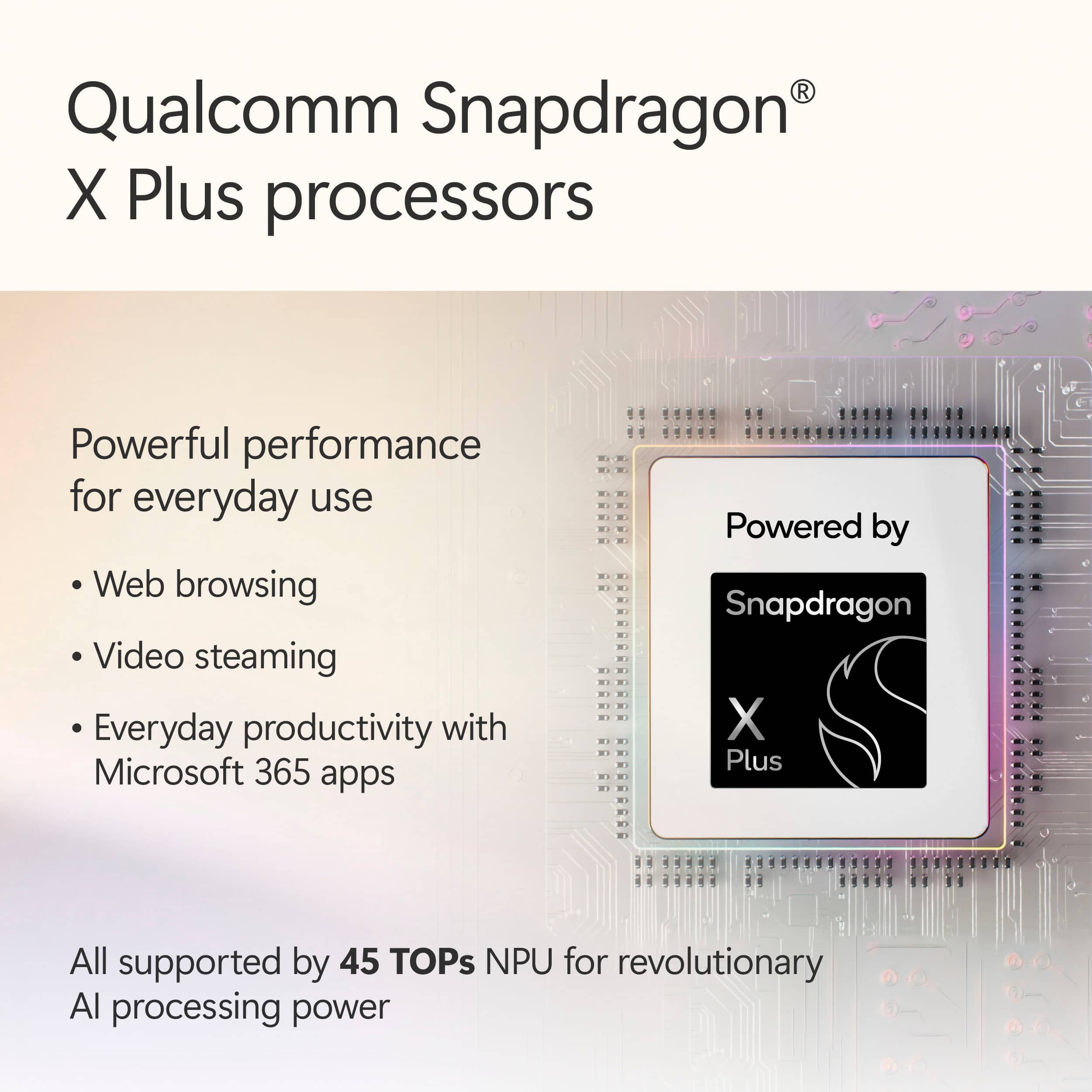
|Posted .This reviewer received promo considerations or sweepstakes entry for writing a review.The Surface Pro – Copilot+ PC – 12" Touch-Screen tablet computer is a very capable productivity and creativity device. It comes armed with a Qualcomm Snapdragon X Plus processor, 16 GB of RAM, and 512 gigabytes of drive space. The built-in display is LCD and has a native display resolution of 2196 x 1464. It has a front and rear facing camera, and supports facial recognition. There are 2 USB-C ports onboard. They are USB-C 3.2 and DisplayPort 1.4 compatible. WiFi and Bluetooth are built-in, and WiFI is WiFi 7...The latest and greatest. So it's pretty future ready already. This is an ARM based computer, so don't think you'll be installing just anything you want onto it. You certainly won't be doing any gaming on it. This device is probably best used as a productivity or creativity device. The Slim Pen stylus, sold seperately, gives the device 4,096 touchpoints and makes for a great drawing pad for the creative types. It would be really easy to carry this 12" device around to take handwritten notes, make sketches, or even do some art on the go. The display is a 12-inch PixelSense LCD with a native resolution of 2196 x 1464, and a pixel density of 220 PPI. The refresh rate is 90hz and the display brightness is 400 nits. You're not going to be watching HDR movies on this display, but you certainly will be satisfied with other uses. Built-in Copilot+ paired with the Snapdragon X plus gives you 45 TOPS of Neural Processing power. This enables for some of the more advanced Copilot functionality to be leveraged and processed locally on the device granting you more privacy and performance. I think this device will make a great work or school tablet and is super light and easy to transport. I would highly recommend it for these types of uses.
I would recommend this to a friend - Pros mentioned:PortabilityCons mentioned:Port selection
Worthy upgrade
|Posted .This reviewer received promo considerations or sweepstakes entry for writing a review.This is my 5th Surface Pro (I still have the SP9). I LOVE the new size which doesn't compromise on performance. It's similar in weight/size to my 11" iPad Pro and makes the perfect companion device for note taking, quick research, reading PDFs. I was initially skeptical about the pen slot on the back because the old Surface Pro pens would regularly fall off in my bag or when accidentally knocked. The magnets on this model are super strong and the pen stays put until I remove it from the pen slot. The new keyboard doesn't have the angled lift so it lies flat on your desk surface. The soft rubber keys are backlit which is great. The trackpad works perfectly and the keys provide tactile feedback. I'm still on the fence as to whether I like the new flat, but solid, typing experience or if I miss the tilted, but hollow-cardboard-sounding typing experience of previous models. Holding the tablet for extended periods is much more comfortable compared to the Surface Pro 9. The device doesn't get nearly as hot and again, the size is just perfect for travel or using next to a main PC. I haven't tried docking it to my thunderbolt monitor and I wish that it had ports on both sides. The palm rejection is the only downside so far. I'm left-handed and updated my pen settings, but for some reason I keep prompting the side menus and moving the canvas around in OneNote when I'm writing with the pen. Maybe this can be fixed with a firmware update or there's a setting somewhere that I'm missing, but previous Surface Pro models had great palm rejection. I thought I would miss the larger screen size of the Surface Pro 9, but I don't. The compact size, cooler temperature, and reduced weight of the 12" model is a welcome tradeoff.
I would recommend this to a friend - Pros mentioned:Battery life, Overall performance, Portability
I LOVE IT!
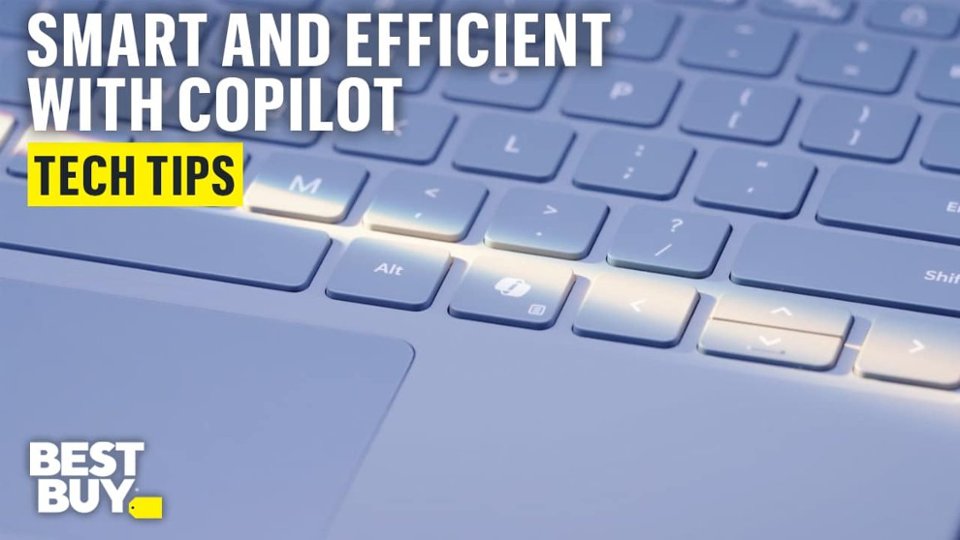
|Posted .This reviewer received promo considerations or sweepstakes entry for writing a review.The first thought that I had when I open the box (very well thought out I must say) and saw the Microsoft Pro 12” was this thing is small. And having large hands I was worried if I would be able to effectively use the tablet/laptop. I was so wrong w/ my first thought. The Surface Pro is small, but good things must come in small packages, especially this Surface Pro. When I turned it on and logged in to my Microsoft Account, and saw the display, it was love at first sight. The display, to me, is beautiful, the colors are amazing. I love how the touchscreen is so responsive and when it’s paired w/ the Keyboard made for the Surface Pro, you basically have a small laptop that is so user friendly. And when I was at first worried about its size, it’s now what amazes me, you can do so much w/ this laptop/tablet that I have only used this everyday. I no longer use my laptop at all. It’s so lightweight but so stable, that you don’t even know it’s sitting on your lap. The battery life on the Surface Pro is phenomenal, I use it from the time I get up and have a cup of coffee, use it throughout the day, use it at home to do research, and watch videos, and the battery is still at 25%. The battery is that good. I love the Co-Pilot key on the attached keyboard, and I had never used Co-Pilot that much, but I find myself more and more going to it to help find restaurants, find how to videos, its so easy to us. And the pen used in conjunction w/ the Surface Pro makes life so much easier filling out forms online and writing. Again, at first, I was skeptical due to its size, but I absolutely love it and would highly recommend the Microsoft Surface Pro w/ Copilor
I would recommend this to a friend - Cons mentioned:Port selection
Amazing, but....
||Posted .This reviewer received promo considerations or sweepstakes entry for writing a review.Great alternate to a desktop. Definitely get the key bored. Wasn't aware only 2 usb-c ports
I would recommend this to a friend Do better, Microsoft.
||Posted . Owned for 3 months when reviewed.This reviewer received promo considerations or sweepstakes entry for writing a review.I hate this thing. Need to return it. Not worth the $.
No, I would not recommend this to a friend- Pros mentioned:Battery life, Design, Overall performance
Absolute Perfection
|Posted .This reviewer received promo considerations or sweepstakes entry for writing a review.Going into this product I was already a fan of all the new snapdragon processors and all the great benefits they provide for full sized laptops and other devices but this new surface pro takes that to a whole other level. So Microsoft is actually legit cooking with the design in these. It’s so so good! It mixes a premium expensive feel with extreme thin and lightness that would be impossible just a couple years ago. Fact this runs on windows 11 is just wild to me as someone that primarily used another major brand before this having the full desktop style experience in the form of a tablet is just a complete package. Having had larger tablets and smaller I feel like they must have done some serious research to figure out this perfect sweet spot. The processor and ARM windows systems have always been really really good with battery life and this is also unbelievable in that department, almost shockingly so. You can really dig in to the NPU with copilot built in as well. It makes it so easy to do, ask or find any information you need built right in. Being a Microsoft device itself it’s the perfect storm of perfect for this. All without a fan or being burning hot you really can’t ask for better. Microsoft truly knocked it out of the park with this new design, screen, processor and form factor. Absolute perfection all around. I can’t wait to see what comes in the future.
I would recommend this to a friend Best Buy robbed me
||Posted .This reviewer received promo considerations or sweepstakes entry for writing a review.If I can give NO STARS I WOULD! Best Buy and Door Dash unfortunately work together. So the Door Dash Driver STOLE my computer out of the box in front of my house and BEST BUY AND DOOR DASH WONT RETURN MY $2,000!! DO NOT TRUST THESE 2 CORRUPT COMPANIES!! They don’t care about the customers or their hard worked money!!!
No, I would not recommend this to a friendItem sold as "new" turned out to be "stolen"
||Posted . Owned for 3 weeks when reviewed.This reviewer received promo considerations or sweepstakes entry for writing a review.Item was sold to me as "new" but turbed out to be "stolen" Item had to be returned for another "new" one & had to be set up at another location
No, I would not recommend this to a friend- Pros mentioned:Battery life, Overall performance, Portability
Flexibility, Speed, and AI Power in One Sleek Pack
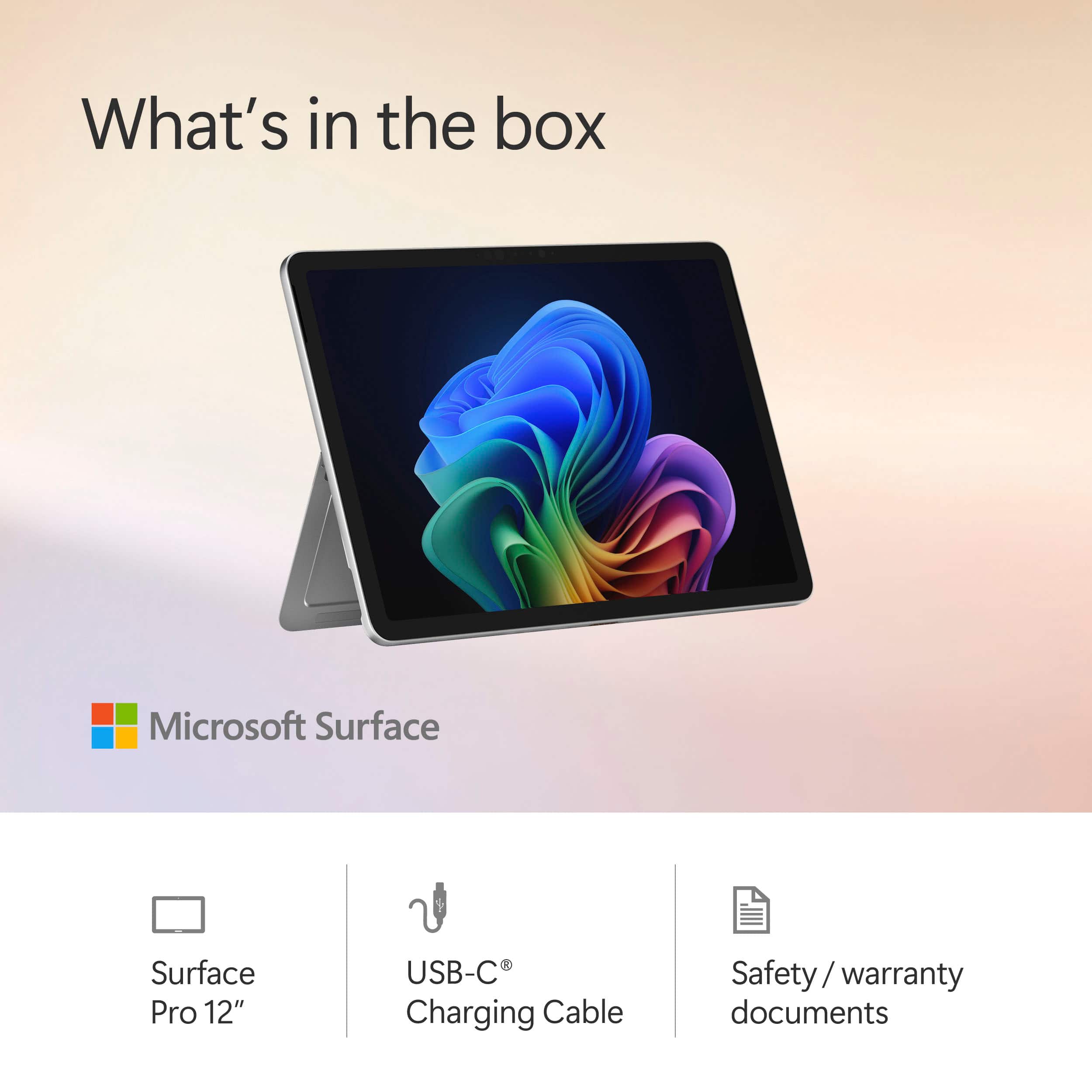
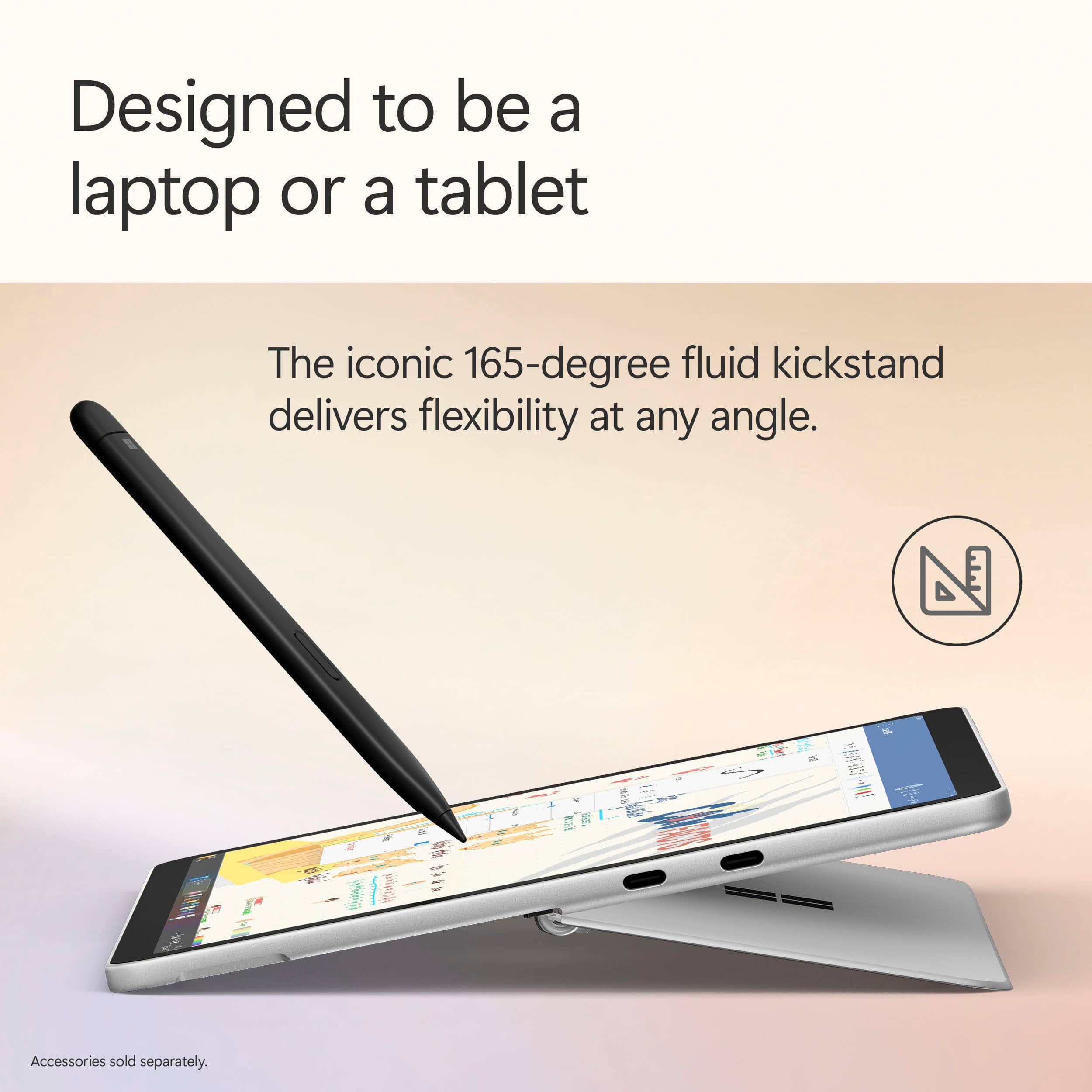
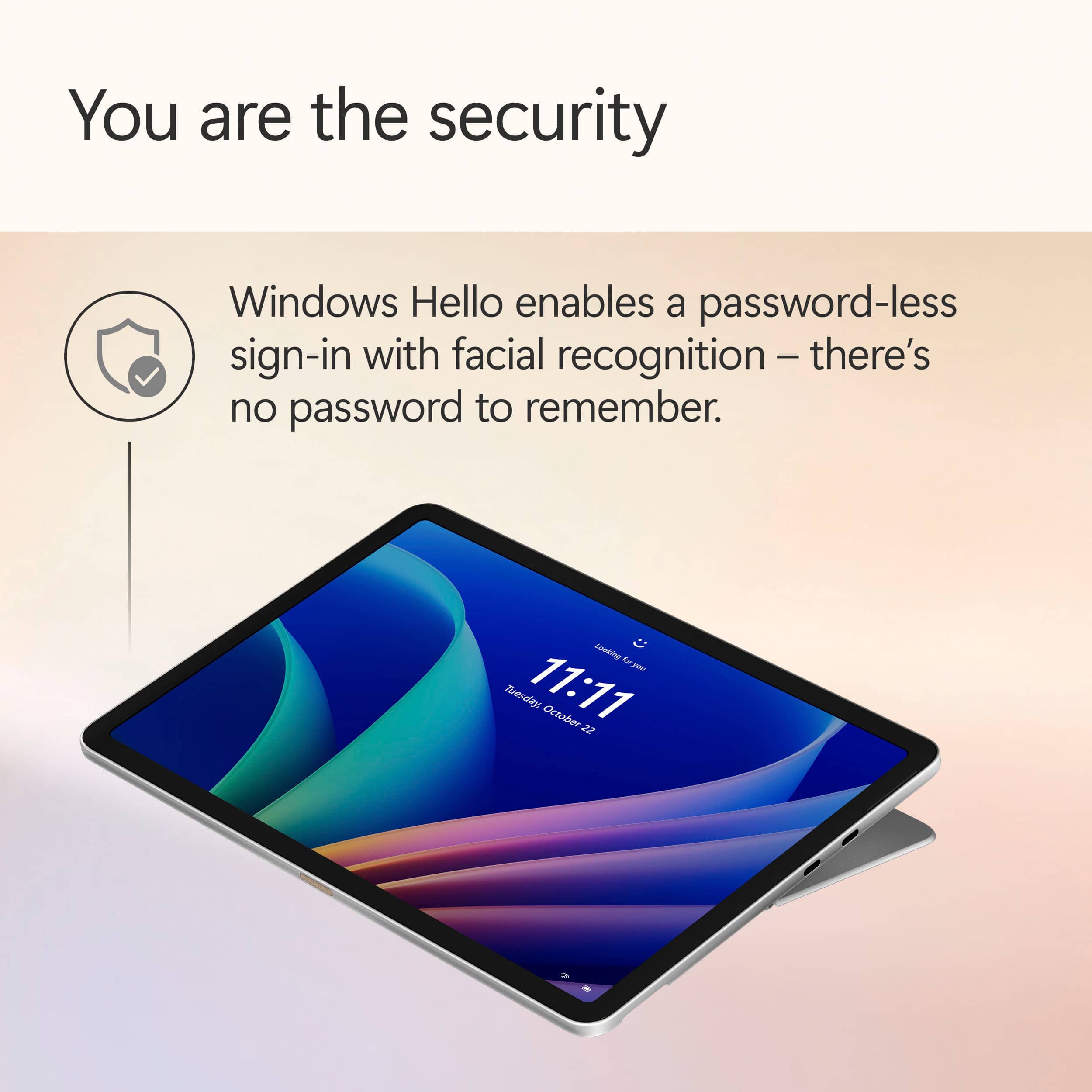
|Posted .This reviewer received promo considerations or sweepstakes entry for writing a review.The Surface Pro 12" Copilot+ PC is a powerhouse that redefines versatility and performance. Whether you need a tablet for creativity or a laptop for productivity, this device seamlessly transitions between both, adapting to your workflow effortlessly. I think it is the best of both worlds especially if you do not need a on of computing power. Its 12" PixelSense Flow touchscreen delivers an immersive viewing experience with brilliant image quality, making everything from streaming to design work look stunning. And with up to 16 hours of battery life, it keeps up with your day without needing constant recharges. One thing that I wish it came with is a charging block, it only comes with an USB-C cord. What truly sets this device apart is its AI-enhanced capabilities powered by the Snapdragon X Plus processor and Hexagon NPU. From Recall, which lets you search across time to find content, to Live Captions for instant language understanding, Surface Pro is designed to boost efficiency and streamline tasks. Creatives will love the ability to express themselves with touch, voice, and the Surface Slim Pen, while professionals will appreciate the Surface Pro 12" Keyboard, which turns it into a full-fledged Windows laptop with an ultra-responsive typing experience. The pen is a great touch and I found myself using more than anticipated. The thoughtful design and color options (Violet, Ocean, and Platinum) allow users to personalize their device, while features like two USB-C 3.2 ports ensure fast data transfers and easy charging on the go. Plus, the iconic 165-degree fluid kickstand adds even more versatility for any setup. Security is also top-notch, thanks to Windows Hello facial recognition, eliminating the need for passwords while keeping your device safe. Whether you’re looking for a device that enhances creativity, productivity, or AI-powered efficiency, the Surface Pro 12" Copilot+ PC is a game-changer. Highly recommended!
I would recommend this to a friend - Pros mentioned:Portability
Great for travel usage!
|Posted .This reviewer received promo considerations or sweepstakes entry for writing a review.Years and years ago I got the original Microsoft Surface tablet back when it was super locked down, and while I liked it, I didn't absolutely love it. The available applications were limited and so it's usage was very limited to me. While I did use it to stream videos, or watch movies or the like that was about all it was good for. So I was a little bummed with my purchase after a while. However, the new Surface and Surface Pros are amazing. I work from home and have a work laptop that I have constantly on and hooked up, however, when I travel I was having to disconnect everything, take my mouse, take my keyboard, etc. with me. It was kind of a royal pain the rear. Not anymore with this Surface Pro! It makes being able to go to the camper with my family, or go visit family out of state a breeze! I have taken it with me to the camper this past weekend and it was just like working from home but on a little bit smaller screen. Fit & Finish This Surface Pro is sleek looking, and I love how premium it feels. It has a nice weight to it without being too heavy. The included kickstand is great as well. I can set it up on the counter, do what I need to do for work, then put it sleep and put it back in my back. It went from me hating dragging around my work laptop, or having to fumble through using my phone to work, to now using this which is seamless and smooth. I love it! Rating: 5/5 Work Usage: As I hit on above, the every day usage of this is great, it packs the power of a full sized laptop into a tablet form factor. On top of that I am not limited to only a few apps, I can install whatever I want and need on here. Sure, it won't be playing Doom or the like but that's not what this is for. My work productivity on the weekends went from it taking me 15 minutes to do a simple task on my phone to being able to do it in less than 10 minutes on the Surface Pro. Rating: 5/5 Creativity Usage: I was playing with the included pen & was using Paint to do some drawing, especially with the CoPilot AI. While it wasn't getting 100% what I wanted to do, it did a decent job of taking my words and creating an image. The CoPilot AI isn't fully there yet, but I think it could be. It was a lot of fun to play with & even my kids have gotten a kick out of playing around with it; and they are a lot more creative than I could ever dream of being. Rating: 5/5 Media Playback This was able to stream YouTube & Plex content with no issues. Sure, it's not 4K but for this price point I wouldn't expect it to be! That said, it had no issues with streaming content & it looked really nice. My family & I are extremely happy with being able to watch TV, or YouTube, or Plex/Emby while on the go. Rating: 5/5 Conclusion In closing, should you get this Surface Pro? I think if you are in the Windows ecosystem, and are in need of a tablet, that this would be a perfect solution for you. It isn't massive like a laptop, it is super mobile and lightweight to boot. Plus the included pen is nice to do handwriting to notes, or drawing/coloring, etc. I really enjoying playing around with the pen and taking notes during meetings even while I was at my main laptop. I think this would be a great addition to your tech lineup. Overall Rating: 20/20
I would recommend this to a friend - Pros mentioned:Battery life, Portability
Light weight, quiet and surprisingly powerful.
|Posted .This reviewer received promo considerations or sweepstakes entry for writing a review.The thinness and weight of the surface pro 12 make it a super easy every day carry device. It can easily fit in any backpack or carrying case without adding noticeable weight. The battery life so far has been incredible easily lasting 2-3 days with mixed usage. The fact that there’s no fan means that it’s likely not the greatest for any longer or more intense workloads but for the intended use case of this device it’s great because it means that it stays totally silent all the time. The copilot key can be helpful when needing an answer to a quick question. The addition of the “cocreator” feature in paint can be very helpful when needing some inspiration for a drawing. It can also be helpful when coming up with a concept of a project or something like that. The new magnetic tray for the pen on the back of the device is honestly genius, it holds very well even in a bag and that’s where it charges too. Overall I think it’s a great device for the price point it’s coming in at, a tablet that can do almost anything and doesn’t sacrifice its form factor to do so
I would recommend this to a friend Not happy
||Posted . Owned for 1 month when reviewed.This reviewer received promo considerations or sweepstakes entry for writing a review.Your rating request leaves needs improvement. I do not remember specifics. I am not happy with Best Buy. I feel I was ripped off. What I was shown in the display was not what I got
No, I would not recommend this to a friendDo not buy used
||Posted .This reviewer received promo considerations or sweepstakes entry for writing a review.It stopped working as soon as the return warranty was over
No, I would not recommend this to a friend- Pros mentioned:Portability
Great compact laptop.
|Posted .This reviewer received promo considerations or sweepstakes entry for writing a review.I enjoy having this surface pro, especially if you get the keyboard with it. My main issue though is that this feels a lot more like a cross between a laptop and a Chromebook instead of a tablet. The only close resemblance to a tablet for me is that this is thin, touchscreen, and easy to use with or without the keyboard. But what it lacks is having apps that are for mobile devices on it at the moment. You can look up some and download. But other apps, or mostly other games such as COD mobile, PUBG mobile, etc. are not available for this. I personally would have loved to see this have its own OS like iPad, that would be recognized as a tablet and have devs release games that you find on other tablets for this. Or at least have the Microsoft store have a page dedicated with games that are specific for this. Another gripe I have is that it only came with a USB cord to charge with. It did not come with a power block for it. They have a 45watt block you can purchase but I feel that should have just been included with this. It also only has 2 USB-C ports and both on the same side. No other ports for it. No audio port, or even HDMI port. I would have liked to see at least 3 ports personally and at least 1 on each side. This way one port can be used for charging and still leave you with 2 ports to use for whatever you might want. Like I mentioned before, pair this with the keyboard and have a more portable, compact laptop alternative. That said, I feel they should just have that already included. Battery life was not bad on this. If doing things constant like other devices, it lasted a couple hours. But this can last a lot longer depending on settings. You can dim the brightness down, turn things off such as wifi, BT. etc when not needed to extend the battery life. But there are a few things that also impressed me. I had an older model before, so I was a little skeptic to get this. My job also uses an older model and also has the same issue, and that issue was that even just idling, it would get warm to the touch. Even worse when you would run programs. This seems to stay cool so far. Along with staying cool, it does not get loud. I am impressed now but will see how this may be in the future with time. But for now, already much better than the older model. I like that it is lite but also feels durable. Easy to pack and go and set up quickly. For reference, I have a gaming laptop. I have to take that out of a bag along with a cooling pad and its power cord. Plug all of that in along with my mouse and whatever else I may want to get it up and running and playing games then when done pack it all back up. This can take 10-20 min. altogether. With this Surface Pro, it takes a few seconds to pull out of a bag, another couple seconds to pull the small 45watt charging cord/block. Plug that into a wall and into the Surface Pro and power it up. Reverse that to pack. only a couple min. total. Most of the time, you won't need to plug it in. It also has a spot on the back to store the pen that comes with the keyboard. It is a strong magnet, but more on this in review for the keyboard. Overall, if you are looking for a Tablet that will play those mobile games like cod mobile, I would not get this. If you are looking at a more compact laptop that is easy to take around with you, then I would suggest this with the keyboard. For a basic laptop, I feel this is a better solution as it is a lot easier to set up, use in bed, or whatever you want. Especially if you do not mind the smaller screen. One last thing to talk about, this has copilot with it. This is similar to ChatGPT. I am not a fan yet for it, but I know coworkers and others seem to like it. You can set this up to have it remember everything you do or not. You can hold a conversation with this; have it look things up with just talking to it etc.
I would recommend this to a friend - Pros mentioned:Battery life, Overall performance
The Best Windows Tablet Yet
|Posted .This reviewer received promo considerations or sweepstakes entry for writing a review.Let me start off by saying that this is the best Windows tablet that’s ever been made. Period. It’s still not perfect, but I’m extremely happy to have an alternative to Android/iOS tablets. What I want out of a tablet is to have a media consumption device and a larger screen for more demanding games. The new Surface Pro 12” excels at media consumption. While it’s not an OLED display, LCDs have come a long way and this is an exceptional one. Microsoft never skimps on the display. The speakers have excellent depth, range, and volume. In combination with the built-in sturdy kickstand, this is an excellent around the house entertainment device. It also excels as a tablet by having exceptional battery life and being fanless. Despite this, it never feels throttled and I have yet to push it to its limits. Travel becomes more of a questionable situation. If you want to have shows and movies downloaded from streaming services, you have to make sure there is an app for that service available with the functionality that allows you to download offline media. This comes back to the main issue with the Surface Pro 12”, keeping it from becoming the best tablet on the market. This is a tablet device running desktop Windows. While Microsoft has done some work to help make it more usable as a touchscreen device, it’s still pretty clunky software wise. I would love it if Windows had a more tablet friendly version of its software that would engage when the keyboard is not connected (almost like the old Windows 8 tiles days). The other half of the Windows tablet issue is that they are putting in ARM processors in order to save battery life. ARM processors have come a long way and I am quite blown away by its performance. However, when trying to use it as a Windows computer, there are compatibility issues. Some Adobe creative products don’t have an ARM version and Adobe won’t let you install the non-ARM version and let Windows emulate it with a performance hit so you are just out of luck with some software. This device is really stuck between tablet and computer, but is solid at both. My last complaint is that there is no charger in the box. For a premium device that wants you to treat it like a laptop/tablet, it should come with a charger. Overall, this is an exceptional device and the first time that we have a viable Windows tablet. Especially if you’re primarily using this as an entertainment/browsing device. It’s my new travel and around-the-house go to device. Pros: Finally a Windows device that can be a tablet competitor Vibrant non-OLED display and great speakers make for an excellent media consumption device Tablet with a kickstand built-in is exactly what I need No fans means it’s exceptionally quiet Incredible battery life Cons: No charger in the box Windows is still not optimized for being a tablet The ARM processor still have some software compatibility issues Given a free month of Game Pass but can only stream games Crashed multiple times during initial setup Still a tad heavy compared to comparable devices Windows is incessant about getting you to use their products
I would recommend this to a friend - Pros mentioned:Battery life, Processor speed
Perfect office companion
|Posted .This reviewer received promo considerations or sweepstakes entry for writing a review.I’ve been using the Surface Pro for the last week, and I’m fully satisfied with the entire experience. I work in broadcasting and my primary device is a powerful desktop setup for video editing. While this is great when I’m in my office, it can’t fill the need of a companion device - something I can take with me to meetings, off-sites, and to the coffee shop. If you’re in the same boat as me and need a “second” device to help you be more productive, I don’t know that you can find something better than the Surface Pro. The switch to an ARM processor was a fantastic move by Microsoft - the battery life is insane. While I don’t have the screen on all day and haven’t timed out how long it takes for the whole battery to drain, I’ve gone 2 entire days in between plugging it in twice this week. From my workflow, the processing power is plenty quick as well - no sluggishness whatsoever within Teams, Office 365, Edge or Chrome, or working with multiple windows open of our software to control other devices remotely. The speakers are impeccable - some of the best I’ve heard on a portable device - and the screen is gorgeous. Colors are vibrant, blacks are black, and it gets plenty bright enough to bring it outside in the sunlight. The only minor quibble I have with the Surface Pro is the placement of the USB-C ports - both are located on the right side, and it really would be best to have one on each side for more flexibility. Thankfully, it charges quickly and can be done overnight and you don’t really need to think about it during your work day. I’m very impressed, and I think this little machine is going to be my co-pilot for a long time to come.
I would recommend this to a friend Horrible customer service
||Posted . Owned for 3 weeks when reviewed.This reviewer received promo considerations or sweepstakes entry for writing a review.Worked okay but the customer service while trying to return it made my whole experience a complete mess
No, I would not recommend this to a friend- Pros mentioned:Portability
Wow, what a laptop!
|Posted .This reviewer received promo considerations or sweepstakes entry for writing a review.I opened the very thin box and my brain said, “this isn’t a laptop, it’s a tablet”. I went through the setup process and the Microsoft Surface Pro referred to itself as a laptop. If it’s a laptop, then I can add software, not just apps. So, I installed my previously purchased Microsoft Office 2021. I was surprised but the Office Suite did in fact install. Installed in ten minutes. So far it works just like it should. That’s a woo hoo! Here’s a few more. I happened to be traveling right after receiving this beauty and at the airport I did not have to take my Suface Pro out of my bag to go through security. Fabulous. The Surface Pro can be used like a tablet (touch screen) making it very convenient. Awesome. The image is simply outstanding. Another win. Setup was very easy. I think I answered four questions. It did take about 2 hours to install all the updates during the setup process so plan for that. I accidentally hit the corner of the Surface Pro on the corner of my glass desk. Fortunately, it did not crack the screen, but it did dent the corner, darn it. Thus, the Surface Pro is very portable but not indestructible. Copilot created a lovely picture of a polar bear when I entered a message asking for one. Next, I used the microphone feature with Copilot and we had a lengthy conversation about dogs, rabbits etc. I was pleasantly surprised with the conversational interaction I was having with Copilot. I expect I’ll be asking more and typing less with the Surface Pro. With the accompanying keyboard and pen, the Surface Pro is definitely my new go-to laptop. Yes, it is a laptop!
I would recommend this to a friend