Customer Ratings & Reviews

















- Model:
- EP2-33671
- SKU:
- 6623672
Rating by feature
- Battery Life
Rating 4.8 out of 5 stars
- Durability
Rating 4.7 out of 5 stars
- Display
Rating 4.8 out of 5 stars
Customers are saying
Customers are pleased with the Surface Pro's portability, performance, and battery life, with users finding it lightweight and appreciating its fast processing speeds. The build quality and form factor also receive positive feedback, with users noting its quiet operation and effective heat dissipation. However, some customers feel the screen brightness could be improved and would like to see a better port selection, while others have concerns about app compatibility.
This summary was generated by AI based on customer reviews.
- Pros mentioned:Build quality, Portability, Processor speed

It’s a PC, Not Really a Tablet
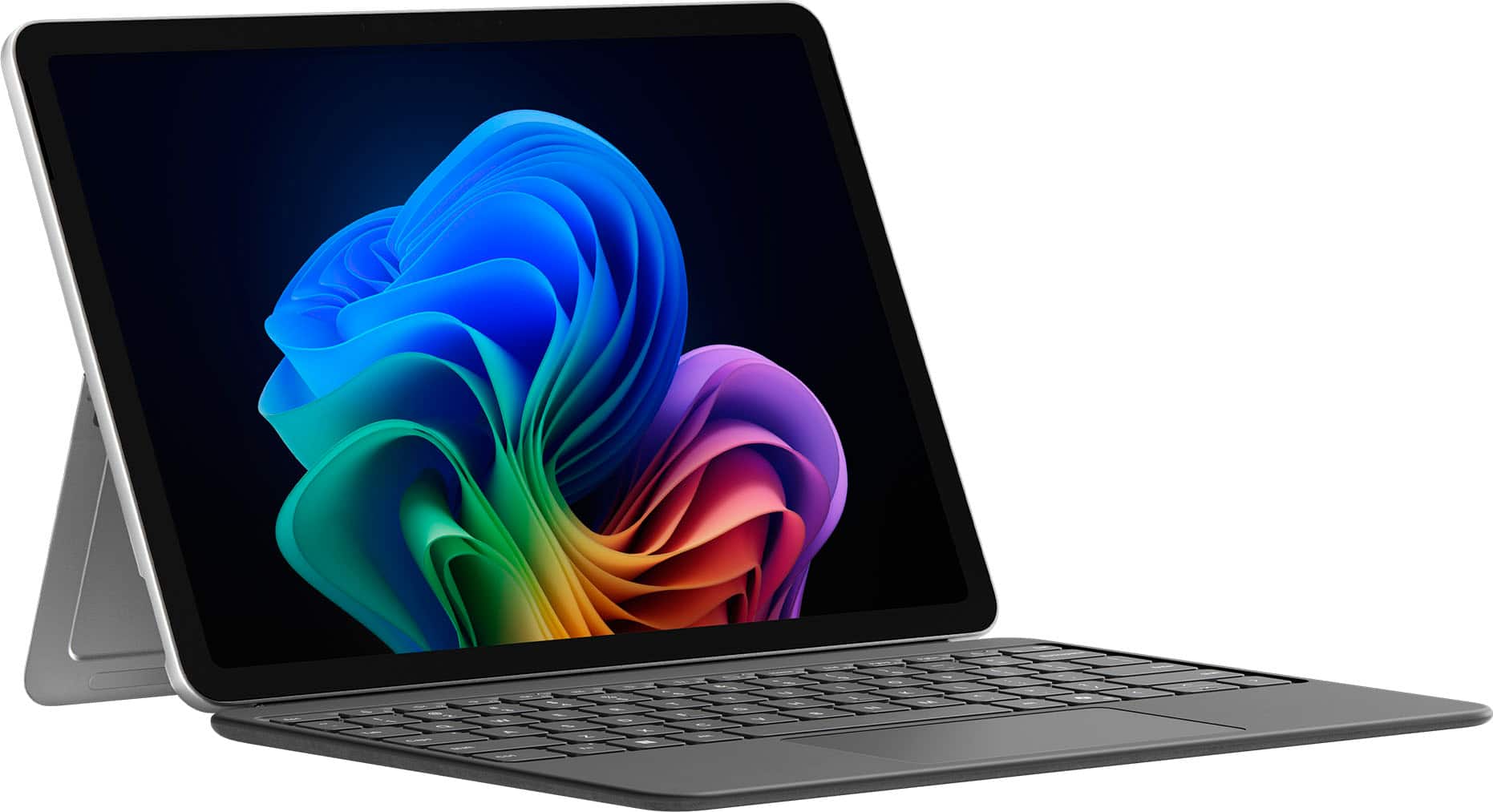
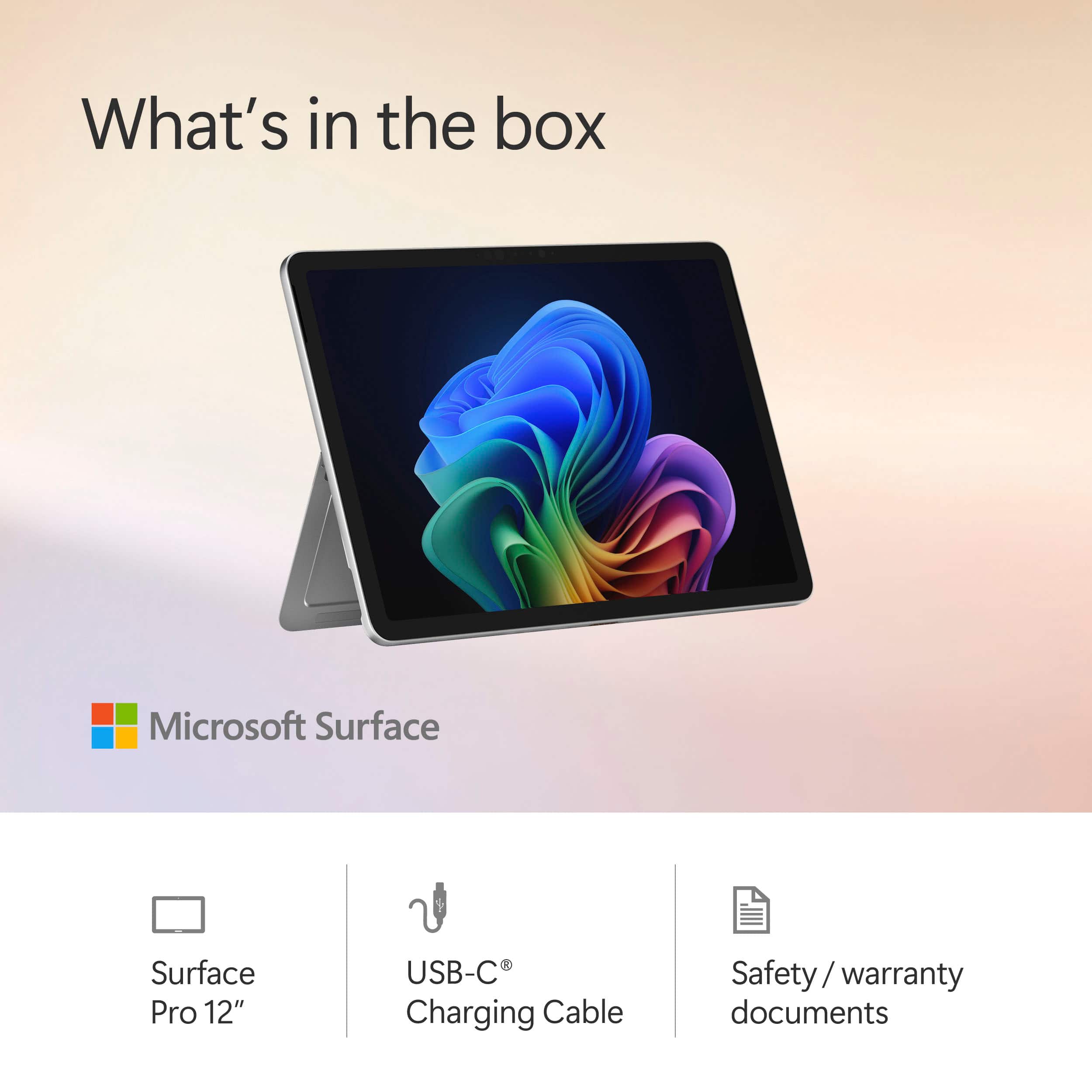
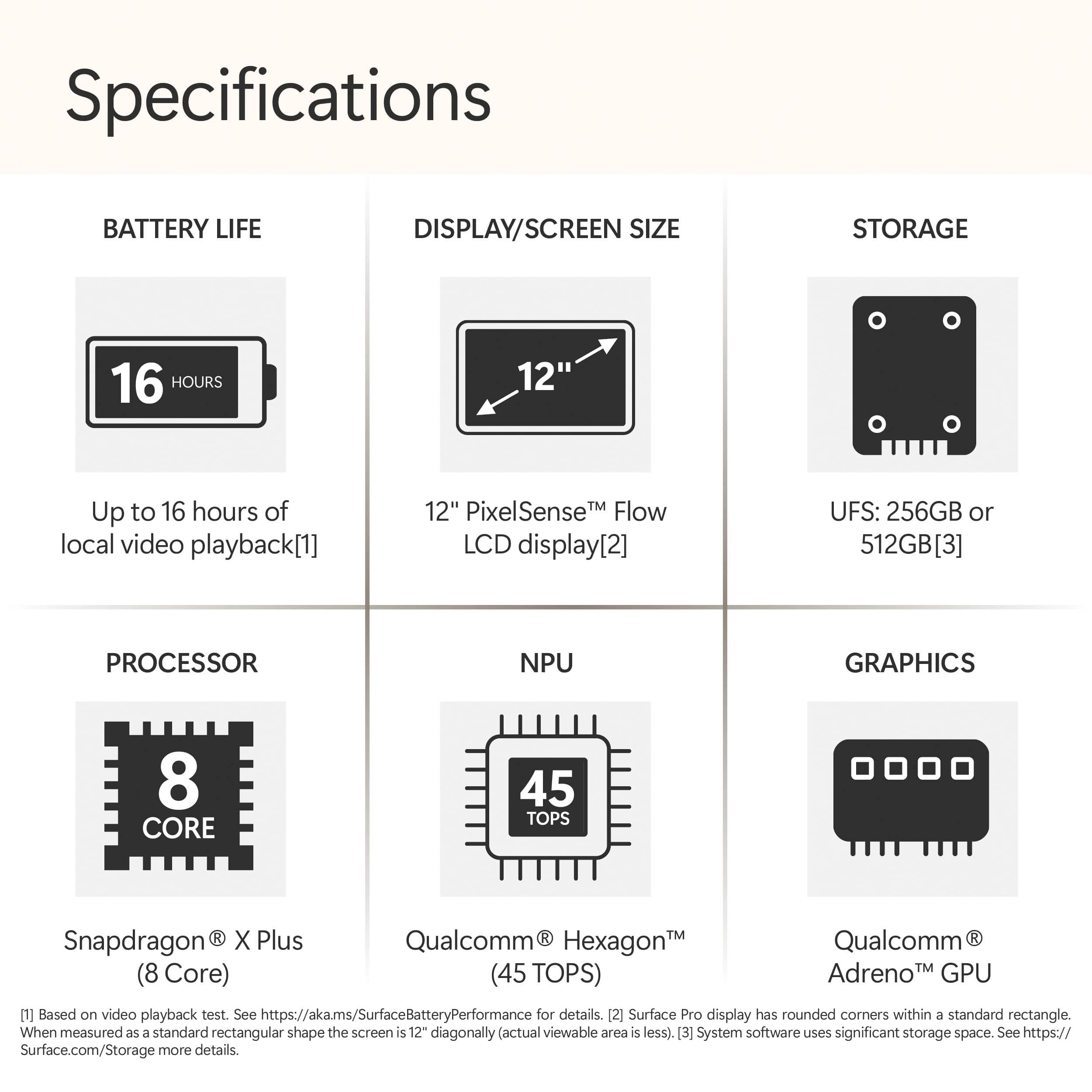
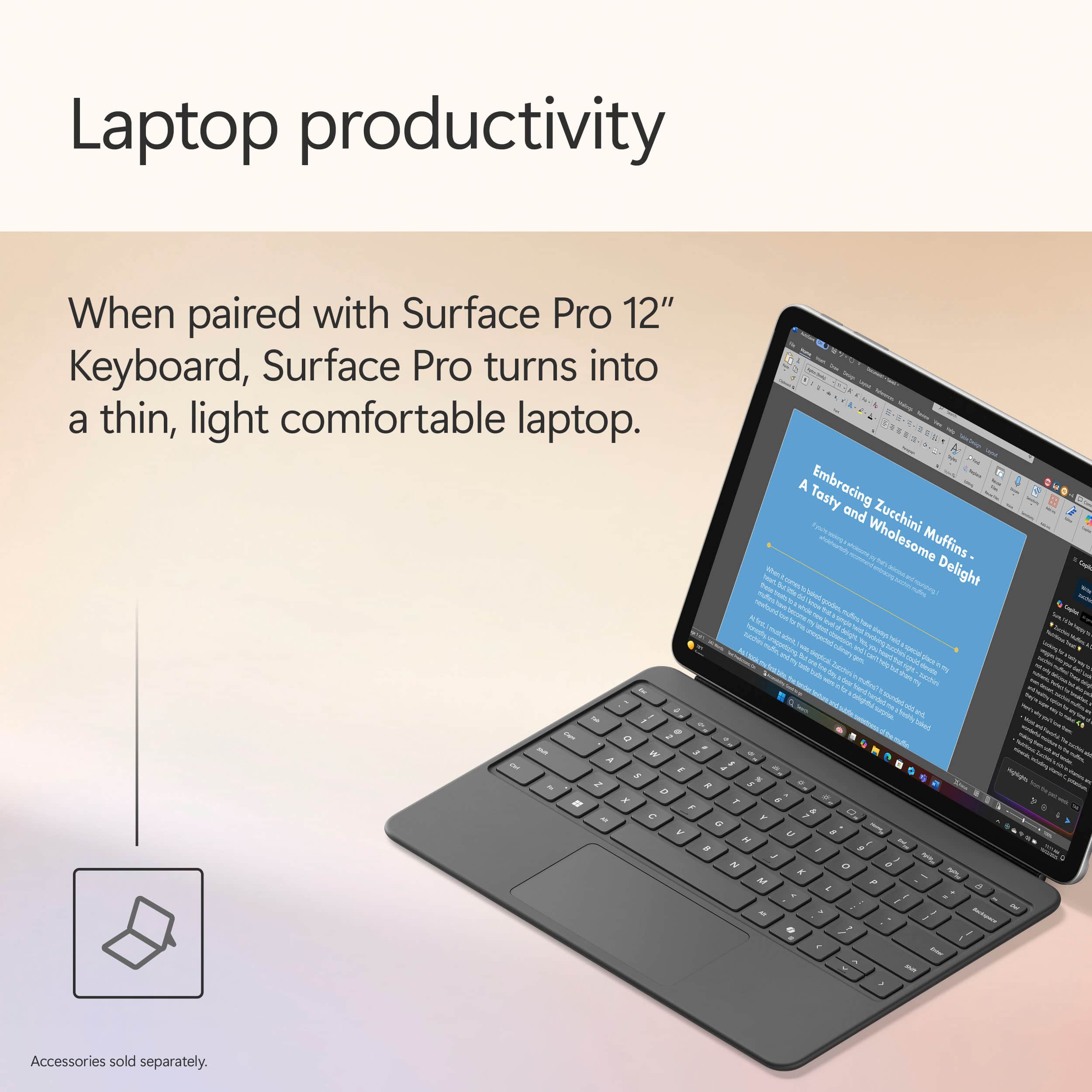
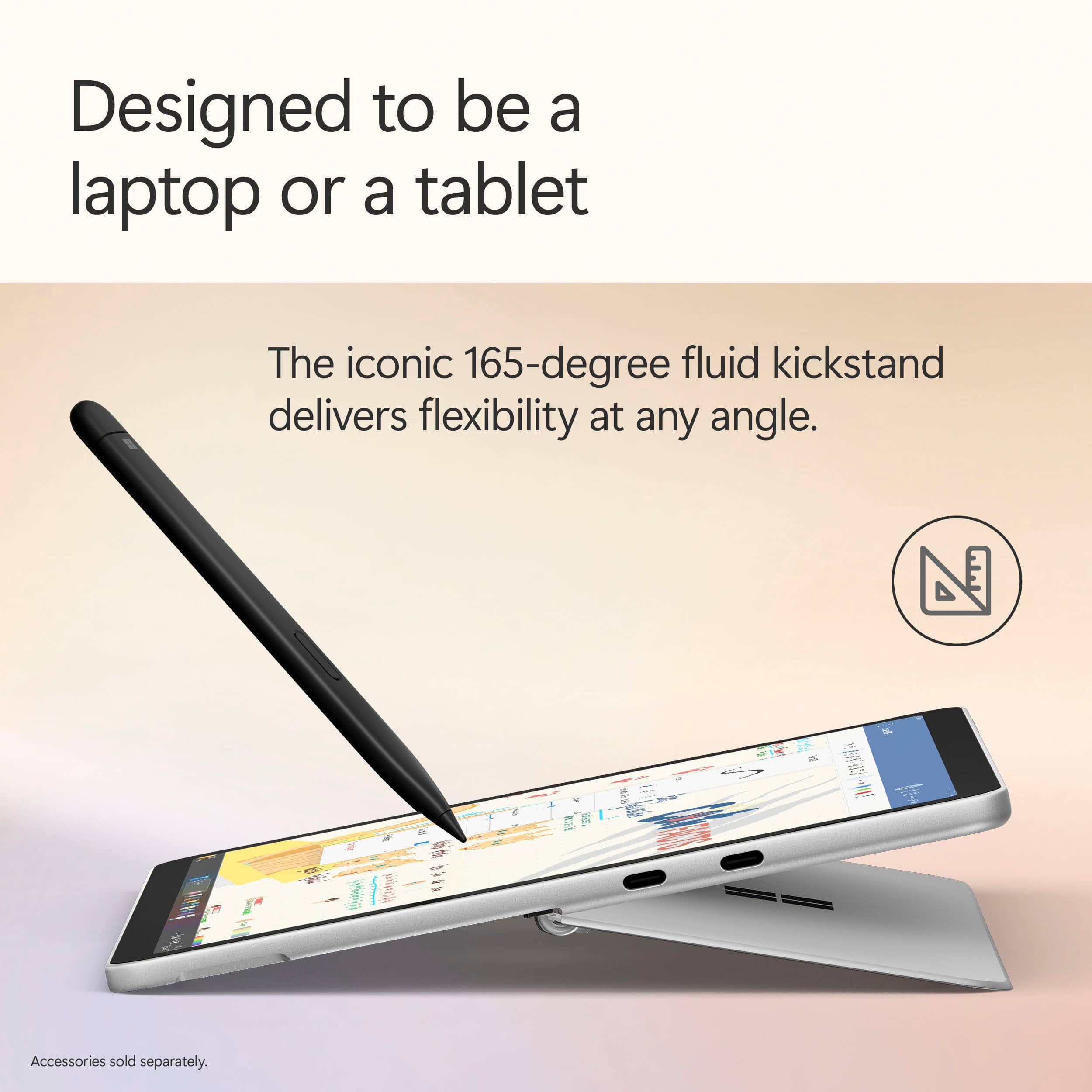
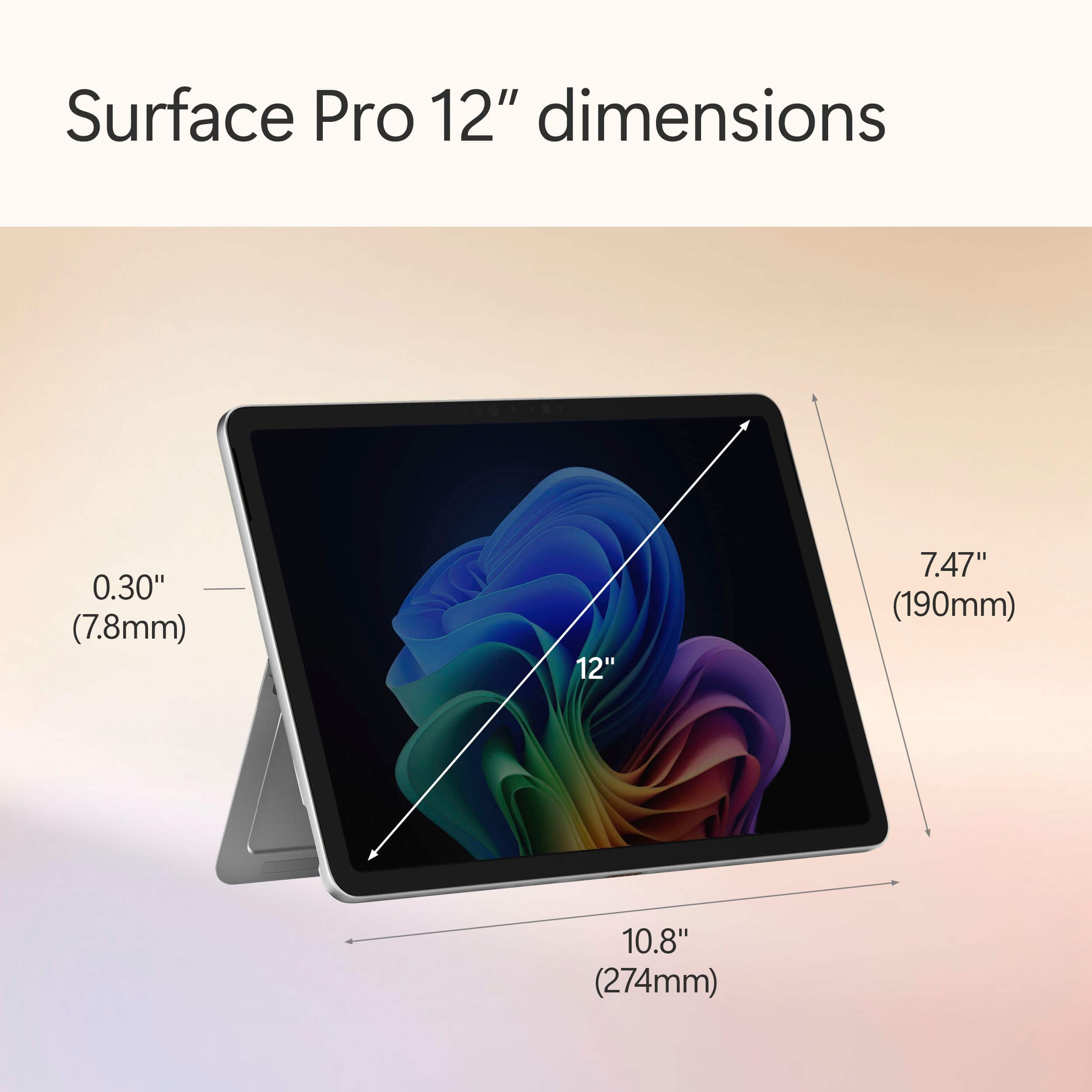
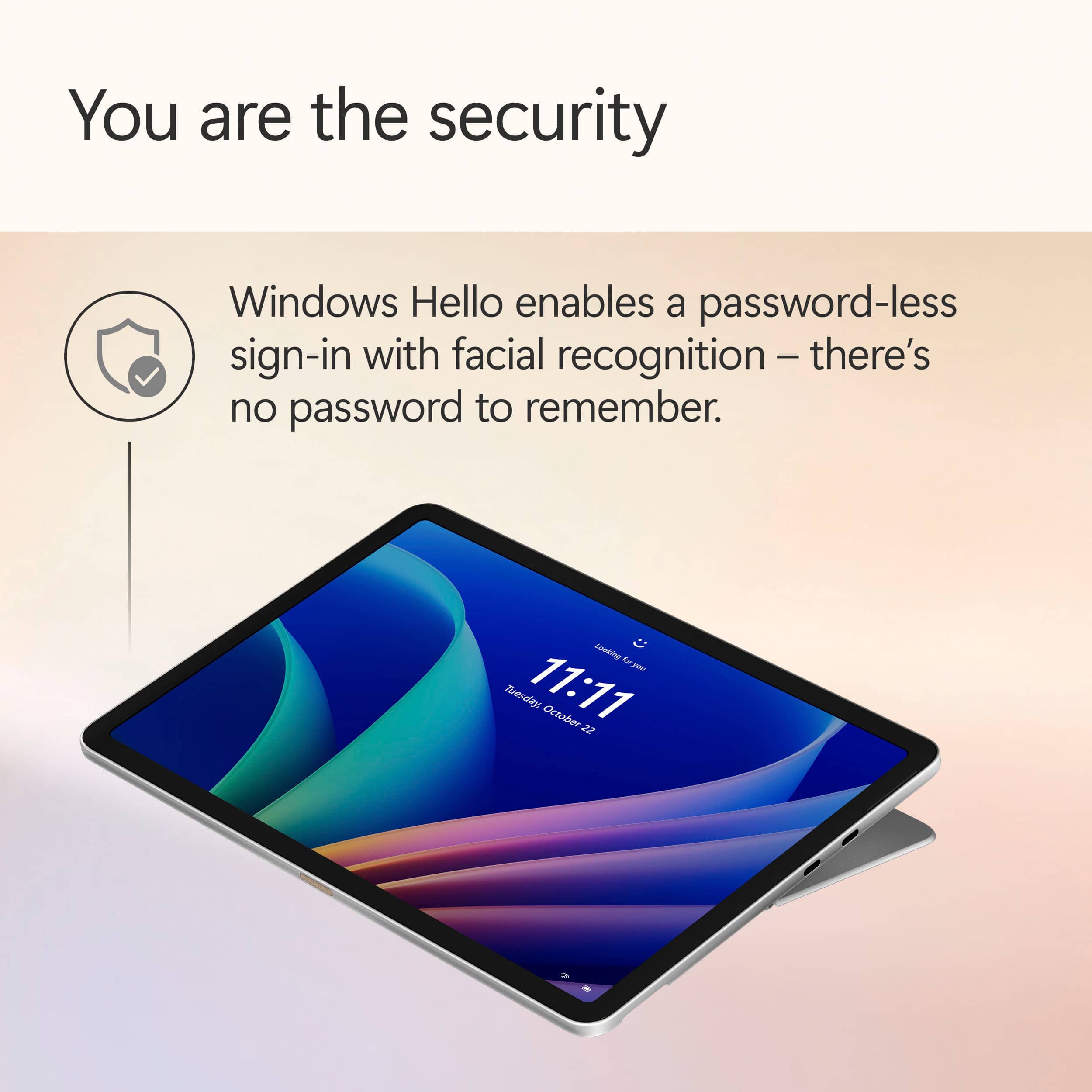
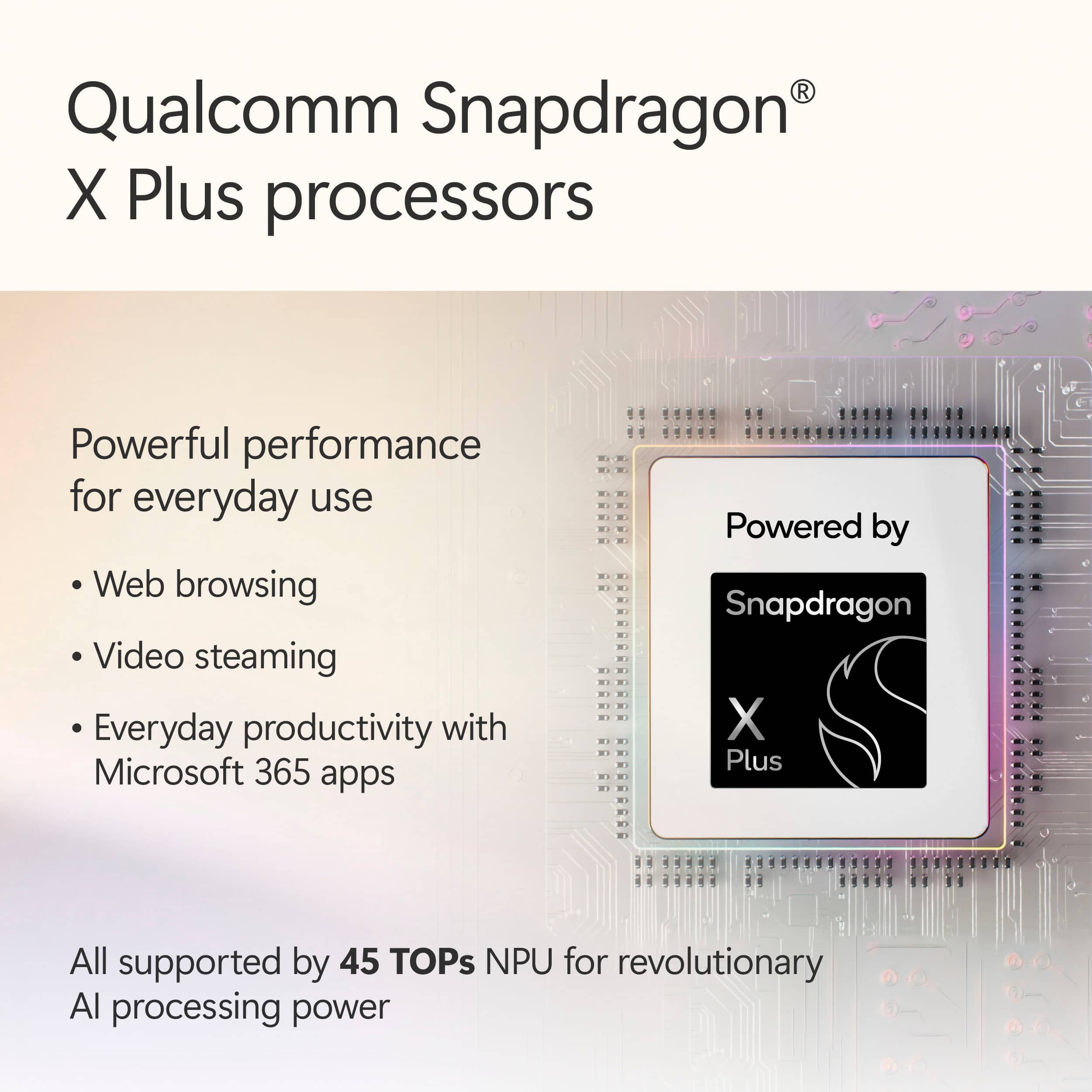
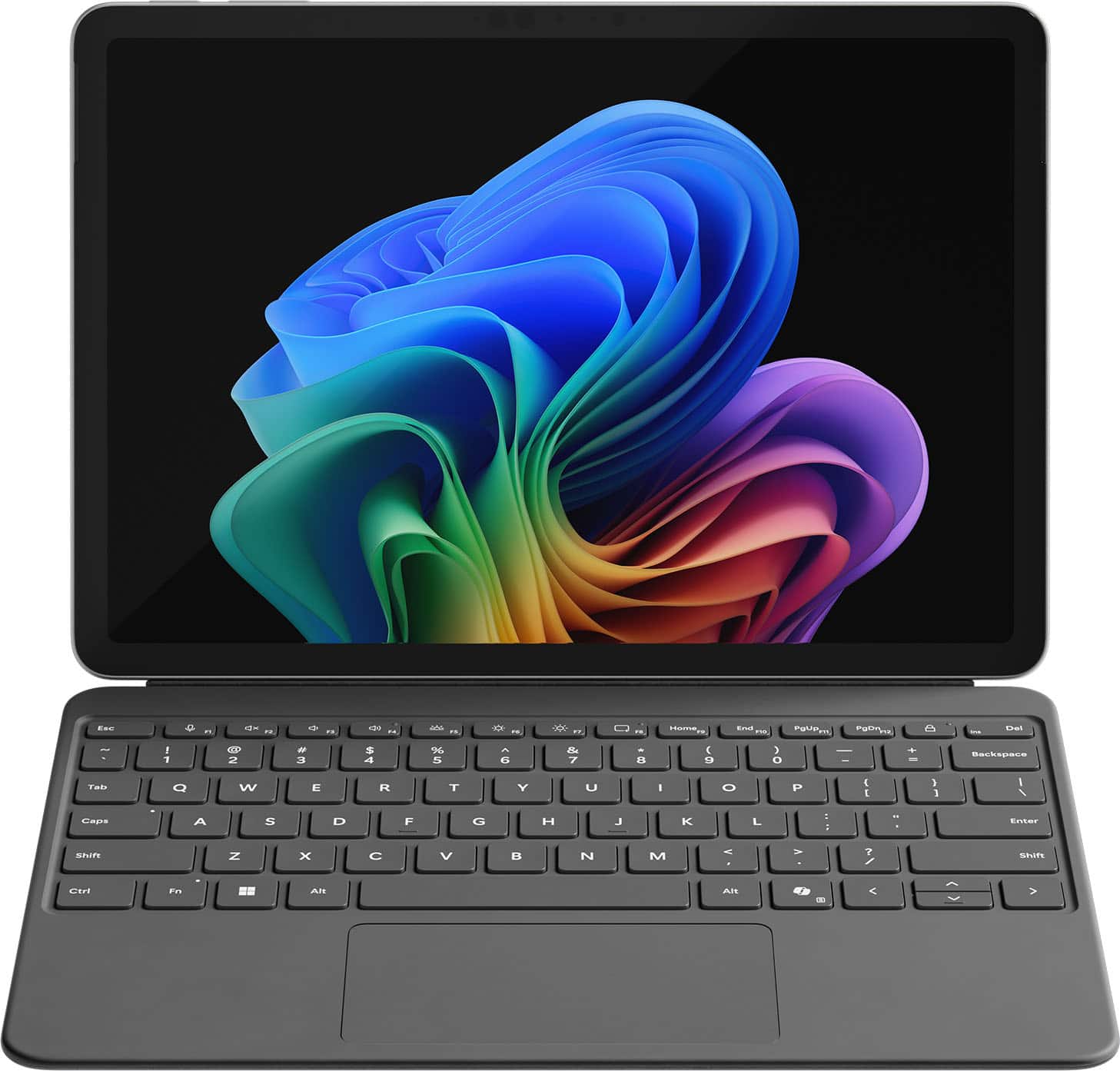
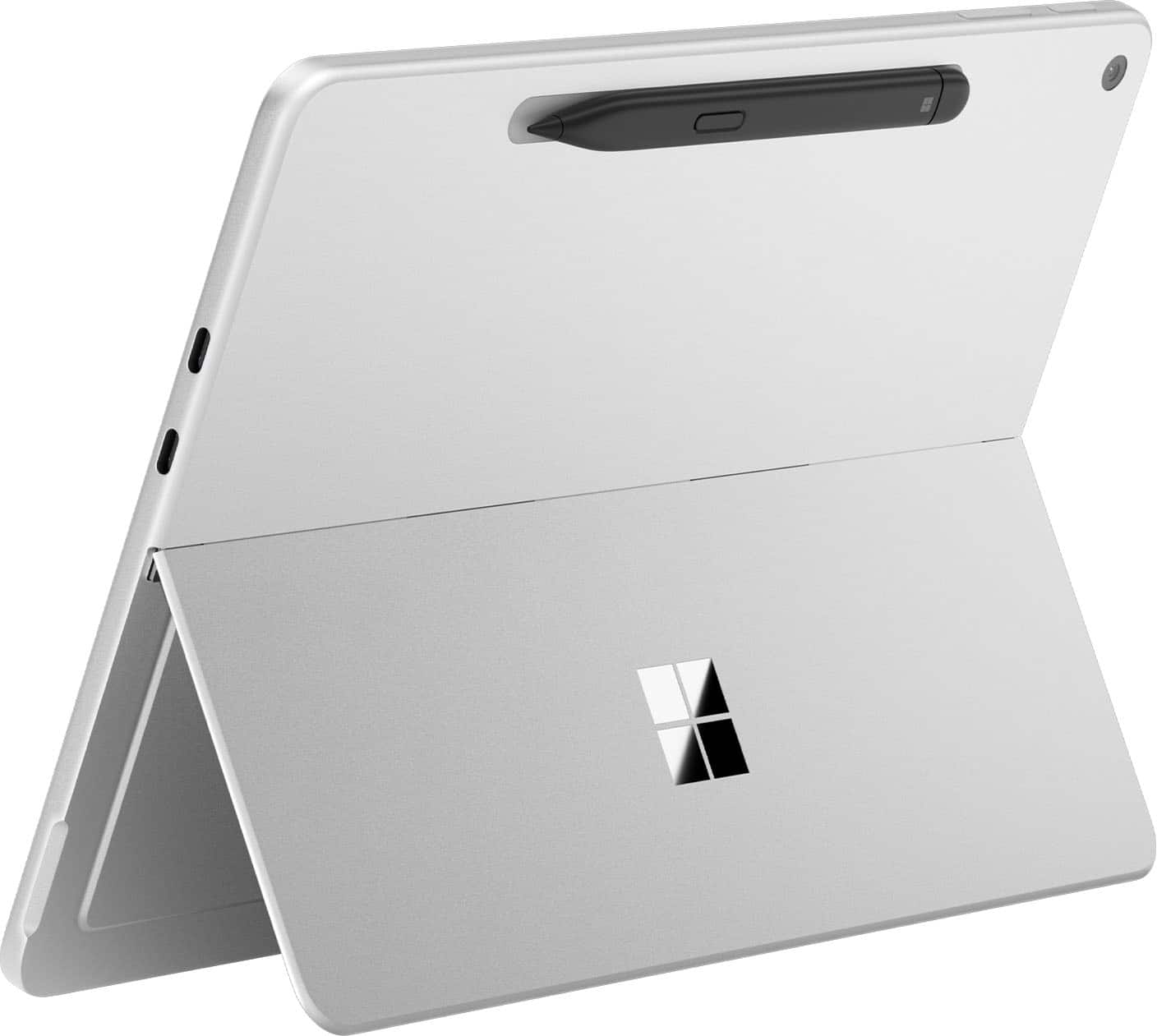
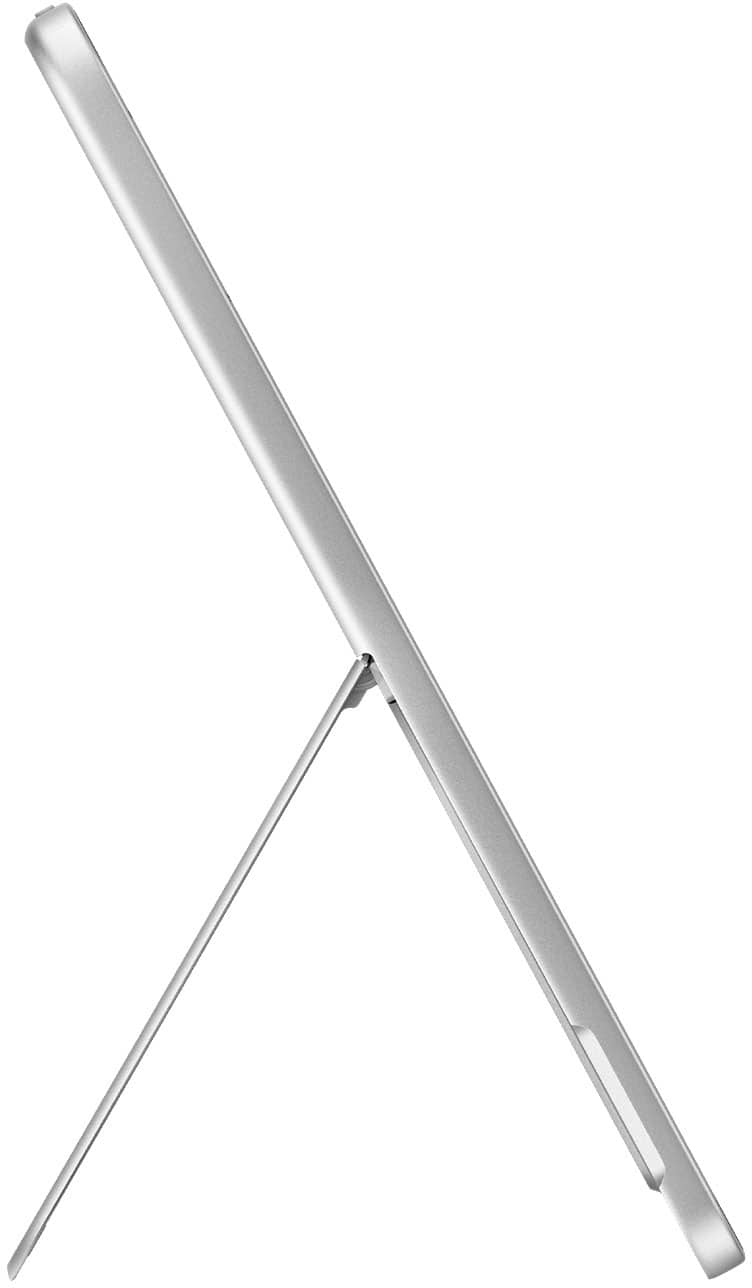
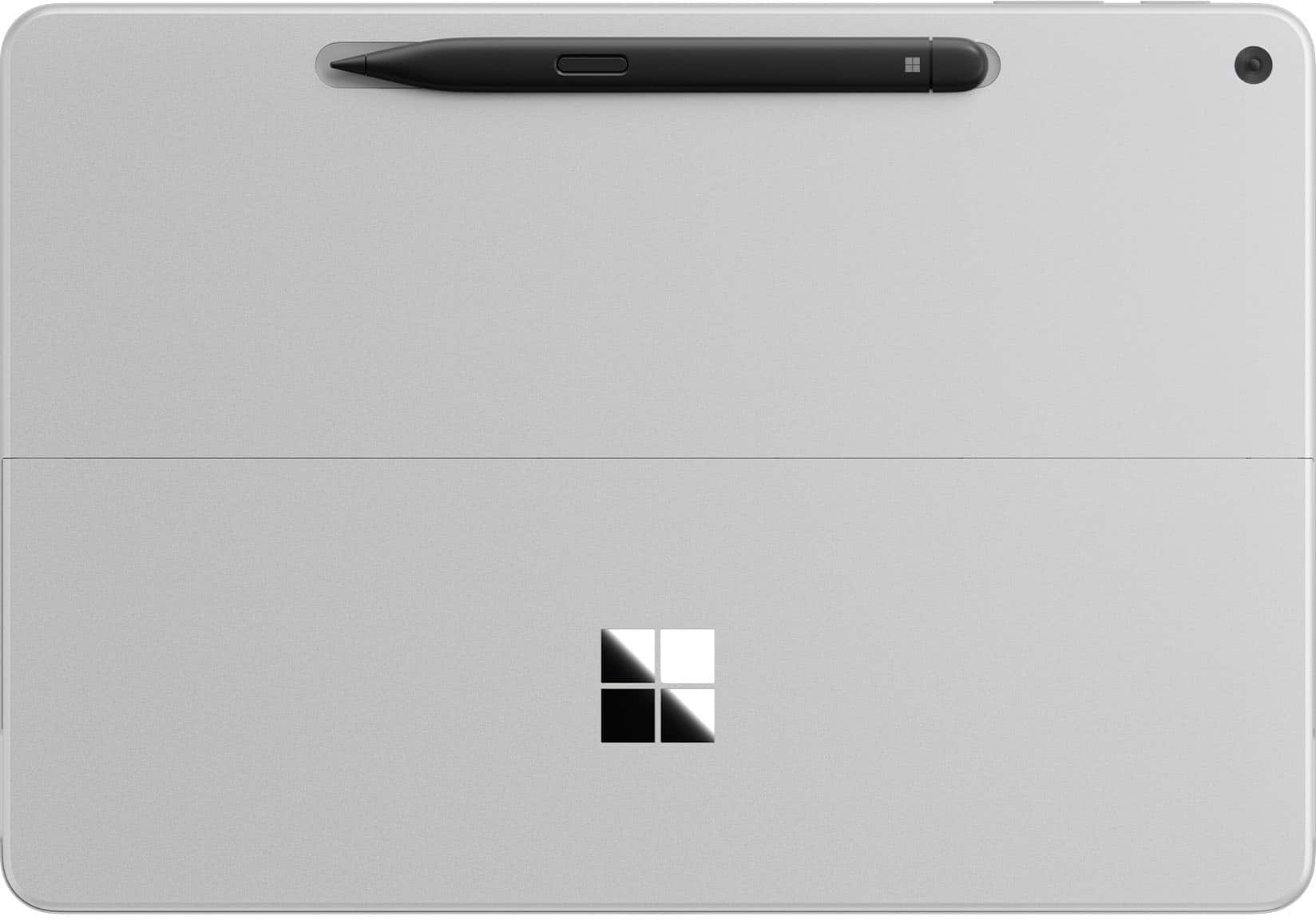
|Posted .This reviewer received promo considerations or sweepstakes entry for writing a review.About the Microsoft Surface Pro This version of the Microsoft Surface Pro is set up with Copilot+ PC. It has a 12 inch touch screen, Snapdragon X Plus Processor, 16GB of memory, and a 256GB solid state hard drive. What it Comes With It’s a really short list: one USB-C charging cable (USB-C to USB-C) There’s no power block (which is a pet peeve of mine). You’ll have to purchase one, and the one that matches this tablet is a 45W. Other accessories such as a keyboard, pen, and screen protector can be found separately. The Set-up The set-up process will look really familiar if you’ve previously purchased a laptop or desktop using Windows 11, because that’s mostly what it is. There are some additional things such as facial recognition and Co-pilot once you get into it further. Then, from there, you can install other apps. Features • Powerful Processor – It does seem to load things quickly and performs tasks well. • 256GB Solid State Hard Drive – Fast loading drive. It is small, and I would like to have more space since it’s shared with the operating system. • Built-in Speakers – There are built-in speakers which provide audio, but are not anything I found wowing. • 12” Screen – Screen picture quality is good as I expected. The 12 inch size for me provides enough screen while being easily portable. I think it’s just right. • Kickstand – There’s a built-in kickstand on the back which is handy. Only disadvantage of this is if you use a protective case for the tablet. It probably wouldn’t work with it. • Magnetic Hold for Pen (sold separately) – There’s a magnetic spot on the top backside of the tablet to hold the pen. It does seem to hold the pen pretty securely and it automatically keeps the pen charged. The problem with the design is that the pen sticks out from the tablet since it’s not fully recessed. You could possibly knock off the pen if you bumped it just right and lose it. Also, it doesn’t lay fully flat on its back with the pen attached. Additional Observations • Feels like a PC – While it’s in the shape of a tablet, using it feels like a PC. The operating system is Windows 11. You get all of the benefits and the disadvantages of Windows 11 on the tablet. • Set-up Experience Wasn’t Great – Windows didn’t listen. During the set-up, there’s a point where it asks you if you want to set it up as a new PC. That’s what I did, but Windows decided to set a bunch of shortcuts and One Drive items on my desktop screen. Not what I wanted or told it to do. • Copilot Doesn’t Work Properly – I can’t get the AI program to work how it should. It’s pre-installed. I even checked for updates. During setup it tells me that I can speak with it, and gives me a list of websites that “work with Copilot”. I tried to tell it what I was looking for and had no response. Had to type everything in. I verified that my microphone was allowing Copilot to use it, and can even see the microphone flash as it listens to the cadence of my voice. It just doesn’t respond. • App Store – Apps must come from the Microsoft App Store. While there are a lot of things on the MS App Store, some of the things I wanted are not on there. They are available on other app stores designed for other operating systems. I find this a little frustrating. • Facial Recognition – I set up the facial recognition, and it worked for about a day. Then Windows required me to set up a typed PIN. Now I have to type in the PIN instead of letting the facial recognition do what it’s designed to do. Not sure what happened. I’m giving the Microsoft Surface Pro 3 stars. I think that it has all of the power and tablet tools that are required for a high-end tablet, but I feel that the Windows 11 operating system causes this to feel labored. If you want something that runs like a PC in tablet form, this may be up your alley. If you want the easy tablet / phone interface that tablets are known for, you may want to look at something else.
I would recommend this to a friend - Pros mentioned:Build quality
Not very good for the price
||Posted . Owned for 1 month when reviewed.This reviewer received promo considerations or sweepstakes entry for writing a review.Good build quality however when you place your ear up to the surface pro you can hear buzzing For this price no OLED is upsetting
No, I would not recommend this to a friend Needs to be user friendly
||Posted .This reviewer received promo considerations or sweepstakes entry for writing a review.I am disappointed in this product and I find that it is not as user friendly as other computers are laptops. One thing that I find particularly of interest is how it is, which I do not know that the keyboard just, it's changed from the normal size, are on the tablet to a shrunken, down size something about the size that I would use on my cell phone. There's no indication of why I did that. I have no indication of how to switch it back to its standard size that frustrates me very much and has along with other details, better not user friendly.This made me totally dissatisfied. Another thing that disappoints me is Microsoft's effort to save money by not putting a charger and a charge court with this unit. That's a cop-out to me. Add to any other user. I feel with the amount of money that they receive for this product. They could allow the inexpensive charger to be provided with the product that in itself tells me that Microsoft is not very interested in it's customers, but more so in the money it gets from them.
No, I would not recommend this to a friend- Pros mentioned:Battery life
Surface Pro 12
||Posted . Owned for 1 week when reviewed.This reviewer received promo considerations or sweepstakes entry for writing a review.Very good screen resolution. Touch screen takes some time to get used to. Hover too long in one spot over the screen on a button and that command is activated. I takes a little bit of time to get used to. It charges quickly and has a fairly long life on a battery charge.
I would recommend this to a friend - Pros mentioned:Processor speed
Nice computer but….
||Posted . Owned for 1 week when reviewed.This reviewer received promo considerations or sweepstakes entry for writing a review.It’s a very fast computer. The reason I only gave it three stars is that I was told my monitor could be plugged into it, which is not the case. That was disappointing. I also didn’t realize it did not come with a plug to charge it. It only came with the cord. I am also having a difficult time Getting my wireless mouse to work.
I would recommend this to a friend Enjoyed it but required too much faith.
||Posted .This reviewer received promo considerations or sweepstakes entry for writing a review.I liked the device but it lacked creative flexibility. “Copilot” doesn’t summon like Siri or Alexa; on-screen keyboard is great and the attached one, but both can equally get in the way. These I am sure would have gotten easier with use over time. But the worst of them all was not having adequate protection (cases) like the others. If you’re like me, I dislike after market pieces. Microsoft doesn’t have OEM yet.
I would recommend this to a friendIt’s alright
||Posted . Owned for 1 month when reviewed.This reviewer received promo considerations or sweepstakes entry for writing a review.Wasn’t very impressed when switching from my MacBook Pro to this
I would recommend this to a friendMisleading color
||Posted .This reviewer received promo considerations or sweepstakes entry for writing a review.Device is great, but its not the color shown. Obviously color isnt that important but the color isnt even close to how they make it look in the pictures. Very frustrating considering the money spent.
No, I would not recommend this to a friend