Customer Ratings & Reviews
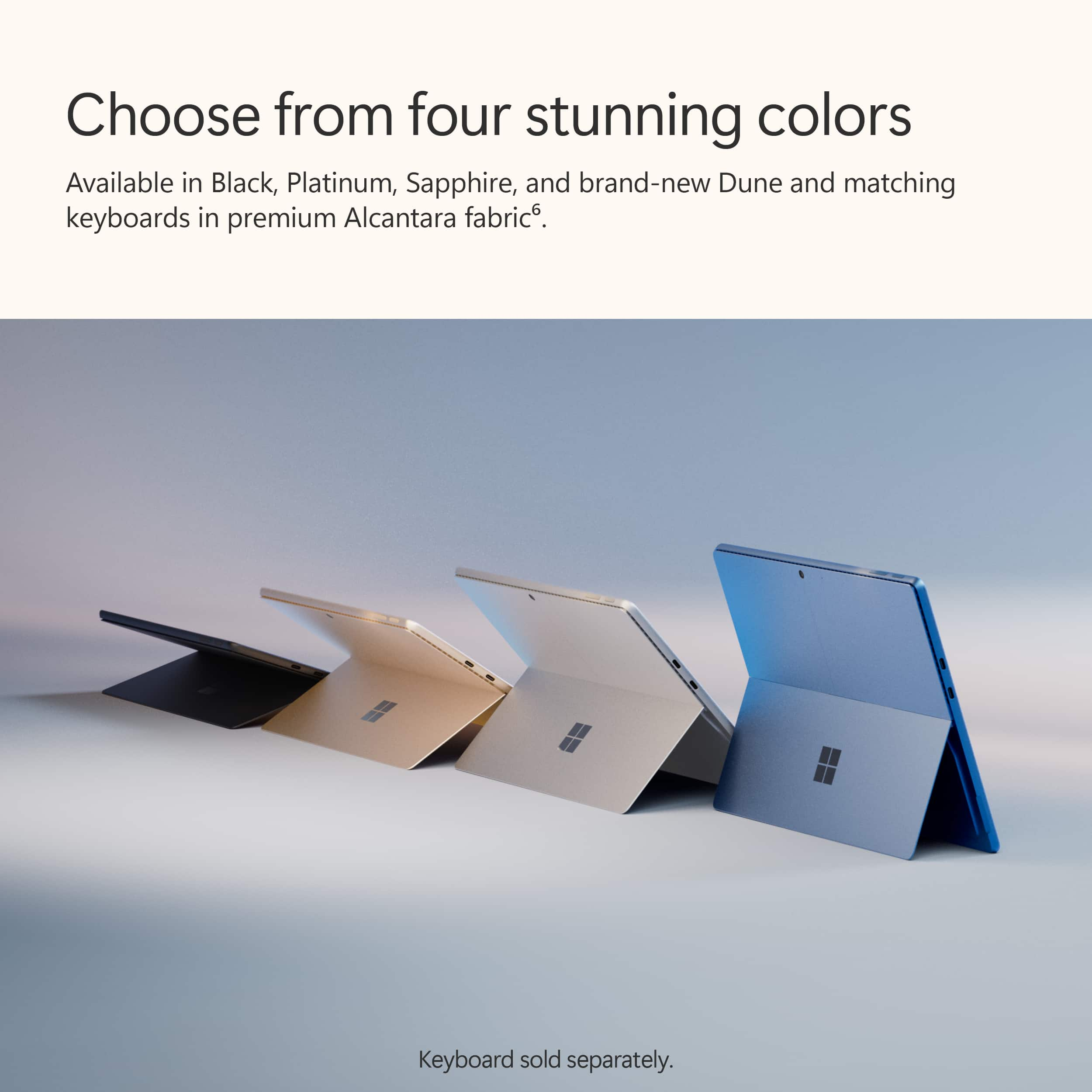
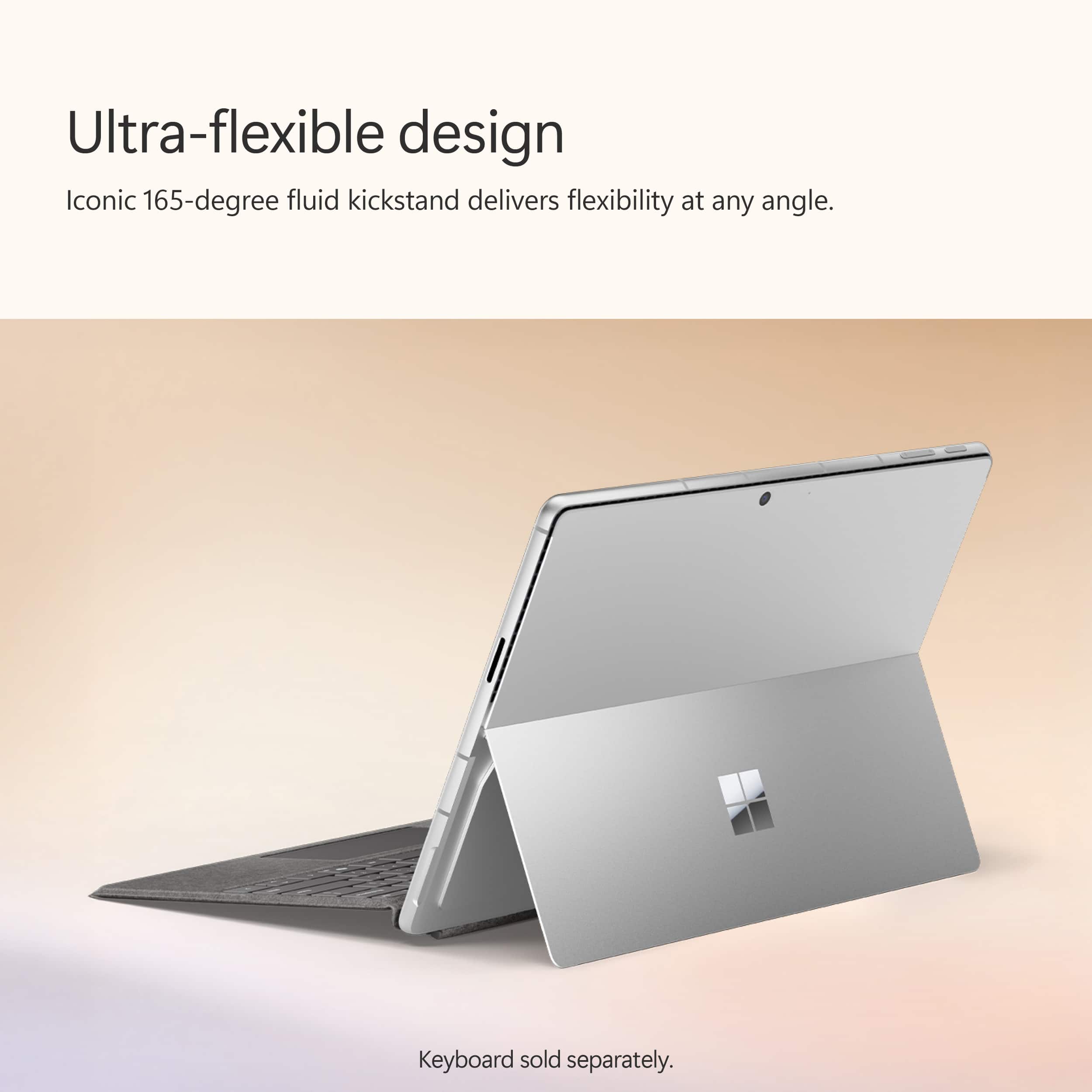
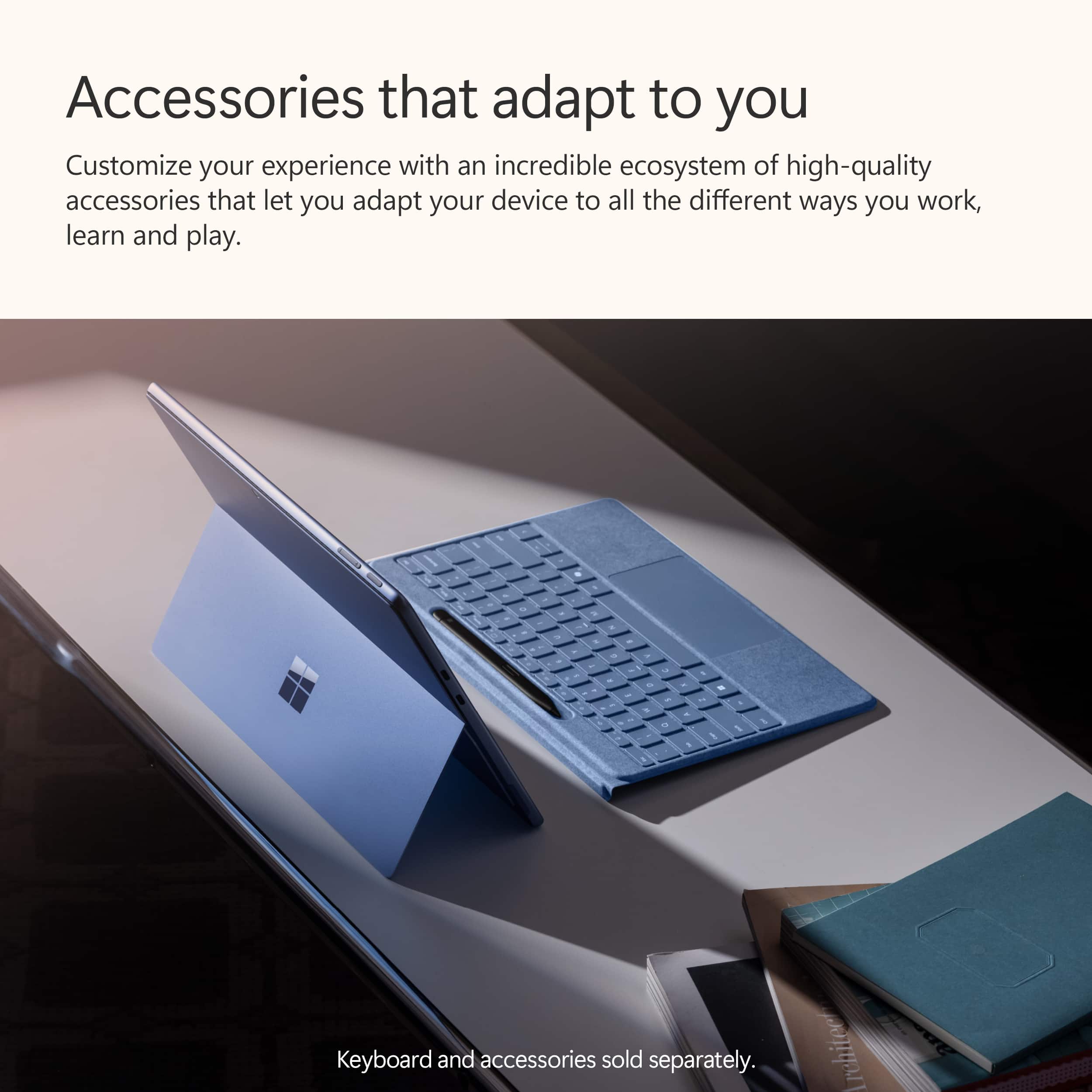
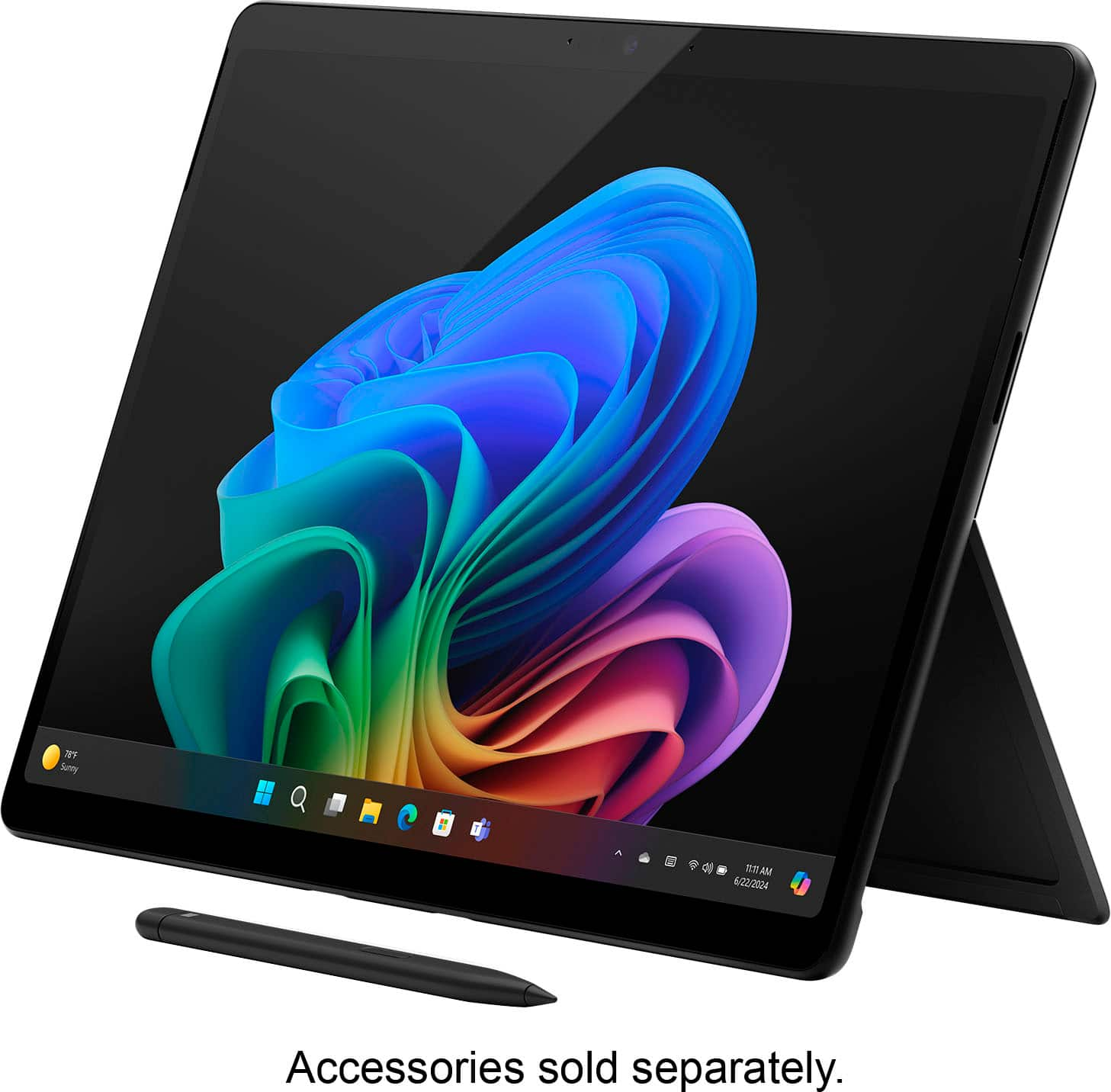
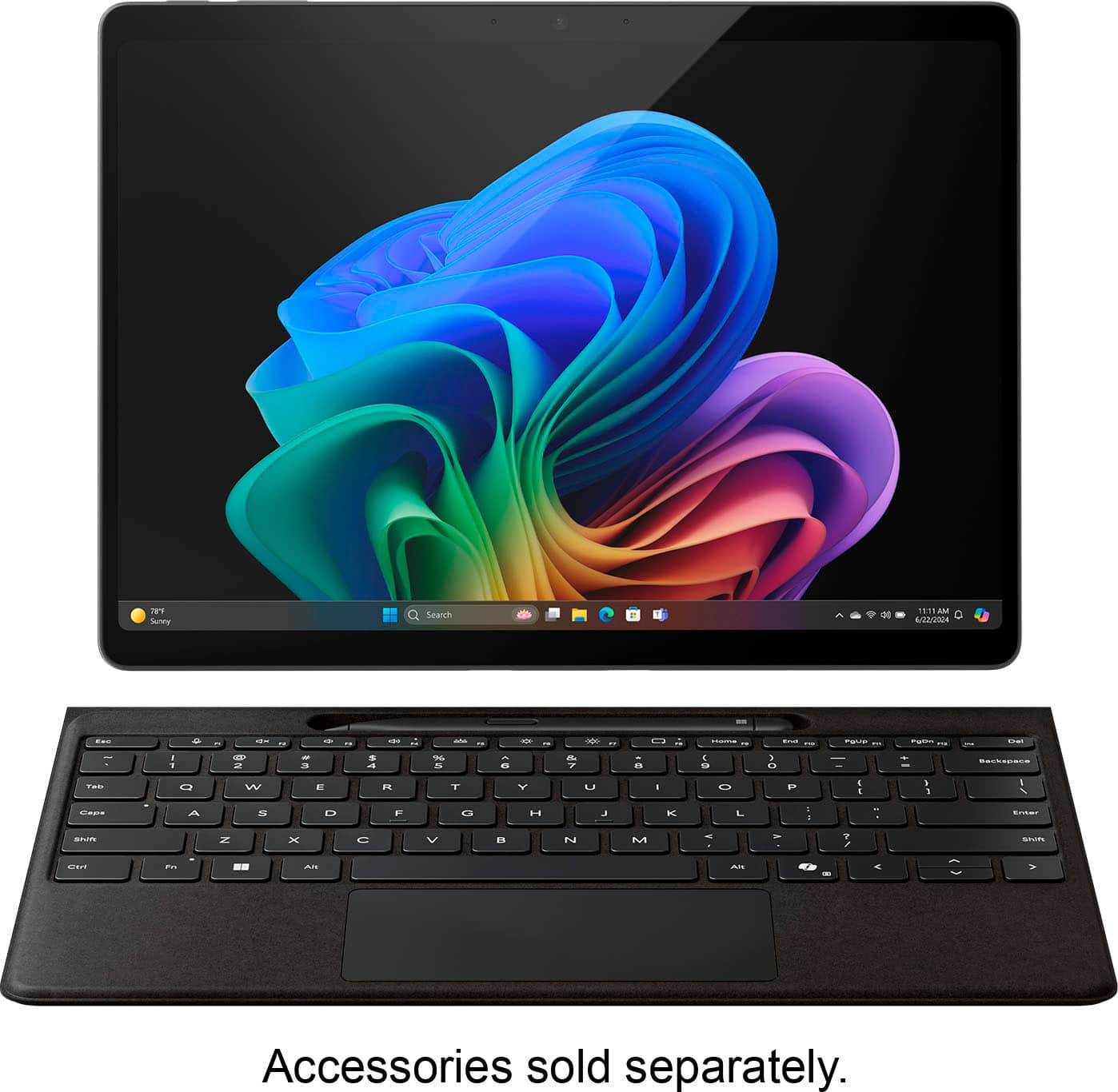













- Model:
- ZIB-00018
- SKU:
- 10122216
Rating by feature
- Battery Life
Rating 4.7 out of 5 stars
- Durability
Rating 4.7 out of 5 stars
- Display
Rating 4.8 out of 5 stars
Customers are saying
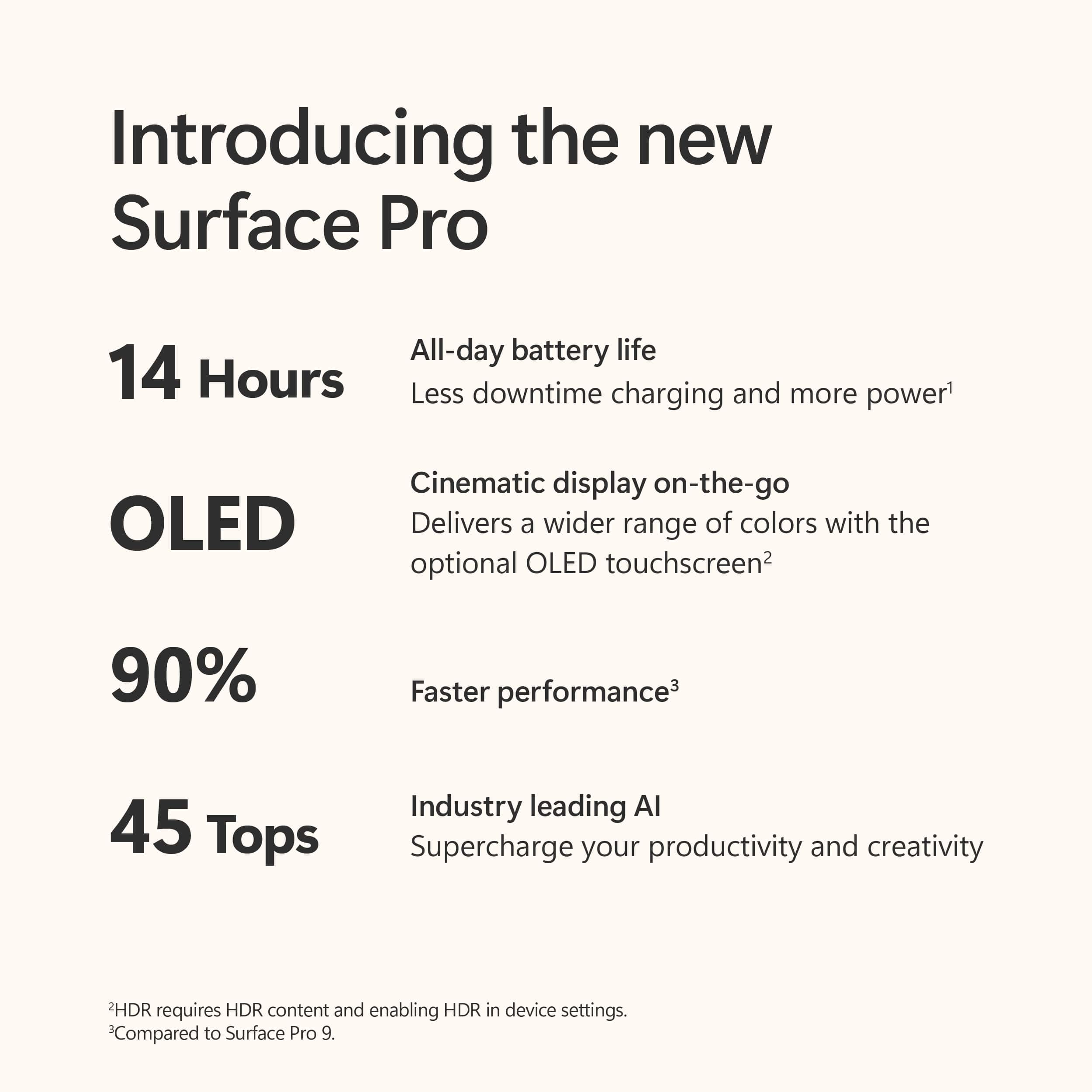
Customers value the Surface Pro for its overall performance, portability, and fast processor speed. Many appreciate the battery life and screen quality, as well as its lightweight design. However, some customers have expressed concerns regarding software compatibility and the product's price.
This summary was generated by AI based on customer reviews.
- Pros mentioned:Processor speed
Its okay
||Posted . Owned for 1 month when reviewed.This reviewer received promo considerations or sweepstakes entry for writing a review.Its fast and it works pretty well but its completely locked me out of the system and it will mot let me log back into it. Adding files should be easy but it also decides when it wants to work on wifi. I bought it for working on blueprints and was told it was a good tablet honestly its been one thing after another. I wouldnt get one for feild work. If youre lookimg for an around the house or office tablet its decent but for 1200 i expected more.
No, I would not recommend this to a friend Great Tablet PC hardware!
||Posted . Owned for less than 1 week when reviewed.This reviewer received promo considerations or sweepstakes entry for writing a review.This slate tablet has great hardware, however for me the software is not compatible with my work VPN. Once ARM64 supports improves I would buy again.
No, I would not recommend this to a friend- Pros mentioned:Battery life, Overall performance
Great Device, But Not for Adobe Users
||Posted . Owned for 1 week when reviewed.This reviewer received promo considerations or sweepstakes entry for writing a review.I was really excited about the Surface Pro Copilot+ PC (11th Edition) the design is sleek, the performance is great, and the battery life is impressive. However, I bought it for work as a graphic designer, and unfortunately, most Adobe apps aren’t available as full versions on this device due to its Snapdragon processor. This was a dealbreaker for me, as I rely on Adobe’s full suite for my work, so I had to return it.
I would recommend this to a friendBrand response from Snapdragon team
Posted .Hi Rasha, Thanks for letting us know, everyday more and more applications are being supported either via emulation or natively. Please check https://www.qualcomm.com/products/features/windowsapps to see the most popular apps that are supported.

- Pros mentioned:Battery life, Overall performance, Processor speed
Good battery life. Sub par processor
||Posted . Owned for 1 month when reviewed.This reviewer received promo considerations or sweepstakes entry for writing a review.First the laptop preforms well. It is quick and has a long battery life. The downside is it uses arm x64 snapdragon processor which many programs don’t work on. It almost makes the laptop more like a very high end Chromebook because of this.
No, I would not recommend this to a friend - Pros mentioned:Battery life, Overall performance
Not very usable day to day
||Posted .This reviewer received promo considerations or sweepstakes entry for writing a review.After 6 months of use I find this tablet more annoying than useful. It is unstable unless on a flat, hard surface meaning it will tip over on your lap/bed. The Alcantara covered keyboard seemed like a good idea but since that is the back when you close it, it get's dirty and even torn easily. Performance and display are good. Battery life is fine.
No, I would not recommend this to a friend Kem
||Posted .This reviewer received promo considerations or sweepstakes entry for writing a review.Keyboard continue to unpair with teh laptop and can power on and refuse to turn off and get hot
No, I would not recommend this to a friendBrand response from Snapdragon team
Posted .Hi Kemzo, it’s normal for laptops to generate heat during intensive tasks. However, if your device consistently runs hotter than expected, try switching to a more efficient power mode and ensure it has adequate ventilation
- Pros mentioned:Overall performance
ARM not ready for prime time
||Posted . Owned for 3 weeks when reviewed.This reviewer received promo considerations or sweepstakes entry for writing a review.This was my third Surface Pro (I had a 6 and an 8). While the display is gorgeous, this has enough issues with compatibility that it should not have been released. It's been out long enough now that these should have been resolved. The biggest issue is that there are no drivers for many standard printers. When I finally got my printer to work at all, it took about 90 seconds to spit out a page. With my SP8 (intel processor) it's about 10 seconds. I have an HP OfficeJet 9010, so this is not some obscure hardware. I have looked online, and several people have complained that it is not compatible with most common printers. Evidently there are problems with other peripherals, but I did not experience these. I did find some of my software is not compatible with ARM (including a driver updater). I exchanged the first SP11 I bought because it started to have a null pointer error on a bunch of operations. I tried to do a factory reset, and it went into an infinite loop without halts. I got a second one, and that is when I found the printer problem. I decided to return that one, and tried a factory reset on that one, which also could not complete. I am not a gamer, and don't need most of the features where the ARM architecture shines. Also, I am not a fan of AI assistants, as the generate a lot plausible junk, so any advantage you might get with ARM for copilot is irrelevant for me. So - not a fan, here. But if you are ok with the limitations of ARM architecture this Surface Pro would be a good candidate.
No, I would not recommend this to a friend - Pros mentioned:Battery life
Excellent battery, but Snapdragon performs poorly
||Posted .This reviewer received promo considerations or sweepstakes entry for writing a review.The battery life of this Surface Pro is exceptionally good. It makes no noise and it doesn't get hot at all. However, the Snapdragon processor imposes many limitations. For one, it is virtually impossible to make this Surface Pro work with most printers. These same printers work nicely with Windows 11, if run on a desktop or a laptop with a standard processor. But Snapdragon is notorious for not working with most printers & many other peripheral devices. This Surface Pro is great as a tablet for entertainment & a few other things. But it can never replace even the most basic laptop and it's not a tool for work at all.
I would recommend this to a friendBrand response from Snapdragon team
Posted .Hi RufusFuscus, thank you for your feedback. We’re continuously working to expand support for printers. Currently, over 8,500 modern wireless printers from top vendors are compatible with Snapdragon X Series powered windows PCs To ensure compatibility and for the most up-to-date list of supported printers, please check https://www.qualcomm.com/snapdragon/laptops-and-tablets/printers.
- Pros mentioned:Battery life
Good performance, compatibility frustrates
||Posted . Owned for 1 month when reviewed.This reviewer received promo considerations or sweepstakes entry for writing a review.Great performance and battery life. The Snapdragon processors can be frustrating at times due to compatibility issues with some programs and a lack of driver support for some devices. Over time it seems to be getting better, but we're still not ready for ARM processors over Intel or AMD for all tasks on a PC. Know what you are getting into, if you primarily browse the web, work with all modern, updated software and have no older devices (printers, etc.) then this is great for you. I understood that and the frustrations still bring it down two stars because there are just some things you can't do that a $300 laptop could.
I would recommend this to a friend Disappointing
||Posted .This reviewer received promo considerations or sweepstakes entry for writing a review.I was excited to get this. I have a nearly 2 year old Surface Pro 9 that I love, and wanted the newer version and the newer keyboard. Downside was several of the apps I use right out of the gate can't be installed due to the ARM architecture. I could have found alternatives to work around that though. Yes, it would be a downside with most things running in emulation mode, since that just adds another layer of processing that slows things down some, but I doubt it would have been noticeable to the naked eye for me for the programs I use. Some technical reviewers mentioned that the battery wouldn't last as long though with many things running emulated, so that could have potentially been an issue. Screen was alright - I have OLED's all over, my TV, my 49" monitor in my office, even several of my HP laptops. So I'm used to it, and this really didn't jump out at me for anything outstanding. It was just a screen. Slightly better than my Surface Pro 9, but not much noteworthy. I was VERY disappointed with the lack of this speed everyone kept talking about. Reviewers all over nearly foaming at the mouth about how fast it was. And I just didn't see it. Running Office 365's newest version, no better than my SP 9. Boot? I was totally disappointed with boot times. My surface pro 9, on a brand new clean install of Windows with nothing else installed yet, boots 4 times faster to the desktop than this thing did. This was anywhere from 30 to 40 seconds from hitting power, to having Windows Hello get me to the desktop. There is no way I'd want my daily driver computer to be that slow at boot. Shutting down was marginally better. Sound levels were fine, but my Surface Pro 9 barely makes noise either. I really wanted to enjoy this, but I ended up returning it since I just didn't see anything that warranted making me leave my Surface Pro 9.
No, I would not recommend this to a friend- Pros mentioned:Overall performance
Surface Pro Transfer Too Hard for Geek Squad
||Posted . Owned for 1 month when reviewed.This reviewer received promo considerations or sweepstakes entry for writing a review.The Surface Pro Snapdragon + 10 Core seems responsive and the display is sharp and crisp. This is a big jump from Surface Pro 2 which works fine but Windows 10 will not be supported. Many changes with Windows 11 and doesn't seem very intuitive. Geek Squad transfer of files and programs was terrible. Had to bring them a cable they said they had, assured me the computers would be ready for pick-up 3 days later and waited an hour after my appointment as they were not finished transferring. Upon checking the new Surface Pro the files couldn't be located so spent another 2 hours as Tech support remotely located the files. After this only half the files and programs were transferred. I ended up buying EaseUS ToDo PC Trans to retrieve the files.
I would recommend this to a friend - Pros mentioned:Battery life, Overall performance
Laptop
||Posted .This reviewer received promo considerations or sweepstakes entry for writing a review.Performance is ok with good display and battery life.
I would recommend this to a friendBrand response from Snapdragon team
Posted .Hi pwong, thank you for sharing your positive experience with the Snapdragon X Series processor. We’re delighted to hear you’re satisfied! We did notice your star rating is a bit low compared to your feedback. Is there anything specific that influenced your rating?
- Pros mentioned:Overall performance
Honest opinion
||Posted . Owned for 1 week when reviewed.This reviewer received promo considerations or sweepstakes entry for writing a review.Im not a fan of arm processors in laptops. It has a great display, and i also think the AI intergation is nice, but i kept running into hiccups, and my biggest issue is, if it is going to have a phones processor why can i not use phone apps? But at the same time i cant use certian computer software either. I like the device its self but for the price and what i can do with it id be better off buying a mini portable smart tv. For someone else it may be great, just not my cup of tea.
No, I would not recommend this to a friend Good, but check software compatibility
||Posted . Owned for 1 month when reviewed.This reviewer received promo considerations or sweepstakes entry for writing a review.I do software development. I was upgrading from a Surface Pro 9. Didn't seem faster and some of my software (MS SQL Server) was not compatible with the Snapdragon chip. System factory reset wouldn't work. Returned the unit.
No, I would not recommend this to a friendBrand response from Snapdragon team
Posted .Hi Ljones27, thank you for your feedback. We’re continuously working to expand support for more applications, both natively and via emulation. Please check https://www.qualcomm.com/products/features/windowsapps to see the most popular apps that are supported. For more specific app compatibility information, visit www.WorksOnWoA.com
- Pros mentioned:Screen quality
Ok but not there yet.
||Posted . Owned for less than 1 week when reviewed.This reviewer received promo considerations or sweepstakes entry for writing a review.I wanted to love this. Love the form factor and compactness of the device. A little awkward with the key board holding on your lap or small areas. I had issues with loading software and errors. Updated all drivers and discovered I guess with the Microsoft ARM not everything on a normal laptop will work. The screen and pen were nice but overall it ended up being more of a hassle than making things easier.
No, I would not recommend this to a friend Not user friendly if you aren't tech savvy
||Posted . Owned for 4 months when reviewed.This reviewer received promo considerations or sweepstakes entry for writing a review.Joined most expensive membership for the opportunity to have grek squad assist in setting this new surfacepro from my old one. I haven't been able to open my Gmail for 2 months. Then only a 20 minute time limit if I decide to bring it back. I don't like the new surface pro as much as the one from 2023
No, I would not recommend this to a friendNot Worth the Money
||Posted . Owned for 3 weeks when reviewed.This reviewer received promo considerations or sweepstakes entry for writing a review.It's a sleek device, but there's still so much to catch up with the ARM. A lot of stuff is not yet compatible. No scanning devices work with it yet which crushed me in the office setting. The screen door effect was awful on the OLED.
No, I would not recommend this to a friendNice product but not what I needed
||Posted .This reviewer received promo considerations or sweepstakes entry for writing a review.Recently purchased and also returned. Wanted a 2 in 1, tablet and laptop combo. This was more of a laptop. Mostly restricted to apps available in the Microsoft store and there are notably fewer of those. Good if you want to run Office apps, not as good for other apps.
I would recommend this to a friendBeautiful, but I returned it
||Posted . Owned for 2 weeks when reviewed.This reviewer received promo considerations or sweepstakes entry for writing a review.Beautiful, fast, and runs windows! Really makes a great first impression. It's a weird version of Windows that isn't compatible with any games. It also doesn't have access to Android apps. For this reason I didn't feel it took proper advantage of the tablet form factor. I planned to use it as a workstation that I could play games on and am returning it because for $1000+ I would hope it could run *something* cool for when I want to unwind. This would probably make a perfect computer for someone who wants a premium product and doesn't care about gaming or doing crazy intensive tasks.
No, I would not recommend this to a friendBrand response from Snapdragon team
Posted .Hi Brian, thank you for your feedback. We’re continually adding more games to our list of supported titles. Please visit https://www.worksonwoa.com/games/ to see the games currently supported by Snapdragon.
Kinda dissatisfied
||Posted . Owned for 1 month when reviewed.This reviewer received promo considerations or sweepstakes entry for writing a review.I had ro fumble with the keyboard to get it to connect. It doesn't connect automatically. I do like the color of my device (dune).
No, I would not recommend this to a friend