Customer Ratings & Reviews
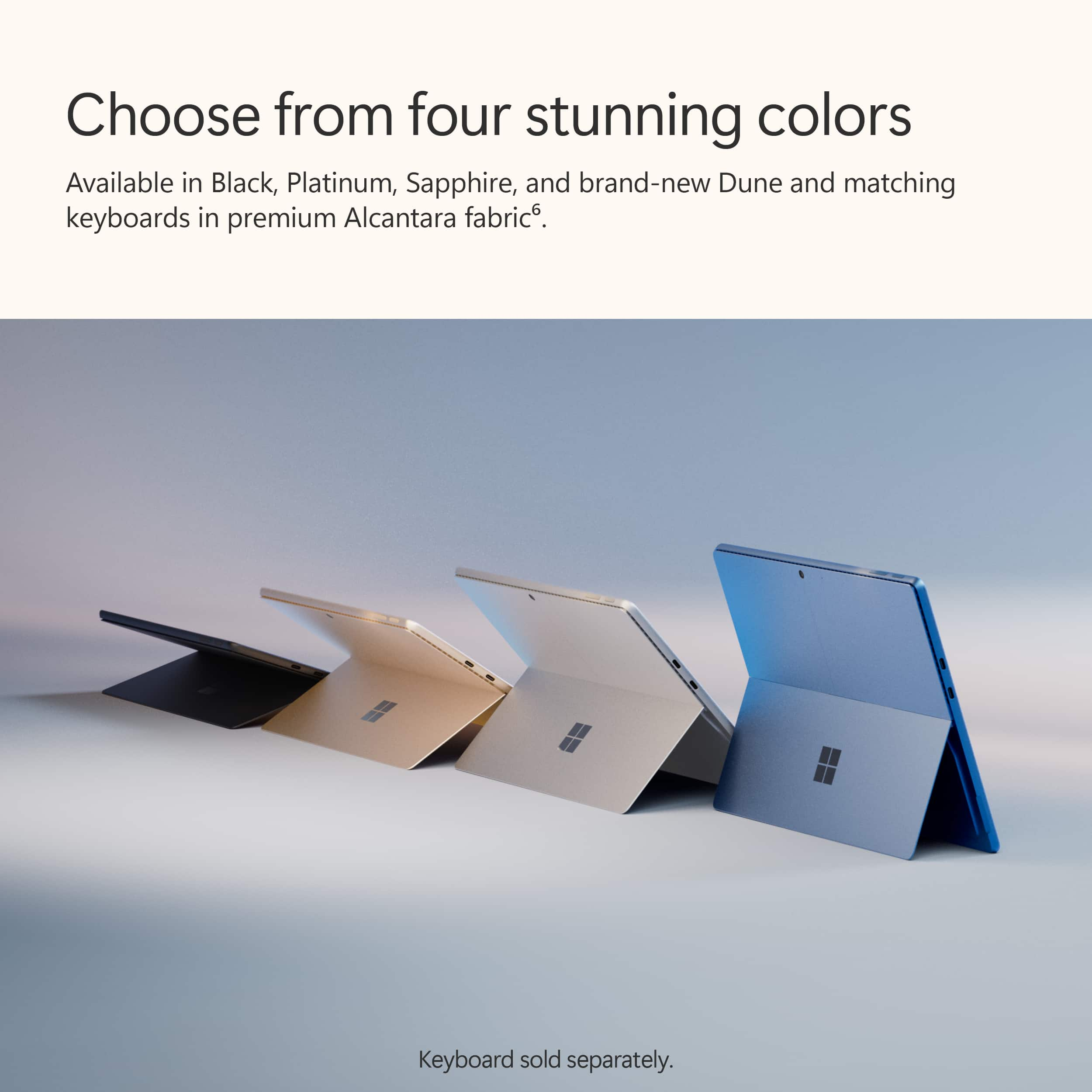
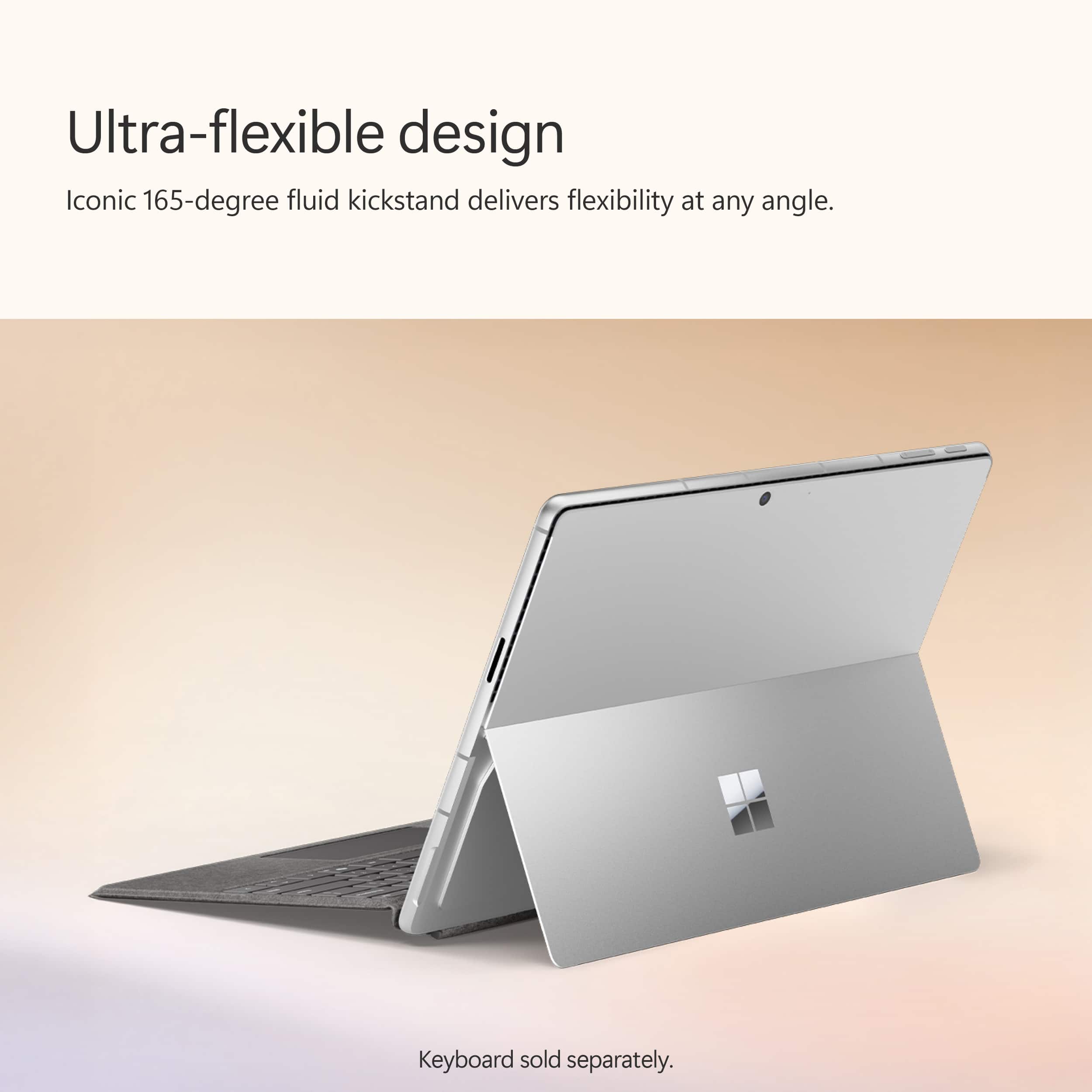
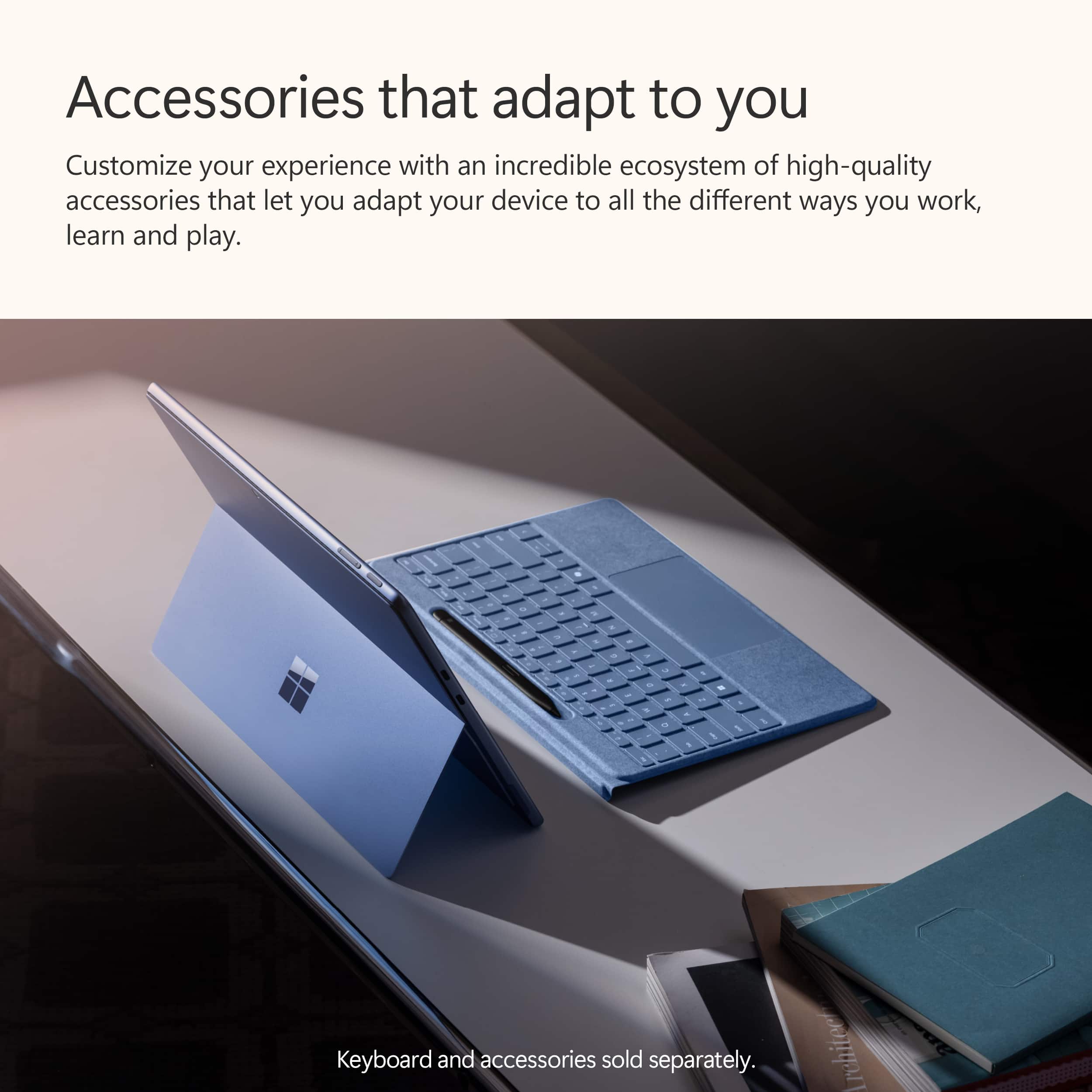
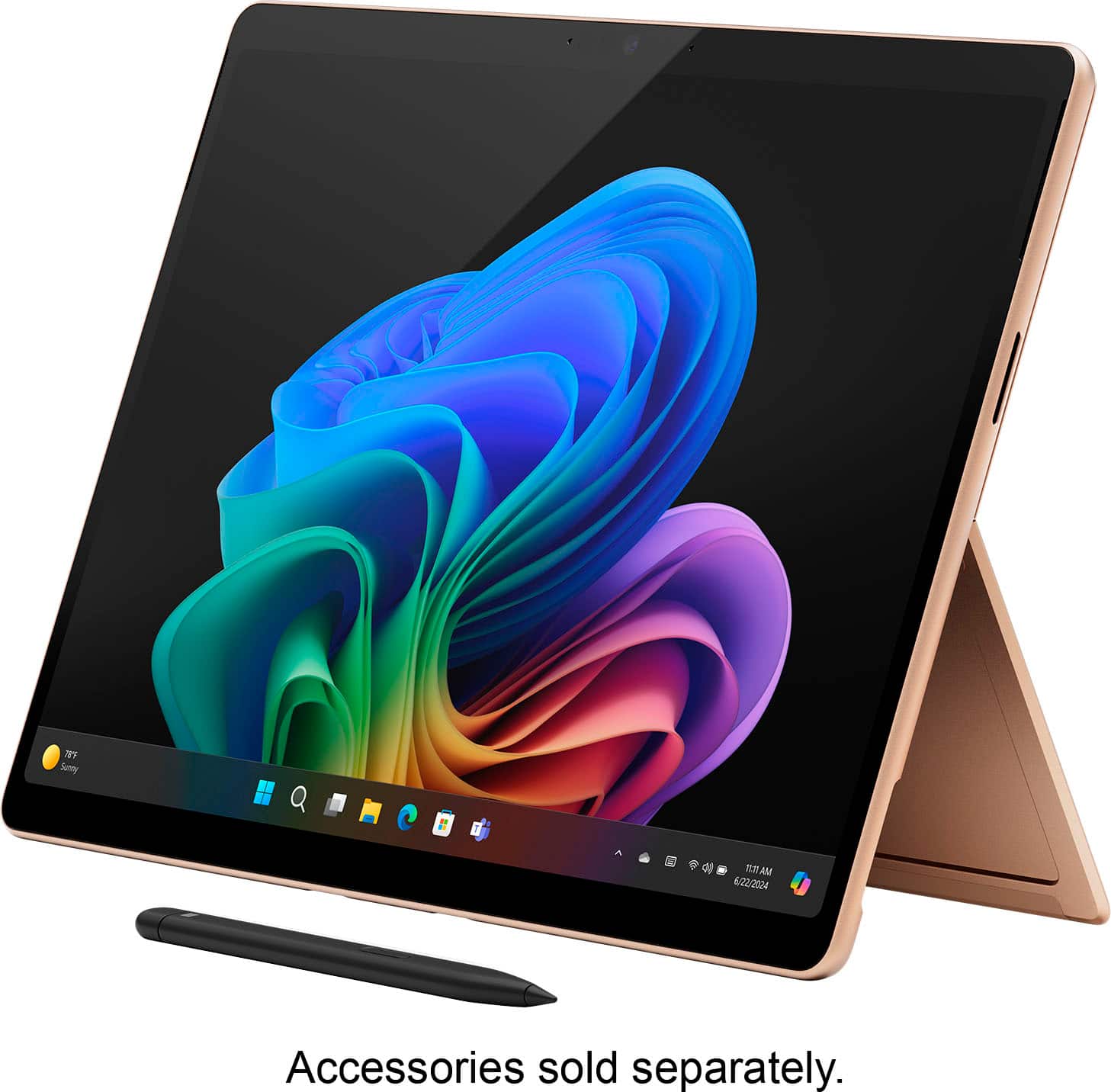
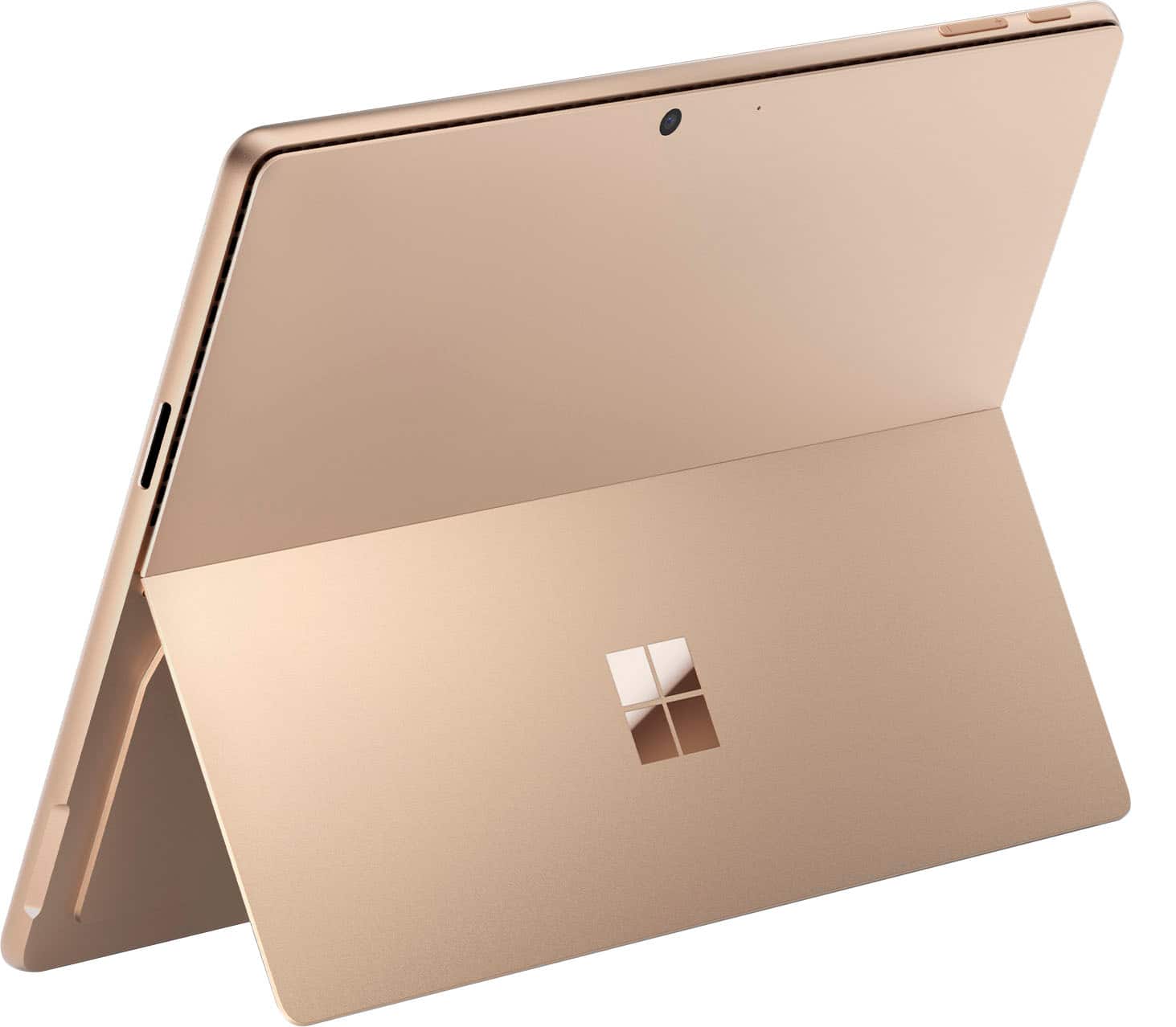
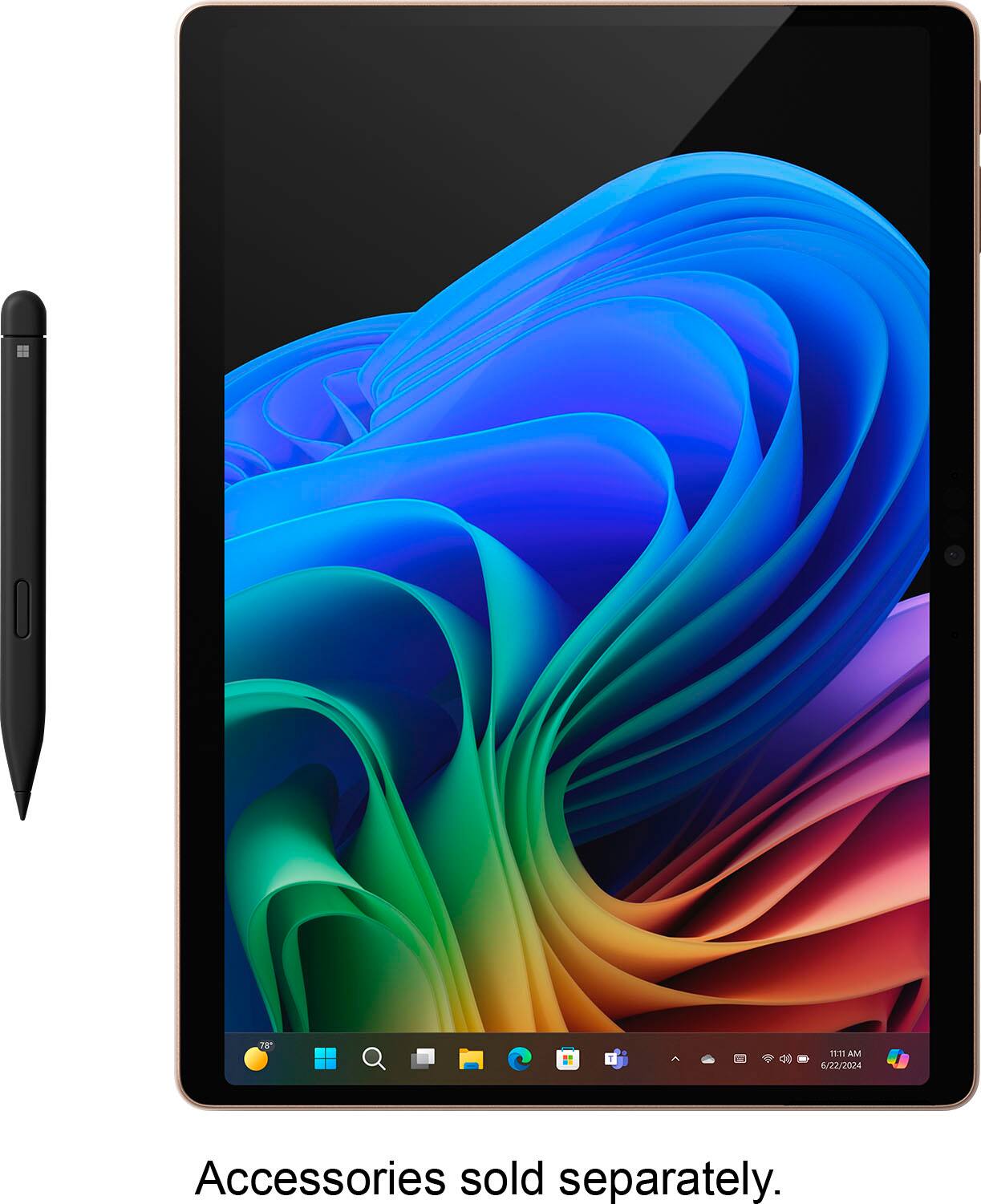
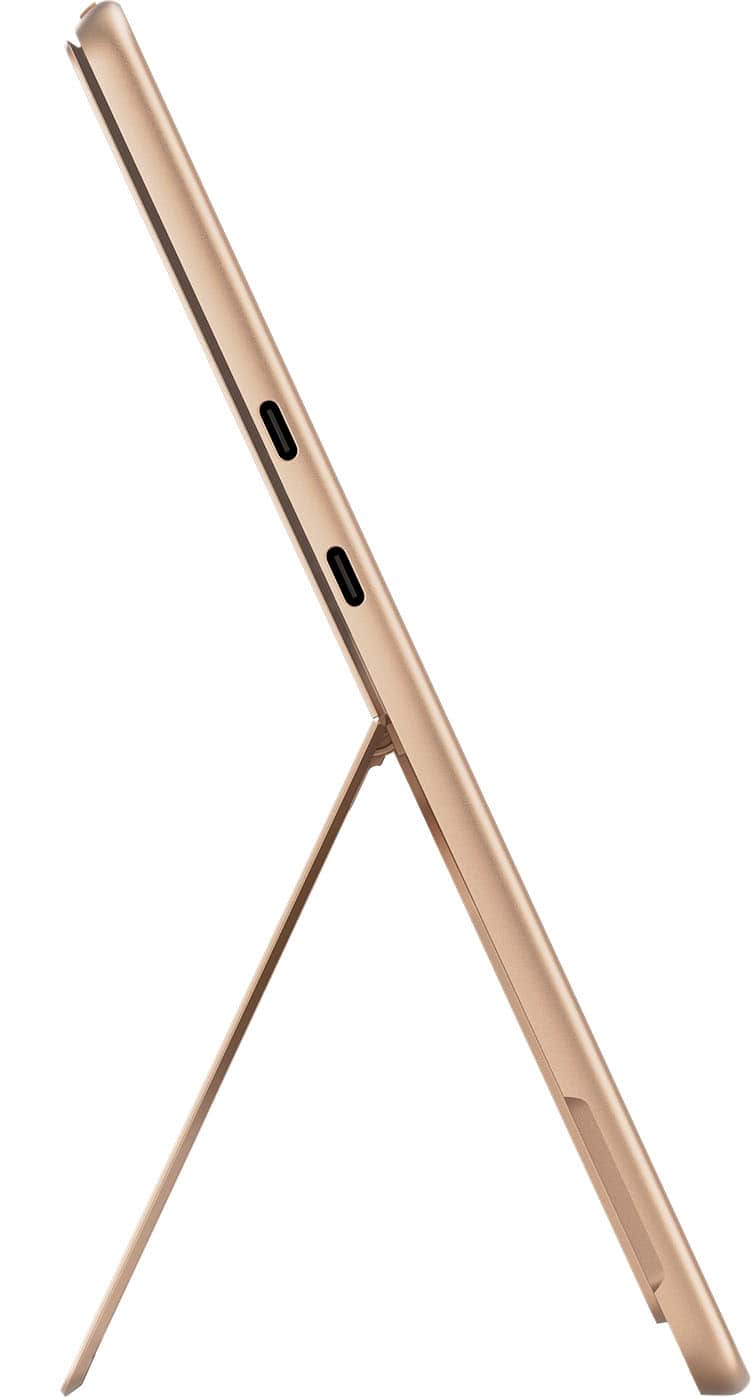
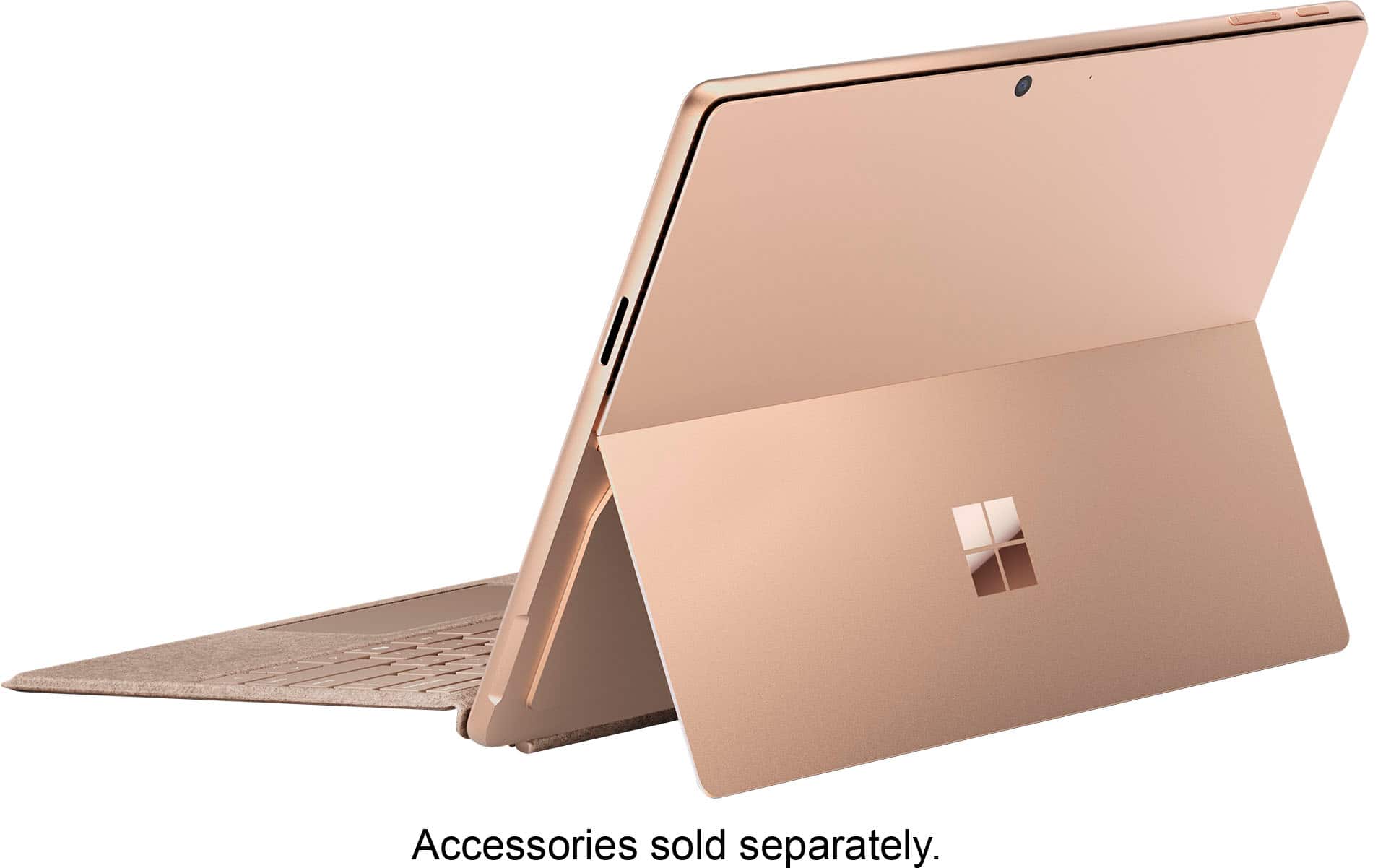













- Model:
- ZIB-00041
- SKU:
- 11146270
Rating by feature
- Battery Life
Rating 4.7 out of 5 stars
- Durability
Rating 4.7 out of 5 stars
- Display
Rating 4.8 out of 5 stars
Driver for hardware not available
||Posted . Owned for 11 months when reviewed.This reviewer received promo considerations or sweepstakes entry for writing a review.No easy laptop. Not all drivers available for hardware
No, I would not recommend this to a friendJims
||Posted . Owned for 1 month when reviewed.This reviewer received promo considerations or sweepstakes entry for writing a review.problems with mouse and keyboard not working since I bought it ?????????????????
No, I would not recommend this to a friendReview of the Microsoft Surface Pro
||Posted . Owned for 5 months when reviewed.This reviewer received promo considerations or sweepstakes entry for writing a review.I bought this and the next day returned it. The touch screen did not perform well, the installation requirements to operate it for my intended purpose was taking way too long and required reaching out to Microsoft before we realized it was malfunctioning. I like the idea of this tablet. It's just not there yet.
No, I would not recommend this to a friendExtremely Disppointed
||Posted . Owned for 3 weeks when reviewed.This reviewer received promo considerations or sweepstakes entry for writing a review.I always liked the Surface Pro line since it is the lightest hybrid laptop possible. The biggest downside was its battery life was poor due to the Intel CPU. This one the got the new ARM Snapdragon architecture and they claimed it had huge performance boost and extremely long battery life. However I found this was NOT right. I didn't any better battery life improvement on this new machine compared to my old Pro 8. It was actually even worse since it drops battery, not %1 by %1. It could drop %4-%5 at a time which made me insane. I didn't feel it was faster than my older version either, especially when APP is not native arm version but intel version. The screen is another disappointment. You can visually say some dot matrix on the screen when viewing text which is really annoying. When watching video, I would say an Ipad ICD screen is still much better and comfortable than this one. Considering its price, finally I had to decide to return this product.
No, I would not recommend this to a friendBrand response from Snapdragon team
Posted .Snapdragon X Elite & X Plus platforms are designed to deliver exceptional performance with remarkable efficiency, ensuring all-day battery life. If you’re experiencing shorter battery life, please check your power settings and background applications, as these can impact battery performance.

Never ever believe them
||Posted . Owned for 1 week when reviewed.This reviewer received promo considerations or sweepstakes entry for writing a review.The product is great. Delivery was not. I ordered a black one and was promised a 6-18-24 delivery. Then it went to 6-22-24. Then 6-29-24. As I needed a computer, I asked if any were available. Yes an "orange" one. Functionally the same. Great. Oh yeah can you bring that promotional TV back or pay for it. It only came with the black one.....that you can't get because none are available. Hello Owasso OK.
No, I would not recommend this to a friendNot for developers
||Posted . Owned for 3 weeks when reviewed.This reviewer received promo considerations or sweepstakes entry for writing a review.If your a developer, forget it, hence the one star. The Snapdragon processor is incompatible with any Virtual machine (e.g., VMWare) as well as some of my development tools and remote communication apps. If you just surf and do word its fine.
No, I would not recommend this to a friendBrand response from Snapdragon team
Posted .Hi MichaelL, thank you for your feedback. We’re continuously working to expand support for more applications, both natively and via emulation. Please visit https://www.qualcomm.com/products/features/windowsapps to see the most popular supported apps.
Surface Pro not always compatible
||Posted . Owned for 1 week when reviewed.This reviewer received promo considerations or sweepstakes entry for writing a review.is not compatable with our programs we need to do our jobs
I would recommend this to a friendGood idea, not so sure about execution
||Posted . Owned for 1 month when reviewed.This reviewer received promo considerations or sweepstakes entry for writing a review.I am not sure about this experience so far, with the limitations on windows ARM. For sure you will be an early adopter if you decide to get it!
I would recommend this to a friendSurface Arm failed
||Posted . Owned for 1 month when reviewed.This reviewer received promo considerations or sweepstakes entry for writing a review.Very dissapointed with this Surface (Arm processor), keyboard not working and bank software incompatible with this laptop. Poor job from Microsoft, returning the item and trying to get one with Intel or my mobey back. This was my third one.
No, I would not recommend this to a friendARM support not quite ready for my use.
||Posted . Owned for 2 weeks when reviewed.This reviewer received promo considerations or sweepstakes entry for writing a review.Really disappointed that I can't project to the arm Surface Pro 11. I was really looking forward to an extra work display.
I would recommend this to a friendAwful Awful Awful
||Posted .This reviewer received promo considerations or sweepstakes entry for writing a review.The new Snapdragon OS is not compatible with our retail Star or Zebra receipt printers, so this product was completely useless to me. On top of that, Best Buy has a ludicrous 15-day return policy, which is hard to fathom, especially when dealing in a B2B situation. Needless to say, we didn't discover that this tablet would not work until beyond the 15-day window, and Best Buy made absolutely no effort to work with us on getting a return or an exchange or anything. They basically told me I was out of luck. This has been the worst, most inefficient and frustrating experience I've ever encountered in my experience as a consumer.
No, I would not recommend this to a friendBrand response from Snapdragon team
Posted .Hi EllisS, thanks for letting us know. Everyday more and more applications are being supported either via emulation or natively. Please check https://www.qualcomm.com/products/features/windowsapps to see the most popular apps that are supported. For more specific app compatibility information, visit www.WorksOnWoA.com
Headaches
||Posted .This reviewer received promo considerations or sweepstakes entry for writing a review.Issues started to come up when we tried to install Outlook which was a standard software package through Microsoft 365. None of my printer would install which I have installed on my laptop with Windows 11 installed and most up to date drives downloaded from Canon.
No, I would not recommend this to a friendHUGE FAIL on BEST BUY CUSTMER SERVICE FOR A TOTAL
||Posted .This reviewer received promo considerations or sweepstakes entry for writing a review.Best buy is letting me down again. I am a total member, and I ordered a computer on the 18th of June for delivery, delivery failed, (delayed) i asked to pick it up wherever it is available local, so they found it in stock at coral springs, I went to pick it up. it's not available there its being shipped. I can pick up on the 23rd. NO, its not there yet. Customer service says: lets cancel that order and redo it. Now i am back to square one... same song... delivery delay, come get it, not there.....
No, I would not recommend this to a friendKeep far away business users
||Posted .This reviewer received promo considerations or sweepstakes entry for writing a review.If you need to run business products or software, you need an X86 or X64 process. For this class of users DO NOT GET an ARM device. In addition to not running required software and hardware, this computer crashes constantly. Complete waste of time money.
No, I would not recommend this to a friendBrand response from Snapdragon team
Posted .We appreciate you bringing this to our attention. Every day, more applications are becoming supported, either natively or through emulation. For the latest list of popular supported apps, please check https://www.qualcomm.com/products/features/windowsapps.
Disappointed surface pro bundle
||Posted . Owned for 3 weeks when reviewed.This reviewer received promo considerations or sweepstakes entry for writing a review.While at the store, 2 different employees said we could purchase the sapphire color with the bundle, but we had to order it, so we did. When we received the package it was just the tablet part. So we returned it and the customer service rep said she would send the sapphire with the bundle. Again the we received the tablet. My wife then went to the store and the manager could not find the bundle deal even though we told him that’s why we bought it from Best Buy, and the only thing he could do was a black one. Very disappointing to convince your wife to buy it from Beat but only to not get what you want even thought we had a number of employees said it was included.
No, I would not recommend this to a friendboring
||Posted . Owned for 3 months when reviewed.This reviewer received promo considerations or sweepstakes entry for writing a review.it's a boring laptop, i wanna return it,.. please buy it from me
No, I would not recommend this to a friendFalse Advertisement NO KEYBOARD INCLUDED
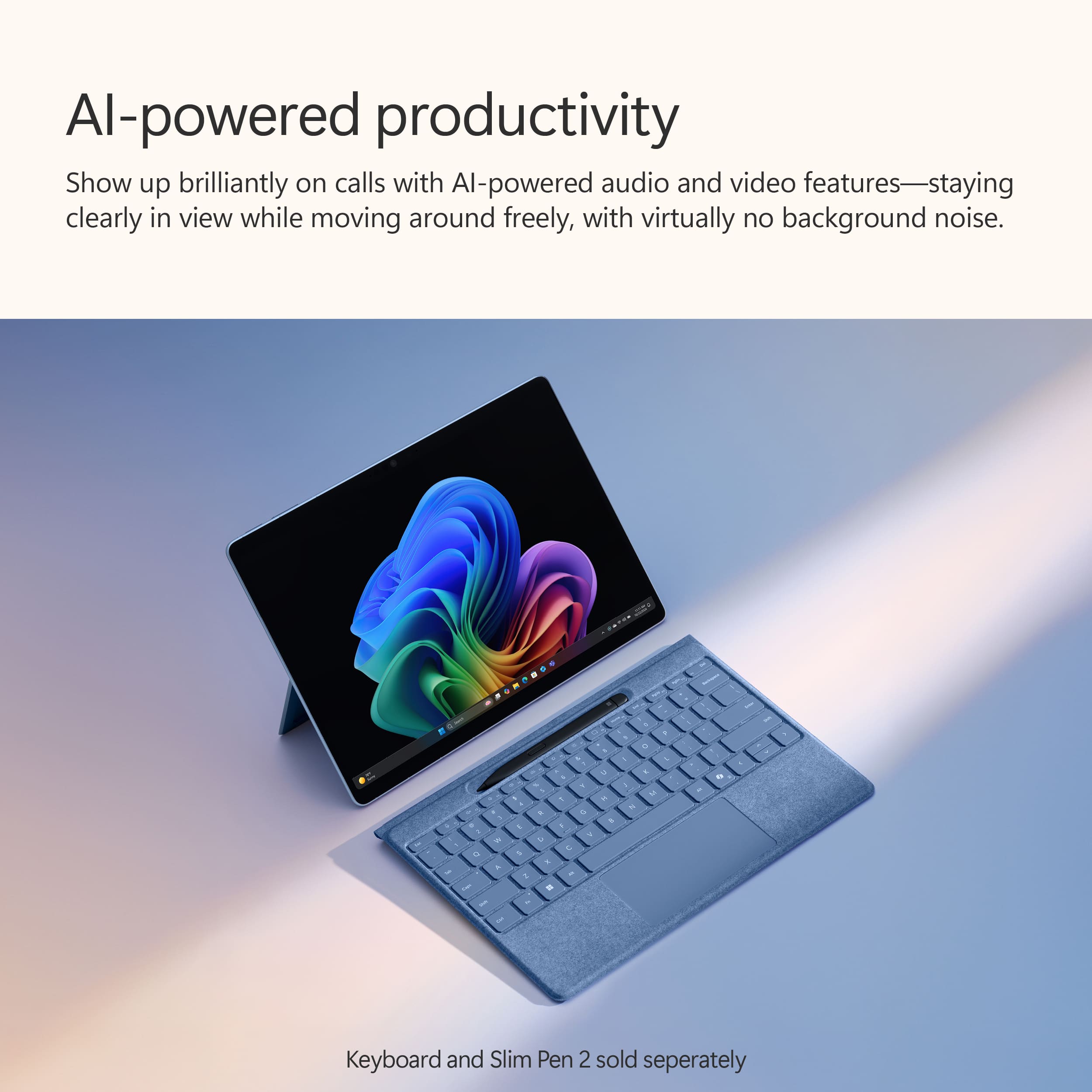
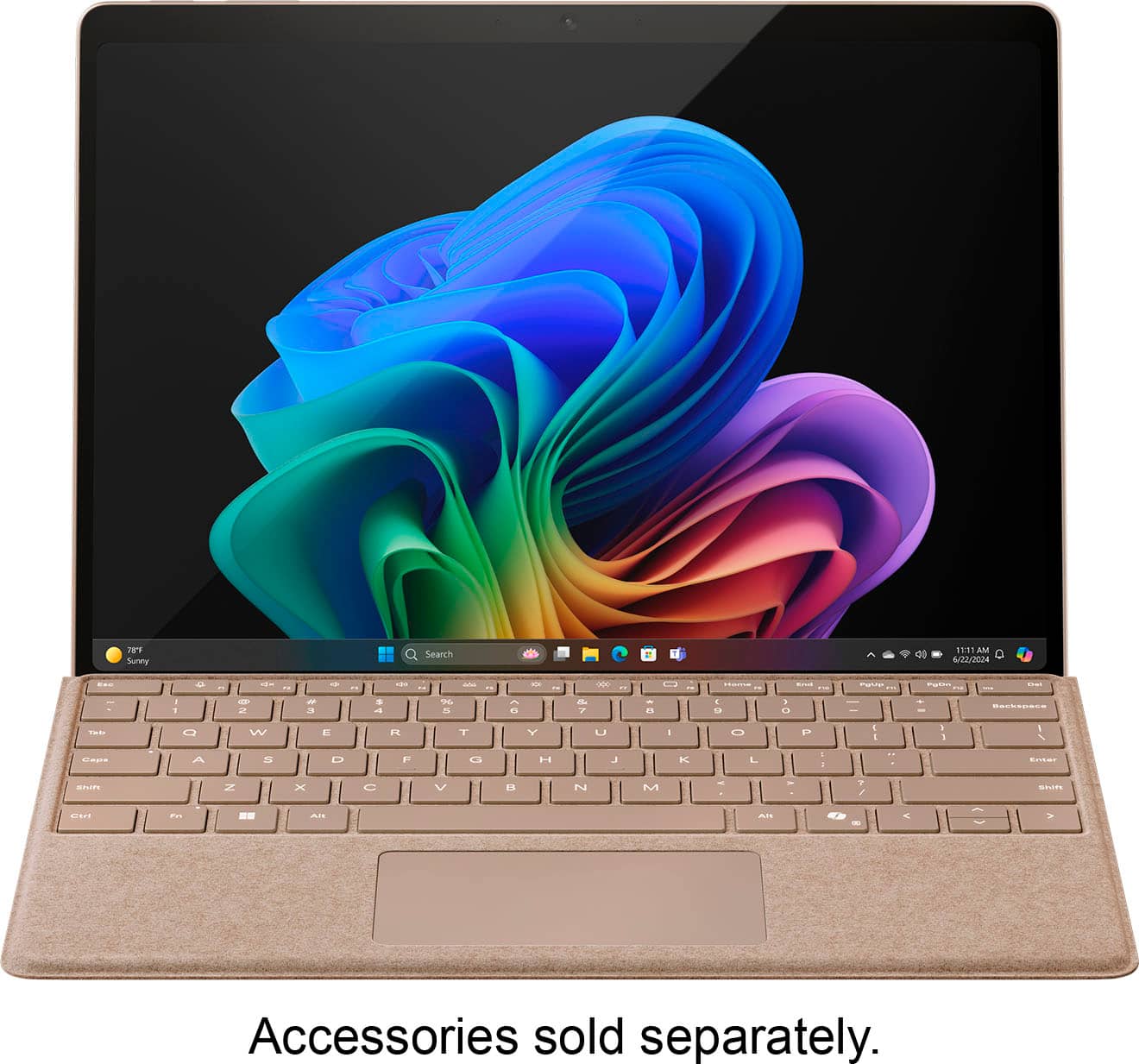
||Posted . Owned for less than 1 week when reviewed.This reviewer received promo considerations or sweepstakes entry for writing a review.Why would they show the keyboard and not mention anywhere in the description keyboard not included and yet its not included?
No, I would not recommend this to a friendA Painful Experience
||Posted . Owned for 3 weeks when reviewed.This reviewer received promo considerations or sweepstakes entry for writing a review.I did not receive this product from FedEx. This is one of the worst experiences buying electronics from BestBuy. The whole experience reeks of incompetence from both BestBuy Customer Service in resolving the issue. I had to buy the product directly from Microsoft and it arrived in 2 days yet the one I bought from Best Buy never got to me and my funds have not yet been returned to my card.
I would recommend this to a friendSurface -- Bad performance
||Posted .This reviewer received promo considerations or sweepstakes entry for writing a review.Very Slow performance ... Firmware not up-to-date -- Currently reaching out to Best Buy, and I am hopeful they can help.
No, I would not recommend this to a friend
Great Windows based tablet with unique AI features
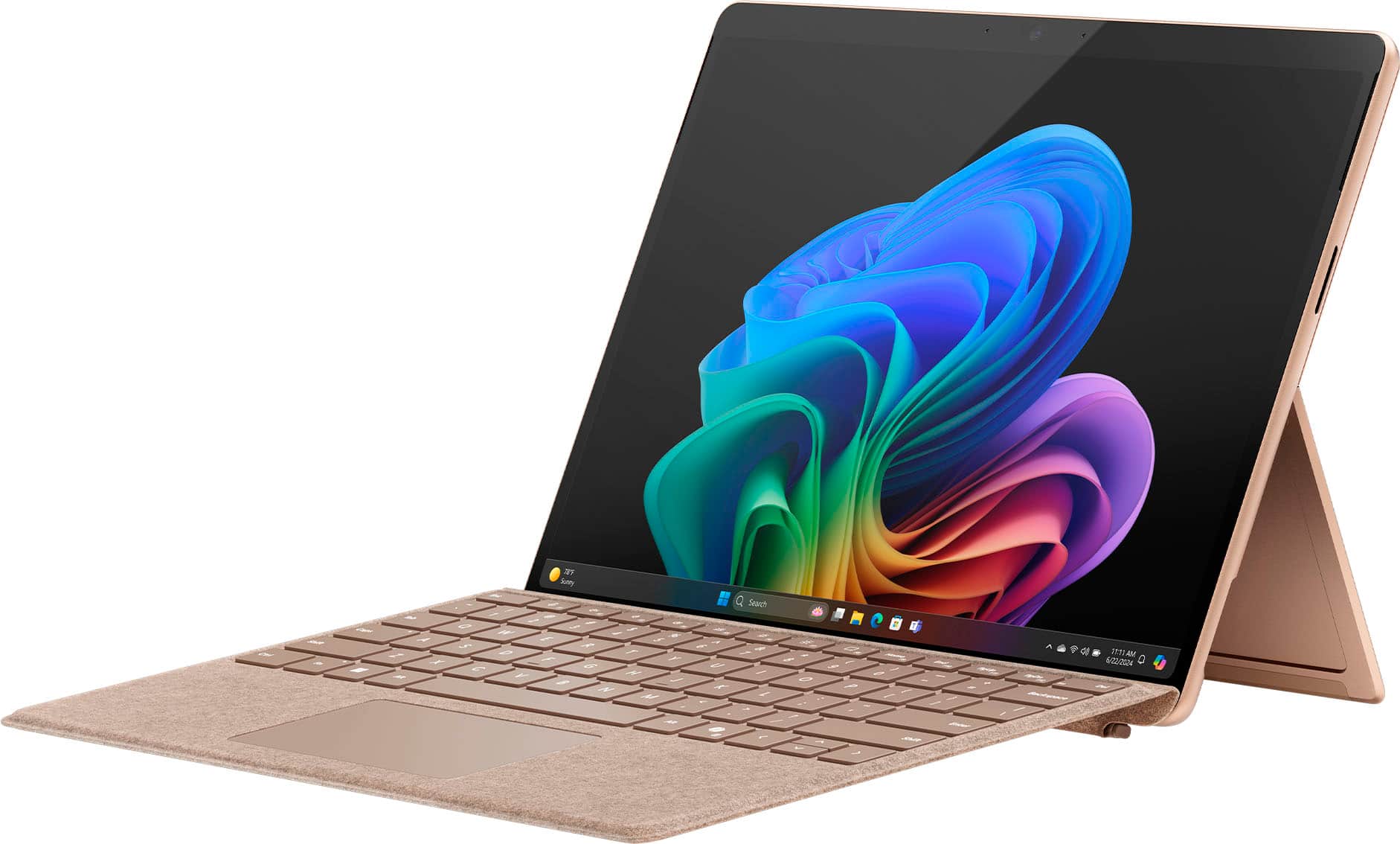
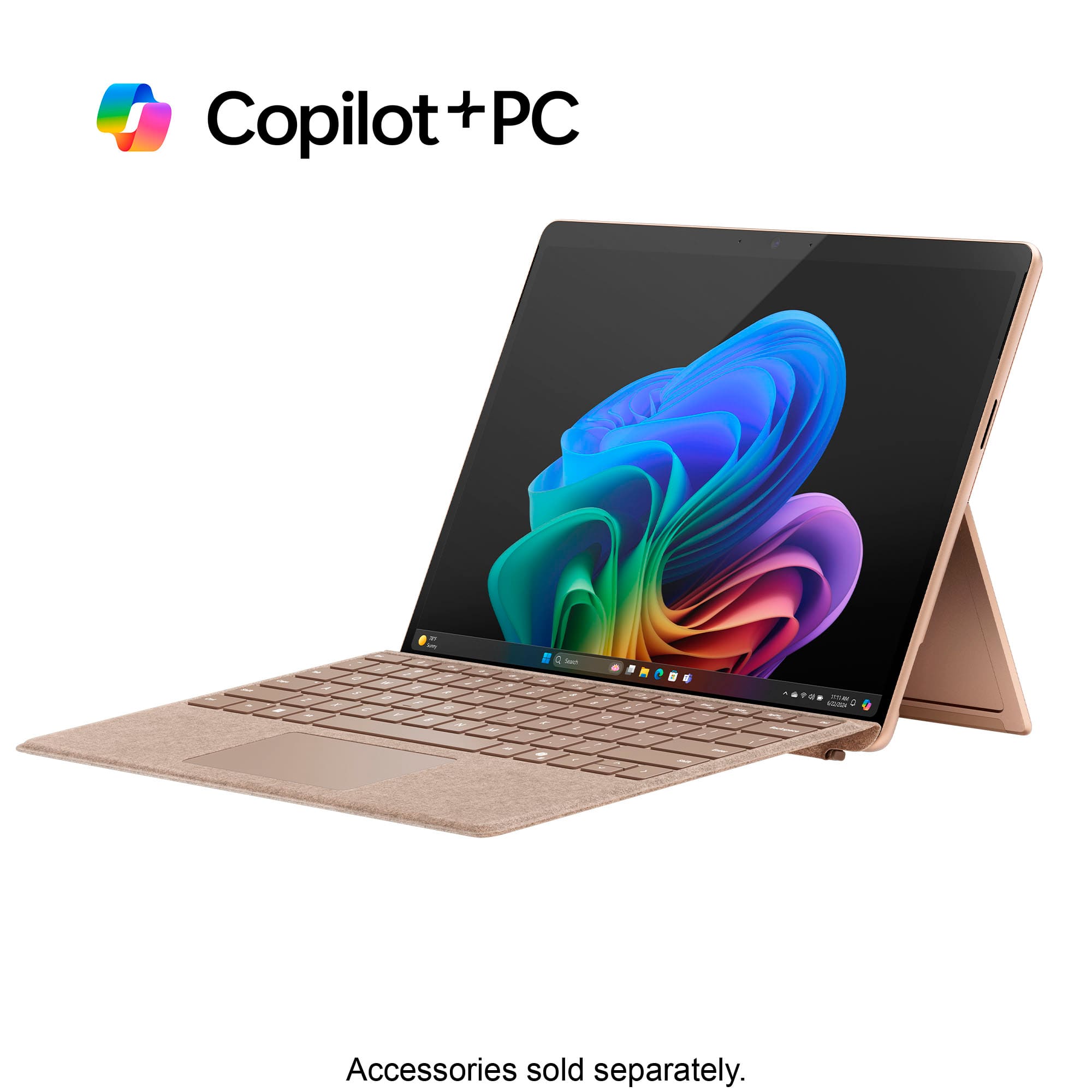
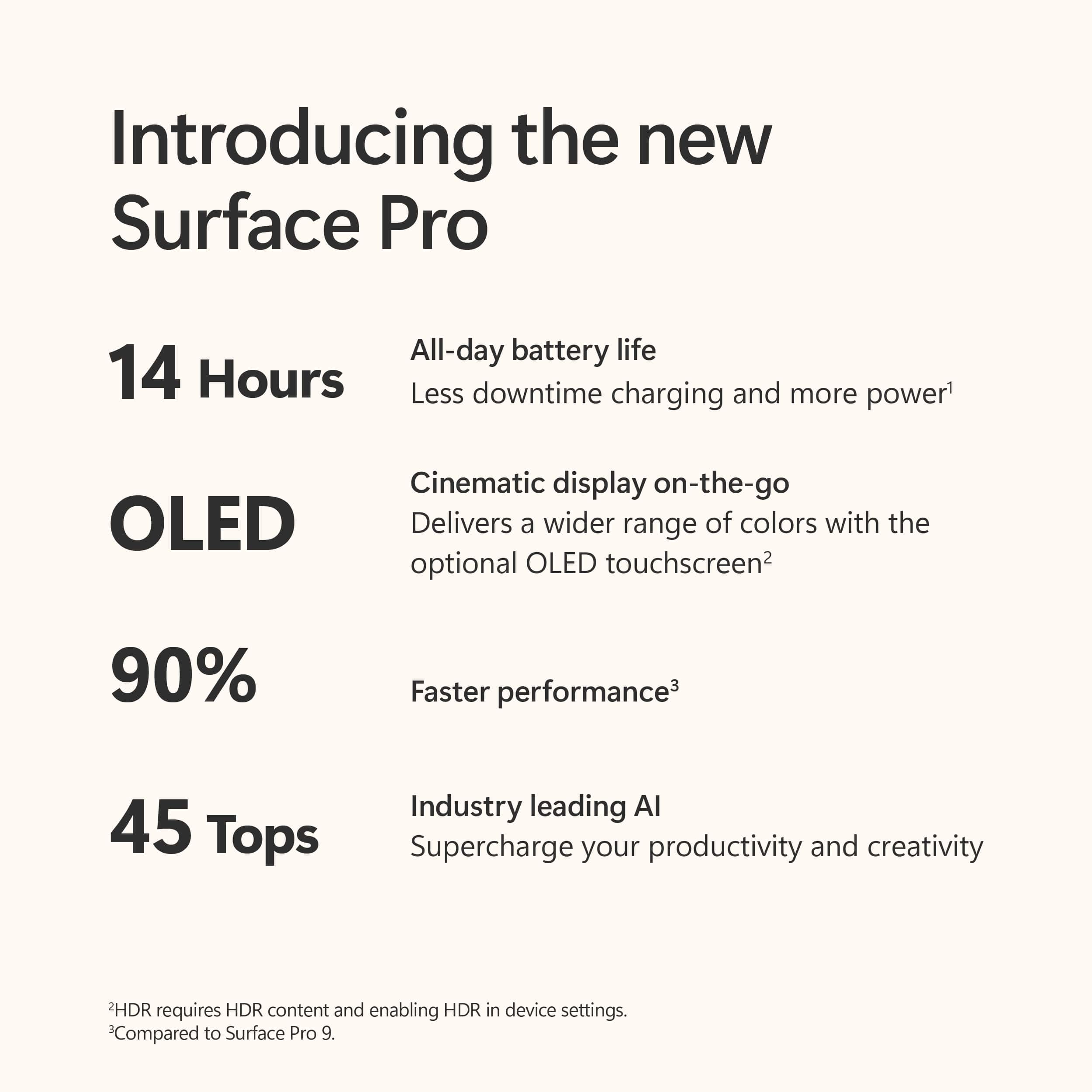
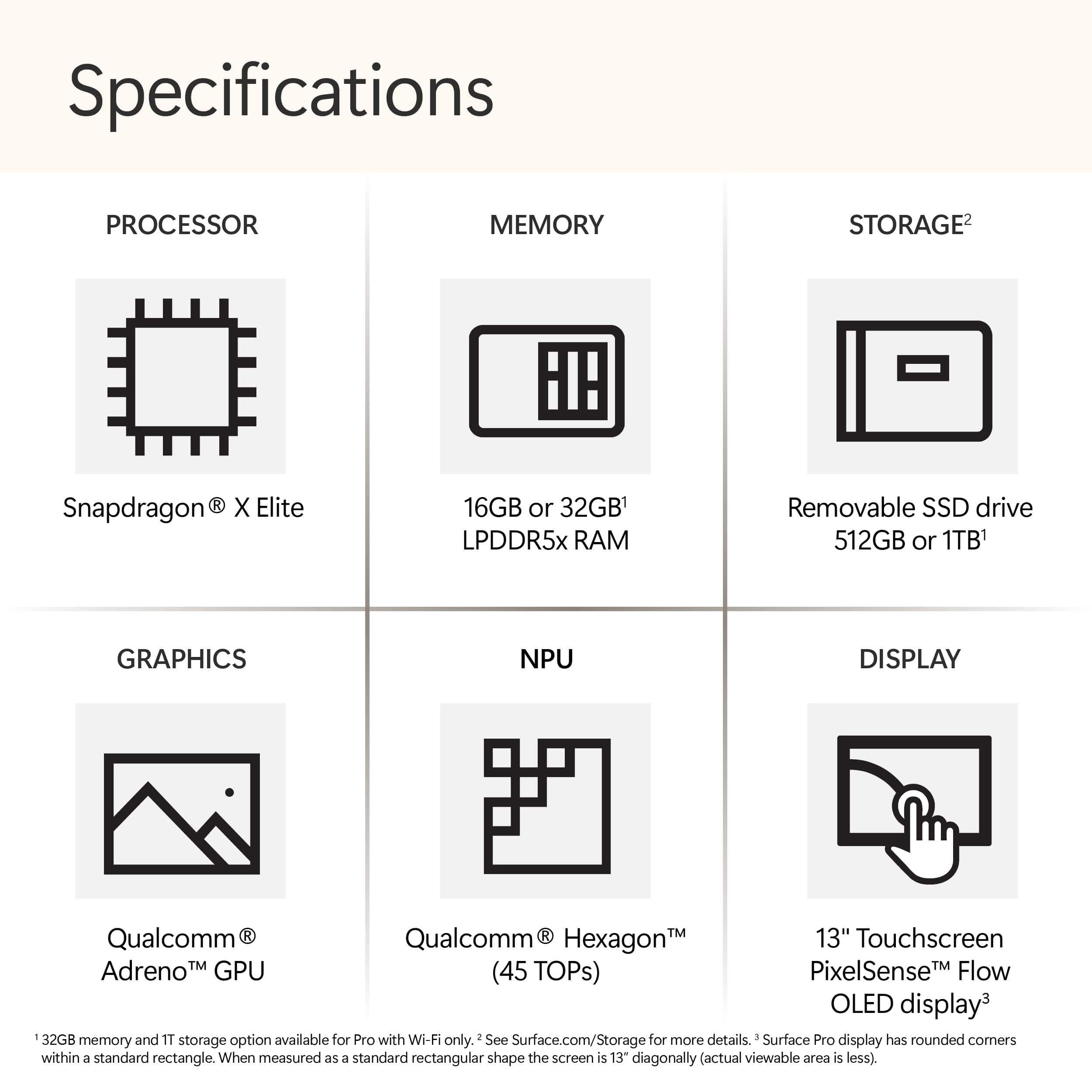
|Posted .This reviewer received promo considerations or sweepstakes entry for writing a review.The Surface Pro Copilot+ PC with Snapdragon Plus feels extremely fast and lets me do everything that I typically do on a laptop, and more. I initially tested it without the separately available keyboard and pen, and it felt remarkably familiar and usable. Skip to bottom for pros/cons. There was one odd thing I found, the volume controls a little backwards in landscape mode, when I pushed to the right, the volume slider decreased to the left for example. But in portrait orientation it works like you expect it to. Cocreator is a cool and a nice addition to MS Paint, but (being summer) for example when I asked it to draw a person diving into a pool, the person had three arms, which is typical of state-of-the-art AI art generation. After I wrote that, I went back and it offered a corrected image with two arms, is it learning from criticism? Studio Effects really helps video quality for meetings, it will gradually shift the framing as you move, and it has high quality filtering tools that easily make us older people look younger. It can also blur the background. The controls are near the Wi-Fi settings on the bottom right of the screen near the clock. The display quality is unbelievable, it's a high resolution for a small screen, and the contrast (bright and dark colors) make images and video look beautiful. The rotating Bing wallpapers look incredibly nice on this Surface Pro. Windows Hello login with Face Unlock works well for logging in, it works faster and more reliably at different angles when compared with my 13" iPad Pro (m4). I decided to try out cloud gaming with a paired Xbox controller (not included). The Surface Pro included a free month of Xbox Game pass, which I already had a subscription to. It appeared to push back my next payment by a month when I claimed it. Cloud gaming was mostly very smooth and fast as well as sharp, when I tried it with a fast-paced racing game and two slower paced adventure games. I very much like that cloud gaming doesn't fill up the local storage with downloaded games, but I dislike that games won't play as well over a slower internet connection such as a mobile hotspot or weak hotel Wi-Fi. I develop software as a hobby/small-business, and one of the first things I tried was installing Visual Studio on this Surface Pro. This may be one of the only tablets where you can create apps on the tablet itself, so to me this is useful, and I have already started porting one of my apps to the Windows platform now that I have this ability/tool. Thanks to OneDrive, which I was already using, I can go back and forth between the tablet and the laptop for development. The copilot AI graphic tools may help me develop better graphics to use in my apps. There were some Wi-Fi issues which seemed specific to connecting to Eero Max 7 at speeds over 5Gbps. Sometimes it worked, other times the whole wi-fi system in windows (options, network list) kept disappearing and reappearing like the driver was resetting. I found a post on reddit confirming I am not alone with this experience. The only way to fix that loop was to turn off the auto connect option for that network. It seemed to be a more common problem further from a router. On Wi-Fi 5 and Wi-Fi 6e I had no problems. Reading about the Surface Pro, I was impressed to see that it used around 72% recycled material in the enclosure. This makes me feel a little better about past and future e-waste/e-cycling. While it includes a magnetic charger which frees up a USB-c port, you can also charge with USB-c. Using a 100-watt USB-c charger, it charged near 1% per minute. As far as battery life, I measured 5-10% battery use one hour, and 15-20% usage the next hour, so obviously your mileage depends on usage. I made sure to buy the protection plan, as if this broke, it might otherwise be expensive to replace. Pros ------- -Integrated locally running AI tools improve the experience -Can do anything a laptop can do, even without the keyboard and pen accessory -Windows has a lot of support (software, updates, tech support options) -Can buy Microsoft protection plan -Lightweight -Much better battery life than traditional Windows PCs -The Windows touch interface feels mature -Wi-Fi 7 support (needs improvement, but this is my only device besides my routers that support this) -High quality display Cons ------- -Wi-Fi 7 connection (driver) seems to crash/reset frequently with an Eero Max 7 wi-fi system. On other networks (Wi-Fi 6E, Wi-Fi 5) there are no issues. This is likely something that will be patched (Software). -Poor Adobe app support, only Photoshop, Lightroom, and Acrobat appeared to be available. -Desktop/Laptop app support is better than support for kinds of apps found on other tablets (no cable TV app for our TV service, for example)
I would recommend this to a friend