Customer Ratings & Reviews













- Model:
- ZIA-00001
- SKU:
- 12672198
Rating by feature
- Battery Life
Rating 4.7 out of 5 stars
- Durability
Rating 4.7 out of 5 stars
- Display
Rating 4.8 out of 5 stars
to a friend
Best purchase with 300$ discount for surface
||Posted . Owned for 2 weeks when reviewed.This reviewer received promo considerations or sweepstakes entry for writing a review.I bought surface 11 pro from vest buy with blackfriday deals with 300$ discount, and i really enjoyed it
I would recommend this to a friendLove it!
||Posted . Owned for 1 month when reviewed.This reviewer received promo considerations or sweepstakes entry for writing a review.Awesome product! Worked well, easy to setup, smooth purchasing experience
I would recommend this to a friendFabulous
||Posted . Owned for 1 month when reviewed.This reviewer received promo considerations or sweepstakes entry for writing a review.Fast and accurate delivery. Not in story at my house the next day.
I would recommend this to a friendDoes it all!
||Posted . Owned for 3 months when reviewed.This reviewer received promo considerations or sweepstakes entry for writing a review.My second one. Never will I ever carry a heavy laptop again!
I would recommend this to a friendOverall review
||Posted . Owned for 1 month when reviewed.This reviewer received promo considerations or sweepstakes entry for writing a review.I love it. Works very well, is fast enough, quality is good. Some functions for office apps are a bit confusing.
I would recommend this to a friendAmazing
||Posted . Owned for 1 week when reviewed.This reviewer received promo considerations or sweepstakes entry for writing a review.Im loving this surface pro i have never owned one. Bought it for school and its working amazing
I would recommend this to a friendWould not recommend
||Posted .This reviewer received promo considerations or sweepstakes entry for writing a review.It’s been around one and half year since buying this, and it’s not going great. It was working pretty good in the beginning but over time the pencil writing started to lag when writing on the screen, which is one of the big reasons I had bought it. And the keyboard sometime doesn’t connect to the laptop, so I’d have to resort to typing on screen which is really not ideal when writing essays or papers for school. I was honestly hoping this would last me at least through undergrad but I don’t think I would recommend for the price point.
No, I would not recommend this to a friendSurface Pro
||Posted . Owned for 1 week when reviewed.This reviewer received promo considerations or sweepstakes entry for writing a review.The best surface that I could get, slim and lightweight
I would recommend this to a friendGreat Laptop for college students!
||Posted . Owned for 2 months when reviewed.This reviewer received promo considerations or sweepstakes entry for writing a review.Pretty good 2 in 1 laptop. It allows me to write my notes while having the accessories of a laptop. It has a really cool feature of having multiple desktops so I have all my classes separated. Only downside is that it got damaged after a week which Best Buy worked with me to replace and it glitches sometimes. Overall a great product though.
I would recommend this to a friend
My go to device!
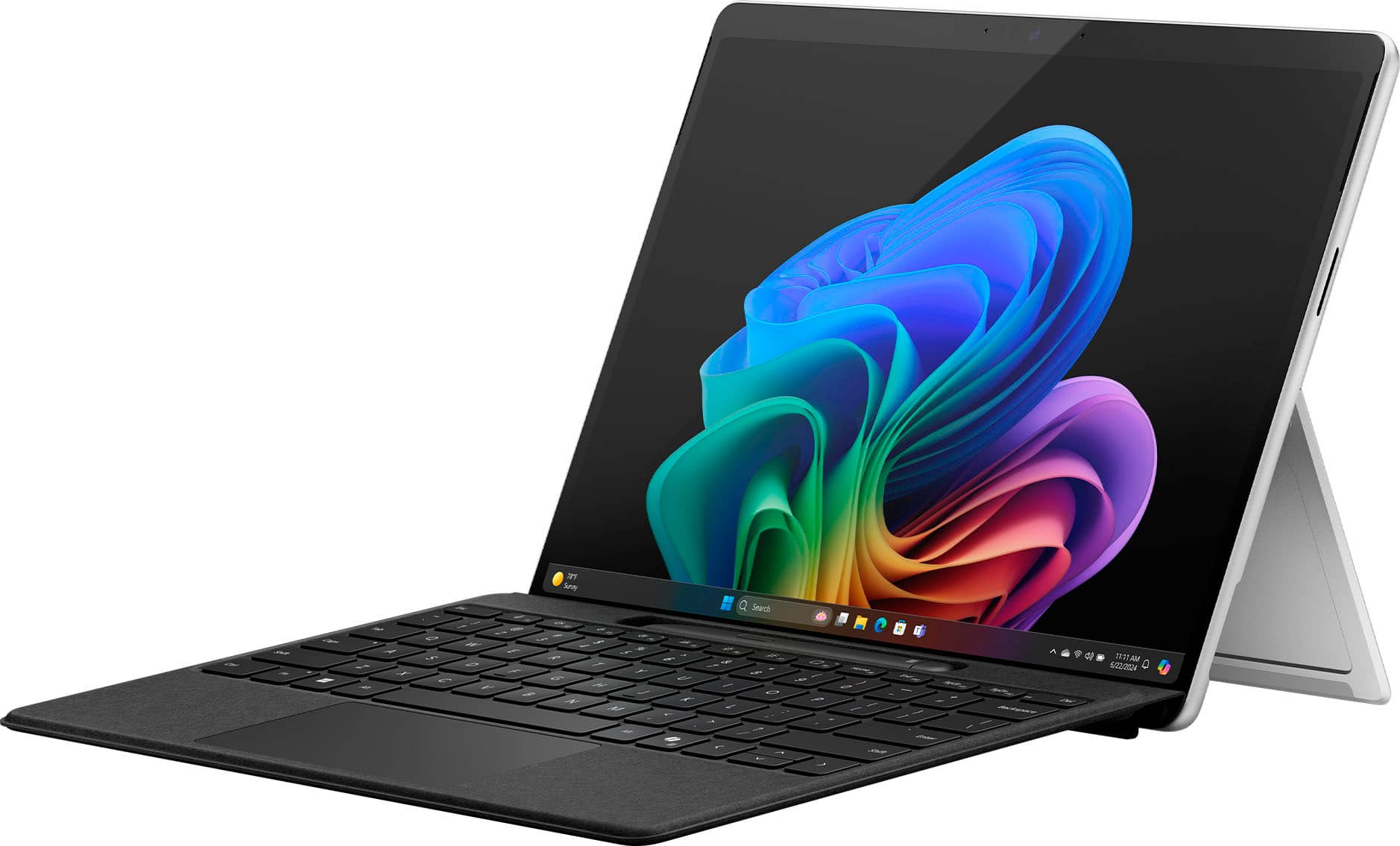
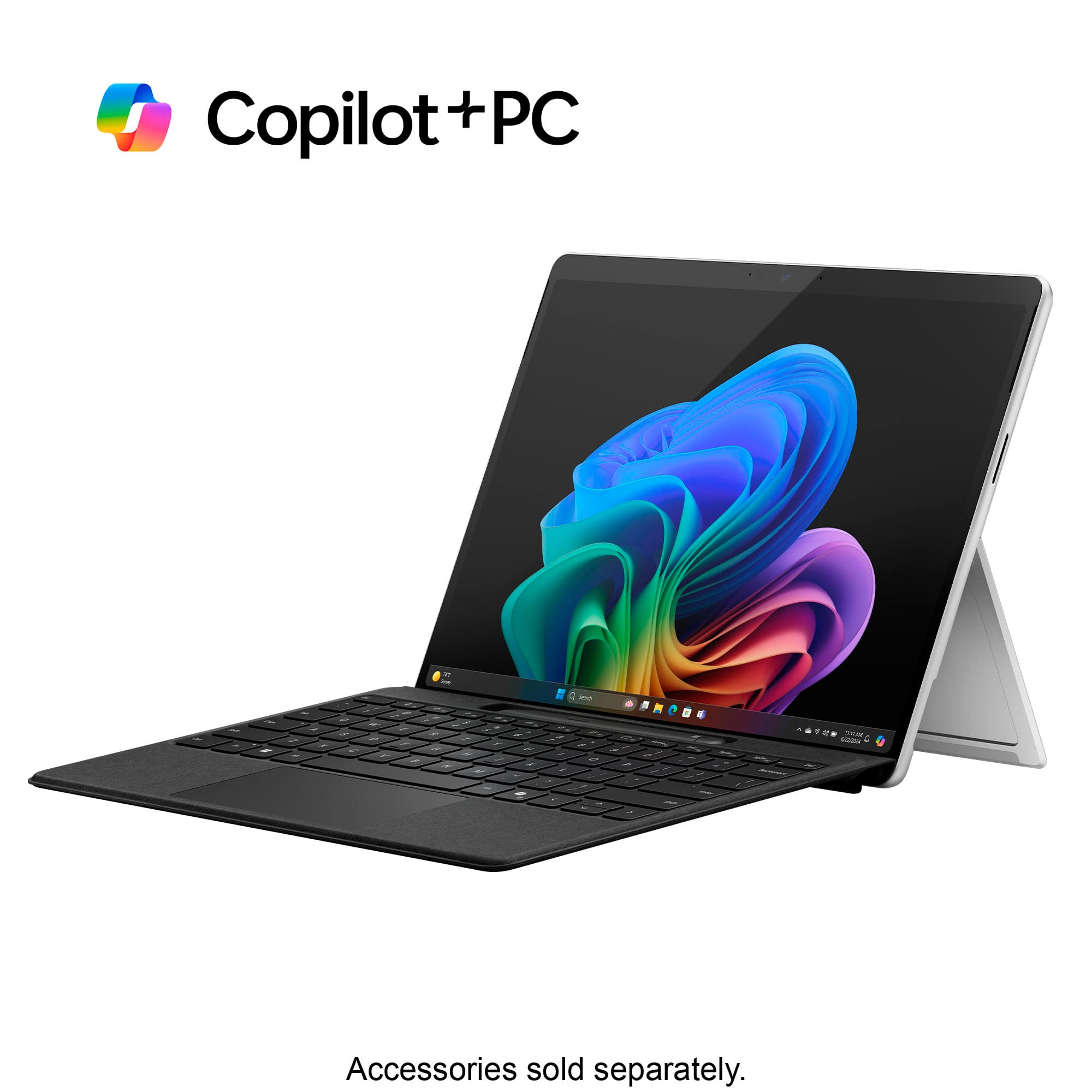
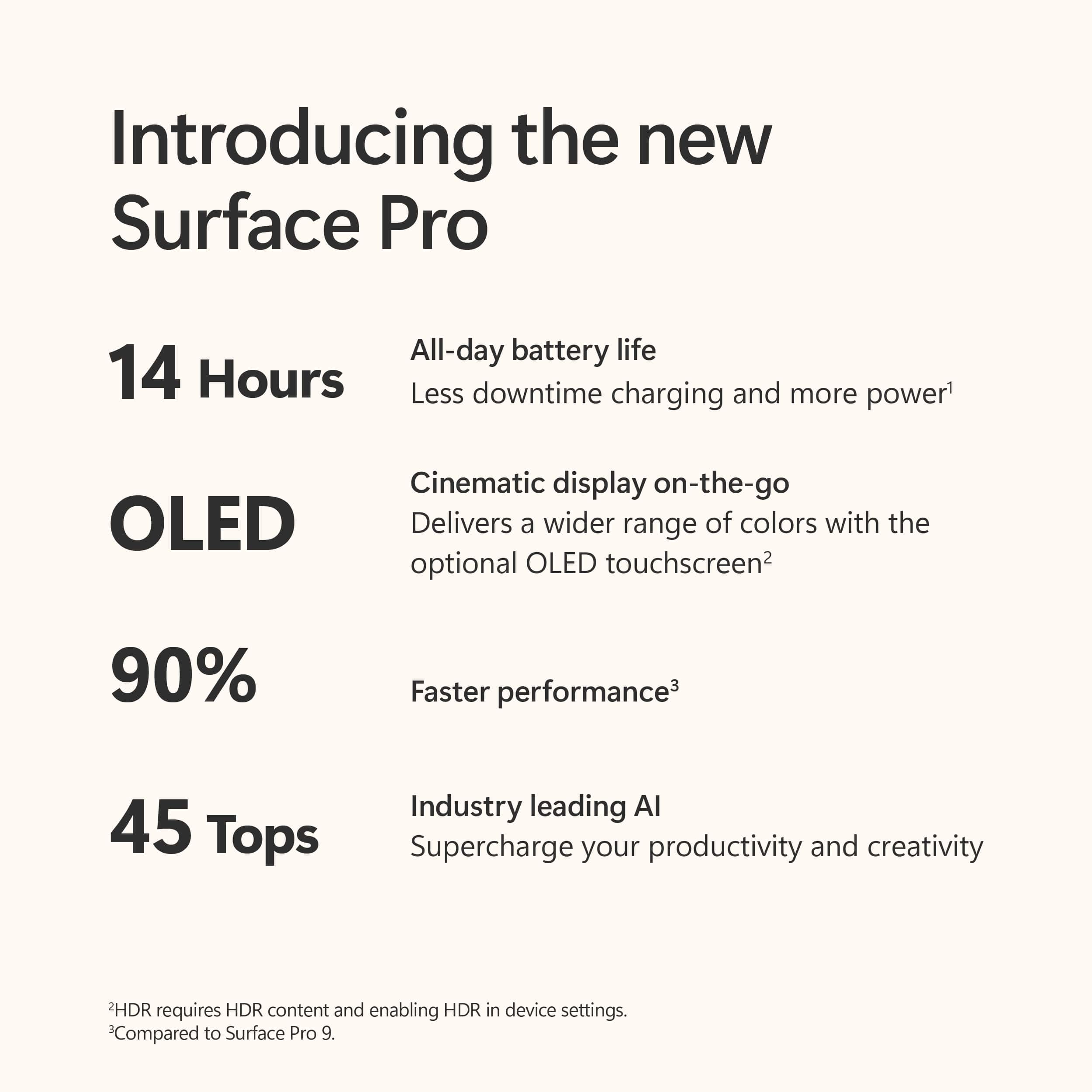
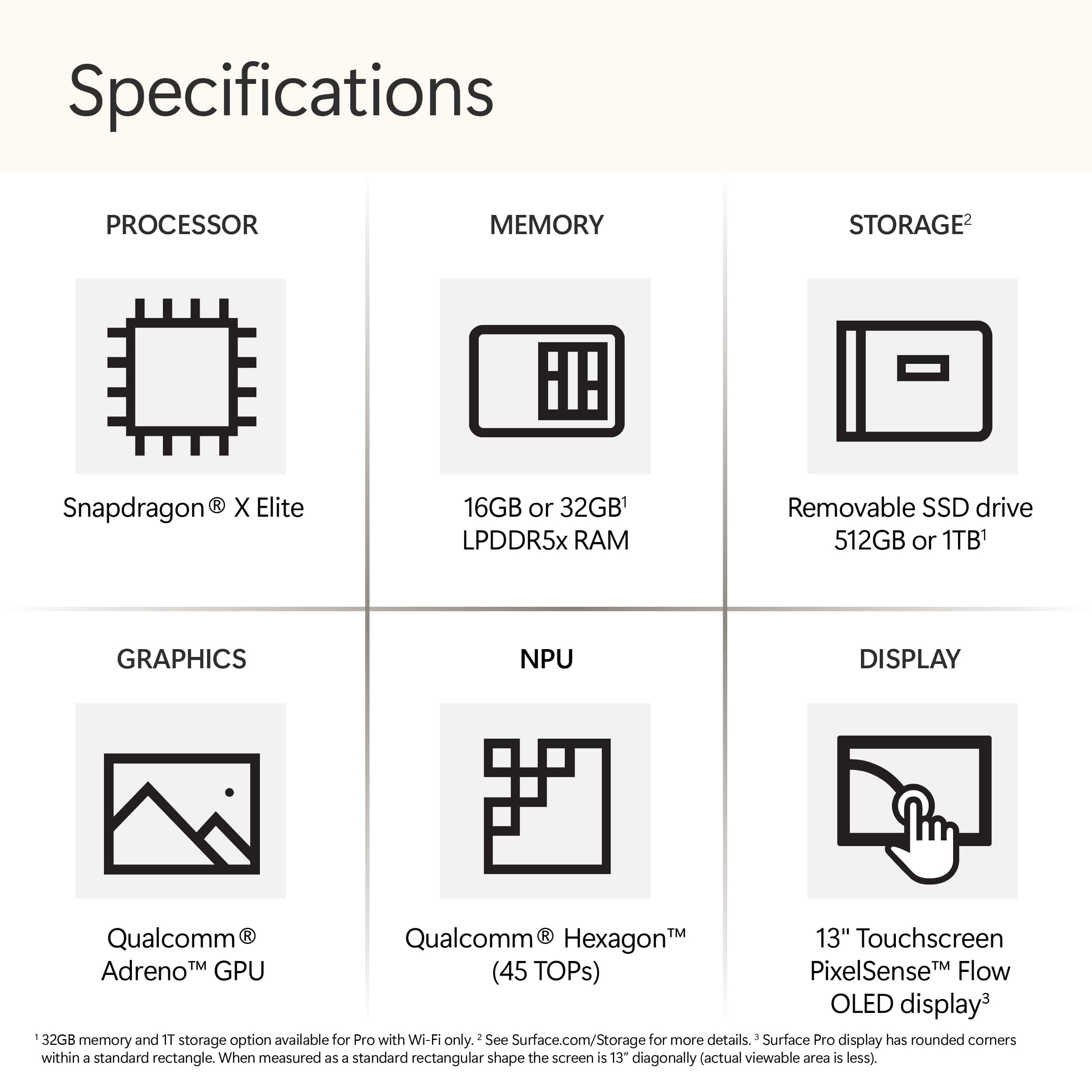
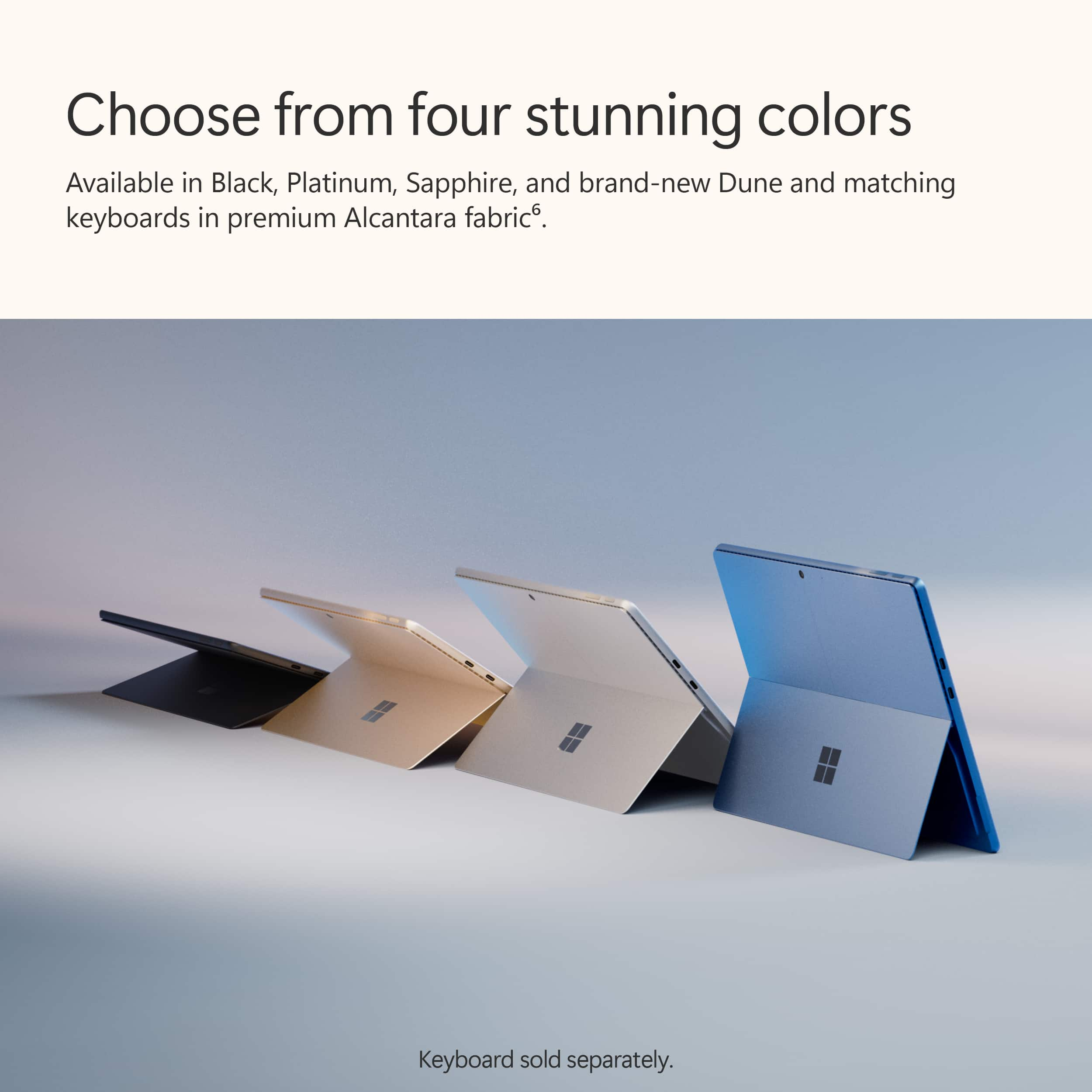
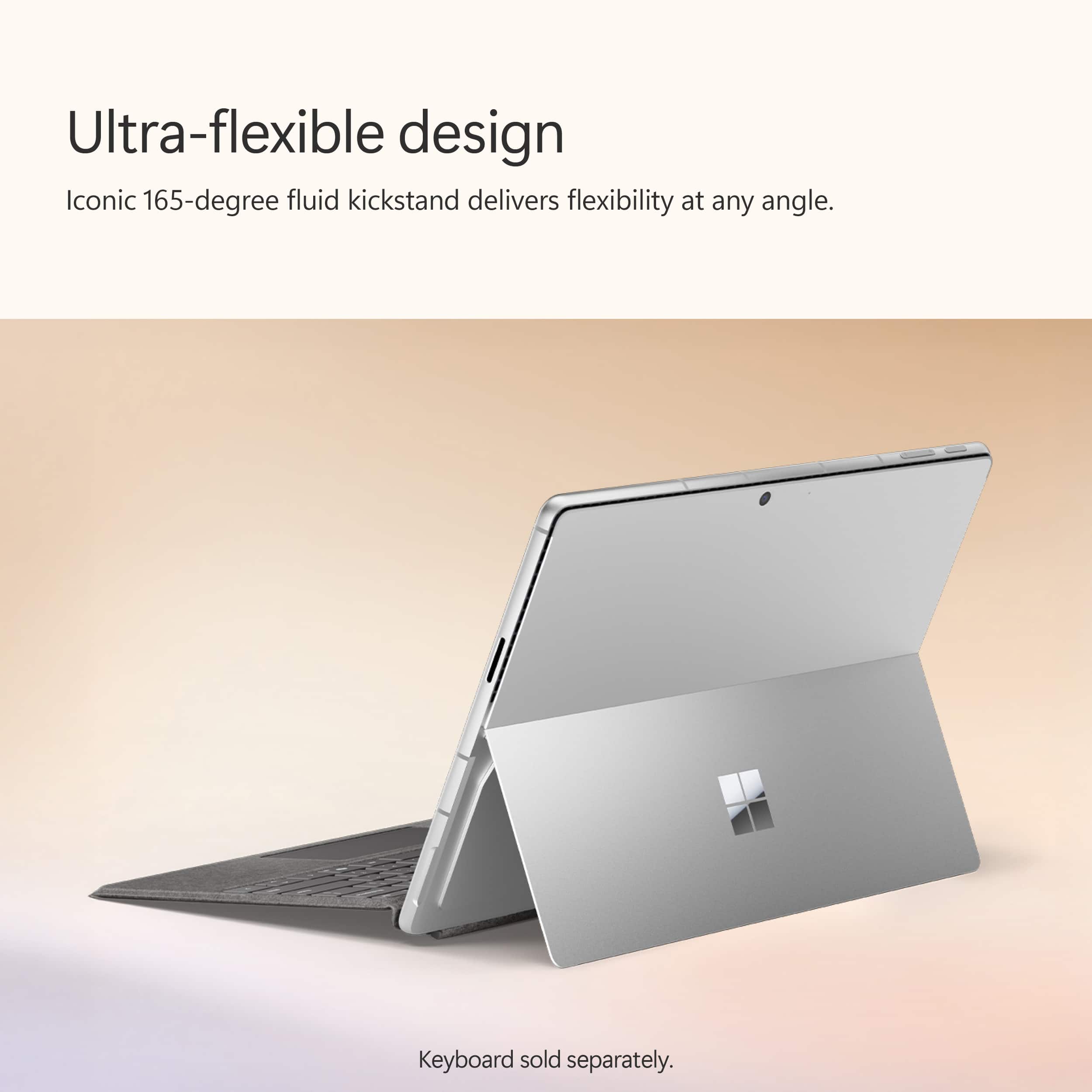
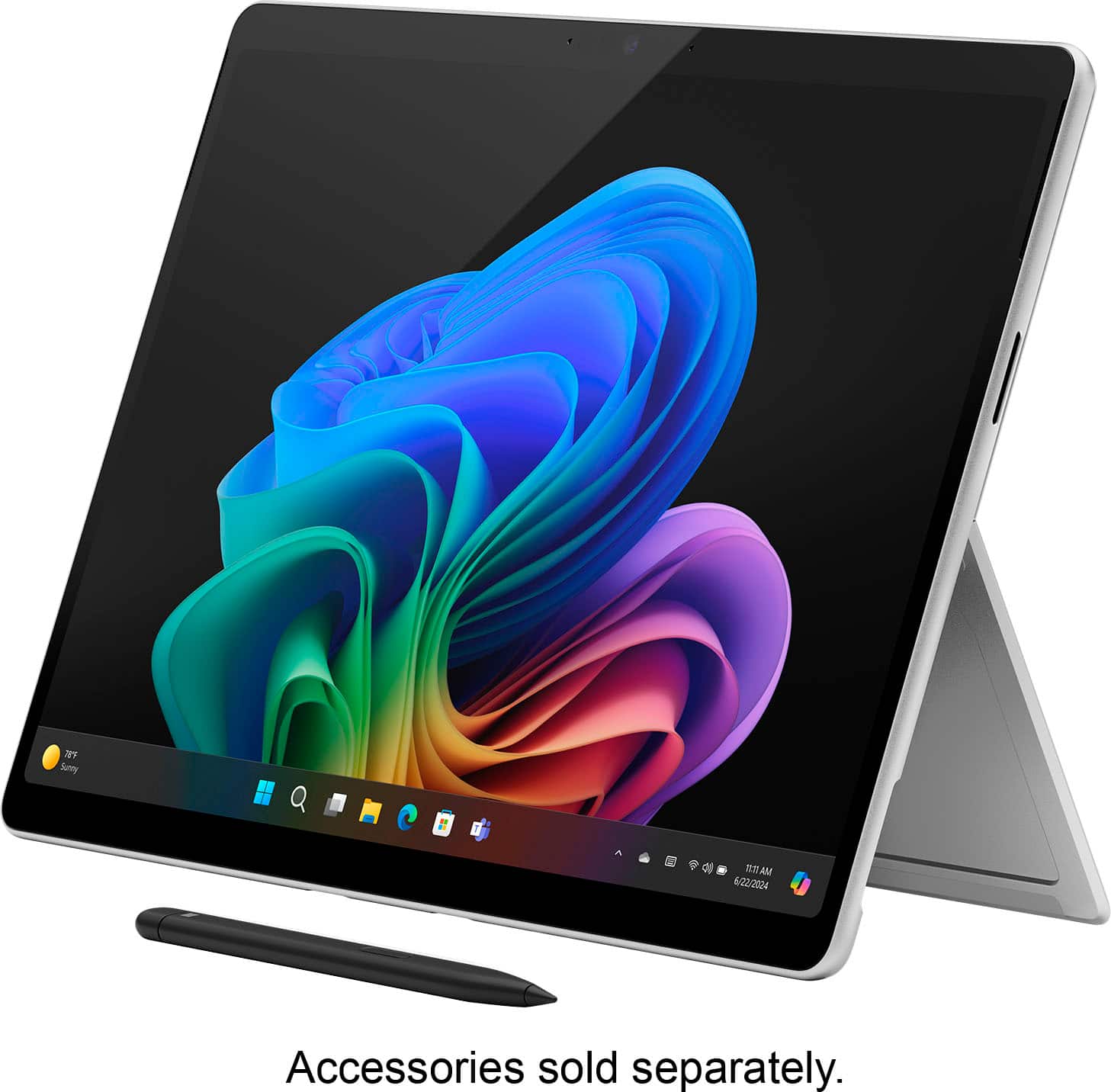
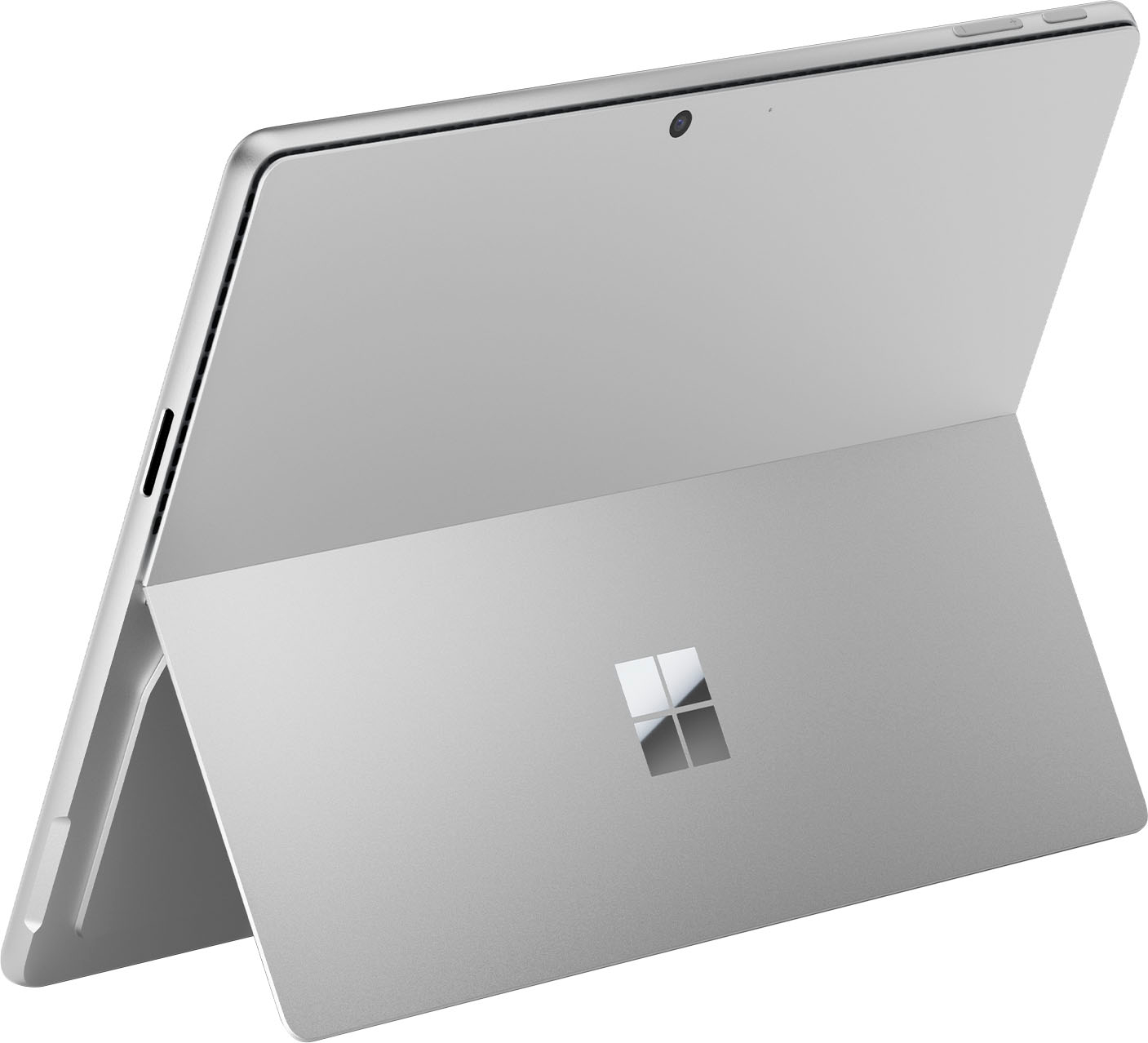
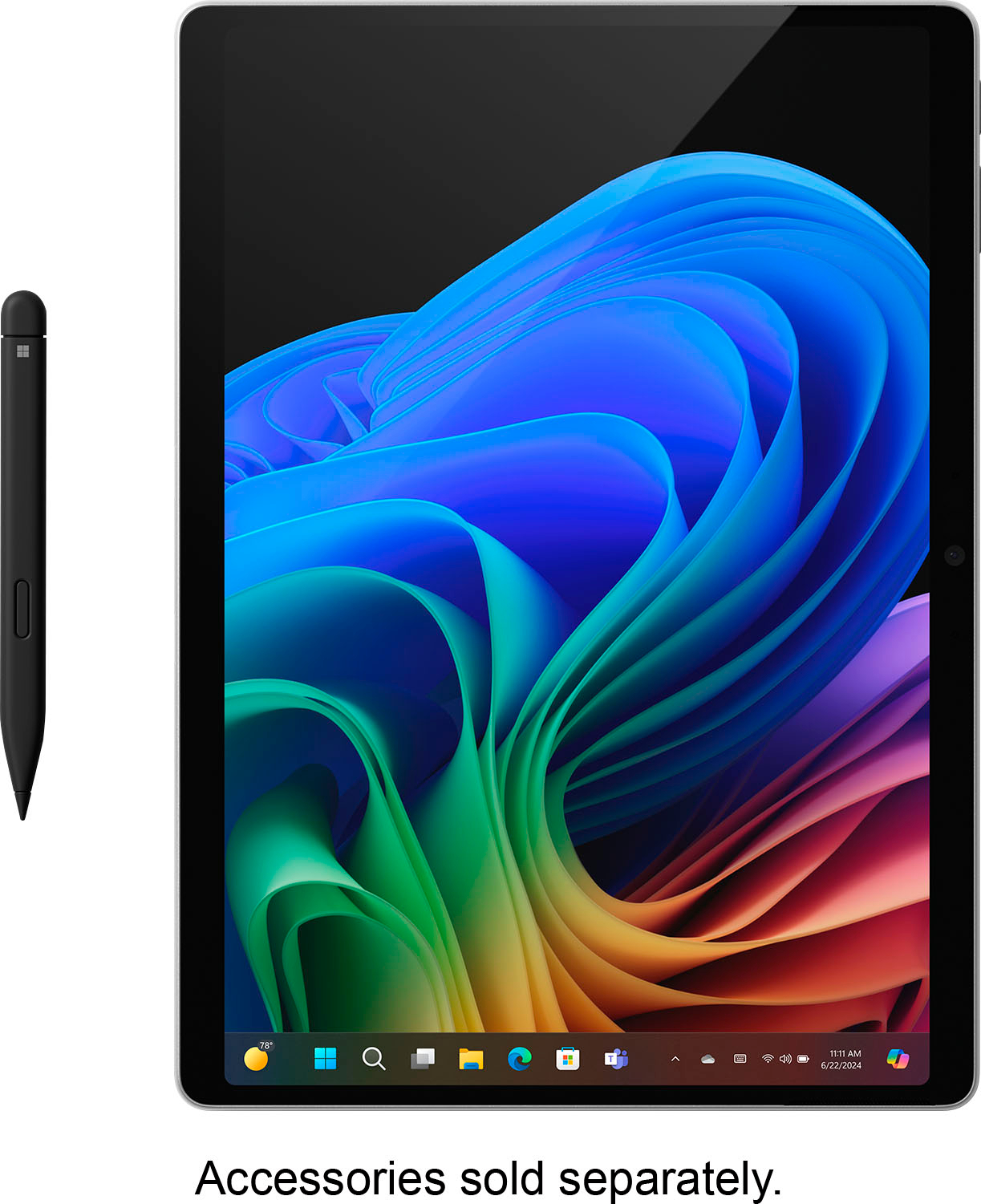
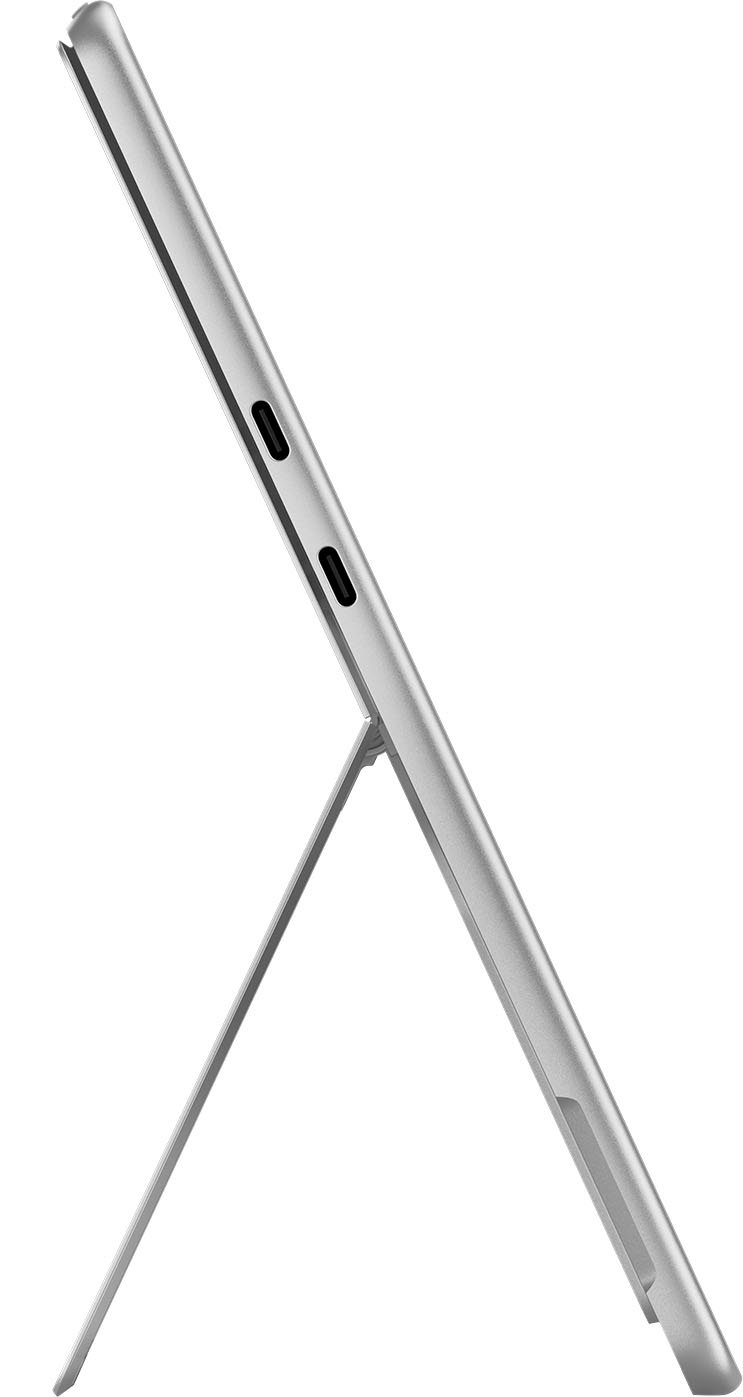
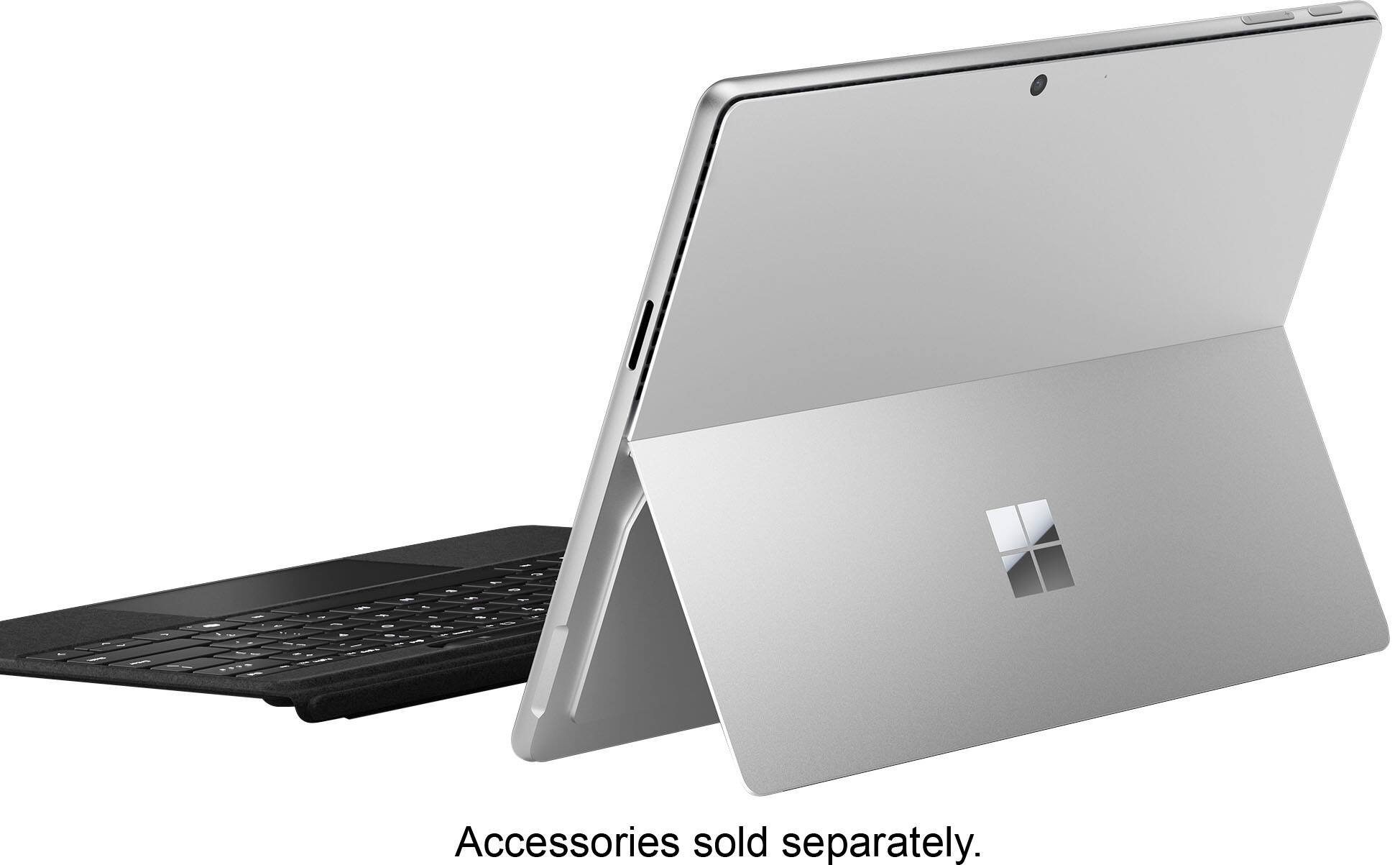
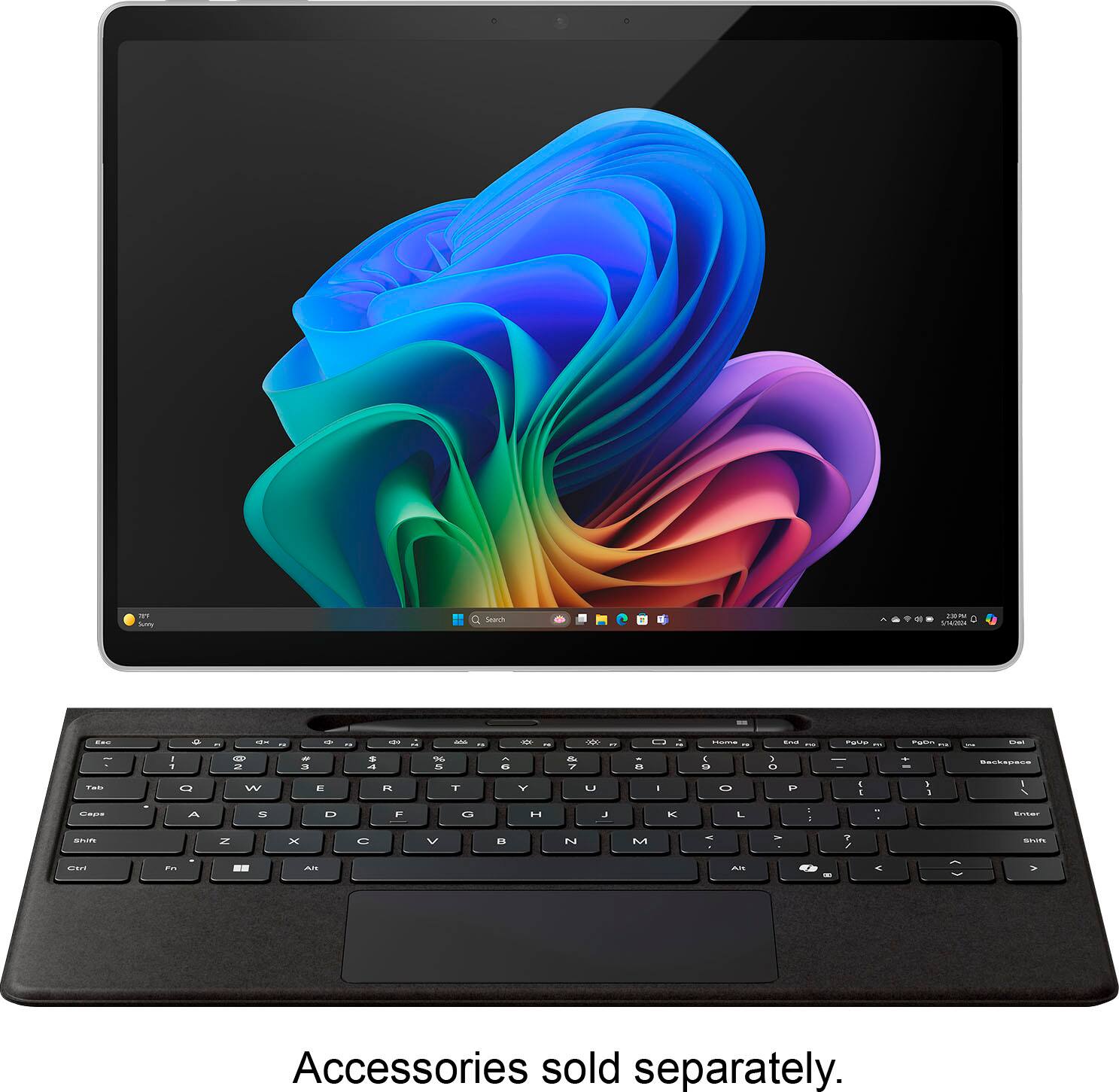
|Posted .This reviewer received promo considerations or sweepstakes entry for writing a review.I just started using the Microsoft Surface Pro with Copilot+ PCs. It brings in a new age of AI-powered productivity and creativity. Its advanced tech improves my experience with its incredible features and unmatched performance. The design and display is just out of this world as this Surface Pro offers stunning visuals that features a stylish design with a 13" PixelSense Flow OLED display and has a resolution of 2880 x 1920 pixels. I was amazed by looking at the OLED panel that provides a 1M:1 contrast ratio and supports a dynamic refresh rate of up to 120Hz, ensuring sharp details and seamless transitions. The laptop has a 165-degree fluid kickstand that can be used at different angles to allows hands free access and let me view the screen as needed. Lastly, the Dune color not only is different but enhances the looks to the next level. Let me tell you that the Snapdragon X Elite (12 core) Processor works like lightning to deliver exceptional performance, intelligence, and power efficiency. With 45 Trillion Operations Per Second of NPU power, this laptop is perfect for influencers like me who require fast processing speeds and multitasking capabilities. I do not have any concerns when it comes to process multiple things at the simultaneously. The two cameras one at the front and the other one at the back along with speakers are of decent quality. The front facing camera has face tracking and is utilized for Windows Hello facial recognition. Both the cameras takes good quality photos and video and works nicely for video conferencing as well. Not to forget the new optimized Windows 11, the Surface Pro has a all-new Start menu with improved connectivity options. As with everything these days, we can't ignore AI and this has AI-Enhanced features that incorporates AI throughout its functions, from the Surface Studio Camera with automatic framing to the Surface Slim Pen enhanced by AI. These features empower me to turn ideas into artwork with generative AI tools. The battery life is unbelievable as it easily last up to 14 hours which is not common for a laptop but this one easily surpass that expectation. For connectivity, this comes with two USB-C 4 ports and support for up to three 4K monitors at 60Hz, the Surface Pro ensures versatile connectivity for peripherals and external displays. Overall I'm absolutely loving it! This laptop has truly become my go-to device for everyday use.I'm also really impressed with the battery life. The screen is stunning, the audio is top-notch, the processor is lightning-fast, and the AI features are a game-changer. Plus, it's the perfect size for on-the-go use. If you're looking for a Windows laptop in a compact size and travel-friendly then this Surface Pro with Copilot+ is definitely worth considering. It's a game-changer for productivity and creativity.
I would recommend this to a friendGreat
||Posted . Owned for 4 months when reviewed.This reviewer received promo considerations or sweepstakes entry for writing a review.Pretty good ive been liking it love how it syncs with my samsung so easily.
I would recommend this to a friendOverpriced
||Posted . Owned for 2 months when reviewed.This reviewer received promo considerations or sweepstakes entry for writing a review.I think for the price, it should include a keyboard, and pencil. The charging cable is a bit of a pain, it doesn’t stay in the charing hole when moving the device.
No, I would not recommend this to a friendGreat Tablet PC hardware!
||Posted . Owned for less than 1 week when reviewed.This reviewer received promo considerations or sweepstakes entry for writing a review.This slate tablet has great hardware, however for me the software is not compatible with my work VPN. Once ARM64 supports improves I would buy again.
No, I would not recommend this to a friendPoor product knowledge, calls divert to India
||Posted . Owned for 2 weeks when reviewed.This reviewer received promo considerations or sweepstakes entry for writing a review.Computer works great but they don't sell a model that comes with LtE. If you call Best Buy customer service which is based in India they will tell you it has LTE. I've spent about 20 hours calling Best Buy then calling Verizon then calling Microsoft. Best Buy India keeps saying it has 5g lte internally. But Microsoft said they haven't made a surface 11 with lte yet. Best Buy has the worst customer service, they don't know the answers and you are dealing with people that are on the other side of the globe. There's not way to connect to an associate on the floor in a store, all calls go to India and they cannot properly answer your needs. I tried calling corporate in Mn and all those calls are diverted to India. I will never make another purchase at Best Buy ever again because the customer service is horrible. I will Make sure everyone I know is aware of how hard it is to do business with Best Buy, I'm also going to write reviews and spread the word online. I hope that Best Buy is replaced with a better store that serves its customers needs
No, I would not recommend this to a friendGreat but......
||Posted . Owned for 2 weeks when reviewed.This reviewer received promo considerations or sweepstakes entry for writing a review.I am really compelled to give a one star review, but it is a great device.... unless. I need to be able to VPN to our server remotely. Unfortunately, this processor is not compatible with a bunch of common apps. That is terrible. Who thinks something at this price point can make it without being compatible with common apps??? I would recommend if you are buying this for business to choose something else. At this price point, with add ons, it should work with anything. Really disappointing. Everything else is great. Microsoft should be better. They should also not rob you for a keyboard and a pencil (Apple does the same).
No, I would not recommend this to a friendBrand response from Snapdragon team
Posted .Thank you for your feedback. We’re continuously working to expand support for more applications, both natively and via emulation. Please visit https://www.qualcomm.com/products/features/windowsapps to see the most popular supported apps.

The best service & best laptop & best deal
||Posted . Owned for 1 month when reviewed.This reviewer received promo considerations or sweepstakes entry for writing a review.Very good nice service nice laptop quick service great deal 5 stars
I would recommend this to a friendMicrosoft Surface Pro 11 Copilot+ PC
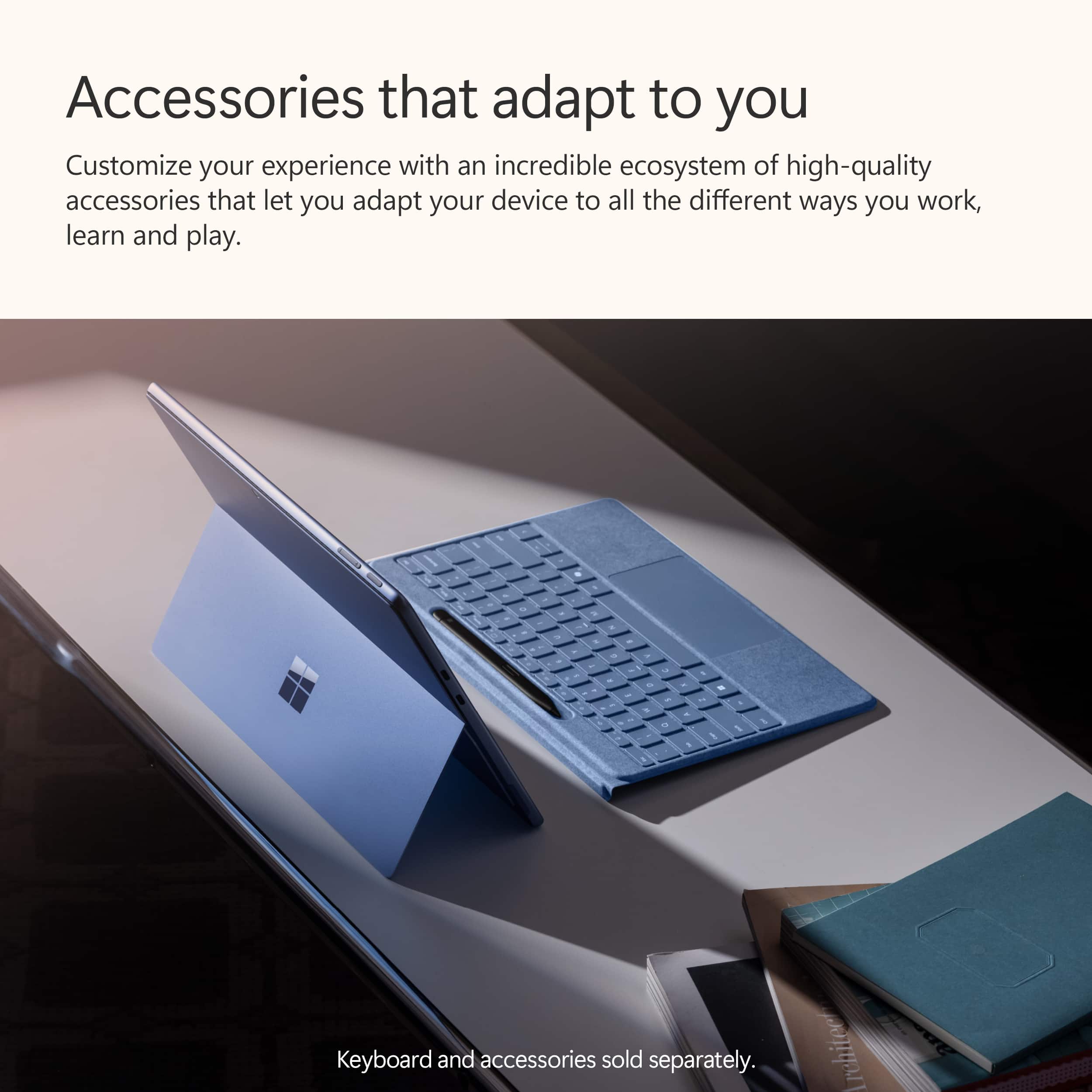
|Posted .This reviewer received promo considerations or sweepstakes entry for writing a review.This is my 2nd Microsoft Surface, I had a pro edition a few years ago that I really loved and now that they have integrated AI via Copilot+, I felt it was time to try this new one. I still love the Surface Pro PC concept with Tablet screen and attachable keyboard with Pen. This is a 13inch unit with 16GB of Memory and a 512GB of storage. This is as much as most medium/high range laptops, yet this is less than 2lbs in weight and only .37 inches thick. That is impressive. The Surface Slim pen and keyboard are awesome, they feel much more tightly integrated than any other tablet/keyboard combo I have used. It truly is comfortable either on your lap, on a desk or just sitting beside you on the sofa. It is so comfortably usable. Face recognition works great for me as well. As for the basics, the new Surface Pro 11 is fast, with its Snapdragon XP Plus processor and NPU for AI, it is smooth and quick for me as I go between MS Word, MS Excel, Paint and over 10 different tabs in both Firefox and Edge. There is another Surface Pro 11 with the Snapdragon X Elite with OLED display that is available, but this one is powerful and beautiful enough for me with a 2880x1920 QHD display. Now, what differentiates this new round of Surface Pro is the inclusion of Microsoft’s implementation of AI/ChatGPT like capability called Copilot+. If you have ever used ChatGPT or similar you will be familiar with the usage of “prompts”. It can be as simple as just asking questions but so much more powerful. you can now get information, analysis and creation all together from Copilot+. There is a dedicated Copilot+ button on the keyboard which when pressed brings up the Copilot window. From there, you can just chat with it and ask questions, create and analyze. For example, you can select the Notebook, I then asked Copilot this: “In the role of an IT Cloud Leader, write me a job description for a Cloud Migration Specialist”. I have added a pic of this in my pics but literally within 3 seconds, it produced a very accurate job description for this type of role. I was very impressed. Moreover, you can choose to export the output to Word, PDF or text. Just think of the possibilities for this! I asked Copilot to create a 4month old birthday card for my new granddaughter and uploaded it a picture of my son, his wife and my new granddaughter while they were in a small kiddie pool. Copilot took the picture, created an drawing/image mimicking the 3 of them in the pool, down to the red hair of my daughter in law! It was amazing! I was also able to ask Copilot to “summarize” a web link that I posted. It wrote me a great summary of the contents. I am really excited for this as I frequently explore complex software and cloud services sites and this will allow me to quickly summarize the content and not waste time when I don’t see value in the content but have to read to the end to make that determination. Next, I asked Copilot Designer to create a picture. I said, “Chocolate Labrador running in a field”. It took about 3 or so seconds and produced 4 options, all beautiful! Now, they all were showing the dog in fields of sunflowers. lol, but they do remind you that AI is not perfect and you will have to tweak and adjust as needed. I then went into MS Paint. Now, I am not an overly creative person, but this is where Copilot can even make someone like me creative. I used Cocreator in Paint to start to draw a puppy but then in the cocreator window, you then tell it what you are trying to draw. Copilot analyzes what you are trying to draw against what you are telling it you are trying to draw and it then creates a polished version of what you think you wanted. You can then choose to select it and bring it into your canvas you’re currently working on. What is so amazingly cool about this is, if you are not a creative person, you now have a wealth of tools available to you to learn, grow and improve your creativity! If you are already a very creative person, you can take what you already know and be even more amazing with the content you create. It really is revolutionary, and the way Microsoft integrates this into their apps and Windows 11 is so very useful for so many. Overall, there is much to love about this device. I am still not a huge fan of the magnetic charging cable and block. The USB-C will work to charge so I am not sure why they just didn’t go with that and ditch the other. It does charge fast and overall battery life lasts me fine all day. The size, the weight, flexibility of this Microsoft Surface is compelling enough to make this my everyday device. The added AI capabilities with Copilot+ just provide an intelligent “icing” on top of a wonderful cake! The coolest part is with every use of Copilot+, it starts to make you think about all the things you can ask and do with it. I would highly recommend this to anyone! It is great and will continue to improve the technology but more importantly it will continue to improve my capabilities!
I would recommend this to a friendGreat hardware, hindered by Windows desktop focus
|Posted .This reviewer received promo considerations or sweepstakes entry for writing a review.Great Solid build quality Barely drains battery while asleep Silent during normal usage Fast Can still run legacy programs Good speakers SSD easily upgradable Repairability greatly improved Slightly rounded edges more comfortable Sturdy kickstand stays where it is placed Includes Wi-Fi 7 Two USB-C ports No So Great Several AI features advertised require a subscription Windows sending data to Microsoft by default Increased bloatware built into Windows Windows increasing advertising App store still limited Apps have limited touch optimization Limited usability without keyboard cover At first glance looks identical to is predecessor. The only outward difference is the edges have a slight curve compared to previous models. This makes it feel more comfortable in the hand. It has some weight to it but feels solid and well-built with no hint of flex. The SSD is upgradable via a cover held on magnetically and according to iFixit, repairability has been greatly improved. The original magnetic charger is still featured and still a bit finicky to connect with weak magnets. USB charging is also supported. Setup 6/10 Each time Microsoft makes an improvement to Windows they seem to add a change that takes a step backwards. Setup is the familiar Windows setup but now it is even harder to set up with a local account, OneDrive is automatically enabled, and the base Office Suite is installed by default. Also, during setup Windows Updates are required to be installed before you can even start using the device. Taking a sleek new Surface out of the box only to be stuck waiting 30 minutes for Windows Updates is a bit of a letdown. Once you are in you are greeted with preinstalled third-party apps you did not choose. It would be better if the system just did something like open the Windows Store on first login so people could see and choose what they wanted to install instead. Maybe even have a welcome page on the store that displayed options for essential apps to help without installing first. General Hardware 8/10 As a 2-in-1, the Surface hardware is very nice and does a good job of being a good laptop and tablet but not outstanding for either. As a laptop the kickstand is too sharp for extended use on your lap as it digs into your legs. As a tablet it feels more comfortable to use the kickstand and watch videos versus holding in portrait mode as a reading device. Desktop or docked is best as it feels as good as seamless as desktop computer. Speakers 9/10 It’s surprising how capable the speakers are with everything crammed it this chassis. Coming from an older Surface, the speakers in the Surface Pro 11 are not only much louder but far more capable with more range. They are still limited in bass but still do surprisingly well for the size. Of course, music would sound better on discrete speakers or headphones the built in ones are nice for casual movie or music sessions. Voices are produced with good depth making them easier to understand than tablets years ago where voices were thin and hollow. Cameras 6/10 Camera quality in tablets has improved greatly in the past few years. Since Qualcomm processors were originally built for mobile, they have dedicated camera processing, and it shows. The quality is very good with minimal noise and decent dynamic range. No surprise it doesn’t compete with high end dedicated cameras but it a marked improvement from older webcams and nearly as good as modern smartphones. Using the AI features for automatic tracking or background blur is similar to previous webcams but without any lag. Battery Life 9/10 This is where having the Qualcomm processor really shows. Previous generations of Surface had decent battery life when doing basic work but still didn’t last long. Once you start to push them the fans would ramp up, the tablet would start to heat up, and the battery would drop fast. While the Surface Pro 11 won’t win any awards for the longest battery life, it is still vastly improved and removes a lot of anxiety of running out of battery. Of course, what you have installed and running in the background makes a difference but overall, it has been easy to get a full day of casual usage out of the battery. Furthermore, performance doesn’t feel any difference regardless of whether it is plugged in or not. The larger difference is noticed based on the performance profile you choose. While you can still definitely burn through the battery quickly leaving open heavy apps running the background, battery life is significantly better. Where this shows through the most is in standby time. Previously Windows devices, including an older Surface Pro, would lose half their battery or more overnight on standby if not turned off, the Surface Pro 11 can just go to sleep and when you wake it up the next morning you might have lost 1 or 2% battery. With the Surface Pro 11 you can just put it to sleep, and odds are when you come back in a few hours or a day or even two you will still a good amount of battery life waiting to be used. No more opening your bag to a hot laptop and a dead battery. Legacy X86 apps that run in the background will eat through your battery faster but still better than in the past. Hopefully further optimization for non-native apps will improve this in the future. Adjusting to battery life takes some time as normally seeing 34% battery life on an old Windows device would have you looking for your charger. On this Surface you can check back after 20 minutes of use and only dropped from 34% to 32%. There have been times where this Surface has gone over 2 days without needing a charge with sporadic use. Performance 9/10 While running a full operating system it mostly runs as snappy as a tablet with a lightweight mobile OS. Native apps feel fluid with no perceived loss in performance. On some legacy X86 apps you can occasionally feel more of the translation happening, but it mostly seems to occur on install or launch where times are slightly longer. Once things are up and running for the translation process for non Arm apps feels transparent and doesn’t present a problem unlike the old Windows RT days. In fact, even installing legacy keyboard and mouse drivers went off without a hitch. A bonus is that even though it has fans, they have been inaudible if they have even been on. Also, the case has only felt barely warm to the touch. So far, the only issue encountered was Apple Music. The Windows Store won’t install because it says it is not compatible with the processor which is strange that the only error has occurred with a modern app and not a legacy one. For a first generation of a new series of Arm processors for Windows the transition feels far smoother like they got it right this time. It doesn’t feel like a compromise this time but an upgrade. Software usage 5/10 As a fan of Windows, it is hard to see Microsoft seem like they are going to hit a home run and then miss. The core of Windows is still the same old Windows, but Microsoft really needs to decide how committed they are to convertibles from a software perspective. This, more than anything else, brings down the Surface and other Windows convertibles. While adding new features to Windows, the touch experience on Windows still feels stagnant and a missed opportunity. They made small changes to increase the size of some touch targets, but it would be nice to see them bring some of the touch features of Windows 8 to Windows 11 in a thoughtful manner. An example would be offering swipe gestures in tablet mode. Another example is “New’ Outlook. By default, when opening Outlook when using it as a tablet, buttons are small and crowed and controls are nested in a way that works best with a mouse. There are no gestures to browse emails and each line is small. Deleting or archiving an email takes multiple presses. Another example is sometimes the onscreen keyboard. Sometimes it would not launch, launch completely white until restart, or close in the middle of typing. Microsoft also needs to tone down their advertising, specifically within the OS. By default, Windows now shows you ads for Office and OneDrive on setup, then third-party ads in the start menu, then pushing more ads within the sidebar. This is all by default. It would be better if Microsoft would just send an email showing what was offered or put a page in app store. It feels like Windows is becoming more of an advertising platform than an OS. At the very least these should be opt in features, not opt out. AI Features 6/10 Right now, the AI features feel incomplete. Understanding the differences is confusing. The AI camera effects are nice but with many returning to the office, video meetings have reduced the need. Live translation but I don’t know anyone to try live translation on and unfortunately don’t have access to the summary tools. The main AI tools that have are useful are for editing photos. With Windows Photos you can retouch photos, remove and replace backgrounds, smart erase. With Paint you can sketch a basic design and use Cocreator to help you enhance your design. Cocreator and Image Creator are still in the early stages, so results are inconsistent. There are other AI tools that Microsoft shows you can use to summarize documents and write things for you, but they don’t explain well those are in a different product called Copilot Pro that is an additional subscription beyond Office 365. With the integrated NPU it would have been nice if Microsoft included those without a subscription. Final Thoughts The Surface Pro 11 on the hardware side is a solid device. Microsoft needs to work on having a clear and concise path for where they are taking Windows with regards to advertising as well as tablet controls. Hopefully some of the subscription features will trickle down to be included with Windows as they seem compelling. That said, if you are looking for a quality Windows 2-in-1 device the Surface Pro 11 is a solid option, and the Arm chip is a gamechanger.
I would recommend this to a friendAmazing portability, power, and all day battery.
|Posted .This reviewer received promo considerations or sweepstakes entry for writing a review.This tablet / laptop works great for a lot of things. I was skeptical at first being that it is an arm based product and historically windows on arm has been a little hit and miss. However after using this table for a bit as my non-gaming daily for over a week or so I have to say I am pleasantly surprised by the performance and reliability for “most” things that I have tried to do with it. I do software development, and for the most part that experience has been fairly painless and performance has been great. However there are some caveats to that. Programs that are not specifically made for arm run in an emulation mode (so x64 apps) and those apps do have some slight performance hits due to this translation layer. But during normal use those issues are mostly not noticeable at least for the applications I have been using. When it comes to down right application failures there have been a few applications that I was unable to install because they don’t offer an arm version and they would not install ( such as ARC browser which I use on Mac and my intel based windows machine) I also had an issue where an application would install fine but I could not activate it for some reason so I was unable to use it. For productivity software however those where the only two real examples of problems I had. I’ve also been really happy with battery life in normal use as I can get a full 12 hour day of work done and still have battery to spare without much of a worry at all. That’s nice compared to some other laptops I’ve tried to use for work in the past that left me scrambling for a place to plug in. Build quality and style wise, I really appreciate the simple clean design just the adjustable kickstand on the back and that blends in when you fold it down. That kickstand is amazing as well allowing me to use more angles than I ever thought I needed for different situations. The copilot+ stuff is cool if you have a use for it. I played around with the image co-creater features for a while and it really helped flesh out an idea I had been working on even though I am an awful artist. It’s nice to be able to prompt the system, start drawing and as you go it slowly improves the generated image. It’s a neat feature if you have a use for it and I’ll probably use it more in the future. The other really cool co-pilot plus feature I was not expecting to like so much was live captions. It was amazing to be able to watch a video in another language that did not have translations available and be able to understand what was going on. It’s surprisingly fast and super useful for some of the work I do. As for it’s accuracy I’m not totally sure on that front but it was close enough for me to get the information I needed without needing to refer to another source or person. As for all the other co-pilot+ features I’ve not had a lot of time to use or play with them so I don’t have much to say on those but overall I have been super happy with the experience and pleasantly surprised. Overall if you’re looking for a super portable and fairly quick computer to do work on this is shaping up to be a great choice overall. I’ve all but replaced my other travel electronics because this takes up less space and does the things I need it to without too much hassle. There is one note for all of this though, do not expect to be able to play games on this laptop/tablet. It’s not intended for that and the driver compatibility with games is very far from good. There are also several games that just won’t run at all because some kernel level anti-cheat systems don’t support ARM. I’m sure that will get better in the future but in reality that’s not what this computer is intended for anyway. I just wanted to make sure I included that in my review just in case someone was looking at it for that reason. The only real reason I was not able to give this a 5 star rating was the few issues I did have with software compatibility. I think after some time that issue will get better though.
I would recommend this to a friendThe Best Windows PC Experience Out There!
|Posted .This reviewer received promo considerations or sweepstakes entry for writing a review.Windows has obviously been around a long time and is the known big name operating system for computers around the world, but its only been the last handful of years that Windows has been making their Surface laptop line. I have used many Windows computers in my day and it’s safe to say that this Surface Pro with Copilot+ is simply the best windows PC experience I have had! PROS: - Unboxing this and setup was a treat. Immediately you notice the top tier build quality that shows how thin it is but premium with how it feels and looks. The kickstand is very sturdy and can be adjusted in different angles, and it’s nice and light in your hand as well. Setup includes a smooth process of a few questions and you are ready to go! - The first thing you will notice when using this is how truly amazing this screen is, I mean wow! The OLED just makes everything pop and ever color feel like it stands out on its own. The whites are crisp and when the screen is black it is a true black. Makes for any work, play, or content you consume to be a real joy. I particularly enjoyed using this for movies and shows or games as the Dolby Vision with Dolby Atmos speakers really popped. - The Snapdragon processor brings a new level of speed as well. Often you think that you need a big machine to get you fast and efficient speeds but the Snapdragon processor along with the great ram and SSD specks make for a blazing fast experience when using multiple apps at the same time with either work or play. - Of course the big rollout of these new Windows PC’s are the built in Copilot+ which helps use AI for all your work and creative needs. I found the real world use cases for AI to be so beneficial as it helped my work look better and gave me ideas I had not considered before. I think it’s only going to get better with time as well but so far the AI features are a big perk for me in my use cases. - The surface pro also comes with some nice features like dual front/back cameras and 2 USB C ports. Both of these increase the versatility as the front camera is amazing for conference calls or streaming, the back is useful for taking pictures, and the two USB-C are the way of the future and work with all of my accessories I need. - Along with all this speed, AI, and OLED screen you would think that was too much power for a solid battery but I was very impressed with how long I could use this Surface Pro in between charges! It works wonderfully and only adds to its portability to be able to bring along like its nothing. CONS: - I really did not have too many downsides about this. Sure you could say it needs more ports but I find myself using them less and less, especially with docking stations and Bluetooth. Plus it keeps the profile more sleek and modern. BOTTOM LINE: - This is simply the Microsoft Laptop to buy. It has an incredible form factor that is great on the go, at your deck, or docked into monitors, its blazing fast, has an unreal OLED screen, and the built in AI features give you the real use case for AI that you may not have seen before. Microsoft has really hit a home run with this Surface Pro and it will easily be my daily driver for all my needs and I think it will cover yours as well!
I would recommend this to a friend