Customer Ratings & Reviews













- Model:
- ZID-00001
- SKU:
- 10122219
Rating by feature
- Battery Life
Rating 4.7 out of 5 stars
- Durability
Rating 4.7 out of 5 stars
- Display
Rating 4.8 out of 5 stars

Power, Portability, and Innovation in One Device
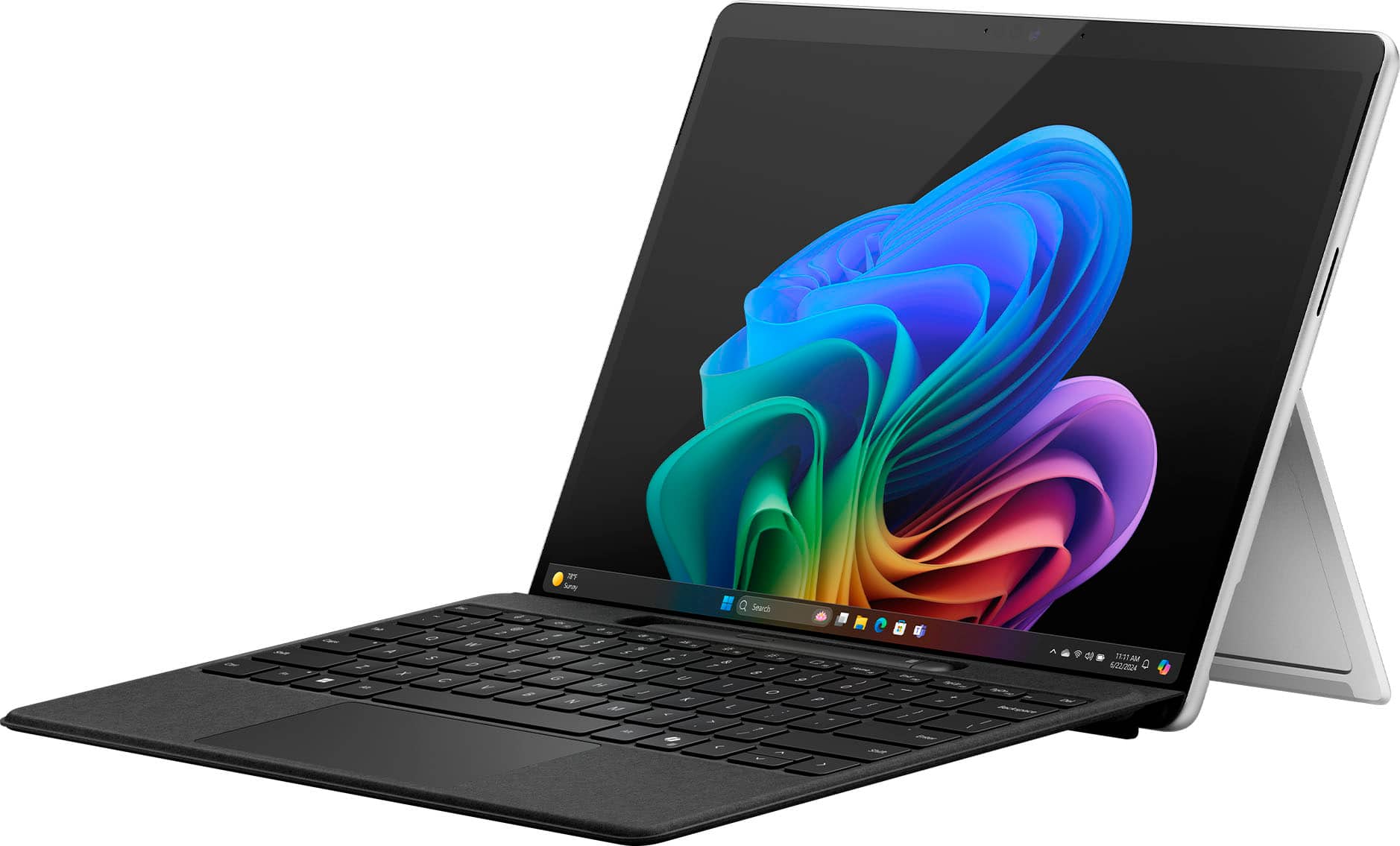
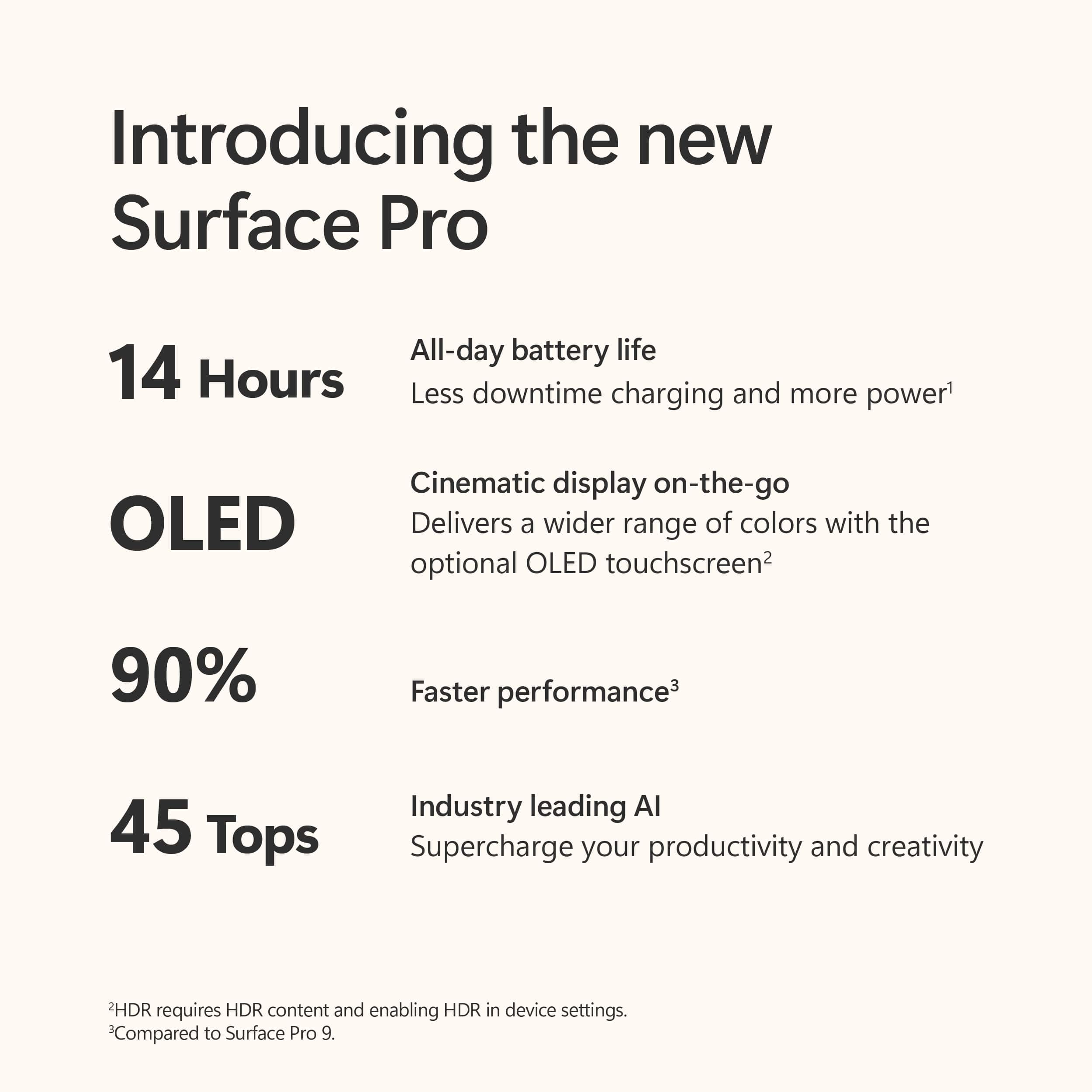
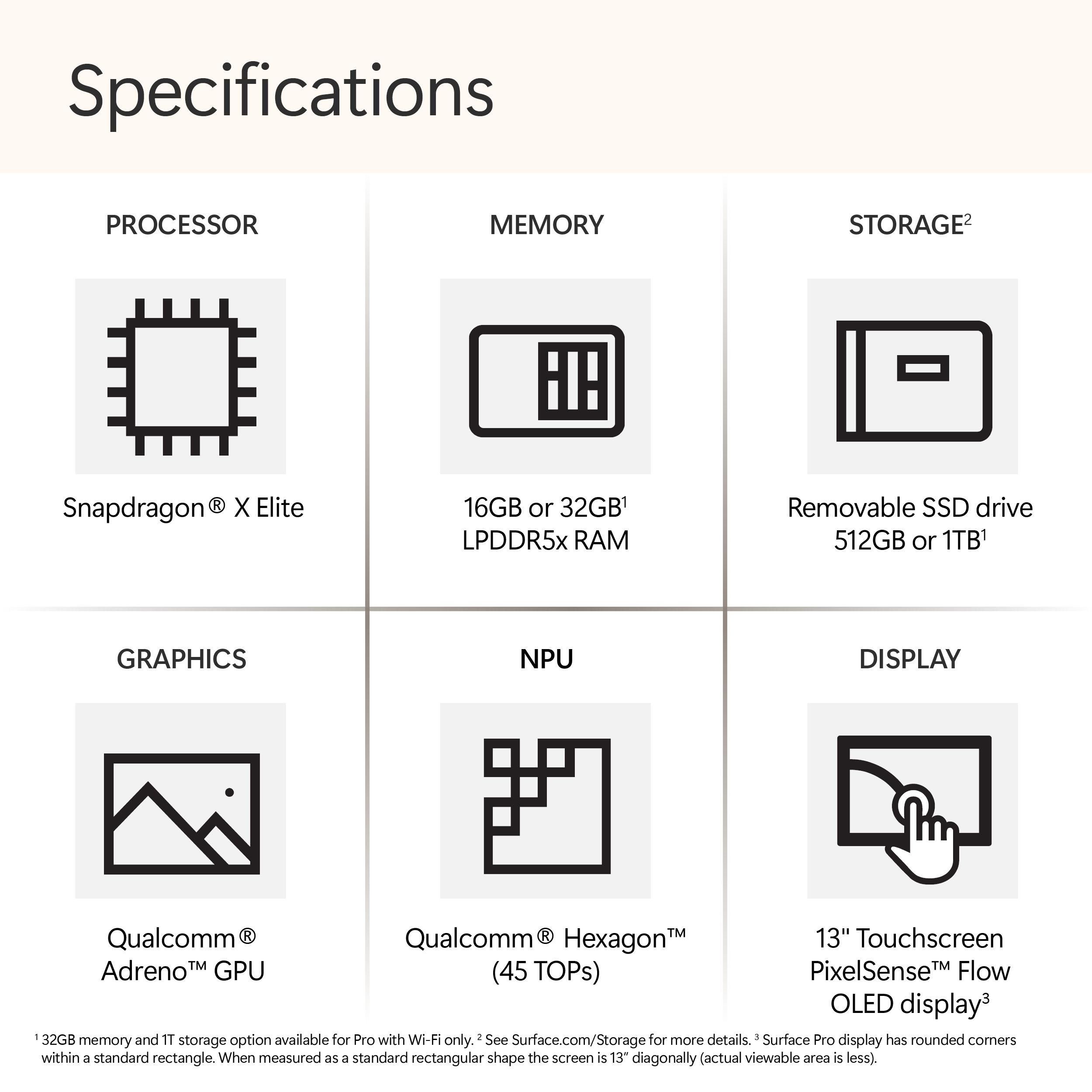
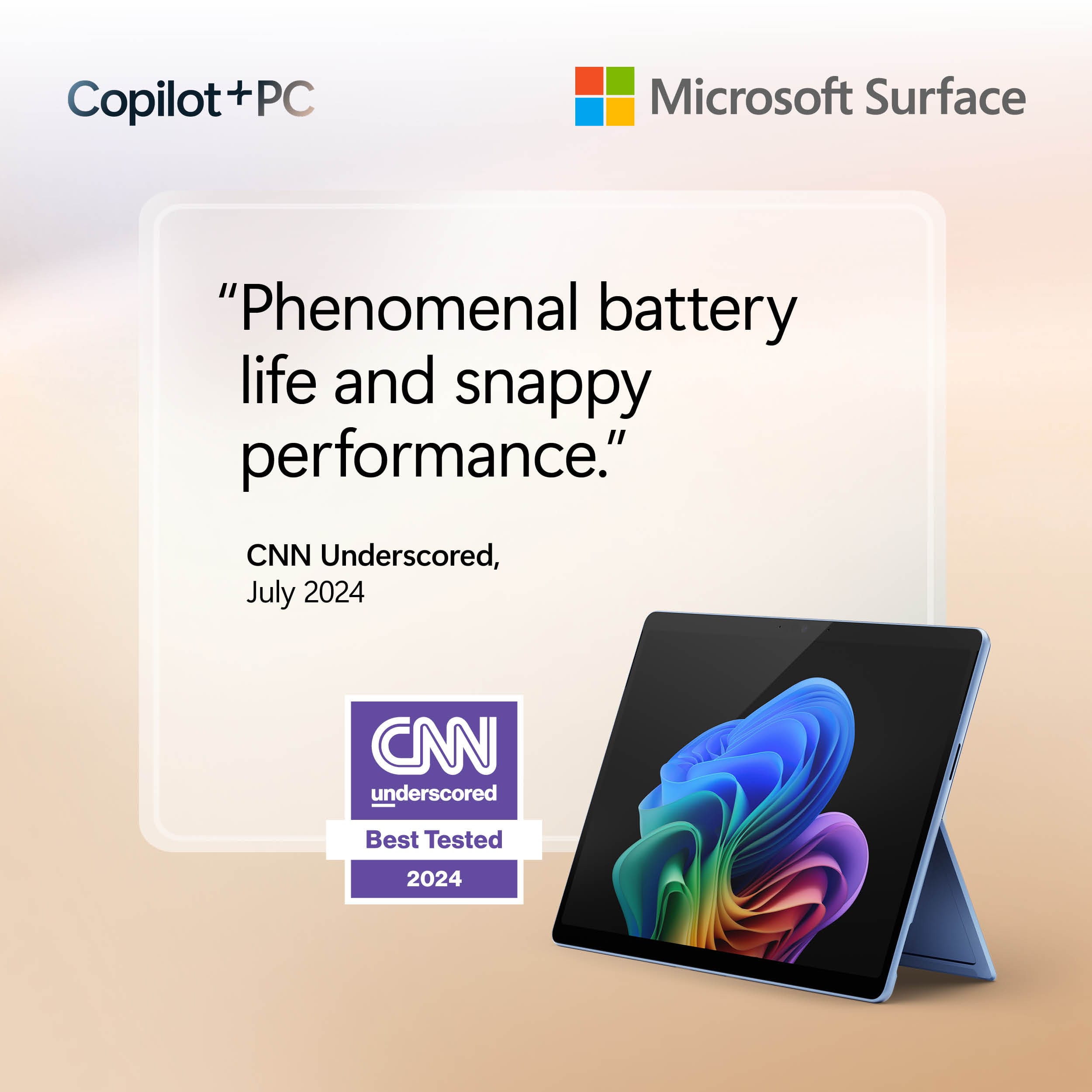
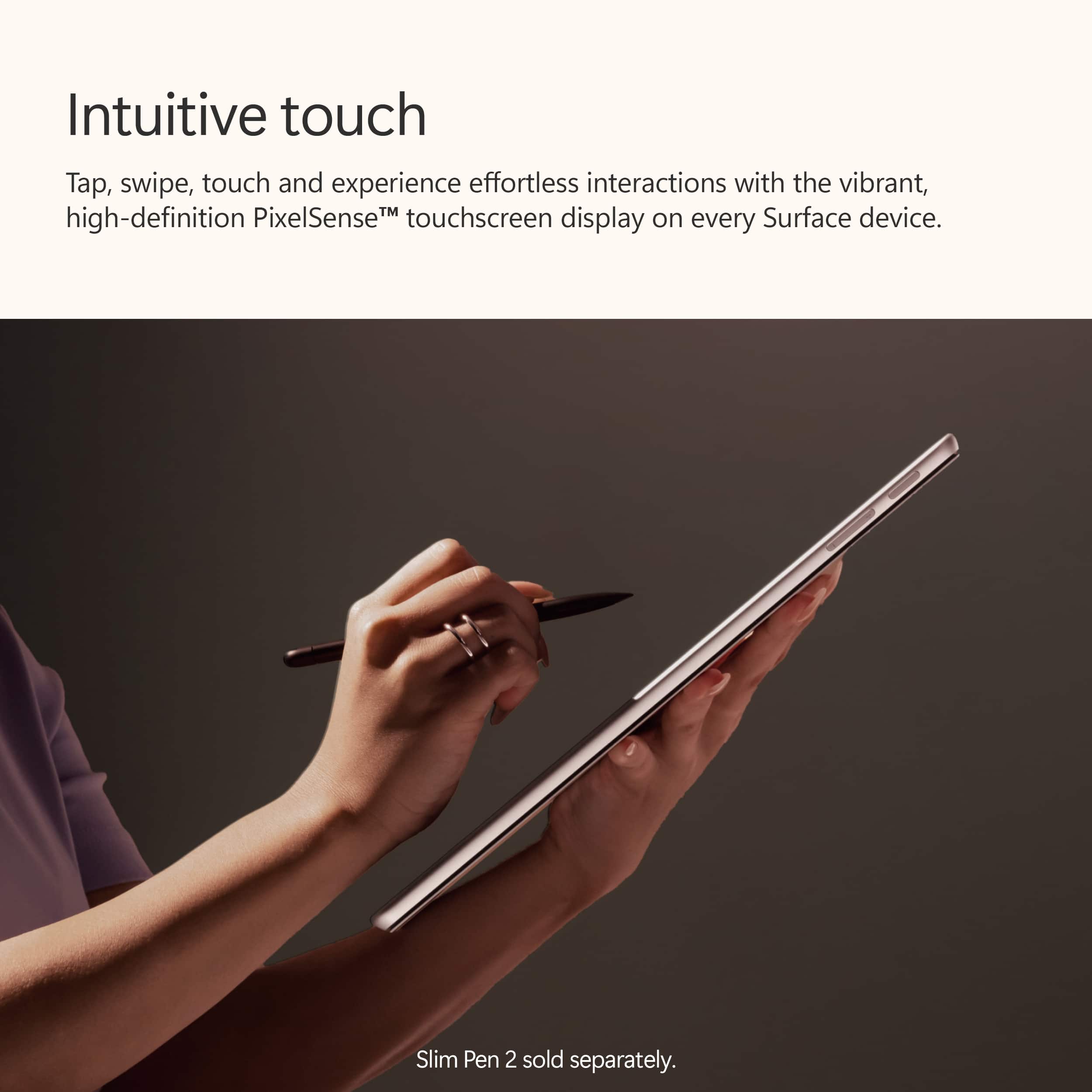
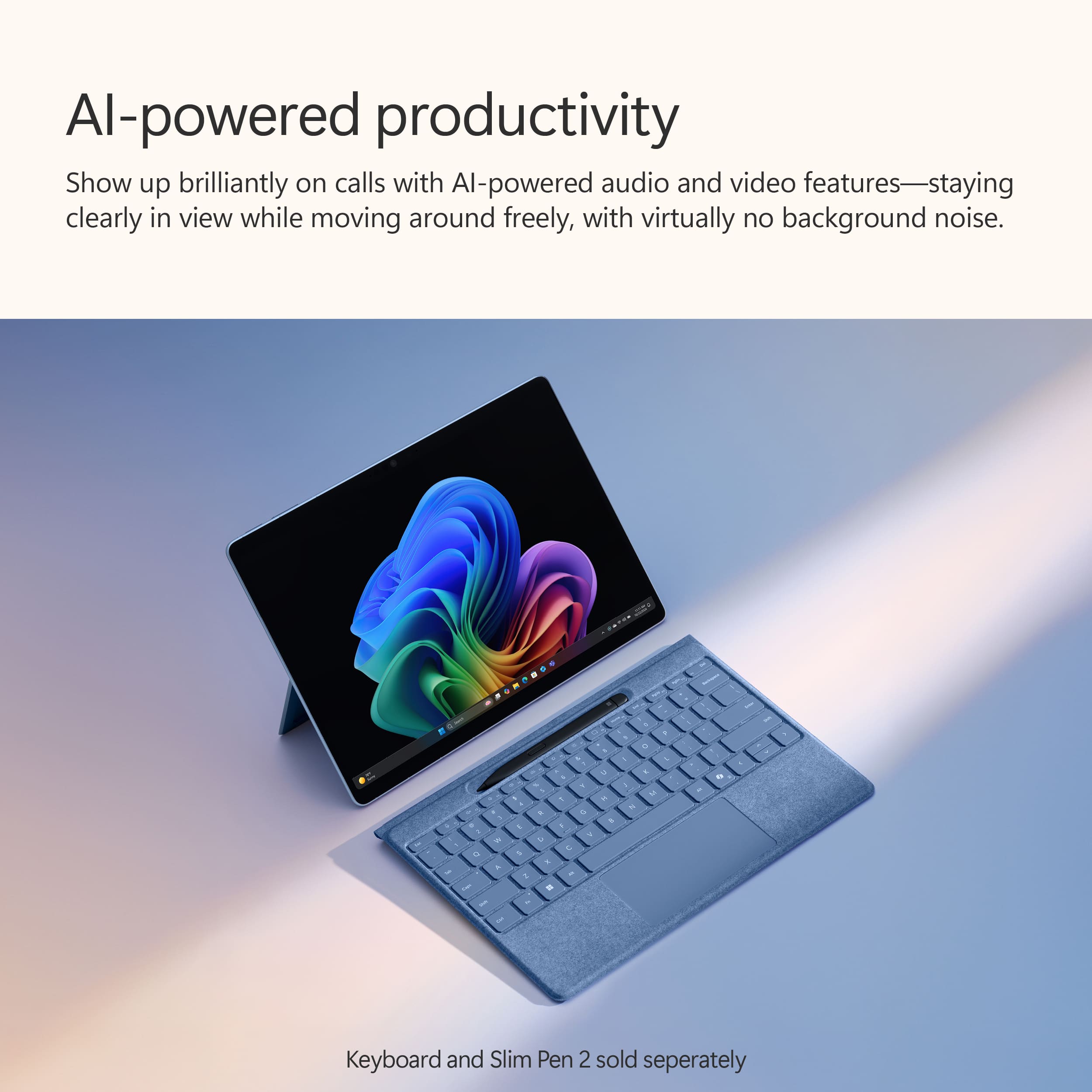
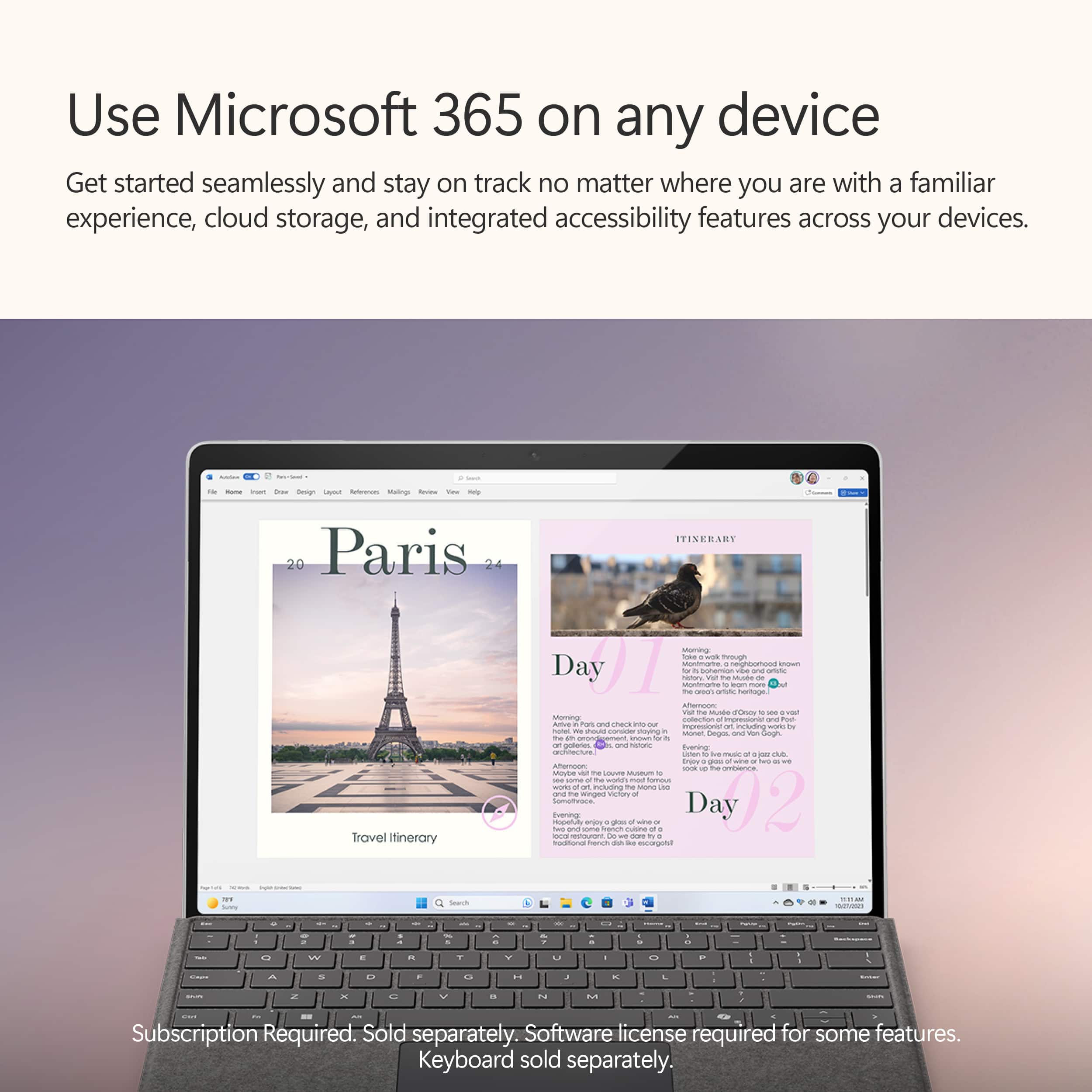
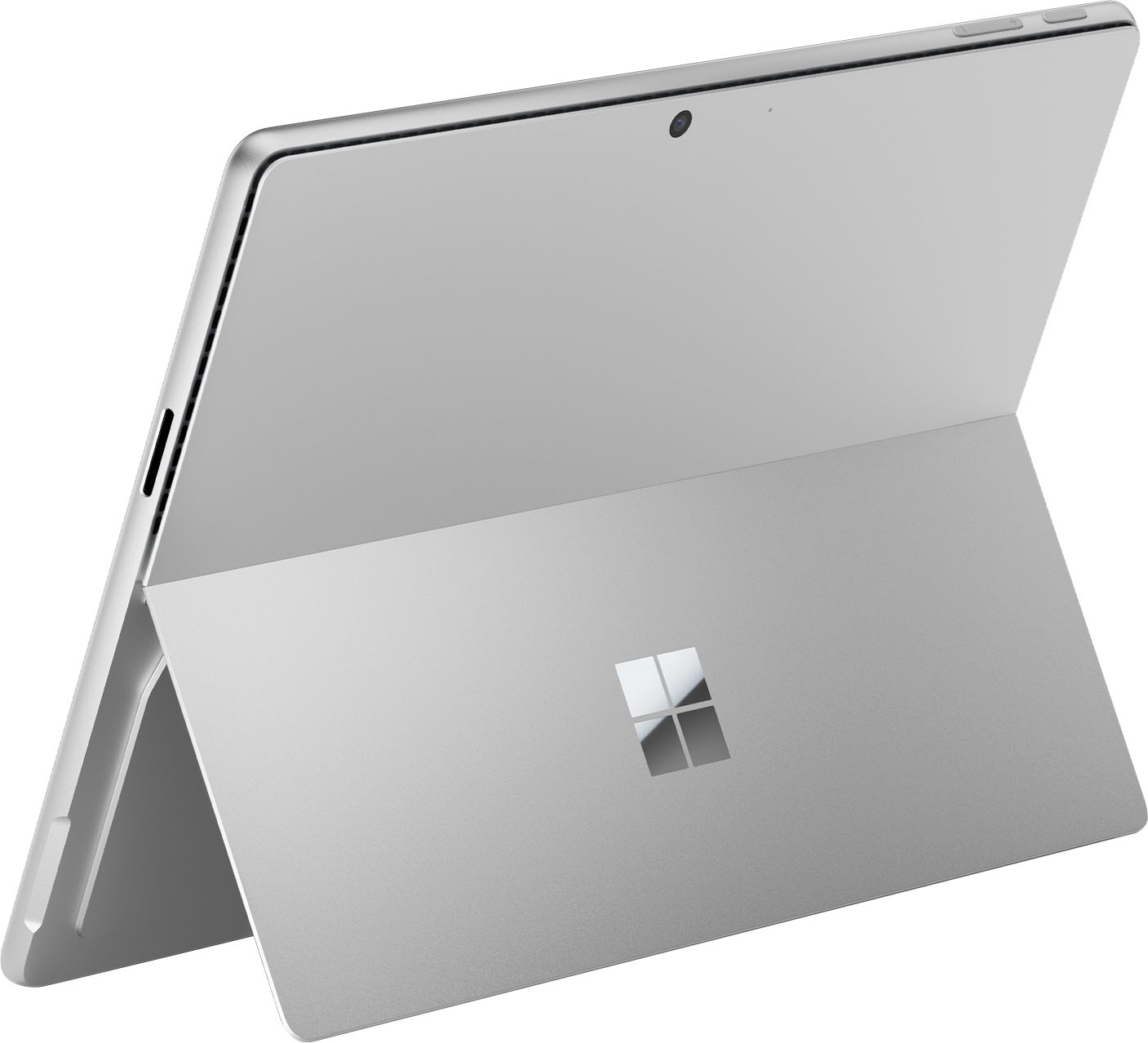
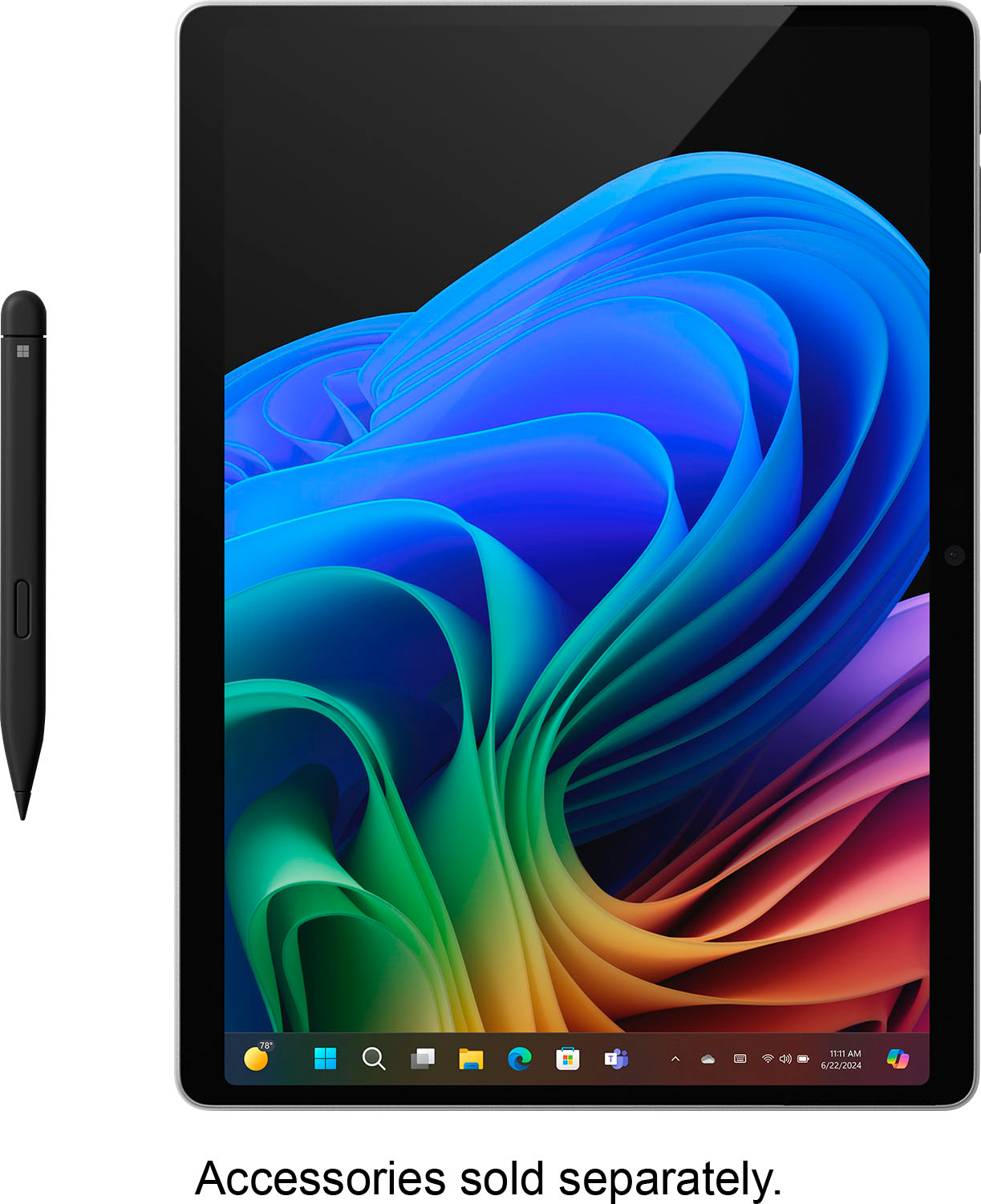
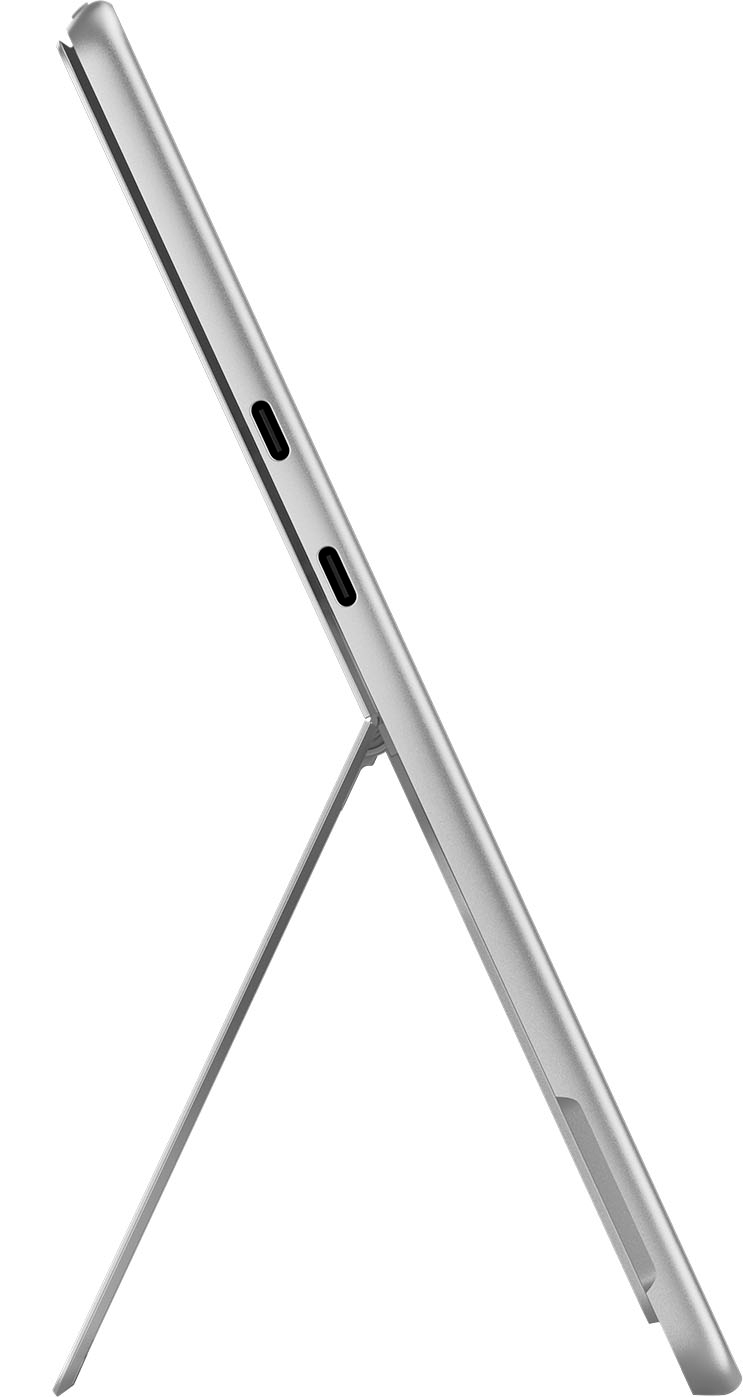
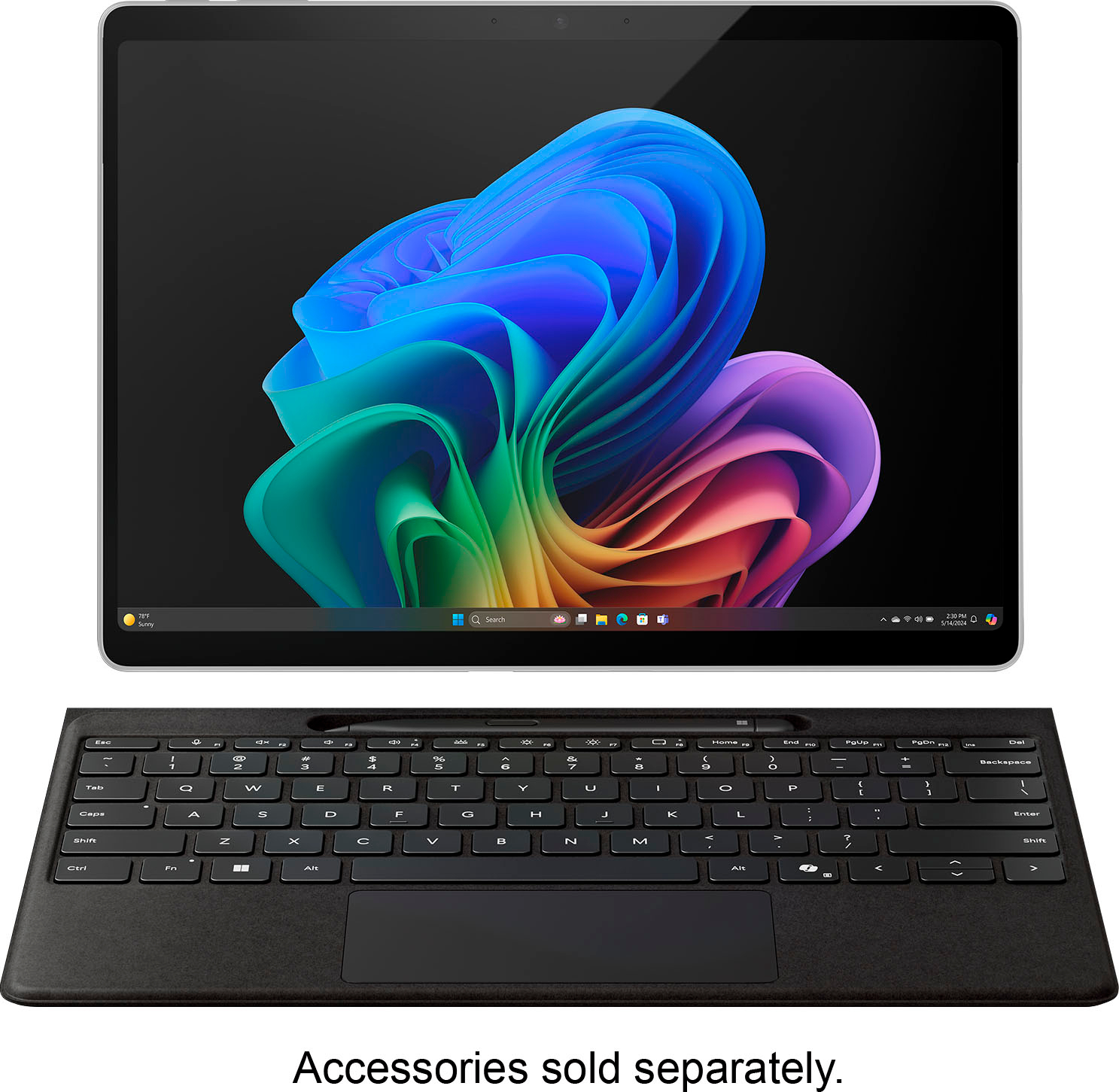
|Posted .This reviewer received promo considerations or sweepstakes entry for writing a review.After using it for sometime, I feel comfortable enough to discuss my impressions and firsthand experiences with the recently released Microsoft Surface Pro Copilot+ PC 11 edition. This device carries on the company's tradition of exquisite, upscale design. Its magnesium alloy body is very well-made, light, and robust. Because it weighs little under two pounds, this device is incredibly portable despite possessing sophisticated technology. Among other advantages, the 13-inch OLED touchscreen is notable for its outstanding viewing angles, deep blacks, and brilliant colors. Because of the crisp, bright display, it's excellent for a variety of tasks, including viewing movies and conducting business. With its 16GB RAM and Snapdragon X Elite processor, this Surface Pro offers remarkable performance. It easily handled anything I threw at it. It was swift and incredibly responsive. Whether using heavy software such as Adobe Photoshop or juggling several apps at once, the tablet never froze. The strong processor and lots of RAM enable a seamless and effective user experience, the Surface Pro does not have the issues with battery life that many other high-end computers do. I was able to get around 10 hours of mixed use out of it after working on documents, viewing movies, and using the internet. For the duration of the workday, it can operate without requiring a plug. The Surface Copilot+ provides more than enough space for the majority of users thanks to its integrated 4th generation 512GB SSD. Fast file and program access is guaranteed by the SSD, along with fast startup times. This time, the SSD is easily replaceable for more capacity if necessary. It is housed in a container beneath the tablet's rear kickstand. The Surface Pro comes with a limited number of connectivity choices. It contains two USB-C ports in addition to a Surface Connector. The addition of USB-C is really helpful as it allows you to use a large range of accessories and gadgets. In order to guarantee dependable and efficient connection, it also supports Wi-Fi 7. The most recent enhancements and features of Microsoft's operating system, including AI integration, are available to the Surface Pro Copilot+ when it runs Windows 11. Because of how user-friendly and straightforward the interface is, it fully utilizes Windows 11's advancements for touch and pen input. The innumerable choices include live captioning for any content in any language, intelligent task management, AI-driven meeting notes, automatic video conference optimization, and customized settings. Given its integration with the rest of Microsoft's productivity suite, Office 365 ought to be the option of choice for all consumers. The Surface Pen (separately available) is a joy to use, and the OLED display is wonderfully responsive. It's excellent for taking notes, drawing, and other creative jobs because the pen input is smooth and accurate. Additionally, the touchscreen enables multi-touch gestures and performs them seamlessly. A powerful device, the Microsoft Surface Pro Copilot+ PC 13" 11 edition offers an exceptional feature-to-portability-to-performance ratio. It will appeal to pros and power users alike because of its stunning OLED touchscreen, robust hardware, and clever AI-driven features. The device's quality and capabilities outweigh its high price, making the purchase worthwhile. The Surface Pro Copilot+ is unquestionably a 2 in 1 worth taking into consideration if you're looking for one that is highly capable, multipurpose, and able to tackle a variety of jobs.
I would recommend this to a friend- Pros mentioned:Screen quality
What a great tablet!
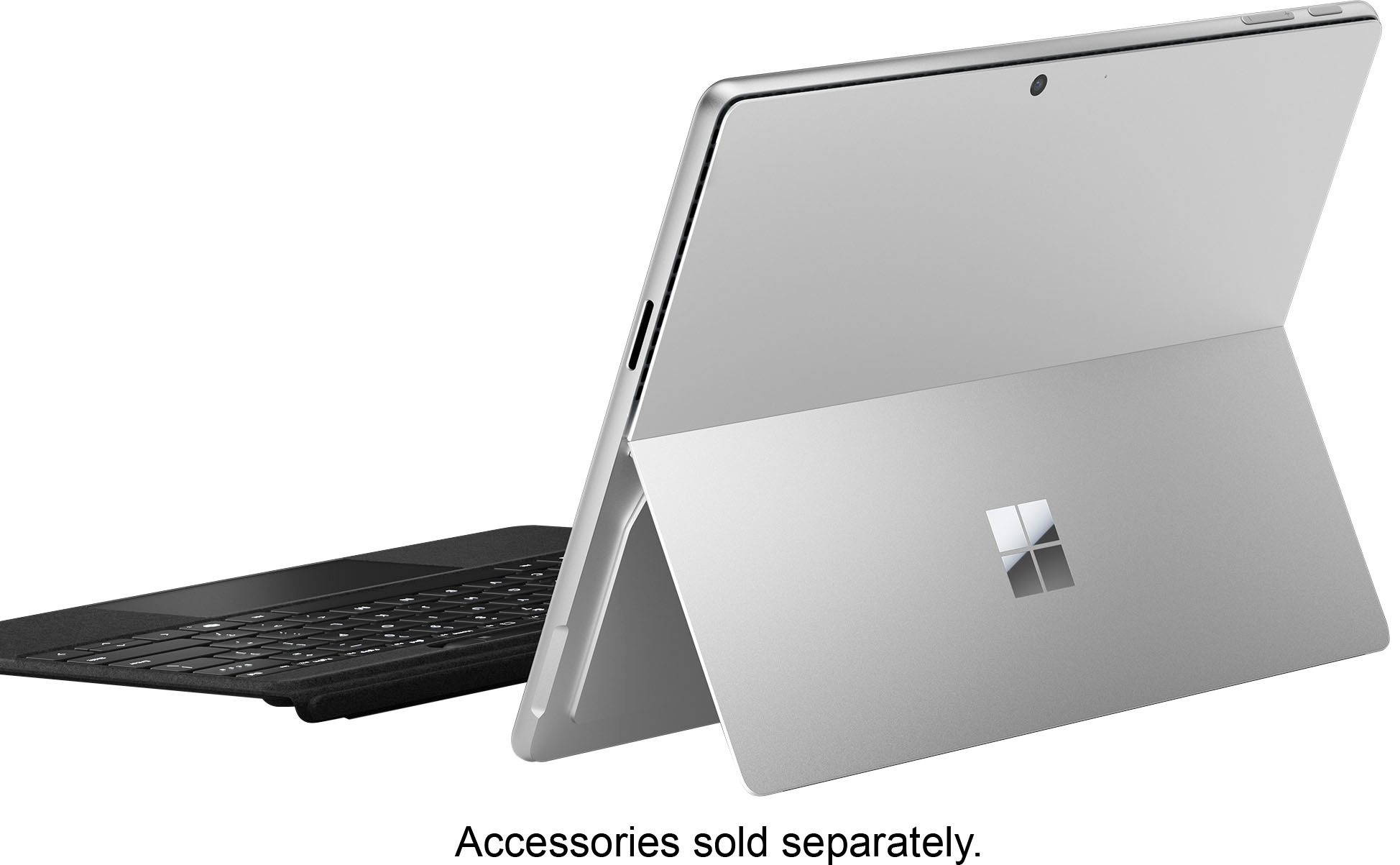
|Posted .This reviewer received promo considerations or sweepstakes entry for writing a review.The first thing I noticed about this Surface Pro was how nice it feels. The smooth edges and angled sides make it very comfortable to hold. It really feels like a premium device. It does have some heft to it but nothing like a laptop. I am strictly a tablet user (Android) and have been for the last few years. I did have a Surface3 which was awhile ago. This Surface is a whole new beast. Upon first start up (which boots up super fast) you go through the typical Microsoft setup, and of course wait for the updates. Then it's time to explore. I haven't used windows much lately and I wanted to try a tablet that was more like a “real computer”. So far windows 11 has been very intuitive and easy to navigate. I feel this is the best laid out version yet. Its still early for copilot and seems to be geared more toward creators right now. The live translate is very useful (it seems like so many youtube vids I want to watch are not in my language, now I don't have to skip them anymore) and having it help with searching and understanding larger amounts of data more quickly can save a lot of time. This surface pro with the Snapdragon processor is very snappy and fluid. So far there hasn't been any lag anywhere that I have noticed. We‘ll see how long it takes before i get faster than the computer... Basics like browsing the web, e-mailing, composing documents, and keeping up with current events are a joy. Windows hello works flawlessly so far, the camera recognizes me instantly for unlocking. I love the form factor of the tablet! So easy to carry around and take with you anywhere. The battery life is amazing. I'm an average user and it took almost 3 days before I had to charge it. Even if you need to charge it more often it only takes a little over an hour to get to full again. That is with the proprietary charger. It does charge with USB C also, which is great, but you will need a higher wattage charger. My fast charger for my galaxy tab 8 is recognized as a slow charger. It's nice it has two USB C ports, makes it easy to add a couple accessories, external monitor, or charge at the same time. The screen is beautiful and crisp. Colors are perfect and it gets quite bright for use outside. Its not oled but I don't know if I'd notice a difference. The 13” screen is just the right size, not too big or small. The only downside is it has no antiglare coating, so it does reflect everything. I may end up getting a matte screen protector for it, so easy fix. With this tablet using an arm processor, most things are good, however I have had some problems getting a couple games I like to play working. I did think windows was integrating android apps, I guess I have to do some research on fixes for that but with so many things being web based it hopefully will be easy. Or a future update will solve the problem. I really recommend getting the keyboard cover or a Bluetooth keyboard to pair with the surface if you do a lot of typing. That and the track pad give you more of a laptop experience while keeping the size and weight down. If you're familiar with the Surface, it still has the built in kick stand. It continues to be a solid and super useful feature. Its such a simple but brilliant idea! However you use it, this Surface Pro is a great tool to have.
I would recommend this to a friend printer driver problem
||Posted . Owned for 1 month when reviewed.This reviewer received promo considerations or sweepstakes entry for writing a review.I had to return this PC because the Snapdragon Chip would not recognize my printer drivers
No, I would not recommend this to a friendBrand response from Snapdragon team
Posted .Hi WilliamG, We appreciate you bringing this to our attention. Every day, more applications are becoming supported, either natively or through emulation. For the latest list of popular supported apps, please check https://www.qualcomm.com/products/features/windowsapps.

- Pros mentioned:Overall performance
Practical and Promising
|Posted .This reviewer received promo considerations or sweepstakes entry for writing a review.[PROS] Long Battery Life: With the Surface Pro, I'm able to get well over a work-day's worth of usage. On average, I'm able to get 9-10 hours of battery life which is pretty good. I don't intend to use the device longer than that, but it's nice to know that I enjoy it cable-free. Extremely Responsive: Whether it was running AI commands or completing moderate to advanced tasks, I found the device to be snappy in performance. The Face ID unlock logged me in quickly, and all programs opened up without a hitch. Although this device is primarily marketed as a tablet, I didn't notice in drop-off in my productivity when it came to transitioning from my laptop to the Surface Pro. AI Integration: I appreciate Microsoft's effort in going all-in with AI. As more features are released, I'm pretty sure I'll be blown away by it's power. For now, I do find myself pleased with what's available thus far. For example, I was able to summarize a lengthy article with the Copilot button found within Microsoft Edge. Furthermore, it gave me options for additional follow-up regarding the contents. I was also able to use the chat feature to get more detailed answers for questions than I would through a digital assistant. Live captions did a good job well at translating despite me knowing that I'll seldom use it. My testing also included generating images which gave me good starting points for different designs. Excellent Design: I'm overly impressed with how the Surface Pro is constructed. Despite the display of this model being LCD, it still looks stunning with or without HDR enabled. The storage is easily accessible and upgradeable. Also, the camera can outclass many other tablets and laptops alike. [CONS] Aside from AI still being in an infancy stage as it relates to consumer products, I don't have much to gripe about when it comes to this device. I'm a fan of how the kickstand is made, and how well it props up the Surface Pro at different angles. However, I did have slight trouble with glossier and plastic surfaces. This could be remedied by adding some non-slip rubber feet to the bottom of the stand. [CONCLUSION] In conclusion, I find the Surface Pro Copilot valuable in nearly all areas of focus for me. The biggest benefit for me is in the domain of work/business/productivity. As time goes on, the AI features will increase causing them to grow more on me. The Surface Pro is noble attempt to get ahead of the AI curve, and I'm excited for it's future.
I would recommend this to a friend Portable Excellence
|Posted .This reviewer received promo considerations or sweepstakes entry for writing a review.This is the type of device that will make Windows, and Surface in particular, users extremely happy. It will also make users of other operating systems want to switch. It is a true computer yet also a tablet - a power house when you need it and all day battery life to keep it going. The battery has been incredible. I’m able to get through a full day, and then some, of work and play, with minimal battery loss while sleeping. I love the form factor - a thin table with a built-in kickstand that holds in any position. I also like that the hard drive is easily accessible - a magnetic cover under the kickstand is easily removed to reveal it. For me, it is best with the separate purchase of the keyboard and pen, but this is a really great value. I find no use for the surface connector and would rather have a third USB type C port on that side of the device. It has been able to run all of my needed applications (Office 365, Teams, Signal, WSL2, VS Code, Jetbrains apps, even MySql running through emulation works great). Windows Hello facial recognition is fast and secure and the AI features are useful. The Copilot app is helpful, Live Translate works very well, Image Creator in Photos works well and is fast, Paint CoCreator gives a good starting point for creating images. Even if you don’t use the AI features, the device is worth it for the new hardware alone. The Edge browser is fast, doesn’t drain battery, and works great for touch (especially the swipe gesture for going back). Although not a gaming laptop, I installed Steam and Hades 2. On medium settings, game play is excellent. This does drain battery a bit faster, but to be able to play games is a great bonus. My main laptop is an Apple MacBook Pro (M1) and this fits right into my set up. It works with the Caldigit TS4+ dock, connected to an Apple Studio Display. If you are mainly an Apple user, you can even install the iCloud app and have access to your photos, passwords, drive, and bookmarks. All of this great performance with the Plus processor, this is truly excellent. It is just unreal to me that this thin device is a full computer that can be used all day and has battery life to spare. I really enjoy using it during the day at my desk, taking a break and moving to another office on battery power, and then finishing up with some Hades 2 at the end of the day. This is simply an excellent computer.
I would recommend this to a friendSnap Dragon Surface is a Nightmare
||Posted . Owned for 2 months when reviewed.This reviewer received promo considerations or sweepstakes entry for writing a review.Surface Pro with new Snap Dragon processer is basically a nightmare. I spnt the better part of a week and a hlaf installing before and reinstalling needed software after a system crash. It sgtarted with a PDF driver install the system didn't like. After the second crash I took it back for an exchange.
No, I would not recommend this to a friendBrand response from Snapdragon team
Posted .Thank you for providing your feedback. We appreciate your time and effort in sharing your thoughts. Rest assured, your comments will be forwarded to the relevant team
Where’s my computer? Best Buy took my money!
||Posted . Owned for 3 weeks when reviewed.This reviewer received promo considerations or sweepstakes entry for writing a review.Kinda hard to review an item I PAID for on June 28th and I STILL HAVE NOT RECEIVED THE ITEM. Best Buy sales associate guaranteed delivery by July 2nd. Paid over $2,000.00 and I still have not computer.
No, I would not recommend this to a friend- Pros mentioned:Screen quality
Love it
|Posted .This reviewer received promo considerations or sweepstakes entry for writing a review.This tablet is great. It is excellent for work. First, the set up. Surprisingly, it took about 30 minutes to get set up. I started by only adding one of my email accounts, using outlook. There were no instructions for setting up the tablet, but it was relatively simple. The screw definition is very nice. The colors are rich and clear. Pictures are amazing, so rich in color. The build quality is pretty good. I wish the kick stand was a little thicker. You can adjust it to several positions. It folds up flat against the back of the tablet. The speakers are good. The volume buttons are at the top of the machine and work as expected. The screen times out pretty fast. I will need to try to adjust the time. The screen is not as responsive as I would like when screen times out. The touch screen is very responsive when selecting apps to open. The battery life is pretty good. So far a charge has lasted about 4 days, with light usage. The tablet is not really heavy, but a decent weight. I have been enjoying testing out copilot +. It’s like having a personal assistant on my tablet. When I make a request, it responds by trying out the results and then talking, reading them. I find it very informative, with thorough answers. The capabilities of this feature endless. I love it. The tablet responds very fast. I have had several apps open and one time and navigation was seamless. The tablet did not get warm or start lagging. The camera works very well when using it for face recognition to open tablet. I don’t play a lot of games, but did not have any issues with the few games I downloaded. I used a wireless keyboard and track pad, until I received the surface keyboard and connectivity was easy. I am still testing out this tablet and checking out its features, but so far , I love it. This will be my new work device. .
I would recommend this to a friend Poor customer service
||Posted .This reviewer received promo considerations or sweepstakes entry for writing a review.Best buy sent an incomplete order and then wouldn't send me the remainder of my order. They wanted me to drive over an hour to a store to pick up what they didn't originally send. I ended up returning it they were making it so difficult.
No, I would not recommend this to a friend- Pros mentioned:Screen quality
Great Surface Pro But AI Functionality is Limited
|Posted .This reviewer received promo considerations or sweepstakes entry for writing a review.I love Surface devices. Microsoft has done an amazing job over the years blending Windows with in house hardware to create some of the best laptops. I have been using the Surface Pro for several years and typically upgrade every other release. Needless to say, I was excited to give this device a go. What's my favorite feature? First, it's the ARM processor. I have been a big fan of ARM devices due to their cooler running and enhanced battery life over the Intel/AMD processors. This makes this device a powerhouse. I am running the Plus version of the Snapdragon X processor and have had no speed or response issues. There has been some talk about applications needing to run in emulation if they are not specifically built on the ARM platform. I havent had any issues with this as most of the applications I run are on the web. However, this is something to keep an eye on and possibly check online with the apps you currently use to see if they have ARM versions or need to use emulation. Second, the screen is fantastic. With 120Hz refresh rate and 2880x1920 resolution it's very bright and the colors are deep and rich. Now for Copilot+ AI features. My initial assessment is the five features included currently are very basic and really don't set this set of functionality any different than what is already available outside of Windows. The Cocreator function is a fun thing to play with but it will take some more refining to make it a valuable tool. Restyle images is really not more than a cool application with no real use. I tried to see how this feature would be used to make an impact and really didn't find much beyond curiosity. Image Creator is interesting and I spent more time using this than any other copilot feature. AI really does a good job of envisioning what you ask it to make. However in the overall value for Windows, this is the third image based feature and really doesn't make Windows more powerful. The other disappointment is most of these features require online access to use. If you don't have access to internet, these features will not work. In summary, as far as a Windows 11 based Surface laptop, this is fantastic. For the Copilot+ features, it's somewhat half baked. However I have no doubt that Microsoft will be releasing new AI functionality and making them more useful as time moves on.
I would recommend this to a friend Microsoft Surface is still a disappointment.
||Posted . Owned for 2 months when reviewed.This reviewer received promo considerations or sweepstakes entry for writing a review.Discovered that not all documents created on my existing Surface could not be forwarded to my new Surface. Also found out that BestBuy can still not work on the Surface. My old Surface needed a minor repair which could not be completed because the Surface computers ar glued closed.
No, I would not recommend this to a friendARM and Surface Pro a match made in heaven
|Posted .This reviewer received promo considerations or sweepstakes entry for writing a review.The Surface Pro lineup now boasts a stunning OLED display, a first for Microsoft. With its captivating 120hz refresh rate, this display is a sight to behold. While the Surface Pro has always had impressive displays, this OLED display takes it to a new level. The display has also been upgraded with an improved anti-reflective coating, enhancing the viewing experience. This isn’t Microsoft's first rodeo of trying to gain traction with an ARM chipset on the Windows side. In the past, performance and software were a letdown if you chose an ARM version of the Surface Pro. Basic tasks like web browsing were fine, but things begin sour when you push that CPU. This year, Qualcomm released a new powerful ARM chipset called Snapdragon Elite, which is supposed to hang with Apple's M series processors. It’s amazing how efficient this chipsets are compared to their x86 counterpart. Also, the added benefit is having all that power available even when unplugged from a power source. Windows devices tend to lose performance when running on battery, but that is no longer the case. Less power is needed to perform this, which results in lower temps and improved battery life. It’s not perfect. Microsoft still has a long way to go to improve the emulation layer called prism, which helps translate x86 code to ARM so x86 apps can run on an ARM platform. If you rely heavily on x86 applications, I recommend an Intel version of the Surface Pro for native support. For those not dependent on x86 applications, the added benefits of a quieter, lower-running system are a welcome bonus. Co-Pilot AI is a hot topic, and Microsoft is fully embracing it. The Co-Pilot+ certification, a significant development, requires a minimum of 16 GB of RAM and 45 (tops) of NPU power. This powerful configuration allows all AI processes to be handled within the machine, improving battery life and enhancing privacy. Here are some of the new features from the Copilot+ update I was able to play with. Cocreator is another one interesting for those who are not good at drawing, like me. Paint now gains some new features, like AI-generated images based on your vision, text, or image prompts that will be generated on the right side of the screen. Live Captions can now be generated system-wide from any audio or video source playing on the screen and translated into English from 44 languages. Video calling also gains enhanced features like automatic framing, creative filters, and portrait blur, driven by the NPU instead of the CPU. The hardware is top-notch. It’s a beautiful-looking and very premium-feeling device. You won’t find any flex on this device. The HDR-capable Oled display is bright, colorful, and smooth, with a refresh rate of 120hz. There is a slight quirk if you’re using it as a tablet up close; you will get this screen door effect that mainly shows up under a bright white background. This is due to the touchscreen layer on Oled devices. Other devices with Oled touchscreen displays seem to suffer from this, too. I was surprised by how loud the speakers can get on the Surface Pro 11. I wasn’t expecting much with just two speakers. Bravo Microsoft. Great speakers and excellent display lead to an outstanding media consumption device. You get two USB 4-gen ports and a magnetic charging port for port selection. You still have the option to charge via the USB C ports. The front camera quality is excellent for video conference calls, and the rear camera is decent for taking pictures of documents. You also get Windows Hello authentication. The only upgrade available is the SSD. I was shocked to see how easily Microsoft made it to upgrade the SSD via a small door hidden behind the kickstand. Performance has been impressive so far. For some reason, Windows 11 runs much smoother with the Snapdragon X Elite, and I’m sure Microsoft has optimized it plenty. Even my other Windows devices, like the G14 2024 or Legion Go, don’t feel as smooth as the Surface Pro 11. This has actually led to a much better tablet experience too. The auto rotation is a lot smoother now compared to the jerky performance from previous Surface Pro devices. I kept the Windows power profile set to recommended. Battery life also has been stellar. This is where the ARM chip platform shines. Not only is the CPU power efficient, but it can also deliver performance with less wattage being utilized. Microsoft has done a great job with Windows 11 optimization for ARM. You will hardly hear the fans kick in unless you're doing intensive work like video editing or playing games. The Surface Pro 11 is a silent, cool-to-the-touch machine for everyday simple tasks. It will be hit or miss for gaming. Titles like Fortnite or any other game with anti-cheat software won’t run because they are incompatible with ARM. Qualcomm has a website set up for a list of compatible games. If gaming is a priority, this won’t be it. Overall, the experience was positive. The display is excellent, the battery life is impressive, and performance doesn’t take a significant hit on battery life. Unless you depend on x86 software, the Surface Pro 11 is worth consideration.
I would recommend this to a friendNot Compatible. Don't waste your money!
||Posted . Owned for 3 weeks when reviewed.This reviewer received promo considerations or sweepstakes entry for writing a review.Terrible. This is exactly like the previous "X" series. NOT COMPATIBLE with normal everyday programs or apps. Not even Google DRIVE. You will be forced, like me, to return and get an AMD or Intel processor laptop. Why, Microsoft???? I loved my Surface Pro 9.
No, I would not recommend this to a friendBrand response from Snapdragon team
Posted .Thank you for your feedback. We’re continuously working to expand support for more applications, both natively and via emulation. Please visit https://www.qualcomm.com/products/features/windowsapps to see the most popular supported apps.
Geek Squad sucked at setup
||Posted . Owned for 3 weeks when reviewed.This reviewer received promo considerations or sweepstakes entry for writing a review.Geek Squad spent $250 of my Total membership and actually did nothing to set up except perform the Microsoft updates. We drove 400 mile running back and forth to obtain this item, we have complained to Corporate and have been stonewalled.
I would recommend this to a friendDisappointing Purchase
||Posted . Owned for 2 weeks when reviewed.This reviewer received promo considerations or sweepstakes entry for writing a review.Would not recommend this product. This is the 2nd Surface Pro I have purchased thinking they may have improved since the 6 years of my 1st device and I was not satisfied. Very disappointed that I could only get through the part of setting up the WIFI section, thereafter I couldnt do anything and I kept having to restart in hopes of a different screen to pop up.
No, I would not recommend this to a friend- Pros mentioned:Overall performance
New & Improved
|Posted .This reviewer received promo considerations or sweepstakes entry for writing a review.I have the Surface Pro X SQ1 and decided to upgrade to this new surface Pro and it is such a significant improvement. This new version I got is the snapdragon plus version and not the Elite which still has amazing performance. The screen is still the same size. The keyboard and pen for the surface pro x SQ1 are even compatible with this version. The resolution to me seems a little sharper although some may argue but I do see a a more crisper image when surfing the net. The copilot plus feature is pretty cool! I'm just so used to searching and doing everything manually that it's not really a feature I could see myself using personally. It's always nice to have options though. The Snapdragon X Plus processor is faster than previous models which is a nice always a nice addition. When surfing the net the pages load almost instantly. The design is very nice with a sturdy kickstand and design over all just like the previous version I have. I never really had a problem with the design though. Overall I would definitely say that this is an improvement over the last model and seems with each new release the surface pro only gets better. I would definitely recommend the new surface pro to anybody looking to upgrade.
I would recommend this to a friend Don't buy this at all
||Posted .This reviewer received promo considerations or sweepstakes entry for writing a review.Item has serious battery issues where battery works just 2 hours.have yellow display issue too and highly dissatisfied
No, I would not recommend this to a friendBrand response from Snapdragon team
Posted .Hi YashV, our Snapdragon X Series processors are built to provide game-changing performance while maintaining incredible efficiency, allowing for all-day battery life. If your battery life isn’t meeting expectations, consider adjusting your power settings and display brightness, as these can significantly impact battery performance. Additionally, restarting your PC and ensuring you have the latest updates installed can also help optimize battery life.
Order not received. cancel the order.
||Posted . Owned for 2 weeks when reviewed.This reviewer received promo considerations or sweepstakes entry for writing a review.It's still showing delayed delivery. Kindly cancel my order and refund the amount ASAP. Thanks & Regards.
No, I would not recommend this to a friendCool, Quiet, Excellent!
|Posted .This reviewer received promo considerations or sweepstakes entry for writing a review.This is a beautiful, practical device and probably a no-brain upgrade for Surface Tablet lovers like me. The OLED screen is an absolute delight to behold. The Snapdragon processor running Windows 11 on ARM speeds through a typical day of office work, internet research, photo editing and media consumption. The 16GB of RAM and 512GB SSD are more than enough to handle my needs. The front and rear facing cameras are excellent, and the built-in AI abilities enhance and expand your creative use of them. Every Copilot+PC has a powerful AI processor, also known as a Neural Processing Unit (NPU) which can deliver up to 45 trillion operations per second (TOPS). You will begin to put this NPU to work the moment you boot up your computer. Of course, you can smash the Co-Pilot key and a screen will pop up asking you what you want to explore. You can type in your instructions, or speak them into your microphone, and you will get both a typed and spoken answer. If you are watching virtually any video that contains audio or communicating with a group through Teams or Zoom, your computer now can translate scores of foreign languages into English and present the generated subtitles to you in real time. This is immensely useful. I tuned into a CNN news channel being broadcast in Spanish, and this feature translated everything that was spoken into English subtitles in real time. Right now, this only seems to work in one direction: translating the other language into English. I am confident that translation in the other direction will work as well as the product matures. Another example: open the Paint application and use the co-creator feature. Draw a picture and use artificial intelligence to enhance it, and the amount of creativity is varied by adjusting a slider. I did not care for the result I got when I tried this with a drawing, so I took a picture of my living room using the rear camera and enhanced it with both impressionistic and surrealistic styles using various levels of creativity. I am attaching the rather interesting result. AI and Copilot PCs are in their infancy, so some of the promised features are not yet available to the public. I expect that my use of AI will broadly expand in the days and months ahead. Battery life has been exemplary. I easily get a full day of use with varied tasks, and when I close the keyboard cover to let the device sleep, I can open it back up hours later with almost no battery drain. Of course, to get the best battery life, I turn the brightness down some. My use scenario easily yields about 10 hours of battery life in real world use, and I am sure that by tweaking the settings I could squeeze out more. I felt little heat from this efficient computer. The fan, when it did turn on, was barely audible. I could shut the keyboard cover which puts the device to sleep and come back to it hours later with only a tiny amount of battery drain. This was a first for any Windows computer I have ever used, and it was greatly appreciated. As much as I love the OLED screen, the base model with the still- great LED screen also supports the same sharp 2880 x 1920 resolution and should squeeze out even more battery life, if you can live with the 256GB SSD. Remember, these Surface Pro Tablets have a user replaceable SSD, which differentiates them from most other Copilot+ PCs. You’ll need some technical acumen and patience to research how to image your original SSD containing the operating system and copy it to the new SSD, but it’s certainly doable without having to take the device apart. I personally have always loved the Surface tablet form factor. I owned a Surface RT, a fourth-generation Surface Pro, a Surface X, and still have a Surface Go 2. Windows on ARM has been frustratingly slow to evolve, but this Copilot+ PC is a giant step forward. Better emulation means many more applications designed for X86 chips can run under ARM. All my Microsoft 365 office products are running natively and work exactly as they do on my desktop and other Windows laptops. All my home and office printers (with one exception, which was also problematic on a recently acquired Core Ultra 7 Intel laptop) were easily found and proper drivers installed under Windows 11 through a network search. ARM 64 native versions of the Chrome browser, Zoom Workplace, VLC Media player, my VPN client, and a beta version of DaVinci Resolve were located and installed without incident. I have also installed the free version of Adobe Acrobat, which appears to be a 64-bit version of that App running under emulation. It runs without issue. Running Windows Task Manager in a detailed view will let you see which apps are running natively, and which apps are running under emulation. Various other apps including Netflix, Paramount+, Amazon Prime, HD Homerun, and Hulu were installed through the Microsoft Store. All work perfectly. Given the great impetus created by Microsoft’s development of Copilot+PCs and with so many manufacturers adopting the new architecture, many more native applications will be available soon. There are some limits to what emulation can run, especially with older programs. I tried installing a 32-bit application which I have used for many years to edit videos, VideoReDo. I hoped it might run under emulation but was not surprised it didn’t. The keyboard cover and pen, if you use one or both, each costs extra. I tested the Microsoft - Surface Slim Pen (2nd Edition) and Pro Keyboard for Pro (11th Edition) which BestBuy offers as a package for a reasonable but still significant $280. I would not consider buying the Surface device alone without a keyboard cover (which also has a trackpad). You need this tool to fully enjoy the benefits of having a compact device which runs the full Windows operating system on ARM. You should note that the keyboard in the package I mentioned is NOT the new Bluetooth Flex keyboard which can be totally detached from the tablet and still connect to the tablet through Bluetooth. You’ll have to pay even more for the convenience of the Flex, if that feature appeals to you. It is $350 and DOES NOT come with a pen, although it has a well to store one if you already have it. Good news if you already have one of the Signature keyboards originally designed for Surface 8, 9 and Surface X- they all have a well for holding a pen and will work on this Copilot device, minus only the Copilot key. Not having to invest in a new keyboard would put the buyer in a position to move up to the Snapdragon Elite processor for about a hundred dollars more than the cost of the device and a new keyboard or stepping down to the base model to save some dollars and get a little more battery life. Either of those choices are going to be tempting to a buyer who already has a Signature keyboard. As you may have gathered, I am excited about this product. This model is by far the best Surface tablet I have ever used, and I am enjoying it more every day. Highly recommended for Surface fans!
- Pros mentioned:Overall performance, Portability
Versatile, Reliable, and Great On the Go
Posted .This reviewer received promo considerations or sweepstakes entry for writing a review.I’ve been using the Microsoft Surface Pro for a while now, and it’s been great. The touchscreen and detachable keyboard make it easy to switch between work and casual use. It’s fast, lightweight, and has solid battery life, so it’s really handy for taking on the go. Overall, it’s a versatile device that just works.
I would recommend this to a friend