Customer Ratings & Reviews
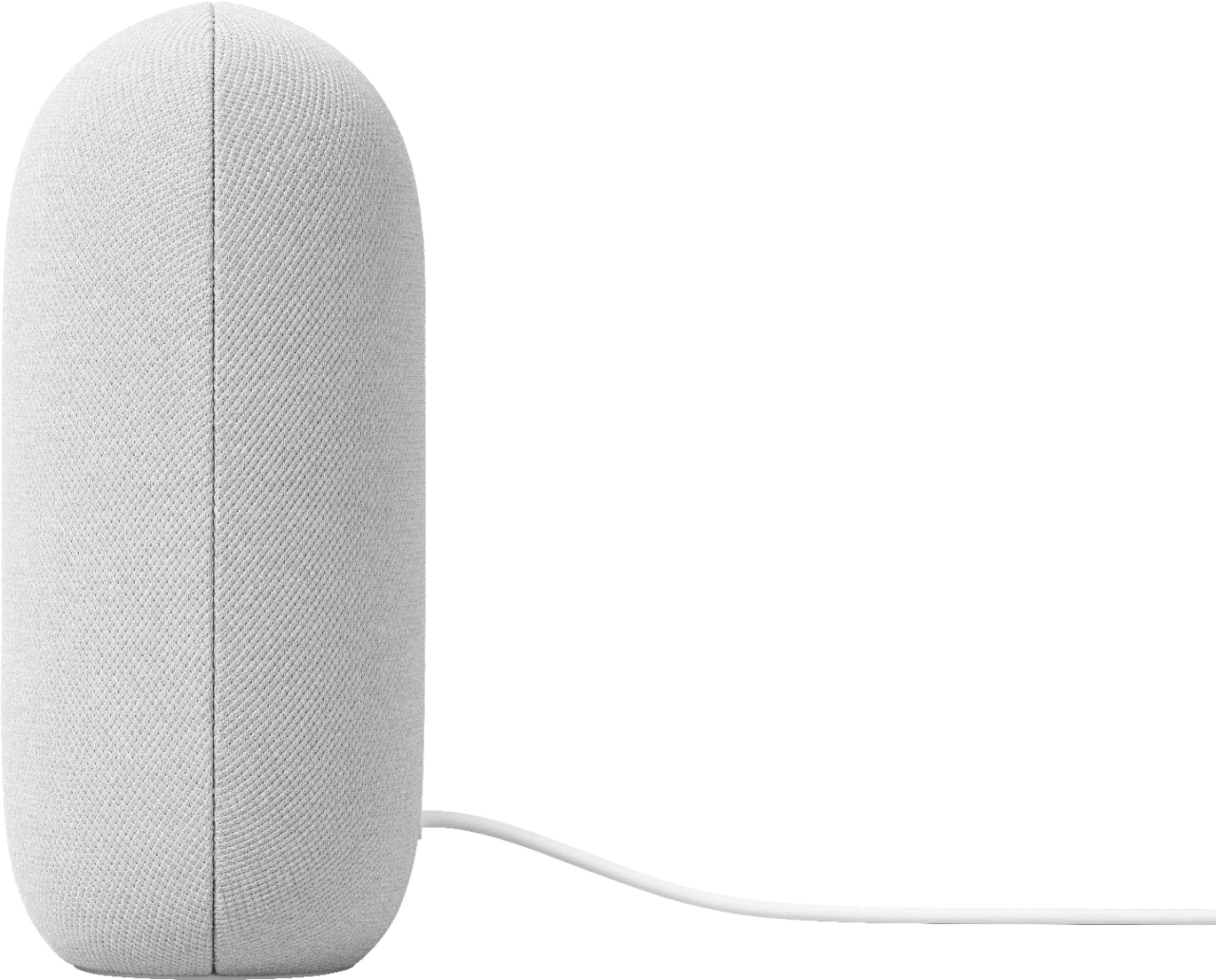
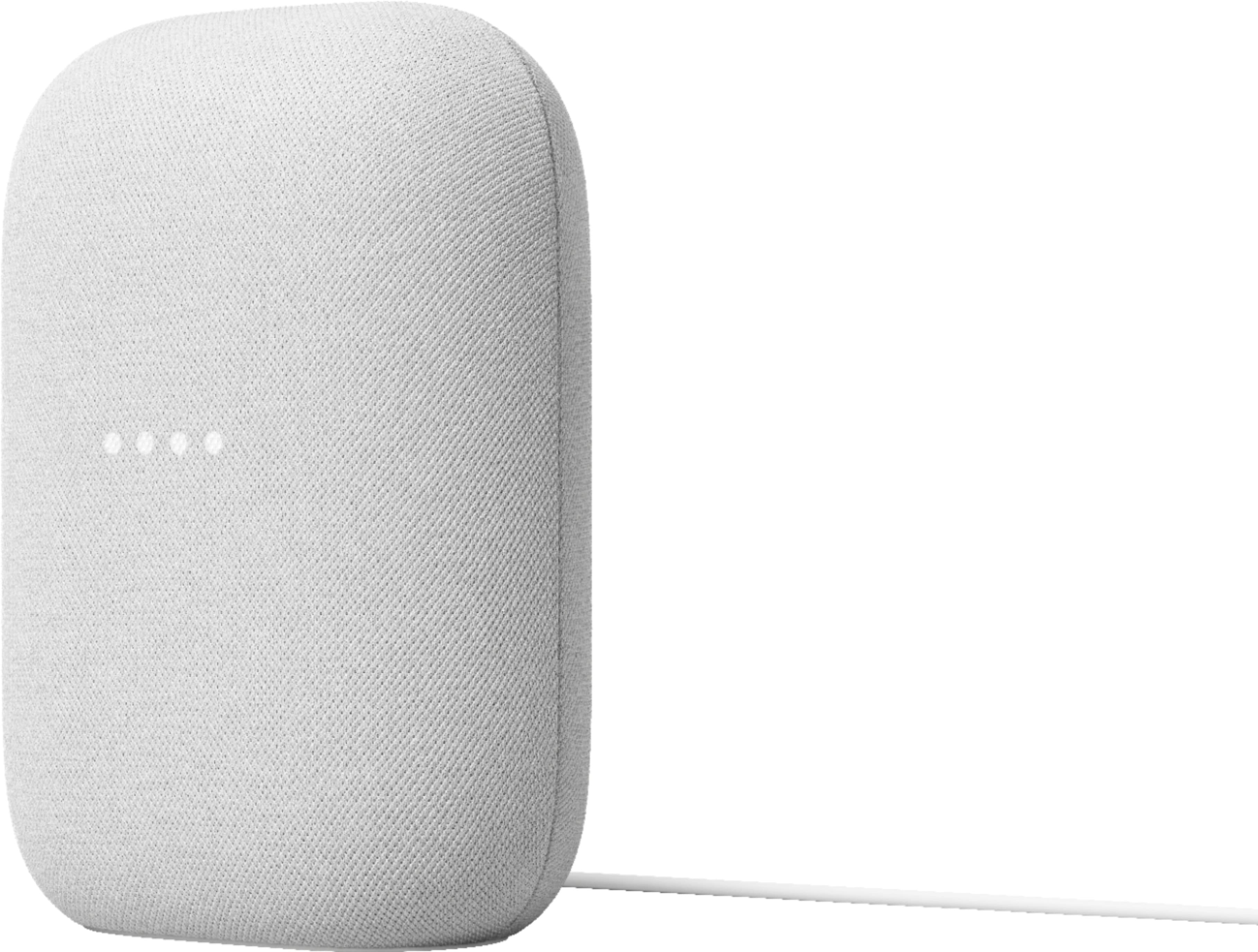

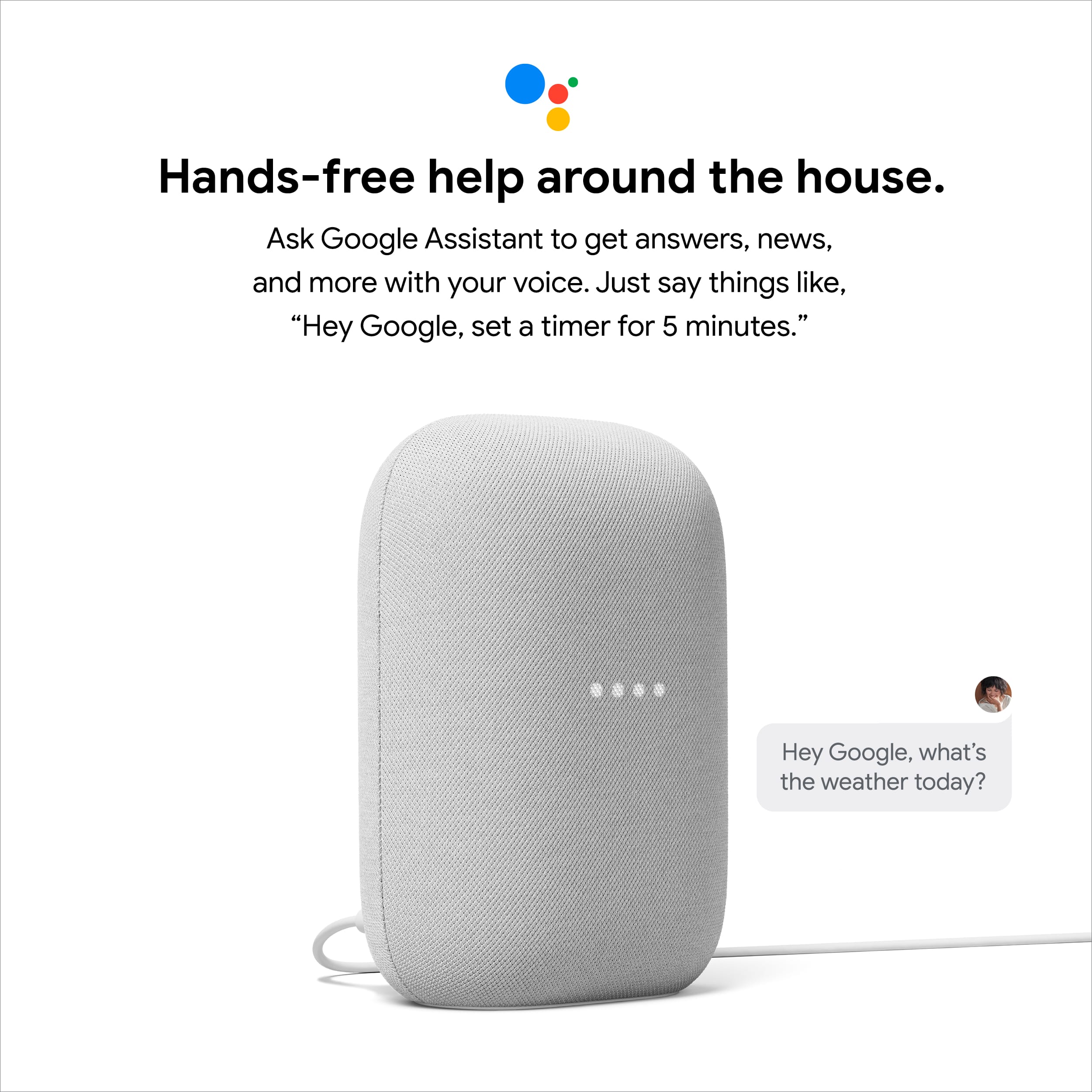



- Model:
- GA01420-US
- |
- SKU:
- 6428305
Customer reviews
Rating 4.6 out of 5 stars with 2072 reviews
(2,072 customer reviews)Rating by feature
- Value4.6
Rating 4.6 out of 5 stars
- Quality4.7
Rating 4.7 out of 5 stars
- Ease of Use4.7
Rating 4.7 out of 5 stars
Customers are saying
Customers commend the Nest Audio Smart Speaker for its excellent sound quality and ease of use. Many appreciate its quick and easy connectivity with Google Assistant, along with its appealing design and suitable size. Some have noted that the bass could be improved, while others have mentioned its light weight.
This summary was generated by AI based on customer reviews.
- Pros mentioned:Sound quality
Rated 5 out of 5 stars
Google speaks
||Posted . Owned for 1 year when reviewed.This reviewer received promo considerations or sweepstakes entry for writing a review.Great speaker. Awsome sound when you get a pair. I use with Spotify for music.
This review is from Nest Audio - Smart Speaker with Google Assistant - Charcoal
I would recommend this to a friend - Pros mentioned:Sound quality
Rated 5 out of 5 stars
Impressive Sound Quality.
||Posted . Owned for 3 weeks when reviewed.This reviewer received promo considerations or sweepstakes entry for writing a review.I bought this as an upgrade from a Nest Mini. The sound quality is quite a bit fuller and better even though the Mini isn't bad at all. I paired this with another Nest Audio and the sound is great.
I would recommend this to a friend - Pros mentioned:Sound quality
Rated 5 out of 5 stars
Sounds so much better than the smaller ones
||Posted . Owned for 2 months when reviewed.This reviewer received promo considerations or sweepstakes entry for writing a review.I have the small puck google speakers and the 7in display ones and they all sound decent. This one sounds amazing. I wish all the puck sized ones were this larger one because it sounds so good.
I would recommend this to a friend - Pros mentioned:Sound quality
Rated 4 out of 5 stars
Good for the price, though limited in features.
||Posted . Owned for 3 weeks when reviewed.This reviewer received promo considerations or sweepstakes entry for writing a review.Very good sound for the price. Used it as a stereo pair, and they sound really good. Equalizer is limited though, and no aux in means you can only cast music to them. GA still has issues recognizing my commands, which gets annoying. I have a typical eastern american accent, so not sure why.
This review is from Nest Audio - Smart Speaker with Google Assistant - Charcoal
I would recommend this to a friend - Pros mentioned:Sound quality
Rated 4 out of 5 stars
Google assistant great loudness lacking
||Posted . Owned for 2 weeks when reviewed.This reviewer received promo considerations or sweepstakes entry for writing a review.Sound quality is good but it is a bit quiet gonna use are work but I do not think it's loud enough for the shop lives in my bedroom now.
This review is from Nest Audio - Smart Speaker with Google Assistant - Charcoal
I would recommend this to a friend - Pros mentioned:Sound quality
Rated 5 out of 5 stars
Google nest
||Posted . Owned for 3 weeks when reviewed.This reviewer received promo considerations or sweepstakes entry for writing a review.More than adequate fidelity and bass to fill our living room with high ceiling. Excellent value
This review is from Nest Audio - Smart Speaker with Google Assistant - Charcoal
I would recommend this to a friend - Pros mentioned:Sound quality
Rated 5 out of 5 stars
Best one so far.
||Posted . Owned for 1 month when reviewed.This reviewer received promo considerations or sweepstakes entry for writing a review.Had the original google home and this one is better. The responses are faster and the sound quality is very good. So you can't go wrong with this one.
I would recommend this to a friend - Pros mentioned:Sound quality
Rated 5 out of 5 stars
Nest speaker
||Posted . Owned for 10 months when reviewed.This reviewer received promo considerations or sweepstakes entry for writing a review.I love the google nest speaker it has a full range of sound. My only issue is i wasn't able to pair it with another speaker
This review is from Nest Audio - Smart Speaker with Google Assistant - Charcoal
I would recommend this to a friend Rated 5 out of 5 stars
Recommended
||Posted . Owned for 1 month when reviewed.This reviewer received promo considerations or sweepstakes entry for writing a review.I have two of these and find them incredibly useful for controlling my smart devices via voice, listening to the radio, or playing music. This is not an audiophile speaker, but music sounds quite good. I would highly recommend.
I would recommend this to a friend- Pros mentioned:Sound quality
Rated 5 out of 5 stars
Google nest
||Posted . Owned for 1 month when reviewed.This reviewer received promo considerations or sweepstakes entry for writing a review.The best product you could own It's a perfect present to give to someone especially if they love music
I would recommend this to a friend - Pros mentioned:Sound quality
Rated 5 out of 5 stars
Great Smart Speaker
||Posted . Owned for 9 months when reviewed.This reviewer received promo considerations or sweepstakes entry for writing a review.Great sound in any size room. Easy to use and setup. Also it projects great sound outside. I recommend it to anyone who wants a great speaker at a reasonable price.
I would recommend this to a friend Rated 5 out of 5 stars
Great
||Posted . Owned for 1.5 years when reviewed.This reviewer received promo considerations or sweepstakes entry for writing a review.Excellent product, makes my life easier every day.
I would recommend this to a friend- Pros mentioned:Sound quality
Rated 5 out of 5 stars
Great speaker
||Posted . Owned for less than 1 week when reviewed.This reviewer received promo considerations or sweepstakes entry for writing a review.This speaker sounds great and integrates well with other Google Home devices. My wife plays it so loud in her office, that when I walk in I have to scream really loud just to get a good scare in on her!
I would recommend this to a friend - Pros mentioned:Sound quality
Rated 5 out of 5 stars
Great investment
||Posted . Owned for 3 weeks when reviewed.This reviewer received promo considerations or sweepstakes entry for writing a review.Nice sound. Very loud and clean. Easy to pair with my Google Home and my Mini so I now have surround sound.
This review is from Google - Nest Audio - Smart Speaker - Sand
I would recommend this to a friend - Pros mentioned:Sound quality
Rated 5 out of 5 stars
Good Speaker for the Price
||Posted . Owned for less than 1 week when reviewed.This reviewer received promo considerations or sweepstakes entry for writing a review.Great sounding speaker with a good amount of bass. I initially bought one Near Audio speaker and was so happy with the first one that I purchased this second one while it was on sale ($75).
I would recommend this to a friend - Pros mentioned:Sound quality
Rated 5 out of 5 stars
So good we bought 3 more!
||Posted . Owned for 3 months when reviewed.This reviewer received promo considerations or sweepstakes entry for writing a review.Great sound for music! And really cool to sync with the other speakers in the house!
I would recommend this to a friend - Pros mentioned:Sound quality
Rated 5 out of 5 stars
Love my product
||Posted . Owned for 1 month when reviewed.This reviewer received promo considerations or sweepstakes entry for writing a review.Love it! Mostly been using it for white noise. Perfect sound when I use it and it blocks other noise out.
This review is from Nest Audio - Smart Speaker with Google Assistant - Charcoal
I would recommend this to a friend - Pros mentioned:Sound quality
Rated 5 out of 5 stars
Can't believe the bass from this speaker
||Posted . Owned for 3 weeks when reviewed.This reviewer received promo considerations or sweepstakes entry for writing a review.Love this Nest Audio Smart Speaker. I cannot believe the amount of bass you get out of this speaker. It is smaller than I thought it would be and sound is better than expected. Thinking about buying another one.
I would recommend this to a friend - Pros mentioned:Sound quality
Rated 5 out of 5 stars
Great Unit for the Price
||Posted . Owned for 1 month when reviewed.This reviewer received promo considerations or sweepstakes entry for writing a review.Fuller, more robust sound than my past Google Home Mini units. Easily fills up a smaller room and sounds good, even at higher volumes. Integrated with my current home setup with no issues.
This review is from Nest Audio - Smart Speaker with Google Assistant - Charcoal
I would recommend this to a friend Rated 5 out of 5 stars
Great sound
||Posted .This reviewer received promo considerations or sweepstakes entry for writing a review.Works just as advertised. My daughter enjoys listening to her favorite music!
I would recommend this to a friend