Customer Ratings & Reviews






- Model:
- GA02307-US
- SKU:
- 6450821
Rating by feature
- Value
Rating 4.7 out of 5 stars
- Quality
Rating 4.7 out of 5 stars
- Ease of Use
Rating 4.6 out of 5 stars
Customers are saying
Customers are satisfied with the Nest Hub's ease of use, sound quality, and ideal screen size, making it suitable for various locations like a nightstand. The Google Assistant integration, reasonable price, sleep tracking, and smart home integration are also well-received features. However, some customers have expressed concerns about the absence of a camera and occasional sluggishness in responsiveness. Additionally, a few users noted compatibility issues with certain devices.
This summary was generated by AI based on customer reviews.
- Pros mentioned:Ease of use
Great addition
||Posted . Owned for 2 months when reviewed.This reviewer received promo considerations or sweepstakes entry for writing a review.Great product. Easy to use. Great addition to our current Google line up at home
I would recommend this to a friend - Pros mentioned:Ease of use
Hope it keeps working
||Posted . Owned for 1 month when reviewed.This reviewer received promo considerations or sweepstakes entry for writing a review.So far the item is working like the makers intended.
I would recommend this to a friend You can pass not a need but it can be convenient
||Posted . Owned for 10 months when reviewed.This reviewer received promo considerations or sweepstakes entry for writing a review.It’s okay, it works but my problem is that it always disconnects and you have to reset it completely if the internet goes off or if you change the password to the Wi-Fi. It’s a hassle but great for alarms that’s mostly what I use it for.
I would recommend this to a friendBrand response from Nest Support
Posted .Hey there, KellyR. Thank you for sharing your review of your Nest Hub(2nd gen). We're sorry to hear that you're having some connectivity issues with your device. It's important to us that we provide you with the best help possible and identify the cause of issue you’re experiencing with your device. Please don't hesitate to contact us on our Google Help page here: https://support.google.com/googlenest/gethelp

Works well enough, not spectacular
||Posted . Owned for 1 month when reviewed.This reviewer received promo considerations or sweepstakes entry for writing a review.It's ok. A little sluggish, sometimes it says it doesn't recognize my voice so it refuses to do simple things like play from my favorites playlist. The cooking integration is really niche and doesn't include enough recipe integrations, ideally it could just ingest recipes from most websites for it to actually be useful.
No, I would not recommend this to a friendBrand response from Nest Support
Posted .Hello RayM, we appreciate you for sharing your feedback on Nest Hub(2nd gen). We're sorry to learn that you're having some difficulties with the device recognizing your voice. We suggest that you retrain your Nest Hub to better recognize your voice as this may help with voice control. We also suggest adjusting the Hotword sensitivity as it may also be helpful with the issue. You may follow the steps below to help improve your experience:
Retrain Voice Match:
- On your phone or tablet, open the Google Home app.
- At the top right, tap your Profile picture or initial and then Assistant settings and then Voice Match.
- Tap Teach your Assistant your voice again and then Retrain.
Change Nest Hub's Hotword sensitivity:
- Open your Google Home app.
- Select your Nest Hub.
- At the top right, tap the Settings (Gear) icon.
- Then tap Audio.
- Then tap "Hey Google" sensitivity and adjust the slider to make your Nest Hub more responsive to the Hotword.
If the issue still persists or if you've done the steps before, please don't hesitate to contact us on our Google Help site and let us help you in finding a better resolution. You can reach our help page here: https://support.google.com/googlenest/gethelp
- Pros mentioned:Sound quality
Useful little device
||Posted . Owned for less than 1 week when reviewed.This reviewer received promo considerations or sweepstakes entry for writing a review.I purchased the device to compare it to some of the Alexa devices that I already own. A little disappointing opening the box to find minimal directions telling you to download the app on your phone. Once the device is setup (see Youtube videos) over about 10 minutes it connected well to my network. The screen provides a clean image and clear vocal response. The speaker for music is lower quality than one might expect. The unit does allow access to the google database of information as well as allowing you to control some of the home apps including cameras. You can not 'add' apps to the device in the same manner as you may with your phone. Having a nest hub can be useful depending upon what one wishes to purchase in the future.
I would recommend this to a friendBrand response from Nest Support
Posted .Hello Bobb, thanks for trying out the Nest Hub (2nd gen) and for sharing your experience with us. And we’re sorry to hear it's a disappointment for you. We hear your concerns about the minimal directions, and about adding apps to the device, and we’d be happy to share this information with the right team for future improvements with our products and services.
Meanwhile, it may be helpful for you to change the audio settings of your Nest speaker in the Google Home app. Here’s how to adjust bass and treble level:
- Make sure your mobile device or tablet is connected to the same Wi-Fi or linked to the same account as your Nest Mini.
- Open the Google Home app.
- Tap the device you want to adjust, select Settings, select Audio, then select Equalizer.
- Adjust Bass and Treble level.
You can try adjusting the volume of your Nest Hub that may improve your experience, either by voice or by touch. You can also change the audio settings of your in the Google Home app following the steps below:
- Make sure your mobile device or tablet is connected to the same Wi-Fi or linked to the same account as your Nest speaker.
- Open the Google Home app.
- Tap the device you want to adjust, select Settings, select Audio, then select Equalizer.
- Adjust Bass and Treble level.
We care about your experience. Feel free to let us know if you need additional help, here: https://support.google.com/googlenest/gethelp
Nest Hub
||Posted . Owned for 3 weeks when reviewed.This reviewer received promo considerations or sweepstakes entry for writing a review.Great device. Have several of them. They are a staple in our bedrooms.
I would recommend this to a friendEcstatic customer
||Posted . Owned for 1 month when reviewed.This reviewer received promo considerations or sweepstakes entry for writing a review.Best thing in my opinion does everything i need it to do. Not too much, not too little just enough to keep you happy and satisfied with the is functions
I would recommend this to a friendGreat Product
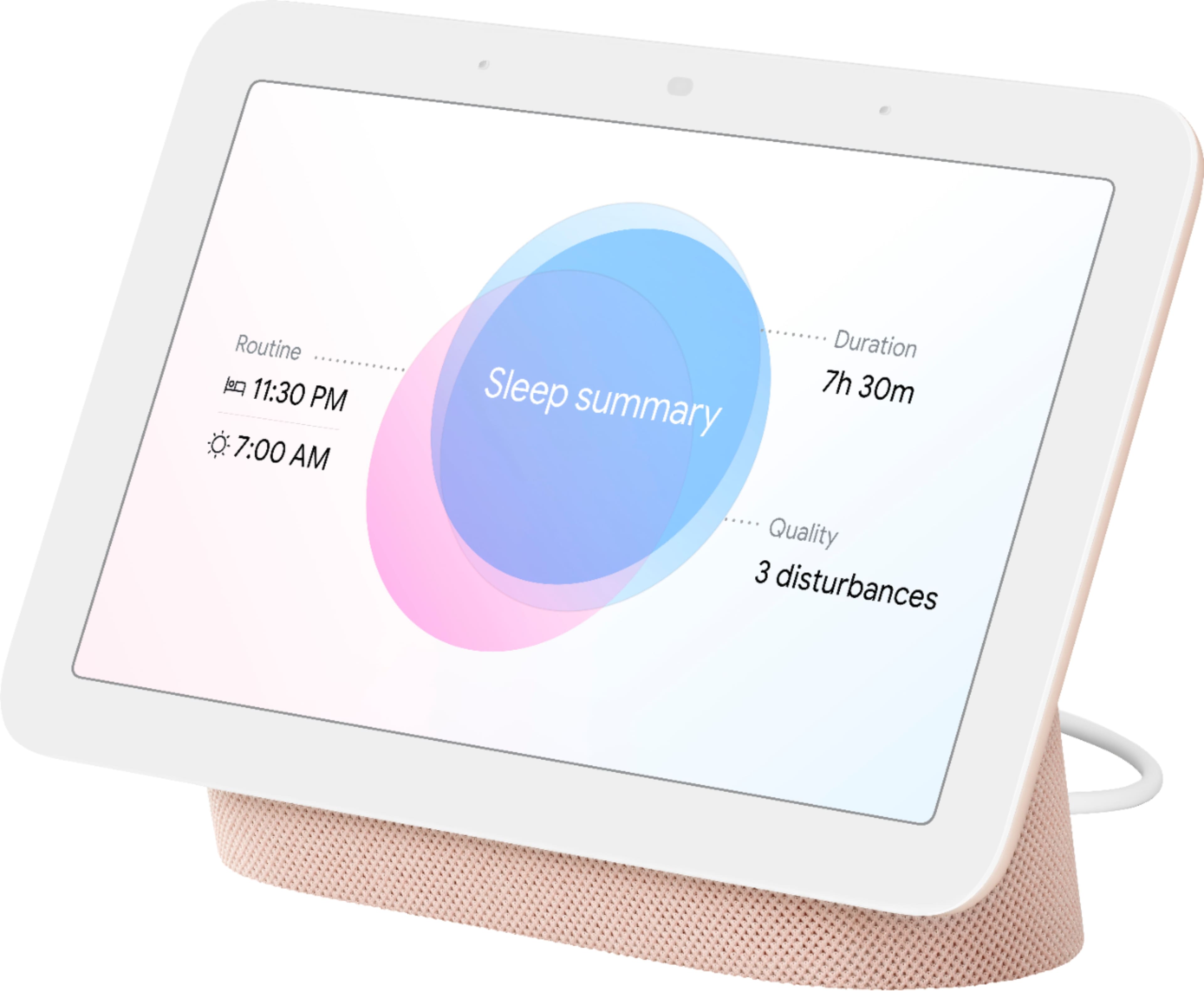
||Posted . Owned for 8 months when reviewed.This reviewer received promo considerations or sweepstakes entry for writing a review.I am very happy with this product. It is sturdy and I especially like the sleep tracker. Not as crazy with youtube music. I bought it when it was on sale and would suggest that others do the same.
I would recommend this to a friendTablet
||Posted . Owned for 6 months when reviewed.This reviewer received promo considerations or sweepstakes entry for writing a review.Great device for my stepdaughter she loves it uses it all the time
I would recommend this to a friend- Pros mentioned:Google assistant
Good!
||Posted . Owned for 1 month when reviewed.This reviewer received promo considerations or sweepstakes entry for writing a review.Works well! But one google hub will respond to the other.
I would recommend this to a friend Nice
||Posted . Owned for 3 weeks when reviewed.This reviewer received promo considerations or sweepstakes entry for writing a review.Pretty good, did everything I expected. Sleep sensing is interesting aswell!
I would recommend this to a friend- Pros mentioned:Ease of use
Nest hub relaxed me always
||Posted . Owned for 3 weeks when reviewed.This reviewer received promo considerations or sweepstakes entry for writing a review.Nest hub now is my good friend . It's easy to get anything .. Anytime . I ❤️it
I would recommend this to a friend Nest Hub
||Posted . Owned for less than 1 week when reviewed.This reviewer received promo considerations or sweepstakes entry for writing a review.Nest Hub 7” Smart Display with Google Assistant (2nd Gen) - Chalk Overall rating* Excellent Star rating 1. Poor Star rating 2. Fair Star rating 3. Average Star rating 4. Good Star rating 5. Excellent Your review* Review guidelines
I would recommend this to a friendGoogle has it all
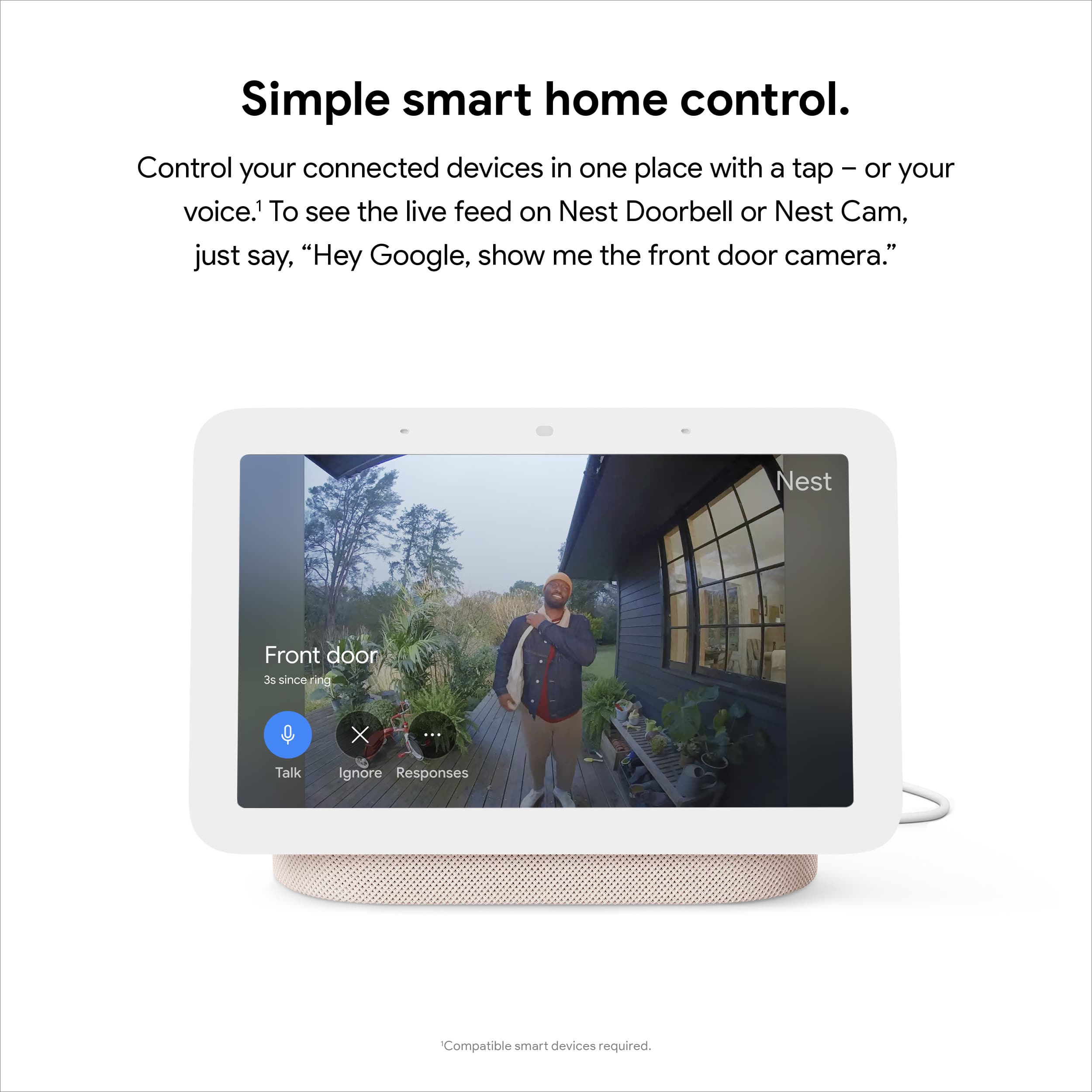
||Posted . Owned for 6 months when reviewed.This reviewer received promo considerations or sweepstakes entry for writing a review.I love my nest hub! I have a google doorbell and it is so convenient to be able to access the doorbell camera from the nest hub. It also has great video quality when it comes to shows, games, news, etc.
I would recommend this to a friendGreat nightstand display
||Posted . Owned for 1 week when reviewed.This reviewer received promo considerations or sweepstakes entry for writing a review.If you’re interested in how you’re sleeping overnight, it’s a cool way to check!
I would recommend this to a friendJust an average product
||Posted . Owned for 1 week when reviewed.This reviewer received promo considerations or sweepstakes entry for writing a review.This smart display from Google is just an okay product. Amazon's echo show models are way better at controlling home automation through voice commands. Also, it is pretty slow and often restarts for no reason. I tried some games and apps, but they're mostly glitchy.
No, I would not recommend this to a friendBrand response from Nest Support
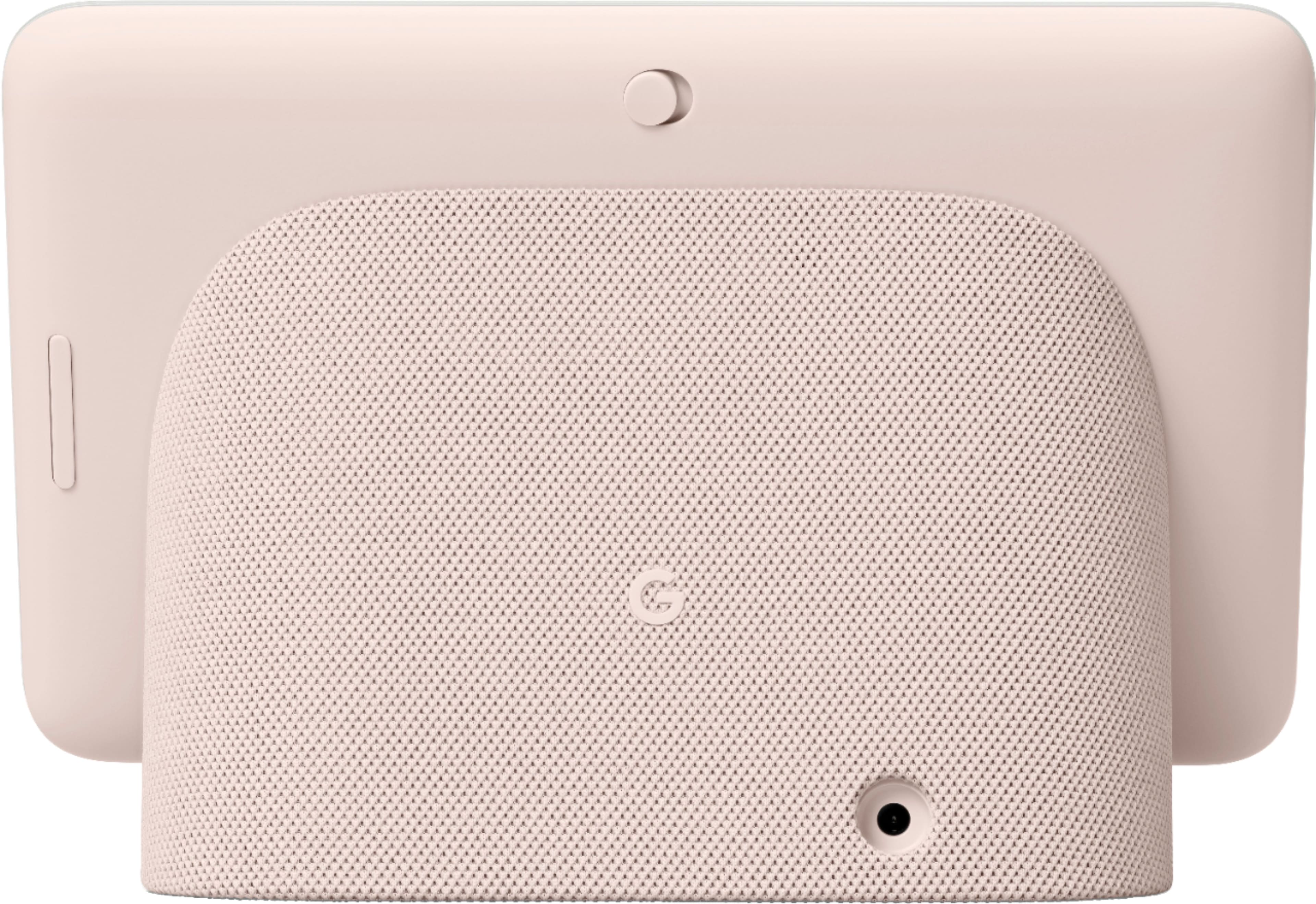
Posted .Hi Tausif, we appreciate your feedback. We're sorry to hear that Nest Hub (2nd Gen) didn't meet your expectations. We can only imagine how disappointing this experience may have been for you. We're still hoping you will consider giving our support team another shot at helping you with your concern. If you're willing to try, and if you haven't tried yet, resetting your Nest Hub (2nd Gen) may be helpful with the issue. A factory reset will reset your Google Nest or Home speaker or display to its default factory settings. To reset, check on the back of Nest Hub, press and hold both volume buttons together for about 10 seconds. Your Nest Hub will let you know that it's resetting. You may set up your Nest Hub (2nd Gen) after it resets.
If resetting doesn't fix the issue, you can always consider contacting our support team for further troubleshooting and isolation here: https://support.google.com/googlenest/gethelp
Nest Hub
||Posted . Owned for 1 month when reviewed.This reviewer received promo considerations or sweepstakes entry for writing a review.Nest Hub is an excellent device to have at home. Hopefully would have more options of variety of clock display.
I would recommend this to a friend
Sleep Tracking
|Posted . Owned for 2 weeks when reviewed.This reviewer received promo considerations or sweepstakes entry for writing a review.[Employee of bestbuy] Amazing sleep tracker. Helped me adjust my sleep time from using the Google Hub nest. The wake up alarm is very good and helps me to start my day
I would recommend this to a friendGreat Little Device
||Posted . Owned for 1 month when reviewed.This reviewer received promo considerations or sweepstakes entry for writing a review.I love this thing! I use it on my nightstand for music and white noise. I did take off one star because I had to turn the clock function off while I sleep because it doesn't let you choose a clock face for when it's "asleep", so it glows a white blue and keeps me awake.
I would recommend this to a friendWorth every penny
||Posted . Owned for 7 months when reviewed.This reviewer received promo considerations or sweepstakes entry for writing a review.I love my hub! It’s great for so many little things that make my day easier. In fact, I liked it so much I bought a second one for our living room. The art in the slide shows is very nice as well
I would recommend this to a friend