Customer Ratings & Reviews



- Model:
- GA02307-US
- SKU:
- 6450821
Rating by feature
- Value
Rating 4.7 out of 5 stars
- Quality
Rating 4.7 out of 5 stars
- Ease of Use
Rating 4.6 out of 5 stars
Customers are saying
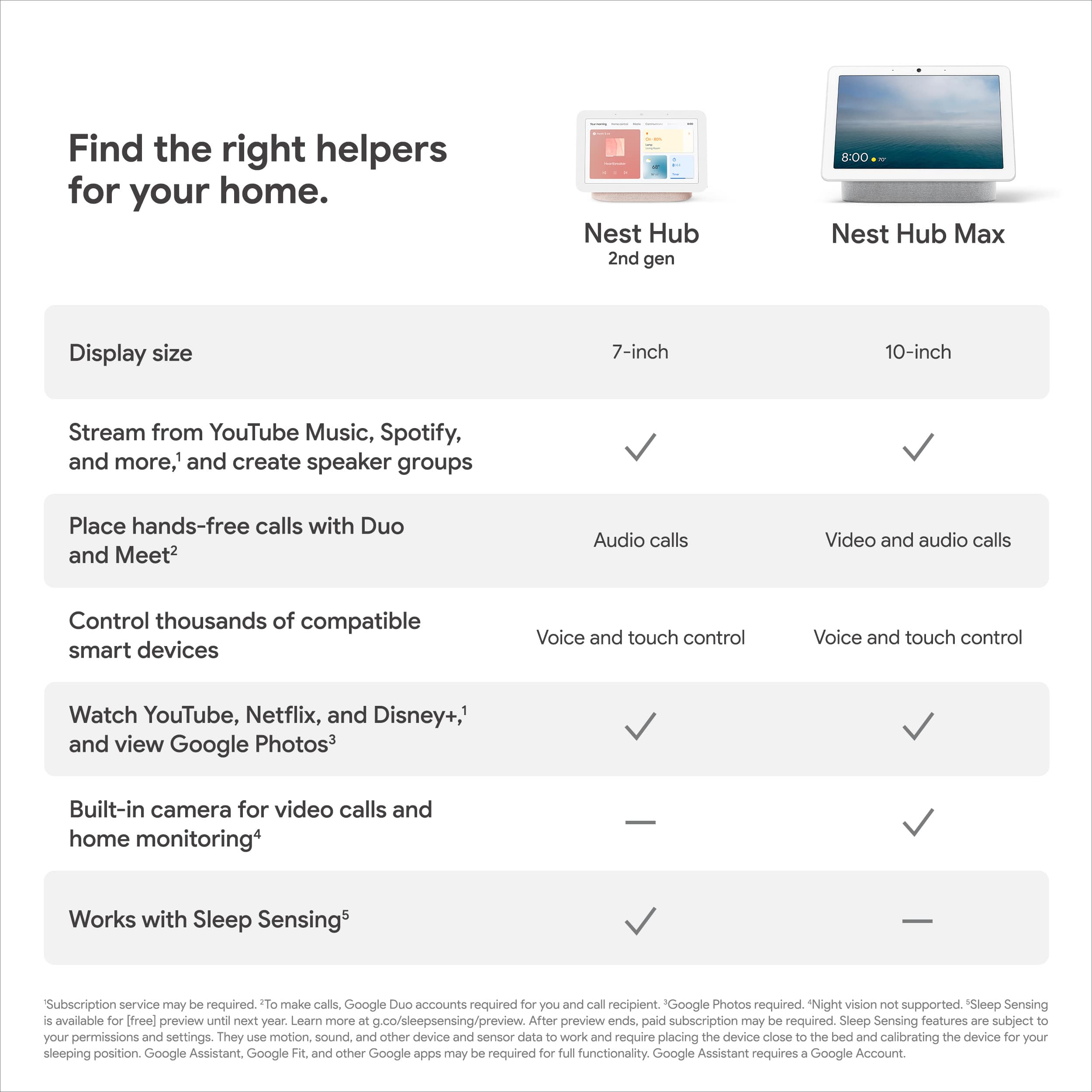
Customers are satisfied with the Nest Hub's ease of use, sound quality, and ideal screen size, making it suitable for various locations like a nightstand. The Google Assistant integration, reasonable price, sleep tracking, and smart home integration are also well-received features. However, some customers have expressed concerns about the absence of a camera and occasional sluggishness in responsiveness. Additionally, a few users noted compatibility issues with certain devices.
This summary was generated by AI based on customer reviews.
Great device
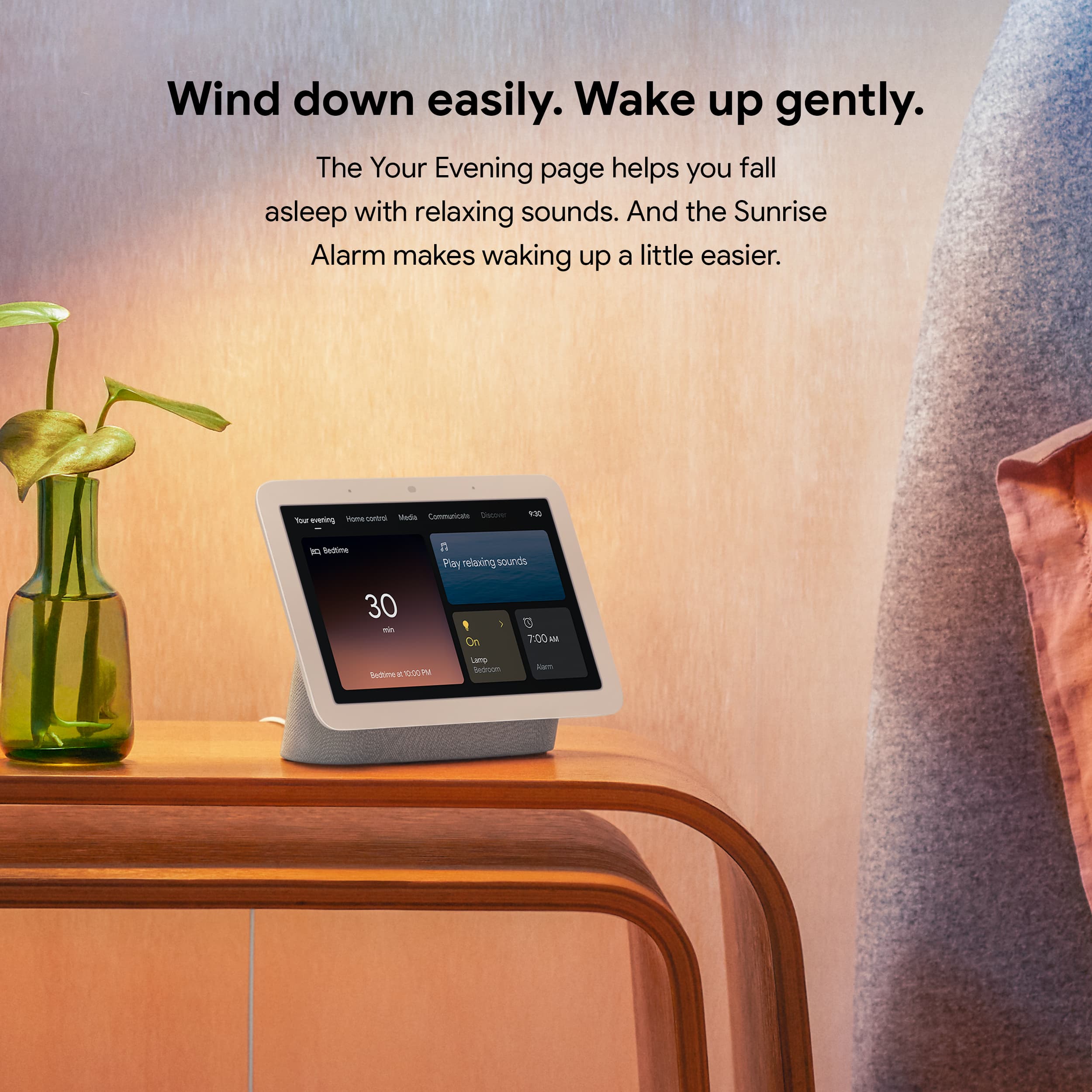
||Posted . Owned for 2 weeks when reviewed.This reviewer received promo considerations or sweepstakes entry for writing a review.This device is great. I ended up using it as my alarm next to me bed and I can control a bunch of smart features for my home.
I would recommend this to a friendGreat
||Posted . Owned for 2 weeks when reviewed.This reviewer received promo considerations or sweepstakes entry for writing a review.This product is great. It was quick to ship and easy to use
I would recommend this to a friendWorks well
||Posted . Owned for 3 weeks when reviewed.This reviewer received promo considerations or sweepstakes entry for writing a review.Works well. We were so happy with it we bought another one.
I would recommend this to a friendHelpful in the Kitchen
||Posted . Owned for 3 weeks when reviewed.This reviewer received promo considerations or sweepstakes entry for writing a review.Very helpful in the kitchen and has a modern and minimalist design. I also purchased several for family members. Thumbs up!
I would recommend this to a friendEddie’s Review
||Posted . Owned for 3 weeks when reviewed.This reviewer received promo considerations or sweepstakes entry for writing a review.I love my google home device is very convenient l.
I would recommend this to a friendSleeping Sense is nice
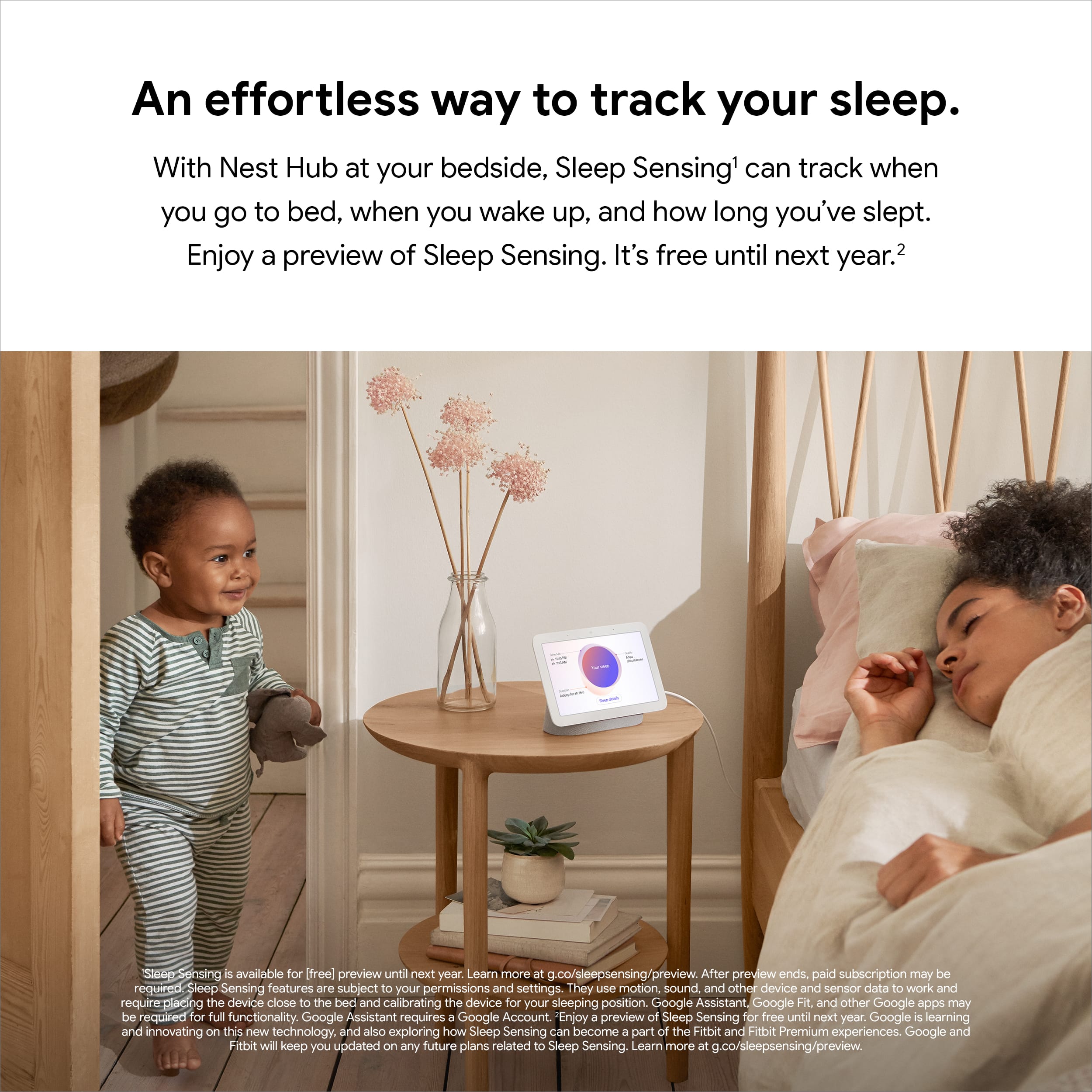
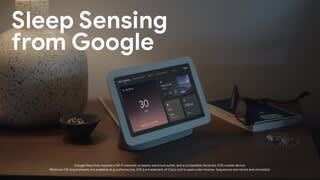
||Posted . Owned for 2 weeks when reviewed.This reviewer received promo considerations or sweepstakes entry for writing a review.Ive alwya been curious of my sleep and the sleep sense is a cool app!
I would recommend this to a friendNest Hub 7
||Posted . Owned for 1 month when reviewed.This reviewer received promo considerations or sweepstakes entry for writing a review.This is the nice display that I bought. I recommended. And a very fast answer.
I would recommend this to a friendlittle secretary.
||Posted . Owned for 3 months when reviewed.This reviewer received promo considerations or sweepstakes entry for writing a review.First time setup took a bit time. very convenient to use. you can hook up with bluetooth speakers too.
I would recommend this to a friendLove this little display
||Posted . Owned for 1 week when reviewed.This reviewer received promo considerations or sweepstakes entry for writing a review.If this was only a picture frame it wouod be worth it. Picutres automatically update plus can control all of the smart home
I would recommend this to a friendGreat Deal
||Posted . Owned for 1 month when reviewed.This reviewer received promo considerations or sweepstakes entry for writing a review.Love it that I can use it with my iPhone, I can watch movies, youtube videos and set alarms
I would recommend this to a friendI'm listening to music right now
||Posted . Owned for 10 months when reviewed.This reviewer received promo considerations or sweepstakes entry for writing a review.It's a good thing to listen to music with my mom and family
I would recommend this to a friendGood as a smart home hub but not a good speaker
||Posted . Owned for 1 month when reviewed.This reviewer received promo considerations or sweepstakes entry for writing a review.Got tbis for cheap on sale. The speaker isn't very good and the screen isn't very big to work well as a photo frame. But its good as a smart home hub.
I would recommend this to a friendGreat Hub
||Posted . Owned for 3 weeks when reviewed.This reviewer received promo considerations or sweepstakes entry for writing a review.I love this product. I have a Google or Google Mini in several rooms. Can't get enough of "Okay Google".
I would recommend this to a friendMemory Machine
||Posted . Owned for 2 weeks when reviewed.This reviewer received promo considerations or sweepstakes entry for writing a review.Nice addition to the family room . I stream my pictures on it and share all the good times.
I would recommend this to a friendGrandson communicator!
||Posted . Owned for 3 months when reviewed.This reviewer received promo considerations or sweepstakes entry for writing a review.Really fun to communicate with my newer grandson and probably even better as he gets older.
I would recommend this to a friendPerfect little assistant
||Posted . Owned for 1 year when reviewed.This reviewer received promo considerations or sweepstakes entry for writing a review.Great quality and I feel like I get more than I paid for.
I would recommend this to a friendBang for the buck
||Posted . Owned for 1 month when reviewed.This reviewer received promo considerations or sweepstakes entry for writing a review.Highly pleased would purchase again, must be connected to same wifi on your phone to control vol. At times hard to hear my request have to get closer to listen to me, overall works good.
I would recommend this to a friendBrand response from Nest Support
Posted .Hi Leecie, thanks for sharing a review about your experience with Nest Hub (2nd gen), and it’s unfortunate to learn of your issue with the performance of its Google Assistant.
If your Nest display is having a hard time picking up your voice commands, there’s a possibility that it’s having trouble connecting with Google. We’d like to rule out the possibility of your Wi-Fi connection being the cause, and if you haven’t yet, we suggest the simple steps below:
- Unplug your Nest Hub and wait for 10 seconds, then plug it back in. Wait for the device to reboot, then try to ask the Assistant your question again.
- Reboot your modem and router.
- Try to switch between 2.4 GHZ and 5 GHz network to see which band is more reliable
- Test with another speaker or display (if you have any).
- If there are nearby devices that may cause interference, such as microwave ovens, wireless speakers, baby monitors, Wi-Fi routers, try to move your Home Max to a different room, or to move it closer to your router.
Also, Retraining your Nest display, to better recognize your voice, and adjusting the Hotword sensitivity may be helpful with the issue. You may follow the steps on these help articles:
- Check which devices are using Voice Match: https://support.google.com/googlenest/answer/7588195
- Adjust how sensitive Google Assistant is to “Hey Google: https://support.google.com/assistant/answer/9712065
We have specialists always ready to help improve your experience. If further assistance is required after trying the steps above, you may contact us here: https://support.google.com/googlenest/gethelp
- Pros mentioned:Google assistant
Good Buy
||Posted . Owned for 1 month when reviewed.This reviewer received promo considerations or sweepstakes entry for writing a review.Performs just like any other google assistant product; I like the viewing monitor displaying weather, videos and other items you choose to display. I use mine in the kitchen, so it is a refreshing change when using for recipes. The only thing that was a little disappointing was I thought the screen was bigger & the sound is not as rich as I figured it would be. All in all it was a good buy and would buy again.
I would recommend this to a friendBrand response from Nest Support
Posted .Hi BigUlm, thanks for your feedback. It's awesome that you're using Nest Hub (2nd Gen) in your kitchen. However, we're sorry to hear about your disappointment with the screen size and sound quality.
We understand that each person will have their own preference when it comes to sound quality. To improve your audio experience, we recommend adjusting the treble and bass settings by following the steps below:
- Make sure your mobile device or tablet is connected to the same Wi-Fi or linked to the same account as your Nest Hub.
- Open the Google Home app.
- Tap the device you want to adjust > and then Settings > and then Audio and then Equalizer.
- Adjust Bass and Treble level.
If you're looking for a bigger screen, you may want to check the bigger Nest Hub Max. It comes with a 10"" HD touchscreen and more powerful speakers. Here's a link if you want to learn more about Nest Hub Max: https://support.google.com/googlenest/answer/7072284
You may also contact our support team for more information and further guidance with any questions you may be having. We'll definitely do our best to provide you a better experience by reaching out to our support team here: https://support.google.com/googlenest/gethelp
Game changer
||Posted . Owned for 1 year when reviewed.This reviewer received promo considerations or sweepstakes entry for writing a review.Love being able to put these around the house. Def makes things easier!
I would recommend this to a friendLove it
||Posted . Owned for 11 months when reviewed.This reviewer received promo considerations or sweepstakes entry for writing a review.I love tgis product...glad i invested, would recommend!
I would recommend this to a friend