Customer Ratings & Reviews






- Model:
- GA02307-US
- SKU:
- 6450821
Rating by feature
- Value
Rating 4.7 out of 5 stars
- Quality
Rating 4.7 out of 5 stars
- Ease of Use
Rating 4.6 out of 5 stars
Customers are saying
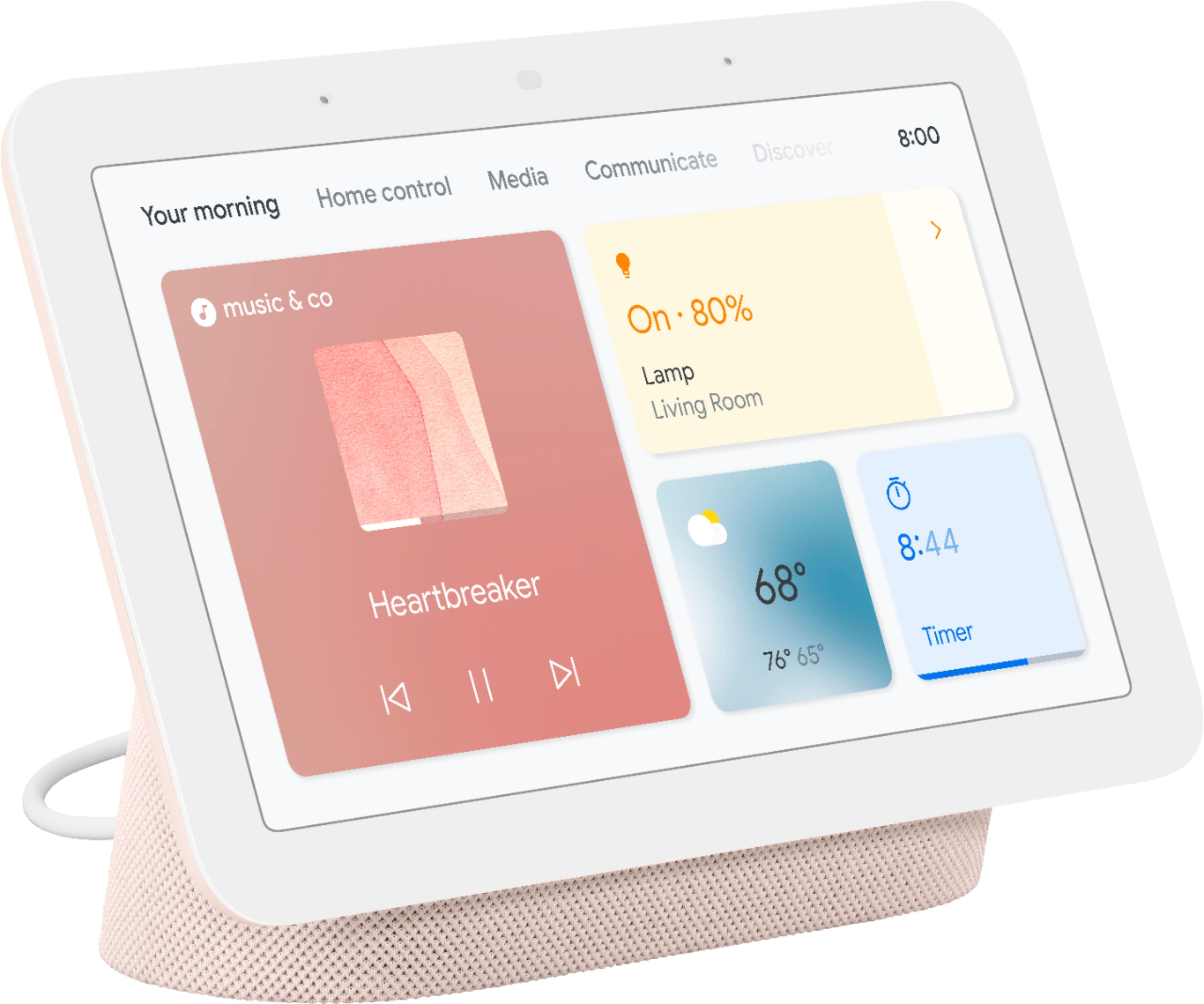
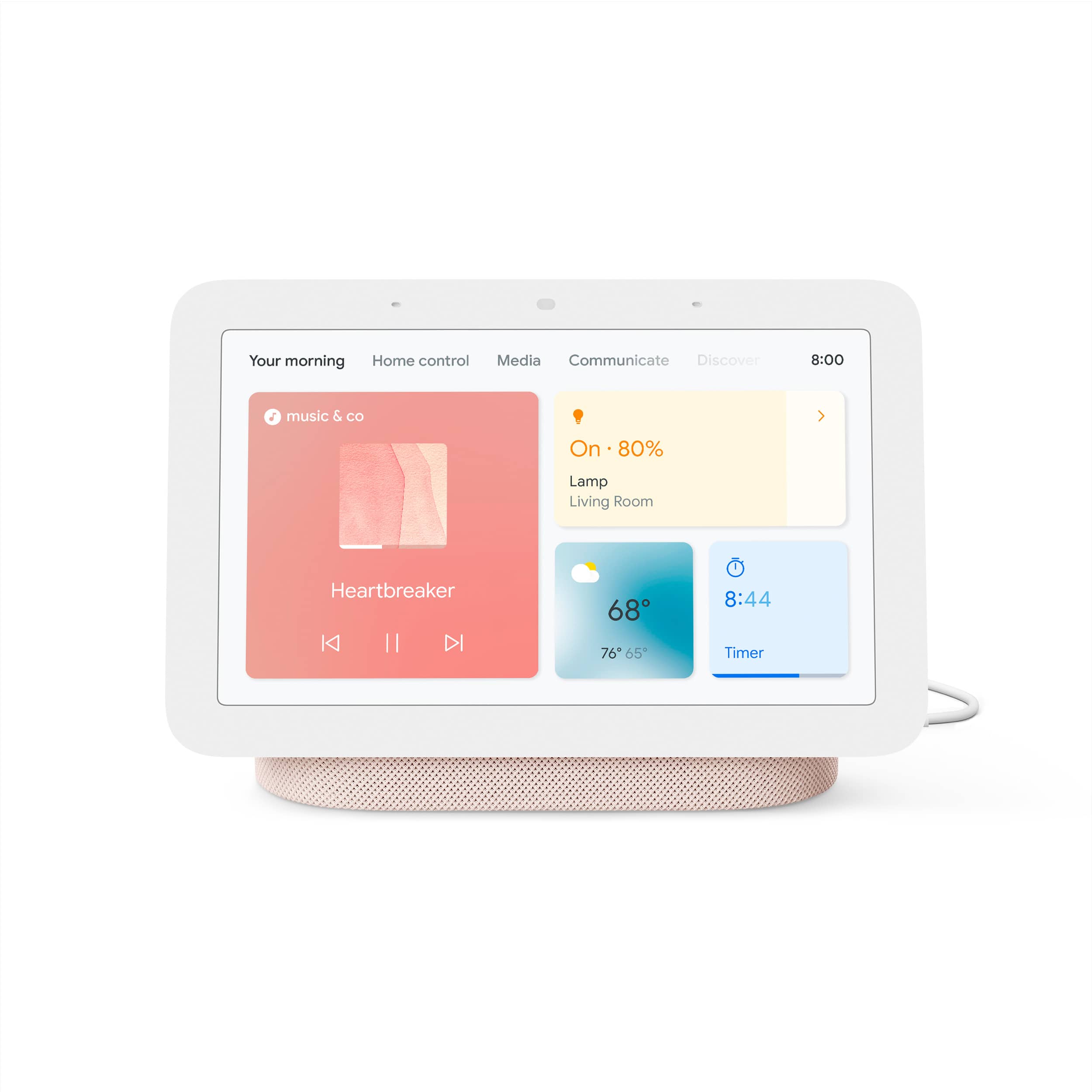
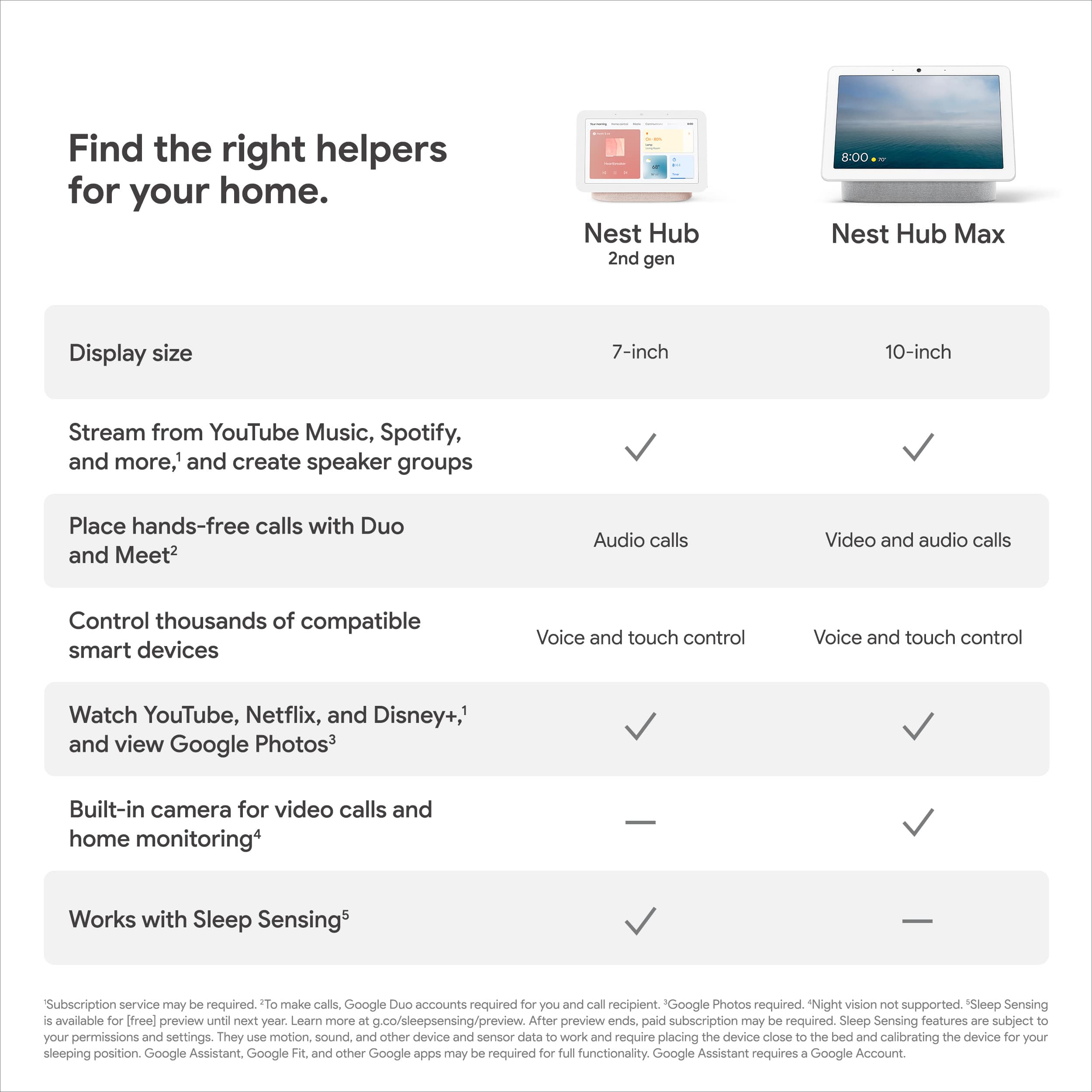
Customers appreciate the Nest Hub 2nd Gen for its ease of use, sound quality, and ideal screen size, especially for bedside use. The Google Assistant integration, reasonable price, and sleep tracking capabilities are also well-received. However, some customers have noted the absence of a camera and occasional sluggishness in responsiveness. Additionally, a few users mentioned compatibility issues with certain devices.
This summary was generated by AI based on customer reviews.
good product at discount
||Posted . Owned for 3 weeks when reviewed.This reviewer received promo considerations or sweepstakes entry for writing a review.I bought this at a 50% discount. It is a fantastic product but wouldn't pay the total price.
I would recommend this to a friendGreat product
||Posted . Owned for 1 year when reviewed.This reviewer received promo considerations or sweepstakes entry for writing a review.Love it, just wish I could figure out how to watch Netflix on it.
I would recommend this to a friendBrand response from Nest Support
Posted .Hi there, Misha. We’re glad that you love the Nest Hub (2nd gen) along with its smart features. We hear your concern on how to watch Netflix. First thing we need to do is to link Netflix in the Google Home app then control it via voice command or from the app tray on the screen. To know more about this, please visit this helpful link: https://support.google.com/chromecast/answer/7214982
If you need further assistance, we recommend that you reach out to our support specialists at our Google Help page: https://support.google.com/googlenest/gethelp
Google hub
||Posted . Owned for 1 month when reviewed.This reviewer received promo considerations or sweepstakes entry for writing a review.This smart home display works great, just like all other google devices.
I would recommend this to a friendGreat Device
||Posted . Owned for 7 months when reviewed.This reviewer received promo considerations or sweepstakes entry for writing a review.I love this device. I got it when it was on sale. 5 stars
I would recommend this to a friendawesome device
||Posted . Owned for 1 month when reviewed.This reviewer received promo considerations or sweepstakes entry for writing a review.just like the google mini this is a step up from that and very nice to have
I would recommend this to a friendNest Display
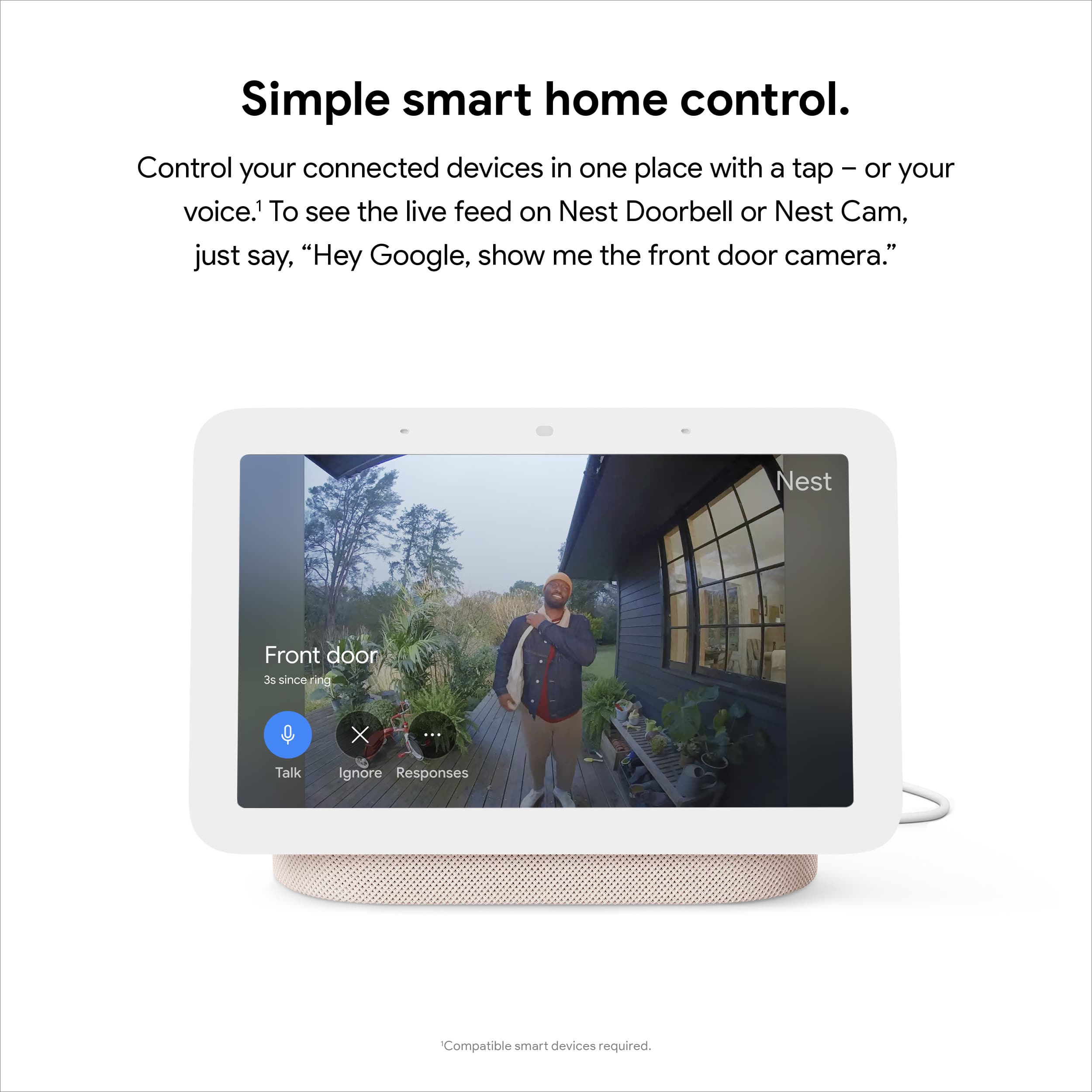
||Posted .This reviewer received promo considerations or sweepstakes entry for writing a review.Great to use with your nest doorbell. Video feed pops up right away.
I would recommend this to a friendDDS
||Posted . Owned for 1 year when reviewed.This reviewer received promo considerations or sweepstakes entry for writing a review.Convenient, good quality, sensitive listening ability.
I would recommend this to a friendDoes the job
||Posted . Owned for 2 months when reviewed.This reviewer received promo considerations or sweepstakes entry for writing a review.Great speakers and love the picture frame for my kitchen!
I would recommend this to a friendI love it!
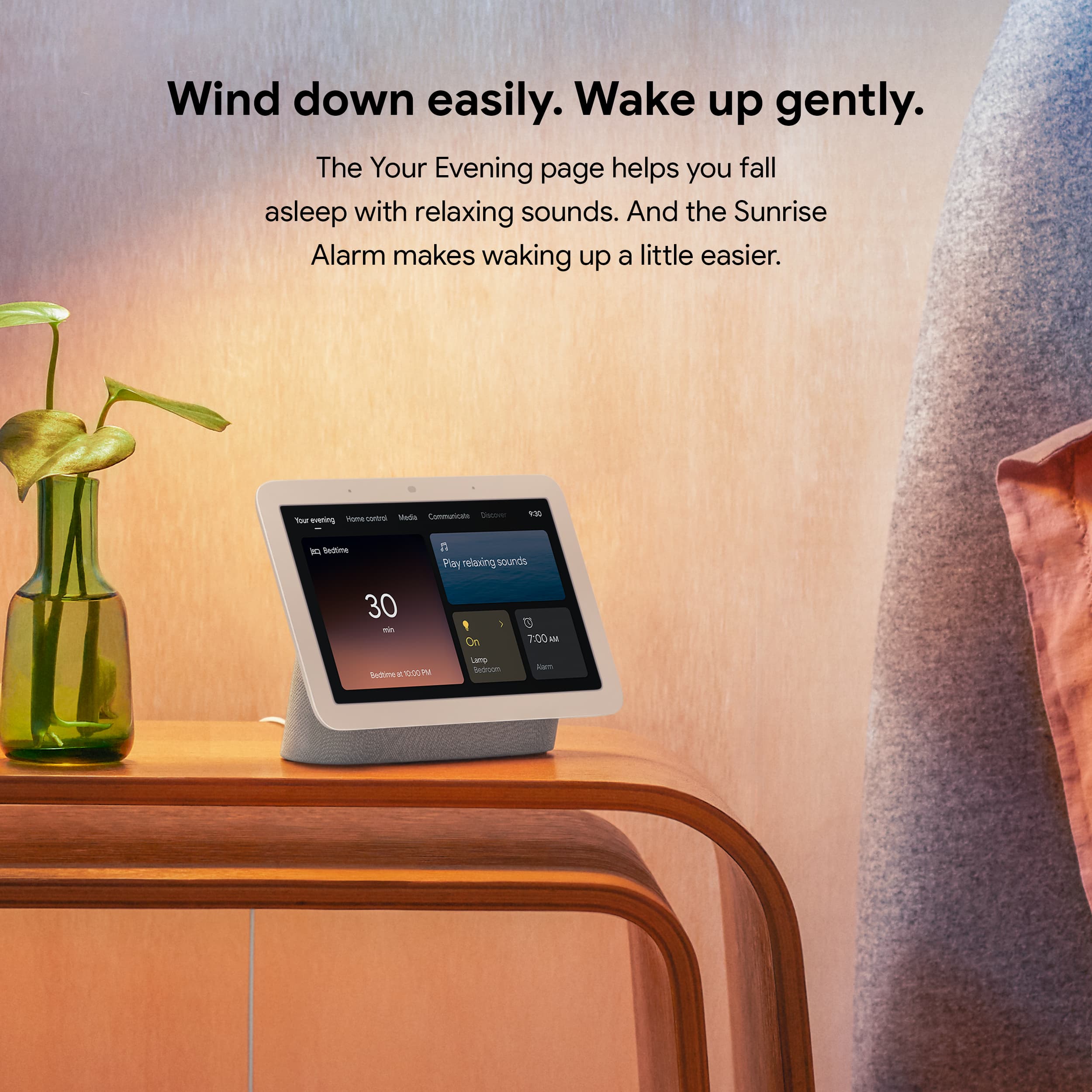
||Posted . Owned for 11 months when reviewed.This reviewer received promo considerations or sweepstakes entry for writing a review.Works great as a bedside alarm clock, with streaming capabilities (although limited)
I would recommend this to a friendOne for every room
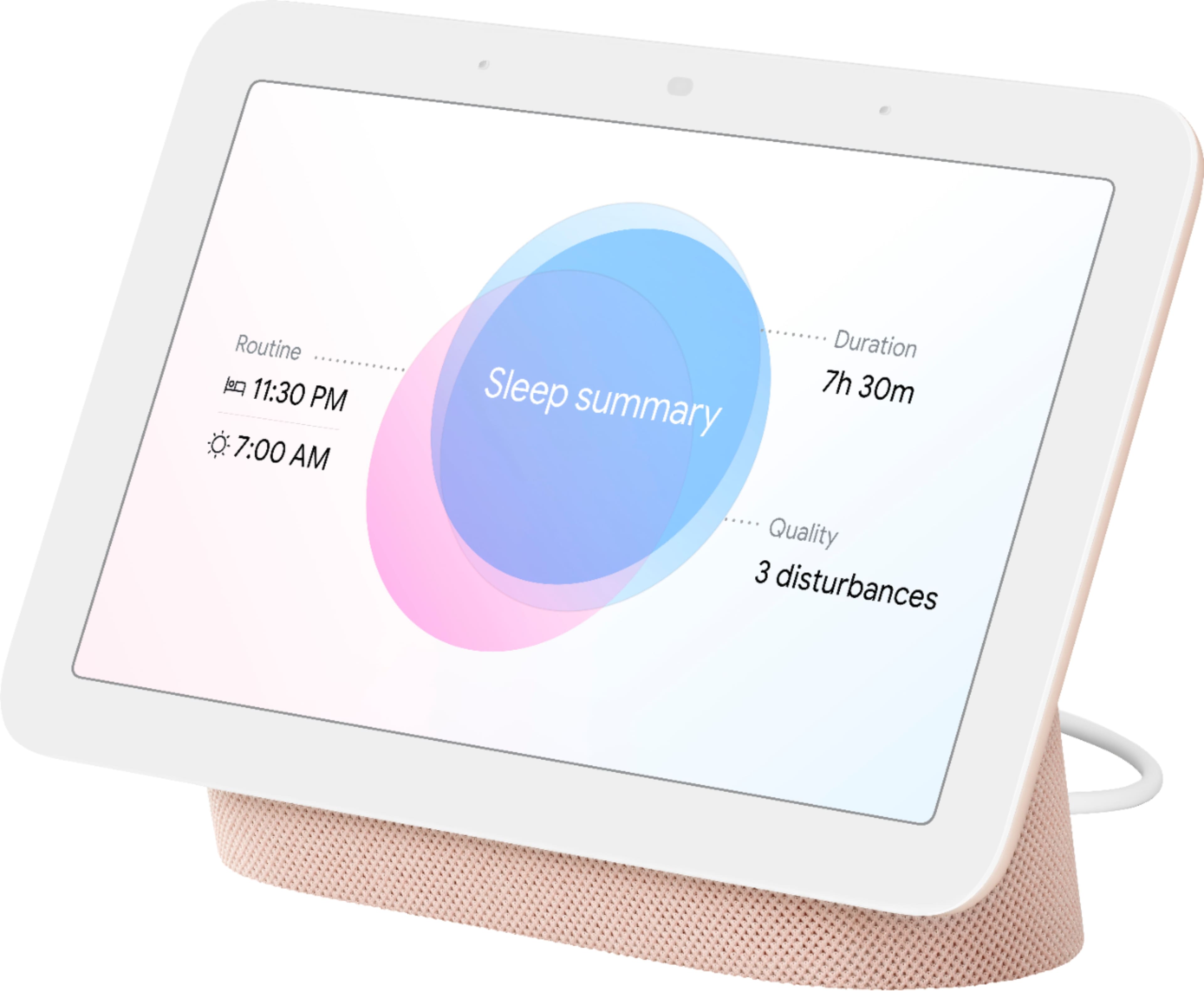
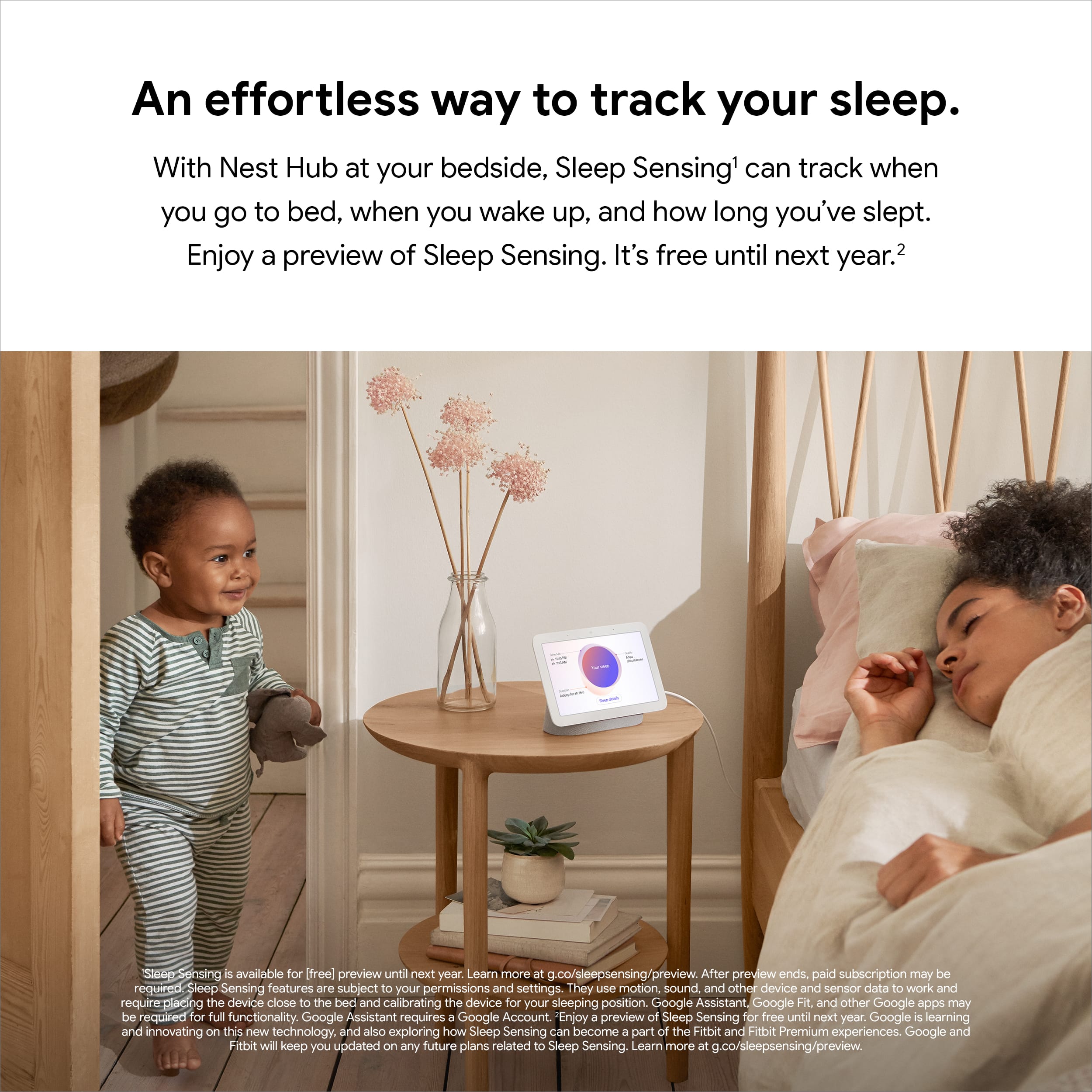
||Posted . Owned for 3 weeks when reviewed.This reviewer received promo considerations or sweepstakes entry for writing a review.Love the sleep monitor function on this that tells me my quality of sleep
I would recommend this to a friendSatisfied
||Posted . Owned for 3 weeks when reviewed.This reviewer received promo considerations or sweepstakes entry for writing a review.Love the Google Hub! We have them in just about every room over our home!
I would recommend this to a friendHuh
||Posted . Owned for 4 months when reviewed.This reviewer received promo considerations or sweepstakes entry for writing a review.Great product I love that it is convenient and is there when needed.
I would recommend this to a friendGoogle
||Posted .This reviewer received promo considerations or sweepstakes entry for writing a review.Great product, works beautiful and easy setup, google is way better than the amazon echo
I would recommend this to a friendGreat place to start your smart home
||Posted . Owned for 1 week when reviewed.This reviewer received promo considerations or sweepstakes entry for writing a review.Excellent starting point for your smart home and makes a fantastic digital photo machine.
I would recommend this to a friendWorks very well
||Posted . Owned for less than 1 week when reviewed.This reviewer received promo considerations or sweepstakes entry for writing a review.I bought the bigger hub for my kitchen and 2 smaller ones for the bedrooms. I really like them.
I would recommend this to a friendPerfect for the kitchen
||Posted . Owned for 1 week when reviewed.This reviewer received promo considerations or sweepstakes entry for writing a review.this things is freaking awesome!! just wish it was a little snappier
I would recommend this to a friendGreat product!
||Posted . Owned for 3 weeks when reviewed.This reviewer received promo considerations or sweepstakes entry for writing a review.My son has a couple of these in his house and I loved them so much I got some of my own?
I would recommend this to a friendHey Google
||Posted . Owned for 1 year when reviewed.This reviewer received promo considerations or sweepstakes entry for writing a review.The speaker is lacking in bass but the functionable is on display beautify.
I would recommend this to a friendBrand response from Nest Support
Posted .Hi SmashandDash, thanks for posting a review. We regret to learn that Nest Hub (2nd Gen) didn’t meet your expectations.
To improve the sound quality, we recommend adjusting the equalizer of your Nest Hub. See the steps below:
- Open the Google Home app.
- Tap your Nest Hub and then Settings.
- Then Audio and then Equalizer.
- Adjust Bass and Treble level to your preference.
Your feedback is important to us as it will greatly help us to improve our products and services. For further assistance, our support team is always available to help. You can contact us anytime using this link: https://support.google.com/googlenest/gethelp
- Pros mentioned:Ease of use
Good quality device, but not necessary
||Posted . Owned for 1 year when reviewed.This reviewer received promo considerations or sweepstakes entry for writing a review.Nice quality screen, easy to set up, just doesn't seem to get much use. We have a few of these and we don't really seem to utilize or take advantage of the screen functionality. We generally only use this to set kitchen timers when cooking and to give other verbal commands. This could have been accomplished with a smaller, less expensive device with no screen.
No, I would not recommend this to a friendBrand response from Nest Support
Posted .Hi Ramsey, we truly appreciate your feedback on Nest Hub (2nd gen), and it's unfortunate to hear that you don't seem to get much use of the screen functionality. There are different ways to enjoy the display like viewing photos, streaming your compatible security camera, playing TV shows and movies, and more. You can visit this link to learn other things you can do with the Nest Hub (2nd gen): https://support.google.com/googlenest/topic/10356591
For any challenges, questions and concerns about the Nest display and its features, we have our specialists always available at Google Nest Help page here: https://support.google.com/googlenest/gethelp
Home Hib
||Posted . Owned for 1 month when reviewed.This reviewer received promo considerations or sweepstakes entry for writing a review.Timer is really nice! Slow to load live video. Timer is really nice!
I would recommend this to a friendBrand response from Nest Support
Posted .Hello there, we value your feedback on Nest Hub (2nd gen). We’re glad that you find the timer feature nice, but we’re sorry to hear it’s slow to load live video.
Your Nest display could be having trouble connecting to Google, and you can try these simple steps below that might help:
- Check your Wi-Fi network for possible congestion. Relieving some of your connected devices may help free up some bandwidth space.
- Check the distance between the Nest display and your router. Ensure that it is within a line of sight from your router.
- Check for wireless interference with other Wi-Fi hotspots or appliances and devices nearby.
- Restart Nest display and router to refresh the connection.
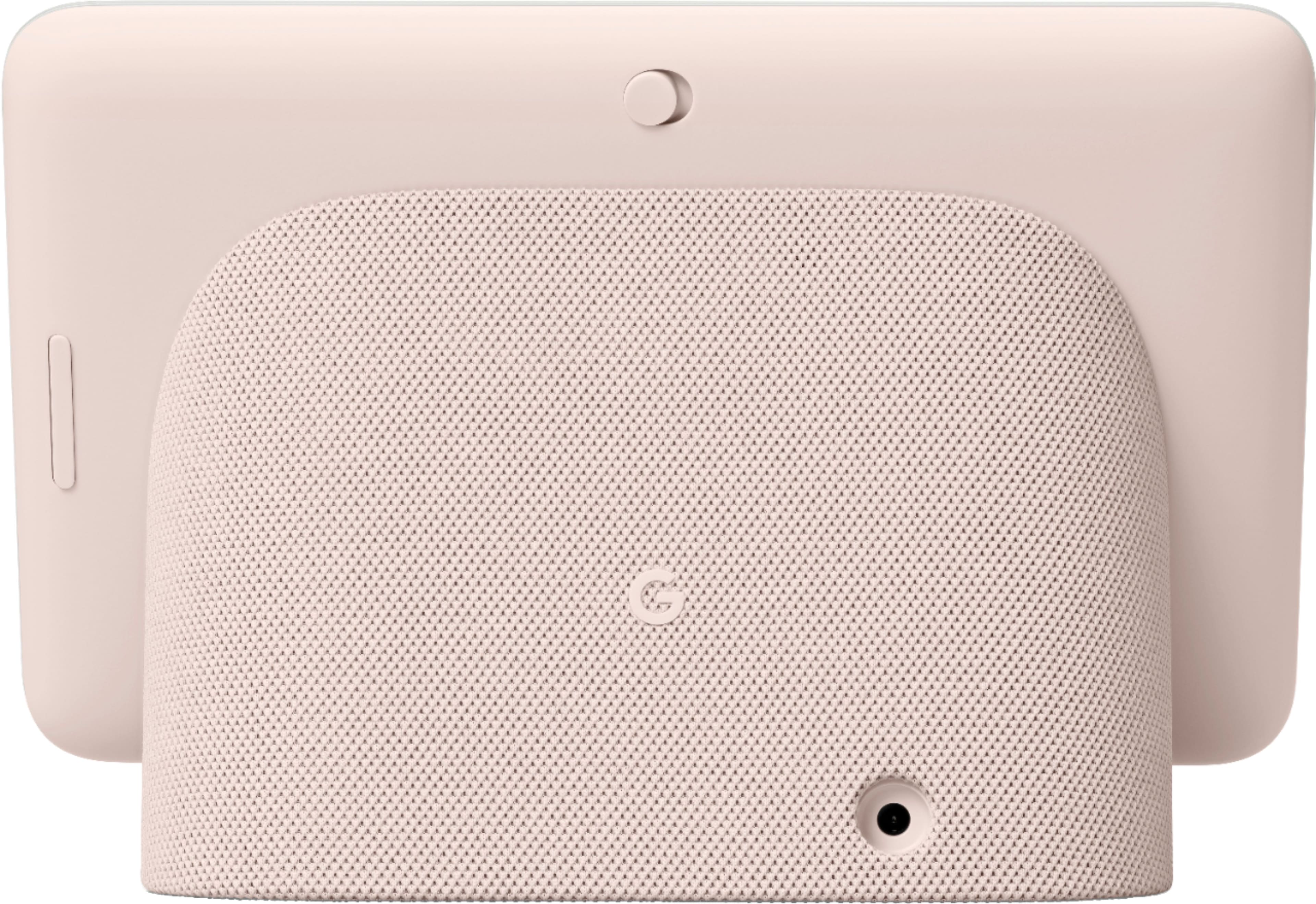
- Reset your Nest display. On the back of Nest Hub, press and hold both volume buttons together for about 10 seconds. Your Nest Hub will let you know that it's resetting.
If the issue persists after trying the simple steps above, we recommend getting in touch with our specialists using this link: https://support.google.com/googlenest/gethelp