Customer Ratings & Reviews



- Model:
- GA02307-US
- SKU:
- 6450821
Rating by feature
- Value
Rating 4.7 out of 5 stars
- Quality
Rating 4.7 out of 5 stars
- Ease of Use
Rating 4.6 out of 5 stars
Customers are saying
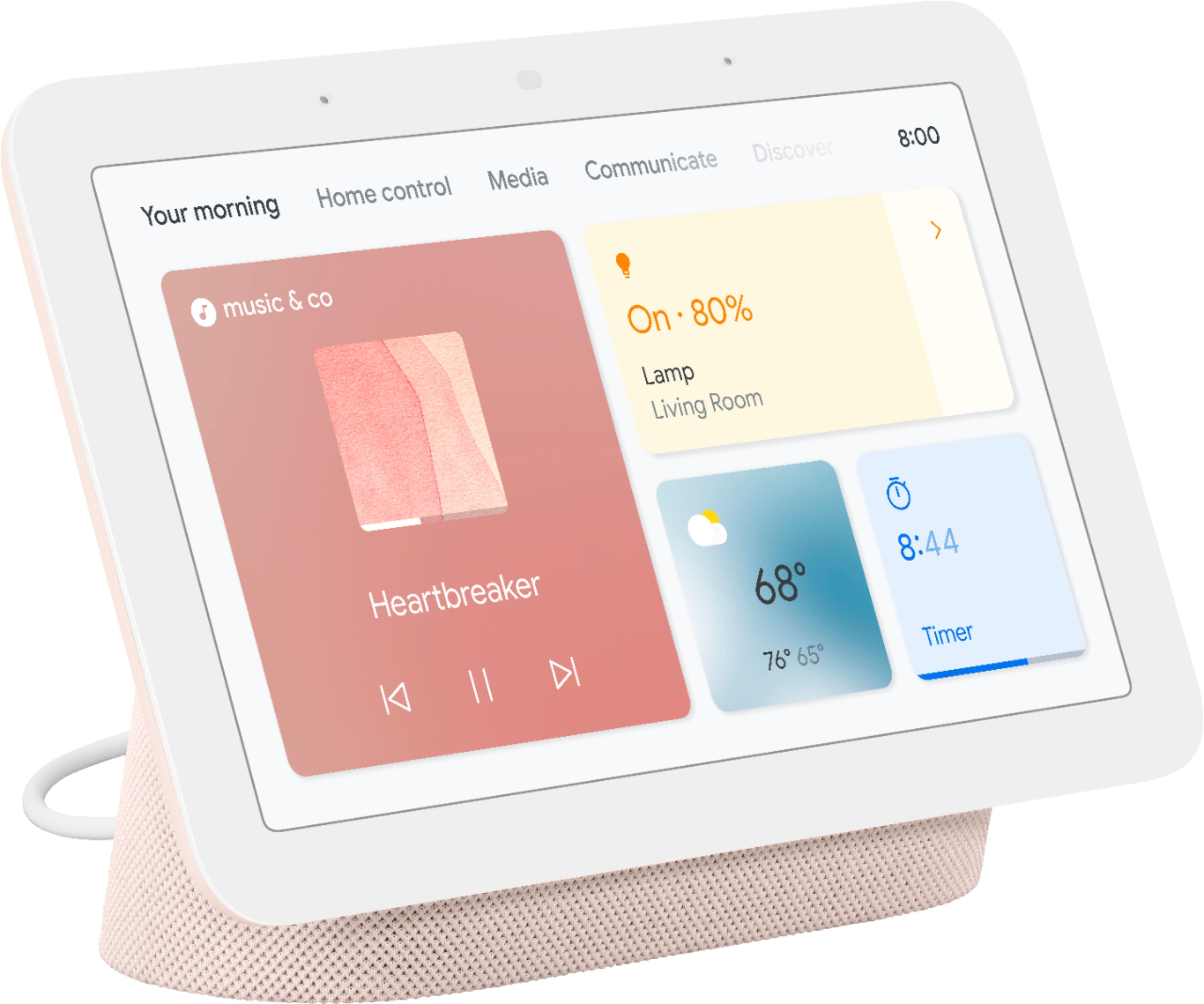
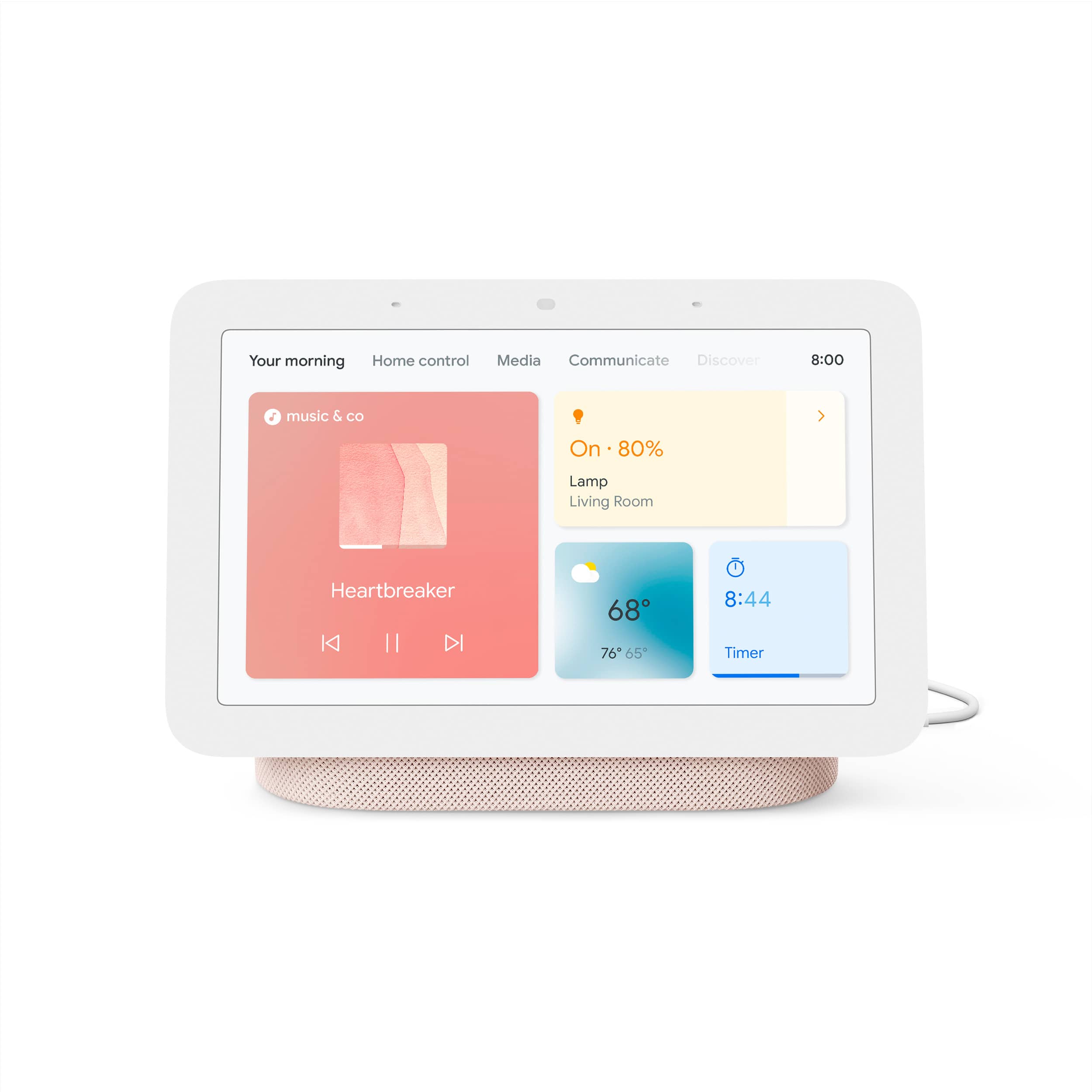
Customers consistently note the Nest Hub 7” Smart Touchscreen Display with Google Assistant (2nd Gen) for its ease of use, good sound quality, and ideal screen size, especially for bedside use. The Google Assistant integration, reasonable price, sleep tracking, and smart home integration are also appreciated. However, some customers have expressed concerns over the lack of a camera and occasional sluggishness in responsiveness. Additionally, a few users have pointed out compatibility issues with certain devices.
This summary was generated by AI based on customer reviews.
awesome device
||Posted . Owned for 1 month when reviewed.This reviewer received promo considerations or sweepstakes entry for writing a review.just like the google mini this is a step up from that and very nice to have
I would recommend this to a friendGoogle hub
||Posted . Owned for 1 month when reviewed.This reviewer received promo considerations or sweepstakes entry for writing a review.This smart home display works great, just like all other google devices.
I would recommend this to a friendGreat product!
||Posted . Owned for 3 weeks when reviewed.This reviewer received promo considerations or sweepstakes entry for writing a review.My son has a couple of these in his house and I loved them so much I got some of my own?
I would recommend this to a friendOne for every room
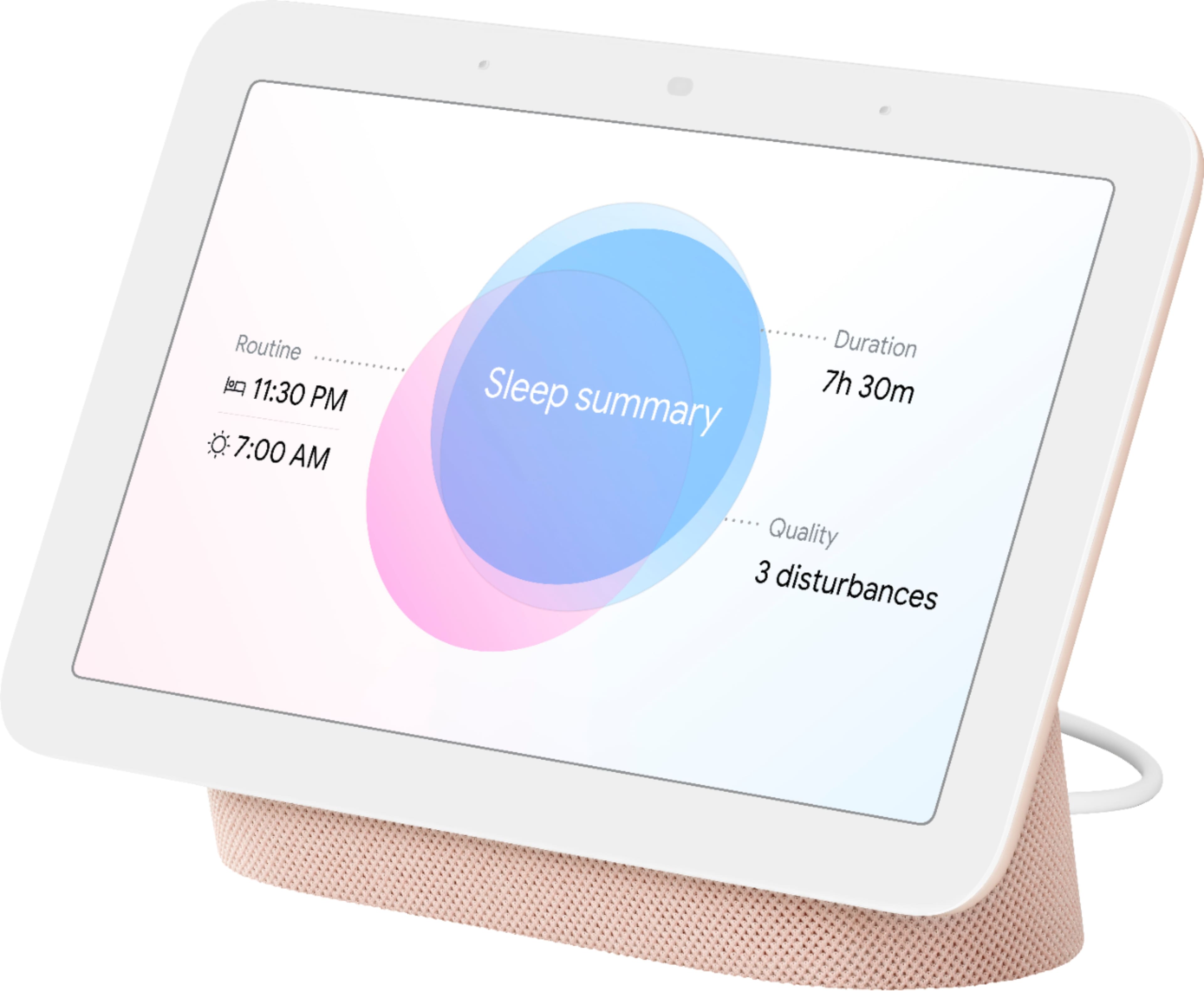
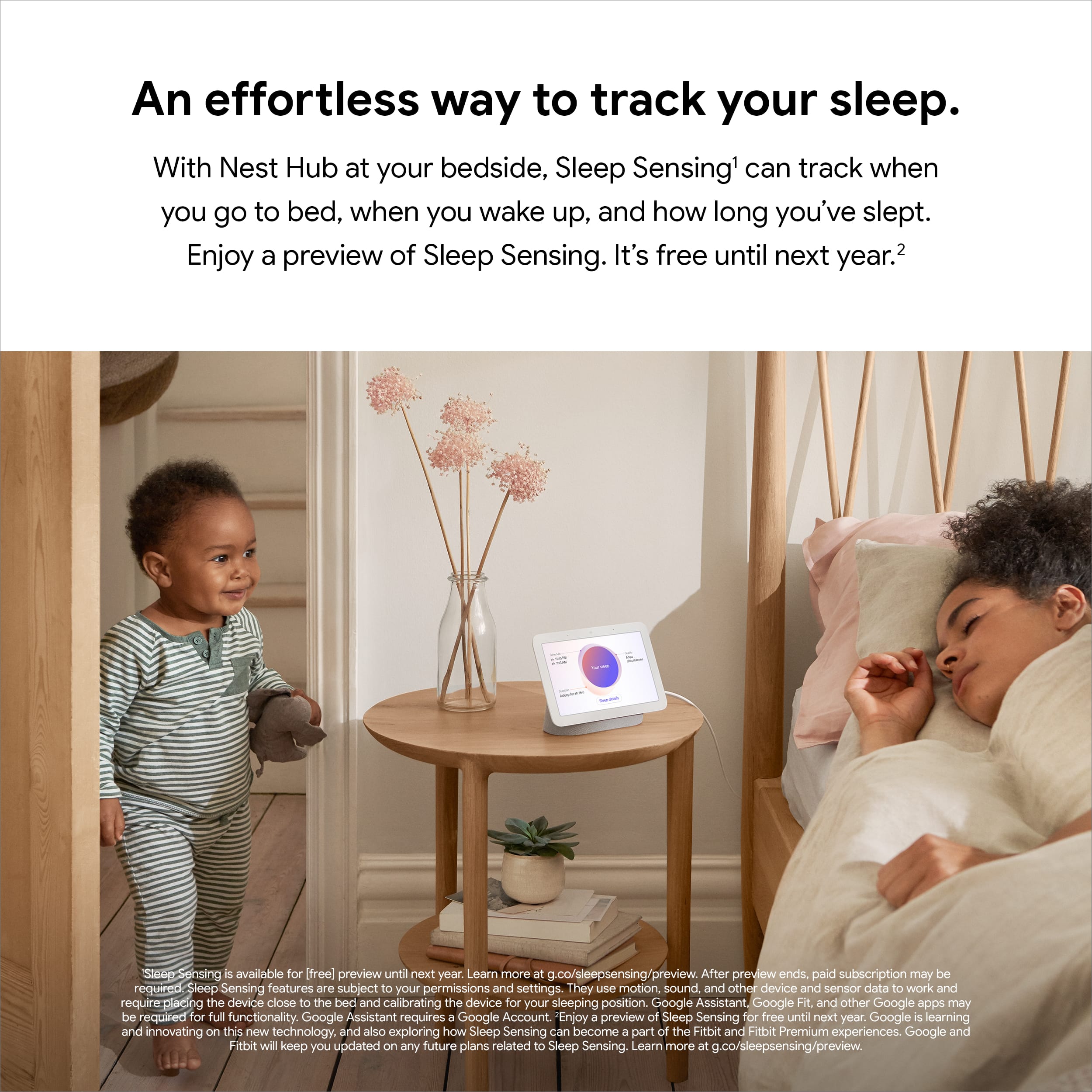
||Posted . Owned for 3 weeks when reviewed.This reviewer received promo considerations or sweepstakes entry for writing a review.Love the sleep monitor function on this that tells me my quality of sleep
I would recommend this to a friendSatisfied
||Posted . Owned for 3 weeks when reviewed.This reviewer received promo considerations or sweepstakes entry for writing a review.Love the Google Hub! We have them in just about every room over our home!
I would recommend this to a friendNest Display
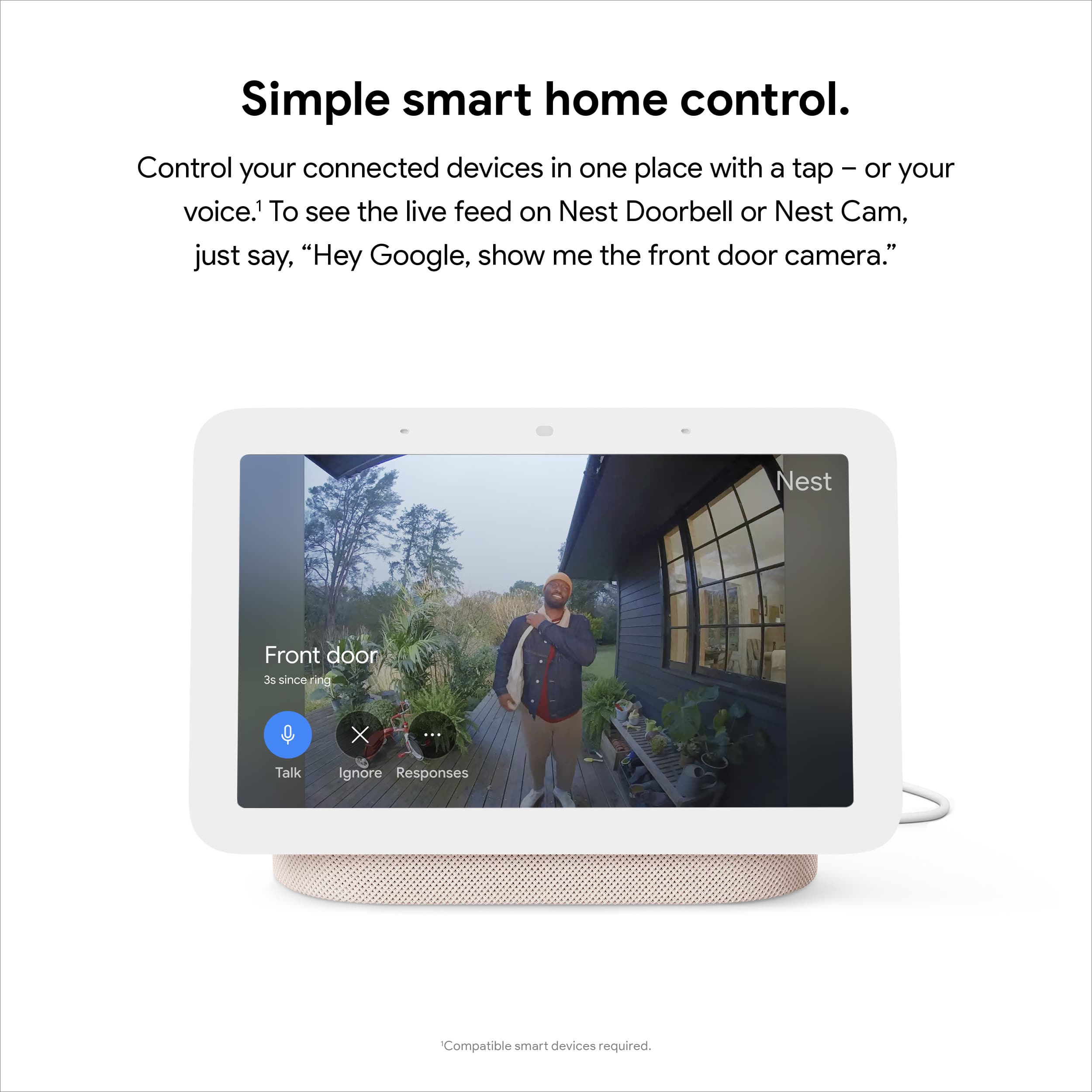
||Posted .This reviewer received promo considerations or sweepstakes entry for writing a review.Great to use with your nest doorbell. Video feed pops up right away.
I would recommend this to a friendGreat little display
||Posted . Owned for 1 month when reviewed.This reviewer received promo considerations or sweepstakes entry for writing a review.Love the Display always ready to give answer i would recommend just buy you will not disappointed
I would recommend this to a friendGoogle Nest Hub review by Khalid BM
||Posted . Owned for 3 weeks when reviewed.This reviewer received promo considerations or sweepstakes entry for writing a review.Good device but complex to set up. Also, it's nice to have a video on how to set up the device.
I would recommend this to a friendBrand response from Nest Support
Posted .Hi, KhalidBM! Thanks for sharing your experience with us. We're sorry to hear you found the set up of your Nest Hub complex but we're happy you're able to figure it out and make it work.
We appreciate your feedback as it helps us improve our products and services. If you have any questions or concerns, feel free to contact our support team anytime and we'll be more than happy to assist you anytime. Reach us here: https://support.google.com/googlenest/gethelp
Huh
||Posted . Owned for 4 months when reviewed.This reviewer received promo considerations or sweepstakes entry for writing a review.Great product I love that it is convenient and is there when needed.
I would recommend this to a friend- Pros mentioned:Ease of use
Good quality device, but not necessary
||Posted . Owned for 1 year when reviewed.This reviewer received promo considerations or sweepstakes entry for writing a review.Nice quality screen, easy to set up, just doesn't seem to get much use. We have a few of these and we don't really seem to utilize or take advantage of the screen functionality. We generally only use this to set kitchen timers when cooking and to give other verbal commands. This could have been accomplished with a smaller, less expensive device with no screen.
No, I would not recommend this to a friendBrand response from Nest Support
Posted .Hi Ramsey, we truly appreciate your feedback on Nest Hub (2nd gen), and it's unfortunate to hear that you don't seem to get much use of the screen functionality. There are different ways to enjoy the display like viewing photos, streaming your compatible security camera, playing TV shows and movies, and more. You can visit this link to learn other things you can do with the Nest Hub (2nd gen): https://support.google.com/googlenest/topic/10356591
For any challenges, questions and concerns about the Nest display and its features, we have our specialists always available at Google Nest Help page here: https://support.google.com/googlenest/gethelp
Nice little unit
||Posted . Owned for 1 week when reviewed.This reviewer received promo considerations or sweepstakes entry for writing a review.It's good for what I wanted it for. I'm in the process of making my home a smart home.
I would recommend this to a friendGreat Device
||Posted . Owned for 7 months when reviewed.This reviewer received promo considerations or sweepstakes entry for writing a review.I love this device. I got it when it was on sale. 5 stars
I would recommend this to a friendMinimalist Neccesity
||Posted .This reviewer received promo considerations or sweepstakes entry for writing a review.I live in a small apartment and the size is perfect. The speaker clarity is unbeleivable.
I would recommend this to a friendHey Google
||Posted . Owned for 1 year when reviewed.This reviewer received promo considerations or sweepstakes entry for writing a review.The speaker is lacking in bass but the functionable is on display beautify.
I would recommend this to a friendBrand response from Nest Support
Posted .Hi SmashandDash, thanks for posting a review. We regret to learn that Nest Hub (2nd Gen) didn’t meet your expectations.
To improve the sound quality, we recommend adjusting the equalizer of your Nest Hub. See the steps below:
- Open the Google Home app.
- Tap your Nest Hub and then Settings.
- Then Audio and then Equalizer.
- Adjust Bass and Treble level to your preference.
Your feedback is important to us as it will greatly help us to improve our products and services. For further assistance, our support team is always available to help. You can contact us anytime using this link: https://support.google.com/googlenest/gethelp
Great assistant
||Posted . Owned for 3 weeks when reviewed.This reviewer received promo considerations or sweepstakes entry for writing a review.Great in home helper. Never know how much convenience in serves until you get one
I would recommend this to a friendI love google devices
||Posted . Owned for 4 months when reviewed.This reviewer received promo considerations or sweepstakes entry for writing a review.Great product Im glad I purchased this. It has worked well, build quality is outstanding
I would recommend this to a friendDoes the job
||Posted . Owned for 2 months when reviewed.This reviewer received promo considerations or sweepstakes entry for writing a review.Great speakers and love the picture frame for my kitchen!
I would recommend this to a friendDDS
||Posted . Owned for 1 year when reviewed.This reviewer received promo considerations or sweepstakes entry for writing a review.Convenient, good quality, sensitive listening ability.
I would recommend this to a friendEnjoy it.
||Posted . Owned for 3 weeks when reviewed.This reviewer received promo considerations or sweepstakes entry for writing a review.Love this. Doesn't always get what I say so that is why I only give it 4 stars but most of the time it is right. Super handy in the kitchen.
I would recommend this to a friendBrand response from Nest Support
Posted .Hi Mark, thanks for sharing your experience. We’re glad to hear that you find Nest Hub (2nd Gen) great.
For voice command issues, sometimes, your Nest Hub (2nd Gen) might not activate when you say “Hey Google” or “Ok Google,” particularly in a noisy environment. If this frequently happens, you can make it more sensitive to the hotword. If you haven't tried yet, we recommend retraining Nest Hub (2nd Gen) with your voice using the Voice Match feature to better recognize your voice commands:
Retrain Voice Match
- On your phone or tablet, open the Google Home app
- At the top right, tap your Profile picture or initial and then Assistant settings and then Voice Match.
- Tap Teach your Assistant your voice again and then Retrain.
Change Nest Hub’s hotword sensitivity
- Open your Google Home app
- Select your Nest Hub (2nd Gen)
- At the top right, tap the Settings (Gear) icon
- Then tap Audio.
- Then tap "Hey Google" sensitivity and adjust the slider to make your Nest Hub (2nd Gen) more responsive to the hotword.
If still unresolved, feel free to reach out to our support team so that we can take a look at the issue and help improve your experience here: https://support.google.com/googlenest/gethelp
Home Hib
||Posted . Owned for 1 month when reviewed.This reviewer received promo considerations or sweepstakes entry for writing a review.Timer is really nice! Slow to load live video. Timer is really nice!
I would recommend this to a friendBrand response from Nest Support
Posted .Hello there, we value your feedback on Nest Hub (2nd gen). We’re glad that you find the timer feature nice, but we’re sorry to hear it’s slow to load live video.
Your Nest display could be having trouble connecting to Google, and you can try these simple steps below that might help:
- Check your Wi-Fi network for possible congestion. Relieving some of your connected devices may help free up some bandwidth space.
- Check the distance between the Nest display and your router. Ensure that it is within a line of sight from your router.
- Check for wireless interference with other Wi-Fi hotspots or appliances and devices nearby.
- Restart Nest display and router to refresh the connection.
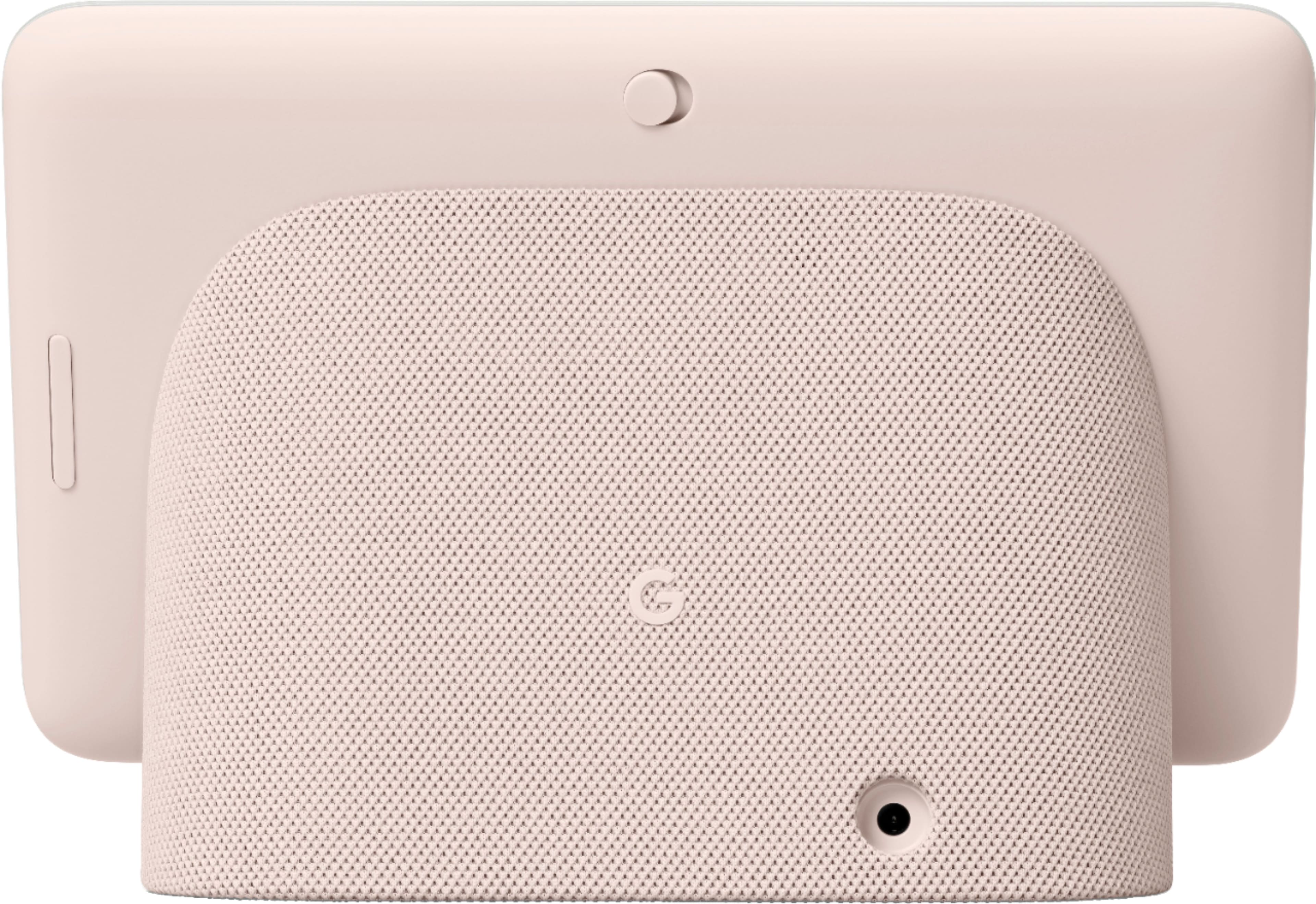
- Reset your Nest display. On the back of Nest Hub, press and hold both volume buttons together for about 10 seconds. Your Nest Hub will let you know that it's resetting.
If the issue persists after trying the simple steps above, we recommend getting in touch with our specialists using this link: https://support.google.com/googlenest/gethelp