Customer Ratings & Reviews



- Model:
- GA02307-US
- SKU:
- 6450821
Rating by feature
- Value
Rating 4.7 out of 5 stars
- Quality
Rating 4.7 out of 5 stars
- Ease of Use
Rating 4.6 out of 5 stars
Customers are saying
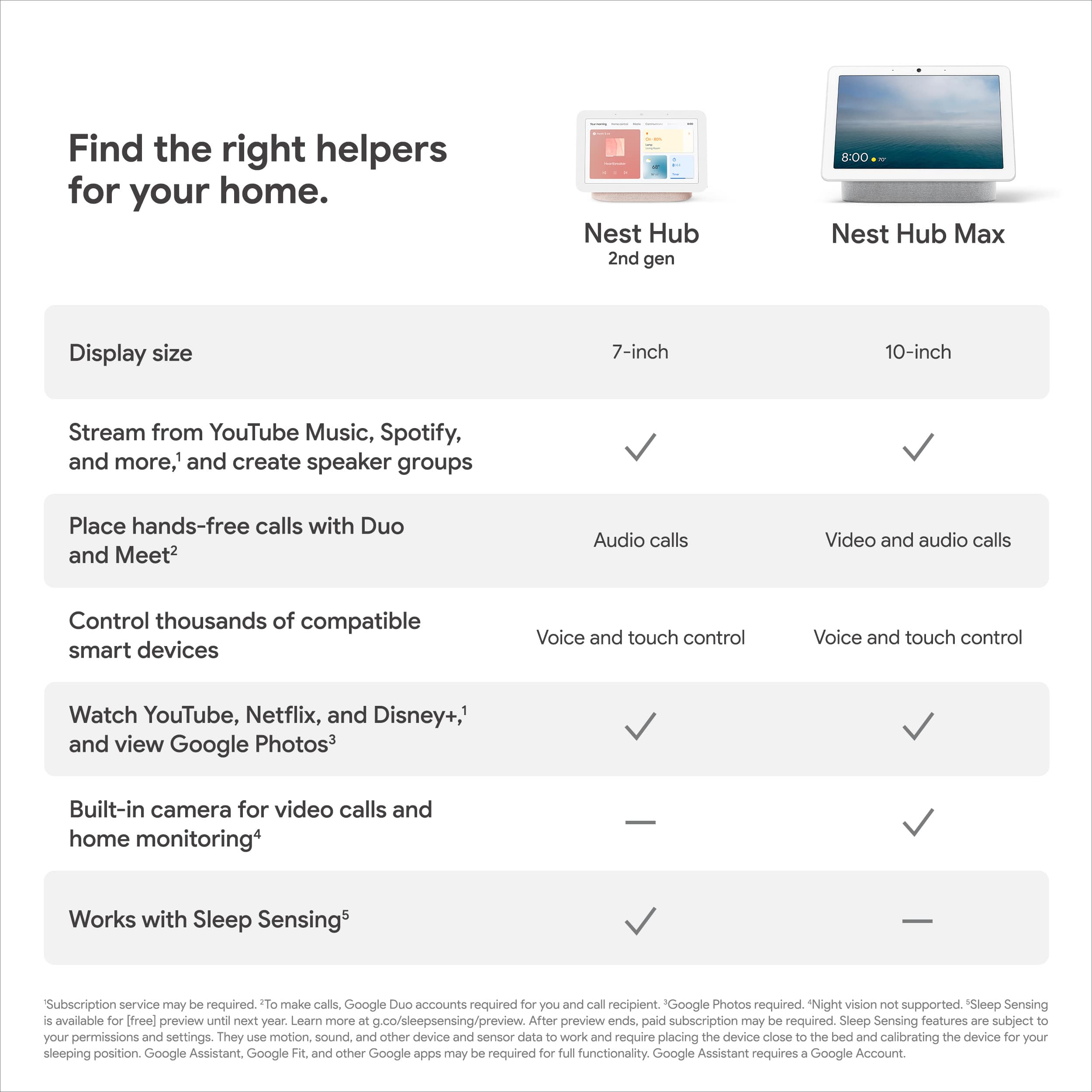
Customers consistently note the Nest Hub 7” Smart Touchscreen Display with Google Assistant (2nd Gen) for its ease of use, good sound quality, and ideal screen size, especially for bedside use. The Google Assistant integration, reasonable price, sleep tracking, and smart home integration are also appreciated. However, some customers have expressed concerns over the lack of a camera and occasional sluggishness in responsiveness. Additionally, a few users have pointed out compatibility issues with certain devices.
This summary was generated by AI based on customer reviews.
Great smart hub for home
||Posted .This reviewer received promo considerations or sweepstakes entry for writing a review.My 2nd purchased hub offers better connectivity to smart connect devices at home.
I would recommend this to a friendWorks!
||Posted .This reviewer received promo considerations or sweepstakes entry for writing a review.Google has a lot of fun things in this display. Try the games.
I would recommend this to a friendAwesome display!
||Posted . Owned for 3 weeks when reviewed.This reviewer received promo considerations or sweepstakes entry for writing a review.Amazing product. Love how clear the screen is. Very great value for the price.
I would recommend this to a friendVery useful
||Posted . Owned for 3 months when reviewed.This reviewer received promo considerations or sweepstakes entry for writing a review.I loved having this so much that I bought another.
I would recommend this to a friendGreat device
||Posted . Owned for 2 weeks when reviewed.This reviewer received promo considerations or sweepstakes entry for writing a review.Not bad. I couldn’t view my security camera but it’s good so far to watch movies.
I would recommend this to a friendWorking good
||Posted . Owned for 2 months when reviewed.This reviewer received promo considerations or sweepstakes entry for writing a review.Working good. Only issue is can not cast Pandora radio from my phone to it. Always getting error message pop up.
I would recommend this to a friendBrand response from Nest Support
Posted .Hi there Kwadom, it's great to hear that your Nest Hub (2nd Gen) works well for you. We do apologize for the errors you get when casting Pandora radio from your phone. If you haven't tried yet, you may try some suggested troubleshooting steps below:
- If your speaker or display doesn't play the radio station you requested, be more specific with your query, or ask for the station in a different way, using name, frequency or call sign.
- If the request is not properly answered, try to add the name of your radio station to the query. Example: "Play ESPN Radio on TuneIn,” or "Play ESPN Radio on iHeartRadio."
- If the provided station is inaccurate when asking for frequency, try to add the name of a nearby city. Example: "Play 101.9 FM LA."
- Try playing other stations using the same commands listed here: https://support.google.com/googlenest/answer/7071793
We'd be happy to look more into the issue if it persists. You may reach out to our support team via the Google Nest help page here: https://support.google.com/googlenest/gethelp
The great debate settler
||Posted . Owned for 2 months when reviewed.This reviewer received promo considerations or sweepstakes entry for writing a review.Fanatic device. I recommend if you like settling arguments during family time
I would recommend this to a friendGood baby monitor
||Posted . Owned for 1 month when reviewed.This reviewer received promo considerations or sweepstakes entry for writing a review.We use this and an indoor camera to watch our baby, and it has been working well as a monitor. Will probably add cameras for home security in the future.
I would recommend this to a friendNest Hub
||Posted . Owned for 1 week when reviewed.This reviewer received promo considerations or sweepstakes entry for writing a review.Nest Hub. Works great. Would get everyone of my family members one for Christmas.
I would recommend this to a friendGreat price
||Posted . Owned for 1 week when reviewed.This reviewer received promo considerations or sweepstakes entry for writing a review.Grest gift for the holidays, integrate to your existing systen. Easy installtion
I would recommend this to a friendNest Hub
||Posted .This reviewer received promo considerations or sweepstakes entry for writing a review.Very happy with the purchase. Tells news date and time. Youtube works great. Setting up at first was a little tricky but it worked well.
I would recommend this to a friendReally good, just wish the screen was smoother
||Posted . Owned for 1 month when reviewed.This reviewer received promo considerations or sweepstakes entry for writing a review.I really love the product I just wish the transitions from screens wasn't so laggy... Video playback is awesome though!
I would recommend this to a friendBrand response from Nest Support
Posted .Hi there Aaron, thanks for sharing your experience. We’re sorry to hear that you’re having issues with the performance of your Nest Hub (2nd Gen).
We could be looking at a possible connectivity issue that affects the overall performance of your Nest Hub, and it’s important to make sure that this is not caused by a spotty or weak Wi-Fi signal. We suggest checking your Wi-Fi network for a strong and reliable connection. If you have too many devices connected on the same bandwidth or if your network package is not enough to handle the data traffic on the network, removing other connected devices to your Wi-Fi may relieve network congestion. You can also try doing a factory reset to improve its performance.
If you need assistance, you can always reach out to our support team We’d be happy to help here: https://support.google.com/googlenest/gethelp
Great for the price I paid
||Posted . Owned for 1 month when reviewed.This reviewer received promo considerations or sweepstakes entry for writing a review.I honestly only bought this because I needed to spend enough money in order to do the 12-month financing on my Best buy card. It does definitely work as described. I did hook it up as part of a speaker system in our bedroom. It's not great sound. But the Google sounds nest that I have is great. I probably should move it somewhere like the kitchen where I would get more use out of it. But it works and does exactly what it says.
I would recommend this to a friendBrand response from Nest Support
Posted .Hi Meg8278, thanks for taking the time to share your feedback. We regret to hear that the sound quality of Nest Hub (2nd Gen) didn’t meet your expectations.
For better sound quality, we recommend adjusting the equalizer of your Nest Hub (2nd Gen). See the steps below:
- Open the Google Home app.
- Tap your Nest Hub and then Settings.
- Then Audio and then Equalizer.
- Adjust Bass and Treble level to your preference.
Your patronage and satisfaction are what drives us to improve our products and services. For further assistance, our support team is always available to help. You can contact us anytime using this link: https://support.google.com/googlenest/gethelp
Google does it again
||Posted . Owned for 1 month when reviewed.This reviewer received promo considerations or sweepstakes entry for writing a review.Love this hub. Can manage my network and calendar
I would recommend this to a friendGood camera
||Posted . Owned for 1 month when reviewed.This reviewer received promo considerations or sweepstakes entry for writing a review.I love it !!!!!!!!!!!!!!!!!!!!!!!!!!!!!!!!!!!!!!!!
I would recommend this to a friendDisposable Tech
Posted .This reviewer received promo considerations or sweepstakes entry for writing a review.Was good while it lasted, but the display manufacturer they chose is poor and the screen degrades over time. Google support will not help you if the screen dies outside of the 1-year warranty so you're basically buying these once a year. 2 if you're lucky.
No, I would not recommend this to a friendBrand response from Nest Support
Posted .Hello there, Mitch. Thanks for giving us feedback on the Nest Hub (2nd gen). We're sorry to hear about your experience with its screen, and our support team. We’ll use your feedback to work on improving our products and services including how we handle customer concerns with care and efficiency. Meanwhile, we’d like to have a closer look into your concern. Please share with us your recent case reference so we can continue our investigation, here: https://support.google.com/googlenest/gethelp
Good Product
||Posted . Owned for 3 weeks when reviewed.This reviewer received promo considerations or sweepstakes entry for writing a review.Overall Good Product for it's value, as well for a good price.
I would recommend this to a friend- Pros mentioned:Ease of use, PriceCons mentioned:Camera

Great smart home addition
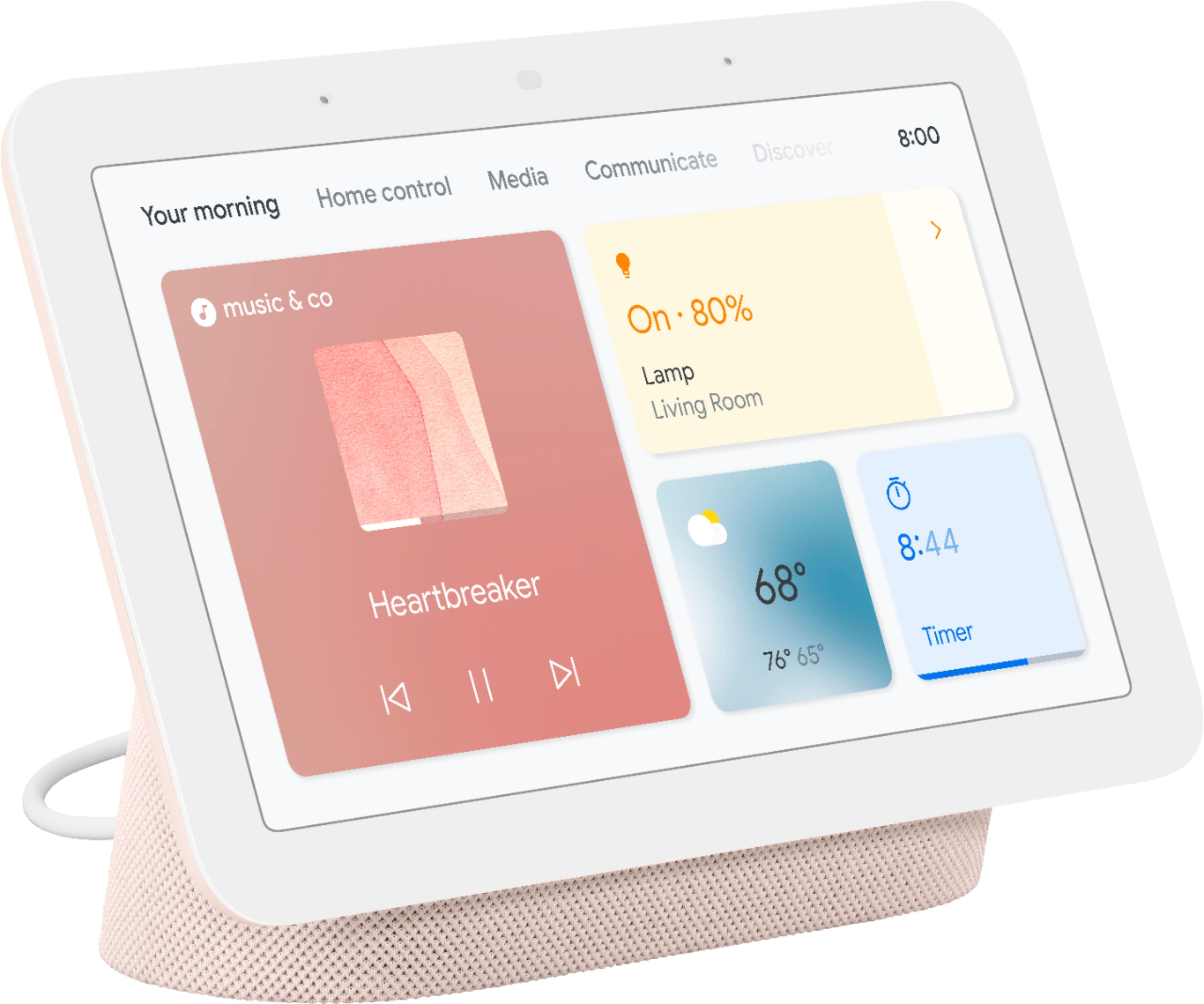
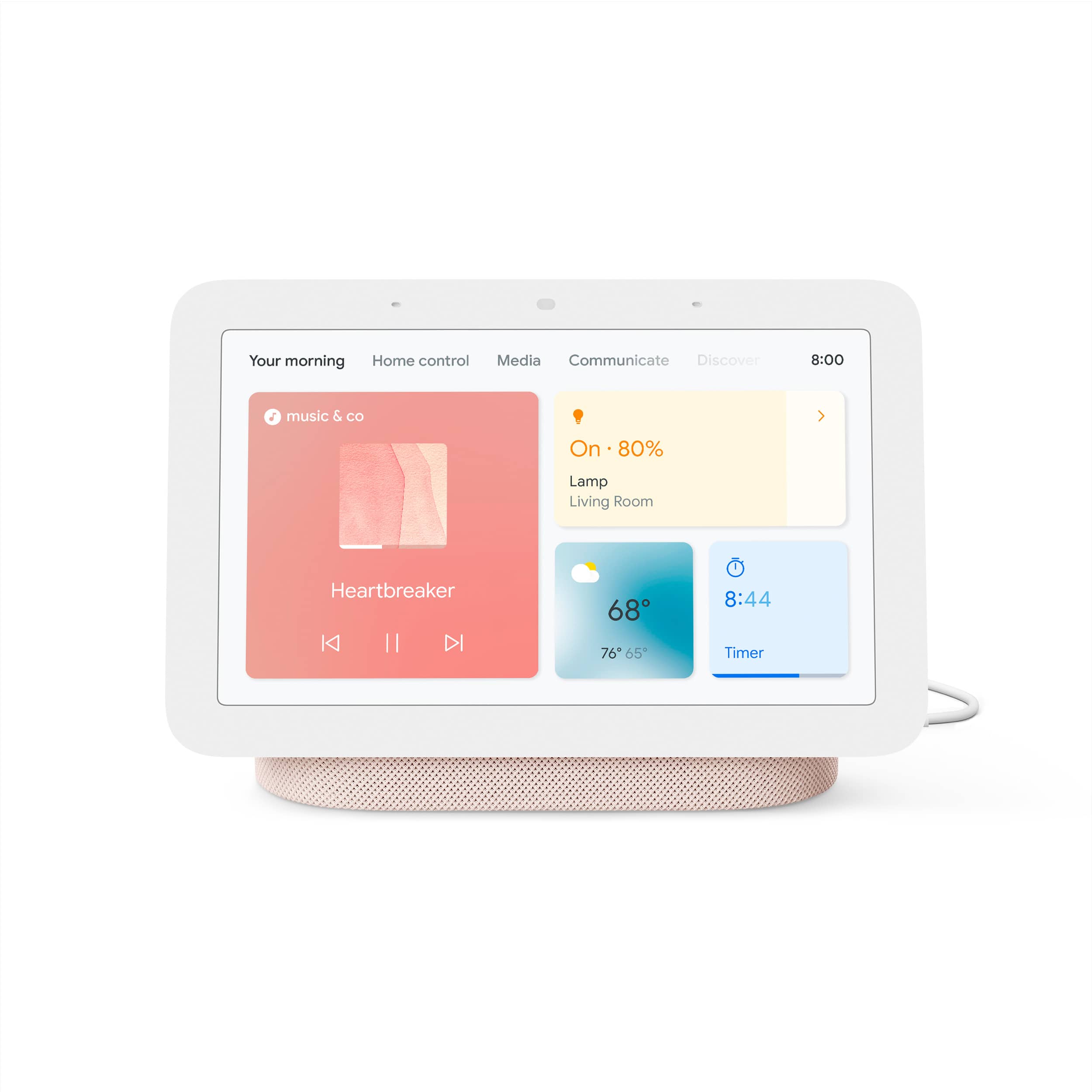
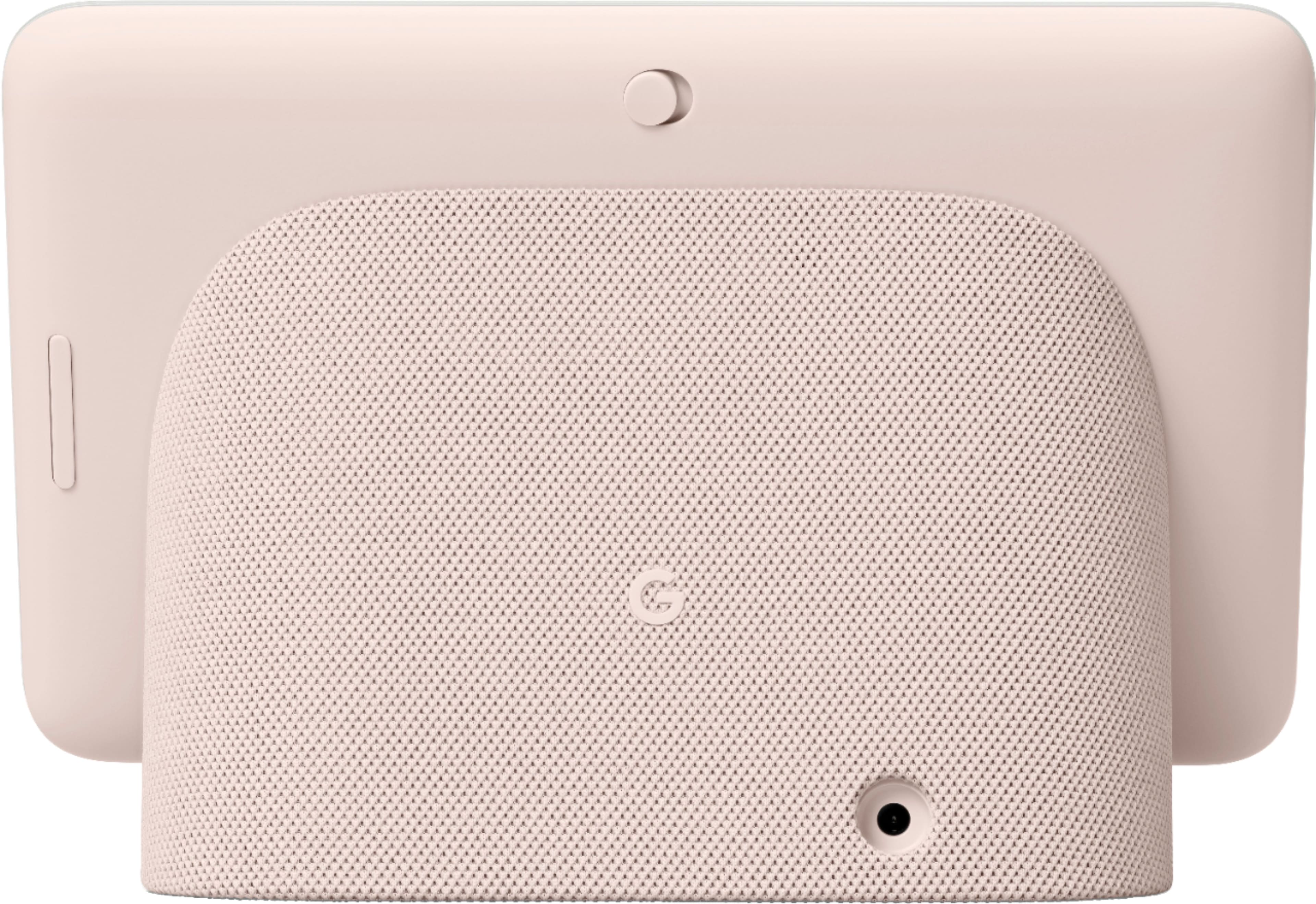
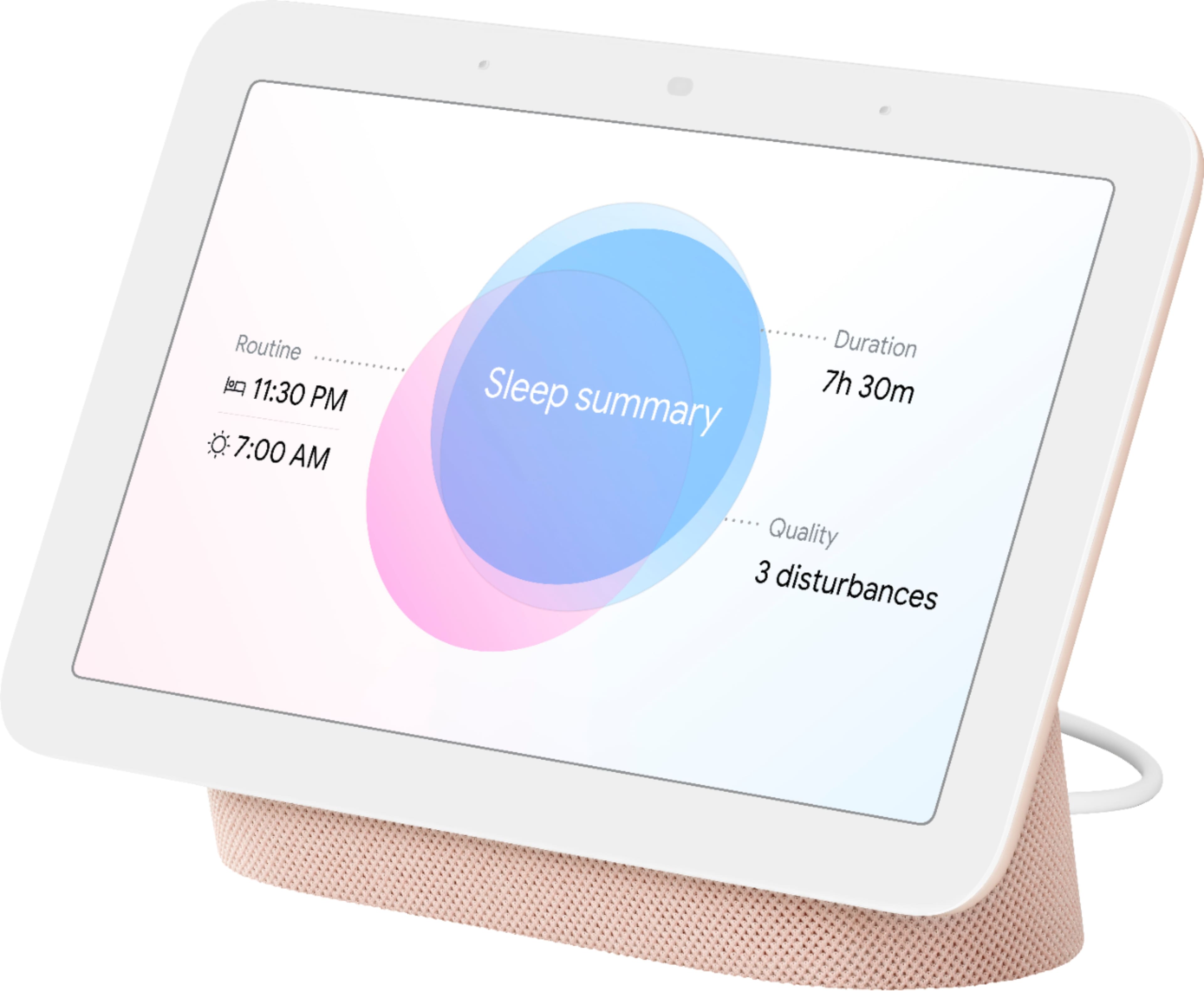
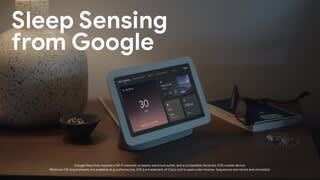
|Posted .This reviewer received promo considerations or sweepstakes entry for writing a review.INTRO Whether you are invested in the Google ecosystem or just wanting to dabble in smart home tech, the newest Google Home hub is a great addition. While you aren’t getting it for it’s sound quality, you are getting a smart home hub packed with features. Not to mention a good price point. I wish the screen were bigger (and you can get the bigger model, sure) but I think the price/size is a nice balance. I think it’s important to mention my setup, as it is the lens in which I view the quality of any tech device. I’m heavily invested in the Google ecosystem and have multiple smart speakers, Chromecasets (both the audio and video versions) as well as smart lights and smart cameras. I wouldn’t suggest you have to have all these types of smart devices to enjoy the new hub, but it certainly is nice. Of course, I can always use my voice to change my settings (turn off lights, stream music, etc.) having a screen adds an entirely new dimension. I can now view my Arlo security camera feeds, and get an idea of what lights are on in what rooms (including their respective brightness and color), all without having to pull my phone out. Of course, your enjoyment and amount of use you’ll get all depends on your particular setup. IN THE BOX Pretty basic, the 7 inch hub, and a charger. I’m surprised at how small the box is, it almost seems like it doesn’t fit, but it does. SETUP It’s pretty basic and exactly the same as any other Google home device. For those that are new to smart homes, all you need to do is make sure you have the Google Home app installed on your phone (iPhone or Android). From their, you the plus sign at the top left of your screen to add it to your home (of course, after you plug it in). From there, your phone should find it, and you’ll be prompted to take a picture of the QR code shown on the screen itself. After that, you can name it, and assign it to a room. If this is your first time setting up a smart home product, I highly recommend assigning it to a room in the event you add other smart devices at a later time. Doing so with each and every device helps organize your devices and makes it easier to use your voice (i.e. turn off the lights in the living room). There will of course be the tutorials, where onscreen prompts will guide you on how to control your hub and how to swipe from screen to screen etc. FEATURES As I mentioned, the features available to you depends a lot on your home setup and what services you use. For example, if you use Google Duo for video calls, you’ll be able to use the hub to make calls (NOTE: this hub DOES NOT have a camera, so your calls will be audio only). IF you subscribe to a music service, like Pandora or YouTube Music, then you’ll be able to stream music. If you don’t have an account with any of those services, then obviously you won’t be able to stream music. But if you don’t subscribe or use these services now, there’s nothing stopping you from signing up for them (in some instances for free) to get the most out of your hub. I will give a run down of what I use the hub for, and what else it has to offer (don’t quote me on an exhaustive list). Tracking sleep, streaming music, streaming videos (but not from every streaming service), showing Google searches (think recipe instructions), playing games (I haven’t done that yet), controlling smart devices in your house. EASE OF USE I find using the hub to be somewhat intuitive, but it’s different from my Google Pixel. It’s a bit jarring at first because the gesture swipes aren’t the same as my phone, but once you play with it for a few moments (and watch the tutorials) it all starts to make sense. STREAMING MUSIC The sound quality is nothing to write home about. It’s acceptable, but don’t expect high end audio. It gets loud enough for small rooms, but don’t expect room filling sound. At the end of the day, I stream music to Google speakers for the sake of convenience, not because of sound quality. That’s not an indictment, it’s a reality. Just don’t expect the best sound. CONTROLLING SMART DEVICES Putting aside voice commands, the hub puts all of your smart home devices at your fingertips. Frankly, given all the devices I have, I find this invaluable and frankly, one the biggest reasons to get it. It’s one thing to say “turn off lights in X room”, but to have to do it multiple times is annoying. Being able to look at a screen and to see what lights are on where, and toggling them is nice. It’s also nice to be able to see my security camera feeds (which is obviously impossible with the standard Google Nest speaker). SLEEP TRACKING The new touted feature is sleep tracking. As a snorer who bothers my wife, this feature was intriguing but not the purpose of me wanting this hub. I can say that it works, sort of. I have to admit, I can only compare it to my Fitbit, and while the “numbers” (like how long I was asleep) isn’t the exact same, it’s relatively close. Sleep tracking works by using Google’s Soli sensor (which is like a radar device). When you set up your hub, you have to set the time you want to go to bed and go to sleep. Once that time hits, and you get in bed, the screen dims and the tracking begins. My issues with the sleep tracking are primarily that the screen has to stay on my nightstand, facing me. The screen dims so it doesn’t keep me awake, but I prefer to have the screen of my hub in a central room in the house, like my kitchen, so I can use it for recipes. But back to the tracking, it also records your snoring (if you snore) which can serve as proof if you don’t believe your spouse when he/she claims you were snoring the night before. It gives you an idea of your movements, again, tracking you with the Soli radar chip. My problem is I don’t know what to do with the data. It won’t magically make you get better sleep. But it’s value is helping to recognize problems, like snoring, and holding you accountable about the time you go to sleep. It’s sort of a nice feature, but shouldn’t be the reason why you buy it. And again, there’s something odd about having a bright screen so close to you on your night stand (even though it dims when you’re sleeping). PRIVACY CONCERNS I have to mention privacy. I’m not one that’s too worried about privacy in smart home devices, but I completely understand the concerns of others. I think it’s important to note that this hub does NOT have a camera. And it has a physical mute button on the back that you can easily find and toggle on or off. And the best thing is when it is muted, you get a notification on your screen so you know for certain if the microphone is on or off. Google claims to only store sleep tracking data on the device itself. I can only take Google at its word on that. But assuming that’s true, it’s super easy to delete that data. In fact, if you look at your sleep data in the morning, there’s a button right there that gives you the option to delete it. Putting aside any broad concerns or skepticism about Google’s privacy problems, the hub seems to take it seriously, so you can be confident that it’s not listening or otherwise saving data you don’t want it to. CONCLUSION This is a terrific all around smart home hub. Even if it’s the only smart thing you have, it’s nice to have to play music, look at recipes, make hands free speaker calls. And if you have smart home devices to control, it’s even more versatile. The sleep tracking is a nice addition, but it still requires you to take action with the data it gives you.
I would recommend this to a friend 7” hub
||Posted . Owned for 1 month when reviewed.This reviewer received promo considerations or sweepstakes entry for writing a review.Perfect for having a second hub without spending a lot of money
I would recommend this to a friendExcellent Choice
||Posted . Owned for 2 weeks when reviewed.This reviewer received promo considerations or sweepstakes entry for writing a review.Replaced an older Google Nest product with this informative Nest model. love it.
I would recommend this to a friend