Customer Ratings & Reviews
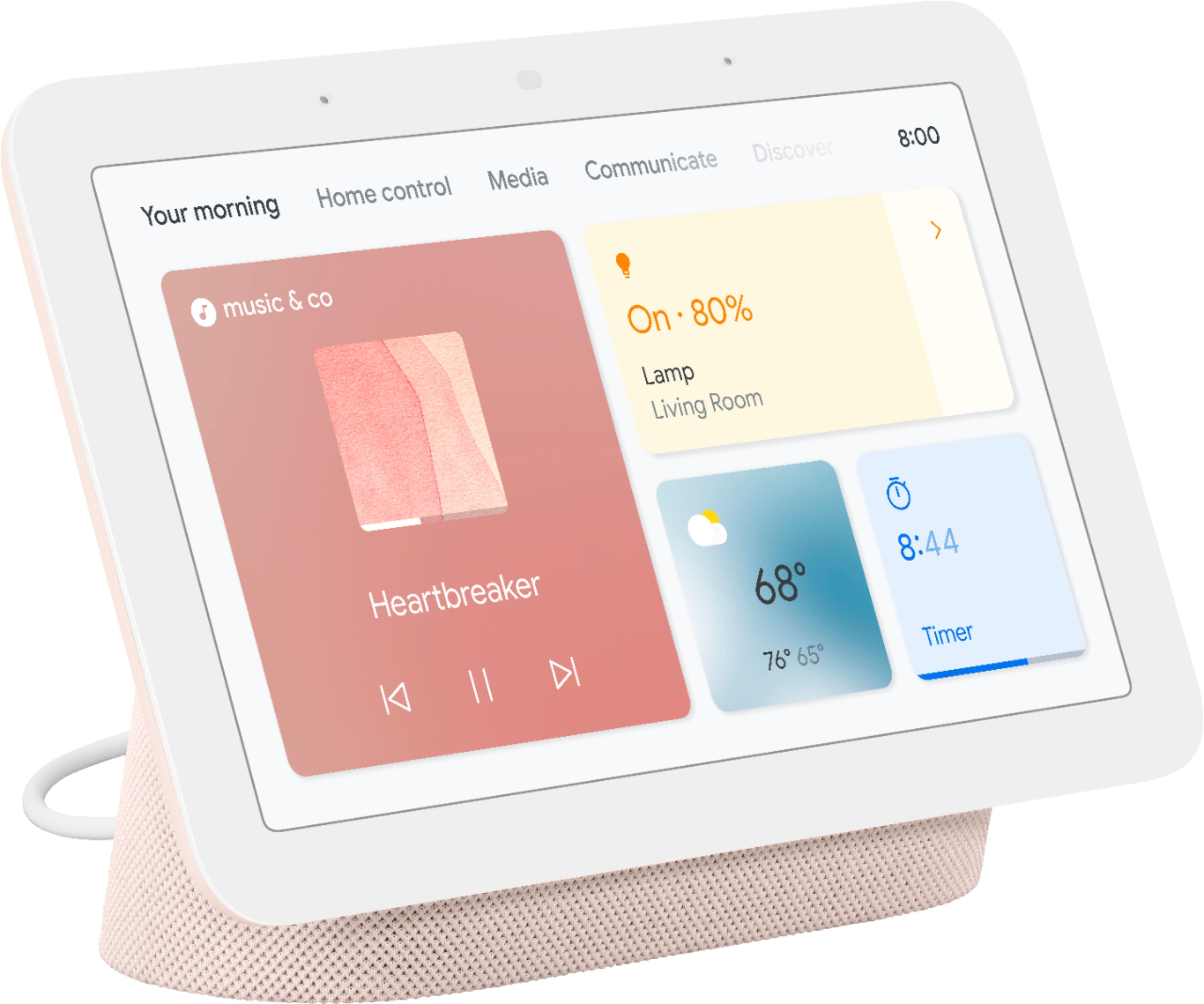
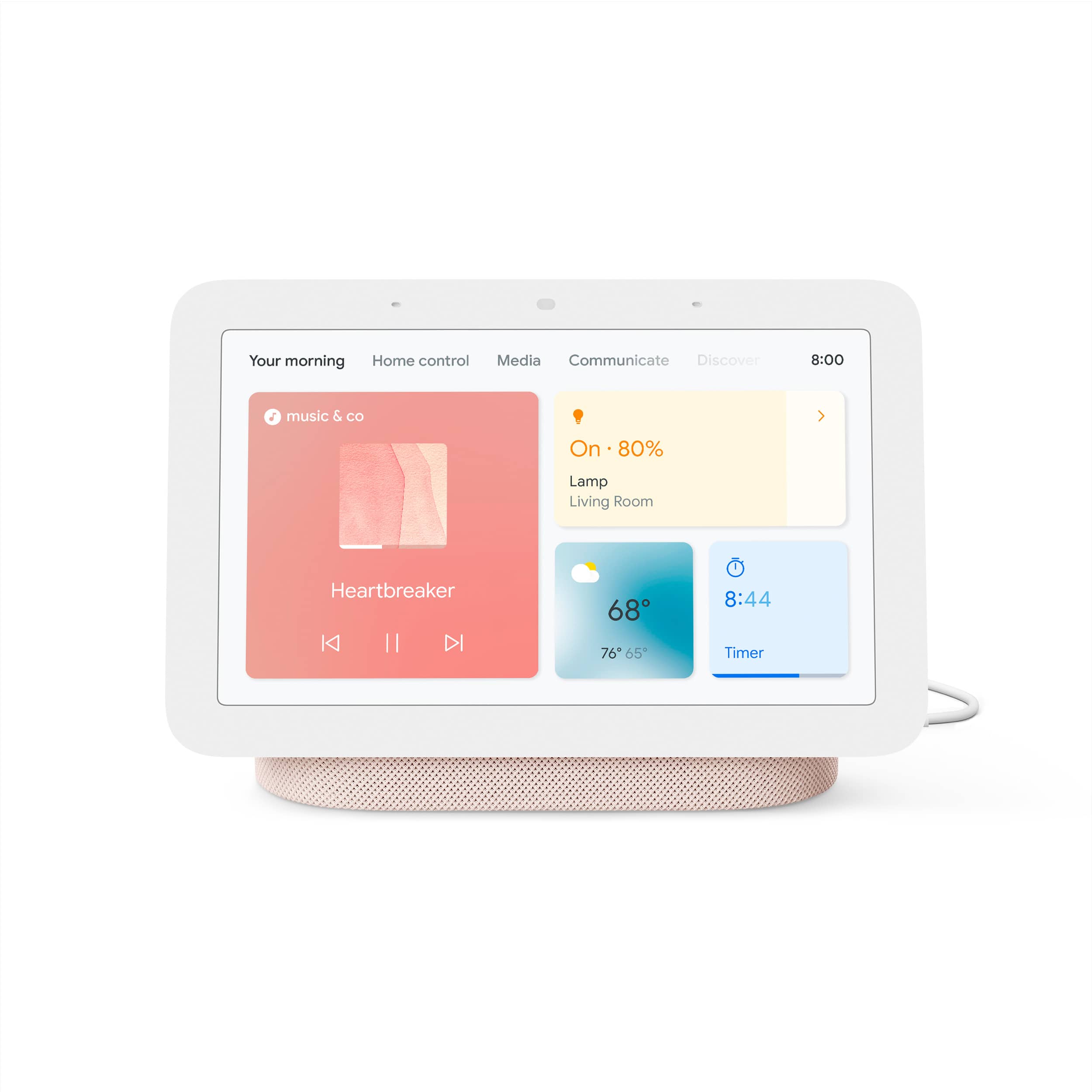
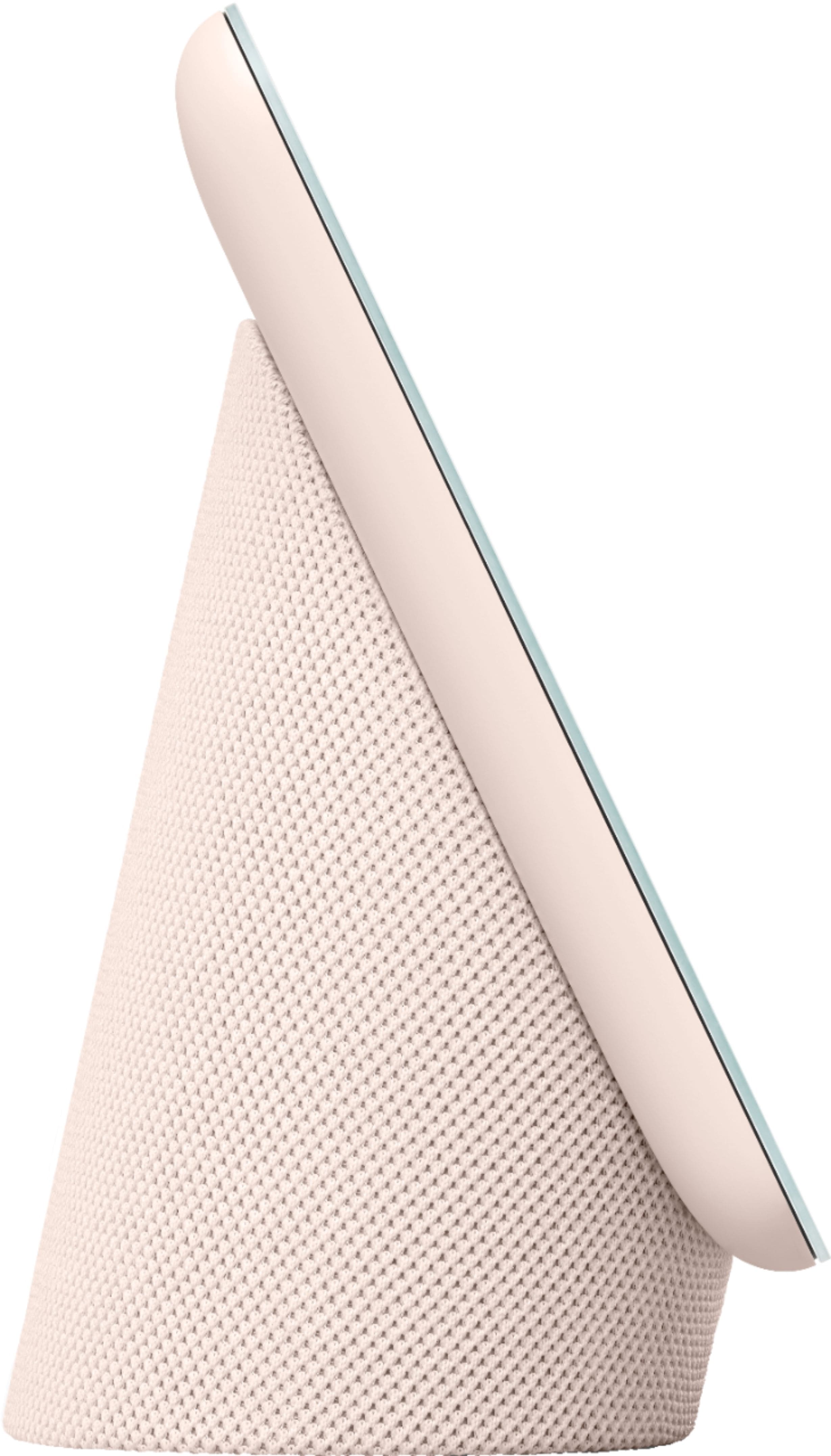
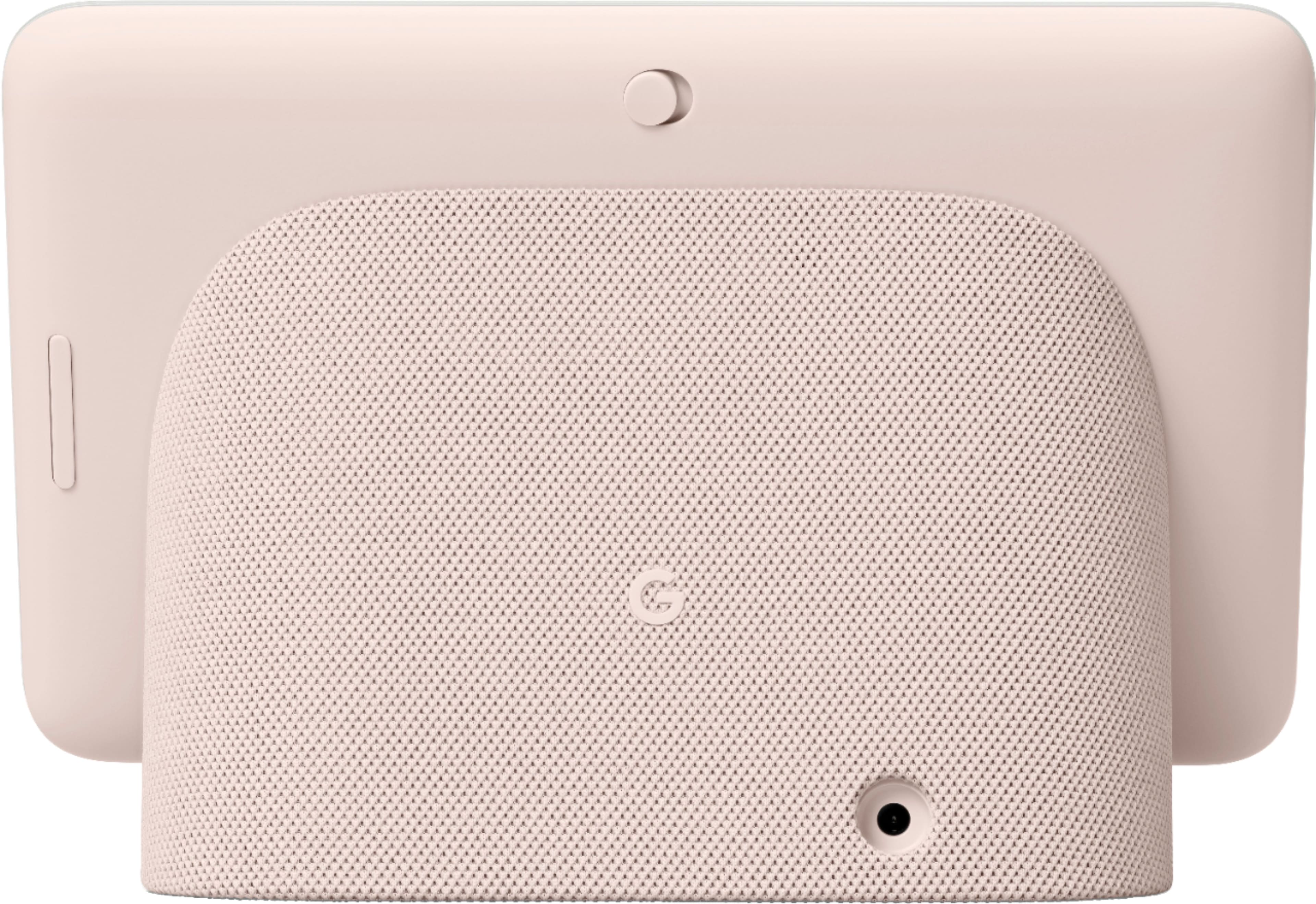



- Model:
- GA02307-US
- SKU:
- 6450821
Rating by feature
- Value
Rating 4.7 out of 5 stars
- Quality
Rating 4.7 out of 5 stars
- Ease of Use
Rating 4.6 out of 5 stars
Customers are saying
Customers consistently note the Nest Hub 7” Smart Touchscreen Display with Google Assistant (2nd Gen) for its ease of use, good sound quality, and ideal screen size, especially for bedside use. The Google Assistant integration, reasonable price, sleep tracking, and smart home integration are also appreciated. However, some customers have expressed concerns over the lack of a camera and occasional sluggishness in responsiveness. Additionally, a few users have pointed out compatibility issues with certain devices.
This summary was generated by AI based on customer reviews.
dead less than a year
||Posted . Owned for 4 months when reviewed.This reviewer received promo considerations or sweepstakes entry for writing a review.It died after one year, factory reset didn't help because the screen is dead, just blank with some stripes.
No, I would not recommend this to a friendBrand response from Nest Support
Posted .Hi moritz, we appreciate you for bringing this concern to our attention. We’re sorry to hear that your Nest Hub (2nd gen) died after a year only, and thanks for trying everything you could to fix it. Since it didn’t make a difference after the factory reset, it would be best to get in touch with our specialists for additional services and assistance here: https://support.google.com/googlenest/gethelp

Very Useful and Fun
||Posted . Owned for less than 1 week when reviewed.This reviewer received promo considerations or sweepstakes entry for writing a review.Fantastic. Does everything I want it to do: alarm clock, weather and other information at the tip of my finger.
I would recommend this to a friendBrand response from Nest Support
Posted .Hi there, it’s great to have your feedback on Nest Hub (2nd gen) and we’re glad that it does everything you want it to do. There are several other ways to enjoy the Nest Hub. You can get an all-day help on your Nest display. With voice match, you can get your personalized events, commute info, reminders, and more. You can get rich and visual answers about recipes, local businesses, sports, and more. With home view, see and control compatible devices in one view or voice-control thousands of compatible devices, from lights and cameras to TVs and more, all from a single dashboard. You can visit this link to learn more about other things you can do with the Nest Hub: https://support.google.com/googlenest/topic/7195269
We hope you’re enjoying the experience of the Nest display. If you come across any concerns around its performance or features, let us know anytime here and we’d be more than happy to help: https://support.google.com/googlenest/gethelp
Ok
||Posted .This reviewer received promo considerations or sweepstakes entry for writing a review.Google comes on when not prompted and sometimes she does things that we don't want it to-do.
No, I would not recommend this to a friendBrand response from Nest Support
Posted .Hi Kj82, thanks for giving us time to share your feedback on Nest Hub (2nd gen), and we’re sorry to learn of your poor experience with the performance of its Google Assistant.
Google Assistant might not activate when you say “Hey Google” or “Ok Google,” particularly in a noisy environment. It might also activate even if you don't say “Hey Google” or “Ok Google” when it detects something that sounds similar. Retraining your Nest displays, to better recognize your voice, and adjusting the Hotword sensitivity may be helpful with the issue. You may follow the steps on these help articles:
- Check which devices are using Voice Match: https://support.google.com/googlenest/answer/7588195
- Adjust how sensitive Google Assistant is to “Hey Google: https://support.google.com/assistant/answer/9712065
If the steps above didn’t help, feel free to let us know at the following link for further guidance and assistance: https://support.google.com/googlenest/gethelp
Not the best
||Posted . Owned for 11 months when reviewed.This reviewer received promo considerations or sweepstakes entry for writing a review.This thing barley listens and Spotify buffs so much I could die
No, I would not recommend this to a friendBrand response from Nest Support
Posted .Hi ZoeB, we appreciate your feedback on Nest Hub (2nd gen), and it’s unfortunate to learn of your poor experience with its performance.
Your Nest display could be having trouble connecting to Google, and these simple steps may clear these issues out:
- Check your Wi-Fi network for possible congestion. Relieving some of your connected devices may help free up some bandwidth space.
- Check the distance between the Nest display and your router. Ensure that it is within a line of sight from your router.
- Check for wireless interference with other Wi-Fi hotspots or appliances and devices nearby.
- Restart Nest Hub and router to refresh the connection.
- Reset your Nest Hub. On the back of Nest Hub, press and hold both volume buttons together for about 10 seconds. Your Nest speaker will let you know that it's resetting.
Meanwhile, we also recommend adjusting how sensitive Google Assistant responds to the hotword “Hey Google”:
- Open the Google Home app.
- At the bottom, tap Home.
- Select your Nest Mini or the device you want to adjust.
- At the top right, tap Device settings > “Hey Google” sensitivity.
- If you don’t find “Hey Google sensitivity,” first tap Audio.
- Choose how sensitive you want Google Assistant to be when it responds to you.
- To change this setting on another device, tap Adjust more devices.
Lastly, it may also be helpful to retrain your Google Assistant to better recognize your voice. See the steps below on how to do this:
- On your phone or tablet, open the Google Home app
- At the top right, tap your Profile picture or initial and then Assistant settings and then Voice Match.
- Tap Teach your Assistant your voice again and then Retrain.
And if you’d like to reach out to us for additional assistance, you’ll find our contact details using this link: https://support.google.com/googlenest/gethelp
Needs work to compare to other smart devices
||Posted . Owned for 1 week when reviewed.This reviewer received promo considerations or sweepstakes entry for writing a review.It’s okay. Pretty device but the features are lacking and it does nit hold a candle to the echo 10. However I got this on sale so for the price guess I can’t complain. The more expensive one likely has more features. I’m not crazy about the navigation either. Not easy to switch from screen to screen.
No, I would not recommend this to a friendBrand response from Nest Support
Posted .Hi Lpisme, thanks for posting your review. We're sorry to learn that your experience with your Nest Hub (2nd gen) didn't meet your expectations when compared to a different brand that you use. If you have additional questions or need further assistance with the features and navigation, please don't hesitate to contact us on our Google Help page here: https://support.google.com/googlenest/gethelp
What happen to directions???
||Posted . Owned for 3 weeks when reviewed.This reviewer received promo considerations or sweepstakes entry for writing a review.So much for plug-in and working. Geek squad to the rescue.
No, I would not recommend this to a friendBrand response from Nest Support
Posted .Hi pj42nato, thanks for the feedback you shared about the Nest Hub (2nd gen). We’re sorry to hear you had issues with the setup, and we’re glad that you’re able to find help from the Geek Squad. If any assistance is still needed, feel free to let us know simply by visiting us here: https://support.google.com/googlenest/gethelp
Don’t do it
||Posted . Owned for 3 months when reviewed.This reviewer received promo considerations or sweepstakes entry for writing a review.To complicate your life get this invasive gadget. Not worth 20 cents
No, I would not recommend this to a friendBrand response from Nest Support
Posted .Hi Dude, we appreciate your feedback about the Nest Hub (2nd gen). It’s unfortunate to learn of your poor experience with the Nest display and we’re sorry for any inconvenience it could have caused you. We'd like to learn more about what’s going on to better understand the issue. We'd be happy to help you improve your experience and you can reach out to us anytime here: https://support.google.com/googlenest/gethelp
Quality
||Posted . Owned for 1 month when reviewed.This reviewer received promo considerations or sweepstakes entry for writing a review.It’s not worth 60 dollars it's more than a cheap quality
No, I would not recommend this to a friendBrand response from Nest Support
Posted .Hi there, thanks for posting your experience. We’re sorry to learn that Nest Hub (2nd Gen) didn’t meet your expectations. Your patronage and satisfaction are what drives us in improving our products and services. We’d like to know more about what happened so we can help you the best way possible. If you’re willing, please feel free to reach out to our support team. We’d be more than happy to assist you here: https://support.google.com/googlenest/gethelp
not adding anything to my home
||Posted . Owned for 2 months when reviewed.This reviewer received promo considerations or sweepstakes entry for writing a review.no use for it. if you have google home no need for the hub
No, I would not recommend this to a friendBrand response from Nest Support
Posted .Hi Rami, thanks for sharing your feedback. We regret to hear that Nest Hub (2nd Gen) didn’t meet your expectations.
With Google Nest Hub, it brings you visual help for any moment at home. You can use your voice to view your latest events and reminders, and control compatible smart devices such as compatible lights, cameras, thermostats, TVs, and other devices from a single dashboard. You can ask questions, and get visual, immersive answers from Google, and helpful videos from YouTube. Plus, play your favorite songs on a crystal-clear speaker, and relive your memories with Google Photos.
If you need assistance, our support team is always here to help. Feel free to contact us anytime using this link: https://support.google.com/googlenest/gethelp
Super slow and buggy
||Posted . Owned for 2 weeks when reviewed.This reviewer received promo considerations or sweepstakes entry for writing a review.I really don't like how slowly the interfaces when trying to switch from different apps and settings. It makes it super difficult to work with and I ended up returning it.
No, I would not recommend this to a friendBrand response from Nest Support
Posted .Hi bcpp, thanks for sharing your feedback with us about your experience with using the Nest Hub (2nd gen). We’re sorry to learn it wasn’t ideal for your needs, and we understand your decision to return it. If you find yourself wanting to try any of the Nest display in the future, please know that our dedicated team of specialists is always available for your support needs here: https://support.google.com/googlenest/gethelp
Google for the win
||Posted . Owned for 1 week when reviewed.This reviewer received promo considerations or sweepstakes entry for writing a review.Got thia for a great price. My daughter is facinated by the pictures. It's a solid item.
I would recommend this to a friendBrand response from Nest Support
Posted .Hi there Brian, thanks for choosing Nest Hub (2nd Gen). It's great to hear that your daughter is fascinated by the features, and that you find it as a solid item. We recommend checking out our help page for more information, including a detailed step by step guide on the features of your Nest Hub here: https://support.google.com/googlenest/topic/7195269
Alternatively, if you need further guidance, or would like us to answer some of your questions in mind, you're more than welcome to contact us here: https://support.google.com/googlenest/gethelp
- Pros mentioned:Sound quality

A smart display with even more usefulness
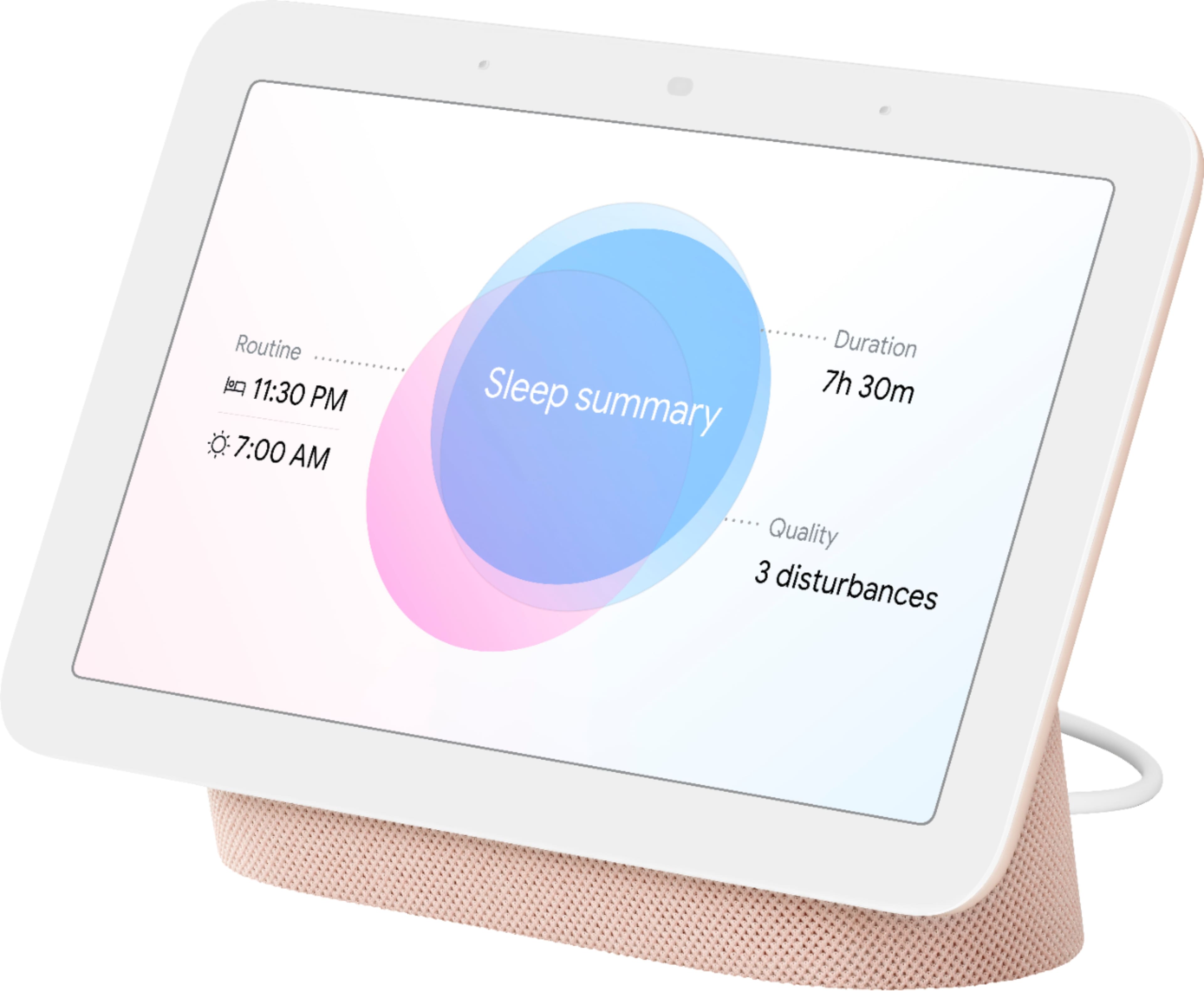
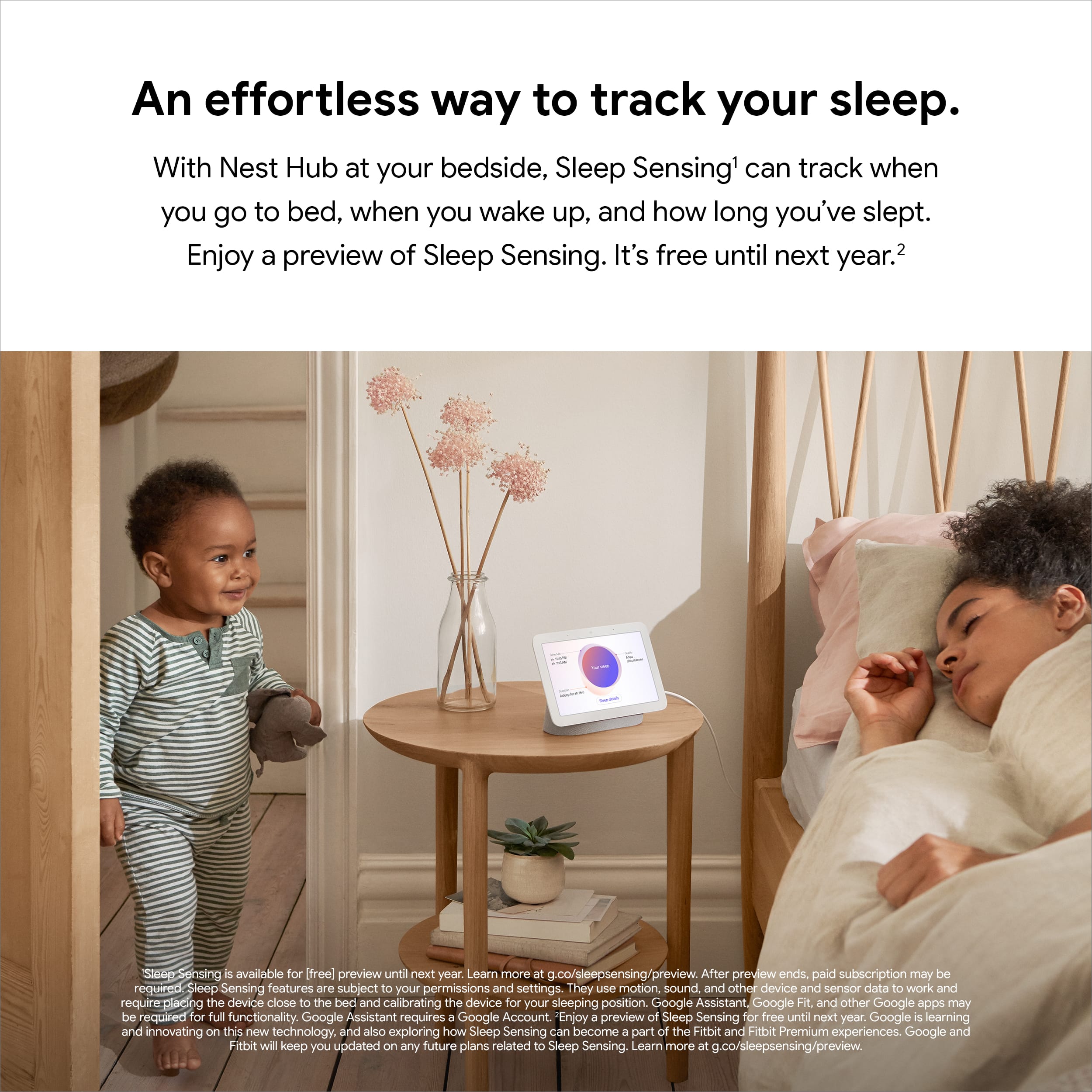
|Posted .This reviewer received promo considerations or sweepstakes entry for writing a review.I have a few google assistant devices but nothing with a display until now. I like being able to visually see the time, date, and outdoor temp at a glance. In my personal opinion google assistant is the best virtual assistant out there and at this price point this is a great deal. I found it makes a nice little control center for all of your connected devices. Speakers, robot vacuums, thermostat, smart lights, and so on. The sound quality is OK for its size but nothing to brag about. Although it does sound better than my google home minis. Its nice to be able to see album/artist info as its playing. And you can use motion to pause, skip, go back, etc which is a nice added feature. You can also use it to route music to other connected speakers in the house or play on (speaker groups) multiple connected speakers at once. If you use this at your bed side at night you can turn on the new sleep sensing mode. It uses sensors including radar to monitor your sleeping. I've been testing it out and I was surprised to see that it actually includes quite a bit of info too, and does this without using any cameras. You get daily summaries of all your sleeping stats and can review them on the device or google fit app. Be interesting to see how this progresses and how people use this data. Overall its a very universal device. Could be used in practically any room in the house for many different reasons. Bedroom as a alarm clock, living room as a digital photo frame, command center for smart devices, office for video calls, or maybe in the kitchen for cooking purposes. For me I think I'll eventually move it from the bedroom to the kitchen which is where it will get most use in my house.
I would recommend this to a friend Worst Junk Ever Made
||Posted . Owned for 1 week when reviewed.This reviewer received promo considerations or sweepstakes entry for writing a review.Total junk. Does not even work at all. Plugged it in and it has a nice bright screen and then it started updating and the screen went black.... Completely useless not heavy enough to make a boat anchor out of it need full refund. Don't Buy!!!!!
No, I would not recommend this to a friendBrand response from Nest Support
Posted .Hi there WilliamW, thanks for your insights on Nest Hub (2nd Gen). We're glad to hear that you liked the display quality. However, we're sorry to hear that it stopped working. Your Nest Hub comes with a limited one-year warranty from the original purchase date. If you're willing to try, we recommend contacting our support team for help with your concern. Our support team would be happy to work with you and see how we can provide you with a better experience. You may reach out to us using this link: https://support.google.com/googlenest/gethelp
- Pros mentioned:Sound quality
Great smart display but not so great speaker
|Posted .This reviewer received promo considerations or sweepstakes entry for writing a review.The new Google Nest Hub works well as a smart display and control center. It understands my commands better than my other smart display. The touch screen works well and the display has excellent image quality and colors. The new sleep tracking feature is easy to set up and works but has some issues. It tracks my sleep automatically but makes some mistakes with timing of when I went to sleep and woke up. It sees me sit on the bed sometimes and decides that I am going to sleep by mistake. The sound is okay on the high side but the bass is poor even for a 7” smart speaker.
I would recommend this to a friend - Pros mentioned:Ease of use, Sound quality
Nest Hub 7" Smart Display is so convenient
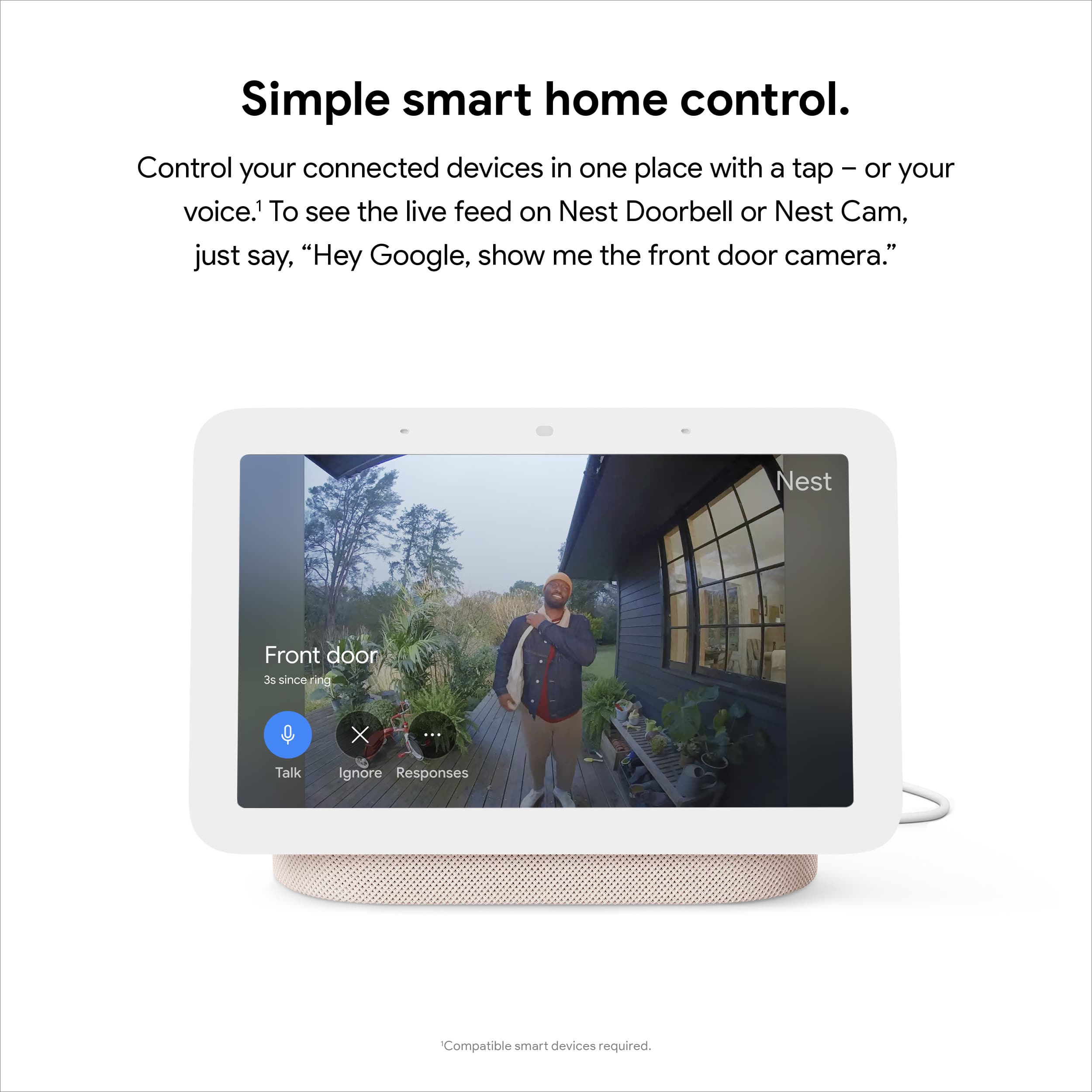
Posted .This reviewer received promo considerations or sweepstakes entry for writing a review.Nest Hub 7" Smart Display is easy to set up and easy to use for music or connected to my Nest doorbell camera. I also use it to control my Nest thermostat. It will do additional things, but I have not utilized it in the additional functions yet. I have one other 7" hub, and one Max hub. They work great, and I have no regrets in buying them.
I would recommend this to a friend not a good product for what I wanted
||Posted . Owned for less than 1 week when reviewed.This reviewer received promo considerations or sweepstakes entry for writing a review.bought this for the sleep app, which is pretty much useless. it shuts itself off at night and during day. it only records you when you are facing it so if you turn over, it shuts itself off.
No, I would not recommend this to a friendBrand response from Nest Support
Posted .Hi marie, thanks for choosing our Google Nest products. We're sorry to hear that your Nest Hub (2nd Gen) turns itself off. If you haven't tried yet, we recommend calibrating your sleep spot. To use Sleep Sensing, you need to calibrate your display to recognize where you sleep:
- From the bottom of your display, swipe up.
- Tap Settings and then make sure Motion Sense is on.
- Tap Sleep Sensing and then make sure Sleep Sensing is on and then Calibrate device.
- Follow the on-screen instructions on your display.
If the issue persists, please feel free to contact our support team. We'd be more than happy to help you with issue by visiting us here: https://support.google.com/googlenest/gethelp
Noticeable Upgrade, Sleep Sensing is Interesting
|Posted .This reviewer received promo considerations or sweepstakes entry for writing a review.I have been using the 2nd Gen Google Nest Hub for about 3 days now. I had a 1st Gen Google Nest Hub, so this is a side-by-side comparison. There are clear and noticeable improvements in responsiveness and audio quality. You can literally hear the difference in the voices, the 2nd Gen has a richer voice, and playing audio (Spotify) you do notice the improved bass. Google has also made some tweaks to the default sounds for alarms. The Google Nest does seem faster to respond to voice commands, maybe not enough to warrant an upgrade and that leads me to sleep sensing and Soli. The 2nd Gen Nest Hub has something called a Soli Sensor. It's not a camera and uses radio waves to both track your sleep and for quick gestures. You do need to face the Nest Hub at you while you sleep AND install the Google Fit app on your phone. You then get custom recommendations in the Fit app on everything that could impact your sleep. In my tests, it's interesting but it's honestly I doubt I will always use it. Apparently, I'm a light snorer (thanks Google!) and there are a few other temperature things that may be affecting my sleep. It's an interesting insight but I kind of feel weirded out with a Google radar-type thing monitoring me at night. I'm going to keep experimenting. I have taken off a star though because there's no hardware switch to disable the Soli sensor, you do it in the Google Home App and worry that I might turn it off for privacy reasons only for someone else to turn it back on. Plus I personally think all privacy options should be a physical switch. That said, I do LOVE the quick gestures that Soli powers where you can sort of high five in the air the screen to silence alarms (cool!) and pause media. The high five think makes the Nest Hub feel more like an alarm clock when you turn it off in the morning. I guess the TLDR version is if this is your first Nest Hub you won't be disappointed. If you're upgrading it's noticeable but maybe not worth it. If it's your second one, you will notice the difference and then probably want to upgrade every other one in your home.
I would recommend this to a friend- Pros mentioned:Ease of use
Love my google hub !!
Posted .This reviewer received promo considerations or sweepstakes entry for writing a review.I got one of these for Christmas several years ago i knew just the basics not everything it could do ! Then the kids came over and started doing things with it and I’ve just really enjoyed it so much . A friend with Macular degradation has a hard time seeing to control items tvs radios what ever so I got him one of these google nest hints and he has loved it . He is 85 so goes to show you can teach an old dog new tricks ! Then his neighbor wanted one so we’re having a ball ! Yes i would recommend this to everyone from kids to elderly
I would recommend this to a friend Best Home Assistant
Posted .This reviewer received promo considerations or sweepstakes entry for writing a review.Google is amazing, love the timer for cooking. Weather report over coffee is so nice and even programed to the news that I need first.
I would recommend this to a friendGreat New Google Hub
|Posted .This reviewer received promo considerations or sweepstakes entry for writing a review.This Google Nest Hub is a great way to keep track of your sleep habits as well as a great tool in the kitchen and every other room! I tried out the sleep sensing technology and was pleasantly surprised with what it was able to figure out. It's easy to set up and get it to monitor your sleep. It actually was able to tell the difference between me laying there vs. me actually sleeping. I think it works great! There are 3 screens you can swipe through to dig deep into your sleep patterns, like when you might snore or cough. Pretty interesting! I really like that you can wake up, ask Google how you slept and then get an update on the days news. There are lots of features on this little screen and the speaker sound is great, crisp and clear. Love that you can make video calls and look at recipes while you cook. I'm enjoying this little Hub and think it's a great tool to have. Highly recommend.
I would recommend this to a friend