Customer Ratings & Reviews









- Model:
- GA01892-US
- SKU:
- 6450818
Rating by feature
- Value
Rating 4.7 out of 5 stars
- Quality
Rating 4.7 out of 5 stars
- Ease of Use
Rating 4.6 out of 5 stars
Customers are saying
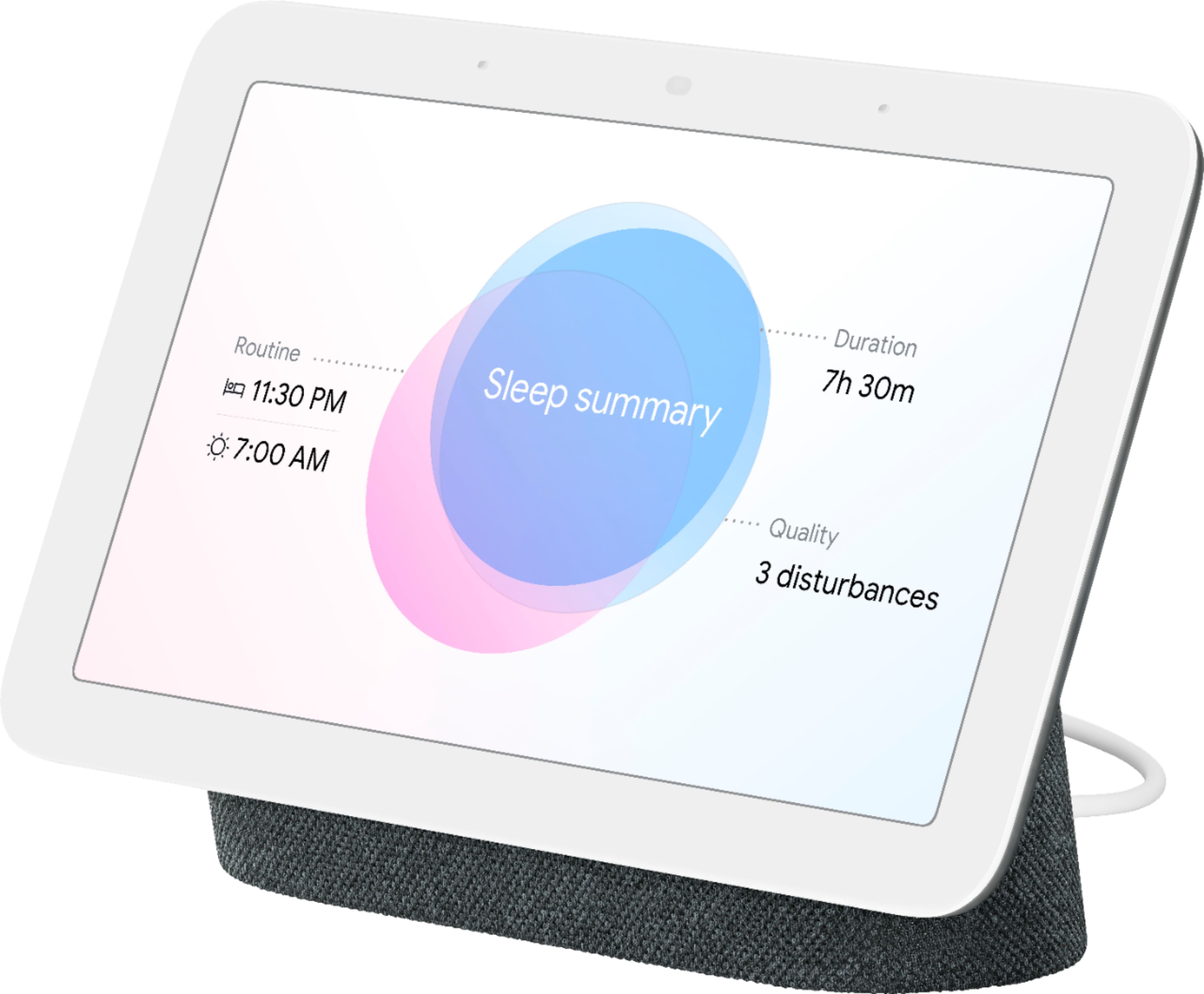
Customers appreciate the Nest Hub 2nd Gen for its ease of use, sound quality, and ideal screen size, especially for bedside use. The Google Assistant integration, reasonable price, and sleep tracking capabilities are also well-received. However, some customers have noted the absence of a camera and occasional sluggishness in responsiveness. Additionally, a few users mentioned compatibility issues with certain devices.
This summary was generated by AI based on customer reviews.
Live fee.
||Posted . Owned for 1 week when reviewed.This reviewer received promo considerations or sweepstakes entry for writing a review.Absolutely worth $50. I have the Google minis and those were worth it for what I was using them for. I really wanted the hub to see my camera videos but I didn’t think it was worth $100. Well, I got it on sale and it’s awesome! It has a slide show of all my favorite photos and does what the Google minis do plus show weather without asking and live camera feed.
I would recommend this to a friend- Cons mentioned:Responsiveness
looks ok, about as useful as a broken toe
||Posted . Owned for 2 months when reviewed.This reviewer received promo considerations or sweepstakes entry for writing a review.Easily one of the worst electronic devices ive ever owned...When it works its fine, but this is my second of this version and they literally have the attention span of a two year old. Randomly, multiple times a week it just decides it no longer wants to hear anything you say, and i don't mean the "i dont know what you mean", it doesn't even acknowledge the "hey google". Then 1/4 of the time when it does actually acknowledge you it either takes 10 minutes to do what you ask/said, or just fail outright. I've had the exact same issues with both units
No, I would not recommend this to a friendBrand response from Nest Support
Posted .Hi James, thanks for your feedback. We're sorry for the frustrating experience you have with the voice command for Nest Hub (2nd Gen).
For the best experience when giving voice commands with Nest Hub, especially if you have other family members in your home using the Nest Hub (2nd Gen), setting up your Voice Match will help improve voice recognition and identify different accounts for your device. Here are some steps you can follow to enable this feature:
- Open the Google Home app.
- At the top right, tap your account.
- Verify that the Google Account shown is the one linked to your speaker or display. To switch accounts, tap another account or Add another account.
- Tap Assistant settings > Voice Match > Add devices.
- Make sure any devices you want to link your voice to are checked.
- Tap Next > I agree.
- Follow the in-app steps.
- To hear personal information, you must turn on Personal results. Tap I agree and proceed with the Voice Match setup.
- To invite others to set up Voice Match for tailored results, tap Invite > choose your communication method, and send the invite. To skip this step, tap No thanks.
We also recommend enabling the Personal Results for your account. Simply follow the steps on this link: https://support.google.com/googlenest/answer/7684543
If you'd like us to check further on the issue, please go ahead and visit us at our support page. We'd be happy to help you and improve your experience here: https://support.google.com/googlenest/gethelp
- Pros mentioned:Google assistant
Overall Great Product!
||Posted . Owned for 1 month when reviewed.This reviewer received promo considerations or sweepstakes entry for writing a review.Overall Great Product! It does everything the Gen 1 dose and more.
I would recommend this to a friend - Pros mentioned:Ease of use
Great desk companion
||Posted . Owned for 1 month when reviewed.This reviewer received promo considerations or sweepstakes entry for writing a review.Great for work from home desk. Love responses and easy operation.
I would recommend this to a friend Google home hub
||Posted . Owned for 3 weeks when reviewed.This reviewer received promo considerations or sweepstakes entry for writing a review.Our first home hub. Easy to setup and use. Great buy!
I would recommend this to a friend- Pros mentioned:Screen size
Great side table device
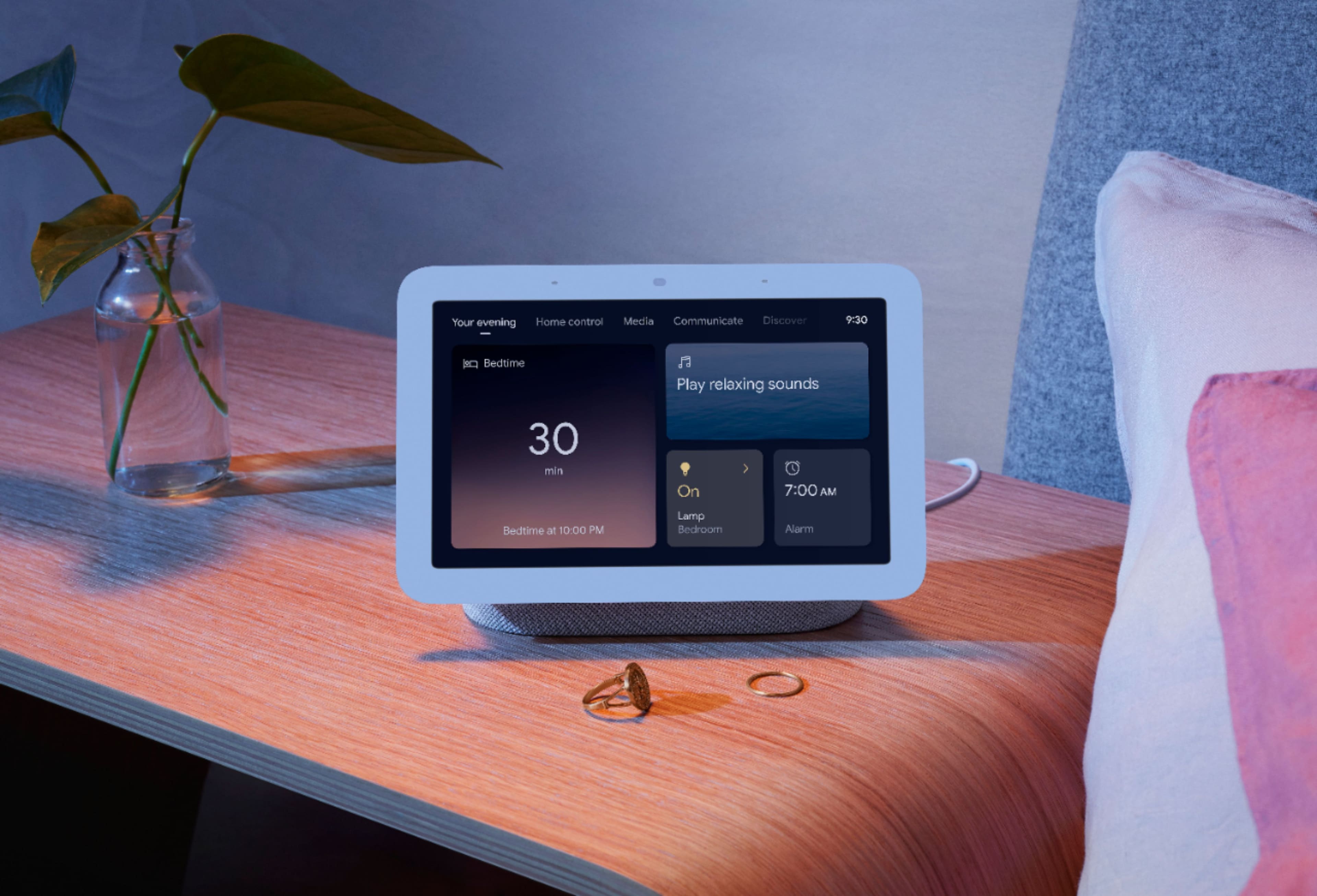
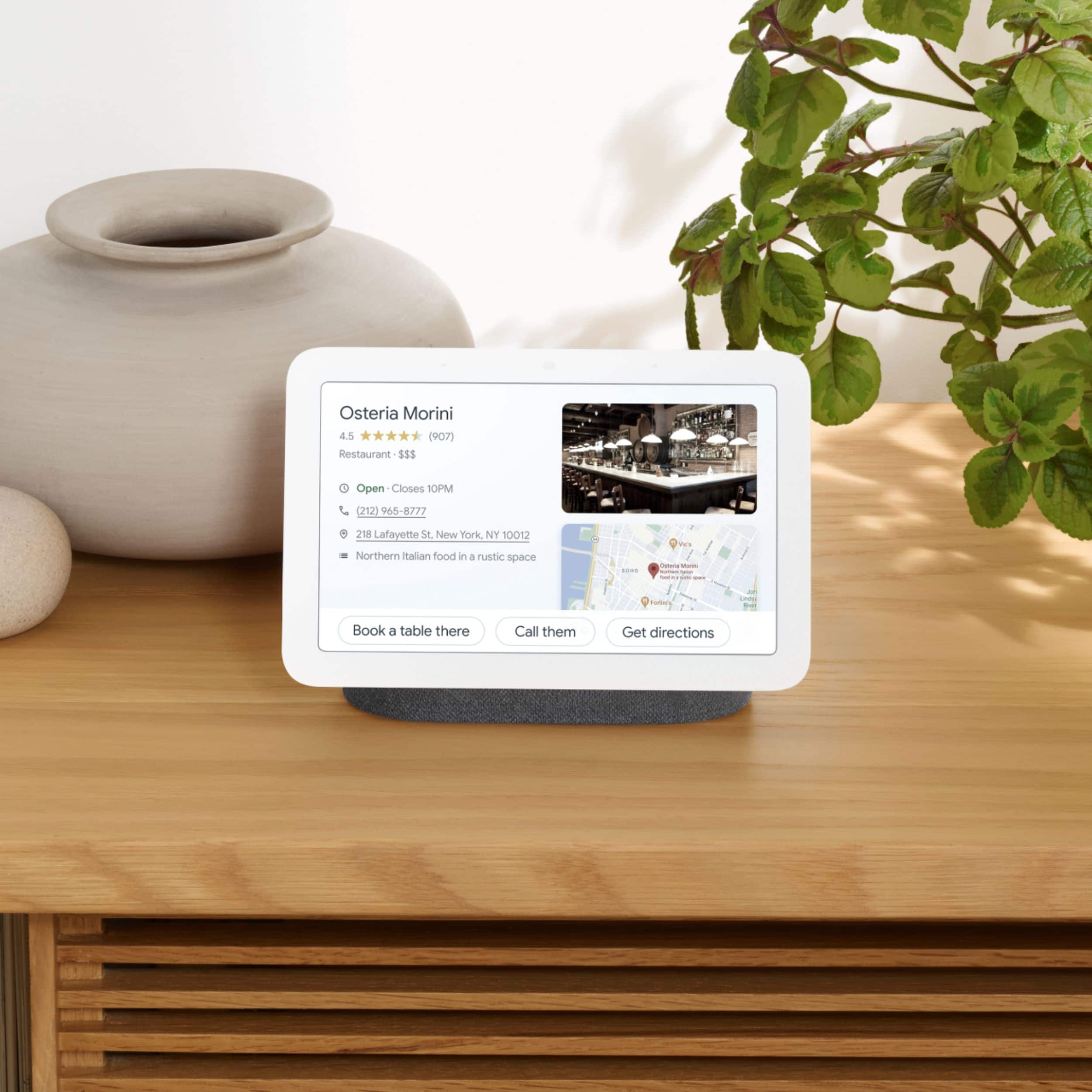
||Posted . Owned for 1 month when reviewed.This reviewer received promo considerations or sweepstakes entry for writing a review.Great size for a night stand. My whole house has google products.
I would recommend this to a friend Awesome photo stand
||Posted .This reviewer received promo considerations or sweepstakes entry for writing a review.Best and smart bedside companion for managing the smart home
I would recommend this to a friend- Pros mentioned:Sound quality
Easy to use with a great speaker
||Posted . Owned for 1 month when reviewed.This reviewer received promo considerations or sweepstakes entry for writing a review.I love my Google Home!!! The speaker built in has good quality.
I would recommend this to a friend - Pros mentioned:Ease of use
Awesome device
||Posted . Owned for less than 1 week when reviewed.This reviewer received promo considerations or sweepstakes entry for writing a review.Really useful and easy to use, easy to start and to learn how to use
I would recommend this to a friend - Pros mentioned:Sound quality
Good Display
||Posted . Owned for 1 month when reviewed.This reviewer received promo considerations or sweepstakes entry for writing a review.Works well. Good display, radar, microphone, etc. Happy days.
I would recommend this to a friend - Pros mentioned:Ease of use
Google
||Posted .This reviewer received promo considerations or sweepstakes entry for writing a review.Good one help in many ways easy to use and less effort
I would recommend this to a friend - Pros mentioned:Sound quality
FANTASTIC
||Posted . Owned for 2 weeks when reviewed.This reviewer received promo considerations or sweepstakes entry for writing a review.JUST GREAT...PLAY VIDS/BETTER SOUND BOUGHT SOME FOR GRANKID ALSO.
I would recommend this to a friend - Cons mentioned:Camera
Google
||Posted . Owned for 1 month when reviewed.This reviewer received promo considerations or sweepstakes entry for writing a review.This is okay. I wish it announces when the camera triggers.
I would recommend this to a friend - Pros mentioned:Ease of use
Necessary
||Posted . Owned for 2 months when reviewed.This reviewer received promo considerations or sweepstakes entry for writing a review.very useful, we all love it and its functionality is great
I would recommend this to a friend - Cons mentioned:Compatibility
Overall good
||Posted . Owned for 2 months when reviewed.This reviewer received promo considerations or sweepstakes entry for writing a review.Good. Occasionally gets confused with other google devices in the house. Overall, good
I would recommend this to a friend - Pros mentioned:Ease of use
Amazing
||Posted . Owned for 2 weeks when reviewed.This reviewer received promo considerations or sweepstakes entry for writing a review.Love it! This makes 2 I've gotten and definitely makes life simple.
I would recommend this to a friend - Pros mentioned:Sound quality
Great smart speaker with touch display
||Posted . Owned for 9 months when reviewed.This reviewer received promo considerations or sweepstakes entry for writing a review.Not bad good screen and convenient to use good speakers only thing she has a hard time responding to my commands
I would recommend this to a friendBrand response from Nest Support
Posted .Hi Jpnst315, thanks for reaching out. We're sorry to hear that you are having some difficulty with getting responses when giving voice commands on Nest Hub (2nd Gen).
Adjusting your Nest Hub's mic sensitivity and retraining it to better recognize your voice can be helpful with the issue. Check out the steps below:
Retrain Voice Match:
- On your phone or tablet, open the Google Home app.
- At the top right, tap your Profile picture or initial and then Assistant settings and then Voice Match.
- Tap Teach your Assistant your voice again and then Retrain.
We also recommend changing Nest Hub's hotword sensitivity:
- Open your Google Home app.
- Select your Nest Hub.
- At the top right, tap the Settings (Gear) icon.
- Then tap Audio.
- Then tap "Hey Google" sensitivity and adjust the slider to make your NestHub more responsive to the hotword.
If the issue remains, we suggest contacting our support team and work with you to isolate the root cause of the issue. You can reach out to us using this link: https://support.google.com/googlenest/gethelp
- Pros mentioned:Ease of use
Better than alexa
||Posted . Owned for 6 months when reviewed.This reviewer received promo considerations or sweepstakes entry for writing a review.like it much better, very useful to have. love the fact that it connects easily with the nest camera sytem
I would recommend this to a friend - Pros mentioned:Ease of use
I love this thing
||Posted . Owned for 3 weeks when reviewed.This reviewer received promo considerations or sweepstakes entry for writing a review.Never heard of this but this thing is crazy good I love it
I would recommend this to a friend - Pros mentioned:Ease of use
Perfect tab
||Posted . Owned for 1 week when reviewed.This reviewer received promo considerations or sweepstakes entry for writing a review.Great item excellent and easy to used I’m a really happy whit it
I would recommend this to a friend