Customer Ratings & Reviews








- Model:
- GA01892-US
- SKU:
- 6450818
Rating by feature
- Value
Rating 4.7 out of 5 stars
- Quality
Rating 4.7 out of 5 stars
- Ease of Use
Rating 4.6 out of 5 stars
Customers are saying
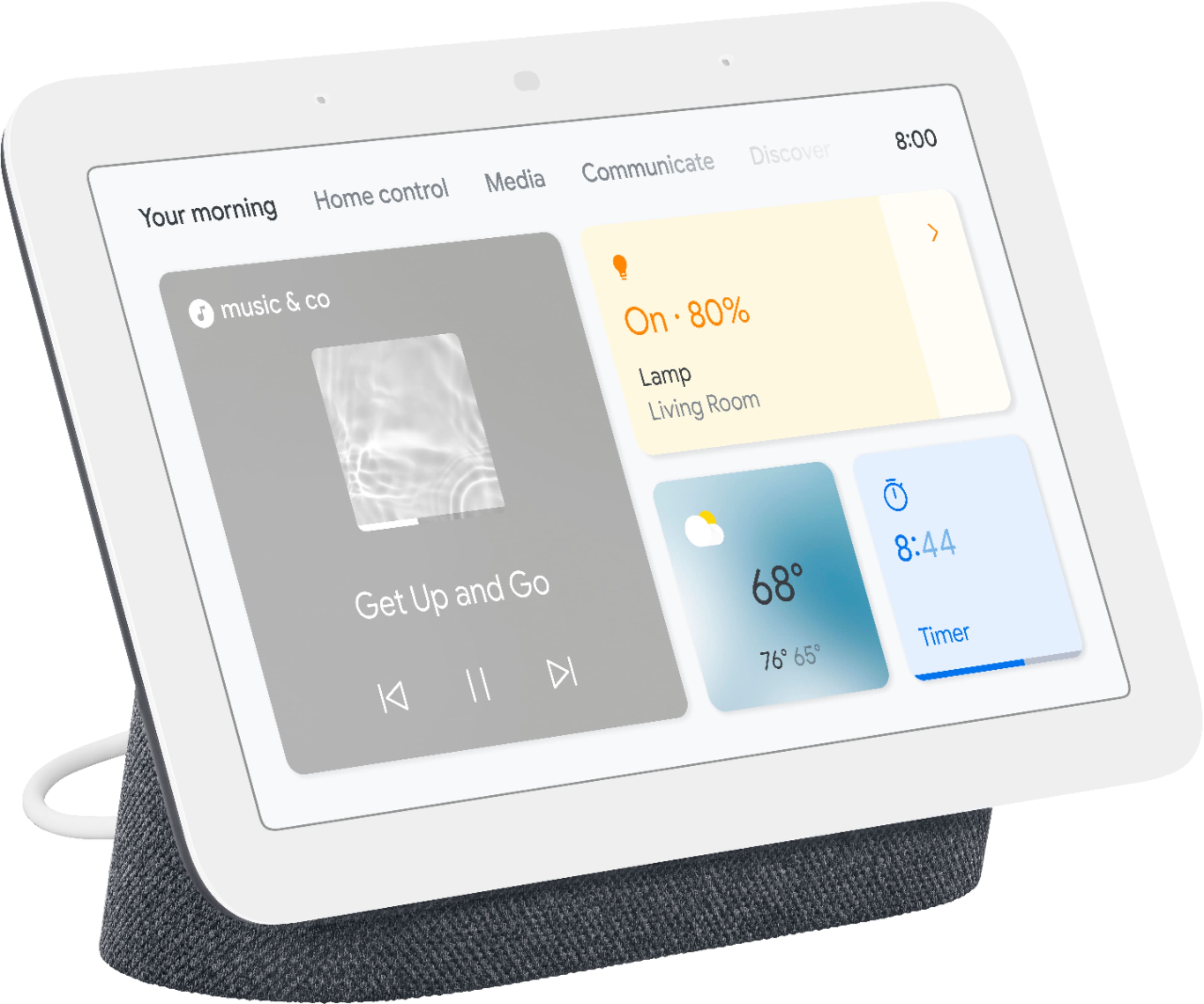
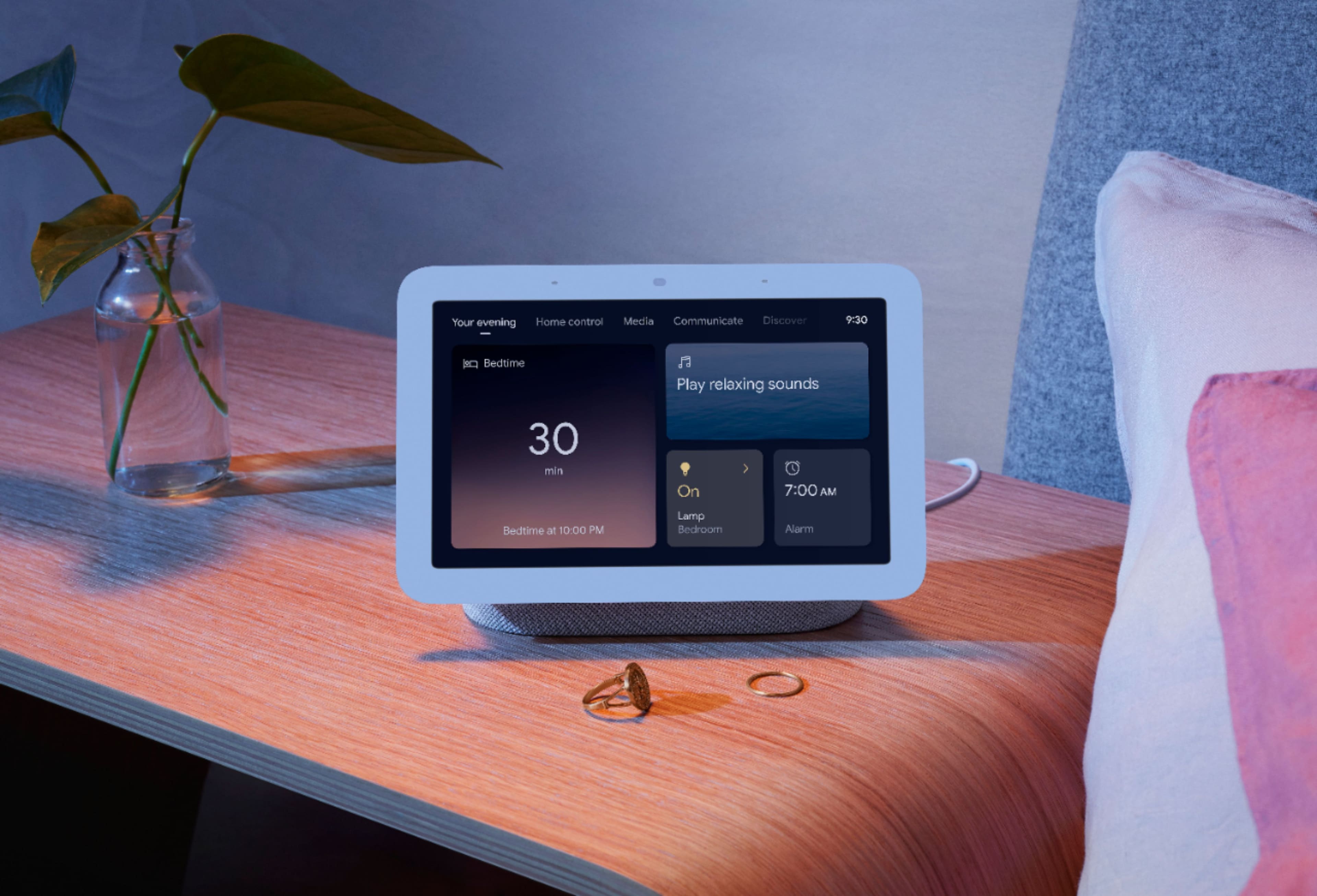
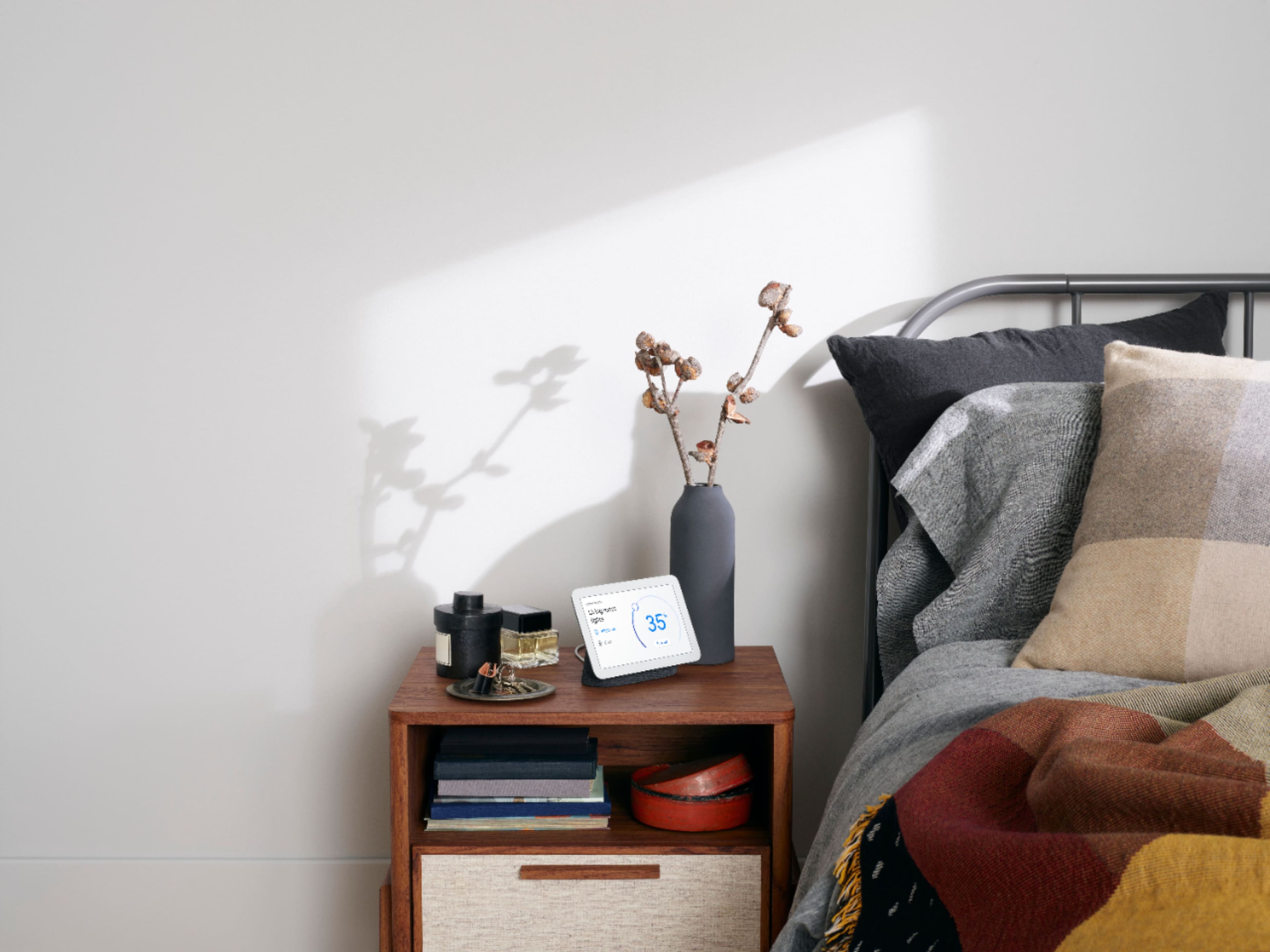
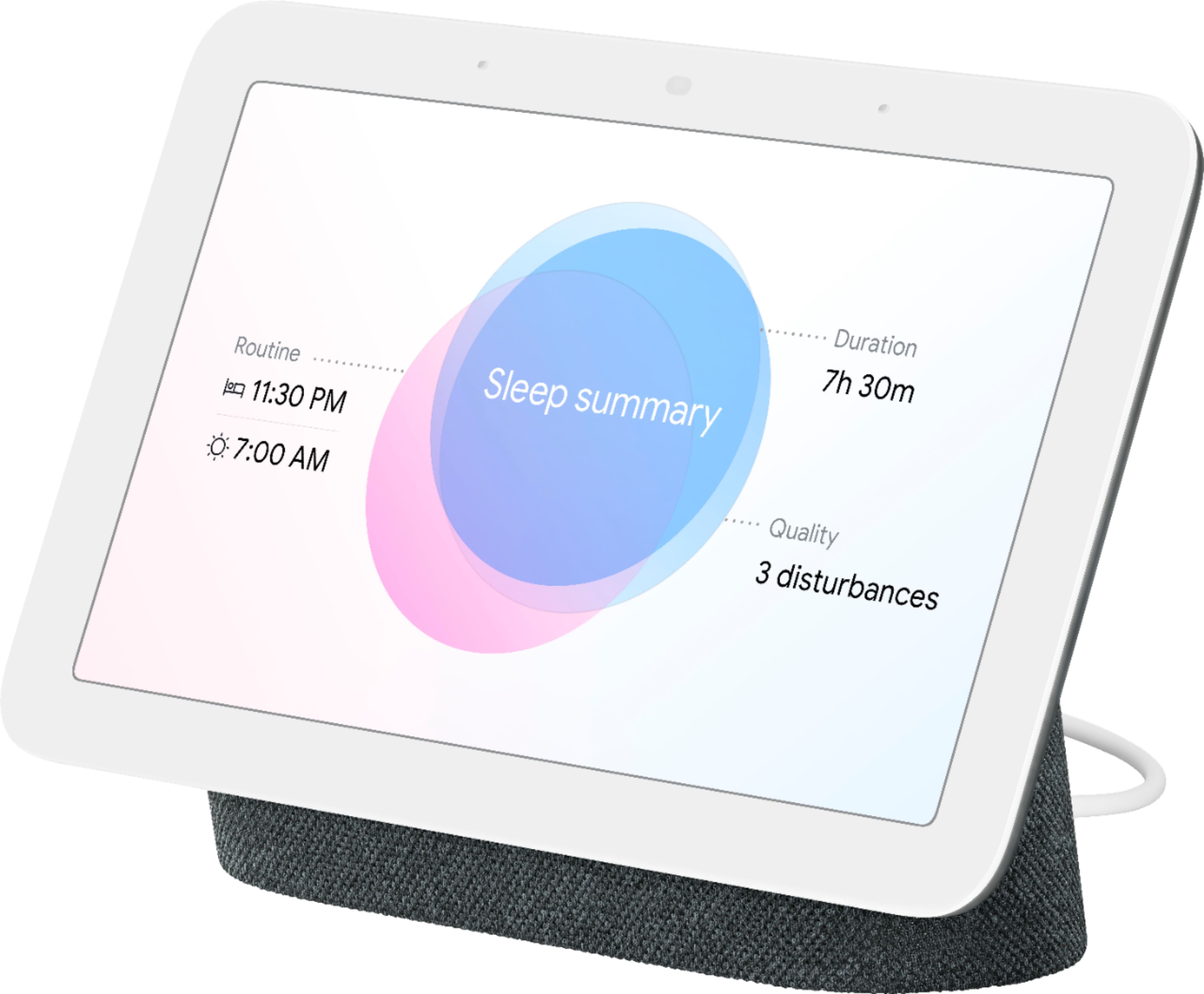
Customers appreciate the Nest Hub 2nd Gen for its ease of use, sound quality, and ideal screen size, especially for bedside use. The Google Assistant integration, reasonable price, and sleep tracking capabilities are also well-received. However, some customers have noted the absence of a camera and occasional sluggishness in responsiveness. Additionally, a few users mentioned compatibility issues with certain devices.
This summary was generated by AI based on customer reviews.
Google disabled features.
Posted .This reviewer received promo considerations or sweepstakes entry for writing a review.Do not buy google hub if you plan to use it as part of a speaker group. Google disabled this feature on all hub devices without any warning to owners an no compensation for the loss of the feature.
No, I would not recommend this to a friendBrand response from Nest Support
Posted .Hi there, RickCee. We’re sorry that you had a disappointing experience with your Google Nest Hub (2nd gen) when it comes to including the device in a speaker group. We recently made some updates that should allow you to include the device in your preferred speaker group. You can check this Google Help article for steps on how to manage this: https://support.google.com/googlenest/answer/7174267
If you need further assistance or if the issue still persists, then we recommend reaching out to our support team so we can help find a better resolution for your concern. You can contact us on our Google Help page here: https://support.google.com/googlenest/gethelp
Horrible customer service and no help
Posted .This reviewer received promo considerations or sweepstakes entry for writing a review.Our devices have bewn giving us issues for over a year and we have done all the steps they suggested to fix them. None have worked for more than an hour. We were just told they cant do anything and we arw on our own. 9 devices i have. What a waste of money
No, I would not recommend this to a friendBrand response from Nest Support
Posted .Hey Nathan, we appreciate you for sharing this with us. We're sorry to hear that you're having a frustrating experience with your Nest Hub(2nd gen) and with our support team. If you're willing to give it another go, we'd like to redeem ourselves and help find a better resolution for you. Please reach out to our support team again with your Case ID/Reference ID by visiting our Google Help page here: https://support.google.com/googlenest/gethelp
Google Hub
Posted .This reviewer received promo considerations or sweepstakes entry for writing a review.Was great but now after about 5 months of having it i can’t see the clock display at night when i turn off the lights there has to be a light on in order to see the display. So if i wake up during the night to see what time it is i can’t see it. Very disappointed on that
No, I would not recommend this to a friendBrand response from Nest Support
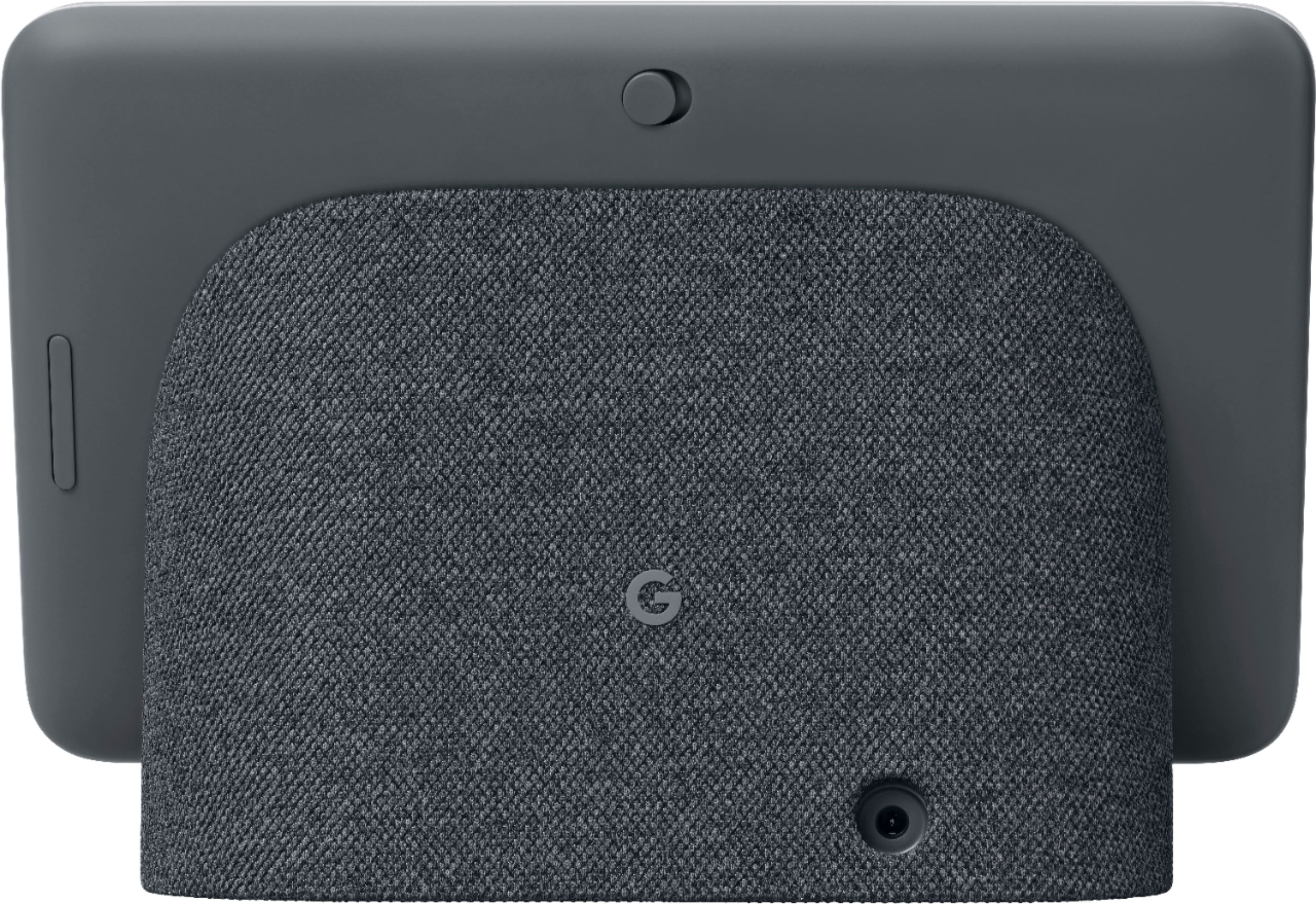
Posted .Hi KaylaGoogle, thanks for reaching out to us. We're sorry to hear that your great experience was abruptly discontinued after only using your Nest Hub (2nd Gen) for 5 months. If you haven't tried yet, resetting your Nest Hub may be helpful with the issue. A factory reset will reset your Nest Hub to its default factory settings and erase all data. To reset, check on the back of Nest Hub, press and hold both volume buttons together for about 10 seconds. Your Nest Hub will let you know that it's resetting.
If you still experience the same issue even after resetting Nest Hub, we recommend reaching out to our support team for further troubleshooting and isolation here: https://support.google.com/googlenest/gethelp
Radio Alarms do not work
Posted .This reviewer received promo considerations or sweepstakes entry for writing a review.From what i experienced and what i read on on google support, a radio alarm does not function on this device. This has been a software bug since September 2022 and has yet to be fixed.
No, I would not recommend this to a friendBrand response from Nest Support
Posted .Hi there, DougC. We appreciate your feedback, and we’re sorry to hear about your experience with the Nest Hub (2nd gen).
If your speaker or display isn't connected to Wi-Fi at the time of the media alarm, a general alarm will sound instead. A range issue or wireless interference can affect the performance of your display. Sometimes it may pass the connection test during setup, but will struggle to stay connected if it’s just a bit too far away. If you're experiencing a spotty connection or weak signal, we recommend checking your Wi-Fi network to see if your bandwidth is congested. This may happen if you have too many devices connected on the same bandwidth or if your network package is not enough to handle the data traffic on the network. Removing other connected devices to your Wi-Fi may relieve network congestion. If your device is mounted too far from your Wi-Fi router, you may need to extend your Wi-Fi network’s range using an extender, boosters or additional Wi-Fi access points.
We’re hoping for an opportunity to help you. Please contact us anytime here for additional assistance: https://support.google.com/googlenest/gethelp
Not compatible for me.
Posted .This reviewer received promo considerations or sweepstakes entry for writing a review.Cannot get this thing to connect to our spectrum WiFi. Other google devices will but not this one. I wanted to love it but it’s just not working. I even YouTubed it and nothing.
No, I would not recommend this to a friendBrand response from Nest Support
Posted .Hi there, user409321. Thank you for posting your concern with your Nest Hub(2nd gen). We can see that you're having some difficulties connecting the device with your Wi-Fi network. We suggest checking the distance between the router, setup device, and Nest Hub. The recommended range among them is within 15 to 20 ft during setup. If you've tried this before or if the issue still persists, then we recommend reaching out to our team of specialists on our Google Help page for immediate support here: https://support.google.com/googlenest/gethelp
disappointed
Posted .This reviewer received promo considerations or sweepstakes entry for writing a review.disconnected from my home and stopped connecting to wifi after 1 year. I rebooted, uninstalled reinstalled and its junk.
No, I would not recommend this to a friendBrand response from Google Team
Posted .Hi jiddo, we appreciate your feedback and effort in trying to troubleshoot the issue. We’re sorry for the inconvenience caused by the connectivity issue of your Nest Hub.
Connectivity issues are sometimes related to different factors like Wi-Fi network congestion, distance of the device from the router, wireless interference with other Wi-Fi hotspots or devices nearby and outdated router firmware. If you’re willing, we suggest trying the steps below that might help:
- Be sure you use the provided power supply of your Nest Hub and make sure it is connected directly to a wall outlet.
- Try moving your Nest Hub near your router.
- Unplug your Router and Nest Hub from electrical wall outlets for 60 seconds, then test if the same issue occurs.
- Check for possible congestion in your network. Removing some of your connected devices may free up some bandwidth space.
- Make sure that the phone or tablet and Google Home app are all up to date.
- Turn off other connected devices to your Wi-Fi network to avoid congestion.
- If you have a dual-band router, try setting up your Nest Mini on either the 2.4GHz or 5GHz bands and see which band is more reliable.
- As a last resort, perform a factory data reset on your Nest Hub. See the step by step guide here: https://support.google.com/googlenest/answer/7073477
We care about your experience. For further assistance, please reach out to our support team using this link: https://support.google.com/googlenest/gethelp
Terrible voice recognition
Posted .This reviewer received promo considerations or sweepstakes entry for writing a review.Absolutely horrible voice recognition, few features. Nice for recipies when cooking.
No, I would not recommend this to a friendBrand response from Nest Support
Posted ."Hello there, SincereReviewer. Thanks for leaving feedback, and we’re sorry to hear about your experience with the performance of your Nest Hub (2nd gen).
A range issue or wireless interference can affect the performance of your display. Sometimes it may pass the connection test during setup, but will struggle to stay connected if it’s just a bit too far away. You may also check for objects such as mirrors and refrigerators between the camera and your router as these items could block the connection. Read Troubleshooting Wireless Interference here: https://support.google.com/googlenest/answer/9276282
We also recommend checking your Wi-Fi network to see if your bandwidth is congested, which can happen if you have too many devices connected on the same bandwidth or if your network package is not enough to handle the data traffic on the network. Removing other connected devices to your Wi-Fi may relieve network congestion. If your display is mounted too far from your Wi-Fi router, you may need to extend your Wi-Fi network’s range using an extender, boosters or additional Wi-Fi access points.
For more help, you can contact us through our support channels found here: https://support.google.com/googlenest/gethelp
Screen burn
Posted .This reviewer received promo considerations or sweepstakes entry for writing a review.Everyone of these I have owned ended in screen burn.
No, I would not recommend this to a friendBrand response from Nest Support
Posted .Hi there, Lilbilly. Thank you for reaching out and informing us about the issue you encountered with your Nest Hub (2nd Gen) displays. We apologize for any inconvenience caused and we genuinely care about your experience. We would like to learn more about the issue so that we can assist you with troubleshooting and provide the best possible help. Please speak to any of our support specialists by visiting this help link: https://support.google.com/googlenest/gethelp
Cannot read or display email
Posted .This reviewer received promo considerations or sweepstakes entry for writing a review.I purchased this thinking I could use it on my desktop while working to display emails and notifications so I don't have to grab my phone every two minutes but when I went to check my email, Google Assistant informed me that 'This device does not support this feature' . Really Google? A Google smart display with built in Google Assistant can't show or read email? For me anyway, this renders the device useless and it will be going back.
No, I would not recommend this to a friendBrand response from Nest Support
Posted .Hi Wayne, we appreciate your time sharing your thoughts about the Google Nest Hub (2nd Gen) device. As of now, the feature is yet to be supported but this feature would be a great addition to our devices. Our team is dedicated to the improvement of our products and its features and we value your feedback. We strongly suggest you submit feedback about this feature using your Google Nest Hub 2nd gen by saying, "Hey Google, submit feedback" then provide a brief description of the feature you wanted.
If you need more help, don't hesitate to get in touch with us by clicking the link below:
https://support.google.com/googlenest/gethelp