Customer Ratings & Reviews
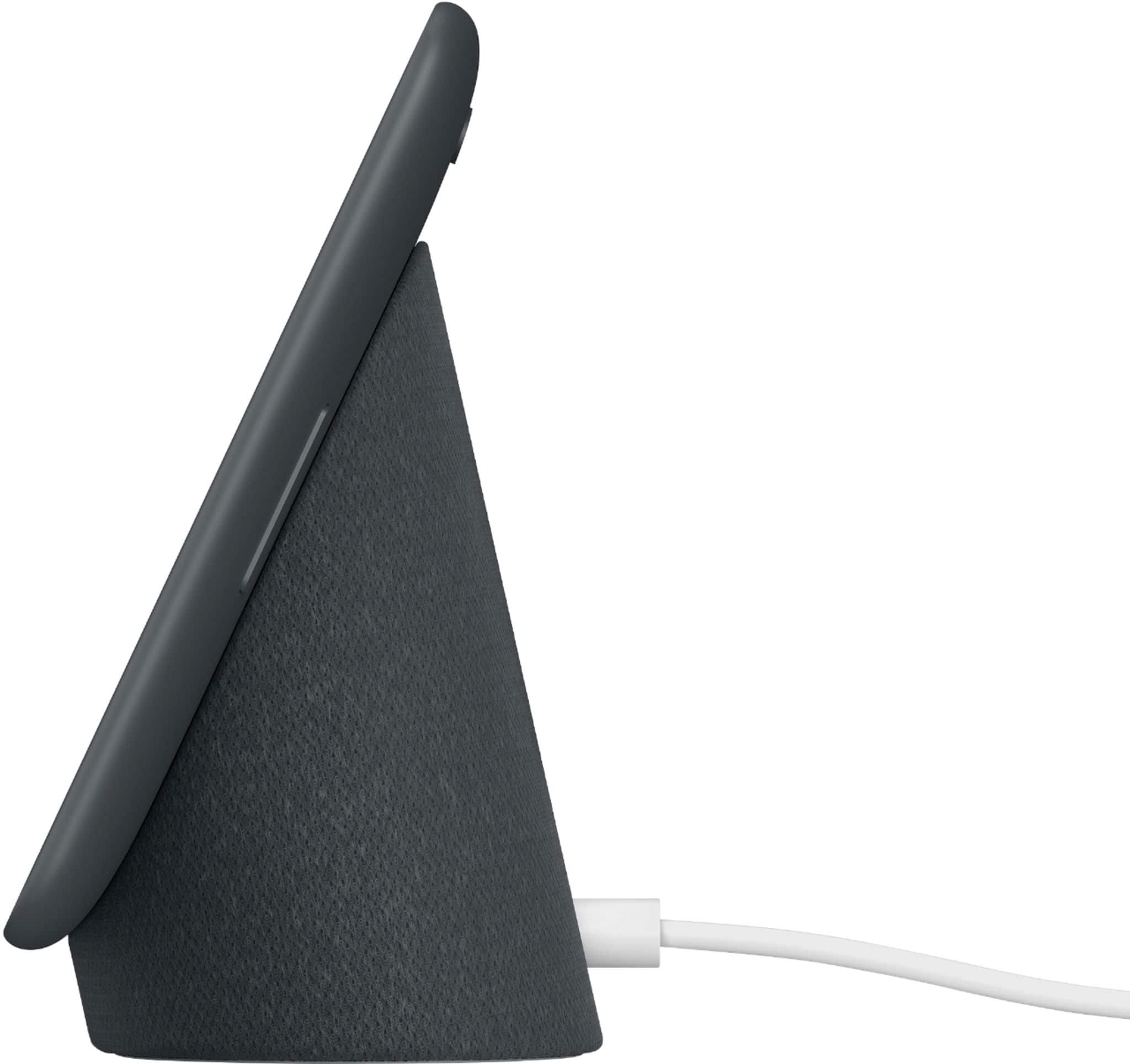
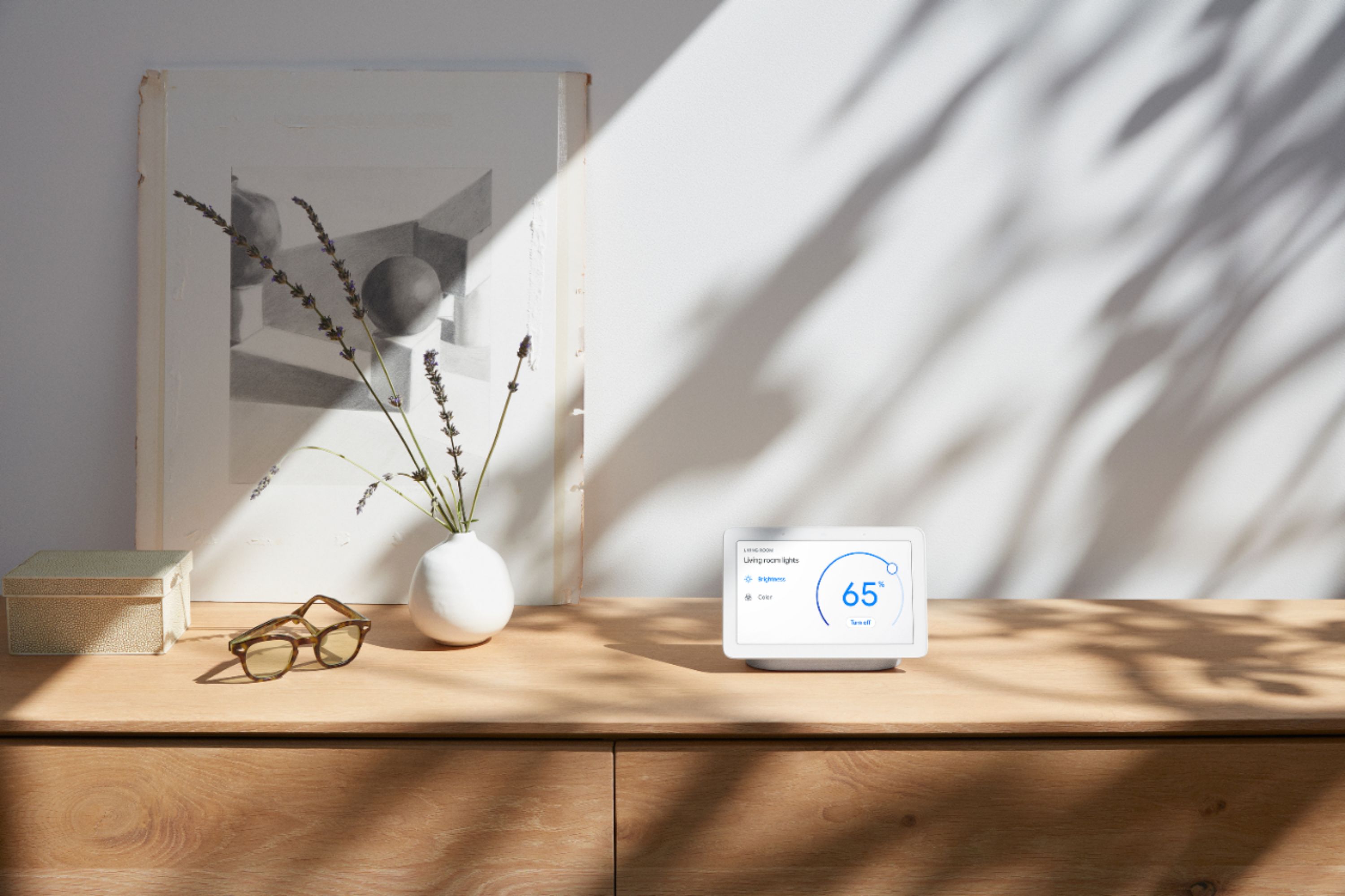
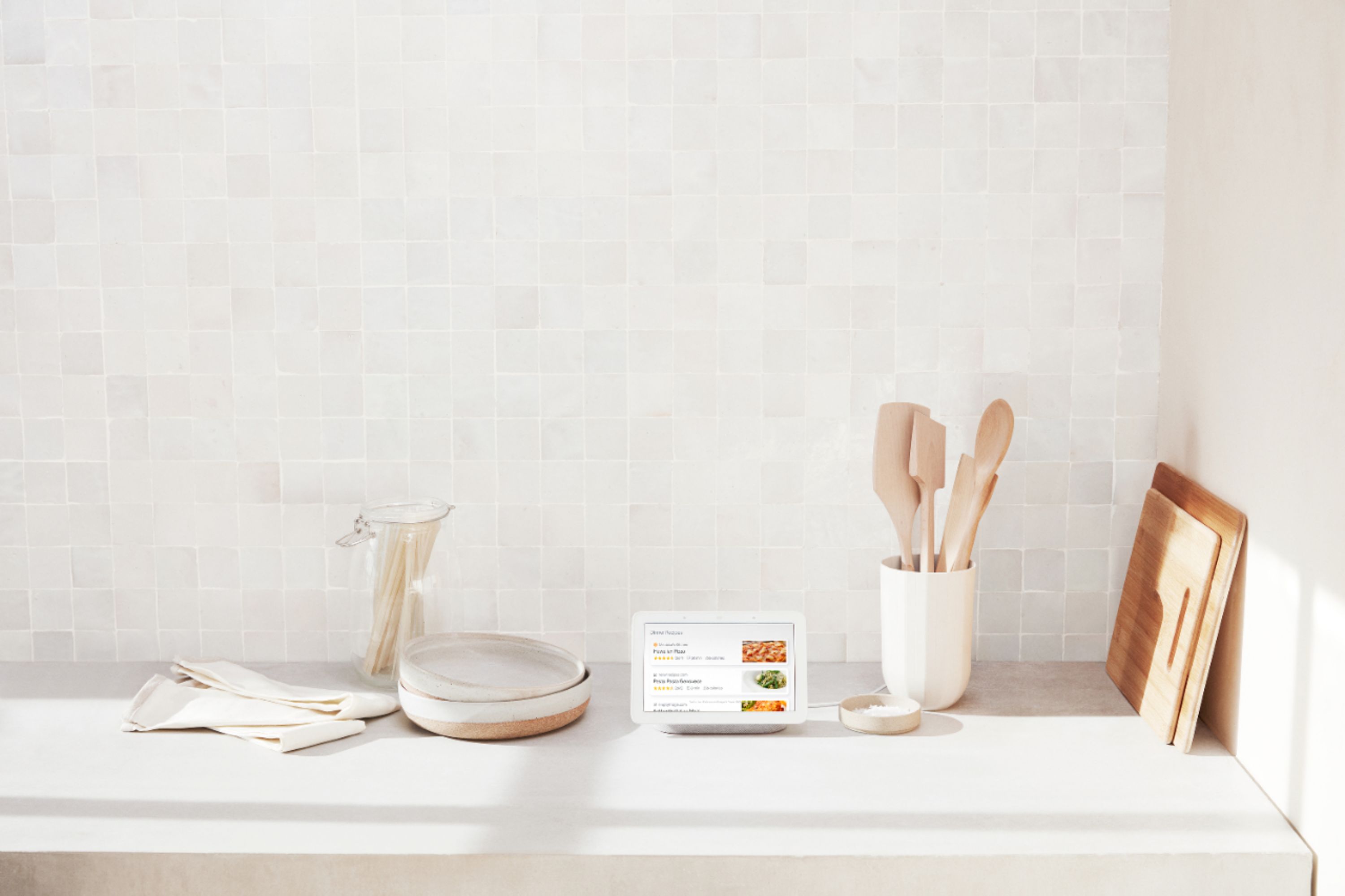
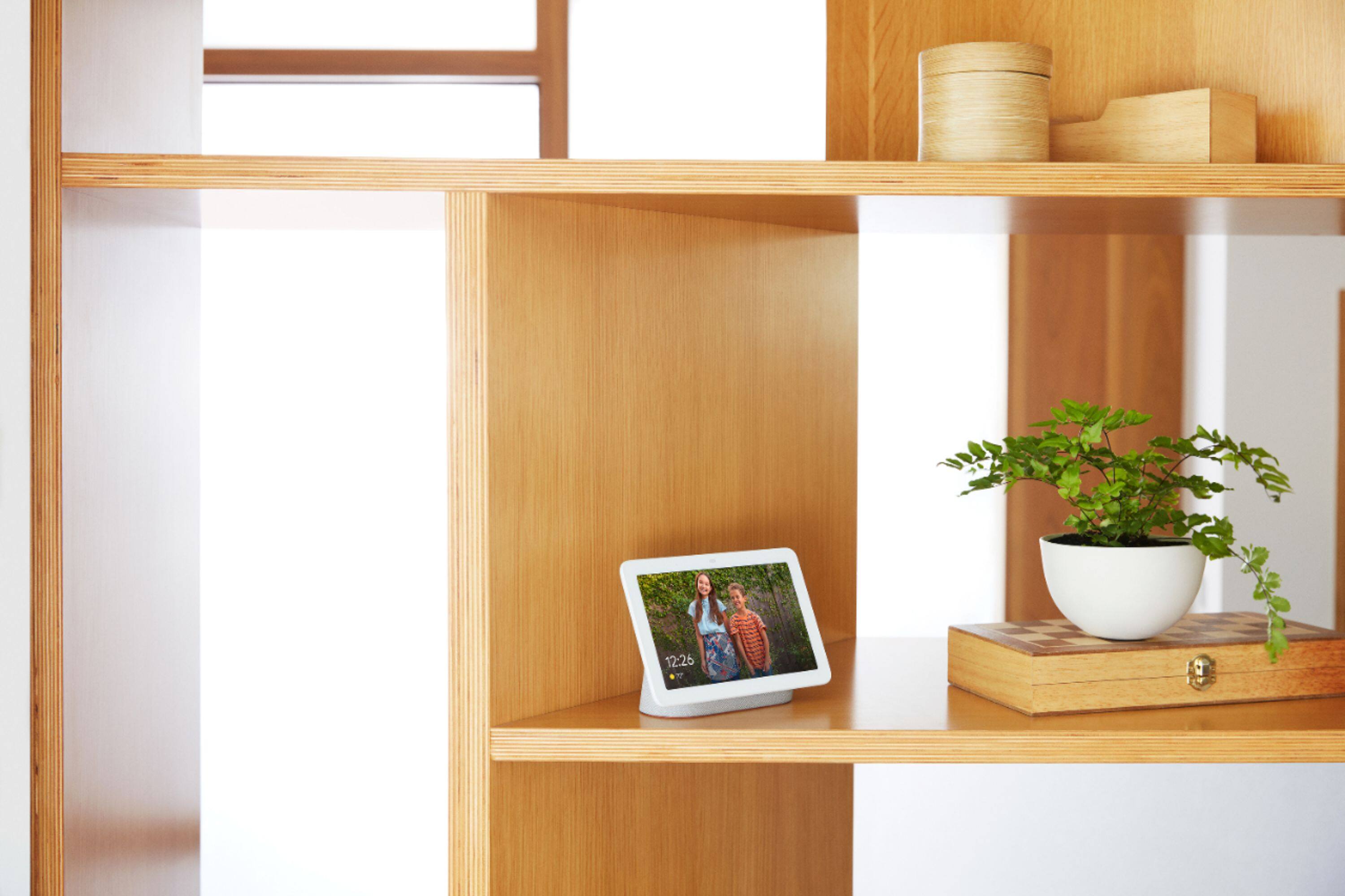

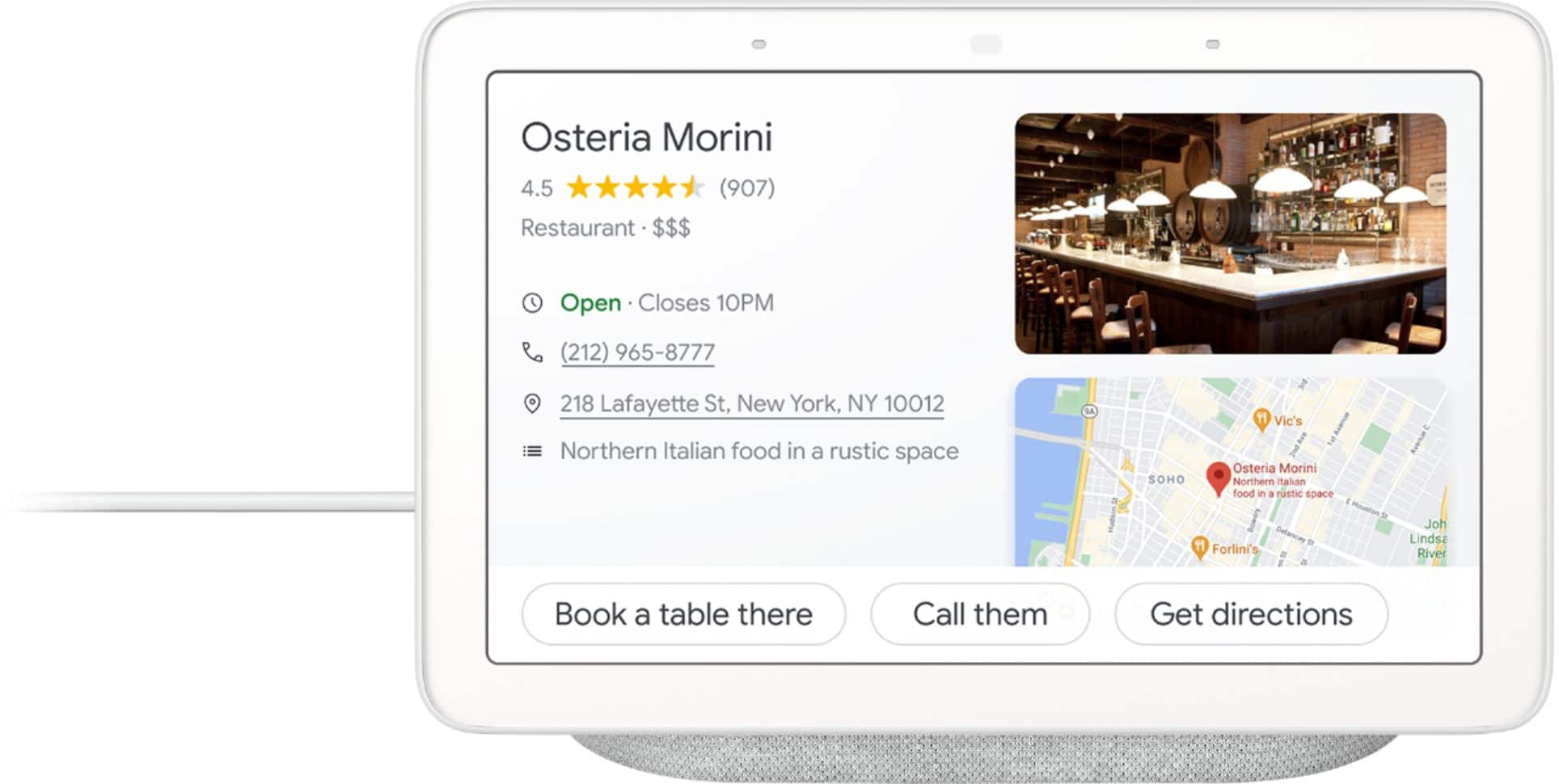




- Model:
- GA00515-US
- |
- SKU:
- 6290306
Customer reviews
Rating 4.7 out of 5 stars with 7800 reviews
(7,800 customer reviews)Rating by feature
- Value4.6
Rating 4.6 out of 5 stars
- Quality4.8
Rating 4.8 out of 5 stars
- Ease of Use4.7
Rating 4.7 out of 5 stars
Customers are saying
Customers are positive about the Nest Hub Smart Display's ease of use, screen size, sound quality, and Google Assistant functionality. Many appreciate its compatibility with other smart home devices. However, customers are negative about the lack of a camera and some have reported connectivity issues. A few also find the price to be too high.
This summary was generated by AI based on customer reviews.
Rated 4 out of 5 stars
Convenient
||Posted . Owned for 11 months when reviewed.This reviewer received promo considerations or sweepstakes entry for writing a review.This unit is a good fit for your bedroom or any small room.
This review is from Nest Hub Smart Display with Google Assistant
I would recommend this to a friendRated 4 out of 5 stars
works great
||Posted . Owned for 2 months when reviewed.This reviewer received promo considerations or sweepstakes entry for writing a review.I'm still learning how to work it. Everything so far has been great.
I would recommend this to a friendRated 4 out of 5 stars
Great deal BOGO
||Posted . Owned for 1 month when reviewed.This reviewer received promo considerations or sweepstakes entry for writing a review.Great deal BOGO--Nice price, takes some tweaking, but a nice product
I would recommend this to a friendRated 4 out of 5 stars
Interesting new toy
||Posted .This reviewer received promo considerations or sweepstakes entry for writing a review.Great for seeing who is at the door. Still learning everything I can do with it.
I would recommend this to a friendRated 4 out of 5 stars
Good for Kitchen or High Traffic area
||Posted . Owned for 8 months when reviewed.This reviewer received promo considerations or sweepstakes entry for writing a review.Used by whole family for quick questions, recipes, timer, etc.
I would recommend this to a friendRated 4 out of 5 stars
Great
||Posted . Owned for 3 weeks when reviewed.This reviewer received promo considerations or sweepstakes entry for writing a review.Fun to use and useful in my bathroom. I can tune in to the radio too
This review is from Nest Hub Smart Display with Google Assistant
I would recommend this to a friendRated 4 out of 5 stars
Great product
||Posted .This reviewer received promo considerations or sweepstakes entry for writing a review.Still learning things I can use/do with it. Overall working out well.
This review is from Nest Hub Smart Display with Google Assistant
I would recommend this to a friendRated 4 out of 5 stars
Happy with this device
||Posted . Owned for 1 month when reviewed.This reviewer received promo considerations or sweepstakes entry for writing a review.Really like this device. Great addition to my existing devices at home.
This review is from Nest Hub Smart Display with Google Assistant
I would recommend this to a friendRated 4 out of 5 stars
Nice!
||Posted . Owned for 2 weeks when reviewed.This reviewer received promo considerations or sweepstakes entry for writing a review.Bought as a gift for my daughter and she says she Loves it!
This review is from Nest Hub Smart Display with Google Assistant
I would recommend this to a friendRated 4 out of 5 stars
Easy to use
||Posted . Owned for 1 year when reviewed.This reviewer received promo considerations or sweepstakes entry for writing a review.Easy to use but not as large a library as some other systems.
This review is from Nest Hub Smart Display with Google Assistant
I would recommend this to a friendRated 4 out of 5 stars
Nice scrolling pics and touchscreen display
||Posted .This reviewer received promo considerations or sweepstakes entry for writing a review.This unit works with Google assistant to call up most any google cammand.
I would recommend this to a friendRated 4 out of 5 stars
google has best smart home product
||Posted . Owned for 4 months when reviewed.This reviewer received promo considerations or sweepstakes entry for writing a review.I've been using the product for five months and have no complaint
This review is from Nest Hub Smart Display with Google Assistant
I would recommend this to a friendRated 4 out of 5 stars
Love the display
||Posted . Owned for 5 months when reviewed.This reviewer received promo considerations or sweepstakes entry for writing a review.It's very useful if you use Google for weather or timers, etc.
This review is from Nest Hub Smart Display with Google Assistant
I would recommend this to a friendRated 4 out of 5 stars
Good value for money
||Posted . Owned for 5 months when reviewed.This reviewer received promo considerations or sweepstakes entry for writing a review.Brought it when it was discounted. One of the best google product's i have
I would recommend this to a friendRated 4 out of 5 stars
Good for its limited functions
||Posted .This reviewer received promo considerations or sweepstakes entry for writing a review.I mostly use this as an alarm clock. Would probably also be useful in a kitch
I would recommend this to a friendRated 4 out of 5 stars
Please enter a title.
||Posted . Owned for 1 year when reviewed.This reviewer received promo considerations or sweepstakes entry for writing a review.Must be at least 50 characters. (50 remaining) four
I would recommend this to a friendRated 4 out of 5 stars
Almost great
||Posted . Owned for 1 month when reviewed.This reviewer received promo considerations or sweepstakes entry for writing a review.Should be able to do a bit more than what it can but very good overall.
This review is from Nest Hub Smart Display with Google Assistant
I would recommend this to a friendRated 4 out of 5 stars
Pretty cool device
||Posted . Owned for 1 year when reviewed.This reviewer received promo considerations or sweepstakes entry for writing a review.Can be convenient. A little challenge to setup sometimes.
This review is from Nest Hub Smart Display with Google Assistant
I would recommend this to a friendRated 4 out of 5 stars
review
||Posted .This reviewer received promo considerations or sweepstakes entry for writing a review.gift for family! excited and hope they like, other review Have heard were good
I would recommend this to a friendRated 4 out of 5 stars
Great product
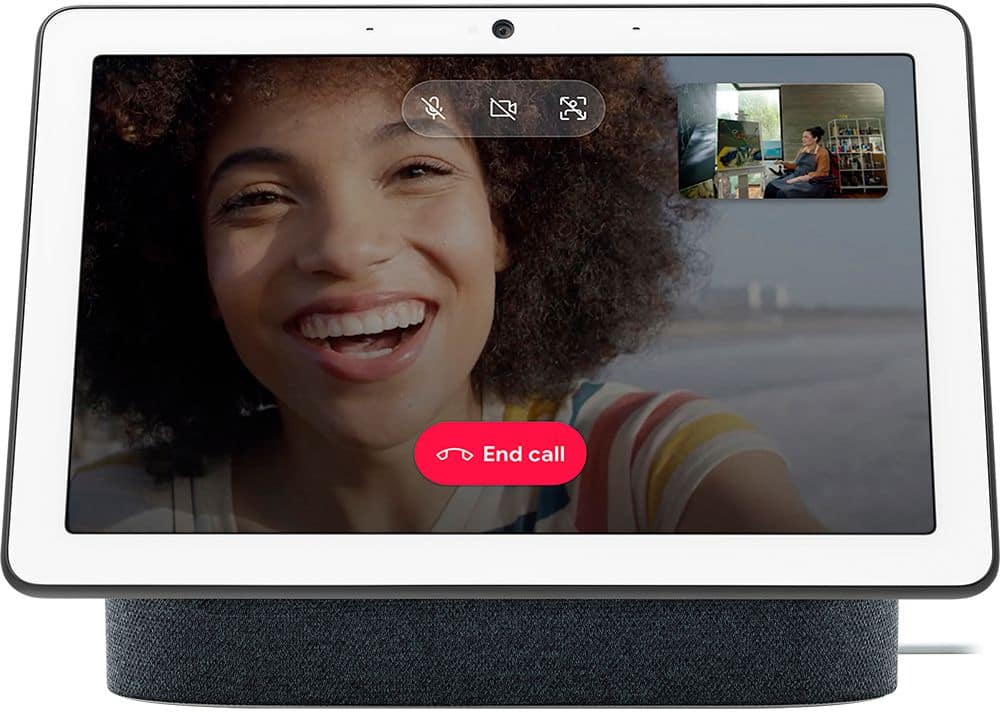
||Posted .This reviewer received promo considerations or sweepstakes entry for writing a review.I enjoy using this over the dot, love easy video access. Great video quality.
This review is from Nest Hub Smart Display with Google Assistant
I would recommend this to a friend