Customer Ratings & Reviews





- Model:
- GA00515-US
- SKU:
- 6290306
Rating by feature
- Value
Rating 4.6 out of 5 stars
- Quality
Rating 4.8 out of 5 stars
- Ease of Use
Rating 4.7 out of 5 stars
Customers are saying
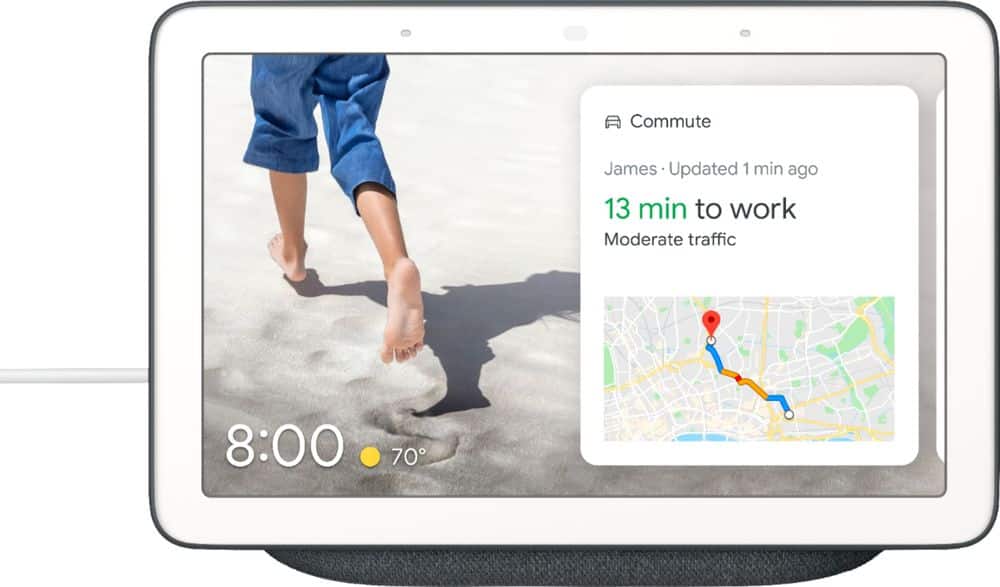
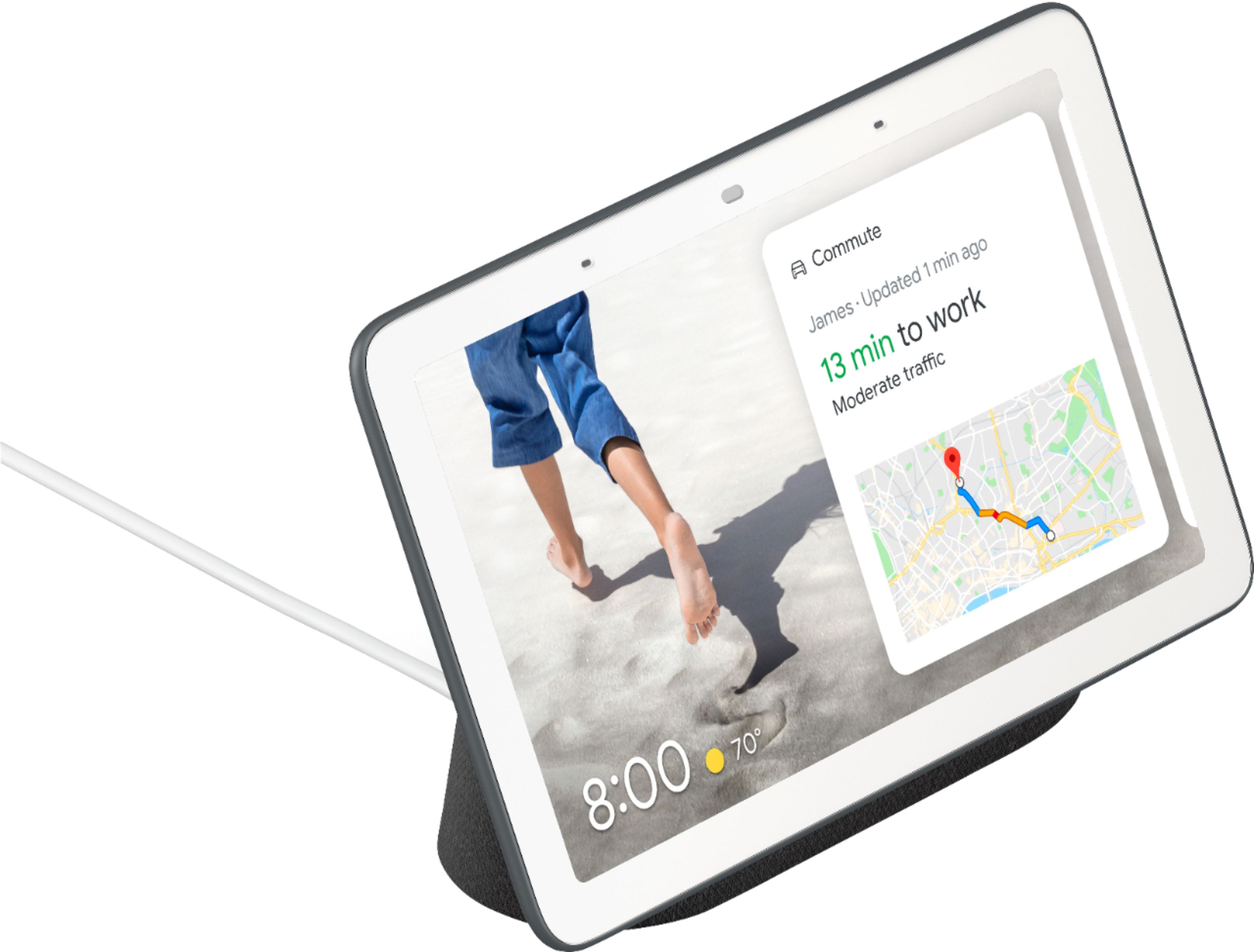
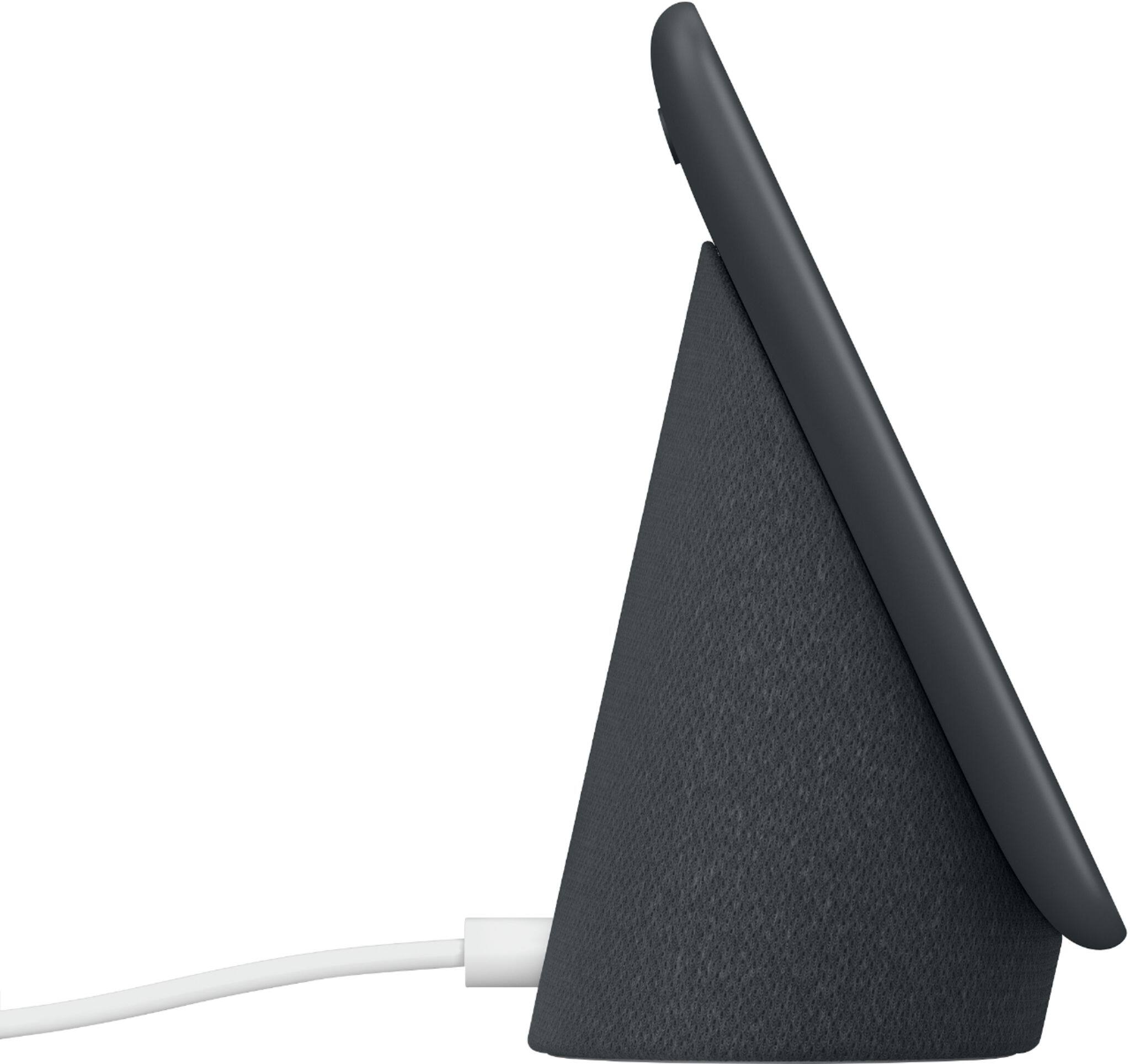
Customers are positive about the Nest Hub Smart Display's ease of use, screen size, sound quality, and Google Assistant functionality. Many appreciate its compatibility with other smart home devices. However, customers are negative about the lack of a camera and some have reported connectivity issues. A few also find the price to be too high.
This summary was generated by AI based on customer reviews.
Good to use
||Posted . Owned for 2 months when reviewed.This reviewer received promo considerations or sweepstakes entry for writing a review.So far I Use it everyday for my lights and random requests.
I would recommend this to a friendGreat
||Posted .This reviewer received promo considerations or sweepstakes entry for writing a review.A bit small and low display resolution but i am overally satisfied with it
I would recommend this to a friendLove it!
||Posted . Owned for 1 month when reviewed.This reviewer received promo considerations or sweepstakes entry for writing a review.The only thing that would make this product great is a camara.
I would recommend this to a friendSimple and good
||Posted . Owned for 1 month when reviewed.This reviewer received promo considerations or sweepstakes entry for writing a review.I just it most for temperature and traffic. So far I do enjoy it.
I would recommend this to a friendGoogle hub
||Posted . Owned for 3 weeks when reviewed.This reviewer received promo considerations or sweepstakes entry for writing a review.It's a great alarm clock but I think the amazon is much better
I would recommend this to a friendWorks well with automation
||Posted . Owned for 11 months when reviewed.This reviewer received promo considerations or sweepstakes entry for writing a review.Perfect for voice command and viewing my ring when in bed
I would recommend this to a friendWould recommend.
||Posted .This reviewer received promo considerations or sweepstakes entry for writing a review.I have not used that much yet so still learning different applications.
I would recommend this to a friendVery good
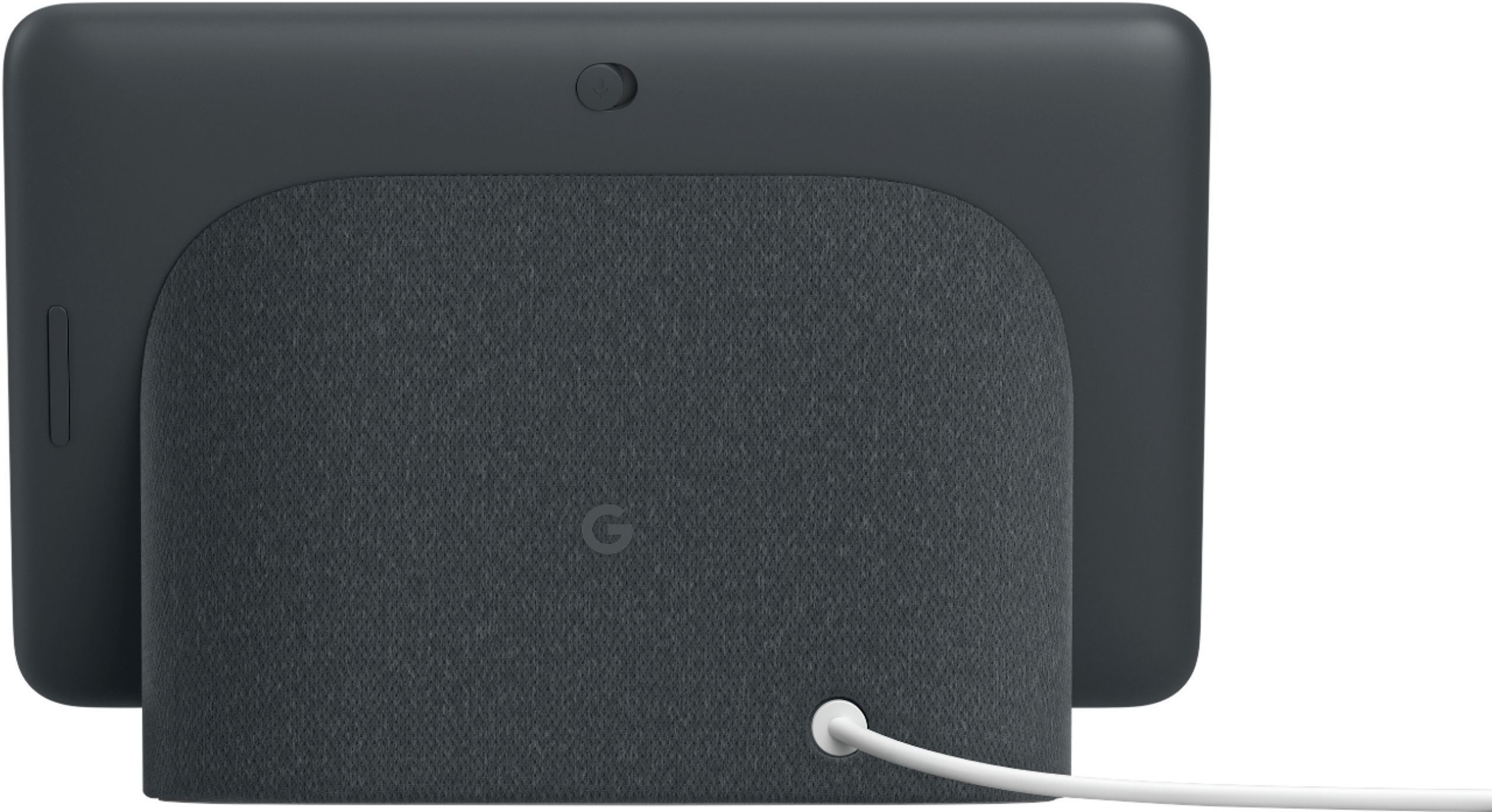
||Posted .This reviewer received promo considerations or sweepstakes entry for writing a review.Bought it for its lack of camera. I don't care to have Amazon in bedroom
I would recommend this to a friendVery Good Office Assistant Device
||Posted .This reviewer received promo considerations or sweepstakes entry for writing a review.Use it to remind me of events and help with answering simple questions.
I would recommend this to a friendVery useful tech
||Posted .This reviewer received promo considerations or sweepstakes entry for writing a review.Very fun usfull smart speaker/monitor would recommend for kitchen use
I would recommend this to a friendNice
||Posted . Owned for 1 year when reviewed.This reviewer received promo considerations or sweepstakes entry for writing a review.I I’ve my homework hub but it needs more apps that interface.
I would recommend this to a friendGoogle Review
||Posted . Owned for 2 weeks when reviewed.This reviewer received promo considerations or sweepstakes entry for writing a review.Good photo viewer. Automatically updates photos for viewing.
I would recommend this to a friendNice search engine
||Posted . Owned for 1 month when reviewed.This reviewer received promo considerations or sweepstakes entry for writing a review.Like the touch screen works good kid loves talking to it
I would recommend this to a friendgreat video
||Posted . Owned for 1 month when reviewed.This reviewer received promo considerations or sweepstakes entry for writing a review.It have great screen resolution and pretty okay sound
I would recommend this to a friendMusic good
||Posted .This reviewer received promo considerations or sweepstakes entry for writing a review.I love when I’m making good for dinner or something else I do at home
I would recommend this to a friendGood
||Posted . Owned for 1 week when reviewed.This reviewer received promo considerations or sweepstakes entry for writing a review.I do not see the need for it. The screen is limited
No, I would not recommend this to a friendfun and useful
||Posted . Owned for 2 months when reviewed.This reviewer received promo considerations or sweepstakes entry for writing a review.limited lighting sequences no dusk to dawn capabilities
I would recommend this to a friendBrand response from Nest Support
Posted .Hi DS20,
Thanks for taking the time to share your feedback with us.
While the Dusk-to-Dawn option is unavailable, Nest Hub has Ambient EQ feature. It's a new visual experience that dynamically adjusts the color temperature and brightness of your display to create a non-intrusive smart display experience. Using the sensor on the top of the device, Ambient EQ adapts the display brightness and color temperature to match the surrounding environment, so that your display resembles a physical photo. You can choose to have Ambient EQ adjust the screen color to match your environment: Always, during Ambient only, or Never.
To Check if Ambient EQ is turned on:
- From bottom of the display, swipe up.
- In the lower left hand corner, find the light icon.
- Check that there is an A in the light icon.
- If not, tap the light icon to turn Ambient EQ on.
Nest Hub has a Low-Light Mode. It is enabled when the room is dark and regardless of whether Ambient EQ is on or not. During this mode, display will either show the time or turn the screen off completely. You can adjust the settings for when to activate Low-Light Mode, and select what you’d like the screen to show during Low-Light Mode by navigating to the Display settings on your Home app.
We're here for you if you need help. Feel free to reach out to us here: https://support.google.com/googlenest/contactflow
Software Issue
||Posted .This reviewer received promo considerations or sweepstakes entry for writing a review.Really want to like this product because it's size makes it perfect on a night stand. For some reason the device is constantly disconnecting from WiFi and goes into setup mode. I've been working with Google support and they have told me they are aware of the issue but do not have an ETA on a fix.
I would recommend this to a friendGreat device
||Posted . Owned for 2 months when reviewed.This reviewer received promo considerations or sweepstakes entry for writing a review.Excellent device. Compatibility with you tube makes life easier.
I would recommend this to a friendGood
||Posted . Owned for 2 weeks when reviewed.This reviewer received promo considerations or sweepstakes entry for writing a review.I like the google home I have three and they work wonderful
I would recommend this to a friend